The right preparation can turn an interview into an opportunity to showcase your expertise. This guide to Troubleshooting and Corrective Action Planning interview questions is your ultimate resource, providing key insights and tips to help you ace your responses and stand out as a top candidate.
Questions Asked in Troubleshooting and Corrective Action Planning Interview
Q 1. Describe your approach to troubleshooting a complex technical issue.
My approach to troubleshooting complex technical issues is systematic and methodical. I begin by clearly defining the problem. This involves gathering as much information as possible: error messages, logs, user reports, and system performance data. Think of it like a detective investigating a crime scene – you need all the clues.
Next, I isolate the problem. This often involves a process of elimination, testing individual components or aspects of the system to determine where the fault lies. I use a combination of diagnostic tools, my own technical expertise, and available documentation to narrow down the possibilities.
Once the problem is isolated, I develop and test potential solutions. This may involve researching known issues, reviewing existing documentation, or experimenting with different configurations. I meticulously document each step taken, including the results of tests and any changes made. This ensures that if the initial solution doesn’t work, I can easily retrace my steps and try a different approach.
Finally, I implement the solution, verifying that it resolves the original problem without introducing new issues. I then document the solution and any preventative measures that can be taken to avoid similar problems in the future. The entire process is iterative; if a solution doesn’t work, I return to the previous stages, refining my approach until the problem is resolved.
Q 2. Explain the 5 Whys technique and how you apply it.
The 5 Whys technique is a simple yet powerful iterative interrogative technique used to explore the cause-and-effect relationships underlying a particular problem. The goal is to peel back the layers of explanation to get to the root cause, not just the surface symptoms. Imagine it like digging down to the root of a tree – the issue is the branch, but the root is the fundamental problem.
I apply it by asking ‘Why?’ five times in succession, each answer leading to the next ‘Why?’ question. For example, let’s say a server is down:
- Why is the server down? Because the hard drive failed.
- Why did the hard drive fail? Because it exceeded its lifespan.
- Why did it exceed its lifespan? Because it was operating beyond recommended specifications.
- Why was it operating beyond recommended specifications? Because the system wasn’t properly monitored or scaled.
- Why wasn’t the system properly monitored or scaled? Because there was a lack of proactive resource management.
The final ‘Why?’ often reveals the root cause, enabling a more effective and lasting solution.
Q 3. What is a Fishbone diagram and how is it used in root cause analysis?
A Fishbone diagram, also known as an Ishikawa diagram or cause-and-effect diagram, is a visual tool used for brainstorming and identifying potential causes of a problem. It resembles the skeleton of a fish, with the head representing the problem and the bones representing potential contributing factors.
In root cause analysis, the problem statement is written at the head of the fish. Then, potential causes are brainstormed and categorized along the bones. Common categories include:
- People
- Methods
- Machines
- Materials
- Measurements
- Environment
Each category is further explored to uncover contributing causes. For instance, under ‘People,’ we might explore training, experience, and communication. The diagram helps teams visually see all potential contributing factors, making it a collaborative tool for identifying the root cause(s) of the issue. Once the root causes are identified, corrective actions can be tailored accordingly.
Q 4. How do you prioritize multiple troubleshooting tasks?
Prioritizing multiple troubleshooting tasks requires a systematic approach. I typically use a combination of factors to determine urgency and impact. Think of it like triage in a hospital – you deal with the most critical patients first.
I consider the following criteria:
- Impact: How severely does the issue affect business operations or user experience?
- Urgency: How quickly does the issue need to be resolved? Is it blocking critical processes or services?
- Severity: How serious is the underlying problem? Does it pose a risk of data loss or security breach?
- Resource requirements: How much time and expertise will be required to resolve each issue?
Often, I use a prioritization matrix, visually ranking tasks based on urgency and impact. High-impact, high-urgency tasks are tackled first. Effective prioritization ensures that resources are allocated efficiently to address the most critical issues quickly while maintaining awareness of lower-priority issues.
Q 5. Describe a situation where you had to develop a corrective action plan. What was the outcome?
In a previous role, we experienced a significant performance degradation in our primary database server. Initial investigation showed a sharp increase in query execution times, leading to slowdowns across all applications reliant on this database.
I led the development of a corrective action plan that involved several steps. First, we conducted a thorough performance analysis using database monitoring tools to identify the root cause of the slowdowns. We found that inefficient queries, combined with a lack of indexing, were the primary culprits. We then designed and implemented a series of corrective actions which included:
- Optimizing inefficient SQL queries to reduce resource consumption.
- Adding appropriate indexes to improve query performance.
- Implementing database caching strategies to reduce database load.
- Scaling up the database server resources (CPU, RAM).
- Establishing a more robust database monitoring system to prevent future issues.
The outcome was a significant improvement in database performance, restoring application responsiveness and resolving user complaints. The documented corrective actions were added to our knowledge base, making it easier to address similar issues in the future.
Q 6. What metrics do you use to measure the effectiveness of a corrective action plan?
Measuring the effectiveness of a corrective action plan is crucial. I use various metrics depending on the nature of the issue and the corrective actions implemented. Key metrics include:
- Mean Time To Resolution (MTTR): Measures the time taken to resolve the issue, indicating the efficiency of the process.
- Recurrence Rate: Tracks how often the same issue arises after implementation of the corrective action, highlighting the effectiveness of the long-term solution.
- User Satisfaction: Gauges user experience after the implementation of the corrective action, reflecting the impact of the resolution.
- System Performance Metrics: Measures aspects such as throughput, latency, or error rates, quantifying the improvement in system performance.
- Cost of Correction: Tracks the resources consumed during the troubleshooting and resolution process.
By tracking these metrics, I can assess the effectiveness of the corrective action plan and identify areas for improvement in future troubleshooting and remediation efforts.
Q 7. How do you document your troubleshooting process?
Thorough documentation is paramount in troubleshooting. My documentation practices follow a structured approach, capturing all relevant information throughout the entire process. I utilize a combination of methods:
- Detailed logs and event records: These include system logs, application logs, and any other relevant data that captures events leading up to, during, and after the issue occurred.
- Troubleshooting reports: A structured document outlining the problem description, steps taken, results of each test, and the final solution implemented. This often includes screenshots or other visual aids.
- Knowledge base articles or wiki updates: If the issue and its resolution are likely to recur, I create or update knowledge base articles to prevent future incidents.
- Change management documentation: If changes to systems or configurations were implemented as part of the solution, I create and review change management documentation, ensuring proper approvals and rollback plans.
This comprehensive documentation ensures that issues can be easily reproduced, understood, and resolved efficiently in the future, reducing downtime and promoting continuous improvement.
Q 8. How do you handle situations where you cannot immediately identify the root cause of a problem?
When faced with an issue where the root cause isn’t immediately apparent, my approach is systematic and methodical. I begin by gathering as much data as possible. This includes reviewing logs, interviewing users or witnesses, and analyzing system metrics. Think of it like investigating a crime scene – you need all the clues before you can solve the mystery.
Next, I employ a structured troubleshooting methodology, often starting with the simplest possible explanations (Occam’s Razor). I systematically eliminate potential causes, testing hypotheses along the way. For example, if a server is unresponsive, I’d first check basic things like network connectivity and power before moving on to more complex issues such as software bugs or hardware failures.
If the initial investigation doesn’t yield results, I’ll often escalate the issue to a senior engineer or a specialist team, depending on the problem’s complexity. Collaboration is crucial in these situations; a fresh perspective can often unlock the solution. Finally, I meticulously document my findings and the process followed – even if the root cause remains elusive – to assist future troubleshooting efforts.
Consider a scenario where an application experiences intermittent crashes. Initial checks might reveal no obvious errors. I would then use tools like system monitors to observe resource usage (CPU, memory, disk I/O), network latency analysis to look for connectivity issues, and even delve into application logs for more specific clues. This systematic approach ensures a thorough investigation, even in the face of ambiguity.
Q 9. What is your experience with using diagnostic tools and software?
I have extensive experience utilizing a variety of diagnostic tools and software, tailored to different systems and applications. My skillset encompasses both hardware and software diagnostics. For hardware, I’m proficient with tools like network analyzers (Wireshark, tcpdump) to monitor network traffic, identifying bottlenecks or connectivity problems. I also use system monitoring tools (like Nagios, Zabbix) to track resource utilization and spot anomalies that might indicate problems before they escalate.
On the software side, I’m comfortable using debuggers (GDB, LLDB) to step through code and identify the source of software bugs. I’m also proficient in using log analysis tools to parse and interpret application logs, which is crucial for tracking down the root cause of software issues. Finally, performance monitoring and profiling tools are invaluable in identifying performance bottlenecks, optimizing resource usage, and preventing future problems. The specific tools I use depend on the context, but my core competency lies in applying the right tools effectively to achieve efficient diagnoses.
Q 10. Explain the difference between reactive and proactive troubleshooting.
Reactive troubleshooting addresses issues *after* they have occurred. Imagine it as putting out a fire – you’re dealing with the immediate problem, aiming to restore service as quickly as possible. A reactive approach might involve restarting a server or applying a quick fix to restore functionality. While necessary in emergencies, it doesn’t address the underlying causes and can lead to recurring problems.
Proactive troubleshooting, on the other hand, focuses on *preventing* problems before they happen. This is akin to installing a fire sprinkler system – it prevents fires from escalating into large-scale incidents. Proactive measures include regular system maintenance, monitoring, and preventative upgrades. By performing regular health checks, identifying potential vulnerabilities, and implementing preventative measures, proactive troubleshooting significantly reduces the occurrence and impact of future issues.
The best approach often involves a blend of both. While reacting to immediate problems is crucial, a long-term strategy should incorporate proactive measures to prevent similar issues from occurring in the future.
Q 11. How do you ensure that corrective actions are implemented effectively and consistently?
Ensuring effective and consistent implementation of corrective actions involves a structured approach. First, corrective actions must be clearly defined, outlining the specific steps needed to resolve the issue and prevent recurrence. These steps should be documented thoroughly, including any necessary changes to procedures, configurations, or software.
Next, responsibility for implementation is assigned to specific individuals or teams. Clear deadlines are set, and progress is monitored closely. Regular follow-up meetings and reporting mechanisms are vital to maintain accountability and track progress. Using a project management system or ticketing system can help streamline the process.
Finally, verification is key. Once the corrective actions are implemented, it’s essential to verify their effectiveness. This includes monitoring system performance, conducting regression testing (where appropriate), and gathering user feedback. Regular audits and reviews are essential to assess the long-term impact of implemented solutions and ensure they continue to meet their objectives. If the implemented solution doesn’t fully resolve the problem, a further round of troubleshooting may be required.
Q 12. How do you communicate technical information to non-technical audiences?
Communicating complex technical information to non-technical audiences requires clear, concise, and accessible language. I avoid jargon and technical terms whenever possible, instead opting for plain language and relatable analogies. For instance, instead of saying ‘The database experienced a deadlock,’ I might say, ‘The system temporarily froze because of a conflict between two processes trying to access the same data at the same time.’
Visual aids, such as diagrams, charts, or simple presentations, are also incredibly helpful. They can greatly enhance understanding and retention. Storytelling can be effective too. Framing the technical issue within a narrative context, perhaps illustrating the impact on users or business operations, helps non-technical audiences grasp the importance of the solution. I prioritize active listening to ensure that the audience understands the information presented and to address any questions or concerns they might have.
Q 13. Describe your experience with using various problem-solving methodologies (e.g., DMAIC).
I have extensive experience applying various problem-solving methodologies, most notably DMAIC (Define, Measure, Analyze, Improve, Control) within a Six Sigma framework. DMAIC provides a structured approach for identifying and resolving root causes of problems.
In a DMAIC project, ‘Define’ focuses on clearly stating the problem and its impact. ‘Measure’ involves quantifying the problem’s severity and frequency. ‘Analyze’ uses data analysis and root cause investigation to determine the underlying factors. ‘Improve’ is where the corrective actions are defined and implemented. Finally, ‘Control’ establishes monitoring and controls to prevent recurrence.
I have also utilized other methodologies, such as the 5 Whys technique for rapidly identifying root causes, and Fishbone diagrams to visually represent potential causes. The choice of methodology often depends on the complexity of the problem and the available resources. My expertise lies in adapting these methodologies to fit the specific context of the issue at hand.
Q 14. How do you manage expectations with stakeholders during troubleshooting?
Managing stakeholder expectations during troubleshooting requires open and honest communication from the outset. I begin by setting realistic expectations regarding timelines and potential outcomes. Transparency is key – I inform stakeholders of the steps being taken, potential challenges, and any delays that might occur. Regular updates are provided, even if there’s no immediate progress, to keep stakeholders informed and to demonstrate that their concerns are being addressed.
In cases where the troubleshooting process takes longer than anticipated, I proactively communicate the reasons for the delay and provide alternative solutions or workarounds if possible. Proactive and consistent communication fosters trust and reduces anxiety, ultimately leading to a more positive outcome and stronger stakeholder relationships. It’s important to avoid making promises you can’t keep. It’s far better to be realistic and deliver on your commitments than to over-promise and under-deliver.
Q 15. What are some common pitfalls to avoid when developing a corrective action plan?
Developing a robust corrective action plan requires careful consideration to avoid several common pitfalls. Failing to properly define the problem is a major one; a vague problem statement leads to ineffective solutions. Another frequent mistake is neglecting root cause analysis, focusing solely on symptoms rather than identifying the underlying issue. This results in temporary fixes that eventually resurface. Insufficient involvement of relevant stakeholders also leads to plans that lack buy-in and effective implementation. Finally, lack of clear ownership and accountability means corrective actions might not be completed or followed up on properly.
- Example: A system keeps crashing, but the corrective action focuses only on restarting it without investigating why it crashes (e.g., memory leak, software bug). The root cause remains unaddressed.
- Example: A production line stops due to a faulty sensor. The plan is to replace the sensor, but without evaluating the supplier’s quality control or the environmental factors affecting sensor reliability, the problem might recur.
To avoid these pitfalls, follow a structured approach including a thorough problem statement, root cause analysis using tools like the 5 Whys or Fishbone diagrams, clear assignment of responsibilities, and a defined follow-up process with key performance indicators (KPIs) to measure effectiveness.
Career Expert Tips:
- Ace those interviews! Prepare effectively by reviewing the Top 50 Most Common Interview Questions on ResumeGemini.
- Navigate your job search with confidence! Explore a wide range of Career Tips on ResumeGemini. Learn about common challenges and recommendations to overcome them.
- Craft the perfect resume! Master the Art of Resume Writing with ResumeGemini’s guide. Showcase your unique qualifications and achievements effectively.
- Don’t miss out on holiday savings! Build your dream resume with ResumeGemini’s ATS optimized templates.
Q 16. How do you balance speed and thoroughness in troubleshooting?
Balancing speed and thoroughness in troubleshooting is a crucial skill. While speed is essential to minimize downtime or disruption, rushing the process often leads to incomplete solutions or overlooking critical factors. A methodical approach is necessary to ensure that the root cause is identified and addressed effectively. The key lies in a strategic blend of quick initial assessments with detailed investigation when needed. Think of it as a triage system in a hospital – immediate attention to critical issues, while more detailed examinations are conducted later as time allows.
Example: A server goes down. The first step (speed) would be to try basic fixes like restarting the server. If this fails, a more thorough investigation (thoroughness) is initiated: checking logs, network connectivity, resource utilization, etc., to determine the root cause of the failure.
Techniques like Pareto analysis (80/20 rule) can help prioritize troubleshooting efforts, focusing first on the areas most likely to yield the quickest results. Using checklists and standard operating procedures can also speed up the process while maintaining a structured approach.
Q 17. Describe a situation where a corrective action plan failed. What did you learn?
In a past project, we implemented a corrective action plan to address recurring network connectivity issues. The plan focused on upgrading network hardware. While the initial results seemed positive, the problems resurfaced after a few weeks. We discovered that the root cause wasn’t the hardware itself, but poorly configured network settings on individual workstations. The plan failed because we hadn’t performed a thorough root cause analysis; we assumed the problem was hardware-related due to the age of the equipment. We didn’t properly consider software or configuration issues.
Lessons Learned: The experience highlighted the critical importance of meticulous root cause analysis, involving end-users in the diagnosis, and considering a broader range of potential causes. We subsequently implemented more rigorous testing procedures and user training to address the underlying configuration problems and prevent future recurrences. It taught me the value of validating assumptions and the importance of a holistic approach.
Q 18. How do you determine the severity and urgency of a technical issue?
Determining the severity and urgency of a technical issue is crucial for prioritizing corrective actions. Severity refers to the impact of the issue on the overall system or business operations, while urgency refers to the time sensitivity of addressing the problem. A framework that considers impact (e.g., financial losses, safety risks, business disruption) and time sensitivity (e.g., immediate impact, gradual degradation) is often employed.
Example: A database server crash causing complete business interruption is high severity and high urgency. A minor software bug affecting only a few users is low severity and low urgency. A gradual memory leak leading to eventual system crashes is moderate severity and moderate urgency (depending on the estimated time to failure).
We often use a matrix to categorize issues by severity and urgency (high/medium/low), ensuring proper prioritization and resource allocation. This clear classification helps to manage expectations and allocate resources effectively. Often risk assessments are included to better understand and quantify the potential consequences.
Q 19. How do you involve others in the troubleshooting process?
Involving others is vital for effective troubleshooting. Different individuals possess unique perspectives and expertise that can contribute to a comprehensive solution. Collaboration promotes a shared understanding of the problem and fosters a sense of ownership. Effective communication strategies are crucial.
- Early Involvement: Key stakeholders, such as end-users, system administrators, and developers, should be involved from the early stages of the troubleshooting process.
- Communication Tools: Utilizing collaborative tools like ticketing systems, communication platforms (Slack, Microsoft Teams), and project management software facilitates information sharing and tracking progress.
- Regular Updates: Providing regular updates to stakeholders ensures everyone is informed and aligned. Transparency is key.
- Documentation: Detailed documentation of the troubleshooting process, including steps taken, findings, and solutions, facilitates knowledge sharing and future problem-solving.
For example, involving end-users in identifying the exact symptoms of a problem ensures accuracy and avoids misinterpretations. Including developers allows for a deep dive into code and configurations.
Q 20. What is your experience with risk assessment related to troubleshooting?
Risk assessment in troubleshooting involves identifying and evaluating the potential consequences of a technical issue. This includes estimating the potential impact on business operations, financial implications, safety risks, and reputational damage. A structured approach helps to quantify risks and guide decision-making.
Example: A critical system failure could lead to significant financial losses due to downtime and data loss. A security vulnerability could result in data breaches and legal repercussions. A thorough risk assessment helps prioritize efforts and allocate resources based on the potential consequences.
My experience involves using techniques like Failure Mode and Effects Analysis (FMEA) to systematically identify potential failures, assess their severity, and determine appropriate mitigation strategies. The outcome of the risk assessment informs the urgency and approach of the corrective action plan, ensuring that critical issues are addressed promptly and effectively.
Q 21. How do you ensure the long-term effectiveness of a corrective action?
Ensuring long-term effectiveness of a corrective action requires a multi-faceted approach that goes beyond simply implementing a solution. It involves implementing preventive measures, monitoring for recurrence, and documenting lessons learned.
- Preventive Measures: Implementing changes to processes, systems, or infrastructure to prevent the issue from happening again. This could involve improving training, updating software, strengthening security protocols, or modifying hardware configurations.
- Monitoring and Review: Regularly monitoring the system to detect any signs of recurrence and performing periodic reviews of the corrective action’s effectiveness.
- Documentation and Knowledge Sharing: Documenting the root cause, corrective actions taken, and lessons learned helps prevent future occurrences and fosters continuous improvement.
- Feedback Loops: Establishing feedback mechanisms to gather information from users or stakeholders about the effectiveness of the implemented solution and identify areas for further improvement.
For instance, after fixing a software bug, we might enhance testing procedures to prevent similar bugs in future releases. Regular monitoring and follow-up ensure the fix remains effective, while lessons learned are documented for future reference and training.
Q 22. How familiar are you with different types of failure modes and effects analysis (FMEA)?
Failure Modes and Effects Analysis (FMEA) is a systematic approach to identifying potential failure modes in a system and assessing their potential effects. There are several types, each with its own nuances:
- Design FMEA (DFMEA): This is performed during the design phase of a product or process to identify potential failures in the design itself. It helps prevent failures before the product even reaches manufacturing.
- Process FMEA (PFMEA): This focuses on potential failures in the manufacturing or operational process. It analyzes the steps involved in production and identifies potential points of failure.
- System FMEA (SFMEA): This takes a broader perspective, examining potential failures within a complete system, encompassing multiple subsystems and their interactions. It’s useful for complex systems.
- Service FMEA (SFMEA): This is specifically applied to service-related processes, focusing on potential points of failure in delivering a service to a customer.
My experience encompasses all these types, with a particular focus on PFMEA and DFMEA in manufacturing environments. For example, in a previous role, we used PFMEA to analyze a packaging process. This helped us identify a potential failure mode where the seal on the packaging could fail due to inconsistent heat application, leading to product spoilage. We addressed this by implementing a new temperature control system and improved operator training.
Q 23. Describe your experience with implementing preventative maintenance programs.
Implementing preventative maintenance programs requires a structured approach. It begins with a thorough understanding of the equipment involved, its critical components, and potential failure points. This often involves collaborating with maintenance personnel and engineers to identify critical parameters and establish inspection frequencies.
My experience includes developing and implementing preventative maintenance schedules using Computerized Maintenance Management Systems (CMMS). These systems allow for tracking of maintenance tasks, scheduling preventative actions, and generating reports on equipment performance. In a previous role, we implemented a preventative maintenance program for a critical piece of manufacturing equipment. This resulted in a significant reduction in unplanned downtime and improved overall equipment effectiveness (OEE). A key element was establishing clear Key Performance Indicators (KPIs), such as Mean Time Between Failures (MTBF) and Mean Time To Repair (MTTR), to track the effectiveness of the program. We utilized root cause analysis (RCA) following any failures to continuously improve the preventative maintenance strategy.
Q 24. How do you ensure compliance with relevant regulations during troubleshooting and corrective action?
Compliance is paramount. Troubleshooting and corrective actions must adhere to all relevant industry regulations, safety standards, and company policies. This often involves maintaining detailed documentation, following established procedures, and ensuring proper authorization for all actions taken.
For instance, in a regulated industry like pharmaceuticals, we must follow Good Manufacturing Practices (GMP) guidelines during troubleshooting. This includes thoroughly documenting all deviations, investigating root causes, and implementing corrective actions with appropriate validation. We also conduct regular audits to ensure continued compliance. Failure to comply can lead to significant consequences, such as regulatory penalties, product recalls, or even legal action.
Q 25. How do you use data analysis to identify trends and prevent future issues?
Data analysis plays a vital role in identifying trends and preventing future issues. By collecting and analyzing data from various sources, such as maintenance logs, production records, and sensor readings, we can identify patterns that indicate potential problems.
Tools like statistical process control (SPC) charts and control charts are invaluable in this regard. For example, if we see an increasing trend in the failure rate of a specific component, we can investigate the root cause and implement preventative measures, such as replacing the component proactively or improving its maintenance schedule. Predictive maintenance techniques, leveraging machine learning and sensor data, are also becoming increasingly important in anticipating potential failures before they occur. Data visualization tools aid in understanding the data and communicating insights effectively to stakeholders.
Q 26. What is your experience with change management processes related to corrective actions?
Change management is critical when implementing corrective actions, particularly those that involve modifying processes or systems. It’s not just about implementing the solution; it’s about managing the transition effectively to minimize disruptions and ensure the solution is properly integrated.
My experience involves following a structured change management process, which typically includes:
- Assessment: Evaluating the impact of the change.
- Planning: Developing a detailed implementation plan, including communication, training, and resource allocation.
- Implementation: Executing the plan.
- Verification: Confirming that the corrective action is effective.
- Closure: Documenting the changes and ensuring all stakeholders are informed.
For example, implementing a new software system to manage maintenance required careful planning to train personnel and ensure data migration was seamless. This involved working closely with IT and end-users to ensure a smooth transition and minimize downtime.
Q 27. How do you measure the return on investment (ROI) of corrective action plans?
Measuring the ROI of corrective action plans requires a clear understanding of the costs and benefits. Costs include the time and resources spent on investigating the problem, implementing the solution, and training personnel. Benefits can include reduced downtime, improved product quality, increased productivity, and avoided costs associated with potential failures.
We often use metrics such as:
- Reduced downtime: Calculating the cost savings from reduced production downtime.
- Improved quality: Measuring the reduction in defects or scrap.
- Increased efficiency: Quantifying the increase in output or productivity.
- Avoided costs: Estimating the costs that were avoided by preventing a potential failure (e.g., a major equipment breakdown).
A cost-benefit analysis is then performed to determine the overall ROI. For example, if a corrective action reduced downtime by 10 hours per week, and the cost of downtime is $100/hour, the annual savings would be substantial, easily demonstrating a positive ROI.
Q 28. Describe a time you had to escalate a problem to a higher level. What was the outcome?
In a previous role, we encountered a recurring problem with a critical piece of equipment experiencing frequent malfunctions. Despite our efforts at troubleshooting, we were unable to identify the root cause. After exhausting all internal resources and troubleshooting methods, I escalated the issue to the equipment manufacturer’s engineering team.
The escalation involved detailed documentation, including maintenance logs, diagnostic reports, and failure analysis reports. The manufacturer’s engineers conducted a thorough investigation, ultimately identifying a design flaw in the equipment. They provided a redesigned component and implemented a software patch to address the issue. The outcome was a significant reduction in equipment failures, saving the company considerable time and resources. This experience highlighted the importance of recognizing limitations and seeking external expertise when necessary. It also emphasized the value of meticulous documentation in effectively communicating complex technical problems.
Key Topics to Learn for Troubleshooting and Corrective Action Planning Interview
- Root Cause Analysis Techniques: Understanding methodologies like the 5 Whys, Fishbone diagrams, and Pareto analysis to effectively identify the underlying causes of problems, not just the symptoms.
- Problem Solving Methodologies: Applying structured problem-solving approaches like DMAIC (Define, Measure, Analyze, Improve, Control) or PDCA (Plan, Do, Check, Act) to systematically address issues and implement solutions.
- Corrective Action Planning & Implementation: Developing and executing effective corrective actions, including preventative measures to avoid recurrence. This includes defining clear objectives, timelines, and responsibilities.
- Data Analysis and Interpretation: Utilizing data from various sources (e.g., logs, performance metrics) to identify trends, patterns, and anomalies crucial for effective troubleshooting.
- Communication and Collaboration: Effectively communicating technical information to both technical and non-technical audiences; collaborating with teams to implement solutions and share knowledge.
- Documentation and Reporting: Maintaining clear and concise documentation of troubleshooting steps, corrective actions, and outcomes for future reference and audits.
- Risk Assessment and Mitigation: Identifying potential risks associated with problems and implementing strategies to mitigate these risks.
- Continuous Improvement: Applying lessons learned from past troubleshooting experiences to improve processes and prevent future issues.
Next Steps
Mastering Troubleshooting and Corrective Action Planning is crucial for career advancement in almost any technical field. It demonstrates your ability to solve complex problems, think critically, and contribute significantly to team success. To significantly boost your job prospects, it’s vital to present your skills effectively. Create an ATS-friendly resume that highlights your achievements and experience in this area. ResumeGemini is a trusted resource to help you build a professional and impactful resume that gets noticed. Examples of resumes tailored to Troubleshooting and Corrective Action Planning are available to guide you.

Operations Manager Resume Sample
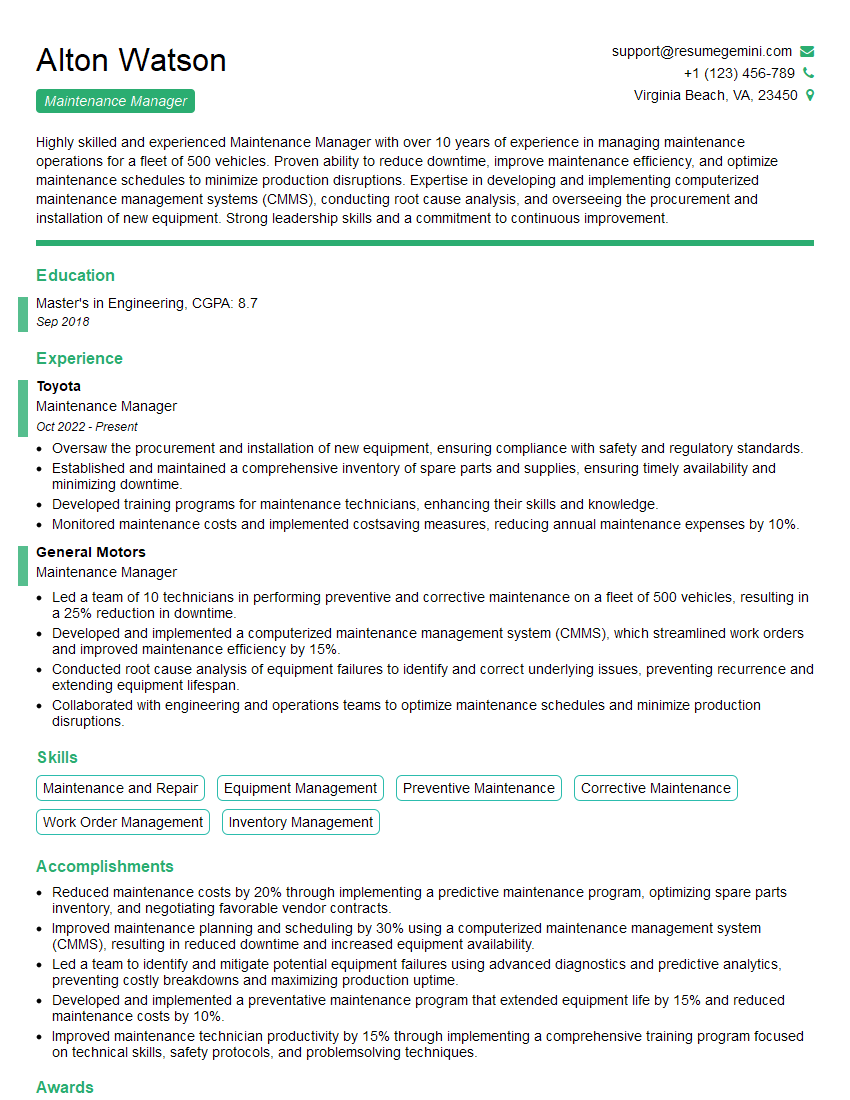
Maintenance Manager Resume Sample
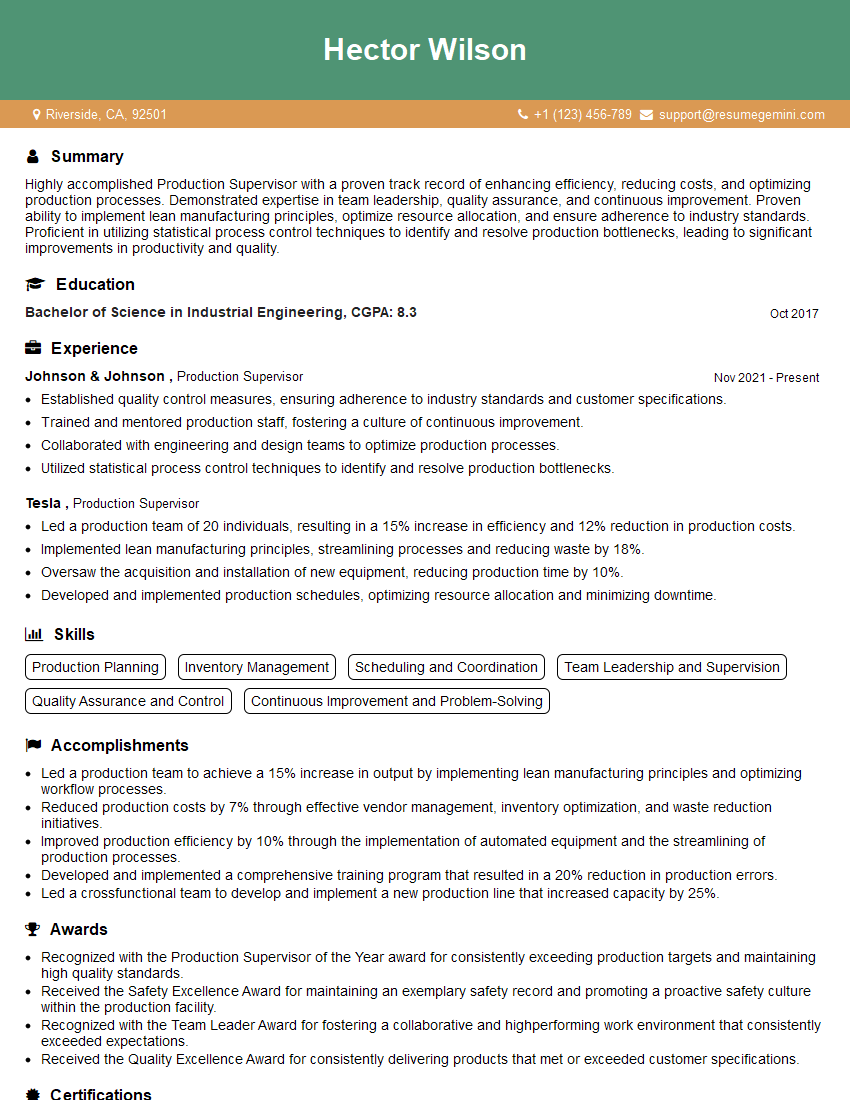
Production Supervisor Resume Sample
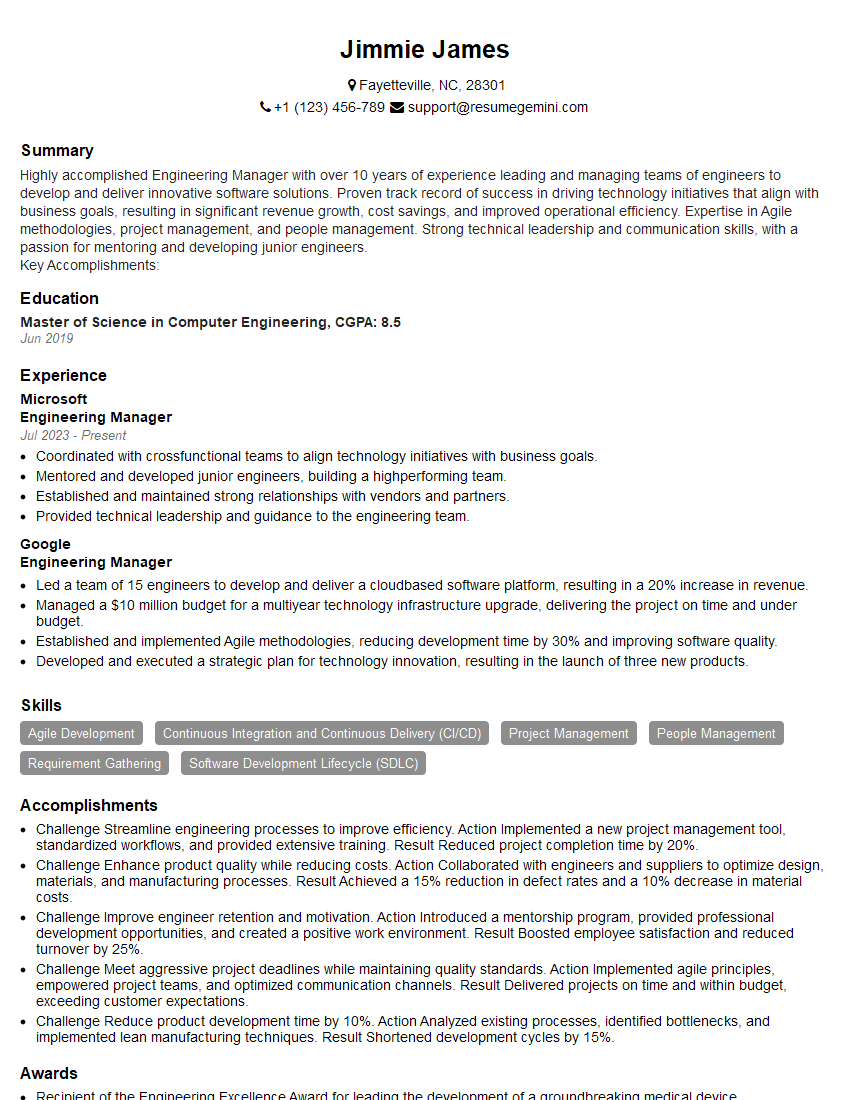
Engineering Manager Resume Sample

Compliance Officer Resume Sample

Reliability Engineer Resume Sample

Network Engineer Resume Sample

System Administrator Resume Sample

Technical Support Specialist Resume Sample
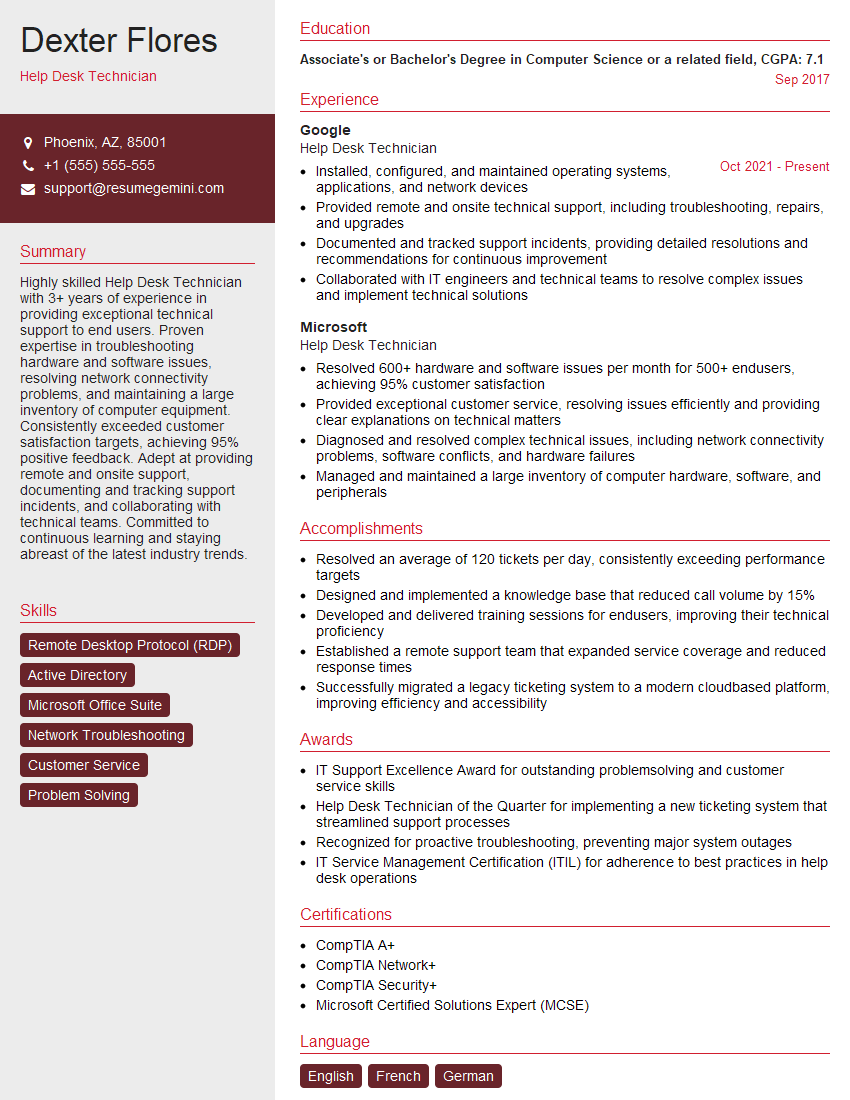
Help Desk Technician Resume Sample

Field Service Engineer Resume Sample

Manufacturing Engineer Resume Sample
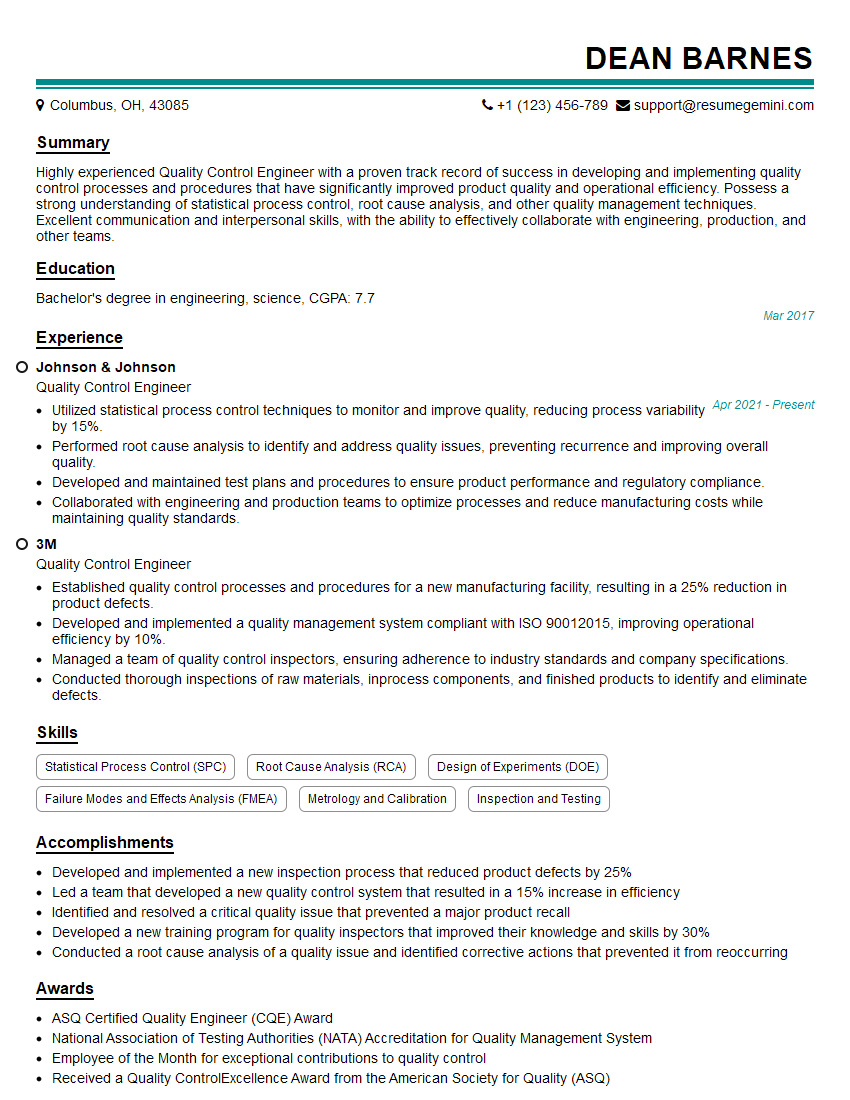
Quality Control Engineer Resume Sample
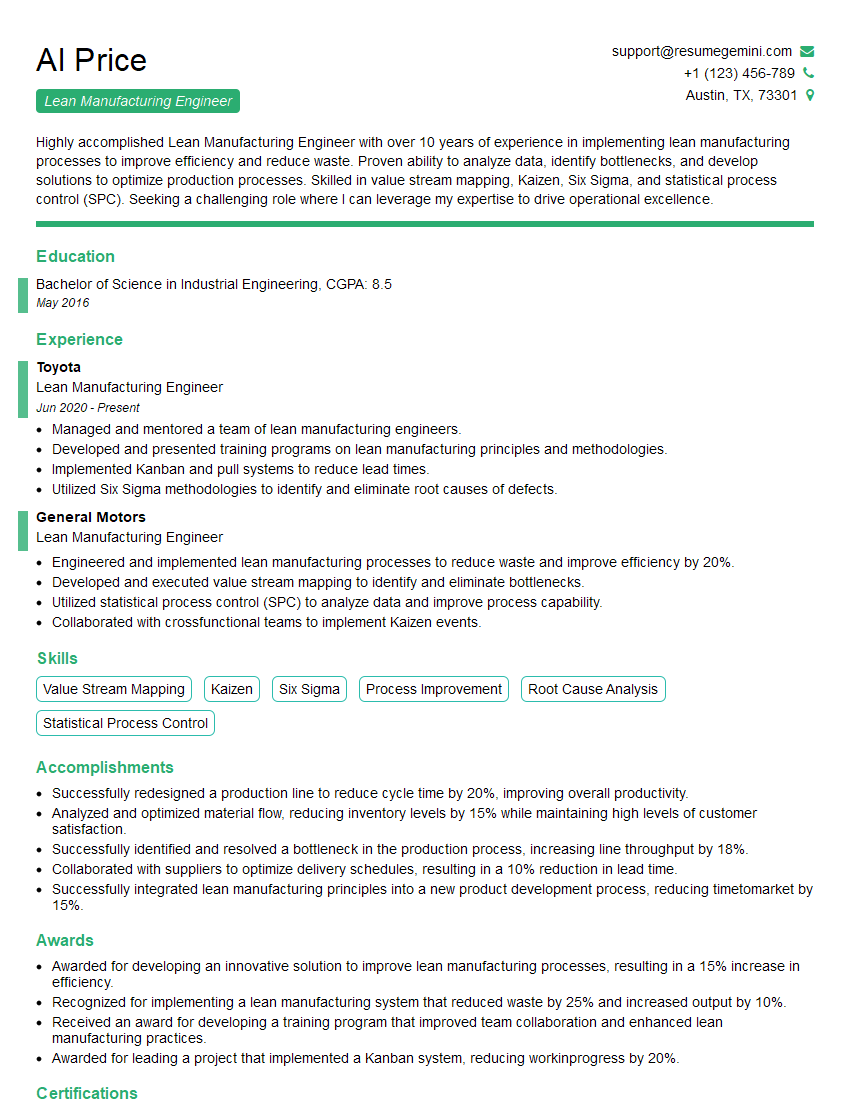
Lean Manufacturing Engineer Resume Sample
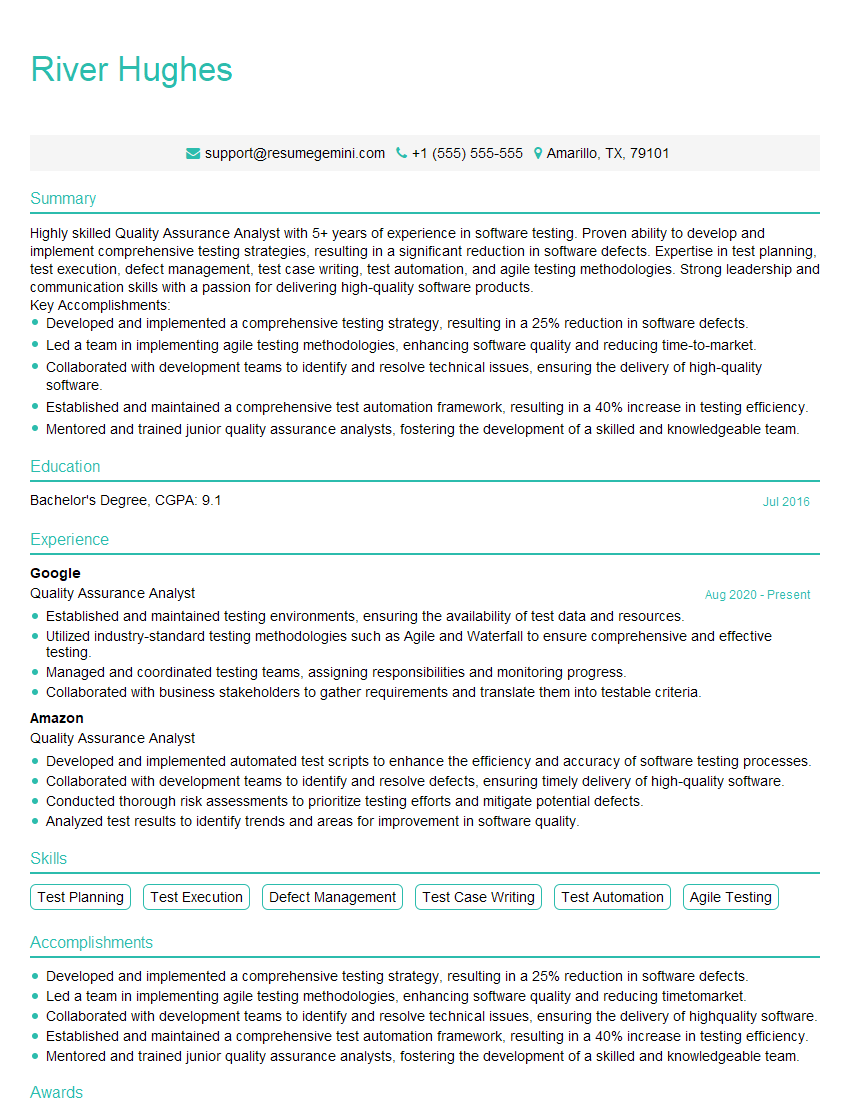
Quality Assurance Analyst Resume Sample
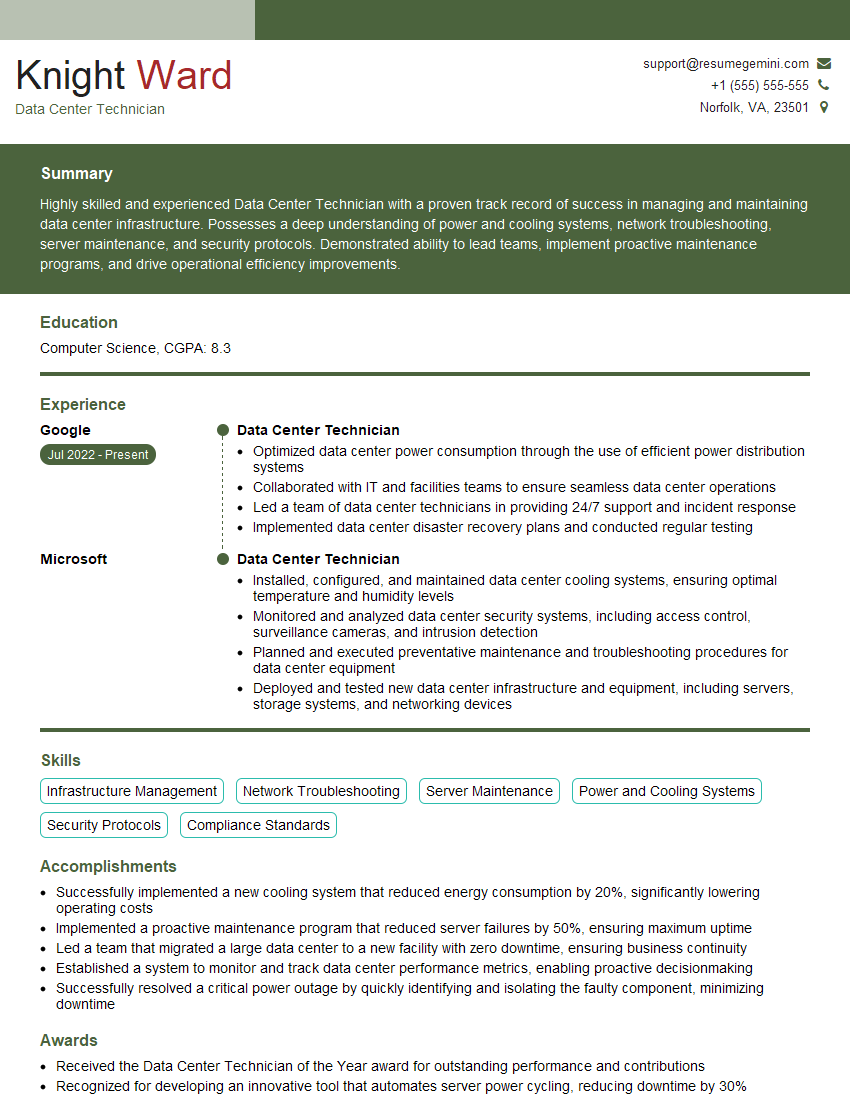
Data Center Technician Resume Sample
- Operations Manager
- Maintenance Manager
- Production Supervisor
- Engineering Manager
- Compliance Officer
- Reliability Engineer
- Network Engineer
- System Administrator
- Technical Support Specialist
- Help Desk Technician
- Field Service Engineer
- Manufacturing Engineer
- Quality Control Engineer
- Lean Manufacturing Engineer
- Quality Assurance Analyst
- Data Center Technician
Explore more articles
Users Rating of Our Blogs
Share Your Experience
We value your feedback! Please rate our content and share your thoughts (optional).
What Readers Say About Our Blog
Very informative content, great job.
good