Cracking a skill-specific interview, like one for Understanding of color theory and its applications, requires understanding the nuances of the role. In this blog, we present the questions you’re most likely to encounter, along with insights into how to answer them effectively. Let’s ensure you’re ready to make a strong impression.
Questions Asked in Understanding of color theory and its applications Interview
Q 1. Explain the difference between additive and subtractive color mixing.
Additive and subtractive color mixing are two fundamentally different ways of creating colors. Think of it like this: additive is about adding light, while subtractive is about subtracting light.
Additive color mixing occurs when light of different colors is combined. This is how your computer monitor or television works. The primary colors in additive mixing are red, green, and blue (RGB). When you combine these primary colors in varying intensities, you create all other colors. Combining all three at full intensity produces white light, while combining none results in black.
Subtractive color mixing happens when pigments or dyes absorb certain wavelengths of light. This is how paints, inks, and printed materials work. The primary colors here are cyan, magenta, and yellow (CMY). These pigments absorb specific wavelengths, reflecting the remaining light to create the color we see. Combining all three CMY pigments ideally produces black, although in practice, a fourth color, black (K), is usually added (CMYK) to achieve a richer, truer black.
The key difference lies in the source of light: additive systems start with black and add light, while subtractive systems start with white and subtract light through absorption.
Q 2. Describe the color wheel and its significance in design.
The color wheel is a visual representation of colors arranged according to their chromatic relationships. It’s a fundamental tool in design, helping us understand color harmony and create visually appealing combinations. Typically, it’s a circular arrangement based on the 12-hue color system, which includes the primary, secondary, and tertiary colors.
Its significance lies in its ability to demonstrate color relationships:
- Complementary colors (opposite each other) create high contrast.
- Analogous colors (next to each other) create harmony.
- Triadic colors (equally spaced) create vibrant, balanced combinations.
Understanding these relationships allows designers to make informed choices about color palettes that evoke specific moods and enhance their designs’ visual impact. For example, a logo design might use complementary colors for maximum impact, while a website could utilize analogous colors for a more calming effect.
Q 3. What are the primary, secondary, and tertiary colors?
The color wheel is built upon the foundation of primary, secondary, and tertiary colors. Let’s break it down:
- Primary Colors: These are the fundamental colors that cannot be created by mixing other colors. In additive mixing, they are red, green, and blue (RGB). In subtractive mixing, they are cyan, magenta, and yellow (CMY).
- Secondary Colors: These colors are created by mixing two primary colors in equal proportions. In additive mixing, they are cyan (blue + green), magenta (red + blue), and yellow (red + green). In subtractive mixing, they are red (magenta + yellow), green (cyan + yellow), and blue (cyan + magenta).
- Tertiary Colors: These are formed by mixing a primary color with an adjacent secondary color. Examples include red-orange, yellow-orange, yellow-green, blue-green, blue-violet, and red-violet. These colors offer more nuanced shades within the color wheel.
It’s important to remember that the specific hues of these colors can vary slightly depending on the color model and medium used (e.g., RGB vs. CMYK).
Q 4. Explain the concept of color harmony and provide examples of different color schemes (e.g., complementary, analogous, triadic).
Color harmony refers to the pleasing arrangement of colors in a design. It creates visual balance and enhances the overall aesthetic appeal. Different color schemes provide different harmonious effects:
- Complementary: Uses colors opposite each other on the color wheel (e.g., red and green, blue and orange). This creates high contrast and visual excitement. Think of a Christmas card with its red and green.
- Analogous: Uses colors adjacent to each other on the color wheel (e.g., blue, blue-green, and green). This creates a sense of calm and harmony. Imagine the serene colors of a tranquil ocean scene.
- Triadic: Uses three colors equally spaced on the color wheel (e.g., red, yellow, and blue). This creates a vibrant and balanced palette. A playful children’s book might use a triadic scheme.
- Split-Complementary: Uses a base color and the two colors adjacent to its complement. This offers a balance between contrast and harmony. It’s often used in logos and branding.
- Tetradic (Double Complementary): Uses two pairs of complementary colors. It’s more complex and requires careful balancing but can create rich and visually interesting designs.
The choice of color scheme significantly impacts the overall mood and message conveyed by the design.
Q 5. How do you use color to create a specific mood or feeling in a design?
Color is a powerful tool for evoking emotions and creating specific moods in design. Different colors carry cultural and psychological associations that can be leveraged to achieve a desired effect:
- Warm Colors (reds, oranges, yellows): Often associated with energy, excitement, warmth, and happiness. They can be used to create a feeling of urgency or to draw attention.
- Cool Colors (blues, greens, purples): Often associated with calmness, tranquility, peace, and professionalism. They can create a sense of serenity or sophistication.
- Bright Colors: Energetic, attention-grabbing, and playful. Ideal for children’s products or designs aimed at a younger demographic.
- Muted Colors (pastel shades): Gentle, calming, and sophisticated. Suitable for creating a sense of elegance or relaxation.
- Dark Colors: Can convey sophistication, mystery, or even sadness. They can add depth and richness to a design, but used excessively can feel depressing.
By understanding these associations, designers can carefully choose colors to evoke the desired response from the audience. For example, a website selling relaxing spa treatments might opt for cool, pastel colors, while a gaming website might use vibrant, energetic hues.
Q 6. Explain the concept of color temperature (warm vs. cool colors).
Color temperature refers to the perceived warmth or coolness of a color. It’s not about the actual temperature of the color, but rather the psychological association we have with it. Think about the difference between the color of a summer sunset and the color of winter ice.
Warm colors (reds, oranges, yellows) are associated with sunlight, fire, and warmth. They tend to feel energetic, inviting, and cheerful. They visually appear to advance towards the viewer.
Cool colors (blues, greens, purples) are associated with water, sky, and ice. They tend to feel calming, peaceful, and sophisticated. They visually recede from the viewer.
Understanding color temperature is essential in creating visual balance and achieving the desired mood in a design. For instance, a restaurant might use warm colors to create a welcoming atmosphere, while a hospital might use cool colors to promote calmness and relaxation.
Q 7. How does color contrast affect readability and visual hierarchy?
Color contrast plays a crucial role in readability and visual hierarchy. It’s the difference in lightness, darkness, hue, saturation, or color temperature between two colors. High contrast makes elements stand out, while low contrast can make them blend into the background.
Readability: Sufficient contrast between text and background is essential for clear reading. Low contrast can strain the eyes and make text difficult to decipher. Web accessibility guidelines (WCAG) specify minimum contrast ratios for text to ensure readability for everyone, including those with visual impairments.
Visual Hierarchy: Designers use color contrast to guide the viewer’s eye and establish a visual hierarchy. More important elements are given higher contrast to draw attention. For example, a website’s main headline might be in a bright color against a dark background, while secondary text uses a lower contrast. This helps organize information and makes the design more intuitive.
Poor color contrast can lead to a confusing and unappealing design, making it difficult for users to navigate and understand the information presented. Therefore, thoughtful consideration of color contrast is crucial for effective design.
Q 8. Describe your process for selecting colors for a design project.
My color selection process is a thoughtful blend of art and science. It begins with a deep understanding of the project’s goals and target audience. What message needs to be conveyed? What feeling should the design evoke? Once I have a clear understanding of the project’s intent, I’ll typically start with mood boards, collecting images and color swatches that capture the desired aesthetic. This helps me visually define the overall tone.
Next, I’ll consider the color wheel and color theory principles. I’ll explore different color harmonies – complementary, analogous, triadic, etc. – to create visually appealing and balanced palettes. I might experiment with different color schemes, testing them in mock-ups to see how they interact with the content and imagery. Finally, accessibility is paramount, so I always incorporate color contrast checkers and simulations to ensure readability for users with visual impairments. The process is iterative; I refine the palette throughout the design process, ensuring it consistently supports the project’s objectives.
Q 9. How do you ensure color accessibility in your designs (e.g., for colorblind users)?
Color accessibility is critical, and I employ several strategies to ensure designs are inclusive for colorblind users. The most important is using sufficient color contrast. I rely on tools like WebAIM’s color contrast checker to verify that the contrast ratio between text and background colors meets WCAG (Web Content Accessibility Guidelines) standards. These guidelines specify minimum contrast ratios to ensure readability. For example, a minimum contrast ratio of 4.5:1 is usually recommended for normal text.
Beyond contrast, I avoid relying solely on color to convey information. For instance, instead of using only color-coded buttons, I’ll add text labels or icons to provide redundant cues. I also test designs using color blindness simulators, viewing my work through the lens of different types of color blindness (protanopia, deuteranopia, tritanopia) to identify potential issues and adjust accordingly. This ensures the design remains understandable regardless of the user’s visual perception.
Q 10. What are some common color palettes used in web design, and what are their strengths and weaknesses?
Several common color palettes are prevalent in web design, each with its strengths and weaknesses.
- Monochromatic: Uses variations of a single color (e.g., different shades and tints of blue). Strength: Creates a unified and calming effect. Weakness: Can lack visual interest if not handled skillfully.
- Analogous: Employs colors adjacent to each other on the color wheel (e.g., blue, blue-green, green). Strength: Harmonious and visually pleasing. Weakness: Can feel monotonous if not balanced with contrasting elements.
- Complementary: Uses colors opposite each other on the color wheel (e.g., blue and orange). Strength: High contrast and visual pop. Weakness: Can be jarring if not used judiciously.
- Triadic: Uses three colors evenly spaced on the color wheel (e.g., red, yellow, blue). Strength: Vibrant and dynamic. Weakness: Requires careful balance to avoid overwhelming the viewer.
The best choice depends heavily on the project’s goals and brand identity. A minimalist website might benefit from a monochromatic palette, while a playful brand might leverage a triadic palette.
Q 11. Explain the concept of color saturation and value (lightness/darkness).
Saturation refers to the intensity or purity of a color. A highly saturated color is vivid and rich, while a low-saturation color appears dull or muted. Think of a bright, bold red versus a dusty rose – the dusty rose has lower saturation.
Value (or lightness/darkness) refers to how light or dark a color is. It’s determined by the amount of black or white added to a color. A high-value color is light, while a low-value color is dark. For example, a pastel pink has high value, while a deep burgundy has low value. Understanding both saturation and value is crucial for creating visually appealing and balanced designs. They work together to create depth and visual hierarchy.
Q 12. How do you use color to guide the user’s eye in a design?
Color is a powerful tool for guiding the user’s eye. We can use it to create visual hierarchy, directing attention to important elements. For instance, using a brighter, more saturated color for call-to-action buttons draws the viewer’s gaze immediately.
Similarly, using a gradient or variations in saturation can lead the eye through a design, creating a natural flow. Consider a website’s navigation menu: highlighting the active page with a slightly different color helps users understand their current location. By strategically using color contrast and value, designers can effortlessly control the visual flow and guide users through the information architecture of a design.
Q 13. How do cultural factors influence color choices?
Cultural factors significantly influence color choices. Colors carry different symbolic meanings across cultures. For example, white is associated with purity and innocence in many Western cultures, but it represents mourning in some Eastern cultures. Red signifies good fortune and celebration in some parts of the world, while it symbolizes danger or anger in others.
Therefore, understanding the cultural context is vital when selecting colors for a design, especially when targeting a global audience. Failing to consider cultural nuances can lead to misinterpretations and even offense. Researching the cultural significance of colors in the target market is a crucial step in creating a design that resonates positively with the intended audience.
Q 14. Discuss the psychological impact of different colors.
Colors evoke strong psychological responses. For instance, blue is often associated with calmness, trust, and stability, making it a popular choice for corporate websites. Green is linked to nature, growth, and harmony. Red, on the other hand, stimulates excitement and energy, but can also be associated with danger or urgency. Yellow can evoke feelings of happiness and optimism but can also be perceived as irritating in large quantities.
Understanding these psychological associations allows designers to create specific emotional responses. For instance, using warm colors like orange and yellow can create a welcoming atmosphere for a food blog, while using cool colors like blue and green might be better suited for a medical website projecting professionalism and calm. It is crucial to use these associations thoughtfully, considering the overall message and desired user experience.
Q 15. Explain the use of Pantone Matching System (PMS).
The Pantone Matching System (PMS) is a standardized color reproduction system. It’s essentially a color library with thousands of pre-defined colors, each identified by a unique PMS number. This ensures consistency across different printing processes and locations. Think of it like a universal language for color. If a designer specifies PMS 186 C, printers worldwide know exactly which shade of red to use, regardless of their equipment. This eliminates the variability you’d get by simply describing a color as ‘red’—which can be interpreted vastly differently.
PMS is crucial for brand consistency. Imagine a global corporation; they need their logo and branding materials to look identical everywhere. PMS ensures that the specific shade of blue used on their website matches the shade on their packaging in China, and that both match the color on a brochure printed in the USA. The system uses special inks that are mixed to specific formulas, guaranteeing accuracy across different printing methods.
Career Expert Tips:
- Ace those interviews! Prepare effectively by reviewing the Top 50 Most Common Interview Questions on ResumeGemini.
- Navigate your job search with confidence! Explore a wide range of Career Tips on ResumeGemini. Learn about common challenges and recommendations to overcome them.
- Craft the perfect resume! Master the Art of Resume Writing with ResumeGemini’s guide. Showcase your unique qualifications and achievements effectively.
- Don’t miss out on holiday savings! Build your dream resume with ResumeGemini’s ATS optimized templates.
Q 16. How do you convert between different color models (RGB, CMYK, HEX)?
Converting between RGB, CMYK, and HEX color models requires understanding their underlying principles. RGB (Red, Green, Blue) is an additive model used for screens; CMYK (Cyan, Magenta, Yellow, Key [black]) is a subtractive model for print; and HEX (Hexadecimal) is a shorthand way of representing RGB values.
Conversion isn’t always perfect. RGB colors designed for a screen may not have exact equivalents in CMYK, leading to slight color shifts when printed. This is where color management profiles become important, and experienced designers always account for this conversion difference.
- RGB to HEX: Each RGB value (0-255) is converted to its two-digit hexadecimal equivalent (00-FF). For example, RGB(255, 0, 0) is #FF0000 (red). Many online tools can automate this.
- HEX to RGB: The reverse process involves converting each two-digit hexadecimal code back to its decimal RGB value. #008000 converts to RGB(0, 128, 0) (green).
- RGB to CMYK and vice versa: This is more complex and usually done using software or online converters. The formulas involve subtractive calculations based on the color space, and often require profiling to achieve accuracy.
Accurate conversions are crucial. Incorrect conversion can lead to a mismatch between a design’s digital preview and its printed output, resulting in costly reprints and frustrated clients.
Q 17. What are some tools or software you use for color selection and manipulation?
My color selection and manipulation toolkit includes a mix of hardware and software. I regularly utilize Adobe Photoshop, Illustrator, and InDesign for their robust color management features and precision control over palettes. I also rely on online tools like Adobe Color (formerly Kuler) to explore and generate color schemes based on different rules, like complementary or analogous colors. For more precise color matching, especially for print projects, I often use a colorimeter (a device that measures the color of a surface), coupled with software that lets me profile my monitor and printer to ensure screen-to-print accuracy.
Q 18. How would you handle a design brief that doesn’t specify color preferences?
If a design brief lacks color preferences, my approach involves a thorough understanding of the project’s context. I’d start by analyzing the target audience, the brand’s existing identity (if any), and the overall message the design aims to communicate. Understanding the intended emotional response is key.
For example, if it’s a website for a sustainable energy company, I might lean towards greens and blues, conveying nature and tranquility. For a luxury brand, I’d likely choose sophisticated neutrals with pops of rich, jewel-toned colors. I’d present the client with several carefully considered color palettes, each with a detailed explanation of my rationale, ensuring they align with their brand strategy.
Q 19. Describe a situation where you had to use color to solve a design problem.
I once worked on a project for a children’s book. The initial illustrations were quite drab, and the color palette felt inconsistent. The story was about the diverse wildlife of a rainforest, but the colors lacked vibrancy and didn’t reflect the richness of the environment. The design problem was to enhance the illustrations and create a visually stimulating experience while maintaining a child-friendly aesthetic.
My solution involved carefully selecting a palette that included bright, saturated colors for the animals and foliage while using softer, more muted tones for the backgrounds. This contrast created visual interest, drawing attention to the animals. I also used analogous and complementary color schemes to ensure harmony and balance throughout the book. The result was a significantly improved visual appeal that resonated with the book’s target audience, increasing the book’s effectiveness.
Q 20. How do you evaluate the success of your color choices in a design?
Evaluating the success of my color choices involves both qualitative and quantitative methods. Qualitative assessments involve gathering feedback from the client and target audience, assessing if the colors evoke the intended emotions and brand identity. This might involve user surveys or focus groups.
Quantitative methods include analyzing website analytics (if applicable) to see if specific color elements correlate with increased user engagement or conversions. For printed materials, I might track sales or response rates to see how the design (and its color choices) performed in a specific market. Ultimately, successful color choices contribute positively to the design’s overall impact and achieve its intended objectives.
Q 21. Explain the difference between hue, saturation, and brightness.
Imagine painting with a single color. Hue is the pure color itself – red, blue, green, etc. Saturation is the intensity or purity of that color. A highly saturated red is a vibrant, intense red, while a low-saturated red is a dull, washed-out red (think of adding grey). Brightness, also called value or lightness, refers to how light or dark the color is. A bright red is close to white, a dark red is close to black.
These three elements work together to create a wide range of colors. Understanding their interplay is fundamental to effective color design. For instance, a high-saturation, high-brightness blue is a vivid, bright blue, while a low-saturation, low-brightness blue is a dark, muted blue. You can manipulate these three attributes using common color models like HSB (Hue, Saturation, Brightness) or HSL (Hue, Saturation, Lightness).
Q 22. What is a color gamut, and why is it important?
A color gamut is the range of colors that a particular device or system can reproduce. Think of it like a painter’s palette – some palettes have a wide array of colors, while others are more limited. In digital design, we’re concerned with the gamut of our screens (monitors, phones, printers), as they each have different capabilities. For example, sRGB is a commonly used gamut, while Adobe RGB offers a wider range, particularly in greens and blues. The importance of understanding color gamuts lies in ensuring that the colors you design will appear as intended across different devices. If you design using a wide gamut like Adobe RGB, but your final output is viewed on a screen with an sRGB gamut, some colors might appear duller or different than your intended design. This can lead to inconsistent branding and visual disappointments.
Q 23. How do you handle color consistency across different platforms and devices?
Maintaining color consistency across platforms and devices requires a multi-pronged approach. First, choosing a standard color space like sRGB or Adobe RGB is crucial. sRGB is a good starting point for web design as it’s widely supported, while Adobe RGB provides a broader spectrum if you’re working with professional print materials. Next, we need to use color management profiles (like ICC profiles). These profiles describe the color characteristics of the device, allowing software to translate colors accurately between different devices. For example, you can embed an ICC profile in a printed image to help the printer render the colors correctly. Finally, careful calibration of your monitors is essential. A calibrated monitor ensures that what you see on your screen is a close representation of the final output. This can be achieved through hardware calibration tools and software solutions.
In practice, this often involves converting your color scheme to a universally compatible format, such as using hexadecimal color codes (#RRGGBB) which are understood by most systems. However, remember to always test the final output on various devices and browsers to ensure satisfactory consistency.
Q 24. Discuss the importance of color palettes in branding.
Color palettes are the foundation of brand identity. They communicate a brand’s personality, values, and emotions. A well-chosen palette fosters recognition and memorability. For instance, think of the vibrant red of Coca-Cola or the sophisticated blue of IBM. These colors are deeply ingrained in our minds, instantly evoking associations with those brands. A consistent color palette across all brand materials – website, packaging, marketing collateral – reinforces brand recognition and creates a cohesive brand experience. A poorly chosen palette, on the other hand, can confuse customers and dilute the brand’s message. It’s important to consider the psychology of colors (discussed later) when crafting a brand’s palette.
The process usually involves researching competitor palettes, defining brand attributes (e.g., modern, playful, trustworthy), and then experimenting with different color combinations to find the optimal palette that effectively embodies the brand identity.
Q 25. Explain the concept of color gradients and their effective use.
Color gradients are smooth transitions between two or more colors. They add depth and visual interest to designs. They can be linear (a straight transition) or radial (a circular transition). Effective use of gradients requires careful consideration of color harmony. For example, using analogous colors (colors next to each other on the color wheel) creates a subtle and pleasing gradient. Using complementary colors (colors opposite each other on the color wheel) can create a more striking contrast. Overuse of gradients can lead to a cluttered or visually overwhelming effect, so it’s vital to apply them thoughtfully and sparingly.
Imagine a website button. A simple solid-colored button might be less engaging than a button with a subtle gradient that draws the eye. Or consider a background image – a gradient can soften harsh lines and create a more visually appealing effect.
Q 26. How do you create a visually appealing color scheme for a website?
Creating a visually appealing website color scheme involves understanding color theory and user experience principles. Start by choosing a dominant color, often a brand color, to establish a foundation. Then, select supporting colors that complement the dominant color. This could involve using analogous or complementary colors. Consider the context: if your website is about nature, you might use earthy tones; if it’s a technology company, you might lean toward cool blues and grays. Always ensure sufficient contrast between text and background colors for readability. Tools like Adobe Color or Coolors can help generate color palettes.
For example, a website for a yoga studio might use calming greens and blues as the dominant colors, with accents of warm oranges or yellows. Testing the design on various devices and with different audiences is crucial to ensure the color scheme is both visually appealing and effective.
Q 27. How does typography interact with color choices in design?
Typography and color choices are intrinsically linked in design. The readability and visual impact of text are heavily dependent on the background color and the color of the text itself. Sufficient contrast between text and background is paramount. For example, dark text on a light background is generally easier to read than light text on a dark background. However, the specific colors selected can also affect the mood and tone of the design. For instance, using a serif font in a warm, earthy color can evoke a classic and traditional feel, whereas using a sans-serif font with bright, bold colors might convey a modern and energetic feel. The weight and size of the font can also influence the color choice, as bolder fonts might require more contrast.
Consider the impact on accessibility. Choosing colors that meet minimum contrast ratios (as defined by WCAG guidelines) is vital for ensuring the website is usable by people with visual impairments.
Q 28. Explain your understanding of color psychology in marketing and advertising.
Color psychology is the study of how colors affect human behavior and emotions. In marketing and advertising, understanding color psychology is crucial for influencing consumer perceptions and driving sales. Different colors evoke different emotions and associations. For example, red is often associated with excitement and urgency, blue with trust and stability, green with nature and peace, and yellow with happiness and optimism. Marketers leverage these associations to create a desired emotional response in their target audience. A fast-food restaurant might use vibrant red and yellow to stimulate appetite, while a financial institution might opt for a calming blue to project trust and reliability. However, it’s important to note that cultural contexts significantly impact color perception; what’s considered positive in one culture might be negative in another.
Effective use of color psychology requires a deep understanding of your target audience and their cultural background. Testing and iterating your color choices are always recommended to ensure they achieve the intended impact.
Key Topics to Learn for Understanding of Color Theory and its Applications Interview
- Color Models (RGB, CMYK, LAB): Understand the differences and when to use each model in various design contexts. Consider the impact of different color spaces on final output.
- Color Harmonies (Complementary, Analogous, Triadic, etc.): Learn to identify and apply different color harmonies to create visually appealing and effective designs. Practice creating palettes based on these principles.
- Color Psychology: Explore the emotional and psychological impact of colors on viewers. Understand how to use color to evoke specific feelings or communicate brand messaging effectively.
- Color Contrast and Accessibility: Learn about WCAG guidelines and how to ensure sufficient color contrast for accessibility. Practice applying these principles to your design work.
- Color in Different Media: Discuss how color behaves differently in print versus digital media, and how to account for these variations in your workflow.
- Practical Application: Develop case studies showcasing your understanding of color theory in real-world projects. Be prepared to discuss your creative process and decision-making related to color choices.
- Troubleshooting Color Issues: Be ready to discuss common color-related problems, such as color shifts between different devices or print mediums, and how you would approach solving them.
Next Steps
Mastering color theory and its applications is crucial for career advancement in many creative fields, opening doors to exciting opportunities and higher earning potential. A strong understanding of color will significantly improve your design skills and make you a more valuable asset to any team. To maximize your job prospects, create an ATS-friendly resume that highlights your expertise. ResumeGemini is a trusted resource that can help you build a professional and effective resume tailored to your skills and experience. Examples of resumes tailored to showcasing expertise in understanding of color theory and its applications are available on ResumeGemini to help guide your creation.

Art Director Resume Sample

Web Designer Resume Sample

Game Designer Resume Sample

Color Consultant Resume Sample

Product Designer Resume Sample
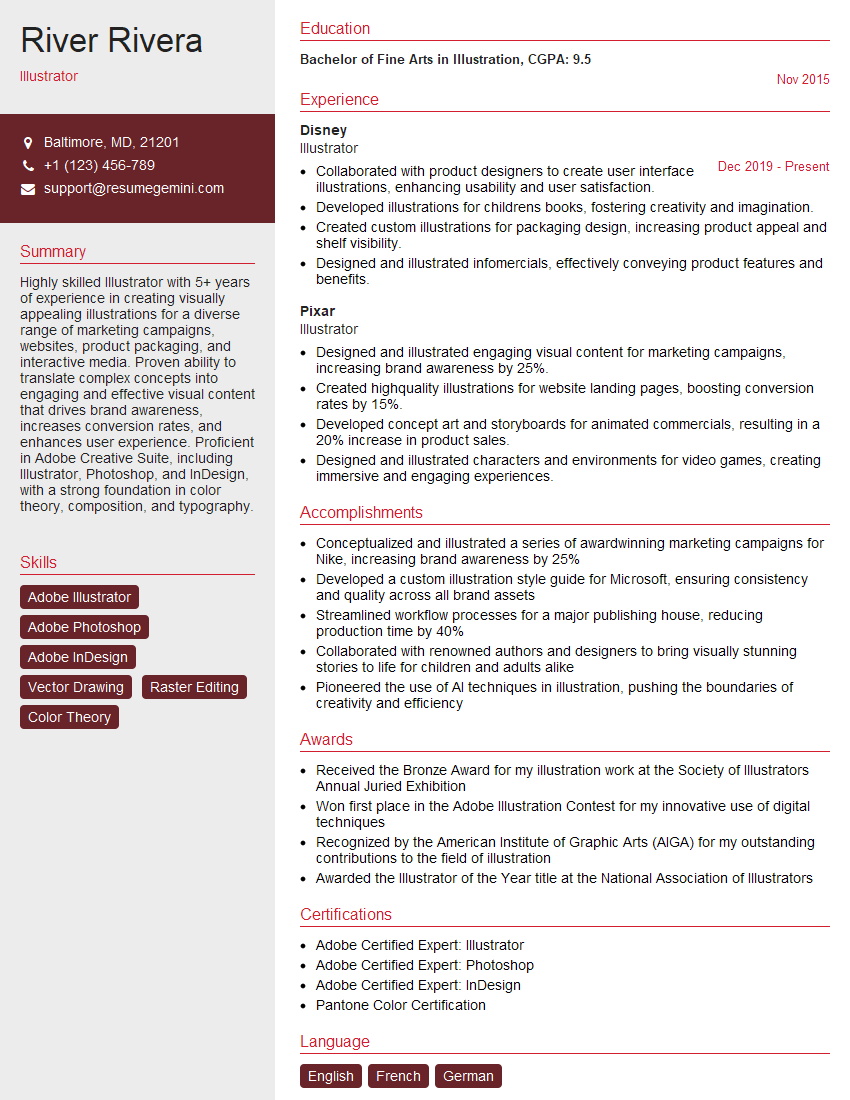
Illustrator Resume Sample

Animator Resume Sample

Graphic Designer Resume Sample
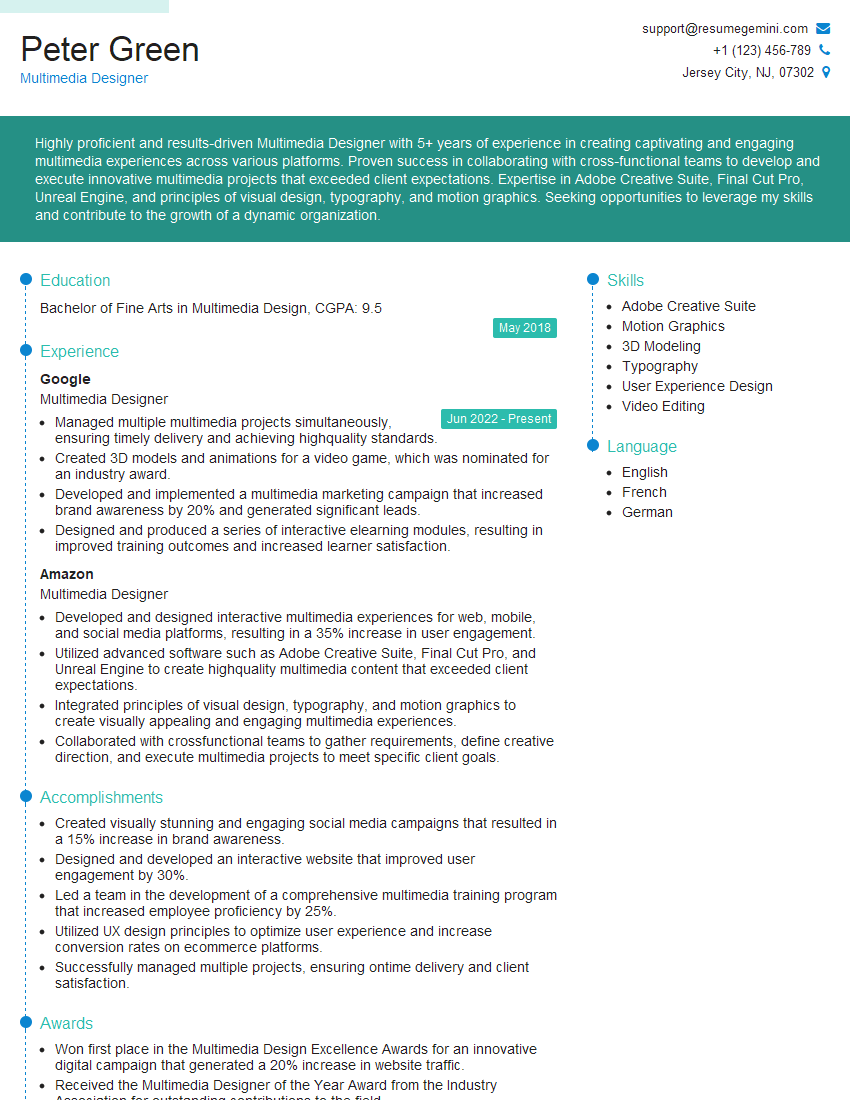
Multimedia Designer Resume Sample
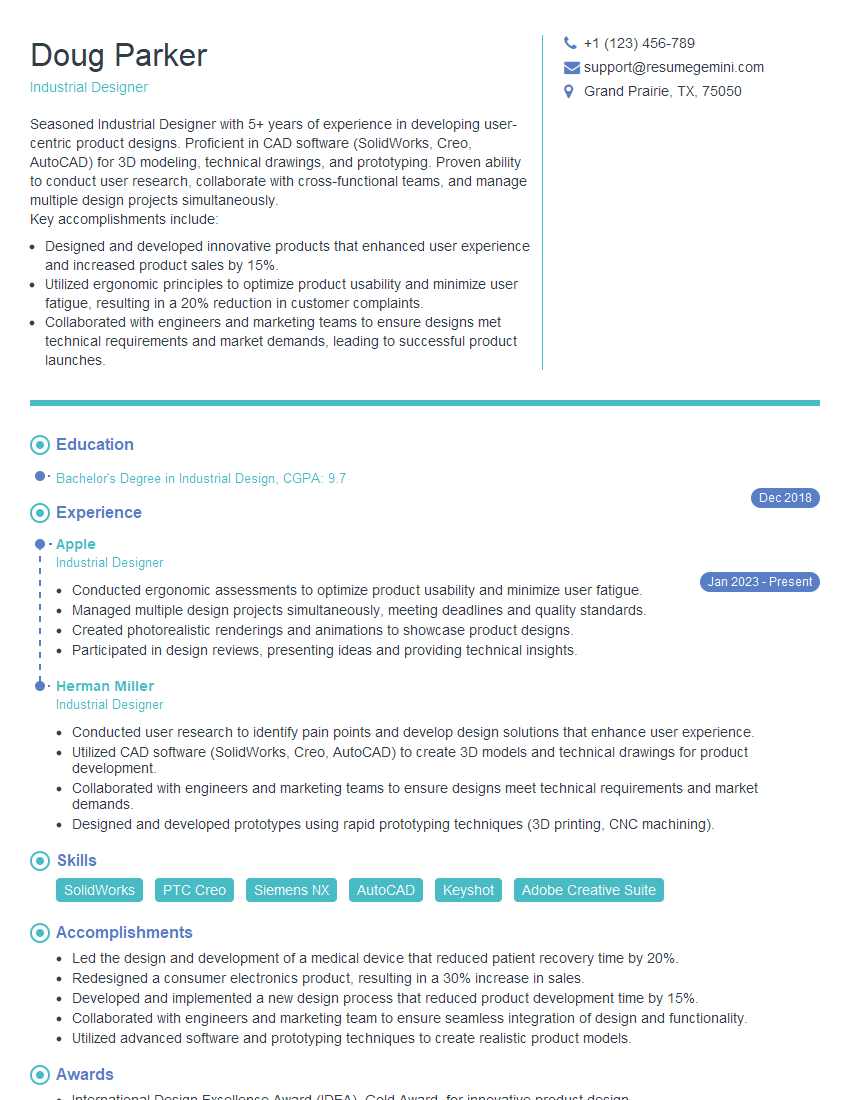
Industrial Designer Resume Sample

Packaging Designer Resume Sample
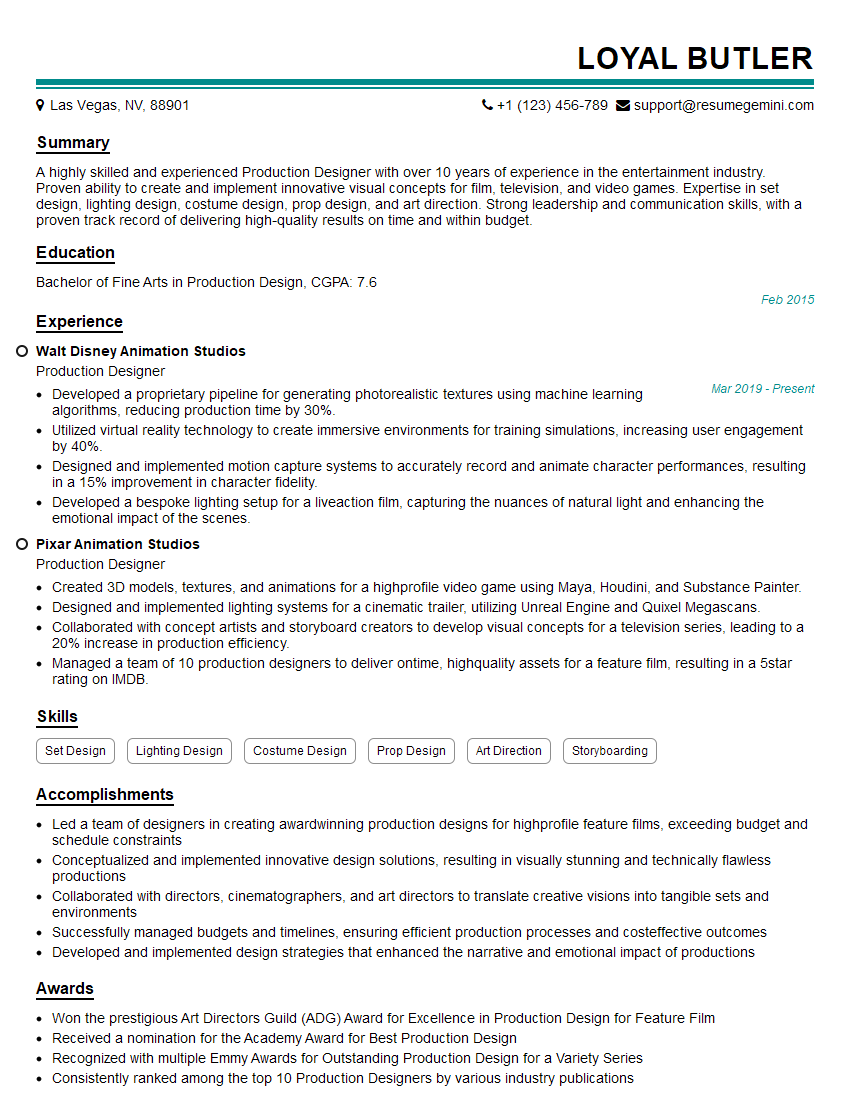
Production Designer Resume Sample
Textile Designer Resume Sample
Fashion Designer Resume Sample
Interior Designer Resume Sample
Photographer Resume Sample
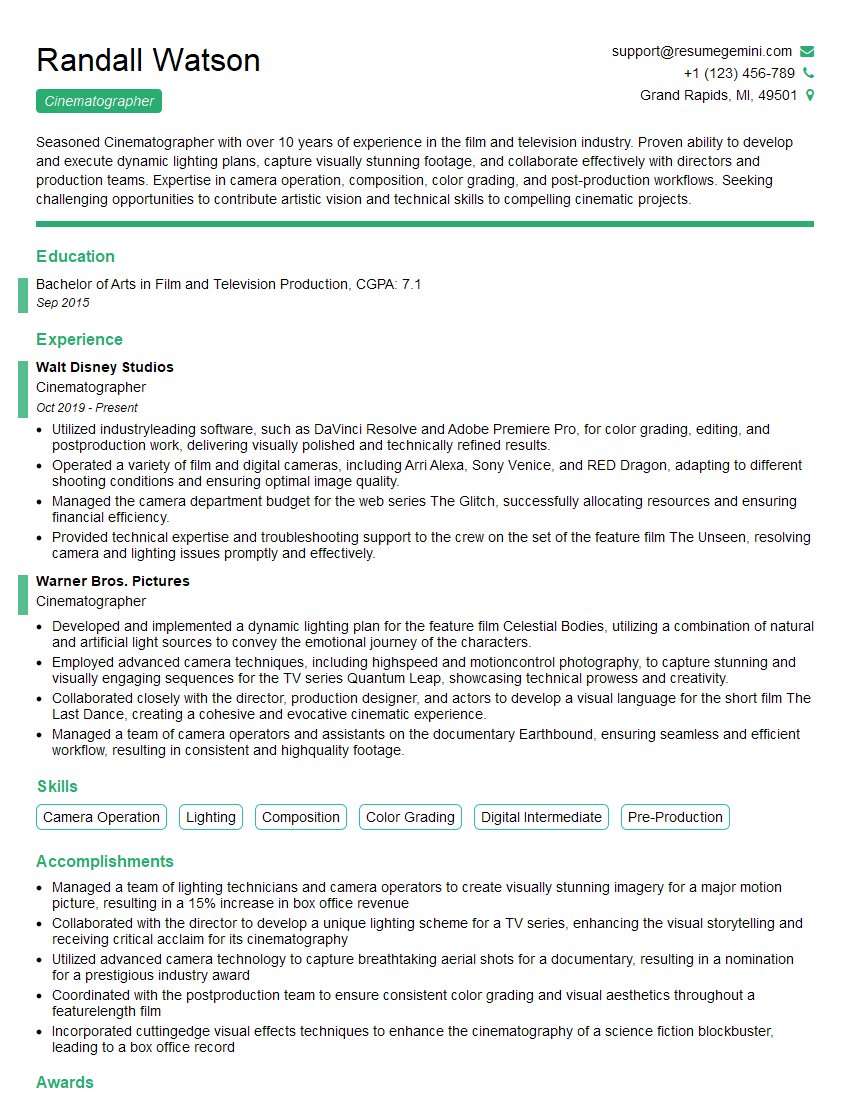
Cinematographer Resume Sample

UX Designer Resume Sample
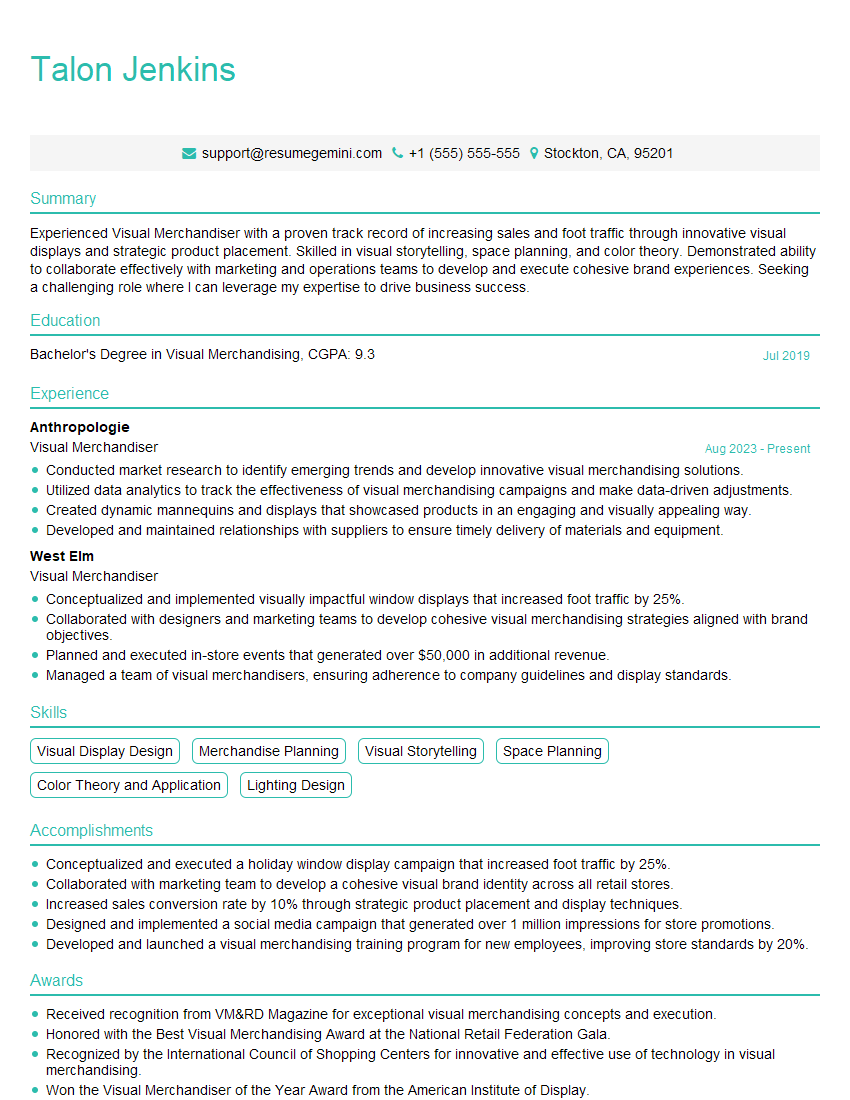
Visual Merchandiser Resume Sample
- Art Director
- Web Designer
- Game Designer
- Color Consultant
- Product Designer
- Illustrator
- Animator
- Graphic Designer
- Multimedia Designer
- Industrial Designer
- Packaging Designer
- Production Designer
- Textile Designer
- Fashion Designer
- Interior Designer
- Photographer
- Cinematographer
- UX Designer
- Visual Merchandiser
Explore more articles
Users Rating of Our Blogs
Share Your Experience
We value your feedback! Please rate our content and share your thoughts (optional).
What Readers Say About Our Blog
Very informative content, great job.
good