Every successful interview starts with knowing what to expect. In this blog, we’ll take you through the top AWS Certified Solution Architect – Associate interview questions, breaking them down with expert tips to help you deliver impactful answers. Step into your next interview fully prepared and ready to succeed.
Questions Asked in AWS Certified Solution Architect – Associate Interview
Q 1. Explain the difference between EC2 and ECS.
EC2 (Elastic Compute Cloud) and ECS (Elastic Container Service) are both AWS services for running applications, but they differ significantly in their approach. Think of EC2 as providing the raw computing power – the virtual servers themselves – while ECS manages and orchestrates containers running on those servers.
EC2 provides virtual machines (VMs) where you can install and run virtually any operating system and software. You have complete control over the environment. It’s like having your own dedicated apartment: you’re responsible for everything from cleaning to maintenance.
ECS, on the other hand, focuses on containerized applications. You deploy your application as containers (using Docker, for example), and ECS handles the scheduling, deployment, and management of those containers across a cluster of EC2 instances. It’s like living in a managed apartment building: the building takes care of many of the maintenance tasks, allowing you to focus on your daily life.
In short: Use EC2 when you need fine-grained control over your server environment or when you’re running applications that aren’t easily containerized. Use ECS when you want a more streamlined, managed approach to deploying and scaling containerized applications.
Q 2. Describe the different types of Amazon S3 storage classes and their use cases.
Amazon S3 offers various storage classes optimized for different access patterns and cost considerations. Choosing the right class is crucial for optimizing costs without compromising performance.
- Amazon S3 Standard: The most commonly used storage class, ideal for frequently accessed data. Think of it as your everyday files, easily accessible whenever needed. It offers high availability and durability.
- Amazon S3 Intelligent-Tiering: Automatically transitions data between access tiers based on usage patterns. Perfect for data with unpredictable access patterns – it adapts to your needs, minimizing costs.
- Amazon S3 Standard-IA (Infrequent Access): Designed for data accessed less frequently but requires rapid access when needed. Think of it as your seasonal clothing – not accessed daily but needs to be readily available when the season changes.
- Amazon S3 One Zone-IA (Infrequent Access): Similar to S3 Standard-IA, but stores data in a single Availability Zone, offering lower cost but reduced redundancy. Use this only if you can tolerate some risk of data loss.
- Amazon S3 Glacier Instant Retrieval: Designed for archival data requiring rapid access when needed. Ideal for long-term storage of data you rarely need to retrieve, but when you do, you need it quickly.
- Amazon S3 Glacier Flexible Retrieval: Provides a balance of cost and retrieval times for archival data. Good for less time-sensitive archival data.
- Amazon S3 Glacier Deep Archive: The lowest-cost storage class, ideal for long-term archival data that is rarely accessed. Think of it as data you might need in a decade or more.
The choice of storage class depends entirely on your data access patterns and cost constraints. Consider the frequency of access, retrieval speed requirements, and data retention policies when making your selection.
Q 3. How would you design a highly available and scalable web application on AWS?
Designing a highly available and scalable web application on AWS involves several key components and considerations. We’ll use a multi-tier architecture for resilience and scalability.
- Load Balancing: Use an Application Load Balancer (ALB) to distribute incoming traffic across multiple instances of your application servers (EC2 instances or ECS containers). The ALB distributes traffic automatically, preventing any single instance from becoming overloaded.
- Auto Scaling: Configure Auto Scaling groups for your application servers. This automatically adds or removes instances based on CPU utilization or other metrics, ensuring your application can handle fluctuating demand. Think of it as having extra staff on call during peak hours.
- Database: Use a managed database service like Amazon RDS or DynamoDB. These services offer high availability and scalability built-in. RDS offers relational databases, while DynamoDB provides a NoSQL solution.
- Content Delivery Network (CDN): Use Amazon CloudFront to cache static content (images, CSS, JavaScript) closer to your users, improving performance and reducing load on your origin servers.
- Multiple Availability Zones (AZs): Distribute your resources (application servers, databases) across multiple AZs to protect against regional outages. This ensures your application remains operational even if one AZ experiences a failure.
- Monitoring and Logging: Implement robust monitoring using Amazon CloudWatch and logging using Amazon CloudTrail to track application health and identify potential issues proactively.
This design allows for horizontal scaling, meaning you can easily add more instances to handle increased demand. The load balancer and auto-scaling group work together to dynamically adjust capacity, ensuring a responsive and reliable application.
Q 4. What are the different types of Amazon EBS volumes and when would you use each?
Amazon EBS (Elastic Block Store) offers several volume types, each optimized for different workloads:
- General Purpose SSD (gp3): A versatile option providing a balance between performance and cost. Suitable for a wide range of workloads, including web servers, databases, and development environments.
- Provisioned IOPS SSD (io1): Designed for I/O-intensive workloads requiring predictable and consistent performance. Ideal for database systems with high transaction rates.
- Throughput Optimized HDD (st1): Cost-effective option for workloads with high throughput requirements but lower I/O performance demands. Suitable for applications like big data analytics or archival storage.
- Cold HDD (sc1): The most cost-effective storage option, ideal for long-term archival storage of infrequently accessed data. Think of it as your long-term storage for less-frequently accessed files.
- gp2 (General Purpose SSD): While still available, gp3 is generally recommended as its successor, offering better performance and flexibility.
Choosing the right EBS volume type is critical for performance and cost optimization. Consider your application’s I/O requirements, throughput needs, and budget when making your selection.
Q 5. Explain the concept of auto-scaling in AWS.
Auto Scaling in AWS automatically adjusts the number of EC2 instances in an Auto Scaling group based on predefined metrics or scheduling. Imagine a restaurant automatically hiring and firing waiters based on the number of customers.
How it works: You create an Auto Scaling group, specifying the desired number of instances and the launch configuration (AMI, instance type, etc.). Auto Scaling monitors metrics like CPU utilization, network traffic, or custom metrics. If the metrics exceed or fall below defined thresholds, Auto Scaling automatically launches or terminates instances to maintain the desired capacity.
Benefits: Auto Scaling ensures your application can handle fluctuating demand, maintaining performance and availability. It also helps optimize costs by avoiding unnecessary instances during periods of low demand.
Types: Auto Scaling offers different scaling options, including:
- Simple Scaling: Based on a fixed number of instances.
- Step Scaling: Adjusts the number of instances in steps based on metric thresholds.
- Target Tracking Scaling: Maintains a specific metric (e.g., CPU utilization) at a target value.
Auto Scaling is an essential component of building scalable and resilient applications on AWS.
Q 6. How do you implement security best practices in an AWS environment?
Implementing security best practices in AWS is paramount. It’s a multi-layered approach, focusing on several key areas:
- Identity and Access Management (IAM): Use IAM to manage user access, granting only necessary permissions. Follow the principle of least privilege. Use roles instead of hard-coded credentials whenever possible.
- Security Groups: Control inbound and outbound traffic to your EC2 instances using security groups. Only allow necessary ports and protocols. Regularly review and update your security group rules.
- Network ACLs: Control traffic at the subnet level using Network ACLs. These provide an additional layer of security.
- Virtual Private Cloud (VPC): Isolate your resources within a virtual network. Subnets help further segment your network.
- Data Encryption: Encrypt data both in transit (using HTTPS) and at rest (using encryption services like KMS). Encrypt EBS volumes and S3 buckets.
- Regular Security Assessments: Conduct regular security assessments and penetration testing to identify vulnerabilities.
- AWS Shield: Use AWS Shield for protection against DDoS attacks.
- AWS WAF (Web Application Firewall): Protect your web applications from common web exploits.
- Logging and Monitoring: Use CloudTrail to audit all API calls and CloudWatch to monitor security metrics.
Security is an ongoing process. Regularly review and update your security posture to adapt to evolving threats.
Q 7. Describe the different types of AWS load balancers and their use cases.
AWS offers several types of load balancers, each with specific use cases:
- Application Load Balancer (ALB): Distributes traffic across multiple targets based on the content of the request (e.g., path, header). Ideal for applications needing advanced routing rules and features like HTTP/2 support.
- Network Load Balancer (NLB): Distributes traffic at the transport layer (TCP, UDP). Suitable for high-throughput, low-latency applications, and those requiring advanced features like health checks.
- Classic Load Balancer (CLB): Older load balancer type, generally recommended to migrate to ALBs or NLBs.
- Gateway Load Balancer (GWLB): Designed for high availability of inbound traffic to highly available services. Commonly used for directing traffic to microservices and other internal applications.
Choosing the right load balancer depends on the application’s requirements. Consider factors such as the protocol used, the need for advanced routing rules, and the desired level of performance when making your selection.
Q 8. What are IAM roles and how are they used?
IAM roles are essentially temporary security credentials that allow AWS services or your EC2 instances to access other AWS resources without needing explicit usernames and passwords. Think of it like a temporary ID badge that grants specific permissions only while the task is active.
Instead of managing individual user credentials for each service, you can attach a specific IAM role to an EC2 instance. This allows that instance to access only the resources it needs, adhering to the principle of least privilege. For example, an EC2 instance running a data processing application might only need access to an S3 bucket to read input data and an SQS queue to send output. The IAM role would grant exactly those permissions, preventing unintended access to other resources like databases or billing information.
How they’re used: You define an IAM role with specific permissions (using policies) and then associate that role with an AWS service or an EC2 instance. When the service or instance needs to access another AWS resource, it assumes the role, thus gaining the necessary temporary credentials. The access is temporary and automatically revoked when the task is complete, enhancing security.
- Example: An EC2 instance running a Lambda function could assume an IAM role granting it permissions to write logs to CloudWatch and access data from a DynamoDB table.
Q 9. Explain the difference between Amazon RDS and Amazon DynamoDB.
Amazon RDS (Relational Database Service) and Amazon DynamoDB are both database services offered by AWS, but they cater to different needs and use cases. The key difference lies in their data model.
Amazon RDS is a managed relational database service. It supports various relational database engines like MySQL, PostgreSQL, Oracle, and SQL Server. This means your data is structured in tables with rows and columns, making it ideal for applications requiring ACID properties (Atomicity, Consistency, Isolation, Durability) – vital for transaction integrity. Think of traditional databases like those you’d use with SQL.
Amazon DynamoDB is a managed NoSQL database service. It uses a key-value and document model, meaning data is organized around key-value pairs or JSON-like documents. This is perfect for applications that require high scalability, low latency, and massive throughput. It’s not as focused on ACID properties as RDS, favoring flexibility and speed instead. Imagine it as a flexible filing cabinet, ideal for quickly retrieving specific pieces of data based on their keys.
In short: Choose RDS for applications needing relational data with strong consistency and transactional integrity, and choose DynamoDB for applications requiring high scalability and low latency, where flexibility in data structure is a priority.
Q 10. How do you manage costs in an AWS environment?
Cost management in AWS is crucial. It’s not just about minimizing spending; it’s about optimizing costs while ensuring performance and availability. A multi-pronged approach is key.
- Rightsizing: Select instance sizes and resource types appropriate for your workload. Over-provisioning is a common cost driver. Tools like the AWS Cost Explorer can help identify underutilized resources.
- Using Reserved Instances/Savings Plans: These provide discounts on your compute instances if you commit to using them for a certain period. The discount can be substantial.
- Spot Instances: If your applications can tolerate interruptions, using Spot Instances offers significantly lower prices as they use spare capacity.
- Cost Allocation Tags: Assign tags to your resources to track their cost by department, project, or environment. This lets you identify cost centers and optimize accordingly.
- Monitoring and Alerting: Set up CloudWatch alarms to notify you of unexpected spikes in resource usage or costs.
- Auto-Scaling: Use auto-scaling groups to automatically adjust the number of instances based on demand. Avoid paying for idle resources.
- CloudWatch Cost and Usage Report: Analyze your spending patterns with detailed reports to identify areas for improvement.
- AWS Budgets: Set budgets and receive alerts when you approach or exceed spending limits.
Effective cost management is an ongoing process involving continuous monitoring, optimization, and the adoption of best practices.
Q 11. What are AWS CloudFormation and AWS Serverless Application Model (SAM)?
Both AWS CloudFormation and AWS SAM are infrastructure-as-code (IaC) tools, allowing you to define and manage your AWS resources using code instead of manually clicking through the AWS console. This provides repeatability, consistency, and version control.
AWS CloudFormation: It’s a more general-purpose IaC service supporting a wide range of AWS services. You define your infrastructure using JSON or YAML templates specifying the resources you need (EC2 instances, S3 buckets, etc.) and their configurations. It’s powerful and versatile but can be verbose for simpler applications.
AWS SAM (Serverless Application Model): It’s a specialization of CloudFormation designed specifically for serverless applications. SAM simplifies the definition of serverless resources like Lambda functions, API Gateway endpoints, and DynamoDB tables. It uses a concise YAML syntax, making it faster and easier to develop serverless applications. It’s built on top of CloudFormation, so it inherits all of its capabilities.
In essence: Use CloudFormation for general-purpose infrastructure management, and use SAM for building and deploying serverless applications quickly and efficiently. SAM is more convenient for serverless projects but lacks CloudFormation’s broad service coverage.
Q 12. Explain the concept of a VPC (Virtual Private Cloud).
A VPC (Virtual Private Cloud) is a logically isolated section of the AWS Cloud dedicated to your organization. It’s like having your own private data center within AWS. Instead of sharing the AWS global network with everyone, a VPC provides you with your own dedicated network segment.
Key features:
- Isolation: Your resources within the VPC are isolated from others, enhancing security.
- Customization: You define your own IP address ranges, subnets, and routing tables.
- Control: You have granular control over network access through security groups and Network ACLs (Network Access Control Lists).
- Scalability: VPCs can easily scale to accommodate growing needs.
Example: You might create a VPC with multiple subnets (public and private) to host web servers (in the public subnet) and database servers (in the private subnet). Security groups will control the traffic flow between these subnets and the outside world.
Q 13. How do you implement disaster recovery in AWS?
Implementing disaster recovery in AWS involves creating a robust plan to minimize downtime and data loss in case of a failure. This often utilizes AWS’s global infrastructure and features.
Common strategies:
- Multi-Region Deployment: Deploy your applications and data across multiple AWS regions. If one region fails, you can fail over to another. This ensures high availability and resilience.
- Replication: Replicate your data to another region using services like Amazon S3 cross-region replication or RDS multi-AZ deployments. This ensures data backups in a separate geographical location.
- AWS Backup: Utilize this service to automate and centralize the backup and restore of your AWS resources.
- Failover Mechanisms: Implement automated failover mechanisms using tools like Route 53 (for DNS failover) and Elastic Load Balancing (for application failover).
- Disaster Recovery Drills: Regularly test your disaster recovery plan to ensure its effectiveness and identify areas for improvement. These drills validate the failover mechanisms and identify any bottlenecks or weaknesses in the process.
A well-defined disaster recovery plan is crucial, and it should outline procedures for different failure scenarios, including recovery time objectives (RTOs) and recovery point objectives (RPOs).
Q 14. Describe the different AWS regions and availability zones.
AWS regions are large geographical areas (like US East (N. Virginia), Europe (Ireland), Asia Pacific (Tokyo), etc.) where AWS operates data centers. They’re independent and provide redundancy, allowing for geographically distributed applications.
Availability Zones (AZs) are isolated locations within a region. Each region has multiple AZs. They have independent power, networking, and connectivity. Deploying your resources across multiple AZs within a region increases fault tolerance. If one AZ fails, your application can continue operating from another AZ within the same region.
Example: You might deploy your application across three AZs in a single region (e.g., US East (N. Virginia)) to achieve high availability. If one AZ experiences an outage, the application remains operational using the resources in the other two AZs. If a larger-scale disaster affects the entire region, then you’d rely on your multi-region strategy to failover to a completely different region.
Q 15. Explain the concept of AWS Lambda.
AWS Lambda is a serverless compute service that lets you run code without provisioning or managing servers. Think of it like this: you provide the code, and AWS handles everything else – scaling, security, infrastructure management. You only pay for the compute time your code actually consumes.
How it works: You upload your code (in various languages like Node.js, Python, Java, etc.) as a function. This function is triggered by various events, such as changes in an S3 bucket, messages in an SQS queue, or HTTP requests via API Gateway. When triggered, Lambda executes your code, handles the execution environment, and automatically scales to handle the load. When the execution is complete, AWS manages the resources used.
Example: Imagine you have a website that requires image resizing. Instead of setting up and managing a dedicated server to perform this task, you can use Lambda. An event (image upload to S3) triggers a Lambda function that resizes the image and stores it in a different S3 location. This is cost-effective and highly scalable; Lambda automatically handles peak demands without requiring you to provision extra servers.
Career Expert Tips:
- Ace those interviews! Prepare effectively by reviewing the Top 50 Most Common Interview Questions on ResumeGemini.
- Navigate your job search with confidence! Explore a wide range of Career Tips on ResumeGemini. Learn about common challenges and recommendations to overcome them.
- Craft the perfect resume! Master the Art of Resume Writing with ResumeGemini’s guide. Showcase your unique qualifications and achievements effectively.
- Don’t miss out on holiday savings! Build your dream resume with ResumeGemini’s ATS optimized templates.
Q 16. How do you monitor and log your AWS resources?
Monitoring and logging AWS resources is crucial for understanding performance, identifying issues, and ensuring security. AWS provides a comprehensive suite of services to achieve this.
- Amazon CloudWatch: This is the central monitoring and observability service. It collects and tracks metrics (CPU utilization, memory usage, etc.), logs (application logs, system logs), and events (changes in your AWS resources). You can set alarms based on these metrics to be notified of potential problems.
- Amazon CloudTrail: This service tracks API calls made to your AWS account, providing a comprehensive audit trail for security and compliance. It allows you to see who made changes to your resources and when.
- AWS X-Ray: This service helps you analyze and debug applications running on AWS. It provides insights into the performance and latency of different parts of your application.
Example: You can configure CloudWatch to monitor the CPU utilization of your EC2 instances. If the CPU usage exceeds a certain threshold, CloudWatch can trigger an alarm, notifying you via email or SMS, allowing for timely intervention before performance issues impact users.
Q 17. What is Amazon SQS and how is it used?
Amazon SQS (Simple Queue Service) is a fully managed message queuing service. Think of it as a virtual mailbox for your applications. It allows you to decouple different parts of your application, improving scalability and reliability.
How it’s used: Applications send messages (data) to the queue. Other applications read and process these messages from the queue. This asynchronous communication model prevents one component from being blocked by another. If one part is slow or unavailable, the messages remain in the queue until processed, ensuring data integrity and application availability.
Example: Imagine an e-commerce application. When a customer places an order, the application sends a message to an SQS queue. A separate worker application processes these messages, handling order fulfillment, payment processing, and shipping. This decoupling ensures that the customer doesn’t experience delays even if the order processing system is temporarily overloaded.
Q 18. Explain the concept of a security group in AWS.
A security group acts like a virtual firewall for your EC2 instances and other AWS resources. It controls inbound and outbound traffic based on rules you define. These rules specify which ports and protocols are allowed or denied.
How it works: Each security group is associated with one or more instances. Inbound rules determine which traffic is allowed to reach an instance from the outside world (or from other instances). Outbound rules determine the traffic the instance is allowed to send outside. You define these rules using source and destination IP addresses, ports, and protocols (e.g., TCP, UDP).
Example: You might configure a security group for a web server to allow inbound traffic on port 80 (HTTP) and 443 (HTTPS) from anywhere. This allows users to access the website. Meanwhile, you might restrict outbound traffic to only allow access to specific IP addresses or services, enhancing security.
Q 19. How do you manage backups in AWS?
Managing backups in AWS depends on the type of resource you’re backing up. AWS offers several services to handle different backup needs.
- Amazon S3: Ideal for storing backups of databases, files, and applications. Versioning and lifecycle policies can be used for efficient backup management and data retention.
- AWS Backup: A centralized service that simplifies the process of backing up various AWS resources (EC2 instances, RDS databases, EBS volumes, etc.). It provides automated backups, central management, and compliance capabilities.
- Amazon EBS Snapshots: Create point-in-time copies of your Amazon Elastic Block Store (EBS) volumes. These snapshots can be used to restore volumes or create new instances from them.
- RDS Snapshots: Similar to EBS snapshots but specifically for Amazon Relational Database Service (RDS) instances.
Strategy: A well-defined backup strategy involves regular automated backups, storing backups in multiple regions for disaster recovery, and establishing a clear process for restoring backups.
Q 20. What is Amazon SNS and how is it used?
Amazon SNS (Simple Notification Service) is a fully managed pub/sub messaging service. It allows you to send messages to a large number of subscribers efficiently. Think of it as a broadcasting system: one sender (publisher) can send messages to many receivers (subscribers).
How it’s used: Applications publish messages to an SNS topic. Subscribers (other applications, email addresses, HTTP endpoints, SQS queues, etc.) subscribe to this topic and receive the messages when they are published. This is useful for fanning out notifications to many different components of your system.
Example: Imagine an application that needs to send email notifications to users when a specific event occurs (e.g., a new order, an account update). Instead of directly sending emails from the application, it publishes a message to an SNS topic. An SNS subscriber (perhaps an AWS Lambda function integrated with an email service) receives the message and processes the email sending.
Q 21. Describe the different types of AWS databases.
AWS offers a variety of database services catering to different needs and workloads.
- Amazon RDS (Relational Database Service): Managed relational databases like MySQL, PostgreSQL, Oracle, SQL Server, and MariaDB. Offers easy setup, management, and scalability.
- Amazon DynamoDB: A NoSQL, key-value and document database service, ideal for high-throughput, low-latency applications.
- Amazon Aurora: A MySQL and PostgreSQL-compatible relational database service built for the cloud, offering high performance and scalability.
- Amazon Redshift: A fully managed, petabyte-scale data warehouse service for analyzing large datasets.
- Amazon DocumentDB: A fully managed, document database service compatible with MongoDB.
- Amazon Keyspaces (for Apache Cassandra): A fully managed, scalable NoSQL database service compatible with Apache Cassandra.
Choosing the right database: The choice depends on factors like the type of data, scalability requirements, query patterns, and budget. Relational databases are suitable for structured data requiring ACID properties (Atomicity, Consistency, Isolation, Durability), while NoSQL databases excel with unstructured data and high scalability needs.
Q 22. How do you implement CI/CD pipelines on AWS?
Implementing CI/CD pipelines on AWS involves automating the build, test, and deployment processes. Think of it like an assembly line for software, ensuring consistent and reliable releases. A typical pipeline leverages several AWS services. First, you’d use CodeCommit (or a similar Git repository) to store your code. Then, CodePipeline orchestrates the entire process, triggering builds in CodeBuild. CodeBuild compiles your code, runs tests, and packages it. Finally, the deployment stage uses services like CodeDeploy for serverless deployments, Elastic Beanstalk for application servers, or Elastic Kubernetes Service (EKS) for containerized deployments. You can incorporate quality checks at each stage using tools like AWS X-Ray for application performance monitoring and CloudWatch for logging and metrics.
Example: Imagine building a web application. A commit to CodeCommit triggers CodePipeline, which instructs CodeBuild to create a Docker image. CodeDeploy then deploys this image to an ECS cluster managed by EKS, making the updated application immediately available to users.
This entire process is highly configurable; you define the stages, approvals, and rollback strategies to fit your specific needs and risk tolerance.
Q 23. What are AWS Elastic Beanstalk and AWS Elastic Kubernetes Service (EKS)?
AWS Elastic Beanstalk is a service that makes it easy to deploy and manage web applications and services. Think of it as a simplified platform for deploying your application without needing to manage servers directly. You just upload your code, and Elastic Beanstalk handles the infrastructure, scaling, and load balancing. It supports various platforms and languages like Java, .NET, PHP, Python, Ruby, and Docker containers.
AWS Elastic Kubernetes Service (EKS), on the other hand, is a managed Kubernetes service. Kubernetes is a powerful container orchestration system, ideal for microservices architectures and highly scalable applications. EKS manages the control plane of Kubernetes, letting you focus on deploying and managing your applications within containers. This provides greater control and flexibility than Elastic Beanstalk, especially for complex deployments.
In short: Use Elastic Beanstalk for simpler deployments where ease of use is prioritized. Use EKS for complex, containerized applications needing greater control and scalability.
Q 24. Explain the concept of AWS CloudTrail.
AWS CloudTrail is a service that provides a record of actions taken within your AWS account. Imagine it as a security camera for your AWS environment. It logs API calls made through the AWS Management Console, AWS SDKs, command line tools, and other AWS services. This includes user activity, changes to infrastructure, and security-related events.
This audit trail is crucial for security monitoring, compliance auditing, and troubleshooting. You can use CloudTrail logs to identify unusual activities, investigate security incidents, and track changes made to your resources. The logs can be delivered to an S3 bucket for long-term storage and analysis. You can also integrate CloudTrail with other security services like CloudWatch and security information and event management (SIEM) systems.
Example: If a user accidentally deletes a critical resource, CloudTrail logs will show the exact time, user, and action, enabling quick recovery.
Q 25. How do you optimize performance in an AWS environment?
Optimizing performance in an AWS environment involves a multi-faceted approach, focusing on several key areas. First, choose the right instance sizes based on your application’s requirements. Over-provisioning is wasteful, but under-provisioning leads to slowdowns. Utilize Amazon CloudWatch to monitor resource utilization (CPU, memory, network) and identify bottlenecks.
Secondly, consider leveraging caching mechanisms like Amazon ElastiCache (for Redis or Memcached) to store frequently accessed data, reducing database load. Amazon S3 offers various storage classes to optimize cost and retrieval speed. Use Amazon CloudFront as a content delivery network (CDN) to serve static content closer to users, improving response times. For database optimization, ensure proper indexing, query optimization, and database connection pooling. Finally, optimize your application code itself for efficiency and handle errors gracefully. Using services like X-Ray can pinpoint performance issues within your application.
Q 26. Describe the different AWS pricing models.
AWS uses several pricing models depending on the service:
- On-Demand Instances: Pay for compute capacity as you use it. Ideal for unpredictable workloads.
- Reserved Instances: Purchase capacity upfront for a 1- or 3-year term, at a discounted rate. Best for consistent, long-term workloads.
- Spot Instances: Bid for unused EC2 capacity, getting significant discounts but risking termination with short notice. Suitable for fault-tolerant applications.
- Savings Plans: A commitment-based pricing model providing discounts on compute and other services over a 1- or 3-year term.
- Pay-as-you-go: Most services follow a pay-as-you-go model, billing based on consumption (e.g., storage used, data transferred, API calls).
Understanding these models helps you optimize costs based on your application’s needs and predictability.
Q 27. What are the key differences between on-premises and cloud infrastructure?
The key differences between on-premises and cloud infrastructure lie in ownership, management, and scalability:
- Ownership: On-premises means you own and manage all hardware and software. In the cloud, you rent resources from a provider like AWS.
- Management: On-premises requires dedicated IT staff for hardware maintenance, security, and updates. Cloud providers manage the underlying infrastructure, freeing your team to focus on applications.
- Scalability: Scaling up on-premises requires significant upfront investment and time. Cloud infrastructure scales on demand, quickly adapting to changing needs.
- Cost: On-premises involves high upfront capital expenditure (CapEx) for hardware, software, and staff. Cloud computing uses operational expenditure (OpEx), paying only for what you consume.
- Location: On-premises infrastructure is located in your physical data center. Cloud resources are geographically distributed across multiple availability zones and regions.
Q 28. How would you troubleshoot a performance issue in an AWS environment?
Troubleshooting performance issues in AWS involves a systematic approach:
- Identify the issue: Use CloudWatch metrics to pinpoint slowdowns or errors. Determine if the problem is in the application, database, network, or infrastructure.
- Gather data: Collect logs from CloudTrail, CloudWatch, and application logs. Use X-Ray for application-level tracing.
- Analyze the data: Correlate metrics and logs to identify patterns and root causes. Look for CPU spikes, memory leaks, network latency, or database slowdowns.
- Isolate the problem: Determine the specific component causing the performance issue (e.g., a faulty database query, a poorly optimized application code, insufficient instance size).
- Implement a solution: Based on the root cause, implement fixes, such as increasing instance size, optimizing database queries, or improving application code. For instance, changing EC2 instance types from t2.micro to a more powerful m5.large might resolve a CPU bottleneck.
- Monitor and test: After implementing a solution, closely monitor performance metrics to ensure the problem is resolved and the change hasn’t introduced new issues.
Remember, using AWS tools such as CloudWatch, X-Ray, and CloudTrail is crucial for efficient troubleshooting. The process is iterative – you may need to repeat steps based on new insights gathered during analysis.
Key Topics to Learn for AWS Certified Solution Architect – Associate Interview
Ace your AWS Certified Solution Architect – Associate interview by focusing on these key areas. Understanding both the theoretical underpinnings and practical applications is crucial for demonstrating your expertise.
- Compute Services (EC2, Lambda): Understand instance types, scaling strategies, auto-scaling groups, and serverless architectures. Be prepared to discuss cost optimization and high availability solutions.
- Storage Services (S3, EBS, Glacier): Master different storage tiers, lifecycle management, data redundancy, and cost-effective storage solutions. Discuss scenarios requiring specific storage choices.
- Networking (VPC, Route 53, CloudFront): Explain VPC concepts, subnets, routing tables, security groups, and NAT gateways. Discuss content delivery networks and DNS management.
- Database Services (RDS, DynamoDB): Understand relational and NoSQL databases, choosing the right database for a given application, and managing database performance and scalability.
- Security (IAM, Security Groups, KMS): Explain Identity and Access Management (IAM) roles and policies. Discuss securing your infrastructure with security groups and encryption using KMS.
- Deployment and Management (CloudFormation, CloudWatch): Understand infrastructure-as-code using CloudFormation. Discuss monitoring and logging with CloudWatch, and strategies for managing and troubleshooting your deployments.
- High Availability and Disaster Recovery: Explain strategies for building highly available and resilient applications on AWS, including concepts like load balancing, failover mechanisms, and disaster recovery plans.
- Cost Optimization: Discuss strategies for optimizing AWS costs, including right-sizing instances, utilizing reserved instances, and leveraging cost monitoring tools.
Next Steps
Earning your AWS Certified Solution Architect – Associate certification significantly boosts your career prospects, opening doors to exciting roles with increased earning potential. To maximize your chances of landing your dream job, it’s vital to present your skills effectively. Creating an ATS-friendly resume is key to getting noticed by recruiters.
We strongly encourage you to leverage ResumeGemini to build a professional and impactful resume. ResumeGemini provides a user-friendly platform and offers examples of resumes tailored to the AWS Certified Solution Architect – Associate role, ensuring your qualifications shine. Take the next step in your career journey – build your winning resume with ResumeGemini today!

Security Engineer Resume Sample
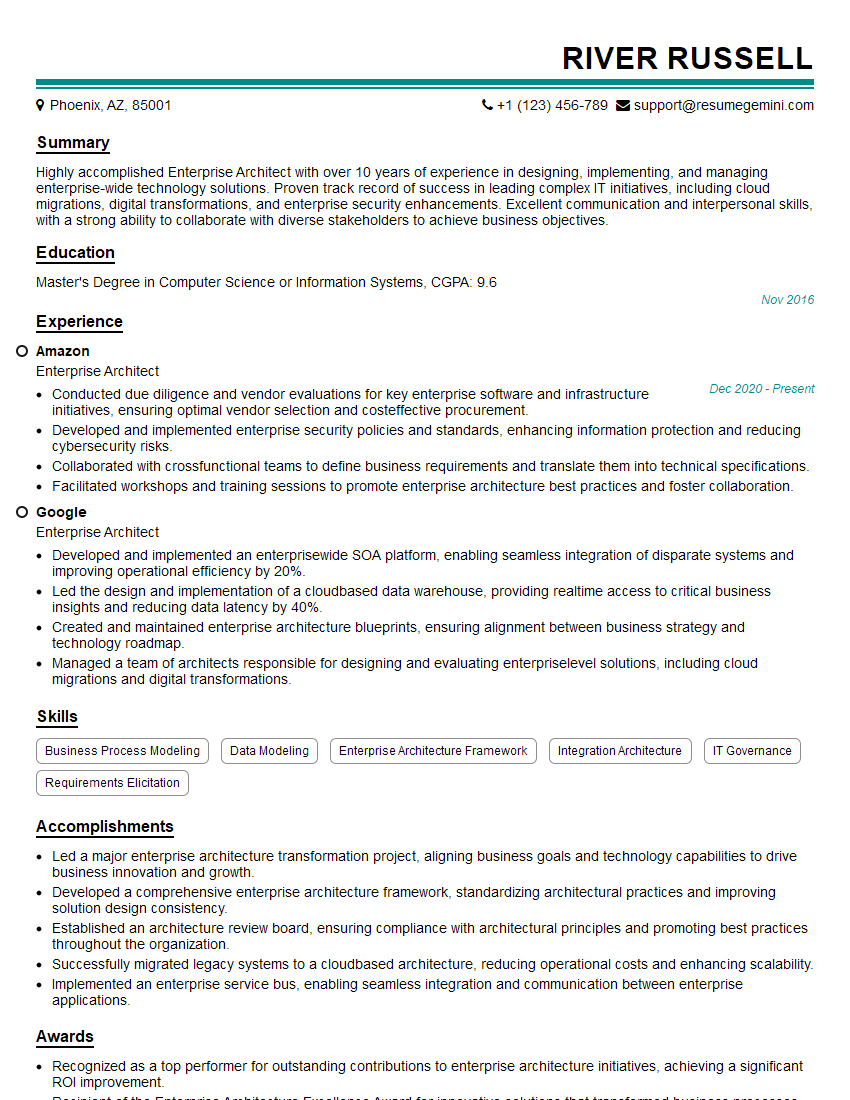
Enterprise Architect Resume Sample
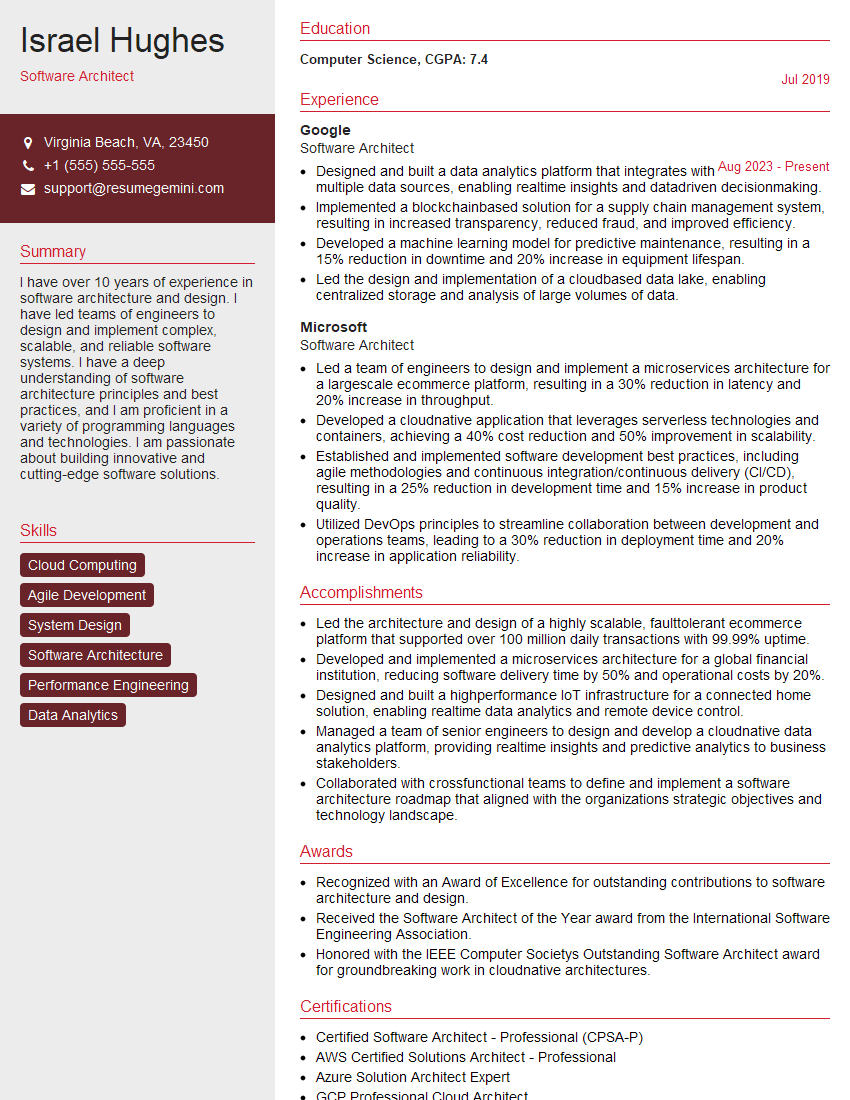
Software Architect Resume Sample

Solutions Architect Resume Sample

Data Architect Resume Sample

Network Architect Resume Sample
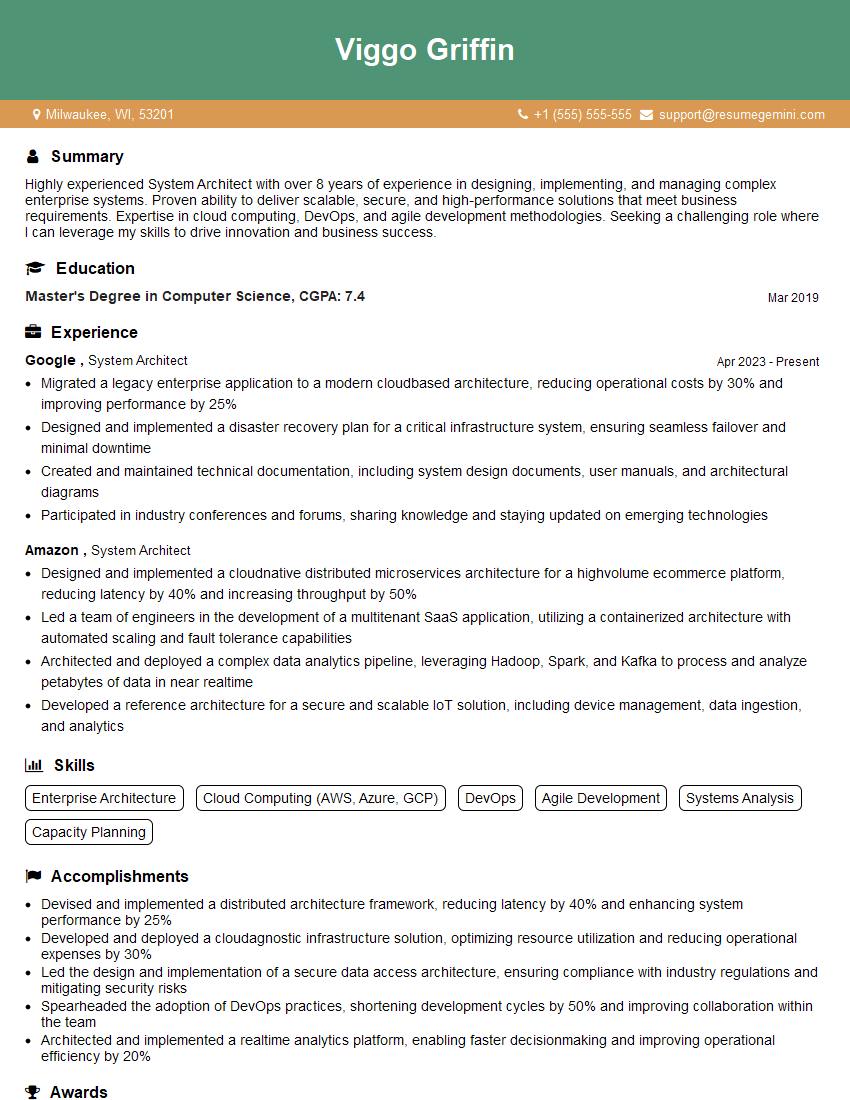
System Architect Resume Sample
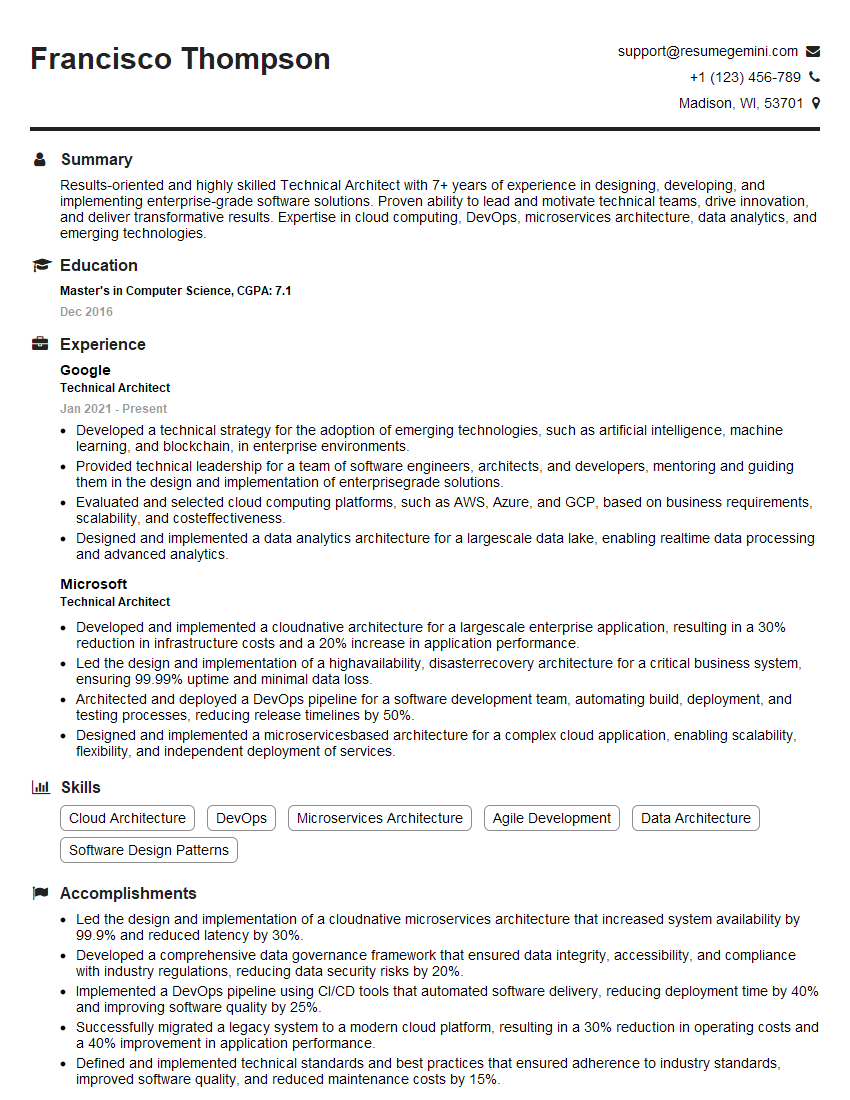
Technical Architect Resume Sample

Infrastructure Architect Resume Sample

DevOps Engineer Resume Sample

Cloud Architect Resume Sample

Cloud Engineer Resume Sample
Explore more articles
Users Rating of Our Blogs
Share Your Experience
We value your feedback! Please rate our content and share your thoughts (optional).
What Readers Say About Our Blog
Very informative content, great job.
good