Every successful interview starts with knowing what to expect. In this blog, we’ll take you through the top Site Engineering interview questions, breaking them down with expert tips to help you deliver impactful answers. Step into your next interview fully prepared and ready to succeed.
Questions Asked in Site Engineering Interview
Q 1. Explain the difference between IaaS, PaaS, and SaaS.
IaaS, PaaS, and SaaS are three distinct cloud service models, each offering different levels of control and responsibility. Think of it like building a house: IaaS is like providing the land and raw materials, PaaS is like providing the land, materials, and the basic structure (frame), and SaaS is like providing a fully furnished and ready-to-live-in house.
- IaaS (Infrastructure as a Service): Provides fundamental computing resources like virtual machines, storage, and networking. You have complete control over the operating system and applications, but you are responsible for managing the underlying infrastructure. Examples include Amazon EC2, Microsoft Azure Virtual Machines, and Google Compute Engine. Imagine this as getting the land and building materials to construct your own house; you’re responsible for every aspect of the build.
- PaaS (Platform as a Service): Builds upon IaaS by offering a platform for developing, deploying, and managing applications. This includes pre-configured servers, databases, and other middleware components. You have control over the application, but the underlying infrastructure is managed by the provider. Examples include Heroku, Google App Engine, and AWS Elastic Beanstalk. This is like getting the land, materials, and a basic framework; you’ll still need to do the interior work, but the foundation is there.
- SaaS (Software as a Service): Provides fully managed applications accessible via a web browser or API. You have no control over the infrastructure or application, only its usage. Examples include Salesforce, Gmail, and Dropbox. This is like moving into a fully furnished house; you don’t need to worry about any of the infrastructure or setup.
Choosing the right model depends on your technical expertise, budget, and application requirements. For instance, a company with extensive in-house DevOps expertise might prefer IaaS for maximum flexibility, while a smaller company might opt for SaaS for its simplicity and cost-effectiveness.
Q 2. Describe your experience with load balancing and its different techniques.
Load balancing is crucial for distributing network traffic across multiple servers to prevent overload and ensure high availability. I have extensive experience implementing and managing various load balancing techniques, including:
- Round Robin: Distributes requests sequentially across servers. Simple but not necessarily the most efficient.
- Least Connections: Directs requests to the server with the fewest active connections. This is more efficient than round robin as it balances the load dynamically.
- IP Hash: Uses the client’s IP address to determine the server, ensuring that requests from the same client always go to the same server. Useful for maintaining session state.
- Weighted Round Robin: Assigns weights to servers, allowing for the distribution of traffic based on server capacity or performance. Useful for prioritizing servers with greater resources.
In a previous role, we used a combination of Least Connections and Weighted Round Robin for our e-commerce platform. We assigned higher weights to newer, more powerful servers, ensuring optimal performance during peak traffic periods. We also used IP Hashing for maintaining user session data, guaranteeing a consistent experience for returning customers. Monitoring server performance metrics like CPU utilization, memory usage, and response time was critical in fine-tuning the weight assignments and ensuring the load balancer effectively distributed traffic.
Q 3. How do you monitor system performance and identify bottlenecks?
System performance monitoring and bottleneck identification involve a multi-faceted approach, combining proactive monitoring and reactive troubleshooting. It’s like having a comprehensive health check for your system.
I typically start by establishing baselines for key performance indicators (KPIs) such as CPU utilization, memory usage, disk I/O, network throughput, and application response times. Then, I use various monitoring tools to track these metrics in real-time and identify deviations from the baseline. Tools like Grafana, Prometheus, and Datadog offer visualization dashboards that highlight potential problems.
When a bottleneck is suspected, I employ techniques like:
- Profiling: Use profiling tools to identify performance hotspots within the application code.
- Log analysis: Examine server and application logs for error messages, slow queries, or other issues.
- Network analysis: Use tools like tcpdump or Wireshark to identify network-related bottlenecks.
- Resource monitoring: Track CPU, memory, disk, and network utilization on individual servers or components.
By systematically analyzing these metrics and logs, I pinpoint the root cause of the performance degradation and implement appropriate solutions, ranging from code optimization to hardware upgrades or infrastructure adjustments.
Q 4. What are your preferred monitoring tools and why?
My preferred monitoring tools are a combination of open-source and commercial solutions, chosen based on the specific needs of the project. Each has its strengths and weaknesses.
- Prometheus and Grafana: A powerful open-source combination providing flexible and scalable monitoring and visualization. Prometheus excels at metric collection, while Grafana offers customizable dashboards for data analysis. It’s versatile and cost-effective, especially for smaller to medium-sized projects.
- Datadog: A commercial platform offering a comprehensive suite of monitoring and tracing tools. Its centralized dashboard and robust alerting capabilities make it ideal for complex applications requiring comprehensive visibility. Its ease of use is a big advantage for teams less familiar with sophisticated monitoring systems.
- New Relic: Another commercial option with a strong focus on application performance monitoring (APM). Its features for tracing requests and identifying slow database queries are particularly useful in debugging application-level bottlenecks.
The choice depends on the project’s scale, budget, and existing infrastructure. For simple projects, Prometheus and Grafana are a strong choice. For large-scale applications, Datadog or New Relic offer the comprehensive features and support needed.
Q 5. Explain your experience with implementing CI/CD pipelines.
I have extensive experience implementing CI/CD (Continuous Integration/Continuous Delivery) pipelines using tools like Jenkins, GitLab CI, and Azure DevOps. The goal is to automate the build, test, and deployment process, enabling faster release cycles and improved software quality. It’s like having an assembly line for software.
A typical CI/CD pipeline I’d implement involves these stages:
- Code integration: Developers regularly merge their code changes into a central repository (e.g., Git).
- Automated build: The pipeline automatically builds the application from the source code, performing tasks like compiling code, running linters, and bundling assets.
- Automated testing: Automated unit, integration, and end-to-end tests are executed to ensure code quality and functionality.
- Deployment: The pipeline deploys the application to a staging environment for further testing and then to production.
- Monitoring: The pipeline includes monitoring tools to track application performance and health in production.
In one project, we migrated from a manual deployment process to a Jenkins-based CI/CD pipeline. This significantly reduced our deployment time from days to hours, allowing for faster feature releases and quicker responses to customer feedback. We integrated automated tests at every stage, ensuring that bugs were caught early in the development process.
Q 6. Describe your experience with containerization technologies like Docker and Kubernetes.
Docker and Kubernetes are integral parts of modern infrastructure management. Docker provides containerization, packaging applications and their dependencies into isolated units. Kubernetes orchestrates the deployment, scaling, and management of these containers. It’s like having individual shipping containers (Docker) and a sophisticated port authority to manage their movement and efficiency (Kubernetes).
My experience includes building and deploying microservices using Docker, packaging applications with their dependencies for consistent execution across different environments. I’ve leveraged Kubernetes to manage container clusters, automating deployments, scaling applications based on demand, and ensuring high availability. This includes using Kubernetes features like:
- Deployments: Rolling updates and rollbacks to minimize downtime during upgrades.
- Services: Load balancing and service discovery across container instances.
- Pods: Grouping related containers to ensure co-location and coordinated management.
- Namespaces: Isolating resources and deployments for different teams or applications.
In a recent project, we migrated a monolithic application to a microservices architecture using Docker and Kubernetes. This significantly improved scalability and maintainability. Kubernetes’ automated scaling features ensured optimal resource utilization during peak demand, and its built-in health checks ensured high availability.
Q 7. How do you handle system failures and outages?
Handling system failures and outages requires a proactive and reactive approach, focusing on prevention, detection, and recovery. It’s like having a well-rehearsed emergency response plan.
My approach involves:
- Proactive measures: Implementing redundancy, failover mechanisms, and automated recovery procedures. This includes using load balancing, multiple availability zones, and regular backups.
- Monitoring and alerting: Implementing comprehensive monitoring to detect anomalies and trigger alerts in case of failures. This ensures timely identification of problems.
- Incident response: Establishing a clear incident response plan to facilitate quick resolution of outages. This involves roles, responsibilities, communication channels, and escalation procedures.
- Post-incident review: Conducting thorough post-incident reviews to identify root causes and implement preventive measures. This helps avoid future incidents.
In a previous incident involving a database failure, our monitoring system triggered alerts, allowing us to quickly switch to a replica database. Our pre-defined rollback procedures and automated failover mechanisms minimized downtime. The post-incident review led to improvements in our backup strategy and database monitoring, preventing similar incidents in the future.
Q 8. What are your strategies for capacity planning?
Capacity planning is the process of determining the resources a system needs to meet current and future demand. It’s like planning a party – you need to estimate how many guests are coming (demand) and ensure you have enough food, drinks, and space (resources) to comfortably accommodate everyone. My strategy involves a multi-faceted approach:
Historical Data Analysis: I meticulously analyze past performance metrics, such as server CPU utilization, memory usage, network traffic, and database query rates. This historical trend analysis helps predict future resource needs.
Performance Testing: Load testing and stress testing are crucial. We simulate peak loads to identify bottlenecks and assess the system’s breaking point. This ensures we have enough capacity to handle unexpected surges.
Forecasting: I utilize forecasting techniques, like exponential smoothing or ARIMA models, to project future growth based on historical data and business projections. This allows for proactive scaling.
Resource Monitoring: Continuous monitoring of resource utilization is paramount. Tools like Prometheus and Grafana provide real-time insights, allowing for timely adjustments to prevent resource exhaustion.
Scalability Design: I design systems with scalability in mind, employing techniques like microservices and horizontal scaling. This ensures that adding more resources is straightforward when needed.
For example, during a recent project for an e-commerce platform, we used historical sales data and projected growth to estimate the required server capacity for the upcoming holiday season. By leveraging load testing, we identified a bottleneck in the database and implemented necessary optimizations, preventing a potential system crash during peak demand.
Q 9. How do you ensure high availability and disaster recovery?
High availability and disaster recovery are intertwined concepts ensuring continuous operation. Think of it like having a backup generator for your house – if the power goes out, the generator kicks in to keep the lights on. To ensure both, I utilize:
Redundancy: Implementing redundant systems, like multiple servers, network connections, and databases, is key. If one component fails, others seamlessly take over.
Clustering: Technologies like Kubernetes or Docker Swarm allow for efficient management of multiple servers, distributing the workload and ensuring failover.
Load Balancing: Distributing traffic across multiple servers prevents overload on any single unit, enhancing resilience.
Geographic Redundancy: Deploying systems across different geographical locations reduces the impact of regional outages. If one data center fails, another takes over.
Regular Backups and DR Drills: Regular, automated backups are crucial, along with frequent disaster recovery drills. These drills ensure our plans are functional and staff are prepared.
In a previous project, we implemented a geographically redundant architecture for a critical financial application. This involved deploying servers in two different data centers, hundreds of miles apart. When a major power outage hit one data center, the system automatically failed over to the second location, minimizing downtime to just a few minutes.
Q 10. Explain your experience with DNS configuration and management.
DNS (Domain Name System) configuration and management are vital for routing traffic to the correct servers. It’s like a phone book for the internet, translating human-readable domain names (like google.com) into machine-readable IP addresses. My experience includes:
DNS Server Administration: I have experience managing DNS servers, including BIND (Berkeley Internet Name Domain) and other solutions, configuring zones, records (A, AAAA, CNAME, MX, etc.), and implementing DNS security extensions (DNSSEC).
Load Balancing with DNS: I’ve leveraged DNS for load balancing, distributing traffic across multiple servers using techniques like round-robin or weighted round-robin.
DNS Failover and High Availability: I’ve implemented DNS failover mechanisms using techniques like secondary DNS servers and GeoDNS to ensure continuous service even during outages.
Monitoring and Troubleshooting: I use monitoring tools to track DNS server health and resolve issues promptly.
For instance, in one project, we utilized GeoDNS to route users to the geographically closest server, reducing latency and improving user experience. We also implemented DNSSEC to protect against DNS spoofing attacks.
Q 11. Describe your experience with different database technologies (e.g., MySQL, PostgreSQL, MongoDB).
My experience encompasses various database technologies, each with its strengths and weaknesses, suited for different applications. Choosing the right database is crucial for optimal performance and scalability.
MySQL: A widely used relational database management system (RDBMS), excellent for transactional applications and well-suited for environments requiring high availability through replication and clustering.
PostgreSQL: Another powerful RDBMS known for its advanced features, such as data types, extensions, and robust security. It’s preferred in scenarios requiring complex data modeling and integrity.
MongoDB: A NoSQL document database ideal for handling large volumes of unstructured or semi-structured data. It shines in applications demanding flexibility and scalability, such as content management systems and real-time analytics.
For example, in a recent project, we opted for MongoDB to store user-generated content due to its flexibility in handling diverse data structures and its ability to scale horizontally. For a different project, requiring strict data integrity and complex relationships, PostgreSQL was the ideal choice.
Q 12. How do you secure your infrastructure against common threats?
Securing infrastructure is paramount. It’s like building a fortress to protect valuable assets. My approach is layered and proactive:
Access Control: Implementing strong password policies, multi-factor authentication (MFA), and least privilege access control are foundational. Only grant necessary permissions to users.
Vulnerability Scanning and Penetration Testing: Regular vulnerability scans and penetration testing identify weaknesses before attackers can exploit them. This is akin to inspecting a castle’s walls for vulnerabilities.
Intrusion Detection and Prevention Systems (IDS/IPS): These systems monitor network traffic for malicious activity, providing early warnings and blocking threats. They are like the guards patrolling the castle walls.
Security Information and Event Management (SIEM): SIEM systems collect and analyze security logs, enabling timely detection and response to security incidents. They act as the castle’s intelligence center.
Regular Software Updates and Patching: Keeping software up to date patches known vulnerabilities, preventing exploitation.
For example, in one case, a regular vulnerability scan revealed a critical vulnerability in a web application. We promptly patched the vulnerability, preventing a potential data breach.
Q 13. Explain your experience with network security and firewalls.
Network security and firewalls are crucial for controlling access to your systems. It’s like a castle gate, controlling who enters and exits. My experience includes:
Firewall Configuration and Management: I’m proficient in configuring and managing firewalls, including both hardware and software solutions (like iptables, pfSense, and Cisco ASA), defining rules to control network traffic based on source/destination IPs, ports, and protocols.
VPN (Virtual Private Network) Configuration: Setting up VPNs to create secure connections between networks or users, encrypting traffic and securing remote access.
Intrusion Detection/Prevention Systems (IDS/IPS): Implementing and managing IDS/IPS to detect and prevent malicious network activity. These systems are crucial for early threat detection.
Network Segmentation: Dividing the network into smaller, isolated segments to limit the impact of security breaches. This is like creating multiple, smaller, more easily defended sections within a castle.
In one project, we implemented a multi-layered security approach, using firewalls, VPNs, and IDS/IPS to protect a client’s sensitive data. This significantly reduced the risk of unauthorized access.
Q 14. What is your experience with scripting languages (e.g., Python, Bash)?
Scripting languages are indispensable for automation and system administration. They’re like powerful tools that make tedious tasks efficient and repeatable.
Python: I use Python extensively for automation tasks, data analysis, and developing custom scripts for system management. Its versatility and large library ecosystem make it a favorite.
Bash: Bash (Bourne Again Shell) is essential for shell scripting on Linux/Unix systems. It’s invaluable for automating repetitive tasks, managing files, and interacting with the system.
For instance, I’ve written Python scripts to automate server deployments, monitor system metrics, and generate reports. I’ve also used Bash scripts to automate backups, manage user accounts, and perform other routine system administration tasks. A recent example involved a Python script to automate the process of deploying new software versions to multiple servers, significantly reducing deployment time and risk of errors.
Q 15. How do you automate repetitive tasks?
Automating repetitive tasks is crucial for efficiency and reducing human error in Site Engineering. Think of it like an assembly line – instead of manually performing each step, we build a system to do it for us. This involves scripting and using automation tools.
- Scripting Languages: I extensively use Python and Bash scripting to automate tasks like deploying applications, configuring servers, and monitoring system health. For example, a Python script can automate the process of creating new virtual machines in a cloud environment, configuring their networking, installing necessary software, and finally deploying an application.
- Configuration Management Tools: Tools like Ansible, Puppet, and Chef allow for declarative configuration management, enabling automation of infrastructure provisioning and configuration. For instance, Ansible can be used to ensure all web servers in a cluster have the same software versions and security patches applied.
- CI/CD Pipelines: Continuous Integration/Continuous Delivery (CI/CD) pipelines are essential for automating the software build, test, and deployment process. This eliminates manual steps and ensures consistent releases. Tools like Jenkins, GitLab CI, and CircleCI are instrumental in this process.
For example, I automated the process of setting up new development environments using a combination of Ansible playbooks and Docker containers. This reduced the setup time from hours to minutes, allowing developers to focus on coding rather than infrastructure setup.
Career Expert Tips:
- Ace those interviews! Prepare effectively by reviewing the Top 50 Most Common Interview Questions on ResumeGemini.
- Navigate your job search with confidence! Explore a wide range of Career Tips on ResumeGemini. Learn about common challenges and recommendations to overcome them.
- Craft the perfect resume! Master the Art of Resume Writing with ResumeGemini’s guide. Showcase your unique qualifications and achievements effectively.
- Don’t miss out on holiday savings! Build your dream resume with ResumeGemini’s ATS optimized templates.
Q 16. Describe your experience with cloud platforms (e.g., AWS, Azure, GCP).
I have extensive experience with AWS, Azure, and GCP, having used them for various projects involving infrastructure management, application deployment, and data storage. Each platform offers unique strengths, and my choice depends on the specific project needs.
- AWS: I’ve leveraged AWS extensively for building and managing highly available and scalable applications. This includes using EC2 for compute, S3 for storage, RDS for databases, and various other services like CloudWatch for monitoring and Lambda for serverless functions. I am proficient in managing IAM roles and policies for secure access control.
- Azure: My experience with Azure includes using virtual machines, Azure SQL Database, and Azure Blob Storage for application deployment and data management. I have worked with Azure DevOps for CI/CD pipeline management. I am familiar with Azure’s resource management capabilities and understand how to optimize costs.
- GCP: I’ve used GCP for projects requiring big data processing and machine learning capabilities. This includes utilizing Compute Engine, Cloud Storage, and Cloud SQL. I have experience working with Kubernetes on Google Kubernetes Engine (GKE).
In a recent project, I migrated a legacy application from an on-premise data center to AWS, resulting in significant cost savings and improved scalability. This involved careful planning, automated migration using tools like AWS Database Migration Service, and robust testing.
Q 17. How do you troubleshoot complex system issues?
Troubleshooting complex system issues requires a systematic approach. I typically follow a structured methodology, starting with identifying the symptoms, gathering data, formulating a hypothesis, and then testing and validating solutions.
- Identify Symptoms: First, I clearly define the problem. What exactly is not working? What are the error messages? What are the performance metrics indicating?
- Gather Data: Next, I collect all relevant data. This might include logs from various system components, network traffic analysis, and performance monitoring metrics. Tools like Prometheus, Grafana, and ELK stack are essential here.
- Formulate Hypothesis: Based on the gathered data, I formulate potential causes of the issue. This is an iterative process, often involving refining the hypothesis as more data becomes available.
- Test and Validate: I systematically test my hypotheses by making changes to the system and monitoring the results. This often involves rollback plans to revert changes if they don’t resolve the issue or cause further problems.
For example, I once diagnosed a performance bottleneck in a high-traffic web application. By analyzing logs and performance metrics, I identified a database query that was causing significant slowdowns. After optimizing the query, the application performance improved dramatically.
Q 18. What is your experience with logging and log aggregation?
Logging and log aggregation are fundamental to monitoring system health and troubleshooting issues. Effective logging provides a detailed audit trail of system activity, allowing for rapid identification of problems and performance bottlenecks.
- Centralized Logging: I prefer centralized logging systems like the ELK stack (Elasticsearch, Logstash, Kibana), Splunk, or Graylog to aggregate logs from various sources into a single, searchable repository.
- Structured Logging: I advocate for structured logging using formats like JSON to facilitate easier parsing and analysis of log data. This allows for filtering and querying based on specific fields.
- Log Rotation and Retention Policies: Implementing appropriate log rotation and retention policies is critical for managing disk space and ensuring compliance with regulations.
In a previous role, I implemented a centralized logging system using the ELK stack. This enabled us to easily search, analyze, and visualize logs from all our servers, making troubleshooting significantly more efficient. We could identify patterns, detect anomalies, and proactively address potential issues.
Q 19. Explain your experience with infrastructure as code (IaC).
Infrastructure as Code (IaC) is a practice of managing and provisioning infrastructure through code instead of manual processes. This enhances consistency, reproducibility, and automation. It’s like having a recipe for your infrastructure.
- Terraform: I have extensive experience with Terraform, a popular IaC tool that allows me to define infrastructure resources in a declarative manner. This means I specify the desired state of the infrastructure, and Terraform handles the creation and management.
- CloudFormation (AWS): I am proficient in using AWS CloudFormation to manage AWS resources. It provides a similar declarative approach to infrastructure management as Terraform.
- ARM Templates (Azure): I have experience using Azure Resource Manager (ARM) templates for managing Azure resources. These templates define the desired infrastructure in a JSON format.
Using IaC, I recently automated the deployment of a multi-tier application across multiple AWS regions, ensuring consistent and repeatable deployments. This significantly reduced deployment time and improved reliability.
Q 20. What are your preferred configuration management tools?
My preferred configuration management tools are Ansible and Puppet. The choice between them often depends on the specific project requirements.
- Ansible: I favor Ansible for its agentless architecture, simplicity, and ease of use. Its agentless nature simplifies deployment and management, especially in heterogeneous environments. Its YAML-based configuration files are human-readable and easy to understand.
- Puppet: Puppet is a powerful tool suitable for managing complex infrastructures. Its declarative approach and robust features make it ideal for large-scale deployments. However, it requires an agent to be installed on managed nodes.
In a previous project, I used Ansible to configure and manage hundreds of servers across multiple data centers. Its agentless architecture and ease of use made it an efficient choice for this large-scale deployment.
Q 21. Describe a time you had to deal with a major system outage. What was your role?
During a recent incident, a major system outage occurred due to a misconfiguration in our load balancer. My role was crucial in identifying the root cause, implementing a solution, and leading the recovery effort.
- Root Cause Analysis: Using our centralized logging system, I quickly identified a spike in 5xx errors originating from the load balancer. Further investigation revealed an incorrect routing rule that was preventing traffic from reaching the application servers.
- Solution Implementation: I worked with the team to immediately correct the load balancer configuration. This involved a rollback to a previous known good configuration and careful verification to prevent further issues.
- Recovery and Mitigation: We implemented monitoring alerts to prevent similar issues in the future. I also led a post-incident review to document the issue, identify areas for improvement, and develop preventative measures.
This experience highlighted the importance of robust monitoring, automated rollback mechanisms, and thorough incident response planning. It also reinforced the value of collaboration and effective communication during critical incidents.
Q 22. How do you stay up-to-date with the latest technologies in Site Engineering?
Staying current in Site Engineering requires a multifaceted approach. It’s not just about reading the latest blog posts; it’s about actively engaging with the community and seeking out diverse learning opportunities.
- Conferences and Workshops: Attending industry conferences like AWS re:Invent, Google Cloud Next, or Microsoft Ignite provides invaluable insights into the latest trends and technologies, as well as networking opportunities with other experts.
- Online Courses and Certifications: Platforms like Coursera, edX, Udemy, and cloud provider training programs offer structured learning paths covering specific technologies and best practices. Obtaining certifications demonstrates commitment to professional development and validates expertise.
- Industry Publications and Blogs: Regularly reading publications such as InfoQ, TechCrunch, and blogs from leading cloud providers and technology companies keeps me abreast of emerging technologies and best practices.
- Open-Source Contributions and Community Engagement: Contributing to open-source projects allows me to learn from other developers, explore new technologies firsthand, and give back to the community. Participating in online forums and discussion groups facilitates knowledge sharing and problem-solving.
- Hands-on Projects: The most effective way to learn is by doing. Experimenting with new tools and technologies on personal projects or in controlled environments within my work allows me to gain practical experience and understand their limitations.
For example, recently I completed a course on serverless architectures and applied that knowledge to optimize a legacy application, resulting in a 30% reduction in infrastructure costs.
Q 23. Explain your experience with performance testing and optimization.
Performance testing and optimization are crucial for ensuring a positive user experience and efficient resource utilization. My experience encompasses both preventative measures and reactive problem-solving.
I utilize a variety of tools and techniques, including:
- Load testing tools: JMeter, Gatling, k6, to simulate realistic user loads and identify bottlenecks.
- Profiling tools: New Relic, Dynatrace, to pinpoint performance issues in application code and infrastructure.
- Synthetic monitoring: To proactively identify performance degradation before users are impacted.
In a recent project, we used JMeter to simulate a peak load on our e-commerce website. The testing revealed a database query that was causing significant latency. By optimizing the database query and caching frequently accessed data, we reduced page load times by 50%.
Optimization strategies often include:
- Code Optimization: Identifying and resolving performance bottlenecks in application code.
- Database Optimization: Tuning database queries, adding indexes, and optimizing database schema.
- Caching: Implementing caching strategies to reduce database load and improve response times.
- Content Delivery Networks (CDNs): Distributing content geographically closer to users for faster delivery.
- Horizontal Scaling: Adding more servers to handle increased load.
Q 24. What are some best practices for managing infrastructure costs?
Managing infrastructure costs requires a strategic approach that balances performance, reliability, and budget constraints. Think of it like managing a household budget – you need to track expenses, identify areas for savings, and make informed decisions.
- Rightsizing Instances: Using appropriately sized virtual machines or containers. Over-provisioning resources is a common cause of wasted spending.
- Auto-Scaling: Dynamically scaling resources up or down based on demand. This ensures that resources are only used when needed.
- Spot Instances (Cloud): Utilizing cheaper, preemptible instances for non-critical workloads.
- Reserved Instances (Cloud): Committing to a longer-term contract for a discount on instance costs.
- Resource Monitoring and Optimization: Regularly monitoring resource utilization (CPU, memory, network) to identify underutilized resources or potential areas for optimization.
- Cost Allocation and Tracking: Implementing a robust system for tracking and allocating infrastructure costs to specific projects or teams. Tools like cloud provider cost management dashboards are invaluable.
For instance, by implementing auto-scaling on our web servers, we reduced our monthly infrastructure costs by 20% while maintaining excellent performance under peak load. We also switched to spot instances for our batch processing jobs, leading to further savings.
Q 25. How do you ensure compliance with security regulations?
Ensuring compliance with security regulations is paramount. It’s not just a checklist; it’s a continuous process that requires vigilance and a proactive approach.
- Security Audits and Penetration Testing: Regularly conducting security audits and penetration tests to identify vulnerabilities.
- Vulnerability Management: Implementing a system for identifying, assessing, and remediating vulnerabilities in software and infrastructure.
- Access Control: Implementing strong access control mechanisms (e.g., least privilege principle) to limit access to sensitive data and resources.
- Data Encryption: Encrypting sensitive data both in transit and at rest.
- Security Information and Event Management (SIEM): Using a SIEM system to monitor security events and detect potential threats.
- Compliance Frameworks: Adhering to relevant industry standards and regulations, such as ISO 27001, SOC 2, GDPR, etc.
- Security Training: Providing regular security awareness training to all personnel.
For example, we implemented a multi-factor authentication (MFA) system for all users accessing our production environment, significantly reducing the risk of unauthorized access. We also conduct regular penetration tests to identify and fix vulnerabilities before they can be exploited.
Q 26. Describe your experience with implementing and managing monitoring alerts.
Implementing and managing monitoring alerts is crucial for proactive issue identification and rapid response to incidents. Think of it as having a watchful eye on your infrastructure 24/7.
My experience includes:
- Monitoring Tools: Using tools like Datadog, Prometheus, Grafana, and cloud provider monitoring services to collect metrics and logs.
- Alerting Strategies: Defining clear alerting thresholds and escalation procedures based on the criticality of the monitored metrics.
- Alert Routing: Configuring alert routing to the appropriate teams or individuals based on the nature of the alert.
- Alert Management: Implementing processes for managing and responding to alerts effectively to minimize downtime and ensure timely resolution.
- Alert Fatigue Mitigation: Avoiding excessive alerting by carefully tuning thresholds and using intelligent alert deduplication techniques.
In one instance, we implemented a custom alerting system that used machine learning to identify anomalous behavior in our application logs. This allowed us to proactively detect and address issues before they impacted users, greatly reducing downtime.
Q 27. How would you approach designing a highly scalable and fault-tolerant system?
Designing a highly scalable and fault-tolerant system requires a holistic approach that considers various aspects of architecture and infrastructure.
Key principles include:
- Microservices Architecture: Breaking down the application into smaller, independent services that can be scaled and deployed independently. This allows for more granular control over resource allocation and enhances resilience.
- Load Balancing: Distributing traffic across multiple servers to prevent overload on any single server.
- Redundancy: Implementing redundant components (servers, databases, networks) to ensure high availability in the event of a failure. This might include geographically distributed data centers.
- Auto-Scaling: Automatically scaling resources up or down based on demand to handle fluctuations in traffic and maintain optimal performance.
- Database Replication: Replicating database data across multiple servers to ensure data availability in case of a database server failure.
- Asynchronous Communication: Using message queues or other asynchronous communication mechanisms to decouple services and improve resilience.
- Failover Mechanisms: Implementing mechanisms to automatically switch to backup systems in the event of a failure.
- Monitoring and Alerting: Implementing comprehensive monitoring and alerting to proactively identify and address issues.
For instance, designing a system for a large e-commerce platform might involve deploying microservices across multiple availability zones in different regions, using load balancers to distribute traffic, and implementing auto-scaling to handle peak demand. Database replication would ensure data consistency and availability, while asynchronous communication would enhance resilience.
Key Topics to Learn for Site Engineering Interview
- Site Surveying and Analysis: Understanding site conditions, including topography, soil characteristics, and environmental factors. Practical application: Interpreting survey data to inform design decisions and mitigate potential risks.
- Site Preparation and Earthworks: Planning and execution of excavation, grading, and compaction. Practical application: Developing efficient earthmoving strategies and managing site logistics.
- Drainage and Stormwater Management: Designing effective drainage systems to prevent erosion and flooding. Practical application: Selecting appropriate drainage infrastructure and calculating hydraulic flow.
- Foundation Design and Construction: Selecting appropriate foundation types based on soil conditions and structural requirements. Practical application: Understanding the load-bearing capacity of different foundation systems.
- Utilities and Infrastructure Coordination: Planning and coordinating the installation of utilities (water, sewer, electricity, gas). Practical application: Working with utility companies and contractors to minimize disruptions.
- Construction Sequencing and Scheduling: Developing a logical sequence of construction activities to ensure efficiency and safety. Practical application: Utilizing scheduling software and critical path analysis.
- Safety and Risk Management: Implementing safety protocols and mitigating potential hazards on the construction site. Practical application: Conducting site safety inspections and hazard assessments.
- Environmental Compliance and Sustainability: Adhering to environmental regulations and implementing sustainable construction practices. Practical application: Understanding and applying relevant environmental permits and regulations.
- Cost Estimation and Budgeting: Developing accurate cost estimates for site engineering work. Practical application: Using cost-estimating software and historical data.
- Problem-Solving and Decision-Making: Analyzing site challenges and developing effective solutions. Practical application: Utilizing engineering principles and critical thinking skills to address unforeseen site issues.
Next Steps
Mastering Site Engineering opens doors to exciting career opportunities and significant professional growth within the construction and infrastructure sectors. To maximize your job prospects, it’s crucial to create a resume that effectively showcases your skills and experience to Applicant Tracking Systems (ATS). We highly recommend using ResumeGemini to build a professional and ATS-friendly resume. ResumeGemini provides a streamlined process and offers examples of resumes tailored specifically to Site Engineering roles, helping you present your qualifications in the most compelling way. Take the next step towards your dream career today!

Security Engineer Resume Sample

Network Engineer Resume Sample

Automation Engineer Resume Sample

Infrastructure Engineer Resume Sample
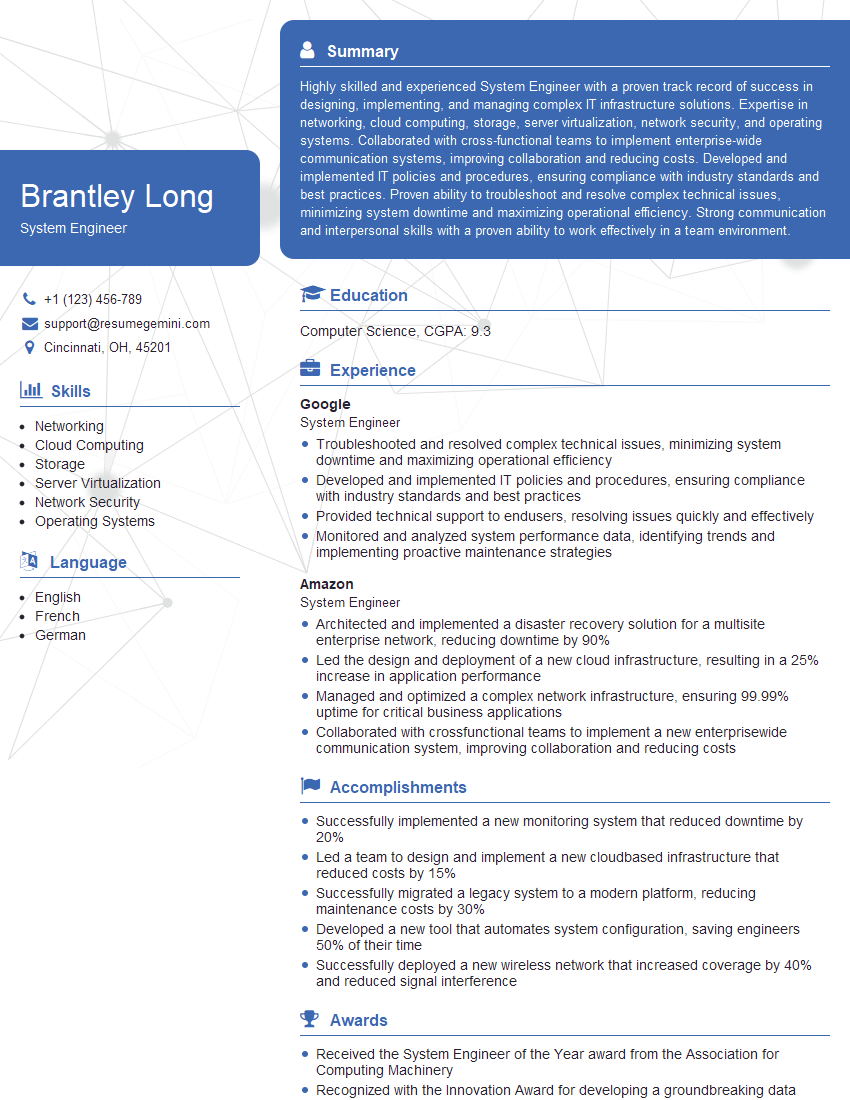
System Engineer Resume Sample

System Administrator Resume Sample
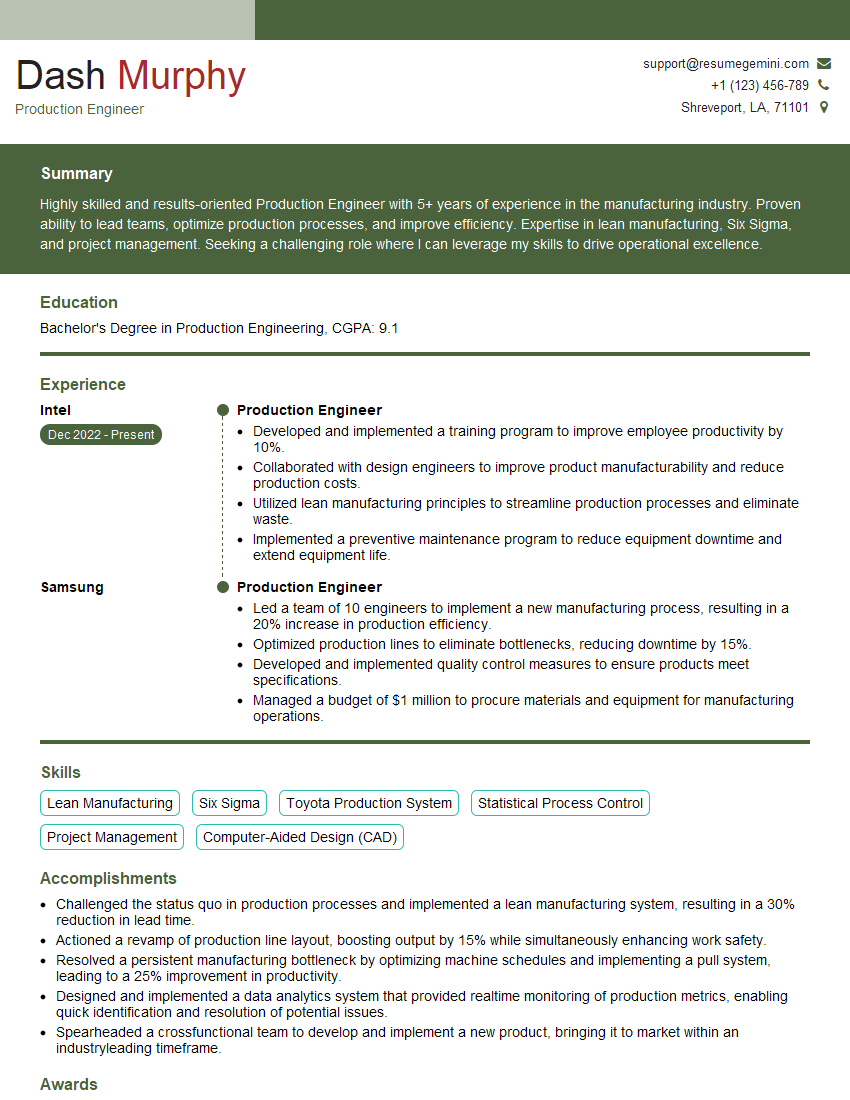
Production Engineer Resume Sample
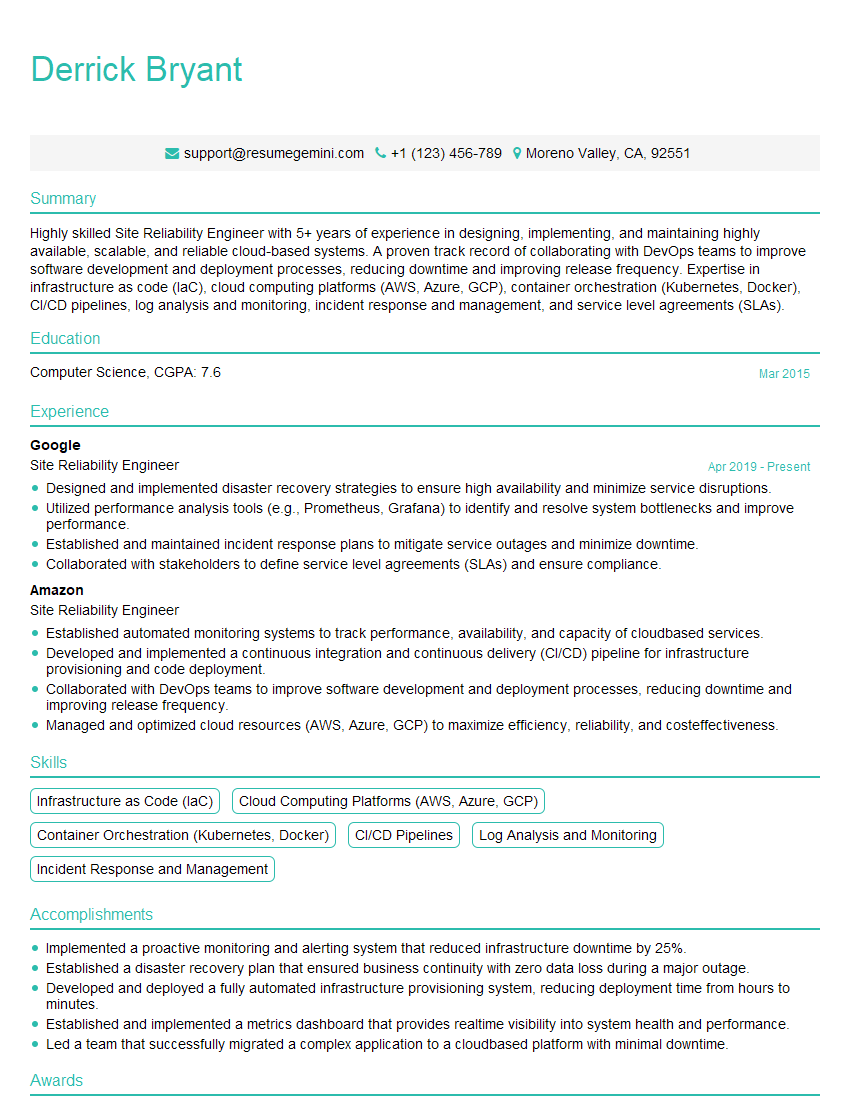
Site Reliability Engineer Resume Sample
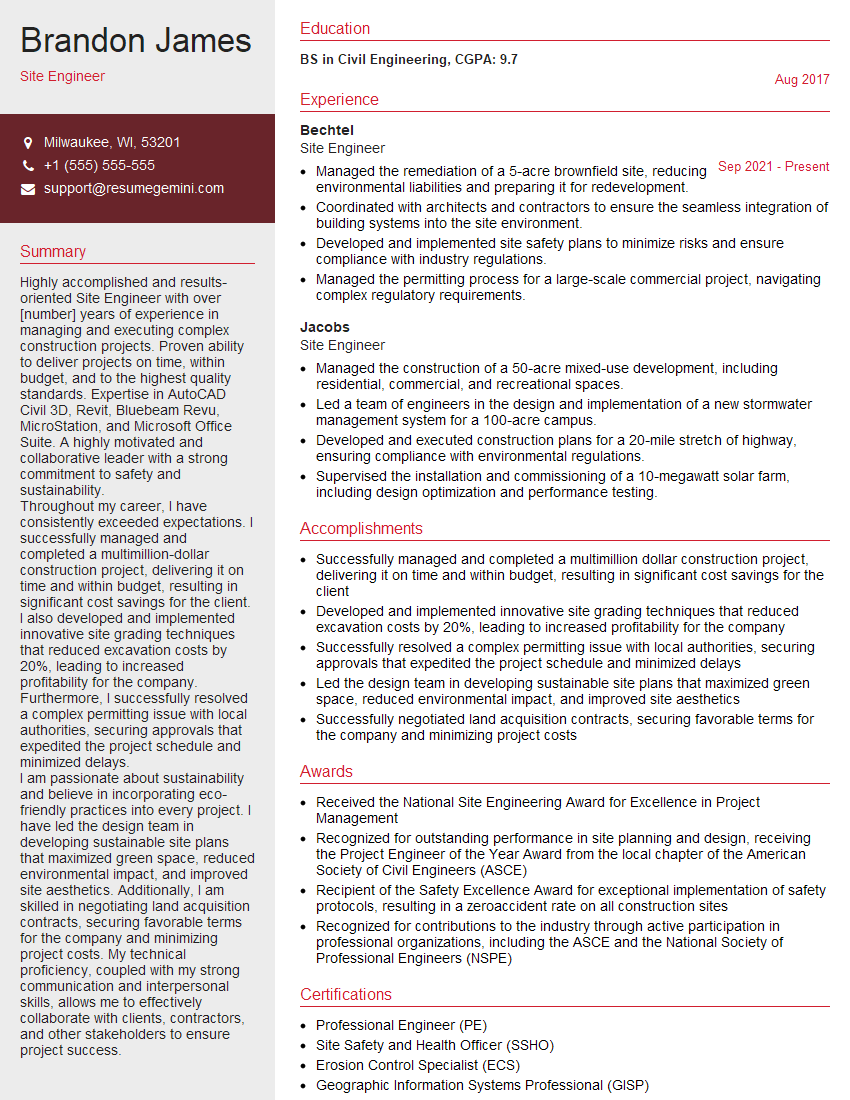
Site Engineer Resume Sample

Database Administrator Resume Sample
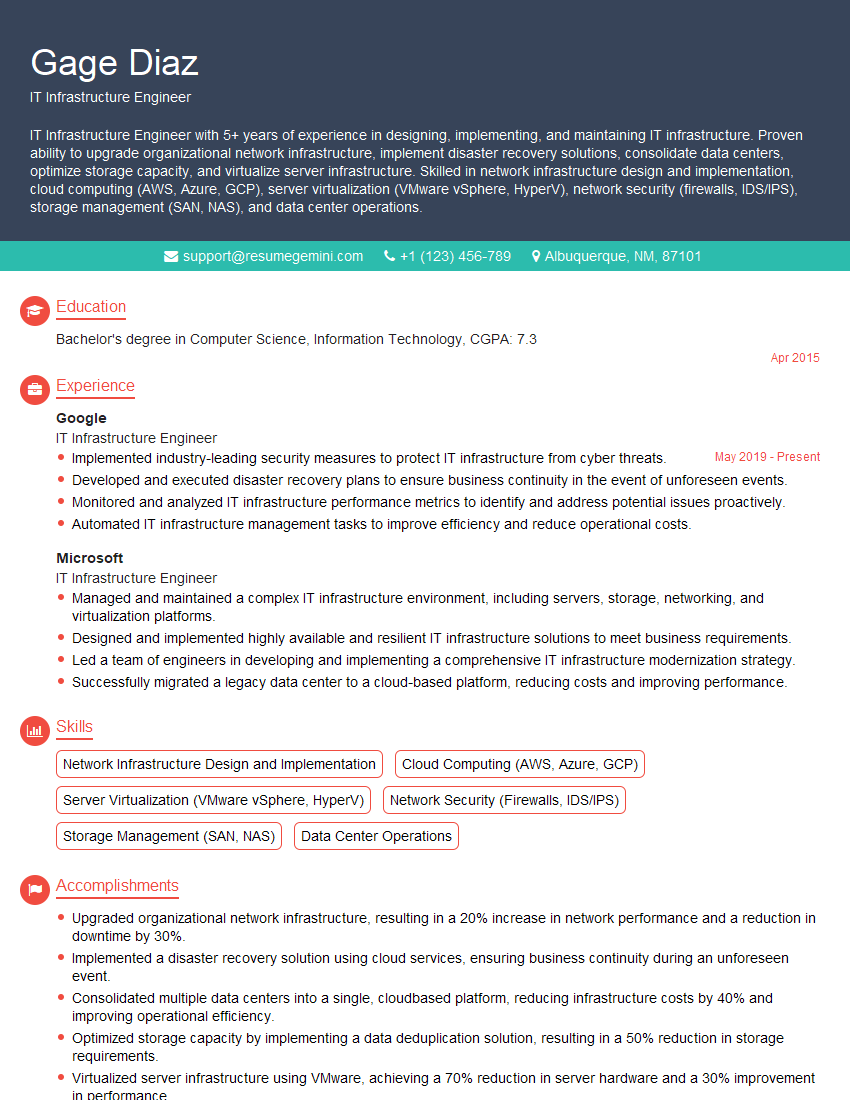
IT Infrastructure Engineer Resume Sample

DevOps Engineer Resume Sample

Cloud Architect Resume Sample
Explore more articles
Users Rating of Our Blogs
Share Your Experience
We value your feedback! Please rate our content and share your thoughts (optional).
What Readers Say About Our Blog
Attention music lovers!
Wow, All the best Sax Summer music !!!
Spotify: https://open.spotify.com/artist/6ShcdIT7rPVVaFEpgZQbUk
Apple Music: https://music.apple.com/fr/artist/jimmy-sax-black/1530501936
YouTube: https://music.youtube.com/browse/VLOLAK5uy_noClmC7abM6YpZsnySxRqt3LoalPf88No
Other Platforms and Free Downloads : https://fanlink.tv/jimmysaxblack
on google : https://www.google.com/search?q=22+AND+22+AND+22
on ChatGPT : https://chat.openai.com?q=who20jlJimmy20Black20Sax20Producer
Get back into the groove with Jimmy sax Black
Best regards,
Jimmy sax Black
www.jimmysaxblack.com
Hi I am a troller at The aquatic interview center and I suddenly went so fast in Roblox and it was gone when I reset.
Hi,
Business owners spend hours every week worrying about their website—or avoiding it because it feels overwhelming.
We’d like to take that off your plate:
$69/month. Everything handled.
Our team will:
Design a custom website—or completely overhaul your current one
Take care of hosting as an option
Handle edits and improvements—up to 60 minutes of work included every month
No setup fees, no annual commitments. Just a site that makes a strong first impression.
Find out if it’s right for you:
https://websolutionsgenius.com/awardwinningwebsites
Hello,
we currently offer a complimentary backlink and URL indexing test for search engine optimization professionals.
You can get complimentary indexing credits to test how link discovery works in practice.
No credit card is required and there is no recurring fee.
You can find details here:
https://wikipedia-backlinks.com/indexing/
Regards
NICE RESPONSE TO Q & A
hi
The aim of this message is regarding an unclaimed deposit of a deceased nationale that bears the same name as you. You are not relate to him as there are millions of people answering the names across around the world. But i will use my position to influence the release of the deposit to you for our mutual benefit.
Respond for full details and how to claim the deposit. This is 100% risk free. Send hello to my email id: [email protected]
Luka Chachibaialuka
Hey interviewgemini.com, just wanted to follow up on my last email.
We just launched Call the Monster, an parenting app that lets you summon friendly ‘monsters’ kids actually listen to.
We’re also running a giveaway for everyone who downloads the app. Since it’s brand new, there aren’t many users yet, which means you’ve got a much better chance of winning some great prizes.
You can check it out here: https://bit.ly/callamonsterapp
Or follow us on Instagram: https://www.instagram.com/callamonsterapp
Thanks,
Ryan
CEO – Call the Monster App
Hey interviewgemini.com, I saw your website and love your approach.
I just want this to look like spam email, but want to share something important to you. We just launched Call the Monster, a parenting app that lets you summon friendly ‘monsters’ kids actually listen to.
Parents are loving it for calming chaos before bedtime. Thought you might want to try it: https://bit.ly/callamonsterapp or just follow our fun monster lore on Instagram: https://www.instagram.com/callamonsterapp
Thanks,
Ryan
CEO – Call A Monster APP
To the interviewgemini.com Owner.
Dear interviewgemini.com Webmaster!
Hi interviewgemini.com Webmaster!
Dear interviewgemini.com Webmaster!
excellent
Hello,
We found issues with your domain’s email setup that may be sending your messages to spam or blocking them completely. InboxShield Mini shows you how to fix it in minutes — no tech skills required.
Scan your domain now for details: https://inboxshield-mini.com/
— Adam @ InboxShield Mini
Reply STOP to unsubscribe
Hi, are you owner of interviewgemini.com? What if I told you I could help you find extra time in your schedule, reconnect with leads you didn’t even realize you missed, and bring in more “I want to work with you” conversations, without increasing your ad spend or hiring a full-time employee?
All with a flexible, budget-friendly service that could easily pay for itself. Sounds good?
Would it be nice to jump on a quick 10-minute call so I can show you exactly how we make this work?
Best,
Hapei
Marketing Director
Hey, I know you’re the owner of interviewgemini.com. I’ll be quick.
Fundraising for your business is tough and time-consuming. We make it easier by guaranteeing two private investor meetings each month, for six months. No demos, no pitch events – just direct introductions to active investors matched to your startup.
If youR17;re raising, this could help you build real momentum. Want me to send more info?
Hi, I represent an SEO company that specialises in getting you AI citations and higher rankings on Google. I’d like to offer you a 100% free SEO audit for your website. Would you be interested?
Hi, I represent an SEO company that specialises in getting you AI citations and higher rankings on Google. I’d like to offer you a 100% free SEO audit for your website. Would you be interested?