The thought of an interview can be nerve-wracking, but the right preparation can make all the difference. Explore this comprehensive guide to Photography and Presentation interview questions and gain the confidence you need to showcase your abilities and secure the role.
Questions Asked in Photography and Presentation Interview
Q 1. Explain your experience with different photography styles (e.g., portrait, landscape, product).
My photography experience spans a variety of styles, each demanding a unique approach. Portrait photography, for instance, focuses on capturing a subject’s personality and essence. This involves careful consideration of lighting, posing, and background to create an image that is both aesthetically pleasing and emotionally resonant. I’ve worked extensively on individual portraits, headshots for professionals, and family portraits, each requiring a different level of interaction and direction.
Landscape photography, on the other hand, emphasizes capturing the grandeur and beauty of nature. It’s about finding the right composition, understanding light, and using techniques like long exposures to create dramatic effects. My work in this area includes capturing sweeping vistas, intimate details of flora and fauna, and dramatic weather scenes. I’m proficient in using filters and different camera settings to optimize the final result.
Product photography requires a completely different skill set, focusing on showcasing items in the most attractive and informative way possible. It often involves meticulous lighting setups to minimize shadows and highlight details, and a keen eye for composition to create visually appealing images that accurately represent the product. I’ve worked on projects ranging from jewelry to electronics, adapting my techniques to best represent each product’s unique characteristics.
Q 2. Describe your workflow for a typical photography project.
My workflow for a typical photography project is a structured process designed for efficiency and high-quality results. It begins with a thorough consultation with the client to understand their vision and goals. This includes discussing the style, desired outcome, and any specific requirements. Next, I meticulously plan the shoot, considering location scouting, model selection (if applicable), lighting, and equipment needs. A detailed shot list helps to ensure I capture everything necessary during the shoot.
The actual photoshoot involves careful execution of the plan, constant monitoring of lighting and composition, and effective communication with the subject or model. Post-production is equally crucial; it’s where I select the best images, perform editing and retouching using software like Adobe Photoshop and Lightroom, and optimize the images for various platforms. Finally, I deliver the finished product to the client, often accompanied by a proofing session to ensure complete satisfaction.
Q 3. What software and hardware are you proficient in for photo editing and manipulation?
My proficiency in photo editing and manipulation software is extensive. I’m highly skilled in Adobe Photoshop and Lightroom, the industry-standard tools. Photoshop allows for detailed retouching, compositing, and advanced manipulation, while Lightroom provides excellent tools for color correction, organization, and non-destructive editing. I also have experience with other software like Capture One, which offers powerful features for tethered shooting and image processing.
In terms of hardware, I’m proficient in using a wide range of cameras, from DSLR and mirrorless systems to medium format cameras. I also have extensive experience with various lighting equipment, including strobes, speedlights, continuous lighting, and modifiers like softboxes and reflectors. My technical proficiency ensures I can effectively utilize the available resources to capture and process high-quality images.
Q 4. How do you manage large image files and optimize them for various platforms?
Managing large image files efficiently is critical for any photographer. I use a combination of strategies to handle this. Firstly, I shoot in RAW format, which preserves maximum image data, but I only work with lossless compressed RAW files to minimize storage space. Secondly, I utilize a robust storage system, combining hard drives and cloud storage solutions for backups and accessibility. This redundancy ensures that my valuable images are safe and readily available.
Optimizing images for various platforms involves understanding the requirements of each. For web use, I typically reduce the resolution and file size using tools within Lightroom or Photoshop to create JPEGs that load quickly without sacrificing too much quality. For print, I ensure the images are at a high enough resolution to maintain sharpness and detail. I frequently employ techniques like sharpening and noise reduction to enhance the final output across various mediums.
Q 5. Explain your understanding of color theory and its application in photography.
Color theory is fundamental to photography; it’s the foundation for creating visually appealing and impactful images. Understanding the color wheel – including primary, secondary, and tertiary colors – allows me to strategically choose colors to create specific moods and effects. For instance, warm colors (reds, oranges, yellows) often evoke feelings of warmth and energy, while cool colors (blues, greens, purples) can convey calmness and serenity.
I apply color theory by considering color harmony – complementary, analogous, triadic – to create balanced and pleasing compositions. I also use color contrast to draw attention to specific elements within an image. For example, a brightly colored subject against a neutral background will instantly capture the viewer’s eye. Mastering white balance is crucial for accurate and consistent color representation across different lighting conditions.
Q 6. Describe your experience with lighting techniques and equipment.
My experience with lighting techniques is extensive. I’m proficient in using both natural and artificial lighting, understanding how each impacts the mood and feel of an image. Natural light, while beautiful, can be unpredictable, so I use it strategically, often taking advantage of the golden hour (sunrise and sunset) for soft, warm light. Artificial lighting, using strobes, speedlights, or continuous lighting, offers greater control over the intensity, direction, and color of light.
I employ a variety of lighting techniques, including Rembrandt lighting (a classic portrait technique that creates a triangular highlight on the subject’s cheek), butterfly lighting (creating a shadow beneath the nose), and split lighting (dividing the subject’s face with light and shadow). I’m familiar with various lighting modifiers like softboxes, umbrellas, and reflectors, which allow me to shape and soften the light to achieve the desired effect. My expertise extends to setting up complex lighting setups for both studio and on-location shoots.
Q 7. How do you handle difficult clients or unexpected challenges during a photoshoot?
Handling difficult clients or unexpected challenges requires a proactive and adaptable approach. Clear communication is paramount. I always begin by clearly outlining the project scope, timeline, and deliverables to set expectations from the start. If a client has unrealistic expectations, I address them professionally and suggest alternatives, offering solutions based on my expertise.
Unexpected challenges, such as technical malfunctions during a shoot, are addressed by having contingency plans in place. I always carry backup equipment, and I’m prepared to adapt to unexpected changes in location or weather. Maintaining a calm and professional demeanor, focusing on problem-solving, and demonstrating flexibility helps to navigate even the most challenging situations successfully. My goal is always to deliver a positive experience, even when faced with adversity.
Q 8. How do you ensure the quality and consistency of your photographic work?
Maintaining quality and consistency in photography is a multifaceted process that begins long before I even pick up my camera. It’s about establishing a robust workflow, paying meticulous attention to detail, and understanding the technical and artistic aspects of photography.
Pre-Production Planning: I begin with thorough planning, defining my subject, lighting, composition, and desired mood. A detailed shot list helps ensure I capture all necessary elements consistently.
Consistent Camera Settings: I maintain consistent camera settings (ISO, aperture, shutter speed) whenever possible, especially within a series or project. This helps avoid variations in exposure and image quality. If adjustments are necessary, I document them meticulously.
Calibration and Maintenance: Regular calibration of my equipment, including my camera and monitor, is crucial. This ensures accurate color representation and avoids inconsistencies. Proper cleaning and maintenance of my equipment prevents unforeseen technical issues.
Post-Processing Workflow: I use a consistent and non-destructive editing workflow in software like Lightroom or Photoshop. This involves establishing a standard set of edits and adjustments that I apply to maintain a cohesive look and feel across my work. This ensures that even with adjustments, the final product maintains a similar style.
Regular Self-Assessment: I regularly review my past work, identifying areas for improvement and refining my techniques. Critical self-analysis is crucial for consistent growth and quality improvement.
Q 9. What is your approach to building a strong photography portfolio?
Building a strong photography portfolio is about showcasing your best work in a way that tells a compelling story about your skills and style. It’s not just about quantity, but quality and curation.
Curation is Key: I only include my strongest and most representative images. This requires rigorous self-critique and the willingness to leave out images that don’t fit the overall narrative or quality level.
Theme and Style: A portfolio should ideally have a cohesive theme or style. This showcases a consistent vision and understanding of your artistic direction. This doesn’t mean all photos must be identical, but there should be a sense of unity.
Variety and Range: While maintaining a consistent style, a diverse range of subjects and techniques demonstrates versatility. It shows you can adapt your skills to various situations and creative challenges.
High-Resolution Images: I ensure all images are high-resolution and professionally edited. Poor image quality can detract from even the strongest composition.
Presentation: I present the portfolio in a clean and user-friendly format, either online or in print. The layout and design should complement the images and enhance their impact. A simple, clean design is often more effective than a cluttered one.
Storytelling: The portfolio should tell a story. Think about the narrative you want to create. Are you specializing in portraiture? Landscape? Product photography? The images, their sequence, and any accompanying text should reinforce this.
Q 10. Describe your experience with different presentation software (e.g., PowerPoint, Keynote).
I’m proficient in both PowerPoint and Keynote, having used them extensively for diverse presentation needs. While both accomplish similar goals, they offer slightly different approaches to design and functionality.
PowerPoint: PowerPoint offers a wide range of features and templates, making it a versatile choice for various presentations, from corporate presentations to academic lectures. Its familiarity makes it a safe and effective bet for a broad range of audiences.
Keynote: Keynote, on the other hand, is known for its intuitive interface and sleek design capabilities. It excels in creating visually stunning and modern presentations, often preferred for creative industries or situations where visual impact is paramount. The animations and transitions are frequently more sophisticated in Keynote.
Comparison: Ultimately, the best choice depends on the specific needs of the presentation and personal preference. I select the software that best suits the style, content, and overall objectives of the project. For example, if a client needs a highly visual presentation that is easily exported to different formats, Keynote may be superior. If a presentation needs extensive data integration, then PowerPoint might be more suitable.
Q 11. How do you design effective and engaging presentations for diverse audiences?
Designing effective presentations for diverse audiences requires understanding their backgrounds, expectations, and communication styles. It’s crucial to tailor the content and delivery method to resonate with each group.
Audience Research: Before designing a presentation, I conduct thorough audience research to understand their level of knowledge, interests, and potential biases. This might involve reviewing past presentations they have engaged with, or if possible, informal interviews.
Content Adaptation: I adapt the content to match the audience’s understanding. Jargon or technical terms should be explained clearly, and complex information should be broken down into manageable chunks. Examples and analogies are essential in making concepts relatable.
Visual Communication: I use visuals—images, graphs, charts—to reinforce key messages and cater to different learning styles. Visuals help maintain engagement and comprehension, particularly for large audiences or complex topics.
Interactive Elements: Incorporating interactive elements, such as Q&A sessions, polls, or quizzes, helps to engage the audience and foster a more participatory experience. It also provides immediate feedback and increases the audience’s sense of involvement.
Delivery Style: The delivery style is also essential. I adapt my speaking style, tone, and pacing to suit the audience and maintain an engaging presentation. Humor and storytelling, when appropriate, help to enhance connection and engagement.
Q 12. Explain your understanding of visual hierarchy and its role in presentation design.
Visual hierarchy is the arrangement of elements in a presentation to guide the viewer’s eye and emphasize key information. It’s about creating a clear path for the audience to follow and understand the message effectively.
Principles of Visual Hierarchy: Several design principles contribute to visual hierarchy, including:
Size: Larger elements are naturally perceived as more important.
Color: Bright, contrasting colors draw attention.
Position: Elements placed centrally or at the top tend to be noticed first.
Contrast: Varying font sizes, weights, and styles helps to create visual emphasis.
Spacing: White space helps to visually separate and highlight key elements.
Role in Presentation Design: A well-defined visual hierarchy ensures the audience focuses on the most important information first. It avoids a cluttered presentation, where viewers struggle to find the main points, leading to confusion and lack of engagement. A clear hierarchy guides them through the information smoothly.
Example: In a presentation on financial performance, a large, bold title summarizing the key result might be at the top. Supporting charts and graphs showing the details could follow, with smaller fonts for less critical information.
Q 13. What are your preferred methods for incorporating visual aids into presentations?
The incorporation of visual aids should be strategic and purposeful, enhancing the message rather than distracting from it. The choice of visuals depends on the nature of the information being presented.
Images: High-quality, relevant images are extremely valuable for illustrating concepts, adding emotional appeal, and breaking up large blocks of text. They should be professionally sourced and properly sized and formatted.
Graphs and Charts: Graphs and charts are ideal for presenting data clearly and concisely. They must be easily understood and avoid unnecessary complexity. Simpler is usually better; avoid overwhelming audiences with too much data.
Infographics: Infographics are visually appealing ways to present complex data or processes in an engaging format. They make data easy to digest.
Videos: Short, high-quality videos can be highly effective for illustrating processes, showcasing examples, or adding a personal touch. However, they should be kept concise to avoid losing the audience’s attention.
Illustrations: Custom illustrations can effectively communicate abstract concepts or add a unique artistic flair to a presentation. Their use depends on the overall style and tone of the presentation.
Principle: Regardless of the chosen visual aid, the principle remains consistency and purpose. All visuals should be high quality, well-integrated into the flow of the presentation, and directly support the narrative.
Q 14. How do you handle feedback and revisions on presentation designs?
Handling feedback and revisions is a crucial part of the design process. It’s an opportunity to improve the presentation and ensure it effectively communicates the intended message.
Active Listening: I actively listen to feedback, asking clarifying questions to fully understand the concerns or suggestions. I avoid getting defensive; feedback is invaluable for improvement.
Prioritization: I prioritize feedback based on its impact and feasibility. Not all suggestions are equally valuable or practical to implement.
Iteration and Refinement: I use the feedback to iterate and refine the presentation design. This may involve adjustments to the layout, content, or visuals. I might create multiple revisions to demonstrate different approaches.
Documentation: I document all changes made, explaining the rationale behind the revisions. This is helpful for tracking progress and justifying design choices.
Professionalism: I maintain a professional and collaborative attitude throughout the revision process, valuing the feedback provided and striving to create the best possible outcome.
Q 15. Describe your experience creating presentations for different purposes (e.g., sales, training, education).
Creating effective presentations hinges on understanding the audience and the desired outcome. My experience spans diverse purposes, each demanding a unique approach. For sales presentations, the focus is on compelling visuals and a clear call to action, often incorporating data demonstrating ROI. I’ve crafted presentations showcasing product features and benefits using high-impact imagery and concise messaging, resulting in increased sales leads. In training presentations, the emphasis shifts towards clear instruction and knowledge retention. I incorporate interactive elements, such as quizzes and group activities, and use visuals to simplify complex concepts. For educational presentations, the goal is to engage and inspire learning. This might involve using storytelling, incorporating historical context, and employing visually rich elements to capture attention and foster understanding. For example, I created a training presentation for a tech company using interactive simulations to demonstrate software functionalities and a history-focused educational presentation using archival photos to illustrate a significant historical event.
Career Expert Tips:
- Ace those interviews! Prepare effectively by reviewing the Top 50 Most Common Interview Questions on ResumeGemini.
- Navigate your job search with confidence! Explore a wide range of Career Tips on ResumeGemini. Learn about common challenges and recommendations to overcome them.
- Craft the perfect resume! Master the Art of Resume Writing with ResumeGemini’s guide. Showcase your unique qualifications and achievements effectively.
- Don’t miss out on holiday savings! Build your dream resume with ResumeGemini’s ATS optimized templates.
Q 16. What are some strategies you use to maintain audience engagement during presentations?
Maintaining audience engagement is crucial for a successful presentation. I employ several strategies to achieve this. First, I always begin with a compelling hook – a captivating story, a surprising statistic, or a relevant anecdote – to instantly grab attention. Throughout the presentation, I incorporate a variety of media, including visuals, audio, and even short video clips, to prevent monotony. I also actively involve the audience by asking questions, running polls, or encouraging discussion. Humor, when appropriate, can be a powerful tool to break the ice and keep the energy high. Furthermore, I use clear, concise language and avoid overwhelming the audience with too much information at once. I also vary my delivery style, alternating between speaking directly to the audience and engaging with individual participants to foster a sense of connection. Finally, I make sure my presentations are visually appealing and easy to follow using clear fonts and a visually consistent design.
Q 17. How do you adapt your presentation style to different communication channels (e.g., in-person, online)?
Adapting to different communication channels is key. In-person presentations allow for more immediate audience interaction and feedback. I use this opportunity to gauge understanding and adjust my pace and delivery as needed. I might incorporate more physical activities or group discussions. Online presentations require a different approach. I ensure the visuals are clear and easy to read on various screen sizes. I often use interactive tools, like polls and Q&A sessions, to maintain engagement despite the physical distance. I also pre-record segments to ensure a smooth flow, and incorporate clear audio and video quality for a professional experience. For example, during an online training session I utilized breakout rooms for interactive group discussions and a live chat for quick questions. For an in-person presentation, a quick audience poll was used to determine the level of familiarity with the topic to adjust the presentation accordingly.
Q 18. Explain your experience with data visualization and its application in presentations.
Data visualization is essential for presenting complex information clearly and concisely. My experience includes using various tools and techniques to transform raw data into easily digestible visuals, such as charts, graphs, and maps. I’m proficient in software like Tableau and Power BI, creating compelling dashboards and interactive reports. For instance, in a sales presentation, I used a bar chart to compare sales figures across different regions, instantly highlighting key performance indicators. In an educational context, I utilized a geographical map to show the spread of a specific phenomenon over time, providing a visual narrative of its development. The key is to choose the right visual representation for the specific data and to ensure it’s visually appealing and easy to interpret. Overly complex visualizations can confuse the audience; simplicity and clarity are paramount.
Q 19. How do you ensure accessibility in your presentation designs?
Accessibility is a critical consideration in presentation design. I ensure my presentations are inclusive and usable for everyone, regardless of their abilities. This includes using sufficient color contrast, avoiding overly complex animations that could be distracting, and providing alternative text descriptions for all images. I also employ clear and concise language, avoiding jargon. For visually impaired individuals, I ensure presentations are compatible with screen readers, and I provide transcripts or closed captions for video content. For individuals with hearing impairments, I incorporate visual cues and summaries. Considering font sizes, using bullet points to break up text, and providing handouts all contribute to accessibility. Ultimately, accessible design is about creating a presentation that is usable and understandable for the widest possible audience.
Q 20. What are your preferred methods for storytelling in both photography and presentations?
Storytelling is the cornerstone of both effective photography and compelling presentations. In photography, I strive to capture moments that evoke emotion and create a narrative. This involves careful composition, lighting, and subject selection to convey a specific message or feeling. For example, a carefully framed image might tell a story of loneliness or joy depending on the composition and subject. Similarly, in presentations, I structure my content to create a narrative arc – with a beginning, middle, and end – incorporating a compelling opening, building towards a climax, and delivering a memorable conclusion. I utilize visuals to enhance the story, carefully selecting images and graphics that support the narrative and evoke emotion. Ultimately, it’s about weaving together information and visuals to create a cohesive and engaging experience for the audience, leaving a lasting impact.
Q 21. Describe your experience with branding and its visual application.
Branding is a crucial aspect of visual communication, shaping how an organization or product is perceived. My experience involves applying branding principles across various media, ensuring consistent visual identity. I’m familiar with developing brand guidelines, including color palettes, typography, logo usage, and imagery style, ensuring uniformity across all platforms. I have designed presentations that incorporated specific brand colors, fonts, and imagery to reinforce brand recognition and create a cohesive visual experience. For example, I created a presentation for a client that incorporated their brand’s signature color scheme and typography, while ensuring all imagery aligned with their overall brand aesthetic. Strong branding ensures that presentations don’t just communicate information, they also communicate the brand’s personality and values.
Q 22. How do you ensure consistency in visual branding across multiple platforms?
Maintaining consistent visual branding across platforms requires a meticulous approach, focusing on a defined brand style guide. This guide should encompass everything from logo usage and color palettes to typography and image styles. Think of it as a rulebook for your visual identity.
- Color Palette: Define specific hex codes for primary, secondary, and accent colors. This ensures consistency across websites, social media, and print materials. For example, using #007bff (a vibrant blue) consistently for call-to-action buttons across all platforms.
- Logo Usage: Specify minimum sizes, clear space around the logo, and acceptable variations (e.g., monochrome versions). Inconsistency in logo size or placement dilutes brand recognition.
- Typography: Select specific font families for headings, body text, and captions. This creates a unified and readable experience across all channels. For instance, using ‘Open Sans’ for body text and ‘Roboto’ for headings ensures a consistent feel.
- Image Style: Establish a clear photographic style guide. Define aspects like color grading, composition preferences, and overall aesthetic (e.g., bright and airy vs. moody and dark). Using a consistent filter or editing style across all images creates a cohesive visual narrative.
- Brand Assets Library: Create a centralized repository for all brand assets, making them easily accessible to designers and marketers. This eliminates discrepancies arising from using outdated or inconsistent materials.
By adhering strictly to the brand style guide, you ensure that your visual communication remains consistent and impactful regardless of the platform.
Q 23. What is your understanding of copyright and usage rights for photography?
Copyright and usage rights in photography are crucial for legal compliance and ethical practice. Essentially, copyright protects the photographer’s original work from unauthorized use. Understanding usage rights determines how a photograph can be legally used.
- Copyright Ownership: The photographer typically owns the copyright unless a contract stipulates otherwise (e.g., a work-for-hire agreement). This ownership grants exclusive rights to reproduce, distribute, display, and create derivative works from the photograph.
- Licensing: Photographers often license their images under various conditions, such as royalty-free (allowing usage for a fee without further royalties), rights-managed (allowing usage with specific limitations and fees), or creative commons (offering varying degrees of usage rights under specific conditions).
- Fair Use: In some instances, limited use of copyrighted material may be permitted under ‘fair use’ doctrines. This typically applies to educational, news reporting, commentary, or criticism purposes, and requires consideration of factors such as the purpose and character of the use, the nature of the copyrighted work, the amount and substantiality of the portion used, and the effect of the use upon the potential market.
- Model and Property Releases: If a photograph depicts identifiable individuals or private property, obtaining model and property releases is often essential to avoid legal issues. These releases grant permission to use the image featuring the individuals or property.
Always clarify usage rights before using any photograph, and ensure you respect the photographer’s copyright. Ignorance of the law is no excuse. Using a reputable stock photo agency or contacting photographers directly is crucial for legally sound image usage.
Q 24. How do you use photography to support and enhance a presentation’s message?
Photography plays a vital role in enhancing presentations, transforming them from monotone text-heavy affairs into compelling visual stories. Effective use involves careful consideration of image selection and integration.
- Visual Storytelling: Images should support the narrative, providing context and reinforcing key messages. Avoid using distracting or irrelevant images. For instance, a graph illustrating sales growth should accompany a slide discussing positive financial performance.
- Emotional Impact: Images can evoke emotions, capturing the audience’s attention and enhancing engagement. A powerful image can communicate far more than words alone. Using a photo of a happy customer when showcasing successful product implementation is more persuasive than just statistical data.
- Breaking Monotony: Strategic use of photography can break up large blocks of text, enhancing readability and preventing visual fatigue. Intersperse relevant visuals between paragraphs to maintain viewer interest.
- High-Quality Images: Resolution matters. Use high-resolution images suitable for the presentation’s display format to ensure clarity and visual impact. Avoid blurry or pixelated images, which detract from the overall professionalism.
- Image Attribution: Always provide proper attribution to the photographers if using stock or licensed images. Respecting intellectual property rights is crucial.
In essence, photography should become an integral part of your presentation, a visual language that reinforces your message and enhances audience engagement.
Q 25. Describe a time you had to troubleshoot a technical issue during a photoshoot or presentation.
During a product launch photoshoot, our primary lighting setup malfunctioned just minutes before the scheduled shoot. The main strobe light suddenly stopped functioning, threatening to delay the event and compromise the planned shots.
My immediate response involved a systematic troubleshooting process:
- Identify the Problem: We quickly confirmed the strobe wasn’t working by checking its power supply and fuses. The problem was clearly with the strobe itself.
- Explore Solutions: We considered alternatives: using backup lighting equipment (fortunately, we had a secondary setup), adjusting the existing natural light conditions to compensate, or postponing a few shots.
- Implement the Best Solution: Given time constraints, we opted for a combination of our secondary lighting setup and carefully leveraging available natural light. We repositioned the product and adjusted camera settings to adapt to the modified lighting conditions.
- Contingency Planning: This experience reinforced the importance of having backup plans and thorough equipment checks before any shoot.
Although the initial setback was frustrating, our quick thinking and adaptability ensured the photoshoot proceeded with minimal disruption, ultimately delivering successful images for the product launch.
Q 26. How do you prioritize tasks and manage your time effectively in a fast-paced environment?
Prioritizing tasks and managing time effectively, especially in a fast-paced environment, requires a structured approach. I employ a combination of techniques:
- Prioritization Matrix (Eisenhower Matrix): I categorize tasks based on urgency and importance, focusing on urgent and important tasks first. This ensures that critical tasks receive immediate attention.
- Task Breakdown: Large projects are broken down into smaller, more manageable tasks, making them less daunting and easier to track progress on.
- Time Blocking: I allocate specific time blocks for specific tasks in my daily schedule, minimizing distractions and ensuring focused work sessions.
- Tool Usage: Project management tools such as Asana or Trello help me to visualize tasks, track progress, and collaborate effectively with team members.
- Delegation: When appropriate, I delegate tasks to team members to optimize workload and leverage individual expertise.
- Regular Review: I regularly review my schedule and priorities, adjusting them as needed to accommodate changing circumstances.
This structured approach keeps me organized, productive, and allows me to meet deadlines even in demanding situations. It’s about strategic planning and adaptable execution.
Q 27. Explain your understanding of different file formats and their suitability for various applications.
Understanding file formats and their suitability is crucial for efficient workflow and optimal image quality. Different formats offer various advantages and disadvantages.
- JPEG (JPG): A lossy format, meaning some data is discarded during compression, resulting in smaller file sizes. Ideal for web use and situations where file size is a priority. However, it is not suitable for archival purposes due to data loss with each successive save.
- TIFF: A lossless format, preserving all image data. Suitable for archival purposes and high-quality printing. However, it generates significantly larger file sizes compared to JPEG.
- PNG: A lossless format supporting transparency, making it suitable for images with sharp edges and transparency (like logos or illustrations) on web pages. Larger than JPEG but smaller than TIFF.
- RAW: A camera-specific format that stores unprocessed image data. Offers maximum flexibility during post-processing, enabling adjustments to exposure, white balance, and other parameters. Large file sizes and requires specialized software.
- GIF: A lossless format primarily for animated images, which supports up to 256 colors. Suitable for web use, especially for short animated sequences.
The choice of file format depends heavily on the intended application and desired level of quality vs. file size. For online use, optimized JPEGs and PNGs are often preferred. For archival or high-quality printing, TIFF or RAW formats are more suitable.
Q 28. What are your salary expectations for this role?
My salary expectations for this role are commensurate with my experience and skills in photography, presentation design, and visual branding. I’m confident that my contributions will significantly benefit your organization. Considering my extensive experience and proven success in delivering high-impact visual communication, my salary expectations fall within the range of [Insert Salary Range] annually. However, I’m open to discussing this further based on the specifics of the role and the overall compensation package.
Key Topics to Learn for Photography and Presentation Interview
- Photography Fundamentals: Understanding composition, lighting, exposure triangle (aperture, shutter speed, ISO), and various photographic styles (portrait, landscape, product, etc.). Practical application: Be prepared to discuss your approach to a specific photographic challenge, such as capturing a dynamic action shot or creating a mood through lighting.
- Image Editing and Post-Processing: Proficiency in software like Photoshop or Lightroom. Practical application: Explain your workflow for editing photos, highlighting your understanding of color correction, retouching, and non-destructive editing techniques.
- Presentation Skills & Storytelling: Crafting compelling narratives through imagery, selecting appropriate visuals for your message, and understanding audience engagement techniques. Practical application: Discuss how you would present a photo series to tell a story, considering the context and target audience.
- Technical Aspects of Photography: Understanding camera equipment, lenses, and file formats. Practical application: Be ready to discuss your experience with different camera systems and lenses, and explain why you chose them for specific projects.
- Portfolio Building & Presentation: Creating a cohesive and professional portfolio that showcases your best work. Practical application: Explain your approach to curating your portfolio, emphasizing the narrative and strategic selection of your images.
- Design Principles: Understanding principles of visual design, such as color theory, typography, and layout, as applied to presentations and image selection. Practical application: Discuss how you utilize design principles to create visually appealing and effective presentations.
- Software Proficiency (beyond editing): Familiarity with presentation software (PowerPoint, Keynote, Google Slides) and potentially other relevant software based on the job description. Practical application: Explain how you leverage software features to create dynamic and engaging presentations.
Next Steps
Mastering photography and presentation skills is crucial for career advancement in many creative fields. A strong portfolio is essential, but equally important is the ability to effectively communicate your vision and expertise to potential clients or employers. To significantly increase your job prospects, focus on creating an ATS-friendly resume that highlights your accomplishments and skills. ResumeGemini is a trusted resource to help you build a professional and impactful resume. We provide examples of resumes tailored to Photography and Presentation roles to guide you through the process.

Art Director Resume Sample

Creative Director Resume Sample

Web Designer Resume Sample
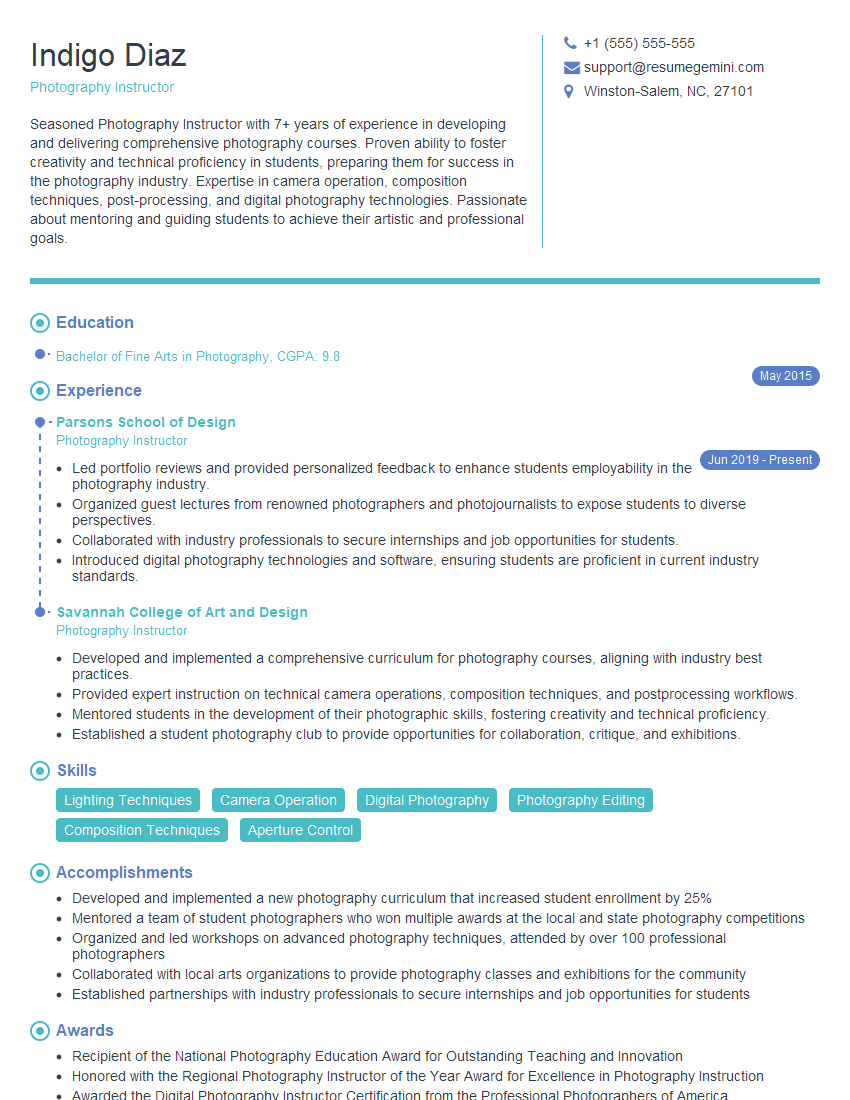
Photography Instructor Resume Sample

Multimedia Specialist Resume Sample
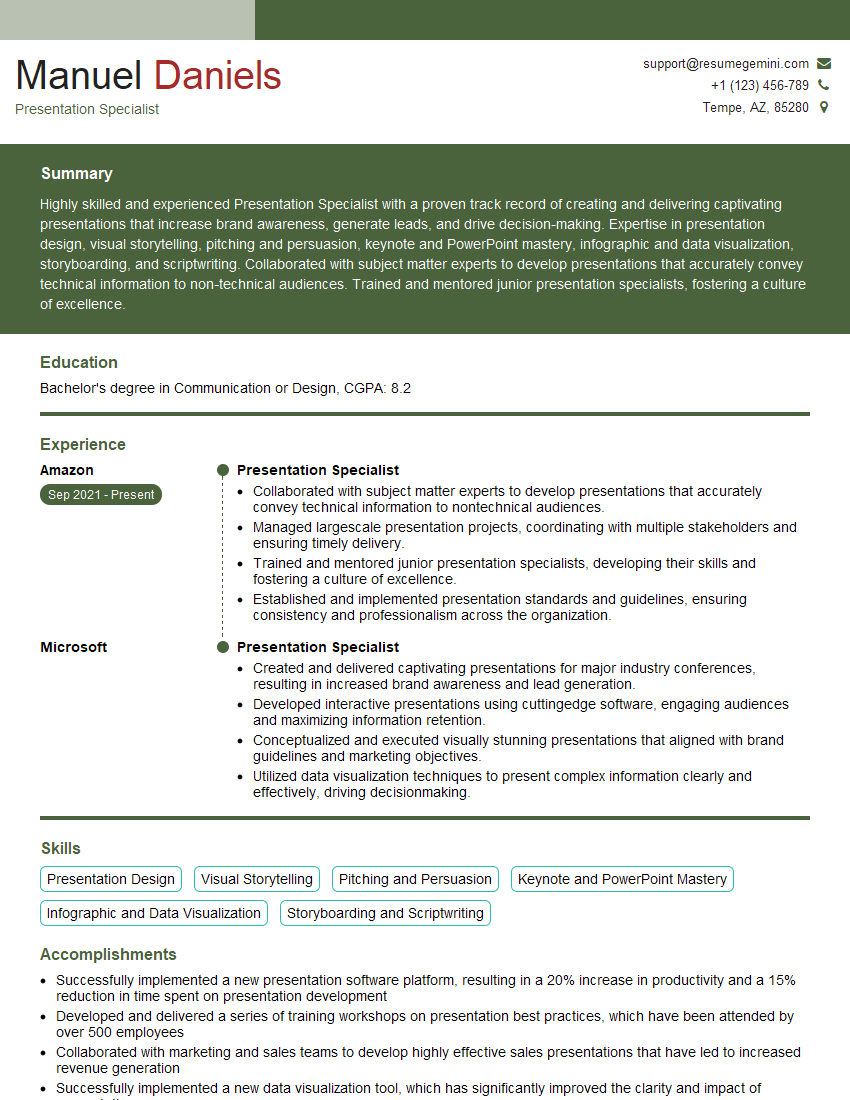
Presentation Specialist Resume Sample

Graphic Designer Resume Sample
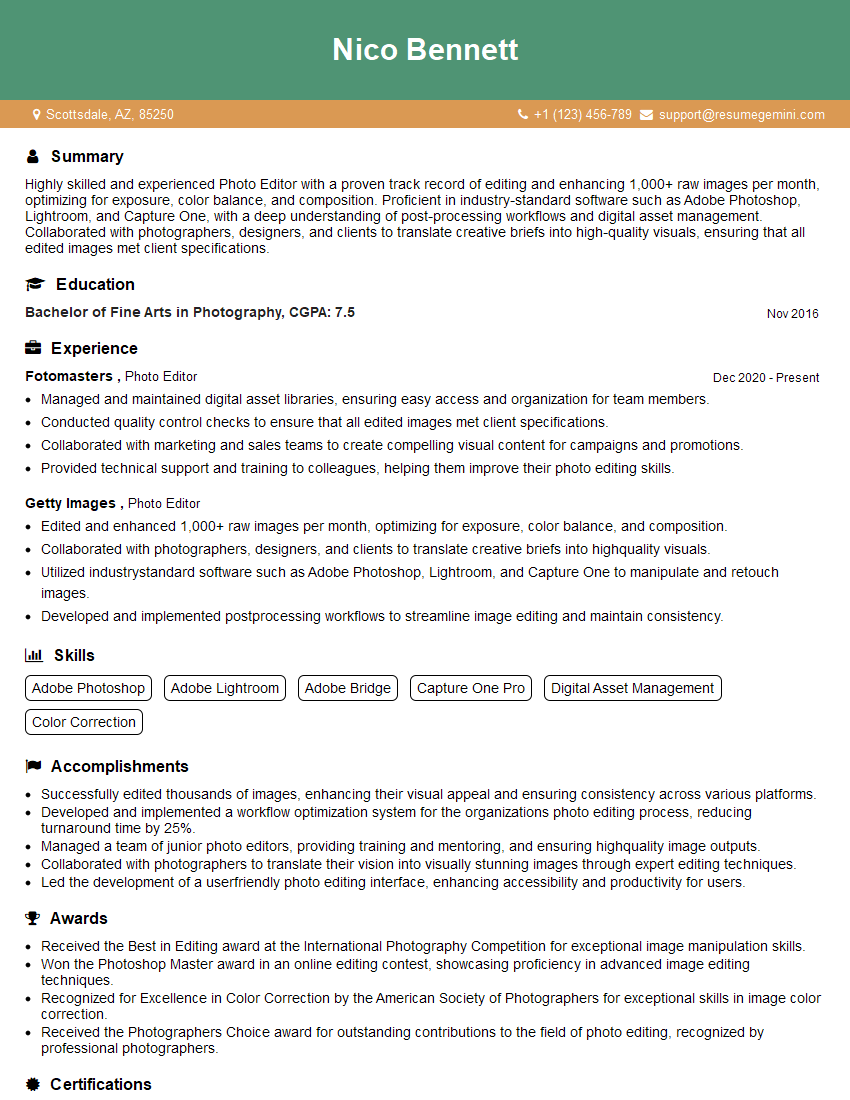
Photo Editor Resume Sample
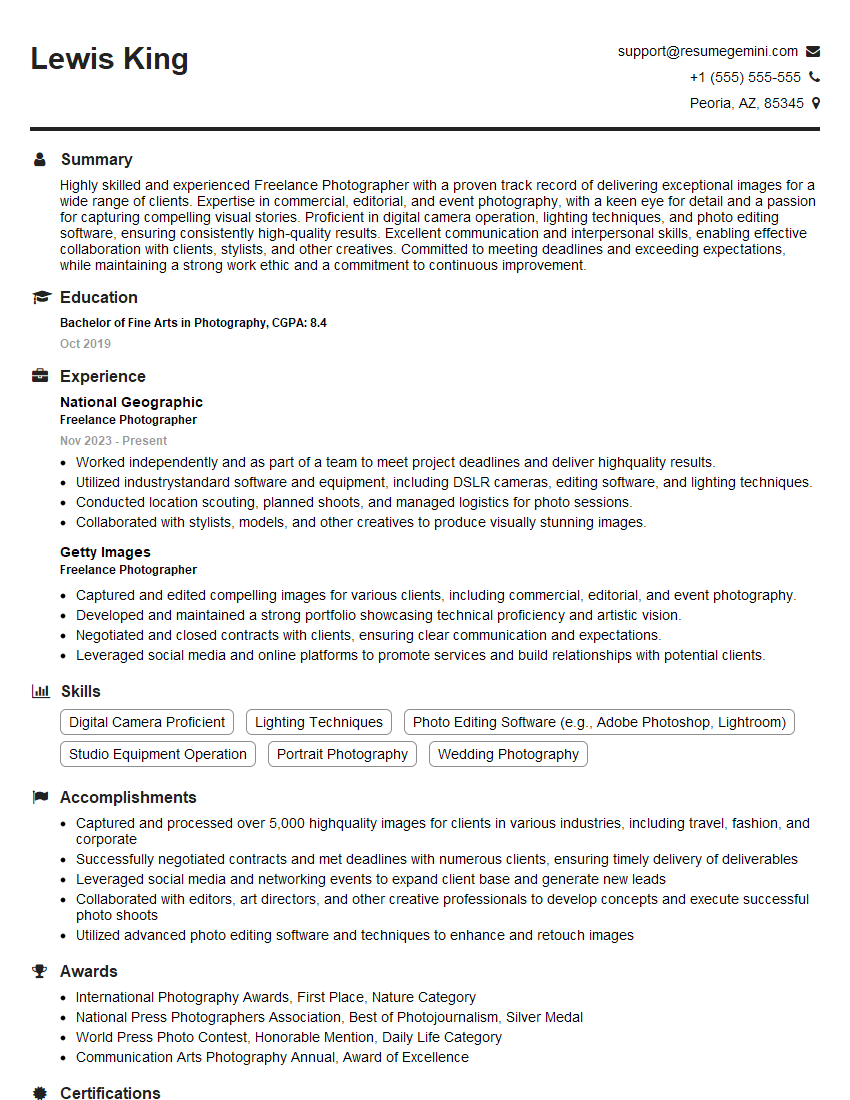
Freelance Photographer Resume Sample
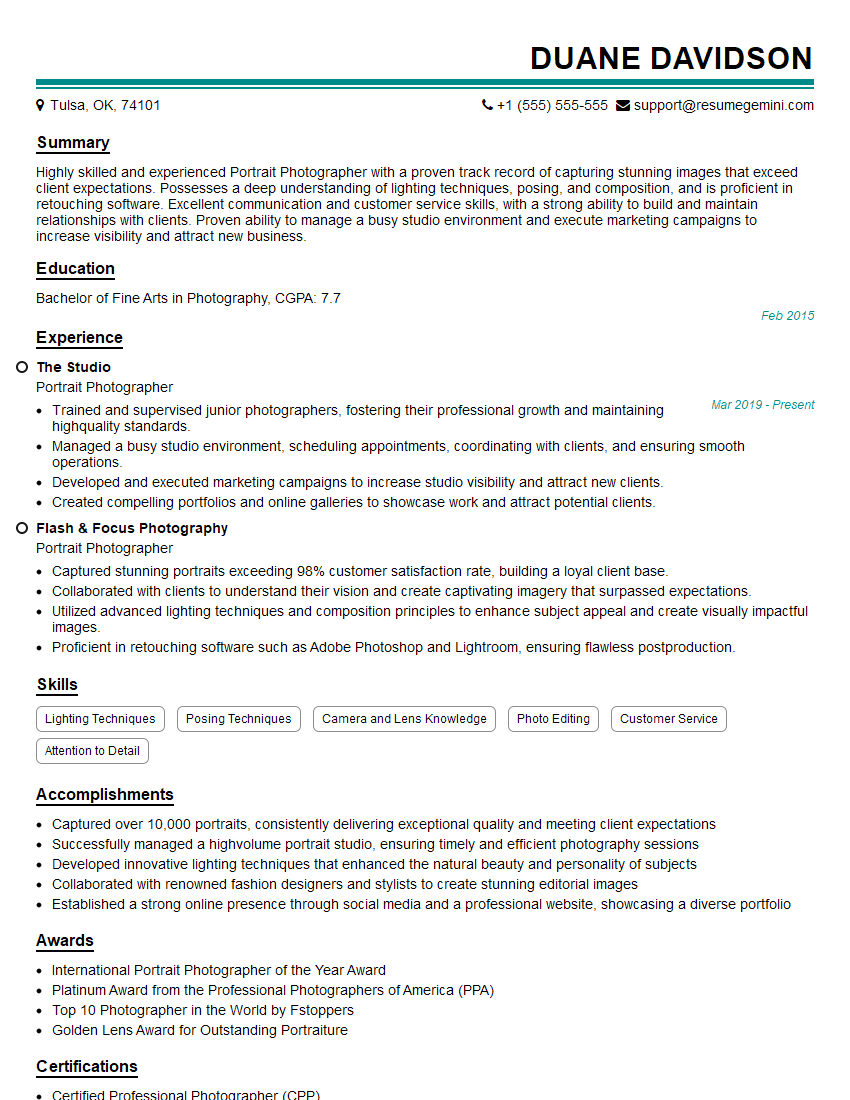
Portrait Photographer Resume Sample
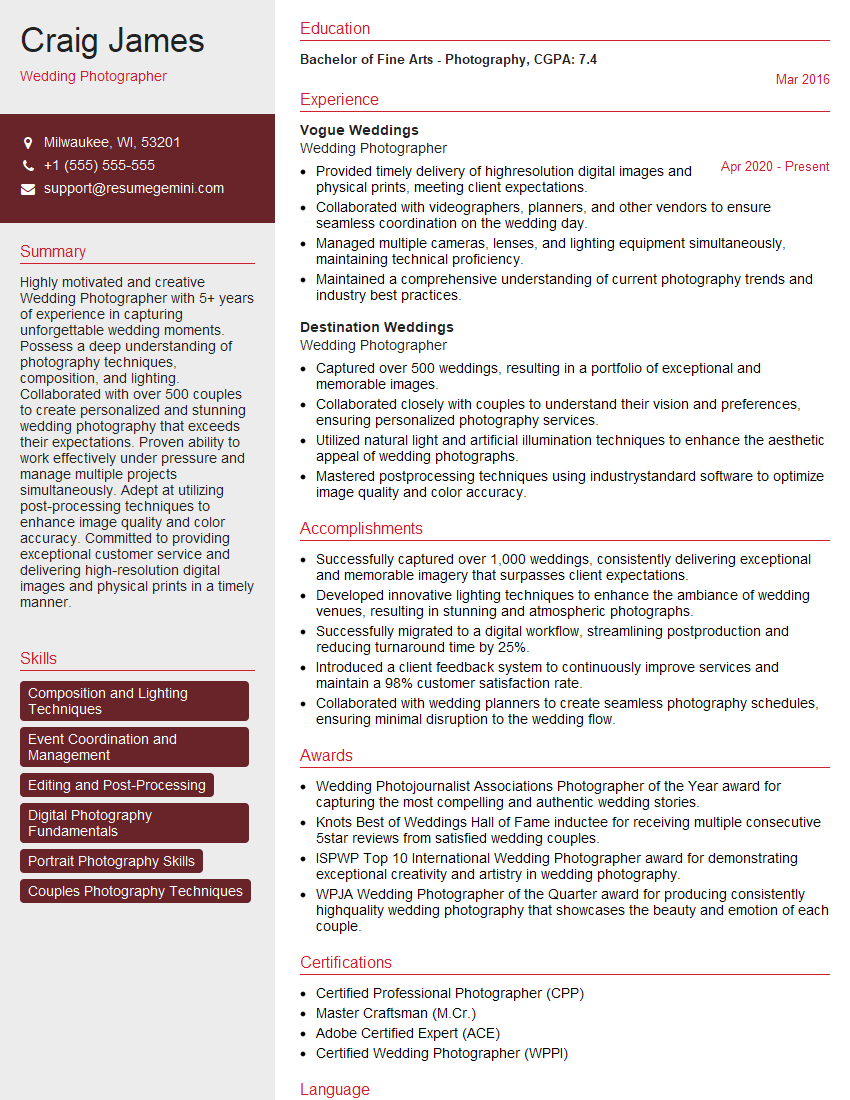
Wedding Photographer Resume Sample
Explore more articles
Users Rating of Our Blogs
Share Your Experience
We value your feedback! Please rate our content and share your thoughts (optional).
What Readers Say About Our Blog
Very informative content, great job.
good