Feeling uncertain about what to expect in your upcoming interview? We’ve got you covered! This blog highlights the most important Type Setting interview questions and provides actionable advice to help you stand out as the ideal candidate. Let’s pave the way for your success.
Questions Asked in Type Setting Interview
Q 1. Explain the difference between kerning and tracking.
Kerning and tracking both adjust the spacing between letters, but they do so at different levels. Think of it like this: tracking is the overall adjustment of all the letter spacing in a block of text, while kerning is the fine-tuning of the space between individual letter pairs.
Tracking: This is a global adjustment. You’d use tracking to tighten or loosen the spacing of an entire word, line, or paragraph to improve its overall visual balance. For example, you might slightly increase the tracking in a headline to make it appear less cramped, or reduce it to create a more condensed feel.
Kerning: This is a highly precise adjustment. Kerning pairs specific letters to optimize their visual appearance. For instance, the combination ‘AV’ often needs kerning because the ‘A’ and ‘V’ can leave an unnecessarily large gap. Software often automatically kerns pairs, but a typesetter may manually adjust kerning for optimal aesthetics.
In short: Tracking affects the overall space, while kerning focuses on the space between specific letter pairs.
Q 2. Describe your experience with various typesetting software (e.g., InDesign, QuarkXPress).
My experience spans several leading typesetting applications. I’ve worked extensively with Adobe InDesign, which is my primary tool, leveraging its powerful features for complex layouts, advanced typography controls (including OpenType features), and efficient workflow management. I’m also proficient in QuarkXPress, particularly its strengths in handling long documents and legacy files. I understand their distinct strengths and choose the best tool depending on the project’s requirements. For example, InDesign’s superior handling of complex master pages and styles makes it ideal for maintaining consistency across large publications, while QuarkXPress’s robust import capabilities can be invaluable when dealing with older documents.
Beyond these, I have experience with other programs such as Adobe FrameMaker for technical documentation and LaTeX for scientific and academic publications. This varied experience allows me to tackle a diverse range of typesetting challenges with expertise and flexibility.
Q 3. What are your preferred methods for ensuring consistent typography across a large document?
Maintaining consistent typography across large documents requires a structured and meticulous approach. My preferred methods include:
Creating a comprehensive style guide: This document dictates every typographic detail – font families, sizes, leading, tracking, kerning, paragraph styles, heading styles, etc. This acts as a single source of truth for the entire project.
Utilizing style sheets (Paragraph, Character, Object styles): In software like InDesign, styles are crucial. Any change made to a style automatically updates every instance of that style throughout the document, ensuring consistency and minimizing manual adjustments.
Employing master pages: For consistent headers, footers, page numbering, and other recurring elements, master pages are invaluable. They allow for easy management and updates across multiple pages.
Regular quality checks and proofing: Throughout the process, regular review ensures adherence to the style guide and identification of any inconsistencies.
By implementing these steps, I ensure consistency and significantly reduce the risk of errors in a large document.
Q 4. How do you handle complex tables and figures within a typeset document?
Handling complex tables and figures requires a combination of planning and technical skill. My approach involves:
Pre-flight checks: Ensuring the table or figure is properly formatted and high resolution before importing it into the typesetting software.
Appropriate software tools: Using software that allows for precise control over table cell spacing, alignment, and figure placement (InDesign excels at this).
Creating custom table styles: Defining styles for tables helps maintain consistency and allows for easy updates.
Using captions and labels effectively: Clear and concise captions provide context and aid accessibility.
Checking for proper scaling and resolution: Ensuring that figures and tables are appropriately sized and don’t compromise the document’s overall quality.
For particularly complex tables or figures that require intricate design work, I may collaborate with a graphic designer to ensure visual appeal and functionality.
Q 5. What are ligatures and how do they impact readability?
Ligatures are typographic glyphs formed by joining two or more characters, like ‘fi’, ‘fl’, ‘ff’, etc. Instead of being rendered as separate characters, they’re displayed as a single, unified character. The impact on readability is usually positive because ligatures improve the visual flow of the text and reduce visual clutter, making it easier to read. They create a more aesthetically pleasing and traditionally typographic appearance.
However, overuse of uncommon ligatures can be distracting. A skilled typesetter carefully selects ligatures that enhance readability without disrupting the reader’s flow, often choosing to use only the most common ligatures in the chosen typeface.
Q 6. Explain your process for creating and managing style guides.
Creating and managing style guides is a cornerstone of my process. My approach includes:
Collaboration: Early collaboration with clients or editors to define the document’s overall look and feel.
Structured documentation: A well-structured style guide clearly outlines all typographic elements, including font choices, sizes, spacing, headings, lists, and special characters. I use a combination of text and visual examples to ensure clarity.
Version control: I utilize version control systems or cloud-based document sharing to track changes and maintain the latest version of the guide.
Regular updates: As projects evolve, the style guide is updated to reflect any changes. This ensures ongoing consistency.
A well-maintained style guide saves significant time and effort during the typesetting process and greatly improves overall quality and consistency.
Q 7. How do you ensure your typeset documents are accessible to users with disabilities?
Accessibility is paramount. I ensure my documents are accessible to users with disabilities by adhering to guidelines such as WCAG (Web Content Accessibility Guidelines). Key practices include:
Sufficient color contrast: Using color combinations that meet minimum contrast ratios to ensure readability for users with low vision.
Proper use of headings: Structuring the document logically using heading levels (H1, H2, etc.) helps screen readers navigate the content effectively.
Alternative text for images: Providing descriptive alt text for all images allows screen readers to convey the image’s content to visually impaired users.
Appropriate font choices: Choosing fonts that are easy to read and available in a wide range of sizes.
Using structured tables: Ensuring tables have proper header rows and clearly defined data cells for screen readers to interpret the data.
By following these guidelines, I create documents that are inclusive and accessible to a broader audience.
Q 8. Describe your experience with different font families and their appropriate applications.
Choosing the right font family is crucial for effective communication. Different font families evoke different moods and are suited to different purposes. Serif fonts (like Times New Roman or Garamond), with their small decorative strokes at the ends of letters, are often preferred for body text in print because they are considered more legible for extended reading. Sans-serif fonts (like Arial or Helvetica), lacking these strokes, are generally better suited for headlines, short texts, and digital displays where clarity at smaller sizes is important. Script fonts (like Edwardian Script ITC) are best used sparingly, for instance, in formal invitations or logos, as they can be difficult to read in large blocks of text. Monospaced fonts (like Courier New), where each character occupies the same horizontal space, are ideal for programming code or situations requiring precise alignment.
For example, I’d use a serif font like Garamond for a lengthy novel, a clean sans-serif like Helvetica for a modern corporate brochure, and a playful script for a wedding invitation. The choice always depends on the overall design and the intended audience and message.
Q 9. How do you manage revisions and updates in a typesetting project?
Managing revisions and updates is a critical aspect of typesetting. I typically employ a version control system, like maintaining different saved versions of the document with clear version numbers and descriptions of changes (e.g., ‘Version 2 – Client feedback incorporated’). For larger projects, I might use a collaborative platform that allows multiple users to work on the same document simultaneously and track changes effectively. In either case, I always keep detailed notes of each revision, including the date, the nature of the change, and who made the change. This meticulous record-keeping is essential to avoid confusion and ensure that I can easily revert to previous versions if necessary. Client communication and confirmation of revisions are also integral to this process; I provide regular updates and ensure that every change is approved before moving forward.
Q 10. What is widow/orphan control, and how do you implement it?
Widow and orphan control refers to the prevention of single lines of text appearing at the beginning (orphan) or end (widow) of a paragraph on a page. These single lines break up the visual flow and look unprofessional. To implement widow/orphan control, I utilize the features available in the typesetting software (InDesign, for instance). This often involves manually adjusting the spacing or hyphenation, or setting preferences within the software to automatically prevent these situations. If automatic control isn’t sufficient, I might reword sentences or adjust paragraph breaks to avoid the issue. Consider it like arranging furniture—you wouldn’t want a single chair isolated in a room; it needs visual context. Widows and orphans are similar; they disrupt the visual harmony of the text.
Q 11. Explain your understanding of color management in typesetting.
Color management is crucial for ensuring consistent color reproduction across different devices and output methods. In typesetting, this involves using a color profile that defines the color space (like CMYK for print or RGB for screen). I ensure that the software I use is properly calibrated and that all images and documents utilize the correct color profile. Mismatched color profiles lead to inaccurate color representation—for example, a vibrant blue on your screen might print as a dull grey. I use a color management system (CMS) to translate colors between different color spaces accurately and prevent these inconsistencies. This ensures that the final product closely matches the designer’s intent, whether it’s a printed brochure or a website.
Q 12. How do you handle different file formats (e.g., InDesign, PDF, Word)?
Handling different file formats is a daily task. I’m proficient in working with InDesign (the industry standard for typesetting), PDF (for final output and collaboration), and Word (though less ideal for complex layouts). The approach varies depending on the file. InDesign files are usually the easiest to work with, offering complete control over the layout. PDFs can be challenging; I prefer editable PDFs when possible, but if it’s a flat PDF, extraction of elements might be required. Word documents usually need significant reformatting and cleanup before they are suitable for professional typesetting. I frequently convert between formats depending on the project requirements and the client’s needs. For example, I might import a Word document into InDesign to reformat it, then export the final output as a high-resolution PDF.
Q 13. Describe your experience with image placement and optimization for print and web.
Image placement and optimization are critical for visual appeal and file size. For print, I typically use high-resolution images (300 DPI or higher) in CMYK color space for sharp reproduction. For web, I use optimized images in RGB color space, often using lossy compression formats (like JPEG) to reduce file size without significant quality loss. I always consider the context—a large hero image on a website needs different optimization than a small icon. In print, I’m mindful of bleed, ensuring images extend beyond the trim lines to prevent white borders. I also consider resolution and compression to achieve the best balance between quality and file size. Poor image quality can detract significantly from a publication’s professionalism.
Q 14. What are your strategies for meeting tight deadlines in typesetting?
Meeting tight deadlines requires careful planning and efficient workflow. I break down large projects into smaller, manageable tasks, creating a detailed schedule with realistic timeframes for each stage. I prioritize tasks based on their urgency and dependencies. I communicate proactively with clients to manage expectations and address any potential delays early on. Automation tools and keyboard shortcuts greatly improve efficiency. And finally, I’m not afraid to ask for help or delegate tasks if needed, to ensure that the final product meets both quality and time constraints. It’s a balancing act between speed and accuracy, but careful planning is key.
Q 15. Explain your workflow for a typical typesetting project.
My workflow for a typesetting project is highly iterative and collaborative. It typically begins with a thorough review of the provided content and design specifications. I then proceed in these phases:
- Content Preparation: This involves checking for inconsistencies, correcting errors, and ensuring the text is properly formatted for import into my typesetting software (e.g., InDesign, QuarkXPress). I pay close attention to things like headings, subheadings, lists, and image captions to ensure they’re structured logically and consistently.
- Style Guide Development/Adherence: If a style guide is provided, I meticulously adhere to its specifications for fonts, spacing, hyphenation, and other typographical details. If one isn’t provided, I create a comprehensive style guide based on the project’s requirements and best practices.
- Typesetting and Layout: This is where the bulk of the work happens. I import the content, create master pages (if needed), and apply the style guide to create a clean, aesthetically pleasing layout. I meticulously check for widow and orphan lines (single lines at the beginning or end of a paragraph) and ensure appropriate visual hierarchy.
- Proofreading and Quality Control: Multiple rounds of proofreading are essential. I carefully review the typeset document for typographical errors, spacing issues, inconsistencies, and overall readability. I often use a combination of software tools and manual checks to ensure accuracy.
- Export and Delivery: Finally, I export the document in the required format (PDF, print-ready files, etc.) and deliver it according to the client’s specifications. This might involve providing different versions for print and online use.
For example, recently I worked on a scientific journal where maintaining consistency in mathematical equations and referencing was crucial. I used InDesign’s features for cross-referencing and equation numbering to ensure accuracy and streamline the process.
Career Expert Tips:
- Ace those interviews! Prepare effectively by reviewing the Top 50 Most Common Interview Questions on ResumeGemini.
- Navigate your job search with confidence! Explore a wide range of Career Tips on ResumeGemini. Learn about common challenges and recommendations to overcome them.
- Craft the perfect resume! Master the Art of Resume Writing with ResumeGemini’s guide. Showcase your unique qualifications and achievements effectively.
- Don’t miss out on holiday savings! Build your dream resume with ResumeGemini’s ATS optimized templates.
Q 16. How do you ensure typographical consistency across different platforms?
Ensuring typographical consistency across different platforms is achieved through careful planning and the use of appropriate tools. The key lies in using a platform-agnostic approach to formatting. Here’s how I do it:
- Style Guides: Developing a comprehensive style guide is the foundation. It documents font choices, spacing, paragraph styles, and other typographical rules consistently, irrespective of the output platform.
- Vector-Based Graphics: Employing vector-based graphics (like those created in Adobe Illustrator) ensures scalability without loss of quality across different screen resolutions and print sizes.
- CSS for Web: When working on web projects, cascading style sheets (CSS) provide a powerful method for applying consistent styles across different browsers and devices. It allows for controlling fonts, colors, spacing, and other aspects from a centralized location.
- PDF/X Standards: For print publications, using PDF/X standards ensures color consistency and proper rendering across different print devices and software.
- Testing and Validation: Thorough testing is vital. I test the final output on multiple platforms and devices to ensure consistent rendering and catch any discrepancies before delivery.
For instance, I once created a marketing brochure that needed to be viewed on tablets, laptops, and printed. By using CSS for the web version and PDF/X for print, and creating a style guide that dictated font usage and layout parameters, I ensured a seamless experience across all platforms.
Q 17. What is your experience with creating master pages and templates?
Master pages and templates are indispensable tools in my workflow. Master pages serve as the foundation for consistent design across multiple pages within a document, while templates are pre-designed documents that include pre-defined styles, layouts, and content elements. My experience encompasses both:
- Master Pages: I routinely use master pages in InDesign and QuarkXPress to define page margins, headers, footers, running heads, and page numbering. This helps maintain a uniform look and feel throughout the document. I often create different master pages for different page sections, such as chapter starts or indexes, to cater to specific formatting needs.
- Templates: Templates are time-savers. I develop and customize templates based on specific project requirements. This approach ensures consistency and allows me to quickly set up new documents with pre-defined styles and layouts. For instance, I might create a template for book chapters or a newsletter to significantly reduce set up time for recurring projects.
In a recent project designing a multi-chapter textbook, I utilized master pages extensively to define the consistent header and footer, including page numbers and chapter titles. This minimized manual adjustments per chapter and improved efficiency.
Q 18. Describe your experience with hyphenation and justification.
Hyphenation and justification are crucial for achieving aesthetically pleasing and readable text. My experience involves understanding and applying best practices for both:
- Hyphenation: I carefully manage hyphenation to avoid awkward line breaks and ensure a visually balanced layout. I use the automatic hyphenation features in my software but always manually review the results to prevent excessive or inappropriate hyphenation. I frequently adjust hyphenation settings to achieve optimal readability for the chosen typeface and line length.
- Justification: I understand the different types of justification—left, right, center, and full—and choose the appropriate method based on the design and content. While full justification is often desired for formal documents, I prioritize readability, ensuring that rivers of space don’t appear between words, thus affecting readability.
For example, in a recent project designing a novel, I found that full justification with the chosen typeface resulted in uneven spacing. I opted for left justification instead, prioritizing readability over perfectly aligned margins. I also adjusted the hyphenation settings to optimize line breaks to prevent awkward gaps.
Q 19. How do you troubleshoot common typesetting errors?
Troubleshooting typesetting errors requires a systematic approach. I address common issues using this workflow:
- Identify the Error: Pinpoint the exact nature of the error: Is it a font issue, spacing problem, widow/orphan line, or something else?
- Isolate the Source: Determine the cause—was it a style conflict, a faulty character, an incorrect setting, or something else?
- Consult Resources: Refer to the style guide, software documentation, or online forums for potential solutions.
- Test and Refine: Try different approaches to fix the problem, and carefully review the results to ensure the correction doesn’t introduce new issues.
- Seek Help: If the problem remains unresolved, consult colleagues or online communities for assistance.
For instance, recently I encountered a situation where images were bleeding into margins. Through a systematic troubleshooting process, I realized the issue was with the image bleed settings in InDesign. Adjusting those settings resolved the problem quickly.
Q 20. How do you work collaboratively with designers and editors?
Collaboration with designers and editors is essential for successful typesetting projects. My approach emphasizes clear communication and a shared understanding of project goals:
- Regular Communication: I maintain open communication with designers and editors, using regular meetings, emails, and feedback sessions to ensure everyone is on the same page. I’m proactive in seeking clarification on design choices or content adjustments.
- Version Control: I use version control systems, where applicable, to track changes, manage different iterations, and facilitate collaboration.
- Constructive Feedback: I provide timely and constructive feedback on design choices and content, offering suggestions to improve readability and visual appeal. I also appreciate and incorporate feedback from others to optimize the final product.
- Shared Resources: I ensure access to shared style guides, specifications, and project files, enabling efficient collaboration and consistent application of design guidelines.
I frequently work with designers using shared cloud-based tools that enable efficient feedback and revision management. The result is always a refined and efficient workflow.
Q 21. What are some common challenges you face in typesetting, and how do you overcome them?
Typesetting presents several challenges. Here are some common ones and my approaches to overcome them:
- Complex Layouts: Dealing with intricate layouts, particularly in books and journals, requires careful planning and a deep understanding of typesetting software’s capabilities. I use advanced features like tables, frames, and text boxes to create complex layouts, ensuring proper alignment and flow. Thorough planning is key.
- Font Compatibility: Sometimes, fonts might not render consistently across different platforms or devices. I address this by using widely supported fonts and performing thorough testing on different systems. Understanding font metrics is crucial here.
- Client Revisions: Managing client revisions requires a flexible approach and robust version control. I maintain multiple versions of the document and clearly document changes to handle revisions effectively. It’s crucial to maintain clarity during revisions.
- Time Constraints: Meeting tight deadlines requires efficient workflow management and prioritization. I use project management techniques and time tracking to stay on schedule. Prioritization and time management are key skills.
For example, in a recent project involving a large number of equations and tables, I carefully planned the layout, using InDesign’s features to manage these elements efficiently. This strategic planning ensured I met the project deadlines.
Q 22. Explain your understanding of grid systems in typesetting.
Grid systems in typesetting are fundamental for creating visually appealing and structurally sound layouts. Think of them as invisible scaffolding that organizes content on a page. They provide a consistent framework, ensuring elements like text blocks, images, and headings are placed harmoniously, avoiding a chaotic or unbalanced look. This framework is often defined by columns and rows, creating a modular system that allows for flexible content placement.
For example, a simple grid might consist of three columns of equal width, allowing for a balanced distribution of text across the page. A more complex grid could use varying column widths, perhaps with a wider central column for main content and narrower side columns for navigation or supplementary information. Grid systems are not just for print; they are equally crucial for web design and digital publishing.
Using a grid system ensures consistency in spacing, alignment, and the overall visual hierarchy. It aids in readability by creating a predictable structure for the reader’s eye to follow. Software like InDesign and QuarkXPress offer robust tools to create and manage grid systems efficiently.
Q 23. How do you balance aesthetics and functionality in typesetting?
Balancing aesthetics and functionality in typesetting is a constant dance – a delicate interplay of form and function. Aesthetics involve the visual appeal: the choice of typeface, kerning (spacing between letters), leading (spacing between lines), and overall page layout. Functionality focuses on readability and usability – is the text easy to read? Is the information presented clearly and logically? A beautiful design is useless if it’s illegible.
Consider the classic example of a book. An elegant serif typeface might be aesthetically pleasing, but a tiny font size or cramped leading would severely impair readability. Similarly, a highly functional, easily readable sans-serif font could feel visually dull if not complemented by well-considered page layout, margins, and image placement. The key is to find a harmonious balance: an aesthetically pleasing design that doesn’t compromise readability, and a functional layout that feels visually inviting.
My approach involves iterative design and testing. I start with the functional aspects, ensuring readability and accessibility are prioritized, then refine the aesthetic elements, ensuring they enhance and support, not detract from, the functionality.
Q 24. What are your preferred methods for proofreading and quality control?
My proofreading and quality control process is multi-layered and meticulous. It begins with self-proofing – a careful, attentive review of the document for typographical errors, grammatical issues, and inconsistencies in style and formatting. I then utilize software tools such as spell checkers and grammar checkers, but I rely on more than just automated tools.
I use a combination of techniques including:
- Multiple Reads: I read the document multiple times, focusing on different aspects each time: first for content accuracy, then for grammar and spelling, finally for formatting and consistency.
- Read Aloud: Reading aloud helps to catch errors that the eye might miss.
- Print Proofing: Reviewing a printed version allows for a different perspective and highlights issues that might be missed on screen.
- Second Pair of Eyes: I always encourage a second proofreader to review the final draft; a fresh perspective often catches errors that have been overlooked.
Finally, before sending the document to print, I conduct a thorough preflight check to ensure all fonts, images, and links are correctly embedded and that the document is ready for the chosen output method.
Q 25. Describe your experience with working with different paper stocks and printing methods.
My experience encompasses a wide range of paper stocks and printing methods. The choice of paper stock significantly influences the final look and feel of a printed piece. Different stocks offer various textures, weights, and finishes, each impacting readability and the overall aesthetic. For instance, a heavy-weight uncoated stock provides a luxurious feel ideal for high-end brochures, whereas a lighter-weight coated stock might be better suited for magazines requiring sharp image reproduction.
Printing methods also significantly influence the final product. I have worked with offset printing (ideal for large runs), digital printing (suitable for smaller runs and personalized materials), and even screen printing (for unique effects and vibrant colors). Understanding the capabilities and limitations of each method is vital in achieving the desired results. For instance, the fine detail achievable with offset printing might not be replicable with screen printing, and the cost-effectiveness of digital printing is often preferable for short-run projects.
My experience allows me to advise on the optimal combination of paper stock and printing method to meet specific project requirements and budget constraints.
Q 26. What is your familiarity with preflighting and trapping?
Preflighting and trapping are crucial steps in the pre-press workflow, ensuring a smooth and problem-free printing process. Preflighting involves a comprehensive check of the document for potential problems before sending it to the printer. This includes verifying fonts, images, colors, and other elements to ensure compatibility with the chosen printing method. It is essentially a quality control measure to avoid costly errors later in the process.
Trapping, on the other hand, is a technique used to prevent gaps or misalignments between colors, particularly important when printing using multiple ink colors. It involves slightly overlapping colors at their edges, ensuring clean and sharp results. The amount of overlap (trap) depends on the printing method and the type of paper used. Software like Adobe Acrobat and preflight tools provide comprehensive solutions for both preflighting and trapping.
In essence, preflighting ensures the file is print-ready, and trapping ensures clean color registration; they work in tandem to maximize printing quality and reduce the risk of costly errors.
Q 27. How do you stay updated with the latest trends and technologies in typesetting?
Staying current in the ever-evolving world of typesetting requires a multifaceted approach. I regularly attend industry conferences and workshops, where I network with other professionals and learn about the latest innovations in software, printing techniques, and design trends. I actively participate in online forums and communities, engaging in discussions and sharing knowledge with other type designers and professionals.
I subscribe to relevant industry publications and newsletters, keeping abreast of new developments and best practices. Furthermore, I regularly experiment with new software and tools, constantly seeking ways to improve my workflow and expand my skill set. This commitment to continuous learning is crucial for remaining at the forefront of this dynamic field.
Q 28. Describe a time you had to solve a complex typesetting problem.
One particularly challenging project involved setting a complex bilingual text with multiple languages (English and Arabic) and incorporating intricate illustrations within a limited page space. The main hurdle was the bidirectional text flow. Arabic text reads from right to left, requiring careful consideration when integrating it with left-to-right English text. This necessitated precise control over paragraph and text direction.
The solution involved using sophisticated typesetting software and creating custom scripts to manage the bidirectional text flow. I meticulously crafted the layout, ensuring the interplay of languages and illustrations was visually appealing and coherent. We used a modular grid system to accommodate the differing typographic needs of each language, while using strategically placed white space to guide the reader’s eye. The result was a publication that was visually compelling and highly legible despite the complexity of its text and layout.
Key Topics to Learn for Your Type Setting Interview
- Typography Fundamentals: Understanding typefaces (serif, sans-serif, etc.), kerning, tracking, leading, and their impact on readability and visual appeal.
- Workflow and Software Proficiency: Demonstrate familiarity with industry-standard software like Adobe InDesign, QuarkXPress, or other relevant applications. Be prepared to discuss your workflow for common tasks.
- Grid Systems and Layout Design: Explain your understanding of using grid systems to create balanced and visually appealing layouts. Showcase your problem-solving skills in adapting layouts to different media.
- Image Handling and Color Theory: Discuss your knowledge of image resolution, color modes (CMYK, RGB), and how to optimize images for print or digital media. Understanding basic color theory is crucial.
- Prepress and Print Production: Familiarize yourself with the prepress process, including color management, proofing, and file preparation for printing. This demonstrates a practical understanding of the entire workflow.
- Accessibility and Inclusivity: Discuss how type setting principles contribute to accessible design, considering factors like font choice for readability and contrast ratios.
- Design Principles and Best Practices: Showcase your understanding of design principles like hierarchy, balance, and contrast, and how they are applied in type setting to create effective communication.
Next Steps
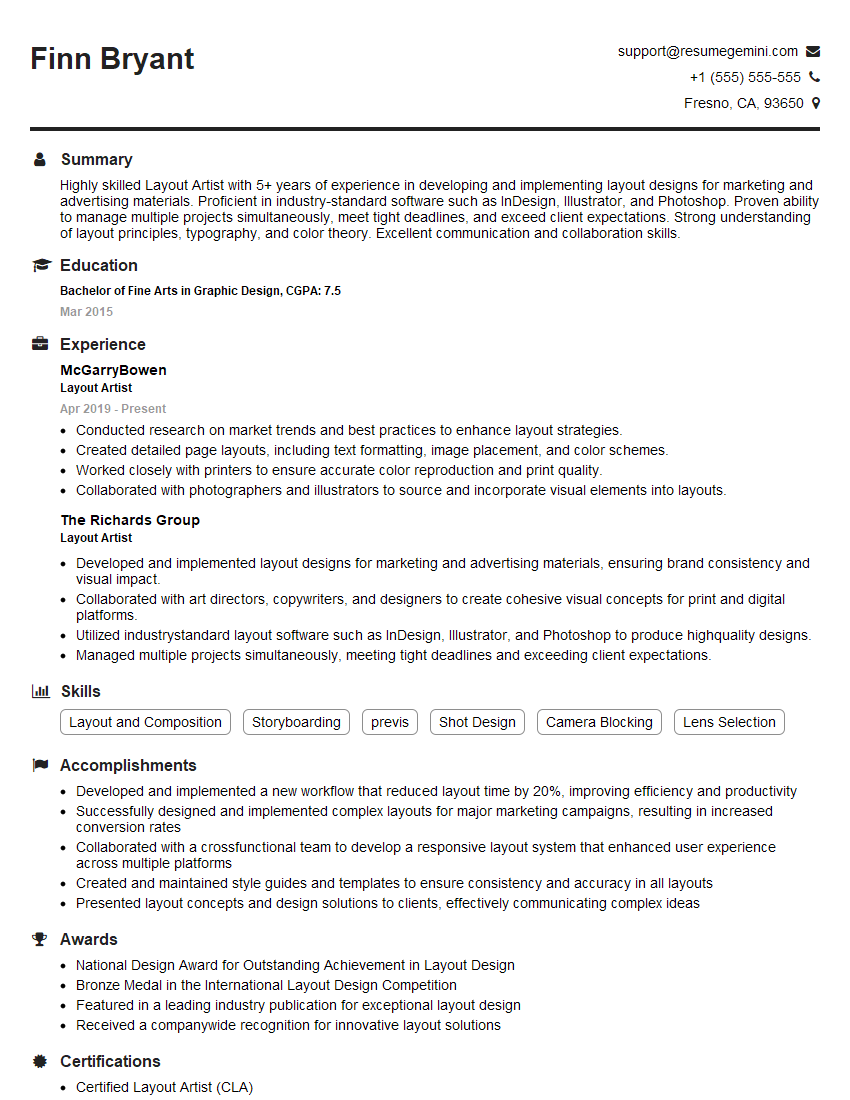
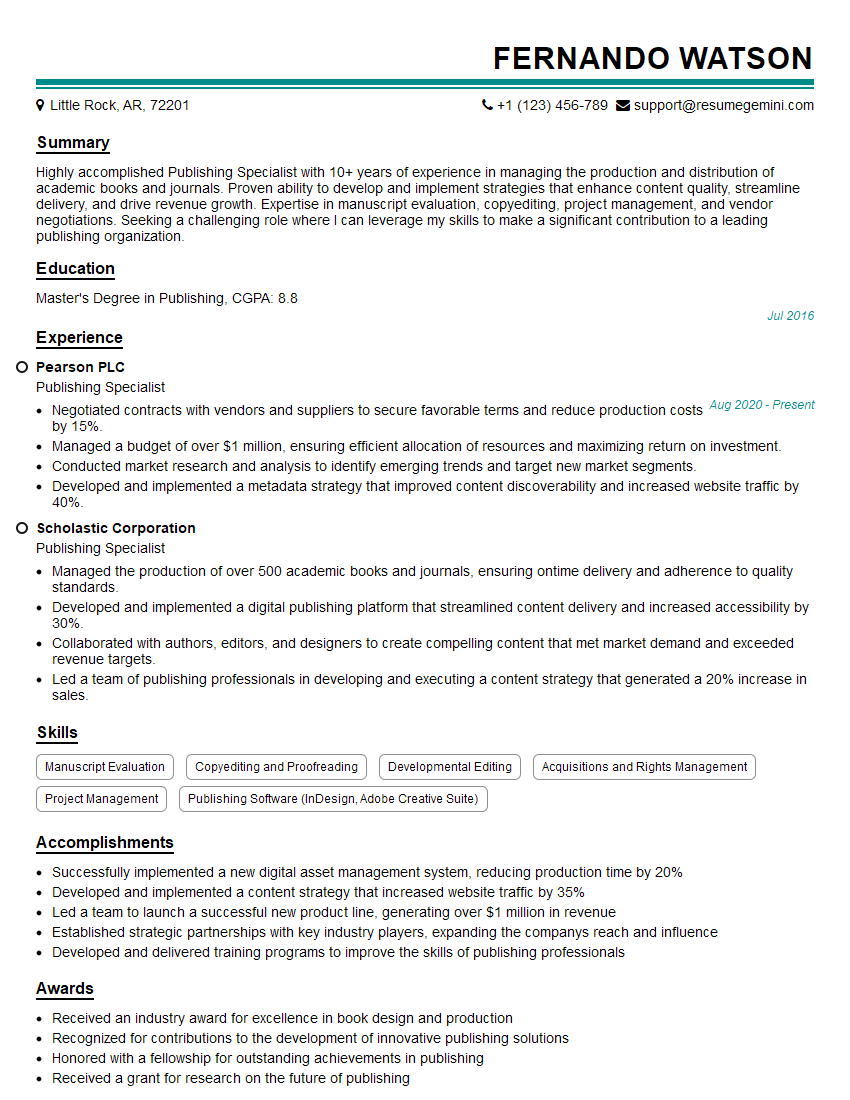
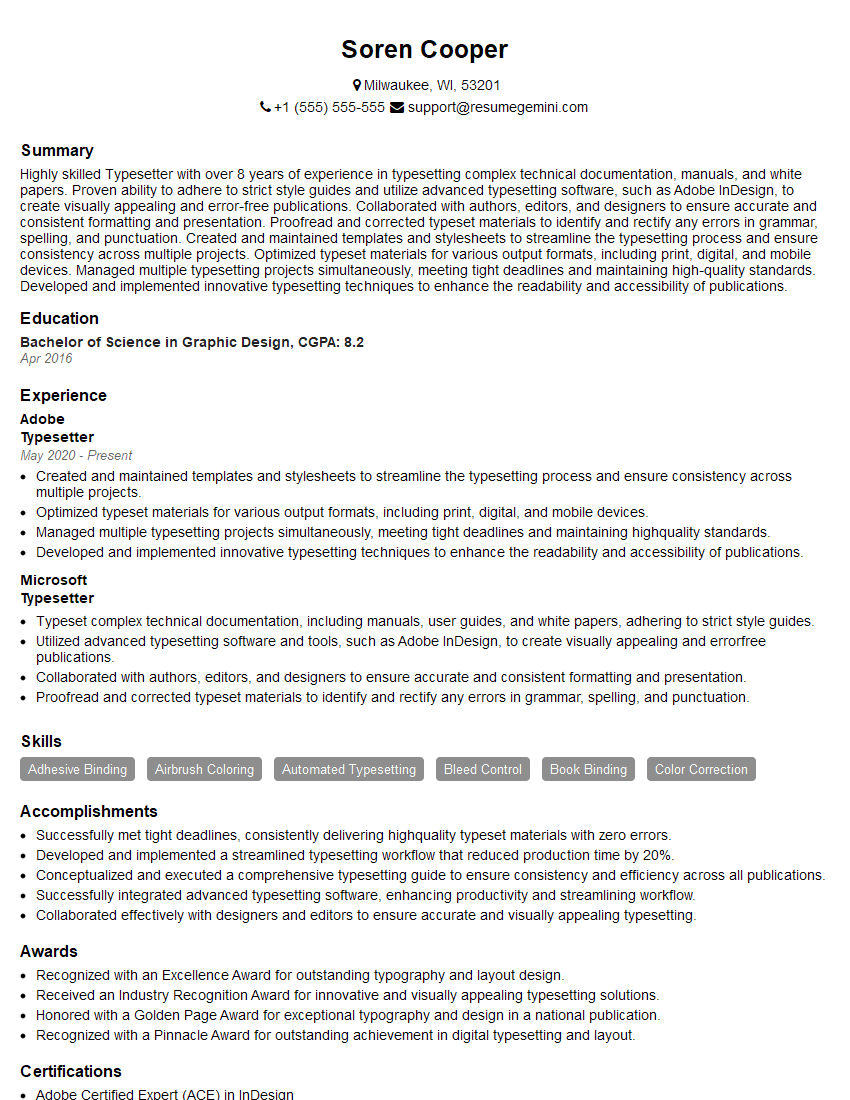
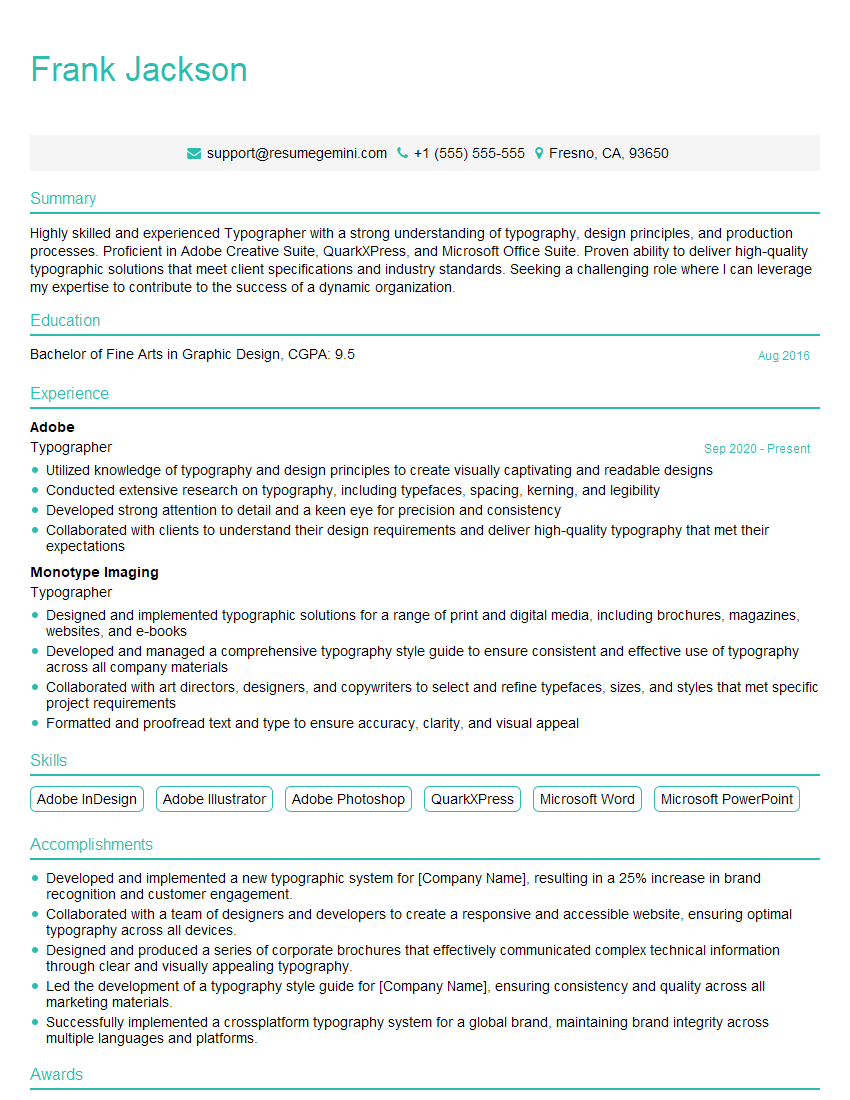
Mastering type setting opens doors to exciting careers in publishing, design, and marketing. A strong understanding of these principles is highly valued by employers. To significantly boost your job prospects, create an ATS-friendly resume that highlights your skills and experience effectively. ResumeGemini is a trusted resource to help you build a professional and impactful resume. We offer examples of resumes tailored to the Type Setting field to guide you in creating your own.




Explore more articles
Users Rating of Our Blogs
Share Your Experience
We value your feedback! Please rate our content and share your thoughts (optional).
What Readers Say About Our Blog
Attention music lovers!
Wow, All the best Sax Summer music !!!
Spotify: https://open.spotify.com/artist/6ShcdIT7rPVVaFEpgZQbUk
Apple Music: https://music.apple.com/fr/artist/jimmy-sax-black/1530501936
YouTube: https://music.youtube.com/browse/VLOLAK5uy_noClmC7abM6YpZsnySxRqt3LoalPf88No
Other Platforms and Free Downloads : https://fanlink.tv/jimmysaxblack
on google : https://www.google.com/search?q=22+AND+22+AND+22
on ChatGPT : https://chat.openai.com?q=who20jlJimmy20Black20Sax20Producer
Get back into the groove with Jimmy sax Black
Best regards,
Jimmy sax Black
www.jimmysaxblack.com
Hi I am a troller at The aquatic interview center and I suddenly went so fast in Roblox and it was gone when I reset.
Hi,
Business owners spend hours every week worrying about their website—or avoiding it because it feels overwhelming.
We’d like to take that off your plate:
$69/month. Everything handled.
Our team will:
Design a custom website—or completely overhaul your current one
Take care of hosting as an option
Handle edits and improvements—up to 60 minutes of work included every month
No setup fees, no annual commitments. Just a site that makes a strong first impression.
Find out if it’s right for you:
https://websolutionsgenius.com/awardwinningwebsites
Hello,
we currently offer a complimentary backlink and URL indexing test for search engine optimization professionals.
You can get complimentary indexing credits to test how link discovery works in practice.
No credit card is required and there is no recurring fee.
You can find details here:
https://wikipedia-backlinks.com/indexing/
Regards
NICE RESPONSE TO Q & A
hi
The aim of this message is regarding an unclaimed deposit of a deceased nationale that bears the same name as you. You are not relate to him as there are millions of people answering the names across around the world. But i will use my position to influence the release of the deposit to you for our mutual benefit.
Respond for full details and how to claim the deposit. This is 100% risk free. Send hello to my email id: lukachachibaialuka@gmail.com
Luka Chachibaialuka
Hey interviewgemini.com, just wanted to follow up on my last email.
We just launched Call the Monster, an parenting app that lets you summon friendly ‘monsters’ kids actually listen to.
We’re also running a giveaway for everyone who downloads the app. Since it’s brand new, there aren’t many users yet, which means you’ve got a much better chance of winning some great prizes.
You can check it out here: https://bit.ly/callamonsterapp
Or follow us on Instagram: https://www.instagram.com/callamonsterapp
Thanks,
Ryan
CEO – Call the Monster App
Hey interviewgemini.com, I saw your website and love your approach.
I just want this to look like spam email, but want to share something important to you. We just launched Call the Monster, a parenting app that lets you summon friendly ‘monsters’ kids actually listen to.
Parents are loving it for calming chaos before bedtime. Thought you might want to try it: https://bit.ly/callamonsterapp or just follow our fun monster lore on Instagram: https://www.instagram.com/callamonsterapp
Thanks,
Ryan
CEO – Call A Monster APP
To the interviewgemini.com Owner.
Dear interviewgemini.com Webmaster!
Hi interviewgemini.com Webmaster!
Dear interviewgemini.com Webmaster!
excellent
Hello,
We found issues with your domain’s email setup that may be sending your messages to spam or blocking them completely. InboxShield Mini shows you how to fix it in minutes — no tech skills required.
Scan your domain now for details: https://inboxshield-mini.com/
— Adam @ InboxShield Mini
support@inboxshield-mini.com
Reply STOP to unsubscribe
Hi, are you owner of interviewgemini.com? What if I told you I could help you find extra time in your schedule, reconnect with leads you didn’t even realize you missed, and bring in more “I want to work with you” conversations, without increasing your ad spend or hiring a full-time employee?
All with a flexible, budget-friendly service that could easily pay for itself. Sounds good?
Would it be nice to jump on a quick 10-minute call so I can show you exactly how we make this work?
Best,
Hapei
Marketing Director
Hey, I know you’re the owner of interviewgemini.com. I’ll be quick.
Fundraising for your business is tough and time-consuming. We make it easier by guaranteeing two private investor meetings each month, for six months. No demos, no pitch events – just direct introductions to active investors matched to your startup.
If youR17;re raising, this could help you build real momentum. Want me to send more info?
Hi, I represent an SEO company that specialises in getting you AI citations and higher rankings on Google. I’d like to offer you a 100% free SEO audit for your website. Would you be interested?
Hi, I represent an SEO company that specialises in getting you AI citations and higher rankings on Google. I’d like to offer you a 100% free SEO audit for your website. Would you be interested?