The thought of an interview can be nerve-wracking, but the right preparation can make all the difference. Explore this comprehensive guide to Training and Education Development interview questions and gain the confidence you need to showcase your abilities and secure the role.
Questions Asked in Training and Education Development Interview
Q 1. Explain your experience designing and developing training programs.
Designing and developing training programs is a multifaceted process that involves understanding the learners’ needs, crafting engaging content, and selecting appropriate delivery methods. My experience spans various industries, including technology, healthcare, and finance. I’ve led the development of programs ranging from short, focused workshops to extensive, multi-module learning journeys.
For example, in the technology sector, I spearheaded the creation of a comprehensive onboarding program for new software engineers. This involved identifying key skills gaps through interviews and assessments, designing interactive modules incorporating video tutorials, hands-on exercises, and knowledge checks, and finally, implementing a feedback mechanism to continually refine the program. The result was a 20% increase in employee retention within the first year and a significant improvement in overall team performance.
In another instance, I developed a customized training program for healthcare professionals focusing on the ethical implications of new medical technologies. This required careful consideration of the sensitive nature of the subject matter and the need for a collaborative, interactive learning environment. The program integrated case studies, role-playing scenarios, and group discussions to foster critical thinking and ethical decision-making.
Q 2. Describe your approach to needs analysis in a training context.
Needs analysis is the cornerstone of effective training program design. It’s a systematic process of identifying the performance gap between what is currently happening and what should be happening. My approach is thorough and incorporates several methods to ensure comprehensive data collection.
- Performance Analysis: This involves reviewing performance data (e.g., sales figures, customer satisfaction surveys, error rates) to pinpoint areas needing improvement.
- Organizational Analysis: I assess the organizational structure, resources, and culture to determine if there are any barriers to successful training implementation. This includes understanding the organizational strategy and alignment with training goals.
- Task Analysis: Breaking down specific tasks into their component parts to identify the knowledge, skills, and abilities (KSAs) required for successful performance.
- Learner Analysis: Understanding the learners’ existing knowledge, skills, learning styles, and preferences to tailor the training accordingly. This involves considering factors such as their technical proficiency, prior experiences, and learning preferences (visual, auditory, kinesthetic).
For instance, during a needs analysis for a sales team, I used performance data to highlight consistent underperformance in closing deals involving complex products. Task analysis showed a gap in understanding the technical aspects of those products. Learner analysis revealed a preference for hands-on learning. This informed the design of a training program that focused on interactive product demonstrations, hands-on simulations, and real-world case studies.
Q 3. How do you assess the effectiveness of a training program?
Assessing training effectiveness is critical to ensuring return on investment (ROI) and continuous improvement. My evaluation strategy involves a mixed-methods approach, combining quantitative and qualitative data.
- Kirkpatrick’s Four Levels of Evaluation: I utilize this widely accepted model to assess different aspects of training impact:
- Level 1 (Reaction): Measuring learner satisfaction and engagement through surveys and feedback forms.
- Level 2 (Learning): Assessing knowledge and skill acquisition through pre- and post-tests, quizzes, and performance observations.
- Level 3 (Behavior): Evaluating changes in on-the-job performance through observations, performance reviews, and 360-degree feedback.
- Level 4 (Results): Measuring the impact on organizational goals, such as increased productivity, reduced errors, or improved customer satisfaction.
- Return on Investment (ROI) Analysis: Calculating the cost-effectiveness of the training program by comparing the costs of training to the benefits achieved.
For example, in the previously mentioned software engineer onboarding program, we tracked employee retention rates, project completion times, and error rates to gauge the program’s impact. We also conducted post-training interviews to gather qualitative feedback on the program’s effectiveness and identify areas for improvement.
Q 4. What instructional design models are you familiar with, and which do you prefer?
I’m familiar with several instructional design models, including ADDIE (Analysis, Design, Development, Implementation, Evaluation), AGILE, and the SAM (Successive Approximation Model). While each model has its strengths, my preference leans towards a flexible, iterative approach that incorporates elements from multiple models, adapting to the specific needs of each project.
ADDIE provides a solid framework for structured development, but its rigid linearity can be limiting. AGILE’s iterative and collaborative nature allows for greater flexibility and responsiveness to changing needs. SAM’s focus on continuous improvement and feedback loops is particularly valuable in ensuring the training remains relevant and effective. I often combine the best aspects of these models, using ADDIE for the initial planning and structure, but incorporating AGILE’s iterative development cycles and SAM’s emphasis on continuous evaluation to enhance the training’s quality over time.
Q 5. Explain your experience with different training delivery methods (e.g., online, in-person, blended).
My experience encompasses a variety of training delivery methods, each with its own strengths and weaknesses. I’ve designed and implemented programs using:
- In-person training: Ideal for interactive learning, hands-on activities, and fostering group discussions. Effective for building relationships and providing immediate feedback.
- Online learning: Offers flexibility and scalability, allowing access to a wider audience and reducing travel costs. Various platforms like Moodle, Canvas, and custom-built eLearning platforms are employed.
- Blended learning: Combining online and in-person methods to leverage the benefits of both. For instance, online modules can deliver foundational knowledge, while in-person sessions can focus on interactive activities, skill practice, and knowledge application.
Recently, I designed a blended learning program for a large corporation, using online modules for foundational knowledge and in-person workshops for collaborative projects and networking opportunities. The flexibility of this approach allowed us to accommodate employees in various locations and schedules. This program resulted in significantly better knowledge retention and more positive feedback compared to previous strictly in-person programs.
Q 6. How do you adapt training materials for diverse learners?
Adapting training materials for diverse learners is paramount to ensure inclusivity and effectiveness. My approach involves considering various factors, including:
- Learning styles: Catering to visual, auditory, and kinesthetic learners through diverse content formats (videos, audio recordings, interactive exercises).
- Cultural backgrounds: Using culturally sensitive language and examples, avoiding biases and stereotypes.
- Accessibility needs: Ensuring materials are accessible to learners with disabilities by adhering to accessibility guidelines (e.g., WCAG) and incorporating alternative text for images, closed captions for videos, and screen reader compatibility.
- Language proficiency: Providing materials in multiple languages or using translation tools, alongside simplified language and clear instructions.
- Technological proficiency: Adapting the method of delivery based on learner access to different technologies. Offering multiple ways to access the content.
For instance, when developing a training program for a multinational company, I ensured that all materials were translated into multiple languages, using visually engaging graphics and avoiding jargon to facilitate understanding across different cultural backgrounds and language proficiencies.
Q 7. Describe your experience using learning management systems (LMS).
I have extensive experience using various Learning Management Systems (LMS), including Moodle, Canvas, Blackboard, and TalentLMS. My expertise spans course creation, content upload, user management, progress tracking, and assessment deployment. I’m proficient in utilizing the administrative functions of LMS platforms to manage user accounts, assign courses, track learner progress, and generate reports on course completion and performance.
For example, when migrating training materials to a new LMS platform, I meticulously organized content using a clear folder structure, integrated assessments, and established progress tracking systems to maintain detailed records of learner participation. This ensured a smooth transition and prevented disruptions to the learning process.
Furthermore, I understand the importance of leveraging LMS features for enhanced engagement and knowledge retention. Features like discussion forums, gamification elements, and personalized learning paths can greatly enhance the learning experience. I am comfortable creating engaging learning experiences through the strategic use of various LMS tools.
Q 8. How do you create engaging and interactive training materials?
Creating engaging and interactive training materials hinges on understanding your audience and leveraging diverse learning styles. It’s not just about delivering information; it’s about creating an experience that fosters active participation and knowledge retention.
- Interactive elements: Incorporate quizzes, polls, gamification (points, badges, leaderboards), simulations, and branching scenarios. For example, a sales training module could use a branching scenario where trainees make choices in a simulated customer interaction, experiencing the consequences of their decisions.
- Multimedia: Utilize a mix of text, images, videos, and audio to cater to different learning preferences. Videos with real-world examples or expert interviews add authenticity and engagement. Consider using animated explainers for complex concepts.
- Storytelling: Frame the content as a narrative. Stories are inherently engaging and help learners connect with the material on an emotional level. For instance, a safety training course could use storytelling to highlight the real-life consequences of neglecting safety procedures.
- Real-world applications: Connect the training to the learners’ jobs and daily tasks. Use case studies, practical exercises, and real-world examples to demonstrate the relevance of the material. A project management course could include a group project where learners apply newly learned techniques.
- Collaborative activities: Encourage interaction through group discussions, peer-to-peer learning, and collaborative projects. This fosters a sense of community and allows learners to learn from each other.
By thoughtfully integrating these elements, you can create training that’s not just informative but also enjoyable and memorable.
Q 9. What are some common challenges in training and development, and how have you overcome them?
Common challenges in training and development often revolve around engagement, budget constraints, and measuring impact.
- Low engagement: Learners might find the material boring or irrelevant. I’ve overcome this by using interactive methods described above, personalizing the learning experience, and incorporating feedback mechanisms to adapt the training based on learner needs.
- Limited resources: Budget limitations can restrict access to advanced technology or experienced instructors. I’ve addressed this by utilizing cost-effective tools like open-source software and leveraging readily available online resources. I also prioritize efficient training design to maximize the impact within the given budget.
- Difficulty in measuring ROI: Demonstrating the value of training can be challenging. I’ve tackled this by establishing clear learning objectives, using pre- and post-training assessments to measure knowledge gain, and tracking performance improvements after training completion. I also incorporate feedback surveys to gauge learner satisfaction and identify areas for improvement.
- Time constraints: Balancing training with employees’ regular workload is crucial. I address this by designing modular, bite-sized learning experiences that can be easily integrated into busy schedules. Microlearning and mobile-friendly formats are particularly helpful.
Proactive planning, continuous improvement, and a data-driven approach are key to navigating these challenges effectively.
Q 10. How do you ensure training aligns with organizational goals?
Aligning training with organizational goals requires a strategic approach that starts with a clear understanding of the organization’s objectives. This involves careful needs analysis and a well-defined training plan.
- Needs analysis: I begin by conducting a thorough needs analysis to identify skill gaps and training requirements. This could involve surveys, interviews, observations, and performance reviews to pinpoint areas where training can improve organizational performance.
- Strategic alignment: Once the needs are identified, I map the training objectives to the organization’s strategic goals. For example, if the company aims to improve customer satisfaction, training might focus on enhancing communication and problem-solving skills.
- Performance indicators: I establish measurable performance indicators (KPIs) to track the effectiveness of the training in achieving organizational goals. These KPIs could include improved sales figures, reduced error rates, or increased efficiency.
- Continuous feedback and improvement: I regularly assess the effectiveness of the training program and make adjustments as needed. This may involve reviewing employee feedback, tracking performance data, and conducting follow-up training sessions.
By consistently connecting training to broader organizational goals, you ensure that the training investment yields a tangible return.
Q 11. Describe your experience developing and delivering eLearning courses.
I have extensive experience developing and delivering eLearning courses using various authoring tools. My approach focuses on creating engaging, interactive, and accessible learning experiences.
- Course design: I use instructional design models like ADDIE (Analysis, Design, Development, Implementation, Evaluation) to structure the courses logically and effectively. This ensures a clear learning path and consistent delivery.
- Authoring tools: I’m proficient in using Articulate Storyline, Adobe Captivate, and Lectora. I select the appropriate tool based on the specific needs of the course and the desired level of interactivity.
- Content creation: I create engaging content using a variety of media, including videos, animations, interactive exercises, and assessments. I pay close attention to accessibility guidelines to ensure the course is usable by all learners.
- Delivery methods: I have experience deploying eLearning courses through Learning Management Systems (LMS) such as Moodle, Blackboard, and Canvas. I also leverage platforms like YouTube and Vimeo for hosting and distribution.
- Evaluation and refinement: I regularly evaluate the effectiveness of the courses using learner feedback, assessment scores, and other relevant metrics. I use this data to improve the quality and effectiveness of future iterations.
A recent project involved developing an eLearning module on cybersecurity awareness. It incorporated interactive scenarios, gamified quizzes, and video tutorials to engage learners and foster knowledge retention. The course was deployed on our company LMS and received positive feedback from employees.
Q 12. How do you measure the return on investment (ROI) of a training program?
Measuring the ROI of a training program involves quantifying the benefits against the costs. It’s not just about measuring knowledge gain; it’s about demonstrating the impact on organizational performance.
- Cost analysis: This includes all direct and indirect costs, such as instructor fees, materials, technology, and employee time.
- Benefit identification: This involves identifying the tangible and intangible benefits of the training, such as increased productivity, reduced errors, improved employee satisfaction, and enhanced customer service.
- Metrics: I use various metrics to quantify the benefits. These could include:
- Improved performance: Measured through changes in sales figures, customer satisfaction scores, or production output.
- Reduced errors: Measured through a reduction in accident rates, quality defects, or customer complaints.
- Increased efficiency: Measured through improvements in task completion times or resource utilization.
- Knowledge gain: Measured using pre- and post-training assessments.
- Employee satisfaction: Measured through surveys and feedback.
- ROI calculation: The ROI is calculated by subtracting the total costs from the total benefits and dividing the result by the total costs. For instance, if the training cost $10,000 and resulted in a $25,000 increase in productivity, the ROI would be 150%.
By carefully tracking and analyzing these data points, we can accurately assess the value of the training program and demonstrate its return on investment to stakeholders.
Q 13. What software and tools are you proficient in for training development?
My proficiency extends across a range of software and tools commonly used in training development and delivery.
- Authoring tools: Articulate Storyline 360, Adobe Captivate, Lectora Inspire
- Graphic design software: Adobe Photoshop, Illustrator, InDesign
- Video editing software: Adobe Premiere Pro, Final Cut Pro
- Learning Management Systems (LMS): Moodle, Blackboard, Canvas, TalentLMS
- Collaboration tools: Microsoft Teams, Google Workspace, Slack
- Assessment tools: SurveyMonkey, Qualtrics
I’m also comfortable using various productivity tools like Microsoft Office Suite and Google Workspace to manage projects, create presentations, and communicate effectively with stakeholders.
Q 14. How do you handle difficult or disruptive learners in a training session?
Handling disruptive learners requires a calm, professional, and empathetic approach that prioritizes maintaining a positive learning environment for everyone.
- Proactive strategies: I establish clear expectations and ground rules at the beginning of the training. This includes guidelines on respectful communication and participation.
- Addressing disruptive behavior: If a learner is disruptive, I address the issue privately and respectfully. I try to understand the root cause of the behavior and find a solution together. This could involve addressing a specific concern, offering additional support, or adjusting the learning environment to better meet the learner’s needs.
- Collaboration and communication: If the behavior continues, I involve my supervisor or HR as appropriate. Maintaining open communication with all learners is crucial to ensuring everyone feels heard and respected.
- Consistency and fairness: I consistently apply the established ground rules to all learners, ensuring fairness and equity in the training environment.
My goal is to create a safe and supportive learning space where everyone feels comfortable participating and learning. Sometimes, a learner’s disruptive behavior is a signal that they are struggling or have unmet needs. Addressing these underlying issues is often more effective than simply punishing the behavior.
Q 15. Describe your experience with adult learning theories.
My experience with adult learning theories is extensive, encompassing both theoretical understanding and practical application. I’ve found that understanding how adults learn is crucial to designing effective training programs. Key theories I regularly apply include:
- Andragogy: This theory, developed by Malcolm Knowles, emphasizes the self-concept, prior experience, readiness to learn, orientation to learning, and motivation of adult learners. For example, I incorporate learners’ prior experiences into case studies and discussions, fostering a sense of relevance and ownership of the learning process.
- Experiential Learning: This approach, based on Kolb’s learning cycle, highlights the importance of active participation and reflection. I often design training that incorporates hands-on activities, simulations, and group projects, encouraging learners to reflect on their experiences and apply what they’ve learned.
- Social Constructivism: This emphasizes the role of social interaction and collaboration in learning. I incorporate group work, peer feedback, and collaborative projects to create a supportive learning environment where learners can learn from each other.
In practice, this means I avoid lecturing and instead prioritize interactive methods that cater to the unique needs and motivations of adult learners. For instance, in a recent leadership training program, I used a scenario-based simulation where participants had to make critical decisions, fostering active learning and the application of theoretical knowledge in a practical context.
Career Expert Tips:
- Ace those interviews! Prepare effectively by reviewing the Top 50 Most Common Interview Questions on ResumeGemini.
- Navigate your job search with confidence! Explore a wide range of Career Tips on ResumeGemini. Learn about common challenges and recommendations to overcome them.
- Craft the perfect resume! Master the Art of Resume Writing with ResumeGemini’s guide. Showcase your unique qualifications and achievements effectively.
- Don’t miss out on holiday savings! Build your dream resume with ResumeGemini’s ATS optimized templates.
Q 16. What is your experience with performance support tools?
My experience with performance support tools is significant, focusing on how they can seamlessly integrate with training programs to enhance knowledge retention and on-the-job application. I’ve worked with a variety of tools, including:
- Job aids: These are readily available resources like checklists, quick reference guides, and decision trees, offering immediate support during tasks. For example, I developed a checklist for new customer service agents to guide them through the complaint resolution process, ensuring consistent and efficient responses.
- Knowledge bases and wikis: These central repositories provide access to information and best practices. In a recent project, I helped a company develop an internal wiki to house all their standard operating procedures, reducing the need for repetitive training sessions.
- Online help systems and tutorials: These tools can offer contextualized support within software applications or processes. For instance, I incorporated interactive tutorials within a new software launch, allowing employees to learn the system at their own pace and directly within the application.
The key to effective performance support is its accessibility and relevance. It needs to be easily found and directly applicable to the task at hand. I always strive to make these tools intuitive and user-friendly, complementing traditional training methodologies.
Q 17. How do you stay current with trends in training and development?
Staying current with trends in training and development is an ongoing process requiring a multi-faceted approach. I actively engage in the following strategies:
- Professional Development: I regularly attend conferences like the ATD International Conference & Exposition, participate in webinars and workshops, and pursue certifications to stay abreast of emerging technologies and best practices.
- Industry Publications and Journals: I subscribe to relevant publications like Training Magazine and eLearning Industry and regularly read articles and research papers to stay updated on current research and trends in adult learning theory, instructional design, and learning technologies.
- Online Communities and Networks: I actively participate in online communities and professional networks, engaging in discussions and sharing experiences with other professionals in the field. This allows for a constant exchange of ideas and insights.
- Experimentation and Pilot Programs: I believe in continuous improvement, thus I regularly test new technologies and methodologies in small-scale pilot projects before full-scale implementation. This ensures that we are adopting solutions that are truly effective and provide value to the organization.
This proactive approach helps me anticipate changes in the field and incorporate cutting-edge approaches into my training designs.
Q 18. Describe your experience with needs assessment methodologies.
Needs assessment is the foundation of any successful training program. I employ a variety of methodologies, tailored to the specific context, to ensure a thorough understanding of training needs:
- Performance analysis: This involves examining current performance levels against desired performance levels to identify gaps requiring training intervention. This often uses data analysis from performance reviews, key performance indicators (KPIs), and production records to pinpoint areas of weakness.
- Organizational analysis: This examines the organizational environment, culture, and resources available to support the implementation and effectiveness of the training. Are there sufficient resources, appropriate management support, and a culture that fosters learning? This analysis is critical for aligning training with the organization’s strategic goals.
- Task analysis: This focuses on the specific knowledge, skills, and abilities (KSAs) required for successful job performance. It involves breaking down complex tasks into their constituent elements and identifying the knowledge and skills needed for each step. For example, I might use task analysis to determine which specific computer skills are needed for a data entry role.
- Learner analysis: This focuses on understanding the learners’ existing knowledge, skills, and learning styles. This understanding is critical for tailoring training methods to meet their needs and optimize their learning experience. Methods like surveys, interviews, and focus groups help with this analysis.
A comprehensive needs assessment, incorporating these methodologies, ensures the training addresses real needs and contributes meaningfully to improved organizational performance.
Q 19. How do you manage a training budget effectively?
Effective training budget management requires careful planning and ongoing monitoring. My approach involves:
- Needs-based budgeting: I align budget requests directly with the identified training needs, demonstrating a clear return on investment (ROI). Justifying each expense and demonstrating its contribution to overall organizational goals is crucial.
- Exploring cost-effective options: This includes using a blended learning approach, which combines various modalities (e.g., online learning, instructor-led training, on-the-job training). This strategy can be more cost-effective than solely relying on one method.
- Negotiating favorable contracts: I actively negotiate with vendors to secure the best possible prices for training materials, software, and services.
- Tracking expenditures: This involves close monitoring of spending against the budget and making adjustments as needed. Regular reporting allows for proactive identification of potential budget overruns and prompt corrective action.
- Evaluating ROI: Post-training evaluation is critical to demonstrate the value of the training program, providing data for future budget justifications. Analyzing improvements in performance, reduced errors, or increased productivity strengthens future budget proposals.
By implementing these strategies, I ensure that resources are used effectively and efficiently to maximize the impact of training programs.
Q 20. How do you create a training evaluation plan?
A training evaluation plan should be developed *before* the training commences. It needs to clearly define how the success of the training will be measured. I typically include the following elements:
- Level 1: Reaction: Measuring learner satisfaction and engagement. This is often done through post-training surveys assessing participant feedback on the training’s content, delivery, and overall effectiveness.
- Level 2: Learning: Assessing knowledge gain and skill acquisition. This might involve pre- and post-tests, quizzes, or knowledge checks to measure the increase in knowledge and understanding.
- Level 3: Behavior: Evaluating whether the training resulted in changes in on-the-job behavior. This might involve observation of employees on the job, performance reviews, or 360-degree feedback assessments.
- Level 4: Results: Measuring the impact of the training on organizational outcomes. This could be an increase in productivity, reduced errors, improved customer satisfaction, or other relevant KPIs. This is often the most challenging level to measure directly but provides the most compelling evidence of training effectiveness.
The evaluation plan must align with the overall training objectives and use appropriate evaluation methods to assess those objectives. The data collected should be analyzed to inform future improvements and provide a clear picture of the training’s overall impact.
Q 21. Explain your experience working with subject matter experts (SMEs).
Working effectively with subject matter experts (SMEs) is crucial for developing high-quality and relevant training. My approach emphasizes collaboration and clear communication:
- Clearly Defined Roles and Responsibilities: From the outset, I clarify the roles of both the SME and myself (the instructional designer). The SME provides the content expertise, while I focus on the instructional design and delivery methods.
- Structured Knowledge Elicitation: I use structured techniques like interviews, document reviews, and task analysis to effectively extract the required knowledge from SMEs. This ensures a systematic and thorough capture of their expertise.
- Iterative Feedback Loops: I actively solicit feedback from SMEs at different stages of the development process. This iterative approach helps ensure that the training materials are accurate, relevant, and aligned with the SME’s expertise.
- Respectful and Collaborative Environment: I foster a collaborative environment where SMEs feel respected and valued. Open communication and active listening are paramount to building trust and ensuring a productive working relationship.
For example, in a recent project on developing a training program on financial regulations, I worked closely with a finance expert, using structured interviews and document analysis to capture the key compliance requirements. Their feedback throughout the design and development process ensured the final product was both accurate and effective.
Q 22. How do you ensure the accessibility of training materials?
Ensuring accessibility in training materials is crucial for inclusivity and effectiveness. It means designing and delivering training that can be used by everyone, regardless of their abilities or disabilities. This involves considering various accessibility needs, such as visual, auditory, motor, and cognitive impairments.
- Visual Accessibility: Using sufficient color contrast, providing alternative text for images (alt text), using clear and concise fonts, and avoiding flashing content.
- Auditory Accessibility: Providing captions and transcripts for videos and audio recordings, ensuring audio is clear and at an appropriate volume.
- Motor Accessibility: Designing materials that are navigable using keyboard only, ensuring interactive elements are large enough to use with a variety of pointing devices, and offering alternative input methods.
- Cognitive Accessibility: Using clear and simple language, breaking down complex information into smaller chunks, providing structured content with headings and subheadings, and allowing for flexible learning paths.
For example, when creating a presentation, I ensure that all images have descriptive alt text, I use a high color contrast between text and background, and I provide a text-based version of the presentation for those who may have difficulty processing visual information. I also incorporate audio descriptions for videos to enhance the learning experience for visually impaired learners. Furthermore, I use platforms and authoring tools that provide built-in accessibility features, adhering to WCAG (Web Content Accessibility Guidelines) standards throughout the development process.
Q 23. Describe your experience using rapid prototyping in training development.
Rapid prototyping is a game-changer in training development. It allows for quick iteration and feedback, minimizing wasted resources and ensuring the final product meets learners’ needs. I typically use tools like Storyline 360 or Adobe Captivate to create interactive prototypes. This involves developing a simplified version of the final training, focusing on core functionalities and learner interactions. This could involve a basic flow of the training with placeholder content and limited interactivity. Then I gather feedback from subject matter experts and potential learners, iteratively refining the prototype based on their input.
For instance, I recently developed a compliance training module. Instead of investing significant time and resources into a fully polished module upfront, I created a low-fidelity prototype featuring the core navigation, key concepts, and assessment questions. This allowed us to identify potential usability issues, such as confusing navigation or unclear instructions, early in the process. We tested the prototype with a small group of employees, gathered feedback, and made necessary changes before moving to full production. This saved considerable time and resources, and ultimately led to a more effective and user-friendly training module.
Q 24. How do you incorporate gamification into training?
Gamification injects fun and engagement into training, boosting learner motivation and knowledge retention. I integrate game mechanics like points, badges, leaderboards, and challenges into training materials to incentivize learning and provide a more enjoyable experience. It’s important to choose game mechanics that align with the learning objectives and target audience.
For example, in a sales training program, I might implement a point system where learners earn points for completing modules, answering quiz questions correctly, and participating in discussions. They could then redeem these points for rewards, such as gift cards or extra training credits. Leaderboards could foster healthy competition and motivation, while challenges could encourage learners to apply their knowledge in practical scenarios. The key is to make the gamification elements meaningful and relevant to the training content, ensuring they enhance rather than detract from the learning experience. It’s also crucial to avoid overly simplistic or trivial gamification that doesn’t align with the serious nature of the training content.
Q 25. Explain your experience in creating competency-based training programs.
Competency-based training programs focus on developing specific skills and knowledge required for successful job performance. These programs start by identifying the key competencies needed for a role and then design training to address those specific competencies. Each competency is broken down into measurable learning objectives, and assessment methods are designed to evaluate the learner’s proficiency in each area.
In my experience, I have developed numerous competency-based programs, for instance, for customer service representatives. We started by analyzing the job role and identifying core competencies like communication skills, problem-solving, product knowledge, and conflict resolution. For each competency, we defined clear learning objectives, such as “effectively handle customer complaints” or “explain product features clearly and concisely.” The training modules were then structured around these objectives, using a mix of instructional methods such as videos, interactive simulations, and role-playing exercises. Assessments included both knowledge-based tests and practical demonstrations of skills, ensuring learners demonstrated competency in each area before completion.
Q 26. Describe your experience with different types of assessments (e.g., quizzes, simulations, projects).
I utilize a variety of assessment methods to evaluate learner understanding and skill acquisition. The choice of assessment depends on the learning objectives and the nature of the training. This may include:
- Quizzes: These are effective for assessing knowledge recall and comprehension. I use multiple-choice, true/false, and short-answer questions to evaluate understanding of key concepts.
- Simulations: These provide a safe and realistic environment for learners to practice skills without real-world consequences. For example, a flight simulator is excellent for pilot training. I use simulations extensively in areas like customer service or emergency response, allowing trainees to deal with different scenarios.
- Projects: These assess learners’ ability to apply knowledge and skills to solve complex problems or create something new. A project might involve creating a marketing plan or developing a software solution.
- Observations: I often use observation techniques for assessing practical skills in hands-on training scenarios.
- Performance Tests: Measuring how well individuals perform a task. This could range from a practical exam to a real-world job shadowing opportunity.
The key is to use a mix of assessment methods to provide a comprehensive evaluation of learning outcomes. I always ensure that the assessments are aligned with the learning objectives and provide feedback that is both constructive and actionable.
Q 27. How do you facilitate knowledge transfer and application after training?
Facilitating knowledge transfer and application after training is crucial to ensure the training’s success. This involves creating opportunities for learners to apply their new knowledge and skills in their work environment and providing ongoing support. This can be done through a variety of strategies:
- On-the-job coaching and mentoring: Pairing learners with experienced colleagues who can provide guidance and support.
- Job aids and reference materials: Providing readily accessible resources that learners can refer to when they need help.
- Follow-up training sessions: Providing opportunities for learners to refresh their knowledge and skills or delve into advanced topics.
- Knowledge sharing communities: Creating online forums or communities where learners can share their experiences, ask questions, and support each other.
- Performance support systems: Integrating tools and resources directly into the workplace to support ongoing learning and performance improvement.
For example, after completing a training program, I might implement a buddy system, pairing new trainees with experienced employees. I also make sure to provide accessible job aids, such as checklists or quick reference guides, to reinforce the skills learned during the training. I might also schedule regular check-in meetings to monitor progress and address any challenges.
Q 28. How do you build and maintain relationships with stakeholders?
Building and maintaining strong relationships with stakeholders is fundamental to successful training development. Stakeholders include learners, managers, subject matter experts, and senior management. I build relationships through clear communication, active listening, and demonstrating a genuine interest in their needs and perspectives.
- Proactive Communication: Regularly updating stakeholders on progress, challenges, and any changes to the training plan.
- Collaboration and Feedback: Actively seeking input and feedback from stakeholders at every stage of the development process.
- Transparency and Accountability: Being open and honest about any difficulties or delays, and taking responsibility for outcomes.
- Relationship Building: Investing time in getting to know stakeholders personally, understanding their goals, and building rapport.
For example, I start each project by conducting thorough needs analyses to understand the stakeholders’ expectations and requirements. I then establish regular communication channels, such as weekly meetings or email updates, to keep everyone informed of progress. I regularly seek feedback, not only at the end but throughout the process, ensuring that the training aligns with the needs and expectations of all stakeholders. This iterative approach to stakeholder management helps build trust, fosters collaboration, and ultimately leads to more effective and impactful training programs.
Key Topics to Learn for Training and Education Development Interview
- Instructional Design Principles: Understanding ADDIE, SAM, or other instructional design models; applying these models to create engaging and effective learning experiences.
- Needs Assessment & Analysis: Identifying learning gaps and organizational needs through surveys, interviews, and performance data; using this data to inform training content and delivery.
- Learning Theories & Adult Learning Principles: Applying theories like andragogy, constructivism, and experiential learning to design effective training programs for different learner demographics.
- Training Delivery Methods: Expertise in various delivery methods (e.g., online learning, workshops, mentoring, on-the-job training); selecting the most appropriate method based on learning objectives and audience.
- Training Evaluation & Measurement: Developing and implementing evaluation strategies (e.g., Kirkpatrick’s model) to measure the effectiveness of training programs and demonstrate ROI.
- Technology in Training & Education: Familiarity with Learning Management Systems (LMS), authoring tools, and other technologies used in training delivery and management.
- Curriculum Development & Management: Designing and managing training curricula, ensuring alignment with organizational goals and compliance requirements.
- Problem-Solving & Adaptability: Demonstrating the ability to adapt training strategies to address unforeseen challenges and meet evolving learning needs.
- Communication & Collaboration: Showcasing strong communication skills and the ability to collaborate effectively with stakeholders, trainers, and learners.
Next Steps
Mastering Training and Education Development opens doors to rewarding careers with significant impact on organizational growth and individual development. To maximize your job prospects, a strong, ATS-friendly resume is crucial. Investing time in crafting a compelling resume that highlights your skills and experience will significantly increase your chances of landing your dream role. ResumeGemini is a trusted resource that can help you build a professional and impactful resume. We offer examples of resumes tailored to Training and Education Development to guide you through the process. Take advantage of these resources to present yourself as the ideal candidate.
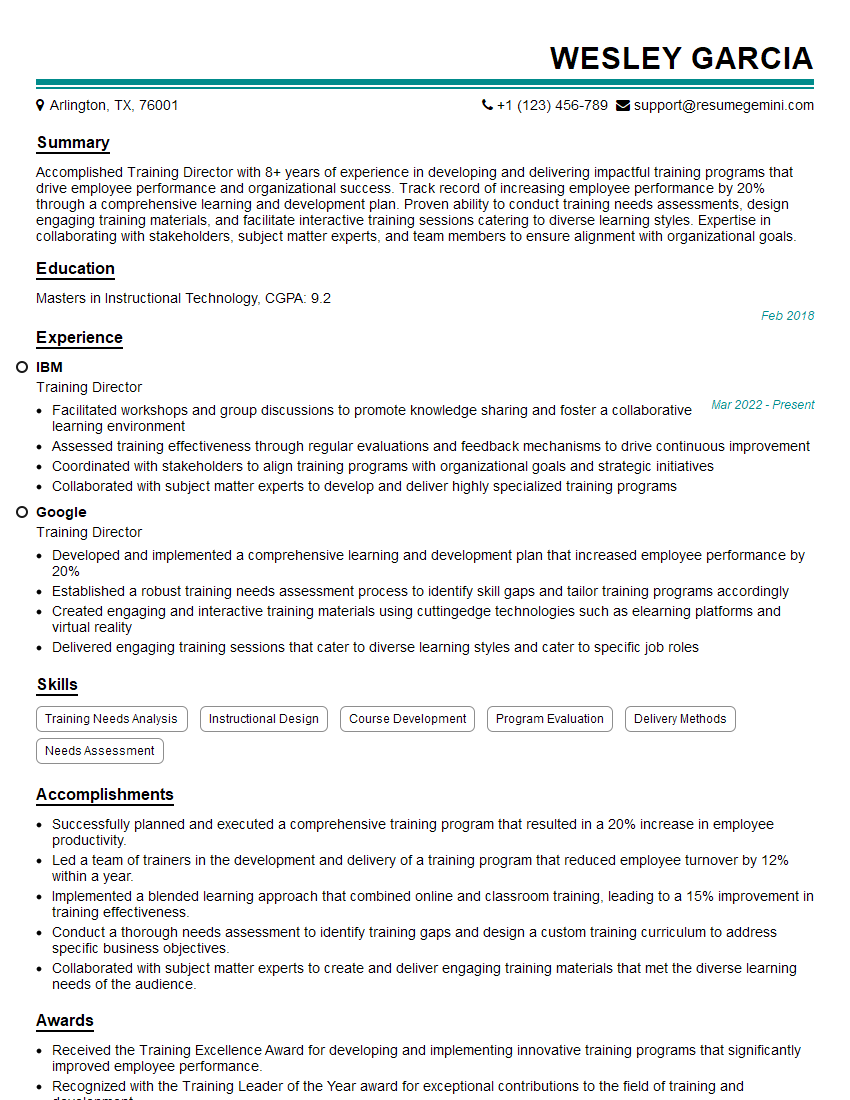
Training Director Resume Sample
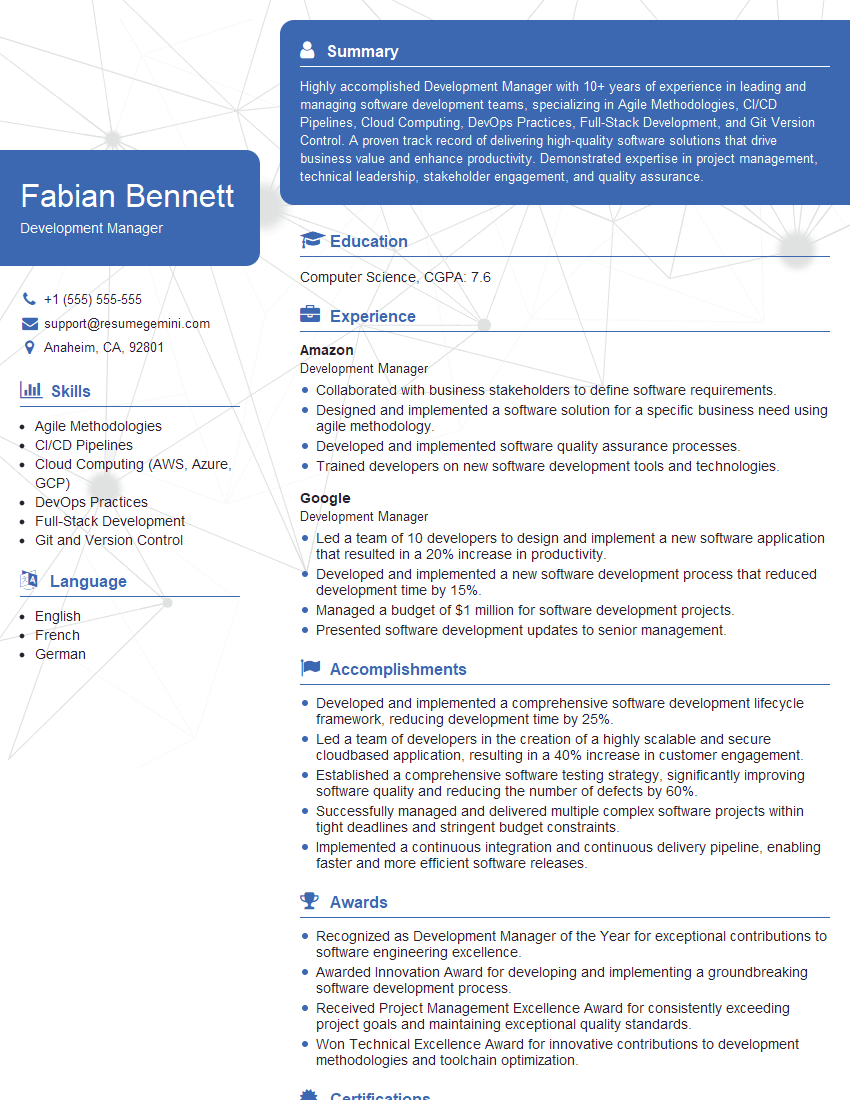
Development Manager Resume Sample
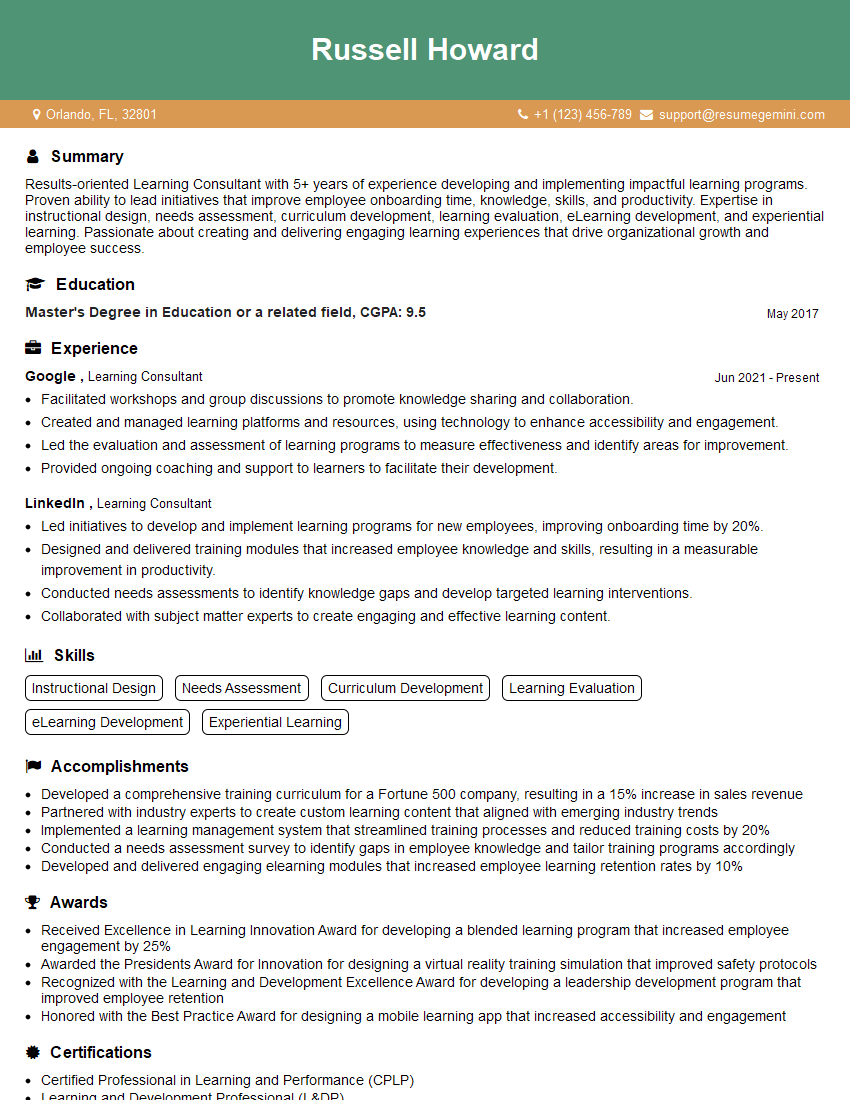
Learning Consultant Resume Sample
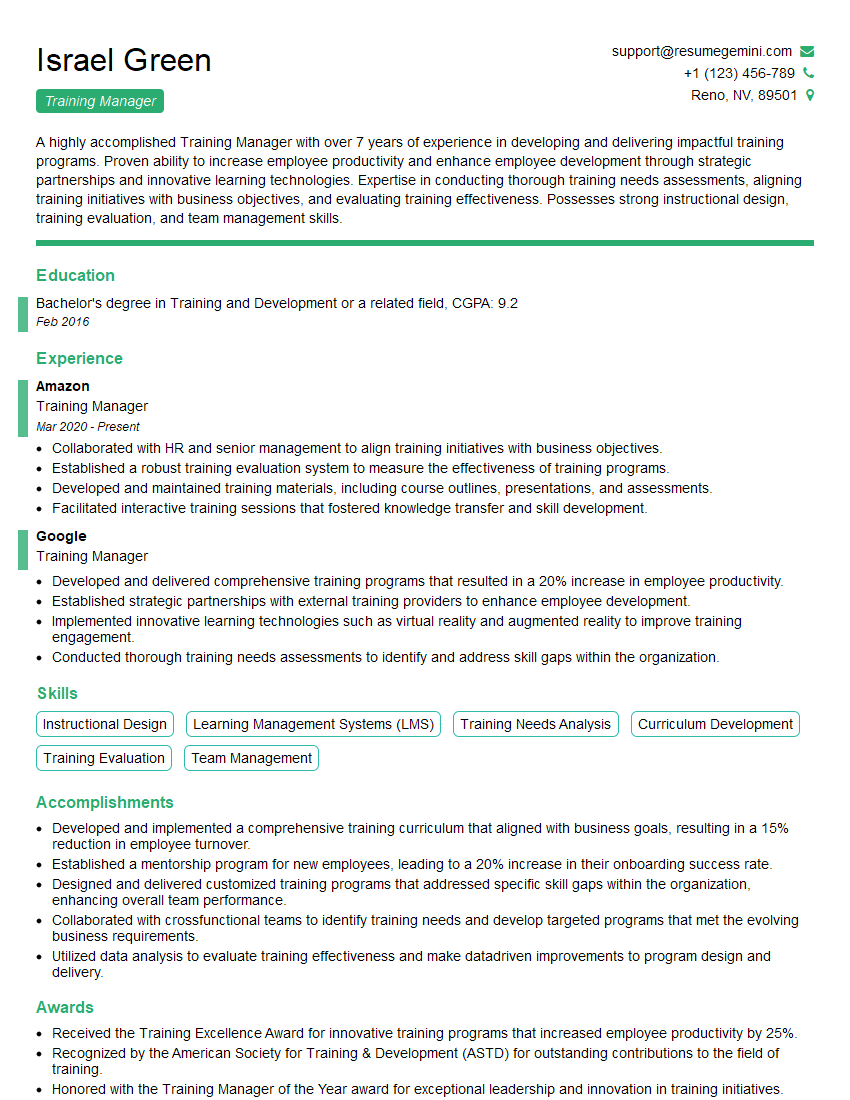
Training Manager Resume Sample
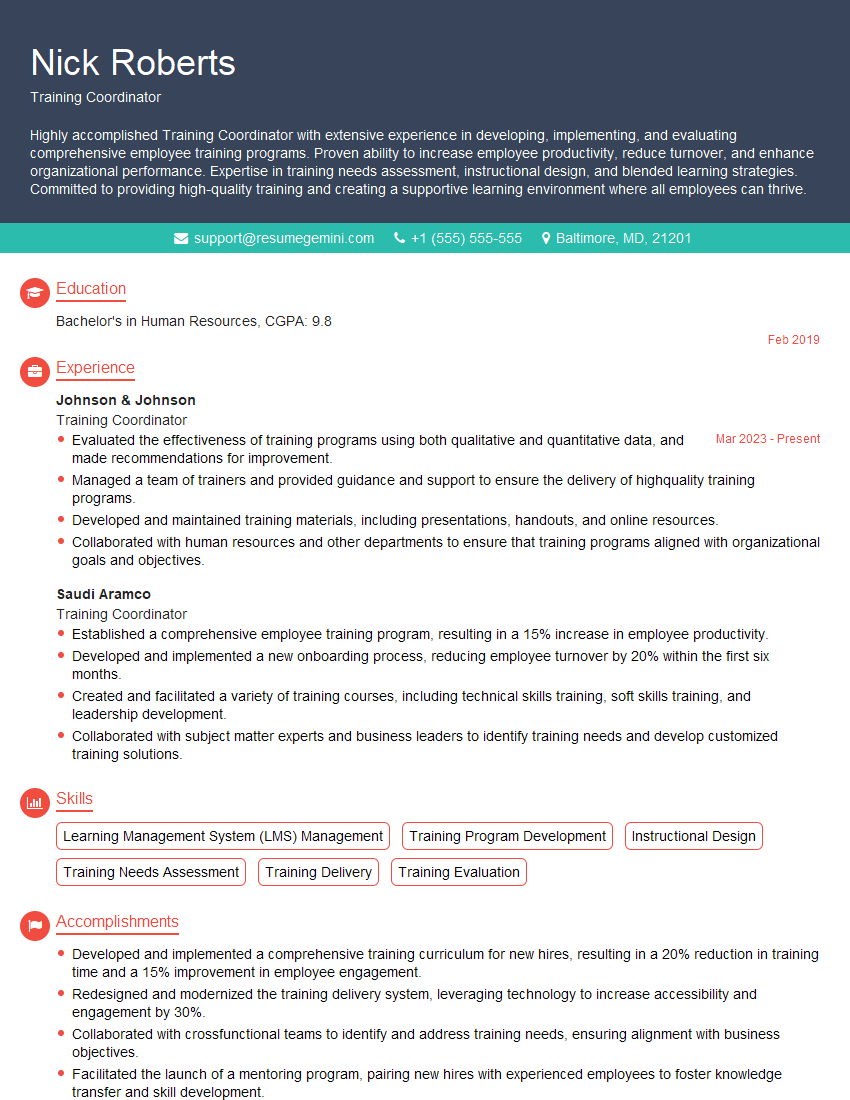
Training Coordinator Resume Sample
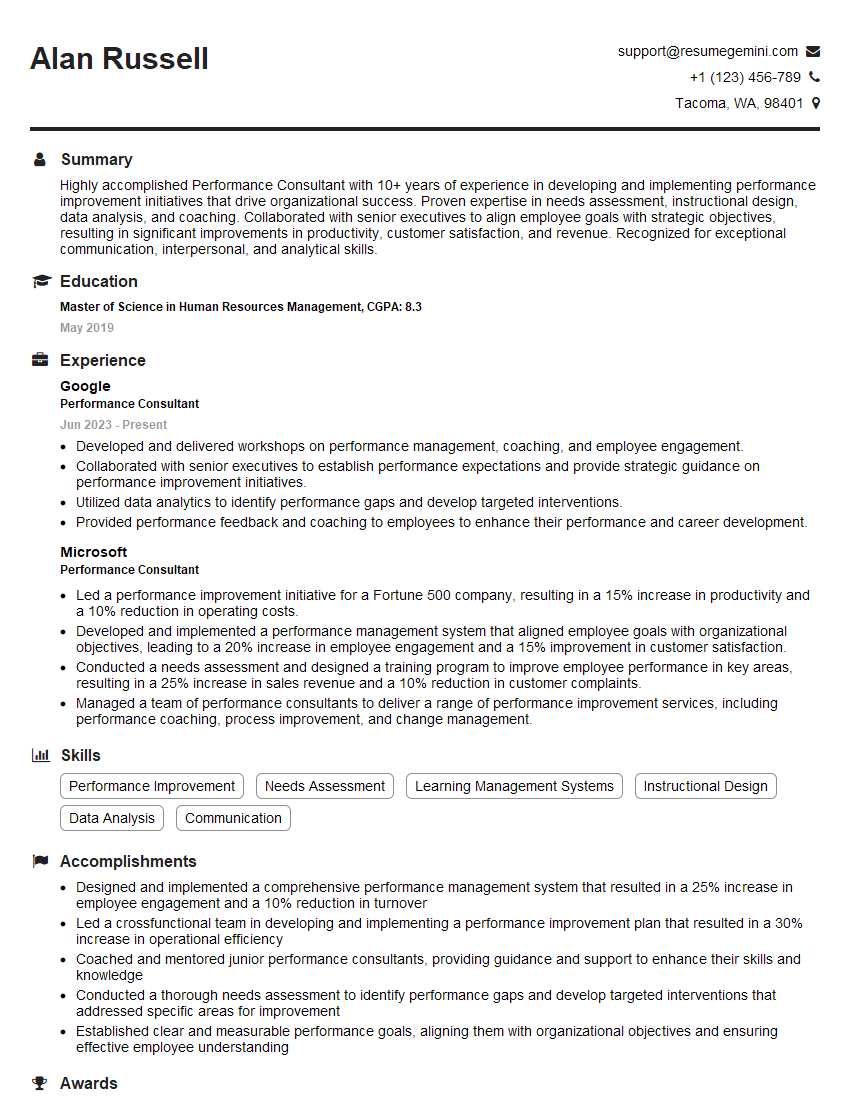
Performance Consultant Resume Sample
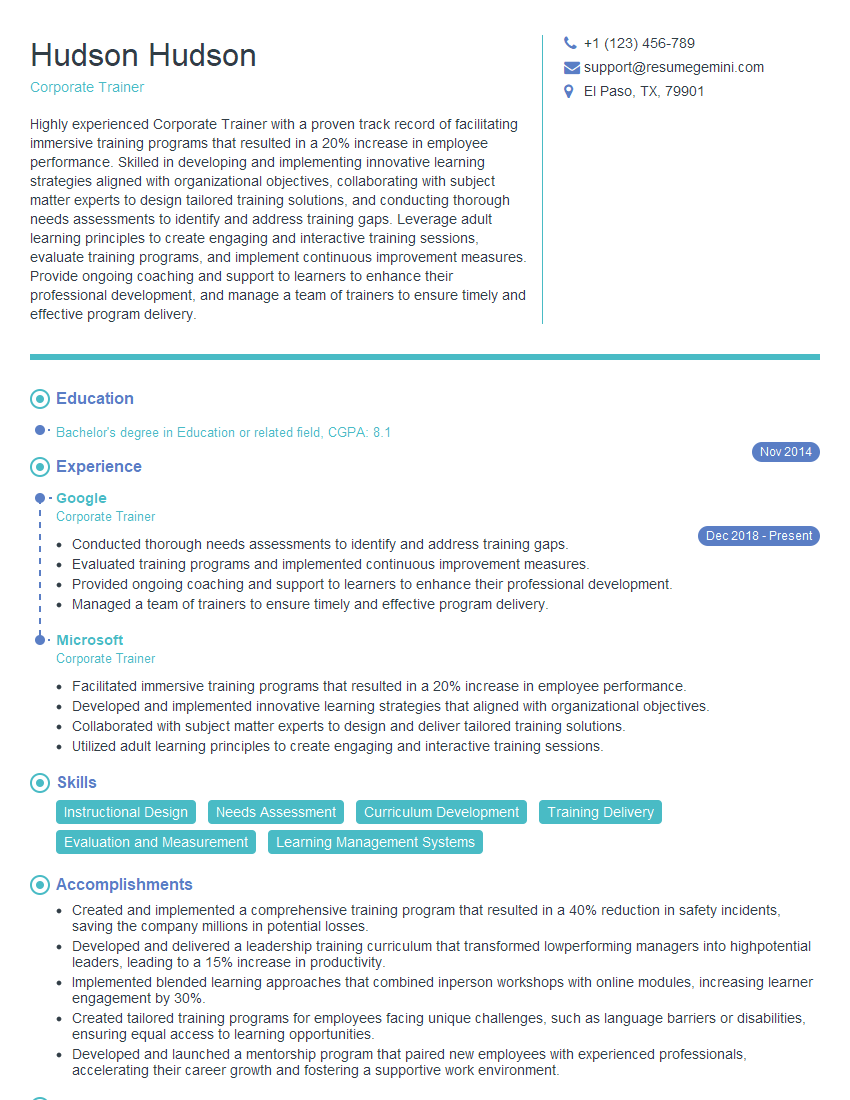
Corporate Trainer Resume Sample

Curriculum Developer Resume Sample

Training Specialist Resume Sample
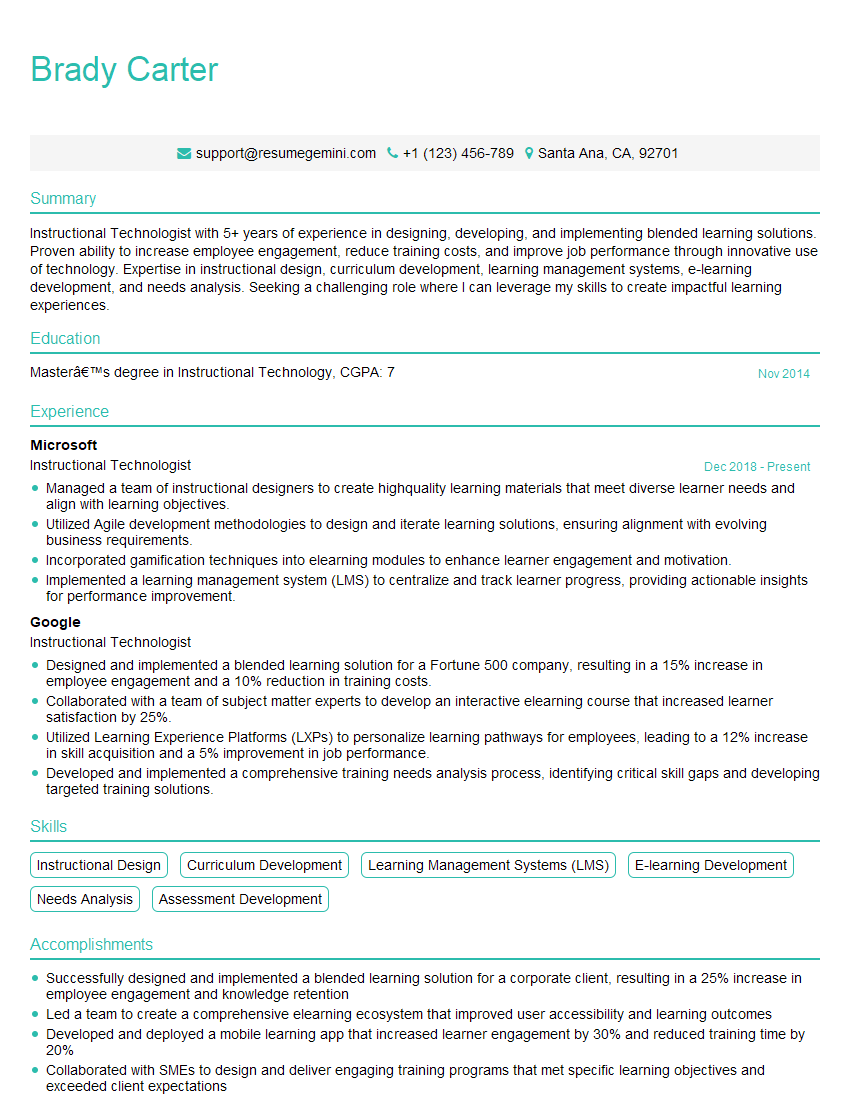
Instructional Technologist Resume Sample
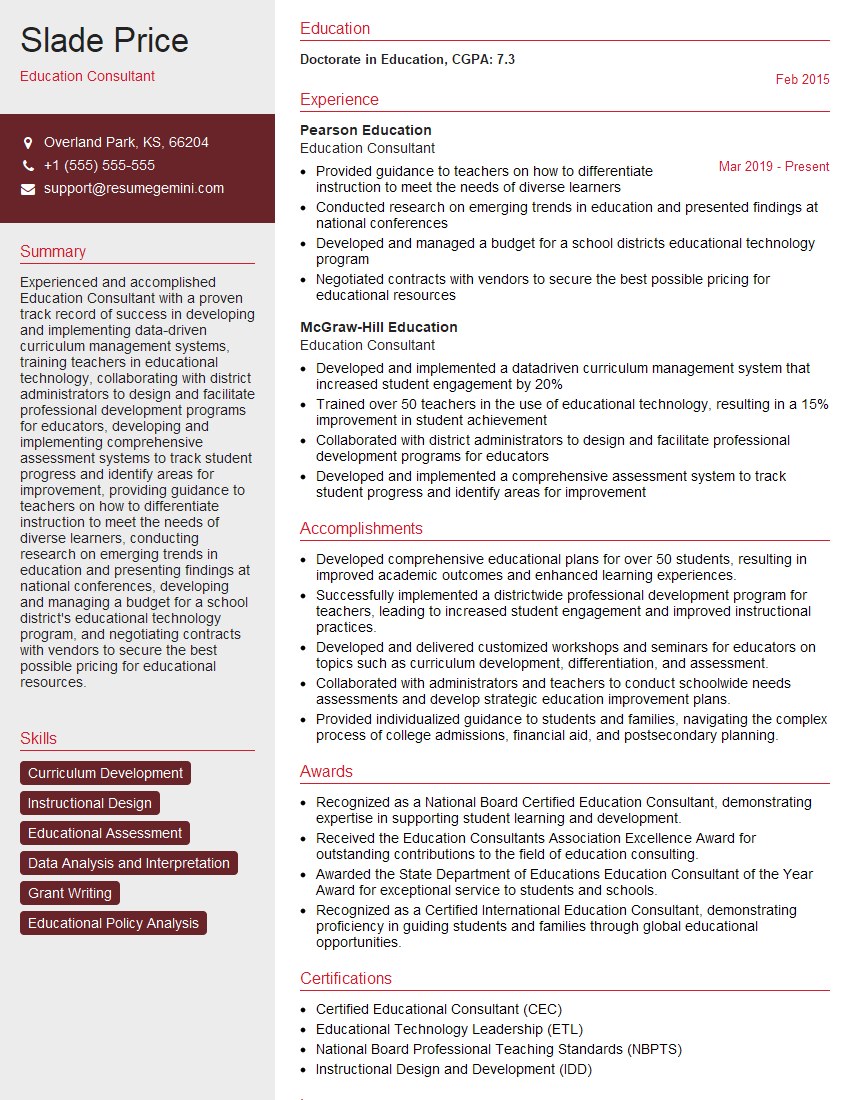
Education Consultant Resume Sample

Instructional Designer Resume Sample

Educational Technologist Resume Sample
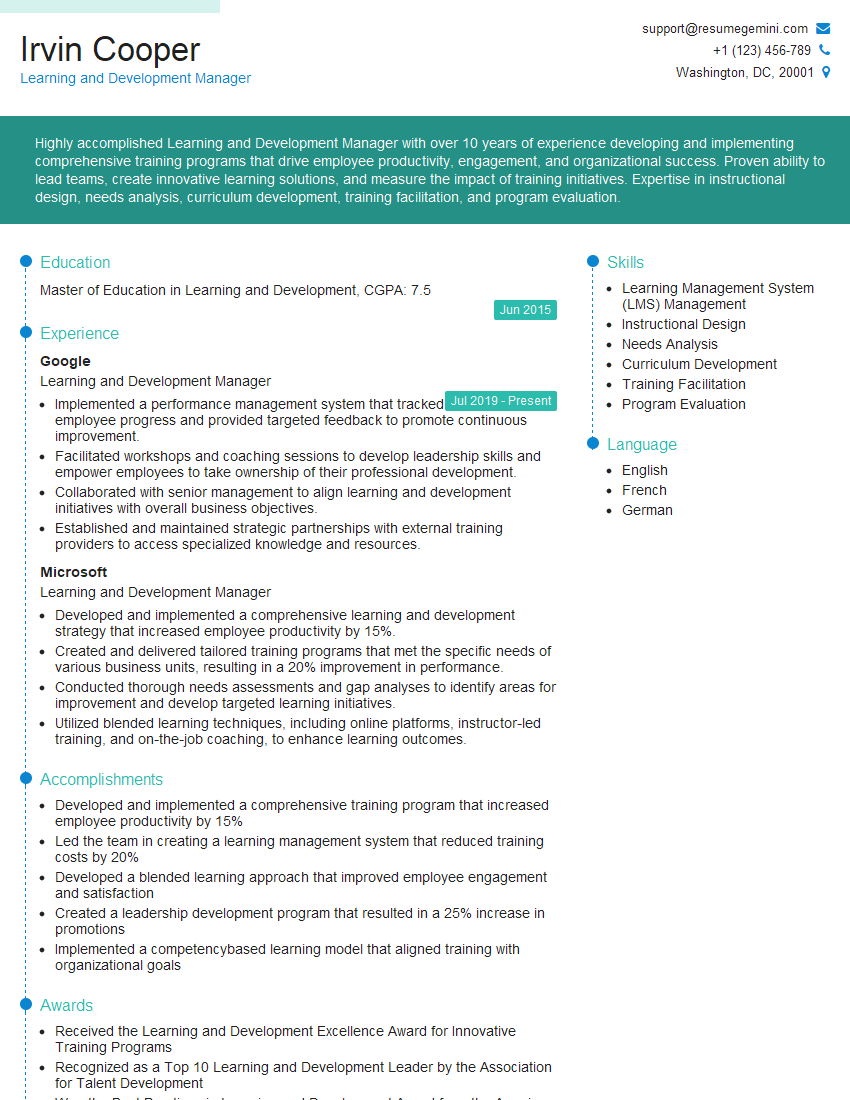
Learning and Development Manager Resume Sample
- Training Director
- Development Manager
- Learning Consultant
- Training Manager
- Training Coordinator
- Performance Consultant
- Corporate Trainer
- Curriculum Developer
- Training Specialist
- Instructional Technologist
- Education Consultant
- Instructional Designer
- Educational Technologist
- Learning and Development Manager
Explore more articles
Users Rating of Our Blogs
Share Your Experience
We value your feedback! Please rate our content and share your thoughts (optional).
What Readers Say About Our Blog
Attention music lovers!
Wow, All the best Sax Summer music !!!
Spotify: https://open.spotify.com/artist/6ShcdIT7rPVVaFEpgZQbUk
Apple Music: https://music.apple.com/fr/artist/jimmy-sax-black/1530501936
YouTube: https://music.youtube.com/browse/VLOLAK5uy_noClmC7abM6YpZsnySxRqt3LoalPf88No
Other Platforms and Free Downloads : https://fanlink.tv/jimmysaxblack
on google : https://www.google.com/search?q=22+AND+22+AND+22
on ChatGPT : https://chat.openai.com?q=who20jlJimmy20Black20Sax20Producer
Get back into the groove with Jimmy sax Black
Best regards,
Jimmy sax Black
www.jimmysaxblack.com
Hi I am a troller at The aquatic interview center and I suddenly went so fast in Roblox and it was gone when I reset.
Hi,
Business owners spend hours every week worrying about their website—or avoiding it because it feels overwhelming.
We’d like to take that off your plate:
$69/month. Everything handled.
Our team will:
Design a custom website—or completely overhaul your current one
Take care of hosting as an option
Handle edits and improvements—up to 60 minutes of work included every month
No setup fees, no annual commitments. Just a site that makes a strong first impression.
Find out if it’s right for you:
https://websolutionsgenius.com/awardwinningwebsites
Hello,
we currently offer a complimentary backlink and URL indexing test for search engine optimization professionals.
You can get complimentary indexing credits to test how link discovery works in practice.
No credit card is required and there is no recurring fee.
You can find details here:
https://wikipedia-backlinks.com/indexing/
Regards
NICE RESPONSE TO Q & A
hi
The aim of this message is regarding an unclaimed deposit of a deceased nationale that bears the same name as you. You are not relate to him as there are millions of people answering the names across around the world. But i will use my position to influence the release of the deposit to you for our mutual benefit.
Respond for full details and how to claim the deposit. This is 100% risk free. Send hello to my email id: lukachachibaialuka@gmail.com
Luka Chachibaialuka
Hey interviewgemini.com, just wanted to follow up on my last email.
We just launched Call the Monster, an parenting app that lets you summon friendly ‘monsters’ kids actually listen to.
We’re also running a giveaway for everyone who downloads the app. Since it’s brand new, there aren’t many users yet, which means you’ve got a much better chance of winning some great prizes.
You can check it out here: https://bit.ly/callamonsterapp
Or follow us on Instagram: https://www.instagram.com/callamonsterapp
Thanks,
Ryan
CEO – Call the Monster App
Hey interviewgemini.com, I saw your website and love your approach.
I just want this to look like spam email, but want to share something important to you. We just launched Call the Monster, a parenting app that lets you summon friendly ‘monsters’ kids actually listen to.
Parents are loving it for calming chaos before bedtime. Thought you might want to try it: https://bit.ly/callamonsterapp or just follow our fun monster lore on Instagram: https://www.instagram.com/callamonsterapp
Thanks,
Ryan
CEO – Call A Monster APP
To the interviewgemini.com Owner.
Dear interviewgemini.com Webmaster!
Hi interviewgemini.com Webmaster!
Dear interviewgemini.com Webmaster!
excellent
Hello,
We found issues with your domain’s email setup that may be sending your messages to spam or blocking them completely. InboxShield Mini shows you how to fix it in minutes — no tech skills required.
Scan your domain now for details: https://inboxshield-mini.com/
— Adam @ InboxShield Mini
support@inboxshield-mini.com
Reply STOP to unsubscribe
Hi, are you owner of interviewgemini.com? What if I told you I could help you find extra time in your schedule, reconnect with leads you didn’t even realize you missed, and bring in more “I want to work with you” conversations, without increasing your ad spend or hiring a full-time employee?
All with a flexible, budget-friendly service that could easily pay for itself. Sounds good?
Would it be nice to jump on a quick 10-minute call so I can show you exactly how we make this work?
Best,
Hapei
Marketing Director
Hey, I know you’re the owner of interviewgemini.com. I’ll be quick.
Fundraising for your business is tough and time-consuming. We make it easier by guaranteeing two private investor meetings each month, for six months. No demos, no pitch events – just direct introductions to active investors matched to your startup.
If youR17;re raising, this could help you build real momentum. Want me to send more info?
Hi, I represent an SEO company that specialises in getting you AI citations and higher rankings on Google. I’d like to offer you a 100% free SEO audit for your website. Would you be interested?
Hi, I represent an SEO company that specialises in getting you AI citations and higher rankings on Google. I’d like to offer you a 100% free SEO audit for your website. Would you be interested?