Feeling uncertain about what to expect in your upcoming interview? We’ve got you covered! This blog highlights the most important 3D and Multimedia Support interview questions and provides actionable advice to help you stand out as the ideal candidate. Let’s pave the way for your success.
Questions Asked in 3D and Multimedia Support Interview
Q 1. Explain the difference between polygon modeling and NURBS modeling.
Polygon modeling and NURBS modeling are two fundamental approaches in 3D modeling, each with its strengths and weaknesses. Think of it like building with LEGOs versus sculpting with clay.
Polygon modeling uses polygons (triangles, quadrilaterals) to create surfaces. It’s like assembling LEGO bricks to form a shape. This method is versatile, efficient for hard-surface modeling (like buildings or vehicles), and readily adaptable to real-time rendering in games. However, creating smooth curves can be challenging and may require a high polygon count.
NURBS (Non-Uniform Rational B-Splines) modeling, on the other hand, is based on mathematical curves and surfaces. It’s more like sculpting with clay, allowing for organic shapes and smooth curves with fewer control points. This is ideal for character modeling or product design where smooth, flowing surfaces are crucial. However, NURBS models can be more computationally intensive to render.
In essence: Polygon modeling is best for hard surfaces and efficiency, while NURBS modeling excels at organic shapes and smooth curves. Many modern 3D software packages offer both.
Q 2. What are the advantages and disadvantages of using different 3D file formats (e.g., FBX, OBJ, 3DS)?
Different 3D file formats each have their own advantages and disadvantages. Choosing the right format depends heavily on the intended application and the software involved.
- FBX (Filmbox): A versatile, widely supported format that preserves much of the model’s data, including animations, materials, and textures. It’s a good choice for transferring models between different software packages, but the file size can be larger.
- OBJ (Wavefront OBJ): A simple, widely supported format that primarily stores geometry (vertices, faces, normals). It’s lightweight but doesn’t typically store texture or animation data. It’s suitable for sharing geometry between programs, especially when material information is handled separately.
- 3DS (3D Studio): An older format with limited support in modern applications. It’s often used for simpler models and is generally less versatile than FBX or OBJ.
For example, if I’m working on a game project, I might prefer FBX for its animation support and cross-platform compatibility. If I’m just exchanging geometry for a 3D print, OBJ is often sufficient.
Q 3. Describe your experience with various 3D modeling software (e.g., Maya, Blender, 3ds Max).
I have extensive experience with Maya, Blender, and 3ds Max, each serving distinct purposes in my workflow. My proficiency ranges from basic modeling and texturing to advanced animation and rigging techniques.
- Maya: My go-to for high-end production work, especially character animation and complex simulations. Its robust toolset and industry standard status are invaluable.
- Blender: A powerful, open-source option that I frequently use for quick prototyping, environment creation, and personal projects. Its free nature makes it accessible and its community is incredibly supportive.
- 3ds Max: I’ve used 3ds Max extensively for architectural visualization and game asset creation. It’s particularly strong in its modeling and rendering capabilities.
My experience with these packages allows me to select the best tool for the job, optimizing my workflow for efficiency and results. For instance, I might use Blender for a quick model and then import it into Maya for more refined animation.
Q 4. How do you optimize 3D models for game engines or real-time applications?
Optimizing 3D models for game engines or real-time applications is crucial for performance. The goal is to maintain visual fidelity while minimizing the strain on system resources.
- Polygon Reduction: Lowering the polygon count is paramount. Tools like Decimation Masters in Maya or the built-in tools in Blender can efficiently reduce polygon count without significant loss of detail. I often use techniques like retopology to rebuild a simplified low-poly model over a high-poly sculpt for efficient rendering.
- Texture Optimization: Using appropriately sized textures (e.g., power-of-two dimensions) and efficient compression formats (e.g., DXT, BCn) reduces memory usage and loading times.
- Level of Detail (LOD): Implementing LODs allows the engine to switch to simpler versions of the model at greater distances, dramatically improving performance. This involves creating multiple versions of the model with decreasing polygon counts.
- Normal Maps and other Baking Techniques: Baking high-frequency detail from high-poly models into normal maps, ambient occlusion maps, etc., lets us use low-poly models with visually complex surface detail. This dramatically reduces polygon count while retaining detail.
For example, in a game, I might use a high-poly model for close-ups and a low-poly version with normal maps for distant views.
Q 5. Explain the process of UV unwrapping and texturing a 3D model.
UV unwrapping and texturing are essential steps in creating realistic 3D models. Imagine unwrapping a piece of clothing to lay it flat before applying a pattern; that’s analogous to UV unwrapping.
UV unwrapping is the process of projecting a 3D model’s surface onto a 2D plane (UV space) to apply textures. This involves carefully arranging the model’s parts to minimize distortion and seam lines. Good unwrapping techniques are key to creating seamless textures. Different software packages offer various unwrapping methods, including automatic tools and manual techniques.
Texturing is the process of creating and applying images (textures) to the model’s UV map. This adds color, detail, and surface properties (roughness, reflectivity) to the model. Textures can range from simple colors to complex photorealistic images. Popular image formats for textures include PNG, JPG, and TIFF, each with its advantages and disadvantages.
Poorly unwrapped models result in stretched textures or obvious seams, while well-executed texturing dramatically enhances realism.
Q 6. What are your preferred methods for creating realistic lighting and shadows in 3D scenes?
Creating realistic lighting and shadows is crucial for visual fidelity. My preferred methods combine both global illumination techniques and physically-based rendering (PBR).
- Global Illumination (GI): This simulates the way light bounces around a scene, creating realistic indirect lighting effects. Methods include irradiance caching, photon mapping, and light tracing. These techniques are computationally expensive but significantly enhance realism.
- Physically-Based Rendering (PBR): PBR uses physically accurate models of light interaction with materials. This allows for realistic reflections, refractions, and shadows based on the properties of the materials. It requires careful definition of material properties (roughness, metallicness, etc.)
- Light Probes and Environment Maps: I frequently use light probes to capture indirect lighting and environment maps for realistic reflections. These methods are computationally efficient alternatives to full GI for larger scenes.
- Area Lights: Instead of point lights, using area lights (lights with surface area) creates softer, more realistic shadows.
The choice of lighting technique depends on the project’s scale and desired level of realism. For real-time applications, optimized techniques like light probes and PBR are preferred, while high-end renders might leverage computationally expensive GI methods.
Q 7. Describe your experience with animation software (e.g., Maya, Blender, After Effects).
My animation experience spans various software packages, each offering unique advantages for different animation styles.
- Maya: A strong choice for character animation due to its robust rigging tools, muscle simulation capabilities, and industry-standard workflows. I’ve used Maya extensively for character animation, creating realistic movements and facial expressions.
- Blender: A versatile option for both character and object animation. Blender’s powerful animation features and community support make it suitable for diverse animation tasks, from simple animations to complex simulations. I used Blender to create character animations for short films.
- After Effects: I often use After Effects for compositing and post-processing animated sequences. It’s particularly useful for adding special effects, tweaking timing, and creating final renders.
My approach to animation prioritizes understanding the principles of movement and character performance. I combine technical skills with an artistic sensibility to create believable and engaging animations.
Q 8. How do you handle version control in a 3D modeling project?
Version control in 3D modeling is crucial for managing revisions, collaboration, and preventing data loss. Think of it like having a detailed history of your project, allowing you to revert to earlier versions if needed. We primarily use Git, often with a platform like GitLab or GitHub, but sometimes employ dedicated 3D asset management tools like Perforce or Shotgun depending on project scale and complexity.
Our workflow typically involves regularly committing changes with descriptive messages, branching for new features or experimental changes, and merging completed work back into the main branch. This allows multiple artists to work concurrently without overwriting each other’s progress. For example, one artist might work on character modeling in a separate branch, while another focuses on environment texturing in another. Once their work is complete and reviewed, it’s merged back into the main branch for a final integrated product. We also use tagging to mark significant milestones, such as release candidates or final versions.
Ignoring version control leads to chaos – imagine trying to reconstruct a project from scattered files, without knowing which version is the most up-to-date, or who made which changes! It’s a disaster waiting to happen.
Q 9. Explain your understanding of different rendering techniques (e.g., ray tracing, rasterization).
Rendering is the process of creating a 2D image from a 3D model. Think of it as taking a photo of a virtual scene.
- Rasterization: This is the most common rendering technique, used in real-time applications like video games. It works by projecting polygons onto a 2D screen and filling them with color, based on lighting calculations. It’s fast but can produce less realistic results, particularly in the area of shadows and reflections.
- Ray Tracing: This simulates the way light actually behaves. It traces the path of light rays from the camera through the scene, calculating interactions with surfaces, and creating realistic reflections, refractions, and shadows. It’s computationally expensive, requiring significantly more processing power than rasterization, making it more suitable for pre-rendered animations or high-quality still images.
In practice, we might use rasterization for game development where real-time performance is critical. For high-fidelity cinematic sequences or architectural visualizations, ray tracing would be preferred, even if it necessitates using a render farm for complex scenes.
Q 10. Describe your experience with compositing software (e.g., After Effects, Nuke).
I’m proficient in both After Effects and Nuke, leveraging their strengths for different compositing tasks. After Effects is my go-to for motion graphics, adding visual effects to 2D footage, and creating seamless transitions. Its intuitive interface and extensive plugin ecosystem make it versatile for various projects. Nuke, on the other hand, excels in high-end visual effects, particularly for feature films or complex commercials, where its node-based workflow and advanced features such as rotoscoping and color correction are invaluable.
For example, in a recent project, we used After Effects to create animated title sequences and integrate them into the final video. For another project involving complex visual effects, Nuke was used to composite CGI elements, remove unwanted objects from footage, and perform extensive color grading to match different shots consistently.
Q 11. How do you troubleshoot technical issues related to 3D models or multimedia files?
Troubleshooting 3D models and multimedia files involves a systematic approach. I start by identifying the specific error or issue, and then proceed with a structured debugging process.
- Identify the Problem: What exactly is wrong? Is it a rendering issue, texture error, file corruption, or something else?
- Isolate the Source: Try to pinpoint the specific file, software component, or hardware element causing the problem. If it’s a model, examine the geometry, UV maps, and materials. For video, check codecs and settings.
- Test and Experiment: Systematically try different settings, plugins, or software versions to see if that resolves the issue. If a certain component or plugin seems to be the source of error, try updating it, downgrading it, or even temporarily disabling it.
- Consult Resources: Use online forums, documentation, and community support to find solutions to common problems. Searching error messages online often reveals solutions provided by others encountering the same issue.
- Seek Help: If the problem persists, seek help from colleagues or experts.
A recent example involved a corrupted texture file causing rendering errors. By isolating the affected texture using the process outlined above, I identified the problematic file and was able to replace it with a clean version, resolving the issue.
Q 12. What is your experience with game engines like Unity or Unreal Engine?
I have extensive experience with both Unity and Unreal Engine, choosing the engine best suited to project requirements. Unity, with its ease of use and cross-platform capabilities, is excellent for rapid prototyping and mobile game development. Unreal Engine, known for its stunning visuals and powerful rendering capabilities, is ideal for high-fidelity games and real-time simulations.
In one project, we used Unity to develop a mobile AR game, leveraging its ease of integration with ARKit and ARCore. For another project requiring photorealistic graphics, we selected Unreal Engine to build a virtual environment for architectural visualization, utilizing its advanced features such as ray tracing and physically-based rendering.
Q 13. Describe your experience with virtual reality (VR) or augmented reality (AR) technologies.
My experience with VR and AR encompasses both development and application. I’ve worked on projects utilizing both Oculus Rift and HTC Vive for VR experiences, and have developed AR applications using ARKit and ARCore for iOS and Android devices.
A recent project involved creating a VR training simulation for medical professionals, where users could practice complex surgical procedures in a safe, immersive environment. Another project used AR to overlay 3D models onto real-world environments for architectural visualization, allowing clients to view designs within their actual surroundings. Understanding the unique challenges and possibilities presented by these technologies, like motion sickness mitigation and environmental limitations, is crucial for creating engaging and effective experiences.
Q 14. How familiar are you with different video codecs and compression techniques?
I’m familiar with a wide range of video codecs and compression techniques, including H.264, H.265 (HEVC), VP9, and ProRes. The choice of codec depends heavily on the desired balance between quality, file size, and processing requirements. H.264 is widely compatible but can be less efficient than newer codecs like H.265. ProRes is a high-quality codec used extensively in professional video editing, though it results in larger file sizes.
Understanding compression techniques is crucial for optimizing video for various platforms and applications. For example, when preparing a video for online streaming, a balance must be struck between minimizing file size for efficient bandwidth consumption and maintaining acceptable quality for a positive viewer experience. In post-production, we might use a lossless codec like ProRes during editing to preserve quality and then transcode to a more compressed format like H.264 or H.265 for distribution.
Q 15. How do you ensure the accessibility of multimedia content?
Ensuring accessibility of multimedia content is crucial for inclusivity. It means making your content usable by people with disabilities, such as visual, auditory, cognitive, or motor impairments. This involves adhering to established accessibility guidelines, like WCAG (Web Content Accessibility Guidelines).
- Alt Text for Images: Every image should have descriptive alt text. For example, instead of
<img src="image.jpg">, use<img src="image.jpg" alt="A vibrant sunset over a calm ocean">. This allows screen readers to convey the image’s content to visually impaired users. - Captions and Transcripts for Videos: Providing accurate captions (textual representations of the audio) and transcripts (full written versions of the audio and video content) is vital for deaf and hard-of-hearing individuals. Think of it as providing subtitles, but more comprehensive.
- Audio Descriptions for Videos: For blind or visually impaired users, audio descriptions narrate the visual elements of a video, adding context that’s otherwise missed.
- Keyboard Navigation: Multimedia players should be fully navigable using only a keyboard, allowing users with motor impairments to control playback without a mouse.
- Color Contrast: Ensure sufficient contrast between text and background colors to improve readability for users with low vision.
In practice, I utilize accessibility checkers during the production process and actively incorporate these guidelines at each stage, from content creation to final delivery. For instance, when creating an e-learning video, I ensure that all on-screen text has sufficient contrast and that the video includes both captions and a detailed transcript.
Career Expert Tips:
- Ace those interviews! Prepare effectively by reviewing the Top 50 Most Common Interview Questions on ResumeGemini.
- Navigate your job search with confidence! Explore a wide range of Career Tips on ResumeGemini. Learn about common challenges and recommendations to overcome them.
- Craft the perfect resume! Master the Art of Resume Writing with ResumeGemini’s guide. Showcase your unique qualifications and achievements effectively.
- Don’t miss out on holiday savings! Build your dream resume with ResumeGemini’s ATS optimized templates.
Q 16. What is your experience with audio editing and mixing?
My experience with audio editing and mixing spans over [Number] years. I’m proficient in various Digital Audio Workstations (DAWs), including Audacity, GarageBand, and Pro Tools. My skills encompass noise reduction, equalization, compression, and mastering techniques. I’ve worked on various projects, ranging from podcasts and voiceovers to music production and sound design for video games.
For example, I recently worked on a documentary where I had to clean up background noise from interviews, apply EQ to enhance clarity, and adjust the levels to create a consistent and professional sound. Mastering involved ensuring the final audio was optimized for different playback environments.
I understand the importance of creating a cohesive soundscape that supports the overall narrative or message. This involves careful attention to detail, listening critically, and making creative decisions to improve the final product.
Q 17. Describe your experience with video editing software (e.g., Premiere Pro, Final Cut Pro).
I have extensive experience with professional video editing software, including Adobe Premiere Pro and Final Cut Pro. I’m comfortable with all aspects of the editing process, from ingesting footage to color grading, audio mixing, and exporting the final product. I’m familiar with advanced techniques like keyframing, motion graphics, and compositing.
In Premiere Pro, for example, I often leverage nested sequences for complex projects and use Lumetri Color for precise color correction and grading. In Final Cut Pro, I appreciate its intuitive interface and powerful magnetic timeline for streamlining the editing workflow. I can smoothly transition between these platforms depending on the project’s requirements and client preferences.
Recently, I completed a project involving multiple cameras, drone footage, and VFX work using Premiere Pro. The project required meticulous syncing and editing, color consistency across various shots, and precise timing for adding visual effects. This experience reinforced my skills in managing large and complex video projects.
Q 18. Explain the concept of color grading and its importance in multimedia production.
Color grading is the process of adjusting the color and tone of video footage or images to achieve a specific aesthetic or mood. It’s distinct from color correction, which focuses on correcting inaccuracies in color and lighting. Think of color correction as fixing a crooked picture frame, while color grading is like choosing a specific paint color for the wall.
It’s crucial in multimedia production because it can significantly impact the viewer’s emotional response and the overall narrative. For example, a warm, saturated look might evoke feelings of happiness and excitement, while cool, desaturated tones could convey sadness or seriousness.
The importance lies in consistency and intention. A well-graded piece creates a unified visual language and elevates the professional look of the final product. Poor color grading can create a disjointed and unprofessional outcome, which impacts the viewers’ overall experience.
Q 19. How do you manage large multimedia projects and their associated files?
Managing large multimedia projects involves meticulous organization and efficient file management strategies. I utilize a combination of techniques to maintain a streamlined workflow.
- Project-Specific Folders: I create a dedicated folder for each project, further organized into subfolders for video, audio, images, and other assets. This structure keeps everything neatly organized and easily accessible.
- Cloud Storage: Services like Dropbox, Google Drive, or similar platforms provide remote storage and collaboration capabilities, crucial for team projects. Version control is very helpful.
- Metadata and Naming Conventions: Employing clear and consistent naming conventions (e.g.,
Scene01_TakeA.mov) and tagging files with relevant metadata simplifies searching and retrieval. - Asset Management Software: For extremely large projects, I may utilize dedicated asset management software to track and manage all assets effectively. These programs can be very useful in managing metadata and versions.
- Backup Strategies: Regular backups are essential to protect against data loss. I typically employ a multi-level backup strategy, using both local and cloud backups.
This approach ensures that even large-scale projects remain manageable and efficient, minimizing the risk of errors and lost files.
Q 20. Describe your experience working with different image formats (e.g., JPEG, PNG, TIFF).
My experience encompasses a wide range of image formats, each with its strengths and weaknesses. I understand the differences between lossy (JPEG) and lossless (PNG, TIFF) compression and choose the appropriate format based on the project’s specific needs.
- JPEG: Commonly used for photographs due to its high compression ratio, resulting in smaller file sizes. However, it’s lossy, meaning some image data is discarded during compression, potentially leading to quality loss if repeatedly edited.
- PNG: Ideal for graphics with sharp lines and text because of its lossless compression. It supports transparency, which makes it perfect for logos and illustrations with transparent backgrounds.
- TIFF: A high-quality, lossless format commonly used for professional photography and printing. While it offers exceptional quality, TIFF files are significantly larger than JPEGs.
For instance, I might use JPEGs for website images where file size is a concern, but opt for TIFF for high-resolution prints requiring the utmost image quality. Choosing the right format is a key aspect of optimizing image files for their intended use.
Q 21. What are your troubleshooting skills regarding multimedia playback issues?
Troubleshooting multimedia playback issues requires a systematic approach. I typically start by identifying the specific problem and work through potential causes.
- Software Compatibility: Check if the codecs (software that compresses and decompresses multimedia files) are installed and updated to support the file format.
- Hardware Limitations: Insufficient processing power or RAM can cause playback issues. Check system resources to ensure they meet the requirements.
- File Corruption: Damaged files can lead to playback errors. Try playing the file on a different system or using a file repair tool.
- Driver Issues: Outdated or corrupted graphics or sound drivers can cause problems. Update them to the latest versions.
- Codec Conflicts: Conflicting codecs can interfere with playback. Uninstall and reinstall media players or update to newer versions.
I approach troubleshooting methodically, starting with the most common issues and progressing through more complex solutions. Documenting my steps helps me track the process and identify the root cause. If the problem persists, I research relevant forums or contact technical support for assistance.
Q 22. How do you create interactive elements in multimedia projects?
Creating interactive elements in multimedia projects involves strategically using programming languages, scripting tools, and multimedia authoring software to make the content responsive to user input. This allows for a more engaging and dynamic experience.
For example, in a web-based project, I’d utilize JavaScript libraries like Three.js for 3D interactions or GreenSock (GSAP) for animations triggered by user clicks or mouse movements. This could involve anything from rotating a 3D model on hover to displaying additional information on a click.
In a game development context, game engines like Unity or Unreal Engine provide robust systems for creating interactive gameplay elements. These systems manage input from controllers, keyboards, and mice, connecting them to in-game actions. A simple example would be implementing a button press to open a door or trigger a cutscene.
For non-game applications, authoring tools such as Adobe Animate or Articulate Storyline allow for interactive elements such as quizzes, branching narratives, and clickable hotspots within videos or presentations. These tools often rely on timelines and triggers to execute the interactive components.
Q 23. How familiar are you with motion capture and its application in animation?
Motion capture (mocap) is a crucial technique for realistically animating characters in film, games, and other multimedia applications. It involves recording the movements of actors using specialized suits and cameras, translating those movements into digital data that can be applied to 3D models.
My familiarity with mocap extends to both the technical aspects of data acquisition and processing and the creative aspects of applying and refining that data in animation software. I have experience working with various mocap systems, from optical systems utilizing multiple cameras to inertial systems using sensors embedded in suits.
Understanding the limitations of mocap data is critical; often, the captured motion needs cleaning and retargeting to fit the specific needs of the character model. This involves using animation software to edit and refine the captured motion, correcting glitches and blending it with other animation techniques for more natural-looking results.
For example, I’ve worked on projects where we used mocap data to animate a realistic human character for a short film. The process involved capturing the actor’s performance, cleaning the data to remove noise and artifacts, then retargeting it to our 3D character model, finally adjusting and polishing the animation to enhance emotional impact.
Q 24. Describe your experience with digital sculpting software (e.g., ZBrush, Sculptris).
I possess extensive experience in digital sculpting software such as ZBrush and Sculptris. These tools are essential for creating high-fidelity 3D models, especially organic forms and characters.
In ZBrush, I’m proficient in utilizing various brushes and sculpting techniques to achieve detailed surface anatomy and high-polygon models. I understand the workflow involving the creation of low-poly base meshes, sculpting high-poly detail, and the subsequent re-topology process for game optimization or animation purposes.
Sculptris, while simpler, offers a great entry point and allows for quick prototyping of models. I use both programs strategically; Sculptris for initial concepts and rapid iteration, and ZBrush for refining and achieving the highest levels of detail and realism.
A project I worked on involved creating a realistic human head model in ZBrush. This required utilizing various brushes for detailing skin pores, wrinkles, and hair, as well as understanding the underlying anatomy to sculpt accurately. The final model was then retopologized and textured for use in a game project.
Q 25. What are some common challenges you’ve faced in 3D modeling or multimedia projects, and how did you overcome them?
Challenges in 3D modeling and multimedia projects are frequent, often stemming from technical limitations, creative roadblocks, or project management issues.
- Technical Challenges: High-polygon models can slow down rendering times. This was resolved by optimizing models and implementing level of detail (LOD) techniques. Another challenge involved working with large datasets of mocap data. We overcame this by using efficient data management techniques and streamlining the pipeline.
- Creative Challenges: Achieving a cohesive visual style across a project can be tricky. This is addressed by creating comprehensive style guides and involving the entire team in the design process.
- Project Management Challenges: Meeting deadlines with evolving requirements is common. This is managed by meticulous planning, clear communication within the team, and utilizing agile methodologies.
Overcoming these challenges requires adaptability, problem-solving skills, and effective communication. Sometimes, it involves finding creative workarounds; other times, it involves learning new techniques or utilizing different software.
Q 26. How do you stay up-to-date with the latest trends and technologies in 3D and multimedia?
Staying current in the ever-evolving fields of 3D and multimedia requires a multifaceted approach.
- Following Industry Blogs and Publications: Regularly reading blogs and publications dedicated to 3D modeling, animation, and multimedia production keeps me informed about the latest software updates, techniques, and industry trends.
- Attending Conferences and Workshops: Participating in conferences and workshops provides opportunities to learn from experts, network with peers, and experience new technologies firsthand.
- Online Courses and Tutorials: Numerous online platforms offer high-quality courses and tutorials on cutting-edge software and techniques. I regularly utilize these to deepen my skillset.
- Experimentation and Personal Projects: Hands-on experience is crucial. I regularly dedicate time to personal projects, experimenting with new tools and software to stay at the forefront of innovation.
This continuous learning is fundamental to adapting to industry changes and offering cutting-edge solutions for clients and projects.
Q 27. Explain your understanding of the principles of visual communication.
Visual communication is the art of conveying information and ideas effectively using visual elements. Understanding its principles is key to creating compelling and impactful multimedia projects.
Key principles include:
- Composition: Arranging visual elements (images, text, objects) in a way that is aesthetically pleasing and guides the viewer’s eye.
- Color Theory: Utilizing color effectively to evoke specific emotions, create contrast, and establish visual hierarchy.
- Typography: Choosing appropriate fonts and text sizes to enhance readability and visual appeal.
- Contrast: Creating visual differences to highlight important information and create visual interest.
- Balance: Distributing visual weight evenly to create harmony and avoid visual clutter.
- Unity: Creating cohesion in the overall design, ensuring all elements work together harmoniously.
Applying these principles in multimedia ensures the information is not only clear but also visually engaging, making the content more memorable and effective. For example, understanding color theory helps in crafting emotionally resonant scenes in animations or selecting color schemes that reinforce a brand’s identity.
Q 28. What is your experience with collaborative workflows in a 3D and multimedia production environment?
Collaborative workflows are crucial in the production of complex 3D and multimedia projects. My experience includes working within teams utilizing various software and communication platforms.
I’m proficient in using version control systems like Git to manage project files and ensure seamless collaboration among team members. I’m also comfortable working within cloud-based project management tools such as Asana or Trello to track progress and maintain clear communication.
Software such as Autodesk ShotGrid or FTrack is essential for larger productions; these tools provide centralized asset management, task assignment, and review systems. I’m familiar with these systems and understand their role in facilitating smooth collaboration across different disciplines, including modeling, animation, texturing, and rigging.
Effective communication is paramount. I am skilled in clearly articulating my ideas, actively listening to others’ perspectives, and collaboratively problem-solving to overcome challenges and achieve project goals.
Key Topics to Learn for 3D and Multimedia Support Interview
- 3D Modeling Software Proficiency: Understanding the principles and practical application of at least one major 3D modeling software (e.g., Maya, 3ds Max, Blender). This includes mesh manipulation, UV mapping, texturing, and rigging techniques.
- Multimedia File Formats and Compression: Knowledge of various image, video, and audio file formats (e.g., JPEG, PNG, MP4, WAV, etc.), their characteristics, and appropriate compression methods for optimal performance and storage efficiency.
- Troubleshooting and Diagnostics: Developing skills in identifying and resolving common issues related to 3D models, multimedia files, and rendering processes. This includes understanding error messages and debugging techniques.
- Rendering and Optimization: Familiarity with rendering pipelines, techniques for optimizing rendering times, and understanding the trade-offs between quality and performance.
- Hardware and Software Compatibility: Understanding the relationship between hardware specifications (CPU, GPU, RAM) and software requirements for optimal 3D and multimedia processing. This includes knowledge of different operating systems and their limitations.
- Version Control and Collaboration: Experience with version control systems (e.g., Git) and collaborative workflows for managing 3D assets and multimedia projects in a team environment.
- Problem-Solving and Analytical Skills: Demonstrating the ability to approach complex technical challenges systematically, break down problems into smaller manageable parts, and find creative solutions.
- Client Communication and Support: Understanding the importance of clear and effective communication with clients or end-users, explaining technical concepts in a non-technical way and providing excellent customer support.
Next Steps
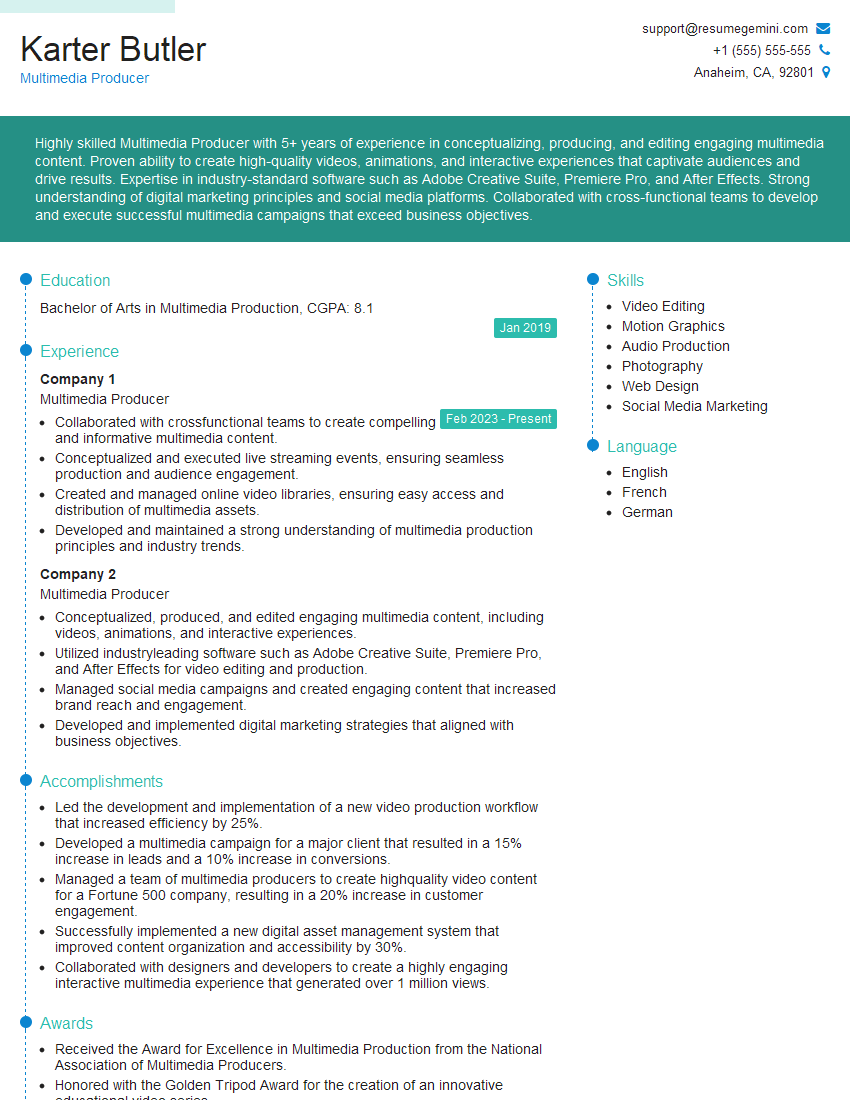
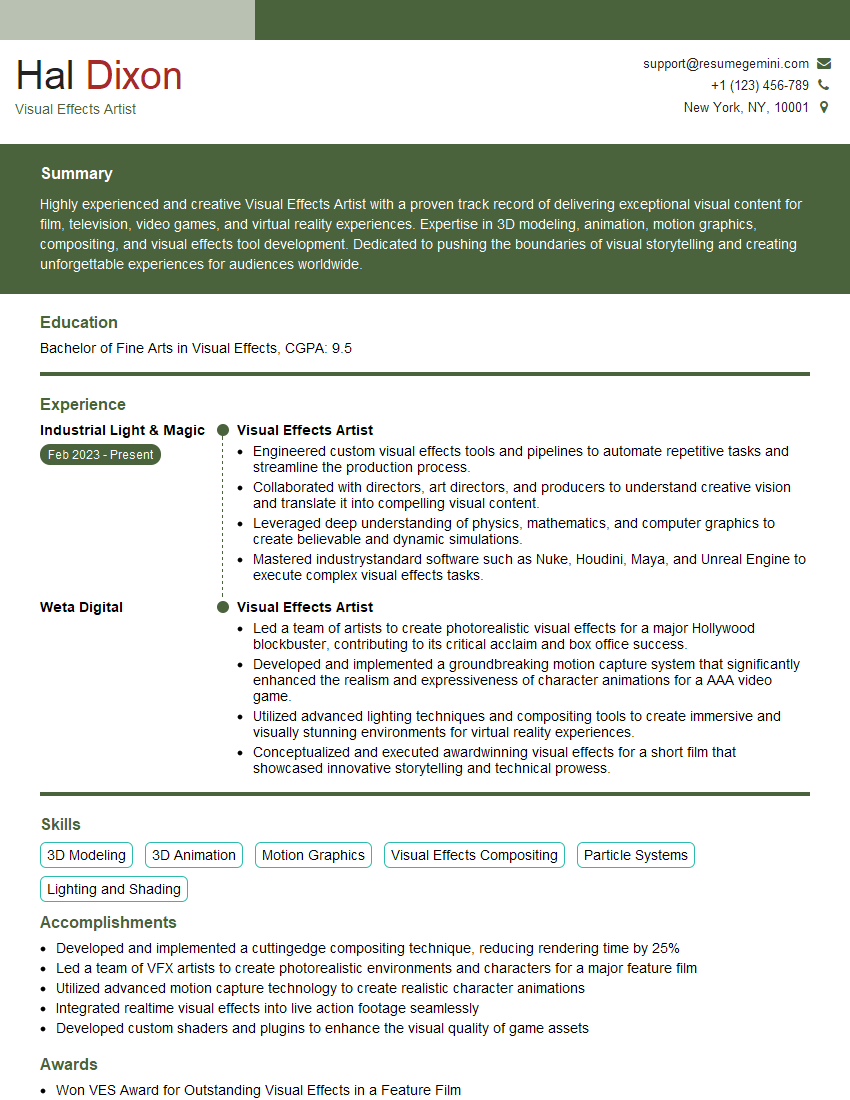
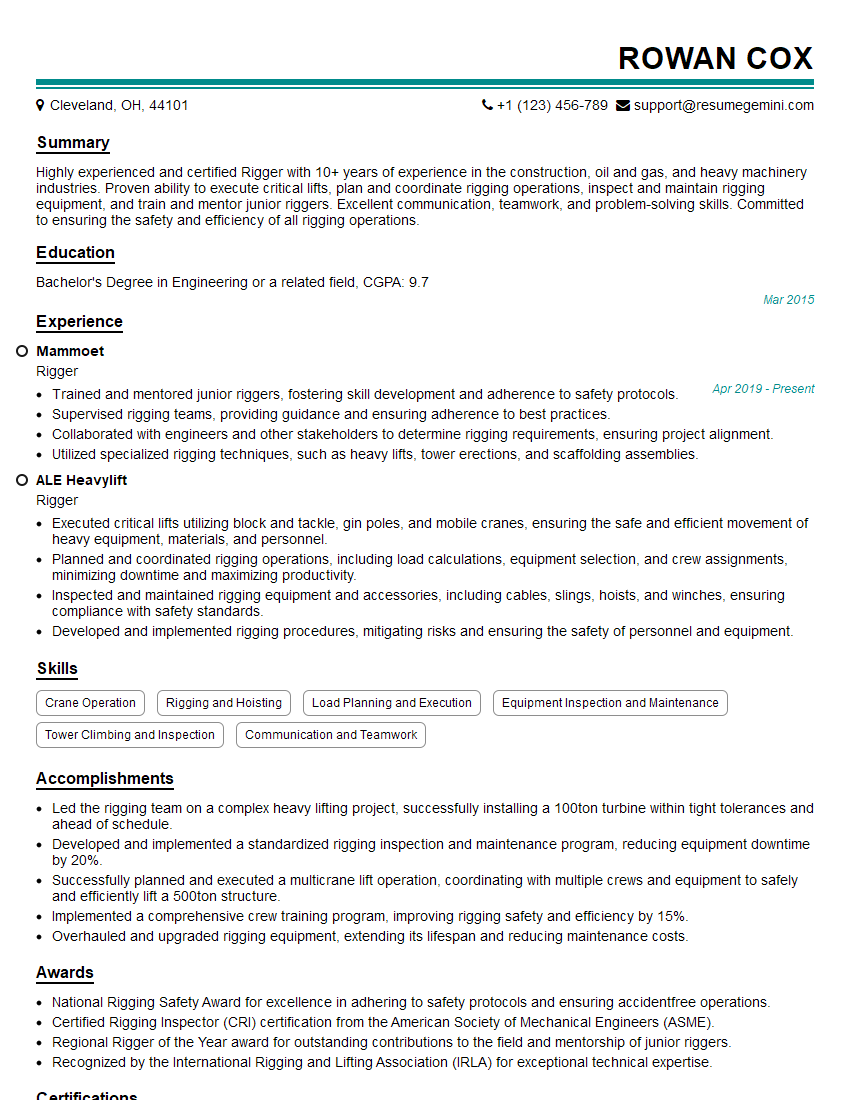
Mastering 3D and multimedia support opens doors to exciting and rewarding careers in game development, animation, film production, virtual reality, and many other dynamic fields. To maximize your job prospects, crafting a strong, ATS-friendly resume is crucial. ResumeGemini is a trusted resource that can help you build a professional and impactful resume tailored to your skills and experience. We provide examples of resumes specifically designed for 3D and Multimedia Support roles to guide you in showcasing your capabilities effectively. Invest the time to create a resume that highlights your unique strengths—it’s an investment in your future.






Explore more articles
Users Rating of Our Blogs
Share Your Experience
We value your feedback! Please rate our content and share your thoughts (optional).
What Readers Say About Our Blog
Very informative content, great job.
good