Interviews are opportunities to demonstrate your expertise, and this guide is here to help you shine. Explore the essential User Acceptance Testing and Feedback Collection interview questions that employers frequently ask, paired with strategies for crafting responses that set you apart from the competition.
Questions Asked in User Acceptance Testing and Feedback Collection Interview
Q 1. Describe your experience with different UAT methodologies (e.g., Agile, Waterfall).
My experience with UAT methodologies spans both Agile and Waterfall approaches. In Waterfall, UAT is typically a distinct phase near the end of the project lifecycle, following formal testing phases. This approach requires meticulous planning upfront as changes are costly and time-consuming to implement later. I’ve worked on projects where we meticulously documented test cases, prepared a detailed UAT plan with timelines and resource allocation, and conducted rigorous testing to ensure compliance with pre-defined requirements. We leveraged test management tools to track defects and progress.
In contrast, Agile methodologies integrate UAT more seamlessly into the iterative development process. Instead of a single, large-scale UAT phase, testing happens continuously throughout the sprints. This allows for early feedback, quicker adaptation to change, and a more collaborative approach involving developers and users from the beginning. For instance, I’ve participated in Agile projects where user stories included acceptance criteria, and UAT was performed incrementally as new features were developed, allowing for quick identification and resolution of any issues.
Each approach has its strengths and weaknesses, and the best choice depends on the project’s scope, complexity, and risk tolerance. I’m comfortable working with both, adapting my UAT strategy to best suit the chosen methodology.
Q 2. Explain the difference between Alpha and Beta testing.
Alpha testing is conducted internally by the development team or a small group of trusted users within the organization. Think of it as a ‘dress rehearsal’ within the company. It helps identify major flaws and usability issues before the software is released to a wider audience. The goal is to find critical bugs and usability problems, so feedback is often highly technical and focuses on functionality.
Beta testing, on the other hand, involves a broader group of users—often external to the organization—who represent the target audience. It’s like a ‘public preview’ to gather feedback on real-world usability and identify issues that internal teams might miss. Feedback from Beta testing is more focused on user experience, overall satisfaction, and the product’s suitability for its intended purpose. In a recent project, we used Beta testing to gather feedback on the intuitiveness of a new mobile app interface, resulting in several crucial design improvements.
Q 3. How do you identify and prioritize critical user acceptance criteria?
Identifying and prioritizing critical user acceptance criteria requires a structured approach. First, we analyze the business requirements and identify the key functionalities that directly impact the business objectives. For example, in an e-commerce site, successful order processing and secure payment gateways would be critical. Then, we map these functionalities to user stories and acceptance criteria, assigning severity levels based on their impact on the overall system and user experience.
A common technique is using a prioritization matrix, where we consider factors like risk, impact, and effort required to address the issue. High-risk, high-impact criteria requiring less effort are prioritized first. We may use MoSCoW method (Must have, Should have, Could have, Won’t have) to categorize requirements, ensuring focus on the most critical aspects during UAT. This structured approach ensures that we allocate our resources effectively and address the most important issues first.
Q 4. What techniques do you use to gather effective user feedback during UAT?
Effective user feedback collection during UAT involves a multi-pronged approach. We employ various techniques to ensure we gather comprehensive and insightful data:
- Surveys: Structured questionnaires to collect quantitative data on user satisfaction and specific feature preferences. These are easy to administer and analyze.
- User interviews: In-depth conversations with users to explore their experiences in detail, uncovering nuanced insights and understanding the ‘why’ behind their feedback.
- Usability testing sessions: Observing users interacting with the system, noting their actions, and identifying pain points. This provides valuable qualitative data.
- Bug tracking systems: Users report bugs and issues directly through a dedicated system, providing detailed descriptions and steps to reproduce the problem.
- Feedback forms integrated into the system: Allow users to provide immediate feedback within the application itself.
The choice of technique depends on the context and available resources. We often use a combination of methods to obtain a holistic view.
Q 5. How do you handle conflicting feedback from different user groups?
Conflicting feedback from different user groups is common and requires careful handling. The key is to understand the context behind the conflicting viewpoints. We begin by analyzing the feedback, looking for patterns and underlying causes of the discrepancies. Sometimes, the differences reflect different user needs or priorities. For example, one group might prioritize speed, while another emphasizes ease of use.
We then facilitate discussions among the user groups, creating a forum where they can express their needs and perspectives. The goal is to find common ground and compromise, potentially identifying areas where the system can be tailored to meet diverse needs. In some cases, we might need to prioritize based on business objectives or user segmentation. Documentation is crucial, clearly outlining the decision-making process and rationale behind the prioritization choices.
Q 6. Describe your experience with UAT test planning and execution.
UAT test planning and execution involve several key steps. The planning stage begins with defining the scope, objectives, and test environment. We then develop a comprehensive test plan, outlining the test cases, timelines, resources, and responsibilities. This plan also includes a detailed risk assessment and mitigation strategy. We identify and recruit the appropriate user representatives, ensuring they represent the target audience and have the necessary expertise.
During execution, we closely monitor the testing progress, track defects, and escalate critical issues as needed. Regular status meetings and communication with stakeholders are crucial to ensure transparency and address any concerns promptly. We utilize test management tools to organize test cases, track progress, and report on results. Post-execution, we analyze the results, summarizing findings and recommendations, and reporting to stakeholders on the overall readiness of the system for release.
Q 7. How do you ensure that UAT testing is aligned with business requirements?
Ensuring UAT testing is aligned with business requirements is paramount. We achieve this by meticulously mapping test cases to the business requirements throughout the process. From the beginning, we review the business requirements document thoroughly, identifying key functionalities and user needs. Each acceptance criterion directly addresses a specific business requirement, ensuring complete coverage. We might even use a traceability matrix to demonstrate the link between each requirement and the associated test cases.
During the test case design phase, we ensure that each test scenario reflects the expected behavior of the system in relation to the business requirements. Post-testing, we compare the actual results against the expected outcomes, providing detailed reports to highlight any discrepancies. This ensures that we verify the system meets its intended purpose and aligns with the overall business objectives.
Q 8. What tools and technologies have you used for UAT and feedback management?
My experience encompasses a range of tools and technologies for UAT and feedback management. For UAT execution, I’ve extensively used test management tools like Jira and TestRail to track test cases, defects, and overall progress. These platforms offer features for test case creation, execution, defect logging, and reporting, streamlining the entire process. For feedback collection, I’ve employed various methods. Survey platforms like SurveyMonkey and Typeform allow for structured feedback gathering with customizable questionnaires. For more qualitative data, I’ve utilized collaboration tools like Microsoft Teams or Slack for real-time feedback discussions and screen recording software like Loom to capture user interactions. Finally, for usability testing, I’ve leveraged tools such as UserTesting.com which provide a platform to recruit and manage participants, record sessions, and analyze user behavior.
Q 9. How do you measure the success of a UAT process?
Measuring UAT success is multifaceted. Primarily, it’s about achieving a satisfactory level of confidence that the system meets user requirements and performs as expected. I use several key metrics: First, defect density: the number of defects found per unit of code or functionality. Lower defect density indicates higher quality. Second, test coverage: the percentage of requirements or functionalities tested. High coverage ensures comprehensive testing. Third, user satisfaction: measured through feedback surveys and interviews, assessing whether users find the system usable, reliable, and meeting their needs. Finally, on-time and on-budget completion: adhering to the planned schedule and budget is also critical for successful UAT. A successful UAT is not just about finding and fixing bugs, but about ensuring a positive user experience and delivering a high-quality product within constraints.
Q 10. Explain your approach to defect reporting and tracking during UAT.
My approach to defect reporting and tracking during UAT is systematic and transparent. I utilize a standardized defect reporting template that captures key information: the defect ID, the module where it occurred, a detailed description, steps to reproduce, the severity level (e.g., critical, major, minor), the priority (e.g., high, medium, low), and screenshots or screen recordings if applicable. This information is logged into the chosen test management system (like Jira or TestRail mentioned earlier). The system allows assigning defects to developers for resolution and facilitates tracking their status (e.g., open, in progress, resolved, closed). Regular status meetings are held to review progress and address any bottlenecks in the defect resolution process. A crucial aspect is ensuring clear communication between testers, developers, and project managers throughout the defect lifecycle.
Q 11. How do you handle situations where UAT reveals critical bugs close to a deadline?
Discovering critical bugs close to a deadline is a challenging situation requiring a swift and well-coordinated response. My approach prioritizes triage and prioritization. First, an immediate meeting is convened to assess the severity and impact of the discovered defects. A prioritized list is created, addressing the most critical issues first. Second, we engage in parallel processing—developers work on fixing the critical bugs while the testing team focuses on testing the fixes. Third, we communicate proactively with stakeholders, managing expectations and transparently explaining the situation. If absolutely necessary, we explore options like releasing a minimal viable product with a known workaround or postponing the release date slightly to ensure a higher quality product launch. This process requires strong collaboration and clear communication to navigate the pressure and ensure the highest-priority issues are resolved.
Q 12. Describe your experience with different types of user feedback collection (e.g., surveys, interviews, usability testing).
My experience spans various user feedback collection methods, each tailored to different objectives. Surveys are excellent for gathering quantitative data and broad user opinions using multiple-choice questions and rating scales. I’ve used this to measure overall satisfaction and identify areas for improvement. Interviews are ideal for gathering rich qualitative data, allowing for in-depth exploration of user experiences and perspectives. These provide context and explanations behind survey results. Usability testing involves observing users interacting with the system to identify usability issues and areas of confusion. This offers direct insights into user behavior and reveals problems often missed through other methods. For example, in a recent project, we used usability testing to identify a confusing navigation flow, which we improved based on the user’s observed difficulties. Each method complements others, creating a comprehensive feedback strategy.
Q 13. How do you ensure the anonymity and confidentiality of user feedback?
Ensuring anonymity and confidentiality of user feedback is paramount. We adhere to strict guidelines to protect user privacy. First, we clearly communicate the data usage policy to participants before collecting data, ensuring transparency about how their information will be used and protected. Second, we use anonymous survey platforms where identifiers are not collected unless explicitly needed for follow-up. If direct identifiers are required, data is anonymized post-collection, using techniques like replacing names with codes. Third, access to collected data is limited to authorized personnel with a legitimate need to access the data for analysis and improvement purposes. All data is stored securely and in compliance with relevant data privacy regulations such as GDPR or CCPA.
Q 14. How do you analyze and interpret user feedback to improve the product?
Analyzing and interpreting user feedback is an iterative process. It begins with organizing and consolidating the data. For quantitative data from surveys, we calculate averages, percentages, and other statistical measures to identify trends and patterns. For qualitative data from interviews or usability testing sessions, we perform thematic analysis, identifying recurring themes and patterns in user comments and observations. Then, we synthesize the findings from both quantitative and qualitative data, looking for areas of convergence and divergence. This helps us prioritize which areas require the most attention. Finally, we translate insights into actionable improvements, incorporating user feedback into product design, development, and documentation. For example, discovering a recurring issue with a specific feature during usability testing might prompt a redesign or improved instructions, directly incorporating user feedback to improve the overall product experience.
Q 15. What are some common challenges encountered during UAT, and how have you overcome them?
User Acceptance Testing (UAT) often faces challenges like insufficient user availability, unclear acceptance criteria, late discovery of defects, and inadequate test environment setup. Let me illustrate with examples from my experience.
- Insufficient User Availability: In a recent project involving a new e-commerce platform, securing sufficient time from our key stakeholders for UAT was difficult due to their competing priorities. To overcome this, we scheduled shorter, more frequent UAT sessions tailored to specific functionalities, rather than one long, exhaustive session. This allowed for better engagement and reduced the overall time commitment from each user.
- Unclear Acceptance Criteria: Another project suffered from vaguely defined acceptance criteria. This led to disagreements about whether a feature was working ‘as expected’. To solve this, I introduced a collaborative session early in the development lifecycle where we meticulously defined acceptance criteria using clear, measurable, achievable, relevant, and time-bound (SMART) goals. This resulted in fewer disputes and better alignment on expectations during UAT.
- Late Discovery of Defects: In one instance, significant defects were discovered very late in the UAT phase, resulting in costly delays. This highlighted the need for early and continuous user involvement. We subsequently integrated user feedback loops into each development sprint, allowing for early detection and mitigation of issues.
- Inadequate Test Environment Setup: Sometimes, the UAT environment doesn’t accurately mirror the production environment. This can lead to defects that only surface in production. To avoid this, I ensured that the UAT environment was meticulously configured to match the production environment as closely as possible, even down to the network configurations and data volumes.
Proactive planning, clear communication, and collaborative problem-solving are key to navigating these challenges successfully.
Career Expert Tips:
- Ace those interviews! Prepare effectively by reviewing the Top 50 Most Common Interview Questions on ResumeGemini.
- Navigate your job search with confidence! Explore a wide range of Career Tips on ResumeGemini. Learn about common challenges and recommendations to overcome them.
- Craft the perfect resume! Master the Art of Resume Writing with ResumeGemini’s guide. Showcase your unique qualifications and achievements effectively.
- Don’t miss out on holiday savings! Build your dream resume with ResumeGemini’s ATS optimized templates.
Q 16. How do you ensure effective communication and collaboration during UAT?
Effective communication and collaboration during UAT are paramount. I use a multi-pronged approach, including regular meetings, a dedicated communication channel (like Slack or Microsoft Teams), and well-documented procedures.
- Regular Meetings: We hold weekly progress meetings to discuss test execution, issues encountered, and any roadblocks. These meetings involve stakeholders, testers, and developers, fostering transparency and immediate issue resolution.
- Dedicated Communication Channel: A dedicated communication channel helps in quick query resolution, status updates, and efficient knowledge sharing amongst the team. This allows for instant updates and prevents information silos.
- Well-documented Procedures: Having clear processes for reporting defects, escalating issues, and obtaining approvals ensures smooth communication and streamlined workflows. We utilize a centralized defect tracking system to manage and monitor all issues effectively.
- Clear Roles and Responsibilities: Defining roles and responsibilities within the team from the outset ensures clear accountability and streamlines the communication process. Each team member knows their tasks, preventing confusion and delays.
This holistic strategy ensures everyone is informed, engaged, and working towards the same goal—a successful UAT.
Q 17. Describe your experience using a test management tool for UAT.
My experience with test management tools in UAT has been overwhelmingly positive. I’ve worked extensively with tools like Jira, TestRail, and Zephyr. These tools offer centralized test case management, defect tracking, and reporting capabilities.
- Test Case Management: These tools provide structured templates to create, organize, and manage test cases. This allows for easy tracking of progress and simplifies test execution across multiple users.
- Defect Tracking: They offer robust defect tracking modules that facilitate efficient logging, assignment, and resolution of defects. The ability to link defects to specific test cases provides valuable traceability and aids in root cause analysis.
- Reporting and Analytics: Comprehensive reporting features allow for detailed analysis of test execution, defect trends, and overall UAT effectiveness. This data provides valuable insights to inform future testing strategies.
For example, using TestRail in a recent project allowed us to centralize all test cases, track progress visually using dashboards, and generate comprehensive reports showing test coverage and defect trends. This significantly improved transparency and communication during the UAT phase.
Q 18. How do you create clear and concise UAT test cases?
Creating clear and concise UAT test cases is crucial for effective testing. Each test case should be independent, well-defined, and easily understandable by end-users. I typically follow a structured approach.
- Unique ID: Each test case needs a unique identifier for easy reference.
- Test Case Title: A short, descriptive title summarizing the test case’s objective.
- Objective: A clear statement defining what the test case aims to verify.
- Pre-conditions: Any setup or prerequisites needed before executing the test case.
- Test Steps: A detailed, step-by-step guide to executing the test case, using clear and unambiguous language.
- Expected Results: A precise description of the expected outcome for each step.
- Actual Results: Space to record the actual results observed during test execution.
- Pass/Fail Status: A clear indication of whether the test case passed or failed.
- Defect Report (if applicable): A section to log any defects discovered.
For instance, a test case for a login functionality might look like this (simplified):
Test Case ID: TC_Login_001
Title: Verify Successful Login
Objective: To verify that a valid user can successfully log in to the system.
Pre-conditions: User account exists with valid credentials.
Test Steps: 1. Enter valid username. 2. Enter valid password. 3. Click Login button.
Expected Results: User is logged in successfully and navigated to the home page.
Actual Results:
Pass/Fail Status:
Q 19. How do you ensure adequate test coverage during UAT?
Ensuring adequate test coverage during UAT is vital for identifying potential issues before release. I use a risk-based approach, combined with techniques like requirement traceability and test case prioritization.
- Risk-Based Testing: Prioritize testing on critical functionalities and high-risk areas identified during the requirements gathering phase. This ensures that the most important aspects of the system are thoroughly tested.
- Requirement Traceability: Establish traceability between requirements, test cases, and test results. This ensures all requirements are covered by at least one test case.
- Test Case Prioritization: Categorize test cases based on priority (high, medium, low) and focus on executing high-priority test cases first. This optimizes testing efforts and ensures that critical defects are found early.
- Test Data Management: Use appropriate test data that covers various scenarios and edge cases to ensure thorough testing of all aspects of the application.
- User Scenarios: Design test cases based on realistic user scenarios and workflows to reflect real-world usage.
For example, if a high-risk area is identified as the payment gateway, we’d dedicate a significant portion of our UAT effort to test various payment methods and handle potential errors.
Q 20. What metrics do you track to measure UAT effectiveness?
Measuring UAT effectiveness requires tracking key metrics. I typically focus on:
- Test Case Execution Rate: The percentage of test cases executed within the planned timeframe. This indicates the efficiency of the UAT process.
- Defect Density: The number of defects found per line of code or per feature. This helps assess the quality of the software.
- Defect Severity: The classification of defects based on their impact on the system. Tracking severity helps prioritize defect fixes.
- UAT Cycle Time: The total time taken to complete the UAT phase. Shorter cycle times indicate efficient testing.
- Test Coverage: Percentage of requirements or features covered by test cases.
- User Satisfaction: Feedback gathered from end-users about their experience with the system and the testing process. This provides valuable qualitative data.
These metrics provide a comprehensive view of UAT effectiveness, allowing for continuous improvement of the testing process.
Q 21. Explain your experience with automated UAT testing.
While the core of UAT focuses on user validation, automated testing can play a supplementary role. It’s not a replacement for user-driven testing but a valuable tool for automating repetitive tasks and increasing efficiency. My experience includes automating specific UAT test cases using tools like Selenium and Cypress.
- Regression Testing: Automating regression test cases ensures that new code changes don’t negatively impact existing functionalities. This reduces the manual effort involved in retesting.
- Performance Testing: Automating performance tests helps in evaluating the system’s response time and stability under load. This is crucial for systems with high user volume.
- Data-Driven Testing: Automating data-driven tests allows for running the same test cases with various data sets, ensuring comprehensive coverage.
However, it’s crucial to remember that automated tests should complement, not replace, manual UAT executed by end-users. Human judgment and intuitive feedback are irreplaceable in evaluating usability and user experience.
Q 22. How do you manage and resolve disputes between the development team and stakeholders during UAT?
Disputes between development and stakeholders during UAT are inevitable. My approach focuses on proactive communication and collaborative problem-solving. I start by establishing clear communication channels and a shared understanding of the UAT objectives from the outset. This includes defining acceptance criteria upfront, ensuring everyone is on the same page regarding the functionality and quality expectations.
When disputes arise, I facilitate a structured discussion, ensuring all perspectives are heard. I encourage the development team to explain their technical rationale, while stakeholders articulate their user needs and concerns. I act as a neutral mediator, helping to identify the root cause of the disagreement. Often, this involves clarifying misunderstandings about requirements or technical limitations. If a compromise can’t be immediately reached, I document the issue, assigning a priority and tracking it through to resolution. This documentation serves as a record for decision-making and helps avoid future conflicts.
For instance, if stakeholders reject a feature due to perceived usability issues, I would facilitate a session where developers demonstrate alternative approaches or gather user feedback to validate the stakeholder’s concern. This process not only resolves the immediate dispute but also fosters a more collaborative relationship between the development and stakeholder teams.
Q 23. How do you prioritize bugs found during UAT?
Prioritizing bugs found during UAT requires a structured approach that considers both severity and impact. I typically use a matrix combining severity (critical, major, minor) and priority (high, medium, low). Critical bugs, those that prevent the system from functioning or pose significant security risks, are always high priority. Major bugs that significantly impact usability are also high priority. Minor bugs, which have minimal impact on functionality or user experience, can often be prioritized lower or deferred to a later release.
I engage the stakeholders in the prioritization process, as their input is crucial to understanding the business impact of each bug. We then work collaboratively with the development team to estimate the time and effort required to fix each bug, integrating this into the overall prioritization scheme. Using a bug tracking system like Jira or Azure DevOps allows for transparent tracking and management of the issues, enabling easy monitoring of progress and communication regarding resolution times.
For example, a critical bug causing the system to crash under heavy load would receive immediate attention, while a minor visual glitch might be deferred if it doesn’t significantly affect the core functionality.
Q 24. What are some best practices for conducting effective UAT?
Effective UAT requires careful planning and execution. Here are some best practices I employ:
- Detailed UAT Plan: This outlines the scope, objectives, timeline, test cases, and roles and responsibilities.
- Well-Defined Test Cases: Clear, concise, and unambiguous test cases ensure consistent testing and accurate results. Test cases should cover positive and negative scenarios, edge cases, and boundary conditions.
- Representative UAT Environment: The environment should mirror the production environment as closely as possible to avoid discrepancies in test results.
- Trained UAT Team: Participants should receive proper training on the system and the testing process to ensure efficient and accurate testing.
- Comprehensive Test Data: Data used for testing should be realistic and representative of the expected production data.
- Defect Tracking and Management: A dedicated system for logging, tracking, and resolving defects is crucial for maintaining transparency and accountability.
- Formal Sign-off Process: A formal sign-off process ensures that all stakeholders agree the system meets the acceptance criteria before deployment.
Following these best practices ensures that UAT is thorough, efficient, and results in a high-quality product.
Q 25. Describe your experience with different types of UAT environments.
My experience encompasses various UAT environments, including:
- In-house UAT environments: These are typically located within the company’s infrastructure and offer complete control over the setup and configuration. This is often ideal for security-sensitive projects.
- Cloud-based UAT environments: Utilizing cloud platforms like AWS, Azure, or GCP offers scalability and cost-effectiveness, particularly for large projects or when quick setup is necessary.
- Simulated UAT environments: These environments use tools to mimic production systems, which is beneficial for testing performance and scalability under high load conditions without affecting the actual production environment.
- Hybrid UAT environments: Some projects leverage a combination of in-house and cloud-based components, tailoring the environment to specific needs.
The choice of environment depends on factors such as project size, budget, security requirements, and the need for specific infrastructure components. I adapt my testing strategies to the specifics of the environment, ensuring the environment faithfully replicates the production environment to ensure accurate testing results.
Q 26. How do you ensure the security and integrity of data collected during UAT?
Security and data integrity during UAT are paramount. My approach involves several key measures:
- Data Anonymization and Masking: Sensitive data is anonymized or masked to protect user privacy. This is accomplished using techniques such as data encryption, tokenization, or data masking tools.
- Restricted Access Control: Access to the UAT environment is strictly controlled and limited to authorized personnel only, using role-based access controls and strong authentication mechanisms.
- Secure Data Storage: Data used in UAT is stored securely, employing encryption both in transit and at rest. We comply with all relevant data privacy regulations.
- Regular Security Audits: Regular security assessments and penetration testing are conducted to identify and mitigate potential vulnerabilities.
- Data Deletion Policy: A clear policy outlines how UAT data is handled after completion of the testing phase, ensuring its secure deletion or anonymization.
These measures ensure that the data used during UAT remains secure and confidential, mitigating potential risks and safeguarding user privacy. I make sure all these measures are documented and regularly reviewed.
Q 27. How do you adapt your UAT approach to different project types and timelines?
Adaptability is key to successful UAT. My approach involves tailoring the testing process to the specific project type and timeline. For example:
- Agile Projects: In agile environments, UAT is integrated throughout the development lifecycle, with shorter, iterative testing cycles. This allows for early feedback and rapid adjustments.
- Waterfall Projects: UAT is typically a distinct phase at the end of the development lifecycle, requiring more comprehensive planning and a more formal sign-off process.
- Short Timelines: For projects with limited timeframes, I focus on critical functionality, prioritizing high-impact test cases and utilizing automated testing wherever possible to maximize efficiency.
- Large-scale Projects: For large projects, I employ a phased approach, breaking down the testing into smaller, manageable segments. This allows for better management of resources and timelines.
I regularly communicate with stakeholders throughout the process, ensuring that expectations are managed and that any necessary adjustments are made based on the project’s evolving needs and constraints.
Q 28. How do you contribute to continuous improvement of the UAT process?
Continuous improvement of the UAT process is crucial for maintaining efficiency and effectiveness. My contribution includes:
- Post-UAT Reviews: After each UAT cycle, I conduct a thorough review with stakeholders to identify areas for improvement in the testing process, such as refining test cases, streamlining workflows, or improving communication.
- Data Analysis: I analyze data from previous UAT cycles, including defect rates, testing times, and resource utilization to identify trends and patterns that can inform improvements to the process.
- Automation of Test Cases: I explore opportunities to automate repetitive test cases to reduce testing time and improve efficiency.
- Tooling and Technology Evaluation: I regularly evaluate new tools and technologies that can enhance the UAT process, such as test management platforms or automated testing tools.
- Sharing Best Practices: I actively share best practices and lessons learned with other teams to foster continuous improvement across the organization.
By systematically reviewing and improving our UAT process, I contribute to a more efficient, effective, and reliable testing process, ultimately leading to higher-quality software releases.
Key Topics to Learn for User Acceptance Testing and Feedback Collection Interview
- Understanding User Acceptance Testing (UAT): Defining UAT, its purpose, and its role in the software development lifecycle. Understanding the difference between UAT and other testing types (e.g., unit, integration, system testing).
- Planning and Designing UAT: Creating effective UAT test plans, identifying test cases, selecting appropriate test users, and defining acceptance criteria.
- Test Case Development and Execution: Writing clear and concise test cases, executing tests, documenting results, and reporting bugs effectively using appropriate bug tracking systems.
- Feedback Collection Strategies: Utilizing various methods for collecting user feedback (e.g., surveys, interviews, usability testing, focus groups). Analyzing qualitative and quantitative data from feedback.
- Managing UAT Processes: Coordinating UAT activities with development teams and stakeholders, managing timelines and resources, and ensuring efficient communication throughout the process.
- Analyzing and Reporting Results: Presenting UAT findings clearly and concisely to stakeholders, highlighting critical issues, and suggesting actionable improvements. Understanding different reporting methods and choosing the best approach for different audiences.
- Practical Application: Discuss real-world examples of successful UAT implementations and how they contributed to positive product outcomes. Be prepared to discuss challenges encountered and how they were overcome.
- Problem-Solving in UAT: How to handle conflicting feedback, manage scope creep, and address unexpected issues during the UAT process. Demonstrate critical thinking and problem-solving abilities related to UAT.
- Different UAT methodologies: Agile vs. Waterfall approaches to UAT. Understanding the pros and cons of each and how they impact the testing process.
Next Steps
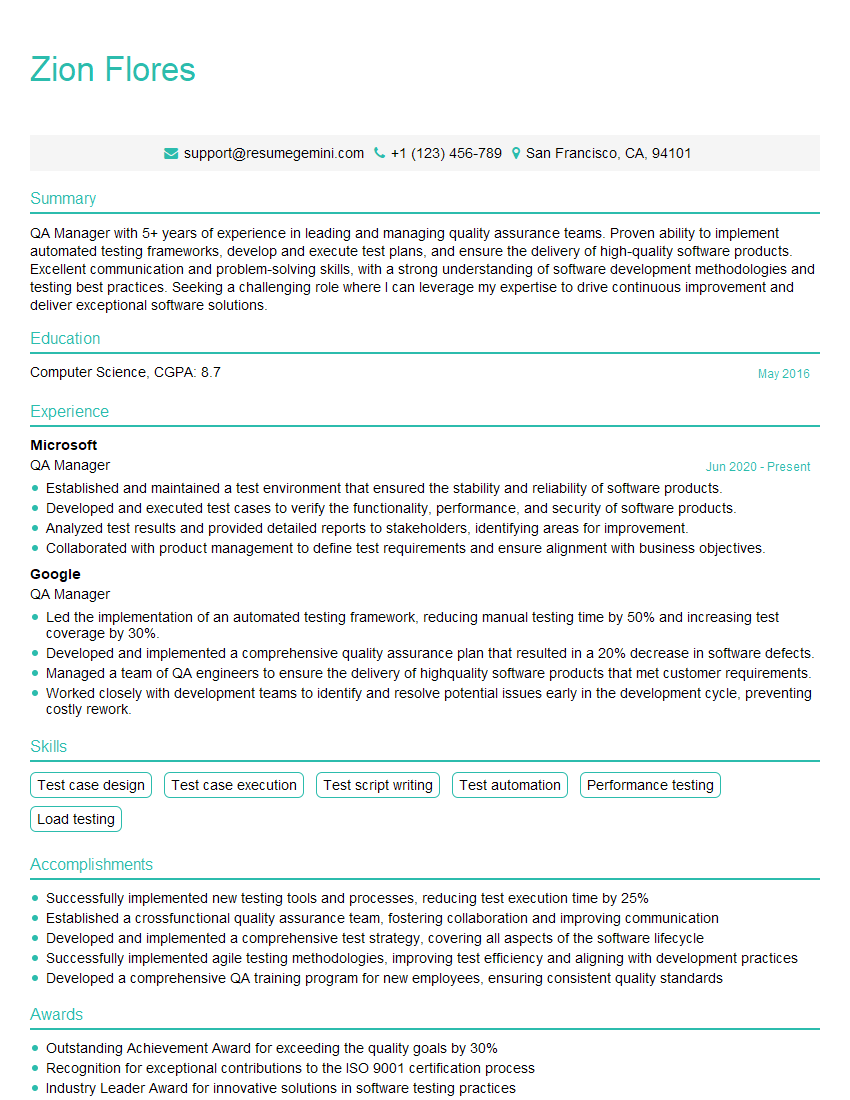
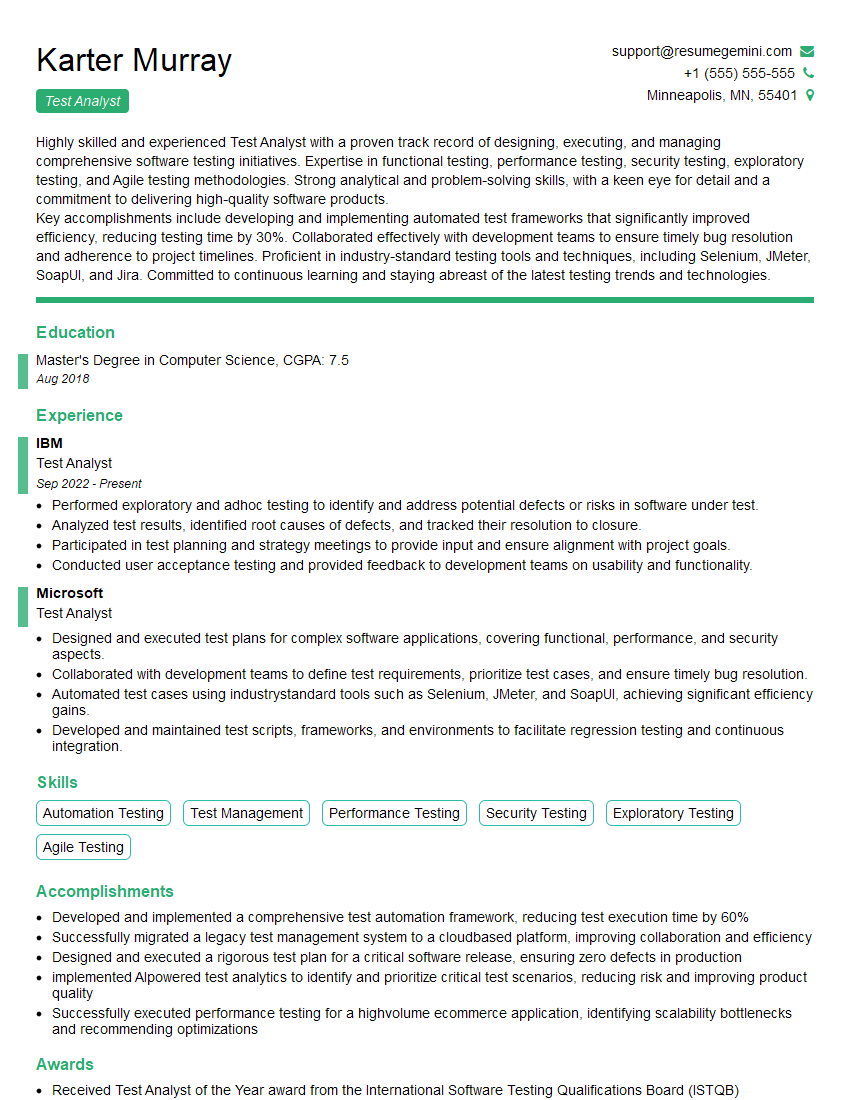
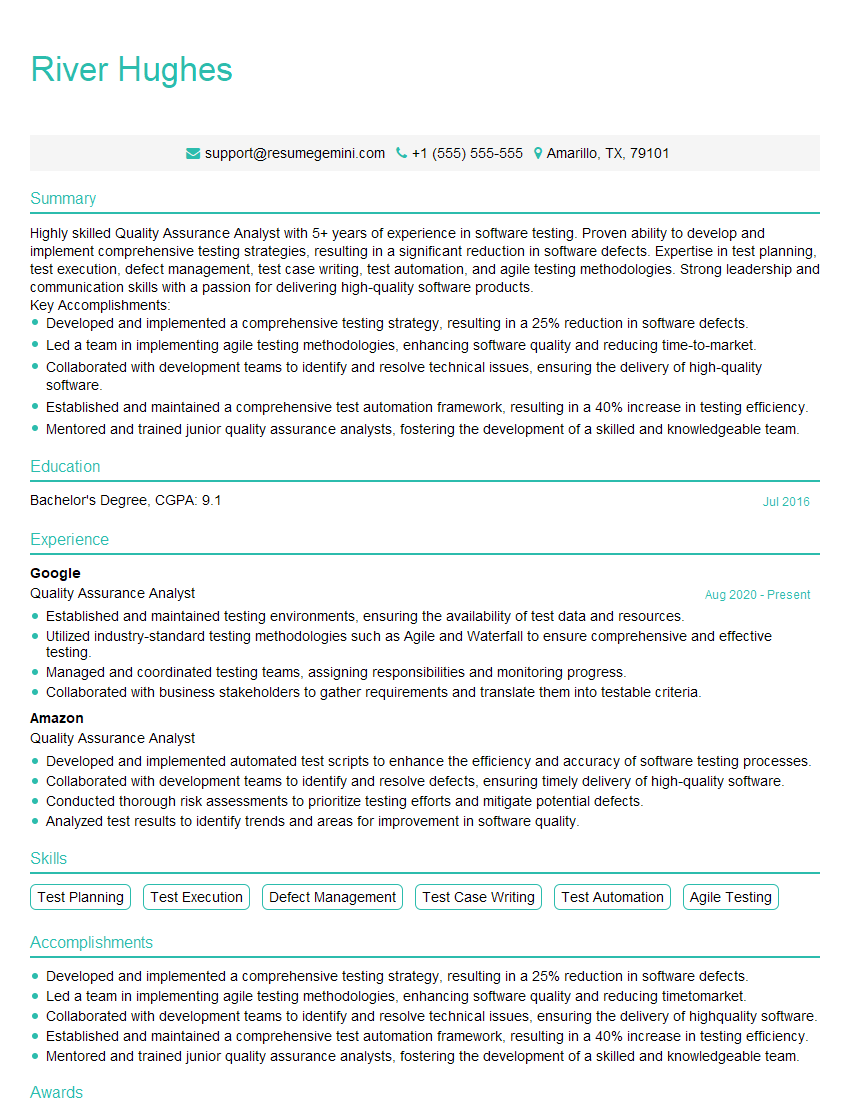
Mastering User Acceptance Testing and Feedback Collection is crucial for career advancement in software development and related fields. These skills are highly sought after, demonstrating your ability to ensure quality and user satisfaction. To maximize your job prospects, create an ATS-friendly resume that highlights your expertise. ResumeGemini is a trusted resource that can help you build a professional and impactful resume, ensuring your skills and experience shine. Examples of resumes tailored to User Acceptance Testing and Feedback Collection are available to guide you.

Explore more articles
Users Rating of Our Blogs
Share Your Experience
We value your feedback! Please rate our content and share your thoughts (optional).
What Readers Say About Our Blog
Very informative content, great job.
good