Unlock your full potential by mastering the most common Telecommunications Network Installation interview questions. This blog offers a deep dive into the critical topics, ensuring you’re not only prepared to answer but to excel. With these insights, you’ll approach your interview with clarity and confidence.
Questions Asked in Telecommunications Network Installation Interview
Q 1. Explain the difference between twisted-pair, coaxial, and fiber optic cables.
The three cable types – twisted-pair, coaxial, and fiber optic – differ significantly in their construction, bandwidth capacity, and susceptibility to interference. Think of them as three different delivery systems for data: one uses a simple road (twisted-pair), one uses a highway (coaxial), and one uses a high-speed rail (fiber optic).
- Twisted-pair cables consist of two or more insulated copper wires twisted together. The twisting reduces electromagnetic interference (EMI). They’re relatively inexpensive and easy to install, making them common for local area networks (LANs) and telephone lines. However, they have limited bandwidth and are prone to signal degradation over long distances. An example is the Ethernet cable used to connect your computer to your router.
- Coaxial cables have a central conductor surrounded by an insulating layer, a conductive shield, and an outer jacket. The shield minimizes EMI, allowing for higher bandwidth and longer transmission distances than twisted-pair. They were prevalent in cable television and older Ethernet networks (e.g., 10BASE2 and 10BASE5), but are less common now due to the rise of fiber optics. Think of the cable you used to connect your old cable box to your TV.
- Fiber optic cables transmit data as pulses of light through thin strands of glass or plastic. They offer significantly higher bandwidth, longer transmission distances, and superior immunity to EMI compared to twisted-pair and coaxial cables. They are the backbone of modern high-speed internet and long-haul telecommunications networks. Imagine sending information as light beams down a super-fast tunnel.
Q 2. Describe your experience with various cable termination techniques.
My experience encompasses a wide range of cable termination techniques, including crimping, punching down, and fusion splicing. I’ve worked with various connectors like RJ-45 (for twisted-pair), BNC (for coaxial), and SC/FC/LC (for fiber optics).
- Crimping: This involves using a crimping tool to securely connect wires to RJ-45 or other connectors. Accuracy is crucial to ensure proper connectivity; I always double-check my work with a cable tester.
- Punch down: This method, used with 110 or Krone blocks, involves inserting wires into the block and using a punch-down tool to secure them. This is common for telephone systems and structured cabling. Proper termination is vital for signal integrity, and I’ve learned to identify and correct any mispunches.
- Fusion splicing: This technique, used with fiber optic cables, involves precisely aligning and fusing two fiber ends using a fusion splicer. It’s crucial to achieve a low-loss splice. My experience includes working with different fiber types and using an optical time-domain reflectometer (OTDR) to verify the quality of the splice and identify any faults.
Throughout my career, I’ve prioritized precision and attention to detail in all termination processes to ensure reliable network performance. Proper preparation and the use of appropriate tools are key to successful cable termination.
Q 3. How do you troubleshoot a network connectivity issue?
Troubleshooting network connectivity follows a systematic approach. I start by identifying the affected area and the symptoms, and then work through a series of checks to pinpoint the problem.
- Identify the scope of the problem: Is it affecting a single device, a segment of the network, or the entire network?
- Gather information: What error messages are being displayed? When did the problem start? Were there any recent changes to the network?
- Check the basics: Are cables plugged in securely? Are devices powered on? Is the internet connection working?
- Use diagnostic tools: I use network monitoring tools like ping, tracert, and ipconfig to identify connectivity issues. For fiber optic networks, OTDR testing is essential to identify breaks or faults.
- Isolate the problem: Through a process of elimination, I systematically check each component of the network (cables, connectors, switches, routers) to determine where the fault lies.
- Implement the solution: Once the problem is identified, I implement the necessary repairs or configuration changes.
- Document the process: I thoroughly document the troubleshooting steps and the resolution for future reference.
For instance, if a computer can’t access the internet, I might start by checking the cable connection, then ping the router, and finally tracert the destination website. This helps me pinpoint the problem — a faulty cable, router issue, or problem with the internet service provider.
Q 4. What are the common tools and equipment used in telecommunications network installation?
Telecommunications network installation requires a variety of specialized tools and equipment. The exact tools depend on the specific job but generally include:
- Cable testers: Used to verify cable continuity, wire pairing, and signal quality.
- Crimping tools: For terminating cables with RJ-45, BNC, or other connectors.
- Punch-down tools: For terminating cables in 110 or Krone blocks.
- Fiber optic tools: OTDR, fusion splicer, cleaver, and fiber optic connectors.
- Multimeters: To check voltage and continuity.
- Cable strippers and cutters: For preparing cables for termination.
- Hand tools: Screwdrivers, wrenches, pliers, etc.
- Safety equipment: Hard hats, safety glasses, gloves, and fall protection equipment.
- Testing equipment: Spectrum analyzers, signal generators, oscilloscopes (depending on the complexity of the job).
Additionally, specialized equipment like trenchers, aerial lifts, and underground cable locators may be necessary for large-scale installations.
Q 5. Explain your understanding of network topologies (star, ring, mesh).
Network topologies define the physical or logical arrangement of nodes (computers, servers, etc.) in a network. Each has advantages and disadvantages:
- Star topology: All devices connect to a central hub or switch. This is the most common topology due to its simplicity, scalability, and ease of troubleshooting. If one device fails, it doesn’t affect the rest of the network. Think of it like spokes on a wheel.
- Ring topology: Devices are connected in a closed loop. Data travels in one direction around the ring. While offering high bandwidth, ring topologies are less resilient to failures. A single point of failure can bring down the entire network.
- Mesh topology: Devices connect to multiple other devices, creating redundant paths. This is highly reliable and fault-tolerant, but more complex and expensive to implement. It is often used in critical infrastructure networks where reliability is paramount.
Understanding network topologies is essential for designing and troubleshooting networks. The choice of topology depends on factors like network size, budget, and required reliability.
Q 6. Describe your experience with fiber optic splicing and testing.
My experience with fiber optic splicing and testing is extensive. Fusion splicing offers the highest quality connection, minimizing signal loss. The process involves precisely cleaving the fiber ends to create a perfectly flat surface, aligning them, and then using a fusion splicer to melt and fuse them together.
Testing the splice is equally critical. I utilize an OTDR to measure the loss at the splice point and identify any reflections or faults. A low loss indicates a successful splice. I also perform visual inspection to check for any flaws. Throughout the process, maintaining cleanliness and handling the fibers carefully is paramount to avoid damage or contamination.
My experience includes working with various fiber types, including single-mode and multi-mode, and using different fusion splicers and OTDRs. I’m proficient in interpreting OTDR traces to diagnose problems and ensure the quality of the fiber optic network.
Q 7. What safety precautions do you take when working with high-voltage lines?
Safety is paramount when working with high-voltage lines. I strictly adhere to all relevant safety regulations and procedures. This includes:
- Lockout/Tagout procedures: Always de-energize lines before working on them. This involves locking and tagging the equipment to prevent accidental re-energization.
- Personal protective equipment (PPE): I always wear appropriate PPE, including insulated gloves, safety glasses, arc flash suits, and hard hats.
- Grounding: Proper grounding of the equipment and tools prevents electrical shock.
- Spotter: When working at heights or in confined spaces, a spotter is essential to ensure safety.
- Awareness of surroundings: I’m always aware of my surroundings and potential hazards. I avoid working in inclement weather conditions.
- Training and certifications: I possess the necessary training and certifications required for working with high-voltage lines.
I treat every high-voltage situation with the utmost caution. A careless mistake can have severe consequences. Following established safety protocols is not just a job requirement but a commitment to personal safety and the safety of others.
Q 8. How do you manage and organize cable pathways?
Managing cable pathways is crucial for a well-organized and efficient network. Think of it like organizing your closet – a chaotic mess makes finding things difficult, while a structured system makes everything accessible and easy to maintain. We use a multi-pronged approach:
- Careful Planning: Before any cable is laid, detailed pathway maps are created. These show the exact routing of cables, considering factors like distance, potential interference, and future expansion needs. We use CAD software for this, ensuring accuracy and minimizing rework.
- Labeling and Identification: Every cable is clearly labeled at both ends, identifying its source, destination, and purpose. This is crucial for troubleshooting and future modifications. We use color-coded labels and a consistent naming convention for easy identification.
- Cable Trays and Racks: We utilize cable trays and racks to keep cables organized and protected from damage. These are strategically placed to facilitate airflow and prevent cable congestion. Proper tray sizing is key – overcrowding can lead to heat buildup and signal degradation.
- Structured Cabling: We adhere to industry standards like TIA/EIA-568 for structured cabling, employing standardized cable lengths and connector types for consistency and ease of management. This significantly reduces troubleshooting time and improves overall network performance.
- Documentation: Comprehensive documentation is maintained throughout the installation process, including pathway diagrams, cable schematics, and termination points. This documentation acts as a living blueprint for the network, essential for future maintenance and upgrades.
For instance, in a recent data center installation, we implemented a layered cable management system, using different sized cable trays and employing a color-coding system based on the network segment (e.g., server, storage, network). This dramatically improved cable organization and reduced installation time.
Q 9. Explain your experience with different types of network connectors (e.g., RJ45, BNC).
I have extensive experience with various network connectors. Each connector type serves a specific purpose, and selecting the right one is critical for optimal performance and signal integrity. Here are a few examples:
- RJ45: The ubiquitous connector used for Ethernet networks. I’m proficient in crimping and testing RJ45 connectors, ensuring proper pinout according to the TIA/EIA-568 standards (either T568A or T568B). I’ve worked with Cat5e, Cat6, and Cat6a cables, understanding the performance differences and choosing the appropriate cable type for the project’s bandwidth requirements. Incorrect crimping can lead to connectivity issues and signal loss, so precision is key.
- BNC: Used primarily for coaxial cable in older network technologies or specific applications like CCTV. I’m familiar with proper BNC termination techniques, which require precision to prevent signal leakage. BNC connectors are more sensitive to improper termination compared to RJ45.
- Fiber Optic Connectors (SC, LC, ST): I also have experience with fiber optic connectors, including cleaning and polishing techniques essential for maintaining signal quality. Fiber optics are crucial for high-bandwidth applications and longer distances where copper cables fall short.
In one project, we migrated a client from an older BNC-based network to a modern Ethernet network using RJ45 connectors. This involved careful planning, cable replacement, and extensive testing to ensure a seamless transition without data loss.
Q 10. How do you test network cable integrity?
Testing network cable integrity is essential to ensure reliable network performance. This is done using a combination of techniques:
- Cable Certifiers: These specialized tools, such as Fluke Networks’ DSX CableAnalyzer, test for various parameters like attenuation, return loss, and near-end crosstalk. They provide a detailed report indicating whether the cable meets the specified standards (e.g., Cat5e, Cat6). This is crucial for verifying that the cabling meets the required specifications for the network speed and distance.
- Tone Generators and Probes: For basic troubleshooting, tone generators and probes are used to trace cable paths and identify shorts or opens. This allows us to quickly locate faults within a cable run.
- Visual Inspection: Before any testing, we visually inspect cables for any physical damage, such as kinks, cuts, or loose connections. This simple step often reveals obvious problems that can be fixed quickly.
- Continuity Testers: A simple continuity tester can check for open or short circuits in the cable. This is a quick initial check before using more sophisticated testing equipment.
During a recent large-scale office relocation, we used cable certifiers to verify the integrity of over 1000 cables. The certification reports provided critical documentation, ensuring the network was functioning optimally and in compliance with industry standards after the move.
Q 11. What is your experience with installing and configuring network devices (e.g., routers, switches)?
My experience with installing and configuring network devices is extensive. I’m proficient in working with routers, switches, and other network equipment from various vendors (Cisco, Juniper, HP). The process typically involves these steps:
- Racking and Cabling: Physically installing the devices in a rack, making sure proper cable management is implemented.
- Configuration: Using command-line interfaces (CLIs) or graphical user interfaces (GUIs) to configure IP addressing, VLANs, routing protocols (OSPF, BGP), and security settings. My experience encompasses both basic and advanced configuration tasks.
- Testing and Verification: Using tools like ping, traceroute, and network analyzers to verify connectivity and performance after configuration.
- Firmware Updates: Keeping the firmware of network devices up-to-date with the latest patches and security updates. This is essential to maintain optimal performance and prevent security vulnerabilities.
In a recent project, I configured a new Cisco Catalyst switch to support VLANs for improved network segmentation and security. I also implemented basic Quality of Service (QoS) policies to prioritize critical network traffic, ensuring smooth performance for voice and video applications.
Q 12. Describe your experience working with Outside Plant (OSP) infrastructure.
Outside Plant (OSP) infrastructure refers to the telecommunications network outside of buildings. My OSP experience includes working with:
- Fiber Optic Cable Splicing: I’m skilled in splicing and terminating fiber optic cables, using fusion splicing techniques for optimal signal transmission. Understanding the intricacies of fiber optic cabling, including proper cleaning and handling techniques, is critical to prevent signal loss.
- Underground Cable Installation: I have experience in safely installing and burying underground cables, adhering to strict safety regulations and best practices. This includes using specialized equipment to ensure the cables are properly protected from environmental damage.
- Aerial Cable Installation: Working with aerial cable installations involves understanding proper grounding, anchoring, and safety procedures. This often requires specialized equipment and knowledge of climbing and working at heights.
- Manhole Maintenance: Maintaining manholes to ensure the safety of personnel and the protection of cables requires careful attention to detail and safety regulations.
One notable project involved installing a new fiber optic cable network across a large campus, requiring careful coordination with other utility companies and adherence to local regulations.
Q 13. Describe your experience working with Inside Plant (ISP) infrastructure.
Inside Plant (ISP) infrastructure refers to the telecommunications network within buildings. My ISP experience encompasses:
- Structured Cabling Installation: Installing and terminating structured cabling systems, ensuring compliance with industry standards such as TIA/EIA-568.
- Network Rack and Stack Design: Designing and implementing efficient network rack layouts for optimal airflow, cable management, and accessibility.
- Patch Panel Installation and Management: Installing and managing patch panels to connect various network devices.
- Wireless Network Deployment: Deploying and configuring wireless access points (WAPs) to provide Wi-Fi coverage within a building. This includes site surveys, selecting appropriate WAPs, and optimizing network performance.
A recent project involved upgrading the ISP infrastructure of a large office building, including installing a new Cat6 cabling system and deploying a new wireless network to support a growing number of employees and devices.
Q 14. How do you handle unexpected issues during an installation?
Unexpected issues are inevitable in any installation project. My approach focuses on systematic troubleshooting and proactive problem-solving:
- Identify the Problem: The first step is to accurately identify the issue. This often involves using diagnostic tools and techniques to pinpoint the source of the problem. Detailed logging and observations are crucial.
- Gather Information: Collect as much relevant information as possible, including error messages, network logs, and any relevant environmental factors.
- Analyze the Situation: Use the collected information to analyze the problem and formulate potential solutions. This may involve consulting technical documentation, online resources, or seeking assistance from colleagues or vendors.
- Implement a Solution: Once a potential solution is identified, implement it carefully, documenting every step taken. This allows for easier rollback if necessary.
- Test and Verify: After implementing the solution, test thoroughly to ensure the problem is resolved and that the solution doesn’t introduce new issues.
- Document Findings: Document the problem, the solution, and the results to aid in future troubleshooting.
For instance, during a fiber optic cable installation, we encountered an unexpected break in the cable. Using an optical time-domain reflectometer (OTDR), we pinpointed the location of the break and successfully repaired it, minimizing downtime and ensuring the project’s completion.
Q 15. What is your experience with documentation and reporting procedures?
Documentation and reporting are critical for the success and maintainability of any telecommunications network installation. My experience encompasses meticulous record-keeping throughout the entire project lifecycle, from initial site surveys and design documents to final as-built drawings and performance reports. This includes detailed descriptions of cabling layouts (with diagrams and labeling conventions), equipment specifications, configurations, and testing results. I utilize various software and tools, including Visio for diagrams and spreadsheets for inventory management. I’m proficient in creating reports that are clear, concise, and easily understood by both technical and non-technical stakeholders. For example, in a recent project involving a multi-site fiber optic network installation, I created daily progress reports and a final comprehensive report that included all relevant information for future maintenance and upgrades.
I adhere to industry best practices and often tailor documentation to meet specific client requirements. This ensures that future troubleshooting, upgrades, or expansions can be carried out efficiently and accurately. I believe a well-documented network is a well-maintained network.
Career Expert Tips:
- Ace those interviews! Prepare effectively by reviewing the Top 50 Most Common Interview Questions on ResumeGemini.
- Navigate your job search with confidence! Explore a wide range of Career Tips on ResumeGemini. Learn about common challenges and recommendations to overcome them.
- Craft the perfect resume! Master the Art of Resume Writing with ResumeGemini’s guide. Showcase your unique qualifications and achievements effectively.
- Don’t miss out on holiday savings! Build your dream resume with ResumeGemini’s ATS optimized templates.
Q 16. Explain your understanding of grounding and bonding techniques.
Grounding and bonding are essential safety measures in telecommunications network installations, protecting equipment and personnel from electrical hazards. Grounding involves connecting equipment to the earth, providing a path for fault currents to flow safely. Bonding connects metallic parts of the system to equalize their electrical potential, preventing voltage differences that can cause surges or sparks. I’m experienced in applying various grounding techniques, including using grounding rods, grounding wires, and grounding plates, depending on the specific site conditions and requirements.
In practice, I always ensure proper grounding and bonding connections are implemented according to relevant codes and standards (like NEC or IEC standards). This involves inspecting existing grounding systems, installing new grounding systems where needed, and regularly testing the effectiveness of the grounding system using appropriate instruments such as a ground resistance tester. Failure to properly ground and bond equipment can lead to equipment damage, fires, and even electrocution. Imagine a lightning strike hitting a building – a robust grounding system will safely divert that energy to the earth, preventing damage to the expensive telecommunications infrastructure.
Q 17. What is your experience with different types of network protocols?
My experience with network protocols is extensive, encompassing both wired and wireless technologies. I’m proficient in configuring and troubleshooting a wide array of protocols, including:
- TCP/IP: The foundation of the internet, enabling communication between devices across networks. I understand subnetting, routing protocols (like OSPF and BGP), and IP address management.
- Ethernet: The dominant wired networking technology, using various standards (10BASE-T, 100BASE-TX, 1000BASE-T, etc.). I can diagnose issues related to cabling, switches, and network cards.
- MPLS (Multiprotocol Label Switching): Used in large-scale networks for efficient routing and traffic engineering. I have experience configuring MPLS VPNs.
- Wireless Protocols (802.11a/b/g/n/ac/ax): I understand the nuances of different wireless standards and their capabilities, including security protocols like WPA2/3.
I’ve used these protocols in various network architectures, from small office networks to large enterprise deployments. I understand how to choose the appropriate protocols based on the specific needs of the network, considering factors like bandwidth requirements, security considerations, and scalability. A practical example is when I optimized a company’s network by implementing Quality of Service (QoS) using MPLS to prioritize voice traffic over data traffic, ensuring smooth VoIP calls even during periods of high network congestion.
Q 18. Describe your experience with wireless network installation.
My wireless network installation experience includes site surveys, design, implementation, and testing of various wireless technologies. This involves selecting the appropriate access points (APs), configuring them for optimal performance, and managing wireless security. I understand the importance of factors like signal strength, channel selection, and interference mitigation. I am familiar with various wireless technologies including 802.11a/b/g/n/ac/ax and have experience working with different vendors’ equipment.
One significant project involved installing a high-density wireless network in a large office building. To ensure optimal coverage and minimal interference, I conducted a thorough site survey using specialized software to analyze signal strength and identify potential interference sources. I strategically placed access points to maximize coverage and minimize overlaps, resulting in a reliable and high-performance wireless network for all users. Proper planning and execution are key to a successful wireless network installation; otherwise, you end up with dead zones and frustrated users.
Q 19. How do you ensure network security during installation?
Network security is paramount during and after installation. My approach involves a multi-layered security strategy that begins even before physical installation. This includes:
- Secure Configuration: Using strong passwords, enabling firewalls, and disabling unnecessary services on all network devices.
- Access Control: Implementing strict access control lists (ACLs) to restrict access to sensitive network resources.
- Intrusion Detection/Prevention Systems (IDS/IPS): Deploying IDS/IPS to monitor network traffic for malicious activity and block potential threats.
- Virtual Private Networks (VPNs): Utilizing VPNs to secure remote access to the network.
- Regular Security Audits: Performing regular security audits and vulnerability scans to identify and address potential security weaknesses.
For example, during a recent installation for a financial institution, we implemented a robust security infrastructure incorporating all these measures, ensuring compliance with industry regulations and protecting sensitive financial data. I always emphasize the importance of regularly updating firmware and software on all network devices to patch known vulnerabilities and stay ahead of emerging threats. Security isn’t a one-time fix; it’s an ongoing process.
Q 20. Explain your experience with network testing and diagnostics.
Network testing and diagnostics are crucial for ensuring the proper functioning of a telecommunications network. My experience involves using a variety of tools and techniques to identify and resolve network issues. This includes using network analyzers, protocol analyzers (like Wireshark), and cable testers to pinpoint problems. I also utilize network management systems (NMS) for monitoring network performance and identifying potential issues proactively.
A recent example involved troubleshooting intermittent connectivity problems on a corporate LAN. Using a combination of ping tests, traceroute, and network analyzer tools, I identified a faulty switch module as the source of the problem. The quick identification and replacement of this faulty component minimized downtime and ensured network stability. Effective testing doesn’t just involve identifying problems; it involves documenting findings and implementing preventative measures for future issues.
Q 21. What are your strengths and weaknesses in telecommunications network installation?
Strengths: My greatest strengths lie in my meticulous attention to detail, problem-solving abilities, and proactive approach to network installation and maintenance. I excel at planning and executing complex network deployments, ensuring seamless integration and high performance. I am adept at troubleshooting network issues and quickly finding effective solutions, minimizing downtime and maximizing efficiency. My ability to clearly communicate technical information to both technical and non-technical audiences is also a significant asset.
Weaknesses: While I have a broad skillset, staying up-to-date with the ever-evolving landscape of telecommunications technologies is an ongoing challenge. I actively address this by participating in industry conferences, pursuing professional development opportunities, and staying abreast of the latest industry publications and certifications.
Q 22. How do you stay updated with the latest technologies and industry best practices?
Staying current in the rapidly evolving telecommunications field requires a multi-pronged approach. I actively participate in industry events like conferences (e.g., Fiber Optic Expo, TIA conferences) and webinars to learn about the latest advancements in technologies like 5G, fiber optics, and software-defined networking (SDN).
Furthermore, I subscribe to leading industry publications and journals such as Lightwave, Communications Systems Design, and Telecom Review. These provide in-depth analysis of technological trends and best practices. I also leverage online learning platforms like Coursera and LinkedIn Learning to enhance my skills in specific areas like network security and cloud technologies. Finally, I actively participate in online professional communities and forums where experts share knowledge and discuss emerging challenges.
This combination of formal learning, industry publications, and peer interaction ensures I remain at the forefront of the telecommunications landscape.
Q 23. Describe a challenging installation project and how you overcame it.
One particularly challenging project involved installing a high-capacity fiber optic network in a dense urban environment with numerous underground utilities. The project’s complexity stemmed from the need to minimize disruption to existing services while navigating a maze of pre-existing cables and pipes.
Our initial plan focused on traditional trenching methods, but the risk of damaging existing infrastructure was too high. We overcame this by employing a trenchless technology, horizontal directional drilling (HDD), which allowed us to install the fiber optic cable beneath the ground without extensive excavation. This minimized disruption and reduced the project timeline significantly. However, HDD presented its own challenges, requiring precise navigation and meticulous planning to avoid existing utilities. We used advanced surveying techniques and ground penetrating radar to map the underground environment accurately. We also implemented rigorous quality control measures at each stage, including regular testing and inspection.
Despite unforeseen challenges like encountering unexpected rock formations, we successfully completed the project on time and within budget, showcasing our adaptability and problem-solving skills in a high-pressure environment.
Q 24. What is your experience with project management techniques in a telecommunications setting?
My experience with project management in telecommunications is extensive. I’m proficient in several methodologies, including Agile and Waterfall, and adapt my approach based on the project’s scope and complexity. For example, smaller, less complex projects might benefit from a Waterfall approach, providing a structured and linear process. Larger, more dynamic projects, where requirements may evolve, are better suited for an Agile methodology, allowing for greater flexibility and iterative development.
Regardless of the chosen methodology, I always adhere to key project management principles: defining clear objectives and scope, creating detailed project plans with defined timelines and milestones, managing resources efficiently (including personnel, equipment, and budget), and implementing robust risk management strategies. I also utilize project management software (e.g., MS Project, Jira) for tracking progress, managing tasks, and facilitating communication among team members. Regular status meetings and progress reports ensure transparency and timely identification of potential issues.
A crucial aspect of my project management approach is proactive risk identification and mitigation. This includes anticipating potential delays or setbacks (e.g., permitting issues, equipment failures, weather conditions) and developing contingency plans to minimize their impact.
Q 25. Describe your understanding of different types of network architectures.
My understanding of network architectures encompasses a wide range, from traditional to cutting-edge designs. I’m familiar with:
- Star Topology: A central hub (router or switch) connects all devices. Simple to manage but vulnerable to a single point of failure.
- Ring Topology: Devices are connected in a closed loop. Data travels in one direction. Offers redundancy but can be complex to troubleshoot.
- Mesh Topology: Multiple redundant paths between devices. High reliability but complex to implement and manage.
- Bus Topology: Devices connect to a single cable. Simple and inexpensive but performance degrades as the network grows.
- Tree Topology: A hierarchical structure combining elements of star and bus topologies. Often used in larger networks.
Beyond basic topologies, I have experience with more complex architectures such as:
- Client-Server: Clients request services from a central server. Common in enterprise networks.
- Peer-to-Peer: Devices share resources directly without a central server. Simpler to set up but can be less secure.
- Software-Defined Networking (SDN): Network control is centralized and programmable, allowing for greater flexibility and automation.
My experience allows me to select the most appropriate architecture based on the specific needs of the client, considering factors like scalability, reliability, security, and cost.
Q 26. How do you handle conflict resolution among team members during installation?
Conflict resolution is a critical skill in a team environment. My approach focuses on open communication and collaboration. When a conflict arises, I facilitate a discussion where all parties involved can express their perspectives and concerns in a respectful manner. I avoid taking sides and instead focus on identifying the root cause of the conflict.
My strategies include:
- Active Listening: I carefully listen to understand each person’s viewpoint without interrupting.
- Empathy: I try to understand the perspectives of all parties involved.
- Collaboration: I work with the team to find a mutually acceptable solution.
- Mediation: If necessary, I act as a neutral mediator to help the team find common ground.
- Documentation: I document the conflict, the resolution, and any necessary actions to prevent similar issues in the future.
My goal is to transform conflicts into opportunities for improved team dynamics and a more collaborative work environment. If conflicts persist despite these efforts, I escalate the issue to the appropriate management level for further intervention.
Q 27. Explain your experience with various types of cabling standards (e.g., TIA/EIA).
My experience with cabling standards, primarily TIA/EIA (Telecommunications Industry Association/Electronic Industries Alliance), is extensive. I’m well-versed in various standards, including:
- TIA-568: This standard defines the cabling infrastructure for commercial buildings, outlining requirements for twisted-pair cabling (Category 5e, Category 6, Category 6A, etc.) used in data networks. I understand the importance of proper termination, testing, and labeling to ensure signal integrity and network performance.
- TIA-569: This standard specifies the requirements for telecommunications pathways and spaces within buildings, crucial for ensuring efficient cable management and future scalability.
- TIA-570: This standard covers the requirements for residential cabling, addressing specific needs and considerations for home networks.
- TIA-758: This standard relates to optical fiber cabling, defining installation requirements for various fiber types and connectors. I understand the nuances of fiber optic splicing and testing, ensuring low signal loss and high performance.
Adherence to these standards is crucial for ensuring network reliability, performance, and safety. Non-compliance can lead to connectivity issues, signal attenuation, and even fire hazards. I meticulously follow these standards throughout the entire installation process, from design and planning to testing and documentation.
Q 28. How do you prioritize tasks during a complex installation project?
Prioritizing tasks in a complex installation project requires a systematic approach. I typically employ a combination of techniques, including:
- Project Planning: Creating a detailed work breakdown structure (WBS) that decomposes the project into smaller, manageable tasks. Each task is then assigned a priority based on its dependency on other tasks and its criticality to the overall project timeline.
- Dependency Analysis: Identifying task dependencies, where some tasks must be completed before others can begin. This critical path analysis helps determine the most efficient sequence of tasks.
- Risk Assessment: Identifying potential risks and assigning priorities to mitigate those that pose the greatest threat to project success.
- Resource Allocation: Matching available resources (personnel, equipment) to the highest priority tasks.
- Agile Methodology: Employing iterative development and prioritizing tasks based on their value and urgency, allowing for flexibility and adaptation to changing project requirements.
Using a combination of these methods, I can efficiently manage resources and ensure the project stays on track, even amidst unexpected challenges.
Key Topics to Learn for Telecommunications Network Installation Interview
- Network Topologies: Understanding different network architectures (star, mesh, bus, ring) and their practical implications for installation and troubleshooting.
- Fiber Optics: Knowledge of fiber optic cable types, splicing techniques, testing methodologies (OTDR), and practical considerations for installation in various environments.
- Copper Cabling: Familiarity with different copper cable types (CAT5e, CAT6, etc.), termination techniques (punch down, crimping), and troubleshooting common cabling issues.
- Wireless Technologies: Understanding wireless network standards (Wi-Fi, cellular), site surveys, antenna placement, and RF signal propagation.
- Network Hardware: Practical knowledge of installing and configuring routers, switches, access points, and other network devices.
- Network Security: Basic understanding of network security concepts, including firewalls, intrusion detection systems, and best practices for securing network installations.
- Troubleshooting and Diagnostics: Ability to identify and resolve common network issues using diagnostic tools and techniques. This includes understanding different testing equipment and methodologies.
- Documentation and Reporting: Importance of maintaining accurate and detailed records of installations, including diagrams, test results, and as-built documentation.
- Safety Regulations and Best Practices: Adherence to safety regulations and best practices related to working at heights, handling equipment, and working with electrical systems.
- Project Management Fundamentals: Understanding project timelines, resource allocation, and effective communication within a team environment.
Next Steps
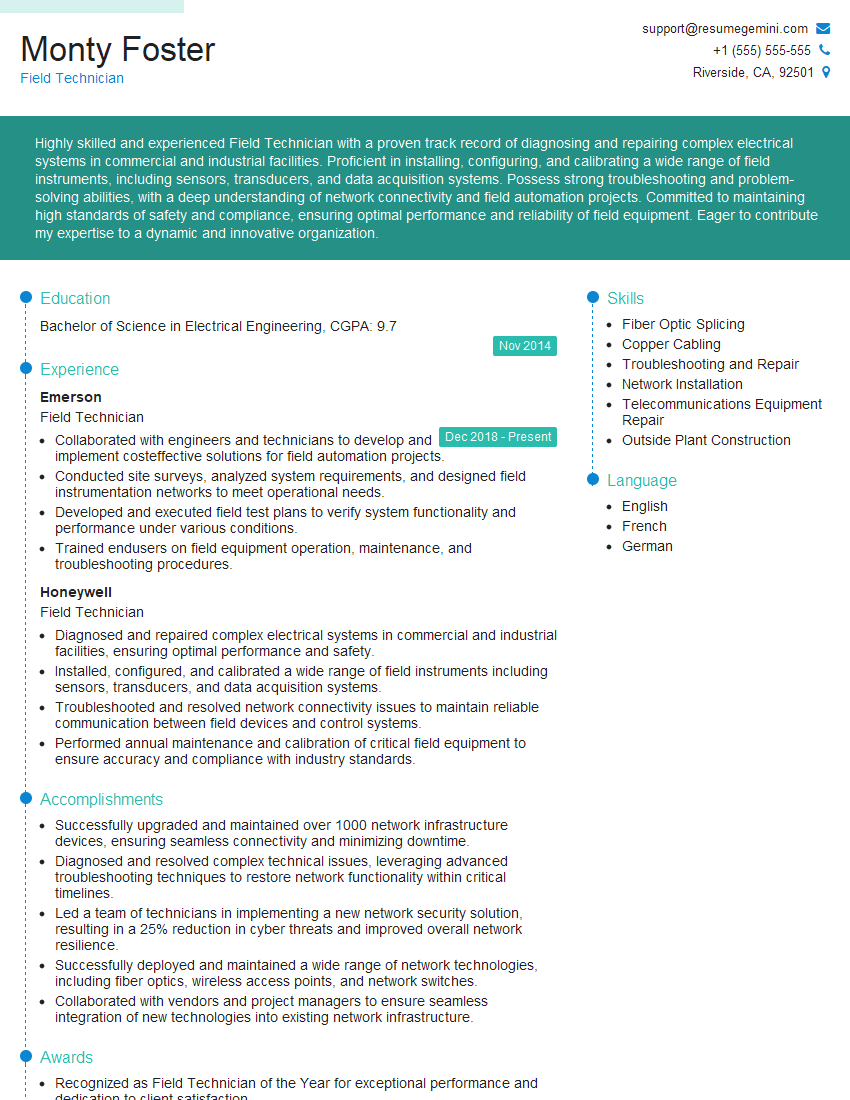
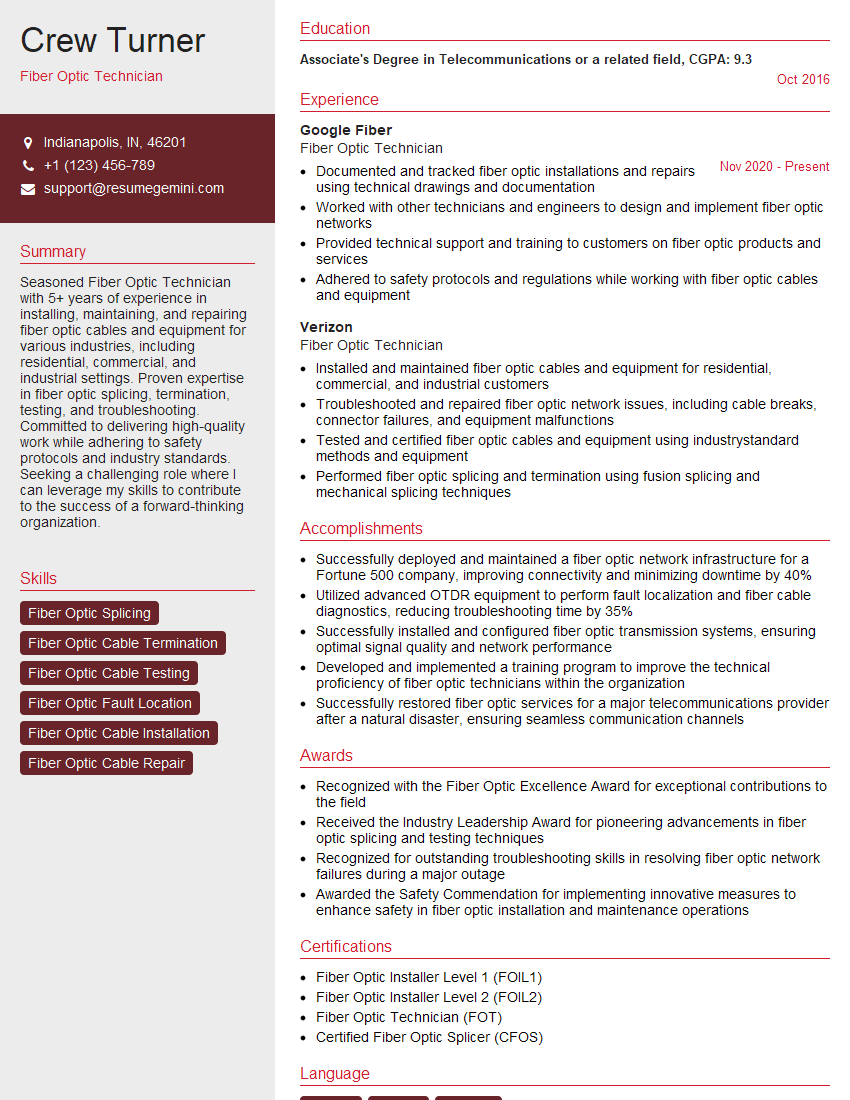
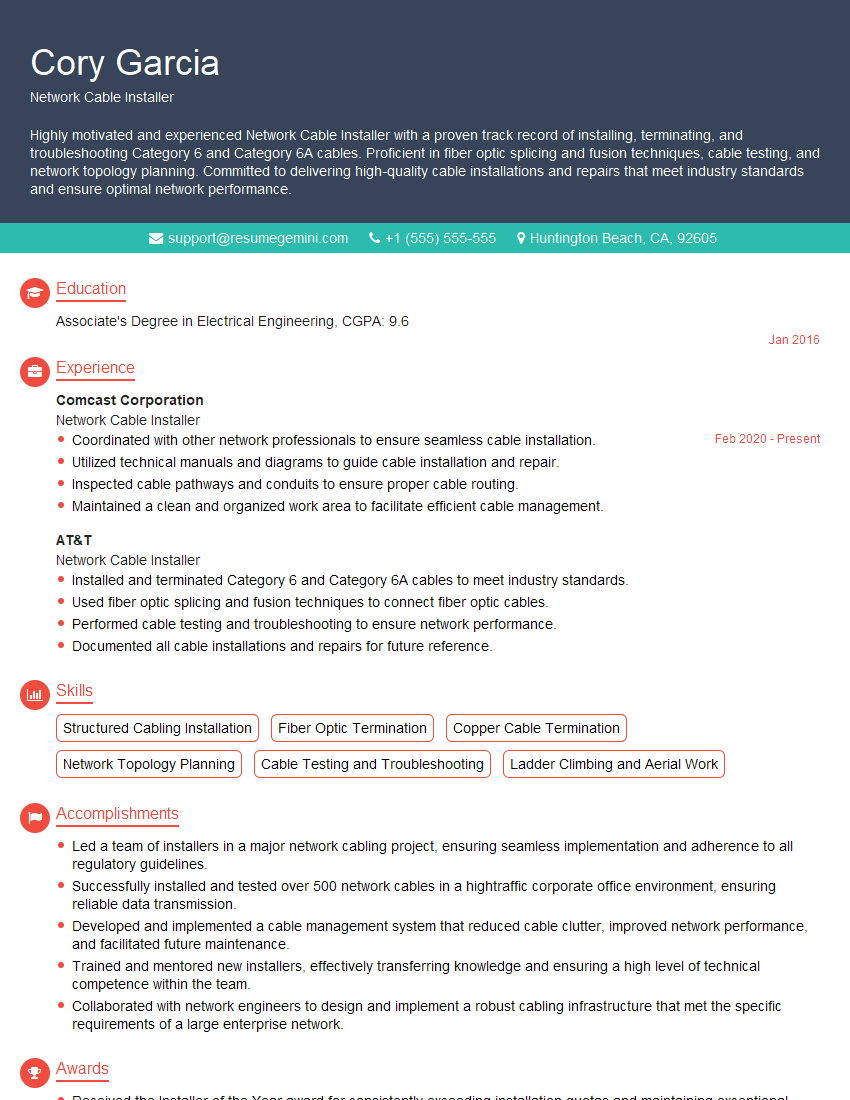
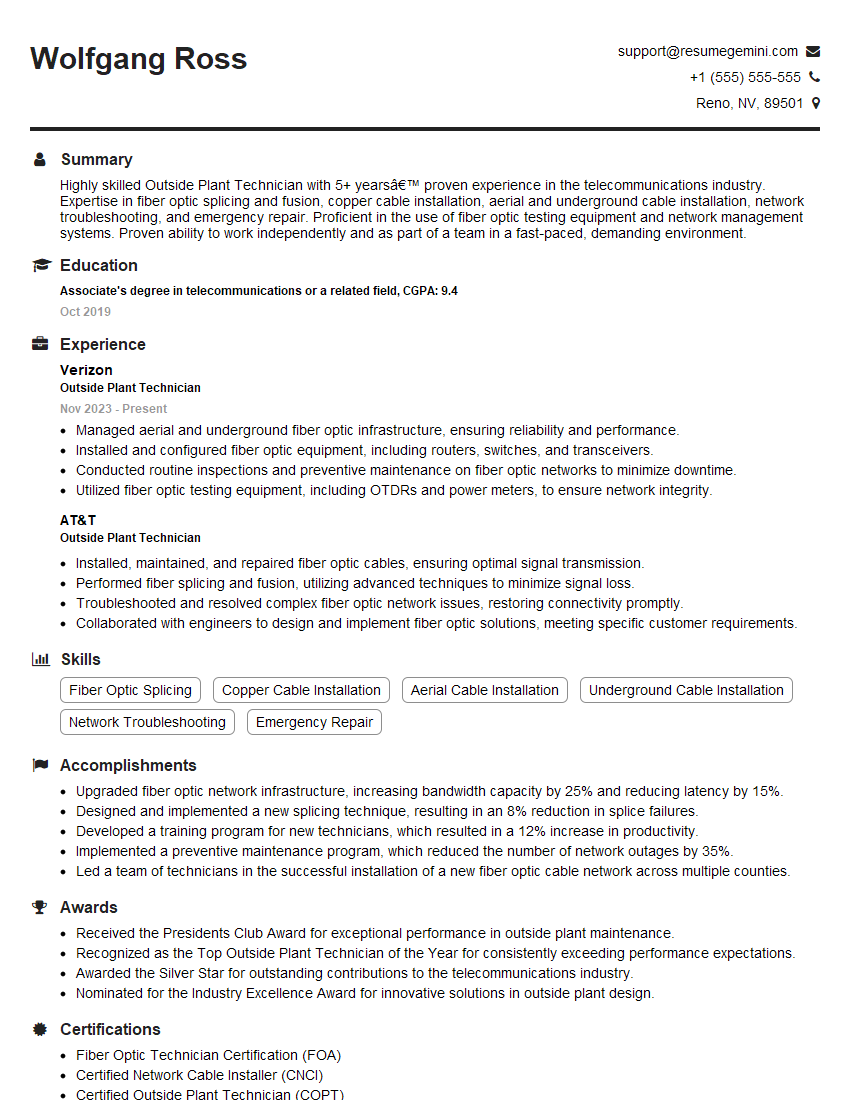
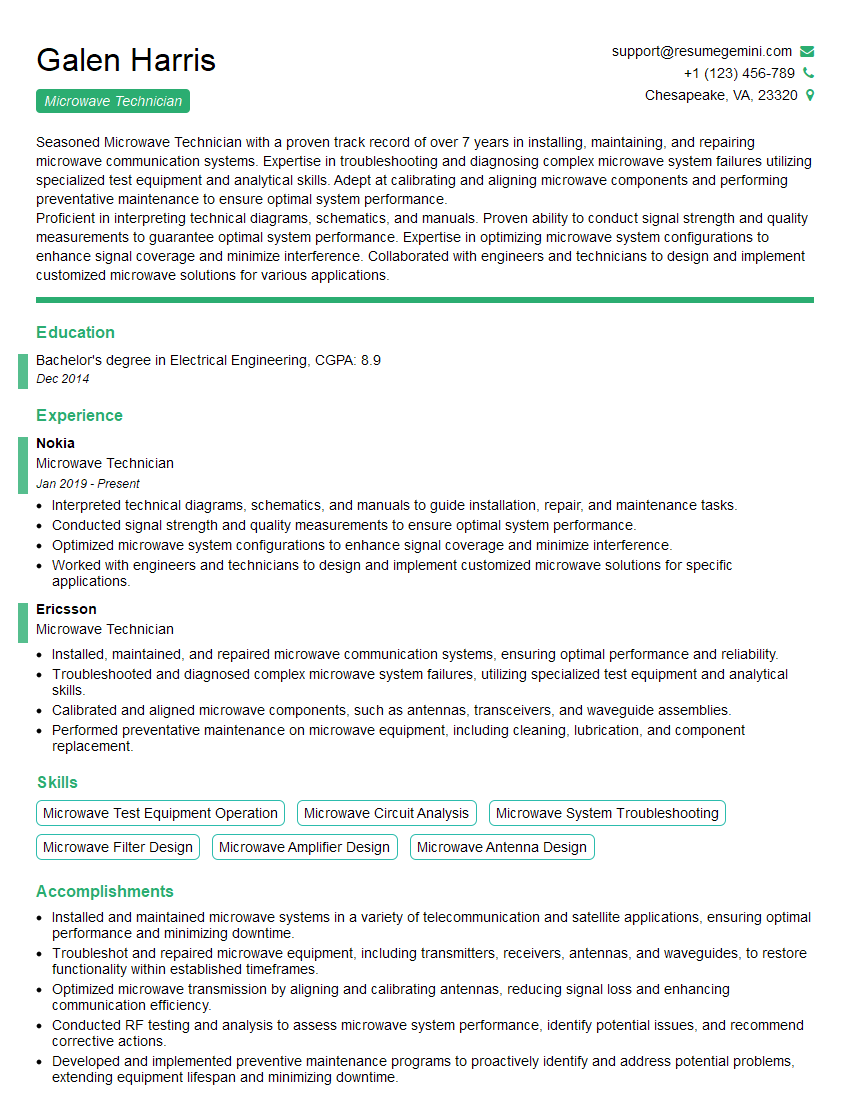
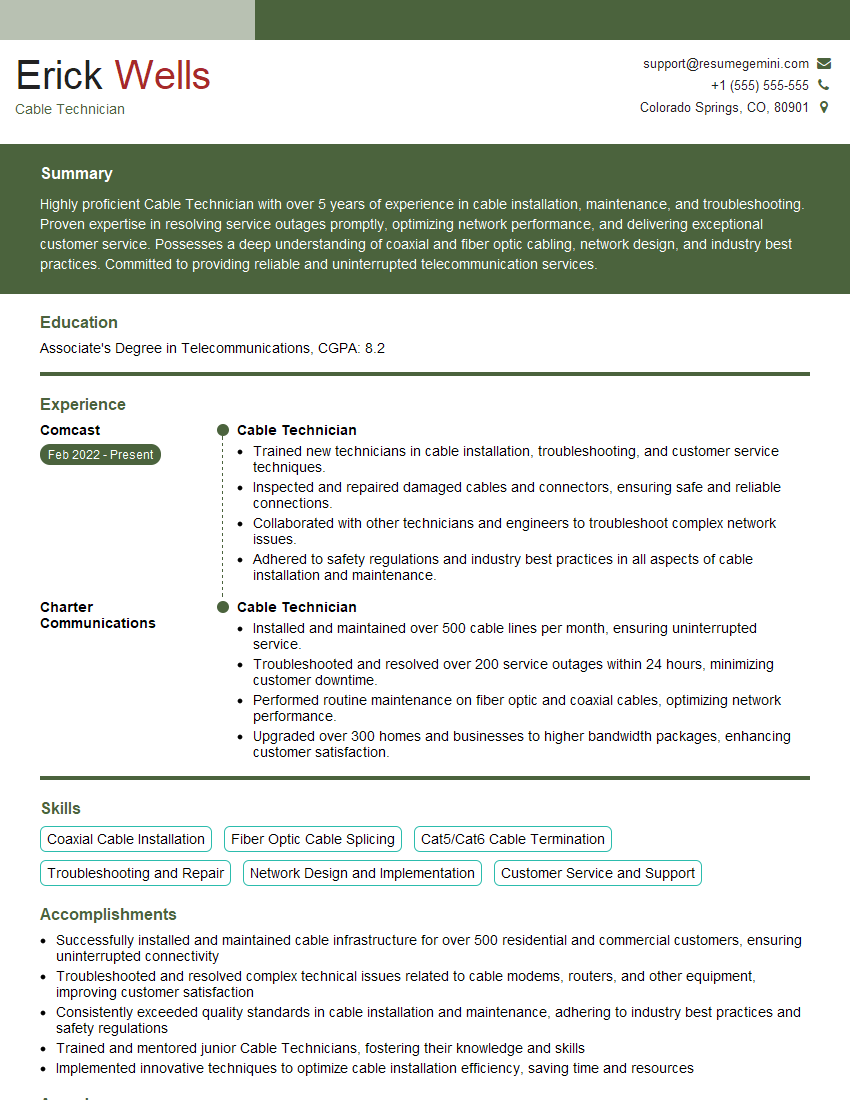
Mastering Telecommunications Network Installation opens doors to exciting career opportunities with significant growth potential. A strong understanding of these core concepts will significantly enhance your interview performance and future career prospects. To maximize your chances of landing your dream job, it’s crucial to create an ATS-friendly resume that highlights your skills and experience effectively. We highly recommend using ResumeGemini to build a professional and impactful resume. ResumeGemini provides tools and resources to craft a compelling document, and we offer examples of resumes tailored specifically to Telecommunications Network Installation to help guide you.

Explore more articles
Users Rating of Our Blogs
Share Your Experience
We value your feedback! Please rate our content and share your thoughts (optional).
What Readers Say About Our Blog
Very informative content, great job.
good