Unlock your full potential by mastering the most common MATLAB and Python for Data Analysis and Simulation interview questions. This blog offers a deep dive into the critical topics, ensuring you’re not only prepared to answer but to excel. With these insights, you’ll approach your interview with clarity and confidence.
Questions Asked in MATLAB and Python for Data Analysis and Simulation Interview
Q 1. Explain the difference between `import` and `from … import` in Python.
In Python, both import and from ... import are used to bring modules into your current script, but they differ in how they make those modules accessible.
import module_name: This statement imports the entire module. To access functions or classes within that module, you use the dot notation. For example:
import math
result = math.sqrt(25)  # Accessing the sqrt function from the math module
from module_name import function_name, class_name: This imports specific parts of a module directly into your current namespace. You can then use them without the module prefix. For instance:
from math import sqrt, pi
result = sqrt(25)  # No need for math.sqrt here
circumference = 2 * pi * 5
Choosing between them: import module_name is generally preferred for better code clarity and readability, especially in larger projects to avoid naming conflicts. from ... import ... can be useful for brevity in smaller scripts, but overuse can lead to confusion.
Q 2. How do you handle missing data in a dataset using Python’s Pandas?
Handling missing data (NaN – Not a Number) is crucial for accurate analysis. Pandas provides several powerful methods to address this:
- Dropping missing values: The simplest approach, but you might lose valuable data if not used cautiously. Use
dropna(). You can specify the axis (rows or columns) and how many missing values need to be present to trigger dropping. - Imputation: Replacing missing values with estimated values. Popular strategies include:
- Mean/Median/Mode imputation: Replace NaN with the mean, median, or mode of the column. Easy but can skew the distribution if there are many missing values.
- Forward/Backward fill: Fill NaN with the previous or next non-missing value. Suitable for time series data, but may not be appropriate for other datasets.
- Interpolation: Estimate missing values using neighboring values. More sophisticated than simple fill methods. Pandas’
interpolate()function offers various interpolation methods (linear, polynomial, etc.). - Model-based imputation: Use machine learning models to predict missing values based on other features. More complex but potentially more accurate.
Example (Mean Imputation):
import pandas as pd
data = {'A': [1, 2, None, 4], 'B': [5, None, 7, 8]}
df = pd.DataFrame(data)
df['A'] = df['A'].fillna(df['A'].mean())
print(df)
The choice of method depends heavily on the nature of your data and the context of your analysis. Always consider the potential biases introduced by imputation.
Q 3. Compare and contrast NumPy arrays and Python lists.
NumPy arrays and Python lists are both used to store collections of data, but they have fundamental differences that make them suitable for different tasks.
- Data Type Homogeneity: NumPy arrays hold elements of the same data type (e.g., all integers or all floats), whereas Python lists can contain elements of different data types.
- Performance: NumPy arrays are significantly faster for numerical operations due to vectorization. They are implemented in C and optimized for mathematical computations. Python lists are more general-purpose but slower for numerical work.
- Memory Efficiency: NumPy arrays are more memory-efficient, especially for large datasets, because they store data contiguously in memory. Python lists store pointers to the objects, making them less space-efficient.
- Functionality: NumPy arrays provide a rich set of mathematical and linear algebra functions that are not available for Python lists directly. NumPy’s functions operate on entire arrays at once (vectorized operations), enhancing performance.
In short: Use Python lists for general-purpose tasks where data type homogeneity isn’t crucial. Use NumPy arrays for numerical and scientific computing, where performance and memory efficiency are paramount.
Q 4. What are the advantages of using NumPy for numerical computation?
NumPy’s advantages in numerical computation stem primarily from its vectorization capabilities and efficient memory management:
- Vectorization: NumPy allows you to perform operations on entire arrays at once, rather than looping through individual elements. This significantly speeds up computations. Consider matrix multiplication; NumPy’s
matmul()function is orders of magnitude faster than nested Python loops for large matrices. - Broadcasting: NumPy’s broadcasting rules allow operations between arrays of different shapes under certain conditions, simplifying code and increasing efficiency.
- Optimized Implementations: NumPy’s core is written in C and Fortran, making it highly optimized for numerical operations. This results in substantial performance gains compared to pure Python.
- Extensive Mathematical Functions: NumPy provides a vast library of mathematical and scientific functions specifically tailored for efficient array manipulation, including linear algebra, Fourier transforms, random number generation, and more.
- Memory Efficiency: NumPy arrays store data contiguously in memory, making them more memory-efficient than Python lists, particularly for large datasets. This also improves performance by reducing memory access times.
These advantages make NumPy the preferred choice for any computationally intensive tasks involving numerical data, including scientific simulations, machine learning, data analysis, image processing, and many more fields.
Q 5. Describe different methods for data visualization in MATLAB.
MATLAB offers a wide array of tools for data visualization, allowing you to create various plots to explore and present your data effectively.
- 2D Plots: Basic plots like line plots (
plot), scatter plots (scatter), bar charts (bar), histograms (hist), and pie charts (pie) are readily available. These are essential for visualizing relationships between variables and data distributions. - 3D Plots: MATLAB supports various 3D plotting functions for visualizing data in three dimensions, such as surface plots (
surf), mesh plots (mesh), contour plots (contour), and scatter plots (scatter3). These are valuable for representing three-variable relationships or spatial data. - Specialized Plots: MATLAB provides functions for more specialized plots like error bars, box plots, stem plots, polar plots, and more. The choice depends on the specific nature of your data and the message you wish to convey.
- Image Processing: MATLAB offers comprehensive image processing capabilities, allowing you to display and manipulate images, which is invaluable for visualization in various applications.
- Customization: MATLAB provides extensive customization options for controlling aspects such as axes labels, titles, legends, colors, line styles, and markers to make your plots clear, informative, and visually appealing.
- Interactive Exploration: MATLAB allows you to create interactive plots enabling zoom, pan, rotation (in 3D), and data selection for enhanced exploration of the visualizations.
For example, plot(x,y) creates a simple line plot, while imagesc(data) displays a 2D array as an image. The extensive documentation and examples in MATLAB make it easy to create compelling and informative visualizations.
Q 6. How would you perform linear regression in MATLAB?
Performing linear regression in MATLAB is straightforward using the fitlm function. This function fits a linear model to your data and provides various statistical measures.
Example:
x = [1, 2, 3, 4, 5];
y = [2, 4, 5, 4, 5];
model = fitlm(x, y);
model.Coefficients  % Display regression coefficients
plot(model)          % Plot regression results (including residuals)
This code first defines your independent variable x and dependent variable y. fitlm(x, y) fits a linear model, and model.Coefficients displays the estimated intercept and slope. plot(model) creates a comprehensive plot including fitted line, data points, and residuals. You can further customize the plot using MATLAB’s plotting options.
The fitlm function handles multiple independent variables as well; you would just pass a matrix of predictors as the first argument instead of a single vector.
Q 7. Explain the purpose of `cell arrays` and `structures` in MATLAB.
Both cell arrays and structures in MATLAB are used to store collections of data, but they differ significantly in their organization and how they access data.
- Cell Arrays: These are essentially arrays where each element can hold data of any type and size, including other cell arrays, numbers, strings, or even structures. Think of them as containers that can hold a heterogeneous mix of items. You access elements using curly braces
{}. For example:myCell = {1, 'hello', [1 2 3]};
element1 = myCell{1}; % Accesses the first element (1) - Structures: Structures are more organized and named data collections. Each structure has fields, each field having a name and a value (of any data type). Structures are useful for representing complex data structures with meaningful labels. You access fields using the dot notation (
.).
myStruct.name = 'John Doe';
myStruct.age = 30;
myStruct.city = 'New York';
name = myStruct.name;  % Accesses the 'name' field
When to use which:
- Use cell arrays when you need a flexible array to hold data of different types and sizes without a need for specific field names.
- Use structures when your data has a logical organization with meaningful field names and you need to access data based on those names rather than just indices.
Structures are often better suited for representing real-world entities with properties, while cell arrays are useful for storing a collection of items of varying types.
Q 8. How do you create and manipulate matrices in MATLAB?
MATLAB excels at matrix manipulation. Matrices are fundamental data structures, and creating and manipulating them is straightforward. You can create matrices directly using square brackets [], separating elements within rows by spaces or commas and rows by semicolons. For instance, A = [1 2 3; 4 5 6; 7 8 9]; creates a 3×3 matrix. Alternatively, you can use functions like zeros(), ones(), eye(), and rand() to generate matrices of zeros, ones, identity matrices, and random numbers respectively.
Manipulating matrices involves various operations. You can access individual elements using indexing (e.g., A(1,2) accesses the element in the first row and second column). MATLAB supports standard matrix operations like addition, subtraction, multiplication, transposition (A'), and inversion (inv(A)). You can also perform element-wise operations using the dot operator (e.g., A.*B performs element-wise multiplication). Reshaping matrices is easily achieved with functions like reshape(). For example, B = reshape(A, 1, 9); transforms the 3×3 matrix A into a 1×9 row vector. Concatenating matrices is done using square brackets; you can combine matrices vertically or horizontally.
In a real-world application, imagine simulating a network. Each node’s connection could be represented by a matrix element, allowing for efficient computation of network properties or propagation of signals.
Q 9. What are anonymous functions in MATLAB and when are they useful?
Anonymous functions in MATLAB are essentially inline functions defined without a separate function file. They are incredibly useful for concisely defining simple functions that you might only need to use once or a few times within a larger script or function. They’re particularly helpful when you need a function as an argument to another function, like when working with numerical integration or optimization routines.
The syntax is straightforward: f = @(x) x.^2; defines an anonymous function f that squares its input x. You can have multiple inputs and outputs. For instance, g = @(x,y) [x+y, x-y]; defines a function that returns the sum and difference of two inputs. Imagine you’re analyzing sensor data and need to apply a specific transformation to multiple datasets. Using an anonymous function avoids creating a separate function file for each transformation, improving code clarity and maintainability.
Consider a situation where you want to find the roots of a polynomial using MATLAB’s fzero function. Instead of creating a separate function to define the polynomial, you can directly pass an anonymous function: root = fzero(@(x) x.^3 - 2*x - 5, 2);. This finds a root near x=2 for the polynomial x³ – 2x – 5. This approach simplifies the code and makes it more readable.
Q 10. How do you handle exceptions in Python?
Python employs the try-except block to handle exceptions, which are errors that occur during program execution. The try block contains the code that might raise an exception, while the except block specifies how to handle it. You can catch specific exceptions or handle them generally.
For example:
try:
    result = 10 / 0
except ZeroDivisionError:
    print("Error: Division by zero")
except Exception as e:
    print(f"An unexpected error occurred: {e}")
This code attempts a division by zero. The first except block specifically catches ZeroDivisionError, while the second except block handles any other type of exception using a generic Exception. The as e part assigns the exception object to the variable e, allowing you to access details about the error. Proper exception handling is crucial for creating robust applications that don’t crash unexpectedly when encountering unforeseen issues, like incorrect file paths, network failures, or invalid user input.
Imagine a data processing pipeline: Each step might fail for various reasons. By wrapping each step in a try-except block, you can gracefully handle errors, log them for debugging, or implement fallback mechanisms, ensuring the entire pipeline doesn’t stop due to a single error.
Q 11. Explain different methods for data cleaning in Python.
Data cleaning is a crucial step in any data analysis project, preparing data for modeling and analysis. Python offers several methods. Let’s explore some common ones:
- Handling Missing Values: Missing data (NaN or None) can be dealt with by imputation (filling in missing values) using methods like mean/median/mode imputation, K-Nearest Neighbors imputation, or more advanced techniques. Libraries like scikit-learn provide tools for this. Alternatively, you can remove rows or columns with excessive missing data if appropriate.
- Outlier Detection and Treatment: Outliers are data points significantly different from others. Techniques include using box plots or scatter plots for visualization, Z-score or IQR methods for identification, and strategies to handle them (removing, capping, or transforming them).
- Data Transformation: Transforming data is often necessary to improve its suitability for analysis. This can involve scaling (min-max scaling, standardization), normalization, or log transformations to handle skewed data. Scikit-learn provides
MinMaxScaler,StandardScaler, etc., for these transformations. - Data Deduplication: Removing duplicate rows is crucial. Python’s
pandaslibrary provides efficient methods usingdrop_duplicates(). - Inconsistency Handling: This involves addressing inconsistencies in data formats, such as different date formats or inconsistent spellings. Regular expressions and string manipulation techniques are valuable here.
For example, using pandas, you can easily fill missing values in a DataFrame’s ‘age’ column with the mean age: df['age'] = df['age'].fillna(df['age'].mean()). Pandas provides powerful tools for data cleaning and manipulation, making it a preferred choice for data scientists.
Q 12. Describe your experience with different machine learning algorithms.
My experience spans a range of machine learning algorithms, both supervised and unsupervised. In supervised learning, I’ve extensively used linear regression for predicting continuous variables and logistic regression for classification. I’ve also worked with support vector machines (SVMs) for their ability to handle high-dimensional data and complex decision boundaries, and decision trees (including random forests and gradient boosting machines) for their interpretability and efficiency. Neural networks, particularly feedforward and convolutional neural networks (CNNs) for image data and recurrent neural networks (RNNs) for sequential data, have been used in various projects.
In unsupervised learning, I’ve applied k-means clustering for grouping similar data points and principal component analysis (PCA) for dimensionality reduction. I’ve also worked with anomaly detection techniques like One-Class SVM for identifying unusual data instances in network security applications and time-series decomposition for extracting trends and seasonality components from data. The choice of algorithm always depends on the nature of the data and the specific problem being addressed. For instance, a project involving image recognition would naturally lead to using CNNs, while a task of customer segmentation would likely utilize clustering algorithms like k-means.
Q 13. How do you evaluate the performance of a machine learning model?
Evaluating a machine learning model’s performance is crucial. The methods used depend on whether it’s a classification or regression problem. For classification, common metrics include:
- Accuracy: The overall correctness of predictions.
- Precision: Out of all predicted positives, what proportion was actually positive.
- Recall (Sensitivity): Out of all actual positives, what proportion was correctly predicted.
- F1-score: The harmonic mean of precision and recall, balancing both.
- AUC-ROC (Area Under the Receiver Operating Characteristic Curve): Measures the ability of the classifier to distinguish between classes.
For regression problems, metrics include:
- Mean Squared Error (MSE): Measures the average squared difference between predicted and actual values.
- Root Mean Squared Error (RMSE): The square root of MSE, providing a value in the same units as the target variable.
- R-squared: Represents the proportion of variance in the dependent variable explained by the model.
Beyond these, techniques like cross-validation (k-fold) are employed to get robust performance estimates by training and testing on different subsets of the data. Confusion matrices provide detailed insight into the classifier’s performance by showing the counts of true positives, true negatives, false positives, and false negatives. These are valuable tools in understanding where the model makes errors, allowing for targeted improvements.
Q 14. What are the differences between supervised and unsupervised learning?
The fundamental difference lies in the type of data used and the goal of the learning process:
- Supervised Learning: This involves learning from labeled data, meaning each data point has an associated target variable. The algorithm learns to map inputs to outputs. The goal is to predict the target variable for new, unseen data. Examples include image classification (where images are labeled with their corresponding categories) and spam detection (where emails are labeled as spam or not spam).
- Unsupervised Learning: Here, the data is unlabeled; no target variable is provided. The algorithm aims to discover underlying patterns, structures, or relationships in the data. Examples include clustering customers into different segments based on their purchasing behavior or dimensionality reduction to visualize high-dimensional data.
In essence, supervised learning is like learning from a teacher who provides correct answers, while unsupervised learning is like exploring a new environment without prior guidance, trying to make sense of what you see.
Q 15. Explain the concept of overfitting and how to mitigate it.
Overfitting occurs when a model learns the training data too well, including its noise and outliers, resulting in poor performance on unseen data. Imagine trying to fit a complex, curvy line through a scatter plot with just a few points; it might perfectly capture those points but wildly miss the actual underlying trend. This model is overfit.
To mitigate overfitting, we employ several techniques:
- Cross-validation: Splitting the data into training and validation sets allows us to evaluate model performance on unseen data. k-fold cross-validation is a particularly robust method.
- Regularization: Adding a penalty term to the model’s loss function discourages overly complex models. L1 (LASSO) and L2 (Ridge) regularization are common choices in linear models.
- Feature selection/engineering: Carefully selecting relevant features and creating new ones that capture essential information reduces the model’s complexity and prevents it from fitting to irrelevant noise.
- Pruning (for decision trees): Removing branches of a decision tree that don’t significantly improve accuracy helps prevent overfitting.
- Early stopping (for iterative models): Monitoring the model’s performance on a validation set during training and stopping when performance starts to decrease prevents further overfitting.
- Data augmentation: Increasing the size and diversity of the training dataset can improve generalization.
For example, in a machine learning project predicting house prices, if we use too many features (e.g., the color of the paint on a specific wall) that are not truly relevant, the model may overfit to the training data, predicting well for those houses but poorly for new ones. Cross-validation and feature selection would be vital to prevent this.
Career Expert Tips:
- Ace those interviews! Prepare effectively by reviewing the Top 50 Most Common Interview Questions on ResumeGemini.
- Navigate your job search with confidence! Explore a wide range of Career Tips on ResumeGemini. Learn about common challenges and recommendations to overcome them.
- Craft the perfect resume! Master the Art of Resume Writing with ResumeGemini’s guide. Showcase your unique qualifications and achievements effectively.
- Don’t miss out on holiday savings! Build your dream resume with ResumeGemini’s ATS optimized templates.
Q 16. How do you use loops and conditional statements in MATLAB?
MATLAB offers several ways to implement loops and conditional statements. For loops, we primarily use for loops, and for conditional statements, we use if, elseif, and else.
For Loops:
for i = 1:10
    disp(i);
end
This loop iterates 10 times, displaying the numbers 1 through 10. We can also iterate over arrays or matrices:
myArray = [1, 5, 10, 20];
for val = myArray
    disp(val);
end
Conditional Statements:
x = 5;
if x > 0
    disp('x is positive');
elseif x == 0
    disp('x is zero');
else
    disp('x is negative');
end
This code checks the value of x and displays an appropriate message. Nested loops and conditional statements are also commonly used to create more complex logic.
In practical scenarios, these are essential for processing datasets, implementing algorithms, and controlling simulation steps. For example, I used nested for loops to process a large 3D image dataset, iterating over each voxel to perform image segmentation and analysis.
Q 17. Describe your experience with version control systems (e.g., Git).
I have extensive experience with Git, utilizing it for version control in numerous projects. I’m proficient in branching, merging, rebasing, and resolving merge conflicts. I regularly use Git for collaborative projects, ensuring seamless code integration and tracking changes effectively.
My workflow typically involves creating feature branches for new developments, committing changes frequently with descriptive messages, and pushing branches to a remote repository (e.g., GitHub, GitLab). I leverage pull requests for code reviews and maintain a clear commit history for easy tracking and rollback if needed. I am familiar with using Git hooks and have experience working with various Git clients and command-line interfaces.
In one project, Git was instrumental in managing changes made by a team of five developers working concurrently on a large-scale simulation. The branching strategy enabled parallel development while merging was handled smoothly thanks to clear commit messages and regular code reviews through pull requests. Git ensured project stability and prevented accidental overwrites or loss of crucial code changes.
Q 18. Explain the difference between a function and a script in MATLAB.
In MATLAB, functions and scripts are both ways to organize code, but they differ significantly in how they operate:
- Functions: A function is a self-contained block of code that accepts inputs (arguments) and returns outputs. They are designed for modularity, reusability, and to promote well-structured code. Functions have a clearly defined interface, improving code organization and maintainability. They also support input validation and error handling more readily.
- Scripts: A script is a sequence of MATLAB commands that are executed sequentially. Scripts don’t accept inputs or return outputs explicitly; instead, they operate on the workspace variables. They are simpler to create but less organized for larger projects.
Example:
Function:
function result = addNumbers(a, b)
    result = a + b;
end
Script:
a = 5;
b = 10;
sum = a + b;
disp(sum);
Functions are preferred for larger, more complex projects as they enhance code reusability and maintainability compared to scripts. In a simulation project, I used functions to encapsulate individual components of the simulation, such as calculating forces or updating states, making the code easier to understand and maintain.
Q 19. How do you profile and optimize MATLAB code for performance?
Profiling and optimizing MATLAB code involves identifying performance bottlenecks and improving execution speed. MATLAB’s Profiler is an excellent tool for this.
Profiling: The Profiler helps pinpoint computationally intensive sections of code by measuring execution times. To use it, run your code with the Profiler enabled. The results show the time spent in each function, allowing you to identify the most time-consuming parts.
Optimization Techniques:
- Vectorization: Avoid explicit loops whenever possible and utilize MATLAB’s vectorized operations for significant performance gains. MATLAB is optimized for matrix operations.
- Pre-allocation: Pre-allocate arrays to their final size before populating them, as dynamic resizing can be slow.
- Function calls: Minimize unnecessary function calls, as they introduce overhead.
- Data structures: Choose appropriate data structures (e.g., sparse matrices for large, mostly zero matrices) for better memory management and performance.
- Code review: Carefully examine your code for potential inefficiencies.
- MATLAB Coder: For computationally intensive tasks that require extreme optimization, consider using MATLAB Coder to generate C/C++ code.
In a project involving complex numerical simulations, profiling revealed that a nested loop was the main bottleneck. By vectorizing the calculations, I achieved a speed improvement of over 50 times, enabling much faster simulations and significantly reducing runtime.
Q 20. Describe your experience with different types of data structures (e.g., lists, dictionaries, arrays).
My experience encompasses a wide range of data structures in both MATLAB and Python. I’m familiar with their strengths and weaknesses and choose the appropriate structure based on the specific application.
MATLAB:
- Arrays: MATLAB’s core data structure. Highly efficient for numerical computation. Supports multi-dimensional arrays (matrices, tensors).
- Structures: Used to group data of different types under a single variable. Similar to dictionaries in Python.
- Cells: Can hold elements of different sizes and types within a single array.
Python:
- Lists: Ordered, mutable collections of items. Versatile but less efficient than NumPy arrays for numerical computation.
- Dictionaries: Unordered collections of key-value pairs. Excellent for representing structured data.
- NumPy arrays: Fundamental for numerical operations. Highly efficient and optimized for mathematical calculations.
- Pandas DataFrames: Powerful tabular data structure for data manipulation and analysis.
The choice of data structure greatly impacts code efficiency. For example, in a project analyzing sensor data, using NumPy arrays in Python significantly improved performance compared to lists due to NumPy’s vectorization capabilities. In MATLAB, using structures helped organize sensor readings with associated timestamps and metadata.
Q 21. How do you perform data normalization and standardization?
Data normalization and standardization are crucial preprocessing steps in data analysis to improve the performance of machine learning algorithms and prevent features with larger values from dominating.
Normalization (Min-Max scaling): Scales features to a specific range, typically [0, 1]. It is sensitive to outliers. The formula is:
x_normalized = (x - min(x)) / (max(x) - min(x))
Standardization (Z-score normalization): Transforms data to have a mean of 0 and a standard deviation of 1. Less sensitive to outliers. The formula is:
x_standardized = (x - mean(x)) / std(x)
Example using Python (NumPy):
import numpy as np
x = np.array([1, 2, 3, 4, 5])
x_normalized = (x - np.min(x)) / (np.max(x) - np.min(x))
x_standardized = (x - np.mean(x)) / np.std(x)
The choice between normalization and standardization depends on the data and the algorithm used. For example, algorithms like k-nearest neighbors and support vector machines often benefit from standardization, while others might perform better with normalization. In a project involving image classification, I used standardization to preprocess pixel intensity values, leading to an improvement in classification accuracy.
Q 22. Explain the concept of object-oriented programming in Python.
Object-Oriented Programming (OOP) in Python is a programming paradigm that organizes code around objects, which contain both data (attributes) and functions (methods) that operate on that data. Think of it like building with LEGOs: each brick is an object with specific properties (size, color) and actions (connecting to other bricks). This approach promotes modularity, reusability, and maintainability.
Key concepts in Python OOP include:
- Classes: Blueprints for creating objects. They define the attributes and methods.
- Objects: Instances of a class. Each object has its own set of attribute values.
- Methods: Functions defined within a class that operate on the object’s data.
- Inheritance: Creating new classes (child classes) based on existing ones (parent classes), inheriting attributes and methods. This promotes code reuse and reduces redundancy.
- Polymorphism: The ability of objects of different classes to respond to the same method call in their own specific way. For example, both a `Dog` and a `Cat` class might have a `speak()` method, but each would implement it differently.
- Encapsulation: Bundling data and methods that operate on that data within a class, hiding internal details and protecting data integrity.
Example:
class Dog: def __init__(self, name, breed): self.name = name self.breed = breed def bark(self): print("Woof!")my_dog = Dog("Buddy", "Golden Retriever")print(my_dog.name) # Output: Buddymy_dog.bark() # Output: Woof!In a data analysis context, OOP helps structure data and algorithms effectively. For example, you could create classes to represent different data types (e.g., `DataFrame`, `TimeSeries`) each with its own methods for cleaning, transforming, and analyzing the data.
Q 23. How would you build a simple simulation model using Python?
Building a simple simulation model in Python typically involves defining the system’s components, their interactions, and the rules governing their behavior over time. Let’s create a simple model of a population’s growth:
Steps:
- Define the system: We’ll model a population with a birth rate and a death rate.
- Define variables: We need variables to track the population size, birth rate, and death rate.
- Define the rules: The population changes based on the birth and death rates. We’ll use a simple difference equation.
- Implement the simulation: We’ll use a loop to iterate over time, updating the population size at each step.
- Visualize results: We’ll plot the population size over time.
Code:
import matplotlib.pyplot as plt# Parametersinitial_population = 100birth_rate = 0.1death_rate = 0.05simulation_years = 100# Simulationpopulation = [initial_population]for year in range(simulation_years): births = population[-1] * birth_rate deaths = population[-1] * death_rate new_population = population[-1] + births - deaths population.append(new_population)# Visualizationplt.plot(population)plt.xlabel('Year')plt.ylabel('Population')plt.title('Simple Population Simulation')plt.show()This code simulates population growth using simple equations. More complex simulations might incorporate randomness, external factors, or more sophisticated mathematical models. The core principle is to break down the system into manageable components and define the relationships between them.
Q 24. What are some common libraries used for scientific computing in Python?
Python offers a rich ecosystem of libraries for scientific computing. Some of the most commonly used include:
- NumPy: Provides powerful N-dimensional arrays and tools for working with them. It’s the foundation for many other scientific computing libraries.
- SciPy: Builds on NumPy, offering a wide range of algorithms for scientific computing, including optimization, interpolation, integration, and signal processing.
- Pandas: Provides high-performance, easy-to-use data structures and data analysis tools. It’s excellent for working with tabular data.
- Matplotlib: A comprehensive plotting library for creating static, interactive, and animated visualizations in Python.
- Scikit-learn: A powerful machine learning library providing a range of algorithms for classification, regression, clustering, and dimensionality reduction.
- SymPy: A library for symbolic mathematics, enabling you to work with mathematical expressions symbolically rather than numerically.
These libraries work together seamlessly, allowing you to perform complex scientific computations and data analysis efficiently. For example, you might use NumPy for numerical calculations, Pandas for data manipulation, Scikit-learn for machine learning, and Matplotlib for visualization, all within a single Python script.
Q 25. How do you work with large datasets in MATLAB and Python?
Working with large datasets efficiently in MATLAB and Python requires strategies to manage memory and processing time. Here’s a comparison:
MATLAB:
- Memory Mapping: MATLAB allows you to work with large datasets that don’t fit into RAM using memory mapping. This loads only portions of the data into memory as needed.
- Data Storage: MATLAB supports various data storage formats (e.g., MAT-files, HDF5) that can handle large datasets efficiently.
- Parallel Computing: MATLAB’s Parallel Computing Toolbox allows you to distribute computations across multiple cores or machines to speed up processing.
Python:
- Dask: A parallel computing library that allows you to work with datasets larger than memory by dividing them into smaller chunks and processing them in parallel.
- Vaex: A library for out-of-core data processing, allowing you to work with datasets much larger than RAM.
- HDF5/Parquet: These file formats are commonly used to store large datasets efficiently. Libraries like `h5py` and `pyarrow` provide interfaces for working with them in Python.
- Pandas with Chunking: Pandas `read_csv` function allows you to read large CSV files in chunks, processing each chunk individually to avoid memory overload.
In both MATLAB and Python, optimizing algorithms and using appropriate data structures are crucial for efficient handling of large datasets. Choosing the right library and techniques depends on the dataset’s size, structure, and the specific tasks you need to perform.
Q 26. Explain different techniques for feature engineering.
Feature engineering is the process of transforming raw data into features that better represent the underlying problem to a machine learning model. It’s often the most crucial step in improving model accuracy. Techniques include:
- Imputation: Handling missing values by replacing them with estimated values (mean, median, mode, or more sophisticated methods).
- Scaling/Normalization: Transforming features to a common scale (e.g., Min-Max scaling, standardization) to prevent features with larger values from dominating the model.
- Transformation: Applying mathematical transformations (e.g., log transformation, square root transformation) to improve model performance or address skewed distributions.
- Encoding Categorical Variables: Converting categorical variables into numerical representations (e.g., one-hot encoding, label encoding).
- Feature Creation/Extraction: Generating new features from existing ones. This could involve combining features, creating interaction terms, or using dimensionality reduction techniques (PCA).
- Binning/Discretization: Grouping continuous features into discrete bins or intervals.
- Time-based Features: Extracting time-related features from timestamps (e.g., day of the week, hour of the day, time since last event).
The choice of feature engineering techniques depends heavily on the specific dataset and the machine learning model being used. A deep understanding of the data and the problem is crucial for effective feature engineering.
Q 27. Describe your experience using MATLAB’s Simulink.
My experience with MATLAB’s Simulink is extensive. I’ve used it for various modeling and simulation tasks, including designing and simulating control systems, signal processing algorithms, and communication systems. Simulink’s graphical interface makes it easy to visualize and build complex models by connecting blocks representing different system components.
I’ve worked on projects ranging from simple control system designs to complex simulations involving multiple interacting subsystems. I’m proficient in using Simulink’s various toolboxes, such as the Control System Toolbox, Signal Processing Toolbox, and Communications Toolbox. I have also utilized Simulink’s capabilities for code generation and hardware-in-the-loop simulation.
For example, in one project, I used Simulink to design and simulate a control system for a robotic arm. This involved modeling the robot’s dynamics, designing a controller to achieve desired movements, and simulating the system’s response to various inputs and disturbances. Simulink’s ability to handle both continuous and discrete-time systems, along with its extensive library of blocks, made this a manageable and efficient process.
Simulink’s strengths lie in its ease of use for complex systems modeling and its powerful simulation capabilities. However, understanding the underlying mathematical models is vital for accurate and meaningful simulations.
Q 28. How would you debug a complex MATLAB or Python program?
Debugging complex MATLAB or Python programs requires a systematic approach. Here’s a strategy:
- Reproduce the error consistently: Identify the exact steps to reproduce the error. This is often the most challenging step.
- Use the debugger: Both MATLAB and Python offer powerful debuggers. Set breakpoints, step through the code line by line, inspect variables, and watch their values change. This allows you to pinpoint the source of the error.
- Print statements/logging: Insert print statements or use logging libraries to track the values of key variables at different points in the code. This helps understand the flow of execution and identify unexpected values.
- Error messages: Carefully examine error messages. They often provide valuable clues about the nature and location of the problem.
- Code review: Have a colleague review your code to identify potential errors or areas of improvement. A fresh perspective can often uncover subtle mistakes.
- Unit testing: Write unit tests to verify that individual components of your code function correctly. This helps catch errors early in the development process.
- Profiling tools: Use profiling tools to identify performance bottlenecks. This is especially important for large programs or simulations.
- Simplify the code: If the problem is difficult to isolate, try simplifying the code by removing unnecessary parts. This can make the problem easier to understand and debug.
- Search for solutions online: Many common errors have been encountered and documented by other developers. Search online forums and documentation for solutions.
Debugging is an iterative process. You might need to combine several of these techniques to effectively identify and fix errors. Patience and a systematic approach are essential.
Key Topics to Learn for MATLAB and Python for Data Analysis and Simulation Interview
- Data Structures and Algorithms: Understanding fundamental data structures (arrays, matrices, lists, dictionaries) and algorithms (searching, sorting) is crucial for efficient data manipulation in both MATLAB and Python. Practical application: Optimizing code for large datasets.
- Data Import and Preprocessing: Mastering techniques for importing data from various sources (CSV, Excel, databases) and preprocessing it (cleaning, transforming, handling missing values) is essential for any data analysis task. Practical application: Building a robust data pipeline for a real-world project.
- Exploratory Data Analysis (EDA): Learn to effectively visualize and summarize data using histograms, scatter plots, box plots, and descriptive statistics. This forms the basis for insightful data interpretation in both languages. Practical application: Identifying patterns and anomalies in your data to inform your analysis.
- Statistical Analysis: Gain a strong understanding of statistical methods like hypothesis testing, regression analysis, and ANOVA. Learn how to implement these techniques using MATLAB and Python libraries. Practical application: Drawing statistically sound conclusions from your data analysis.
- MATLAB Specifics: Familiarize yourself with MATLAB’s specialized toolboxes for data analysis and simulation, including its matrix operations, plotting capabilities, and built-in functions. Practical application: Leveraging MATLAB’s strengths for computationally intensive simulations.
- Python Libraries (NumPy, Pandas, SciPy, Matplotlib): Master the use of these powerful libraries for numerical computation, data manipulation, scientific computing, and data visualization in Python. Practical application: Developing efficient and reusable data analysis scripts.
- Simulation Techniques: Understand various simulation methodologies like Monte Carlo simulations, agent-based modeling, and discrete event simulation. Learn how to implement these using both MATLAB and Python. Practical application: Building models to predict future outcomes or test hypotheses.
- Version Control (Git): Demonstrate your proficiency in using Git for managing your code and collaborating on projects. This is a highly valuable skill for any data scientist.
- Software Engineering Principles: Showcase your understanding of writing clean, efficient, well-documented, and testable code in both languages. Practical application: Building robust and maintainable data analysis solutions.
Next Steps
Mastering MATLAB and Python for data analysis and simulation opens doors to exciting and rewarding careers in various fields. To maximize your job prospects, create a compelling and ATS-friendly resume that highlights your skills and experience. ResumeGemini is a trusted resource to help you build a professional resume that showcases your abilities effectively. Examples of resumes tailored to MATLAB and Python for Data Analysis and Simulation are available to guide you. Invest the time to build a strong resume – it’s your first impression on potential employers.
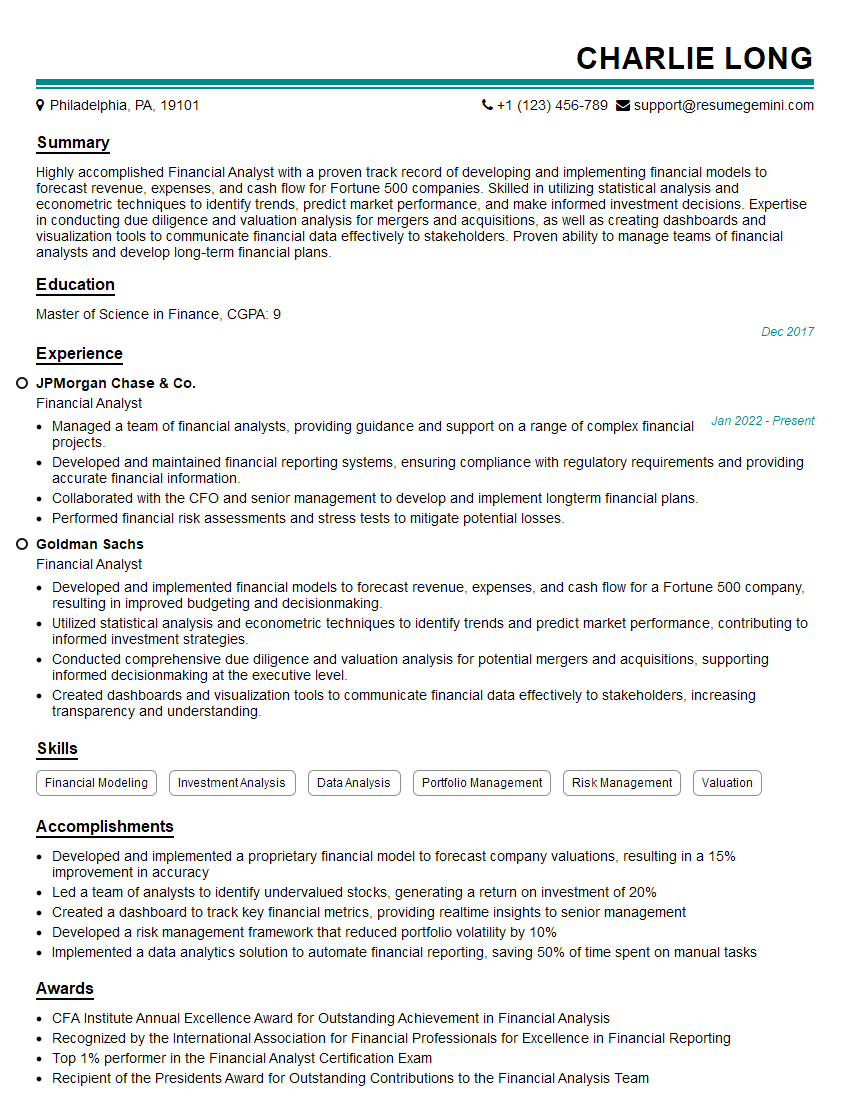
Financial Analyst Resume Sample

Data Analyst Resume Sample
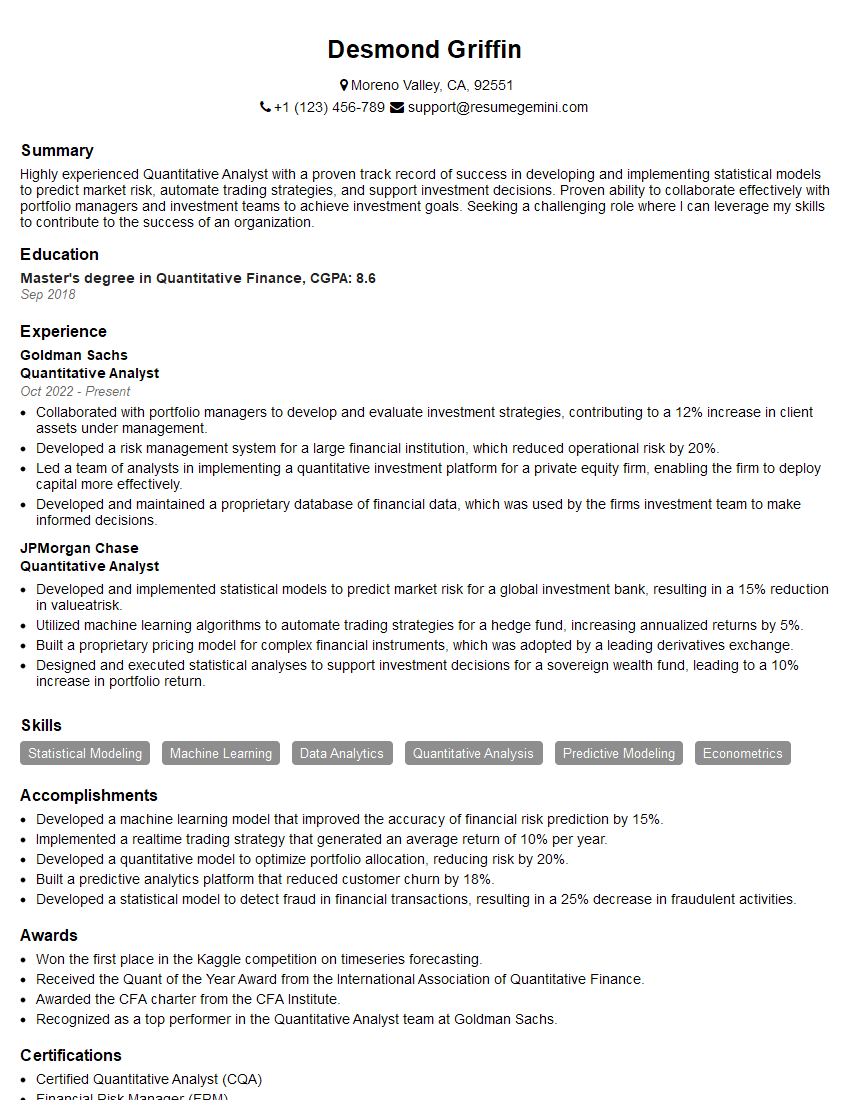
Quantitative Analyst Resume Sample

Data Scientist Resume Sample

Research Scientist Resume Sample

Business Intelligence Analyst Resume Sample
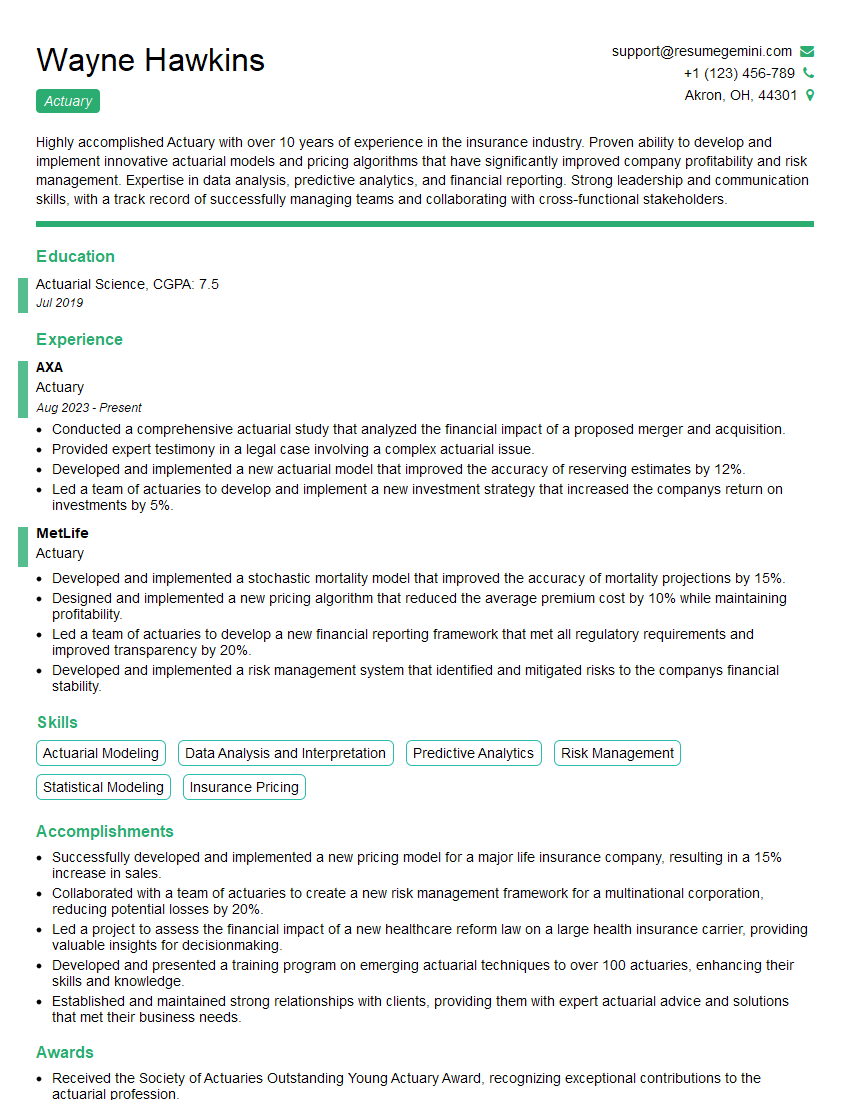
Actuary Resume Sample
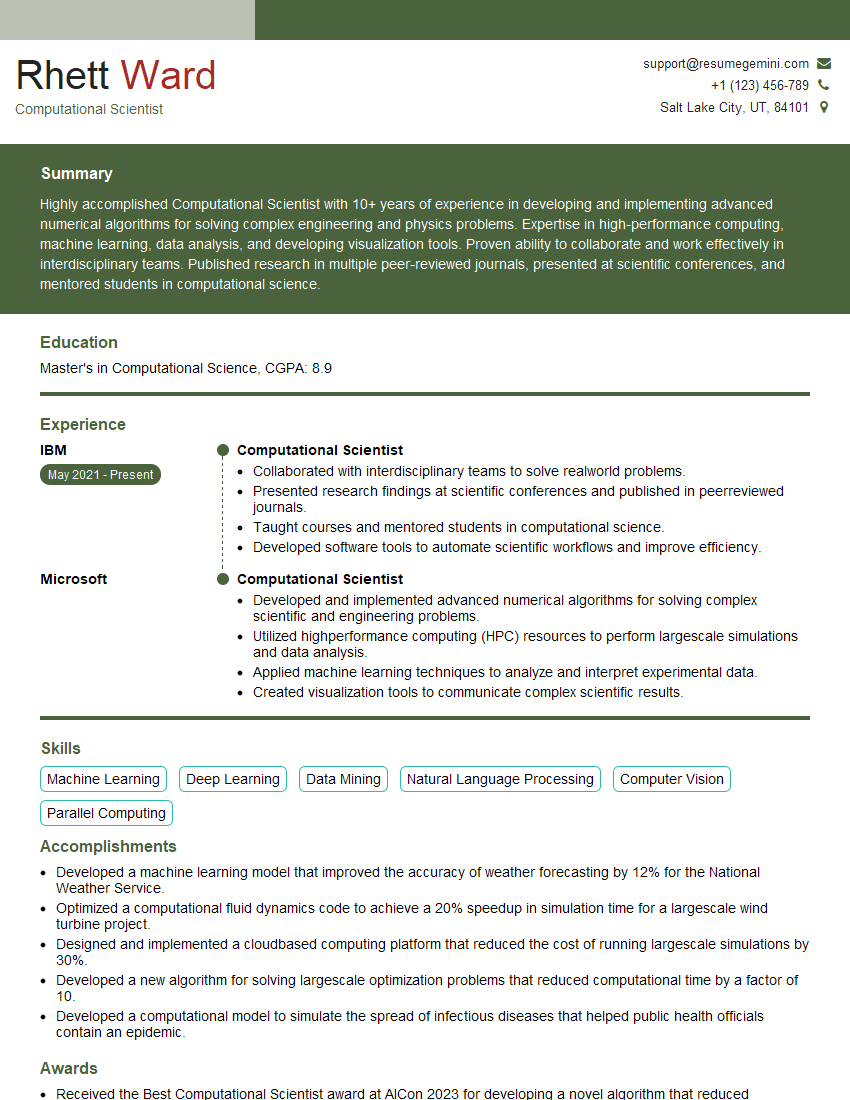
Computational Scientist Resume Sample

Operations Research Analyst Resume Sample

Statistical Analyst Resume Sample

Control Systems Engineer Resume Sample

Robotics Engineer Resume Sample
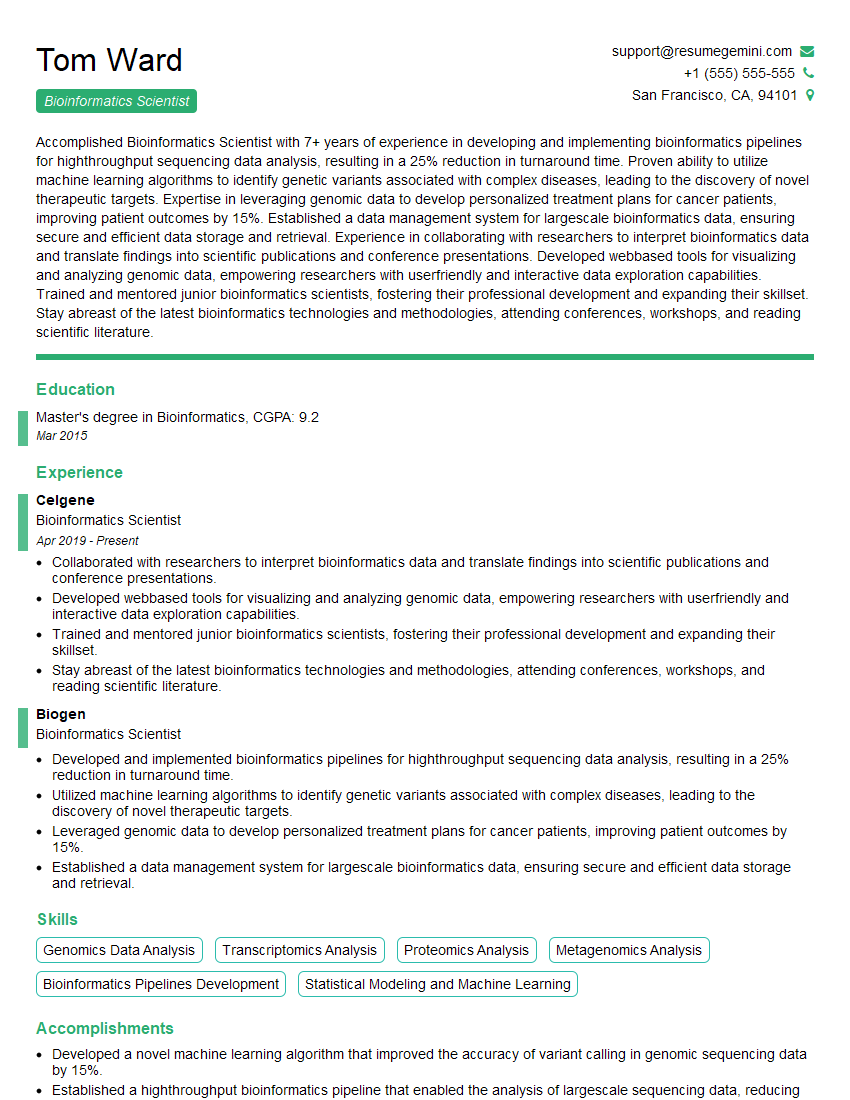
Bioinformatics Scientist Resume Sample

Machine Learning Engineer Resume Sample
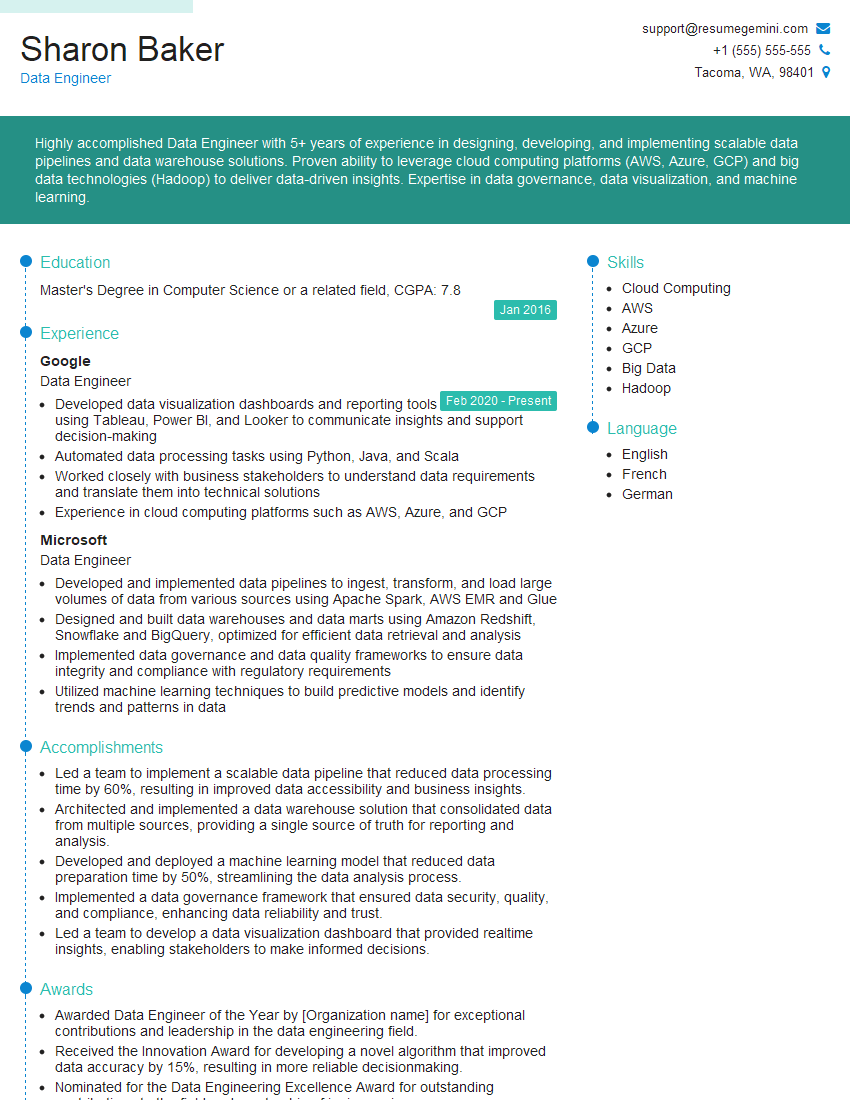
Data Engineer Resume Sample
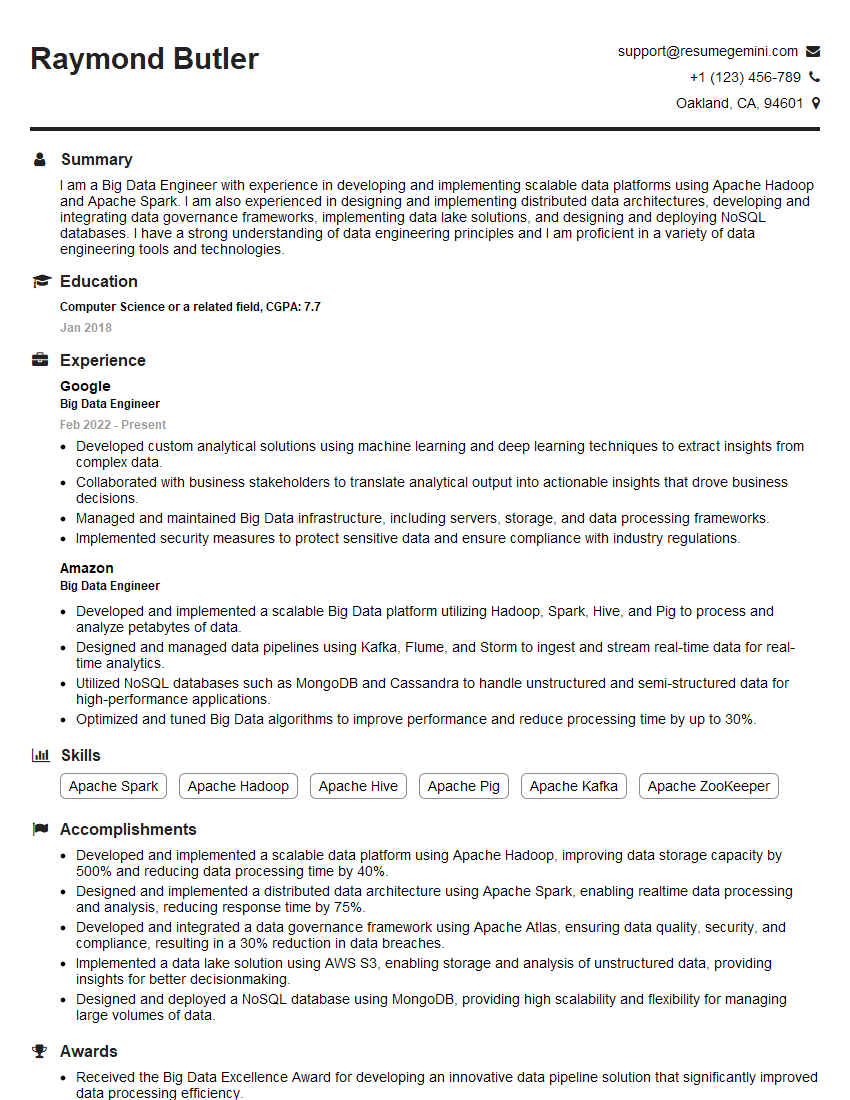
Big Data Engineer Resume Sample
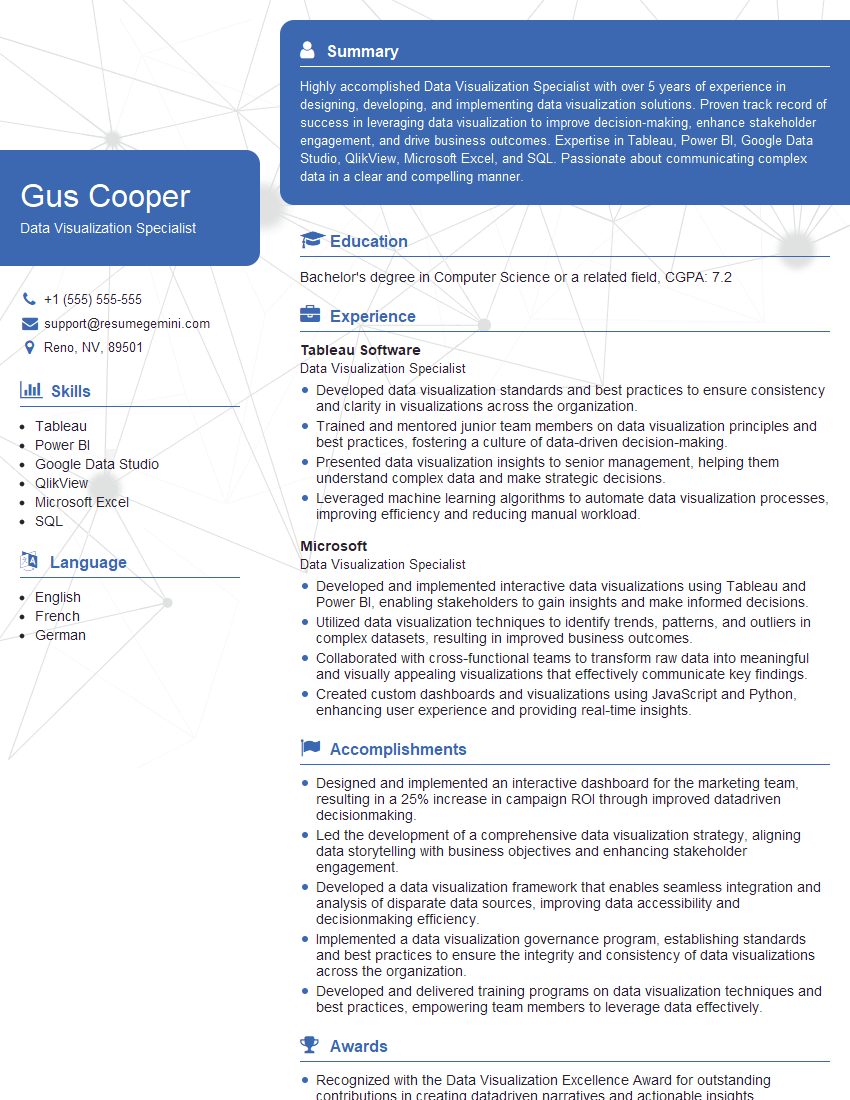
Data Visualization Specialist Resume Sample
- Financial Analyst
- Data Analyst
- Quantitative Analyst
- Data Scientist
- Research Scientist
- Business Intelligence Analyst
- Actuary
- Computational Scientist
- Operations Research Analyst
- Statistical Analyst
- Control Systems Engineer
- Robotics Engineer
- Bioinformatics Scientist
- Machine Learning Engineer
- Data Engineer
- Big Data Engineer
- Data Visualization Specialist
Explore more articles
Users Rating of Our Blogs
Share Your Experience
We value your feedback! Please rate our content and share your thoughts (optional).
What Readers Say About Our Blog
Hello,
we currently offer a complimentary backlink and URL indexing test for search engine optimization professionals.
You can get complimentary indexing credits to test how link discovery works in practice.
No credit card is required and there is no recurring fee.
You can find details here:
https://wikipedia-backlinks.com/indexing/
Regards
NICE RESPONSE TO Q & A
hi
The aim of this message is regarding an unclaimed deposit of a deceased nationale that bears the same name as you. You are not relate to him as there are millions of people answering the names across around the world. But i will use my position to influence the release of the deposit to you for our mutual benefit.
Respond for full details and how to claim the deposit. This is 100% risk free. Send hello to my email id: [email protected]
Luka Chachibaialuka
Hey interviewgemini.com, just wanted to follow up on my last email.
We just launched Call the Monster, an parenting app that lets you summon friendly ‘monsters’ kids actually listen to.
We’re also running a giveaway for everyone who downloads the app. Since it’s brand new, there aren’t many users yet, which means you’ve got a much better chance of winning some great prizes.
You can check it out here: https://bit.ly/callamonsterapp
Or follow us on Instagram: https://www.instagram.com/callamonsterapp
Thanks,
Ryan
CEO – Call the Monster App
Hey interviewgemini.com, I saw your website and love your approach.
I just want this to look like spam email, but want to share something important to you. We just launched Call the Monster, a parenting app that lets you summon friendly ‘monsters’ kids actually listen to.
Parents are loving it for calming chaos before bedtime. Thought you might want to try it: https://bit.ly/callamonsterapp or just follow our fun monster lore on Instagram: https://www.instagram.com/callamonsterapp
Thanks,
Ryan
CEO – Call A Monster APP
To the interviewgemini.com Owner.
Dear interviewgemini.com Webmaster!
Hi interviewgemini.com Webmaster!
Dear interviewgemini.com Webmaster!
excellent
Hello,
We found issues with your domain’s email setup that may be sending your messages to spam or blocking them completely. InboxShield Mini shows you how to fix it in minutes — no tech skills required.
Scan your domain now for details: https://inboxshield-mini.com/
— Adam @ InboxShield Mini
Reply STOP to unsubscribe
Hi, are you owner of interviewgemini.com? What if I told you I could help you find extra time in your schedule, reconnect with leads you didn’t even realize you missed, and bring in more “I want to work with you” conversations, without increasing your ad spend or hiring a full-time employee?
All with a flexible, budget-friendly service that could easily pay for itself. Sounds good?
Would it be nice to jump on a quick 10-minute call so I can show you exactly how we make this work?
Best,
Hapei
Marketing Director
Hey, I know you’re the owner of interviewgemini.com. I’ll be quick.
Fundraising for your business is tough and time-consuming. We make it easier by guaranteeing two private investor meetings each month, for six months. No demos, no pitch events – just direct introductions to active investors matched to your startup.
If youR17;re raising, this could help you build real momentum. Want me to send more info?
Hi, I represent an SEO company that specialises in getting you AI citations and higher rankings on Google. I’d like to offer you a 100% free SEO audit for your website. Would you be interested?
Hi, I represent an SEO company that specialises in getting you AI citations and higher rankings on Google. I’d like to offer you a 100% free SEO audit for your website. Would you be interested?
good