The right preparation can turn an interview into an opportunity to showcase your expertise. This guide to Ability to use and maintain communication equipment interview questions is your ultimate resource, providing key insights and tips to help you ace your responses and stand out as a top candidate.
Questions Asked in Ability to use and maintain communication equipment Interview
Q 1. Describe your experience troubleshooting faulty communication equipment.
Troubleshooting faulty communication equipment involves a systematic approach. It starts with identifying the symptoms – is the equipment completely unresponsive, intermittently failing, or exhibiting specific error messages? Then, I gather information. This could involve checking logs, talking to users about the issues they’re experiencing, and examining the equipment’s physical condition for any obvious damage. After gathering information, I’ll move to isolation and testing. This might involve swapping cables, testing individual components, or checking power supplies. Finally, I’ll implement the solution, whether it’s a simple software update, a hardware replacement, or a configuration change. For example, I once diagnosed intermittent network outages in a small office by identifying a faulty cable connector. Replacing the connector resolved the issue immediately. In another instance, troubleshooting a VoIP system with poor audio quality led me to discover a misconfigured Quality of Service (QoS) setting on the network router, which was addressed through a configuration change.
Q 2. Explain the process of installing and configuring a new communication system.
Installing and configuring a new communication system is a multi-stage process. First, I’d plan the network design based on requirements – number of users, bandwidth needs, security considerations etc. Next, I’d procure the necessary hardware and software, ensuring compatibility. Installation involves physically connecting devices like routers, switches, and access points, following manufacturer guidelines. Configuration comes after, involving assigning IP addresses, setting up security protocols (firewalls, VPNs), configuring network services (DNS, DHCP), and testing network connectivity. Finally, user training is crucial. For instance, when setting up a new VoIP phone system, I’d ensure that each phone is properly configured, users understand how to use features, and I’d test call quality and functionality across the system. This methodical approach ensures a smooth transition and optimal system performance.
Q 3. What are the common causes of communication signal degradation?
Communication signal degradation has several common causes. Physical factors, like damaged cables, poor connectors, or electromagnetic interference (EMI) from other devices, can weaken or corrupt signals. Environmental factors, such as atmospheric conditions (affecting wireless signals) and distance from the source, play a significant role. Network congestion can also lead to packet loss and slowdowns. Finally, issues with the communication equipment itself, such as faulty hardware components or outdated firmware, could be the cause. For example, a wireless network’s performance can be significantly impacted by the presence of walls or metal objects, causing signal attenuation. Similarly, using outdated or incompatible drivers can lead to poor performance or connection failures.
Q 4. How do you perform preventative maintenance on communication equipment?
Preventative maintenance for communication equipment involves a combination of regular checks and proactive measures. This includes visually inspecting cables and connections for damage, cleaning equipment to remove dust buildup, and regularly updating firmware and software. Performance monitoring using network management tools helps identify potential problems early. Backups of configurations and data are also crucial for swift recovery from unexpected failures. I also follow manufacturer’s recommendations for maintenance schedules and always document all maintenance activities. A simple example is regularly checking the temperature of server racks to prevent overheating, which can cause equipment failure. Regularly cleaning optical fibers is another vital aspect of ensuring data transmission quality.
Q 5. What are your troubleshooting steps when a network connection is down?
My troubleshooting steps for a down network connection follow a structured approach. I begin by checking the physical layer – are cables connected securely, are devices powered on? Then, I move to the data link layer, checking for link lights on network devices (switches, routers). I’ll use tools like ping and tracert to identify where the connection is failing. If the issue is within a specific device, I’ll troubleshoot that device’s configuration and look for error messages. If the problem lies beyond my immediate control, I’ll contact the Internet Service Provider (ISP) to report the outage. For example, a simple ping google.com command can quickly determine if the problem is with the local network or the internet connection. If the ping fails, I’d move to investigating local network devices.
Q 6. Describe your experience with various types of communication protocols (e.g., TCP/IP, VoIP).
I have extensive experience with various communication protocols. TCP/IP (Transmission Control Protocol/Internet Protocol) forms the foundation of the internet, providing reliable, ordered data transmission. I routinely configure TCP/IP settings on servers, routers, and other network devices. VoIP (Voice over Internet Protocol) is another area of expertise. I’ve worked extensively with VoIP systems, configuring codecs, managing Quality of Service (QoS), and troubleshooting voice quality issues. My experience also includes working with other protocols like UDP (User Datagram Protocol) for applications requiring speed over reliability, and other protocols associated with specific communication hardware and systems. Understanding the nuances of these protocols is crucial for designing and maintaining efficient and reliable communication networks.
Q 7. How familiar are you with different types of communication hardware (e.g., routers, switches, modems)?
I am highly familiar with various communication hardware. Routers direct network traffic between networks, switches connect devices within a network, and modems modulate and demodulate signals for communication over telephone lines or cable networks. I’ve worked with various types of routers (e.g., Cisco, Juniper), switches (e.g., Cisco, HP), and modems (DSL, cable, fiber). My experience also includes working with network interface cards (NICs), firewalls, and other network security devices. Understanding the capabilities and limitations of different hardware components is essential for designing robust and scalable communication systems. For instance, I can choose appropriate routers and switches based on network size, bandwidth requirements, and security needs. Understanding the technical specifications of this equipment is also vital for troubleshooting.
Q 8. Explain your experience with network security protocols and best practices.
Network security is paramount in maintaining the integrity and confidentiality of communication systems. My experience encompasses a wide range of protocols, including IPsec for secure VPN connections, TLS/SSL for encrypting web traffic, and firewall management using both hardware and software solutions. I’m proficient in implementing best practices such as access control lists (ACLs), intrusion detection/prevention systems (IDS/IPS), and regular security audits. For example, in a previous role, I implemented a multi-layered security approach using firewalls, intrusion detection systems, and VPNs to protect a sensitive corporate network from external threats. This significantly reduced the risk of unauthorized access and data breaches.
Beyond specific protocols, I understand the importance of security awareness training for users, regular patching and updates of software and firmware, and the implementation of robust authentication mechanisms, including multi-factor authentication (MFA). Think of it like a castle – multiple layers of defense offer the strongest protection. A single strong firewall is like a single gate; adding layers such as IDS/IPS and MFA provides multiple lines of defense.
Q 9. How do you prioritize multiple communication system issues?
Prioritizing communication system issues requires a structured approach. I typically use a method combining urgency and impact. I assess each issue based on:
- Urgency: How quickly does the issue need to be resolved? A complete network outage affecting critical systems has higher urgency than a minor email delivery delay.
- Impact: How many users or systems are affected? A problem affecting hundreds of users has a higher impact than a single user experiencing intermittent connectivity.
I then use a matrix to categorize issues: high urgency/high impact (immediate action), high urgency/low impact (prompt action), low urgency/high impact (scheduled maintenance), and low urgency/low impact (can be deferred).
For instance, if the primary server experiences a crash halting all business operations, it’s a high urgency/high impact issue demanding immediate attention. Conversely, a minor glitch affecting a single user’s access to a non-critical application would be low urgency/low impact.
Q 10. What software and tools do you use for managing and monitoring communication systems?
My toolkit for managing and monitoring communication systems is comprehensive. I’m proficient in using network monitoring tools like SolarWinds Network Performance Monitor, PRTG Network Monitor, and Nagios for real-time system health checks and performance analysis. These tools allow me to proactively identify potential issues before they impact users. For managing devices, I rely on tools like Cisco Prime Infrastructure for managing Cisco network devices and ManageEngine OpManager for a broader range of vendors.
Furthermore, I’m skilled in using various logging and analysis tools, such as Splunk and ELK stack (Elasticsearch, Logstash, Kibana), to analyze network traffic patterns and identify security threats. The power of these tools lies in their ability to provide actionable insights, allowing for predictive maintenance and better resource allocation.
Q 11. Describe your experience with documenting communication system configurations.
Accurate documentation is crucial for efficient communication system management. My approach involves creating detailed, up-to-date diagrams illustrating network topology, device configurations, and cabling layouts. I use tools like Visio and Lucidchart to create these visual representations. Beyond diagrams, I maintain comprehensive documentation of device configurations, including IP addresses, subnet masks, VLAN assignments, and security settings. This documentation is stored in a centralized, easily accessible repository, often a wiki or document management system.
For instance, when troubleshooting a network issue, having precise documentation saved me countless hours. The ability to quickly reference a network map and the configuration of the affected device drastically reduced the troubleshooting time and minimized downtime.
Q 12. How do you ensure the security and integrity of communication data?
Ensuring data security and integrity involves a multi-faceted approach. This starts with implementing strong security protocols as discussed previously (IPsec, TLS/SSL, etc.). Beyond protocols, regular security audits and vulnerability scans are essential to identify and address potential weaknesses. I use tools such as Nessus and OpenVAS to conduct these scans. Furthermore, I implement robust access control measures, including role-based access control (RBAC) to restrict user access to only the necessary data and resources.
Data integrity is maintained through measures like data backups and redundancy. I leverage technologies like RAID (Redundant Array of Independent Disks) and cloud-based backups to ensure data availability even in case of hardware failure. Regular data integrity checks are also performed to ensure data hasn’t been corrupted or tampered with. Think of it as having multiple copies of your important documents stored in different, secure locations.
Q 13. What is your experience with remote troubleshooting of communication equipment?
Remote troubleshooting is a significant part of my skillset. I’m proficient in using remote access tools like TeamViewer and AnyDesk for secure remote access to devices. I also utilize SSH (Secure Shell) for secure command-line access to network devices. Effective remote troubleshooting involves a structured approach: gathering information from the user about the issue, replicating the issue if possible, and systematically checking network connectivity, device configurations, and logs. Tools like Wireshark, a network protocol analyzer, are invaluable for capturing and analyzing network traffic to identify the root cause.
For example, I once remotely diagnosed and resolved a connectivity issue affecting a branch office by analyzing network logs and remotely configuring a router setting using SSH. This avoided an on-site visit, saving time and resources.
Q 14. Describe your experience with different types of cabling (e.g., coaxial, fiber optic).
I have extensive experience with various cabling types, including coaxial, fiber optic, and twisted-pair copper cables. Coaxial cable, known for its high bandwidth and resistance to interference, is well-suited for applications like cable television and older network setups. However, it’s less efficient for long distances compared to fiber. Fiber optic cable offers significantly higher bandwidth and longer transmission distances, making it ideal for high-speed data transmission in long-haul networks and data centers. It’s less susceptible to electromagnetic interference compared to copper.
Twisted-pair copper cables are commonly used in local area networks (LANs) for their cost-effectiveness and ease of installation. Different categories of twisted-pair cables (Cat5e, Cat6, Cat6a) offer varying bandwidth and transmission speeds. Understanding the characteristics of each cabling type is critical for designing and maintaining efficient and reliable communication networks. Choosing the right cable type for a specific application is crucial for performance and cost-effectiveness. For instance, fiber is a better choice for long-distance backbone connections while twisted-pair is sufficient for local network segments.
Q 15. How do you handle escalated communication issues that require expert assistance?
When facing escalated communication issues requiring expert assistance, my approach is systematic and collaborative. First, I thoroughly document the problem, including error messages, affected users, and any preceding events. This detailed documentation is crucial for efficient troubleshooting by the experts. Then, I escalate the issue through the appropriate channels, providing all the gathered information to the designated support team or vendor. This ensures they have the context needed to diagnose the problem quickly. I follow up regularly for updates, keeping stakeholders informed. Finally, once the solution is implemented, I document the resolution process, including the root cause and implemented fixes, to prevent similar issues in the future. For example, during a recent network outage affecting our VoIP system, I meticulously documented error logs and user feedback before contacting our network provider, ultimately speeding up the resolution process.
Career Expert Tips:
- Ace those interviews! Prepare effectively by reviewing the Top 50 Most Common Interview Questions on ResumeGemini.
- Navigate your job search with confidence! Explore a wide range of Career Tips on ResumeGemini. Learn about common challenges and recommendations to overcome them.
- Craft the perfect resume! Master the Art of Resume Writing with ResumeGemini’s guide. Showcase your unique qualifications and achievements effectively.
- Don’t miss out on holiday savings! Build your dream resume with ResumeGemini’s ATS optimized templates.
Q 16. What are your methods for identifying and resolving recurring communication problems?
Identifying and resolving recurring communication problems involves a multi-pronged approach. I begin by meticulously tracking incident reports and analyzing trends using tools like ticketing systems and monitoring dashboards. This allows me to pinpoint patterns, such as specific times of day or specific equipment exhibiting repeated failures. Once a pattern is identified, I perform root cause analysis. This could involve checking logs, testing the affected equipment, or consulting technical documentation. Once the root cause is determined, I implement corrective actions, which might include software updates, hardware replacements, or process improvements. For instance, repeated Wi-Fi drops in a specific conference room were traced to interference from a nearby microwave oven, leading to the relocation of the router.
Q 17. Explain your experience with testing and verifying communication system performance.
Testing and verifying communication system performance is a critical aspect of my role. I employ a combination of methods, including using network monitoring tools like SolarWinds or PRTG to assess network health, latency, and bandwidth. I also perform functional testing to verify call quality (for VoIP systems), email delivery, and other critical communication functions. Load testing simulates high-usage scenarios to identify potential bottlenecks. For example, when implementing a new VoIP system, I conducted load tests simulating peak call volume to ensure the system could handle the expected load without performance degradation. I document all test results and any necessary adjustments to ensure system stability and optimal performance.
Q 18. How do you stay up-to-date with the latest technologies and advancements in communication equipment?
Staying current with communication technologies requires a proactive approach. I regularly subscribe to industry publications like Network World and attend webinars and conferences to learn about the latest advancements. I actively participate in online communities and forums, engaging with other professionals and sharing knowledge. Vendor certifications are also a key part of my professional development, ensuring I’m up-to-date on specific technologies. For example, I recently completed a Cisco certification to enhance my skills in managing Cisco networking equipment. This continuous learning allows me to identify opportunities for improvement and implement the most efficient and effective solutions.
Q 19. Describe your experience with different types of communication systems (e.g., PBX, VoIP, satellite).
My experience encompasses a variety of communication systems. I’ve worked extensively with traditional PBX systems, configuring and maintaining them for various organizations. I have significant experience with VoIP systems, including designing, implementing, and troubleshooting solutions using platforms like Asterisk and Cisco Unified Communications Manager. My experience also includes working with satellite communication systems, primarily focusing on troubleshooting connectivity issues and optimizing performance in remote locations. For example, in a previous role, I successfully migrated a company from a legacy PBX system to a cloud-based VoIP solution, resulting in significant cost savings and improved scalability.
Q 20. How do you ensure compliance with industry standards and regulations for communication equipment?
Ensuring compliance with industry standards and regulations is paramount. I am familiar with regulations such as HIPAA (for healthcare data security) and PCI DSS (for payment card data security) as they relate to communication systems. I ensure that all equipment and configurations meet these standards. This includes implementing security protocols like encryption, access controls, and regular security audits. For instance, when implementing a new VoIP system in a healthcare setting, I ensured compliance with HIPAA by configuring encryption and implementing robust access control measures to protect patient information. Regular audits are conducted to maintain compliance.
Q 21. What is your experience with disaster recovery planning for communication systems?
Disaster recovery planning for communication systems is crucial for business continuity. My approach involves developing a comprehensive plan that outlines procedures for responding to various scenarios, including natural disasters, cyberattacks, and equipment failures. This plan includes identifying critical systems, establishing backup and redundancy mechanisms, and defining recovery procedures. Regular testing and drills are conducted to validate the plan’s effectiveness. For example, I recently developed a disaster recovery plan for a client’s communication system, incorporating redundant internet connections, offsite backups, and a clear escalation process to ensure minimal downtime in case of an outage.
Q 22. Explain your experience with managing communication system budgets and resources.
Managing communication system budgets and resources requires a meticulous approach combining financial planning with a deep understanding of technological needs. My experience involves creating detailed budget proposals, justifying expenditures based on ROI (Return on Investment), and tracking expenses against allocated funds. This includes negotiating contracts with vendors, exploring cost-effective solutions without compromising quality, and forecasting future budget requirements based on anticipated growth or technological upgrades.
For example, in my previous role at Acme Corp, I successfully negotiated a 15% discount on our annual maintenance contract for our VoIP system by leveraging our long-term relationship with the vendor and showcasing our consistent on-time payments. I also identified a cost-saving opportunity by migrating from a proprietary video conferencing platform to a more affordable, open-source alternative, while ensuring compatibility and minimal disruption to our workflows. This involved detailed cost-benefit analysis, demonstrating the long-term savings while addressing any potential initial investment.
Q 23. Describe your experience with training and mentoring other staff on communication equipment.
Training and mentoring staff on communication equipment is crucial for ensuring smooth operations and efficient troubleshooting. My approach is tailored to the individual’s experience level and learning style. I begin by establishing a strong foundation in the fundamentals, followed by hands-on training using real-world scenarios. I utilize a combination of methods including formal presentations, interactive workshops, and one-on-one mentoring sessions.
For instance, when onboarding new technicians, I start with basic network concepts and gradually introduce more advanced topics, such as configuring routers, troubleshooting network connectivity issues, and managing VoIP systems. I provide them with access to relevant documentation, online resources, and standardized operating procedures. Furthermore, I encourage a culture of peer-to-peer learning, where experienced team members mentor newer ones, fostering a collaborative and supportive environment. I regularly conduct refresher courses and workshops to update everyone on the latest technologies and best practices.
Q 24. How do you handle situations where communication equipment malfunctions during critical operations?
Communication equipment malfunctions during critical operations demand swift and decisive action. My approach follows a structured troubleshooting methodology. First, I assess the situation, determining the scope and impact of the failure. Then, I prioritize the issue based on its severity, focusing on restoring critical communication channels first. Simultaneously, I initiate parallel processes – contacting vendors for support, activating backup systems if available, and communicating the disruption to affected stakeholders.
For example, during a major company-wide conference call, our primary video conferencing system crashed. My immediate response was to switch to our secondary system, which had been routinely tested and was readily available. While the secondary system was activated, I contacted the vendor for technical support and concurrently informed the conference attendees of the temporary disruption and the steps being taken to resolve the problem. A detailed post-incident analysis was conducted to prevent similar failures in the future.
Q 25. What is your experience with using diagnostic tools for communication equipment?
I am proficient in using a range of diagnostic tools for various communication equipment, from basic network analyzers to specialized vendor-specific tools. This includes using tools like Wireshark for network packet analysis, ping and traceroute for network connectivity diagnostics, and vendor-provided diagnostic software for specific devices (e.g., Cisco Prime, SolarWinds).
For example, when investigating intermittent network connectivity issues, I utilized Wireshark to capture network traffic, identifying dropped packets and analyzing their cause. This pinpointed a faulty network switch that needed replacement. My experience also extends to using specialized diagnostic tools for VoIP systems to troubleshoot call quality problems, identifying issues such as jitter, latency, and packet loss. In each instance, I document the diagnostic steps, findings, and corrective actions taken.
Q 26. Describe your experience with different operating systems used in communication equipment.
My experience encompasses various operating systems used in communication equipment, including Cisco IOS (for routers and switches), Linux (for servers and network management tools), and various proprietary operating systems used in specialized communication devices. I understand the unique features and challenges associated with each OS and can effectively navigate their interfaces to configure, manage, and troubleshoot the systems.
For instance, I have extensive experience configuring Cisco IOS to implement network security protocols, such as access control lists (ACLs) and VPNs. I am also comfortable using command-line interfaces (CLIs) for various operating systems, including Linux, to perform tasks such as system monitoring, log analysis, and software updates. This broad understanding of different operating systems ensures I can effectively manage and maintain diverse communication environments.
Q 27. How do you manage and prioritize your workload when dealing with multiple communication system issues?
Managing multiple communication system issues simultaneously requires a robust prioritization strategy. I employ a combination of methods, including urgency/impact analysis, task delegation, and effective communication. I utilize ticketing systems to track and manage all reported issues, categorizing them by urgency and impact. Critical issues are addressed immediately, while less urgent ones are scheduled based on their impact and resource availability.
For instance, if I face a situation where a critical server is down and several less critical systems have minor issues, my focus will immediately be on restoring the critical server. I will then delegate less urgent tasks to other team members, ensuring clear communication and coordination. Regular progress updates to stakeholders are critical in maintaining transparency and managing expectations during such situations. My experience has taught me the importance of proactively anticipating potential problems, allowing for preventive maintenance and minimizing disruption to service.
Key Topics to Learn for Ability to use and maintain communication equipment Interview
- Understanding Communication Systems: Explore different types of communication equipment (telephones, radios, intercoms, VoIP systems, etc.) and their underlying technologies. Consider the differences between analog and digital systems.
- Troubleshooting and Diagnostics: Learn practical troubleshooting techniques for common communication equipment issues. This includes identifying symptoms, using diagnostic tools, and implementing effective solutions. Practice explaining your problem-solving process.
- Maintenance Procedures: Familiarize yourself with routine maintenance tasks, preventative measures, and safety protocols for various communication equipment. Understand the importance of regular checks and preventative maintenance.
- Network Connectivity: Grasp the basics of network connectivity as it relates to communication equipment. Understand how equipment integrates into a network and how network issues can impact communication.
- Safety and Regulations: Understand relevant safety regulations and procedures when working with communication equipment, especially in potentially hazardous environments.
- Software and Applications: If applicable to the role, become proficient with any relevant software or applications used to manage or monitor communication systems.
- Documentation and Reporting: Practice documenting maintenance procedures, troubleshooting steps, and reporting on equipment status. Clear and concise documentation is crucial.
Next Steps
Mastering the ability to use and maintain communication equipment is vital for career progression in many technical fields. Strong communication infrastructure is essential for efficient operations in numerous industries. To highlight your skills effectively, create an ATS-friendly resume that showcases your technical abilities and problem-solving skills. ResumeGemini is a trusted resource that can help you build a professional and impactful resume tailored to your experience. Examples of resumes tailored to “Ability to use and maintain communication equipment” are available to help you craft your own compelling application.

Network Administrator Resume Sample

Network Engineer Resume Sample

Systems Administrator Resume Sample

Technical Support Engineer Resume Sample
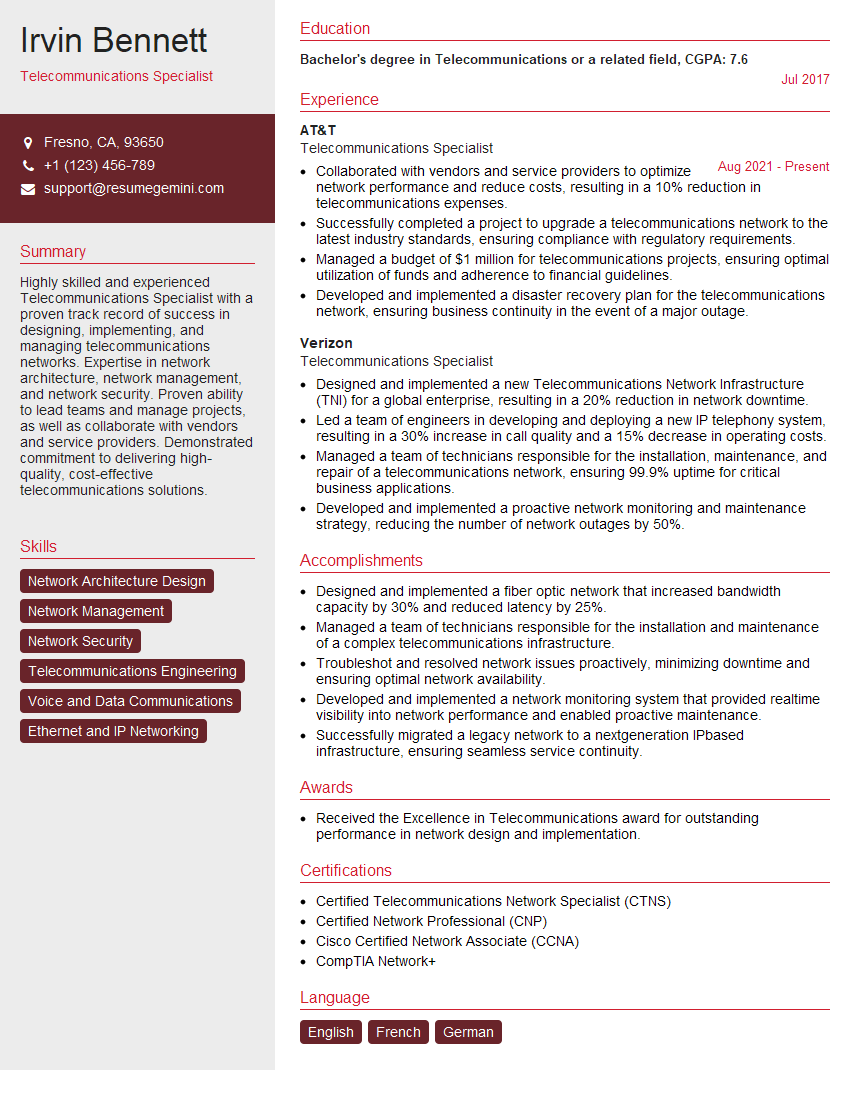
Telecommunications Specialist Resume Sample

Help Desk Analyst Resume Sample

IT Manager Resume Sample

IT Project Manager Resume Sample
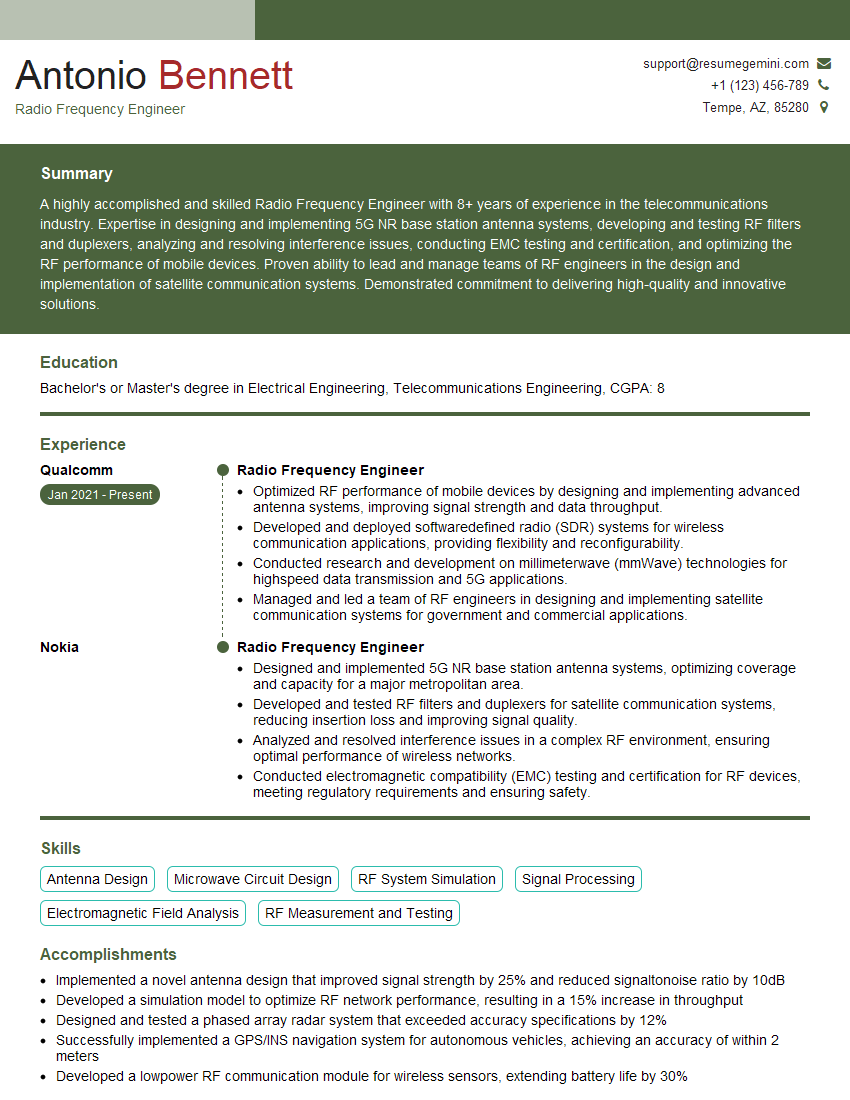
Radio Frequency Engineer Resume Sample
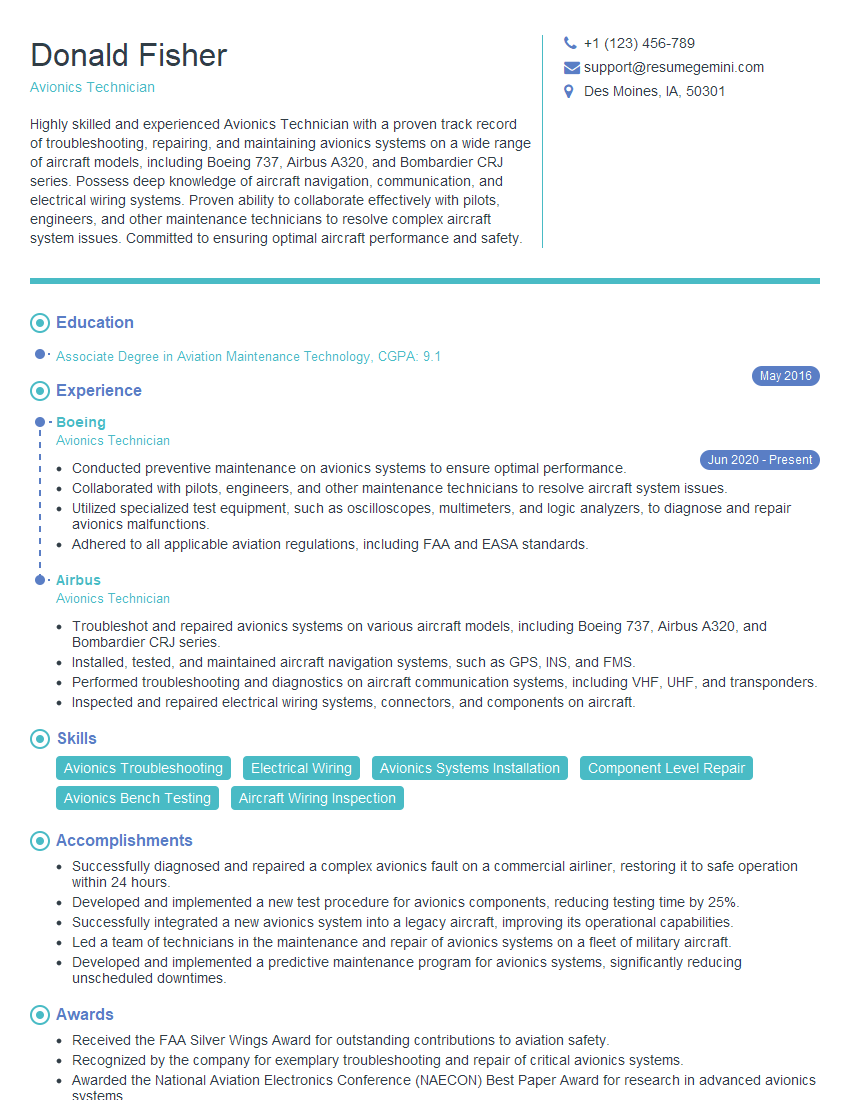
Avionics Technician Resume Sample
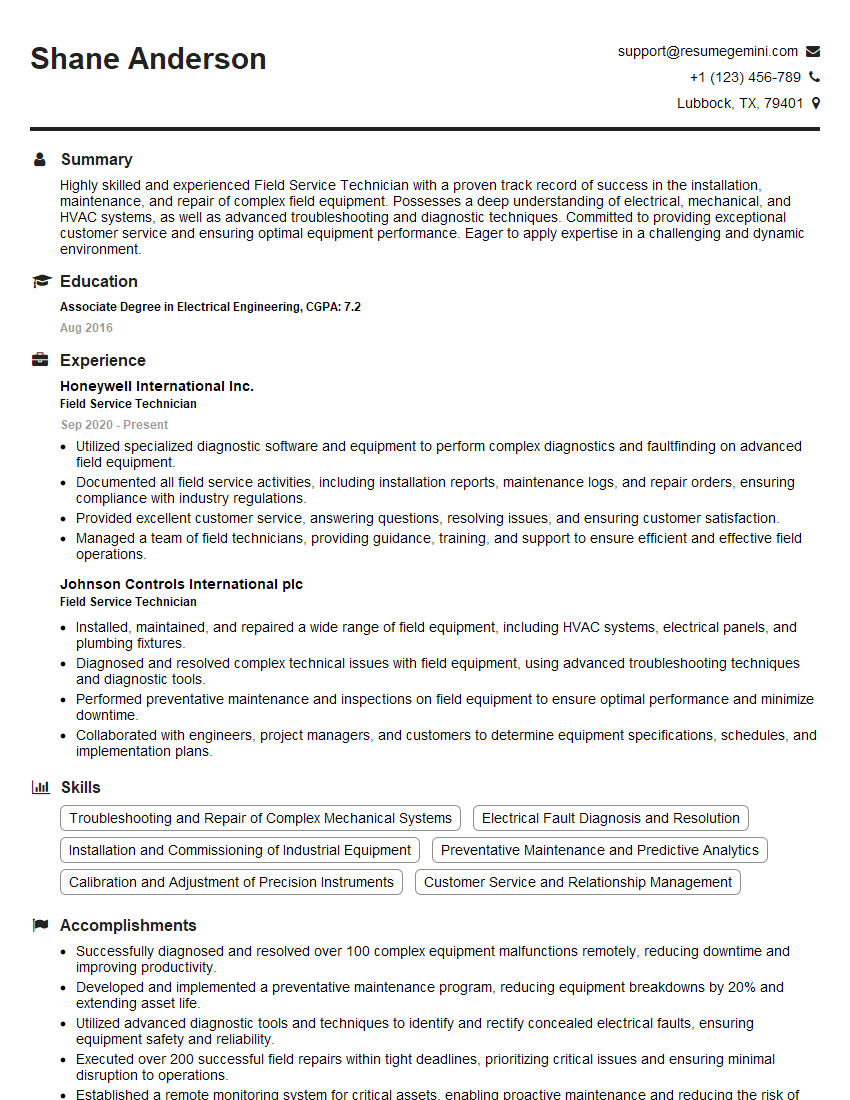
Field Service Technician Resume Sample
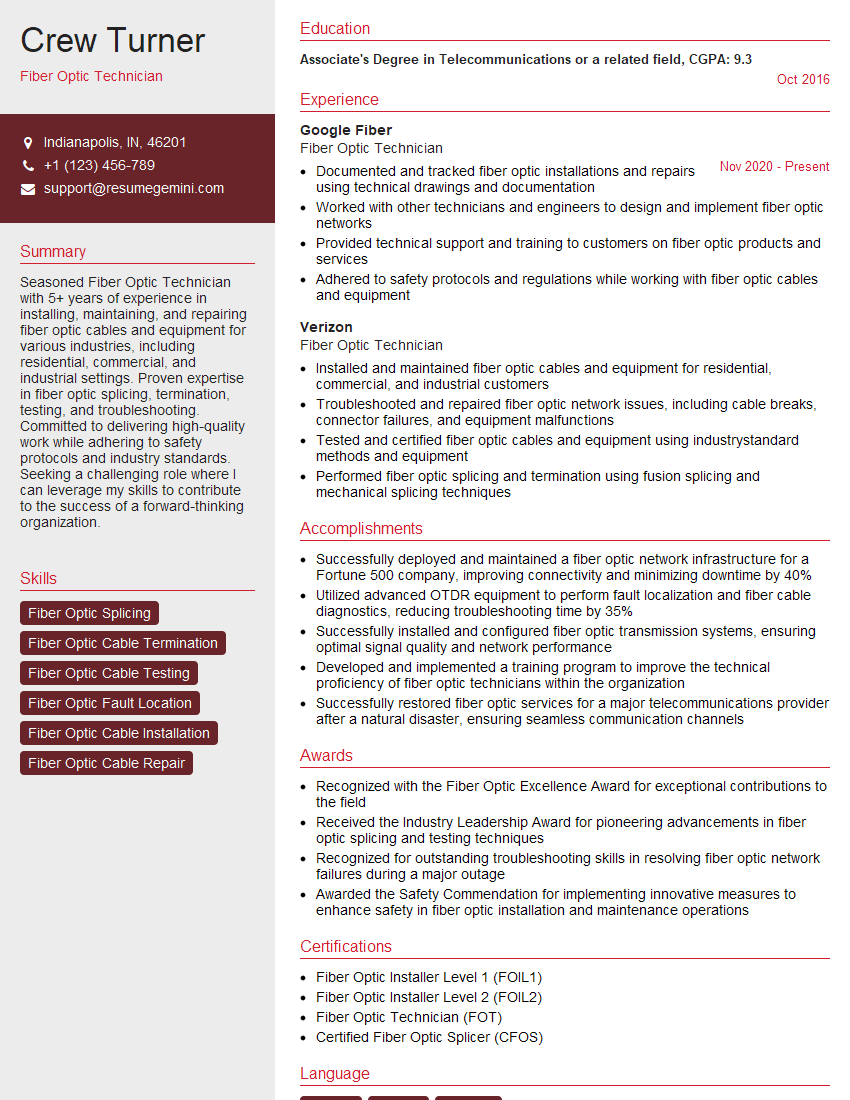
Fiber Optic Technician Resume Sample

Broadcast Engineer Resume Sample
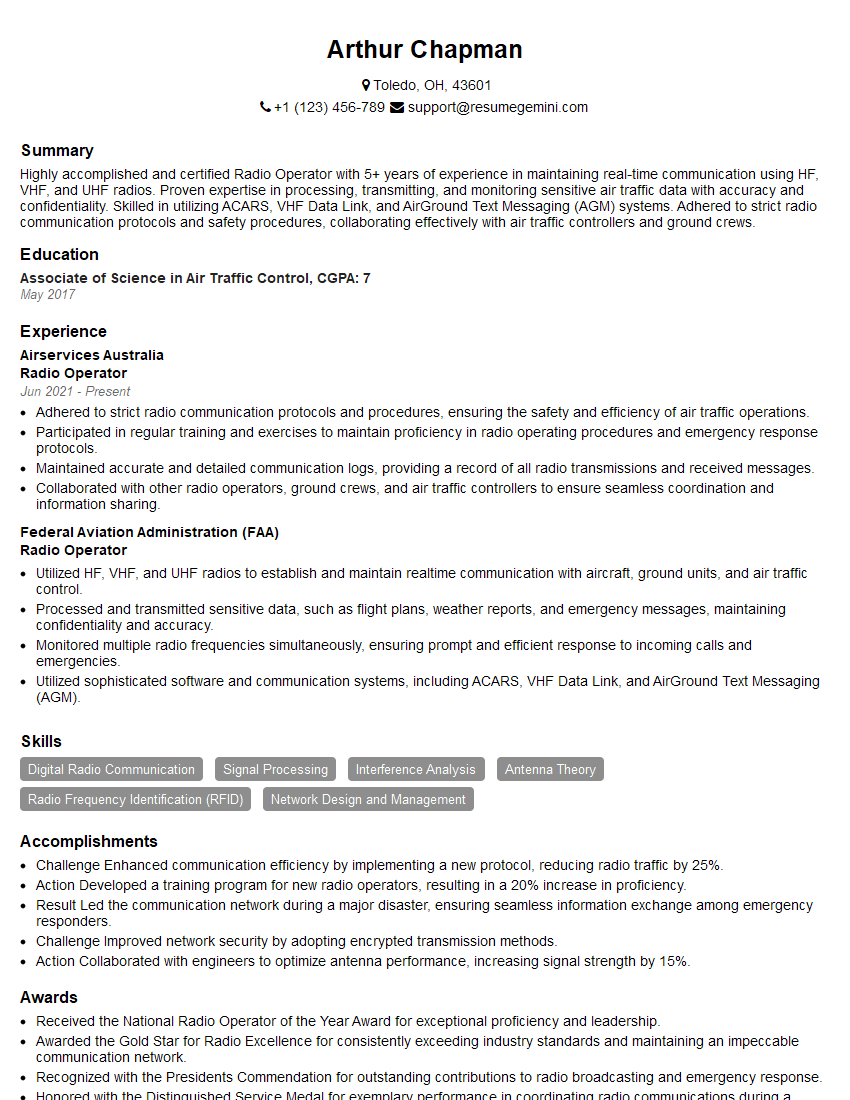
Radio Operator Resume Sample
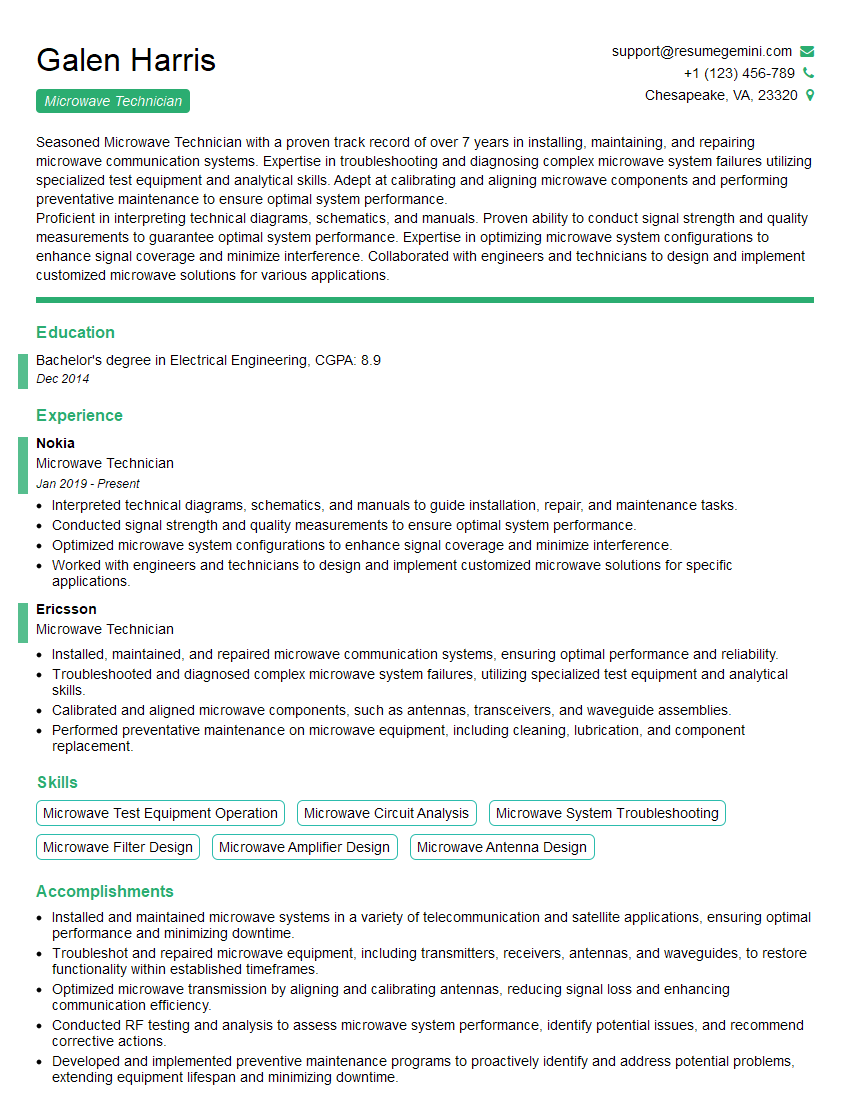
Microwave Technician Resume Sample
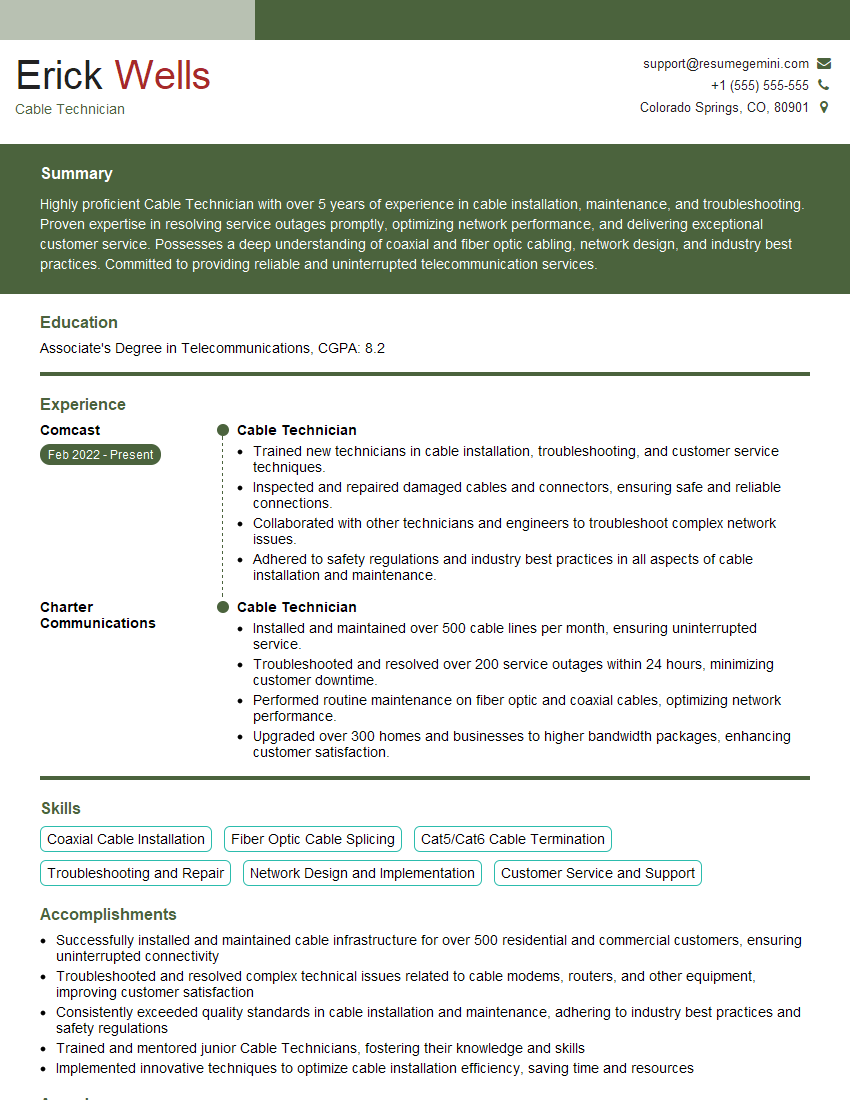
Cable Technician Resume Sample

IT Support Specialist Resume Sample
- Network Administrator
- Network Engineer
- Systems Administrator
- Technical Support Engineer
- Telecommunications Specialist
- Help Desk Analyst
- IT Manager
- IT Project Manager
- Radio Frequency Engineer
- Avionics Technician
- Field Service Technician
- Fiber Optic Technician
- Broadcast Engineer
- Radio Operator
- Microwave Technician
- Cable Technician
- IT Support Specialist
Explore more articles
Users Rating of Our Blogs
Share Your Experience
We value your feedback! Please rate our content and share your thoughts (optional).
What Readers Say About Our Blog
Very informative content, great job.
good