Interviews are more than just a Q&A session—they’re a chance to prove your worth. This blog dives into essential Video and Media Production interview questions and expert tips to help you align your answers with what hiring managers are looking for. Start preparing to shine!
Questions Asked in Video and Media Production Interview
Q 1. Explain your experience with different video editing software (e.g., Premiere Pro, Final Cut Pro, Avid).
My video editing experience spans several industry-standard platforms. I’m highly proficient in Adobe Premiere Pro, utilizing its advanced features for complex projects involving extensive VFX, color grading, and audio mixing. For instance, I recently used Premiere Pro’s dynamic linking with After Effects to seamlessly integrate 3D animated elements into a corporate promotional video. Final Cut Pro, known for its intuitive interface and speed, is my go-to for quicker turnaround projects like social media content or short documentaries. Its magnetic timeline significantly streamlines the editing process. I also possess experience with Avid Media Composer, the industry standard for high-end television and film production, particularly valuing its collaborative features for larger team projects.
Each platform offers unique strengths; Premiere Pro excels in versatility and scalability, Final Cut Pro in efficiency, and Avid in collaborative workflows for large-scale productions. My selection depends entirely on project needs and team dynamics.
Q 2. Describe your workflow for a typical video editing project.
My workflow for a typical video editing project is structured and iterative. It begins with ingesting all footage and audio, meticulously organizing files with a clear naming convention to avoid confusion later. This is followed by a rough cut, focusing on assembling the narrative flow and timing. This stage is about getting the story right before polishing the details. Next comes the fine cut, where I refine pacing, transitions, and select the best takes. This stage often involves multiple revisions and feedback from clients or stakeholders. Then comes color correction and grading to establish a consistent visual aesthetic. Finally, audio mixing and mastering ensure clarity and impact. Throughout this process, regular backups are critical to prevent data loss.
Imagine baking a cake; the rough cut is like shaping the basic form, the fine cut adds detail and frosting, and color grading and audio mixing are the final touches that make it truly appealing.
Q 3. How do you handle tight deadlines and unexpected challenges in a video production environment?
Handling tight deadlines and unexpected challenges requires a proactive and adaptable approach. Firstly, meticulous planning is key – creating detailed shot lists and schedules helps anticipate potential bottlenecks. Secondly, I prioritize efficient workflows, mastering keyboard shortcuts and utilizing editing software features effectively. If unexpected issues arise, for instance, corrupted footage or equipment malfunction, I immediately assess the impact and develop contingency plans. This may involve creative problem-solving, such as using alternative footage or adjusting the timeline to accommodate missing elements. Open communication with the team is also crucial; transparently addressing challenges early avoids delays.
For example, on a recent project, we experienced a sudden hard drive failure just days before the deadline. By quickly switching to cloud storage and utilizing backup footage, we managed to minimize the delay and deliver the project on time.
Q 4. What are your preferred methods for color correction and grading?
My color correction and grading approach centers around achieving a cohesive and visually compelling aesthetic aligned with the project’s narrative and style. I begin with color correction, aiming for accuracy and consistency, ensuring proper white balance and exposure across different shots. I utilize tools like Lumetri Color in Premiere Pro or similar tools in other software to adjust white balance, exposure, contrast, and shadows. Then, I move to color grading, where I creatively manipulate color to enhance mood, create visual interest, and establish a specific look. This often involves using color wheels, curves, and other advanced tools to fine-tune hues, saturation, and luminance. I often use reference images to guide the process.
A cinematic look might involve deep shadows and saturated colors, whereas a documentary style could lean towards a more natural and neutral palette. The specific techniques depend on the project’s demands but always focus on achieving visual consistency and storytelling impact.
Q 5. Explain your understanding of different camera formats and their applications.
Understanding camera formats is crucial for making informed decisions throughout the production process. Different formats offer various compromises between image quality, file size, and cost. For instance, 4K provides exceptional detail but requires more storage and processing power. Full HD (1080p) remains a versatile and widely compatible option, particularly for online platforms. 8K offers even greater resolution but comes with considerable file size and processing demands.
Sensor size also matters; larger sensors, such as those found in cinema cameras, generally provide better low-light performance, shallower depth of field, and better image quality, although they tend to be more expensive. The choice of format and sensor depends heavily on the project’s budget, intended platform, and creative vision. A high-end film production might justify the use of 8K cameras and large sensors; conversely, a YouTube video might be adequately served with 1080p and a smaller sensor.
Q 6. Describe your experience with audio recording and mixing techniques.
My experience with audio recording and mixing encompasses both field recording and post-production techniques. In the field, I prioritize minimizing background noise using techniques such as boom microphone placement or utilizing lavalier microphones for clear dialogue capture. I always record audio separately from video using high-quality recorders to achieve professional sound quality. Post-production involves cleaning up recorded audio using noise reduction and equalization tools.
Mixing involves balancing various audio tracks – dialogue, sound effects, and music – to create a clear and engaging soundscape. I use techniques like panning, reverb, and delay to add depth and spatial dimension. The goal is to ensure dialogue clarity while enhancing the emotional impact of the video through strategic sound design. For example, a suspenseful scene could utilize reverb and lower frequencies to build tension.
Q 7. How do you ensure the quality of your video and audio throughout the production process?
Ensuring quality throughout the video and audio production process involves implementing quality control checks at each stage. This begins with selecting high-quality equipment and employing best practices during filming and recording. Regular monitoring of audio levels and image quality during filming are critical. In post-production, I perform meticulous checks for issues like noise, clipping, and inconsistencies. Software tools like waveform monitors and vectorscopes assist in identifying audio and video problems. I use rigorous quality control checklists during editing and color grading and test the final output on various devices to ensure consistency across different platforms.
Regular backups and version control are essential. This approach, encompassing proactive measures and consistent quality checks, is crucial for producing high-quality video and audio productions that meet professional standards.
Q 8. What are your strategies for managing large video files and storage?
Managing large video files effectively is crucial for efficient workflow and long-term storage. My strategy involves a multi-pronged approach combining efficient storage solutions, smart file organization, and optimized workflows.
- Cloud Storage: I leverage cloud-based storage solutions like Amazon S3, Google Cloud Storage, or Backblaze B2 for storing master files and backups. Their scalability and redundancy ensure data safety and accessibility.
- Local Storage: For active projects, I utilize high-capacity RAID (Redundant Array of Independent Disks) storage systems to provide both speed and data redundancy. This safeguards against hardware failure.
- File Organization: A clear and consistent file naming convention is paramount. I typically use a project-based folder structure with descriptive filenames (e.g., ProjectName_Date_Version.mov). This makes locating specific files significantly easier.
- Proxies and Working Copies: Instead of working directly with massive master files, I often create smaller proxy files for editing. This speeds up the editing process without sacrificing quality for the final delivery.
- Archiving: After project completion, I move files to long-term cold storage, reducing costs while ensuring long-term access.
For example, on a recent documentary project, we used Amazon S3 for long-term archival, a RAID system for active editing, and created ProRes proxies for efficient editing. This streamlined our workflow and prevented bottlenecks.
Q 9. Explain your experience with different video codecs and compression techniques.
Understanding video codecs and compression is fundamental to video production. Different codecs offer varying trade-offs between file size, quality, and encoding/decoding speed.
- H.264 (AVC): A widely used codec known for its balance between quality and compression. Ideal for web distribution and most consumer devices.
- H.265 (HEVC): Offers superior compression to H.264, leading to smaller file sizes for the same quality. However, it requires more processing power.
- ProRes (Apple): A high-quality, lossless or near-lossless codec primarily used for post-production. It’s computationally intensive but ideal for editing without significant generational quality loss.
- DNxHD (Avid): Another high-quality codec favored in professional workflows, offering excellent performance in editing environments.
My choice of codec depends on the final delivery platform and the project’s needs. For example, I would choose H.264 for a YouTube video, ProRes for editing in a professional environment, and H.265 for archiving large projects where file size is a significant concern.
Q 10. How do you collaborate effectively with other members of a video production team?
Effective collaboration is the backbone of any successful video production. My approach centers on clear communication, shared workflows, and utilizing collaborative tools.
- Project Management Software: I utilize tools like Asana, Trello, or Monday.com to manage tasks, deadlines, and communication across the team. This keeps everyone on the same page.
- Version Control: Using version control systems like Git for collaborative editing of scripts or motion graphics ensures that changes are tracked and conflicts are easily resolved.
- Regular Meetings: Scheduled meetings, whether in-person or virtual, allow for efficient communication, problem-solving, and progress tracking. A daily stand-up is often useful for fast-paced projects.
- Cloud-Based Collaboration: Cloud-based storage and editing platforms enable multiple team members to access and work on the same files simultaneously.
- Clear Roles and Responsibilities: Defining roles and responsibilities at the beginning eliminates ambiguity and ensures each team member knows their contribution.
On a recent commercial shoot, we used Asana to manage tasks and deadlines, Google Drive for file sharing, and daily check-ins to ensure everyone was aligned, resulting in a seamless and efficient production.
Q 11. Describe your experience with motion graphics and animation software.
I’m proficient in various motion graphics and animation software, including Adobe After Effects, Cinema 4D, and Blender. My experience spans creating 2D and 3D animations, motion graphics, visual effects, and compositing.
- Adobe After Effects: My primary tool for compositing, motion graphics, and visual effects. I’ve used it for creating everything from lower thirds and title sequences to complex animated sequences.
- Cinema 4D: Excellent for 3D modeling, animation, and rendering. I’ve used it to create realistic and stylized 3D elements for various projects.
- Blender: A powerful open-source alternative to commercial software, offering a vast range of tools for 3D modeling, animation, and VFX.
For instance, on a recent project, I utilized After Effects to create animated graphics for a social media campaign, and Cinema 4D to model and animate a product for a promotional video.
Q 12. What is your approach to visual storytelling?
Visual storytelling is about conveying a message effectively through visuals. My approach involves a detailed pre-production phase, careful shot composition, and effective editing to create a compelling narrative.
- Storyboarding: I thoroughly storyboard the video to visualize the shots and sequences before production. This ensures a cohesive visual narrative.
- Shot Composition: I employ various techniques, like the rule of thirds, leading lines, and framing, to guide the viewer’s eye and create visually engaging shots.
- Editing: The editing phase is crucial for building narrative tension, pacing, and emotional impact. Using cuts, transitions, and music to guide the viewer’s experience.
- Visual Hierarchy: I use visual cues to emphasize key information and guide the viewer’s attention. For example, using color, size, and contrast to highlight important elements.
For example, in a recent project about environmental conservation, I used slow-motion shots of animals to create an emotional connection with the viewers, and drone footage to show the vast scale of the problem.
Q 13. How do you ensure the accessibility of your videos for diverse audiences?
Accessibility is critical. My strategy is to make videos inclusive to diverse audiences through several methods:
- Closed Captions/Subtitles: I always include accurate closed captions and subtitles, offering multilingual options where relevant. This caters to viewers with hearing impairments or those who prefer to watch with subtitles.
- Audio Description: For visually impaired viewers, audio descriptions narrate the visual elements of the video. This is especially important for complex scenes or visuals.
- Transcripts: Providing transcripts makes videos accessible to people using screen readers or other assistive technologies.
- Color Contrast: I pay attention to color contrast to ensure readability and visibility for viewers with low vision.
- Simple Language and Clear Visuals: I aim for clear and straightforward communication, avoiding overly complex terminology or rapid cuts which can be confusing.
For instance, in educational videos, providing transcripts and closed captions enhances comprehension for both hearing and visually impaired students.
Q 14. Describe your experience with video marketing and distribution strategies.
My experience with video marketing and distribution involves understanding the target audience, selecting the right platforms, and using analytics to optimize the strategy.
- Platform Selection: Different platforms cater to different audiences. For example, YouTube is ideal for broad reach, while LinkedIn might be better suited for professional audiences. I would choose platforms based on the target demographic and the video’s objective.
- SEO Optimization: Using relevant keywords in video titles, descriptions, and tags improves search engine visibility and discoverability.
- Social Media Promotion: Utilizing various social media platforms to promote videos, leveraging relevant hashtags and engaging content for maximum reach.
- Paid Advertising: Employing paid advertising campaigns on platforms like YouTube and Facebook to reach a wider audience and enhance visibility.
- Analytics Tracking: Using analytics tools like Google Analytics and YouTube Analytics to monitor video performance, identifying what works and what doesn’t for continuous improvement.
In a recent marketing campaign, we used a multi-platform strategy, leveraging YouTube for reach, Instagram for visuals, and LinkedIn for a professional audience. We tracked performance using Google Analytics to adjust the strategy for better results.
Q 15. Explain your understanding of different video formats and their suitability for various platforms.
Choosing the right video format is crucial for optimal playback and distribution. Different formats cater to specific needs in terms of file size, quality, and compatibility with various platforms.
- MP4 (MPEG-4 Part 14): This is a widely supported, versatile format ideal for web videos, mobile devices, and most video players. It offers a good balance between file size and quality, using codecs like H.264 or HEVC (H.265) for compression.
- MOV (QuickTime Movie): Often used for professional projects and editing workflows, particularly on Apple platforms. It supports high-quality codecs and allows for more advanced features, but file sizes can be larger.
- AVI (Audio Video Interleave): An older format with less compatibility nowadays. It’s rarely the preferred choice for online distribution due to its limitations and larger file sizes.
- WebM: Designed specifically for web playback, prioritizing streaming and compatibility with browsers. It often uses VP8 or VP9 video codecs, offering good compression and web browser compatibility.
For example, if I’m creating a short promotional video for social media, MP4 with H.264 encoding is usually my go-to. For a high-resolution corporate video intended for internal use or a DVD, I might opt for MOV. Understanding the capabilities and limitations of each format allows me to choose the best one for each project to ensure optimal quality and seamless playback on the intended platform.
Career Expert Tips:
- Ace those interviews! Prepare effectively by reviewing the Top 50 Most Common Interview Questions on ResumeGemini.
- Navigate your job search with confidence! Explore a wide range of Career Tips on ResumeGemini. Learn about common challenges and recommendations to overcome them.
- Craft the perfect resume! Master the Art of Resume Writing with ResumeGemini’s guide. Showcase your unique qualifications and achievements effectively.
- Don’t miss out on holiday savings! Build your dream resume with ResumeGemini’s ATS optimized templates.
Q 16. How do you maintain the consistency of branding and style across multiple video projects?
Maintaining consistent branding across multiple video projects is vital for building a strong visual identity. This involves creating a style guide that dictates visual elements and tone.
- Color Palette: Defining a consistent color scheme for backgrounds, text, and graphics creates visual unity.
- Typography: Choosing specific fonts for titles, subtitles, and on-screen text ensures a cohesive look and feel.
- Logo and Graphics: Maintaining consistent logo placement, animations, and graphical elements reinforces brand recognition.
- Visual Style: Establishing a consistent editing style (e.g., pace, transitions, filters) adds a unified professional touch across all video outputs.
- Music and Sound Design: Using a similar sonic palette and tone for sound effects and background music further enhances consistency.
Think of it like building a house—the foundation (branding) needs to be consistent, even as the rooms (videos) might have individual designs.
Q 17. How do you incorporate feedback from clients or stakeholders into your video production workflow?
Client feedback is integral to the video production process. I incorporate feedback through a structured system ensuring clear communication and efficient implementation.
- Regular Check-Ins: Scheduled meetings and progress updates keep clients informed, preventing misunderstandings.
- Version Control: Using software like Adobe Premiere Pro or DaVinci Resolve, I create multiple versions of the video, allowing clients to review different iterations and offer specific feedback.
- Detailed Feedback Forms: Providing clients with clear and concise feedback forms ensures targeted feedback and easy tracking of revisions.
- Open Communication: Maintaining open communication channels, such as email or video conferencing, addresses concerns promptly and ensures client satisfaction.
For example, if a client wants a change in the narration style, I’ll create an alternate version with the revised narration, allowing them to compare and make a decision. This approach ensures they’re actively involved, leading to a final product that meets their expectations.
Q 18. Describe a time you had to troubleshoot a technical issue during a video shoot or edit.
During a shoot for a corporate video, our primary camera malfunctioned mid-scene. The problem was a faulty power cable.
Troubleshooting Steps:
- Immediate Assessment: I quickly identified the problem as a power issue, observing the camera’s display and checking the power source.
- Alternative Solution: We immediately switched to our backup camera, which was already prepared and set up. Minimizing downtime was key.
- Problem Resolution: After the shoot, I investigated the faulty cable, replacing it to avoid future issues.
- Documentation: I documented the incident, including the cause and the solution, in our production report for future reference.
This experience reinforced the importance of having backups and a clear plan for addressing unexpected technical problems. Minimizing downtime and ensuring we still got the shot was crucial to project success.
Q 19. What are your strategies for managing project budgets and resources?
Managing project budgets and resources effectively is crucial. I utilize a combination of pre-production planning and ongoing monitoring.
- Detailed Budgeting: Creating a comprehensive budget that accounts for all costs – personnel, equipment, location, post-production – is the first step.
- Resource Allocation: Efficiently allocating resources based on the project scope and timeline prevents overspending and delays.
- Regular Monitoring: Tracking expenses against the budget throughout the project, making adjustments as needed, helps prevent cost overruns.
- Negotiation: Negotiating favorable rates with vendors, securing discounts, and exploring cost-effective alternatives also contributes to effective resource management.
I treat budget management as a collaborative process, communicating with the client frequently to provide updates and address any potential concerns. This transparency builds trust and helps make informed decisions about resource allocation.
Q 20. How do you stay up-to-date with the latest trends and technologies in video and media production?
Staying current in the rapidly evolving field of video and media production requires continuous learning.
- Industry Publications: Following industry blogs, magazines, and websites keeps me updated on new techniques, software, and trends.
- Conferences and Workshops: Attending industry events provides opportunities to network with peers and learn about the latest developments.
- Online Courses and Tutorials: Utilizing online platforms like Skillshare or Udemy for skill enhancement in specific areas keeps my abilities sharp.
- Experimentation: Personally experimenting with new software and techniques ensures practical application of knowledge.
- Community Engagement: Participating in online forums and communities allows me to exchange ideas and seek advice from peers.
Consider it like a marathon, not a sprint. Consistency in staying updated with new techniques, tools, and software will make a difference.
Q 21. Explain your experience with project management software (e.g., Asana, Trello).
I have extensive experience using project management software, primarily Asana and Trello, to streamline workflows.
- Task Management: Asana’s robust task management features allow me to break down complex video projects into smaller, manageable tasks, assigning them to team members and tracking progress effectively.
- Collaboration: Trello’s Kanban-style boards allow for seamless collaboration with clients and team members through visual representation of tasks and progress. This promotes effective communication and reduces ambiguity.
- File Sharing: Both platforms provide efficient ways to share and store project files, ensuring easy access for everyone involved.
- Communication: The built-in communication features within these platforms allow for effective communication of tasks, feedback and file sharing reducing the need for unnecessary email threads.
For instance, in a recent project, Asana’s Gantt chart feature helped me visualize the timeline and ensure tasks were completed on schedule. The choice of software depends on project requirements and team preferences.
Q 22. Describe your familiarity with various camera lenses and their functionalities.
Camera lenses are the eyes of your camera, each with unique characteristics impacting the final image. Understanding these differences is crucial for achieving the desired aesthetic and capturing the story effectively.
- Wide-angle lenses (e.g., 14-35mm): These lenses capture a broad field of view, ideal for landscapes, establishing shots, and conveying a sense of scale. Think of a sweeping shot of a city skyline – that’s perfect for a wide-angle.
- Standard lenses (e.g., 50mm): Often called ‘normal’ lenses, they mimic human vision, producing images that feel natural and less distorted. They’re versatile and excellent for portraits and general filmmaking.
- Telephoto lenses (e.g., 70-200mm): These lenses compress perspective, making distant objects appear closer. They’re frequently used in wildlife photography, sports videography, and for creating shallow depth of field effects in portraits, isolating your subject.
- Macro lenses: Specialized lenses designed for extreme close-up photography, revealing intricate details. Imagine capturing the delicate structure of a flower – that’s where a macro lens shines.
- Zoom lenses: Offer variable focal lengths, providing flexibility to adjust the field of view without changing lenses. They’re popular for their versatility but may compromise image quality compared to prime lenses (fixed focal length).
For example, when shooting a documentary, I might use a wide-angle lens for establishing shots of the location, a standard lens for interviews, and a telephoto lens to capture candid moments from a distance without disturbing the subjects.
Q 23. What is your experience with lighting setups and techniques?
Lighting is the art of sculpting light and shadow to create mood, enhance visual storytelling, and draw the viewer’s eye. My experience encompasses a variety of lighting techniques, from natural light utilization to complex setups involving artificial sources.
- Three-point lighting: A fundamental technique using key light (main light source), fill light (softening shadows), and backlight (separating the subject from the background). This is a staple for interviews and portraits.
- High-key lighting: Bright, even illumination, creating a cheerful and optimistic atmosphere. Think of bright, sunny sitcom scenes.
- Low-key lighting: Emphasizes shadows and contrast, generating a dramatic, mysterious, or suspenseful mood. Think film noir or thriller scenes.
- Practical lighting: Utilizing existing light sources within the scene, such as lamps or candles, adds realism and authenticity.
In a recent project, we used a combination of natural daylight and strategically placed LED panels to achieve a soft, even light for a product demonstration video. Understanding the interplay between light temperature (Kelvin), intensity, and diffusion is key to crafting the perfect look.
Q 24. Explain your understanding of different audio recording techniques (e.g., boom mic, lavalier mic).
Audio is just as critical as visuals; poor audio can ruin an otherwise excellent video. I have extensive experience with various microphones and recording techniques to ensure high-quality sound.
- Boom microphones: Suspended above the action, these offer clear audio pickup without being visible on-screen. They’re commonly used for dialogue scenes.
- Lavalier microphones (lapel mics): Small, clip-on microphones that are easily hidden on clothing. Ideal for interviews or when you need close-mic audio without visible equipment.
- Shotgun microphones: Highly directional mics that pick up sound from a specific direction, ideal for isolating audio sources in noisy environments. Often used for location sound recording.
- Wireless microphones: Provide freedom of movement for actors without the constraint of cables, useful for dynamic scenes.
For example, during an interview, I might use a lavalier microphone on the interviewee for clear, close-range audio and a boom microphone as a backup to capture any background ambiance. Proper microphone placement and sound level adjustments are vital in post-production to clean up any extraneous noise.
Q 25. How do you handle copyright and licensing issues in your video productions?
Copyright and licensing are paramount in video production. Ignoring these can lead to legal issues and hefty fines. My approach involves a proactive strategy to ensure compliance.
- Music licensing: I utilize royalty-free music libraries or obtain proper licenses for any copyrighted music used in the video.
- Footage licensing: Stock footage sites provide access to licensed visuals, but careful attention must be paid to the terms of use.
- Image licensing: Similar to footage, using images requires securing appropriate licensing to avoid infringement.
- Creative Commons: I explore Creative Commons licensed content when appropriate, ensuring compliance with its specific usage terms.
Before using any third-party content, I meticulously review the license agreement to ensure we’re compliant. It’s crucial to maintain records of all licenses obtained for future reference.
Q 26. What is your experience with creating storyboards and shot lists?
Storyboarding and shot lists are essential pre-production tools that allow for clear communication and efficient on-set execution. They prevent costly mistakes and ensure the final product aligns with the creative vision.
- Storyboards: Visual representations of each shot, including camera angles, composition, and action. They are like comic strips for your film.
- Shot lists: Detailed lists of each shot, including shot type, camera angle, lens, and any special instructions. They ensure efficiency on set.
I create detailed storyboards and shot lists before each production. This aids in communicating the vision to the crew, accurately estimating the time needed for filming, and ultimately, producing a polished final product.
Q 27. How familiar are you with different streaming platforms and their technical requirements?
Different streaming platforms have unique technical requirements and specifications. Understanding these requirements is key to optimizing your video for the best viewing experience.
- Resolution: Platforms like YouTube support various resolutions (e.g., 720p, 1080p, 4K), requiring appropriate encoding settings.
- Frame rate: Different frame rates (e.g., 24fps, 30fps, 60fps) are supported, each impacting the video’s smoothness.
- Codec: The video and audio codec significantly affect file size and compatibility. H.264 and H.265 are commonly used.
- Bitrate: The bitrate affects the video quality and file size, requiring careful balance for optimal streaming.
When preparing a video for YouTube, I typically use H.264 encoding with a resolution of 1080p and 30fps for a balance between quality and file size. However, for platforms prioritizing higher resolutions, like Netflix, I would adjust the settings accordingly.
Q 28. Describe your experience with post-production workflows, including visual effects and color correction.
Post-production is where the magic happens, transforming raw footage into a polished final product. My experience includes a wide range of post-production workflows.
- Video editing: Assembling footage, adding transitions, and creating the overall narrative flow using software such as Adobe Premiere Pro or DaVinci Resolve.
- Audio editing: Cleaning up audio, adding sound effects, music, and voiceovers using audio editing software such as Audacity or Adobe Audition.
- Color correction: Adjusting colors to create a consistent look and feel, enhancing mood, and correcting lighting discrepancies.
- Visual effects (VFX): Adding visual effects, ranging from simple enhancements to complex animations, using software like After Effects or Nuke.
A recent project involved extensive color correction and VFX to enhance a corporate video, improving the visuals and ensuring a professional final product. A well-defined post-production workflow, utilizing efficient tools, is critical to delivering high-quality results on time and within budget.
Key Topics to Learn for Video and Media Production Interview
- Pre-Production: Understanding project briefs, scripting, storyboarding, shot-listing, budgeting, scheduling, and location scouting. Practical application: Discuss your experience in planning and organizing a complex video shoot, highlighting problem-solving related to resource allocation or unexpected challenges.
- Production: Camera operation (various types), lighting techniques (three-point lighting, etc.), sound recording (microphone types, audio levels), directing actors/talent, and on-set problem-solving. Practical application: Describe your experience operating specific camera equipment or lighting setups, detailing your decisions and the resulting impact on the final product.
- Post-Production: Video editing software proficiency (Adobe Premiere Pro, DaVinci Resolve, Final Cut Pro), color grading, audio mixing/mastering, motion graphics, visual effects (VFX) basics, and export optimization. Practical application: Explain your workflow in post-production, detailing your approach to tackling specific challenges like color correction or audio syncing.
- Software and Technology: Familiarity with industry-standard software and hardware, including cameras, editing suites, audio recording equipment, and cloud storage solutions. Practical application: Discuss your experience with specific software or hardware and how you’ve leveraged it to enhance your projects.
- Collaboration and Communication: Effective communication with clients, directors, producers, and crew members. Understanding project management methodologies. Practical application: Describe a situation where you successfully navigated a challenging collaboration, highlighting your communication and problem-solving skills.
- Technical Knowledge: Understanding of video formats, codecs, resolutions, frame rates, aspect ratios, and different camera types and lenses. Practical application: Explain your understanding of these technical aspects and how your choices impact the final video quality.
Next Steps
Mastering Video and Media Production opens doors to a dynamic and rewarding career with diverse opportunities. To stand out, crafting an ATS-friendly resume is crucial. This ensures your skills and experience are effectively communicated to potential employers and increases your chances of landing an interview. ResumeGemini is a trusted resource to help you build a professional and impactful resume that highlights your unique talents. They offer examples of resumes tailored to Video and Media Production to help guide your process, ensuring your application is compelling and showcases your capabilities effectively.
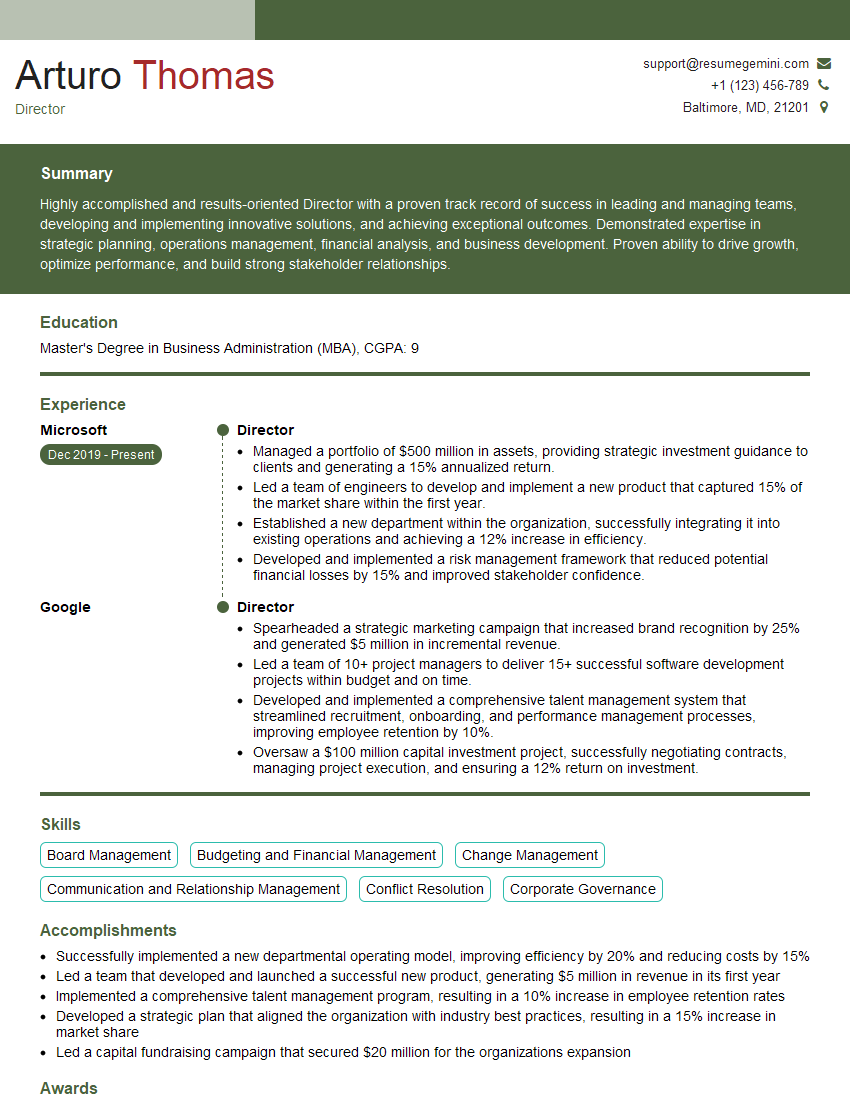
Director Resume Sample

Colorist Resume Sample

Compositor Resume Sample
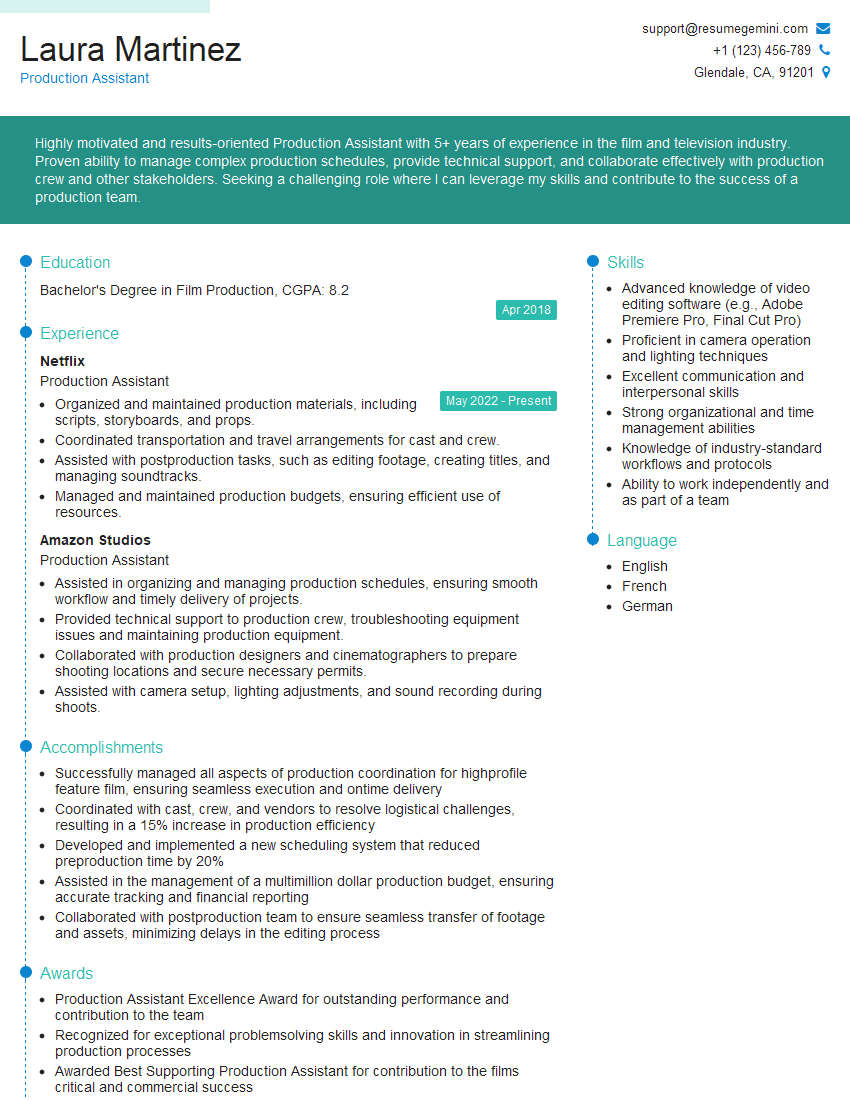
Production Assistant Resume Sample
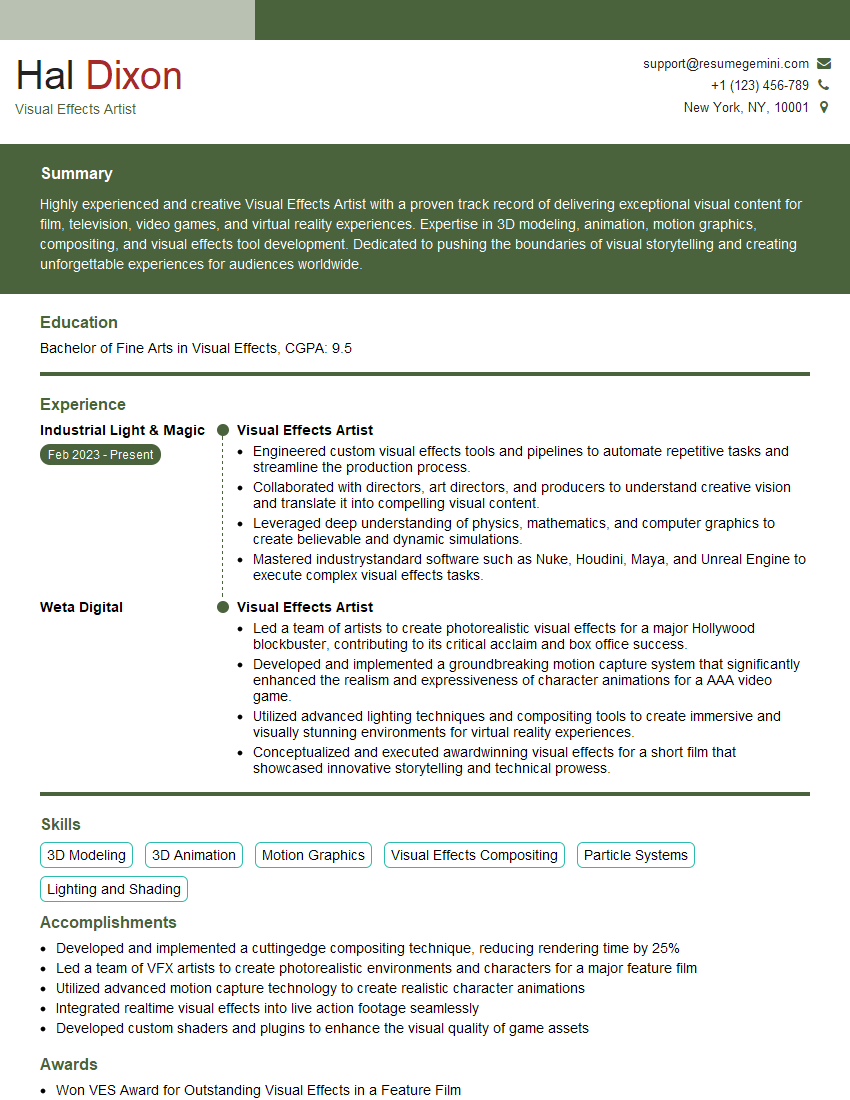
Visual Effects Artist Resume Sample
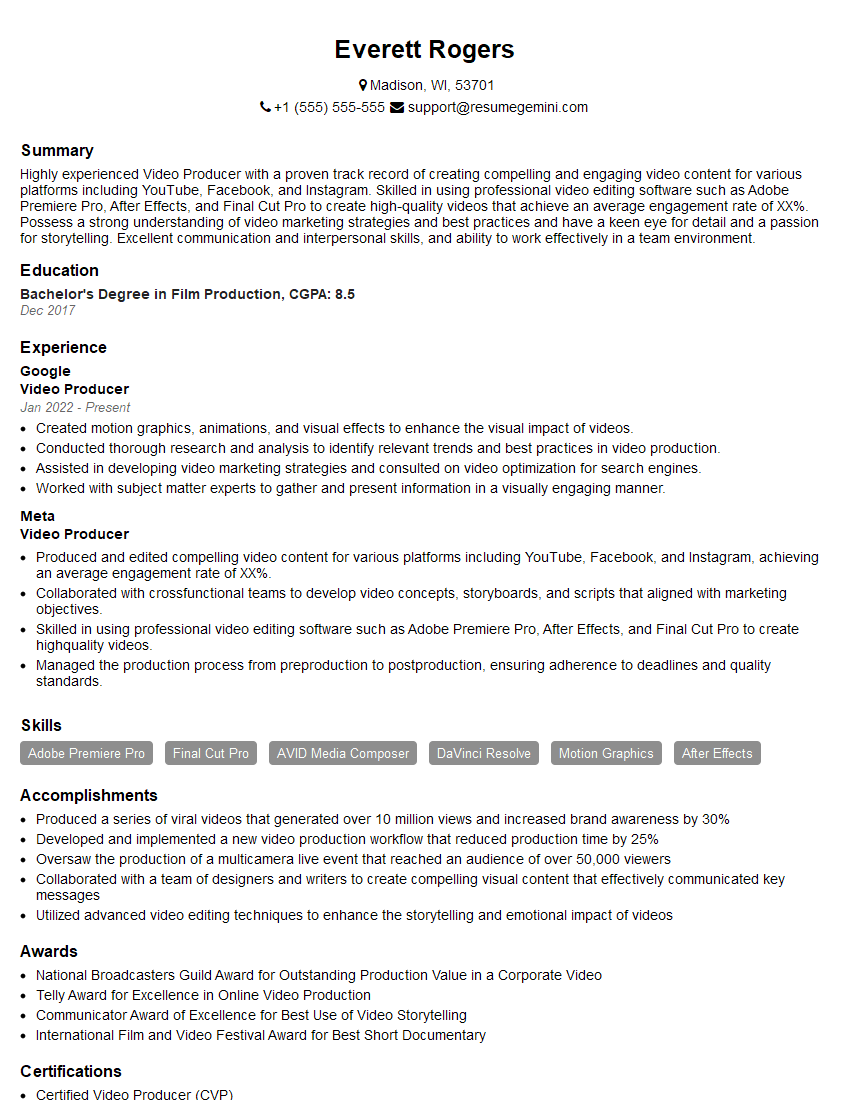
Video Producer Resume Sample
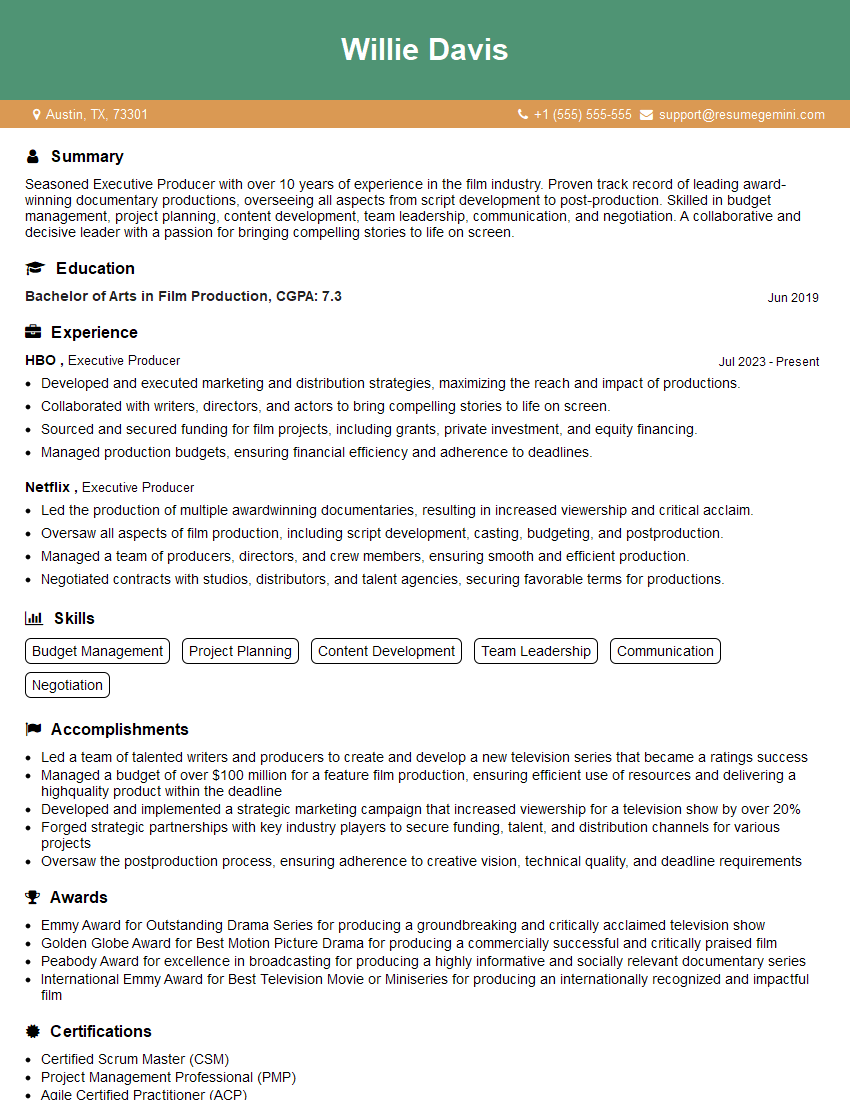
Executive Producer Resume Sample
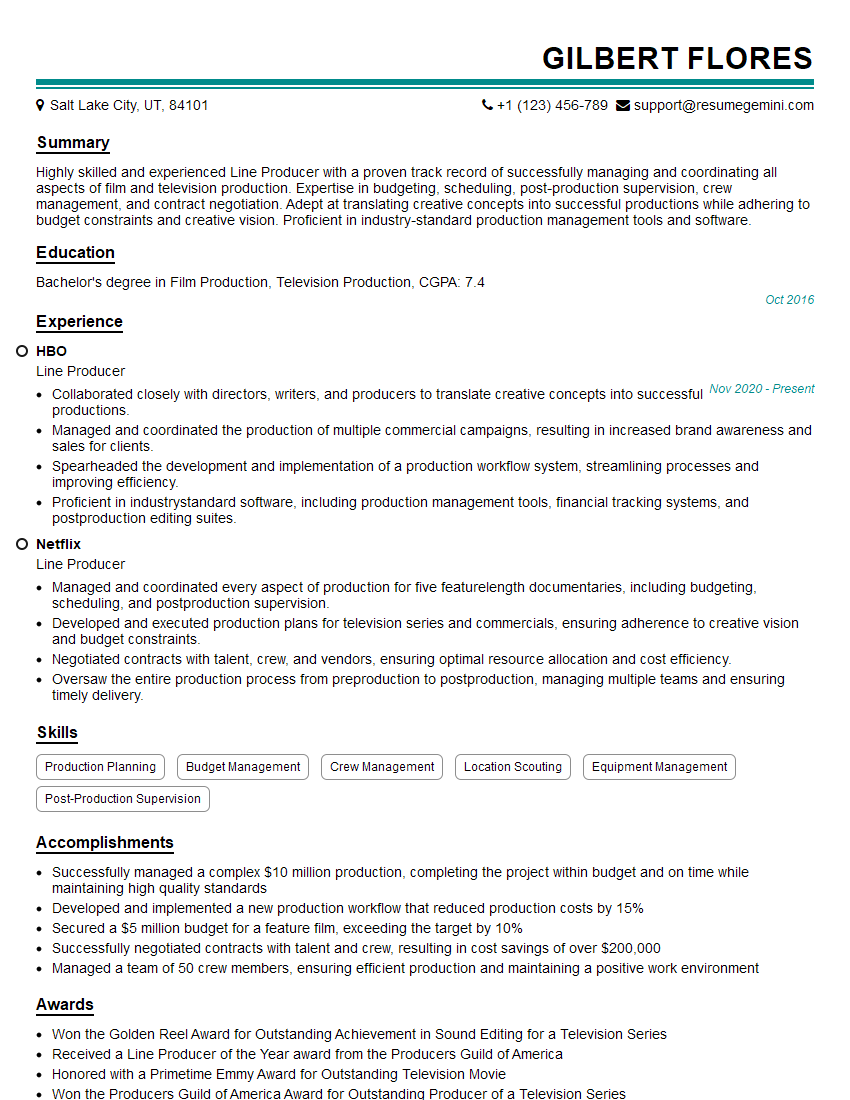
Line Producer Resume Sample
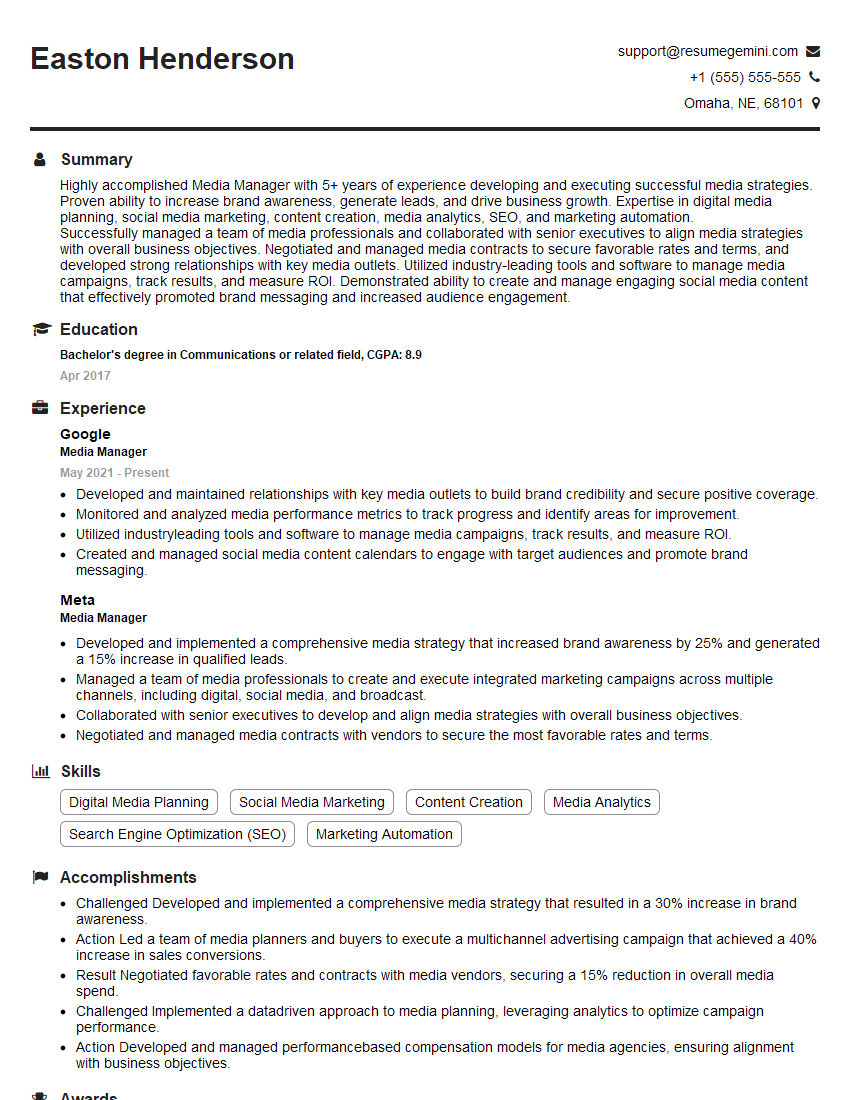
Media Manager Resume Sample
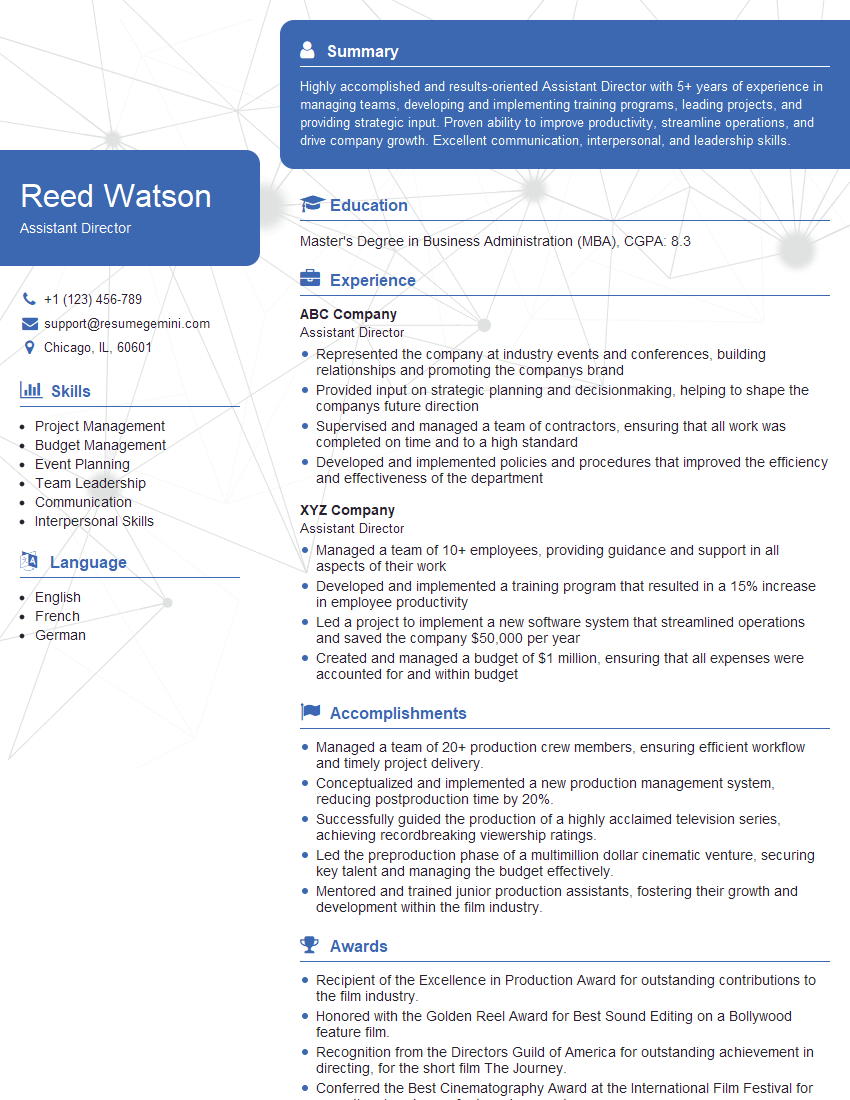
Assistant Director Resume Sample

Video Editor Resume Sample

Audio Engineer Resume Sample

Sound Designer Resume Sample
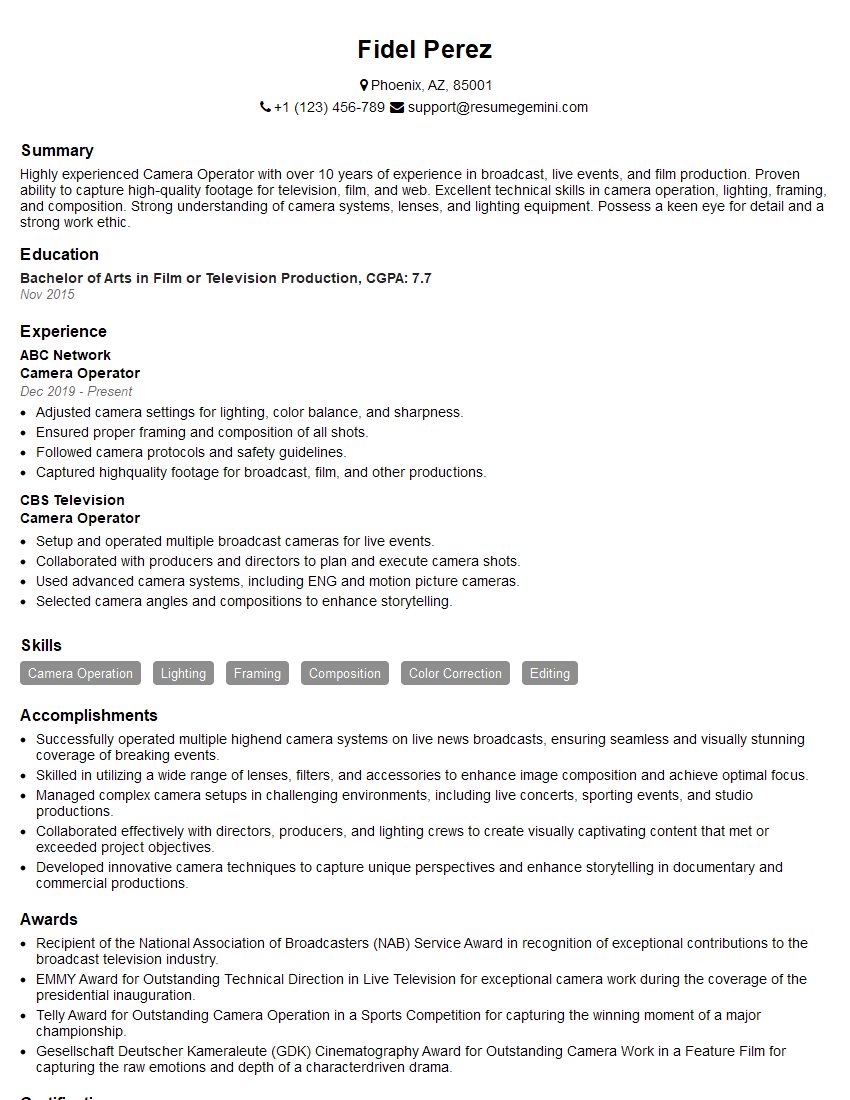
Camera Operator Resume Sample
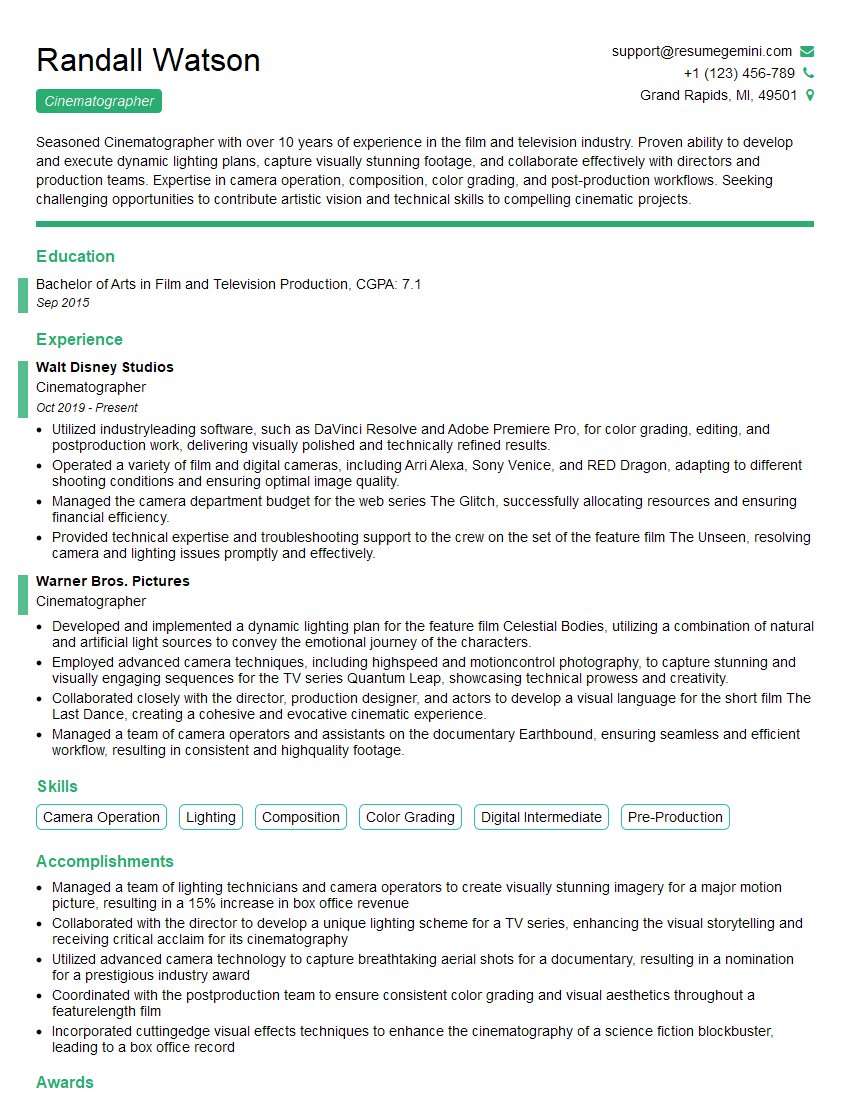
Cinematographer Resume Sample
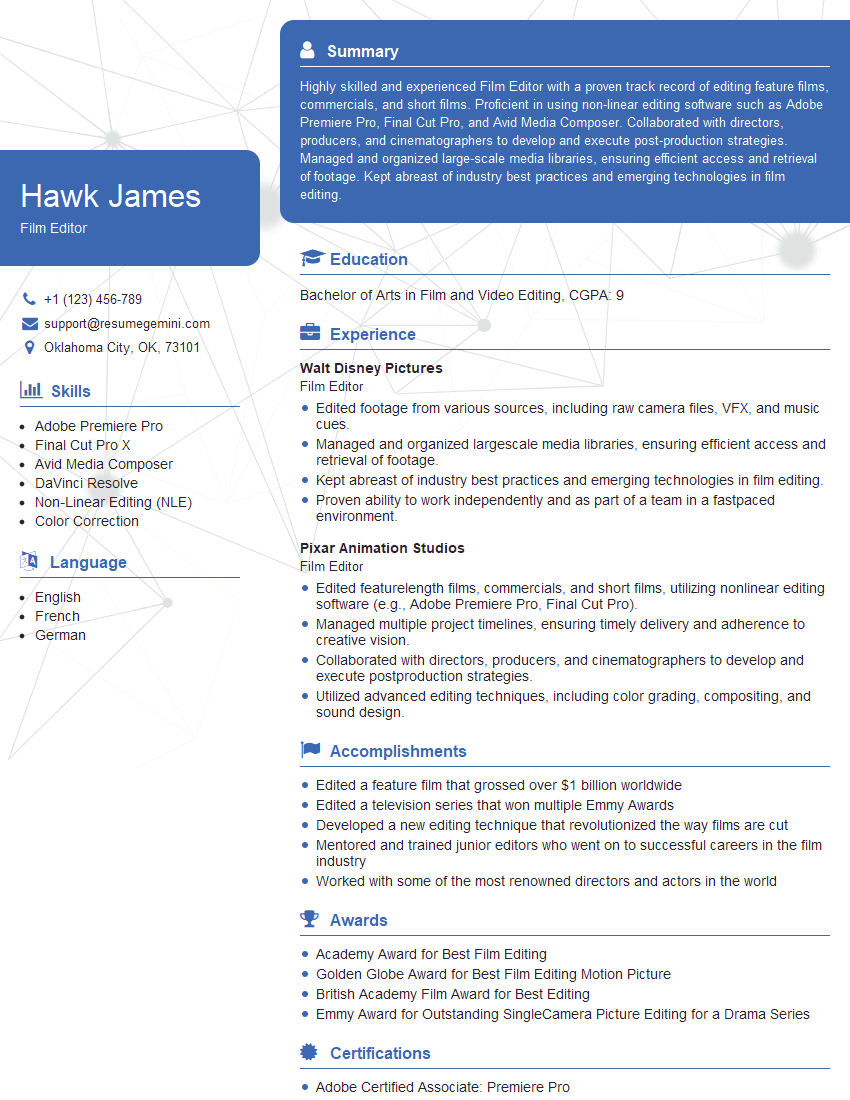
Film Editor Resume Sample
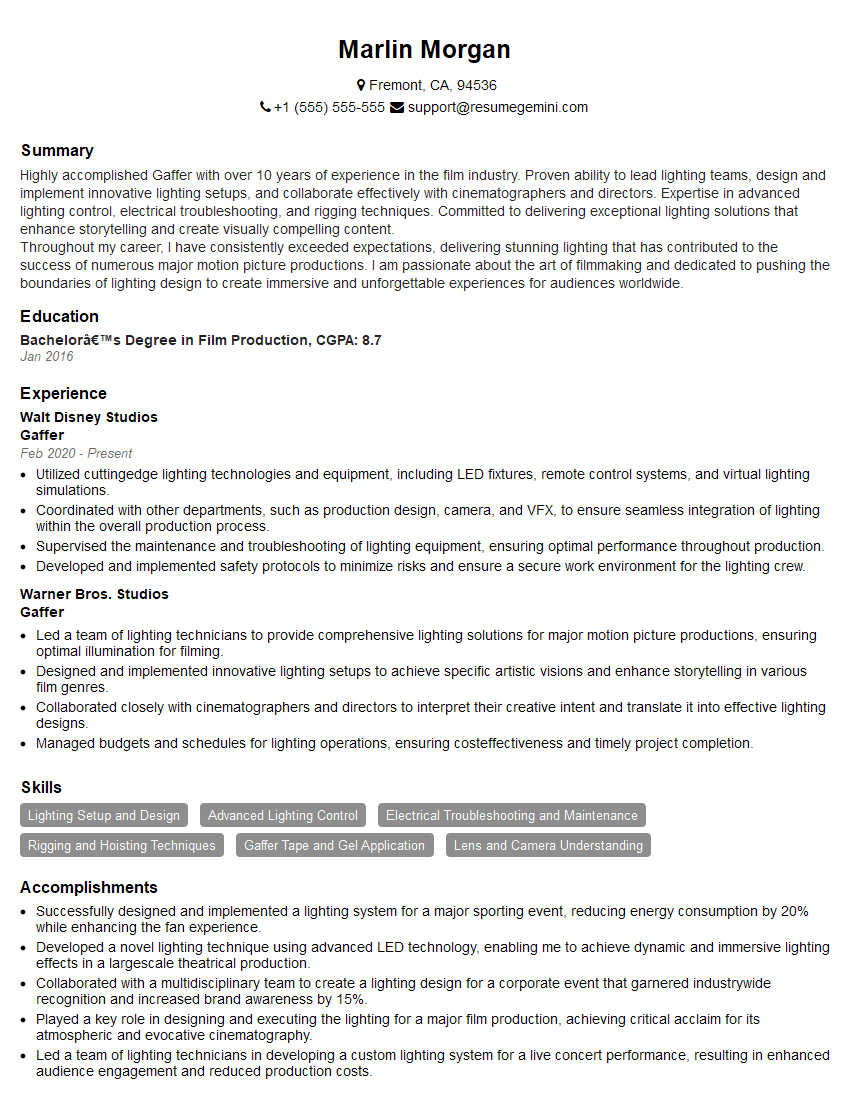
Gaffer Resume Sample
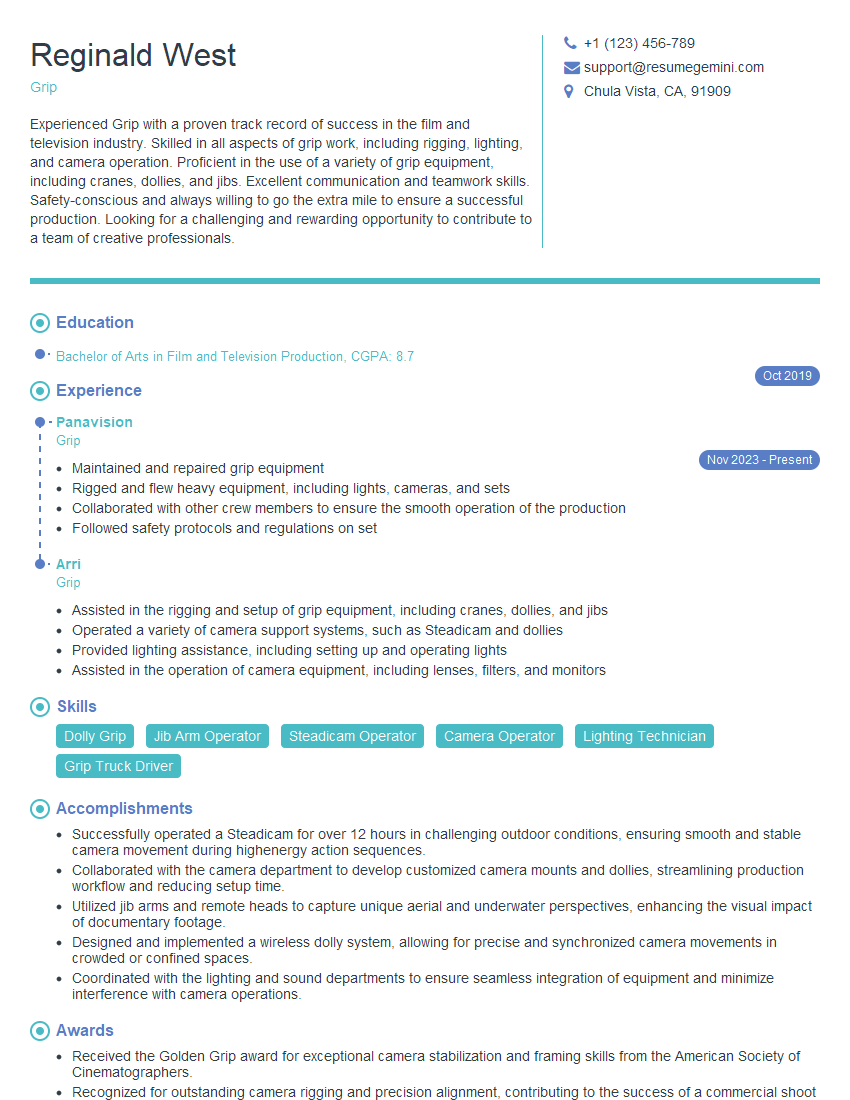
Grip Resume Sample

Content Creator Resume Sample
Explore more articles
Users Rating of Our Blogs
Share Your Experience
We value your feedback! Please rate our content and share your thoughts (optional).
What Readers Say About Our Blog
Very informative content, great job.
good