The thought of an interview can be nerve-wracking, but the right preparation can make all the difference. Explore this comprehensive guide to Ability to read and interpret technical documentation and instructions interview questions and gain the confidence you need to showcase your abilities and secure the role.
Questions Asked in Ability to read and interpret technical documentation and instructions Interview
Q 1. Explain your process for understanding complex technical diagrams.
Understanding complex technical diagrams involves a systematic approach. I begin by getting the big picture – what is the diagram’s overall purpose? What system or process does it represent? Then I break it down into smaller, manageable components. This often involves looking for key elements like labels, legends, and annotations. I meticulously trace the flow of information or process steps, paying close attention to symbols, connectors, and directional indicators. For example, in a network diagram, I’d identify routers, switches, and servers, tracing the data flow between them. If it’s a flowchart, I’d follow the sequence of actions from start to finish. I’ll often annotate the diagram myself, adding notes or highlighting crucial sections to aid my comprehension. Finally, I’ll validate my understanding by cross-referencing the diagram with other documentation or specifications to ensure consistency.
For instance, when working on a server architecture diagram, I would first identify the various servers and their roles (web server, database server, etc.). Then, I would trace the connections to understand the data flow between these components. By adding my own annotations, I can easily identify bottlenecks or potential issues. This systematic approach ensures thorough understanding and helps avoid misinterpretations.
Q 2. How do you handle ambiguous or contradictory information in technical documentation?
Encountering ambiguous or contradictory information is common when working with technical documentation. My approach involves a multi-step process. First, I carefully review the conflicting information, trying to identify any potential sources of error, such as outdated sections or typographical mistakes. I then cross-reference the information with other reliable sources to determine which information is most accurate and credible. If the conflict remains unresolved, I prioritize using the most conservative or safe approach, erring on the side of caution. Documentation often includes version numbers or revision dates; paying attention to these details can resolve apparent contradictions. In cases where ambiguity persists, I don’t hesitate to seek clarification from the document’s author or subject matter expert.
For example, if a manual describes two different procedures for updating firmware, and one is labeled ‘obsolete’, I’d immediately use the other one. If both are current but conflict, I’d contact the manufacturer. This proactive approach minimizes errors and ensures the work is done correctly.
Q 3. Describe a time you had to decipher poorly written technical instructions. What was your approach?
I once encountered poorly written instructions for configuring a network router. The instructions were poorly formatted, lacked clear diagrams, and contained numerous grammatical errors. My approach involved systematically breaking down the task into smaller, manageable steps. I started by carefully reading each instruction multiple times, attempting to identify the key actions. I then created my own flow chart to visualize the process steps and identify any missing information or inconsistencies. I used online resources and the router’s own online manual to fill in gaps. Ultimately, I was able to successfully configure the router, demonstrating my ability to overcome challenges presented by poorly written documentation through meticulous planning and problem-solving.
Essentially, I turned poorly written instructions into a structured workflow using additional resources to overcome the limitations of the original documentation. This experience taught me the value of proactive research and self-reliance when working with technical materials.
Q 4. How do you identify key information and prioritize tasks based on technical documentation?
Identifying key information and prioritizing tasks based on technical documentation requires careful analysis. I begin by skimming the document to understand its overall structure and purpose. Then, I carefully read sections relevant to my immediate tasks, focusing on headings, subheadings, and bold text to quickly identify key information. I pay attention to keywords like ‘critical,’ ‘essential,’ ‘warning,’ and ‘caution’ to highlight potentially critical steps or safety concerns. I create a prioritized task list based on dependencies and deadlines, addressing critical tasks first. This approach ensures efficiency and minimizes risk.
Imagine configuring a new server. The documentation might mention multiple steps, some related to security, some to network configuration, and others to application installation. By identifying ‘security hardening’ as a high-priority task, I would tackle that before proceeding with other less critical configurations.
Q 5. What strategies do you use to ensure you fully understand technical specifications before implementing them?
To fully understand technical specifications before implementation, I use a multi-pronged approach. First, I carefully read and reread the specifications, annotating key points and highlighting areas that are unclear. Next, I cross-reference the specifications with other documentation, including schematics, diagrams, and related manuals, to ensure consistency and completeness. If possible, I’ll create a test environment to simulate the implementation. This allows me to validate my understanding and identify potential issues before deploying to a production environment. I also actively seek clarification from subject matter experts when needed, to address any remaining ambiguities. This comprehensive approach minimizes the risk of errors and ensures a smooth implementation.
For instance, before integrating a new software module, I would simulate the integration in a test environment. This way, I can identify any incompatibility issues or unexpected behaviors early on, rather than discovering them in production.
Q 6. How do you stay updated on changes to technical documentation or instructions?
Staying updated on changes to technical documentation requires a proactive strategy. I subscribe to relevant newsletters, RSS feeds, and email alerts from vendors and industry organizations. I also check for updates regularly on the websites of relevant software or hardware vendors, searching for version numbers, change logs, and release notes. I participate in online communities and forums, where discussions often reveal updates or changes that may not be formally documented. I also actively monitor the version control systems used for managing the documentation (e.g., Git), if applicable.
By combining these strategies, I make sure I am always working with the most current and accurate information available, minimizing the risks associated with using outdated documentation.
Q 7. Describe your experience using different types of technical documentation (e.g., flowcharts, schematics, manuals).
I have extensive experience working with various types of technical documentation. Flowcharts provide a clear visual representation of process steps, which I find invaluable for understanding complex workflows. Schematics, particularly in electronics or networking, allow me to visualize the physical connections and relationships between components. Detailed manuals are crucial for understanding the operation and maintenance of equipment or software. I’m also comfortable with data sheets, which provide technical specifications, and API documentation, which details the interface to software components. I adapt my approach to suit the specific documentation type, always prioritizing a structured and methodical approach to ensure complete understanding.
For example, when troubleshooting a networking issue, I’d use a network diagram (schematic) to trace the path of data flow and identify potential bottlenecks. If I needed detailed information on a particular device, I would refer to its user manual.
Q 8. How do you effectively communicate complex technical information to non-technical audiences?
Communicating complex technical information to a non-technical audience requires a strategic approach focused on simplification and clear, concise language. The key is to translate technical jargon into everyday terms, using analogies and visual aids to enhance understanding.
- Use analogies and metaphors: Instead of saying “The algorithm utilizes a heuristic approach,” try “The system learns from its mistakes, like a person learning to ride a bike.”
- Visual aids are crucial: Charts, graphs, and diagrams can convey complex data far more effectively than dense text. A simple flowchart can explain a multi-step process much more clearly.
- Break down complex concepts into smaller, digestible chunks: Avoid overwhelming the audience with too much information at once. Present information sequentially, building upon previously understood concepts.
- Focus on the ‘what’ and ‘why,’ not just the ‘how’: Non-technical audiences are often less interested in the intricate details of implementation. Explain the purpose and benefits of the technology, rather than getting bogged down in technical specifications.
- Use plain language and avoid jargon: If technical terms are unavoidable, define them clearly and simply. Strive for a conversational tone that fosters engagement.
For example, explaining cloud computing to someone unfamiliar with the technology, I would focus on the benefits: accessibility, scalability, cost-effectiveness. I would avoid terms like “virtualization” or “IaaS” and instead use metaphors like a shared utility, similar to electricity or water.
Q 9. Can you explain a time you found an error in technical documentation? How did you handle it?
During a project involving a new software release, I discovered an inconsistency in the user manual. The manual described a specific function as having three input parameters, but the software itself only accepted two. This discrepancy could have led to user frustration and errors.
My approach was systematic:
- Verification: I first verified the error by testing the software and cross-referencing with the code documentation.
- Documentation of the Issue: I created a detailed report documenting the discrepancy, including screenshots from the software and the relevant sections of the manual.
- Communication: I then communicated this to the documentation team and the development team, providing them with my report. We held a collaborative meeting to review the information and decide on a course of action.
- Resolution: The documentation team corrected the manual, and the development team considered whether the software itself needed modification (it didn’t in this case, the manual was simply wrong).
- Testing: After the manual was updated, I retested the updated documentation to ensure accuracy.
This proactive approach prevented potential user issues and highlighted the importance of thorough documentation review.
Q 10. How familiar are you with different documentation formats (e.g., PDF, HTML, Wiki)?
I’m proficient in various documentation formats, each with its strengths and weaknesses. My experience includes:
- PDF (Portable Document Format): Ideal for archival and distribution of static documents, ensuring consistent formatting across different platforms. However, they’re less collaborative and harder to update.
- HTML (HyperText Markup Language): Allows for dynamic content, hyperlinking, and interactive elements. Well-suited for online documentation that requires updates and collaboration. I have experience with using HTML editors and understanding HTML tags like
<p>,<h1>, and<ul>. - Wiki systems (e.g., MediaWiki, Confluence): Excellent for collaborative projects, allowing multiple authors to contribute and easily update the documentation. Version control and revision history features facilitate tracking and managing changes.
The choice of format depends on the specific needs of the project. For example, a final, unchanging manual might be best in PDF, while a constantly evolving software guide would suit a Wiki system better.
Q 11. How do you manage multiple sets of technical documentation simultaneously?
Managing multiple documentation sets requires organization and a systematic approach. I typically employ the following strategies:
- Centralized Repository: Using a centralized repository (e.g., a shared network drive or a cloud-based system) to store all documentation helps maintain consistency and makes it easier to find specific information.
- Clear File Naming Conventions: Establishing a logical and consistent naming convention (e.g., using project names, version numbers, and document types) makes it much simpler to identify and locate specific documents.
- Version Control: Implementing a version control system (e.g., Git) enables collaboration, tracking changes, and easy reversion to earlier versions if needed.
- Documentation Management Tools: Tools like Confluence or Sharepoint can provide structure, organization, and search capabilities to simplify navigation and collaboration on multiple document sets.
- Regular Reviews: Scheduling regular reviews and updates of all documentation ensures consistency, accuracy, and relevance.
A good analogy is a library system: a well-organized library with a cataloging system (like a version control system) makes finding specific books (documents) far easier than a disorganized collection.
Q 12. Describe your experience working with version control systems for technical documents.
I have extensive experience using Git and other version control systems (VCS) for managing technical documents. This includes branching, merging, committing, and resolving conflicts. The benefits of VCS for technical documentation are significant:
- Collaboration: Multiple authors can work on the same document concurrently without overwriting each other’s changes.
- Version History: Track all changes to the document over time, allowing easy rollback to previous versions if needed.
- Conflict Resolution: The VCS helps to identify and resolve conflicting changes made by different authors.
- Branching for parallel work: Branches allow for working on different versions or features of the document simultaneously, without affecting the main version.
In a recent project, we utilized Git to manage updates to our API documentation. Different team members worked on separate sections simultaneously. Git’s branching feature allowed each member to work independently, and Git’s merge functionality integrated their contributions seamlessly once they were complete.
Q 13. How do you ensure the accuracy of information you glean from technical documentation?
Ensuring accuracy when gleaning information from technical documentation involves a multi-step process:
- Source Verification: Identify the source of the documentation and assess its credibility. Look for reputable authors, publishers, or organizations.
- Cross-referencing: When possible, cross-reference information with multiple sources to corroborate the facts. Look for supporting evidence or examples.
- Date of Publication: Consider the date of publication or last update, as technology and best practices evolve rapidly. Outdated information can be misleading.
- Contextual Understanding: Carefully consider the context in which the information is presented. Misinterpretations can easily arise if the surrounding information isn’t fully understood.
- Practical Testing (When Applicable): If the documentation relates to software or hardware, test the information practically to verify its accuracy. This hands-on approach is often the most effective way to ensure the information is correct.
For example, when working with a datasheet for a new chip, I would cross-reference its specifications with the manufacturer’s website and perhaps even independent reviews to confirm the accuracy of its reported performance.
Q 14. Have you ever had to troubleshoot a technical issue using only technical documentation? Describe your approach.
I’ve frequently had to troubleshoot technical issues using only documentation. My approach is methodical and systematic:
- Problem Definition: Clearly define the problem and gather all relevant details. This might include error messages, observed behavior, and related system information.
- Documentation Search: Utilize the documentation’s search functionality (if available) to find relevant keywords or error messages.
- Index and Table of Contents: Explore the documentation’s index and table of contents to locate potentially relevant chapters or sections.
- Troubleshooting Sections: Look for specific troubleshooting sections, often found in appendices or dedicated chapters.
- Logical Step-by-Step Approach: Follow the documented troubleshooting steps carefully and methodically. Note any unexpected results or deviations from the expected behavior.
- Log Files and System Information: Consult log files or system information provided in the documentation for additional clues.
- External Resources (When Permitted): If permitted, consult online forums or community resources for additional help or solutions, but always prioritize the official documentation.
For example, recently, I had to configure a network switch using only its user manual. By following the manual’s step-by-step instructions, I was able to successfully configure the network settings, even though there were several unexpected parameters and settings.
Q 15. How would you approach a situation where technical documentation is outdated or incomplete?
Outdated or incomplete documentation is a common challenge. My approach involves a multi-pronged strategy. First, I identify the gaps and inconsistencies. This might involve comparing the documentation with the actual system behavior, or checking for version numbers and release dates to ascertain the level of obsolescence. If sections are missing, I’d prioritize finding the most critical information necessary for the task at hand. Next, I actively search for supplementary materials: updated manuals, online forums, knowledge bases, or even contacting the vendor or subject matter experts for clarifications. Finally, I document my findings and the solutions found; this contributes to a more complete resource for future use and helps others avoid repeating the same process.
For example, if I’m working with an outdated software manual that lacks instructions for a new feature, I would search the vendor’s website for updated documentation, look for online forums dedicated to the software to see if others encountered the same problem, and then finally create a small supplemental document outlining the missing instructions based on my findings. This ensures consistent and comprehensive information.
Career Expert Tips:
- Ace those interviews! Prepare effectively by reviewing the Top 50 Most Common Interview Questions on ResumeGemini.
- Navigate your job search with confidence! Explore a wide range of Career Tips on ResumeGemini. Learn about common challenges and recommendations to overcome them.
- Craft the perfect resume! Master the Art of Resume Writing with ResumeGemini’s guide. Showcase your unique qualifications and achievements effectively.
- Don’t miss out on holiday savings! Build your dream resume with ResumeGemini’s ATS optimized templates.
Q 16. Describe your experience using search tools to find specific information within large technical documents.
My experience with search tools within large technical documents emphasizes efficient keyword selection and leveraging advanced search operators. I avoid using single words and instead opt for specific phrases enclosed in quotation marks to narrow the search results. For instance, instead of searching “error,” I would search for “”authentication error 401″” if that’s the specific issue. Many document viewers, like Adobe Acrobat, allow for searching within specific document sections or layers, significantly speeding up the process. Beyond simple keyword searches, I utilize regular expressions (regex) when dealing with complex patterns or identifiers within code samples or log files. For example, a regex like /error\d+/g would find all instances of “error” followed by a number.
In situations involving extremely large document sets, I frequently leverage the indexing capabilities of specialized software or search engines designed for technical documents. These tools offer advanced filtering and sorting options, allowing me to refine my search based on metadata, date, or even specific terms within code snippets.
Q 17. How do you determine the credibility and reliability of a source of technical documentation?
Determining the credibility of technical documentation requires careful evaluation. I start by assessing the source’s authority: is it published by the product’s vendor, a reputable industry organization, a recognized expert, or an anonymous individual? Vendor documentation is generally reliable, while information from an anonymous forum post might be questionable. I consider the date of publication; outdated documents may contain inaccurate or obsolete information. I also verify information across multiple sources whenever possible. Inconsistencies across multiple reliable sources raise concerns about the accuracy of the information.
I look for evidence of peer review or editorial oversight. Documents undergoing review processes generally maintain higher accuracy. Finally, I critically evaluate the presentation: is the information presented clearly, consistently, and with appropriate supporting evidence? The presence of clear diagrams, well-defined terminology, and a logical flow contribute to the credibility of the document.
Q 18. What are some common pitfalls to avoid when interpreting technical documentation?
Several pitfalls exist when interpreting technical documentation. One common mistake is assuming complete understanding without verifying the information. Always cross-reference information and test interpretations before acting upon them. Another pitfall is overlooking subtle details or nuances in the language, leading to misinterpretations. It’s crucial to pay close attention to word choice, qualifiers, and implied meanings.
Overlooking version numbers or release dates is a frequent error resulting in applying outdated instructions. Always ensure you’re using the documentation relevant to the specific system version. Finally, failing to consider the target audience of the document can lead to misinterpretations. Technical documentation frequently targets various expertise levels and may use jargon only understandable by advanced users. Understanding the target audience helps to interpret the information accurately.
Q 19. How do you ensure that your interpretation of technical documentation is accurate and complete?
Ensuring accuracy and completeness requires a methodical approach. First, I carefully read the documentation multiple times, focusing on different aspects during each reading; one for general understanding, another for detailed specifications, and another for potential inconsistencies. I verify information through practical application whenever feasible. If the documentation describes a process, I follow the steps meticulously, recording my observations. I cross-reference information across multiple sources, including online communities and support forums, to identify potential inconsistencies or errors.
If uncertainties remain, I don’t hesitate to seek clarification from subject matter experts or the vendor. Thorough note-taking helps keep track of interpretations and their rationale. Documenting any assumptions made during interpretation is essential for maintaining transparency and accountability. This rigorous approach minimizes the risk of errors and ensures the interpretation accurately reflects the documentation’s intent.
Q 20. Explain your process for translating technical jargon into plain language.
Translating technical jargon into plain language requires a deep understanding of both technical concepts and clear communication skills. My process begins with identifying the key technical terms and phrases. I then define each term in simple, non-technical language, using analogies or metaphors whenever appropriate to clarify abstract concepts. For example, instead of saying “the algorithm converges to a solution,” I might say “the process gradually finds the answer.”
Next, I restructure the sentences and paragraphs to improve readability. Complex sentences are broken down into shorter, easier-to-understand parts. I avoid using passive voice whenever possible, opting for active voice to make the text more direct and engaging. Finally, I review the translated text, ensuring it accurately reflects the original meaning while being easily understood by the target audience. I also seek feedback from others unfamiliar with the technical subject to confirm clarity.
Q 21. How do you adapt your approach to reading technical documentation based on the context or audience?
Adapting my approach depends heavily on the context and audience. When dealing with highly specialized documentation for experts, I can readily grasp the nuances and specialized terminology. I may focus on detailed technical specifications and implications without needing extensive simplification. However, for a non-technical audience, I adjust my strategy significantly, focusing on conveying the essential concepts in a clear and concise manner. I simplify complex explanations, avoid jargon, and utilize visual aids such as diagrams or flowcharts to improve comprehension.
For example, when explaining a complex network configuration to a network engineer, I’d use technical terminology and detailed specifications. However, when explaining the same configuration to a business manager, I’d focus on the high-level functionality, impact, and business benefits, avoiding detailed technical specifics unless absolutely necessary. This adaptive approach ensures that the information is accessible and relevant to the individual’s technical expertise and needs.
Q 22. Describe a situation where your ability to interpret technical documentation led to a successful outcome.
During a recent project involving the integration of a new network security appliance, the vendor’s documentation was notoriously opaque. The installation guide was poorly structured, with critical steps scattered across multiple sections and diagrams that were ambiguous at best. My ability to systematically dissect this documentation proved crucial. I started by creating a flow chart to visualize the installation process, identifying all prerequisites and dependencies. I meticulously cross-referenced each step, resolving inconsistencies by referring to the troubleshooting section and online forums. This methodical approach allowed me to identify a critical configuration missing from the main guide – a specific firewall rule that needed to be added manually. Without my diligent interpretation of the fragmented documentation, the installation would have failed, resulting in a significant delay and potential security breach.
Q 23. What tools or software do you use to assist in reading and interpreting technical documentation?
Effective interpretation of technical documentation relies on several tools. I frequently use a PDF reader with annotation capabilities, allowing me to highlight key sections, add notes, and create bookmarks for easy navigation. For complex documents with multiple versions or related files, I use a dedicated document management system to maintain organization. Sometimes, a mind-mapping tool proves beneficial in visualizing relationships between different concepts and steps. Additionally, I leverage online search engines and developer communities to clarify ambiguous terminology or resolve conflicting information present in the documentation.
Q 24. How do you handle conflicting information presented across different sections of a technical document?
Conflicting information is a common challenge. My approach involves a systematic investigation to determine the source of the discrepancy. I first verify the document versions and check for any errata or updates. Next, I examine the context of each conflicting piece of information, trying to understand the specific scenarios or conditions under which each applies. If the conflict remains unresolved, I escalate the issue to the document owner or subject matter expert for clarification. In some cases, I may conduct testing or experiments to validate the information empirically, documenting my findings to resolve the ambiguity. Thorough documentation of the conflict resolution process is crucial for future reference.
Q 25. How do you effectively manage time when working with extensive technical documentation?
Managing time effectively with extensive documentation requires strategic planning. I begin by carefully reviewing the table of contents and any summaries or overviews to understand the document’s scope and structure. I then create a reading plan, prioritizing sections based on their relevance to my immediate goals. I break down large documents into smaller, manageable chunks, scheduling specific time blocks for focused reading and note-taking. Utilizing techniques like the Pomodoro Technique (working in focused bursts with short breaks) helps maintain concentration and prevents burnout. Regular reviews of my progress ensure I remain on track and adjust my plan as needed.
Q 26. How do you prioritize information when reading technical documentation with varying levels of importance?
Prioritization is key. I use a combination of methods to prioritize information. Firstly, I identify the overarching objectives and tasks related to the documentation. Then, I determine which sections directly support those objectives. Information crucial for achieving primary objectives takes precedence. I employ a hierarchical system, focusing on essential sections before delving into details. High-level summaries and overviews often provide a solid foundation to understand the importance of various sections. Furthermore, I use keywords, headings, and visual cues to identify critical information quickly. For instance, sections labeled as ‘warnings,’ ‘security considerations’, or ‘critical steps’ get immediate attention.
Q 27. How would you explain a complex technical procedure to someone with limited technical knowledge?
Explaining a complex technical procedure to a non-technical audience requires clear and concise communication. I would avoid jargon and technical terms as much as possible, using analogies and real-world examples to illustrate concepts. I would break down the procedure into a series of simple, sequential steps, using visual aids like diagrams or flowcharts. For instance, instead of saying “configure the DHCP server,” I might say “set up the system that assigns IP addresses automatically.” I’d encourage questions throughout the explanation and ensure the audience understands each step before moving on. Finally, I’d provide a summary and a checklist of actions to reinforce understanding and ensure successful execution. Patient repetition and active listening are paramount for effective communication.
Key Topics to Learn for Ability to read and interpret technical documentation and instructions Interview
- Identifying Key Information: Learn to quickly locate critical information within complex technical documents, such as specifications, manuals, and diagrams. Practice identifying relevant sections and ignoring irrelevant details.
- Understanding Technical Jargon: Familiarize yourself with common technical terms and acronyms related to your field. Practice deciphering technical language and translating it into plain English.
- Interpreting Diagrams and Flowcharts: Develop your ability to understand visual representations of technical processes. Practice interpreting various diagram types, including flowcharts, schematics, and wiring diagrams.
- Following Step-by-Step Instructions: Practice meticulously following detailed, sequential instructions. Understand the importance of accuracy and attention to detail in technical procedures.
- Troubleshooting Based on Documentation: Learn how to use technical documentation to diagnose and solve problems. Practice identifying potential causes of errors based on documented specifications.
- Understanding Safety Precautions: Recognize and understand safety protocols and warnings presented in technical documentation. Practice identifying potential hazards and appropriate safety measures.
- Effective Note-Taking and Summarization: Develop strategies for efficiently taking notes and summarizing key information from lengthy technical documents. This is crucial for efficient problem-solving.
Next Steps
Mastering the ability to read and interpret technical documentation is crucial for success in almost any technical role. It demonstrates attention to detail, problem-solving skills, and the ability to learn independently – all highly valued by employers. To maximize your job prospects, focus on building an ATS-friendly resume that clearly highlights these skills. ResumeGemini is a trusted resource that can help you craft a professional and impactful resume showcasing your abilities. Examples of resumes tailored to highlight expertise in reading and interpreting technical documentation are available through ResumeGemini, allowing you to see best practices in action.

Project Manager Resume Sample

Compliance Officer Resume Sample
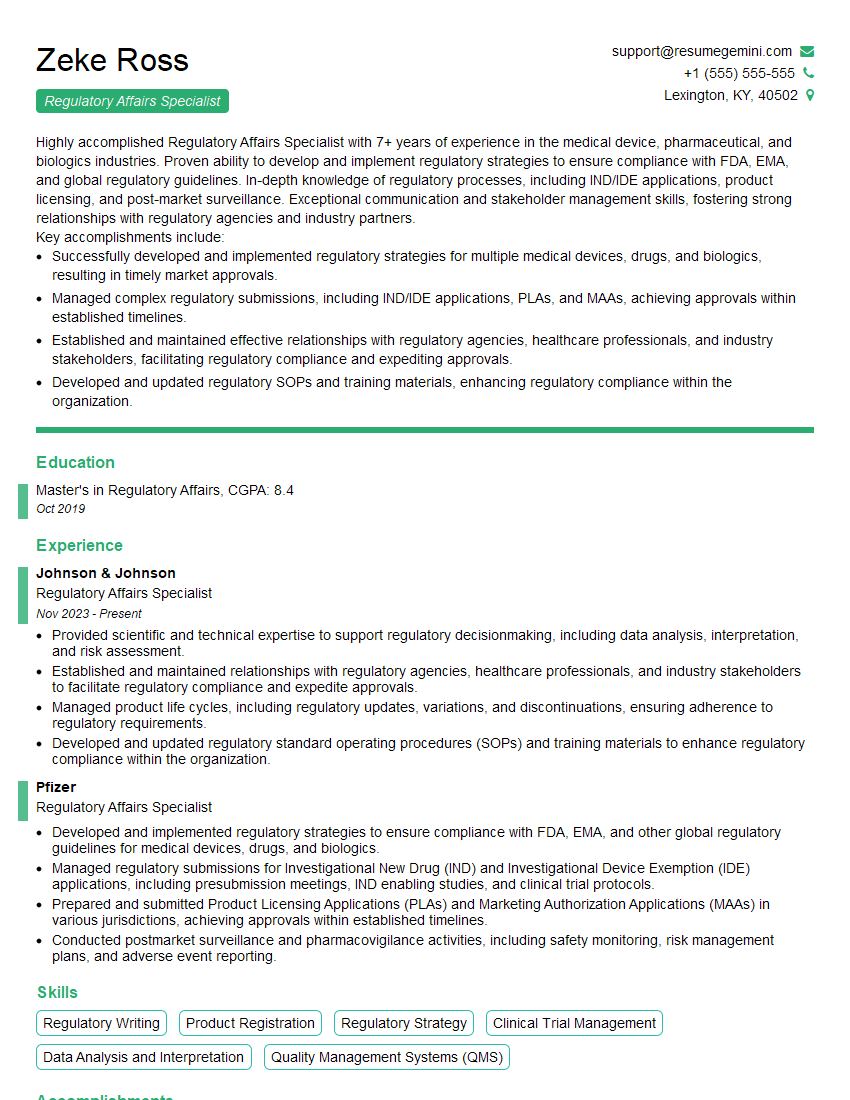
Regulatory Affairs Specialist Resume Sample
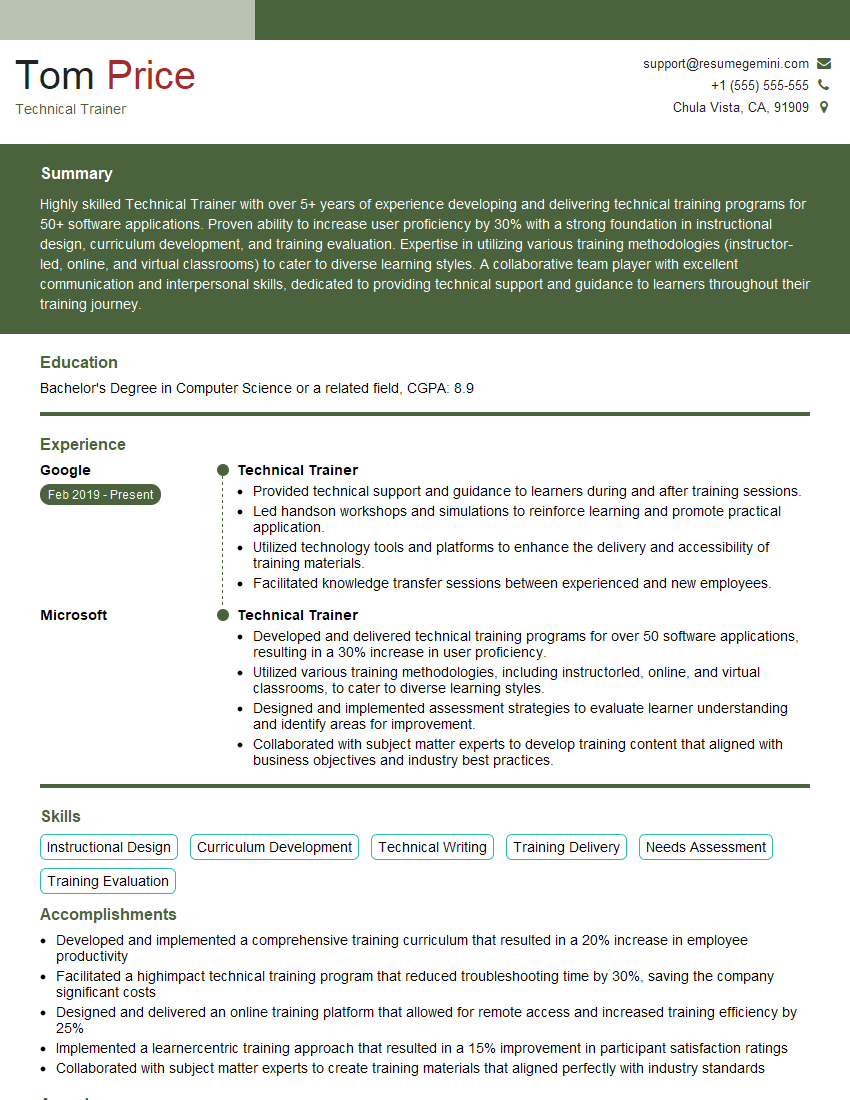
Technical Trainer Resume Sample
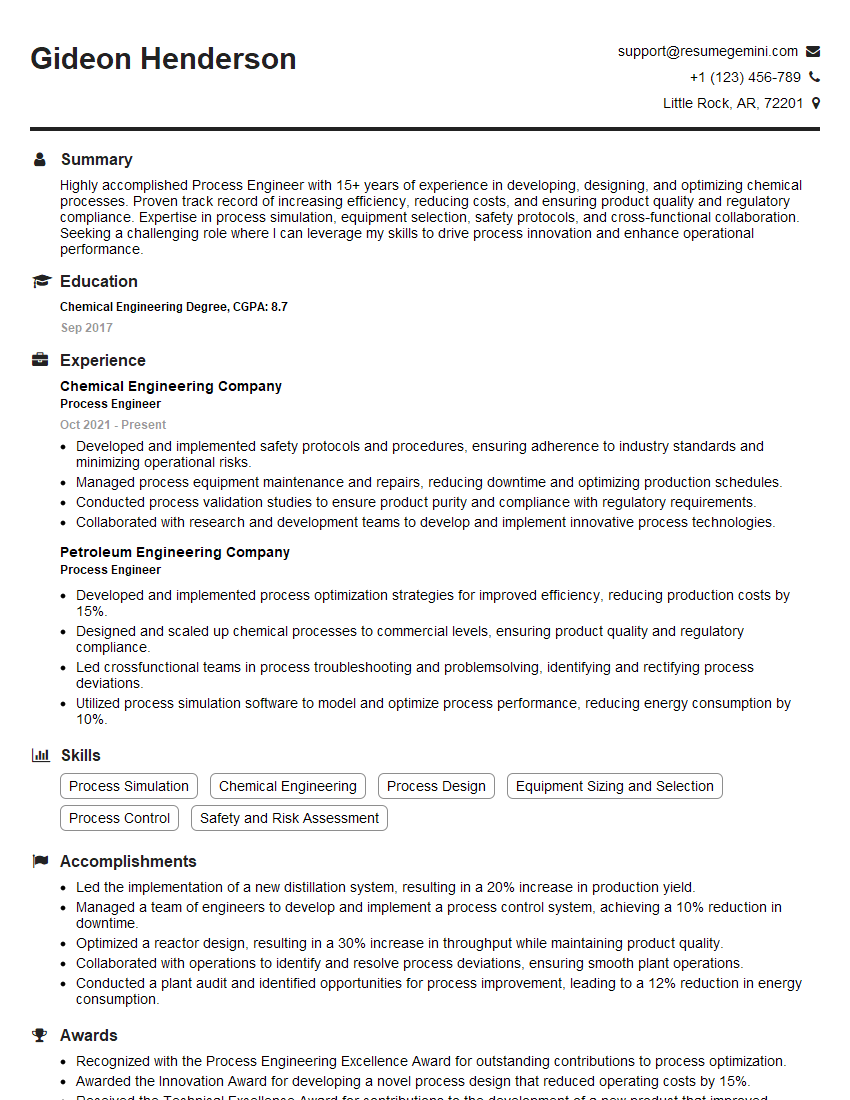
Process Engineer Resume Sample

Research Scientist Resume Sample

Software Engineer Resume Sample

Systems Analyst Resume Sample

Network Engineer Resume Sample
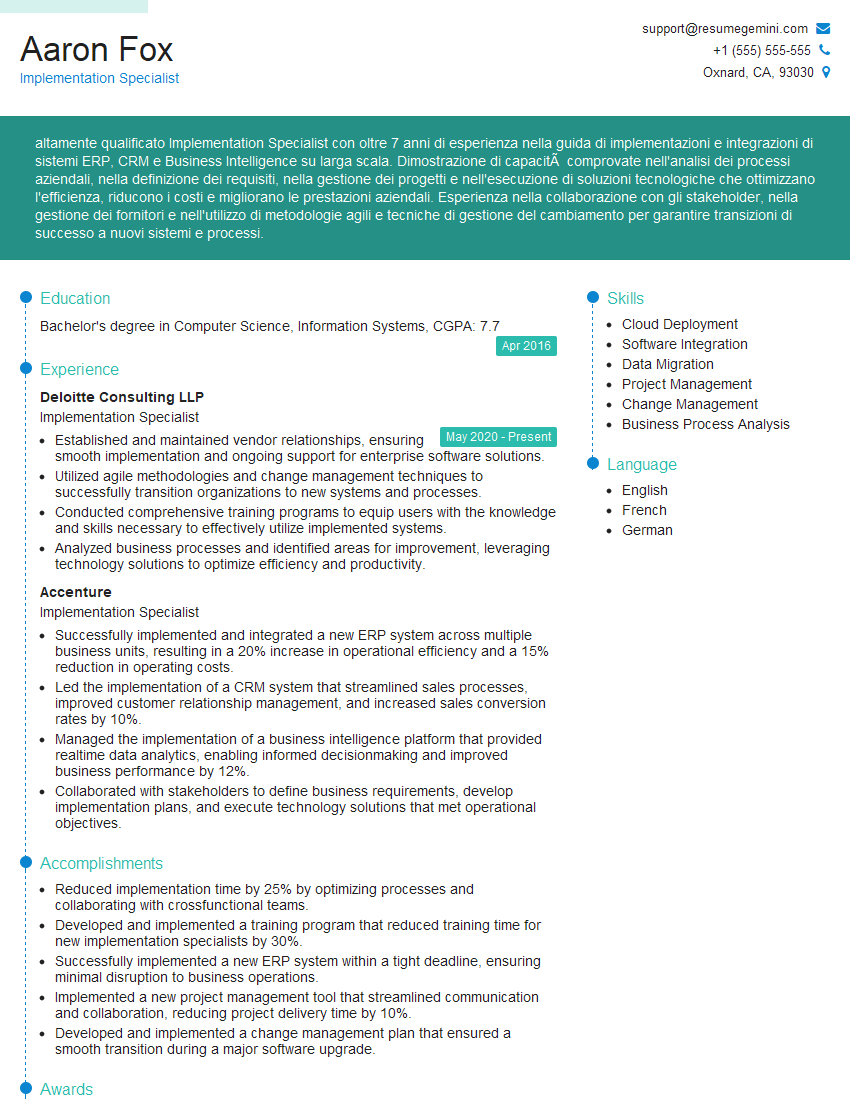
Implementation Specialist Resume Sample

Help Desk Analyst Resume Sample
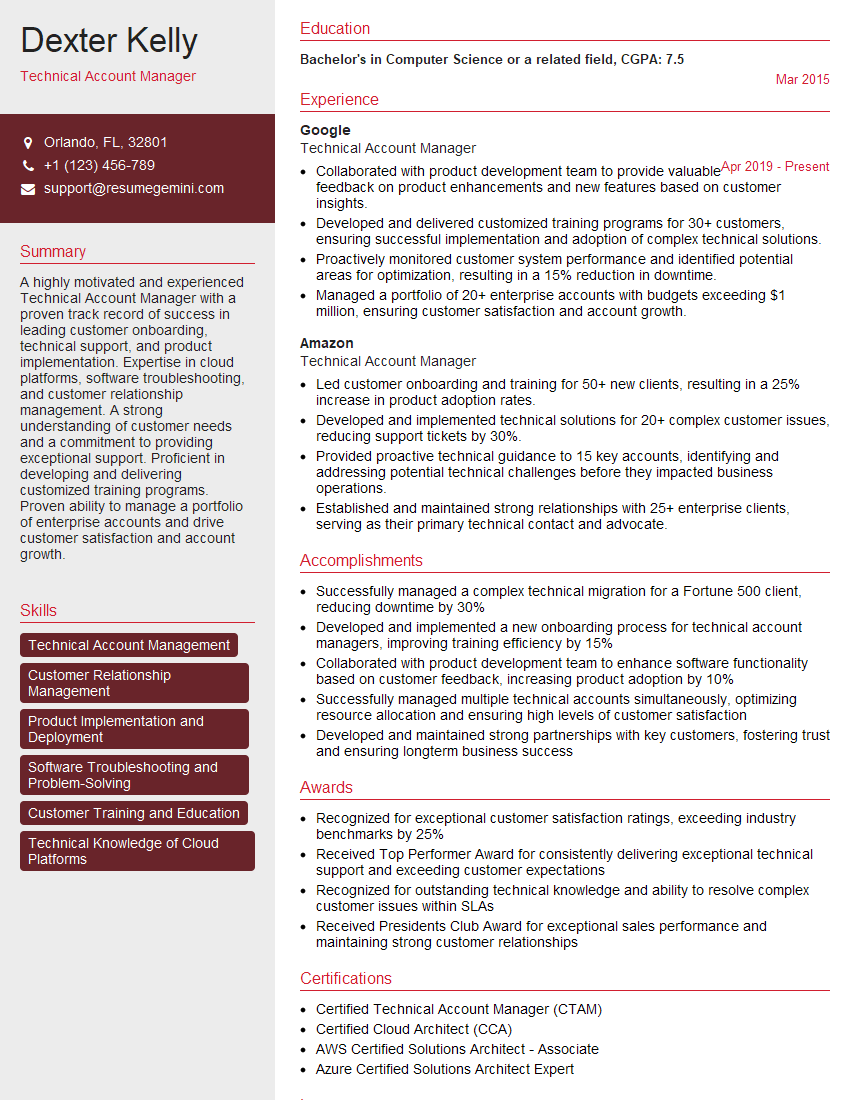
Technical Account Manager Resume Sample

Documentation Specialist Resume Sample
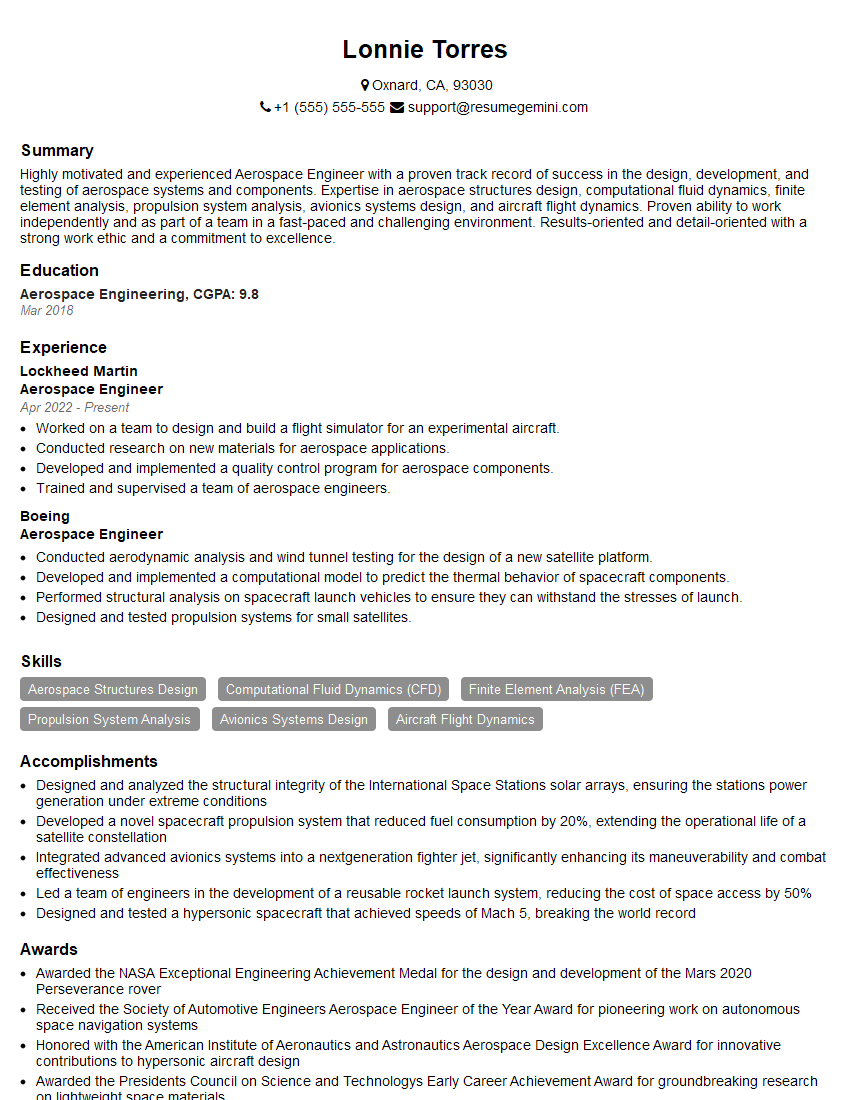
Aerospace Engineer Resume Sample

Field Service Engineer Resume Sample

Electrical Engineer Resume Sample

Manufacturing Engineer Resume Sample
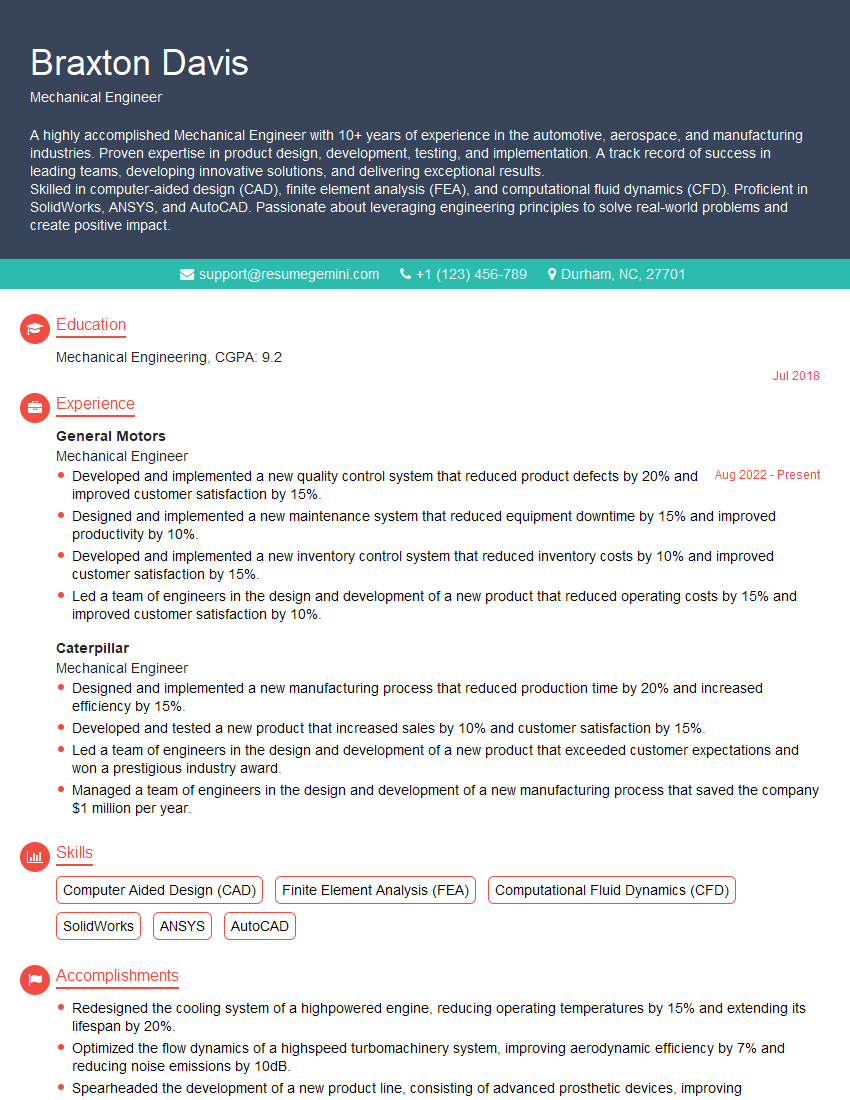
Mechanical Engineer Resume Sample

Instructional Designer Resume Sample

Technical Editor Resume Sample

Technical Writer Resume Sample

IT Support Specialist Resume Sample

Database Administrator Resume Sample
- Project Manager
- Compliance Officer
- Regulatory Affairs Specialist
- Technical Trainer
- Process Engineer
- Research Scientist
- Software Engineer
- Systems Analyst
- Network Engineer
- Implementation Specialist
- Help Desk Analyst
- Technical Account Manager
- Documentation Specialist
- Aerospace Engineer
- Field Service Engineer
- Electrical Engineer
- Manufacturing Engineer
- Mechanical Engineer
- Instructional Designer
- Technical Editor
- Technical Writer
- IT Support Specialist
- Database Administrator
Explore more articles
Users Rating of Our Blogs
Share Your Experience
We value your feedback! Please rate our content and share your thoughts (optional).
What Readers Say About Our Blog
Attention music lovers!
Wow, All the best Sax Summer music !!!
Spotify: https://open.spotify.com/artist/6ShcdIT7rPVVaFEpgZQbUk
Apple Music: https://music.apple.com/fr/artist/jimmy-sax-black/1530501936
YouTube: https://music.youtube.com/browse/VLOLAK5uy_noClmC7abM6YpZsnySxRqt3LoalPf88No
Other Platforms and Free Downloads : https://fanlink.tv/jimmysaxblack
on google : https://www.google.com/search?q=22+AND+22+AND+22
on ChatGPT : https://chat.openai.com?q=who20jlJimmy20Black20Sax20Producer
Get back into the groove with Jimmy sax Black
Best regards,
Jimmy sax Black
www.jimmysaxblack.com
Hi I am a troller at The aquatic interview center and I suddenly went so fast in Roblox and it was gone when I reset.
Hi,
Business owners spend hours every week worrying about their website—or avoiding it because it feels overwhelming.
We’d like to take that off your plate:
$69/month. Everything handled.
Our team will:
Design a custom website—or completely overhaul your current one
Take care of hosting as an option
Handle edits and improvements—up to 60 minutes of work included every month
No setup fees, no annual commitments. Just a site that makes a strong first impression.
Find out if it’s right for you:
https://websolutionsgenius.com/awardwinningwebsites
Hello,
we currently offer a complimentary backlink and URL indexing test for search engine optimization professionals.
You can get complimentary indexing credits to test how link discovery works in practice.
No credit card is required and there is no recurring fee.
You can find details here:
https://wikipedia-backlinks.com/indexing/
Regards
NICE RESPONSE TO Q & A
hi
The aim of this message is regarding an unclaimed deposit of a deceased nationale that bears the same name as you. You are not relate to him as there are millions of people answering the names across around the world. But i will use my position to influence the release of the deposit to you for our mutual benefit.
Respond for full details and how to claim the deposit. This is 100% risk free. Send hello to my email id: lukachachibaialuka@gmail.com
Luka Chachibaialuka
Hey interviewgemini.com, just wanted to follow up on my last email.
We just launched Call the Monster, an parenting app that lets you summon friendly ‘monsters’ kids actually listen to.
We’re also running a giveaway for everyone who downloads the app. Since it’s brand new, there aren’t many users yet, which means you’ve got a much better chance of winning some great prizes.
You can check it out here: https://bit.ly/callamonsterapp
Or follow us on Instagram: https://www.instagram.com/callamonsterapp
Thanks,
Ryan
CEO – Call the Monster App
Hey interviewgemini.com, I saw your website and love your approach.
I just want this to look like spam email, but want to share something important to you. We just launched Call the Monster, a parenting app that lets you summon friendly ‘monsters’ kids actually listen to.
Parents are loving it for calming chaos before bedtime. Thought you might want to try it: https://bit.ly/callamonsterapp or just follow our fun monster lore on Instagram: https://www.instagram.com/callamonsterapp
Thanks,
Ryan
CEO – Call A Monster APP
To the interviewgemini.com Owner.
Dear interviewgemini.com Webmaster!
Hi interviewgemini.com Webmaster!
Dear interviewgemini.com Webmaster!
excellent
Hello,
We found issues with your domain’s email setup that may be sending your messages to spam or blocking them completely. InboxShield Mini shows you how to fix it in minutes — no tech skills required.
Scan your domain now for details: https://inboxshield-mini.com/
— Adam @ InboxShield Mini
support@inboxshield-mini.com
Reply STOP to unsubscribe
Hi, are you owner of interviewgemini.com? What if I told you I could help you find extra time in your schedule, reconnect with leads you didn’t even realize you missed, and bring in more “I want to work with you” conversations, without increasing your ad spend or hiring a full-time employee?
All with a flexible, budget-friendly service that could easily pay for itself. Sounds good?
Would it be nice to jump on a quick 10-minute call so I can show you exactly how we make this work?
Best,
Hapei
Marketing Director
Hey, I know you’re the owner of interviewgemini.com. I’ll be quick.
Fundraising for your business is tough and time-consuming. We make it easier by guaranteeing two private investor meetings each month, for six months. No demos, no pitch events – just direct introductions to active investors matched to your startup.
If youR17;re raising, this could help you build real momentum. Want me to send more info?
Hi, I represent an SEO company that specialises in getting you AI citations and higher rankings on Google. I’d like to offer you a 100% free SEO audit for your website. Would you be interested?
Hi, I represent an SEO company that specialises in getting you AI citations and higher rankings on Google. I’d like to offer you a 100% free SEO audit for your website. Would you be interested?