Preparation is the key to success in any interview. In this post, we’ll explore crucial Ability to Read and Interpret Technical Drawings and Patterns interview questions and equip you with strategies to craft impactful answers. Whether you’re a beginner or a pro, these tips will elevate your preparation.
Questions Asked in Ability to Read and Interpret Technical Drawings and Patterns Interview
Q 1. Explain the difference between orthographic and isometric projections.
Orthographic and isometric projections are two different ways of representing a 3D object in a 2D drawing. Think of it like taking pictures of an object from different angles. Orthographic projection shows multiple views of the object (typically top, front, and side) as if you were looking directly at each face. Each view is a separate, true-to-scale representation. Isometric projection, on the other hand, shows a single view with all three axes (height, width, and depth) presented at angles, giving a more three-dimensional perspective in a single drawing, though not strictly to scale along each axis.
Imagine a cube. An orthographic projection would show a square for the front view, a square for the top view, and a square for the side view—three separate drawings. An isometric projection would show a single drawing of the cube, with its edges at angles, resembling what you see when you hold a cube directly in front of you.
Q 2. Describe the various types of lines used in technical drawings (e.g., object lines, hidden lines, center lines).
Technical drawings utilize a variety of lines to convey different information. Each line type has a specific weight and style to ensure clarity and precision. Here are some key types:
- Object Lines: Thick, solid lines defining the visible edges and outlines of an object. They are the most prominent lines on the drawing, clearly defining the shape.
- Hidden Lines: Thin, dashed lines representing edges or surfaces that are not visible from the chosen view. These are crucial for showing features hidden within the object.
- Center Lines: Thin, long-and-short dashed lines indicating the center of symmetrical features, such as holes or circular parts. They’re used for reference and dimensional measurements.
- Dimension Lines: Thin lines with arrowheads at each end, used to indicate the size or distance between features. They typically have a gap for the dimension value.
- Extension Lines: Thin lines extending from the object to the dimension lines, creating a clear path for the measurement to be read.
- Section Lines: Thin lines used to indicate a cross-section of an object, often in conjunction with hatching or cross-hatching.
- Break Lines: Short, zig-zag lines indicating that a portion of the object has been omitted from the drawing to save space or emphasize a key detail.
Consistent use of these line types ensures the drawing is easily interpreted and accurately conveys the design intent.
Q 3. How do you interpret dimensioning on a technical drawing?
Interpreting dimensioning is fundamental to understanding a technical drawing. Dimensions provide the precise sizes and locations of features. Dimension lines show the distance, with numbers indicating the measurement value. Extension lines extend from the features to the dimension lines, clarifying the measurement points. Dimensioning usually follows standards like ASME Y14.5 (American Standard) or ISO standards, indicating units (usually millimeters or inches).
For example, a dimension of ’25 mm’ would indicate a length or distance of 25 millimeters. The placement and arrangement of dimensions are crucial; careful attention is needed to understand which dimensions relate to specific features. Often, a drawing will include both overall dimensions and dimensions for individual parts or features. Understanding the meaning and location of leader lines and notes associated with the dimensioning is also extremely important.
Q 4. What are tolerance limits and how are they indicated on drawings?
Tolerance limits define the permissible variation in a dimension. No part can be manufactured with perfect precision. Tolerances specify an acceptable range around the nominal (target) dimension. These limits ensure that the part still functions correctly even with small variations during manufacturing. Tolerances are indicated using various methods:
- Plus/Minus Notation:
25 ± 0.1 mmindicates a tolerance of ±0.1 mm around the nominal dimension of 25 mm (acceptable range: 24.9 mm to 25.1 mm). - Limits Notation:
2525.124.9 mmshows the upper and lower limits explicitly. - Geometric Dimensioning and Tolerancing (GD&T): A more advanced system using symbols to specify tolerances for form, orientation, location, and runout, providing a much more complete and precise specification of the part’s quality.
Understanding tolerances is crucial for manufacturing and quality control. Parts outside the tolerance limits might not function correctly or might need to be rejected.
Q 5. Explain the significance of section views and detail views.
Section views and detail views enhance the clarity of technical drawings by providing detailed information about internal features that may be difficult to visualize in standard views. Think of them as ‘zoom’ functions on a technical drawing.
- Section Views: These show the internal structure of an object by imagining a cutting plane passing through it. Different types of section views exist (full, half, broken-out), depending on what needs to be shown. Hatching is used to represent the ‘cut’ area, and it usually denotes the material.
- Detail Views: These are enlarged views of a specific area on the drawing, providing more detail on a small feature which would otherwise be too small to easily understand. They allow for clear depiction of fine details, such as thread sizes or complex geometries that are difficult to capture in the main drawing.
By using section and detail views, engineers create drawings that fully capture the design intent, even when it includes complex shapes and internal features.
Q 6. How do you identify different materials on a technical drawing?
Identifying materials on technical drawings involves looking for material designations, often in a materials list or directly on the drawing itself. This may include material names (e.g., ‘Aluminum 6061’), material codes (e.g., a standard industry-specific code), or material properties indicated, sometimes indirectly. Sometimes a material is indicated on a section view by the type of hatching used.
Often, a material specification table is included, correlating a reference number or a symbol to a complete specification of the material.
For example, a material might be identified with a callout to a table or a note, referring to a specific material specification, or, as mentioned, by a type of hatching used to represent the material in a sectional view. Always refer to the relevant standards and guidelines for accurate identification.
Q 7. What are the common symbols used to represent materials in technical drawings?
There isn’t a universally standardized set of symbols for all materials. However, some commonly used symbols or representations exist:
- Material Codes: Many industries use standardized material codes (e.g., ASTM codes for metals). These codes are concise and readily understood by professionals in the field.
- Hatching Patterns: Section views often employ distinct hatching patterns to indicate different materials. For example, dense hatching might represent steel, while a different pattern might represent aluminum.
- Material Name or Abbreviation: The drawing might directly indicate the material name (e.g., ‘Steel,’ ‘Aluminum’) or use common abbreviations.
- Material Property Indications: Sometimes, instead of a material name, properties are listed, such as tensile strength, hardness, or conductivity, which could help identify the material.
The key is consistency. If a drawing uses a certain symbol or hatching pattern for a material, that association should be maintained throughout the drawing, and usually, this consistency is defined in a materials list or table associated with the drawing.
Q 8. How do you read and interpret a scale on a technical drawing?
Understanding the scale on a technical drawing is fundamental. The scale indicates the ratio between the dimensions shown on the drawing and the actual dimensions of the object. For example, a scale of 1:10 means that 1 unit on the drawing represents 10 units in real life. This is crucial for accurate measurements and construction.
To read a scale, first locate the scale indication, usually found in the drawing’s title block or a prominent location. It will be expressed as a ratio (e.g., 1:100, 1:50, 1:1) or a representative fraction (e.g., 1/100, 1/50, 1/1). Then, measure the dimension on the drawing using a ruler or digital measuring tool. Multiply this measurement by the scale’s denominator to find the actual dimension. For instance, if a dimension on a 1:10 drawing measures 2 cm, the actual dimension is 2 cm * 10 = 20 cm.
Let’s say you’re working with architectural plans. The scale might be 1:50. If a wall measures 5cm on the drawing, the real-world wall length is 5cm * 50 = 250cm or 2.5 meters. Incorrect scale interpretation could lead to significant errors in construction, so precision is vital.
Q 9. What are geometric dimensioning and tolerancing (GD&T) symbols, and how are they used?
Geometric Dimensioning and Tolerancing (GD&T) symbols are a standardized language used on engineering drawings to precisely define the size, form, orientation, location, and runout of features. They go beyond simple dimensional values by specifying acceptable variations or tolerances. This ensures that manufactured parts will fit and function correctly even with slight manufacturing variations.
Common GD&T symbols include:
- Ø (Diameter): Indicates a circular dimension.
- ☐ (Squareness): Specifies the perpendicularity between two surfaces.
- ┴ (Parallelism): Defines the parallelism between two surfaces or features.
- < > (Position): Indicates the allowed variation in the location of a feature.
- < > (Circularity): Defines acceptable variation from a perfect circle.
- F (Flatness): Specifies the allowable deviation from a perfect plane.
These symbols, often accompanied by numerical tolerances, are crucial because they communicate manufacturing constraints precisely. Imagine building an engine; slight variations in the piston bore could lead to catastrophic failure. GD&T symbols ensure that these variations remain within acceptable limits.
Q 10. Describe your experience using CAD software (specify software if applicable).
I have extensive experience using AutoCAD and SolidWorks. In my previous role at [Previous Company Name], I utilized AutoCAD to create detailed shop drawings for custom cabinetry. This involved drafting detailed 2D plans, elevations, and sections, ensuring all dimensions, annotations, and material specifications were precise and clear for the manufacturing team. SolidWorks allowed me to create 3D models, enabling visualization of complex designs before production. This reduced errors and ensured a more efficient workflow.
With SolidWorks, I have experience creating assemblies, performing simulations, generating detailed drawings with proper BOM (Bill of Materials), and managing design revisions. I’m proficient in using layer management, blocks, and other tools to create and manage complex drawings efficiently and effectively. I’m also comfortable working with various file formats, ensuring seamless collaboration with clients and colleagues using different CAD software.
Q 11. How do you handle ambiguous or incomplete technical drawings?
Encountering ambiguous or incomplete drawings is a common challenge. My approach involves a methodical process:
- Identify the Ambiguity/Incompleteness: Carefully review the drawing, noting any missing information, conflicting dimensions, or unclear notations.
- Research and Clarification: Try to find additional information from the original design documentation, the client, or the engineering team. Sometimes, related documents or prior versions can shed light on the ambiguities.
- Reasonable Assumptions (with Documentation): If after thorough research the ambiguity remains, I make informed assumptions, clearly documenting these assumptions in the project notes and drawings. It’s crucial to justify any assumptions made and note the potential impact.
- Consult with Stakeholders: Involving the relevant stakeholders (engineers, designers, clients) is crucial to resolve any uncertainties before proceeding. This avoids potentially costly errors.
Essentially, I treat unclear areas as potential design risks and address them proactively to avoid potential project delays or errors.
Q 12. How do you ensure you understand a technical drawing before starting work?
Before starting any work, I meticulously review the technical drawing to ensure complete understanding. My process involves:
- Title Block Review: Checking the title block for project name, revision number, scale, and other essential information.
- Overall Layout Examination: Reviewing the entire drawing to understand the overall design and the relationship between different components.
- Detailed Component Analysis: Carefully examining each component or feature, verifying dimensions, tolerances, and material specifications.
- Annotation Review: Paying attention to all annotations, notes, and symbols to understand any specific requirements or instructions.
- Cross-referencing: Checking for cross-references to other drawings or documents if needed.
Think of it as reading a detailed recipe before you start cooking—you don’t want to miss a crucial ingredient or instruction. This upfront effort significantly reduces errors and avoids rework later on.
Q 13. Describe your process for checking the accuracy of a technical drawing.
Checking the accuracy of a technical drawing requires a multi-faceted approach:
- Dimensional Checks: Verifying that all dimensions are consistent and correctly calculated. I often use mathematical formulas or software to double-check complex calculations.
- Geometric Relationships: Ensuring that the geometric relationships between different components are correct and consistent with the design intent. For example, checking if angles, parallelism, and perpendicularity meet the specifications.
- Tolerance Verification: Confirming that all tolerances are properly defined and within acceptable limits. I would look for conflicting tolerances or missing tolerance data.
- Material and Finish Review: Verifying that the specified materials and finishes are appropriate for the application and that there are no conflicts.
- Annotation and Note Consistency: Ensuring consistency and clarity across all annotations, notes, and symbols.
Often, I utilize software tools for automated checks where applicable, but meticulous manual checks are still essential to catch subtle errors.
Q 14. How do you create or modify a technical drawing using CAD software?
Creating and modifying technical drawings in CAD software is a core skill. Using AutoCAD and SolidWorks as examples:
Creating a Drawing:
- Start with a Template: Begin with a standard template to ensure consistency and compliance with company standards.
- Layer Management: Utilize layers to organize various elements of the drawing efficiently. Different layers could be used for different components, dimensions, annotations, etc.
- Drawing Tools: Employ appropriate tools to create geometric shapes, lines, arcs, and curves precisely. Accuracy is key.
- Dimensioning and Annotation: Add dimensions and annotations using the built-in tools to ensure clarity and precision. GD&T symbols would be added when necessary.
- Hatching and Shading: Apply hatching and shading to enhance readability and visual understanding.
Modifying a Drawing:
- Revision Control: Employ version control systems to track changes and ensure that all stakeholders are working with the latest version.
- Specific Editing Tools: Utilize the software’s editing tools to modify geometry, dimensions, and annotations accurately.
- Layer Management (again): Modifying only the relevant layers avoids accidental changes to other parts of the drawing.
- Regular Saving and Backups: Regularly saving work and creating backups to prevent data loss.
In essence, it’s a systematic process combining technical knowledge with the software’s capabilities to create clear, precise, and easily understandable technical documentation.
Q 15. What are the different types of technical drawings (e.g., assembly drawings, detail drawings)?
Technical drawings are the language of engineering, providing visual instructions for design and manufacturing. They come in various types, each serving a specific purpose. Let’s explore some key examples:
- Assembly Drawings: These drawings show how individual parts fit together to create a complete assembly. They’re like a blueprint for assembling a product, showing the overall arrangement and relationships between components. Think of assembling IKEA furniture – the instructions are essentially a simplified assembly drawing.
- Detail Drawings: These drawings provide detailed information about individual components, including dimensions, tolerances, materials, and surface finishes. They’re the ‘close-ups’ of an assembly drawing, providing the necessary detail for manufacturing each individual part. Imagine zooming in on a specific screw in the IKEA furniture; the detail drawing would show its exact specifications.
- Schematic Drawings: These are simplified representations of a system or circuit, showing the connections between components rather than their physical shapes. Electrical schematics are a common example, showing how wires and components are interconnected. Think of a circuit diagram for a simple light switch – it shows how the wires connect to the switch and the light bulb but not the physical appearance of the components.
- Orthographic Drawings: These use multiple views (top, front, side) to depict a three-dimensional object in two dimensions. This is a standard method to ensure all dimensions are clearly represented. Think of a set of architectural drawings for a house – each view (plan, elevation, section) provides critical information.
Other types include piping and instrumentation diagrams (P&IDs), flow charts, and isometric drawings, each tailored to a specific engineering discipline.
Career Expert Tips:
- Ace those interviews! Prepare effectively by reviewing the Top 50 Most Common Interview Questions on ResumeGemini.
- Navigate your job search with confidence! Explore a wide range of Career Tips on ResumeGemini. Learn about common challenges and recommendations to overcome them.
- Craft the perfect resume! Master the Art of Resume Writing with ResumeGemini’s guide. Showcase your unique qualifications and achievements effectively.
- Don’t miss out on holiday savings! Build your dream resume with ResumeGemini’s ATS optimized templates.
Q 16. Explain your experience with different drawing formats (e.g., DWG, PDF).
My experience encompasses a wide range of drawing formats. I’m proficient in using and interpreting both .DWG (AutoCAD’s native format) and .PDF formats. .DWG files are invaluable for editing and modifying drawings, allowing for collaborative design and revision management. I frequently use AutoCAD to create, modify, and annotate .DWG files. .PDF files are essential for sharing drawings with clients and stakeholders who may not have CAD software. The advantage of .PDF is its universal accessibility and its ability to maintain the drawing’s integrity, preventing unintended changes.
I also have experience with other formats like .DXF (a more universal CAD exchange format) and image formats like .JPG and .PNG, which are sometimes used for quick visual references.
My workflow often involves receiving .DWG files for detailed work, then exporting to .PDF for distribution and archival purposes.
Q 17. Describe your experience working with engineering specifications and standards.
Working with engineering specifications and standards is fundamental to my role. I’m experienced in interpreting and applying standards from various organizations, including ANSI (American National Standards Institute), ISO (International Organization for Standardization), and industry-specific standards. These specifications cover aspects like tolerances, surface finishes, material selections, and manufacturing processes.
For example, in a recent project involving the design of a pressure vessel, I had to adhere to ASME (American Society of Mechanical Engineers) standards for pressure vessel design and fabrication. This ensured the vessel’s safety and compliance with industry regulations. I understand the importance of referencing the correct standard version and ensuring all stakeholders are working with the same specifications to avoid costly mistakes and potential safety hazards.
I’m adept at cross-referencing specifications within drawings and other project documents to ensure consistency and accuracy.
Q 18. How do you use technical drawings to identify potential manufacturing issues?
Identifying potential manufacturing issues using technical drawings requires careful observation and understanding of manufacturing processes. I approach this systematically:
- Dimensioning and Tolerances: I scrutinize dimensions and tolerances for inconsistencies or unrealistic values. Tight tolerances that are difficult or impossible to achieve in the manufacturing process can lead to scrap or rework. For example, if a dimension is specified too tightly on a part that requires machining, the manufacturing process may be unable to consistently achieve the specified tolerance.
- Material Selection: I check for appropriate material selection considering manufacturability. Using a material that’s difficult to machine or form can lead to delays and increased costs. For example, specifying a material with very high hardness that’s difficult to cut may increase the cost of machining the part.
- Geometric Dimensioning and Tolerancing (GD&T): I analyze GD&T symbols to understand the allowable variations in form, orientation, location, and runout, identifying potential conflicts between features or difficulties in achieving specified tolerances. This is crucial in ensuring parts fit together properly.
- Manufacturing Processes: I consider the intended manufacturing process (machining, casting, molding, etc.) to see if the design is feasible. Features or dimensions that are impractical for the chosen process can result in problems.
By proactively identifying these issues during the design phase, I contribute to minimizing manufacturing problems and improving the overall product quality.
Q 19. Explain your understanding of working drawings versus shop drawings.
Working drawings and shop drawings are closely related but serve distinct purposes. Working drawings are the primary design documents, providing the overall design intent and specifications. They are created by the design team and contain all the necessary information for manufacturing. Think of the architect’s initial design plans for a building.
Shop drawings, on the other hand, are created by the fabricator or contractor to show how they intend to construct the design. They are detailed drawings providing information specific to the actual fabrication process. Shop drawings demonstrate the contractor’s understanding of the working drawings and highlight any necessary modifications or clarifications to accommodate the manufacturing process. Think of the detailed blueprints showing how the foundation will be laid, the structural elements will be erected, and the finishing touches will be applied.
Essentially, working drawings outline the ‘what,’ while shop drawings detail the ‘how.’
Q 20. How familiar are you with various drawing standards (e.g., ANSI, ISO)?
I’m highly familiar with various drawing standards, including ANSI and ISO standards. My experience includes interpreting and applying these standards to ensure drawing consistency, clarity, and global compatibility.
Understanding these standards is crucial for effective communication between designers, manufacturers, and clients. ANSI standards are prevalent in North America, while ISO standards are internationally recognized. Each standard governs aspects like sheet sizes, line types, dimensioning techniques, and tolerance notations. Familiarity with these standards ensures that drawings are easily understood and interpreted by anyone adhering to the same standard, regardless of their geographic location.
I regularly utilize these standards in my work to ensure consistent and accurate communication across projects and across geographical boundaries.
Q 21. Describe your experience reading and interpreting electrical schematics.
Reading and interpreting electrical schematics is a key skill in my repertoire. Electrical schematics use symbols to represent electrical components and their interconnections, providing a blueprint for electrical systems. I’m comfortable interpreting both simple and complex schematics, identifying power sources, loads, control elements, and protection devices.
For example, I can easily trace the path of a signal from a sensor to a control unit, identifying potential points of failure or areas for improvement. I understand how to interpret ladder diagrams, which are commonly used in industrial control systems.
My experience includes using electrical schematics to troubleshoot problems, design new circuits, and perform preventative maintenance. I am also skilled in using software tools specifically for editing and annotating electrical schematics.
Q 22. Explain your process for identifying and resolving discrepancies in technical drawings.
Identifying discrepancies in technical drawings is crucial for preventing errors in manufacturing or construction. My process involves a systematic approach: First, I meticulously review the entire drawing set, checking for inconsistencies between different views (e.g., discrepancies between the front and side elevations). I then cross-reference dimensions, ensuring they are consistent and mathematically sound. For example, if a dimension is given for a total length and individual component lengths don’t add up, it flags an error. Next, I verify the specifications against the design intent and any relevant standards or codes. Finally, I look for missing information or ambiguous notations. If a discrepancy is found, I document it precisely, noting its location, type (dimension error, missing information, etc.), and the impact it might have. Resolution involves collaborating with the engineers to understand the source of the error and agree upon a correction. This usually involves creating a revised drawing with a change log, clearly indicating the nature and extent of the modifications. Thorough documentation is key to accountability and traceability throughout the revision process.
Q 23. How do you communicate effectively with engineers and other professionals using technical drawings?
Effective communication using technical drawings relies on clarity and precision. I always begin by ensuring the audience understands the context of the drawing—what it depicts and its purpose. Then, I use clear and concise language, pointing out key features and dimensions. For example, when discussing a complex assembly, I would start by highlighting the main components and their relationships before delving into the finer details. Active listening is crucial; I make sure to understand the engineer’s questions and concerns before responding. Visual aids, such as highlighting sections of the drawing or using annotations, significantly enhance understanding. I’m proficient in using standardized symbols and notations to ensure everyone interprets the information consistently. In situations with multiple stakeholders, I would prepare a concise summary document or presentation that covers the key aspects of the drawings, making technical information accessible to a wider audience. Finally, I believe in open communication and welcome feedback to ensure a shared understanding.
Q 24. What is your experience with 3D modeling software?
I have extensive experience with 3D modeling software, including SolidWorks, AutoCAD, and Inventor. My proficiency extends beyond basic modeling to incorporating advanced features such as surface modeling, parametric design, and finite element analysis (FEA) integration. For example, I’ve used SolidWorks to create detailed 3D models of complex machinery, incorporating tolerance specifications and generating manufacturing drawings directly from the model. This has significantly improved the design process, allowing for early detection of interference issues and optimization of component designs. In projects involving FEA, I’ve utilized the software to simulate stress and strain, improving design robustness and ensuring component durability. My experience enables me to translate 2D drawings into 3D models and vice-versa, bridging the gap between design and manufacturing.
Q 25. Describe your experience with blueprint software.
My experience with blueprint software encompasses a range of applications, from traditional drafting tools to modern CAD packages. I am proficient in using software like AutoCAD, MicroStation, and Revit, enabling me to create, modify, and manage digital blueprints. I’m adept at using layers, annotation tools, and dimensioning techniques to produce accurate and easily readable drawings. For instance, I’ve utilized AutoCAD to create detailed architectural blueprints for large-scale construction projects, including floor plans, elevations, and sections. The ability to manage revisions and maintain drawing versions is crucial, and I’m experienced with utilizing the revision control features within these software packages. I also understand the importance of maintaining drawing standards and adhering to industry best practices for digital blueprint management.
Q 26. How do you handle revisions and updates to existing technical drawings?
Handling revisions and updates to existing technical drawings is a critical aspect of my work. I follow a structured approach: First, I identify the need for revision, documenting the reason for the change. Then, using version control software, I create a new revision of the drawing, clearly marking it with a revised number and date. This version control ensures that all previous versions are archived and easily accessible. Changes are highlighted using revision clouds or other clear marking techniques. A revision log is crucial, detailing all modifications made, the reason for the changes, and the individual responsible for the update. This documentation provides complete traceability and accountability for any alteration. Finally, all stakeholders are notified of the revisions so they can update their own copies of the drawings and any related documentation. This system ensures that everyone works from the most up-to-date information, minimizing the chance of errors resulting from outdated drawings.
Q 27. Explain your familiarity with different types of patterns (e.g., repeat patterns, geometric patterns).
My familiarity with different types of patterns extends to various applications in engineering and design. Repeat patterns, for example, are crucial in textile design and surface textures, where a single motif is repeated systematically. Understanding the unit cell and how it’s arranged is vital. Geometric patterns involve shapes arranged in specific geometric arrangements (e.g., tessellations, fractals). I understand how to analyze these patterns, identifying their symmetry, periodicity, and underlying mathematical structure. In fabric design, for instance, knowledge of repeat patterns helps to optimize fabric layout to minimize waste and ensure seamless pattern repetition. For structural applications, understanding geometric patterns helps in analyzing stress distribution and predicting material behavior. My understanding extends to recognizing patterns in complex technical drawings, identifying repetitive components or structural elements to aid in understanding and analysis.
Q 28. How do you interpret and apply pattern scaling and transformations?
Pattern scaling and transformations are essential in adapting patterns to different contexts. Scaling involves changing the size of a pattern while maintaining its proportions; this is often done using a scaling factor. For example, scaling a pattern by a factor of 2 doubles its dimensions. Transformations involve changing the pattern’s orientation or position. These include rotation (turning the pattern around a point), translation (moving the pattern), and reflection (creating a mirror image). In CAD software, these transformations can be easily applied using specific commands. Understanding these manipulations is essential in adapting patterns for different applications. For example, in designing a tiled floor, understanding scaling allows for adjusting the pattern size to fit the room’s dimensions. Transformations can be applied to create visually interesting variations of a single pattern. In industrial design, applying these transformations to surface textures and patterns can lead to visually appealing and efficient designs, reducing material waste.
Key Topics to Learn for Ability to Read and Interpret Technical Drawings and Patterns Interview
- Orthographic Projections: Understanding first-angle and third-angle projections, and interpreting multi-view drawings to visualize 3D objects from 2D representations.
- Dimensioning and Tolerancing: Accurately interpreting dimensions, tolerances, and geometric dimensioning and tolerancing (GD&T) symbols to ensure precision in manufacturing and design.
- Scale and Ratio: Working comfortably with different scales and accurately calculating real-world dimensions from scaled drawings.
- Section Views and Auxiliary Views: Interpreting section views to reveal internal features and using auxiliary views to clarify complex geometries.
- Working Drawings and Schematics: Understanding the purpose and components of various technical drawings including assembly drawings, detail drawings, and electrical schematics.
- Material Specifications: Identifying and understanding material symbols and notations within drawings to determine appropriate materials for manufacturing.
- Blueprint Reading and Interpretation: Developing proficiency in reading and interpreting complex blueprints, including identifying revisions and changes.
- Practical Application: Discuss how you would use your understanding of technical drawings to solve problems related to manufacturing, design, or construction projects. Consider examples of identifying errors, proposing solutions, or improving processes based on drawing interpretation.
- Problem-Solving Approach: Describe your systematic approach to interpreting complex or ambiguous drawings – this could include outlining steps you’d take to clarify uncertainties or validate your interpretation.
Next Steps
Mastering the ability to read and interpret technical drawings and patterns is crucial for career advancement in many technical fields. It demonstrates a critical skillset for effective communication, problem-solving, and collaboration within engineering, manufacturing, and construction. To significantly boost your job prospects, creating a strong, ATS-friendly resume is essential. ResumeGemini can help you build a professional resume that highlights your skills effectively. We provide examples of resumes tailored to showcasing expertise in Ability to Read and Interpret Technical Drawings and Patterns, to help you present your capabilities in the best possible light.
Construction Manager Resume Sample

Project Engineer Resume Sample
Estimator Resume Sample

Design Engineer Resume Sample
Civil Engineer Resume Sample
Structural Engineer Resume Sample

Electrical Engineer Resume Sample

Manufacturing Engineer Resume Sample
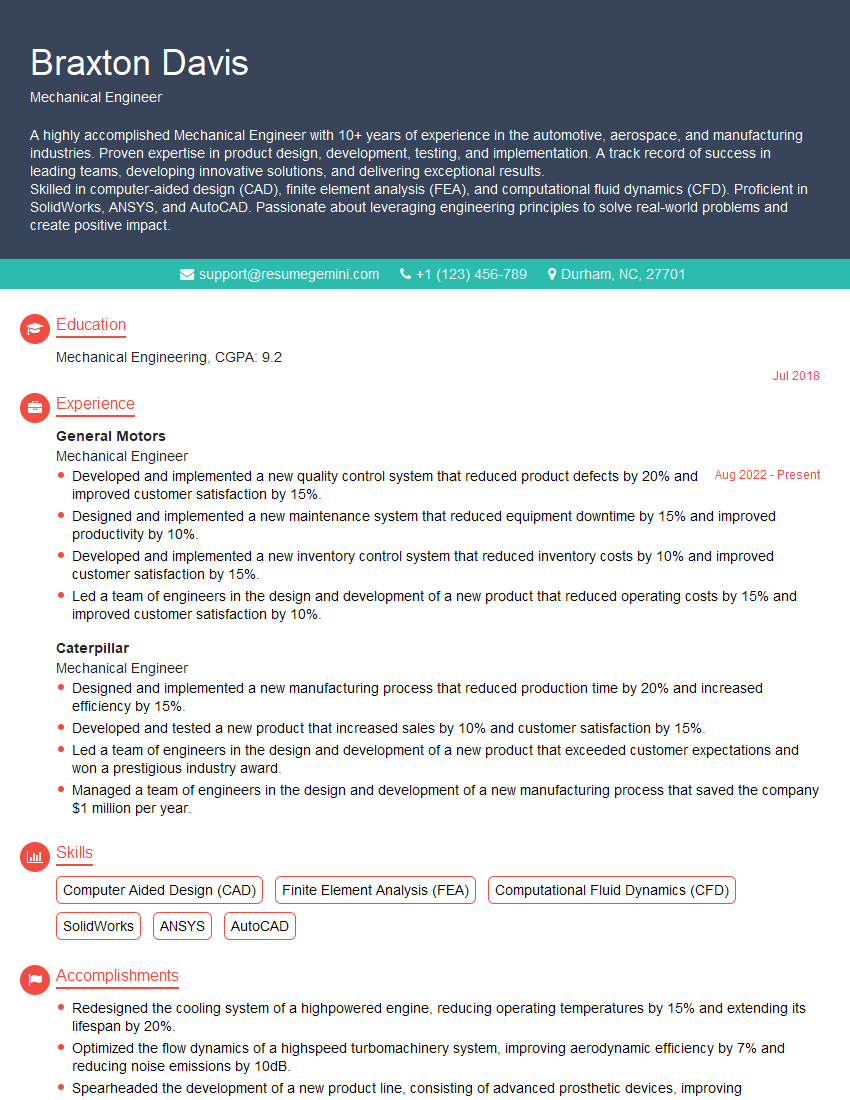
Mechanical Engineer Resume Sample
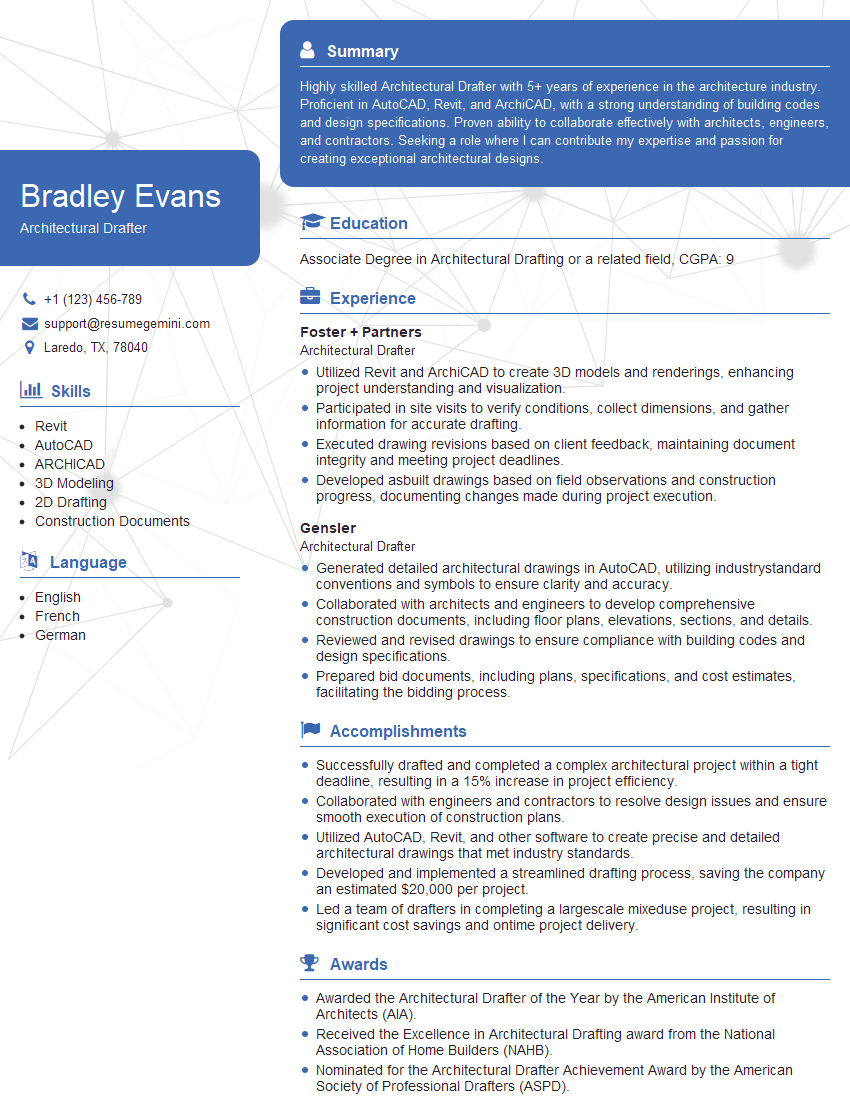
Architectural Drafter Resume Sample
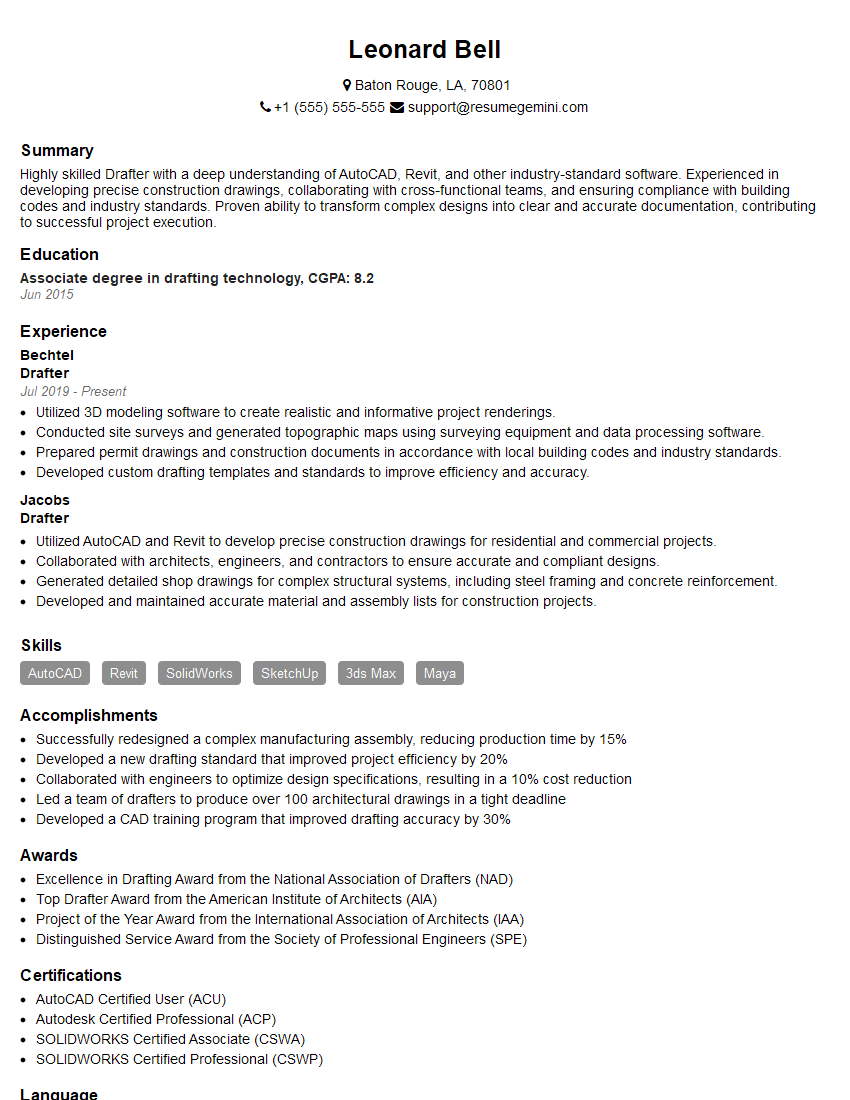
Drafter Resume Sample

Technical Designer Resume Sample

Technical Illustrator Resume Sample

Robotics Technician Resume Sample
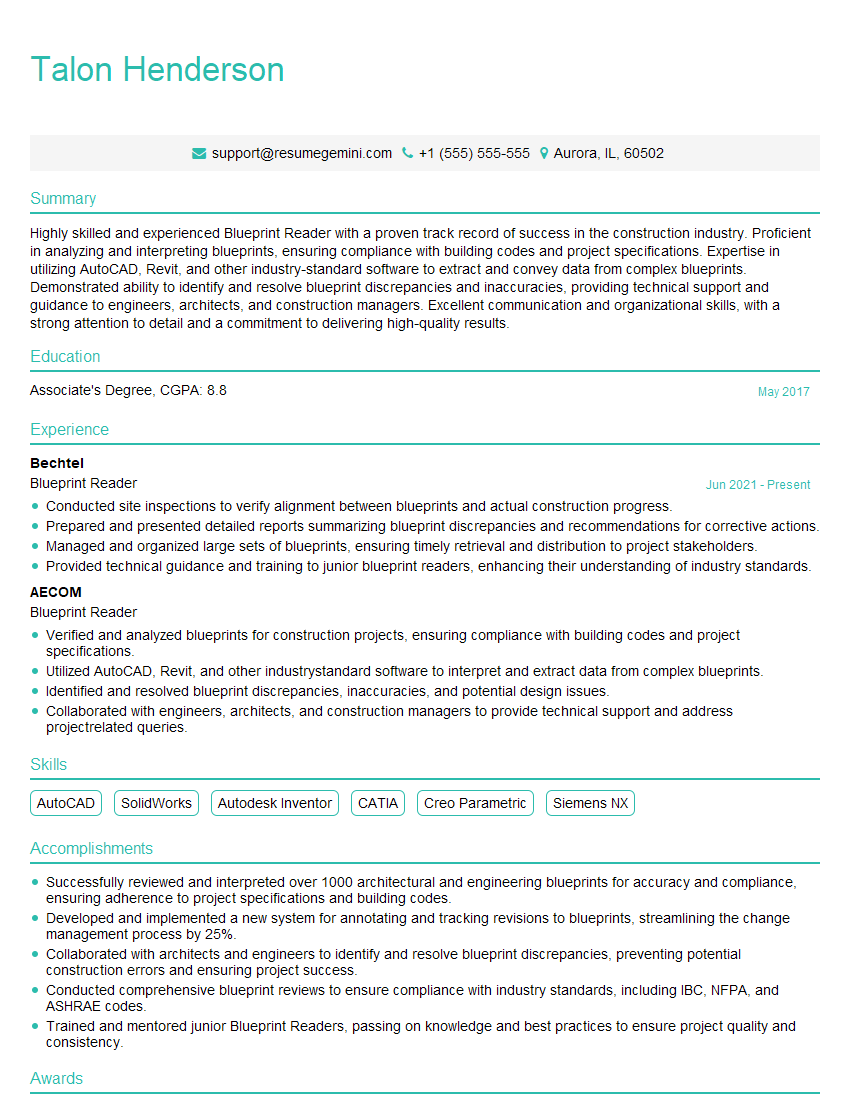
Blueprint Reader Resume Sample
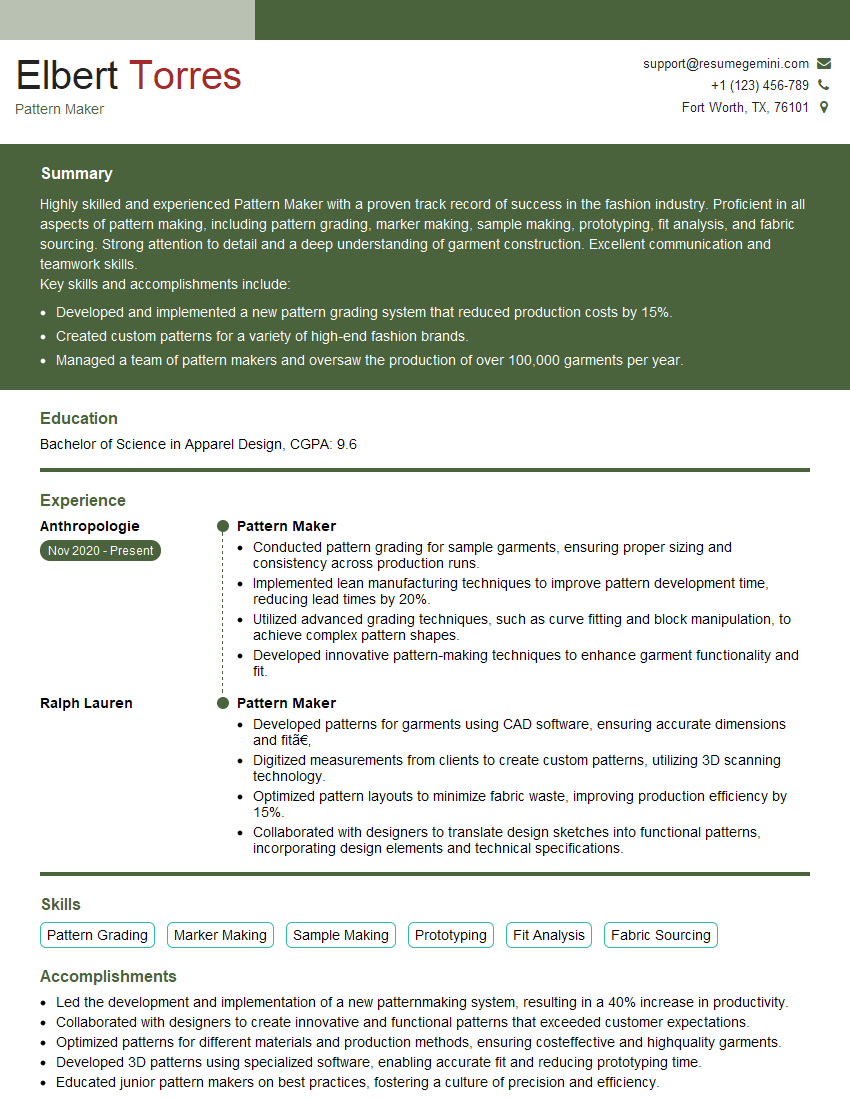
Pattern Maker Resume Sample

Quality Control Inspector Resume Sample
- Construction Manager
- Project Engineer
- Estimator
- Design Engineer
- Civil Engineer
- Structural Engineer
- Electrical Engineer
- Manufacturing Engineer
- Mechanical Engineer
- Architectural Drafter
- Drafter
- Technical Designer
- Technical Illustrator
- Robotics Technician
- Blueprint Reader
- Pattern Maker
- Quality Control Inspector
Explore more articles
Users Rating of Our Blogs
Share Your Experience
We value your feedback! Please rate our content and share your thoughts (optional).
What Readers Say About Our Blog
Attention music lovers!
Wow, All the best Sax Summer music !!!
Spotify: https://open.spotify.com/artist/6ShcdIT7rPVVaFEpgZQbUk
Apple Music: https://music.apple.com/fr/artist/jimmy-sax-black/1530501936
YouTube: https://music.youtube.com/browse/VLOLAK5uy_noClmC7abM6YpZsnySxRqt3LoalPf88No
Other Platforms and Free Downloads : https://fanlink.tv/jimmysaxblack
on google : https://www.google.com/search?q=22+AND+22+AND+22
on ChatGPT : https://chat.openai.com?q=who20jlJimmy20Black20Sax20Producer
Get back into the groove with Jimmy sax Black
Best regards,
Jimmy sax Black
www.jimmysaxblack.com
Hi I am a troller at The aquatic interview center and I suddenly went so fast in Roblox and it was gone when I reset.
Hi,
Business owners spend hours every week worrying about their website—or avoiding it because it feels overwhelming.
We’d like to take that off your plate:
$69/month. Everything handled.
Our team will:
Design a custom website—or completely overhaul your current one
Take care of hosting as an option
Handle edits and improvements—up to 60 minutes of work included every month
No setup fees, no annual commitments. Just a site that makes a strong first impression.
Find out if it’s right for you:
https://websolutionsgenius.com/awardwinningwebsites
Hello,
we currently offer a complimentary backlink and URL indexing test for search engine optimization professionals.
You can get complimentary indexing credits to test how link discovery works in practice.
No credit card is required and there is no recurring fee.
You can find details here:
https://wikipedia-backlinks.com/indexing/
Regards
NICE RESPONSE TO Q & A
hi
The aim of this message is regarding an unclaimed deposit of a deceased nationale that bears the same name as you. You are not relate to him as there are millions of people answering the names across around the world. But i will use my position to influence the release of the deposit to you for our mutual benefit.
Respond for full details and how to claim the deposit. This is 100% risk free. Send hello to my email id: lukachachibaialuka@gmail.com
Luka Chachibaialuka
Hey interviewgemini.com, just wanted to follow up on my last email.
We just launched Call the Monster, an parenting app that lets you summon friendly ‘monsters’ kids actually listen to.
We’re also running a giveaway for everyone who downloads the app. Since it’s brand new, there aren’t many users yet, which means you’ve got a much better chance of winning some great prizes.
You can check it out here: https://bit.ly/callamonsterapp
Or follow us on Instagram: https://www.instagram.com/callamonsterapp
Thanks,
Ryan
CEO – Call the Monster App
Hey interviewgemini.com, I saw your website and love your approach.
I just want this to look like spam email, but want to share something important to you. We just launched Call the Monster, a parenting app that lets you summon friendly ‘monsters’ kids actually listen to.
Parents are loving it for calming chaos before bedtime. Thought you might want to try it: https://bit.ly/callamonsterapp or just follow our fun monster lore on Instagram: https://www.instagram.com/callamonsterapp
Thanks,
Ryan
CEO – Call A Monster APP
To the interviewgemini.com Owner.
Dear interviewgemini.com Webmaster!
Hi interviewgemini.com Webmaster!
Dear interviewgemini.com Webmaster!
excellent
Hello,
We found issues with your domain’s email setup that may be sending your messages to spam or blocking them completely. InboxShield Mini shows you how to fix it in minutes — no tech skills required.
Scan your domain now for details: https://inboxshield-mini.com/
— Adam @ InboxShield Mini
support@inboxshield-mini.com
Reply STOP to unsubscribe
Hi, are you owner of interviewgemini.com? What if I told you I could help you find extra time in your schedule, reconnect with leads you didn’t even realize you missed, and bring in more “I want to work with you” conversations, without increasing your ad spend or hiring a full-time employee?
All with a flexible, budget-friendly service that could easily pay for itself. Sounds good?
Would it be nice to jump on a quick 10-minute call so I can show you exactly how we make this work?
Best,
Hapei
Marketing Director
Hey, I know you’re the owner of interviewgemini.com. I’ll be quick.
Fundraising for your business is tough and time-consuming. We make it easier by guaranteeing two private investor meetings each month, for six months. No demos, no pitch events – just direct introductions to active investors matched to your startup.
If youR17;re raising, this could help you build real momentum. Want me to send more info?
Hi, I represent an SEO company that specialises in getting you AI citations and higher rankings on Google. I’d like to offer you a 100% free SEO audit for your website. Would you be interested?
Hi, I represent an SEO company that specialises in getting you AI citations and higher rankings on Google. I’d like to offer you a 100% free SEO audit for your website. Would you be interested?