The thought of an interview can be nerve-wracking, but the right preparation can make all the difference. Explore this comprehensive guide to Advanced Understanding of Visual Communication interview questions and gain the confidence you need to showcase your abilities and secure the role.
Questions Asked in Advanced Understanding of Visual Communication Interview
Q 1. Explain the difference between visual hierarchy and visual weight.
Visual hierarchy and visual weight are closely related but distinct concepts in design. Visual hierarchy refers to the arrangement of elements to guide the viewer’s eye through a composition, emphasizing certain elements over others. Think of it as creating a path for the viewer’s gaze. Visual weight, on the other hand, is the perceived prominence of an element within a design. A heavier visual weight draws more attention. While size is a major contributor to visual weight, other factors like color, contrast, and texture also play a significant role.
For example, a large, brightly colored image will have more visual weight than a small, muted-toned text block. However, even a small, bold text element can have significant visual weight if it contrasts sharply with the background. A well-designed piece will use visual weight to support its visual hierarchy, guiding the viewer through the most important information first.
Q 2. Describe your process for creating a mood board for a design project.
Creating a mood board is crucial for establishing a design’s visual direction. My process typically involves these steps:
- Project Understanding: I begin by thoroughly understanding the project’s goals, target audience, and brand identity. What feeling or message are we trying to convey?
- Keyword Brainstorming: I brainstorm keywords and concepts related to the project. This might include adjectives describing the desired mood (e.g., elegant, playful, modern), and relevant themes.
- Image Gathering: I then actively search for images, textures, colors, and typography samples that evoke those keywords and the desired mood. I explore various sources such as Pinterest, design blogs, and stock photography websites.
- Arrangement and Refinement: I arrange the collected elements on a digital or physical board, experimenting with different layouts to find a cohesive visual narrative. This stage involves refining the selection, removing elements that don’t fit the overall aesthetic, and ensuring balance.
- Mood Board Presentation and Collaboration: Finally, I present the mood board to the client or team, allowing for collaborative refinement and feedback. This helps ensure everyone is on the same page before moving to the design phase.
For example, for a project focusing on a calm and serene spa, my mood board would include images of nature, calming colors (blues, greens), and flowing fonts.
Q 3. How do you ensure accessibility in your visual designs?
Accessibility is paramount in visual design. I ensure accessibility by following these guidelines:
- Sufficient Contrast: Using sufficient color contrast between text and background ensures readability for users with visual impairments. I use tools like WebAIM’s contrast checker to verify sufficient contrast ratios.
- Alternative Text for Images: All images should have descriptive alternative text (alt text) that conveys the image’s meaning to screen readers used by visually impaired individuals.
- Clear and Concise Typography: Choosing legible fonts, appropriate font sizes, and ample line spacing enhances readability for everyone, particularly those with dyslexia or other reading difficulties.
- Keyboard Navigation: All interactive elements should be navigable using a keyboard, crucial for users with motor impairments.
- Color Blindness Considerations: I use color palettes that are distinguishable for individuals with various forms of color blindness. Tools and simulations are available to test color combinations for this.
By considering these factors, I create designs that are usable and enjoyable for a wider audience, promoting inclusivity.
Q 4. What are some common Gestalt principles and how do they impact design?
Gestalt principles are rules of perception that describe how humans group and interpret visual elements. They’re crucial for creating effective designs.
- Proximity: Elements placed close together are perceived as a group. This is often used to create visual groupings and sections within a layout.
- Similarity: Similar elements (e.g., same shape, color, size) are perceived as belonging together. This can be used to create visual harmony and organization.
- Closure: Our brains tend to complete incomplete shapes or patterns. Designers utilize this to create impactful imagery even with minimal elements.
- Continuity: The eye tends to follow lines and curves. This is used to guide the viewer’s eye through a design, creating a sense of flow.
- Figure/Ground: The relationship between the main focus (figure) and its background (ground). Effective figure/ground relationships ensure the main message stands out clearly.
For instance, using proximity, we can group related items in a product catalog to make it easier for users to scan and find what they are looking for.
Q 5. Explain the role of typography in effective visual communication.
Typography is more than just selecting a font; it’s a powerful tool for visual communication. The right typeface and its implementation dramatically affect readability, tone, and overall impact.
- Readability: Font choice, size, line height, and kerning significantly influence readability. Legible typefaces make information accessible and prevent visual fatigue.
- Tone and Mood: Different typefaces convey different moods. Serif fonts might suggest tradition and elegance, while sans-serif fonts often appear modern and clean.
- Hierarchy and Emphasis: Varying font sizes, weights, and styles create visual hierarchy, drawing attention to important information.
- Brand Identity: Typography plays a crucial role in establishing and reinforcing a brand’s visual identity. Consistent typeface usage across all brand materials creates a unified brand experience.
Consider a website for a law firm: a serif typeface might convey authority and trustworthiness, while a startup might opt for a modern sans-serif font to showcase innovation.
Q 6. Discuss the importance of color theory in visual design.
Color theory is fundamental to visual design, affecting emotions, perceptions, and overall message. Understanding color relationships is key to creating effective and appealing designs.
- Color Psychology: Different colors evoke different emotions and associations (e.g., blue often represents calmness, red energy). Using color strategically can influence user perception and behavior.
- Color Harmonies: Understanding color harmonies (complementary, analogous, triadic, etc.) ensures visually pleasing and balanced color palettes. These harmonies create visual interest without overwhelming the viewer.
- Color Contrast: Sufficient contrast between colors ensures readability and accessibility. This is particularly important for text and background combinations.
- Color Temperature: Warm colors (reds, oranges, yellows) tend to feel inviting and energetic, while cool colors (blues, greens, purples) are often associated with calmness and serenity.
For instance, a website for a children’s toy store might use bright, playful colors, while a website for a financial institution might opt for more subdued, trustworthy colors.
Q 7. How do you use visual metaphors effectively?
Visual metaphors use imagery to represent abstract concepts or ideas, making them more relatable and easily understandable. Effective visual metaphors create a strong connection between the image and the intended message, enhancing communication impact.
- Conceptual Clarity: The metaphor should be clear and easily understood by the target audience. Avoid overly complex or ambiguous imagery.
- Visual Relevance: The chosen image must have a strong visual connection to the concept being represented.
- Contextual Appropriateness: The metaphor should fit the overall design and its message. It shouldn’t clash with the style or tone.
- Cultural Sensitivity: Consider the cultural context and ensure the metaphor is universally understood and doesn’t carry negative connotations in different cultures.
For example, using an upward-pointing arrow to represent growth or a lightbulb to represent an idea are effective and widely understood visual metaphors.
Q 8. Describe your experience with different design software (e.g., Adobe Creative Suite).
My proficiency in design software is extensive, encompassing the Adobe Creative Suite (Photoshop, Illustrator, InDesign, After Effects) as well as Figma and Sketch. I’ve utilized Photoshop for advanced image manipulation, retouching, and compositing, creating everything from website banners to detailed product mockups. Illustrator has been instrumental in crafting scalable vector graphics for logos, icons, and illustrations, ensuring crispness at any size. InDesign is my go-to for layout and typography, crucial for designing brochures, reports, and other print materials. I leverage After Effects for motion graphics and animation, adding dynamic elements to videos and presentations. Figma and Sketch are essential for collaborative projects and rapid prototyping, allowing me to iterate quickly and efficiently. My experience spans across various projects, from print design to web design and even interactive installations, each requiring a nuanced understanding and application of these tools.
For example, in a recent project designing a marketing campaign for a sustainable fashion brand, I used Illustrator to create the brand’s logo and accompanying social media assets, ensuring consistent branding across all platforms. Then, I utilized InDesign to design the print advertisements, carefully considering typography and layout to convey the brand’s message effectively. Finally, I employed After Effects to create short animated explainer videos for use on their website.
Q 9. How do you handle feedback and criticism on your visual designs?
Handling feedback is a cornerstone of effective design. I approach it as a collaborative process, not a personal critique. I actively listen to understand the concerns, asking clarifying questions to ensure I fully grasp the perspective. I separate constructive criticism from subjective opinions, focusing on actionable insights. I document all feedback, organizing it into themes and priorities, enabling a structured approach to revisions. My process includes visualising proposed changes with quick mock-ups, allowing for further discussion and refinement before committing to significant alterations. I believe the best designs emerge through a thoughtful integration of feedback and a deep understanding of the user needs.
For instance, if a client expresses concern about the readability of text on a website, I wouldn’t simply dismiss it. Instead, I’d analyze the font choice, size, and contrast, potentially adjusting these elements to enhance readability and share revised mockups demonstrating the changes. This iterative process ensures the final design addresses all concerns effectively.
Q 10. Explain your understanding of user-centered design principles.
User-centered design (UCD) places the user at the heart of the design process. It’s about understanding user needs, behaviors, and context through research and using this information to guide design decisions. Key principles include:
- Empathy: Deeply understanding the user’s perspective, motivations, and frustrations.
- Iteration: Continuously refining designs based on user feedback.
- Accessibility: Designing for inclusivity, ensuring usability for users with disabilities.
- Usability: Creating designs that are easy to learn, efficient to use, and memorable.
- Testing: Evaluating design effectiveness through user testing and data analysis.
Ignoring UCD principles can lead to designs that are frustrating, inefficient, or inaccessible to a significant portion of the target audience. A successful UCD approach ensures that designs meet user needs effectively and create a positive user experience.
Q 11. How do you conduct user research to inform your design decisions?
User research is crucial for informed design decisions. My approach involves a mixed-methods strategy, combining quantitative and qualitative data. This includes:
- User interviews: Conducting one-on-one interviews to gather in-depth insights into user needs and experiences.
- Surveys: Employing online surveys to collect data from a larger sample size and gather quantitative feedback.
- Usability testing: Observing users interacting with prototypes to identify pain points and areas for improvement.
- A/B testing: Comparing different design variations to determine which performs better in terms of user engagement and conversion rates.
- Competitive analysis: Analyzing competitor designs to identify best practices and potential areas for differentiation.
The data gathered from these methods informs design decisions and helps to validate design assumptions, ensuring the final product effectively meets the needs of the target audience.
Q 12. What is your process for iterating on a design based on user feedback?
Iterating on a design based on user feedback is an ongoing process. I use a structured approach:
- Analyze feedback: Identify common themes and patterns in the feedback received.
- Prioritize changes: Determine which feedback items have the biggest impact on the user experience and address those first.
- Develop prototypes: Create low-fidelity prototypes to visualize and test potential design changes.
- Test prototypes: Conduct further user testing with the revised prototypes to validate changes and identify any new issues.
- Refine designs: Based on testing results, further refine the design, iterating on the process until desired outcomes are achieved.
This iterative approach ensures the final design is well-tested, user-friendly and meets the needs of the target audience. This might involve several rounds of refinement and testing until the desired level of user satisfaction is reached.
Q 13. Describe a time you had to solve a complex visual communication problem.
I once faced a challenge designing an infographic explaining complex financial data for a non-specialist audience. The initial designs were cluttered and overwhelming, failing to communicate the key information effectively. To solve this, I simplified the data, focusing on the most crucial elements and using clear, concise language. I implemented a visual hierarchy, using color, size, and position to guide the reader’s eye and emphasize important points. I replaced dense text blocks with clear visuals, like charts and graphs, making the information easier to digest. Finally, I used a consistent color palette and visual style throughout the infographic, creating a cohesive and professional look. The revised infographic was significantly more effective, improving comprehension and engagement among the target audience.
Q 14. How do you ensure consistency in branding across different platforms?
Maintaining brand consistency across different platforms requires a well-defined brand style guide. This document serves as a central repository for all brand assets, including:
- Logo variations: Different versions of the logo for various applications.
- Color palette: Specific hex codes for primary and secondary brand colors.
- Typography: Specified fonts and their usage guidelines.
- Imagery guidelines: Style and tone of imagery used across platforms.
- Voice and tone guidelines: Guidelines on the brand’s voice and tone across different content formats.
By establishing this guide and providing it to all designers and content creators, we can ensure a unified brand identity across websites, social media, print materials, and other platforms. Regular reviews and updates to the guide are essential to maintain consistency and reflect evolving brand needs.
Q 15. What are some current trends in visual communication?
Current trends in visual communication are heavily influenced by technological advancements and evolving societal needs. We’re seeing a significant rise in:
- Motion Graphics and Animation: Videos and animated explainers are becoming increasingly prevalent, particularly for online content and marketing. Think short, engaging explainer videos on social media or product demos using 3D animation.
- Interactive Design: Users expect more dynamic engagement. This includes elements like micro-interactions, parallax scrolling, and interactive data visualizations that respond to user input, offering a richer experience.
- Inclusive Design: A focus on accessibility is paramount. This involves considerations like color contrast for visually impaired users, alternative text for images, and ensuring designs are usable across various devices and platforms.
- Minimalism and Flat Design: While styles change, the focus on clean lines, simplified imagery, and a reduced color palette continues to be influential. This contributes to improved readability and faster loading times, crucial for online experiences.
- Augmented Reality (AR) and Virtual Reality (VR): These technologies are transforming how we interact with visual information, offering immersive experiences for marketing, education, and entertainment. Imagine trying on clothes virtually using an AR app or experiencing a virtual museum tour using VR.
These trends highlight a shift towards dynamic, engaging, and accessible visual communication that leverages technology to connect with audiences on a deeper level.
Career Expert Tips:
- Ace those interviews! Prepare effectively by reviewing the Top 50 Most Common Interview Questions on ResumeGemini.
- Navigate your job search with confidence! Explore a wide range of Career Tips on ResumeGemini. Learn about common challenges and recommendations to overcome them.
- Craft the perfect resume! Master the Art of Resume Writing with ResumeGemini’s guide. Showcase your unique qualifications and achievements effectively.
- Don’t miss out on holiday savings! Build your dream resume with ResumeGemini’s ATS optimized templates.
Q 16. How do you stay up-to-date with the latest design software and techniques?
Staying current in the rapidly evolving world of design software and techniques requires a multi-pronged approach. I actively engage in:
- Online Courses and Tutorials: Platforms like Skillshare, Udemy, and LinkedIn Learning offer excellent courses on the latest software and techniques. I regularly take courses to update my skills in programs like Adobe Creative Suite, Figma, and other specialized tools.
- Industry Blogs and Publications: I follow reputable design blogs and publications like AIGA Eye on Design, Creative Bloq, and Smashing Magazine to stay informed about new trends and best practices.
- Design Communities and Forums: Participating in online communities like Behance and Dribbble allows me to see what other designers are creating, learn from their experiences, and participate in discussions.
- Conferences and Workshops: Attending industry conferences and workshops provides opportunities for networking and learning directly from leading designers and experts.
- Experimentation and Practice: I believe the best way to learn is by doing. I dedicate time to experimenting with new software and techniques, applying them to personal projects to solidify my understanding.
This combination of formal and informal learning ensures I remain at the forefront of the design landscape.
Q 17. How do you balance aesthetics and functionality in your designs?
Balancing aesthetics and functionality is crucial for effective visual communication. A beautiful design that’s unusable is just as ineffective as a functional design that’s unattractive. I approach this balance using a user-centered design process:
- Understanding User Needs: Before even considering aesthetics, I thoroughly research the target audience and their needs. What information do they need? How will they interact with the design?
- Information Architecture: I carefully organize the information, ensuring it’s presented logically and intuitively. This might involve creating sitemaps, wireframes, or user flows.
- Iterative Design: I create multiple design iterations, testing each version with users to gather feedback and refine the design for both aesthetics and usability. This ensures that the design is both appealing and effective.
- Accessibility Considerations: Incorporating accessibility principles from the outset helps ensure the design is usable by a wider audience, without compromising the aesthetic appeal.
- Prioritization: Sometimes, functionality must take precedence over purely aesthetic choices. For instance, a clear call to action might be more important than a visually intricate background.
By consistently prioritizing user needs and conducting thorough testing, I can create designs that are both visually appealing and highly effective.
Q 18. Explain your understanding of visual storytelling.
Visual storytelling is the art of using visual elements to communicate a narrative, evoke emotions, and connect with an audience. It’s more than just creating pretty pictures; it’s about crafting a compelling story that resonates on an emotional level.
Effective visual storytelling utilizes several key elements:
- Composition: How visual elements are arranged influences the narrative. Leading lines, rule of thirds, and other compositional techniques guide the viewer’s eye and create visual interest.
- Color Palette: Colors evoke emotions and create atmosphere. A warm color palette might convey happiness, while cool colors might suggest calmness or serenity.
- Imagery: Choosing appropriate imagery is crucial. Images should support the narrative and evoke the desired emotions. For example, a close-up shot might create intimacy, while a wide shot might convey vastness.
- Typography: Font choices contribute to the overall tone and style. A serif font might feel classic and sophisticated, while a sans-serif font might feel modern and minimalist.
- Sequencing: The order in which visual elements are presented is vital in guiding the viewer through the story.
Consider a children’s book: Each illustration tells a piece of the story, moving the narrative forward and building anticipation. Visual storytelling can be applied to various mediums, from websites and advertisements to documentaries and infographics.
Q 19. How do you measure the effectiveness of your visual designs?
Measuring the effectiveness of visual designs depends heavily on the design’s purpose. There are several methods I employ:
- Analytics (for digital designs): Website analytics (Google Analytics, etc.) provide data on user engagement, including time spent on pages, bounce rates, and click-through rates. This data helps assess how effectively the design guides users through the intended actions.
- A/B Testing: Comparing different versions of a design (A/B testing) allows us to identify which design elements are more effective in achieving specific goals (e.g., increased conversion rates).
- User Feedback: Collecting user feedback through surveys, usability testing, or heatmaps provides valuable insights into user experience and identifies areas for improvement.
- Key Performance Indicators (KPIs): Defining specific KPIs (like conversion rates, brand awareness, or customer satisfaction) before starting the design process allows for measurable evaluation after the launch.
- Qualitative Assessments: Gathering subjective feedback on the design’s aesthetic appeal and emotional impact through interviews or focus groups provides a holistic perspective.
A combination of quantitative and qualitative data provides a comprehensive understanding of a design’s effectiveness. For example, a high conversion rate on a website might indicate effective design, but user feedback might suggest areas where the user experience could be enhanced for even better results.
Q 20. Discuss your experience with data visualization techniques.
Data visualization is the process of presenting data in a visual format to facilitate understanding and decision-making. My experience encompasses various techniques:
- Charts and Graphs: I use a variety of charts (bar charts, line graphs, pie charts, scatter plots) and graphs to represent different types of data. The choice of chart depends on the type of data and the message to be conveyed.
- Infographics: Combining visuals, text, and data to tell a story. Infographics are particularly effective for communicating complex information concisely and engagingly.
- Interactive Data Visualizations: These allow users to explore data dynamically, often involving filters, zooming, and other interactive features. This deeper level of engagement allows for greater understanding and data exploration.
- Geographic Information Systems (GIS): For location-based data, I utilize GIS mapping to visualize spatial patterns and relationships.
- Dashboard Design: Creating dashboards to present key metrics and data points to facilitate decision-making and monitoring. Dashboards are commonly used for business intelligence and data analysis.
For instance, I recently created an interactive dashboard for a client showing sales trends over time, broken down by region and product category. This allowed the client to easily identify top-performing products and regions, guiding strategic decisions.
Q 21. How do you create visual designs that are both engaging and informative?
Creating designs that are both engaging and informative requires a careful balance of aesthetic appeal and clear communication. My approach involves:
- Storytelling: Framing the information within a compelling narrative helps maintain user interest and aids comprehension. A well-structured story guides the viewer through the information logically and emotionally.
- Visual Hierarchy: Using size, color, and placement to guide the viewer’s attention towards the most important information. This ensures that key takeaways are easily identified and understood.
- White Space: Strategic use of white space (negative space) improves readability and makes the design feel less cluttered. It creates visual breathing room.
- Appropriate Typography: Choosing legible fonts and appropriate font sizes contributes to readability and creates a positive visual experience.
- Interactive Elements: Incorporating interactive elements, where appropriate, allows users to actively engage with the design, promoting a deeper understanding of the information. This could involve animations, interactive charts, or quizzes.
For example, I designed an infographic explaining a complex scientific concept. By using simple icons, a clear visual hierarchy, and a concise narrative, I transformed complex data into an easily digestible and engaging format.
Q 22. Describe your workflow for managing a design project from start to finish.
My design workflow is a meticulous process, focusing on clarity and iterative improvement. It starts with a deep understanding of the project’s objectives, target audience, and brand identity. This initial research phase informs every subsequent step.
- Discovery & Research: I conduct thorough research, including competitor analysis, user research (interviews, surveys), and defining key performance indicators (KPIs).
- Ideation & Sketching: I generate multiple concepts through sketching and brainstorming, exploring different visual directions and solutions. This phase allows for free thinking and the exploration of unconventional ideas.
- Wireframing & Prototyping: I create low-fidelity wireframes to map out the user interface (UI) and user experience (UX) flow. These are then refined into interactive prototypes using tools like Figma or Adobe XD, enabling testing and iteration.
- Design & Visual Refinement: This stage involves creating high-fidelity mockups, focusing on visual design elements like typography, color palettes, imagery, and overall aesthetic. Feedback is crucial here.
- Testing & Iteration: User testing is crucial throughout the process, allowing for feedback-driven improvements. This iterative approach ensures the final design meets its goals and is user-friendly.
- Implementation & Delivery: I work closely with developers to ensure a seamless transition from design to development. This often includes providing design specifications and assets.
For example, in a recent project for a health app, the initial research phase revealed a need for a calming and trustworthy design. This informed the choice of color palettes and imagery throughout the design process.
Q 23. How do you collaborate effectively with other designers and stakeholders?
Effective collaboration is paramount. My approach focuses on open communication, active listening, and a shared understanding of goals. I leverage various tools and strategies to ensure smooth teamwork.
- Regular Communication: I maintain consistent communication with all stakeholders through daily stand-ups, weekly progress reports, and regular design reviews.
- Version Control & Feedback Tools: I utilize collaborative design tools like Figma or Adobe XD which allow for real-time feedback and version control. This keeps everyone on the same page and prevents confusion.
- Clear Roles & Responsibilities: Establishing clear roles and responsibilities from the outset prevents conflicts and ensures everyone knows their contribution.
- Constructive Criticism: I foster an environment where constructive criticism is encouraged and embraced. I value diverse perspectives and see feedback as an opportunity for improvement.
In a recent project, we used a shared online whiteboard to brainstorm ideas, allowing all stakeholders to contribute simultaneously and visually track the progress of our ideation process.
Q 24. How do you handle tight deadlines and pressure?
Handling tight deadlines and pressure requires a structured approach and prioritization skills. Panic is the enemy of productivity. My strategy involves careful planning, efficient time management, and proactive communication.
- Prioritization: I prioritize tasks based on their criticality and deadlines using tools like Trello or Asana.
- Time Blocking: I allocate specific time blocks for different tasks, minimizing distractions and maximizing focus.
- Effective Delegation: When possible, I delegate tasks to team members to leverage collective expertise and efficiency.
- Open Communication: I proactively communicate potential challenges or delays to stakeholders, ensuring transparency and collaboration in finding solutions.
- Break Down Complex Tasks: I break down large tasks into smaller, manageable chunks, making the overall project less daunting and easier to track progress.
For example, during a particularly tight deadline, I identified the most critical elements and focused my efforts there, ensuring the core functionality and design were completed before tackling less important features.
Q 25. What is your design philosophy?
My design philosophy centers around user-centricity, simplicity, and impactful storytelling. I believe design should be intuitive, accessible, and emotionally resonant.
- User-Centricity: The user is always at the heart of my design process. I strive to create designs that are not just visually appealing but also solve user problems and meet their needs effectively.
- Simplicity: I favor clean and uncluttered designs that are easy to understand and navigate. Complexity should be avoided whenever possible.
- Impactful Storytelling: I believe design is a powerful tool for storytelling. I use visual elements to create a narrative that connects with the audience on an emotional level.
- Accessibility: I design with accessibility in mind, ensuring my designs are inclusive and usable for everyone, regardless of their abilities.
This philosophy guides my decision-making process at every stage, from initial concept development to final execution. A recent project involved designing a website for a non-profit; simplicity and clarity were paramount to ensure accessibility and ease of understanding for a wide range of users.
Q 26. Describe a time you had to adapt your design approach to a new challenge.
I once faced the challenge of designing a mobile application for a client who wanted a highly interactive, feature-rich experience, yet their budget and timeline were severely limited. My initial approach, focused on elaborate animations and custom illustrations, proved unsustainable.
I had to adapt by focusing on core functionalities and prioritizing essential features. I streamlined the UI by simplifying navigation and reducing visual clutter. Instead of custom illustrations, I used high-quality stock photography and icons. This allowed me to deliver a functional and visually appealing app within the constraints.
The result was a successful launch, proving that adapting to constraints can lead to innovative solutions. It taught me the importance of flexibility and prioritization in design, especially within project limitations.
Q 27. Explain your understanding of responsive design and cross-platform compatibility.
Responsive design is the practice of building websites and applications that adapt seamlessly to different screen sizes and devices. Cross-platform compatibility ensures the application functions correctly across various operating systems and browsers.
- Responsive Design: This is achieved primarily through flexible layouts, responsive images, and CSS media queries.
@media (max-width: 768px) { /* Styles for smaller screens */ }This code snippet shows a simple media query that applies specific styles when the screen width is less than 768 pixels. - Cross-Platform Compatibility: This involves using standardized web technologies (HTML, CSS, JavaScript), testing across different browsers and devices, and employing platform-specific techniques when necessary. For example, understanding the nuances of iOS and Android UI design patterns is vital for creating native-like experiences on mobile devices.
A lack of responsive design can result in a poor user experience, with content being unreadable or difficult to navigate on smaller screens. Similarly, cross-platform incompatibility can lead to application crashes or broken functionality, significantly impacting user satisfaction.
In my work, I always prioritize responsive and cross-platform compatible designs to ensure a consistent and optimal user experience across all devices and platforms.
Key Topics to Learn for Advanced Understanding of Visual Communication Interview
- Semiotics and Visual Rhetoric: Understanding how images create meaning and persuade audiences. Explore different semiotic systems and analyze how they impact communication strategies.
- Design Principles and Theories: Mastering principles like Gestalt, composition, and visual hierarchy. Apply these theories to analyze and critique existing designs, and create effective visual solutions for various media.
- Visual Perception and Cognition: Knowing how the human brain processes visual information. This includes understanding factors like color psychology, typography, and the impact of different visual formats on comprehension and recall.
- Cross-Cultural Visual Communication: Analyzing the impact of cultural context on visual interpretation. Discuss strategies for designing effective and inclusive visuals across diverse audiences.
- Digital Media and Visual Storytelling: Understanding the unique challenges and opportunities presented by digital platforms. Explore effective visual storytelling techniques for websites, social media, and interactive experiences.
- Accessibility and Inclusive Design: Designing visual communication that is accessible to all users, regardless of ability. This includes considering color contrast, alternative text, and other accessibility best practices.
- Data Visualization and Infographics: Effectively communicating complex data through visual means. Explore different chart types, design principles, and best practices for creating clear and impactful data visualizations.
- Case Study Analysis & Critique: Develop skills in critically analyzing successful (and unsuccessful) visual communication campaigns. This includes understanding the design process, target audience, and overall effectiveness.
Next Steps
Mastering Advanced Understanding of Visual Communication is crucial for career advancement in fields like design, marketing, and user experience. A strong grasp of these concepts will make you a highly sought-after candidate. To maximize your job prospects, create an ATS-friendly resume that showcases your skills and experience effectively. ResumeGemini is a trusted resource that can help you build a professional and impactful resume. Examples of resumes tailored to Advanced Understanding of Visual Communication are available, providing you with valuable templates and guidance.

Art Director Resume Sample

Creative Director Resume Sample

Information Architect Resume Sample

Web Designer Resume Sample

Multimedia Specialist Resume Sample

Instructional Designer Resume Sample

Graphic Designer Resume Sample
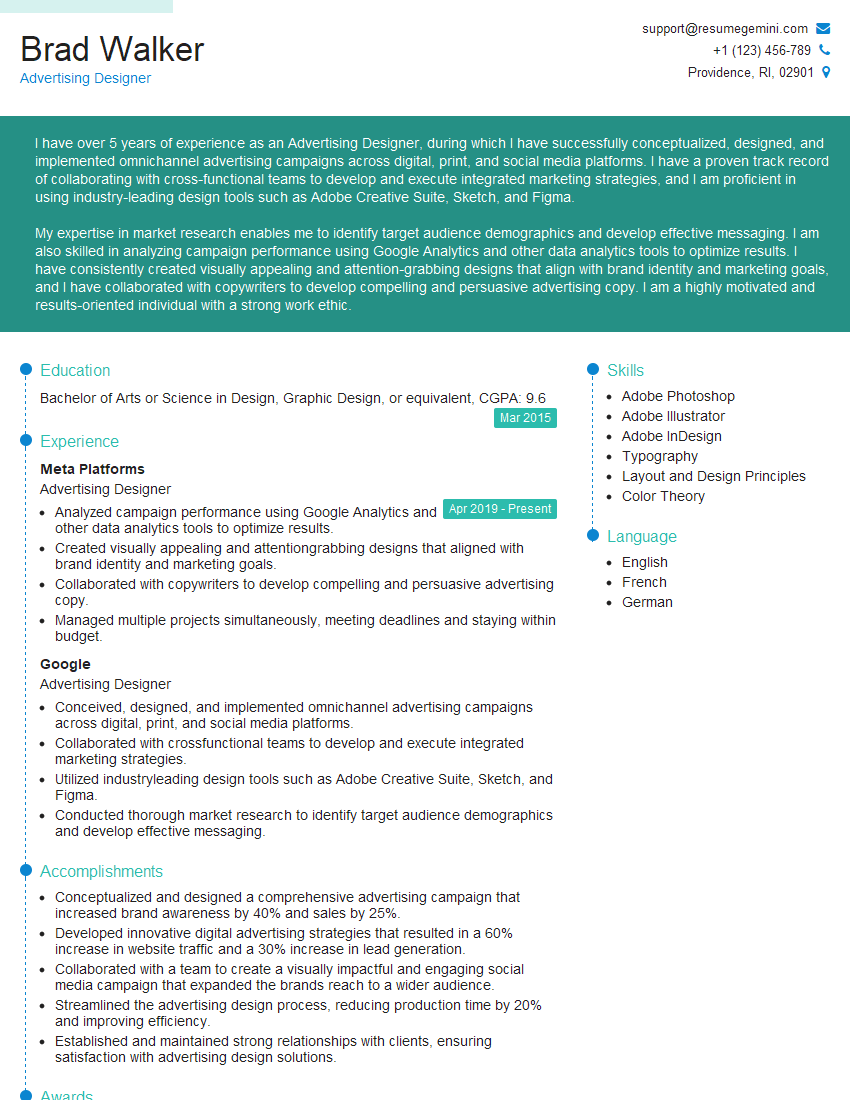
Advertising Designer Resume Sample
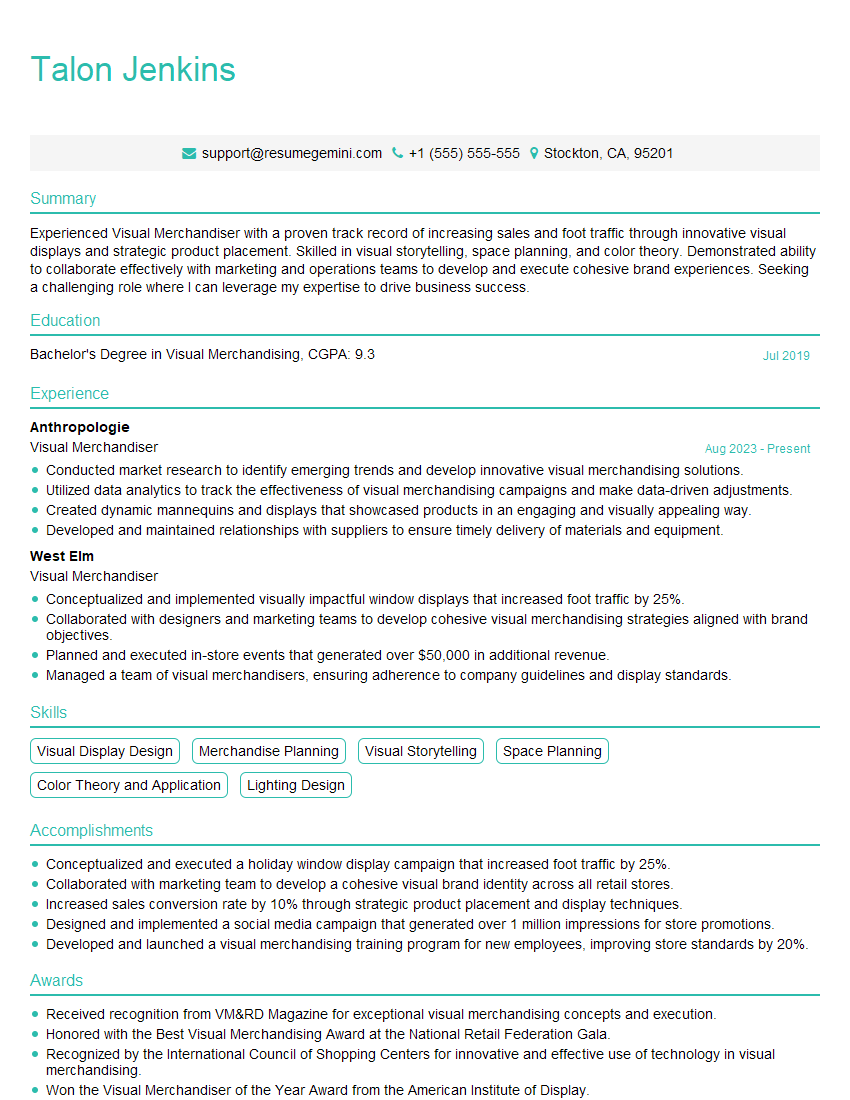
Visual Merchandiser Resume Sample
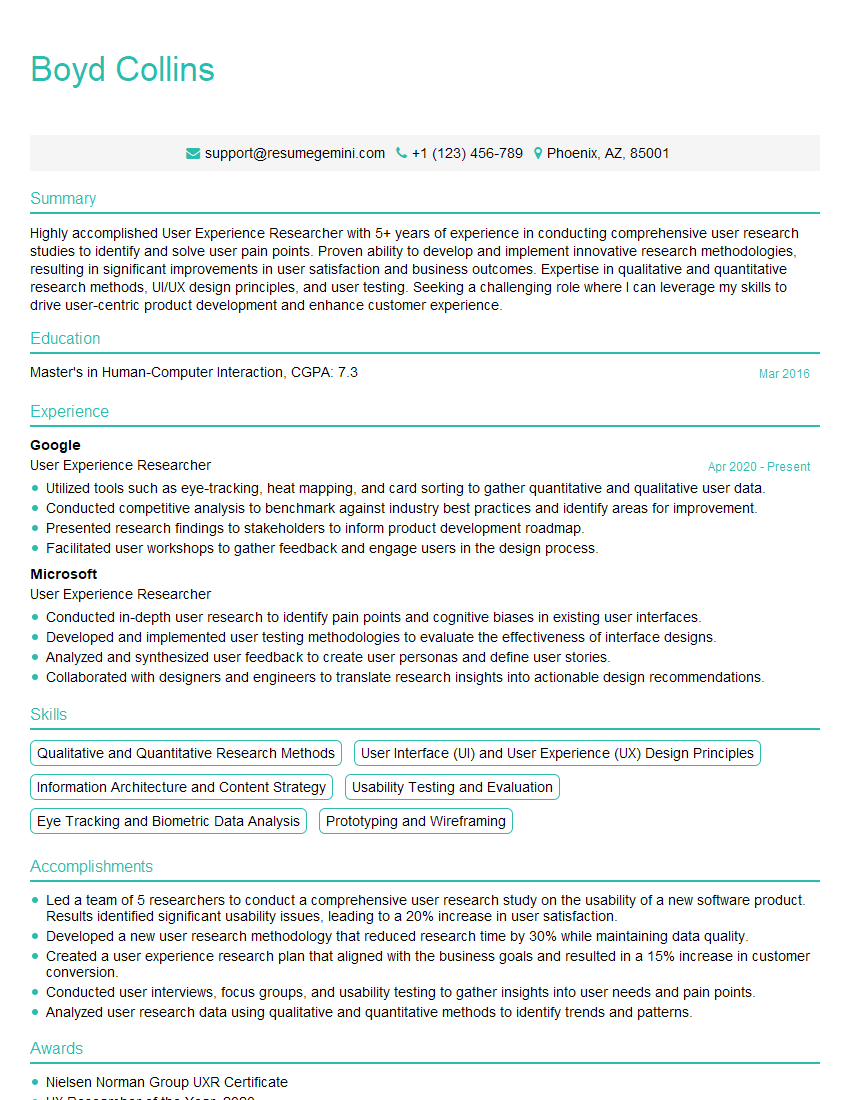
User Experience Researcher Resume Sample
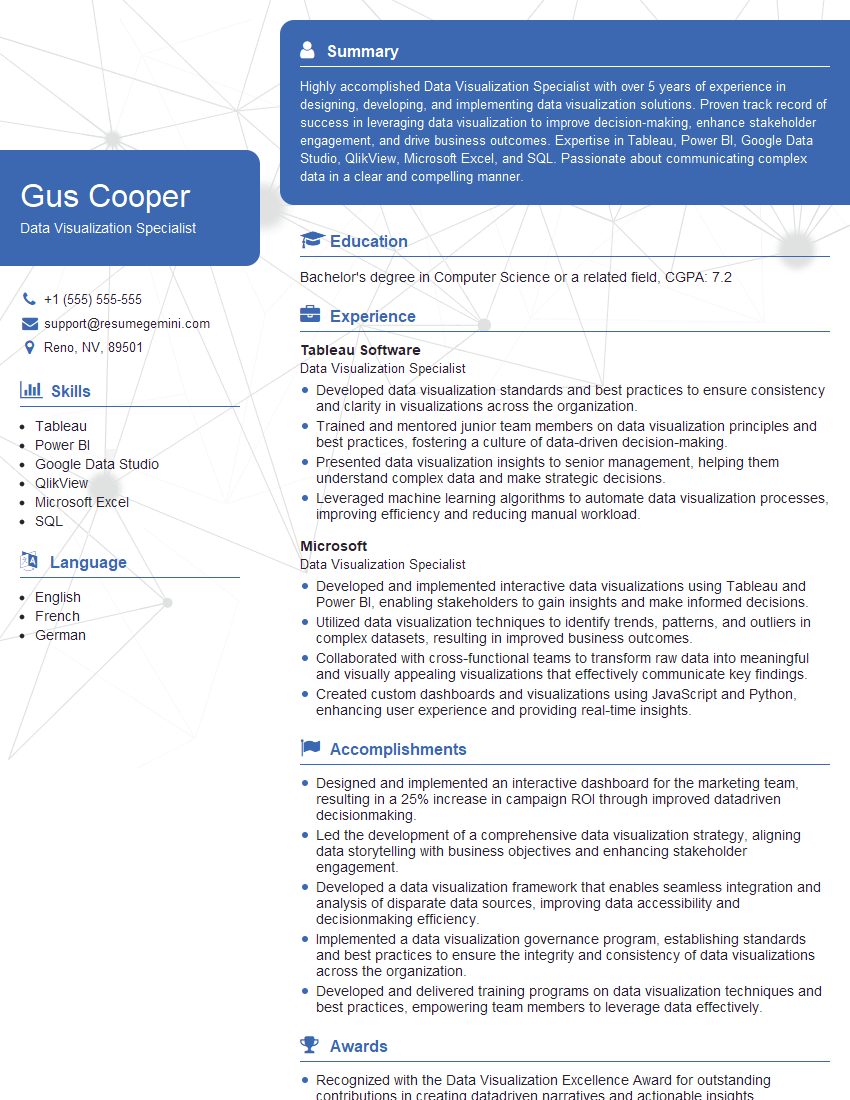
Data Visualization Specialist Resume Sample
Explore more articles
Users Rating of Our Blogs
Share Your Experience
We value your feedback! Please rate our content and share your thoughts (optional).
What Readers Say About Our Blog
Attention music lovers!
Wow, All the best Sax Summer music !!!
Spotify: https://open.spotify.com/artist/6ShcdIT7rPVVaFEpgZQbUk
Apple Music: https://music.apple.com/fr/artist/jimmy-sax-black/1530501936
YouTube: https://music.youtube.com/browse/VLOLAK5uy_noClmC7abM6YpZsnySxRqt3LoalPf88No
Other Platforms and Free Downloads : https://fanlink.tv/jimmysaxblack
on google : https://www.google.com/search?q=22+AND+22+AND+22
on ChatGPT : https://chat.openai.com?q=who20jlJimmy20Black20Sax20Producer
Get back into the groove with Jimmy sax Black
Best regards,
Jimmy sax Black
www.jimmysaxblack.com
Hi I am a troller at The aquatic interview center and I suddenly went so fast in Roblox and it was gone when I reset.
Hi,
Business owners spend hours every week worrying about their website—or avoiding it because it feels overwhelming.
We’d like to take that off your plate:
$69/month. Everything handled.
Our team will:
Design a custom website—or completely overhaul your current one
Take care of hosting as an option
Handle edits and improvements—up to 60 minutes of work included every month
No setup fees, no annual commitments. Just a site that makes a strong first impression.
Find out if it’s right for you:
https://websolutionsgenius.com/awardwinningwebsites
Hello,
we currently offer a complimentary backlink and URL indexing test for search engine optimization professionals.
You can get complimentary indexing credits to test how link discovery works in practice.
No credit card is required and there is no recurring fee.
You can find details here:
https://wikipedia-backlinks.com/indexing/
Regards
NICE RESPONSE TO Q & A
hi
The aim of this message is regarding an unclaimed deposit of a deceased nationale that bears the same name as you. You are not relate to him as there are millions of people answering the names across around the world. But i will use my position to influence the release of the deposit to you for our mutual benefit.
Respond for full details and how to claim the deposit. This is 100% risk free. Send hello to my email id: lukachachibaialuka@gmail.com
Luka Chachibaialuka
Hey interviewgemini.com, just wanted to follow up on my last email.
We just launched Call the Monster, an parenting app that lets you summon friendly ‘monsters’ kids actually listen to.
We’re also running a giveaway for everyone who downloads the app. Since it’s brand new, there aren’t many users yet, which means you’ve got a much better chance of winning some great prizes.
You can check it out here: https://bit.ly/callamonsterapp
Or follow us on Instagram: https://www.instagram.com/callamonsterapp
Thanks,
Ryan
CEO – Call the Monster App
Hey interviewgemini.com, I saw your website and love your approach.
I just want this to look like spam email, but want to share something important to you. We just launched Call the Monster, a parenting app that lets you summon friendly ‘monsters’ kids actually listen to.
Parents are loving it for calming chaos before bedtime. Thought you might want to try it: https://bit.ly/callamonsterapp or just follow our fun monster lore on Instagram: https://www.instagram.com/callamonsterapp
Thanks,
Ryan
CEO – Call A Monster APP
To the interviewgemini.com Owner.
Dear interviewgemini.com Webmaster!
Hi interviewgemini.com Webmaster!
Dear interviewgemini.com Webmaster!
excellent
Hello,
We found issues with your domain’s email setup that may be sending your messages to spam or blocking them completely. InboxShield Mini shows you how to fix it in minutes — no tech skills required.
Scan your domain now for details: https://inboxshield-mini.com/
— Adam @ InboxShield Mini
support@inboxshield-mini.com
Reply STOP to unsubscribe
Hi, are you owner of interviewgemini.com? What if I told you I could help you find extra time in your schedule, reconnect with leads you didn’t even realize you missed, and bring in more “I want to work with you” conversations, without increasing your ad spend or hiring a full-time employee?
All with a flexible, budget-friendly service that could easily pay for itself. Sounds good?
Would it be nice to jump on a quick 10-minute call so I can show you exactly how we make this work?
Best,
Hapei
Marketing Director
Hey, I know you’re the owner of interviewgemini.com. I’ll be quick.
Fundraising for your business is tough and time-consuming. We make it easier by guaranteeing two private investor meetings each month, for six months. No demos, no pitch events – just direct introductions to active investors matched to your startup.
If youR17;re raising, this could help you build real momentum. Want me to send more info?
Hi, I represent an SEO company that specialises in getting you AI citations and higher rankings on Google. I’d like to offer you a 100% free SEO audit for your website. Would you be interested?
Hi, I represent an SEO company that specialises in getting you AI citations and higher rankings on Google. I’d like to offer you a 100% free SEO audit for your website. Would you be interested?