Interviews are more than just a Q&A session—they’re a chance to prove your worth. This blog dives into essential Analytics and Data Visualization interview questions and expert tips to help you align your answers with what hiring managers are looking for. Start preparing to shine!
Questions Asked in Analytics and Data Visualization Interview
Q 1. Explain the difference between correlation and causation.
Correlation and causation are two distinct concepts in statistics. Correlation simply indicates a relationship between two variables – when one changes, the other tends to change as well. However, correlation does not imply causation. Just because two variables are correlated doesn’t mean one causes the other. There might be a third, unseen variable influencing both.
Example: Ice cream sales and crime rates are often positively correlated. As ice cream sales increase, so do crime rates. However, this doesn’t mean eating ice cream causes crime. The underlying cause is likely the summer heat; more people buy ice cream and engage in more outdoor activities (leading to a higher chance of crime) during warmer months.
Causation, on the other hand, implies a direct cause-and-effect relationship. A change in one variable directly leads to a change in another. To establish causation, rigorous methods like controlled experiments (A/B testing is a great example) are needed to isolate the effect of one variable on another, ruling out other potential influences.
Q 2. What are the key considerations when choosing a data visualization technique?
Choosing the right data visualization technique is crucial for effective communication. Key considerations include:
- Data type: The type of data (categorical, numerical, temporal) dictates the appropriate chart type. For example, a bar chart is ideal for categorical data, while a line chart is suitable for showing trends over time.
- Message: What story are you trying to tell? Different charts highlight different aspects of the data. A scatter plot reveals correlations, while a pie chart shows proportions.
- Audience: Consider your audience’s technical expertise and familiarity with different chart types. Keep it simple and avoid overly complex visualizations.
- Data volume: Some visualizations are better suited for small datasets, while others can handle larger ones efficiently. For massive datasets, interactive visualizations might be necessary.
- Clarity and Aesthetics: Ensure the visualization is clean, easy to understand, and visually appealing. Avoid clutter and use appropriate colors and labels.
Q 3. Describe your experience with different data visualization tools (e.g., Tableau, Power BI, Qlik Sense).
I have extensive experience with several leading data visualization tools, including Tableau, Power BI, and Qlik Sense. Each has its strengths:
- Tableau: I’ve used Tableau for creating interactive dashboards and visualizations for various clients. Its drag-and-drop interface makes it user-friendly, and its powerful data blending capabilities are invaluable for complex projects. I’m particularly proficient in creating sophisticated visualizations using calculated fields and custom functions.
- Power BI: I’ve leveraged Power BI for its robust integration with Microsoft’s ecosystem. Its strong data connectivity and excellent reporting features are well-suited for business intelligence tasks. I’ve used DAX extensively to build complex calculations and measures.
- Qlik Sense: I’ve found Qlik Sense’s associative engine to be beneficial for exploring large, complex datasets. Its ability to dynamically link data across different sources makes it ideal for uncovering hidden insights. I have used its powerful scripting capabilities to automate tasks and enhance functionality.
My experience spans across various industries, and I can adapt my approach based on the specific needs of the project and the chosen tool.
Q 4. How would you handle missing data in a dataset?
Handling missing data is crucial for maintaining data integrity and obtaining reliable results. The approach depends on the nature and extent of the missing data and the overall dataset characteristics.
- Deletion: If the missing data is minimal and random, complete case deletion (removing rows with missing values) might be considered. However, this can lead to significant information loss if the missing data is substantial or non-random.
- Imputation: This involves replacing missing values with estimated values. Common techniques include mean/median/mode imputation (simple, but can distort data distribution), k-Nearest Neighbors imputation (finds similar data points to estimate missing values), and multiple imputation (creating multiple plausible datasets to account for uncertainty).
- Prediction: Advanced machine learning models can be used to predict missing values based on other variables in the dataset. This method is more complex but can often produce better results than simpler imputation techniques.
The best approach depends on the context. For example, if the missing data is systematic (e.g., all missing values are in one group), simply imputing the mean might not be appropriate.
Q 5. What are some common data visualization pitfalls to avoid?
Several common pitfalls to avoid in data visualization include:
- Chart Junk: Avoid unnecessary visual elements that distract from the main message. Keep it clean and simple.
- Misleading Scales and Axes: Manipulating axes can distort the perception of data. Always use clear and consistent scales.
- Poor Color Choices: Avoid using too many colors or colors that are difficult to distinguish. Use a color palette that is both visually appealing and aids in conveying information.
- Overly Complex Visualizations: Complex charts are often difficult to understand. Strive for simplicity and clarity.
- Lack of Context: Always provide enough context to understand the data. Include clear titles, labels, and legends.
- Ignoring the Audience: Tailor your visualizations to the audience’s level of understanding and needs.
Q 6. Explain your understanding of A/B testing.
A/B testing, also known as split testing, is a controlled experiment used to compare two versions of something (e.g., a website, an ad, an email) to determine which performs better. Typically, users are randomly assigned to either group A (control group) or group B (treatment group), exposed to the different versions, and their behavior is tracked.
Example: A company wants to test two different website designs. They split their traffic randomly, sending half the visitors to version A and the other half to version B. They then track metrics such as conversion rates, time spent on site, and bounce rates to determine which design is more effective.
Key aspects of A/B testing include:
- Hypothesis Definition: Clearly define the hypothesis you are testing. For example: “Version B of the website will have a higher conversion rate than version A.”
- Randomization: Ensure that participants are randomly assigned to groups to avoid bias.
- Statistical Significance: Use statistical tests to determine whether the observed difference between the groups is statistically significant or due to random chance.
- Sample Size: Use a sufficiently large sample size to ensure the results are reliable.
Q 7. How do you ensure data accuracy and integrity?
Ensuring data accuracy and integrity is paramount. My approach involves several key steps:
- Data Validation: Implement data validation rules at the source to ensure data is entered correctly and consistently. This might involve data type checks, range checks, and uniqueness constraints.
- Data Cleaning: Thoroughly clean the data to identify and handle outliers, inconsistencies, and missing values. This often involves techniques like outlier detection and imputation.
- Data Transformation: Transform the data into a suitable format for analysis and visualization. This might involve data aggregation, normalization, and feature engineering.
- Version Control: Use version control systems (e.g., Git) to track changes to the dataset and allow for easy rollback if needed.
- Documentation: Maintain comprehensive documentation of the data sources, cleaning steps, and transformations applied. This makes it easier to understand and reproduce the analysis.
- Regular Audits: Conduct periodic audits to identify potential errors or inconsistencies in the data.
I also emphasize using reliable data sources and maintaining a clear chain of custody for data to trace its origin and transformations. Using robust data management techniques is crucial for maintaining data accuracy and integrity.
Q 8. Describe a time you had to explain complex data to a non-technical audience.
Once, I had to present sales performance data to a group of executives who weren’t familiar with analytics. Instead of bombarding them with charts and numbers, I focused on telling a story. I started with a simple, high-level overview of our overall sales trend – using a clear, upward-trending line graph. Then, I highlighted key areas of success and challenges using color-coded segments within that graph to visually represent different product lines. For the challenges, I avoided technical jargon. Instead of saying ‘negative variance,’ I simply explained, ‘We didn’t sell as much of Product X as we’d hoped.’ I reinforced my points with simple, memorable visuals like pie charts showing market share and bar graphs comparing sales across regions. The key was to simplify the complex, using clear language and visuals that everyone could understand. They left the meeting understanding our performance and the opportunities for improvement, without feeling overwhelmed by data.
Q 9. What is data normalization and why is it important?
Data normalization is a process of organizing data to reduce redundancy and improve data integrity. Imagine a spreadsheet with multiple columns containing the same information, such as a customer’s full name split into first, middle, and last name. Normalization aims to combine this information into a single, consistent field. This is crucial for several reasons. First, it reduces storage space and improves query performance – your database won’t be bloated with repetitive data. Second, it ensures data consistency. If a customer’s name is misspelled in one place, you only need to correct it once, not multiple times. Third, it simplifies data maintenance and updates. Finally, it allows for more efficient data analysis. The most common types of normalization are 1NF (First Normal Form), 2NF (Second Normal Form), and 3NF (Third Normal Form), each addressing different levels of redundancy.
For example, consider a database table storing customer information with separate columns for billing address and shipping address. A normalized version might separate these addresses into a new ‘addresses’ table, linked to the main customer table by a customer ID. This prevents redundancy and inconsistencies in address data.
Q 10. Explain the concept of regression analysis.
Regression analysis is a statistical method used to model the relationship between a dependent variable and one or more independent variables. Think of it like this: you’re trying to predict a single outcome (dependent variable) based on several influencing factors (independent variables). For example, you might want to predict house prices (dependent variable) based on factors like size, location, and age (independent variables).
Different types of regression analysis exist, including linear regression (modeling a straight-line relationship), multiple regression (modeling relationships with multiple independent variables), and polynomial regression (modeling curved relationships). The goal is to find the best-fitting line or curve that minimizes the difference between the predicted values and the actual values. This line/curve is represented by an equation which can then be used to predict the dependent variable based on new values of the independent variables. The results will show the strength and direction of the relationship between variables.
Q 11. What are some common statistical measures used in data analysis?
Many statistical measures are used in data analysis depending on the specific goals. Some of the most common include:
- Mean, Median, and Mode: These describe the central tendency of a dataset – the average, middle value, and most frequent value, respectively. Choosing the most appropriate measure depends on the data distribution (e.g., median is better for skewed data).
- Standard Deviation: This measure quantifies the spread or dispersion of data around the mean. A higher standard deviation indicates greater variability.
- Variance: Similar to standard deviation but expressed as a squared value.
- Correlation Coefficient: This shows the strength and direction of the linear relationship between two variables. A value of +1 indicates a perfect positive correlation, -1 a perfect negative correlation, and 0 no linear correlation.
- Percentiles: These divide the data into equal parts; for example, the 25th percentile indicates the value below which 25% of the data falls.
- Skewness and Kurtosis: These describe the shape of the data distribution.
The choice of which measure to use depends heavily on the type of data and the research question.
Q 12. How do you identify outliers in a dataset?
Identifying outliers involves several methods, often used in combination. The choice of method depends on the data type and distribution:
- Visual Inspection: Plotting the data (e.g., box plots, scatter plots, histograms) often reveals points significantly distant from the rest. This is a simple first step.
- Z-score: This measures how many standard deviations a data point is from the mean. Data points with a Z-score above a certain threshold (often 3 or -3) are considered outliers. This assumes a normal distribution.
- Interquartile Range (IQR): This method is less sensitive to extreme values than the Z-score. Outliers are identified as points falling below Q1 – 1.5 * IQR or above Q3 + 1.5 * IQR, where Q1 and Q3 are the first and third quartiles respectively.
- DBSCAN (Density-Based Spatial Clustering of Applications with Noise): This is a clustering algorithm that groups data points based on density. Points not belonging to any cluster are considered outliers. This works well for complex, non-linear data.
It’s important to remember that simply identifying an outlier doesn’t automatically mean it should be removed. It may indicate a genuine extreme value or an error in data collection. Thorough investigation is crucial before making any data adjustments.
Q 13. What is the difference between supervised and unsupervised learning?
Supervised and unsupervised learning are two main categories of machine learning that differ fundamentally in how they use data:
- Supervised Learning: This involves training a model on a labeled dataset – a dataset where each data point has a known outcome or target variable. The model learns to map inputs to outputs, allowing it to predict outcomes for new, unseen data. Examples include classification (predicting categories, like spam/not spam) and regression (predicting continuous values, like house prices).
- Unsupervised Learning: This uses an unlabeled dataset – a dataset without known outcomes. The model aims to find patterns, structures, or relationships in the data without explicit guidance. Examples include clustering (grouping similar data points together) and dimensionality reduction (reducing the number of variables while preserving important information).
In essence, supervised learning is like learning from a teacher who provides correct answers, while unsupervised learning is like exploring the world without predefined instructions.
Q 14. Explain your experience with SQL and data manipulation.
I have extensive experience with SQL, using it daily for data manipulation, cleaning, and analysis. I’m proficient in writing complex queries involving joins, subqueries, window functions, and aggregate functions. I’m comfortable working with large datasets and optimizing queries for performance. For example, I recently used SQL to analyze millions of customer transaction records to identify trends in purchasing behavior. My queries involved joining multiple tables, using window functions to calculate running totals and moving averages, and aggregate functions to summarize sales data by various criteria. This involved careful consideration of indexing and query optimization techniques to ensure efficient processing. Beyond standard SQL, I’m also familiar with database design principles and working with different database management systems, including PostgreSQL and MySQL. I am also comfortable using tools like Python with SQL libraries like Pandas and SQLAlchemy for efficient data extraction and transformation.
Here’s an example of a SQL query I might use to find the top 10 customers by total spending:
SELECT customer_id, SUM(amount) AS total_spent FROM transactions GROUP BY customer_id ORDER BY total_spent DESC LIMIT 10;Q 15. Describe your experience with data mining techniques.
Data mining involves extracting valuable insights and patterns from large datasets. My experience encompasses a wide range of techniques, including:
- Association Rule Mining (Apriori, FP-Growth): Discovering relationships between items in transactional data. For example, I used Apriori to analyze supermarket sales data and identify products frequently purchased together, enabling targeted promotions.
- Classification (Decision Trees, Support Vector Machines, Naïve Bayes): Predicting categorical outcomes. I applied decision trees to classify customer churn risk based on their usage patterns, helping a telecom company proactively retain customers.
- Clustering (K-Means, Hierarchical Clustering): Grouping similar data points. I used K-Means to segment customers into distinct groups based on their demographics and purchasing behavior, informing personalized marketing strategies.
- Regression (Linear Regression, Logistic Regression): Predicting continuous or binary outcomes. I employed linear regression to model the relationship between advertising spend and sales revenue, optimizing marketing ROI.
I’m proficient in using various programming languages and tools like Python (with libraries like scikit-learn) and R to implement these techniques. My approach always starts with understanding the business problem, selecting the appropriate algorithm, evaluating the model’s performance rigorously, and then communicating the findings effectively.
Career Expert Tips:
- Ace those interviews! Prepare effectively by reviewing the Top 50 Most Common Interview Questions on ResumeGemini.
- Navigate your job search with confidence! Explore a wide range of Career Tips on ResumeGemini. Learn about common challenges and recommendations to overcome them.
- Craft the perfect resume! Master the Art of Resume Writing with ResumeGemini’s guide. Showcase your unique qualifications and achievements effectively.
- Don’t miss out on holiday savings! Build your dream resume with ResumeGemini’s ATS optimized templates.
Q 16. How do you choose appropriate metrics to evaluate the success of a data visualization?
Choosing the right metrics for evaluating data visualization success depends heavily on the visualization’s purpose. It’s not a one-size-fits-all approach. Here’s my framework:
- Clarity and Understandability: Does the visualization effectively communicate the key insights? This is often assessed subjectively through user testing and feedback. A simple, clear visualization trumps a complex one that’s difficult to interpret.
- Accuracy and Completeness: Does the visualization accurately reflect the underlying data? Are there any misleading elements or missing contexts? This requires meticulous attention to detail during data preparation and visualization design.
- Effectiveness in Achieving the Goal: Did the visualization help achieve its intended purpose? For example, if the goal was to identify outliers, did the visualization successfully highlight them? This metric focuses on the impact and effectiveness of the visualization.
- Engagement and Accessibility: Is the visualization engaging and easy to understand for the intended audience? Does it accommodate accessibility needs (e.g., colorblindness)? User feedback and analytics tracking (e.g., dwell time, clicks) can help assess this.
For instance, if a visualization aims to showcase trends over time, metrics like the clarity of the trendline and the accuracy of data points become crucial. If it’s meant to highlight comparisons, metrics like the ease of comparing different categories and the absence of visual distortions take precedence.
Q 17. What is your experience with big data technologies (e.g., Hadoop, Spark)?
I have significant experience working with big data technologies, particularly Hadoop and Spark. I’ve used Hadoop’s distributed file system (HDFS) for storing and managing massive datasets that exceed the capacity of a single machine. I’ve also leveraged Hadoop MapReduce for parallel processing of these datasets for tasks like data cleaning, transformation, and aggregation.
Spark, with its in-memory processing capabilities, has been instrumental in speeding up analytical computations. I’ve used Spark SQL for querying large datasets efficiently and Spark MLlib for building and deploying machine learning models on big data. My experience extends to working with cloud-based big data platforms like AWS EMR and Azure HDInsight, allowing for scalable and cost-effective solutions.
For example, I worked on a project that involved processing terabytes of log data from a large e-commerce website using Spark. We used Spark Streaming to process the real-time data stream, performing analysis on user behavior to identify trends and improve the user experience.
Q 18. Explain your understanding of data warehousing concepts.
Data warehousing is the process of creating a centralized repository of integrated data from various sources, designed for analytical processing and reporting. Key concepts include:
- Data Integration: Combining data from diverse sources (databases, spreadsheets, etc.) into a consistent format.
- Data Cleansing and Transformation: Handling inconsistencies, errors, and missing values in the data.
- Schema Design: Defining the structure and relationships of data within the warehouse (star schema, snowflake schema).
- Data Storage: Utilizing efficient storage technologies (e.g., columnar databases) to optimize query performance.
- Data Querying and Reporting: Providing tools and interfaces for users to access and analyze the data.
I understand the importance of data warehousing in providing a single source of truth for business intelligence and decision-making. In my experience, I’ve helped organizations design and implement data warehouses using technologies like Snowflake, Amazon Redshift, and traditional relational databases, ensuring data quality, scalability, and performance.
Q 19. Describe your experience with ETL processes.
ETL (Extract, Transform, Load) processes are crucial for populating data warehouses. My experience involves designing and implementing ETL pipelines using various tools and technologies:
- Extraction: Retrieving data from various sources using methods like database connectors, APIs, or file imports. I’ve worked with various database systems (SQL Server, Oracle, MySQL, PostgreSQL) and APIs (REST, SOAP).
- Transformation: Cleaning, transforming, and enriching the extracted data. This may involve data type conversions, data validation, deduplication, and data enrichment from external sources.
- Loading: Loading the transformed data into the target data warehouse. This may involve using batch processing or real-time data streaming.
I’ve used ETL tools like Informatica PowerCenter, Talend Open Studio, and Apache Airflow. I also have experience building custom ETL pipelines using scripting languages like Python.
A recent project involved building an ETL pipeline to integrate sales data from multiple regional databases into a central data warehouse. This required handling inconsistencies in data formats, ensuring data quality, and optimizing the pipeline for performance to accommodate large volumes of data.
Q 20. How do you handle large datasets for visualization?
Handling large datasets for visualization requires a multifaceted approach. Simply loading everything into memory is often infeasible. Strategies include:
- Data Sampling: Creating a representative subset of the data for visualization. This reduces processing time and improves visualization responsiveness, but requires careful consideration to avoid biases.
- Data Aggregation: Summarizing the data into aggregates (e.g., averages, sums, counts) at appropriate levels of granularity. This reduces data volume while retaining essential insights.
- Data Reduction Techniques: Employing dimensionality reduction methods (PCA, t-SNE) to reduce the number of variables while preserving important information. This simplifies the visualization and makes it easier to interpret.
- Interactive Visualizations: Using interactive charts and dashboards that allow users to explore subsets of the data on demand. This avoids loading the entire dataset initially and allows focusing on specific areas of interest.
- Data Visualization Tools Optimized for Big Data: Leveraging tools specifically designed for handling large datasets, such as Tableau with its connectors to big data sources or D3.js for custom interactive visualizations.
For example, to visualize website traffic data spanning millions of users, I might use data aggregation to summarize daily or hourly visits for different segments instead of plotting individual user interactions.
Q 21. What are some common challenges in data visualization and how have you overcome them?
Common challenges in data visualization include:
- Over-complicating the visualization: Using too many colors, chart types, or data elements makes the visualization cluttered and difficult to interpret. The solution is to prioritize simplicity and clarity, focusing on the key insights.
- Misleading visual representations: Improper scaling, chart types, or annotations can distort the data and lead to misinterpretations. Careful selection of chart types and scales, along with clear labeling and annotations, is crucial.
- Lack of context: Presenting data without sufficient context makes it difficult for the audience to understand its meaning and significance. Providing clear labels, titles, and annotations, along with relevant background information, helps contextualize the data.
- Difficulty in communicating insights effectively: Visualizations should tell a story. A well-designed visualization effectively communicates the key findings and enables data-driven decision-making. This requires a deep understanding of the audience and their needs.
I’ve overcome these challenges by focusing on iterative design, user feedback, and a data-driven approach. I start with a clear understanding of the target audience and the message I want to convey. I then iterate on the design, testing different approaches and incorporating feedback to refine the visualization until it effectively communicates the insights.
Q 22. Describe your experience with different chart types and when you would use each one.
Choosing the right chart type is crucial for effective data visualization. The best chart depends entirely on the type of data you have and the story you want to tell. Here are a few examples:
- Bar Charts: Ideal for comparing discrete categories. For example, comparing sales figures across different product lines or website traffic from various sources. They are easily understandable and visually impactful.
- Line Charts: Excellent for showing trends over time. Think of visualizing stock prices over a year, website visits per day, or the growth of a company’s revenue. They’re great for highlighting patterns and changes.
- Pie Charts: Useful for showing proportions of a whole. For instance, demonstrating the market share of different companies in an industry or the percentage breakdown of a budget. However, they’re less effective when you have many categories.
- Scatter Plots: Best for exploring the relationship between two numerical variables. For example, you might use a scatter plot to see if there’s a correlation between advertising spend and sales. They help identify trends and outliers.
- Heatmaps: Great for visualizing data with two categorical variables and a numerical value. For instance, showing customer satisfaction scores across different product categories and regions, highlighting areas requiring improvement.
- Histograms: Used to show the distribution of a single numerical variable. For example, visualizing the distribution of customer ages or the range of product prices. They help identify patterns like normality or skewness.
In my experience, I often start by considering the type of data and the key message I want to convey. Then I select the chart that best supports that message and makes the data easily digestible for the audience.
Q 23. How do you ensure your data visualizations are accessible to all users?
Accessibility is paramount in data visualization. I ensure my visualizations are accessible by following these guidelines:
- Color Contrast: I use sufficient color contrast between text and background, ensuring readability for users with visual impairments. Tools like WebAIM’s contrast checker help.
- Alternative Text: All charts should have alternative text (alt text) that describes the chart and its key findings. Screen readers use this to convey the information to visually impaired users.
- Clear Labels and Titles: Charts should have clear, concise titles and labels that are easy to understand without relying solely on color or visual cues.
- Data Tables: I often provide a supporting data table alongside the visualization, enabling users to examine the raw data directly. This caters to various preferences and assistive technologies.
- Interactive Elements: When using interactive elements such as tooltips, I ensure that the information provided is clear and easily understandable. I also make sure they work correctly with keyboard navigation.
- Font Size and Style: I choose easily readable fonts and appropriate font sizes for all text elements.
Essentially, I strive to create visualizations that are usable and understandable for everyone, regardless of their abilities.
Q 24. What is your process for creating a data visualization from start to finish?
My process for creating a data visualization is iterative and follows these steps:
- Understanding the Question: I begin by clearly defining the question or problem the visualization aims to address. What insights are we trying to extract?
- Data Collection and Cleaning: I gather the necessary data from various sources, ensuring its accuracy and completeness. This involves cleaning and transforming the data as needed.
- Data Exploration and Analysis: I explore the data to understand its distribution, identify patterns, and look for anomalies. This step often involves using statistical techniques and data manipulation.
- Chart Selection: Based on the data type and the story I want to tell, I select the most appropriate chart type.
- Visualization Design: I design the visualization, paying close attention to aesthetics, clarity, and accessibility. This often involves iterative refinement and testing.
- Review and Iteration: I review the visualization to ensure it is accurate, clear, and effectively communicates the intended insights. This usually involves feedback from colleagues or stakeholders.
- Deployment and Distribution: I deploy the visualization in a suitable format (e.g., dashboard, presentation, report) and distribute it to the intended audience.
Throughout this process, communication and collaboration are key. I work closely with stakeholders to ensure the visualization meets their needs and expectations.
Q 25. How do you communicate data insights effectively to stakeholders?
Communicating data insights effectively requires tailoring the message to the audience. I use a multi-pronged approach:
- Storytelling: I frame the data insights within a compelling narrative, highlighting the key findings and their implications.
- Visual Aids: I use clear and concise visualizations, ensuring they are easy to understand and interpret.
- Clear and Concise Language: I avoid jargon and technical terms, explaining complex concepts in simple language.
- Interactive Presentations: For larger audiences, I utilize interactive presentations or dashboards that allow stakeholders to explore the data at their own pace.
- Written Reports: I provide detailed written reports that summarize the findings, methodology, and implications.
- Active Listening and Feedback: I actively listen to stakeholder questions and incorporate their feedback to ensure the insights are well-understood.
The goal is to ensure everyone understands the data and its implications, regardless of their technical expertise.
Q 26. Describe a time you identified an unexpected insight from data analysis.
In a project analyzing customer churn for a telecom company, I noticed an unexpected correlation between churn rate and the number of customer service calls initiated by the customer, but *only* for customers with high-value plans. Initially, we assumed more calls meant lower satisfaction, which would lead to churn. However, the data revealed that for high-value customers, a high number of service calls actually indicated *reduced* churn. Further investigation uncovered that these customers received highly personalized support, resolving their issues promptly and fostering loyalty, contradicting our initial hypothesis. This unexpected insight led to a significant change in our customer service strategy, prioritizing proactive support for high-value customers.
Q 27. Explain your understanding of different types of data (categorical, numerical, etc.)
Understanding different data types is fundamental to effective data analysis and visualization. Here are some key types:
- Numerical Data: Represents quantities. It can be further divided into:
- Continuous: Can take on any value within a range (e.g., height, weight, temperature).
- Discrete: Can only take on specific values (e.g., number of children, number of cars).
- Categorical Data: Represents qualities or characteristics. It can be:
- Nominal: Categories with no inherent order (e.g., color, gender).
- Ordinal: Categories with a meaningful order (e.g., education level, customer satisfaction rating).
- Temporal Data: Represents time-related information (e.g., date, time).
Knowing the type of data allows you to choose the appropriate statistical methods and visualizations. For instance, you wouldn’t use a pie chart to display continuous data.
Q 28. What is your preferred method for presenting data findings?
My preferred method for presenting data findings depends on the audience and the context. However, I generally favor a combination of interactive dashboards and concise written reports. Dashboards allow for exploration and self-service analytics, while reports provide a structured summary of the key findings and recommendations. I find this approach is highly effective for conveying complex information to diverse audiences.
Key Topics to Learn for Analytics and Data Visualization Interview
- Descriptive Statistics: Understanding measures of central tendency (mean, median, mode), dispersion (variance, standard deviation), and their application in data analysis. Practical application: Identifying key trends and patterns in customer behavior data.
- Data Wrangling & Cleaning: Techniques for handling missing values, outliers, and inconsistent data formats. Practical application: Preparing a dataset for accurate and reliable analysis using tools like Python’s Pandas.
- Data Visualization Principles: Choosing appropriate chart types (bar charts, scatter plots, heatmaps etc.) based on the data and the message you want to convey. Practical application: Creating compelling visualizations that clearly communicate insights to stakeholders.
- Exploratory Data Analysis (EDA): Techniques for summarizing and visualizing data to uncover patterns, relationships, and anomalies. Practical application: Using EDA to form hypotheses and guide further analysis.
- Regression Analysis: Understanding linear and multiple regression, and their applications in predicting outcomes based on predictor variables. Practical application: Building a model to predict customer churn based on historical data.
- Data Storytelling: Communicating data insights effectively through compelling narratives and visualizations. Practical application: Presenting findings to a non-technical audience in a clear and concise manner.
- Database Management Systems (DBMS): Understanding relational databases (SQL) and NoSQL databases and their applications in data storage and retrieval. Practical application: Querying databases efficiently to extract relevant data for analysis.
- Tableau/Power BI (or similar): Proficiency in at least one leading data visualization tool. Practical application: Building interactive dashboards to monitor key performance indicators (KPIs).
- Statistical Inference & Hypothesis Testing: Understanding concepts like p-values, confidence intervals, and their use in drawing conclusions from data. Practical application: Determining the statistical significance of observed trends.
Next Steps
Mastering Analytics and Data Visualization is crucial for career advancement in today’s data-driven world, opening doors to exciting roles with high earning potential and significant impact. To maximize your job prospects, it’s vital to create a resume that effectively showcases your skills and experience to Applicant Tracking Systems (ATS). We highly recommend using ResumeGemini to build a professional and ATS-friendly resume. ResumeGemini provides valuable tools and resources, including examples of resumes specifically tailored for Analytics and Data Visualization roles, to help you present yourself in the best possible light. Invest time in crafting a compelling resume – it’s your first impression and a key step towards landing your dream job.
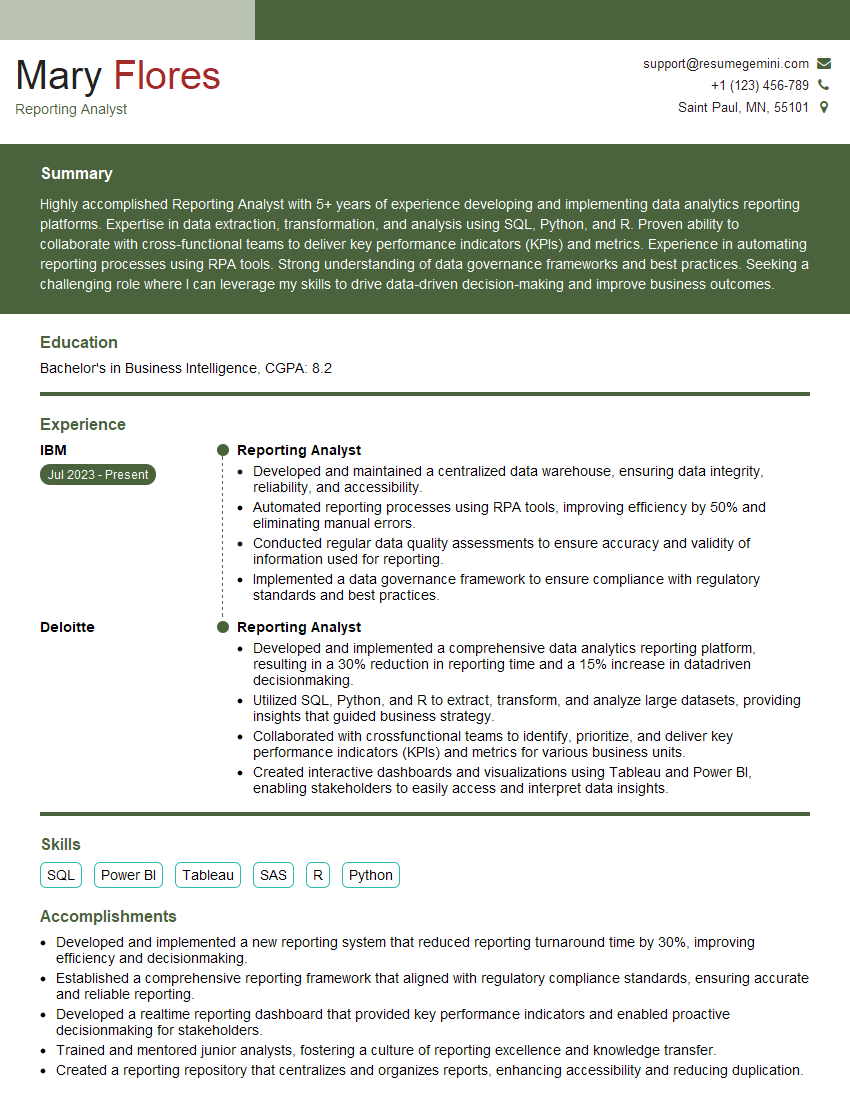
Reporting Analyst Resume Sample

Business Analyst Resume Sample
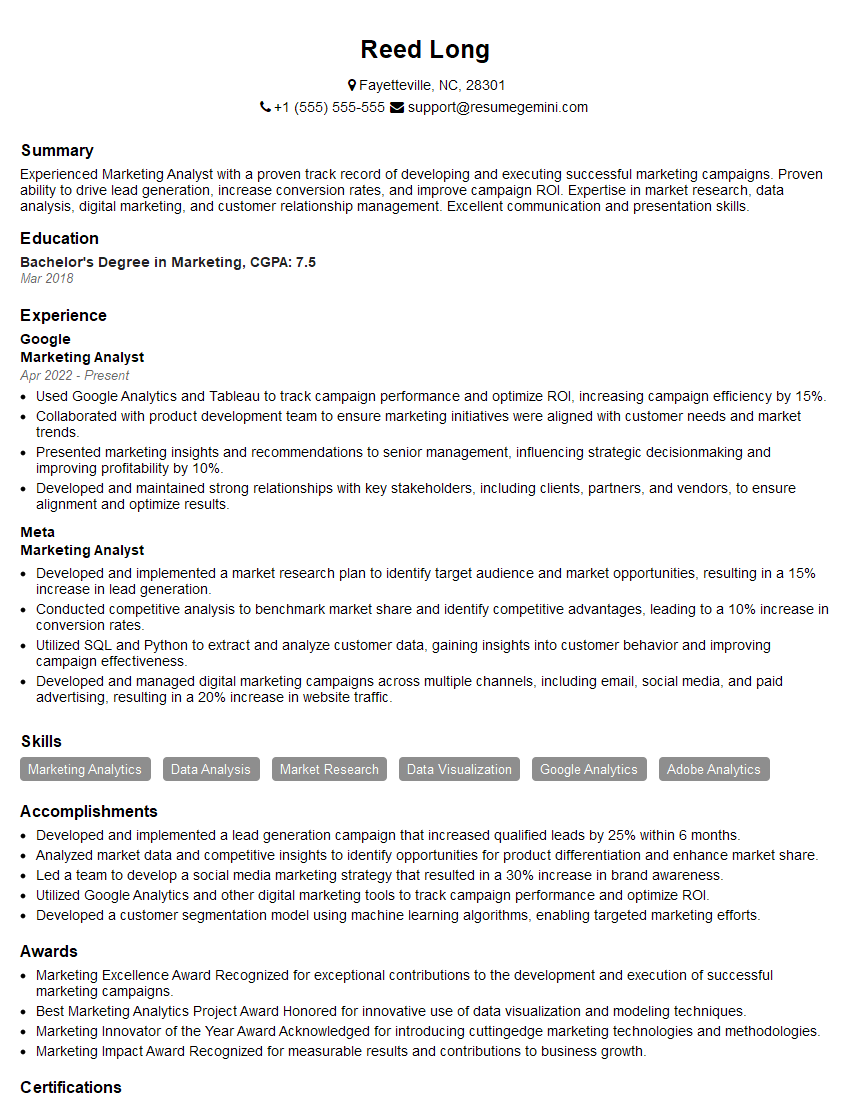
Marketing Analyst Resume Sample
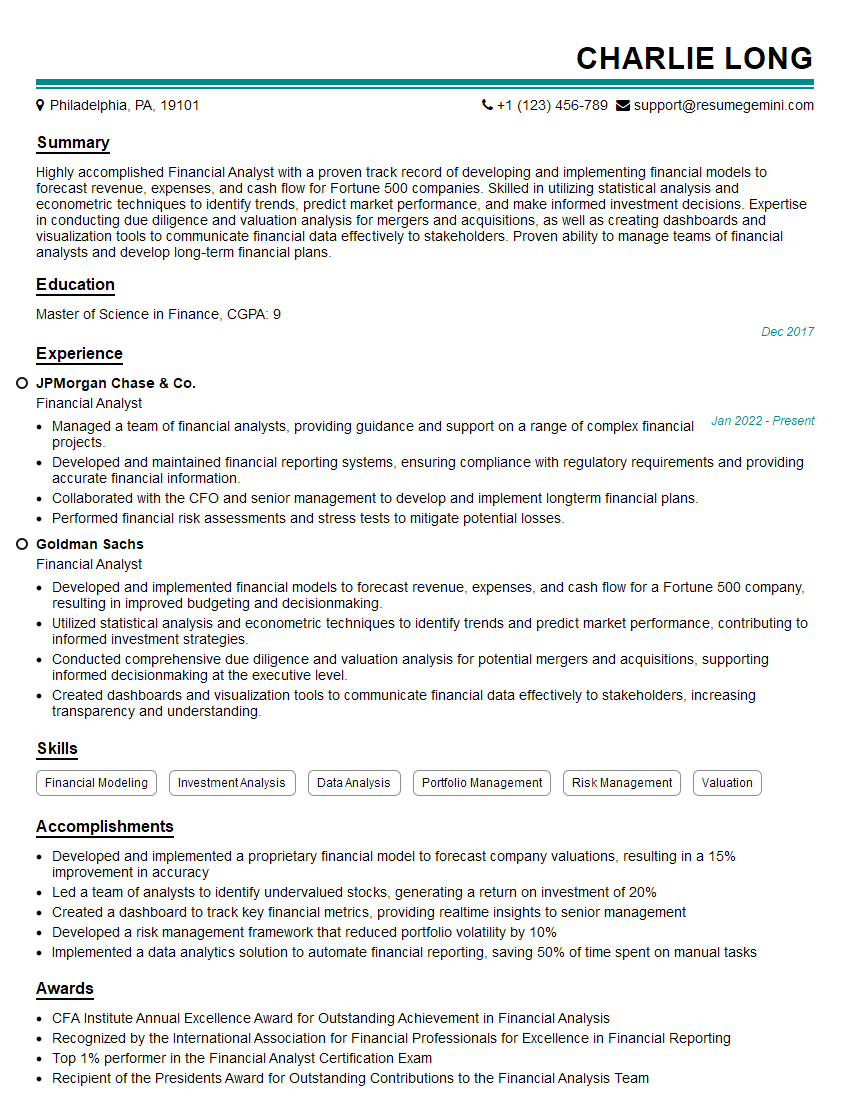
Financial Analyst Resume Sample

Data Analyst Resume Sample

Data Scientist Resume Sample

Data Architect Resume Sample

ETL Developer Resume Sample
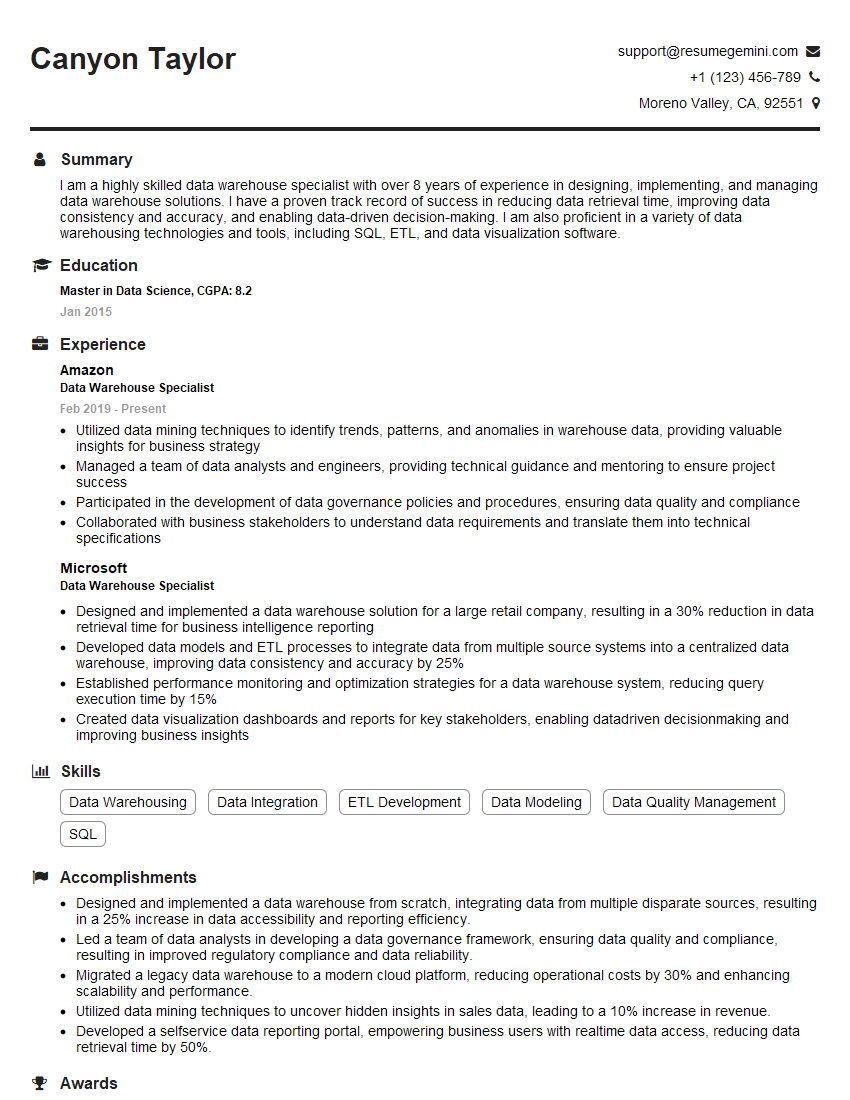
Data Warehouse Specialist Resume Sample

Business Intelligence Analyst Resume Sample
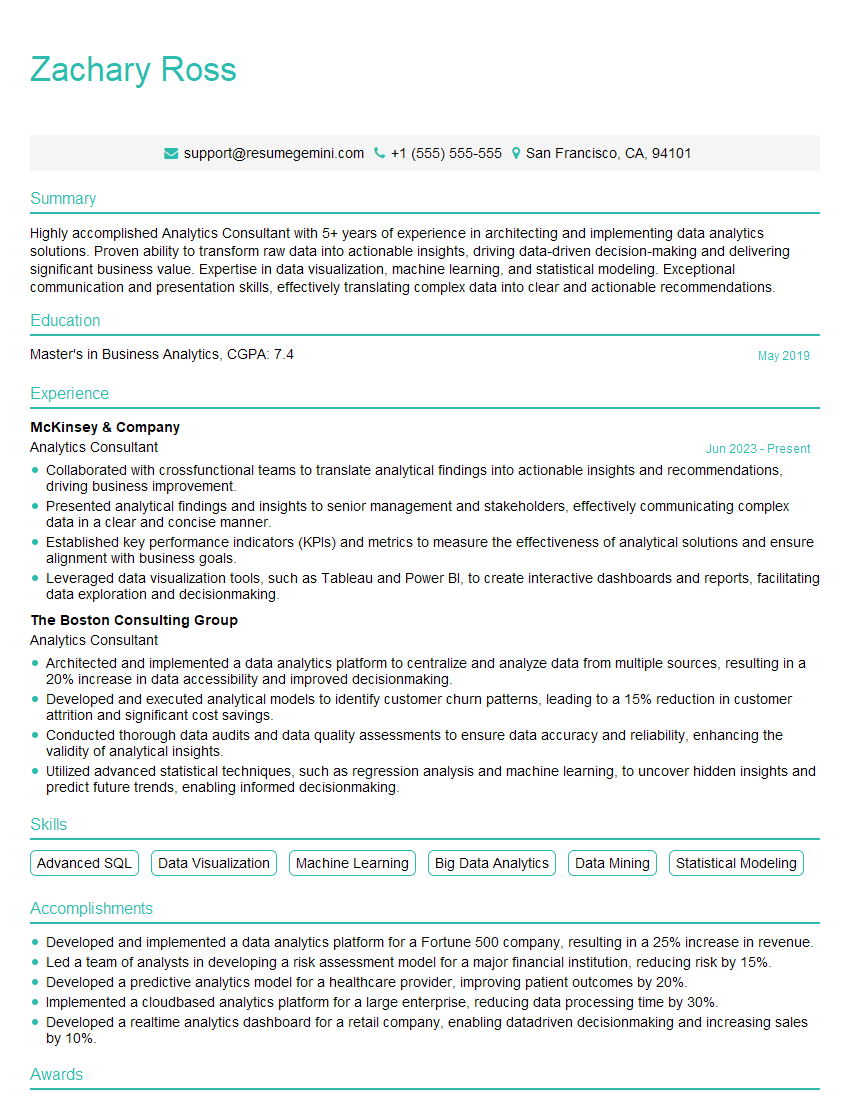
Analytics Consultant Resume Sample
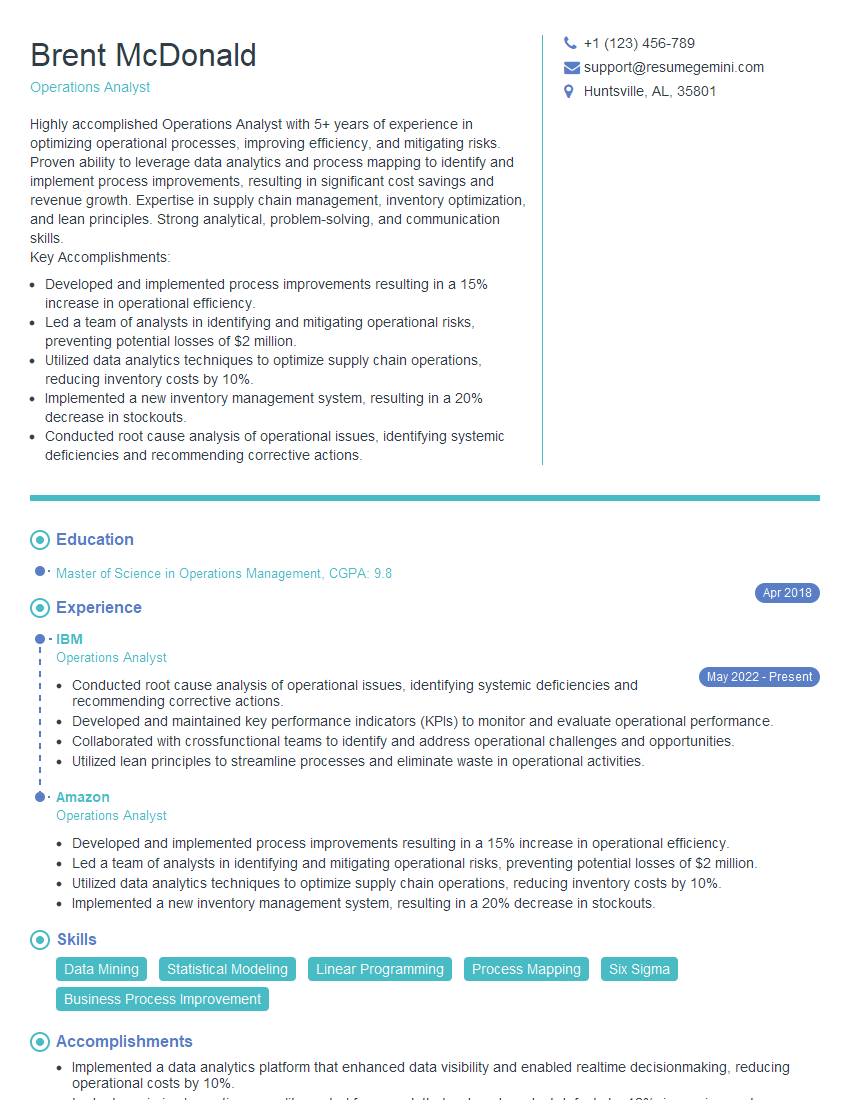
Operations Analyst Resume Sample

Database Administrator Resume Sample

Machine Learning Engineer Resume Sample
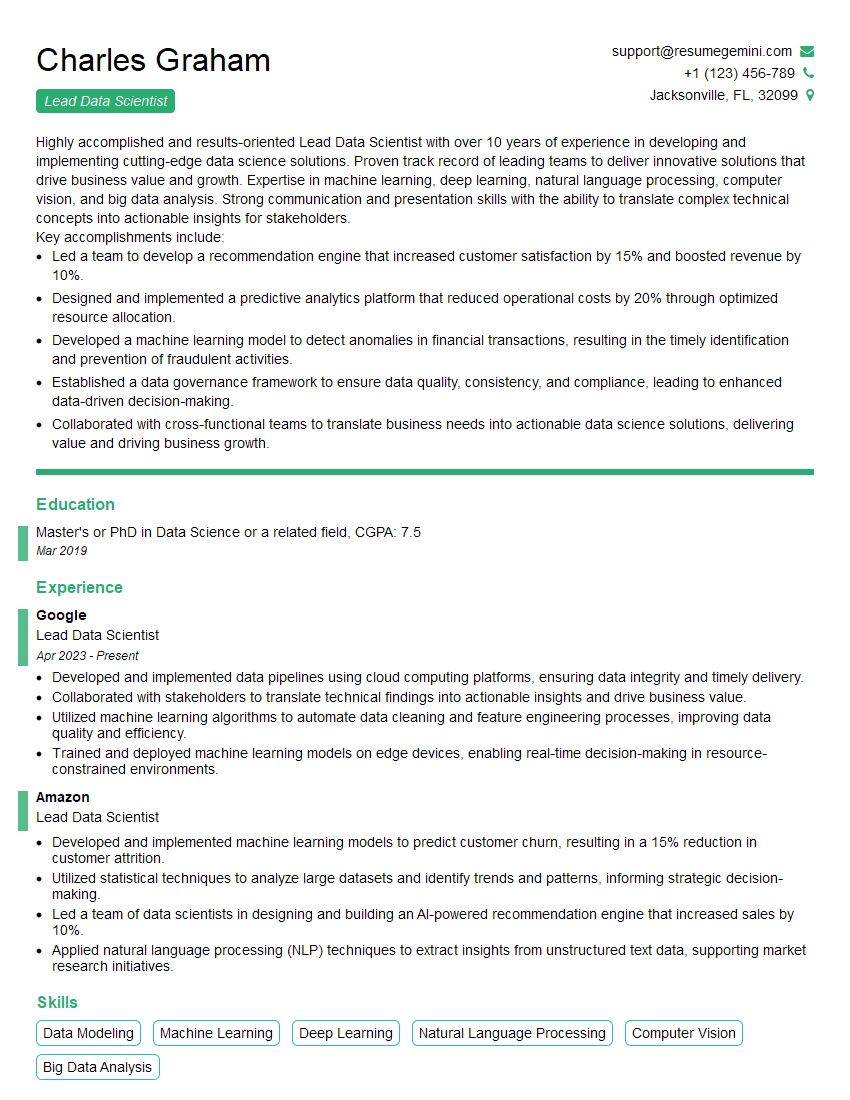
Lead Data Scientist Resume Sample
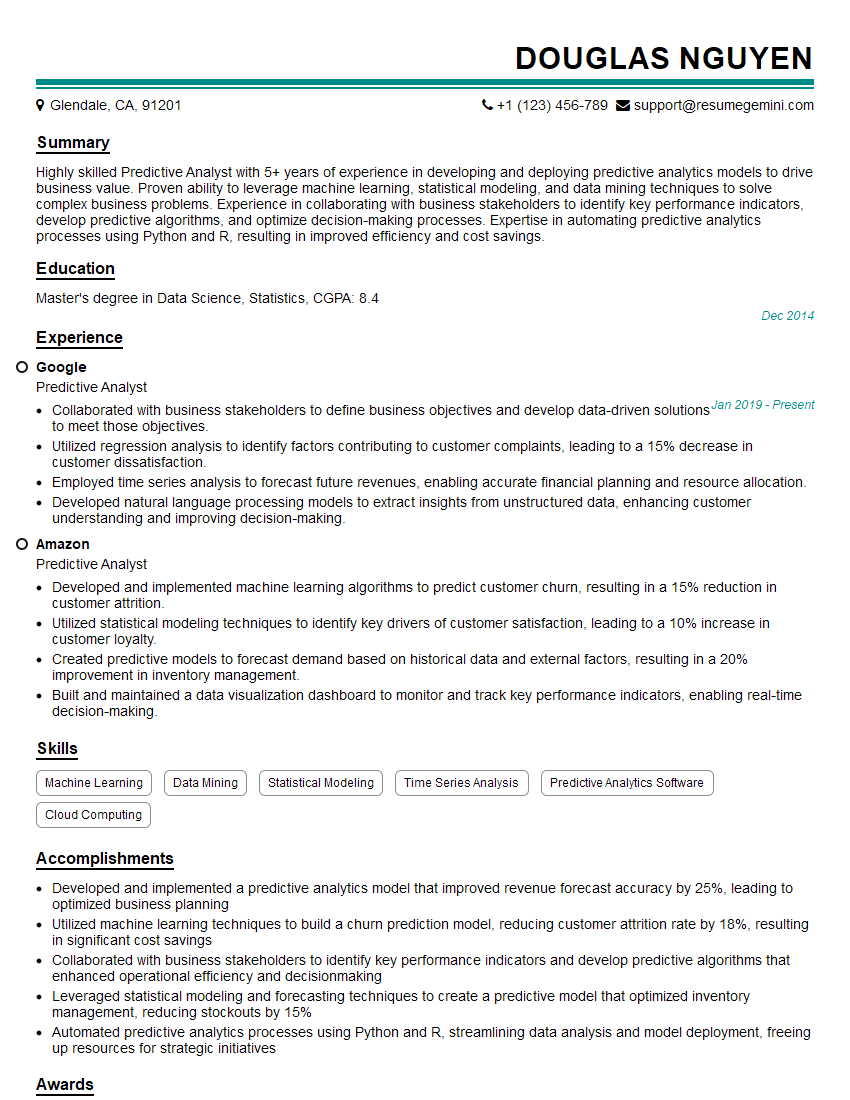
Predictive Analyst Resume Sample
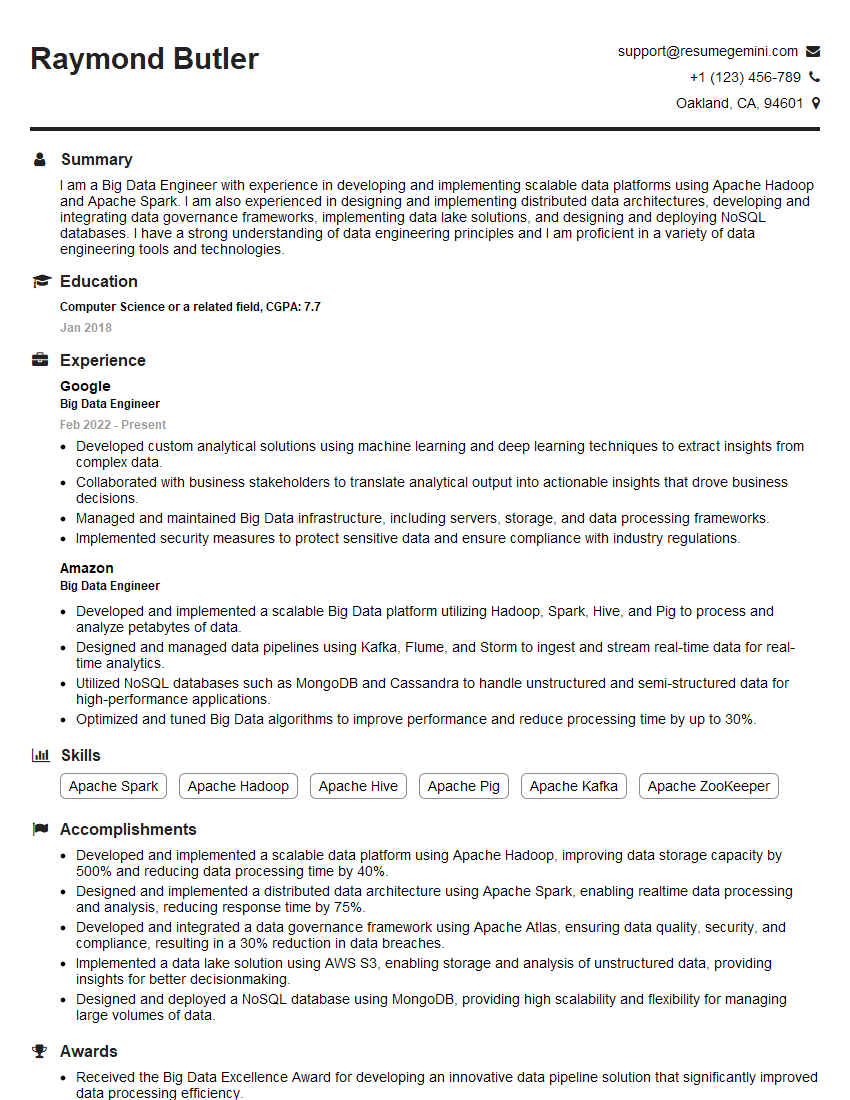
Big Data Engineer Resume Sample
- Reporting Analyst
- Business Analyst
- Marketing Analyst
- Financial Analyst
- Data Analyst
- Data Scientist
- Data Architect
- ETL Developer
- Data Warehouse Specialist
- Business Intelligence Analyst
- Analytics Consultant
- Operations Analyst
- Database Administrator
- Machine Learning Engineer
- Lead Data Scientist
- Predictive Analyst
- Big Data Engineer
Explore more articles
Users Rating of Our Blogs
Share Your Experience
We value your feedback! Please rate our content and share your thoughts (optional).
What Readers Say About Our Blog
Hello,
we currently offer a complimentary backlink and URL indexing test for search engine optimization professionals.
You can get complimentary indexing credits to test how link discovery works in practice.
No credit card is required and there is no recurring fee.
You can find details here:
https://wikipedia-backlinks.com/indexing/
Regards
NICE RESPONSE TO Q & A
hi
The aim of this message is regarding an unclaimed deposit of a deceased nationale that bears the same name as you. You are not relate to him as there are millions of people answering the names across around the world. But i will use my position to influence the release of the deposit to you for our mutual benefit.
Respond for full details and how to claim the deposit. This is 100% risk free. Send hello to my email id: [email protected]
Luka Chachibaialuka
Hey interviewgemini.com, just wanted to follow up on my last email.
We just launched Call the Monster, an parenting app that lets you summon friendly ‘monsters’ kids actually listen to.
We’re also running a giveaway for everyone who downloads the app. Since it’s brand new, there aren’t many users yet, which means you’ve got a much better chance of winning some great prizes.
You can check it out here: https://bit.ly/callamonsterapp
Or follow us on Instagram: https://www.instagram.com/callamonsterapp
Thanks,
Ryan
CEO – Call the Monster App
Hey interviewgemini.com, I saw your website and love your approach.
I just want this to look like spam email, but want to share something important to you. We just launched Call the Monster, a parenting app that lets you summon friendly ‘monsters’ kids actually listen to.
Parents are loving it for calming chaos before bedtime. Thought you might want to try it: https://bit.ly/callamonsterapp or just follow our fun monster lore on Instagram: https://www.instagram.com/callamonsterapp
Thanks,
Ryan
CEO – Call A Monster APP
To the interviewgemini.com Owner.
Dear interviewgemini.com Webmaster!
Hi interviewgemini.com Webmaster!
Dear interviewgemini.com Webmaster!
excellent
Hello,
We found issues with your domain’s email setup that may be sending your messages to spam or blocking them completely. InboxShield Mini shows you how to fix it in minutes — no tech skills required.
Scan your domain now for details: https://inboxshield-mini.com/
— Adam @ InboxShield Mini
Reply STOP to unsubscribe
Hi, are you owner of interviewgemini.com? What if I told you I could help you find extra time in your schedule, reconnect with leads you didn’t even realize you missed, and bring in more “I want to work with you” conversations, without increasing your ad spend or hiring a full-time employee?
All with a flexible, budget-friendly service that could easily pay for itself. Sounds good?
Would it be nice to jump on a quick 10-minute call so I can show you exactly how we make this work?
Best,
Hapei
Marketing Director
Hey, I know you’re the owner of interviewgemini.com. I’ll be quick.
Fundraising for your business is tough and time-consuming. We make it easier by guaranteeing two private investor meetings each month, for six months. No demos, no pitch events – just direct introductions to active investors matched to your startup.
If youR17;re raising, this could help you build real momentum. Want me to send more info?
Hi, I represent an SEO company that specialises in getting you AI citations and higher rankings on Google. I’d like to offer you a 100% free SEO audit for your website. Would you be interested?
Hi, I represent an SEO company that specialises in getting you AI citations and higher rankings on Google. I’d like to offer you a 100% free SEO audit for your website. Would you be interested?
good