The right preparation can turn an interview into an opportunity to showcase your expertise. This guide to Artwork Development interview questions is your ultimate resource, providing key insights and tips to help you ace your responses and stand out as a top candidate.
Questions Asked in Artwork Development Interview
Q 1. Describe your experience with Adobe Creative Suite.
My experience with the Adobe Creative Suite is extensive, spanning over a decade. I’m highly proficient in Photoshop, Illustrator, InDesign, and After Effects. Photoshop is my go-to for raster-based image manipulation, retouching, and photo editing. Illustrator is crucial for vector graphics, logo design, and creating scalable artwork. InDesign is my choice for page layout and publication design, while After Effects is indispensable for motion graphics and animation. I’ve utilized the suite across numerous projects, from creating marketing collateral and website designs to developing complex animations and illustrations. For instance, in a recent project for a food company, I used Photoshop to retouch product photography, Illustrator to create vector-based packaging designs, and InDesign to assemble the final marketing brochure.
Q 2. Explain your process for creating a logo from concept to final product.
My logo design process is iterative and client-centric. It starts with a thorough understanding of the client’s brand identity, target audience, and business goals. I begin by brainstorming initial concepts, sketching ideas, and exploring various typography and imagery options. This phase heavily involves client collaboration to ensure alignment with their vision. Once we’ve selected a few promising concepts, I refine them digitally using Illustrator, focusing on details, color palettes, and overall aesthetic appeal. The refinement process includes multiple revisions based on client feedback and internal critique, aiming for a logo that is not only visually appealing but also memorable and functional across different applications (web, print, etc.). The final product includes the logo in various formats (vector, raster) and a style guide to maintain consistency.
Q 3. How do you handle design revisions and client feedback?
Handling design revisions and client feedback is a crucial aspect of my workflow. I approach it with a collaborative spirit, aiming to understand the client’s perspective and translate their feedback into tangible design improvements. I always maintain detailed documentation of revisions, ensuring transparency and traceability. I encourage clients to provide specific, constructive feedback rather than vague criticisms. For example, instead of saying ‘it looks dull,’ a more helpful comment would be ‘the color palette feels muted; could we explore bolder blues and greens?’ I then present revised designs, explaining the changes implemented and addressing the client’s concerns. I believe that effective communication is key to a successful revision process, and I strive to build a strong rapport with clients throughout the project.
Q 4. What software are you proficient in for 3D modeling?
My 3D modeling experience primarily revolves around Blender. I’m proficient in using its various tools for modeling, sculpting, texturing, rigging, and animation. Blender’s open-source nature and versatility make it a powerful tool for various 3D projects. I’ve used it to create everything from realistic product renders to stylized character models for animation. For example, I recently used Blender to model a product for an e-commerce client, creating high-resolution renders for their website and marketing materials. The ability to achieve photorealistic results and control every aspect of the 3D model is crucial in projects where accuracy and visual appeal are paramount.
Q 5. Describe your experience with animation techniques.
My animation experience encompasses both 2D and 3D techniques. In 2D, I utilize After Effects for motion graphics, creating engaging animations for explainer videos, social media content, and website banners. My 3D animation experience is primarily with Blender, creating character animations and product demos. I’m familiar with keyframe animation, motion capture techniques, and various animation principles, such as squash and stretch, anticipation, and follow-through. For a recent project involving an educational video, I used After Effects to create a dynamic title sequence and Blender to animate a simplified 3D model to illustrate a complex scientific process. I believe that combining 2D and 3D animation techniques can create dynamic and engaging visuals.
Q 6. What is your workflow for designing a website’s user interface?
My UI design workflow begins with user research and analysis to understand the target audience and their needs. This includes identifying user goals, behaviors, and potential pain points. I then create wireframes, low-fidelity mockups to establish the basic structure and functionality of the website. These are followed by mid-fidelity mockups, which incorporate more visual detail and styling. Finally, I create high-fidelity prototypes using tools like Figma or Adobe XD, which allow for interactive testing and refinement. Throughout the process, I iterate based on user feedback and testing, ensuring the UI is intuitive, visually appealing, and effectively serves its purpose. For a recent e-commerce website, I started with user research to understand their purchasing journey. This allowed me to design a simple, user-friendly checkout process.
Q 7. How do you ensure color consistency across different mediums?
Maintaining color consistency across different mediums is crucial for brand identity and visual harmony. I use a variety of techniques to achieve this. Firstly, I define a precise color palette using a color management system, often in a specific color space like sRGB for web or CMYK for print. I utilize color codes (e.g., HEX codes) for precise replication across platforms. For web projects, I use CSS variables to define colors, ensuring consistency throughout the site. For print projects, I provide the printer with color profiles to guarantee accurate reproduction. When working with various software, I maintain consistent color spaces throughout the workflow to avoid discrepancies. Finally, I always provide clients with a color palette specification document to ensure consistent brand representation across all marketing materials.
Q 8. Explain your approach to designing for different screen sizes and resolutions.
Designing for various screen sizes and resolutions involves creating artwork that adapts seamlessly across different devices. This is achieved primarily through responsive design techniques and the use of scalable vector graphics (SVGs). My approach begins with understanding the target devices and their capabilities. I consider factors such as screen size (measured in pixels or inches), pixel density (pixels per inch, or PPI), and aspect ratios.
For example, if I’m designing a website logo, I wouldn’t just create a single, large image. Instead, I’d use an SVG, which is resolution-independent, ensuring it looks crisp on a retina display with high PPI as well as on a smaller screen with lower PPI. For complex layouts, I leverage responsive design principles. This often involves using CSS media queries to adjust elements based on screen width. For instance, a large hero image might scale down or even be replaced entirely with a smaller image on a mobile phone to maintain performance and visual appeal.
Furthermore, I always test my designs across multiple devices and screen sizes using tools like browser developer tools or actual physical devices. This allows for early detection and correction of any scaling or layout issues.
Q 9. What experience do you have with user experience (UX) design principles?
User experience (UX) design principles are fundamental to my artwork development process. I believe that good design is not just visually appealing; it’s also intuitive and user-friendly. My experience encompasses a wide range of UX considerations, including information architecture, usability testing, and interaction design.
For instance, in a recent project designing a mobile app interface, I employed user flow diagrams to map out the user’s journey through the app. This helped me identify potential pain points and optimize the layout for ease of navigation. I also conducted usability testing with target users, gathering feedback on the intuitiveness of the interface and making iterative improvements based on their input. The principles of accessibility are also paramount; I ensure designs comply with WCAG (Web Content Accessibility Guidelines) wherever applicable, ensuring inclusivity for users with disabilities.
Q 10. Describe your process for creating a marketing campaign visual strategy.
Creating a visual strategy for a marketing campaign requires a deep understanding of the brand, target audience, and campaign objectives. My process starts with extensive research. This involves analyzing the brand’s identity, values, and existing visual assets. I then delve into the target audience, understanding their demographics, preferences, and online behavior. The campaign’s goals—whether it’s to increase brand awareness, drive sales, or generate leads—are crucial in shaping the visual direction.
Next, I develop a mood board, which serves as a visual representation of the campaign’s tone and style. This includes selecting color palettes, typography, imagery, and overall aesthetic. I then create several design mockups, showcasing different approaches and allowing for client feedback and iteration. Throughout this process, consistency and cohesiveness are key. The visual elements should work harmoniously, reinforcing the brand message and creating a memorable experience for the audience. Finally, I develop a style guide to maintain consistency across all marketing materials.
Q 11. How do you incorporate branding guidelines into your design work?
Incorporating branding guidelines is paramount in any design project. It ensures brand consistency and reinforces brand recognition. My process starts with a thorough review of the brand guidelines document. This often includes details on logo usage, color palettes, typography, and imagery style. I meticulously follow these guidelines in my design work, ensuring that the artwork aligns seamlessly with the brand’s visual identity.
For example, if the brand guidelines specify a specific shade of blue for primary elements, I use the exact hex code provided. Similarly, I adhere to the prescribed font styles and sizes. I also consider the brand’s overall voice and tone when selecting imagery and creating layouts. If there’s any ambiguity or need for adaptation, I always seek clarification from the brand team to avoid inconsistencies and maintain the integrity of the brand.
Q 12. What is your understanding of typography and its role in design?
Typography plays a crucial role in design, as it significantly impacts readability, aesthetics, and the overall message conveyed. My understanding of typography extends beyond simply selecting fonts; it involves a deep appreciation for the nuances of typeface families, kerning, leading, and tracking. I use typography to create visual hierarchy, guide the reader’s eye, and evoke specific emotions.
For instance, a bold, sans-serif font might be used for headings to create a sense of authority and clarity, while a more delicate serif font could be used for body text to ensure comfortable reading. Kerning (adjusting the space between individual letters) and tracking (adjusting the space between words) are crucial for optimizing readability and achieving a visually appealing result. I experiment with different combinations of fonts, considering their relationship and how they complement each other.
Q 13. Describe your experience with designing for print.
My experience with print design includes various projects, from brochures and posters to packaging and book design. Understanding the specifics of print production is crucial. This includes knowledge of different paper stocks, printing techniques (offset, digital, screen printing), color profiles (CMYK vs. RGB), and bleed margins. I meticulously prepare artwork for print, ensuring that it meets the required specifications and avoids common pitfalls, such as incorrect color conversions or insufficient bleed.
For example, when designing a poster, I always ensure that critical elements are not placed too close to the edge to avoid being cut off during trimming. I also understand the importance of color management to ensure consistent and accurate color reproduction. Preparing files in the correct format (e.g., PDF/X-1a) and resolution is vital for achieving high-quality prints.
Q 14. How do you maintain design quality across various projects?
Maintaining design quality across multiple projects requires a consistent approach and attention to detail. I achieve this through several key strategies:
- Style guides and templates: Creating comprehensive style guides and templates ensures consistency in branding, typography, and layout across different projects.
- Version control: Using version control systems (like Git) allows for tracking changes, collaborating effectively, and reverting to previous versions if necessary.
- Regular quality checks: Implementing rigorous quality checks at various stages of the design process helps identify and fix issues early on.
- Client communication: Maintaining clear and consistent communication with clients ensures that their expectations are met and that design decisions are aligned with their vision.
- Continuous learning: Staying up-to-date with design trends and best practices is vital for maintaining high design standards.
By following these strategies, I can ensure that my design work maintains a high level of quality and consistency across all projects, regardless of their scope or complexity.
Q 15. Explain your understanding of color theory and its impact on design.
Color theory is the foundation of effective visual communication. It’s the understanding of how colors mix, interact, and evoke specific emotions and responses. It encompasses three main aspects: the color wheel, color harmonies, and color psychology.
The color wheel shows the relationships between colors, primarily based on the RYB (Red, Yellow, Blue) or RGB (Red, Green, Blue) models. Understanding this allows us to choose colors that complement, contrast, or create a specific mood. For instance, complementary colors (those opposite each other on the wheel) create vibrant contrast, while analogous colors (those next to each other) create harmony and a sense of calm.
Color harmonies are specific color combinations based on their placement on the color wheel. These include complementary, analogous, triadic (three evenly spaced colors), split-complementary, and tetradic (four colors forming a rectangle). Choosing the right harmony greatly impacts the overall feel of a design.
Color psychology explores the emotional and psychological associations we have with certain colors. Red might signify energy and excitement, while blue suggests calmness and trust. Understanding this helps in choosing colors that effectively communicate the intended message. For example, a website for a calming spa would likely use calming blues and greens, whereas a website for a sports brand might use energetic reds and oranges.
The impact on design is immense. Color choices significantly affect user experience, brand perception, and the overall effectiveness of a design. A well-thought-out color palette can make a design memorable and impactful, while a poorly chosen one can be distracting or even off-putting.
Career Expert Tips:
- Ace those interviews! Prepare effectively by reviewing the Top 50 Most Common Interview Questions on ResumeGemini.
- Navigate your job search with confidence! Explore a wide range of Career Tips on ResumeGemini. Learn about common challenges and recommendations to overcome them.
- Craft the perfect resume! Master the Art of Resume Writing with ResumeGemini’s guide. Showcase your unique qualifications and achievements effectively.
- Don’t miss out on holiday savings! Build your dream resume with ResumeGemini’s ATS optimized templates.
Q 16. How do you stay up-to-date with the latest design trends and technologies?
Staying current in the ever-evolving world of design requires a multi-pronged approach. I actively participate in online communities like Behance and Dribbble, where I can see the work of other designers and get inspired by emerging trends. I also subscribe to design newsletters and podcasts, which provide curated updates on new tools, techniques, and industry news.
Attending industry conferences and workshops is another crucial aspect. These events provide opportunities to network with peers and learn from leading experts in the field. I also dedicate time to experimenting with new software and technologies, often participating in online tutorials and courses. This hands-on approach helps me build proficiency in new tools and discover their practical applications in my workflow.
Furthermore, I regularly review design publications, both print and online, to keep abreast of the latest design thinking and theoretical developments. This combination of active engagement, continuous learning, and experimental exploration allows me to remain at the forefront of design innovation.
Q 17. Describe a time you had to overcome a challenging design problem.
During a recent project for a client launching a new sustainable clothing line, we encountered a significant challenge in creating visuals that conveyed both the brand’s eco-conscious values and its high-fashion aesthetic. The initial designs felt too ‘earthy’ and lacked the sophistication needed to attract their target audience.
To overcome this, we employed a multi-step process. First, we conducted thorough competitor analysis to understand how other sustainable brands presented themselves visually. Second, we engaged in extensive brainstorming sessions with the client, exploring various color palettes, textures, and photographic styles. We finally decided on a minimalist approach, using a neutral color palette accented with pops of vibrant, naturally-inspired colors. We also incorporated high-quality photography that showcased the craftsmanship and elegance of the clothing while subtly highlighting its sustainable materials.
The final result was a design that successfully blended sophistication with eco-consciousness, meeting both the client’s objectives and the target market’s expectations. The project taught me the importance of iterative design, thorough research, and collaborative problem-solving when tackling complex design challenges.
Q 18. How do you manage your time effectively when working on multiple projects?
Effective time management is crucial for juggling multiple projects. My approach is centered around meticulous planning and prioritization. I begin by breaking down each project into smaller, manageable tasks and creating a detailed schedule, using tools like project management software (e.g., Asana, Trello).
I prioritize tasks based on their deadlines and importance, employing techniques like the Eisenhower Matrix (urgent/important). I allocate specific time blocks for each task, ensuring focused work sessions with minimal distractions. Regularly reviewing my schedule and adjusting it as needed keeps me on track. I also build in buffer time to account for unexpected delays or complexities.
Communication is key, so I maintain open lines of communication with clients and team members, proactively updating them on progress and addressing any roadblocks promptly. This transparency prevents misunderstandings and ensures everyone remains informed.
Q 19. What is your experience with version control systems (e.g., Git)?
I have extensive experience with Git, using it daily for version control in my design projects. I am proficient in branching, merging, committing, and pushing changes to remote repositories. I understand the importance of using descriptive commit messages to maintain a clear history of project development.
I’m familiar with using Git platforms like GitHub and GitLab for collaboration and code review. I can effectively resolve merge conflicts and use Git for managing both individual projects and collaborative team efforts. Git is essential for maintaining project integrity, enabling efficient collaboration, and providing a safety net for reverting to earlier versions if needed.
Q 20. How do you collaborate with other designers and developers?
Collaboration is central to successful artwork development. I foster strong working relationships with designers and developers through clear and consistent communication. I utilize tools like Slack, email, and project management software to keep everyone informed and updated on the project’s progress. Before commencing a project, I ensure a shared understanding of the project goals, deliverables, and timelines.
I actively participate in design reviews and critique sessions, providing constructive feedback and actively incorporating input from others. I believe in a collaborative environment where everyone’s ideas are valued and considered. I’m comfortable working in both independent and team-based settings, adapting my approach as needed to ensure efficient and effective collaboration.
Q 21. Explain your understanding of accessibility considerations in design.
Accessibility in design is paramount. It’s about ensuring that artwork and designs are usable and understandable to everyone, regardless of their abilities. This includes people with visual, auditory, motor, and cognitive impairments.
Key considerations include using sufficient color contrast to ensure readability for those with visual impairments. This can be assessed using tools that measure contrast ratios, ensuring they meet WCAG (Web Content Accessibility Guidelines) standards. Providing alternative text for images is crucial for screen readers used by visually impaired individuals. Using clear and concise language, avoiding jargon, and designing for cognitive ease ensures accessibility for individuals with cognitive impairments. For motor impairments, keyboard navigation should be considered, ensuring all interactive elements are accessible without a mouse.
I incorporate accessibility considerations throughout the design process, not as an afterthought, but as an integral part of the design strategy. It’s about creating a truly inclusive experience that benefits everyone.
Q 22. Describe your experience with creating interactive design elements.
Interactive design elements are crucial for engaging audiences and enhancing user experience. My experience spans several years, working on projects ranging from website interfaces to mobile app designs. I’ve utilized various techniques, including:
- Micro-interactions: Small, delightful animations that provide feedback to user actions. For example, a subtle bounce animation when a button is pressed, providing confirmation the action was registered.
- Animations and Transitions: Seamless transitions between screens or states, creating a fluid and intuitive user flow. Think of smoothly fading in new content rather than abruptly replacing it.
- Data Visualization: Transforming complex data sets into visually appealing and easily understandable charts, graphs, or maps. This could be a progress bar showing a user’s achievement or an interactive map displaying geographical data.
- Responsive Design: Designing elements that adapt to various screen sizes and orientations, maintaining optimal user experience across different devices (desktops, tablets, smartphones).
I’m proficient in tools like Adobe After Effects, Figma, and Principle for creating and prototyping interactive elements. A recent project involved designing an interactive map for a historical society, where users could click on different locations to learn about significant events. This required careful consideration of user flow and the visual hierarchy to present the information clearly and engagingly.
Q 23. How do you measure the success of a design project?
Measuring the success of a design project goes beyond simply completing the project. It involves evaluating its impact on the intended goals. I typically consider several key metrics:
- User Engagement: How long do users spend interacting with the design? What are their click-through rates or conversion rates (if applicable)? Are they sharing the design?
- Accessibility: Does the design meet accessibility standards, ensuring inclusivity for users with disabilities? Tools like WAVE can help assess this.
- Branding Consistency: Does the design accurately reflect the client’s brand identity and guidelines?
- Goal Achievement: Did the design successfully achieve its intended purpose? For example, did a website redesign improve conversion rates, or did a marketing campaign generate more leads?
- Client Satisfaction: Open communication and regular feedback sessions are crucial to ensure client satisfaction throughout the project lifecycle.
A successful design project isn’t just aesthetically pleasing; it’s effective and achieves its objectives. For instance, a website redesign I worked on successfully increased conversion rates by 30% as measured by Google Analytics, demonstrating the design’s positive impact on business goals.
Q 24. What are some of your favorite design resources or tools?
My toolkit is diverse and constantly evolving, but some of my go-to resources and tools include:
- Adobe Creative Suite (Photoshop, Illustrator, InDesign): Industry-standard software for image manipulation, vector graphics, and layout design.
- Figma: A collaborative design tool excellent for prototyping and user interface design. Its real-time collaboration features are invaluable for team projects.
- Sketch: Another popular UI/UX design tool known for its ease of use and vector-based capabilities.
- Affinity Designer & Photo: Powerful and affordable alternatives to Adobe Creative Suite.
- Pinterest & Behance: For gathering inspiration and exploring the work of other designers. These platforms are excellent for keeping up with trends and best practices.
I believe in adapting my tools to the specific project’s needs; for example, I might utilize Blender for 3D modeling on certain projects. The key is versatility and the ability to leverage the strengths of different tools to optimize the design process.
Q 25. Describe your experience with creating illustrations or concept art.
I have extensive experience in creating illustrations and concept art. My style is versatile, ranging from whimsical and cartoonish to realistic and detailed. I’m proficient in various techniques:
- Traditional Media: I’m comfortable working with pencils, watercolors, and acrylics, which are useful for sketching and establishing initial concepts.
- Digital Painting: I’m skilled in using software like Photoshop and Procreate to create digital illustrations and concept art, allowing for precision, flexibility, and easy revisions.
- Vector Illustration: Using Illustrator, I create scalable vector graphics, useful for logos, icons, and illustrations that need to be resized without losing quality.
For example, I recently completed a series of illustrations for a children’s book, requiring a playful and engaging style. Another project involved creating concept art for a video game, demanding a level of detail and realism to convey the game’s world and characters. The choice of medium and style depends entirely on the project’s requirements and overall aesthetic.
Q 26. What is your approach to creating a mood board for a project?
Creating a mood board is a crucial first step in establishing the visual direction of a project. My approach involves:
- Understanding the brief: Thoroughly reviewing the project’s requirements, target audience, and desired tone.
- Gathering inspiration: Collecting images, colors, textures, and typography samples that resonate with the project’s aesthetic. Sources include Pinterest, Behance, magazines, and even real-world objects.
- Organizing and arranging: Arranging the gathered elements on a digital or physical board, creating a visual narrative that captures the project’s essence. I typically group elements thematically, focusing on key aspects like color palettes, textures, and styles.
- Refinement and iteration: The mood board is a living document, subject to revisions and refinements as the project progresses. Client feedback is incorporated to ensure alignment with their vision.
A recent project involved designing a website for a yoga studio. My mood board included images of serene landscapes, natural textures, calming colors (blues, greens, and earth tones), and fonts with a minimalist and elegant feel, successfully communicating the studio’s brand identity.
Q 27. How do you balance creative freedom with client requirements?
Balancing creative freedom with client requirements is a delicate but essential aspect of successful project management. My approach emphasizes:
- Open Communication: Frequent discussions with clients to understand their vision, expectations, and constraints. This helps to manage expectations early on and establish a shared understanding.
- Presenting Options: Offering clients a range of design concepts, allowing them to choose the direction that best suits their needs, while still incorporating my creative input.
- Justification: Providing rationale behind design choices. Explaining the creative decisions ensures the client understands the thought process behind the design, fostering collaboration and trust.
- Compromise: Finding creative solutions that satisfy both the client’s requirements and my creative vision. This may involve adjusting certain elements while still retaining the core design concept.
For example, a client initially wanted a very traditional logo for their new business. I presented them with several options, one of which retained traditional elements while incorporating a modern twist. The client ultimately selected this option, finding a balance between tradition and innovation. It’s all about finding a win-win scenario.
Q 28. How familiar are you with different file formats and their applications?
I am very familiar with various file formats and their applications. My knowledge encompasses:
- Raster Formats (e.g., JPEG, PNG, TIFF): Suitable for photographic images and artwork that requires high color depth and smooth gradients. JPEG is ideal for web use due to its smaller file size; PNG supports transparency; TIFF is best for high-resolution printing.
- Vector Formats (e.g., SVG, AI, EPS): Scalable graphics created with mathematical equations rather than pixels. They are ideal for logos, illustrations, and typography that need to be resized without loss of quality. SVG is widely used for web graphics.
- 3D Formats (e.g., OBJ, FBX, 3DS): Used for 3D models and animations, often used in game design or 3D printing.
- Video Formats (e.g., MP4, MOV, AVI): Different codecs offer varying levels of compression and quality, influencing file size and playback compatibility.
Understanding these formats is crucial for ensuring compatibility and optimal quality across different platforms and applications. Choosing the right format is essential for delivering the design effectively. For example, I would choose SVG for a website logo to ensure crisp rendering at any size, and JPEG for a high-resolution image for printing.
Key Topics to Learn for Artwork Development Interview
- Software Proficiency: Mastering industry-standard software like Adobe Creative Suite (Photoshop, Illustrator, InDesign), and potentially others relevant to the specific role (e.g., 3D modeling software). Be prepared to discuss your experience level and showcase your portfolio.
- Design Principles: Demonstrate a strong understanding of fundamental design principles such as color theory, typography, composition, and visual hierarchy. Be ready to explain how you apply these principles in your work.
- Workflow & Process: Discuss your approach to project management, from initial concept to final delivery. Highlight your ability to manage time effectively, collaborate with teams, and iterate based on feedback.
- Technical Skills: Depending on the role, you may need to demonstrate skills in areas like image optimization for web, print, or other media; file management; version control (if applicable); and knowledge of different file formats.
- Creative Problem Solving: Be prepared to discuss how you approach creative challenges, brainstorm solutions, and overcome obstacles during the artwork development process. Using examples from your portfolio is highly recommended.
- Style & Aesthetics: Develop a strong understanding of various design styles and aesthetics. Be able to articulate your design choices and explain why a particular style is suitable for a specific project.
- Client Communication: Discuss your ability to effectively communicate design ideas to clients, understand their needs, and manage their expectations.
Next Steps
Mastering Artwork Development opens doors to exciting and rewarding career opportunities, offering diverse specializations and growth potential within the creative industries. To maximize your job prospects, it’s crucial to present your skills and experience effectively. Creating an ATS-friendly resume is paramount in ensuring your application gets noticed. ResumeGemini can help you build a professional and impactful resume that highlights your key achievements and qualifications. Examples of resumes tailored to Artwork Development are available, providing you with a framework for crafting a compelling application.

Art Director Resume Sample

Web Designer Resume Sample
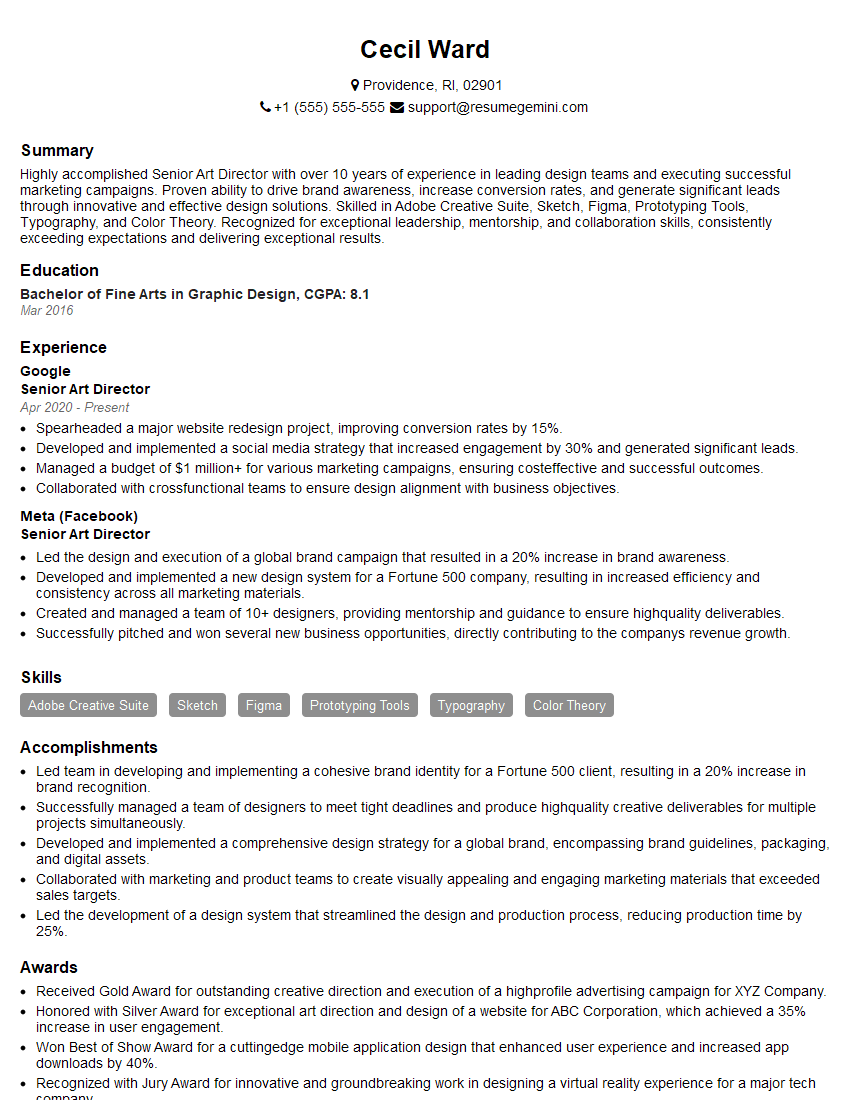
Senior Art Director Resume Sample
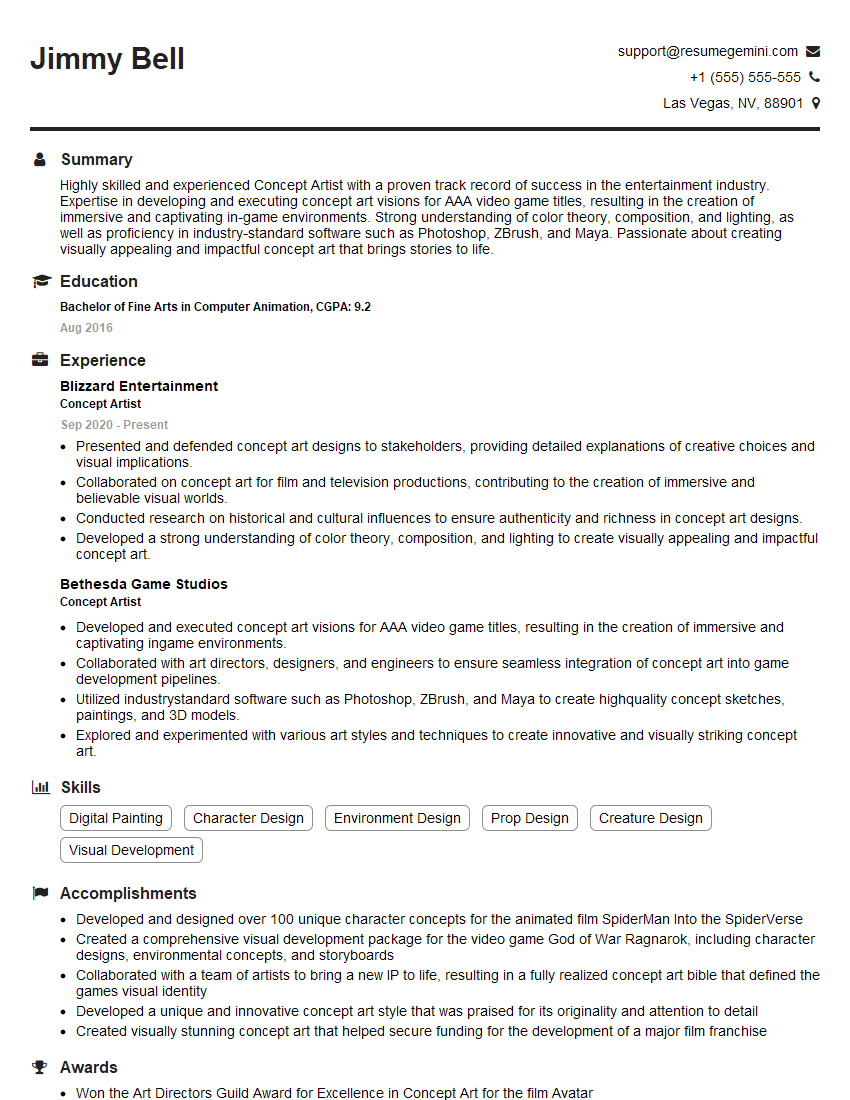
Concept Artist Resume Sample
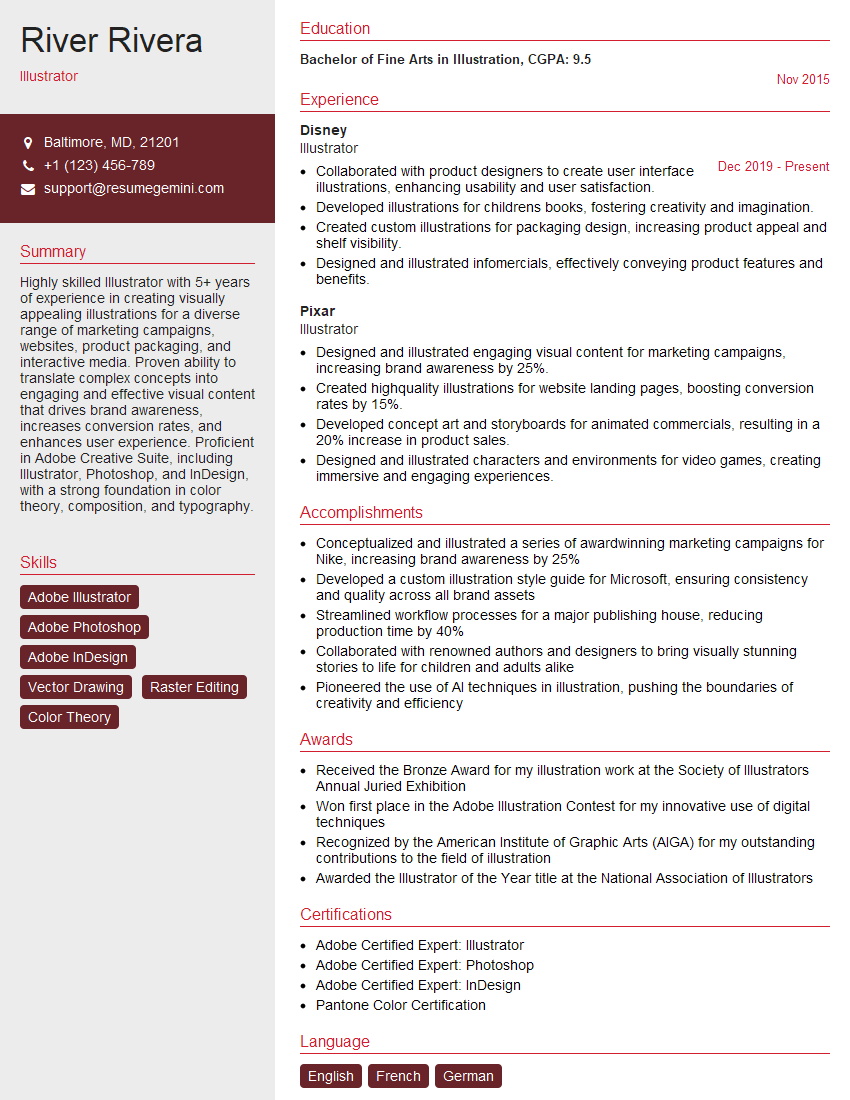
Illustrator Resume Sample

Texture Artist Resume Sample

3D Modeler Resume Sample

Animator Resume Sample

Compositor Resume Sample
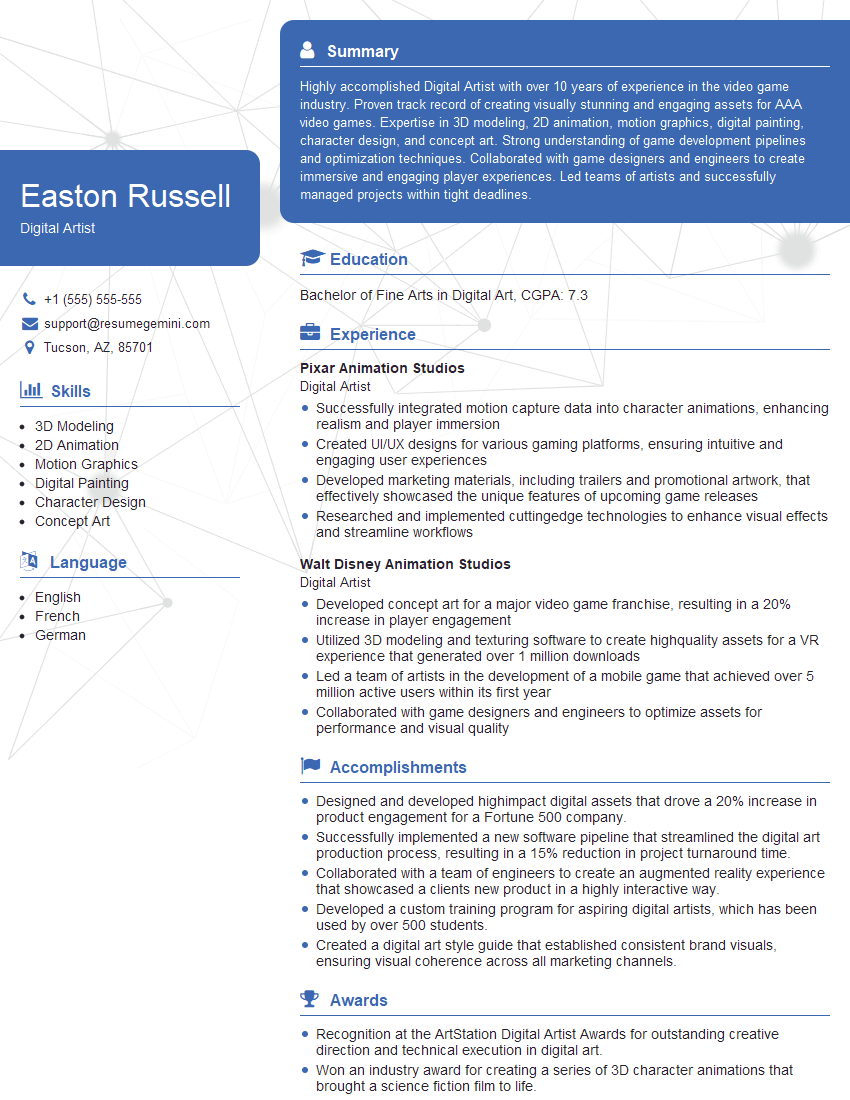
Digital Artist Resume Sample
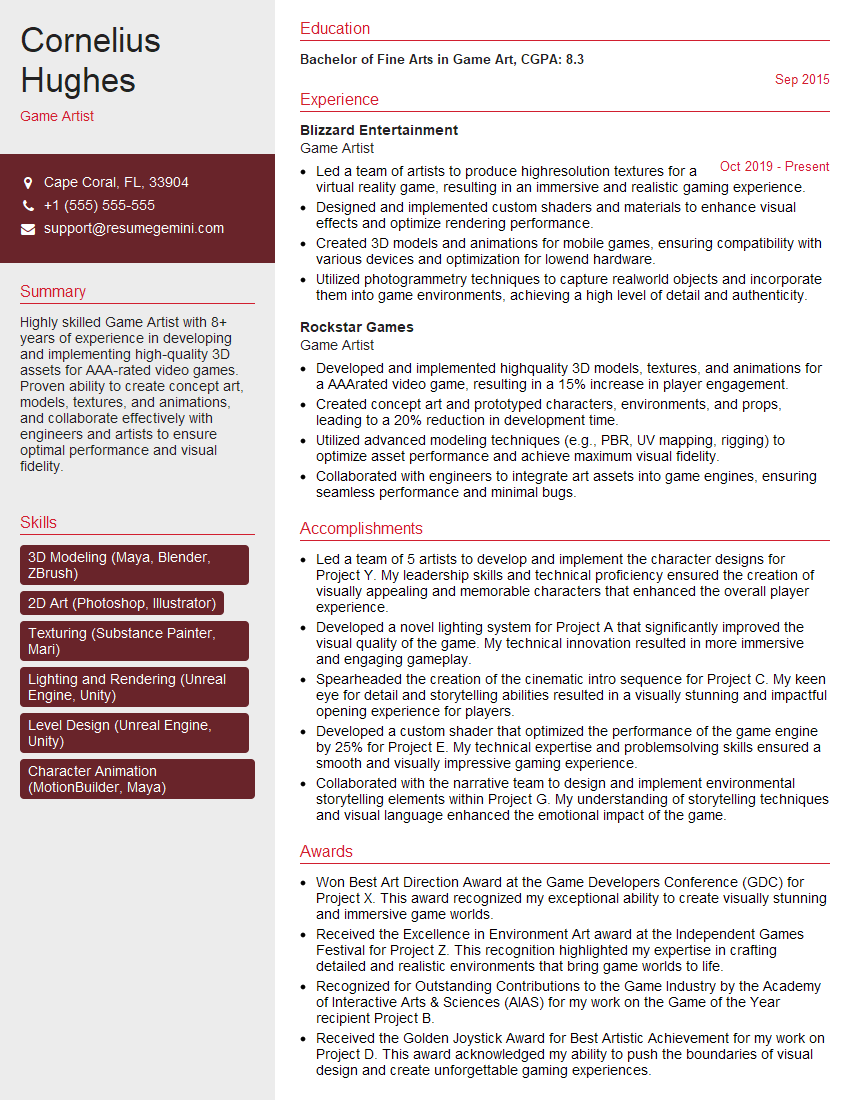
Game Artist Resume Sample

Graphic Designer Resume Sample

Packaging Designer Resume Sample
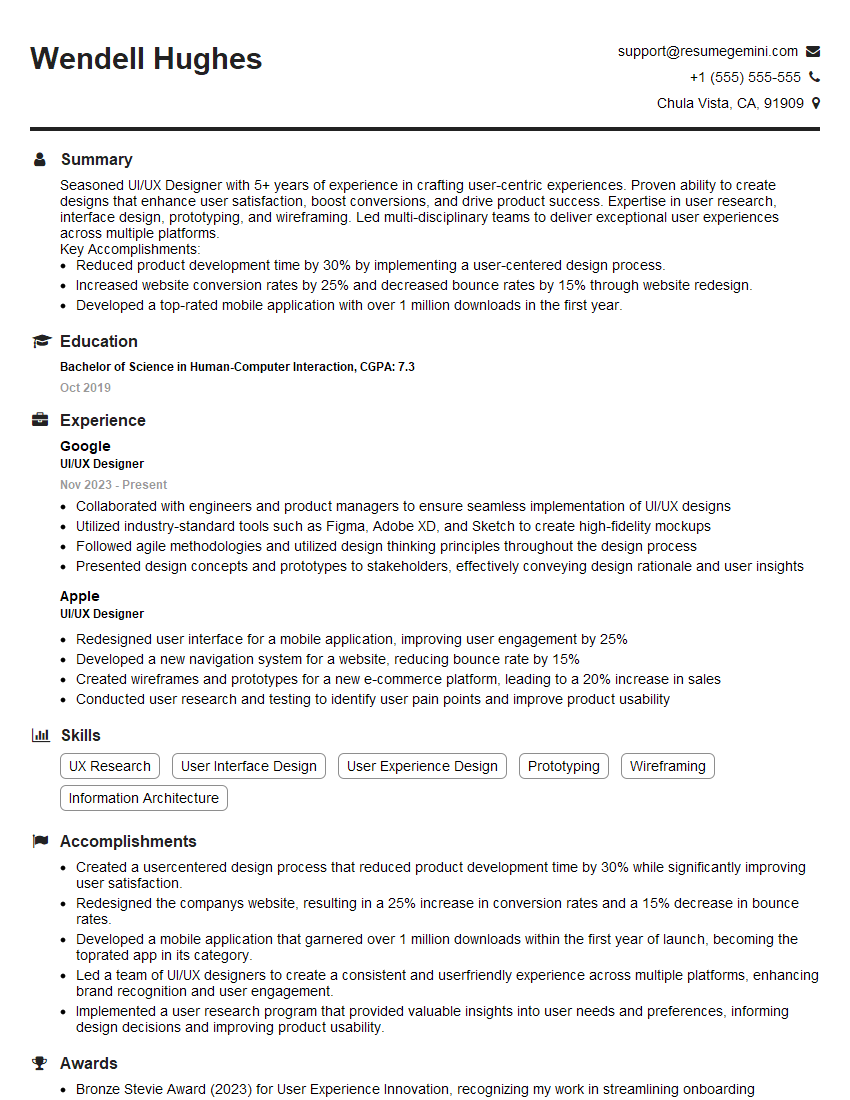
UI/UX Designer Resume Sample

UX Designer Resume Sample
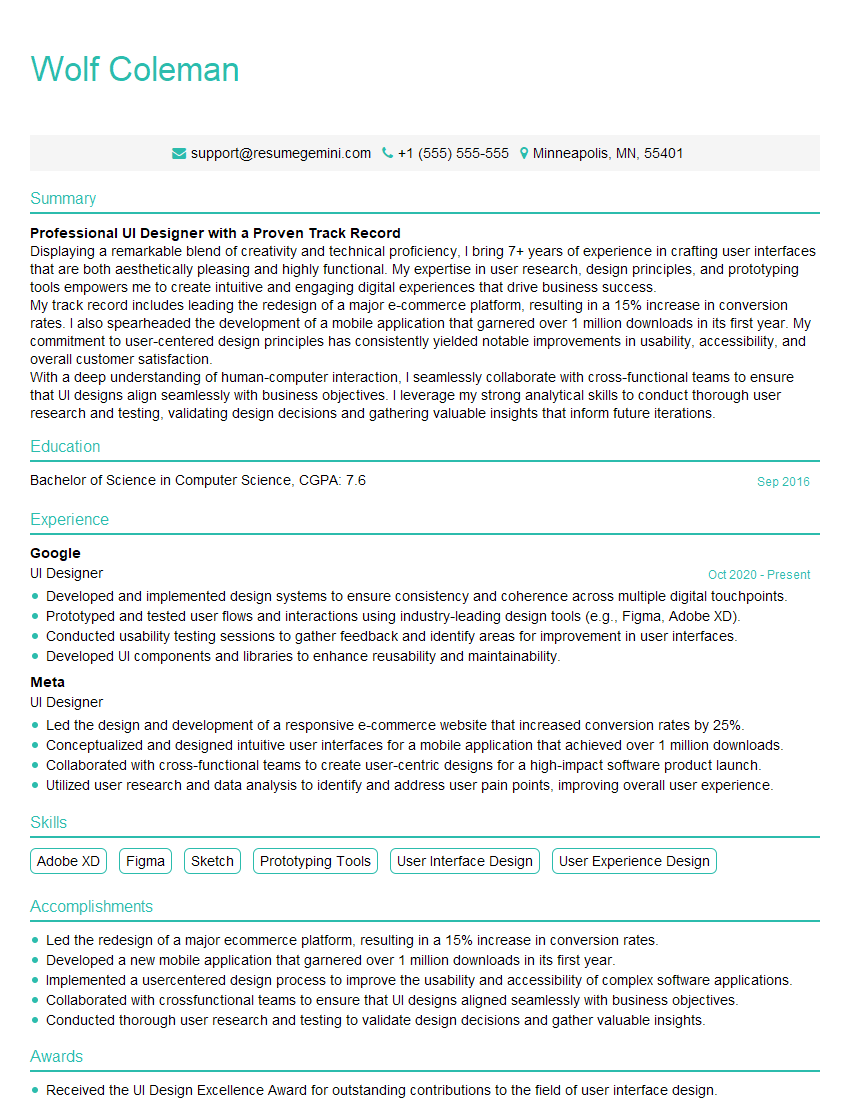
UI Designer Resume Sample
Explore more articles
Users Rating of Our Blogs
Share Your Experience
We value your feedback! Please rate our content and share your thoughts (optional).
What Readers Say About Our Blog
Attention music lovers!
Wow, All the best Sax Summer music !!!
Spotify: https://open.spotify.com/artist/6ShcdIT7rPVVaFEpgZQbUk
Apple Music: https://music.apple.com/fr/artist/jimmy-sax-black/1530501936
YouTube: https://music.youtube.com/browse/VLOLAK5uy_noClmC7abM6YpZsnySxRqt3LoalPf88No
Other Platforms and Free Downloads : https://fanlink.tv/jimmysaxblack
on google : https://www.google.com/search?q=22+AND+22+AND+22
on ChatGPT : https://chat.openai.com?q=who20jlJimmy20Black20Sax20Producer
Get back into the groove with Jimmy sax Black
Best regards,
Jimmy sax Black
www.jimmysaxblack.com
Hi I am a troller at The aquatic interview center and I suddenly went so fast in Roblox and it was gone when I reset.
Hi,
Business owners spend hours every week worrying about their website—or avoiding it because it feels overwhelming.
We’d like to take that off your plate:
$69/month. Everything handled.
Our team will:
Design a custom website—or completely overhaul your current one
Take care of hosting as an option
Handle edits and improvements—up to 60 minutes of work included every month
No setup fees, no annual commitments. Just a site that makes a strong first impression.
Find out if it’s right for you:
https://websolutionsgenius.com/awardwinningwebsites
Hello,
we currently offer a complimentary backlink and URL indexing test for search engine optimization professionals.
You can get complimentary indexing credits to test how link discovery works in practice.
No credit card is required and there is no recurring fee.
You can find details here:
https://wikipedia-backlinks.com/indexing/
Regards
NICE RESPONSE TO Q & A
hi
The aim of this message is regarding an unclaimed deposit of a deceased nationale that bears the same name as you. You are not relate to him as there are millions of people answering the names across around the world. But i will use my position to influence the release of the deposit to you for our mutual benefit.
Respond for full details and how to claim the deposit. This is 100% risk free. Send hello to my email id: lukachachibaialuka@gmail.com
Luka Chachibaialuka
Hey interviewgemini.com, just wanted to follow up on my last email.
We just launched Call the Monster, an parenting app that lets you summon friendly ‘monsters’ kids actually listen to.
We’re also running a giveaway for everyone who downloads the app. Since it’s brand new, there aren’t many users yet, which means you’ve got a much better chance of winning some great prizes.
You can check it out here: https://bit.ly/callamonsterapp
Or follow us on Instagram: https://www.instagram.com/callamonsterapp
Thanks,
Ryan
CEO – Call the Monster App
Hey interviewgemini.com, I saw your website and love your approach.
I just want this to look like spam email, but want to share something important to you. We just launched Call the Monster, a parenting app that lets you summon friendly ‘monsters’ kids actually listen to.
Parents are loving it for calming chaos before bedtime. Thought you might want to try it: https://bit.ly/callamonsterapp or just follow our fun monster lore on Instagram: https://www.instagram.com/callamonsterapp
Thanks,
Ryan
CEO – Call A Monster APP
To the interviewgemini.com Owner.
Dear interviewgemini.com Webmaster!
Hi interviewgemini.com Webmaster!
Dear interviewgemini.com Webmaster!
excellent
Hello,
We found issues with your domain’s email setup that may be sending your messages to spam or blocking them completely. InboxShield Mini shows you how to fix it in minutes — no tech skills required.
Scan your domain now for details: https://inboxshield-mini.com/
— Adam @ InboxShield Mini
support@inboxshield-mini.com
Reply STOP to unsubscribe
Hi, are you owner of interviewgemini.com? What if I told you I could help you find extra time in your schedule, reconnect with leads you didn’t even realize you missed, and bring in more “I want to work with you” conversations, without increasing your ad spend or hiring a full-time employee?
All with a flexible, budget-friendly service that could easily pay for itself. Sounds good?
Would it be nice to jump on a quick 10-minute call so I can show you exactly how we make this work?
Best,
Hapei
Marketing Director
Hey, I know you’re the owner of interviewgemini.com. I’ll be quick.
Fundraising for your business is tough and time-consuming. We make it easier by guaranteeing two private investor meetings each month, for six months. No demos, no pitch events – just direct introductions to active investors matched to your startup.
If youR17;re raising, this could help you build real momentum. Want me to send more info?
Hi, I represent an SEO company that specialises in getting you AI citations and higher rankings on Google. I’d like to offer you a 100% free SEO audit for your website. Would you be interested?
Hi, I represent an SEO company that specialises in getting you AI citations and higher rankings on Google. I’d like to offer you a 100% free SEO audit for your website. Would you be interested?