Interviews are opportunities to demonstrate your expertise, and this guide is here to help you shine. Explore the essential computer literacy certification interview questions that employers frequently ask, paired with strategies for crafting responses that set you apart from the competition.
Questions Asked in computer literacy certification Interview
Q 1. Explain the difference between hardware and software.
Think of a computer as a car. Hardware is the physical parts – the engine, wheels, body – while software is the instructions that tell the car what to do – the driving manual, the GPS navigation system.
In simpler terms, hardware refers to the physical components of a computer system, such as the monitor, keyboard, mouse, CPU, RAM, hard drive, and graphics card. You can touch and see these components. Software, on the other hand, is the set of instructions, data, or programs that tell the hardware what to do. It’s intangible; you can’t physically touch it. Examples include operating systems like Windows or macOS, applications like Microsoft Word or Adobe Photoshop, and even the web browser you’re using right now. Hardware provides the platform; software makes it functional.
Q 2. What are the common operating systems you are familiar with?
I’m familiar with a wide range of operating systems, including the most prevalent ones like Microsoft Windows (various versions, from XP to 11), macOS (from early versions to the latest Monterey and Ventura), various Linux distributions (like Ubuntu, Fedora, and CentOS), Android (used in many mobile devices), and iOS (Apple’s mobile operating system). My experience extends to working with both desktop and mobile OS, understanding their core functionalities, and troubleshooting common issues. Each OS has its strengths and weaknesses, making them suitable for different tasks and user preferences.
Q 3. Describe your experience with Microsoft Office Suite applications (Word, Excel, PowerPoint).
My experience with the Microsoft Office Suite is extensive. I’ve used Word for creating and formatting documents, from simple memos to complex reports with tables, images, and citations. In Excel, I’m proficient in data entry, formula creation (including complex calculations and functions like VLOOKUP and PivotTables), data analysis, and chart generation to visualize trends and insights. I’ve built sophisticated spreadsheets for budgeting, project tracking, and data management. With PowerPoint, I’ve designed engaging presentations for diverse audiences, incorporating animations, transitions, and multimedia elements to effectively convey information. I’m comfortable with advanced features like macros in each application to automate tasks and improve efficiency.
For example, I once used Excel to create a dynamic sales forecasting model for a client, which helped them optimize their inventory management and significantly reduce storage costs. In another project, I leveraged Word’s advanced formatting options to produce a professional-looking company report that impressed stakeholders.
Q 4. How proficient are you in using email and calendar applications?
I’m highly proficient in using email and calendar applications. I regularly use email clients such as Outlook, Gmail, and Thunderbird for communication, managing inboxes effectively using filters and folders to maintain organization. I’m adept at scheduling meetings, setting reminders, and managing multiple calendars simultaneously using tools like Google Calendar, Outlook Calendar, and Apple Calendar. This includes managing recurring events, time zones, and sharing calendars with others for collaborative scheduling. My organizational skills ensure I am responsive to emails and meet deadlines consistently.
Q 5. Describe your experience with internet browsing and search engines.
I’m experienced in using various internet browsers (Chrome, Firefox, Safari, Edge) and search engines (Google, Bing, DuckDuckGo). Beyond basic navigation, I understand how to utilize advanced search operators to refine search results, efficiently find specific information, and evaluate the credibility of online sources. I’m aware of internet safety practices, such as being cautious of phishing attempts and avoiding unsafe websites. I also understand how to use bookmarks and browser history for efficient navigation. For example, I regularly use advanced search operators like "specific phrase" to find exact matches and site:example.com to restrict searches to a specific website.
Q 6. How familiar are you with data security best practices?
Data security is paramount. My familiarity with best practices includes understanding the importance of strong passwords (using password managers), enabling two-factor authentication whenever possible, regularly updating software to patch security vulnerabilities, being wary of phishing emails and malicious websites, and practicing safe browsing habits. I’m aware of data encryption techniques and understand the importance of data backups. Furthermore, I’m knowledgeable about different types of malware and viruses and understand the importance of using reputable antivirus software. In a professional context, I adhere to company policies regarding data security and understand the implications of data breaches.
Q 7. What is your experience with file management and organization?
Effective file management is crucial for productivity. I organize files using a hierarchical system of folders, clearly labeled with descriptive names. I use consistent naming conventions to make files easily searchable. I regularly back up important files to external drives and cloud storage services to prevent data loss. I understand the different file types and their associated applications, ensuring compatibility and accessibility. This helps in quick retrieval of necessary files, preventing confusion and saving valuable time. I regularly review and purge obsolete files to maintain efficient storage and system performance. For example, I might organize project files into year/project name/document type structure for a client project, allowing for easy navigation and retrieval of specific documents.
Q 8. Explain your understanding of computer networks.
Computer networks are systems of interconnected computers and devices that allow them to communicate and share resources. Think of it like a road system: computers are like houses, and the network is the road connecting them. This communication can happen locally, within a single building (like a Local Area Network or LAN), or globally, spanning continents (like the Internet, a Wide Area Network or WAN).
These networks rely on various protocols, which are essentially sets of rules that govern how data is transmitted. For example, TCP/IP is a fundamental protocol suite that manages the routing and delivery of data packets across the network. Networks can be structured in various ways, such as a star topology (all devices connect to a central hub) or a ring topology (devices are connected in a closed loop). Different network types use various transmission media including Ethernet cables, fiber optic cables, and wireless signals.
In my work, understanding computer networks has been crucial for tasks like troubleshooting internet connectivity issues, setting up secure network access, and managing data flow in large organizations. I have experience with both wired and wireless networks, and am proficient in identifying and resolving network connectivity problems using tools like ping, traceroute, and network monitoring software.
Q 9. How would you troubleshoot a common computer problem (e.g., slow internet, printer error)?
Troubleshooting computer problems requires a systematic approach. Let’s take two common issues: slow internet and printer errors.
- Slow Internet: I’d start by checking the physical connection (is the cable plugged in securely?), then look at the router – is it overloaded? I’d check the internet speed using online tools to see if the issue is with my connection or the internet service provider (ISP). I would also check for background processes consuming bandwidth by checking task manager. If the problem persists, I’d check for malware or viruses that might be slowing things down. Finally, I would contact the ISP to rule out issues on their end.
- Printer Error: Here, I’d follow a similar process: First, check the printer’s power, cable connections, and ink/toner levels. Then, I’d verify the printer is correctly installed and configured in the operating system. If it’s a network printer, I’d check network connectivity to the printer. I’d also examine any error messages displayed on the printer or computer. Often, a simple restart of the printer and/or computer solves the problem. If not, I’d consult the printer’s documentation or the manufacturer’s support website.
In both cases, documenting the steps taken and the results helps in efficient troubleshooting and prevents overlooking crucial details. I’ve found that a calm, methodical approach is key to effectively resolving these issues.
Q 10. Describe your experience with different types of computer peripherals.
My experience encompasses a wide range of computer peripherals, including input devices (like keyboards, mice, touchscreens, scanners, and microphones), output devices (monitors, printers, projectors, speakers), and storage devices (hard drives, SSDs, USB flash drives). I’m comfortable using a variety of printers—laser, inkjet, and dot matrix—and understand their different applications and maintenance requirements. I’ve worked with various types of monitors, from standard CRTs to high-resolution LCDs and even specialized displays for graphic design. My experience also extends to using specialized input devices like drawing tablets and game controllers, and I’m familiar with their drivers and configurations.
For example, while working on a project requiring high-quality image scanning, I had to select the appropriate scanner, configure its resolution and color depth, and manage its driver to ensure optimal results. In another situation, I had to troubleshoot a faulty USB drive which involved checking the connection, running diagnostics, and ultimately, data recovery from a corrupted drive.
Q 11. What is your experience with cloud storage services?
I have extensive experience using cloud storage services, including Dropbox, Google Drive, OneDrive, and Amazon S3. I understand the advantages of cloud storage, such as accessibility from multiple devices, data redundancy, and automatic backups. I have used these services for both personal and professional purposes, including storing and sharing large files, collaborating on documents, and backing up critical data. I’m familiar with the security implications of cloud storage and the importance of choosing reputable providers with strong security measures. I also understand the different pricing models and storage limits offered by various providers, and I can choose the most suitable option based on specific needs.
For instance, in my previous role, we migrated our company’s file storage to Google Drive, which significantly improved collaboration and data accessibility for our geographically dispersed team. This involved planning the migration strategy, training staff on using the new service, and implementing security protocols to protect sensitive data. I’ve also utilized Amazon S3 for larger data sets requiring scalability and high availability.
Q 12. How would you explain basic computer terminology to a non-technical person?
Explaining basic computer terminology to a non-technical person requires clear, concise language and relatable analogies. For instance:
- CPU (Central Processing Unit): The “brain” of the computer, processing instructions and performing calculations. I’d compare it to the brain of a human.
- RAM (Random Access Memory): The computer’s short-term memory, holding information while it’s being used. Think of it like a desk where you keep documents you’re currently working on.
- Hard Drive/SSD: The computer’s long-term memory, storing files even when the computer is off. This is like a filing cabinet for storing documents.
- Operating System (OS): The software that manages all the computer’s hardware and software resources. It’s like the manager of a company, ensuring everything works together smoothly.
- Internet: A global network connecting computers. I’d liken it to a vast network of roads connecting cities around the world.
I always avoid technical jargon and use everyday language to ensure understanding. Visual aids can be very helpful in conveying these concepts.
Q 13. What is your experience with using databases or spreadsheets for data analysis?
I have significant experience using databases (like MySQL, PostgreSQL, and SQL Server) and spreadsheets (like Excel and Google Sheets) for data analysis. My skills include data cleaning, manipulation, querying, and visualization. With databases, I’m proficient in writing SQL queries to retrieve and analyze specific data sets. In spreadsheets, I’m adept at using functions (like VLOOKUP, SUMIF, and AVERAGE) and creating pivot tables to summarize and analyze data. I can also create charts and graphs to visually represent findings.
For example, in a previous role, I used SQL to query a large customer database to identify trends in purchasing behavior. I then used Excel to create visualizations to present these findings to stakeholders. Another project involved cleaning and analyzing survey data using Google Sheets, enabling me to identify key insights and recommendations for improvement.
Q 14. Explain your understanding of data backup and recovery.
Data backup and recovery is the process of regularly copying important data to a separate location to protect against data loss due to hardware failure, software errors, or other unforeseen events. Recovery involves restoring data from a backup copy. There are several types of backups, including full backups (copying all data), incremental backups (only copying data that has changed since the last backup), and differential backups (copying data that has changed since the last full backup).
A comprehensive backup strategy includes choosing an appropriate backup method, frequency, and storage location. This can be local storage (an external hard drive), cloud storage, or a combination. It’s critical to regularly test the backup and recovery process to ensure it works correctly. I’ve worked with various backup software and cloud-based backup services, configuring them for optimal performance and reliability. For example, I’ve implemented backup strategies for both small businesses and large organizations, considering factors like data volume, security requirements, and recovery time objectives. Regular testing and documentation are key components of ensuring business continuity.
Q 15. What is your experience with software installation and updates?
Software installation and updates are fundamental aspects of maintaining a healthy and efficient computing environment. My experience encompasses a wide range of operating systems, from Windows and macOS to various Linux distributions. I’m proficient in both manual and automated installation processes. This includes understanding prerequisites, dependency management, and the crucial post-installation configurations. For example, when installing a database system like MySQL, I understand the importance of setting up user permissions and optimizing performance after the initial installation. With updates, I prioritize understanding the update’s purpose and potential impact before proceeding. I utilize both manual and automated update mechanisms, always ensuring backups are in place to mitigate potential data loss. I’m also adept at troubleshooting issues arising during installations and updates, such as resolving dependency conflicts or fixing corrupted files. Furthermore, I’m familiar with different deployment strategies like rolling updates and blue-green deployments for minimizing downtime in production environments.
Career Expert Tips:
- Ace those interviews! Prepare effectively by reviewing the Top 50 Most Common Interview Questions on ResumeGemini.
- Navigate your job search with confidence! Explore a wide range of Career Tips on ResumeGemini. Learn about common challenges and recommendations to overcome them.
- Craft the perfect resume! Master the Art of Resume Writing with ResumeGemini’s guide. Showcase your unique qualifications and achievements effectively.
- Don’t miss out on holiday savings! Build your dream resume with ResumeGemini’s ATS optimized templates.
Q 16. Describe your experience with remote access software.
My experience with remote access software is extensive, spanning various tools like TeamViewer, AnyDesk, LogMeIn, and VNC. I understand the security implications of remote access and always prioritize secure connection methods, such as utilizing strong passwords and encryption. I’m comfortable using these tools for both troubleshooting and providing technical support remotely. For instance, I’ve remotely assisted users in resolving printer connectivity problems, configuring network settings, and even installing critical software updates. I can effectively navigate different user interfaces and adapt to varying levels of user technical expertise while ensuring data privacy and security throughout the remote session. I also have experience configuring and managing remote access permissions, setting up access controls for different users and groups.
Q 17. How familiar are you with different types of computer viruses and malware?
My familiarity with computer viruses and malware is comprehensive. I understand the diverse range of threats, from simple viruses and worms to sophisticated ransomware and spyware. I’m knowledgeable about the different methods of infection, including phishing emails, malicious downloads, and software vulnerabilities. I’m able to identify the tell-tale signs of an infection, such as unusual system behavior, slow performance, and pop-up ads. I’m proficient in using various antivirus and anti-malware software, including their configuration and regular updates. Moreover, I understand the importance of preventive measures, such as keeping software updated, practicing safe browsing habits, and being cautious of suspicious links and attachments. I’m well-versed in the use of various security tools, including firewalls and intrusion detection systems, to further protect against malware attacks. A real-world example is my experience in recovering a system infected with ransomware by using a combination of system restore points and specialized malware removal tools.
Q 18. What is your experience with troubleshooting network connectivity issues?
Troubleshooting network connectivity issues is a significant part of my skillset. My approach is systematic and involves a methodical investigation of potential problems. This often begins with checking the physical connections, such as cables and ports, followed by verifying IP addresses, DNS settings, and network connectivity through command-line tools like ping and tracert. I understand the different network topologies and protocols, including TCP/IP, and can diagnose problems related to routing, subnetting, and firewalls. For example, I’ve successfully resolved network connectivity issues caused by incorrect DNS settings, faulty network cables, and even firewall configurations blocking specific ports. I’m also adept at using network monitoring tools to identify bottlenecks and performance issues. In many situations, I utilize remote diagnostics tools to assist users facing network problems without the need for on-site intervention.
Q 19. Describe your approach to learning new software or technologies.
My approach to learning new software or technologies is structured and focused. I begin by understanding the overall purpose and functionality of the software or technology. I then delve into the specific features and capabilities, often using online tutorials, documentation, and hands-on practice. I find that a combination of structured learning and practical application is most effective. I believe in breaking down complex tasks into smaller, manageable steps, and I document my progress to ensure I retain the knowledge. For instance, when learning a new programming language, I start with the fundamentals, then gradually move on to more advanced concepts through the development of small projects. I also actively seek feedback and collaborate with others to enhance my learning experience.
Q 20. How do you stay updated with the latest advancements in technology?
Staying updated with the latest advancements in technology is crucial in this field. I achieve this through a variety of methods, including regularly reading industry publications, attending webinars and conferences, participating in online forums and communities, and following influential technology leaders and companies on social media. I actively engage in online courses and workshops to deepen my understanding of new technologies and trends. I also leverage the wealth of knowledge available through online platforms offering free and paid courses. This ensures my skills remain current and relevant in a rapidly evolving technological landscape.
Q 21. What are your strengths and weaknesses regarding computer skills?
One of my greatest strengths is my methodical problem-solving approach. I can efficiently analyze complex issues, breaking them down into manageable components to identify root causes and implement effective solutions. I also possess strong communication skills, allowing me to explain technical concepts to both technical and non-technical audiences. A weakness I’m actively working on is staying abreast of every emerging technology. While I strive to stay updated, the sheer volume of new technologies necessitates focused efforts on areas most relevant to my current roles and responsibilities.
Q 22. What is your experience with programming or scripting languages?
My programming experience spans several languages, focusing primarily on those relevant to systems administration and automation. I’m proficient in Python, which I use extensively for scripting tasks such as automating system backups, deploying software, and analyzing log files. My Python skills include working with libraries like requests for API interactions, paramiko for SSH access, and pandas for data manipulation. I also have experience with PowerShell, essential for managing Windows systems, and have used it to create scripts for automating user account management and system configuration. For web development tasks related to internal tools, I’ve worked with JavaScript and HTML/CSS. I believe in choosing the right tool for the job and am always eager to learn new languages as needed.
For example, I recently used Python and the paramiko library to create a script that automates the deployment of a new application server across our entire network, significantly reducing deployment time and minimizing human error. This involved securely connecting to each server via SSH, uploading the necessary files, and then restarting the relevant services. This script also included robust error handling and logging to facilitate troubleshooting.
Q 23. Describe your experience working collaboratively on IT projects.
Collaboration is central to my approach to IT projects. I thrive in team environments and have extensive experience working collaboratively using various tools and methodologies. I’ve participated in agile development projects using tools like Jira and Confluence for task management and communication. I’m comfortable working in cross-functional teams, including developers, network engineers, and security specialists, to achieve common goals. My collaborative skills include clear and concise communication, active listening, and the ability to contribute effectively to both technical discussions and planning sessions. I always prioritize constructive feedback and am open to different perspectives to find the best solutions.
In a recent project involving a website overhaul, I worked closely with developers and designers. I was responsible for setting up the development and testing environments, ensuring seamless integration between the front-end and back-end components, and providing feedback on the site’s performance and security. This involved regular meetings, using a shared repository for code, and proactive communication to address any roadblocks.
Q 24. How would you handle a situation where a critical computer system fails?
My approach to critical system failures is systematic and prioritizes minimizing downtime and data loss. The first step is to acknowledge the problem and initiate the appropriate escalation procedure, notifying relevant stakeholders immediately. Next, I would quickly assess the situation, focusing on understanding the scope and impact of the failure. This may involve checking system logs, monitoring tools, and communicating with affected users to gather information. Depending on the situation, I would then proceed with troubleshooting in the most appropriate way, possibly involving a rollback to a previous stable version, switching to a backup system, or isolating the affected components. Throughout this process, I would continuously communicate updates to users and management, providing realistic timelines for resolution.
For instance, during a database server crash, I quickly switched to our replicated backup server, minimizing user downtime to less than 10 minutes. Simultaneously, I initiated an investigation to determine the root cause of the failure, utilizing system logs and database monitoring tools. Following the resolution, I implemented preventative measures to avoid similar incidents in the future. This included upgrading the database software and implementing stricter monitoring thresholds.
Q 25. What is your understanding of IT security protocols?
My understanding of IT security protocols is comprehensive, encompassing several key areas. I’m familiar with various access control mechanisms, including role-based access control (RBAC) and multi-factor authentication (MFA), and understand their importance in protecting sensitive data. I’m also well-versed in network security concepts, such as firewalls, intrusion detection systems (IDS), and virtual private networks (VPNs), and their role in preventing unauthorized access. I have experience working with security information and event management (SIEM) systems for log analysis and threat detection. Furthermore, I’m knowledgeable about data encryption techniques and best practices for data backups and recovery. I’m also aware of the importance of regular security audits and penetration testing to identify vulnerabilities and strengthen security posture.
For example, I recently helped implement MFA across our organization, significantly enhancing the security of our systems. This involved coordinating with various departments to ensure a smooth transition and providing training to end-users on how to use the new system. I also regularly review security logs for suspicious activity, ensuring timely responses to any potential threats.
Q 26. How do you prioritize tasks in a busy IT environment?
Prioritizing tasks in a busy IT environment requires a structured approach. I typically use a combination of methods to effectively manage my workload. I start by assessing the urgency and importance of each task, often using a matrix that categorizes tasks as urgent/important, important/not urgent, etc. This helps me to focus on critical issues first. I also consider dependencies between tasks, sequencing them accordingly to avoid bottlenecks. Effective time management is key; I break down large tasks into smaller, more manageable units, and I utilize tools like project management software (e.g., Jira, Asana) to track progress and deadlines. Open communication with colleagues and management is vital to ensure that priorities remain aligned and to proactively address potential conflicts.
For instance, if faced with a critical server outage alongside several other pending tasks, I would immediately address the server outage as it represents a high urgency and impact situation. While working on the outage, I may delegate or postpone less critical tasks, and I’d communicate this change in priorities to stakeholders.
Q 27. Describe your experience with troubleshooting hardware problems.
My troubleshooting experience with hardware problems is extensive and covers a wide range of devices and systems. My approach is methodical, starting with a thorough assessment of the symptoms and gathering relevant information. I employ a systematic process of elimination, checking for obvious issues like power supply problems, loose connections, and faulty cables. I utilize diagnostic tools such as BIOS and system utilities to pinpoint the source of the problem. I’m proficient in performing basic hardware repairs, such as replacing RAM, hard drives, and other components. For more complex issues, I’m adept at using manufacturer documentation, online resources, and collaborating with technical support when necessary.
For instance, when a workstation experienced repeated crashes, I systematically checked the RAM using memory testing tools, identifying a faulty RAM module. Replacing the module resolved the issue. In another instance, troubleshooting a network connectivity problem involved meticulously checking cable connections, network settings, and router configurations until the faulty switch was identified and replaced.
Q 28. What are your salary expectations for this role?
My salary expectations for this role are dependent on the full scope of responsibilities, benefits package, and the overall compensation structure. Considering my experience and skills, I am looking for a competitive salary within the range of [Insert Salary Range Here]. However, I am open to discussing this further based on a thorough understanding of the position’s requirements and the company’s compensation practices.
Key Topics to Learn for Computer Literacy Certification Interview
- Operating Systems (OS): Understand the fundamentals of different OS (Windows, macOS, Linux), including file management, basic troubleshooting, and user interface navigation. Practical application: Demonstrate your ability to efficiently manage files, folders, and applications within a chosen OS.
- Software Applications: Master the use of common productivity software such as word processors (Microsoft Word, Google Docs), spreadsheets (Microsoft Excel, Google Sheets), and presentation software (Microsoft PowerPoint, Google Slides). Practical application: Prepare examples showcasing your skills in creating documents, spreadsheets, and presentations.
- Internet and Networking Basics: Grasp fundamental concepts like internet connectivity, browsers, email, and basic network security. Practical application: Explain your understanding of safe internet practices and how to troubleshoot common connectivity issues.
- Data Management and Security: Learn about data organization, backup and recovery strategies, and fundamental cybersecurity practices (password management, phishing awareness). Practical application: Describe your approach to organizing and protecting sensitive information.
- Hardware and Software Troubleshooting: Develop basic troubleshooting skills for common hardware and software problems. Practical application: Explain how you would approach identifying and resolving a simple computer malfunction (e.g., printer error, slow internet speed).
- Digital Literacy and Ethics: Understand concepts of digital citizenship, responsible online behavior, and ethical considerations related to technology use. Practical application: Discuss your understanding of copyright, plagiarism, and responsible online communication.
Next Steps
Earning a computer literacy certification significantly enhances your career prospects, opening doors to a wider range of opportunities and demonstrating a valuable skillset to potential employers. To maximize your chances of success, focus on crafting a strong, ATS-friendly resume that highlights your newly acquired skills and experience. ResumeGemini is a trusted resource to help you build a professional and impactful resume, showcasing your capabilities effectively. Examples of resumes tailored to computer literacy certification are available to help guide your resume creation process.
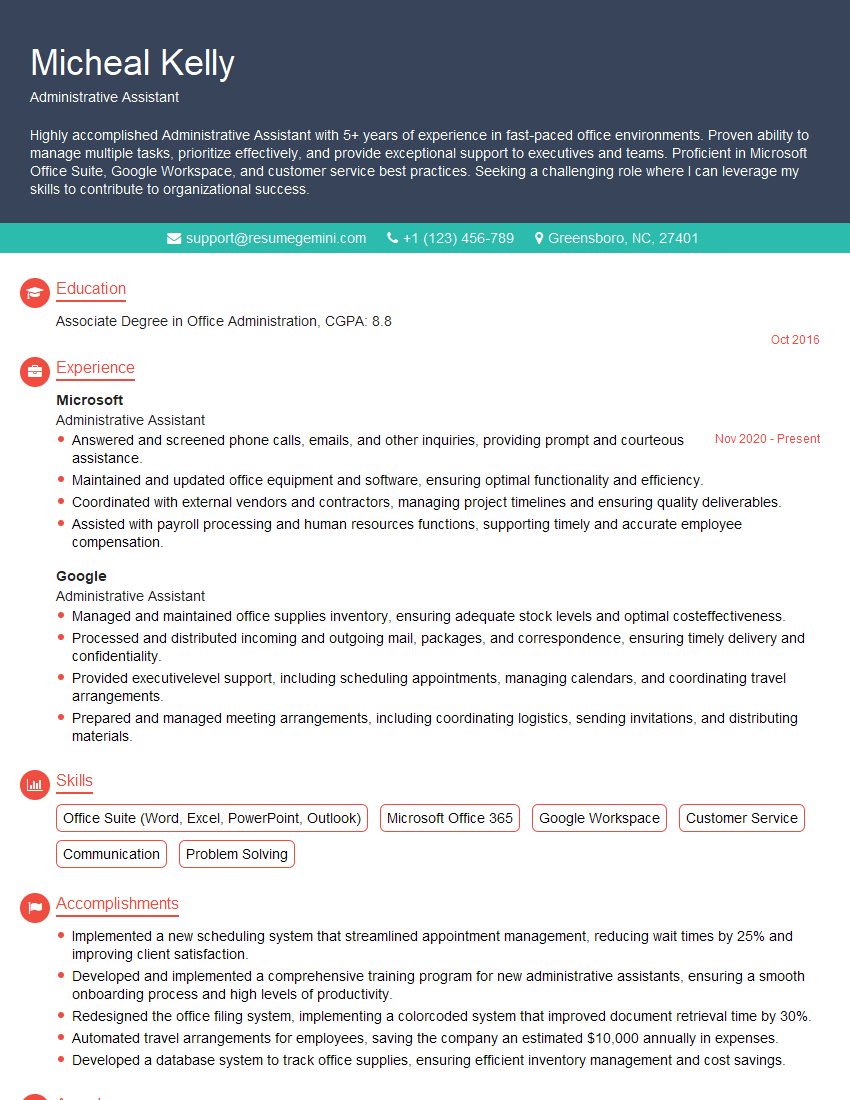
Administrative Assistant Resume Sample
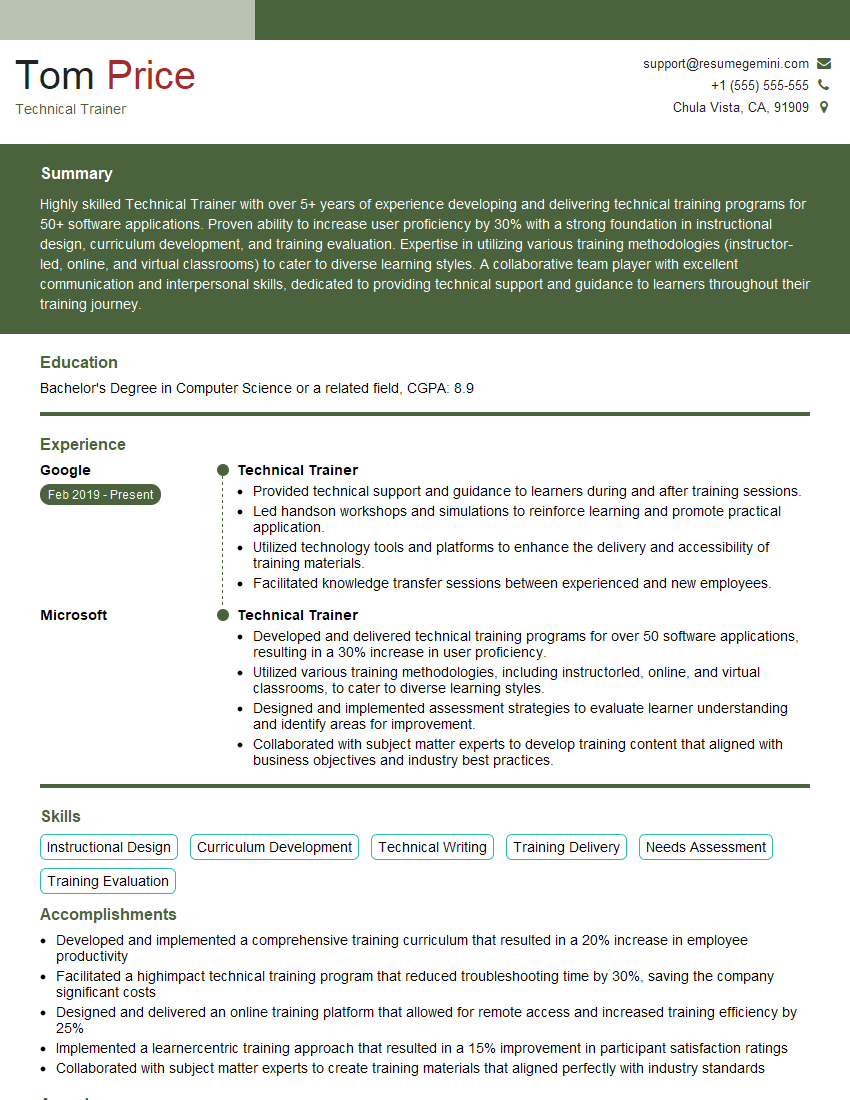
Technical Trainer Resume Sample

Systems Analyst Resume Sample

Network Administrator Resume Sample
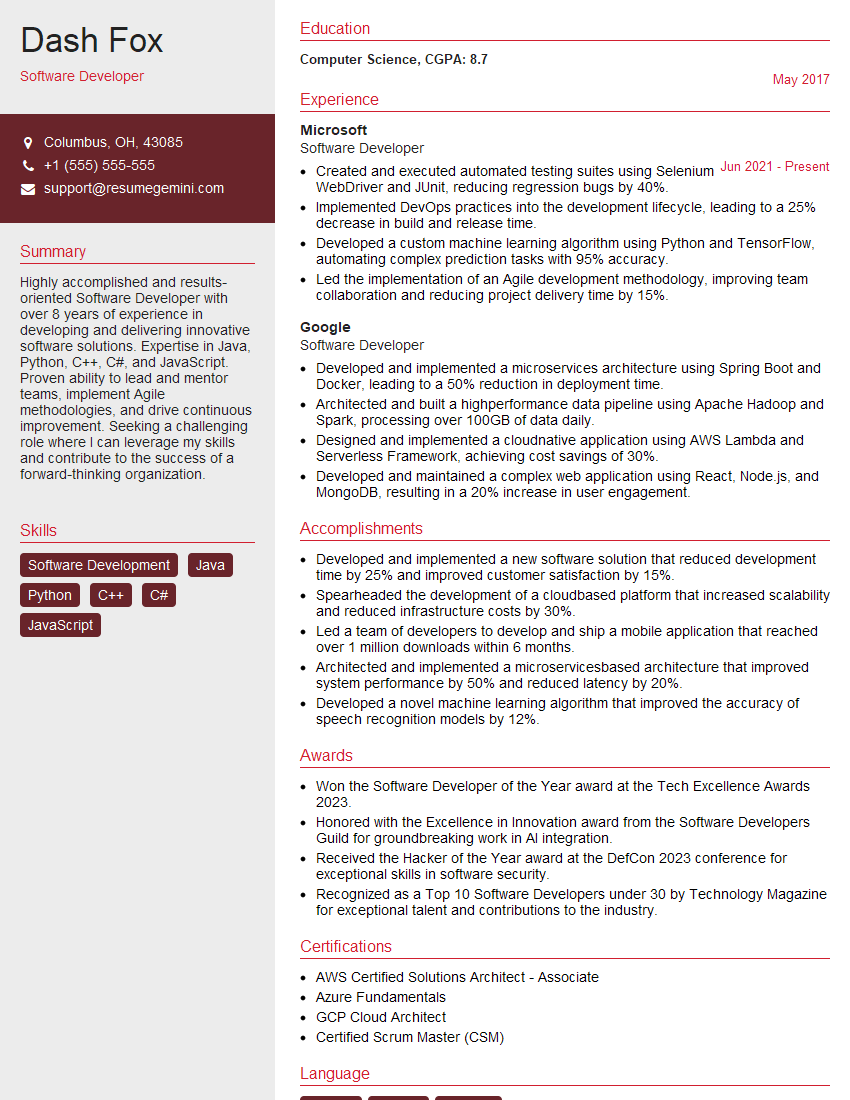
Software Developer Resume Sample

Web Developer Resume Sample
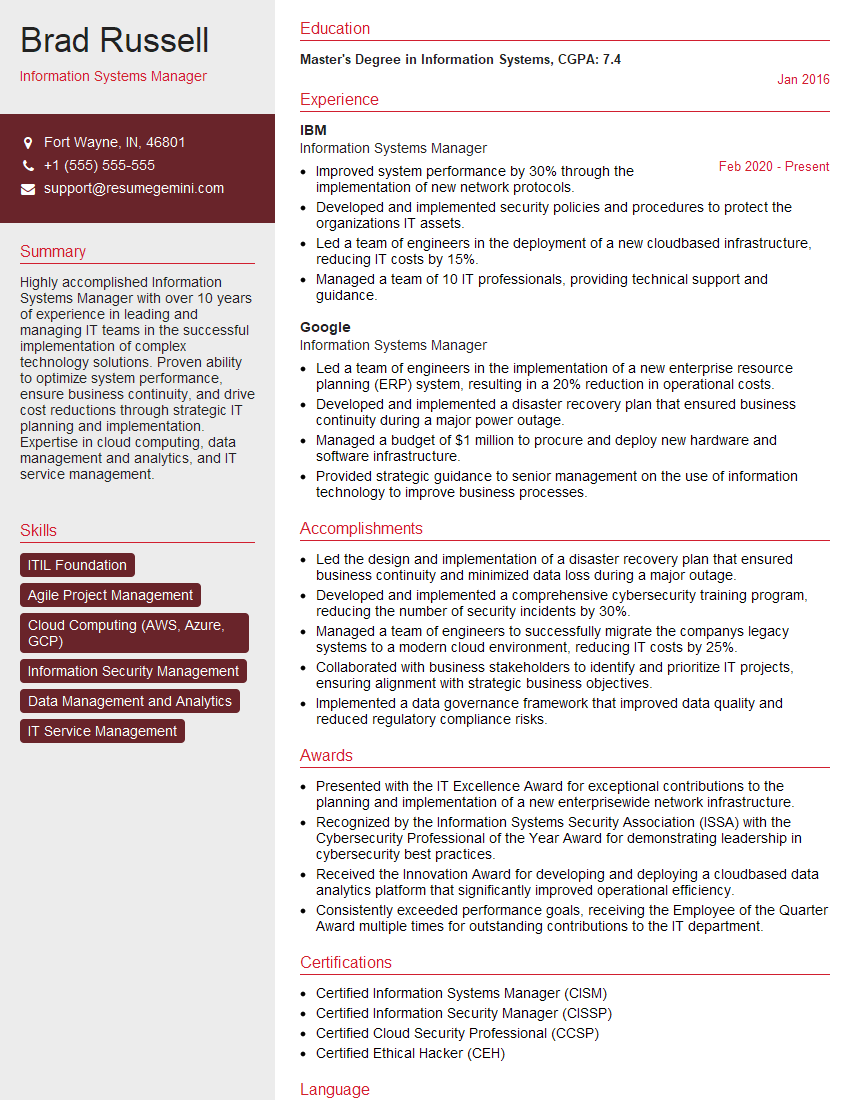
Information Systems Manager Resume Sample

System Administrator Resume Sample
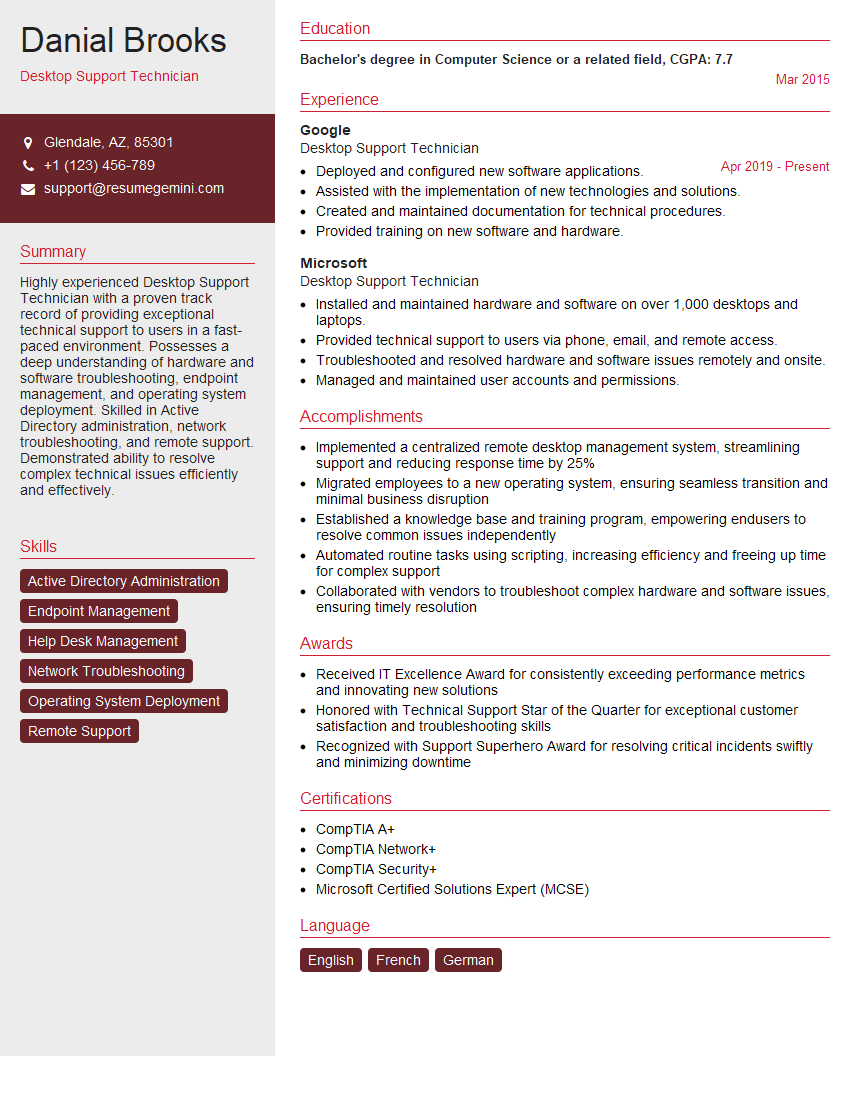
Desktop Support Technician Resume Sample
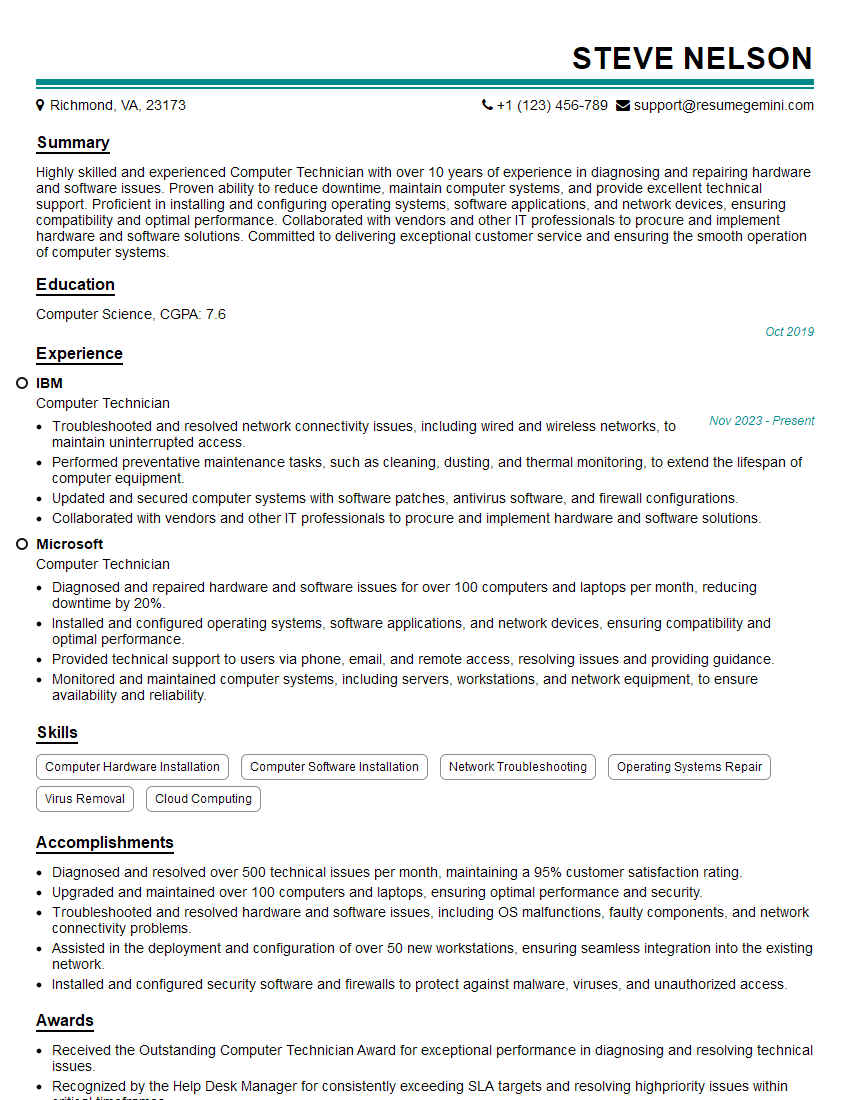
Computer Technician Resume Sample

Help Desk Analyst Resume Sample

IT Manager Resume Sample

Technical Writer Resume Sample
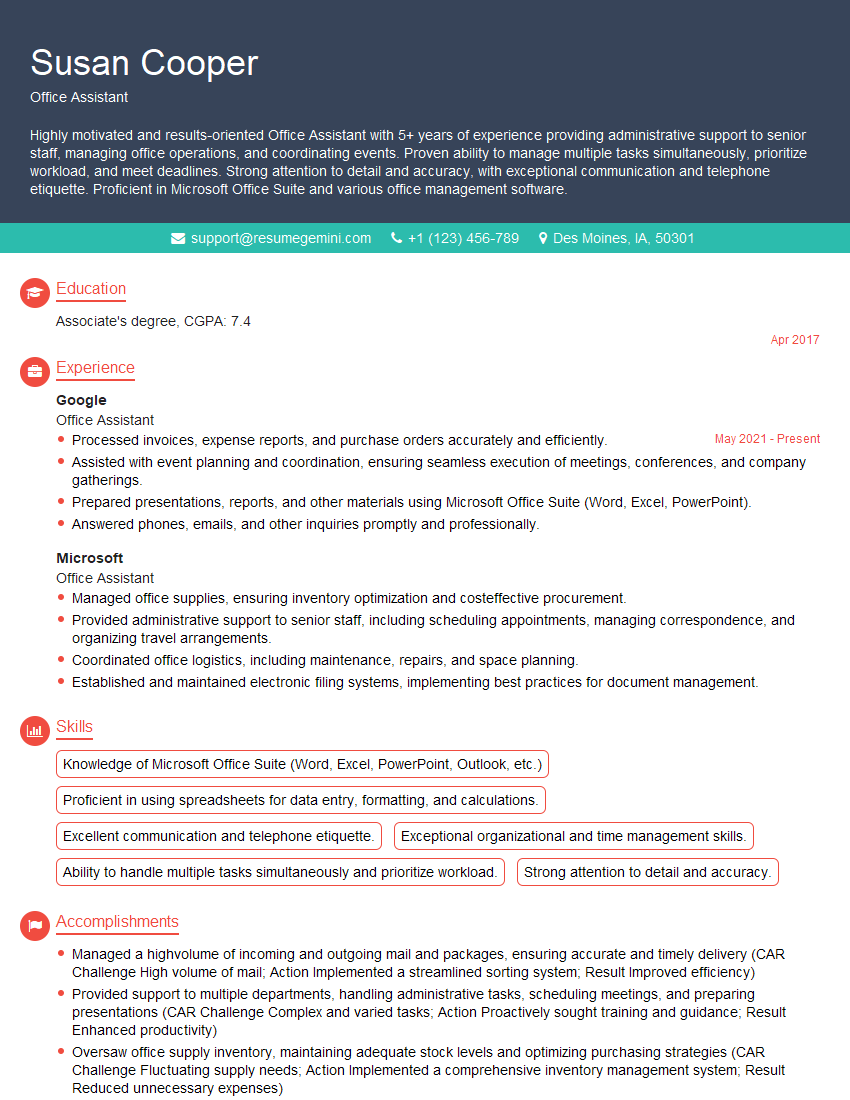
Office Assistant Resume Sample

Data Entry Clerk Resume Sample

IT Support Specialist Resume Sample

Database Administrator Resume Sample
- Administrative Assistant
- Technical Trainer
- Systems Analyst
- Network Administrator
- Software Developer
- Web Developer
- Information Systems Manager
- System Administrator
- Desktop Support Technician
- Computer Technician
- Help Desk Analyst
- IT Manager
- Technical Writer
- Office Assistant
- Data Entry Clerk
- IT Support Specialist
- Database Administrator
Explore more articles
Users Rating of Our Blogs
Share Your Experience
We value your feedback! Please rate our content and share your thoughts (optional).
What Readers Say About Our Blog
Attention music lovers!
Wow, All the best Sax Summer music !!!
Spotify: https://open.spotify.com/artist/6ShcdIT7rPVVaFEpgZQbUk
Apple Music: https://music.apple.com/fr/artist/jimmy-sax-black/1530501936
YouTube: https://music.youtube.com/browse/VLOLAK5uy_noClmC7abM6YpZsnySxRqt3LoalPf88No
Other Platforms and Free Downloads : https://fanlink.tv/jimmysaxblack
on google : https://www.google.com/search?q=22+AND+22+AND+22
on ChatGPT : https://chat.openai.com?q=who20jlJimmy20Black20Sax20Producer
Get back into the groove with Jimmy sax Black
Best regards,
Jimmy sax Black
www.jimmysaxblack.com
Hi I am a troller at The aquatic interview center and I suddenly went so fast in Roblox and it was gone when I reset.
Hi,
Business owners spend hours every week worrying about their website—or avoiding it because it feels overwhelming.
We’d like to take that off your plate:
$69/month. Everything handled.
Our team will:
Design a custom website—or completely overhaul your current one
Take care of hosting as an option
Handle edits and improvements—up to 60 minutes of work included every month
No setup fees, no annual commitments. Just a site that makes a strong first impression.
Find out if it’s right for you:
https://websolutionsgenius.com/awardwinningwebsites
Hello,
we currently offer a complimentary backlink and URL indexing test for search engine optimization professionals.
You can get complimentary indexing credits to test how link discovery works in practice.
No credit card is required and there is no recurring fee.
You can find details here:
https://wikipedia-backlinks.com/indexing/
Regards
NICE RESPONSE TO Q & A
hi
The aim of this message is regarding an unclaimed deposit of a deceased nationale that bears the same name as you. You are not relate to him as there are millions of people answering the names across around the world. But i will use my position to influence the release of the deposit to you for our mutual benefit.
Respond for full details and how to claim the deposit. This is 100% risk free. Send hello to my email id: lukachachibaialuka@gmail.com
Luka Chachibaialuka
Hey interviewgemini.com, just wanted to follow up on my last email.
We just launched Call the Monster, an parenting app that lets you summon friendly ‘monsters’ kids actually listen to.
We’re also running a giveaway for everyone who downloads the app. Since it’s brand new, there aren’t many users yet, which means you’ve got a much better chance of winning some great prizes.
You can check it out here: https://bit.ly/callamonsterapp
Or follow us on Instagram: https://www.instagram.com/callamonsterapp
Thanks,
Ryan
CEO – Call the Monster App
Hey interviewgemini.com, I saw your website and love your approach.
I just want this to look like spam email, but want to share something important to you. We just launched Call the Monster, a parenting app that lets you summon friendly ‘monsters’ kids actually listen to.
Parents are loving it for calming chaos before bedtime. Thought you might want to try it: https://bit.ly/callamonsterapp or just follow our fun monster lore on Instagram: https://www.instagram.com/callamonsterapp
Thanks,
Ryan
CEO – Call A Monster APP
To the interviewgemini.com Owner.
Dear interviewgemini.com Webmaster!
Hi interviewgemini.com Webmaster!
Dear interviewgemini.com Webmaster!
excellent
Hello,
We found issues with your domain’s email setup that may be sending your messages to spam or blocking them completely. InboxShield Mini shows you how to fix it in minutes — no tech skills required.
Scan your domain now for details: https://inboxshield-mini.com/
— Adam @ InboxShield Mini
support@inboxshield-mini.com
Reply STOP to unsubscribe
Hi, are you owner of interviewgemini.com? What if I told you I could help you find extra time in your schedule, reconnect with leads you didn’t even realize you missed, and bring in more “I want to work with you” conversations, without increasing your ad spend or hiring a full-time employee?
All with a flexible, budget-friendly service that could easily pay for itself. Sounds good?
Would it be nice to jump on a quick 10-minute call so I can show you exactly how we make this work?
Best,
Hapei
Marketing Director
Hey, I know you’re the owner of interviewgemini.com. I’ll be quick.
Fundraising for your business is tough and time-consuming. We make it easier by guaranteeing two private investor meetings each month, for six months. No demos, no pitch events – just direct introductions to active investors matched to your startup.
If youR17;re raising, this could help you build real momentum. Want me to send more info?
Hi, I represent an SEO company that specialises in getting you AI citations and higher rankings on Google. I’d like to offer you a 100% free SEO audit for your website. Would you be interested?
Hi, I represent an SEO company that specialises in getting you AI citations and higher rankings on Google. I’d like to offer you a 100% free SEO audit for your website. Would you be interested?