Unlock your full potential by mastering the most common Data Entry and Display interview questions. This blog offers a deep dive into the critical topics, ensuring you’re not only prepared to answer but to excel. With these insights, you’ll approach your interview with clarity and confidence.
Questions Asked in Data Entry and Display Interview
Q 1. What data entry software are you proficient in?
My proficiency in data entry software spans a wide range of applications. I’m highly skilled in using Microsoft Excel, a cornerstone for data manipulation and entry, particularly proficient in using formulas and macros to automate tasks and improve efficiency. Beyond Excel, I have extensive experience with specialized data entry software like SAP, Salesforce, and various Customer Relationship Management (CRM) systems. My experience also includes using dedicated data entry applications designed for specific industries, such as medical billing software or inventory management systems. I quickly adapt to new software, understanding that the core principles of accurate and efficient data entry remain consistent across platforms.
For instance, in a previous role, I streamlined the data entry process for a large e-commerce company by creating custom Excel macros to automate repetitive data cleaning tasks, leading to a significant reduction in processing time and improved accuracy. My familiarity with different software ensures I can seamlessly integrate into various organizational environments and contribute effectively from day one.
Q 2. Describe your experience with data validation and error correction.
Data validation and error correction are critical aspects of my data entry workflow. I employ a multi-layered approach. First, I meticulously check for consistency and plausibility using built-in validation tools within the software. This might include verifying that dates are formatted correctly, numbers fall within acceptable ranges, or that text fields adhere to predefined specifications. For example, I might set up conditional formatting in Excel to highlight cells containing improbable values. Second, I leverage cross-referencing techniques, comparing data entered against existing databases or other source documents to detect inconsistencies. If errors are detected, I employ a methodical approach to correction. This often includes contacting the data source to clarify inconsistencies, performing manual checks, or employing lookup tables to standardize data formats. Finally, I maintain detailed records of corrections made, including timestamps and descriptions, to ensure transparency and accountability.
In a past project involving a large customer database, I identified a significant number of duplicate entries by implementing a VLOOKUP function in Excel. Identifying and merging these duplicates saved considerable time and improved data integrity. My commitment to validation ensures that the data I enter is reliable and accurate.
Q 3. How do you maintain accuracy while working under pressure?
Maintaining accuracy under pressure requires a combination of strong organizational skills, a systematic approach, and a keen attention to detail. When facing deadlines, I prioritize tasks using effective time management techniques, such as breaking down large projects into smaller, manageable segments. I also utilize checklists and templates to guide my work, reducing the likelihood of errors. Furthermore, I take short, regular breaks to prevent burnout and maintain focus. I find that staying hydrated and avoiding distractions significantly helps in maintaining concentration and accuracy even under tight deadlines.
Think of it like a marathon, not a sprint. Consistent pacing, strategic breaks, and a clear route map are essential for completing the race accurately and efficiently, even when the clock is ticking.
Q 4. Explain your process for handling large datasets.
Handling large datasets involves employing efficient strategies to organize, clean, and process information. I typically start by assessing the dataset’s structure, identifying potential inconsistencies, and determining the optimal tools for processing it. This often involves leveraging the power of spreadsheet software like Excel or specialized database management systems (DBMS) like SQL Server or MySQL. For extremely large datasets that exceed the capacity of spreadsheet software, I utilize scripting languages such as Python, employing libraries like Pandas for efficient data manipulation and analysis. This allows for the automation of cleaning, transformation, and aggregation of data, significantly accelerating the processing time.
For example, when working with a dataset containing millions of records, I would use Python’s Pandas library to filter, sort, and clean the data before loading it into a database for further analysis. This approach helps avoid resource limitations and speeds up processing time tremendously.
Q 5. How do you ensure data integrity and consistency?
Data integrity and consistency are paramount. I ensure these qualities through several measures. Firstly, I adhere to established data entry standards and guidelines, using consistent formatting and terminology throughout the process. Secondly, I actively utilize data validation techniques, as previously described, to identify and correct errors. Thirdly, I implement data cleansing procedures to remove duplicates, standardize inconsistent entries, and handle missing values appropriately. Finally, I regularly backup data to prevent data loss and ensure recovery in case of unforeseen circumstances. Data integrity is more than just accuracy; it’s about reliability and trustworthiness of the information.
Imagine a building. Data integrity is like the foundation – strong and reliable. If the foundation (data integrity) is weak, the entire structure (analysis and decisions based on data) will be compromised.
Q 6. How familiar are you with data warehousing concepts?
I have a good understanding of data warehousing concepts. I know that data warehousing involves the extraction, transformation, and loading (ETL) of data from various sources into a central repository for analysis and reporting. I understand the importance of data modeling, dimensional modeling, and the creation of star schemas or snowflake schemas for efficient querying and reporting. While I haven’t directly managed a data warehouse, I’ve worked with data extracted from them, preparing it for analysis and reporting, demonstrating a practical understanding of how data warehousing outputs are used.
In essence, I comprehend that a data warehouse is a centralized, structured storage designed for sophisticated analytics and business decision-making, rather than for operational activities.
Q 7. What is your experience with different data formats (e.g., CSV, XML, JSON)?
I possess experience working with various data formats, including CSV, XML, and JSON. CSV (Comma Separated Values) is frequently used for its simplicity and compatibility with spreadsheet software. I’m proficient in importing and exporting CSV data, handling potential issues such as delimiters and encoding. XML (Extensible Markup Language) and JSON (JavaScript Object Notation) are more structured formats often used for web-based applications and data exchange. I can parse and manipulate these formats using appropriate tools, such as text editors, scripting languages (like Python), or specialized software. My experience ensures that I can effectively handle data regardless of its initial format.
For example, I’ve used Python libraries to parse JSON APIs and extract relevant data for a previous project, demonstrating my ability to work with diverse data formats in different programming contexts.
Q 8. How do you handle conflicting data entries?
Conflicting data entries are a common challenge in data management. Handling them effectively requires a systematic approach. My strategy begins with identification: I use data validation rules and checks to flag inconsistencies early on. This might involve comparing entries against existing databases or using checksums to detect errors.
Once identified, I move to verification. This involves carefully reviewing the conflicting data sources to determine the most reliable and accurate information. I might cross-reference data from multiple sources, or contact the original data provider for clarification if possible.
Finally, resolution involves making a decision and recording the changes. I meticulously document the conflict, my reasoning for choosing a particular entry, and the steps taken to resolve it. This ensures transparency and allows for easy auditing later. For example, if I had two different birthdates for the same person, I would check the source’s reliability, perhaps comparing it to a driver’s license or passport before selecting the correct one and documenting the discrepancy. This whole process is about ensuring data integrity and minimizing inaccuracies.
Q 9. Describe your experience with data cleaning and transformation techniques.
Data cleaning and transformation are crucial for ensuring data quality. My experience encompasses a wide range of techniques, including:
- Handling missing values: I’ve used various imputation methods, from simple mean/median/mode imputation to more sophisticated techniques like k-Nearest Neighbors or regression imputation, depending on the dataset and the nature of the missing data. For example, I would use mean imputation for numerical data where missing values are few and randomly distributed, but k-NN for more complex cases.
- Outlier detection and treatment: I employ techniques like box plots, scatter plots, and z-score calculations to identify outliers. I carefully consider whether these outliers are errors or legitimate extreme values before deciding on a suitable treatment – removal, transformation (e.g., logarithmic transformation), or winsorization.
- Data standardization and normalization: I regularly apply techniques like z-score normalization or min-max scaling to bring data to a common scale, improving the performance of machine learning algorithms or making comparisons more meaningful.
- Data type conversion: Converting data from one type to another (e.g., string to numerical) is a common task. I ensure this conversion is done correctly and consistently, taking care to handle potential errors and data loss.
For example, in a project involving customer demographics, I cleaned addresses by standardizing formats (e.g., converting ‘st’, ‘street’ to ‘St’), handling missing zip codes (imputation), and removing duplicates. This significantly improved data accuracy and usability.
Q 10. How do you prioritize tasks when multiple data entry projects are ongoing?
Prioritizing tasks with multiple data entry projects involves a blend of strategic planning and efficient execution. My approach involves:
- Understanding project deadlines: I meticulously review all deadlines to establish a clear timeline. Urgent projects or those with impending deadlines take precedence.
- Assessing project complexity: I factor in the complexity of each project; more intricate projects, requiring more time and skill, may be scheduled before simpler ones.
- Resource allocation: I consider the resources required for each task. If certain tasks need specialized software or expertise, I’ll adjust the schedule accordingly.
- Communication and collaboration: I maintain open communication with stakeholders to keep them updated on progress and to address any potential conflicts or changes in priorities.
- Time management techniques: I utilize time-blocking and task-chunking strategies to break down large tasks into smaller, manageable units. Regular breaks ensure I maintain focus and productivity throughout the day.
Imagine having to manage three projects simultaneously: one with a high-priority and tight deadline, one involving highly sensitive data, and one with a simpler scope. I would focus on the high-priority, tight-deadline project first, dedicate time to the sensitive data project with appropriate security measures, and then address the smaller project in between, making sure each one gets the attention it requires without compromising on quality or timelines.
Q 11. What is your typing speed and accuracy?
My typing speed is consistently above 75 words per minute with an accuracy rate exceeding 98%. I achieve this through years of experience, regular practice, and employing proper ergonomic techniques to minimize errors and fatigue. I am also proficient in using various keyboard shortcuts and tools to enhance efficiency.
Q 12. Describe a time you identified and corrected a data entry error.
In a recent project involving customer purchase history, I noticed discrepancies in the total purchase amounts for some customers. By carefully examining the individual transactions, I discovered a data entry error where several amounts were entered with an extra zero at the end – indicating a price ten times higher than intended.
I used a query to identify all entries with this error, checked against invoices and bank records (available data sources), and corrected the total amounts. Crucially, I documented the error, the correction method, and the results, ensuring the issue was addressed permanently and wouldn’t recur.
Q 13. How do you handle ambiguous or incomplete data?
Handling ambiguous or incomplete data requires careful judgment and a methodical approach. My strategy typically involves:
- Identifying the nature of the incompleteness or ambiguity: Is it a missing value? A vague description? Inconsistently formatted data?
- Investigating potential sources of clarification: I look for additional documentation, contact relevant individuals, or utilize external databases to resolve ambiguities.
- Applying imputation or data standardization techniques (if applicable): Using appropriate imputation techniques or creating consistent data formats ensures a degree of standardization.
- Documenting the uncertainty or assumptions made: If the data cannot be definitively resolved, I document the uncertainties and assumptions made during the data cleaning process for increased transparency and accountability.
For example, encountering an address with only a street name and city would require me to investigate other related data points, possibly using an online mapping service to verify or fill in the missing street number and zip code. This process should be appropriately documented to maintain the audit trail.
Q 14. How do you ensure the confidentiality of sensitive data?
Confidentiality of sensitive data is paramount. I adhere strictly to all relevant data protection policies and regulations. My practices include:
- Secure data handling: I use strong passwords, multi-factor authentication where available, and encryption when handling sensitive data. This includes encrypting data at rest and in transit.
- Access control: I only access the data necessary for my tasks and follow strict guidelines regarding data access privileges.
- Data minimization: I only collect and process data necessary for the specific task, adhering to the principle of data minimization.
- Regular security awareness training: I stay informed about the latest threats and vulnerabilities and follow best practices to prevent data breaches.
- Incident reporting: I have a clear protocol for reporting any security incidents, ensuring immediate action is taken to mitigate the risks.
In any scenario involving personal identifiable information (PII) or other sensitive data, my actions are always guided by strict adherence to regulations and company policies. Protecting user privacy is not an afterthought; it’s an integral part of every step in my workflow.
Q 15. What is your experience with data backup and recovery procedures?
Data backup and recovery are crucial for data integrity and business continuity. My experience encompasses implementing and managing various backup strategies, including regular incremental backups, full backups, and offsite storage solutions. I’m proficient in using both cloud-based solutions like AWS S3 and Azure Blob Storage, and on-premise solutions involving network-attached storage (NAS) and tape backups.
For instance, in my previous role, we implemented a three-tiered backup system: daily incremental backups to a local server, weekly full backups to a secondary server in a different location, and monthly archival backups to cloud storage. This ensured redundancy and minimized data loss in case of hardware failure, natural disasters, or cyberattacks. The recovery process involves testing restoration procedures regularly to ensure they’re effective and identifying any bottlenecks in the process.
I understand the importance of versioning backups, allowing us to revert to previous versions if necessary, and also maintaining detailed documentation of the backup and recovery procedures for easy troubleshooting and team collaboration.
Career Expert Tips:
- Ace those interviews! Prepare effectively by reviewing the Top 50 Most Common Interview Questions on ResumeGemini.
- Navigate your job search with confidence! Explore a wide range of Career Tips on ResumeGemini. Learn about common challenges and recommendations to overcome them.
- Craft the perfect resume! Master the Art of Resume Writing with ResumeGemini’s guide. Showcase your unique qualifications and achievements effectively.
- Don’t miss out on holiday savings! Build your dream resume with ResumeGemini’s ATS optimized templates.
Q 16. Describe your experience using different keyboard layouts.
I’m comfortable using various keyboard layouts, including QWERTY, Dvorak, and AZERTY. My adaptability stems from years of experience working with diverse systems and international clients. Switching between layouts is seamless for me, and I can quickly adjust to new layouts with minimal disruption to my workflow.
For example, while working on a project with a French client, I efficiently transitioned to the AZERTY layout to accurately input data containing accented characters. This adaptability is critical for ensuring data accuracy and preventing errors when working with international datasets or systems. Proficiency in multiple layouts also streamlines my work when assisting colleagues or troubleshooting issues on different systems.
Q 17. What is your understanding of data security best practices?
Data security is paramount in data entry. My understanding encompasses several key aspects, including access control, data encryption, and regular security audits.
- Access Control: Implementing role-based access control (RBAC) ensures that only authorized personnel can access sensitive data. This might involve assigning different permission levels based on job roles and responsibilities.
- Data Encryption: Encrypting data both in transit (using HTTPS) and at rest (using disk encryption) protects sensitive information from unauthorized access, even if a system is compromised.
- Regular Security Audits: Conducting regular security audits and vulnerability assessments helps identify and address potential security risks before they can be exploited. This includes checking for outdated software, weak passwords, and other vulnerabilities.
- Data Loss Prevention (DLP): Implementing DLP measures prevents sensitive data from leaving the organization’s control, either intentionally or accidentally. This could involve monitoring outgoing emails, file transfers, and other data transfer methods.
I also understand the importance of adhering to relevant data privacy regulations, such as GDPR and CCPA, depending on the context of the data being handled. Staying informed about the latest security threats and best practices is a continuous process I actively engage in.
Q 18. How do you troubleshoot data entry issues?
Troubleshooting data entry issues is a systematic process. My approach involves a series of steps:
- Identify the Problem: Clearly define the issue – is it inaccurate data, missing data, or system errors?
- Isolate the Source: Pinpoint the origin of the problem. Is it a data source issue, a user error, a software bug, or a hardware problem?
- Review Data Sources: Examine the source documents for errors or inconsistencies. This might involve double-checking data entries against original records.
- Check System Logs: Review system logs for any error messages or unusual activity that could indicate a problem.
- Test Data Entry Procedures: Repeat the data entry process to see if the error is reproducible.
- Consult Documentation and Resources: Review relevant manuals, help files, or online resources to find solutions to known issues.
- Seek Assistance: If necessary, consult with colleagues, IT support, or developers to resolve complex issues.
For example, if I encounter a recurring error message during data entry, I’d first check system logs for clues, then consult the software’s documentation or online forums for solutions. If the issue persists, I’d escalate it to the appropriate IT support team.
Q 19. What are your strategies for maintaining focus and concentration during data entry?
Maintaining focus and concentration during data entry is crucial for accuracy and efficiency. My strategies include:
- Ergonomic Workspace: Setting up an ergonomic workspace with proper lighting, comfortable seating, and a well-organized desk minimizes physical strain and fatigue, thereby improving focus.
- Regular Breaks: Taking short, regular breaks prevents burnout and maintains concentration. The Pomodoro Technique (25 minutes of work followed by a 5-minute break) is a helpful strategy.
- Minimize Distractions: Creating a distraction-free environment by turning off notifications, putting away phones, and using noise-canceling headphones is essential.
- Mindfulness Techniques: Practicing mindfulness or short meditation sessions can improve focus and reduce stress.
- Varying Tasks: If possible, alternating between different data entry tasks can help maintain engagement and prevent monotony.
I find that staying hydrated and eating healthy snacks also contributes to maintaining energy levels and focus throughout the day.
Q 20. Explain your process for verifying data accuracy.
Verifying data accuracy is a critical part of data entry. My process involves several layers of checks:
- Data Validation: Using data validation rules within the software to check for data types, ranges, and formats ensures the data conforms to predefined standards.
- Cross-referencing: Comparing data against multiple sources to identify inconsistencies or errors. For example, comparing data entered manually with data from a database or scanned document.
- Data Reconciliation: Matching the total number of records entered with the expected number of records from the source. This helps identify missing or duplicate entries.
- Visual Inspection: Carefully reviewing the entered data for obvious errors or anomalies. This is particularly useful for identifying typos or inconsistencies.
- Random Sampling: Selecting a random sample of entries to verify their accuracy through detailed scrutiny.
For instance, when entering financial data, I would use data validation to ensure that numbers are within a valid range, cross-reference entries against invoices, and reconcile the total sum with the overall balance sheet. This multi-layered approach minimizes errors and ensures data integrity.
Q 21. How do you stay up-to-date with changes in data entry technology?
Staying updated on data entry technology is vital. I use several methods:
- Industry Publications and Blogs: Reading industry publications, blogs, and online articles keeps me informed about new software, techniques, and best practices.
- Online Courses and Webinars: Participating in online courses and webinars offered by industry leaders provides in-depth knowledge and certifications.
- Professional Networks: Engaging with professional networks like LinkedIn and attending industry conferences allows me to stay connected with colleagues and learn about new trends.
- Software Updates and Documentation: Regularly updating my software and reviewing the documentation helps me leverage the latest features and improvements.
- Experimentation: Trying out new tools and techniques allows me to evaluate their effectiveness and adapt my workflow accordingly.
By actively pursuing continuous learning, I ensure my skills remain current and I’m prepared to adapt to evolving technologies in data entry.
Q 22. What is your experience with OCR (Optical Character Recognition) software?
OCR, or Optical Character Recognition, is a technology that converts scanned documents, images, or handwritten text into machine-readable digital text. My experience with OCR software spans several years and various applications. I’ve worked extensively with both standalone OCR programs like ABBYY FineReader and Tesseract OCR, and integrated OCR functionalities within larger data entry systems. I’m proficient in pre-processing documents for optimal OCR accuracy, including image enhancement and noise reduction. For example, I’ve used image editing software to improve the clarity of faded or blurry documents before feeding them into the OCR software, significantly increasing the accuracy of the output. I also understand the importance of post-processing, reviewing and correcting errors made by the OCR software to ensure data integrity. This often involves identifying and correcting misinterpretations of handwritten text or complex layouts.
Furthermore, my experience includes using cloud-based OCR APIs, such as Google Cloud Vision API and Amazon Textract, which allows for automated processing of large volumes of documents. I understand the nuances of different OCR engines and their varying strengths and weaknesses, allowing me to choose the most appropriate tool for the specific task. For instance, Tesseract excels with printed text, while other engines might be better suited for handwritten text. This careful selection ensures optimal accuracy and efficiency in data extraction.
Q 23. Describe your experience working with different data entry systems.
My experience encompasses a wide range of data entry systems, from simple spreadsheet programs like Microsoft Excel and Google Sheets to sophisticated database management systems such as MySQL and SQL Server. I’m also familiar with specialized data entry applications designed for specific industries. For example, I’ve used inventory management software to update stock levels, customer relationship management (CRM) systems to input client information, and dedicated healthcare platforms for medical records entry. I am comfortable working with both structured data, where information is organized in predefined fields, and unstructured data, requiring more manual interpretation and categorization.
In one project involving a CRM system, I developed a custom macro in Excel to automate data import from a CSV file, significantly reducing the time needed to input new customer records. This involved understanding the CSV structure, mapping data fields, and creating a script that validated data integrity before importing into the CRM. This experience highlights my ability to not only utilize existing systems efficiently, but also to enhance them through automation where appropriate. I also possess a strong understanding of data validation techniques, ensuring data accuracy and consistency across all systems.
Q 24. How do you adapt to changing data entry requirements?
Adaptability is crucial in data entry. I approach changing requirements with a structured, problem-solving mindset. My first step is to thoroughly understand the new requirements, including any changes in data formats, validation rules, and reporting needs. I then assess the existing workflow and identify areas that need to be modified. This often involves training on new software or procedures. I actively seek clarification on any ambiguities, ensuring I have a clear understanding before commencing work. I embrace new challenges as opportunities to expand my skillset and refine my processes.
For example, I once had to adapt to a new data entry system with a significantly different interface and data structure. Instead of feeling overwhelmed, I used the company’s training materials, collaborated with colleagues who were already familiar with the system, and dedicated extra time to practice. Within a short period, I became proficient with the new system, and even identified process improvements that boosted team efficiency.
Q 25. How do you manage your workload to meet deadlines?
Effective workload management is paramount. I utilize various strategies, including prioritizing tasks based on urgency and importance, breaking down large projects into smaller, manageable steps, and utilizing time management techniques like the Pomodoro Technique. I regularly review my progress against deadlines, proactively identifying potential bottlenecks and adjusting my approach as needed. Open communication with my supervisor is crucial; I keep them informed of my progress and any potential delays, allowing for collaborative problem-solving.
To illustrate, when facing a tight deadline on a large data entry project, I divided the work into smaller chunks, assigning each a specific timeframe. This allowed for better tracking of my progress and ensured I could meet the overall deadline. If unexpected delays occurred, I communicated these promptly to my supervisor, enabling us to explore solutions together, such as prioritizing certain tasks or seeking additional support.
Q 26. How do you handle repetitive tasks efficiently?
Repetitive tasks are a common aspect of data entry. To handle them efficiently, I leverage automation wherever possible. This includes using macros in spreadsheet software, scripting languages like Python to automate data transformation or import processes, and exploring features offered by the data entry systems themselves. Beyond automation, I maintain focus and consistency through regular breaks to avoid fatigue, and actively seek ways to improve my workflow, even with repetitive processes.
For instance, while entering large quantities of product codes, I developed a customized Excel macro that auto-filled certain fields based on the product code entered, dramatically reducing the number of manual keystrokes and minimizing the risk of errors. I also use keyboard shortcuts extensively to accelerate my data input speed.
Q 27. Describe your experience with data reporting and analysis.
My experience with data reporting and analysis extends to generating reports using various tools including spreadsheet software, database query languages (SQL), and business intelligence tools. I can extract meaningful insights from raw data, creating visualizations like charts and graphs to effectively communicate findings. I understand the importance of data accuracy and integrity, ensuring that reports are reliable and support informed decision-making.
In a previous role, I used SQL to extract data from a large database, identifying trends in customer purchasing behavior. I then created visualizations using spreadsheet software to present these findings to the marketing team, leading to improved targeted advertising campaigns. This illustrates my capability to not only extract data but also interpret it, providing actionable insights for business improvement.
Q 28. What is your approach to working as part of a team in a data entry environment?
Teamwork is essential in a data entry environment. I believe in open communication, active collaboration, and mutual support. I readily share knowledge and assist colleagues facing challenges, contributing to a positive and productive team environment. I am adept at following established team workflows and procedures, while also actively contributing to process improvement initiatives. Effective communication, including providing updates on my progress and promptly addressing any concerns, is a priority.
In a recent project, our team was struggling to meet a tight deadline. I volunteered to assist colleagues who were lagging behind, sharing my efficient data entry techniques and helping them troubleshoot any issues they were facing. This proactive approach contributed to our team successfully meeting the deadline. I believe in teamwork as a catalyst for achieving common goals and a positive work atmosphere.
Key Topics to Learn for Data Entry and Display Interview
- Data Entry Accuracy and Speed: Understanding techniques for minimizing errors and maximizing efficiency in data input. Practical application includes discussing strategies for proofreading and utilizing keyboard shortcuts.
- Data Validation and Integrity: Learn about data validation rules, error detection methods, and the importance of maintaining data integrity. This includes understanding different data types and their limitations.
- Data Transformation and Formatting: Explore methods for converting data from one format to another, ensuring consistency and accuracy. Practical application includes discussing experience with different file formats (CSV, Excel, Databases) and data cleaning techniques.
- Database Management Basics (if applicable): For roles involving database interaction, familiarize yourself with basic database concepts like tables, records, fields, and simple queries. This section may not be relevant for all roles, so tailor this to the specific job description.
- Data Display and Presentation: Understanding how to effectively present data in a clear and concise manner. Consider different presentation formats and their suitability for various audiences. This could include creating simple reports or charts.
- Software Proficiency: Be prepared to discuss your proficiency in relevant software, such as Microsoft Excel, database management systems, or specialized data entry software. Highlight your experience with specific features and functionalities.
- Problem-Solving and Troubleshooting: Data entry often involves unexpected issues. Be ready to discuss your approach to identifying and resolving data entry errors, including strategies for handling inconsistencies and resolving data conflicts.
Next Steps
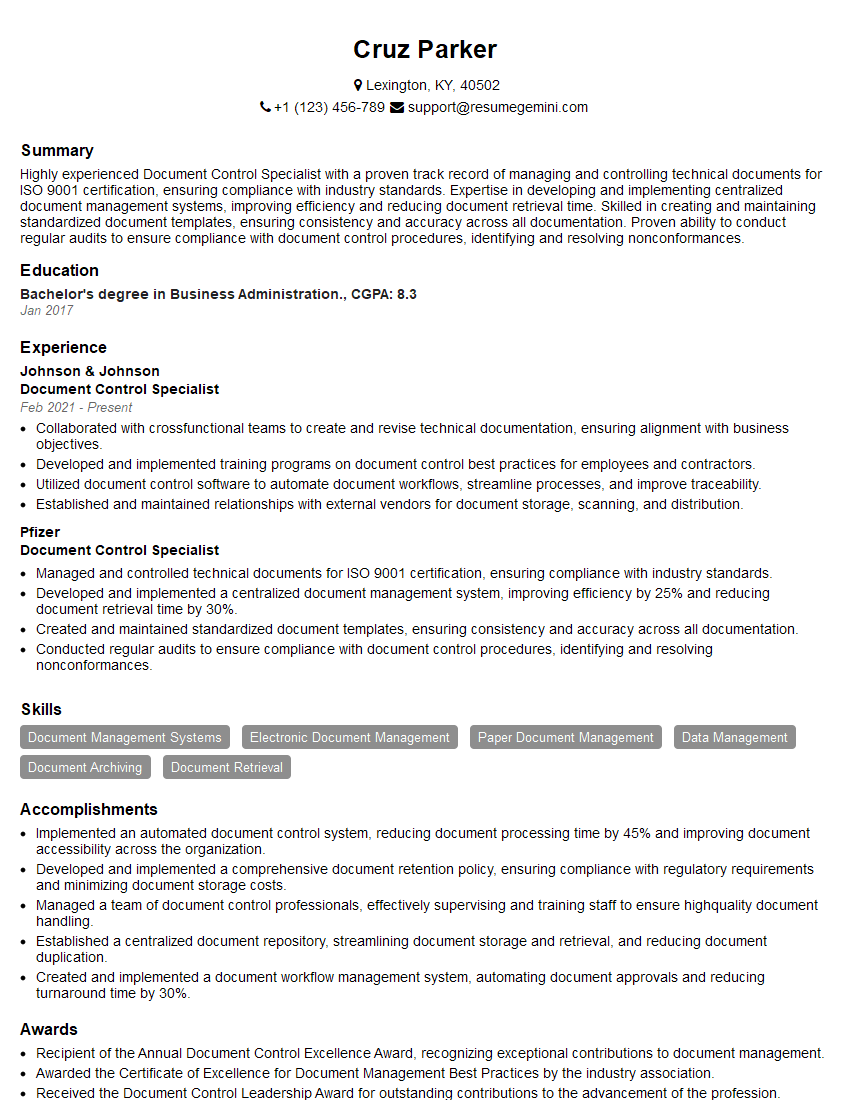
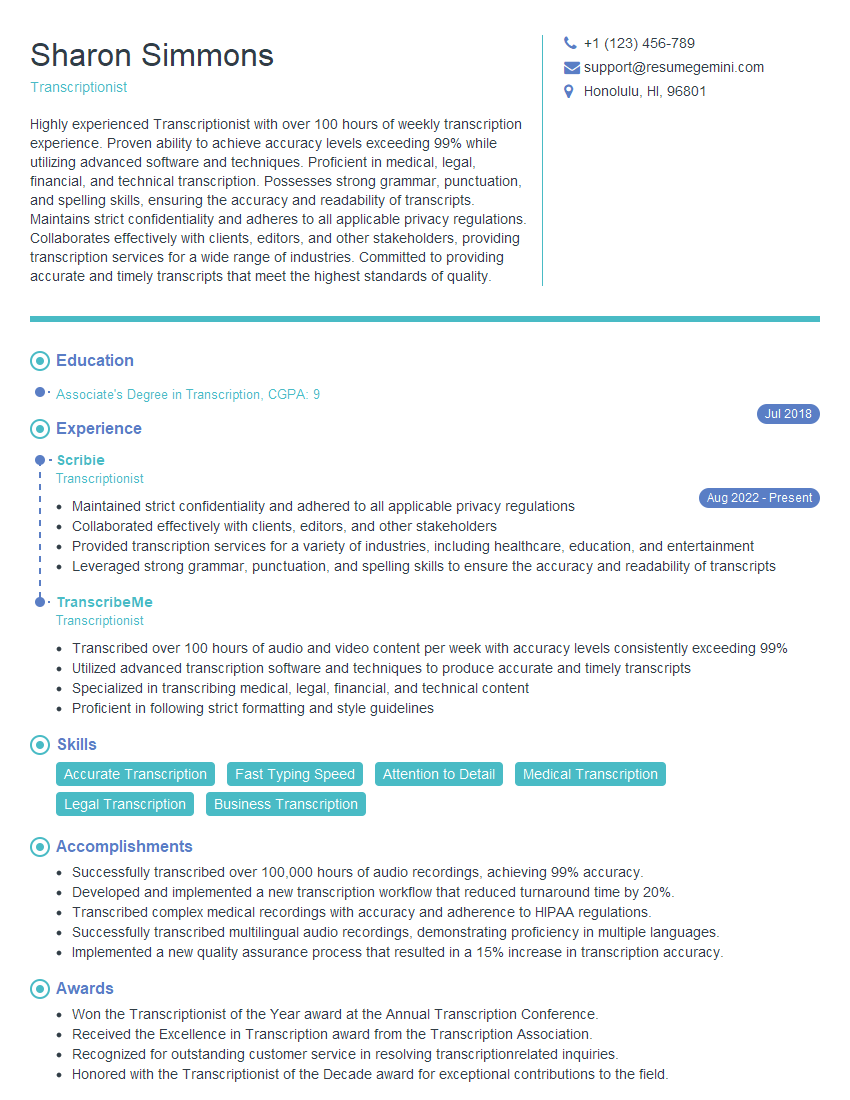
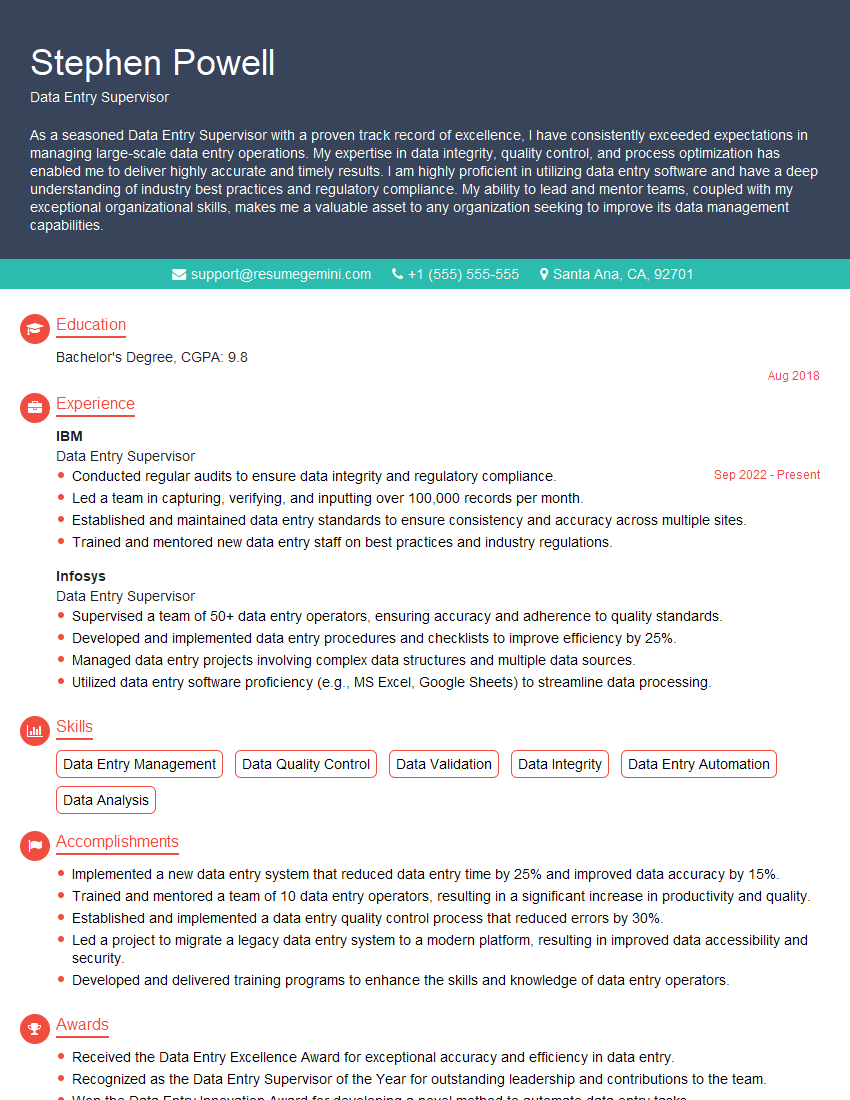
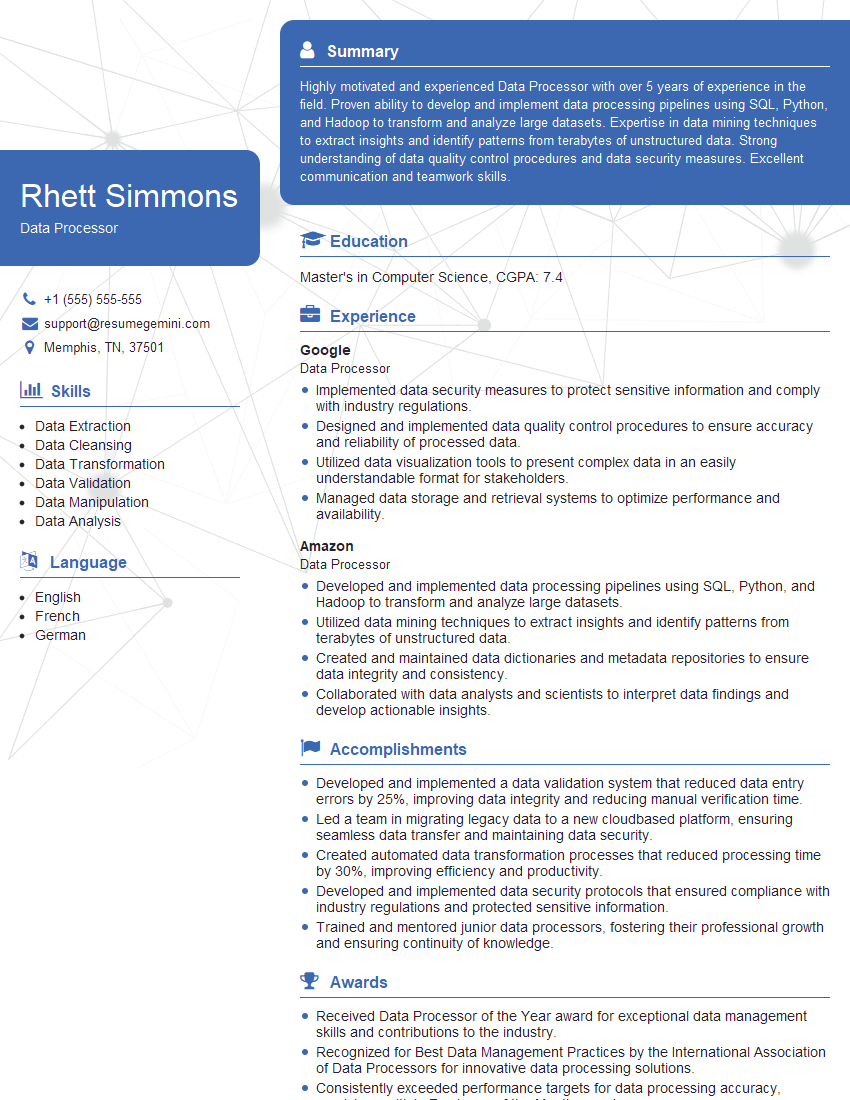
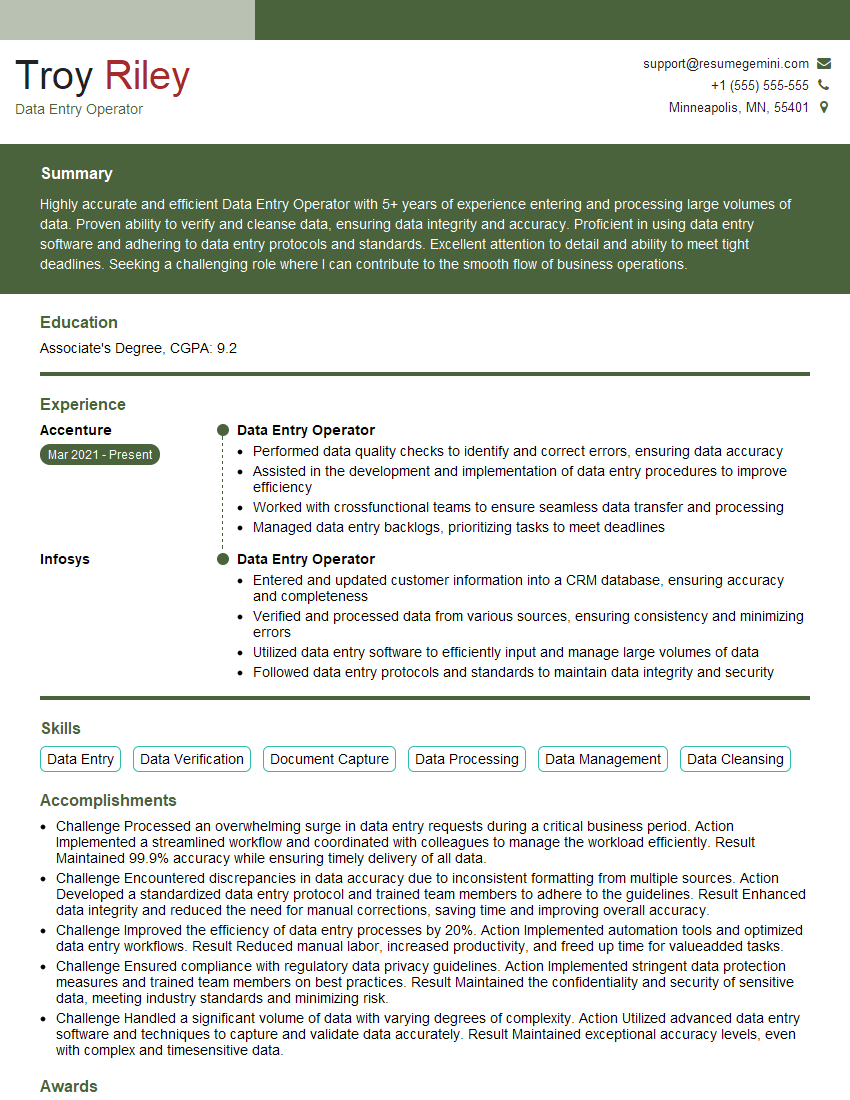
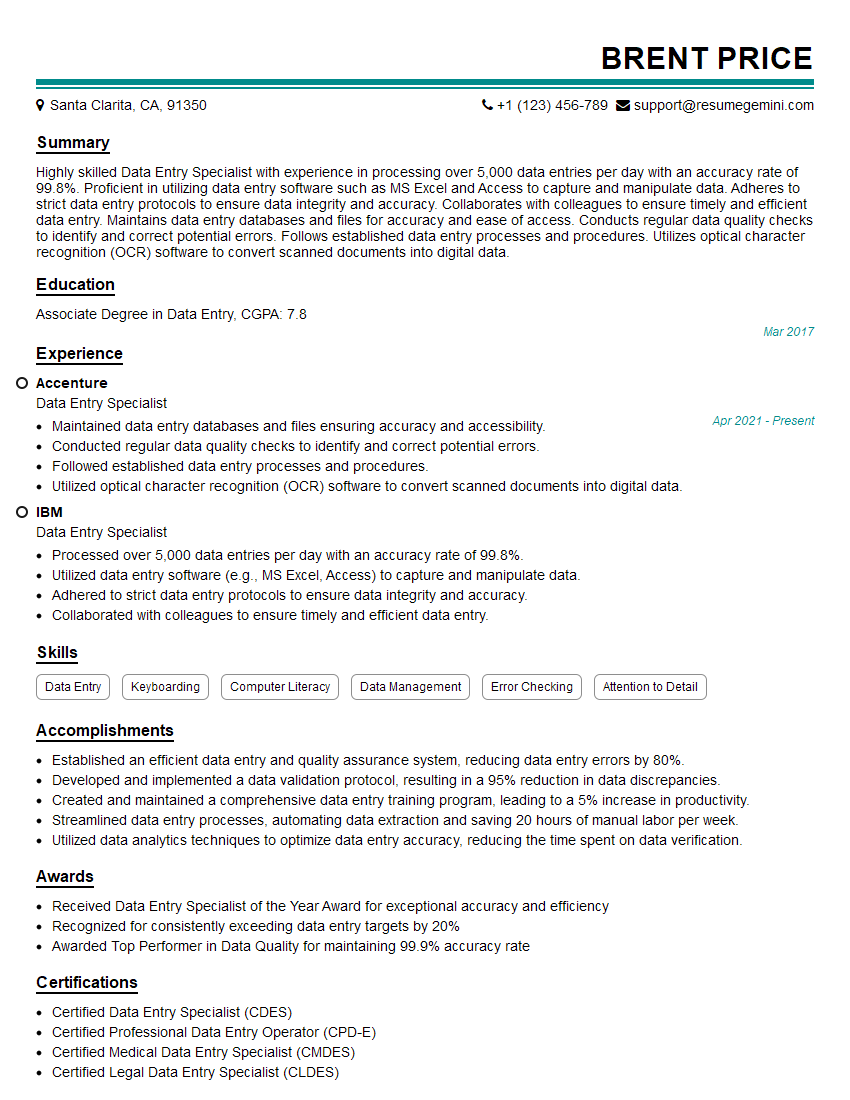
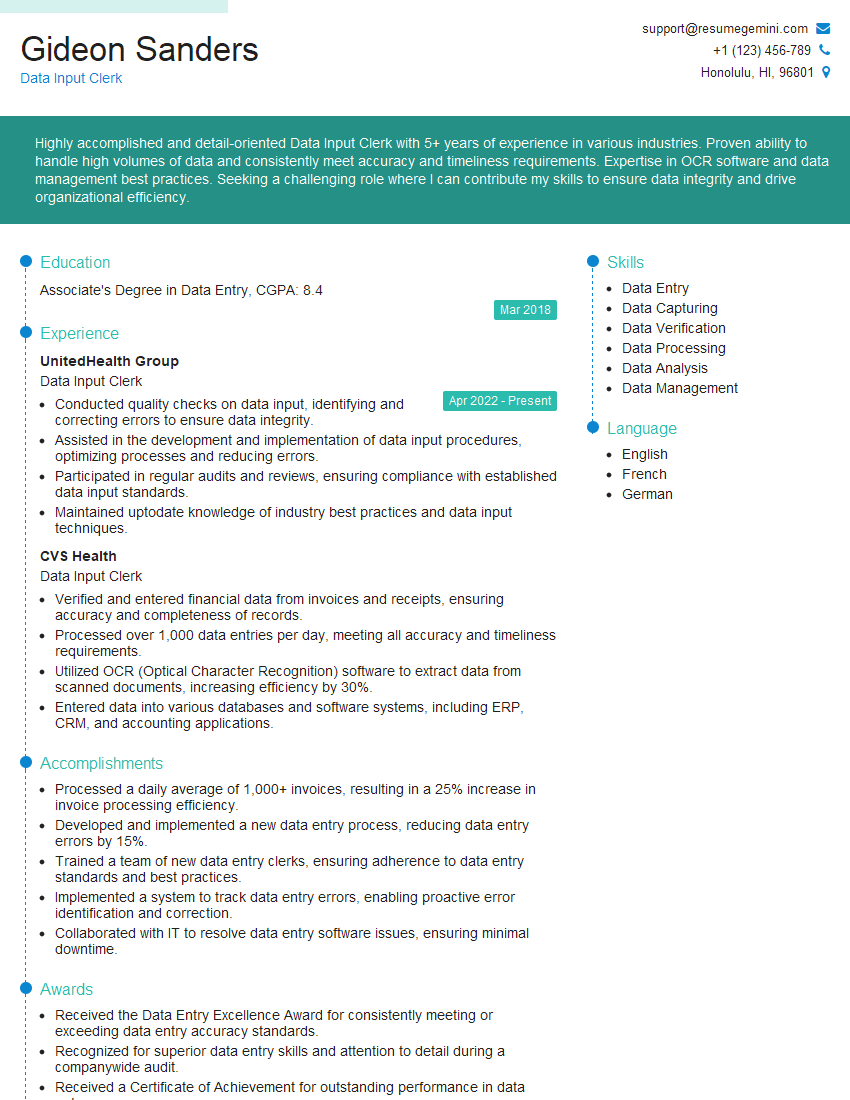
Mastering Data Entry and Display skills opens doors to diverse and rewarding career paths, offering opportunities for growth and specialization. A well-crafted resume is crucial for showcasing your abilities and landing your dream job. An ATS-friendly resume significantly increases your chances of getting noticed by recruiters. To ensure your resume stands out, leverage the power of ResumeGemini—a trusted resource for creating professional and effective resumes. ResumeGemini provides examples of resumes tailored to Data Entry and Display roles, helping you present your skills and experience in the best possible light. Invest time in building a strong resume; it’s your first impression and a critical step towards your success.

Explore more articles
Users Rating of Our Blogs
Share Your Experience
We value your feedback! Please rate our content and share your thoughts (optional).
What Readers Say About Our Blog
Hello,
we currently offer a complimentary backlink and URL indexing test for search engine optimization professionals.
You can get complimentary indexing credits to test how link discovery works in practice.
No credit card is required and there is no recurring fee.
You can find details here:
https://wikipedia-backlinks.com/indexing/
Regards
NICE RESPONSE TO Q & A
hi
The aim of this message is regarding an unclaimed deposit of a deceased nationale that bears the same name as you. You are not relate to him as there are millions of people answering the names across around the world. But i will use my position to influence the release of the deposit to you for our mutual benefit.
Respond for full details and how to claim the deposit. This is 100% risk free. Send hello to my email id: [email protected]
Luka Chachibaialuka
Hey interviewgemini.com, just wanted to follow up on my last email.
We just launched Call the Monster, an parenting app that lets you summon friendly ‘monsters’ kids actually listen to.
We’re also running a giveaway for everyone who downloads the app. Since it’s brand new, there aren’t many users yet, which means you’ve got a much better chance of winning some great prizes.
You can check it out here: https://bit.ly/callamonsterapp
Or follow us on Instagram: https://www.instagram.com/callamonsterapp
Thanks,
Ryan
CEO – Call the Monster App
Hey interviewgemini.com, I saw your website and love your approach.
I just want this to look like spam email, but want to share something important to you. We just launched Call the Monster, a parenting app that lets you summon friendly ‘monsters’ kids actually listen to.
Parents are loving it for calming chaos before bedtime. Thought you might want to try it: https://bit.ly/callamonsterapp or just follow our fun monster lore on Instagram: https://www.instagram.com/callamonsterapp
Thanks,
Ryan
CEO – Call A Monster APP
To the interviewgemini.com Owner.
Dear interviewgemini.com Webmaster!
Hi interviewgemini.com Webmaster!
Dear interviewgemini.com Webmaster!
excellent
Hello,
We found issues with your domain’s email setup that may be sending your messages to spam or blocking them completely. InboxShield Mini shows you how to fix it in minutes — no tech skills required.
Scan your domain now for details: https://inboxshield-mini.com/
— Adam @ InboxShield Mini
Reply STOP to unsubscribe
Hi, are you owner of interviewgemini.com? What if I told you I could help you find extra time in your schedule, reconnect with leads you didn’t even realize you missed, and bring in more “I want to work with you” conversations, without increasing your ad spend or hiring a full-time employee?
All with a flexible, budget-friendly service that could easily pay for itself. Sounds good?
Would it be nice to jump on a quick 10-minute call so I can show you exactly how we make this work?
Best,
Hapei
Marketing Director
Hey, I know you’re the owner of interviewgemini.com. I’ll be quick.
Fundraising for your business is tough and time-consuming. We make it easier by guaranteeing two private investor meetings each month, for six months. No demos, no pitch events – just direct introductions to active investors matched to your startup.
If youR17;re raising, this could help you build real momentum. Want me to send more info?
Hi, I represent an SEO company that specialises in getting you AI citations and higher rankings on Google. I’d like to offer you a 100% free SEO audit for your website. Would you be interested?
Hi, I represent an SEO company that specialises in getting you AI citations and higher rankings on Google. I’d like to offer you a 100% free SEO audit for your website. Would you be interested?
good