Cracking a skill-specific interview, like one for Design Documentation, requires understanding the nuances of the role. In this blog, we present the questions you’re most likely to encounter, along with insights into how to answer them effectively. Let’s ensure you’re ready to make a strong impression.
Questions Asked in Design Documentation Interview
Q 1. Explain the importance of clear and concise design documentation.
Clear and concise design documentation is the backbone of any successful project. It acts as a single source of truth, ensuring everyone – designers, developers, product managers, and stakeholders – is on the same page. Without it, projects become prone to misunderstandings, inconsistencies, and ultimately, failure. Think of it like a well-written recipe: if the instructions are unclear or missing crucial steps, the final product will likely be disappointing.
The importance lies in several key areas:
- Reduced ambiguity: Clear documentation minimizes the chances of misinterpretations, saving time and resources spent on clarifying design choices.
- Improved collaboration: It facilitates seamless collaboration among team members, fostering a shared understanding and reducing conflicts.
- Faster development: Developers can readily refer to the documentation, ensuring that the final product aligns perfectly with the design vision.
- Efficient onboarding: New team members can quickly grasp the project’s design principles and contribute effectively.
- Better stakeholder management: Clear documentation enables easier communication and buy-in from stakeholders, ensuring alignment on design goals and progress.
In essence, well-structured design documentation is an investment that yields significant returns in terms of project efficiency, quality, and overall success.
Q 2. Describe your experience with different design documentation formats (e.g., wireframes, mockups, style guides).
My experience encompasses a wide range of design documentation formats, each serving a distinct purpose. I’m adept at using:
- Wireframes: Low-fidelity visual representations of a user interface, focusing on structure and functionality. For instance, I’ve used Balsamiq to quickly sketch out the basic layout and information architecture of a new e-commerce checkout process, allowing for rapid iteration and feedback.
- Mockups: Higher-fidelity representations showing visual details and aesthetics. I frequently utilize Figma to create visually appealing mockups, complete with typography, imagery, and color palettes, for client presentations and internal design reviews. This allows for a more concrete visualization of the final product.
- Prototypes: Interactive mockups that simulate user interactions. Tools like Adobe XD and InVision are invaluable for creating clickable prototypes, enabling us to test user flows and gather valuable feedback early in the design process. I remember using XD to create a prototype for a mobile banking app, allowing us to test the usability of the transaction flow before development began.
- Style Guides: Comprehensive documents outlining design standards and specifications, ensuring consistency across all platforms and touchpoints. I’ve used both dedicated style guide platforms and living documents within Figma to meticulously document brand colors, typography, spacing, and component libraries, maintaining consistency across large projects.
The choice of format depends heavily on the project phase and audience. While wireframes are perfect for early-stage exploration, mockups and prototypes become essential for detailed design and user testing.
Q 3. How do you ensure consistency and accuracy in design documentation across a team?
Consistency and accuracy are paramount. I employ several strategies to ensure this across a team:
- Centralized Style Guide: Maintaining a single, up-to-date style guide accessible to all team members is crucial. This ensures everyone adheres to the same design language and standards.
- Component Libraries: Utilizing component libraries within design tools like Figma or Sketch allows designers to reuse pre-built components, guaranteeing consistency and reducing design errors.
- Regular Design Reviews: Conducting regular design reviews and critiques promotes open communication, allowing team members to identify inconsistencies and provide feedback early on. I typically lead these sessions and foster a collaborative environment.
- Version Control: Implementing robust version control systems (like Abstract for Figma) ensures that changes are tracked, enabling easy rollback and comparison of different design iterations. This is especially valuable during collaborative projects.
- Clear Communication & Documentation Protocols: Establishing clear communication channels and documentation protocols ensures that any changes are documented and communicated effectively. This can include using a project management tool to track design decisions and updates.
By combining these methods, we create a cohesive design system that minimizes inconsistencies and maximizes design quality.
Q 4. What tools and software are you proficient in for creating design documentation?
My proficiency spans several industry-standard tools:
- Figma: My go-to tool for collaborative design, prototyping, and style guide creation. Its real-time collaboration features are invaluable for teamwork.
- Adobe XD: Excellent for prototyping and creating interactive mockups, particularly for mobile applications.
- Sketch: A powerful tool for vector-based design, particularly useful for crafting high-fidelity mockups and icons.
- Balsamiq: Ideal for creating quick, low-fidelity wireframes during the initial design phases.
- InVision: A strong prototyping tool that integrates well with other design software, enabling advanced prototyping and user testing.
- Microsoft Office Suite (Word, Excel, PowerPoint): I use these for supplementary documentation, presentations, and reports.
I adapt my tool selection to the specific needs of each project, leveraging the strengths of each software to maximize efficiency and output.
Q 5. Describe your process for creating user-centered design documentation.
My process for creating user-centered design documentation starts with a deep understanding of the target users. I employ a user-centered design approach, focusing on understanding their needs, behaviors, and pain points.
- User Research: This involves conducting user interviews, surveys, usability testing, and analyzing user data to gain insights into their needs and expectations. I’ll often create user personas to represent different user segments.
- Information Architecture: Planning the structure and organization of the content to ensure intuitive navigation and ease of use. Card sorting exercises are frequently used at this stage.
- Wireframing and Prototyping: Creating low-fidelity wireframes to outline the basic structure and flow, followed by higher-fidelity mockups and interactive prototypes to test usability and gather feedback.
- Usability Testing: Conducting usability testing with representative users to identify areas for improvement and ensure the design meets user needs. This involves observing users interacting with the prototype and collecting feedback.
- Iterative Design: Continuously iterating on the design based on feedback gathered during the process. This is a crucial aspect of creating a user-centered design.
Throughout the entire process, user feedback is central to shaping the design and the accompanying documentation, ensuring it reflects the needs and preferences of the intended audience.
Q 6. How do you handle conflicting design decisions reflected in the documentation?
Conflicting design decisions are inevitable, especially in collaborative environments. I approach these conflicts using a structured and collaborative process:
- Identify the Conflict: Clearly define the nature of the conflict, identifying the specific design elements or decisions that are at odds.
- Gather Evidence: Collect data and rationale behind each conflicting decision. This might involve user research data, competitor analysis, or design principles.
- Facilitate Discussion: Organize a meeting with relevant stakeholders to discuss the conflict openly and collaboratively. The goal is to understand the perspectives and reasoning behind each decision.
- Prioritize User Needs: Ultimately, the decision should be guided by what best serves the user’s needs. User research data plays a critical role here.
- Document the Resolution: Clearly document the final decision, including the reasoning behind it, and communicate it to the entire team. This prevents future confusion and ensures consistency.
A collaborative approach, coupled with a focus on user needs, helps resolve conflicts effectively and productively, leading to a stronger final design.
Q 7. Explain your approach to version control for design documentation.
Version control for design documentation is essential for managing changes, collaborating effectively, and maintaining a clear history of the design process. I utilize a combination of strategies:
- Design Software Version Control: I leverage the version control features built into design tools like Figma’s history and Abstract, enabling me to track changes, revert to previous versions, and compare iterations easily.
- Cloud Storage: Utilizing cloud storage services like Google Drive or Dropbox provides a secure and accessible location for design files, enabling real-time collaboration and automatic backups.
- Dedicated Version Control Systems: For larger projects or those requiring more advanced version control, integrating a dedicated system like Git could be beneficial, although this is less common for purely design files.
- Clear Naming Conventions: Employing consistent file naming conventions (e.g., using dates and descriptive names) helps keep the design files organized and easily identifiable. This makes navigating through version history more efficient.
- Documentation of Changes: Along with version control, I maintain a log or record of significant design changes, documenting the rationale and any relevant decisions. This helps explain the evolution of the design.
By employing these techniques, I ensure that the design documentation remains organized, accessible, and reflective of the iterative design process.
Q 8. How do you ensure your design documentation is accessible to all stakeholders?
Ensuring accessibility in design documentation is crucial for effective collaboration. It’s about tailoring the information to the diverse understanding and needs of all stakeholders, from engineers to marketing teams and clients. This involves several key strategies:
Clear and Concise Language: Avoid jargon and technical terms unless absolutely necessary. If used, always provide clear definitions. Think of explaining a complex concept to your grandmother – that’s the level of clarity you should aim for.
Visual Aids: Use diagrams, flowcharts, mockups, and prototypes generously. A picture is truly worth a thousand words, especially when conveying complex technical designs.
Structured Formatting: Employ consistent headings, subheadings, bullet points, and numbered lists to improve readability and navigation. Think of it like creating a well-organized map for your readers.
Version Control: Using a version control system (like Git) allows stakeholders to track changes and easily access different versions of the document, promoting transparency and collaboration.
Multiple Formats: Consider providing the documentation in multiple formats (e.g., PDF, online interactive document) to cater to different preferences and accessibility needs.
Targeted Distribution: Deliver documentation via the most appropriate channel for each stakeholder group (e.g., email, project management software, internal wiki).
For example, when documenting a user interface design, using annotated wireframes and interactive prototypes alongside a written explanation would make the documentation much more accessible to both designers and developers.
Q 9. Describe a situation where you had to adapt your documentation style to a specific audience.
I once worked on a project involving a complex data pipeline. The initial documentation, heavily focused on technical details, was overwhelming for the business stakeholders. They needed to understand the impact of the pipeline, not the intricate technical implementation.
To adapt, I created a separate, high-level overview document. This document used simple language, focusing on business outcomes and avoiding technical jargon. I included visual representations of the data flow, using easy-to-understand metaphors. For instance, I compared the data pipeline to a conveyor belt moving products through a factory, highlighting each stage of processing.
For the technical team, I maintained the detailed technical documentation, but I ensured it was well-structured and used consistent naming conventions for clarity. This two-pronged approach ensured that both audiences could access the information relevant to their needs and understanding.
Q 10. How do you prioritize tasks when creating design documentation for multiple projects?
Prioritizing tasks when working on multiple design documentation projects requires a strategic approach. I typically use a combination of methods:
Project Urgency and Deadline: Documents for projects with immediate deadlines or critical dependencies naturally take precedence.
Stakeholder Importance: Projects involving key stakeholders or high-impact decisions get prioritized to ensure their needs are met promptly.
Dependency Analysis: Identifying dependencies between projects helps me sequence documentation tasks to ensure a smooth workflow. For instance, the documentation for a foundational component needs to be completed before documenting systems that depend on it.
Timeboxing: Allocating specific time blocks for each project prevents getting bogged down in one project and neglecting others. The Pomodoro Technique, for example, can be highly effective.
Agile Methodology: Applying agile principles, such as iterative development and frequent feedback, allows for flexible prioritization and adaptation as new information emerges.
Using project management tools like Jira or Trello to track tasks, deadlines, and dependencies is invaluable for this process.
Q 11. How do you incorporate feedback into your design documentation process?
Incorporating feedback is vital for producing high-quality design documentation. I actively solicit and incorporate feedback at multiple stages:
Early Feedback: Sharing drafts with key stakeholders early allows for iterative refinement and prevents major revisions later in the process.
Formal Review Processes: Conducting formal design reviews with relevant teams ensures a structured approach to feedback gathering and implementation.
Collaborative Tools: Using tools like Google Docs or collaborative design software allows for real-time feedback and easy tracking of changes.
Feedback Tracking System: Maintaining a log of all feedback received, including the source, date, and action taken, ensures accountability and transparency.
Iterative Approach: Continuously refining the documentation based on feedback received during reviews, testing and after deployment.
I find that actively listening to feedback, even if it’s critical, is key to improving the quality and effectiveness of the documentation.
Q 12. How do you ensure your design documentation remains up-to-date?
Keeping design documentation up-to-date is an ongoing process, not a one-time task. Several strategies are essential:
Version Control: Using a version control system like Git allows for easy tracking of changes and the ability to revert to previous versions if needed.
Regular Updates: Scheduling regular reviews of the documentation to ensure it accurately reflects the current state of the project. This can be tied to sprint reviews or release cycles.
Automated Documentation: Where possible, automating parts of the documentation generation process (e.g., using tools that generate API documentation from code) reduces the manual effort and minimizes the risk of outdated information.
Clear Communication: Establishing clear communication channels to ensure that all stakeholders are aware of updates and changes to the documentation.
Single Source of Truth: Maintain a single, centralized repository for all design documentation to avoid version conflicts and ensure everyone is working from the latest version.
Think of it like maintaining a living document that grows and adapts along with the project itself.
Q 13. What are some common challenges you face when creating design documentation, and how do you overcome them?
Creating design documentation comes with its challenges. Some common ones I encounter include:
Keeping up with changes: Rapidly evolving projects can make it difficult to keep the documentation current. Addressing this requires agile methodologies and frequent updates.
Balancing detail and conciseness: Providing sufficient detail without overwhelming the reader is a constant balancing act. This is where clear structuring and visual aids play a crucial role.
Gathering and integrating feedback: Managing feedback from multiple stakeholders can be complex. A structured feedback process and collaborative tools help streamline this.
Maintaining consistency: Ensuring consistency in terminology, style, and formatting across different documents requires careful planning and attention to detail.
Time constraints: Documentation often takes a back seat to other tasks, especially under tight deadlines. Prioritization and efficient documentation practices are key here.
To overcome these, I prioritize clear communication, use version control, and employ agile principles to adapt to changing needs. I also leverage collaborative tools and templates to promote consistency and efficiency.
Q 14. Explain your understanding of different design systems and how they relate to documentation.
Design systems are collections of reusable components, guidelines, and specifications that define how a product or brand should look and behave. They are crucial for maintaining consistency and efficiency in design and development.
Documentation plays a vital role in design systems. It serves as the central repository for all aspects of the system, including:
Component Library: Detailed documentation of each reusable component, including its usage, properties, and variations.
Style Guide: Guidelines on typography, color palettes, spacing, and other visual elements, ensuring consistency across the product.
Design Principles: High-level principles guiding design decisions, promoting a unified design language.
Usage Guidelines: Instructions on how to use components and style guidelines effectively.
A well-documented design system is essential for ensuring consistency, promoting scalability, and facilitating collaboration between designers and developers. Without clear documentation, a design system becomes merely a collection of assets, not a valuable resource for building a unified product.
For example, a well-documented design system might include a comprehensive component library with interactive examples of each component, a style guide with detailed specifications for typography and color, and clear guidelines on how to use components to build different types of pages. This makes it easy for anyone on the team to understand and use the system, contributing to faster and more consistent design and development cycles.
Q 15. Describe your experience with creating documentation for API’s or software components.
Creating effective API and software component documentation is crucial for seamless collaboration and maintainability. My experience spans various projects, from designing RESTful APIs using OpenAPI specifications to documenting complex microservices architectures. I’ve utilized tools like Swagger and Postman to generate interactive API documentation, ensuring both technical and non-technical users can understand the functionality. For software components, I focus on clear descriptions of inputs, outputs, and error handling, often supplemented with UML diagrams for intricate interactions. For example, when documenting a payment gateway API, I’d include details on request parameters (e.g., {"amount": 100, "currency": "USD"}), response codes (e.g., 200 for success, 400 for bad request), and detailed explanations of each error condition, enhancing developer understanding and error debugging. I also ensure that versioning is clear and that any deprecations are prominently marked.
Career Expert Tips:
- Ace those interviews! Prepare effectively by reviewing the Top 50 Most Common Interview Questions on ResumeGemini.
- Navigate your job search with confidence! Explore a wide range of Career Tips on ResumeGemini. Learn about common challenges and recommendations to overcome them.
- Craft the perfect resume! Master the Art of Resume Writing with ResumeGemini’s guide. Showcase your unique qualifications and achievements effectively.
- Don’t miss out on holiday savings! Build your dream resume with ResumeGemini’s ATS optimized templates.
Q 16. How do you measure the effectiveness of your design documentation?
Measuring the effectiveness of design documentation isn’t a simple metric; it’s a multi-faceted process. I primarily assess effectiveness through:
- Developer feedback: Direct surveys, informal discussions, and issue tracking systems reveal the clarity and usefulness of the documentation. Low numbers of support requests related to documentation-related misunderstandings are a positive indicator.
- Time-to-onboarding: Tracking how quickly new developers can become productive with a system is a critical indicator of documentation quality. Faster onboarding suggests easier-to-understand and comprehensive documentation.
- Task completion success rate: Monitoring the success rate of tasks relying on the documentation helps to identify gaps or ambiguities.
- Documentation usage metrics (if available): Some documentation systems track page views, search queries, and time spent on specific pages. These analytics offer data-driven insights into what is and isn’t being used effectively.
For example, if developers frequently report confusion about a particular API endpoint, it signals a need for improved documentation for that specific area. These metrics guide iterative improvements, constantly refining the documentation’s clarity and usefulness.
Q 17. How do you handle technical jargon in your design documentation?
Technical jargon can be a significant barrier to understanding. My approach focuses on balancing technical accuracy with accessibility. I use a layered approach:
- Glossary of terms: A dedicated glossary defines complex terms with clear, concise explanations, accessible via hyperlinks within the main text.
- Progressive disclosure: Initially, I present a high-level overview that avoids unnecessary technicalities. More detailed technical information is provided in separate sections for those who need it. For example, the main section on database interactions could mention that the application uses a relational database, deferring detailed schema explanations to an appendix.
- Visual aids: Diagrams, flowcharts, and code examples simplify complex concepts, making them easier to grasp. A well-placed diagram can often convey information more effectively than paragraphs of text.
- Plain language: I strive to use plain language wherever possible, avoiding unnecessary acronyms and specialized terms unless absolutely essential.
Consider explaining the concept of ‘normalization’ in database design. Instead of directly using the term, I might begin with a simple example of data redundancy and then explain how normalization solves that issue. Only after establishing a basic understanding would I introduce the term ‘normalization’ and its various forms.
Q 18. Describe your experience with using a documentation management system.
I have extensive experience using various documentation management systems, including Confluence, Read the Docs, and even GitHub Wikis. My choice depends on the project’s needs and scale. I’m proficient in using these systems to create, organize, version, and manage documentation collaboratively. These systems offer significant advantages, such as version control, collaborative editing, and access control, ensuring that everyone has access to the latest, accurate information. For instance, using Confluence’s features allows me to easily integrate documentation with project management tools and create a central repository for all project-related materials. The versioning capabilities are critical for tracking changes and reverting to previous versions if needed.
Q 19. How do you balance detail with brevity in your documentation?
Balancing detail with brevity is a crucial skill in technical writing. It’s about providing enough information to be useful without overwhelming the reader. My strategy involves:
- Audience analysis: Understanding the target audience (e.g., junior developers vs. senior architects) dictates the level of detail required. Junior developers might need more step-by-step guidance, while senior developers may prefer a more concise overview.
- Prioritization: Focusing on the most essential information ensures that crucial details are not missed, while less important aspects can be summarized or omitted. If a specific method is used only in rare circumstances, it may not warrant detailed explanation.
- Modular design: Breaking down complex topics into smaller, manageable sections makes the information easier to digest. This allows readers to selectively access the sections most relevant to their needs.
- Use of examples and illustrations: Visual aids like code examples, diagrams, and screenshots complement textual descriptions, providing a more engaging and effective learning experience. A clear diagram illustrating the data flow through a system can often convey more information than pages of text.
For instance, when documenting a complex algorithm, I’d provide a high-level description first, followed by a step-by-step explanation with code examples and a discussion of its time and space complexity only if relevant to the target audience.
Q 20. What’s your process for reviewing and editing design documentation?
My review and editing process is iterative and collaborative. It involves:
- Self-review: I begin by carefully reviewing my own work, checking for clarity, accuracy, completeness, and consistency.
- Peer review: I actively seek feedback from colleagues, particularly those with different technical backgrounds, to identify potential areas for improvement.
- Technical review: Subject matter experts review the documentation for technical accuracy and completeness, ensuring the information reflects current best practices and standards.
- Usability testing: Involving potential users in reviewing the documentation helps identify areas where the information might be unclear or difficult to follow.
- Revisions and iterations: Based on the feedback received, I revise and refine the documentation until it meets the required standards.
I use tools like track changes in word processors to manage revisions and feedback effectively, ensuring transparency and accountability throughout the review process.
Q 21. How do you work with designers and developers to ensure alignment in the documentation?
Collaboration with designers and developers is crucial for effective documentation. My approach emphasizes:
- Early involvement: I actively participate in design and development discussions from the early stages of the project, ensuring that documentation needs are considered throughout the process.
- Joint workshops: I organize regular workshops with designers and developers to discuss documentation requirements, review drafts, and resolve discrepancies.
- Shared repository: Using a shared documentation repository enables real-time collaboration and easy access to the latest version of the documents for all stakeholders.
- Clear communication channels: Establishing clear communication channels ensures timely feedback and efficient resolution of any issues.
- Feedback loop: Creating a feedback loop ensures that the documentation reflects the current state of the project and addresses any changes or updates made during development. For instance, after a significant code refactor, I will immediately update the related documentation sections.
This collaborative approach ensures that the documentation aligns perfectly with the design and development efforts, fostering a cohesive and consistent project experience for all.
Q 22. How familiar are you with creating interactive design specifications?
Creating interactive design specifications is crucial for ensuring clear communication and collaboration throughout the design process. It goes beyond static documents; it involves incorporating interactive elements to make the specifications more engaging and understandable. This might include using prototyping tools to showcase user flows, animations to illustrate transitions, or even embedding interactive components directly within the document.
My familiarity stems from extensive experience using tools like Figma, Adobe XD, and InVision to create interactive prototypes and specifications. I understand how to create clickable mockups, annotate design elements with detailed specifications, and link these specifications to the corresponding design files. I also have experience incorporating version control and feedback mechanisms into the interactive specifications to ensure a smooth design review process.
For instance, in a recent e-commerce project, I created interactive specifications that allowed stakeholders to click through various user scenarios, from product browsing to checkout. This allowed them to easily grasp the user experience and provide valuable feedback early on, saving time and resources later in the development process.
Q 23. Describe a time you had to explain a complex design concept in simple terms.
Explaining complex design concepts simply is a critical skill for any designer. I once had to explain the intricacies of micro-interactions (small animations that provide subtle feedback to user actions) to a team of developers who weren’t familiar with UI/UX principles. Instead of diving straight into technical jargon, I used a relatable analogy.
I explained micro-interactions as the ‘tiny polite gestures’ of a digital interface. Just as a well-mannered person might nod or offer a smile, a button’s subtle bounce when clicked or the gentle fade-in of a loading indicator provides feedback that makes the interaction feel more natural and less jarring. I used visual examples from everyday apps, like the subtle loading animation in Instagram, to illustrate the point. This approach helped the developers quickly understand the purpose and impact of these small details, facilitating smoother collaboration during development.
Q 24. Explain your understanding of different design principles and how they impact documentation.
Design principles, such as consistency, hierarchy, proximity, alignment, and contrast, are fundamental to effective design and directly influence how documentation is structured and presented. These principles aren’t just about aesthetics; they ensure clarity and ease of understanding.
- Consistency: Maintaining a consistent style guide (typography, color palette, etc.) throughout documentation improves readability and professionalism. This means using the same font, headings, and formatting styles consistently.
- Hierarchy: Clearly defining visual hierarchy through headings, subheadings, and bullet points helps guide the reader through the information. Important sections should stand out visually.
- Proximity: Grouping related information together visually (using white space, boxes, etc.) improves comprehension. Information that belongs together should be placed close to one another.
- Alignment: Aligning text and elements on a grid enhances the document’s visual appeal and makes it easier to read. Avoid haphazard placement of elements.
- Contrast: Using sufficient contrast between text and background, as well as between different elements, makes the document accessible and easy to read. Sufficient contrast is especially important for users with visual impairments.
By applying these principles, design documentation becomes more than just a collection of information—it becomes a clear, well-organized, and visually appealing guide that ensures everyone involved understands the design decisions.
Q 25. What are some best practices for writing effective user stories and incorporating them in design documentation?
Effective user stories are crucial for bridging the gap between design and development. They should be concise, clear, and focus on user needs and goals. A well-written user story typically follows the format: “As a [user type], I want [action] so that [benefit].”
In design documentation, user stories should be incorporated early on, preferably in the initial stages of design planning. They provide a valuable framework for defining design requirements and user journeys. They should be linked to specific design mockups or prototypes to show how the design addresses the user’s need. For instance:
- User Story: “As a new user, I want to easily create an account so that I can access all features of the application.”
- Design Documentation: This would be linked to mockups of the registration form, illustrating the design’s ease of use and clear instructions.
By integrating user stories into design documentation, developers can gain a clear understanding of the user’s perspective and the design’s objectives, leading to more effective and user-centric development.
Q 26. How do you use visual aids to enhance the clarity of your design documentation?
Visual aids are indispensable for enhancing the clarity and effectiveness of design documentation. They translate abstract concepts into tangible representations, making them easier to understand and remember. Different types of visual aids serve different purposes.
- Wireframes: Show the basic structure and layout of a screen or page. Low-fidelity wireframes are especially useful for early-stage planning and brainstorming.
- Mockups: Present a more polished visual representation of the interface, showcasing colors, typography, and visual elements.
- Prototypes: Allow users to interact with a functional representation of the design, simulating real-world user flows.
- Flowcharts: Visually illustrate the sequence of events or steps in a process, such as user flows or workflows.
- Diagrams: Represent complex information, such as sitemaps, architecture diagrams, or data models.
The choice of visual aid depends on the specific context and the information being communicated. High-quality, well-labeled visuals significantly enhance the understanding and usability of design documentation, making it easier for everyone involved to get on the same page.
Q 27. Describe your experience with creating documentation for responsive design.
Creating documentation for responsive design requires careful consideration of how the design adapts to different screen sizes and devices. The documentation should explicitly address how the layout, content, and interaction elements change across different viewports.
My approach involves documenting various breakpoints (screen sizes where the layout changes), showing how the design adapts at each breakpoint through annotated mockups or prototypes. This is often presented as a series of mockups or screenshots showing the design at different screen sizes, accompanied by clear explanations of the design adjustments made. I might include tables summarizing the responsive behaviours of different elements. For example, a table showing how the number of columns adjusts based on screen size.
Furthermore, I meticulously document any JavaScript or CSS media queries used to achieve responsiveness, making it easily understandable for developers. This ensures that the developers can accurately implement the design, maintaining the same responsiveness on all devices.
Q 28. How do you adapt your documentation style for different types of design projects (e.g., web, mobile, print)?
Adapting documentation style for different project types is crucial for effective communication. While core design principles remain consistent, the specific focus and level of detail vary.
- Web Design: Documentation often emphasizes user flows, information architecture, wireframes, mockups, and interactive prototypes. Focus is placed on user experience, navigation, and responsive design aspects.
- Mobile Design: Documentation might highlight considerations for touch interactions, screen size limitations, and platform-specific guidelines (iOS vs. Android). Prototypes are critical to testing user flows on mobile.
- Print Design: Documentation prioritizes typography, color palettes, image resolution, and print-specific considerations like bleed and margins. The focus shifts to visual hierarchy and readability within the printed format.
Regardless of the project type, I maintain a consistent approach to clarity, organization, and the use of visual aids. However, I tailor the level of detail and the specific types of visuals used to best suit the needs of the project and the audience. This approach ensures that everyone involved has access to the information they need in a format that’s easy to understand and use.
Key Topics to Learn for Design Documentation Interviews
- User Interface (UI) and User Experience (UX) Design Principles: Understanding how design documentation reflects and supports UX/UI best practices, including user research, wireframing, prototyping, and usability testing.
- Design Systems and Style Guides: Practical application of creating and maintaining consistent design systems across multiple platforms and projects. Demonstrate understanding of how documentation ensures this consistency.
- Information Architecture and Design: Explain the importance of clear and logical information architecture in design documentation and how it impacts user navigation and overall understanding.
- Collaboration and Communication: How design documentation facilitates effective communication and collaboration between designers, developers, and stakeholders. Showcase understanding of different documentation methods for different audiences.
- Accessibility and Inclusivity: Discuss how design documentation incorporates and supports accessibility guidelines (WCAG) and inclusive design principles.
- Version Control and Documentation Management: Practical knowledge of using tools and strategies for managing and tracking changes in design documentation, ensuring clarity and avoiding conflicts.
- Different Documentation Formats and Tools: Explore the advantages and disadvantages of various documentation formats (e.g., Figma, Adobe XD, Zeplin, InVision) and the tools used to create and manage them.
- Problem-Solving in Design Documentation: Demonstrate your ability to identify and solve problems related to incomplete, inaccurate, or inconsistent design documentation. Explain how you would improve clarity and efficiency.
Next Steps
Mastering design documentation is crucial for career advancement in the design field. It demonstrates your ability to communicate effectively, collaborate efficiently, and produce high-quality, consistent designs. To significantly boost your job prospects, create an ATS-friendly resume that showcases your skills and experience. ResumeGemini is a trusted resource to help you build a professional and impactful resume. Examples of resumes tailored for Design Documentation roles are available through ResumeGemini, enabling you to present yourself as the ideal candidate.

Knowledge Manager Resume Sample

Information Architect Resume Sample

Content Strategist Resume Sample

Documentation Specialist Resume Sample
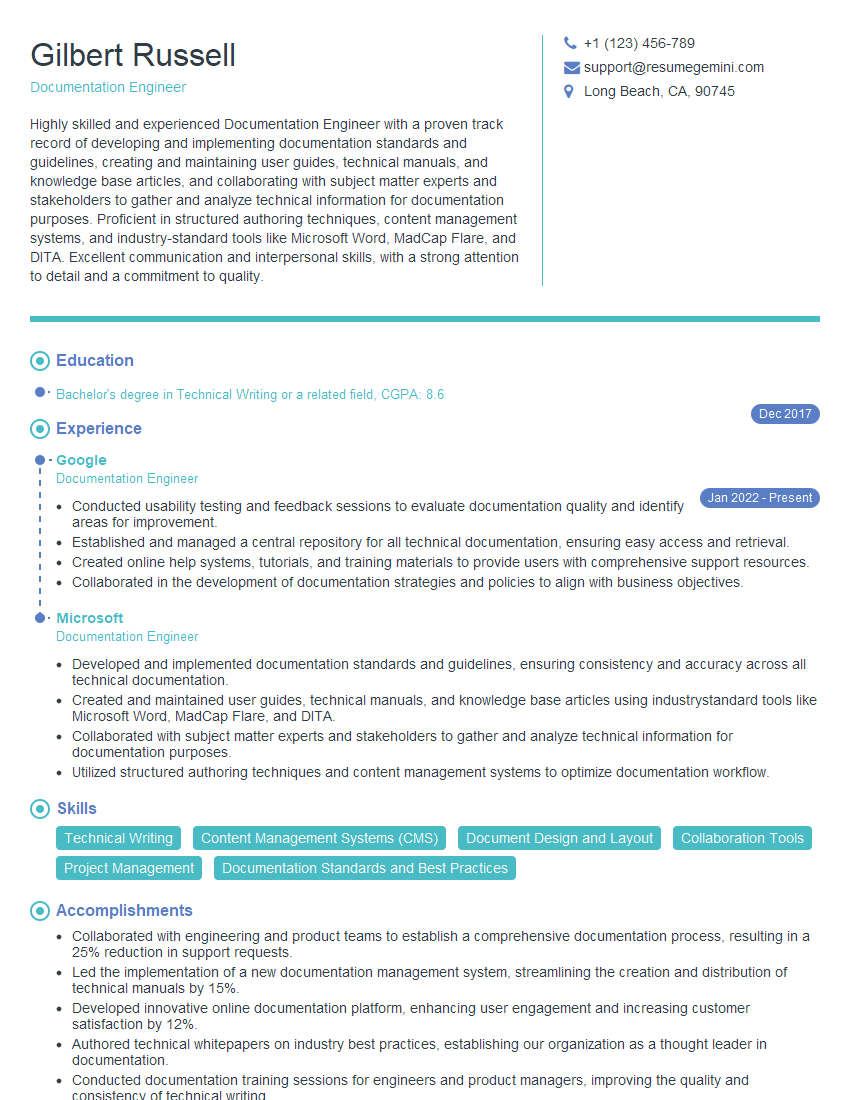
Documentation Engineer Resume Sample
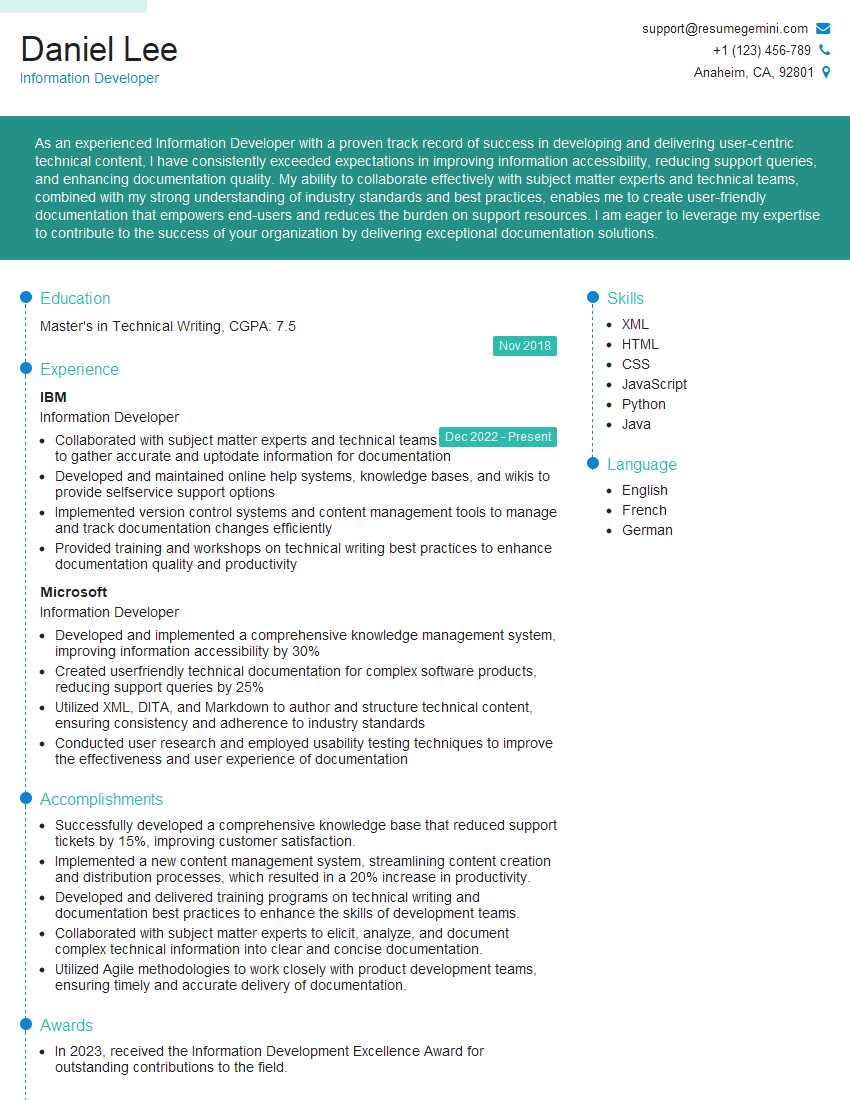
Information Developer Resume Sample
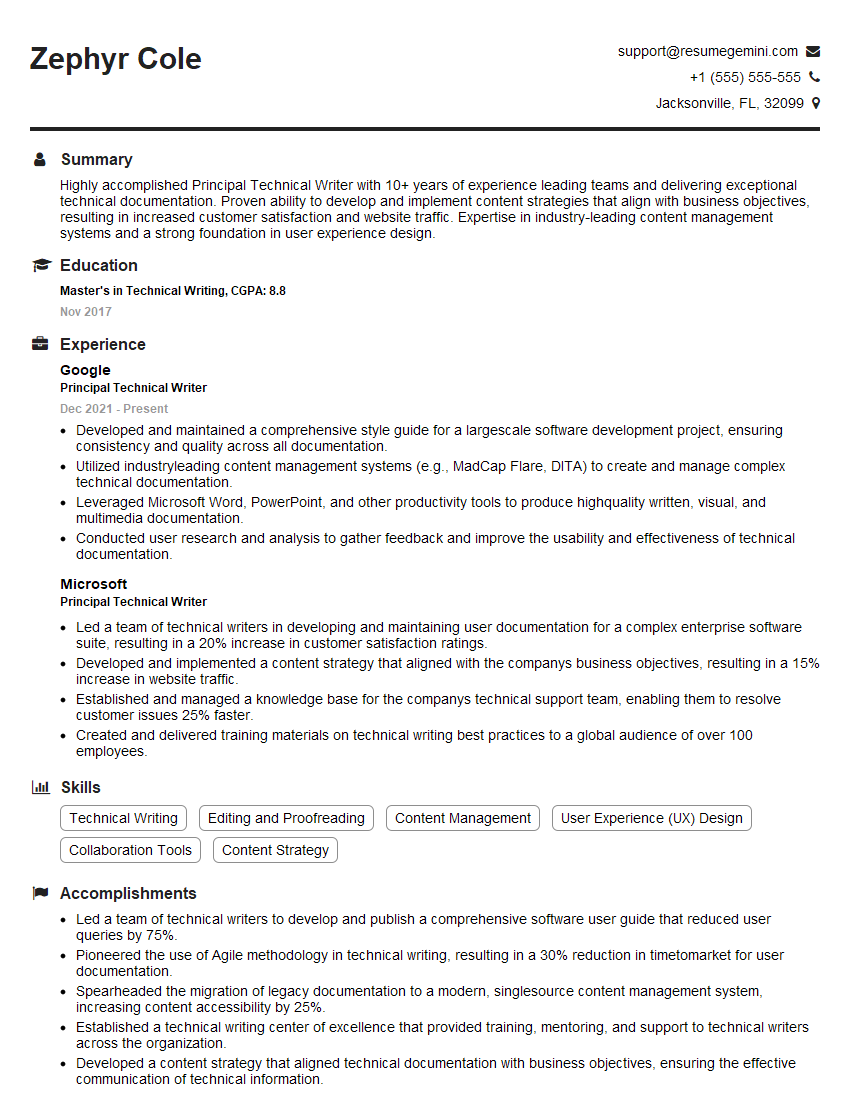
Principal Technical Writer Resume Sample
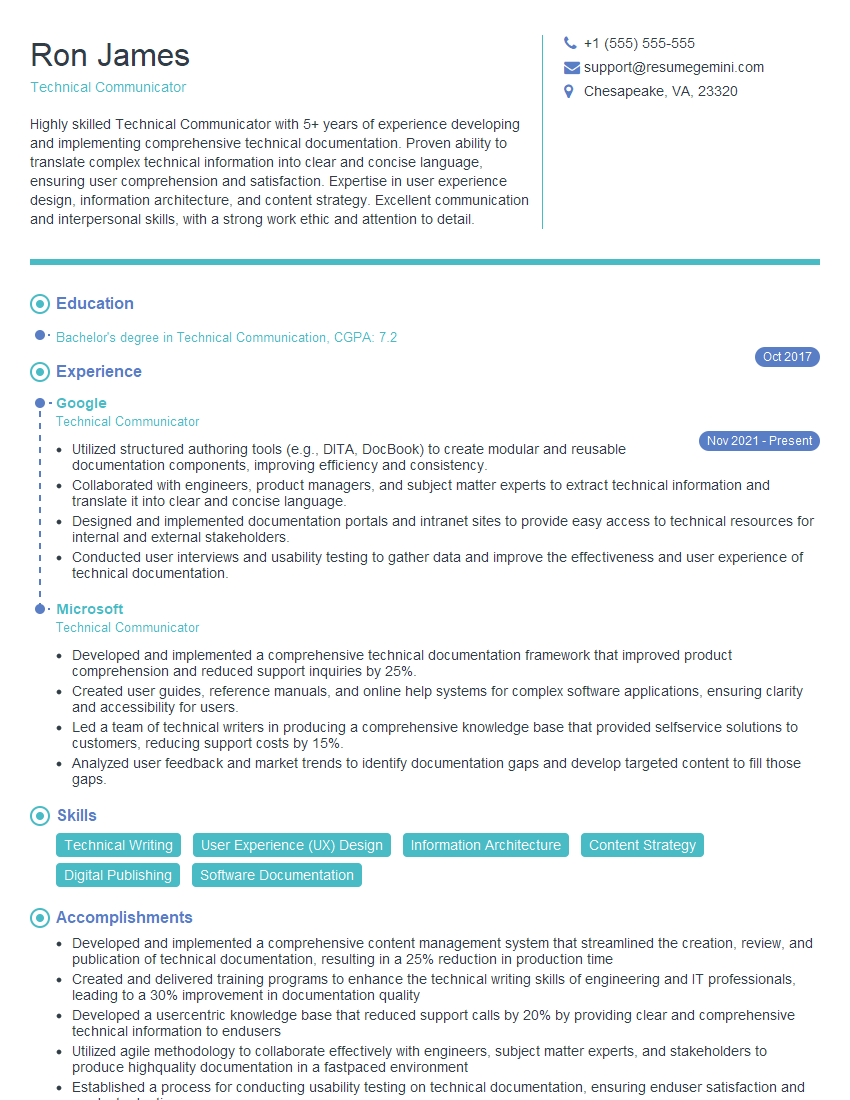
Technical Communicator Resume Sample

Technical Writer Resume Sample
Explore more articles
Users Rating of Our Blogs
Share Your Experience
We value your feedback! Please rate our content and share your thoughts (optional).
What Readers Say About Our Blog
Hello,
we currently offer a complimentary backlink and URL indexing test for search engine optimization professionals.
You can get complimentary indexing credits to test how link discovery works in practice.
No credit card is required and there is no recurring fee.
You can find details here:
https://wikipedia-backlinks.com/indexing/
Regards
NICE RESPONSE TO Q & A
hi
The aim of this message is regarding an unclaimed deposit of a deceased nationale that bears the same name as you. You are not relate to him as there are millions of people answering the names across around the world. But i will use my position to influence the release of the deposit to you for our mutual benefit.
Respond for full details and how to claim the deposit. This is 100% risk free. Send hello to my email id: [email protected]
Luka Chachibaialuka
Hey interviewgemini.com, just wanted to follow up on my last email.
We just launched Call the Monster, an parenting app that lets you summon friendly ‘monsters’ kids actually listen to.
We’re also running a giveaway for everyone who downloads the app. Since it’s brand new, there aren’t many users yet, which means you’ve got a much better chance of winning some great prizes.
You can check it out here: https://bit.ly/callamonsterapp
Or follow us on Instagram: https://www.instagram.com/callamonsterapp
Thanks,
Ryan
CEO – Call the Monster App
Hey interviewgemini.com, I saw your website and love your approach.
I just want this to look like spam email, but want to share something important to you. We just launched Call the Monster, a parenting app that lets you summon friendly ‘monsters’ kids actually listen to.
Parents are loving it for calming chaos before bedtime. Thought you might want to try it: https://bit.ly/callamonsterapp or just follow our fun monster lore on Instagram: https://www.instagram.com/callamonsterapp
Thanks,
Ryan
CEO – Call A Monster APP
To the interviewgemini.com Owner.
Dear interviewgemini.com Webmaster!
Hi interviewgemini.com Webmaster!
Dear interviewgemini.com Webmaster!
excellent
Hello,
We found issues with your domain’s email setup that may be sending your messages to spam or blocking them completely. InboxShield Mini shows you how to fix it in minutes — no tech skills required.
Scan your domain now for details: https://inboxshield-mini.com/
— Adam @ InboxShield Mini
Reply STOP to unsubscribe
Hi, are you owner of interviewgemini.com? What if I told you I could help you find extra time in your schedule, reconnect with leads you didn’t even realize you missed, and bring in more “I want to work with you” conversations, without increasing your ad spend or hiring a full-time employee?
All with a flexible, budget-friendly service that could easily pay for itself. Sounds good?
Would it be nice to jump on a quick 10-minute call so I can show you exactly how we make this work?
Best,
Hapei
Marketing Director
Hey, I know you’re the owner of interviewgemini.com. I’ll be quick.
Fundraising for your business is tough and time-consuming. We make it easier by guaranteeing two private investor meetings each month, for six months. No demos, no pitch events – just direct introductions to active investors matched to your startup.
If youR17;re raising, this could help you build real momentum. Want me to send more info?
Hi, I represent an SEO company that specialises in getting you AI citations and higher rankings on Google. I’d like to offer you a 100% free SEO audit for your website. Would you be interested?
Hi, I represent an SEO company that specialises in getting you AI citations and higher rankings on Google. I’d like to offer you a 100% free SEO audit for your website. Would you be interested?
good