Preparation is the key to success in any interview. In this post, we’ll explore crucial Documentation and revision control interview questions and equip you with strategies to craft impactful answers. Whether you’re a beginner or a pro, these tips will elevate your preparation.
Questions Asked in Documentation and revision control Interview
Q 1. Explain the difference between Git and SVN.
Git and SVN are both version control systems (VCS), but they differ significantly in their architecture and approach. SVN is a centralized system, meaning all version history and data reside on a central server. This makes collaboration simpler for smaller teams, but it can become a bottleneck and single point of failure for larger projects. Git, on the other hand, is a distributed system. Every developer has a complete copy of the repository, including the entire version history. This allows for offline work, faster branching and merging, and greater resilience against server failures. Think of it like this: SVN is like a single library where everyone borrows and returns books; Git is like everyone having their own library with the ability to easily share and merge updates.
- Centralized vs. Distributed: SVN is centralized; Git is distributed.
- Branching and Merging: Git’s branching model is far more flexible and efficient than SVN’s.
- Offline Work: Git allows for significant offline work; SVN requires constant connectivity.
- Scalability: Git scales better to large projects and teams.
Q 2. Describe the Git workflow you are most comfortable with.
My preferred Git workflow is a variation of Gitflow, incorporating best practices for collaborative development. It involves using feature branches for developing new features or bug fixes, a development branch for integrating features before release, and a main branch (often called ‘main’ or ‘master’) representing the production-ready code.
- Feature Branches: Each new feature or bug fix gets its own branch. This isolates changes and prevents disruption to the main codebase.
- Development Branch: Once a feature is complete on its branch, it’s merged into the ‘development’ branch. This allows for testing and integration of multiple features before release.
- Main Branch: After thorough testing on the development branch, the changes are merged into the ‘main’ branch, signifying a production release.
- Pull Requests: Pull requests are crucial; they initiate a code review process before merging changes, ensuring code quality and collaboration.
This workflow provides a clean separation of concerns, enhances collaboration, and minimizes the risk of introducing bugs into the production code.
Q 3. How do you handle merge conflicts in Git?
Merge conflicts arise when two or more developers modify the same lines of code in a file. Git will indicate the conflict by marking the conflicting sections in the file.
Here’s how I handle them:
- Identify the Conflict: Git clearly highlights the conflict sections in the affected files. Look for markers like
<<<<<<< HEAD,======, and>>>>>>> - Resolve the Conflict: Manually edit the file, choosing the correct version of the code or integrating the changes appropriately. Often, this involves carefully reviewing both versions and creating a combined, conflict-free version.
- Stage and Commit: After resolving the conflict, stage the changes using
git add <file>and commit them usinggit commit -m "Resolved merge conflict in <file>". - Push Changes: Finally, push the changes to the remote repository using
git push.
Tools like a merge tool (built into many IDEs) can help visualize and simplify the process of resolving conflicts. It is essential to thoroughly test the code after resolving a merge conflict to ensure it functions correctly.
Q 4. What are the benefits of using a version control system?
Version control systems (VCS) like Git offer many benefits, making them invaluable tools in software development and documentation management.
- Collaboration: Multiple developers can work simultaneously on the same project without overwriting each other’s changes.
- Version History: Track all changes made to the project, enabling easy rollback to previous versions if needed. Imagine accidentally deleting a crucial section of your documentation—with a VCS, retrieving it is a breeze.
- Experimentation: Create branches to experiment with new features or try different approaches without affecting the main codebase. This is particularly beneficial for riskier changes or significant documentation revisions.
- Backup and Disaster Recovery: The distributed nature of Git (and similar systems) acts as an automatic backup, protecting against data loss.
- Code Review: Facilitate collaborative code review to enhance code quality and identify potential issues before they reach production.
- Centralized Repository: Provides a single source of truth for the project, simplifying access and distribution.
Q 5. Explain the concept of branching in Git.
Branching in Git allows you to create separate, parallel versions of your project. Think of it as creating a copy of your project to work on specific features or bug fixes without affecting the main codebase. This isolation is crucial for managing changes, experimenting with new ideas, and maintaining a stable main branch (often representing the production-ready code).
Common branching strategies include:
- Feature Branches: Created for developing new features independently.
- Bugfix Branches: Used to fix bugs in a specific version of the code.
- Release Branches: Prepare releases for deployment.
Once the work on a branch is complete, it is merged back into the main branch, integrating the changes.
Q 6. What is a pull request and how do you use it?
A pull request (PR) is a mechanism to propose changes to a repository. It is a formal request to merge a branch into another branch, usually from a feature branch into the development or main branch.
Here’s how I use it:
- Create a Feature Branch: Start by creating a branch for your changes (
git checkout -b my-new-feature). - Make Changes: Implement your changes and commit them (
git commit -m "My descriptive commit message"). - Push the Branch: Push the branch to the remote repository (
git push origin my-new-feature). - Open a Pull Request: On the platform hosting your repository (e.g., GitHub, GitLab, Bitbucket), create a pull request from your branch to the target branch (e.g., development or main). This action initiates a code review process.
- Code Review: Others on the team review the code for correctness, style, and potential problems. Discussion and feedback are part of this stage.
- Merge: Once the review is complete and the changes are deemed acceptable, the PR is merged into the target branch.
Pull requests help improve code quality through collaborative review, maintain a clear history of changes, and manage the integration of features into the main codebase.
Q 7. How do you ensure your documentation is consistent and up-to-date?
Maintaining consistent and up-to-date documentation requires a structured approach. Here’s how I ensure it:
- Version Control: Store documentation in a version control system (like Git) to track changes, enable collaboration, and easily revert to earlier versions.
- Style Guide: Enforce a consistent writing style guide to maintain uniformity in tone, format, and terminology.
- Single Source of Truth: Keep documentation centralized to prevent inconsistencies. Avoid duplicating content across multiple files or locations.
- Automated Build Process: If possible, integrate documentation into your build process. This automatically updates documentation with code changes. For instance, using tools like Sphinx or JSDoc can help generate documentation from code comments.
- Regular Reviews: Schedule regular documentation reviews to ensure accuracy and completeness. Involving multiple people will enhance the quality of the review.
- Feedback Mechanisms: Encourage feedback from users on the clarity, accuracy, and usefulness of the documentation. This can be done via surveys, comments sections or dedicated feedback channels.
- Clear Naming Conventions: Use a structured naming convention for files and sections to maintain organization and ease of navigation.
By combining these practices, you can create and maintain documentation that is both consistent and up-to-date, ensuring its usability and value for all stakeholders.
Q 8. Describe your experience with different documentation formats (e.g., Markdown, DocBook).
My experience spans a variety of documentation formats, each with its strengths and weaknesses. I’m highly proficient in Markdown, a lightweight markup language ideal for its readability and ease of use, especially for README files and quick documentation updates. I frequently utilize it for creating technical specifications and user manuals. I also possess extensive experience with DocBook XML, a more structured and robust format particularly suited for large, complex projects requiring sophisticated features like cross-referencing and customized output (e.g., PDF, HTML, EPUB). DocBook’s strength lies in its ability to handle intricate information hierarchies and manage extensive content. For example, I’ve used DocBook to create comprehensive API documentation for a large-scale software project, where its XML structure facilitated efficient content management and version control.
My choice of format always depends on the project’s scale, complexity, and the target audience. For simple, quickly-evolving documentation, Markdown is often the perfect choice. For larger projects demanding rigorous structure and multi-format output, DocBook shines.
Q 9. How do you manage large and complex documentation projects?
Managing large, complex documentation projects requires a structured approach. Think of it like building a house – you wouldn’t start constructing the roof before laying the foundation. I begin by breaking down the project into smaller, manageable modules. Each module might represent a distinct feature or component of the system being documented. This modular approach facilitates parallel work and simplifies version control. I then establish a clear content hierarchy, using tools like topic maps or outline processors to ensure a logical flow of information. Version control, using tools like Git, is crucial for managing revisions and collaborating efficiently. A well-defined style guide is essential for maintaining consistency across the entire project. Finally, I employ a robust review process, involving both technical reviewers and subject matter experts to ensure accuracy and clarity before release.
Q 10. What tools and technologies do you use for documentation authoring and collaboration?
My documentation workflow leverages a range of tools. For authoring, I primarily use Markdown editors like VS Code with Markdown extensions for enhanced functionality, and XML editors for DocBook. For collaboration, Git-based platforms like GitHub or GitLab are indispensable, allowing for version control, issue tracking, and collaborative editing. I use documentation generators like Sphinx (for Python projects) or DITA Open Toolkit for DocBook processing, which automate the creation of various output formats. These generators help ensure consistency and reduce manual effort. Tools like MadCap Flare or other content management systems are helpful for larger projects with many contributors and complex workflows. For visual aids, I utilize tools like draw.io or similar for creating diagrams and flowcharts.
Q 11. Explain your process for creating effective technical documentation.
My process for creating effective technical documentation starts with a thorough understanding of the target audience and their needs. I always begin by defining the scope and objectives of the documentation. What information needs to be conveyed, and what is the best way to convey it? Next, I gather information from various sources – source code, design documents, interviews with developers and users. This information is then organized logically, following a clear structure that guides the reader through the information effectively. I focus on writing concise, clear, and unambiguous prose. Finally, I conduct rigorous testing and review of the documentation to ensure accuracy and completeness before release. This iterative process includes user testing to gather feedback on clarity and usability.
Q 12. How do you ensure your documentation is accessible to a wide range of users?
Ensuring accessibility is paramount. I adhere to accessibility guidelines like WCAG (Web Content Accessibility Guidelines) to make my documentation usable by people with disabilities. This includes using appropriate heading structures, alt text for images, providing captions for videos, and ensuring sufficient color contrast. I also consider different reading levels and cultural backgrounds by writing in plain language and avoiding jargon whenever possible. I strive to provide multiple formats (e.g., HTML, PDF, EPUB) to accommodate various user preferences and assistive technologies. For example, I might provide screen reader-compatible versions and ensure that the content remains easily navigable for keyboard-only users. Regular testing with assistive technologies forms an integral part of this process.
Q 13. Describe a time you had to troubleshoot a documentation issue.
In a previous project, we discovered inconsistencies in our API documentation after release. Users reported difficulties using certain functions due to discrepancies between the documentation and the actual API behavior. To troubleshoot this, I first organized the problem reports to identify patterns and common issues. We then systematically reviewed the affected sections of the documentation against the source code and test results. We used Git’s version history to pinpoint when the inconsistencies were introduced and discovered that they stemmed from a missed update during a major refactoring of the API. We corrected the documentation, implemented a more rigorous version control system for documentation updates, and enforced stricter review procedures. The solution involved a collaborative effort, incorporating feedback from developers and users to ensure future accuracy.
Q 14. How do you incorporate feedback from stakeholders into your documentation?
Incorporating stakeholder feedback is an iterative process. I utilize various methods to collect feedback, including user surveys, feedback forms integrated into the documentation, and regular review sessions with stakeholders. Feedback is carefully analyzed and prioritized based on its impact and feasibility of implementation. I ensure that all feedback is documented and tracked, with a clear plan for addressing each issue. This often involves making revisions to the documentation, clarifying ambiguous sections, and adding frequently requested information. I use version control to track changes and revert if necessary, maintaining a clear history of the modifications and feedback incorporated. A crucial element is communicating back to the stakeholders about the actions taken on their feedback.
Q 15. How do you prioritize your documentation tasks?
Prioritizing documentation tasks involves a strategic approach that balances urgency, impact, and resource availability. I typically use a combination of methods. First, I assess the criticality of each document – which ones are essential for immediate product launches or crucial user understanding? Then, I consider the impact – will this documentation affect a large user base or a small, specialized group? Finally, I factor in resource constraints, including my own time and the availability of subject matter experts. I often employ a prioritization matrix, visualizing tasks based on urgency and importance. This allows for a clear visual representation and helps me allocate my time efficiently. For example, a high-impact, urgent document, like release notes for a major software update, would naturally take precedence over a low-impact, less urgent document, such as a detailed explanation of a rarely used feature.
Tools like project management software (Jira, Asana) can be helpful in managing this process, allowing me to set deadlines, track progress, and collaborate with others. This ensures transparency and avoids bottlenecks.
Career Expert Tips:
- Ace those interviews! Prepare effectively by reviewing the Top 50 Most Common Interview Questions on ResumeGemini.
- Navigate your job search with confidence! Explore a wide range of Career Tips on ResumeGemini. Learn about common challenges and recommendations to overcome them.
- Craft the perfect resume! Master the Art of Resume Writing with ResumeGemini’s guide. Showcase your unique qualifications and achievements effectively.
- Don’t miss out on holiday savings! Build your dream resume with ResumeGemini’s ATS optimized templates.
Q 16. What are some common challenges in technical writing?
Technical writing presents unique challenges. One significant hurdle is translating complex technical information into clear, concise language that a non-technical audience can understand. This requires a strong understanding of the subject matter and the ability to simplify complex concepts. Another challenge is keeping documentation up-to-date with constantly evolving software or hardware. Software updates, feature additions, and bug fixes necessitate regular revisions, which can be time-consuming. Collaboration can also be tricky, especially when working with engineers or developers who may have different priorities or communication styles. Ensuring consistency and accuracy across multiple documents can be another significant undertaking. Finally, ensuring accessibility for all users (including those with disabilities) is critical but requires attention to specific guidelines and standards.
Q 17. Explain the concept of a commit in Git.
In Git, a commit is a snapshot of your project at a specific point in time. Think of it like saving a version of your work. Each commit includes a set of changes (added, modified, or deleted files) and a message describing those changes. This message is crucial for understanding the purpose of the commit later on. Commits are essential for tracking changes and collaborating effectively with others. They form a linear or branched history of your project’s evolution.
For example, if you’re working on a website and add a new feature, you’d commit those changes with a message like “Added user authentication feature.” This creates a record of your work, allowing you to revert to previous versions if needed. You can also use commits to break down your work into logical units, making it easier to manage and understand the development process.
git add .
git commit -m "Added user authentication feature"
Q 18. What are Git tags and how are they used?
Git tags are like labeled bookmarks in your project’s history. They allow you to mark specific commits as significant milestones, such as releases (v1.0, v2.0), or important updates. They’re different from branches because they’re immutable – once created, you can’t modify a tag directly. They provide a way to easily refer to a particular version of your code.
For instance, if you release version 1.0 of your software, you’d create a tag called “v1.0” pointing to the relevant commit. This makes it easy for users or other developers to download or refer to that specific version. This is particularly important for maintaining backward compatibility or debugging earlier versions.
git tag v1.0
git push origin --tags
Q 19. What is the purpose of a .gitignore file?
A .gitignore file is a crucial component of any Git repository. It specifies files or directories that Git should ignore when tracking changes. This prevents unnecessary files, like temporary files, build artifacts, or system-specific configurations, from cluttering your repository and causing confusion. Including these in the repository would bloat it unnecessarily and make it more difficult to manage.
For example, you might want to ignore files generated by your compiler or IDE. A typical .gitignore file might include entries like *.o (object files), *.class (Java class files), or /target/ (a common directory for build artifacts). This helps keep the repository focused only on the code and relevant project files.
Q 20. How do you resolve a merge conflict using a merge tool?
Merge conflicts arise when two or more developers make changes to the same lines of code in a file. Git can’t automatically determine which version to keep, so it flags the conflict. A merge tool, like the built-in merge tool in many Git clients (or external tools like Meld or Beyond Compare), provides a visual interface to resolve the conflict.
The tool typically displays the conflicting sections from each branch side-by-side, allowing you to manually choose the correct lines or combine changes. You select the correct lines, resolve the conflict, and save the file. Then, you stage the resolved file using git add and commit the merge to finalize the resolution. Think of it as manually editing the code to integrate the changes from both branches, creating a unified, working version.
Q 21. What are some best practices for writing clear and concise documentation?
Writing clear and concise documentation requires a thoughtful approach. Begin by understanding your audience – who are you writing for? Tailor the language and complexity to their level of technical expertise. Use a consistent structure and style guide. Break down complex topics into smaller, manageable sections with clear headings and subheadings. Use visuals (diagrams, screenshots) to clarify complex concepts. Avoid jargon; if technical terms are necessary, define them clearly. Write in an active voice and use short, simple sentences. Always review your work carefully for clarity, accuracy, and consistency. User testing with your target audience is extremely helpful to ensure the effectiveness of your documentation.
A helpful technique is to adopt a user-centered approach: imagine yourself in the user’s shoes, trying to solve a particular problem using only the documentation. This allows you to identify gaps in information or areas of confusion before the documentation is released. Remember that concise writing means cutting unnecessary words, clarifying your ideas, and presenting them in the most efficient way possible. Clear and concise documentation significantly enhances usability and reduces user frustration.
Q 22. How do you ensure your documentation is accurate and up-to-date?
Maintaining accurate and up-to-date documentation is crucial for any project. My approach is multifaceted and relies on a combination of rigorous processes and technological tools.
- Version Control Integration: I always store my documentation within a version control system like Git, allowing me to track changes, revert to previous versions, and collaborate effectively with others. This provides a complete audit trail of modifications.
- Regular Reviews and Updates: I schedule regular reviews of the documentation, comparing it against the current state of the software or system. This could involve testing the documented processes and features. These reviews are documented as changes within the version control system.
- Automated Checks: Where possible, I leverage automated checks (like linting tools for Markdown or style guides) to identify inconsistencies or errors in the documentation before it’s published. This helps catch problems early.
- Clear Communication Channels: I establish clear communication channels with developers and users to gather feedback and ensure the documentation accurately reflects their experiences. Feedback is tracked and addressed as needed.
- Single Source of Truth: I advocate for maintaining a single source of truth for the documentation, avoiding redundancy and inconsistencies across multiple files or platforms. This keeps everything synchronized and consistent.
For example, if a significant bugfix requires documentation updates, I’d create a new branch in Git, make the necessary changes, and submit a pull request for review before merging the changes into the main branch. This ensures that all updates are properly reviewed and don’t accidentally introduce errors.
Q 23. Explain your understanding of semantic versioning.
Semantic versioning (SemVer) is a standardized system for assigning version numbers to software packages. It helps developers and users easily understand the nature and impact of changes between releases. The basic format is MAJOR.MINOR.PATCH.
- MAJOR: Incremented when backward-incompatible changes are introduced. Think of a major overhaul of the system.
- MINOR: Incremented when new functionality is added in a backward-compatible manner. This is a new feature without breaking existing functionality.
- PATCH: Incremented for backward-compatible bug fixes. These are usually small adjustments or bug fixes that don’t require changes to how the system works.
For example, a change from version 1.0.0 to 2.0.0 indicates a major update, potentially requiring code changes for users. A change to 1.1.0 means a new feature has been added, and 1.0.1 denotes a minor bug fix.
Using SemVer is essential for transparent and predictable releases. It clearly communicates the level of change to users and facilitates dependency management in complex software ecosystems.
Q 24. What is the difference between a staging area and a repository in Git?
In Git, both the staging area and the repository are crucial for version control, but they serve distinct purposes.
- Staging Area: This is a temporary holding area where you prepare changes for commit. Think of it as a checklist of what you want to include in the next snapshot of your project. You add modified files and changes to the staging area using the
git addcommand before committing them. - Repository: This is the central location where all versions of your project are stored. It’s a database that keeps track of every commit, branch, and tag. Commits are snapshots of the entire project at a given point in time.
Imagine you’re writing a book. The staging area is where you collect the chapters you’ve finished and proofread for the next edition (commit). The repository is the archive of all past editions of the book, including the original manuscript and any revisions.
The staging area lets you selectively commit changes; you can prepare multiple commits from a single session of edits. Once you commit changes from the staging area, they become a permanent part of the repository’s history.
Q 25. How do you handle sensitive information in your documentation?
Handling sensitive information in documentation requires a multi-layered approach focused on both security and access control.
- Access Restriction: I would avoid including sensitive information in publicly accessible documentation whenever possible. For documentation that must contain sensitive data, access should be carefully controlled and limited to authorized personnel only. This could involve using access control lists (ACLs) and secure storage solutions.
- Encryption: If sensitive information must be included, I would use encryption to protect it both in transit and at rest. This could involve encrypting the entire document or individual sections using strong encryption algorithms.
- Redaction: Consider redacting or removing sensitive data entirely if its inclusion is unnecessary. This is the best approach whenever feasible.
- Secure Storage: The documentation containing sensitive data must be stored securely, ideally using a secure version control system with appropriate access controls. This system should be audited regularly.
- Regular Audits and Reviews: Periodic security audits are essential to identify and address any potential vulnerabilities related to the handling of sensitive information within the documentation.
For instance, API keys or database credentials should never be included in public documentation. Instead, they should be managed separately through secure configuration mechanisms and accessed through secure channels. In cases where access to such sensitive data is essential, I’d employ encryption and strict access control measures.
Q 26. How familiar are you with different documentation styles (e.g., API documentation, user manuals)?
I’m familiar with a wide range of documentation styles, tailoring my approach to the specific needs of the project and audience.
- API Documentation: I’m proficient in using tools like Swagger/OpenAPI to generate comprehensive and interactive API documentation. This includes detailing endpoints, request/response formats, and authentication methods. I understand the importance of clear, concise explanations and well-structured examples.
- User Manuals: I have experience creating user-friendly manuals that guide users through the software or system’s functionality. This includes creating clear step-by-step instructions, helpful diagrams, and troubleshooting guides. The focus is on user experience and accessibility.
- Technical Documentation: This includes creating detailed technical specifications, architecture diagrams, and internal design documents to support developers and engineers. This often involves using tools like PlantUML and other diagramming software.
- Internal Wiki Documentation: I’m comfortable maintaining and structuring internal documentation using wikis, keeping them organized and easily searchable. This facilitates knowledge sharing within development teams.
My approach always prioritizes clarity, accuracy, and accessibility for the target audience. I strive to create documentation that is not only informative but also easy to use and understand.
Q 27. What is your experience with automated documentation tools?
I have extensive experience with various automated documentation tools, recognizing their critical role in streamlining the documentation process and improving consistency.
- Sphinx: For generating Python documentation, Sphinx is my go-to tool. Its ability to create easily navigable documentation from reStructuredText is invaluable.
- JSDoc: For JavaScript projects, JSDoc is indispensable for automatically generating API documentation from code comments.
- Swagger/OpenAPI: These tools are essential for creating interactive API specifications and documentation.
- MkDocs: A powerful static site generator, MkDocs simplifies the process of creating and managing documentation websites with Markdown.
- Read the Docs: A platform that simplifies hosting and publishing documentation, often integrated with version control systems like Git.
Automating the documentation process not only saves time but also ensures consistency and accuracy. It allows for continuous updates alongside code changes, which is critical for maintaining the reliability of documentation.
Q 28. Describe a situation where you had to make a difficult decision regarding documentation.
In a previous project, we were under immense pressure to release a new version of our software quickly. The initial documentation was incomplete and, frankly, rushed. We faced a difficult decision: release the software with incomplete documentation or delay the release and risk missing a critical deadline.
After careful deliberation, involving stakeholders across development and product management, we decided on a phased approach. We released the software with a minimal, yet accurate, subset of documentation, clearly identifying the missing sections. We committed to providing the complete documentation in a timely manner through a series of updates. This involved prioritizing the most crucial documentation elements and providing clear communication to our users about the phased rollout.
This decision, while risky, allowed us to meet the deadline while maintaining user trust through transparency and a commitment to providing the complete documentation rapidly. It reinforced the importance of prioritizing documentation and allocating sufficient time and resources during the development lifecycle to avoid such dilemmas in the future.
Key Topics to Learn for Documentation and Revision Control Interviews
- Version Control Systems (VCS): Understanding Git (branching, merging, rebasing, conflict resolution), SVN, or Mercurial. Practical application: Explain your experience managing code changes in a team environment using a VCS.
- Documentation Styles and Standards: Familiarity with different documentation formats (e.g., Markdown, reStructuredText, DocBook), style guides (e.g., Google style guide), and the importance of clear, concise, and consistent documentation. Practical application: Describe a project where you created or maintained technical documentation.
- API Documentation: Generating and using API documentation (e.g., Swagger, OpenAPI). Practical application: Explain how you would document a new API endpoint.
- Collaboration and Workflow: Understanding collaborative workflows using VCS (e.g., pull requests, code reviews). Practical application: Describe your preferred workflow for managing code changes in a team.
- Best Practices for Documentation: Understanding principles of effective technical writing, including audience analysis, information architecture, and accessibility considerations. Practical application: Discuss how you would improve the documentation of a poorly documented system.
- Troubleshooting and Problem Solving: Ability to diagnose and resolve issues related to version control, conflicts, and missing documentation. Practical application: Describe a challenging situation you faced regarding version control or documentation and how you overcame it.
- Continuous Integration/Continuous Deployment (CI/CD): Understanding how documentation and version control fit into automated build and deployment pipelines. Practical application: Explain your experience (if any) with incorporating documentation into a CI/CD process.
Next Steps
Mastering documentation and revision control is crucial for career advancement in software development and related fields. Strong documentation skills demonstrate professionalism, attention to detail, and the ability to communicate effectively. An ATS-friendly resume is key to getting your application noticed by recruiters. To significantly improve your resume and increase your chances of landing your dream job, we highly recommend using ResumeGemini. ResumeGemini offers a streamlined process to create professional resumes, and we even provide examples of resumes tailored specifically for candidates in Documentation and Revision Control to help guide you.

Knowledge Manager Resume Sample
Content Manager Resume Sample

Information Architect Resume Sample
Configuration Manager Resume Sample

Release Manager Resume Sample

Content Strategist Resume Sample
Documentation Analyst Resume Sample

Documentation Specialist Resume Sample

Technical Editor Resume Sample
Information Developer Resume Sample
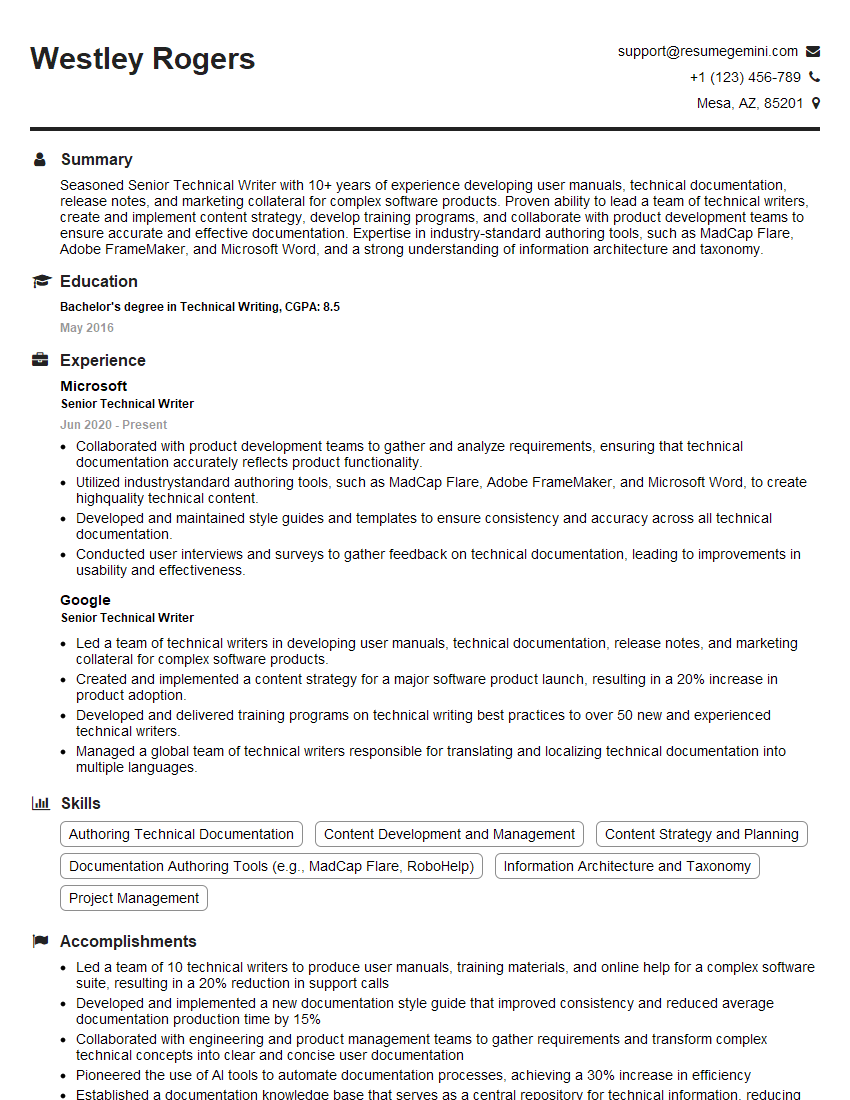
Senior Technical Writer Resume Sample
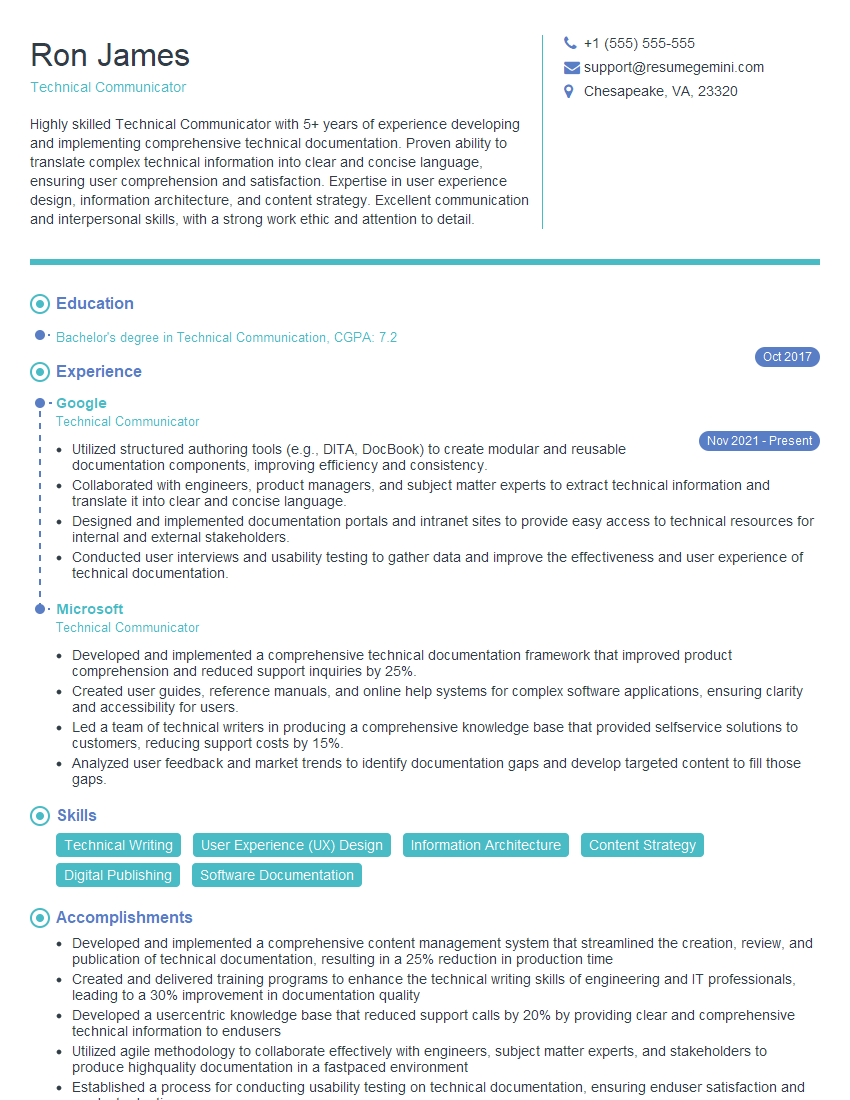
Technical Communicator Resume Sample

Technical Writer Resume Sample
Explore more articles
Users Rating of Our Blogs
Share Your Experience
We value your feedback! Please rate our content and share your thoughts (optional).
What Readers Say About Our Blog
Hello,
we currently offer a complimentary backlink and URL indexing test for search engine optimization professionals.
You can get complimentary indexing credits to test how link discovery works in practice.
No credit card is required and there is no recurring fee.
You can find details here:
https://wikipedia-backlinks.com/indexing/
Regards
NICE RESPONSE TO Q & A
hi
The aim of this message is regarding an unclaimed deposit of a deceased nationale that bears the same name as you. You are not relate to him as there are millions of people answering the names across around the world. But i will use my position to influence the release of the deposit to you for our mutual benefit.
Respond for full details and how to claim the deposit. This is 100% risk free. Send hello to my email id: [email protected]
Luka Chachibaialuka
Hey interviewgemini.com, just wanted to follow up on my last email.
We just launched Call the Monster, an parenting app that lets you summon friendly ‘monsters’ kids actually listen to.
We’re also running a giveaway for everyone who downloads the app. Since it’s brand new, there aren’t many users yet, which means you’ve got a much better chance of winning some great prizes.
You can check it out here: https://bit.ly/callamonsterapp
Or follow us on Instagram: https://www.instagram.com/callamonsterapp
Thanks,
Ryan
CEO – Call the Monster App
Hey interviewgemini.com, I saw your website and love your approach.
I just want this to look like spam email, but want to share something important to you. We just launched Call the Monster, a parenting app that lets you summon friendly ‘monsters’ kids actually listen to.
Parents are loving it for calming chaos before bedtime. Thought you might want to try it: https://bit.ly/callamonsterapp or just follow our fun monster lore on Instagram: https://www.instagram.com/callamonsterapp
Thanks,
Ryan
CEO – Call A Monster APP
To the interviewgemini.com Owner.
Dear interviewgemini.com Webmaster!
Hi interviewgemini.com Webmaster!
Dear interviewgemini.com Webmaster!
excellent
Hello,
We found issues with your domain’s email setup that may be sending your messages to spam or blocking them completely. InboxShield Mini shows you how to fix it in minutes — no tech skills required.
Scan your domain now for details: https://inboxshield-mini.com/
— Adam @ InboxShield Mini
Reply STOP to unsubscribe
Hi, are you owner of interviewgemini.com? What if I told you I could help you find extra time in your schedule, reconnect with leads you didn’t even realize you missed, and bring in more “I want to work with you” conversations, without increasing your ad spend or hiring a full-time employee?
All with a flexible, budget-friendly service that could easily pay for itself. Sounds good?
Would it be nice to jump on a quick 10-minute call so I can show you exactly how we make this work?
Best,
Hapei
Marketing Director
Hey, I know you’re the owner of interviewgemini.com. I’ll be quick.
Fundraising for your business is tough and time-consuming. We make it easier by guaranteeing two private investor meetings each month, for six months. No demos, no pitch events – just direct introductions to active investors matched to your startup.
If youR17;re raising, this could help you build real momentum. Want me to send more info?
Hi, I represent an SEO company that specialises in getting you AI citations and higher rankings on Google. I’d like to offer you a 100% free SEO audit for your website. Would you be interested?
Hi, I represent an SEO company that specialises in getting you AI citations and higher rankings on Google. I’d like to offer you a 100% free SEO audit for your website. Would you be interested?
good