Preparation is the key to success in any interview. In this post, we’ll explore crucial Engineering Support and Problem Solving interview questions and equip you with strategies to craft impactful answers. Whether you’re a beginner or a pro, these tips will elevate your preparation.
Questions Asked in Engineering Support and Problem Solving Interview
Q 1. Describe your experience troubleshooting complex technical issues.
Troubleshooting complex technical issues requires a systematic and analytical approach. It’s like being a detective, piecing together clues to find the root cause. My experience involves breaking down problems into smaller, manageable components, utilizing a combination of logical deduction, testing, and leveraging available resources. For instance, during a recent incident involving a critical server outage, I initially suspected a network connectivity issue. However, after systematically eliminating network problems through ping tests and traceroutes, I discovered a faulty hard drive causing the server failure. This involved using monitoring tools to identify performance bottlenecks, checking server logs for error messages and systematically testing hardware components.
I often employ a process that includes:
- Clearly defining the problem: What exactly is not working? What are the symptoms?
- Gathering information: Checking logs, event viewers, and system monitoring tools.
- Formulating hypotheses: Based on the gathered information, what are the potential causes?
- Testing hypotheses: Using various methods to validate or invalidate the hypotheses.
- Implementing solutions: Once the root cause is identified, applying the necessary fix and verifying the resolution.
- Documenting the process: Creating a detailed record of the issue, the troubleshooting steps taken, and the resolution for future reference.
This methodical process allows me to efficiently resolve even the most intricate technical problems.
Q 2. Explain your approach to diagnosing and resolving hardware problems.
Diagnosing and resolving hardware problems starts with a thorough understanding of the system architecture and the individual components. Imagine a car engine – you wouldn’t start replacing parts randomly; you’d systematically check each component. My approach is similar. I begin by visually inspecting the hardware for any obvious physical damage, like loose connections or burnt components.
Next, I perform diagnostic tests using built-in tools (e.g., SMART tests for hard drives, memory diagnostic tools) and specialized hardware diagnostic equipment as needed. For instance, if a computer is experiencing frequent crashes, I might use a memory testing tool to rule out RAM issues before looking at other potential causes. Then, I carefully isolate the problem by systematically replacing or testing individual components. I might use a known good hard drive to test a suspected failed drive. Throughout this process, comprehensive documentation is crucial, detailing each test performed and its results.
The process generally follows:
- Visual Inspection: Check for physical damage.
- Diagnostic Tests: Utilize built-in and external testing tools.
- Component Isolation: Systematically test each suspect component.
- Replacement/Repair: Replace faulty components or perform necessary repairs.
- Verification: Confirm the resolution by thoroughly testing the system.
Q 3. How do you prioritize multiple support requests simultaneously?
Prioritizing multiple support requests requires a clear understanding of the impact and urgency of each issue. Think of it as a triage system in a hospital – the most critical cases get attention first. I use a matrix that considers:
- Impact: How many users are affected? How critical is the affected system or service?
- Urgency: How quickly does the issue need to be resolved? Are there business deadlines or service-level agreements (SLAs) to meet?
Using this matrix, I assign a priority level to each request. High-impact, high-urgency issues get immediate attention, while low-impact, low-urgency issues can wait. I use a ticketing system to track requests and their assigned priorities. I regularly review the queue, adjusting priorities as needed based on new information or changing circumstances. Effective communication with users regarding the prioritization and estimated resolution times is also crucial.
Q 4. Describe a time you had to escalate a problem to a higher level.
In a past role, we experienced a prolonged network outage affecting multiple critical applications. After exhausting all my troubleshooting resources, including checking network devices, cables and server configurations, I determined it was beyond my immediate skillset. I carefully documented my troubleshooting steps, along with the remaining unresolved issues and the impact on business operations. I then escalated the issue to our senior network engineer, providing them with a concise and complete summary of the problem, including the detailed documentation. This efficient escalation resulted in a swift resolution – the senior engineer identified a misconfiguration in our core router.
Effective escalation involves:
- Clear documentation: Detailing the problem, steps taken, and remaining issues.
- Concise communication: Providing a clear, brief summary to the higher-level support team.
- Proactive approach: Don’t wait until the last minute; escalate when necessary.
Q 5. What tools and techniques do you use for remote troubleshooting?
Remote troubleshooting relies heavily on a variety of tools and techniques. It’s like performing surgery remotely – you need the right instruments. I regularly utilize remote desktop software (like TeamViewer or AnyDesk) to access and control the user’s system directly. This allows me to perform diagnostics, install software, and make configuration changes as if I were physically present. In addition, I use collaborative tools like screen-sharing applications and video conferencing software for communication and visual problem solving.
Other essential tools include:
- Remote desktop software: Provides access to the user’s system.
- Remote monitoring tools: Allow for real-time monitoring of system performance and resource utilization.
- Command-line interface (CLI): For advanced troubleshooting via remote access.
- Network monitoring tools: For diagnosing network connectivity issues.
- Collaboration tools: Facilitating communication and visual problem solving.
Q 6. How do you document your troubleshooting process?
Documentation is critical in troubleshooting. It’s like creating a map of your journey – allowing you to retrace your steps and share your findings effectively. I maintain detailed records using a ticketing system, recording each step of the process. This includes:
- Initial problem description: A clear and concise summary of the reported issue.
- Steps taken: A chronological record of actions performed and their results.
- Data gathered: Error messages, logs, screenshots, etc.
- Root cause: The identified cause of the problem.
- Solution implemented: The action taken to resolve the issue.
- Verification: Confirmation that the problem is resolved.
This comprehensive documentation helps in resolving future incidents faster and enables knowledge sharing within the team. It also serves as valuable evidence for tracking trends and identifying recurring problems.
Q 7. Explain your understanding of root cause analysis.
Root cause analysis (RCA) is the process of identifying the fundamental reason behind a problem, not just its symptoms. It’s like peeling an onion – you need to go beyond the surface layers to find the core issue. A common technique I use is the ‘5 Whys’ method, where I repeatedly ask ‘why’ until I reach the root cause. For example, if a server is slow, I might ask:
- Why is the server slow? Because the hard drive is nearly full.
- Why is the hard drive nearly full? Because the log files are not being rotated properly.
- Why are the log files not being rotated properly? Because the log rotation script is failing.
- Why is the log rotation script failing? Because of a permissions error.
- Why is there a permissions error? Because a recent system update changed the file permissions.
In this case, the root cause is the system update’s impact on file permissions, not simply the full hard drive. Other RCA methods I employ include fault tree analysis and fishbone diagrams, tailored to the complexity of the problem. Conducting a thorough RCA is essential for effective problem resolution and preventing similar incidents from occurring in the future.
Q 8. How do you handle difficult or demanding customers?
Handling demanding customers requires a blend of empathy, technical expertise, and effective communication. I approach each interaction by first actively listening to understand their frustration and the root of their issue. This often involves asking clarifying questions to ensure I fully grasp the problem before offering solutions. I then clearly explain the steps I’ll take to resolve the issue, setting realistic expectations for timelines. If immediate resolution isn’t possible, I provide regular updates to keep them informed. For instance, if a customer is upset about a prolonged system outage, I wouldn’t simply say ‘we’re working on it’. Instead, I’d say something like, ‘I understand this outage is frustrating. Our team is currently investigating the root cause; we’ve identified the problem to be X and are implementing solution Y. We anticipate full restoration within Z timeframe and will send another update in an hour.’ Throughout the process, I maintain a calm and professional demeanor, even in the face of strong emotions. Ultimately, the goal is to de-escalate the situation, find a mutually agreeable solution, and leave the customer feeling heard and valued.
Q 9. Describe your experience with technical writing or documentation.
My experience with technical writing encompasses creating user manuals, troubleshooting guides, and knowledge base articles. I’ve worked on projects involving both hardware and software documentation, ensuring clarity and accuracy are paramount. For example, I once wrote a comprehensive user manual for a new industrial control system. This involved breaking down complex technical concepts into easily digestible steps for users of varying technical backgrounds. I also created detailed troubleshooting guides, including error codes, potential causes, and step-by-step solutions. I believe effective technical writing should be concise, user-friendly, and anticipate the user’s needs and potential challenges. I’m proficient in using various documentation tools, including MadCap Flare and Microsoft Word, and I always strive to incorporate visuals such as screenshots and diagrams to enhance understanding.
Q 10. What is your experience with ticketing systems?
I have extensive experience working with various ticketing systems, including Jira, ServiceNow, and Zendesk. My experience ranges from creating and managing tickets to configuring workflows and reporting on key metrics. I understand the importance of proper ticket categorization, prioritization, and timely resolution. I’m adept at using these systems to track progress, collaborate with team members, and maintain detailed records of resolved issues. A key aspect of my work is adhering to service level agreements (SLAs) by ensuring tickets are resolved within the specified timeframes. For instance, in a past role, I implemented a new ticketing system workflow that reduced average ticket resolution time by 15% by improving ticket routing and automating routine tasks.
Q 11. How familiar are you with various operating systems (e.g., Windows, Linux, macOS)?
I’m proficient in several operating systems, including Windows (various versions), Linux (Ubuntu, CentOS, Red Hat), and macOS. This proficiency extends beyond basic user interaction; I have hands-on experience with command-line interfaces, system administration tasks, and troubleshooting various OS-related issues. For example, I’ve used Linux commands like ls, grep, and awk to diagnose system problems and find log files related to specific events. On Windows, I’m comfortable utilizing tools like PowerShell for scripting and automation. This broad OS knowledge allows me to effectively troubleshoot issues across diverse IT environments and provide comprehensive support to users regardless of their preferred operating system.
Q 12. What is your experience with network troubleshooting?
Network troubleshooting is a core competency for me. My experience spans various network topologies and protocols, including TCP/IP, DNS, DHCP, and VPNs. I utilize a systematic approach, beginning with the identification of symptoms, followed by isolating the problem by using tools like ping, traceroute, and nslookup. For instance, if a user reports network connectivity issues, I’d first check their network cable connection and then use ping to check connectivity to the default gateway. If that fails, I’d check DNS resolution using nslookup and continue my troubleshooting process, progressively ruling out potential causes until I identify the root problem. I also possess experience with network monitoring tools and have actively contributed to resolving complex network outages.
Q 13. Describe your experience with database troubleshooting.
My database troubleshooting experience includes working with both relational (SQL Server, MySQL, PostgreSQL) and NoSQL (MongoDB) databases. I’m familiar with database administration tasks, including performance tuning, query optimization, and schema design. Troubleshooting involves analyzing error logs, reviewing query execution plans, and identifying performance bottlenecks. For instance, if a database query is running slow, I’d use profiling tools to identify the performance bottlenecks, optimize the query by adding indexes or rewriting it, or investigate potential issues with hardware resources. I’m also proficient in using database management tools to administer and maintain database instances.
Q 14. How do you stay up-to-date on new technologies and troubleshooting techniques?
Staying current in this rapidly evolving field requires a multifaceted approach. I regularly read industry publications and blogs, participate in online communities and forums, and attend webinars and conferences. I also actively engage in online courses and certifications to deepen my knowledge in specific areas. Additionally, I leverage my network of professional contacts to share insights and learn from the experiences of other engineers. This continuous learning process ensures I remain proficient in the latest troubleshooting techniques and technologies, thereby enhancing my ability to provide effective and timely support.
Q 15. Describe your experience with scripting or automation tools.
Scripting and automation are crucial for efficient engineering support. My experience spans several tools, including Python, PowerShell, and Bash. I’ve used Python extensively for automating tasks like data analysis from logs, generating reports, and interacting with APIs. For example, I developed a Python script that automatically parsed server logs, identified recurring error messages, and generated a prioritized list for the engineering team, significantly reducing troubleshooting time. PowerShell has been invaluable for managing Windows servers, automating deployments, and creating custom administrative tools. I once used PowerShell to automate the patching process across hundreds of servers, a task that previously took days, now completed in hours. Bash scripting has been my go-to for Linux systems, allowing me to automate backups, monitor system health, and deploy applications.
Beyond individual scripts, I’m proficient in utilizing configuration management tools like Ansible and Puppet to manage infrastructure as code. This enables repeatable and reliable deployments and system configurations, reducing human error and improving consistency.
Career Expert Tips:
- Ace those interviews! Prepare effectively by reviewing the Top 50 Most Common Interview Questions on ResumeGemini.
- Navigate your job search with confidence! Explore a wide range of Career Tips on ResumeGemini. Learn about common challenges and recommendations to overcome them.
- Craft the perfect resume! Master the Art of Resume Writing with ResumeGemini’s guide. Showcase your unique qualifications and achievements effectively.
- Don’t miss out on holiday savings! Build your dream resume with ResumeGemini’s ATS optimized templates.
Q 16. How do you handle situations where you don’t know the solution?
When faced with an unfamiliar problem, my approach is systematic and collaborative. First, I meticulously gather information: reviewing documentation, examining logs, and interviewing stakeholders to understand the problem’s context. Next, I break down the problem into smaller, more manageable components. This helps to isolate the root cause. If I still don’t find a solution, I leverage online resources like Stack Overflow, technical documentation, and community forums. I also actively seek assistance from colleagues, presenting my findings and asking for input. The key is open communication and a willingness to learn from others. For example, I once encountered a complex network issue I couldn’t immediately diagnose. By collaborating with a network engineer, systematically reviewing packet captures, and utilizing network monitoring tools, we were able to identify a misconfiguration that was causing the problem.
Q 17. Explain your experience with different debugging methodologies.
My debugging methodology is based on a combination of techniques. I start with reproduction: trying to consistently recreate the error to understand its conditions. Then comes isolation: identifying the affected components and eliminating potential causes. I employ logging extensively, adding detailed logs at different stages of a process to trace the flow of data and identify the point of failure. Step-by-step debugging using debuggers like GDB or Visual Studio’s debugger allows me to examine the program’s state at each step. I also utilize code review: comparing code against specifications to pinpoint deviations. Finally, unit testing assists in identifying bugs in isolated code modules before integration. For instance, while debugging a performance issue in a web application, I used logging to identify bottlenecks, utilized a profiler to understand CPU usage, and step-by-step debugging to trace the execution path. These methods led me to discover an inefficient database query causing performance degradation.
Q 18. How do you measure the effectiveness of your problem-solving approach?
Measuring the effectiveness of my problem-solving approach involves several key metrics. Firstly, I track the resolution time – how quickly the issue is resolved. Secondly, I assess the impact reduction – how much the solution mitigated the initial problem’s effect. For example, if a server outage impacted 100 users, a quick resolution significantly reduces the negative impact. Thirdly, I consider the sustainability of the solution – does it prevent future occurrences of the same problem? This includes implementing preventative measures, improving documentation, and conducting post-incident reviews. Finally, I gather feedback from stakeholders to assess satisfaction and identify areas for improvement. A quantitative metric might be the reduction in the number of similar incidents after implementation of a solution. Qualitative metrics could be user satisfaction scores or testimonials.
Q 19. Describe a time you had to work under pressure to resolve a critical issue.
During a major system upgrade, we encountered a critical failure just hours before the scheduled launch. The system was unresponsive, and we were under immense pressure to restore functionality. Following my structured approach, I immediately assembled a team and prioritized tasks. We focused on isolating the problem, using logs and monitoring tools to pinpoint the root cause. It turned out to be a database configuration issue that had not been properly tested in the staging environment. With the team working collaboratively, we quickly corrected the configuration, rigorously tested our fix, and deployed it, restoring functionality with minimal further downtime. This situation highlighted the importance of thorough testing, clear communication, and a well-coordinated team under pressure.
Q 20. How do you collaborate with other engineers or teams to solve problems?
Collaboration is essential in solving complex problems. I actively communicate my findings, challenges, and proposed solutions. I believe in a collaborative approach utilizing tools like project management software (Jira, Asana), communication platforms (Slack, Microsoft Teams), and shared documentation. I focus on clear and concise communication, ensuring everyone understands the problem’s context and their role in finding a solution. During a recent project, I collaborated with a network team, database administrators, and front-end developers to resolve an issue affecting multiple services. By leveraging a shared communication platform and regular meetings, we efficiently identified and solved the root cause. Active listening and a willingness to consider different perspectives are key to effective collaboration.
Q 21. What is your understanding of ITIL or other IT service management frameworks?
ITIL (Information Technology Infrastructure Library) is a widely recognized framework for IT service management. My understanding encompasses its core principles, including incident management, problem management, change management, and service level management. I’ve applied ITIL principles in various scenarios. For example, during incident management, I followed ITIL’s best practices to quickly resolve incidents, document the resolution steps, and analyze the root cause to prevent future occurrences. Understanding ITIL has enabled me to better align my problem-solving approach with the overall IT service management strategy, ensuring efficient and effective problem resolution. The framework’s focus on continuous improvement encourages a proactive approach to identify and address potential issues before they impact service delivery.
Q 22. Describe your experience with system monitoring and alerting tools.
System monitoring and alerting are crucial for maintaining the health and performance of any system. My experience encompasses a wide range of tools, from basic command-line utilities to sophisticated enterprise-grade solutions. I’m proficient in using tools like Nagios, Prometheus, Grafana, and Datadog. I’ve used these tools to monitor everything from simple web servers to complex, distributed microservice architectures.
For example, in a previous role, we used Prometheus to monitor the performance metrics of our Kubernetes clusters. We defined custom alerts based on CPU utilization, memory usage, and request latency. When a metric exceeded a predefined threshold, Prometheus would trigger an alert, notifying the on-call engineer via PagerDuty. This proactive approach allowed us to quickly identify and resolve performance bottlenecks before they impacted users.
My experience also includes configuring dashboards to visualize key performance indicators (KPIs) and creating custom alerts based on specific business needs. I understand the importance of choosing the right tool for the job, considering factors such as scalability, cost, and integration with existing infrastructure.
Q 23. How familiar are you with various hardware components (e.g., CPUs, RAM, motherboards)?
I possess a strong understanding of various hardware components, gained through years of hands-on experience troubleshooting and maintaining IT infrastructure. This includes a deep familiarity with CPUs (including different architectures like x86 and ARM), RAM (DDR3, DDR4, etc.), motherboards, storage devices (HDDs, SSDs, NVMe), network interface cards (NICs), and power supplies. I understand the interplay between these components and how failures in one area can impact the entire system.
For instance, I once diagnosed a server outage by recognizing the characteristic error messages related to insufficient RAM. After careful analysis of system logs and performance metrics, I identified a memory leak in a specific application. By upgrading the server’s RAM and optimizing the application’s memory management, we resolved the issue and prevented future occurrences.
Beyond component recognition, I understand hardware specifications, thermal management, and power requirements. I can effectively interpret diagnostic tools and hardware-related logs to pinpoint the root cause of hardware-related problems.
Q 24. Explain your experience with software version control systems (e.g., Git).
I’m highly proficient in using Git for software version control. My experience includes branching strategies (like Gitflow), merging, rebasing, resolving conflicts, and using various Git commands for efficient workflow management. I understand the importance of committing changes frequently, writing clear commit messages, and using pull requests for code reviews.
I’ve used Git extensively in collaborative projects, working with teams to manage codebases of varying sizes and complexities. For example, I’ve used GitLab and GitHub extensively for both private and public repositories. I understand the importance of using version control not only for tracking changes but also for facilitating collaboration and ensuring code quality. I’m also familiar with using Git hooks for automation and enforcement of coding standards.
Beyond basic usage, I understand concepts like using Git for rollback, creating tags for releases and managing different branches effectively. I can also train others on best practices in using Git.
Q 25. Describe your experience with cloud-based services (e.g., AWS, Azure, GCP).
I have significant experience with cloud-based services, primarily AWS, Azure, and GCP. My experience extends beyond basic usage to include designing, deploying, and managing applications and infrastructure on these platforms. This includes experience with compute services (EC2, Azure VMs, Compute Engine), storage services (S3, Azure Blob Storage, Cloud Storage), databases (RDS, Azure SQL Database, Cloud SQL), and networking services (VPC, Azure Virtual Network, Virtual Private Cloud).
For instance, in a project involving migrating a legacy application to AWS, I designed a robust and scalable architecture using EC2 instances, S3 for storage, and RDS for the database. I implemented appropriate security measures, including IAM roles and security groups, to protect the application and its data. I also leveraged AWS services like CloudFormation for infrastructure-as-code and CloudWatch for monitoring and alerting.
My understanding extends to cost optimization strategies, resource management, and utilizing the various managed services offered by each provider to improve efficiency and reduce operational overhead. I can confidently navigate the intricacies of these platforms and adapt quickly to new services and features.
Q 26. How do you ensure data security when troubleshooting issues?
Data security is paramount during troubleshooting. My approach centers around adhering to established security policies and best practices while minimizing the risk of data exposure. This includes utilizing secure remote access methods (like SSH keys instead of passwords), employing least privilege access controls, and encrypting sensitive data both in transit and at rest. I always thoroughly document my actions and ensure compliance with relevant regulations.
For example, when troubleshooting a database issue, I would never directly access the database using a root account with full privileges. Instead, I’d create a temporary user with the minimum necessary permissions to perform the troubleshooting tasks. Furthermore, if sensitive data needs to be examined, I’d work in a secure environment and strictly adhere to data handling policies.
I understand the importance of regularly reviewing security logs and implementing security audits to identify and address potential vulnerabilities. Proactive security measures are a crucial part of my troubleshooting methodology.
Q 27. How do you balance speed of resolution with thoroughness in troubleshooting?
Balancing speed and thoroughness is a crucial aspect of effective troubleshooting. While rapid resolution is important to minimize downtime, a hasty approach can lead to incomplete fixes and recurring issues. My approach involves a structured methodology that combines speed with thorough investigation.
I typically start with quick checks and triage steps to quickly isolate the problem area. Once the scope of the problem is understood, I delve into a more thorough investigation, gathering logs, analyzing metrics, and reproducing the issue in a controlled environment. This approach allows me to quickly address urgent problems while ensuring the root cause is identified and a permanent solution implemented.
Using a systematic approach, like the Pareto Principle (80/20 rule) – focusing on the 20% of the issues likely to provide 80% of the solution – often greatly improves efficiency. This means prioritization based on impact and then the use of a methodical approach to tackle the higher-priority issues swiftly and effectively.
Q 28. Describe a situation where you had to make a difficult technical decision.
In a previous role, we experienced a critical production outage due to a cascading failure in our microservice architecture. Initial diagnosis pointed towards a specific service, but the root cause was elusive. We had a choice: quickly deploy a hotfix to the identified service, risking a potential recurrence of the issue, or invest more time in thorough investigation despite the ongoing outage.
After careful consideration, and a thorough discussion with the team, we chose the latter option. We spent several hours meticulously analyzing logs, tracing network traffic, and testing different scenarios. This led us to uncover an underlying issue in our load balancer configuration that was causing uneven traffic distribution and eventually the failure of multiple services. Fixing the root cause in the load balancer configuration proved a longer-term solution, and while the initial outage lasted longer, we avoided future incidents.
This experience taught me the importance of resisting the urge for quick fixes and instead prioritizing thorough root cause analysis, even under pressure. Though a longer initial resolution time, the ultimate outcome resulted in greater stability and less downtime in the future.
Key Topics to Learn for Engineering Support and Problem Solving Interview
- Troubleshooting Methodologies: Understanding systematic approaches like the 5 Whys, root cause analysis, and fault tree analysis. Practical application: Demonstrate your ability to diagnose complex system failures efficiently and effectively.
- Technical Documentation & Communication: Creating clear, concise, and accurate technical documentation (e.g., troubleshooting guides, reports). Practical application: Explain how you’ve communicated complex technical issues to both technical and non-technical audiences.
- System Architecture & Design: Understanding basic system architectures (e.g., client-server, cloud-based) and how components interact. Practical application: Describe your experience working with different system architectures and identifying potential points of failure.
- Software & Hardware Proficiency: Demonstrating practical knowledge of relevant software and hardware. Practical application: Showcase your experience with specific tools and technologies used in engineering support.
- Problem-Solving Frameworks: Applying structured problem-solving approaches to break down complex issues into manageable steps. Practical application: Describe a situation where you successfully used a structured approach to resolve a difficult problem.
- Data Analysis & Interpretation: Using data to identify trends, patterns, and anomalies to inform problem-solving. Practical application: Explain how you’ve used data to identify the root cause of a system issue.
- Collaboration & Teamwork: Highlighting your ability to effectively collaborate with engineers, technicians, and other stakeholders. Practical application: Describe a project where teamwork was essential to success.
Next Steps
Mastering Engineering Support and Problem Solving is crucial for career advancement in this field. It demonstrates your ability to handle pressure, think critically, and deliver effective solutions. To maximize your job prospects, invest time in crafting an ATS-friendly resume that showcases your skills and experience effectively. ResumeGemini is a trusted resource to help you build a professional and impactful resume that highlights your capabilities. We provide examples of resumes tailored specifically to Engineering Support and Problem Solving roles to help guide your process.

Reliability Engineer Resume Sample

Systems Engineer Resume Sample
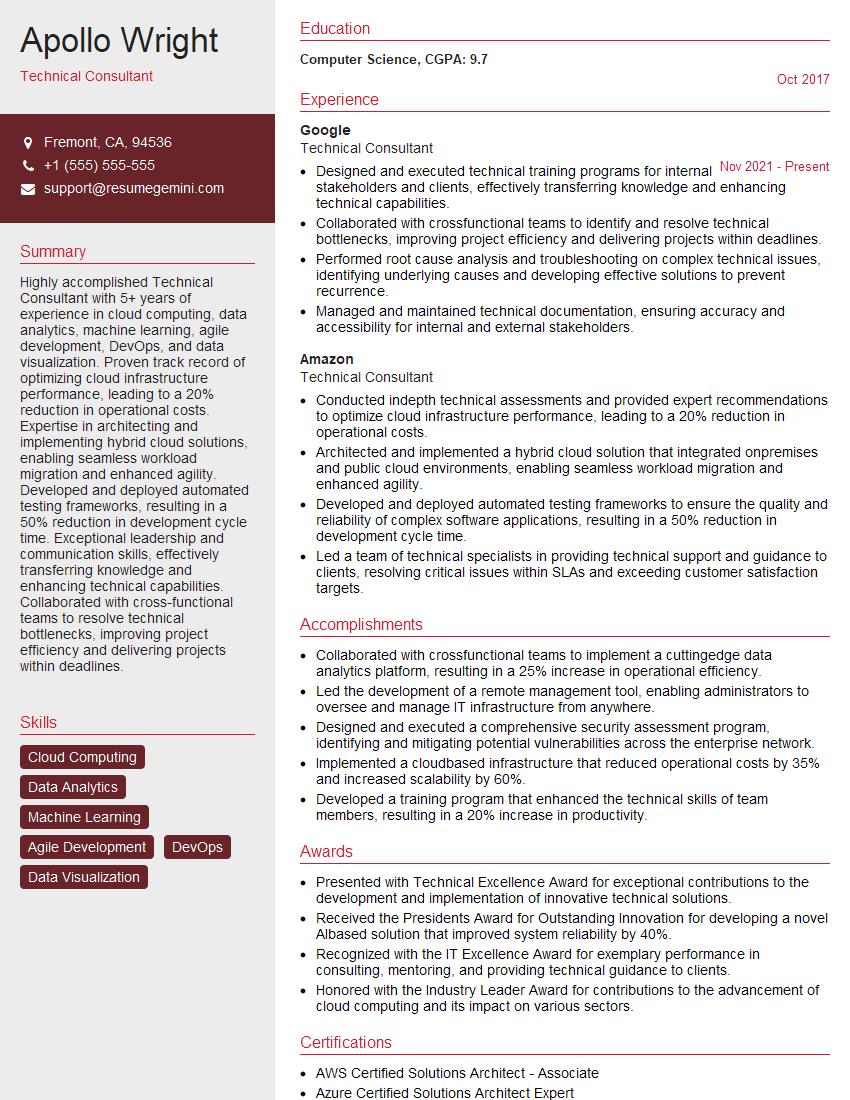
Technical Consultant Resume Sample
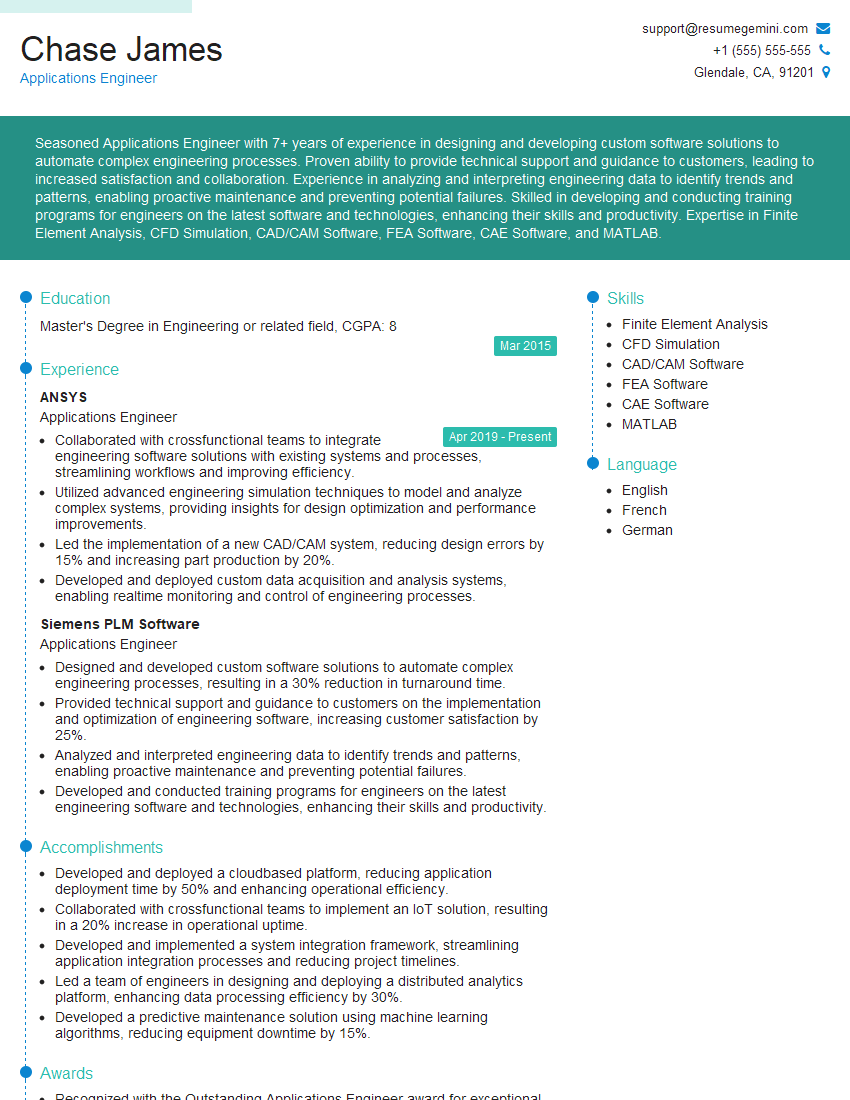
Applications Engineer Resume Sample
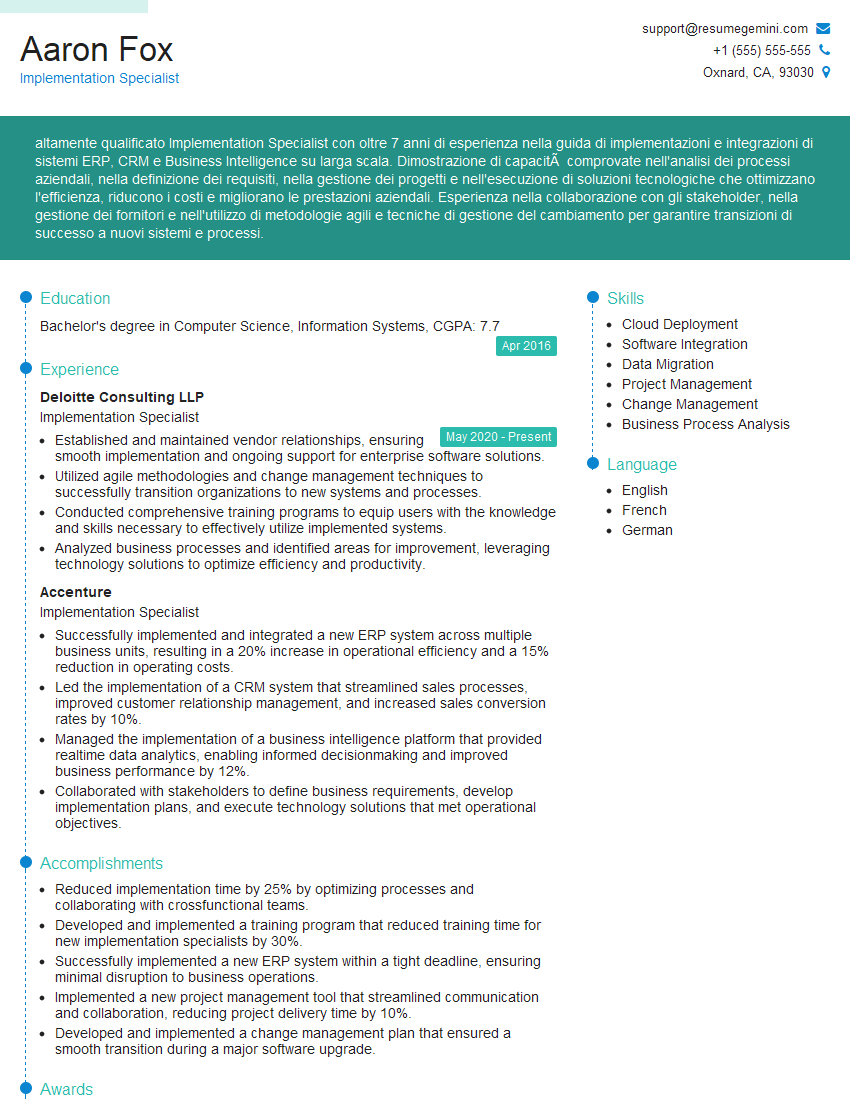
Implementation Specialist Resume Sample

Technical Support Engineer Resume Sample

Help Desk Analyst Resume Sample
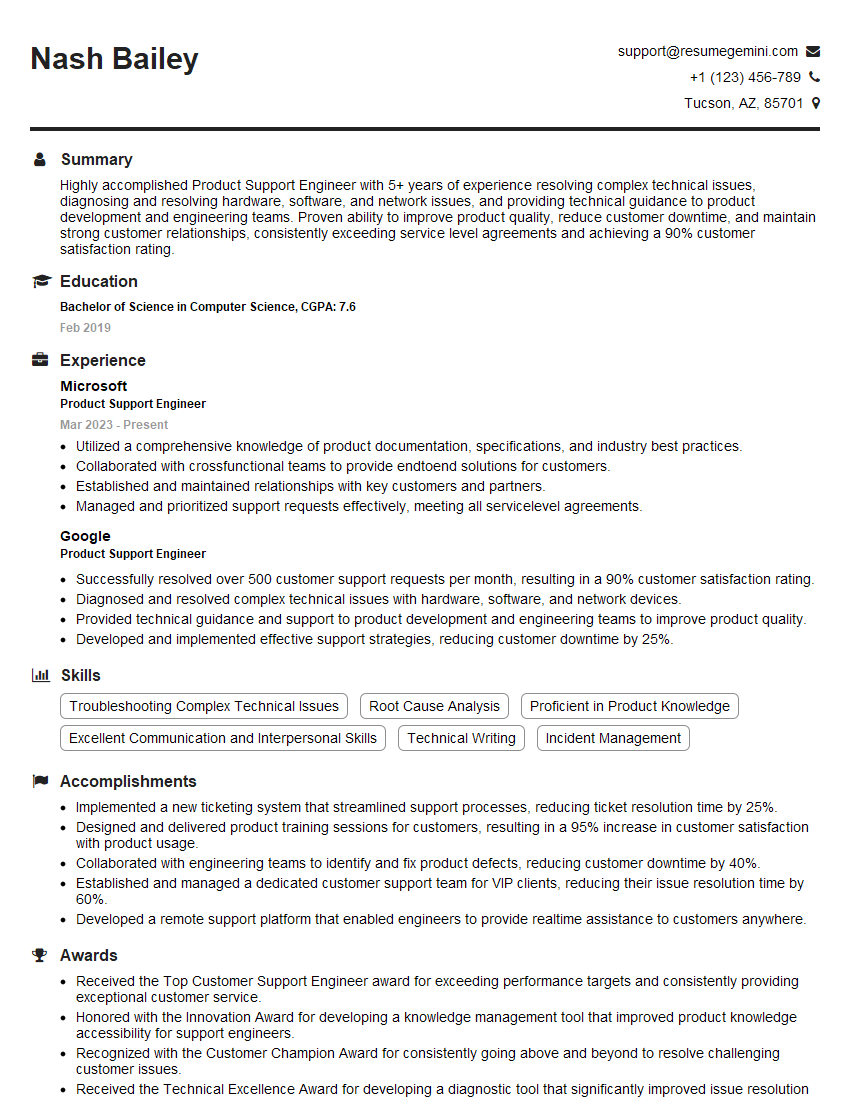
Product Support Engineer Resume Sample
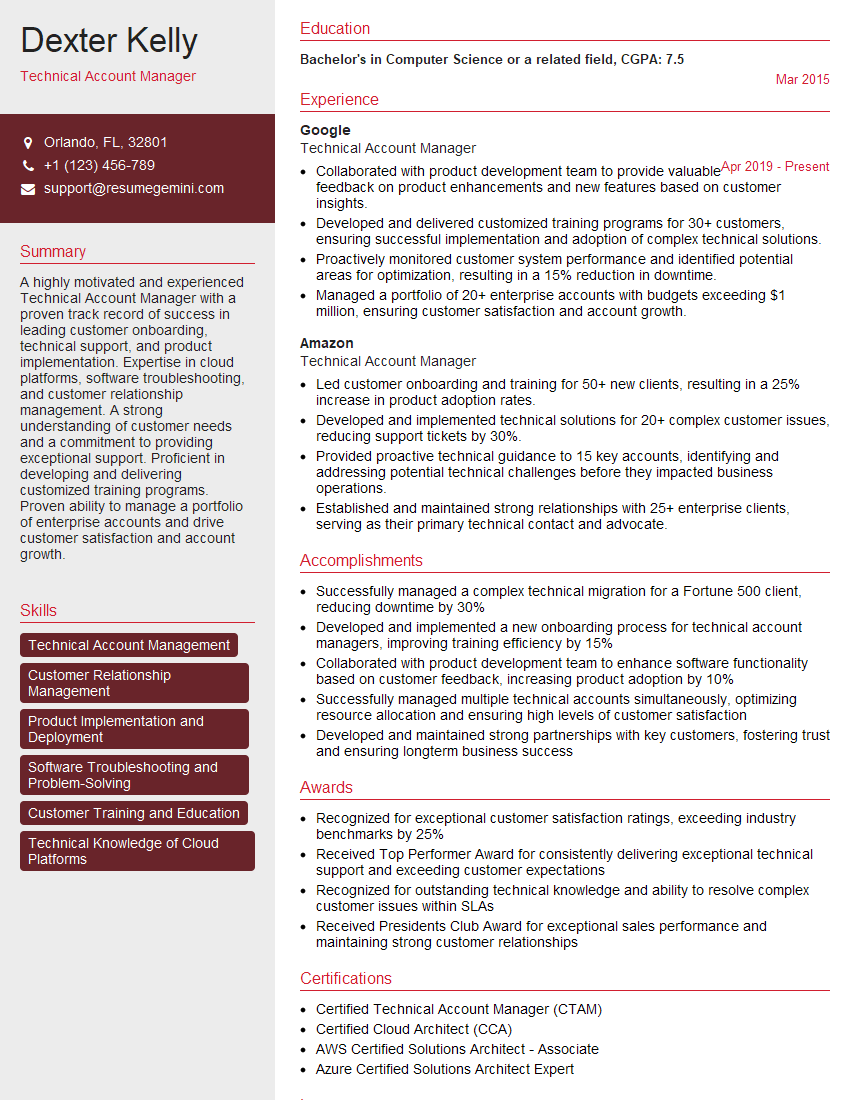
Technical Account Manager Resume Sample
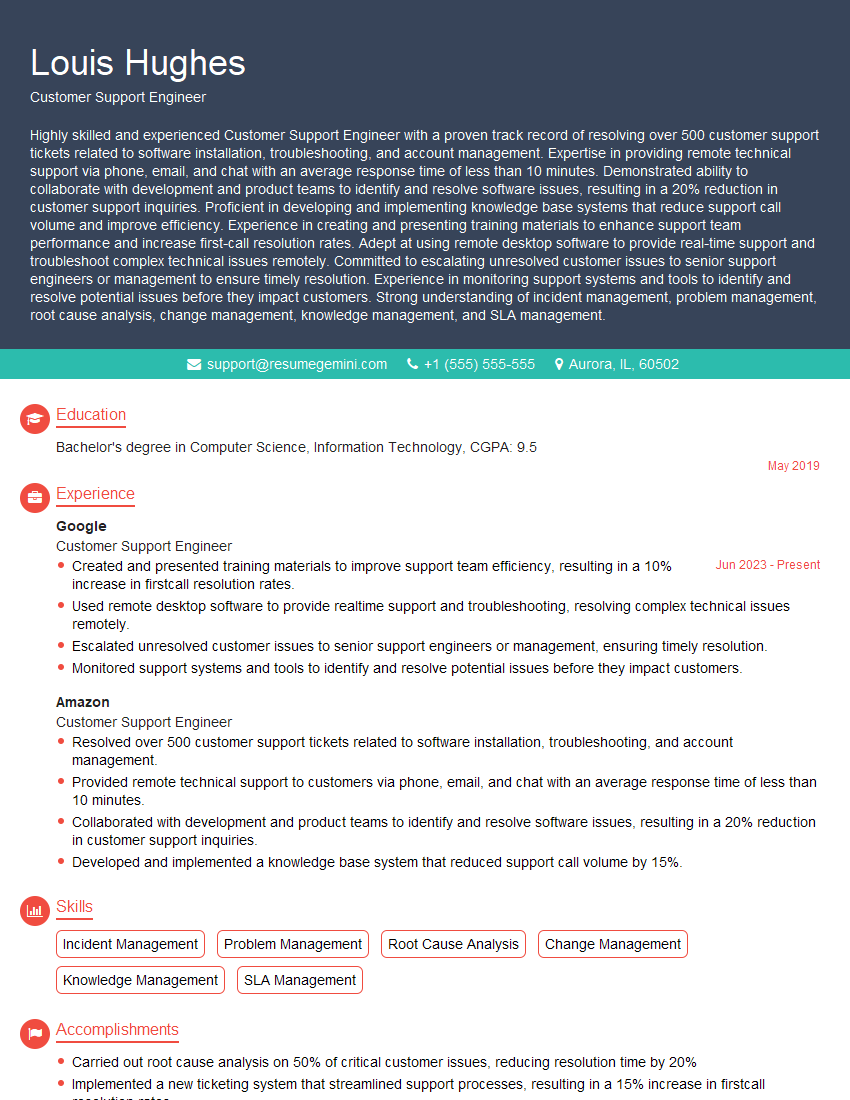
Customer Support Engineer Resume Sample
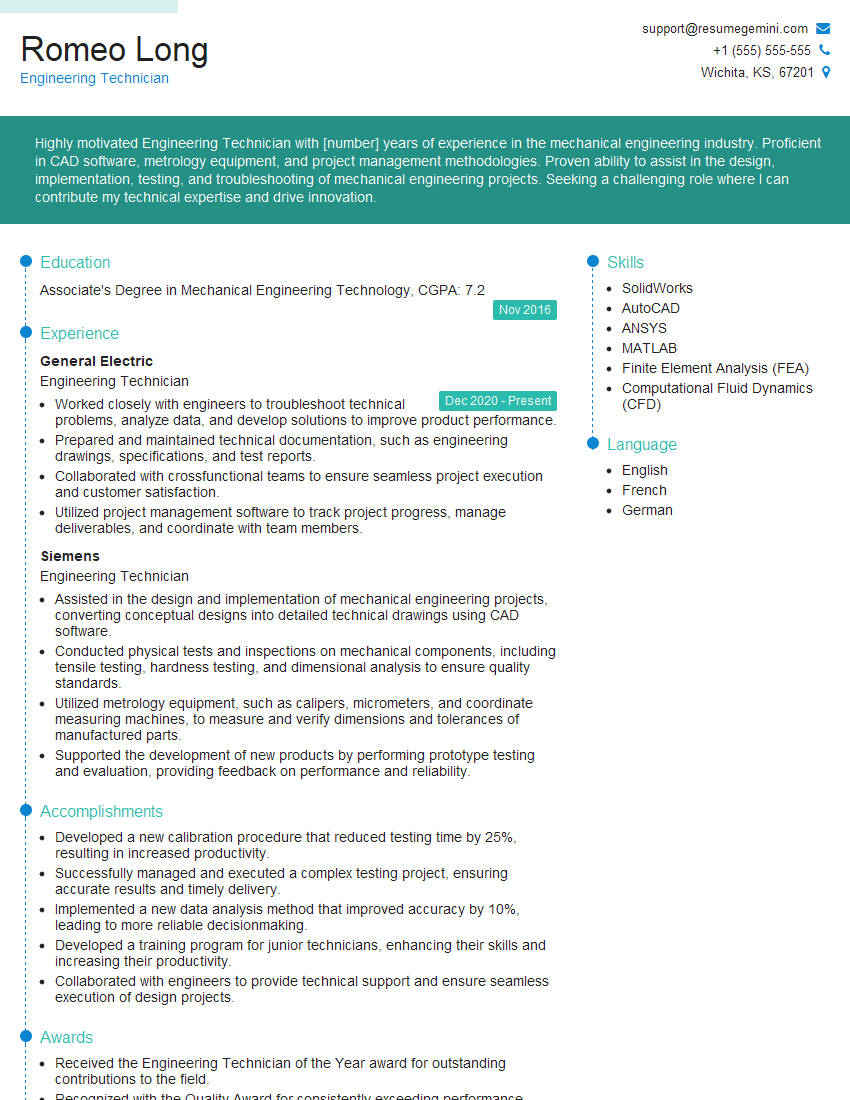
Engineering Technician Resume Sample

Field Service Engineer Resume Sample
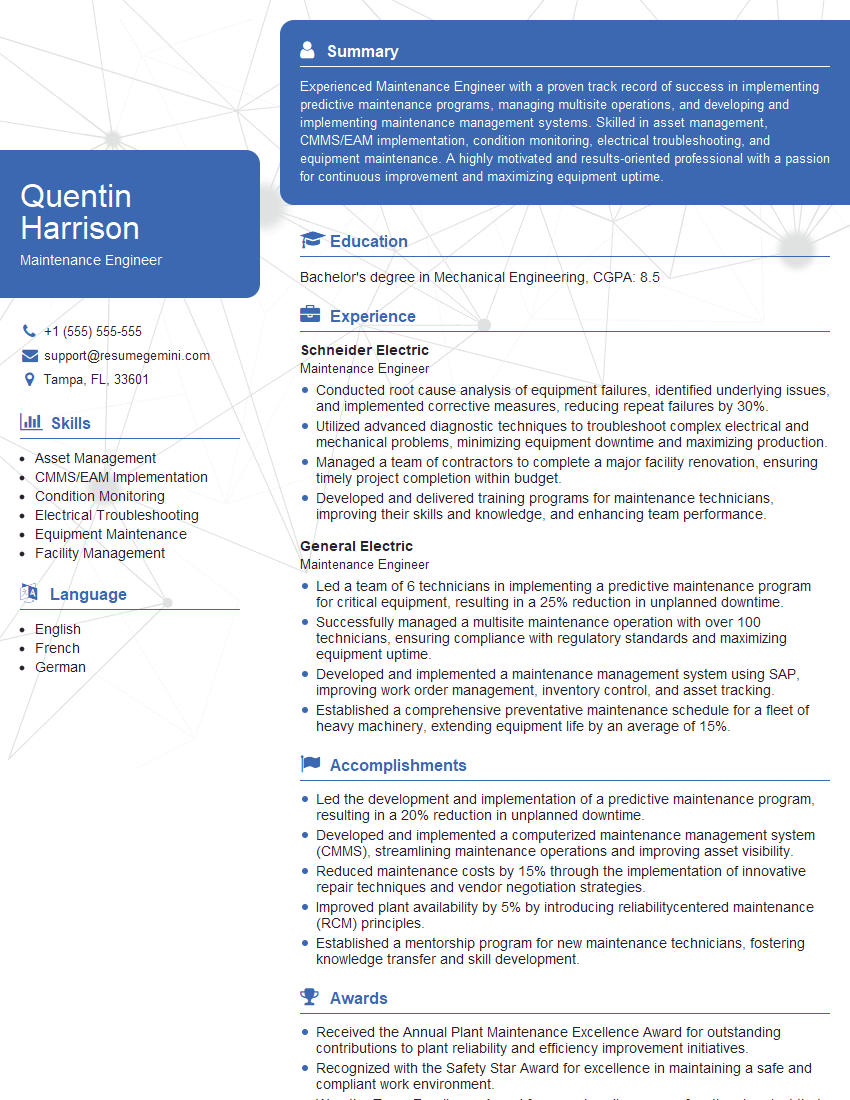
Maintenance Engineer Resume Sample

Quality Assurance Engineer Resume Sample

IT Support Specialist Resume Sample
- Reliability Engineer
- Systems Engineer
- Technical Consultant
- Applications Engineer
- Implementation Specialist
- Technical Support Engineer
- Help Desk Analyst
- Product Support Engineer
- Technical Account Manager
- Customer Support Engineer
- Engineering Technician
- Field Service Engineer
- Maintenance Engineer
- Quality Assurance Engineer
- IT Support Specialist
Explore more articles
Users Rating of Our Blogs
Share Your Experience
We value your feedback! Please rate our content and share your thoughts (optional).
What Readers Say About Our Blog
Hello,
we currently offer a complimentary backlink and URL indexing test for search engine optimization professionals.
You can get complimentary indexing credits to test how link discovery works in practice.
No credit card is required and there is no recurring fee.
You can find details here:
https://wikipedia-backlinks.com/indexing/
Regards
NICE RESPONSE TO Q & A
hi
The aim of this message is regarding an unclaimed deposit of a deceased nationale that bears the same name as you. You are not relate to him as there are millions of people answering the names across around the world. But i will use my position to influence the release of the deposit to you for our mutual benefit.
Respond for full details and how to claim the deposit. This is 100% risk free. Send hello to my email id: [email protected]
Luka Chachibaialuka
Hey interviewgemini.com, just wanted to follow up on my last email.
We just launched Call the Monster, an parenting app that lets you summon friendly ‘monsters’ kids actually listen to.
We’re also running a giveaway for everyone who downloads the app. Since it’s brand new, there aren’t many users yet, which means you’ve got a much better chance of winning some great prizes.
You can check it out here: https://bit.ly/callamonsterapp
Or follow us on Instagram: https://www.instagram.com/callamonsterapp
Thanks,
Ryan
CEO – Call the Monster App
Hey interviewgemini.com, I saw your website and love your approach.
I just want this to look like spam email, but want to share something important to you. We just launched Call the Monster, a parenting app that lets you summon friendly ‘monsters’ kids actually listen to.
Parents are loving it for calming chaos before bedtime. Thought you might want to try it: https://bit.ly/callamonsterapp or just follow our fun monster lore on Instagram: https://www.instagram.com/callamonsterapp
Thanks,
Ryan
CEO – Call A Monster APP
To the interviewgemini.com Owner.
Dear interviewgemini.com Webmaster!
Hi interviewgemini.com Webmaster!
Dear interviewgemini.com Webmaster!
excellent
Hello,
We found issues with your domain’s email setup that may be sending your messages to spam or blocking them completely. InboxShield Mini shows you how to fix it in minutes — no tech skills required.
Scan your domain now for details: https://inboxshield-mini.com/
— Adam @ InboxShield Mini
Reply STOP to unsubscribe
Hi, are you owner of interviewgemini.com? What if I told you I could help you find extra time in your schedule, reconnect with leads you didn’t even realize you missed, and bring in more “I want to work with you” conversations, without increasing your ad spend or hiring a full-time employee?
All with a flexible, budget-friendly service that could easily pay for itself. Sounds good?
Would it be nice to jump on a quick 10-minute call so I can show you exactly how we make this work?
Best,
Hapei
Marketing Director
Hey, I know you’re the owner of interviewgemini.com. I’ll be quick.
Fundraising for your business is tough and time-consuming. We make it easier by guaranteeing two private investor meetings each month, for six months. No demos, no pitch events – just direct introductions to active investors matched to your startup.
If youR17;re raising, this could help you build real momentum. Want me to send more info?
Hi, I represent an SEO company that specialises in getting you AI citations and higher rankings on Google. I’d like to offer you a 100% free SEO audit for your website. Would you be interested?
Hi, I represent an SEO company that specialises in getting you AI citations and higher rankings on Google. I’d like to offer you a 100% free SEO audit for your website. Would you be interested?
good