Are you ready to stand out in your next interview? Understanding and preparing for Ergonomic Assessments and Interventions interview questions is a game-changer. In this blog, we’ve compiled key questions and expert advice to help you showcase your skills with confidence and precision. Let’s get started on your journey to acing the interview.
Questions Asked in Ergonomic Assessments and Interventions Interview
Q 1. Describe the process of conducting a thorough ergonomic assessment.
A thorough ergonomic assessment is a systematic process of identifying and evaluating workplace factors that can contribute to musculoskeletal disorders (MSDs) and other work-related injuries. It involves a multi-step approach, blending observation, data collection, and analysis.
- Preparation: This includes reviewing existing documentation, such as job descriptions, safety reports, and previous injury records. Understanding the work processes and tasks is crucial.
- Observation: Direct observation of the worker performing their tasks is critical. This allows for identification of awkward postures, repetitive movements, and other potential hazards. Video recording can be beneficial for detailed analysis.
- Interviews and Questionnaires: Workers are interviewed to understand their experiences, symptoms, and perceptions of their workplace. Standardized questionnaires can help quantify risk factors and symptoms.
- Measurements: This involves taking anthropometric measurements (height, weight, limb lengths), workstation dimensions, and assessing forces and loads involved in the tasks.
- Analysis: The collected data is analyzed to identify ergonomic risk factors, using tools like Rapid Upper Limb Assessment (RULA) or Rapid Entire Body Assessment (REBA) to quantify risk levels.
- Recommendations: Based on the analysis, specific recommendations are developed for improving the workstation setup, work processes, and training, to mitigate identified risks.
- Implementation and Evaluation: Recommendations are implemented, and the effectiveness of interventions is evaluated through post-intervention assessments to ensure improvements have been achieved and sustained.
For example, in a recent assessment of a call center, we observed prolonged sitting, repetitive typing, and poor posture, leading to recommendations for adjustable chairs, footrests, and regular stretching breaks.
Q 2. Explain the difference between active and passive ergonomic interventions.
Active and passive ergonomic interventions differ in their approach to risk reduction. Passive interventions focus on modifying the workplace to reduce physical demands on the worker. Active interventions focus on modifying the worker’s behavior or approach to the task.
- Passive Interventions: These involve changes to the physical environment, such as providing adjustable chairs, ergonomic keyboards, anti-fatigue mats, or redesigning workspaces to reduce reach distances. Think of it as making the job easier for the body.
- Active Interventions: These involve training and education on proper lifting techniques, posture awareness, work-rest schedules, and encouraging regular breaks to avoid fatigue and reduce repetitive strain. These focus on empowering the worker to work safely.
For instance, providing an adjustable height desk (passive) and teaching employees proper posture and stretching exercises (active) would create a more holistic intervention.
Q 3. What are the common risk factors associated with musculoskeletal disorders (MSDs)?
Musculoskeletal disorders (MSDs) are injuries or disorders affecting the muscles, tendons, nerves, ligaments, and joints. Several factors contribute to their development in the workplace:
- Repetitive movements: Repeatedly performing the same actions can lead to strain and inflammation.
- Awkward postures: Maintaining unnatural or uncomfortable body positions for extended periods can cause muscle fatigue and injury.
- Forceful exertions: Lifting, pushing, pulling, or carrying heavy objects puts significant strain on the musculoskeletal system.
- Vibration: Exposure to hand-arm or whole-body vibration, such as from power tools or heavy machinery, can damage tissues.
- Contact stress: Repeated pressure on body parts, like leaning on elbows for long periods, can cause discomfort and injury.
- Lack of rest and recovery: Insufficient breaks during work can increase muscle fatigue and the risk of injury.
- Individual factors: Age, pre-existing conditions, and fitness levels also play a significant role.
For example, a cashier repeatedly scanning items with extended arm reach and awkward twisting motions would be at high risk of MSDs in their shoulders and wrists.
Q 4. How do you identify ergonomic hazards in a workplace?
Identifying ergonomic hazards involves a systematic approach that combines observation, measurement, and worker input. Methods include:
- Walkthrough Surveys: Physically inspecting the workplace to visually identify potential hazards, such as poor workstation setups, cluttered environments, and unsafe lifting practices.
- Job Task Analysis: A detailed breakdown of each job’s tasks, steps, and movements to identify potential ergonomic stressors.
- Checklists and Questionnaires: Using standardized checklists or questionnaires to systematically assess risk factors in different areas of the workplace.
- Observation of Workers: Observing workers performing their tasks to identify awkward postures, repetitive movements, or other unsafe behaviors.
- Interviews with Workers: Obtaining feedback directly from workers about their experiences, discomfort, and any observed safety concerns.
- Measurements: Using tools like tape measures, goniometers (for joint angles), and force gauges to collect quantitative data on workstation dimensions, postures, and forces involved in tasks.
For example, observing a warehouse worker repeatedly bending and twisting to lift boxes from low shelves and then twisting to place them on high shelves would be a clear indicator of ergonomic hazards.
Q 5. What are some common ergonomic assessment tools and techniques?
Many tools and techniques are used in ergonomic assessments. Some common ones include:
- Rapid Upper Limb Assessment (RULA): A postural assessment tool that scores risk levels based on posture and movement characteristics of the upper body.
- Rapid Entire Body Assessment (REBA): An extended version of RULA that considers the entire body posture and task demands.
- NIOSH Lifting Equation: A quantitative method used to assess the risk of lifting injuries based on factors like weight, distance, and posture.
- Observation and Video Analysis: Observing workers and using video recording to capture and analyze postures and movements in detail.
- Anthropometric Measurement Tools: Tape measures, stadiometers (height measurements), and anthropometry software are used to collect worker body measurements.
- Workstation Evaluation Checklists: Standardized checklists provide a structured way to assess various aspects of a workstation, such as chair adjustability, monitor placement, and keyboard position.
The choice of tool depends on the specific task and risk factors being assessed.
Q 6. Explain the concept of anthropometry and its role in ergonomics.
Anthropometry is the scientific study of human body measurements. In ergonomics, it’s crucial because it allows us to design workspaces and tools that are compatible with the physical dimensions and capabilities of the workers. We use anthropometric data to design products and workplaces that accommodate a wide range of body sizes and shapes. This minimizes discomfort and injury risks.
For example, understanding the average reach of a worker’s arm helps determine the optimal placement of frequently used tools or controls on a workstation. Knowing the distribution of heights within a workforce informs the design of adjustable workstations. Without considering anthropometry, we risk designing workstations and tools unsuitable for many users.
Q 7. Describe your experience with ergonomic design software.
I have extensive experience using ergonomic design software, including programs like Visual Ergonomics and 3D CAD software with ergonomic plugins. These programs enable virtual modeling and simulation of workplaces and tasks. This allows for proactive ergonomic evaluation of designs *before* implementation, avoiding costly mistakes and redesign work.
For example, I used Visual Ergonomics to simulate a new assembly line, adjusting workstation heights and tool placement virtually to optimize worker postures and reduce strain. This virtual prototyping helped to refine the design, minimizing potential ergonomic risks before construction began. We were able to identify and rectify potential problems in the design stage, saving considerable time and resources. This software also provides detailed reports that allow for quantitative evaluation of proposed ergonomic solutions, which can be crucial in justifying intervention costs to management.
Q 8. How do you prioritize ergonomic interventions based on risk assessment?
Prioritizing ergonomic interventions hinges on a thorough risk assessment. We use a matrix that considers the likelihood and severity of musculoskeletal disorders (MSDs) for each task or workstation. This isn’t just about identifying hazards; it’s about quantifying the risk.
For instance, a task with a high likelihood of injury (e.g., repetitive heavy lifting) and a high severity of potential injury (e.g., potential for herniated disc) would receive top priority. Conversely, a task with low likelihood and low severity might be addressed later. We use a scoring system, often a weighted average of likelihood and severity, to rank interventions.
- Step 1: Hazard Identification: We conduct thorough walkthroughs, observe employees, and analyze job tasks to identify potential ergonomic hazards like awkward postures, repetitive movements, forceful exertions, and contact stress.
- Step 2: Risk Assessment: We quantify the risk using a standardized risk assessment tool, assigning scores based on the likelihood and severity of injury for each hazard. This might involve using established scales or developing a custom scale based on industry best practices and the specific workplace.
- Step 3: Prioritization: Interventions are prioritized based on the risk scores, focusing on the highest-risk tasks or workstations first. This ensures we address the most immediate and significant threats to employee well-being.
- Step 4: Implementation and Evaluation: We implement the chosen interventions and monitor their effectiveness. We might use post-intervention surveys, injury rates, or even physiological measurements to assess the success of the interventions.
For example, in a manufacturing plant, we might prioritize improving the ergonomics of a high-speed assembly line where workers experience repetitive wrist movements leading to carpal tunnel syndrome before addressing minor postural issues at a less demanding workstation.
Q 9. What is your experience with ergonomic training programs?
I have extensive experience designing and delivering ergonomic training programs, tailoring them to specific workplace needs and employee skill levels. My approach emphasizes practical application and interactive learning. I’ve worked with diverse groups, from factory workers to office staff, using a mix of methods.
- Needs Assessment: First, I conduct a needs assessment to understand the employees’ current understanding of ergonomics and their specific needs. This includes evaluating their existing knowledge, identifying skill gaps, and understanding their learning styles.
- Program Development: I develop training programs using a multi-modal approach – incorporating presentations, interactive exercises, demonstrations, and hands-on practice. The content is always relevant to the employee’s daily tasks. For example, if it’s a computer workstation, we’ll look at monitor placement, keyboard posture and chair adjustment.
- Delivery and Evaluation: Training is delivered in various formats: group sessions, one-on-one coaching, or online modules. Post-training evaluations include knowledge tests, observation of improved work practices, and feedback from participants and supervisors to ensure effectiveness.
One successful program involved training warehouse employees on safe lifting techniques. Through a combination of classroom instruction, videos, and practical demonstrations using weight-lifting simulators, we significantly reduced reported back injuries within six months.
Q 10. How do you communicate ergonomic assessment findings to management and employees?
Communicating assessment findings requires clear, concise language tailored to the audience. Management needs concise summaries focusing on cost-benefit analyses and risk mitigation, whereas employees need practical guidance and support. I use a multi-pronged approach:
- Management: I present a summary report highlighting key ergonomic hazards, associated risks, and proposed interventions, including cost estimates and ROI calculations (return on investment). I emphasize potential reductions in workers’ compensation claims and increased productivity.
- Employees: I conduct group and individual sessions to explain the findings in easy-to-understand terms. I demonstrate recommended adjustments and answer questions. I emphasize the importance of employee participation and collaboration in implementing changes.
- Visual Aids: I use visuals such as photographs, diagrams, and videos to make the findings clearer and easier to understand for both groups. For employees, this might involve ‘before and after’ photos of a workstation to illustrate improved setup.
- Follow-up: Ongoing communication and support are crucial to sustain changes. This includes regular check-ins to address any challenges and provide ongoing guidance.
For example, when communicating findings to management, I might highlight that implementing suggested chair adjustments will reduce the risk of back injuries by X% and save the company Y dollars annually in workers’ compensation costs.
Q 11. Explain the concept of job rotation and its impact on ergonomics.
Job rotation is a strategy that involves periodically shifting employees between different tasks or workstations to reduce repetitive strain and exposure to specific ergonomic hazards. It’s not a replacement for comprehensive ergonomic improvements, but it’s a valuable supplemental strategy.
The impact on ergonomics is significant because it prevents prolonged exposure to one specific posture or movement pattern. This reduces the risk of MSDs by distributing the physical workload across different muscle groups and reducing fatigue. However, it’s crucial to ensure that all rotated tasks are ergonomically sound to avoid simply shifting the problem.
For example, in a manufacturing plant, workers might rotate between assembly line tasks requiring different postures and movements (e.g., sitting, standing, reaching). In an office setting, employees might rotate between tasks requiring different levels of computer use to reduce prolonged sitting. Effective job rotation requires careful planning to ensure all tasks are safe and the rotation schedule is well-managed.
Q 12. Describe your experience with different types of ergonomic assistive devices.
My experience encompasses a wide range of ergonomic assistive devices, categorized by the body part they support and the specific ergonomic challenges they address.
- Back Support: I’ve worked with lumbar supports, ergonomic chairs with adjustable features, and specialized back belts for heavy lifting tasks. Selection depends on individual needs and the type of work performed.
- Wrist and Hand Support: I have experience with ergonomic keyboards, vertical mice, wrist rests, and adjustable work surfaces. These address repetitive strain injuries and carpal tunnel syndrome.
- Foot and Leg Support: Footrests, adjustable height desks, and anti-fatigue mats reduce strain on lower extremities. They are particularly beneficial for workers who stand for extended periods.
- Other Devices: I’ve also worked with document holders, monitor arms, headset accessories and specialized tools designed to reduce awkward postures and forceful exertions.
The selection process is tailored to the individual and their specific needs. For example, a worker with carpal tunnel syndrome might benefit from an ergonomic keyboard and wrist rest, while a worker with back pain might need an adjustable chair with lumbar support.
Q 13. What is your understanding of OSHA or other relevant safety regulations related to ergonomics?
My understanding of OSHA (Occupational Safety and Health Administration) and other relevant safety regulations related to ergonomics is comprehensive. While OSHA doesn’t have specific ergonomic standards for all industries, its General Duty Clause (Section 5(a)(1)) mandates employers to provide a workplace free from recognized hazards, including ergonomic hazards. This means employers must take steps to prevent MSDs.
Furthermore, OSHA provides guidelines and resources on ergonomic best practices, and several states have implemented their own more specific ergonomic regulations. I stay updated on these regulations and integrate them into my assessments and recommendations. Knowledge of these regulations helps ensure that my interventions comply with all applicable laws and standards.
Understanding these regulations allows me to develop effective strategies to help employers mitigate risks and ensure compliance. This is crucial for maintaining a safe and healthy work environment and avoiding potential penalties.
Q 14. How do you address resistance to ergonomic changes within a workplace?
Addressing resistance to ergonomic changes requires a thoughtful and collaborative approach. It’s not about imposing changes but about building consensus and demonstrating value.
- Education and Communication: Clearly explain the benefits of ergonomic improvements, emphasizing the link between improved workplace ergonomics and employee well-being, increased productivity, and reduced injury rates. Using data and statistics can be very persuasive.
- Involve Employees: Engage employees in the process. Solicit their input, listen to their concerns, and involve them in selecting solutions. This fosters a sense of ownership and buy-in.
- Pilot Programs: Implement pilot programs to demonstrate the effectiveness of proposed changes on a smaller scale before full-scale implementation. Success stories are powerful motivators.
- Addressing Concerns: Actively address any concerns employees might have about new equipment, processes, or changes to their work routines. Provide training and support to address any anxieties.
- Incremental Changes: Introduce changes gradually to minimize disruption and allow employees to adjust. Start with small, easy-to-implement changes and build momentum for more substantial improvements.
For example, if employees resist using new ergonomic chairs because they feel uncomfortable, I would offer a trial period, provide adjustment training, and actively address their concerns to build trust and overcome resistance.
Q 15. Describe a time you successfully implemented an ergonomic intervention.
In a previous role at a manufacturing plant, we had a high incidence of musculoskeletal disorders among assembly line workers due to repetitive wrist movements. We implemented an ergonomic intervention focusing on workstation redesign and employee training. The intervention involved a three-pronged approach.
- Workstation Redesign: We replaced the existing assembly tables with height-adjustable workstations allowing workers to customize their posture. We also introduced ergonomic keyboard trays and anti-fatigue mats to minimize strain. The redesign aimed to optimize reach distances, reduce awkward postures, and minimize repetitive motions.
- Employee Training: We conducted a comprehensive training program focusing on proper body mechanics, posture awareness, and the importance of taking regular microbreaks. We demonstrated correct lifting techniques and educated employees on recognizing early signs of discomfort and reporting them promptly.
- Tool Modification: We evaluated the tools being used and replaced heavy or awkwardly designed tools with lighter, ergonomically designed alternatives. This involved consultation with the workers to understand their needs and preferences.
The results were significant. We saw a 40% reduction in reported musculoskeletal injuries within six months of the intervention’s implementation. This success was attributed to the multi-faceted approach which addressed both the workstation design and employee behavior through targeted training. The continuous feedback process, where workers provided input on the effectiveness of the changes, was also crucial in optimizing the intervention.
Career Expert Tips:
- Ace those interviews! Prepare effectively by reviewing the Top 50 Most Common Interview Questions on ResumeGemini.
- Navigate your job search with confidence! Explore a wide range of Career Tips on ResumeGemini. Learn about common challenges and recommendations to overcome them.
- Craft the perfect resume! Master the Art of Resume Writing with ResumeGemini’s guide. Showcase your unique qualifications and achievements effectively.
- Don’t miss out on holiday savings! Build your dream resume with ResumeGemini’s ATS optimized templates.
Q 16. How do you measure the effectiveness of ergonomic interventions?
Measuring the effectiveness of ergonomic interventions requires a multi-faceted approach. It’s not enough just to implement changes; you must assess their impact. We use several methods:
- Injury Rate Tracking: This is the most straightforward measure. We compare the rate of musculoskeletal disorders (MSDs) before and after the intervention using leading indicators (incidence rate) and lagging indicators (prevalence rate) to identify trends. A significant reduction indicates success.
- Worker Surveys and Feedback: We collect data through surveys and interviews to gauge employee comfort, satisfaction with their workstations, and perceived reduction in physical strain. This qualitative data adds depth to the quantitative injury rate data. This is done anonymously to encourage honest feedback.
- Biomechanical Assessments: Before and after interventions, we conduct biomechanical assessments. This involves using tools like motion capture technology or electromyography (EMG) to measure muscle activity and joint angles to quantify postural improvements. This provides objective data to support subjective feedback.
- Productivity Measurement: While not a primary goal, sometimes improved ergonomics can boost productivity by reducing the number of work days lost to injury and improving worker morale and concentration. We monitor this too but always consider potential confounding factors.
By combining these different data points, we can create a comprehensive picture of the effectiveness of our interventions and identify areas for ongoing improvement. We recognize that a holistic approach gives us a well-rounded evaluation.
Q 17. What are the key components of a successful ergonomics program?
A successful ergonomics program requires several key components working together. Imagine it like building a house – you need a solid foundation and careful planning:
- Management Commitment: Strong leadership support is crucial. Without buy-in from the top, resources may be lacking and implementation will be challenging.
- Ergonomic Risk Assessment: A systematic assessment identifying jobs and tasks with high ergonomic risks. This typically involves job hazard analysis and physical demands analyses.
- Workstation Design and Evaluation: Designing and adjusting workstations to fit the user. This includes proper chair selection, monitor positioning, keyboard placement, and tool design.
- Employee Training and Education: Providing employees with the knowledge and skills to work safely and efficiently. This focuses on safe lifting techniques, good posture, and awareness of potential ergonomic hazards.
- Continuous Improvement: An iterative process for ongoing assessment, refinement, and improvement of the program.
- Communication and Collaboration: Regular feedback from employees, open communication, and collaborative problem-solving.
Each component plays a vital role. A successful program ensures a safer and more productive work environment.
Q 18. What is your experience with the use of body mechanics in preventing injuries?
Body mechanics are fundamental to injury prevention in any physically demanding job. Think of it as ‘smart movement’ – using your body efficiently and safely to minimize strain. My experience shows that proper body mechanics training significantly reduces risk factors for MSDs.
- Lifting Techniques: Teaching proper lifting techniques, such as keeping the load close to the body, bending at the knees and hips, and avoiding twisting, is crucial. We often demonstrate these techniques using interactive scenarios and simulations.
- Posture Awareness: Educating workers about maintaining good posture while sitting, standing, and performing various tasks. This involves regular reminders about keeping the back straight, shoulders relaxed, and neck aligned.
- Pushing and Pulling: Correct techniques for pushing and pulling heavy objects to avoid strain on the back and shoulders. We use demonstrations and visuals to illustrate the best techniques.
- Repetitive Movements: Identifying and modifying repetitive movements to reduce cumulative trauma. This might include altering work procedures, introducing microbreaks, or changing tools.
Beyond training, we emphasize the importance of individual assessment to tailor guidance. What works for one person might not work for another. Combining education with individualized adjustments is key to making body mechanics training truly effective. The goal is to empower employees to proactively protect themselves.
Q 19. How do you address ergonomic issues related to different work postures?
Addressing ergonomic issues related to different work postures requires a tailored approach. Each posture – sitting, standing, and reaching – presents unique challenges.
- Sitting Postures: Issues like slouching, improper chair height, and poor monitor positioning need attention. Solutions include adjustable chairs, lumbar support, footrests, and monitor arms to optimize viewing angles.
- Standing Postures: Prolonged standing can lead to fatigue and lower back pain. Solutions involve anti-fatigue mats, adjustable height work surfaces, and periodic rest breaks or opportunities to sit.
- Reaching Postures: Excessive reaching strains muscles and joints. Solutions involve optimizing tool and material placement, adjustable workstations, and the use of assistive devices to reduce reach distances.
- Combination Postures: Often work tasks demand a combination of postures. For example, an assembly line worker might sit, stand, and reach throughout their workday. We analyze their activity cycle to identify areas for improvement across each phase.
For each posture, assessment is key. We use observation, questionnaires, and where appropriate, biomechanical measurements to determine where interventions are needed most. Then, we develop personalized solutions, always remembering that the worker’s needs and preferences are paramount.
Q 20. Explain your understanding of cumulative trauma disorders (CTDs).
Cumulative Trauma Disorders (CTDs) are injuries that develop gradually over time due to repeated movements, forceful exertions, awkward postures, or vibrations. They’re often insidious, meaning they develop slowly and can be overlooked until they become quite painful and debilitating.
Common examples of CTDs include:
- Carpal Tunnel Syndrome: Affecting the wrist and hand.
- Tenosynovitis: Inflammation of the tendons.
- Epicondylitis (Tennis or Golfer’s Elbow): Affecting the elbow.
- Thoracic Outlet Syndrome: Affecting the nerves and blood vessels in the shoulder and neck.
Preventing CTDs is crucial. It involves identifying risk factors early through job hazard analyses and implementing interventions like:
- Workstation modifications: To reduce repetitive movements and awkward postures.
- Tool adjustments: To minimize forceful exertions.
- Training programs: To educate workers on safe work practices and body mechanics.
- Regular breaks: To allow muscles to rest and recover.
Early detection is key. We encourage workers to report any aches, pains, or discomfort early on, as early intervention can prevent CTDs from becoming chronic and debilitating.
Q 21. How do you integrate ergonomic principles into new product or workstation designs?
Integrating ergonomic principles into new product or workstation designs is crucial for preventing future ergonomic problems. This requires a proactive approach starting at the design stage.
- Early Involvement: Ergonomists should be involved from the beginning of the design process, not just as an afterthought.
- User-Centered Design: The design should consider the needs and capabilities of the intended users, taking into account variations in body size and strength.
- Anthropometric Data: Using anthropometric data (measurements of the human body) to ensure that the design accommodates a wide range of users.
- Prototyping and Testing: Developing and testing prototypes with representative users to identify and address potential ergonomic issues early on.
- Iterative Design: The design should be refined iteratively based on user feedback and ergonomic assessments.
- Simulation and Modeling: Advanced tools such as computer-aided design (CAD) software with integrated ergonomic analysis modules are used to evaluate designs virtually, reducing the need for extensive physical prototyping.
By incorporating ergonomics early in the design process, we can ensure that the product or workstation is not only functional but also safe, comfortable, and efficient for the user. This proactive approach is much more cost-effective in the long run than trying to fix ergonomic problems after a product has already been launched.
Q 22. Describe your experience with ergonomic evaluations of computer workstations.
My experience with ergonomic evaluations of computer workstations is extensive. I’ve conducted hundreds of assessments across various industries, from office settings to manufacturing plants. A typical evaluation begins with a thorough observation of the workstation setup, including the chair, desk, keyboard, mouse, and monitor placement. I then interview the employee to understand their work tasks, posture, and any reported discomfort. This combined approach allows for a holistic understanding of potential ergonomic risks. For example, I recently assessed a graphic designer whose workstation lacked proper lumbar support, leading to lower back pain. By recommending an adjustable chair with lumbar support and a properly positioned monitor, we significantly reduced their discomfort and improved their productivity.
Beyond the physical setup, I also analyze work practices. Are they taking frequent breaks? Do they understand proper posture techniques? Addressing these behavioural aspects is just as crucial as adjusting the physical environment. I utilize tools like checklists and standardized questionnaires to ensure a comprehensive evaluation and generate tailored recommendations for improvement. These recommendations often include specific adjustments to furniture, equipment changes, and training on proper posture and work habits. Following implementation, I conduct follow-up assessments to monitor effectiveness and make further adjustments as needed.
Q 23. What is your experience with the application of biomechanical principles in ergonomics?
Biomechanical principles form the cornerstone of many ergonomic interventions. My understanding of these principles allows me to analyze the forces acting on the human body during work tasks, identifying potential areas of strain and injury. For instance, I regularly apply principles of lever mechanics to analyze lifting tasks, considering factors like weight, distance, and posture. This analysis helps identify the risk of musculoskeletal disorders (MSDs). I also apply knowledge of anthropometry (body measurements) to ensure workstations are properly sized for individual users, preventing strain and discomfort. Understanding joint angles, muscle forces, and tissue loading allows me to recommend modifications that minimize risk and promote efficient movement patterns. In one instance, I analyzed the repetitive twisting motion required for a specific assembly task and recommended workstation redesign to minimize torque on the spine, preventing potential back injuries.
Q 24. How do you assess the psychosocial factors that contribute to MSDs?
Psychosocial factors play a significant role in the development of MSDs, often overlooked in purely physical ergonomic assessments. My approach involves using validated questionnaires and interviews to assess factors such as job stress, work-family conflict, social support, and job control. Tools like the Job Content Questionnaire (JCQ) help quantify job demands and control, identifying potential stressors. I also pay close attention to workplace culture and communication, considering how management styles and team dynamics can impact employee well-being and contribute to MSDs. For example, a high-pressure work environment with limited breaks can exacerbate physical discomfort and increase the risk of injury. Addressing these psychosocial factors often involves recommending changes in work processes, management training, or employee support programs. Ultimately, the goal is to create a supportive and empowering work environment that promotes both physical and mental health.
Q 25. How do you handle conflicting priorities related to ergonomics and productivity?
Balancing ergonomics and productivity is a constant challenge. My approach prioritizes a collaborative solution. I begin by demonstrating the long-term costs of neglecting ergonomics, such as increased absenteeism, workers’ compensation claims, and decreased productivity stemming from injury and discomfort. I present ergonomic solutions as investments that protect the workforce and enhance long-term productivity. For example, I might suggest workflow changes that improve efficiency while simultaneously reducing physical strain. Instead of demanding complete workplace overhauls which might impede productivity, I often suggest phased implementations, focusing on high-risk areas first. Regular communication and transparency with management and employees are key to successful implementation. Ultimately, a well-designed ergonomic program is not a constraint on productivity but a facilitator, improving both the health of workers and the overall efficiency of the operation.
Q 26. Describe your understanding of the NIOSH lifting equation.
The NIOSH lifting equation is a mathematical model used to estimate the risk of back injuries associated with manual lifting tasks. It considers several factors, including:
- Load weight (L): The weight of the object being lifted.
- Horizontal distance (H): The distance of the object from the body’s midline.
- Vertical distance (V): The vertical distance the object is lifted or lowered.
- Vertical location (V): The height at which the lift begins.
- Asymmetric angle (A): The degree of twisting or turning during the lift.
- Frequency (F): The number of lifts per minute.
- Coupling (C): The quality of hand-to-object coupling.
The equation calculates a recommended weight limit (RWL), comparing it to the actual weight of the load. A higher RWL indicates a lower risk of injury. For example, a lift with a high RWL is considered safer than a lift with a low RWL. The equation isn’t perfect; it doesn’t account for individual differences in strength or other factors. However, it provides a valuable tool for risk assessment and prioritizing ergonomic interventions. I use this equation to quantify the risk of lifting tasks and to recommend modifications like using assistive devices, changing the lifting technique, or redesigning the workflow.
Q 27. Explain the different types of workplace ergonomic analyses (e.g., RULA, REBA).
Several ergonomic analysis methods exist, each with strengths and weaknesses:
- Rapid Upper Limb Assessment (RULA): A posture assessment tool that evaluates the upper body posture, scoring it based on the risk of developing MSDs. It’s a relatively quick and easy method, ideal for screening a large number of workstations. RULA scores range from 1 (low risk) to 7 (high risk), guiding intervention priorities.
- Rapid Entire Body Assessment (REBA): An extension of RULA, REBA considers the whole body posture, including the lower limbs and trunk. It’s more detailed and suitable for complex tasks involving more extensive body movements. Similar to RULA, REBA provides scores indicating the risk level.
- Ovako Working Posture Analysing System (OWAS): This method categorizes postures into four posture categories based on trunk position, leg position, and upper limb position. The categories represent increasing risk levels. OWAS provides a quick assessment, suitable for large-scale surveys.
- NIOSH Lifting Equation (as discussed above): Focuses specifically on lifting tasks, quantifying the risk of injury based on multiple factors.
The choice of method depends on the specific task and the level of detail required. I often combine multiple methods for a comprehensive assessment. For instance, I might use RULA to screen workstations and then use REBA for a more detailed assessment of high-risk workstations.
Q 28. What is your approach to managing ergonomic hazards in a dynamic work environment?
Managing ergonomic hazards in dynamic environments requires a proactive and adaptable approach. Instead of static solutions, I focus on establishing a culture of ergonomics where employees are empowered to identify and report potential hazards. Regular walkthroughs and observations are essential, allowing me to identify emerging risks and adapt interventions as needed. Job rotation and task variability are important strategies to reduce the strain from repetitive movements. I also emphasize training programs to ensure employees understand proper lifting techniques, workstation adjustments, and the importance of taking breaks. A robust system for reporting and addressing ergonomic issues is crucial. This system might involve a simple reporting form, regular safety meetings, or even dedicated ergonomic committees. Flexibility is key; solutions must be adaptable to changing work processes, equipment, and employee needs. A successful program in a dynamic environment isn’t about finding the ‘perfect’ solution but about fostering a culture of continuous improvement and risk mitigation.
Key Topics to Learn for Ergonomic Assessments and Interventions Interview
- Anthropometry and Workspace Design: Understanding human body measurements and applying this knowledge to create safe and efficient workspaces. Practical application includes analyzing workstation setups for optimal posture and reach.
- Musculoskeletal Disorders (MSDs) Prevention: Identifying risk factors for MSDs (e.g., carpal tunnel syndrome, back pain) and implementing preventative measures. Practical application involves conducting workplace observations and recommending modifications to reduce strain.
- Ergonomic Assessment Methods: Mastering various assessment techniques, including checklists, questionnaires, observation, and biomechanical analysis. Practical application includes choosing the appropriate assessment method based on the workplace and task.
- Ergonomic Interventions and Recommendations: Developing and implementing solutions to address identified ergonomic risks. Practical application involves proposing changes to equipment, work processes, and training programs.
- Return-to-Work Programs: Understanding the principles and processes involved in safely returning employees to work after an injury. Practical application includes collaborating with healthcare professionals and developing phased return-to-work plans.
- Legislation and Regulations: Familiarity with relevant workplace safety regulations and standards related to ergonomics. Practical application includes ensuring compliance with legal requirements in ergonomic assessments and interventions.
- Data Analysis and Reporting: Interpreting data collected during ergonomic assessments and presenting findings clearly and concisely. Practical application includes creating reports with recommendations for management.
- Communication and Collaboration: Effectively communicating ergonomic findings and recommendations to workers, supervisors, and management. Practical application includes working collaboratively with diverse teams to implement ergonomic improvements.
Next Steps
Mastering Ergonomic Assessments and Interventions is crucial for a successful career in occupational health and safety, opening doors to diverse and impactful roles. To maximize your job prospects, crafting an ATS-friendly resume is vital. This ensures your application gets noticed by recruiters and hiring managers. We highly recommend using ResumeGemini to build a professional and effective resume. ResumeGemini provides a user-friendly platform and offers examples of resumes tailored specifically to Ergonomic Assessments and Interventions, giving you a significant head start in your job search.
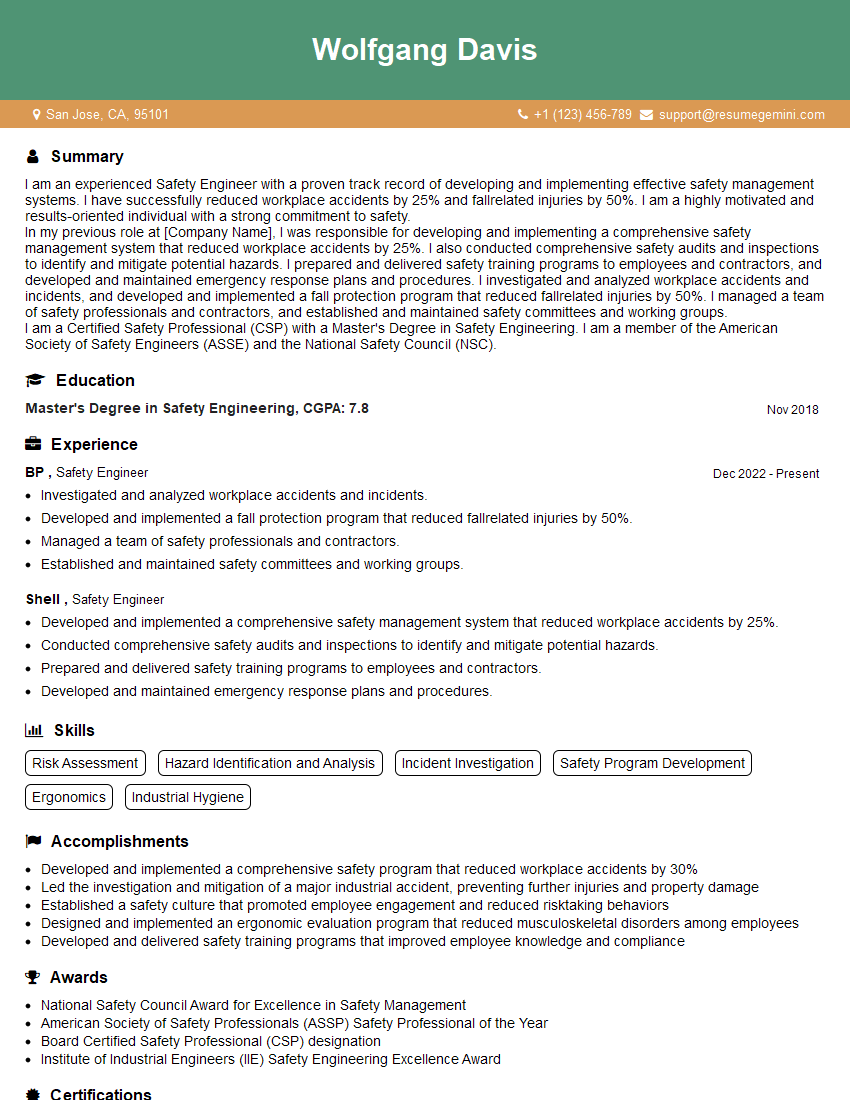
Safety Engineer Resume Sample
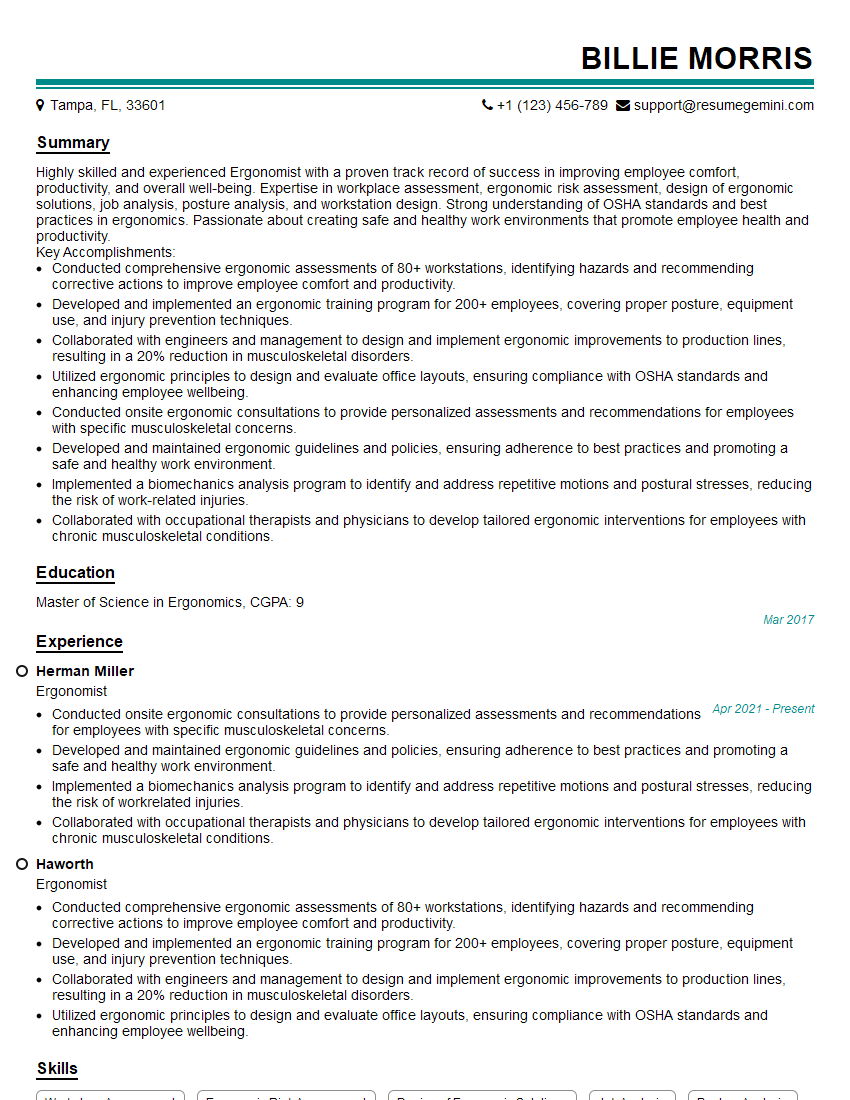
Ergonomist Resume Sample
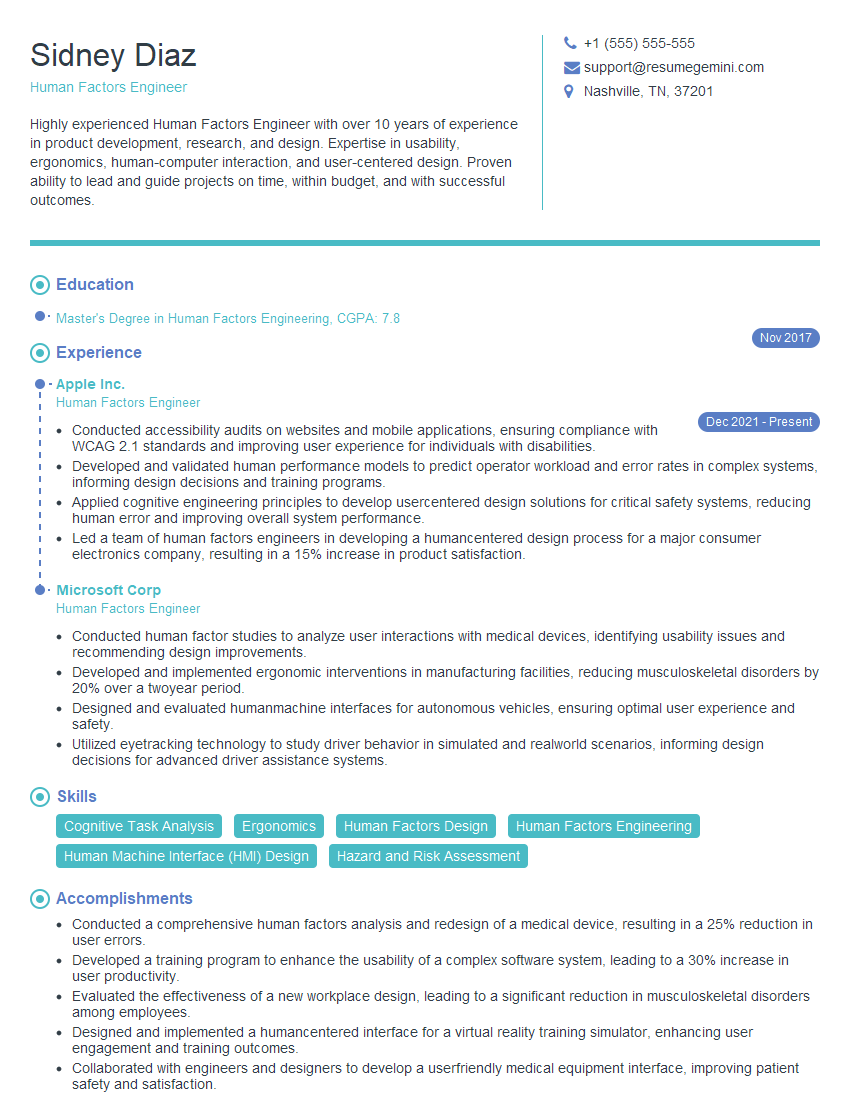
Human Factors Engineer Resume Sample
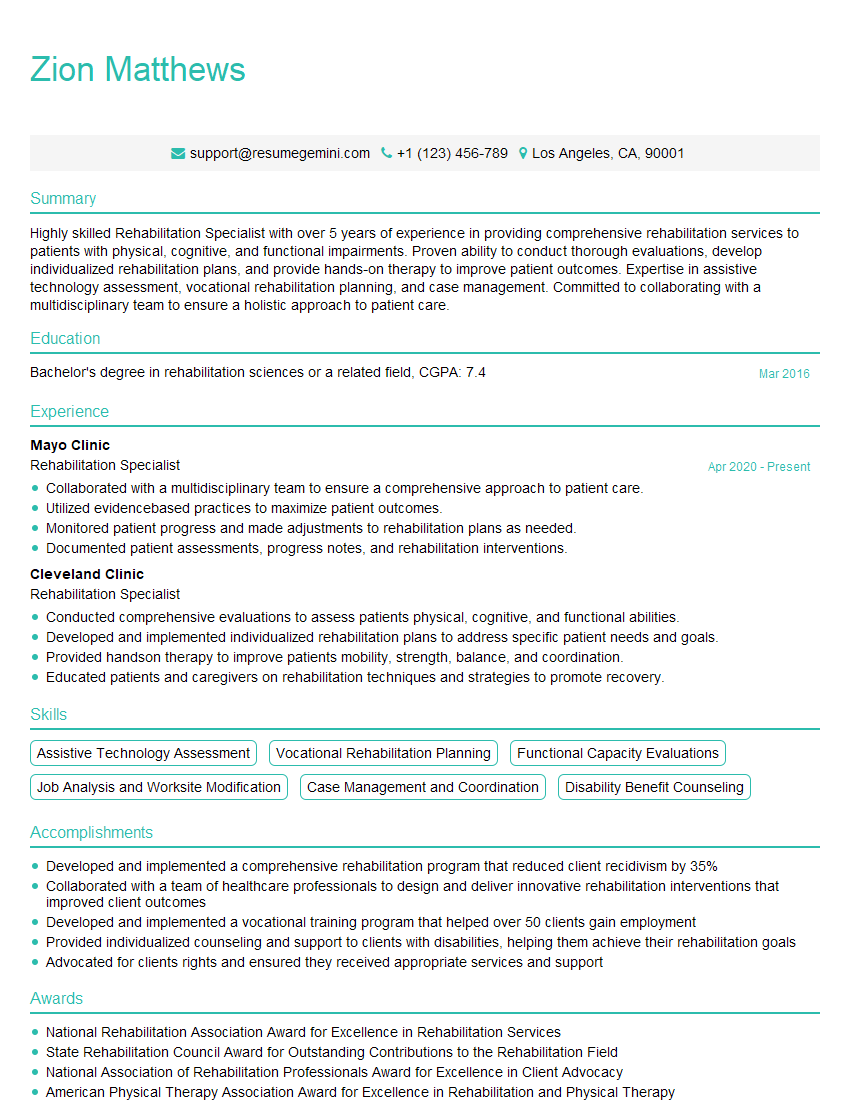
Rehabilitation Specialist Resume Sample
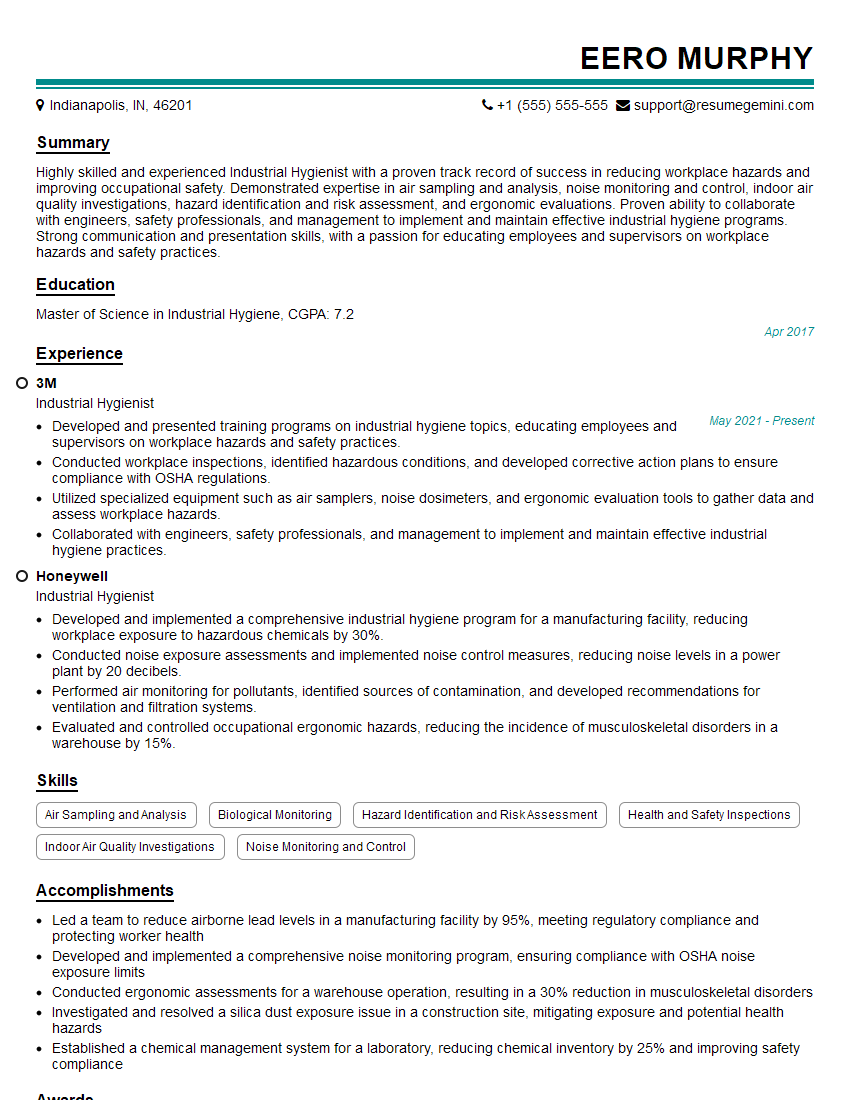
Industrial Hygienist Resume Sample
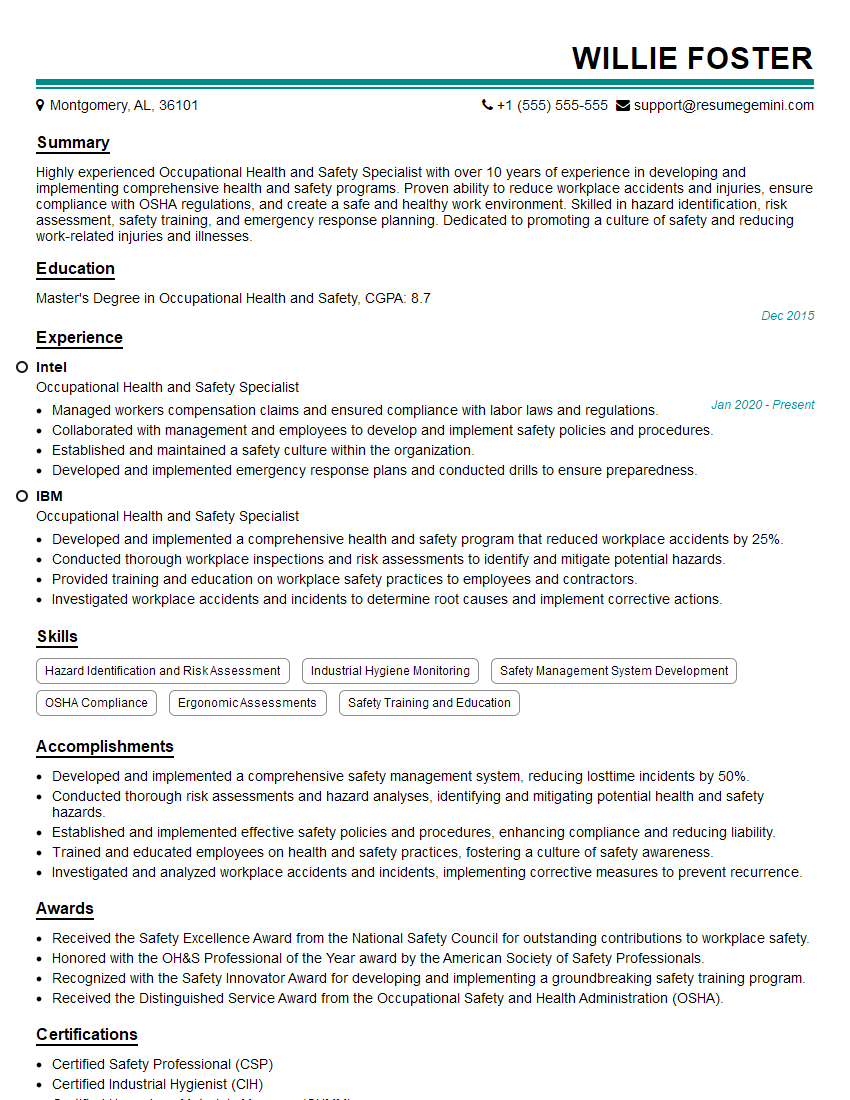
Occupational Health and Safety Specialist Resume Sample
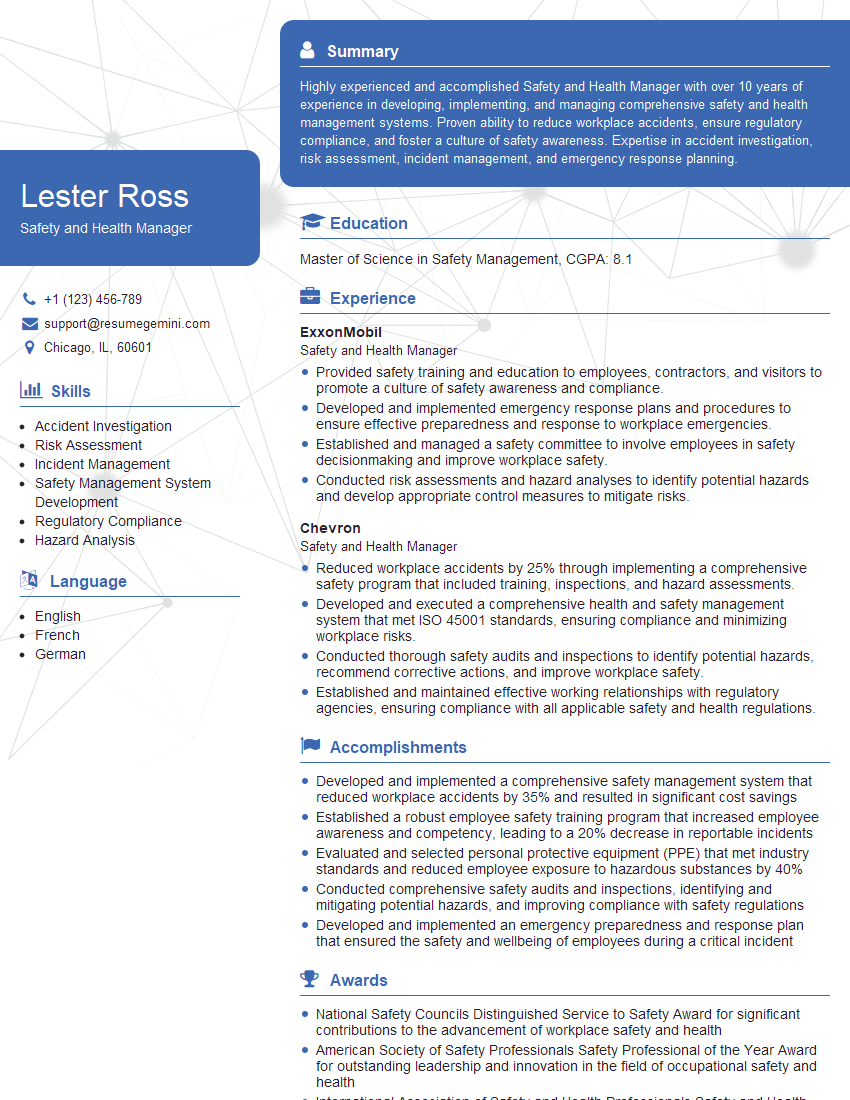
Safety and Health Manager Resume Sample

Ergonomics Technician Resume Sample
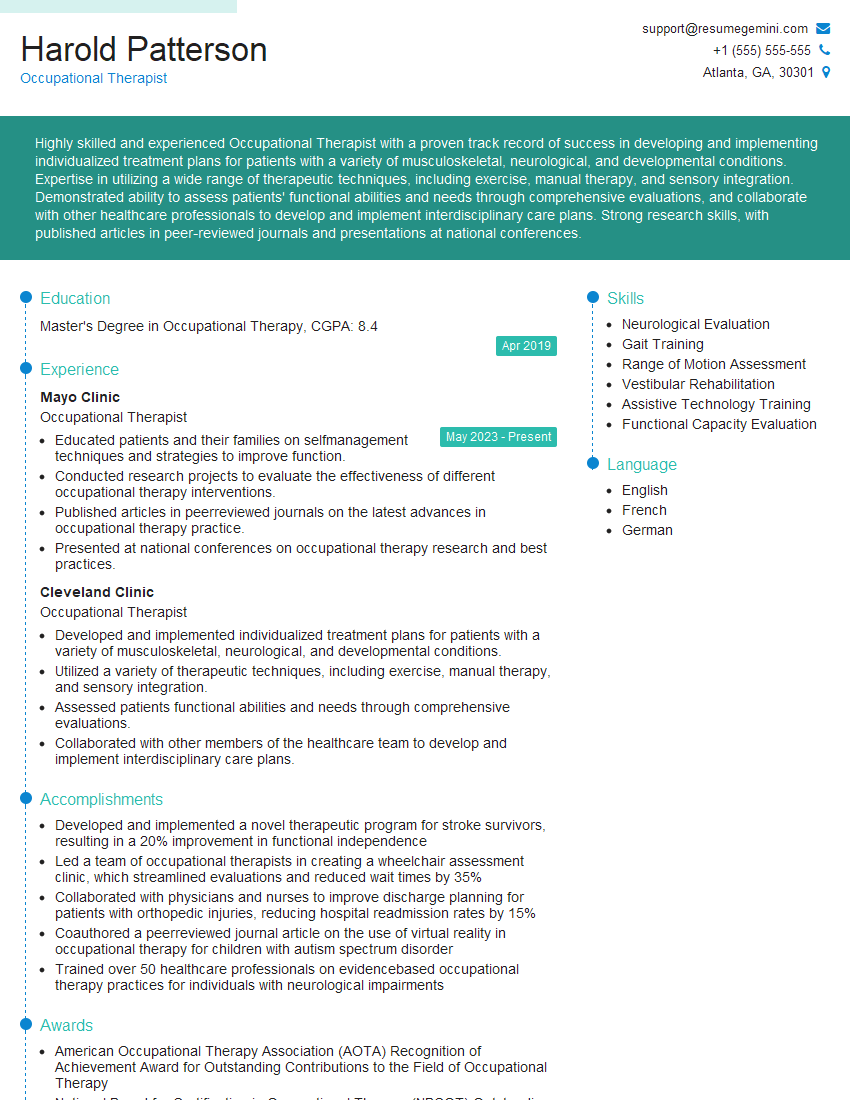
Occupational Therapist Resume Sample
Explore more articles
Users Rating of Our Blogs
Share Your Experience
We value your feedback! Please rate our content and share your thoughts (optional).
What Readers Say About Our Blog
Attention music lovers!
Wow, All the best Sax Summer music !!!
Spotify: https://open.spotify.com/artist/6ShcdIT7rPVVaFEpgZQbUk
Apple Music: https://music.apple.com/fr/artist/jimmy-sax-black/1530501936
YouTube: https://music.youtube.com/browse/VLOLAK5uy_noClmC7abM6YpZsnySxRqt3LoalPf88No
Other Platforms and Free Downloads : https://fanlink.tv/jimmysaxblack
on google : https://www.google.com/search?q=22+AND+22+AND+22
on ChatGPT : https://chat.openai.com?q=who20jlJimmy20Black20Sax20Producer
Get back into the groove with Jimmy sax Black
Best regards,
Jimmy sax Black
www.jimmysaxblack.com
Hi I am a troller at The aquatic interview center and I suddenly went so fast in Roblox and it was gone when I reset.
Hi,
Business owners spend hours every week worrying about their website—or avoiding it because it feels overwhelming.
We’d like to take that off your plate:
$69/month. Everything handled.
Our team will:
Design a custom website—or completely overhaul your current one
Take care of hosting as an option
Handle edits and improvements—up to 60 minutes of work included every month
No setup fees, no annual commitments. Just a site that makes a strong first impression.
Find out if it’s right for you:
https://websolutionsgenius.com/awardwinningwebsites
Hello,
we currently offer a complimentary backlink and URL indexing test for search engine optimization professionals.
You can get complimentary indexing credits to test how link discovery works in practice.
No credit card is required and there is no recurring fee.
You can find details here:
https://wikipedia-backlinks.com/indexing/
Regards
NICE RESPONSE TO Q & A
hi
The aim of this message is regarding an unclaimed deposit of a deceased nationale that bears the same name as you. You are not relate to him as there are millions of people answering the names across around the world. But i will use my position to influence the release of the deposit to you for our mutual benefit.
Respond for full details and how to claim the deposit. This is 100% risk free. Send hello to my email id: lukachachibaialuka@gmail.com
Luka Chachibaialuka
Hey interviewgemini.com, just wanted to follow up on my last email.
We just launched Call the Monster, an parenting app that lets you summon friendly ‘monsters’ kids actually listen to.
We’re also running a giveaway for everyone who downloads the app. Since it’s brand new, there aren’t many users yet, which means you’ve got a much better chance of winning some great prizes.
You can check it out here: https://bit.ly/callamonsterapp
Or follow us on Instagram: https://www.instagram.com/callamonsterapp
Thanks,
Ryan
CEO – Call the Monster App
Hey interviewgemini.com, I saw your website and love your approach.
I just want this to look like spam email, but want to share something important to you. We just launched Call the Monster, a parenting app that lets you summon friendly ‘monsters’ kids actually listen to.
Parents are loving it for calming chaos before bedtime. Thought you might want to try it: https://bit.ly/callamonsterapp or just follow our fun monster lore on Instagram: https://www.instagram.com/callamonsterapp
Thanks,
Ryan
CEO – Call A Monster APP
To the interviewgemini.com Owner.
Dear interviewgemini.com Webmaster!
Hi interviewgemini.com Webmaster!
Dear interviewgemini.com Webmaster!
excellent
Hello,
We found issues with your domain’s email setup that may be sending your messages to spam or blocking them completely. InboxShield Mini shows you how to fix it in minutes — no tech skills required.
Scan your domain now for details: https://inboxshield-mini.com/
— Adam @ InboxShield Mini
support@inboxshield-mini.com
Reply STOP to unsubscribe
Hi, are you owner of interviewgemini.com? What if I told you I could help you find extra time in your schedule, reconnect with leads you didn’t even realize you missed, and bring in more “I want to work with you” conversations, without increasing your ad spend or hiring a full-time employee?
All with a flexible, budget-friendly service that could easily pay for itself. Sounds good?
Would it be nice to jump on a quick 10-minute call so I can show you exactly how we make this work?
Best,
Hapei
Marketing Director
Hey, I know you’re the owner of interviewgemini.com. I’ll be quick.
Fundraising for your business is tough and time-consuming. We make it easier by guaranteeing two private investor meetings each month, for six months. No demos, no pitch events – just direct introductions to active investors matched to your startup.
If youR17;re raising, this could help you build real momentum. Want me to send more info?
Hi, I represent an SEO company that specialises in getting you AI citations and higher rankings on Google. I’d like to offer you a 100% free SEO audit for your website. Would you be interested?
Hi, I represent an SEO company that specialises in getting you AI citations and higher rankings on Google. I’d like to offer you a 100% free SEO audit for your website. Would you be interested?