The right preparation can turn an interview into an opportunity to showcase your expertise. This guide to Experience with Digital Workflow interview questions is your ultimate resource, providing key insights and tips to help you ace your responses and stand out as a top candidate.
Questions Asked in Experience with Digital Workflow Interview
Q 1. Explain your experience with different workflow management software.
My experience with workflow management software spans a range of tools, from simple task management systems to sophisticated enterprise-level platforms. I’ve worked extensively with platforms like Asana, Trello, Jira, and Monday.com, each offering unique strengths for different workflow needs. For instance, Asana excels in project management with its robust task assignments and timeline views, while Jira is ideal for software development teams with its integrated bug tracking and sprint management features. Trello’s Kanban-style boards are perfect for visualizing workflow stages and facilitating collaboration, particularly in agile environments. I’ve also had experience with more specialized tools tailored to specific industry needs, which allowed me to adapt my approach depending on the project’s requirements.
My selection of a particular software depends heavily on the complexity of the workflow, the size of the team, the industry, and the specific needs of the project. A small marketing team might thrive on Trello’s simplicity, whereas a large software development project would benefit from Jira’s comprehensive features. The key is understanding the strengths and limitations of each platform to choose the best fit.
Q 2. Describe your approach to optimizing a complex digital workflow.
Optimizing a complex digital workflow requires a systematic approach. I begin by thoroughly understanding the current workflow – its processes, pain points, and involved stakeholders. This often involves process mapping, interviews, and analyzing existing data. Once I have a clear picture, I use a data-driven approach to identify bottlenecks and inefficiencies. This might involve analyzing task completion times, identifying repetitive manual processes, or assessing the effectiveness of communication channels.
Next, I prioritize areas for improvement based on their potential impact on efficiency and cost. This involves identifying low-hanging fruit, quick wins that can be implemented relatively easily, alongside more significant changes requiring more time and resources. I employ a combination of automation, process redesign, and improved communication to address identified issues. Finally, I implement the changes, closely monitor the results, and continuously iterate based on performance data to ensure ongoing optimization.
For example, in one project involving a lengthy invoice processing workflow, I identified a bottleneck in manual data entry. By automating this process using robotic process automation (RPA) software, we reduced processing time by 70% and minimized human error.
Q 3. How do you identify bottlenecks in a digital workflow?
Identifying bottlenecks in a digital workflow involves a multi-pronged approach. Firstly, I use process mapping to visually represent the workflow, highlighting potential choke points. Secondly, I analyze key performance indicators (KPIs) like task completion times, cycle times, and error rates to identify areas with consistently long processing times or high error rates. This often reveals tasks or stages that are unnecessarily complex, resource-intensive, or prone to human error.
Thirdly, I engage with stakeholders directly, conducting interviews and surveys to gain their perspectives on the workflow’s challenges. This qualitative data supplements the quantitative data gathered from KPIs, providing a holistic understanding of the bottlenecks. For example, prolonged wait times might indicate a lack of clarity in roles and responsibilities, while high error rates might signal inadequate training or poorly designed processes. The key is to gather data from multiple sources and combine them to develop a clear and comprehensive view of the workflow’s problem areas.
Q 4. What metrics do you use to measure the efficiency of a digital workflow?
Measuring the efficiency of a digital workflow requires a suite of metrics tailored to the specific context. Some common metrics include:
- Cycle Time: The total time taken to complete a process from start to finish.
- Throughput: The number of units processed per unit of time.
- Error Rate: The percentage of processes completed with errors.
- Completion Rate: The percentage of processes completed successfully.
- Cost per Unit: The cost associated with processing each unit.
- Lead Time: The time it takes for a task or process to be completed from initiation to delivery.
Beyond these standard metrics, I also track custom metrics relevant to specific workflow challenges and goals. For example, in a customer service workflow, customer satisfaction scores could be a crucial metric. The key is to select metrics that provide actionable insights and can be readily tracked and analyzed. Regular monitoring of these metrics allows for proactive identification of potential issues and facilitates data-driven decision-making in workflow optimization.
Q 5. Explain your experience with workflow automation tools.
My experience with workflow automation tools is extensive. I’ve worked with a variety of tools, including RPA software (e.g., UiPath, Automation Anywhere), business process management (BPM) suites (e.g., Pega, Appian), and integration platforms (e.g., MuleSoft, Zapier). These tools have been instrumental in automating repetitive tasks, reducing manual effort, and improving overall workflow efficiency.
For instance, using RPA, I’ve automated data extraction from various sources, reducing manual data entry time significantly. BPM suites have helped streamline complex processes by providing a centralized platform for process design, execution, and monitoring. Integration platforms have facilitated seamless data exchange between different systems, improving data visibility and reducing manual data reconciliation efforts. The choice of automation tool depends on the complexity of the task and the level of integration required. Simple tasks can be automated using low-code/no-code tools, whereas more complex processes might require custom-built solutions.
Q 6. How do you ensure data integrity within a digital workflow?
Ensuring data integrity within a digital workflow is paramount. My approach involves a multi-layered strategy. Firstly, I implement robust data validation checks at each stage of the workflow to ensure data accuracy and consistency. This might involve automated checks for data type, format, and range, or manual reviews by trained personnel. Secondly, I employ version control and audit trails to track data changes and identify potential errors. This allows us to quickly revert to previous versions if necessary and investigate discrepancies.
Thirdly, I employ data encryption and access control mechanisms to protect sensitive data from unauthorized access and modification. This involves restricting access to data based on roles and responsibilities, and encrypting data both in transit and at rest. Finally, regular data backups are performed to ensure data availability in case of system failures or data corruption. A combination of these measures ensures that data remains accurate, reliable, and secure throughout the entire workflow.
Q 7. Describe your experience with process mapping and documentation.
Process mapping and documentation are fundamental to my workflow optimization strategy. I use various techniques, including flowcharts, swim lane diagrams, and data flow diagrams to visually represent workflows. This provides a clear understanding of the processes involved, the stakeholders, and the flow of information and materials. Documentation includes detailed descriptions of each step in the process, responsibilities of each stakeholder, and any supporting documents or templates.
The benefits of comprehensive documentation are numerous. It improves communication and understanding among team members, facilitates training of new employees, and provides a baseline for future improvements and audits. For example, I recently documented a complex customer onboarding process using a combination of flowcharts and detailed written instructions. This resulted in a significant reduction in onboarding time and improved consistency across different teams.
Q 8. How do you handle unexpected issues or disruptions in a digital workflow?
Handling unexpected disruptions in a digital workflow requires a proactive and systematic approach. Think of it like a well-oiled machine – when a part fails, you need to identify the problem, find a solution, and get things back on track quickly. My approach involves several key steps:
- Immediate Response: First, I focus on containing the damage. This might involve halting the affected part of the workflow to prevent further issues. For example, if a critical database goes down, we’d immediately switch to a backup system.
- Root Cause Analysis: Next, I initiate a thorough investigation to pinpoint the root cause. This often involves collaborating with IT, developers, and other relevant teams. Tools like logging systems and monitoring dashboards are invaluable here. A recent incident involving a faulty API integration, for example, required detailed log analysis to identify the specific code error.
- Solution Implementation: Once the root cause is identified, we implement the necessary solution, which might range from a simple code fix to a more significant system overhaul. We prioritize solutions that are both effective and sustainable.
- Communication & Documentation: Throughout the process, clear and consistent communication is crucial. I keep all stakeholders informed of the situation and the steps taken to resolve it. Detailed documentation of the incident, including the root cause, solutions implemented, and lessons learned, is essential for preventing future occurrences.
- Preventive Measures: Finally, we implement preventative measures to avoid similar disruptions in the future. This might involve better error handling, increased system monitoring, or improved training for staff.
Q 9. How do you collaborate with cross-functional teams to improve digital workflows?
Collaboration is the cornerstone of successful digital workflow improvement. It’s not enough to be a digital workflow expert; you need to be a team player. My experience highlights the importance of:
- Open Communication: I use tools like Slack, Microsoft Teams, or project management software (e.g., Jira, Asana) to facilitate transparent and consistent communication. Regular meetings, both formal and informal, help keep everyone aligned.
- Active Listening & Empathy: I actively listen to the concerns and suggestions of team members from different departments (marketing, sales, IT, etc.), understanding their unique perspectives and challenges. This helps build trust and ensures that improvements benefit everyone.
- Shared Goals & Metrics: Defining clear, shared goals and success metrics is critical. For example, we might aim to reduce processing time by 20% or improve customer satisfaction by 15%. These metrics ensure that everyone is working towards a common objective.
- Data-Driven Decision Making: I rely heavily on data to inform decisions. This often involves analyzing workflow metrics to identify bottlenecks and areas for improvement. For instance, we might use data to identify which steps in a sales process are slowing down the entire workflow.
- Cross-Functional Workshops: Facilitating workshops involving representatives from different teams can be incredibly effective. This allows for brainstorming, problem-solving, and the development of innovative solutions collaboratively.
Q 10. What experience do you have with RPA (Robotic Process Automation)?
I have extensive experience with RPA (Robotic Process Automation), having implemented several successful RPA solutions across various industries. My experience includes:
- Process Identification & Selection: Identifying repetitive, rule-based tasks suitable for automation is crucial. For example, I’ve automated data entry tasks, invoice processing, and report generation. I assess the feasibility and ROI of potential RPA projects.
- Tool Selection & Implementation: I am proficient in using leading RPA tools such as UiPath, Automation Anywhere, and Blue Prism. This includes designing, developing, and deploying robotic processes, incorporating error handling, and scheduling automation.
- Integration with Existing Systems: Successfully integrating RPA with existing systems is a critical aspect. This might involve using APIs or other integration techniques to connect the robots to different applications and databases. A recent project involved integrating our RPA solution with our CRM and ERP systems.
- Testing & Deployment: Thorough testing is essential to ensure the robots perform accurately and reliably. This involves unit testing, integration testing, and user acceptance testing (UAT).
- Maintenance & Monitoring: RPA solutions require ongoing maintenance and monitoring to ensure optimal performance. This includes regular performance checks, updates, and troubleshooting.
Q 11. How do you prioritize tasks within a complex digital workflow?
Prioritizing tasks in a complex digital workflow requires a structured approach. I typically use a combination of methods:
- Urgency and Importance Matrix (Eisenhower Matrix): This classic framework helps categorize tasks based on their urgency and importance. Urgent and important tasks get immediate attention, while less urgent tasks are scheduled accordingly.
- Dependency Mapping: Identifying dependencies between tasks is crucial. Some tasks cannot begin until others are completed. This helps create a clear sequence for task execution.
- Value-Based Prioritization: I prioritize tasks based on their potential impact on key business objectives. Tasks that contribute most significantly to achieving strategic goals get higher priority.
- Risk Assessment: Identifying potential risks associated with each task and prioritizing those with higher potential negative impact.
- Project Management Software: Utilizing project management tools like Jira or Asana, which offer features like Kanban boards and prioritization functionalities, streamlines this process.
For example, in a software development project, bug fixes impacting critical functionalities would take precedence over enhancements of less critical features.
Q 12. Explain your experience with Agile methodologies in a digital workflow context.
Agile methodologies are integral to my approach to digital workflow management. I’ve extensively used Scrum and Kanban, adapting them to different project contexts. My experience demonstrates:
- Iterative Development: Agile promotes iterative development, allowing for continuous improvement and flexibility. Instead of a long, linear process, we work in short cycles (sprints) delivering incremental value.
- Collaboration & Communication: Daily stand-up meetings, sprint reviews, and retrospectives foster continuous communication and collaboration within the team.
- Flexibility & Adaptability: Agile’s iterative nature allows for easy adaptation to changing requirements and priorities. We can adjust our plans based on feedback and new insights.
- Continuous Integration & Continuous Delivery (CI/CD): Automating build, test, and deployment processes using CI/CD pipelines is critical for streamlining workflow and enabling faster iteration cycles.
- Data-Driven Decision Making: Using data from sprint retrospectives to identify process improvements and areas for efficiency gains is key.
For example, in a recent project, we used a Kanban board to visualize workflow, identify bottlenecks, and improve team efficiency. Each sprint resulted in a tangible improvement to the digital workflow.
Q 13. How do you measure the ROI of workflow improvements?
Measuring the ROI of workflow improvements requires a clear understanding of both costs and benefits. I use a combination of quantitative and qualitative metrics:
- Quantitative Metrics: These include quantifiable improvements such as reduced processing time, lower error rates, decreased costs (e.g., labor, materials), increased throughput, and improved productivity.
- Qualitative Metrics: These are harder to quantify but are equally important. They include improved employee satisfaction, enhanced customer satisfaction, better compliance, increased agility, and reduced risk.
- Cost-Benefit Analysis: A thorough cost-benefit analysis is crucial. This involves calculating the costs associated with implementing the workflow improvements (e.g., software, training, time) and comparing them to the resulting benefits. We often use Net Present Value (NPV) or Return on Investment (ROI) calculations.
- Key Performance Indicators (KPIs): Defining and tracking relevant KPIs helps monitor progress and demonstrate the effectiveness of the workflow improvements. These KPIs should be aligned with business objectives.
For instance, by automating a manual process, we might reduce labor costs by 10%, which would be a direct quantifiable benefit. Improved customer satisfaction (measured through surveys) would be a qualitative benefit.
Q 14. Describe your experience with change management related to digital workflows.
Change management is critical for successful digital workflow implementation. Resistance to change is common, so a structured approach is essential. My experience includes:
- Stakeholder Analysis: Identifying all stakeholders affected by the change is the first step. This allows for tailored communication strategies to address specific concerns.
- Communication Plan: A detailed communication plan is essential. This involves informing stakeholders about the upcoming changes, explaining the benefits, and addressing potential concerns proactively.
- Training & Support: Providing adequate training and ongoing support is crucial to ensure users can effectively utilize the new workflows.
- Phased Rollout: Implementing changes in phases helps mitigate risks and allows for adjustments based on feedback. A pilot program, starting with a smaller group of users, allows us to identify and address any challenges before a full-scale rollout.
- Feedback Mechanisms: Establishing mechanisms for collecting user feedback and incorporating it into ongoing improvements is critical. This might involve surveys, focus groups, or regular feedback sessions.
- Celebrating Successes: Acknowledging and celebrating successes along the way helps build momentum and demonstrates the value of the changes.
For example, when implementing a new CRM system, we rolled it out in phases, starting with a smaller team, and provided extensive training and support. Regular feedback sessions ensured that the system was adapted to meet user needs.
Q 15. How do you ensure compliance and security within a digital workflow?
Ensuring compliance and security within a digital workflow is paramount. It involves a multi-faceted approach encompassing policy, technology, and process.
- Policy: We need clearly defined policies outlining acceptable use, data handling, access controls, and incident response procedures. These policies must align with industry regulations (e.g., GDPR, HIPAA) and internal security standards. Regular training is crucial to ensure everyone understands and adheres to these policies.
- Technology: Implementing robust security measures like encryption (both in transit and at rest), access control lists (ACLs), multi-factor authentication (MFA), and regular security audits is essential. The workflow system itself should be chosen based on its security features and compliance certifications.
- Process: Workflow design should incorporate security checks at various stages. For example, approvals might require multiple authorizations, sensitive data might be handled in a secure environment, and audit trails should be maintained to track all activities. Regular reviews of the workflow process are critical for identifying and mitigating security vulnerabilities.
For example, in a financial institution’s loan application process, encryption would protect sensitive customer data, while a multi-step approval process would ensure compliance with internal regulations and prevent fraud.
Career Expert Tips:
- Ace those interviews! Prepare effectively by reviewing the Top 50 Most Common Interview Questions on ResumeGemini.
- Navigate your job search with confidence! Explore a wide range of Career Tips on ResumeGemini. Learn about common challenges and recommendations to overcome them.
- Craft the perfect resume! Master the Art of Resume Writing with ResumeGemini’s guide. Showcase your unique qualifications and achievements effectively.
- Don’t miss out on holiday savings! Build your dream resume with ResumeGemini’s ATS optimized templates.
Q 16. What is your experience with BPMN (Business Process Model and Notation)?
BPMN (Business Process Model and Notation) is a standard for visually representing business processes. My experience with BPMN spans several years, encompassing modeling, analysis, and implementation. I’ve used it extensively to:
- Model complex workflows: BPMN’s graphical notation allows for clear visualization of process steps, decision points, and data flows, making it easier to understand even intricate processes.
- Identify bottlenecks and inefficiencies: By visually representing the workflow, BPMN helps pinpoint areas where delays occur or resources are wasted. This allows for targeted improvements.
- Automate processes: BPMN models can be used to generate code or configure workflow automation tools, streamlining operational processes. This often involves using tools that directly interpret BPMN diagrams.
- Collaborate with stakeholders: The visual nature of BPMN facilitates effective communication among team members, stakeholders, and developers involved in the design and implementation of the workflow.
For instance, I once used BPMN to model the order fulfillment process for an e-commerce company. The model clearly showed the handoffs between different departments (order processing, warehouse, shipping), highlighting a bottleneck in the packaging stage. This allowed us to optimize the process and reduce delivery times.
Q 17. How do you handle resistance to change when implementing new digital workflows?
Resistance to change is a common challenge when implementing new digital workflows. Addressing it requires a strategic and empathetic approach.
- Communication and Education: Proactively communicate the benefits of the new workflow, addressing concerns and misconceptions early on. Provide training and support to ensure users are comfortable with the new system.
- Involvement and Participation: Involve users in the design and implementation process, gathering feedback and addressing their concerns. This fosters a sense of ownership and reduces resistance.
- Demonstrate Value: Highlight how the new workflow will improve efficiency, reduce errors, and simplify tasks. Use data and metrics to showcase the positive impact of the change.
- Pilot Programs: Start with a pilot program to test the new workflow in a limited setting before rolling it out company-wide. This allows for adjustments and reduces the risk of large-scale disruptions.
- Address Concerns Directly: Actively listen to and address user concerns. Be open to feedback and make adjustments as needed.
In one project, I used a phased rollout approach, starting with a small team of volunteers. Their positive feedback and success stories helped persuade other teams to adopt the new workflow.
Q 18. Describe a time you had to troubleshoot a complex workflow issue.
In a previous role, we encountered a complex issue with a customer onboarding workflow. New customers weren’t receiving their welcome emails, creating a significant customer service problem.
My troubleshooting involved a systematic approach:
- Identify the symptoms: We confirmed that the emails weren’t reaching the inbox, checking spam folders and other delivery mechanisms.
- Isolate the problem: We traced the workflow to pinpoint where the email sending process failed. We used workflow logs and system monitoring tools.
- Investigate potential causes: We explored various possibilities, including server issues, email address formatting problems, and issues with the email template itself.
- Test potential solutions: We systematically tested each potential solution—first fixing email address validation in the system, then checking email server configurations. Finally, we tested a modified email template.
- Implement and monitor: Once the fix was identified and implemented (incorrect email address formatting), we monitored the workflow closely to confirm the issue was resolved and to identify any new problems.
The root cause was a small error in the email address validation within the workflow automation; incorrect formatting was preventing emails from being sent. This highlighted the importance of rigorous testing and comprehensive error handling within automated workflows.
Q 19. What strategies do you use to improve communication and collaboration within a workflow team?
Effective communication and collaboration are essential for successful workflow management. My strategies include:
- Regular Team Meetings: Holding regular meetings to discuss progress, address challenges, and ensure everyone is aligned.
- Collaboration Tools: Utilizing collaboration platforms like Slack or Microsoft Teams for real-time communication and file sharing. This allows for quick responses and facilitates team discussions.
- Clear Roles and Responsibilities: Defining clear roles and responsibilities for each team member to avoid confusion and duplication of effort.
- Visual Management: Using dashboards and visual tools to track progress, identify bottlenecks, and highlight areas requiring attention.
- Open Communication Channels: Encouraging open communication and feedback from all team members, fostering a culture of collaboration and transparency.
For example, in one project, we used a Kanban board to visualize the workflow stages and track the progress of tasks. This helped team members understand their roles and responsibilities and fostered collaboration across various departments.
Q 20. How do you adapt to changing business requirements within a digital workflow?
Adapting to changing business requirements is a crucial aspect of digital workflow management. This requires agility and a flexible approach.
- Agile Methodologies: Employing agile methodologies, such as Scrum or Kanban, allows for iterative development and adaptation to changing needs.
- Modular Design: Designing workflows in a modular fashion allows for easier modification and extension without impacting the entire system. Smaller, independent units are simpler to modify.
- Feedback Loops: Implementing regular feedback loops to gather input from stakeholders and users and adapt the workflow accordingly. This ensures the workflow remains relevant and effective.
- Version Control: Using version control systems for workflow processes and documentation allows for tracking changes and reverting to earlier versions if needed.
- Continuous Improvement: Embracing a culture of continuous improvement, regularly evaluating the workflow’s performance and making adjustments as needed.
In a previous project, we faced a significant change in regulatory requirements. Our modular workflow design allowed us to quickly adapt the relevant modules without affecting other parts of the system. This minimized disruption and ensured a smooth transition.
Q 21. What is your experience with cloud-based workflow solutions?
My experience with cloud-based workflow solutions is extensive. I have worked with several platforms, including Salesforce, Azure Logic Apps, and AWS Step Functions. Cloud-based solutions offer several advantages:
- Scalability: Cloud solutions easily scale to accommodate fluctuating workloads. This eliminates the need for significant upfront investment in hardware.
- Accessibility: Users can access and manage workflows from anywhere with an internet connection. This enhances collaboration and flexibility.
- Cost-effectiveness: Cloud-based solutions often offer a pay-as-you-go model, reducing upfront costs and improving budget predictability.
- Integration: Cloud solutions typically integrate well with other cloud-based applications and services, enhancing workflow efficiency.
- Maintenance: Cloud providers handle infrastructure maintenance and security updates, freeing up internal resources.
For example, in one project, we migrated an on-premise workflow to Azure Logic Apps. This resulted in improved scalability, reduced maintenance overhead, and enhanced accessibility for remote users.
Q 22. How do you ensure the scalability of a digital workflow?
Ensuring scalability in a digital workflow means designing it to handle increasing volumes of work and users without significant performance degradation. This involves several key strategies.
- Modular Design: Break down the workflow into independent modules. This allows for scaling individual components as needed, rather than scaling the entire system at once. For example, if your invoice processing module becomes overloaded, you can scale just that module by adding more processing power or implementing a load balancer, without affecting other parts of the workflow, like order fulfillment.
- Cloud-Based Infrastructure: Leverage cloud services like AWS, Azure, or Google Cloud. These platforms offer automated scaling capabilities, automatically adjusting resources based on demand. This is particularly beneficial for handling unpredictable spikes in workload.
- Database Optimization: A well-optimized database is crucial. Employ techniques like indexing, database sharding (splitting the database across multiple servers), and efficient query design to handle growing data volumes. Imagine a CRM system; proper indexing allows for quick retrieval of customer data even with millions of records.
- Asynchronous Processing: Process tasks asynchronously, meaning tasks don’t block each other. Instead of waiting for one task to finish before starting another, tasks are handled concurrently. This significantly improves throughput. For instance, sending email notifications can be handled asynchronously, ensuring the main workflow isn’t delayed while emails are sent.
- API-Driven Architecture: Use APIs to connect different parts of the workflow. APIs facilitate flexible integration and enable independent scaling of various components.
By strategically implementing these methods, you create a workflow that gracefully handles growth, ensuring smooth operation and avoiding bottlenecks.
Q 23. Explain your experience with workflow monitoring and reporting.
Workflow monitoring and reporting are essential for optimizing efficiency and identifying areas for improvement. My experience involves using various tools and techniques to track key metrics.
- Real-time Dashboards: I’ve utilized tools that provide real-time visibility into workflow progress, highlighting bottlenecks and delays. This allows for proactive intervention and prevents issues from escalating. For example, a dashboard could show the current status of each stage in an approval process, identifying stages experiencing high wait times.
- Automated Reporting: I’ve set up automated reports that generate regular summaries of key performance indicators (KPIs). These reports provide a historical perspective on workflow performance, revealing trends and areas for potential improvement. A typical report could show average processing times for each step, success rates, and error rates over time.
- Process Mining Tools: In complex workflows, I’ve employed process mining tools to analyze event logs and create visual representations of the actual workflow execution. This helps identify deviations from the designed workflow and uncover hidden inefficiencies. These tools effectively highlight unexpected routes and bottlenecks not immediately apparent through traditional reporting.
- Custom Scripting (e.g., Python): For more advanced analytics or specific data needs, I’ve developed custom scripts to extract data from various sources and generate tailored reports. For example, a script could analyze logs to identify specific error patterns in a particular workflow step.
Through these approaches, I gain valuable insights into workflow performance, allowing me to make data-driven decisions to enhance efficiency and optimize processes.
Q 24. How do you identify and mitigate risks associated with digital workflows?
Identifying and mitigating risks in digital workflows is paramount. My approach involves a proactive risk assessment and mitigation plan.
- Risk Identification: This involves brainstorming potential issues across various categories. Examples include:
- Data Security Risks: Unauthorized access, data breaches, loss of confidentiality, integrity, and availability.
- Process Risks: Bottlenecks, delays, errors, and lack of audit trails.
- System Risks: System failures, outages, and lack of scalability.
- Compliance Risks: Non-compliance with regulations (e.g., GDPR, HIPAA).
- Risk Assessment: Each identified risk is evaluated based on its likelihood and potential impact. This helps prioritize mitigation efforts.
- Mitigation Strategies: Based on the risk assessment, I develop strategies such as:
- Data Encryption: Protecting sensitive data using encryption techniques.
- Access Controls: Implementing role-based access controls to limit access to sensitive information.
- Regular Backups: Ensuring data backups are regularly taken and stored securely.
- Error Handling: Implementing robust error handling mechanisms to prevent workflow interruptions.
- Disaster Recovery Planning: Developing a plan to restore the workflow in the event of a disaster.
- Compliance Audits: Conducting regular audits to ensure compliance with regulations.
- Monitoring and Review: Risks and mitigation plans are regularly reviewed and updated to reflect changes in the business environment and system.
A robust risk management framework is essential to build resilience and ensure reliable workflow operations.
Q 25. What experience do you have with integrating different systems into a single workflow?
Integrating disparate systems into a unified workflow requires careful planning and execution. My experience includes utilizing various integration techniques.
- Enterprise Service Bus (ESB): ESBs act as a central message broker, facilitating communication between different systems. They reduce point-to-point integration complexity, making the system more maintainable and scalable. I’ve used ESBs to connect CRM, ERP, and marketing automation systems into a single customer onboarding workflow.
- Application Programming Interfaces (APIs): APIs provide a standardized way for different systems to communicate. I’ve used RESTful APIs extensively to integrate various systems. For example, integrating an e-commerce platform with a payment gateway using APIs.
- Data Integration Tools: Tools like Informatica PowerCenter or Talend Open Studio allow for robust ETL (Extract, Transform, Load) processes to move data between systems. This is crucial when dealing with data transformation requirements before integration into the workflow.
- Message Queues (e.g., RabbitMQ, Kafka): Message queues enable asynchronous communication, improving system resilience and performance. This is particularly useful when integrating systems with different processing speeds. For instance, a queue can buffer orders from an e-commerce system before processing them in a slower inventory management system.
The choice of integration method depends on factors like system architecture, data volume, and real-time requirements. My focus is on choosing the most appropriate approach to ensure a seamless and efficient integrated workflow.
Q 26. Describe your experience with developing and implementing workflow training programs.
Developing and implementing effective workflow training programs is critical for successful adoption. My approach involves a multi-faceted strategy.
- Needs Assessment: I begin by identifying the specific training needs of the users. This involves understanding their current skill levels, the complexity of the workflow, and their roles in the process.
- Modular Training: I break down training into smaller, manageable modules, focusing on specific tasks or aspects of the workflow. This approach makes learning more digestible and allows users to focus on relevant information.
- Variety of Training Methods: I employ a range of training methods including online tutorials, interactive simulations, hands-on workshops, and on-the-job coaching. This caters to different learning styles and ensures effective knowledge transfer. For example, a combination of online videos demonstrating workflow steps, followed by a hands-on session practicing the steps, and subsequent coaching for any encountered difficulties.
- Knowledge Reinforcement: I incorporate regular reinforcement activities, such as quizzes, assessments, and follow-up sessions, to ensure knowledge retention and identify any areas needing further clarification.
- Feedback Mechanism: I include mechanisms for gathering feedback from users about the training program’s effectiveness. This helps make continuous improvements to the training materials and delivery methods.
A well-structured training program ensures users can effectively use the new digital workflow, maximizing its impact and return on investment.
Q 27. How do you ensure the sustainability of improved digital workflows over time?
Ensuring the long-term sustainability of improved digital workflows requires ongoing effort and commitment.
- Continuous Improvement: Implement a continuous improvement process, such as Kaizen, to regularly review and optimize the workflow. This ensures the workflow remains efficient and adapts to changing needs. Regular reviews can identify bottlenecks or inefficiencies that may arise over time.
- Documentation: Maintain comprehensive documentation, including workflow diagrams, procedures, and training materials. This ensures that knowledge is readily accessible and prevents loss of expertise.
- Regular Maintenance: Schedule regular system maintenance to address technical issues, update software, and ensure optimal performance. This prevents system downtime and ensures the workflow runs smoothly.
- Change Management: Develop a change management process to handle future updates or modifications to the workflow. This allows for smooth transitions and minimizes disruption to users.
- Stakeholder Engagement: Keep stakeholders informed and engaged. Regularly solicit feedback to address concerns, improve processes, and ensure buy-in from key individuals across different departments.
- Technology Updates: Regularly assess the technology used in the workflow to ensure it remains current and supports business needs. Outdated technology can lead to vulnerabilities and inefficiencies.
By proactively addressing these aspects, you ensure that the digital workflow remains a valuable asset for the organization in the long run.
Q 28. What is your approach to defining key performance indicators (KPIs) for a digital workflow?
Defining key performance indicators (KPIs) for a digital workflow is crucial for measuring its effectiveness. My approach is to focus on metrics that are relevant, measurable, achievable, relevant, and time-bound (SMART).
- Throughput: The number of tasks completed per unit of time. This provides an overall measure of workflow efficiency.
- Cycle Time: The total time taken to complete a task or process from start to finish. This helps identify bottlenecks and areas for improvement.
- Error Rate: The percentage of tasks that contain errors. This measures the accuracy and quality of the workflow.
- Cost per Task: The cost associated with completing a single task. This helps assess the efficiency and cost-effectiveness of the workflow.
- User Satisfaction: Gathering feedback from users on their experience with the workflow. This is critical for ensuring user adoption and satisfaction.
- Compliance Rate: (Where applicable) the percentage of tasks that comply with relevant regulations or standards.
- Automation Rate: The percentage of tasks automated within the workflow, indicating automation effectiveness.
The specific KPIs chosen will depend on the goals and objectives of the digital workflow. The key is to select a few, highly relevant metrics that provide a clear picture of performance and guide improvement efforts. Regular monitoring and analysis of these KPIs are essential for continuous optimization.
Key Topics to Learn for Experience with Digital Workflow Interview
- Understanding Different Workflow Platforms: Familiarize yourself with popular platforms like Asana, Trello, Monday.com, and Jira. Understand their core functionalities and how they differ in approach.
- Process Optimization and Automation: Explore strategies for streamlining workflows, identifying bottlenecks, and automating repetitive tasks. Consider tools and techniques for automation.
- Data Management and Integration: Learn how data flows through different stages of a digital workflow. Understand the importance of data integrity and seamless integration between various systems.
- Collaboration and Communication: Digital workflows rely heavily on effective teamwork. Prepare to discuss your experience with collaboration tools and strategies for maintaining clear communication within a team.
- Security and Compliance: Discuss your understanding of data security best practices within digital workflows and compliance with relevant regulations (e.g., GDPR, HIPAA).
- Problem-Solving and Troubleshooting: Be ready to discuss how you approach troubleshooting issues within a digital workflow, identifying root causes and implementing effective solutions.
- Project Management Methodologies (Agile, Waterfall): Understand how different project management methodologies impact digital workflow design and implementation.
- Reporting and Analytics: Learn how to leverage data from digital workflows to generate insightful reports and track key performance indicators (KPIs).
Next Steps
Mastering digital workflow expertise is crucial for career advancement in today’s dynamic business environment. It showcases your ability to manage projects efficiently, collaborate effectively, and leverage technology to improve organizational processes. To significantly boost your job prospects, focus on crafting an ATS-friendly resume that highlights your skills and experience in a compelling way. ResumeGemini is a trusted resource to help you build a professional and impactful resume. Examples of resumes tailored to showcasing Experience with Digital Workflow are available to help you get started.

Operations Manager Resume Sample
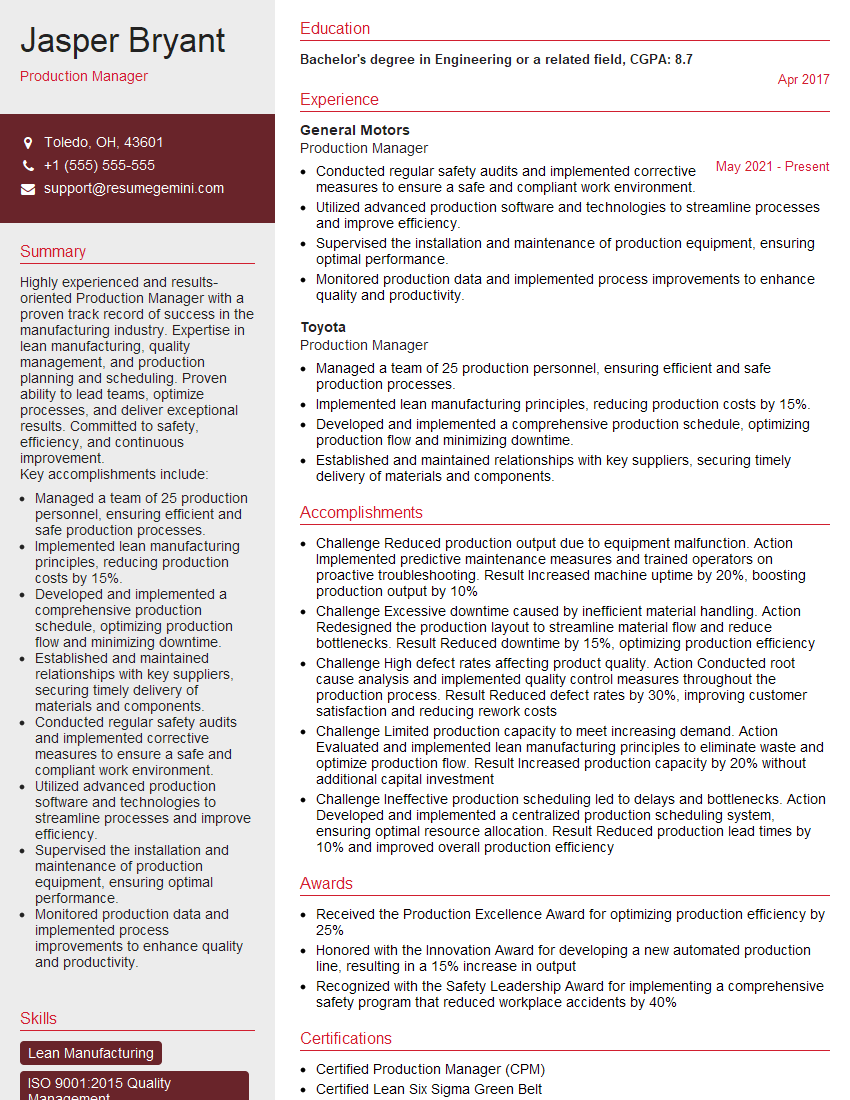
Production Manager Resume Sample
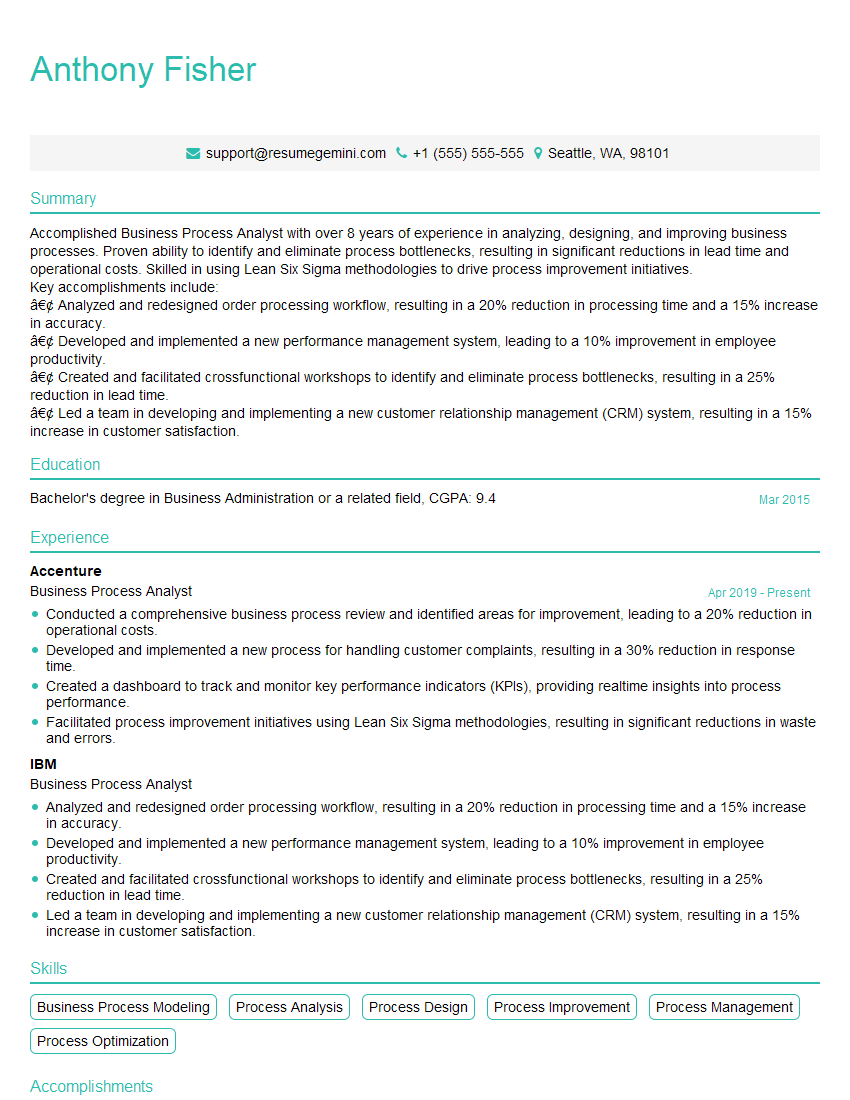
Business Process Analyst Resume Sample
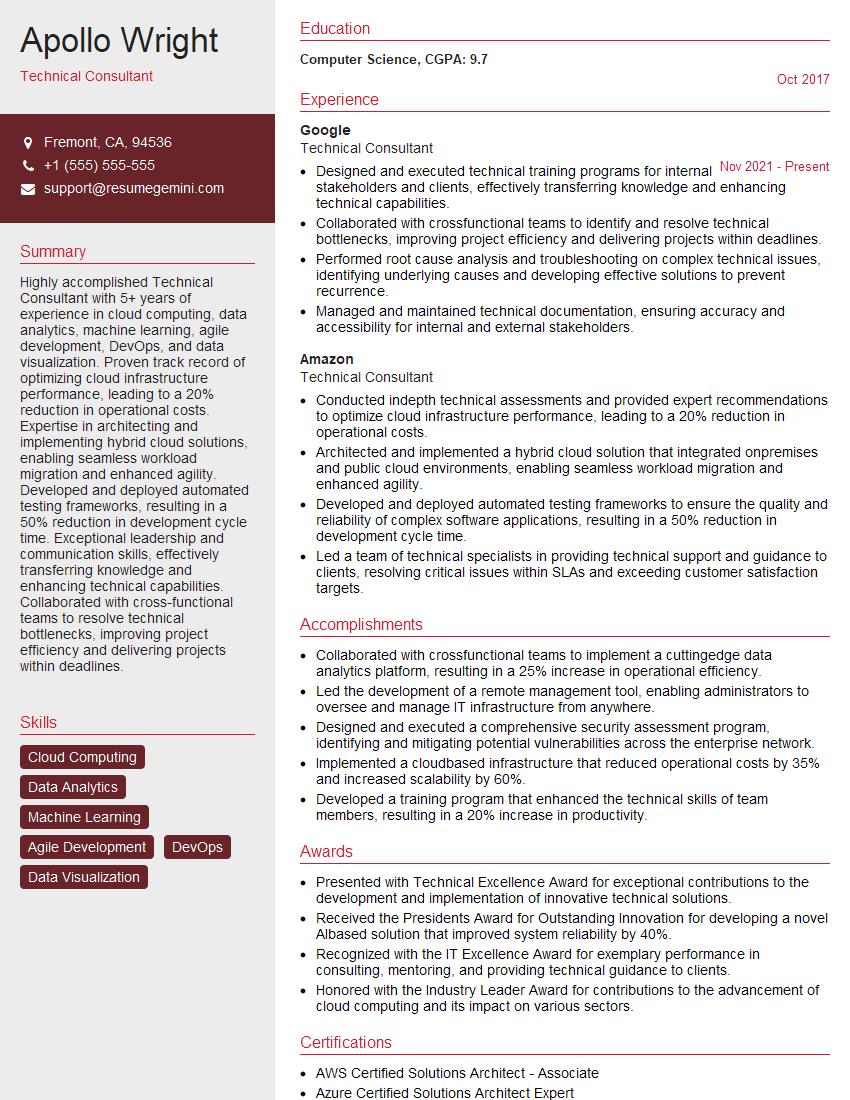
Technical Consultant Resume Sample

Systems Analyst Resume Sample
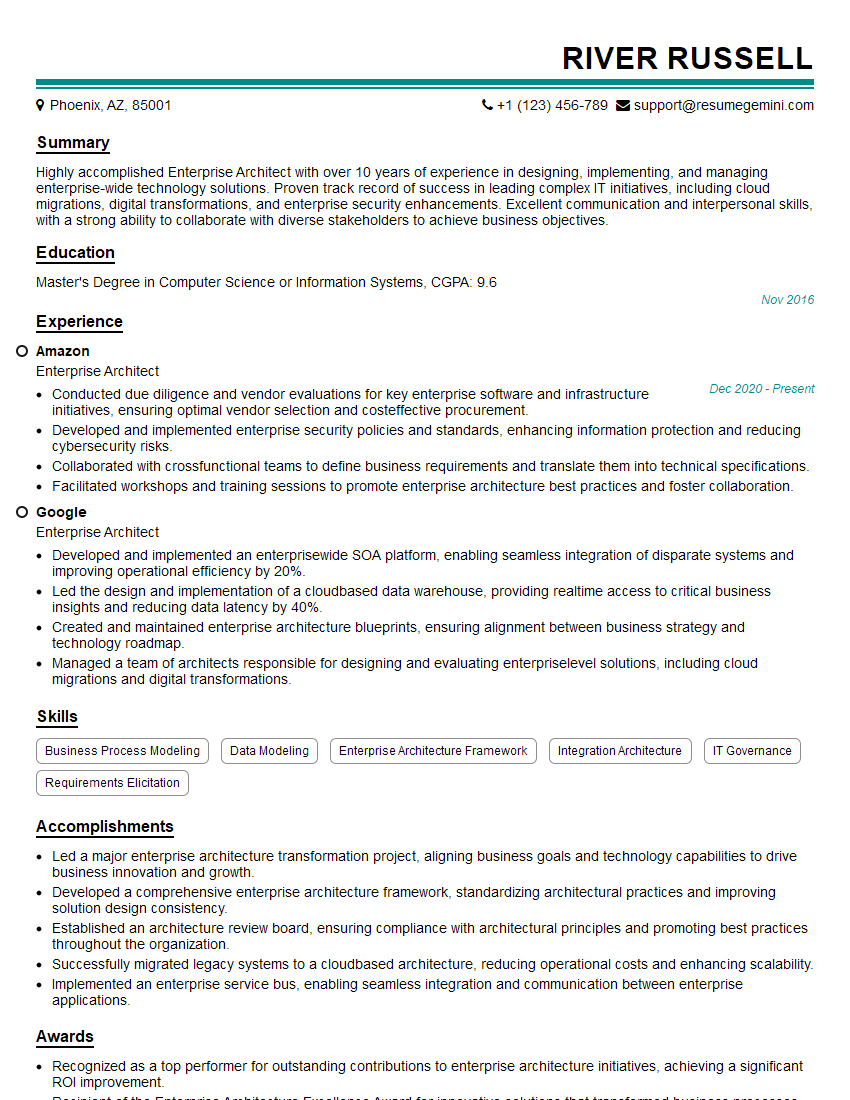
Enterprise Architect Resume Sample

Technical Project Manager Resume Sample

Automation Engineer Resume Sample

Solutions Architect Resume Sample

IT Project Manager Resume Sample
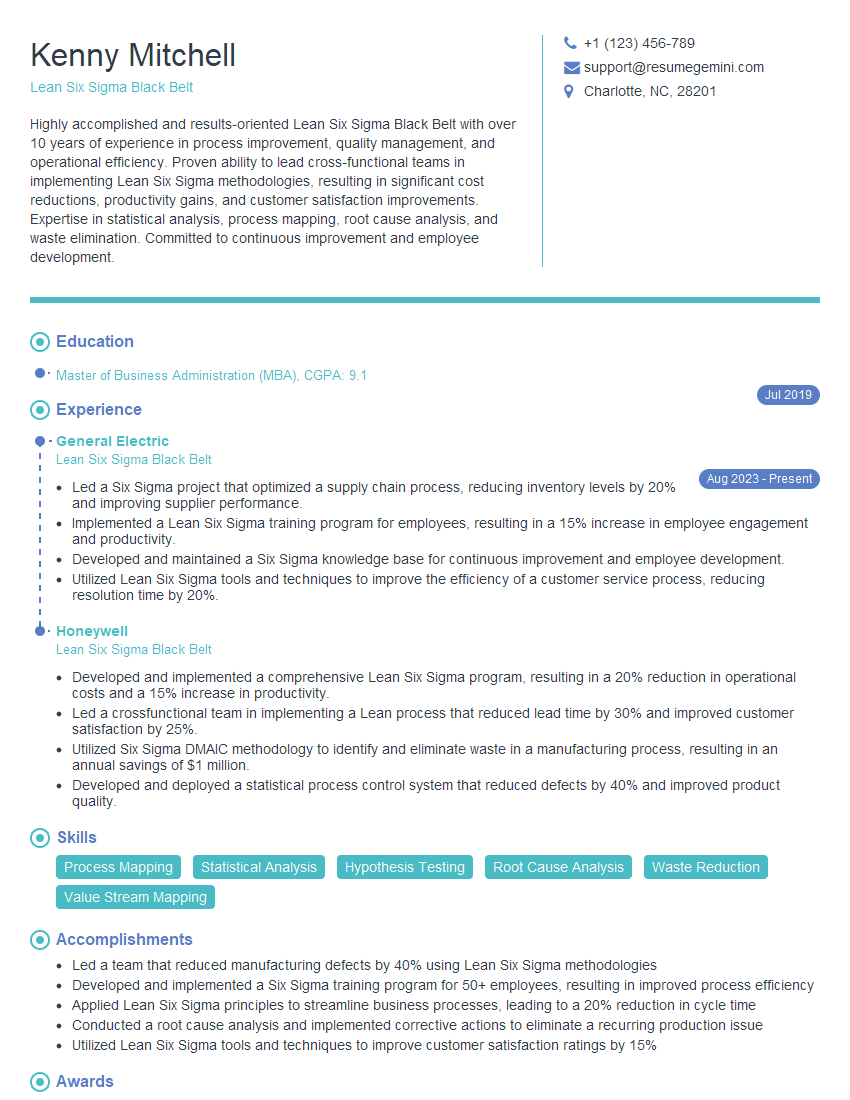
Lean Six Sigma Black Belt Resume Sample
Explore more articles
Users Rating of Our Blogs
Share Your Experience
We value your feedback! Please rate our content and share your thoughts (optional).
What Readers Say About Our Blog
Hello,
we currently offer a complimentary backlink and URL indexing test for search engine optimization professionals.
You can get complimentary indexing credits to test how link discovery works in practice.
No credit card is required and there is no recurring fee.
You can find details here:
https://wikipedia-backlinks.com/indexing/
Regards
NICE RESPONSE TO Q & A
hi
The aim of this message is regarding an unclaimed deposit of a deceased nationale that bears the same name as you. You are not relate to him as there are millions of people answering the names across around the world. But i will use my position to influence the release of the deposit to you for our mutual benefit.
Respond for full details and how to claim the deposit. This is 100% risk free. Send hello to my email id: [email protected]
Luka Chachibaialuka
Hey interviewgemini.com, just wanted to follow up on my last email.
We just launched Call the Monster, an parenting app that lets you summon friendly ‘monsters’ kids actually listen to.
We’re also running a giveaway for everyone who downloads the app. Since it’s brand new, there aren’t many users yet, which means you’ve got a much better chance of winning some great prizes.
You can check it out here: https://bit.ly/callamonsterapp
Or follow us on Instagram: https://www.instagram.com/callamonsterapp
Thanks,
Ryan
CEO – Call the Monster App
Hey interviewgemini.com, I saw your website and love your approach.
I just want this to look like spam email, but want to share something important to you. We just launched Call the Monster, a parenting app that lets you summon friendly ‘monsters’ kids actually listen to.
Parents are loving it for calming chaos before bedtime. Thought you might want to try it: https://bit.ly/callamonsterapp or just follow our fun monster lore on Instagram: https://www.instagram.com/callamonsterapp
Thanks,
Ryan
CEO – Call A Monster APP
To the interviewgemini.com Owner.
Dear interviewgemini.com Webmaster!
Hi interviewgemini.com Webmaster!
Dear interviewgemini.com Webmaster!
excellent
Hello,
We found issues with your domain’s email setup that may be sending your messages to spam or blocking them completely. InboxShield Mini shows you how to fix it in minutes — no tech skills required.
Scan your domain now for details: https://inboxshield-mini.com/
— Adam @ InboxShield Mini
Reply STOP to unsubscribe
Hi, are you owner of interviewgemini.com? What if I told you I could help you find extra time in your schedule, reconnect with leads you didn’t even realize you missed, and bring in more “I want to work with you” conversations, without increasing your ad spend or hiring a full-time employee?
All with a flexible, budget-friendly service that could easily pay for itself. Sounds good?
Would it be nice to jump on a quick 10-minute call so I can show you exactly how we make this work?
Best,
Hapei
Marketing Director
Hey, I know you’re the owner of interviewgemini.com. I’ll be quick.
Fundraising for your business is tough and time-consuming. We make it easier by guaranteeing two private investor meetings each month, for six months. No demos, no pitch events – just direct introductions to active investors matched to your startup.
If youR17;re raising, this could help you build real momentum. Want me to send more info?
Hi, I represent an SEO company that specialises in getting you AI citations and higher rankings on Google. I’d like to offer you a 100% free SEO audit for your website. Would you be interested?
Hi, I represent an SEO company that specialises in getting you AI citations and higher rankings on Google. I’d like to offer you a 100% free SEO audit for your website. Would you be interested?
good