The right preparation can turn an interview into an opportunity to showcase your expertise. This guide to Experience with theatrical software and production planning tools interview questions is your ultimate resource, providing key insights and tips to help you ace your responses and stand out as a top candidate.
Questions Asked in Experience with theatrical software and production planning tools Interview
Q 1. What theatrical software packages are you proficient in (e.g., QLab, Vectorworks, ETC Nomad)?
My proficiency spans several key theatrical software packages. I’m highly experienced with QLab, a powerful show control software ideal for managing complex cues, media playback, and lighting effects. I’ve used it extensively in diverse productions, from immersive theatre to large-scale musical performances. I also possess considerable experience with Vectorworks, leveraging its capabilities for detailed set design, lighting plots, and even sound system visualizations. Finally, I’m proficient in ETC Nomad, a mobile lighting control solution I’ve relied on for both smaller productions and as a backup for larger-scale shows, ensuring smooth transitions and quick problem-solving on site.
Each of these programs offers unique strengths. QLab excels in its flexibility and ability to handle intricate timing and triggering. Vectorworks is invaluable for creating precise technical drawings and coordinating the physical aspects of the production. And ETC Nomad offers on-the-fly control and adaptability.
Q 2. Describe your experience using scheduling software for theatrical productions.
Scheduling for theatrical productions requires meticulous planning and a deep understanding of the production timeline. My experience involves utilizing software like Google Calendar, Asana, and dedicated theatrical production management platforms (some bespoke solutions tailored to individual theaters). These tools allow me to create detailed schedules that incorporate rehearsals, tech rehearsals, load-in/load-out, performances, and strike.
For example, in a recent production of Hamlet, I used Asana to manage individual tasks assigned to cast, crew, and designers. Each task was given a deadline, and the program provided visual representations of progress, highlighting potential scheduling conflicts. This allowed for proactive adjustments. Critical path analysis, identifying the most time-sensitive elements, was a vital part of the process, ensuring the show remained on schedule.
Q 3. How do you manage conflicting production schedules and resource allocation?
Managing conflicting schedules and resource allocation is a crucial aspect of production management. It’s akin to orchestrating a complex puzzle. My approach involves a multi-step process: first, a thorough inventory of all resources (personnel, equipment, spaces). I then input this data into my chosen scheduling software. Critical path analysis helps prioritize tasks to prevent bottlenecks. Next, I identify potential conflicts, which could include double-booking actors, equipment being needed in multiple locations simultaneously, or scheduling clashes between departments (lighting, sound, stage management).
To resolve conflicts, I employ strategies like creating a flexible schedule with buffer times, negotiating priorities with various departments, and exploring alternative resource allocation (e.g., renting additional equipment or employing extra crew members). Communication is paramount. I regularly update all stakeholders on the schedule and any changes, ensuring everyone is informed and prepared for potential adjustments. This proactive approach ensures efficiency and minimizes disruptions.
Q 4. Explain your process for creating a detailed production schedule.
My process for creating a detailed production schedule is iterative and collaborative. It starts with a breakdown of the production into its constituent elements: pre-production, rehearsals, technical rehearsals, performances, and strike. Each phase is further divided into smaller, manageable tasks. For example, pre-production might include set design, costume creation, and securing permits.
I usually begin with a high-level Gantt chart showing the overall timeline, then drill down into more specific schedules for each department. This ensures everyone has a clear understanding of their responsibilities and deadlines. Regular meetings are held with the production team to review progress, address issues, and make necessary adjustments. The schedule is constantly reviewed and updated, adapting to unexpected challenges or opportunities.
Q 5. How do you handle unexpected technical issues during a performance?
Handling unexpected technical issues during a performance demands quick thinking, problem-solving skills, and a calm demeanor. My approach is a structured one:
- Assess the problem: Quickly determine the nature and severity of the issue. Is it a minor glitch or a major system failure?
- Implement a backup solution: Have contingency plans ready. For example, having backup lighting cues, sound effects, or props.
- Communicate effectively: Keep the stage manager and relevant crew members informed. This ensures everyone is aware of the issue and the solution being implemented.
- Maintain composure: Audiences are usually more understanding of minor technical hiccups if handled calmly and professionally.
- Document the issue: After the performance, create a detailed report of the issue, the solution, and any lessons learned. This information is valuable for preventing similar problems in future productions.
For instance, during a recent show, a lighting fixture malfunctioned. We immediately switched to a backup cue, the stage manager discreetly alerted the actors to a slight adjustment to their blocking, and the show continued smoothly. Post-show, we documented the issue and replaced the faulty fixture to avoid future incidents.
Q 6. What is your experience with budgeting and tracking expenses in theatrical productions?
Budgeting and expense tracking are critical for the financial health of any theatrical production. My experience involves creating detailed budgets that encompass all aspects of the production, from set design and costumes to marketing and staffing. I utilize spreadsheets, accounting software, and occasionally dedicated production management platforms which have built-in budgeting tools.
I break down the budget into various categories, assigning specific costs to each element, and then closely monitor spending against the budget throughout the process. This includes tracking invoices, receipts, and all payments. Regular budget reviews are conducted with the production team and financial stakeholders to ensure transparency and prevent overspending. Contingency funds are also built into the budget to address unforeseen expenses.
Q 7. Describe your experience with drafting and interpreting technical drawings.
My experience with technical drawings involves both drafting and interpreting them. I’m proficient in using CAD software (like Vectorworks, as mentioned earlier) to create precise drawings for sets, lighting, and sound. This includes creating plans, elevations, sections, and details for various aspects of a production.
Interpreting technical drawings is equally crucial. Understanding the information conveyed – dimensions, materials, specifications – is vital for accurate construction and installation of sets, lighting rigs, and sound systems. I can work collaboratively with designers, builders, and technicians to ensure everyone understands the drawings and their implications for the production. This involves being able to read and understand various symbols, notations, and scales used in technical drawings. Clear communication and attention to detail are essential when working with technical drawings to prevent errors and delays.
Q 8. How do you communicate effectively with different members of a production team?
Effective communication in a theatrical production is crucial for a successful outcome. My approach involves tailoring my communication style to the individual and their role. For example, I’ll use concise, technical language when discussing lighting cues with the lighting designer, but a more narrative approach when explaining scene changes to the stagehands.
- Clear and concise messaging: I avoid jargon whenever possible and ensure instructions are unambiguous.
- Active listening: I pay close attention to understand concerns and perspectives, fostering a collaborative environment.
- Multiple communication channels: I utilize emails, production meetings, individual check-ins, and even quick text messages to ensure everyone stays informed.
- Regular updates: I provide updates regularly on progress, potential roadblocks, and schedule adjustments.
For instance, during a recent production of ‘Hamlet,’ I noticed the sound designer was struggling to integrate a specific sound effect into the QLab cue. Instead of just telling them how to fix it, I took the time to understand the problem and provided multiple solutions, letting them choose the one that fit their workflow best.
Q 9. How do you ensure the safety of performers and crew during a production?
Safety is paramount in theatrical productions. My approach is proactive, involving comprehensive risk assessments and adherence to strict safety protocols. This begins with pre-production planning, encompassing detailed risk assessments for all aspects of the production – from lighting and rigging to pyrotechnics and set design.
- Rigorous risk assessments: Identifying potential hazards and developing mitigation strategies before they become issues.
- Clear safety briefings: Conducting thorough safety briefings for all crew and cast members outlining specific hazards and emergency procedures.
- Regular inspections: Conducting regular inspections of equipment, sets, and rigging to ensure everything is in safe working order.
- Designated safety officers: Ensuring there are designated safety officers on set to monitor activities and respond to emergencies.
- Emergency procedures: Having clear and well-rehearsed emergency procedures in place and ensuring all personnel are familiar with them.
During a past production, a potential hazard involving a potentially unstable prop was identified. I immediately halted proceedings and together with the set designer, implemented a reinforcement solution to ensure the safety of the performers and crew.
Q 10. What is your experience with sound reinforcement systems and their integration with theatrical software?
I have extensive experience with sound reinforcement systems and their integration with theatrical software like QLab and SoundDesigner. This includes setting up microphones, speakers, mixers, and signal processing equipment. I’m proficient in configuring and troubleshooting audio networks, and managing digital audio workstations (DAWs).
Integrating sound systems with theatrical software involves mapping audio cues to specific channels, creating sophisticated sound effects, and coordinating timing with lighting and other stage elements. I’m familiar with various audio protocols, like Dante and AES/EBU, and can integrate them seamlessly into the production workflow.
For example, in a recent musical, I used QLab to trigger pre-recorded sound effects synchronized with the lighting cues, creating a truly immersive experience for the audience. This required meticulous attention to detail and a thorough understanding of both the software and the hardware.
Q 11. Describe your experience with lighting control consoles and programming techniques.
My experience encompasses various lighting control consoles, from ETC Ion to MA Lighting grandMA2. I’m proficient in programming techniques including chase sequences, color mixing, and using moving lights to create dynamic and visually stunning effects. I understand the importance of efficient programming to meet the demands of a theatrical production.
- Fixture programming: I can program various lighting fixtures efficiently and effectively to achieve the desired look.
- Cue lists and sequences: I am adept at creating comprehensive cue lists and complex lighting sequences.
- Color mixing and manipulation: I have a strong understanding of color theory and can create specific color palettes using different lighting instruments.
- Moving light programming: I’m experienced in utilizing the features of moving lights to create dynamic effects such as beams, gobos and washes.
In one production, I utilized the grandMA2 console to create a complex, multi-layered lighting design that seamlessly transitioned between scenes and moods. This involved precise timing and coordination, ensuring smooth transitions and a visually engaging experience.
Q 12. How do you troubleshoot problems with theatrical software or hardware?
Troubleshooting is a crucial skill. My approach is systematic and involves a combination of problem-solving techniques. I start by identifying the symptoms and then systematically checking each potential cause. I’ll utilize documentation, online resources, and consult with colleagues for assistance.
- Identify the problem: Clearly define the issue and gather information about its nature.
- Isolate the cause: Systematically test components to identify the source of the problem.
- Consult resources: Utilize documentation, online resources, and contact technical support when needed.
- Implement a solution: Implement the solution and test thoroughly.
- Document the fix: Record the solution for future reference.
Recently, a lighting console malfunctioned mid-show. I immediately switched to a backup console, while simultaneously working to identify the problem with the primary console. It turned out to be a simple power supply issue; however, my quick response prevented a major disruption to the performance.
Q 13. What is your experience with managing props and set pieces?
Managing props and set pieces requires meticulous organization and planning. My experience involves creating detailed prop lists, sourcing items, maintaining inventories, and ensuring their proper placement and handling throughout the production. This also involves working closely with the set designer and stage crew.
- Detailed prop lists: Creating comprehensive lists detailing every prop, its location, and its purpose.
- Sourcing and acquisition: Sourcing and acquiring props, ensuring they meet the production’s needs and budget.
- Inventory management: Maintaining a precise inventory of all props and set pieces.
- Safe handling and storage: Ensuring the safe handling and storage of all props and set pieces.
- Coordination with crew: Collaborating closely with the stage crew to ensure efficient placement and handling of props and set pieces.
In one production, I managed over 100 props, from small hand-held items to large, elaborate pieces. Through careful planning and coordination, I ensured that every prop was in its correct place at the right time without any delays or issues.
Q 14. How familiar are you with different types of theatrical rigging systems?
I’m familiar with various theatrical rigging systems, including counterweight systems, motorized systems, and manual systems. I understand the importance of safety regulations and procedures related to rigging, ensuring compliance with all relevant safety standards.
- Counterweight systems: Experience with setting up and operating counterweight systems, ensuring safe and efficient operation.
- Motorized systems: Understanding and operating automated rigging systems like chain hoists and winches.
- Manual systems: Experience with manual rigging techniques and systems.
- Safety regulations: Adherence to all relevant safety regulations and procedures for theatrical rigging.
- Load calculations: Ability to perform load calculations to ensure the safe operation of rigging systems.
I’ve worked on productions utilizing a variety of rigging systems, ensuring that each system was properly inspected and maintained to guarantee the safety of performers and crew. Understanding the load-bearing capacity of different systems is paramount and something I consistently incorporate in my planning.
Q 15. Describe your experience using CAD software for theatrical design.
My experience with CAD software in theatrical design is extensive. I’m proficient in Vectorworks, AutoCAD, and SketchUp, using them to create detailed 2D and 3D models of sets, props, and lighting rigs. For example, in a recent production of Hamlet, I used Vectorworks to design a multi-level set incorporating trap doors and a turntable, ensuring all elements interacted seamlessly. The software allowed me to create precise measurements, detailed textures, and even render photorealistic visualizations for the director and the production team. This pre-visualization process significantly reduced construction time and potential on-site complications by allowing us to identify and solve design conflicts early on. Beyond the visual aspects, CAD software facilitates accurate documentation, which is vital for budgeting, material ordering, and communicating design specifications to the construction crew.
Career Expert Tips:
- Ace those interviews! Prepare effectively by reviewing the Top 50 Most Common Interview Questions on ResumeGemini.
- Navigate your job search with confidence! Explore a wide range of Career Tips on ResumeGemini. Learn about common challenges and recommendations to overcome them.
- Craft the perfect resume! Master the Art of Resume Writing with ResumeGemini’s guide. Showcase your unique qualifications and achievements effectively.
- Don’t miss out on holiday savings! Build your dream resume with ResumeGemini’s ATS optimized templates.
Q 16. Explain your understanding of the theatrical production process from concept to performance.
The theatrical production process is a collaborative journey spanning several stages, from initial concept to final performance. It begins with the initial idea, be it a director’s vision, a playwright’s script, or a composer’s score. This develops into the design phase, incorporating set design, costume design, lighting design, and sound design. These designs are often created concurrently and necessitate close collaboration among the design team and the director. Next comes pre-production, which involves detailed planning – budgeting, scheduling, casting, and sourcing materials. Rehearsals follow, where the actors refine their performance and the technical elements are integrated. Technical rehearsals involve fine-tuning the lighting, sound, and set changes to perfectly synchronize with the action on stage. Finally, we have the performance itself, followed by strike, the process of dismantling the set and returning the space to its previous state.
- Concept: Initial idea and artistic direction
- Design: Set, costume, lighting, sound plans created
- Pre-Production: Planning, budgeting, casting, material sourcing
- Rehearsals: Actors and technical crew practice
- Technical Rehearsals: Integrating all technical elements
- Performance: The show!
- Strike: Dismantling the set and cleanup
Q 17. How do you maintain accurate inventory of production equipment and materials?
Maintaining accurate inventory is critical for efficient production. I utilize a combination of physical and digital methods. A dedicated database tracks every item, from lighting fixtures and cables to costumes and props. Each item is assigned a unique ID number, and its condition is noted. Regular physical inventory checks are conducted, updating the database immediately after each production. This system allows for precise tracking of equipment usage, facilitating proactive maintenance and identifying any potential shortages before they impact a production. For instance, if a specific type of cable is consistently showing wear, we can order replacements, preventing delays or even show cancellations.
Moreover, barcoding or RFID tagging can further automate inventory management. We use a barcoding system that allows for quick and accurate scanning during inventory checks, minimizing human error and streamlining the process. Integrating this data with our financial software allows for accurate cost accounting and simplifies the process of claiming insurance for lost or damaged equipment.
Q 18. What strategies do you use for efficient communication and collaboration during rehearsals?
Efficient communication and collaboration during rehearsals are crucial. I use a multi-pronged approach incorporating regular meetings, daily production reports, and a shared digital platform. The shared platform (e.g., Google Drive, Dropbox) allows everyone access to updated schedules, design documents, and rehearsal notes. Daily production reports provide concise updates on progress, challenges, and any necessary adjustments. Regular meetings, involving the entire team, are essential for open dialogue and addressing concerns. I also encourage proactive communication, empowering team members to raise concerns promptly, preventing minor issues from escalating into major problems. For instance, if a lighting cue is problematic during rehearsals, addressing it immediately prevents a potential performance disaster.
Q 19. How do you resolve conflicts between different creative visions or technical limitations?
Resolving conflicts between creative visions or technical limitations requires diplomacy and problem-solving skills. I facilitate open communication, encouraging all parties to voice their concerns and perspectives. The key is finding common ground and creative compromises. For example, if the set designer envisions a massive set piece that proves structurally impossible or too expensive, we brainstorm alternative solutions that retain the essence of the design while staying within the feasibility constraints. This might involve scaling down the set piece, using different materials, or adjusting the staging. Data analysis, such as using the weight of set pieces to inform load-bearing capacity, is often crucial in making well-informed decisions. This collaborative approach ensures a unified vision and helps prevent costly mistakes later in the production.
Q 20. What is your experience with pre-visualization software for lighting and set design?
I have significant experience with pre-visualization software, specifically Vectorworks Spotlight and WYSIWYG. These tools allow us to create detailed virtual models of the stage, lighting instruments, and set design, enabling us to experiment with different lighting schemes, angles, and effects before a single light is hung. For instance, in a recent musical, we used WYSIWYG to simulate various lighting cues, exploring different color palettes and gobo patterns to achieve the director’s artistic vision. This pre-visualization significantly reduced the time spent on lighting rehearsals and enabled us to identify and correct potential lighting issues well in advance, ensuring a polished and visually stunning performance.
Q 21. How do you use data analysis to improve the efficiency of your production process?
Data analysis plays a significant role in improving production efficiency. By tracking various metrics, such as rehearsal time, material costs, and crew hours, we can identify areas for improvement. For instance, if we notice that a particular stage setup consistently takes longer than planned, we can analyze the process, identifying bottlenecks or inefficiencies. This data might reveal that a better workflow or the use of different equipment could reduce the time required. Similarly, tracking material costs helps us identify areas where we can cut expenses without compromising quality. This data-driven approach ensures we’re optimizing the use of resources, reducing waste, and ultimately, improving the overall cost-effectiveness of our productions.
Q 22. Describe a time you had to solve a complex technical problem under pressure.
During a large-scale musical production, our automated lighting system malfunctioned mid-show, causing a complete blackout. Panic was setting in, but I immediately assessed the situation. First, I quickly switched to our backup lighting system – a crucial step we’d meticulously planned for. Then, I worked with the lighting technicians to identify the issue using the system’s diagnostics and logs. The problem turned out to be a faulty DMX cable connection. While one team member rerouted the signal, I communicated calmly with the stage manager to keep the actors informed and the audience engaged. By minimizing downtime (we only lost about 45 seconds), the show could proceed without major disruption. This experience underscored the importance of redundant systems, thorough pre-show checks, and clear communication during unexpected events.
Q 23. What is your experience with automation systems in theatrical productions?
I have extensive experience with automation systems in theatrical productions, specifically using industry-standard software like QLab, ETC EOS, and MA Lighting grandMA2. I’m proficient in programming cues for lighting, sound, video, and special effects. For example, in a recent show, I integrated a custom Python script with QLab to trigger real-time video effects based on the actors’ positions on stage, tracked using infrared sensors. This created a dynamic and immersive experience. My experience also covers the setup and troubleshooting of networked lighting and sound systems, ensuring seamless integration and reliable performance. I’m comfortable working with both hardware and software components of automation systems, ensuring the efficient and safe control of complex stage elements.
Q 24. Explain your understanding of different file formats used in theatrical production (e.g., .cue, .dxf).
Understanding various file formats is fundamental in theatrical production. .cue files are commonly used for storing show control data in lighting and sound consoles. They contain timing information, cue instructions, and parameter values. .dxf (Drawing Exchange Format) files are crucial for data exchange between CAD software and lighting design programs. They allow us to import stage plans and accurately position lighting fixtures virtually. Other relevant formats include .csv (Comma Separated Values) for data management, .jpg/.png for image assets used in video playback or projection, and various video formats like .mp4. The proper understanding and utilization of these formats significantly streamlines production workflows and ensures seamless integration between different software and hardware components.
Q 25. How do you ensure compliance with relevant safety regulations and industry standards?
Compliance with safety regulations and industry standards is paramount. I ensure adherence to OSHA (Occupational Safety and Health Administration) guidelines and local regulations regarding electrical safety, fire prevention, and hazard communication. Before each production, I conduct thorough risk assessments, identifying potential hazards and implementing mitigation strategies. This includes regular inspections of equipment, ensuring proper grounding, and using appropriate personal protective equipment (PPE). Furthermore, I maintain detailed documentation of all safety checks and training records, creating a safe and compliant work environment. This proactive approach prevents accidents and ensures the well-being of the entire production team.
Q 26. What are your preferred methods for documenting and archiving production information?
For efficient documentation and archiving, I utilize a combination of methods. A cloud-based platform like Google Drive or Dropbox enables easy access and collaboration on shared documents, including show files, cue sheets, and technical drawings. We maintain a comprehensive database with details of each production, including equipment lists, crew information, and contact details. All versions of critical files are version-controlled, with clear version numbers and dates. Finally, we use a dedicated server for archiving media files such as video recordings and audio mixes, preserving these assets for future reference or potential re-use.
Q 27. Describe your experience with integrating various software systems for a seamless workflow.
Integrating various software systems is key to a smooth workflow. For instance, I’ve successfully integrated Vectorworks (for CAD design), QLab (for show control), and a video server software to achieve a cohesive production. This involved establishing a network infrastructure to enable data exchange between these different systems and developing custom scripts for data transfer and automation wherever necessary. Using APIs and data exchange protocols allowed us to seamlessly transfer stage plans, lighting cues, and video content, creating a unified production workflow and reducing potential errors. For example, a change in the stage plan automatically updates the lighting plot, minimizing manual data entry and ensuring consistency across all departments.
Q 28. How would you train new team members on using specific theatrical software and tools?
Training new team members requires a structured approach. I start with an overview of the software’s functionality and interface. I then progress to hands-on training, providing clear instructions and demonstrations. I focus on practical exercises, allowing them to work through specific tasks under supervision. I use a combination of individual training sessions and group workshops to accommodate different learning styles. Regular feedback and practical application of learned skills are paramount. Finally, I ensure that readily available documentation, including step-by-step guides and video tutorials are accessible so that they can continue their learning independently. This multifaceted approach ensures that team members gain proficiency in using theatrical software and tools effectively and safely.
Key Topics to Learn for Experience with Theatrical Software and Production Planning Tools Interview
- Software Proficiency: Demonstrate a strong understanding of industry-standard software like QLab, StagePlot, Vectorworks, or similar programs. Focus on your experience with scheduling, cue management, and visual representation of stage designs.
- Production Planning Methodologies: Explain your experience with different production planning methods, including budgeting, scheduling, resource allocation, and risk management. Be ready to discuss specific projects and how you applied these methodologies.
- Collaboration and Communication: Highlight your ability to work effectively with diverse teams, including designers, technicians, and directors. Discuss how you used software to facilitate communication and collaboration during the production process.
- Problem-Solving and Troubleshooting: Be prepared to discuss instances where you encountered technical difficulties or scheduling conflicts and how you successfully resolved them using your knowledge of theatrical software and planning tools. Showcase your problem-solving skills.
- Technical Specifications and Documentation: Demonstrate your understanding of technical specifications, including lighting plots, sound cues, and stage directions. Explain how you used software to create and manage this documentation efficiently.
- Data Analysis and Reporting: Discuss how you utilized data from the software to track progress, manage budgets, and identify potential issues. Explain your ability to generate reports and present findings effectively.
Next Steps
Mastering theatrical software and production planning tools is crucial for career advancement in the performing arts. These skills are highly sought after, demonstrating your efficiency, organizational capabilities, and technical expertise. To significantly improve your job prospects, crafting an ATS-friendly resume is essential. ResumeGemini can help you build a professional and impactful resume that highlights your key skills and experience. We provide examples of resumes tailored to showcasing experience with theatrical software and production planning tools, ensuring your application stands out.
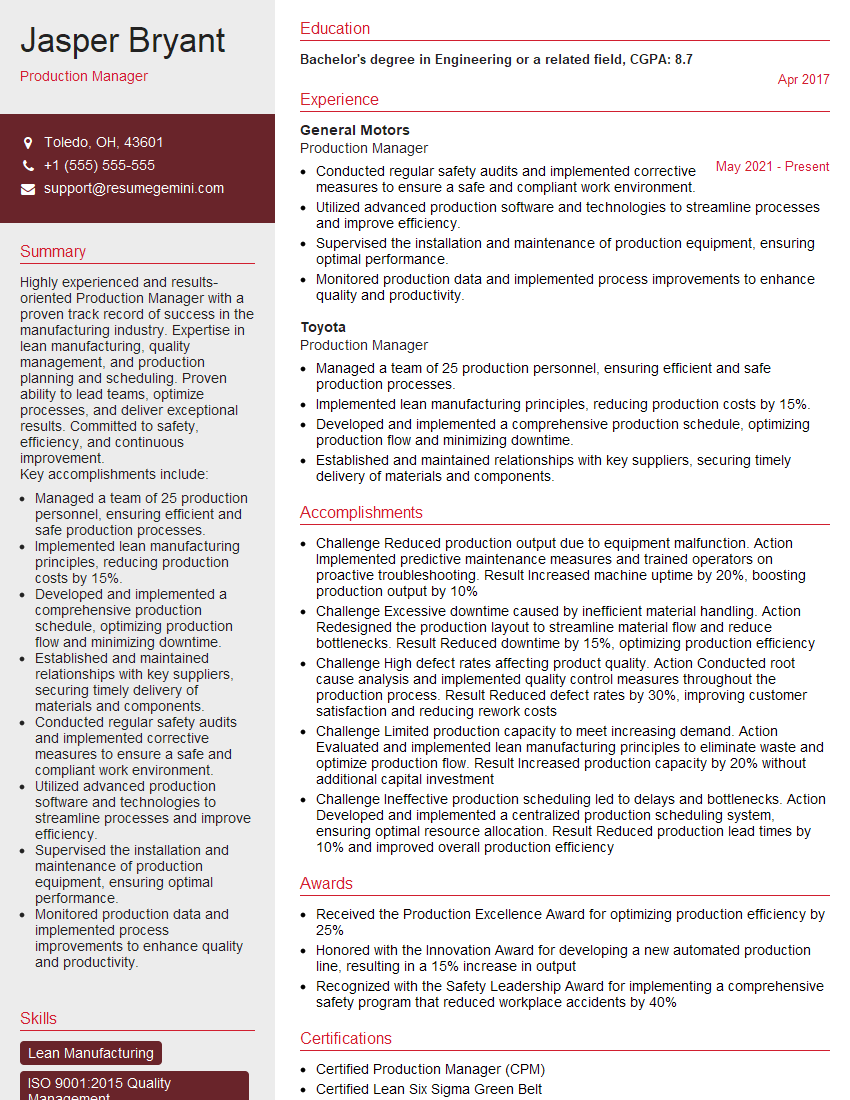
Production Manager Resume Sample

Technical Director Resume Sample

Production Coordinator Resume Sample
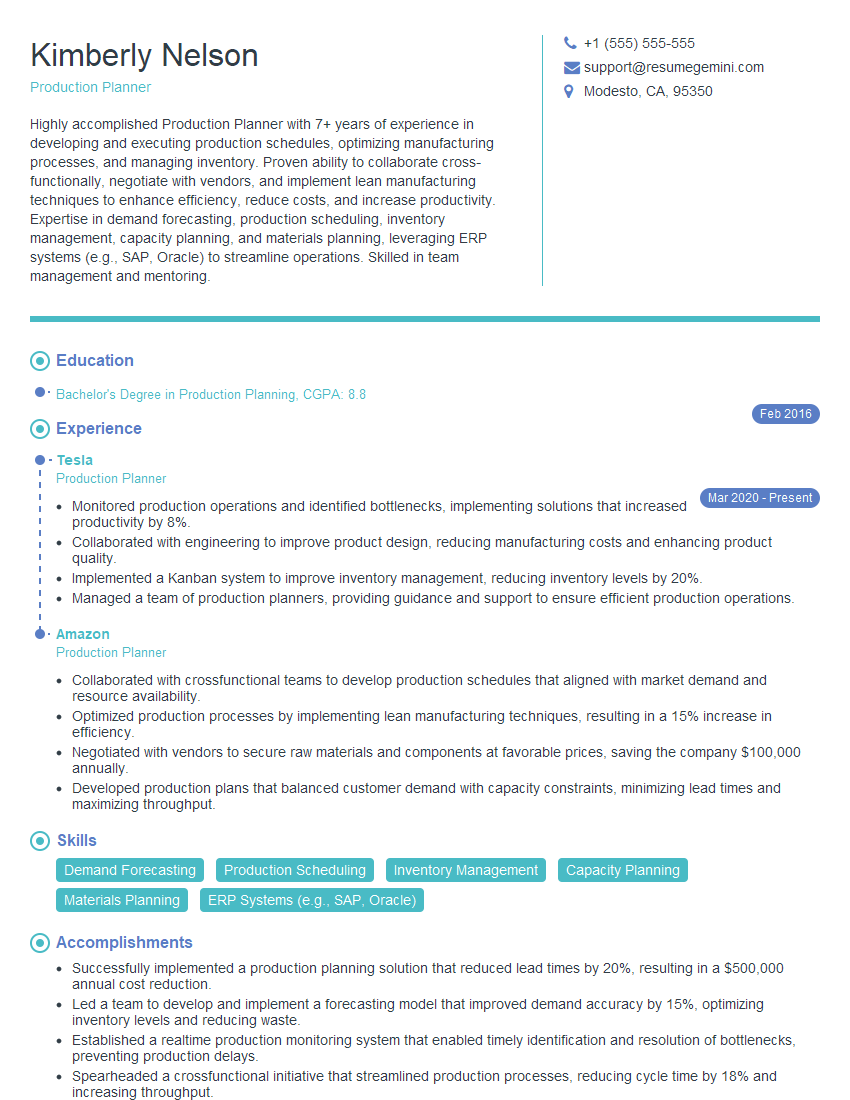
Production Planner Resume Sample
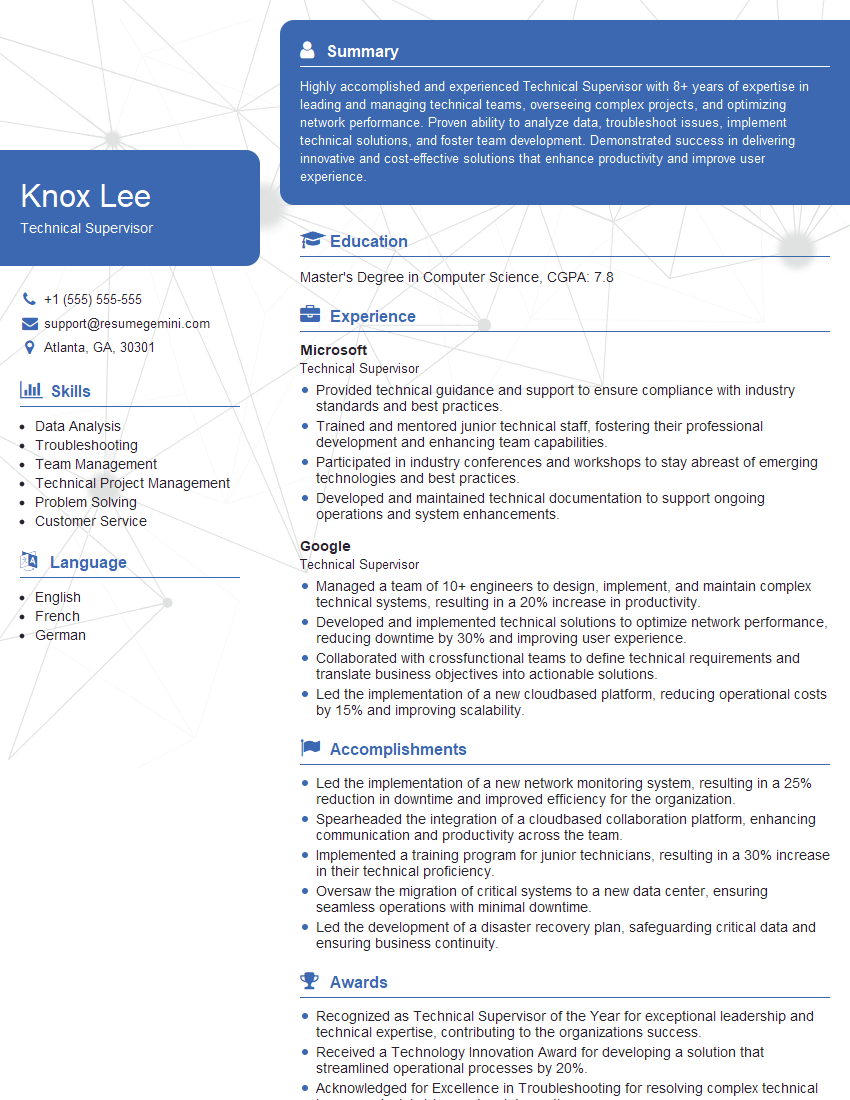
Technical Supervisor Resume Sample
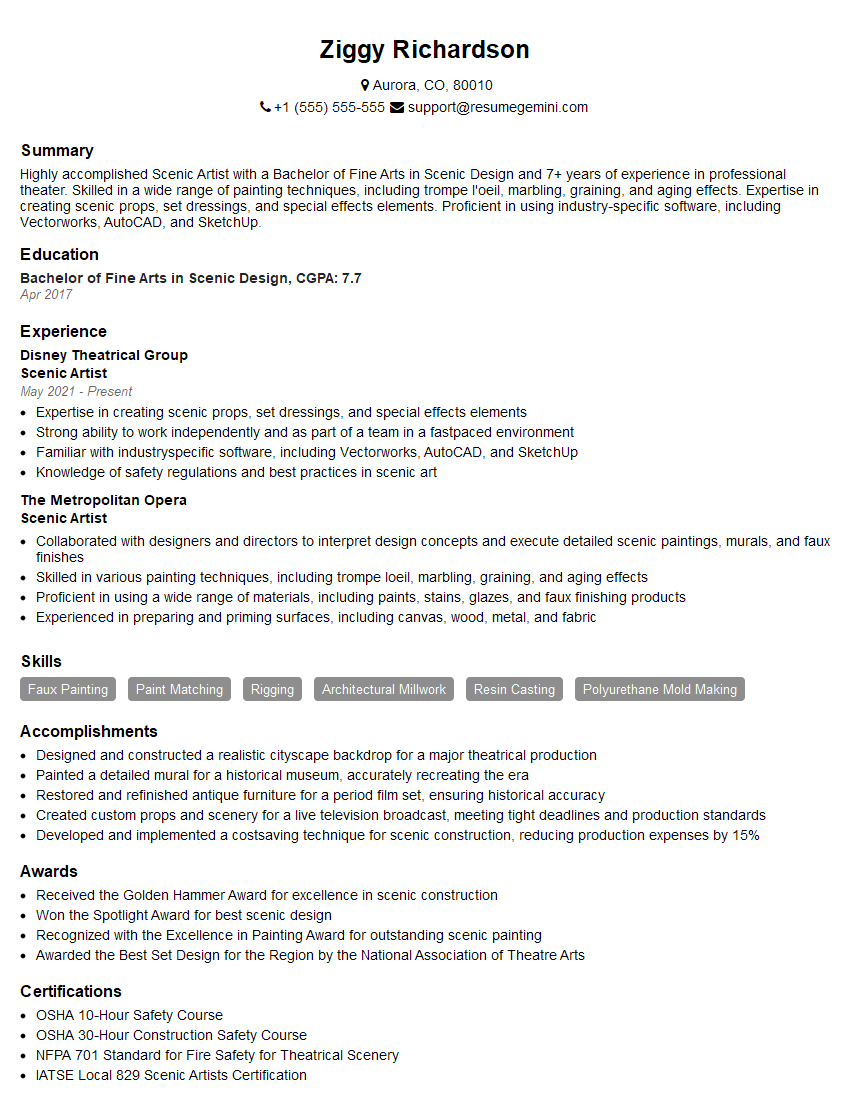
Scenic Artist Resume Sample
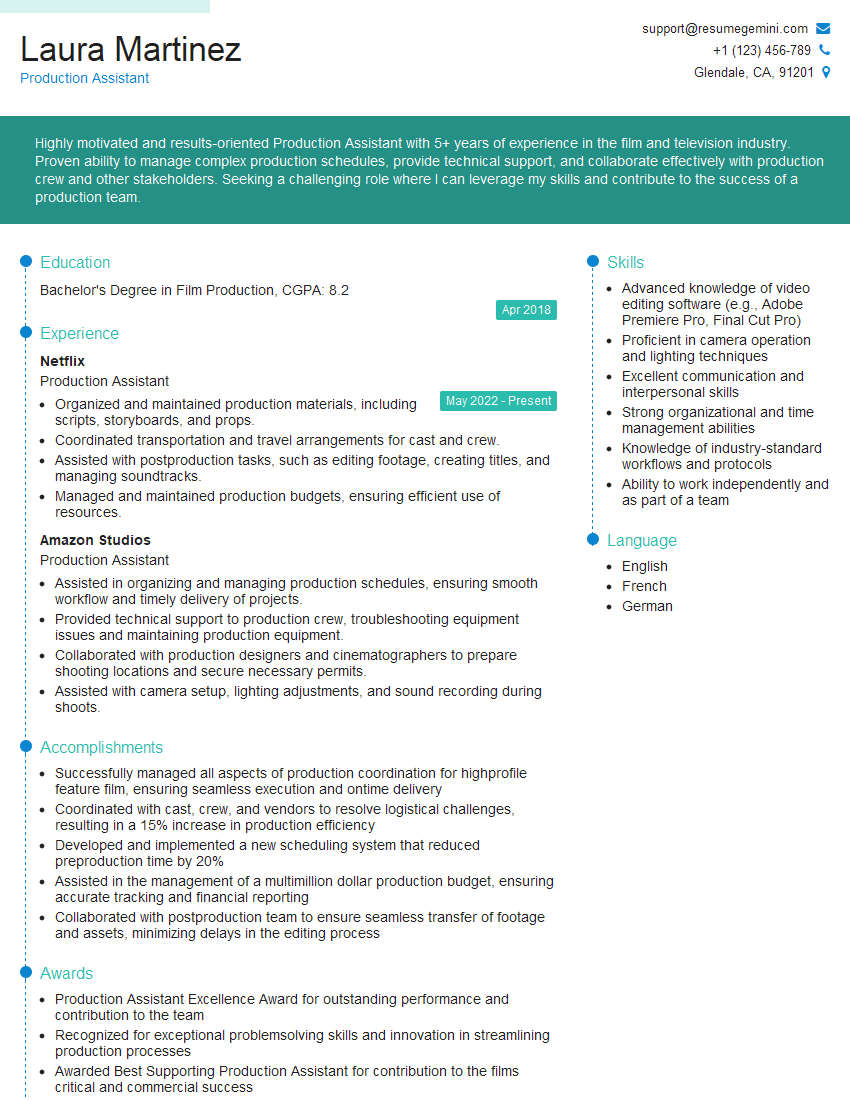
Production Assistant Resume Sample
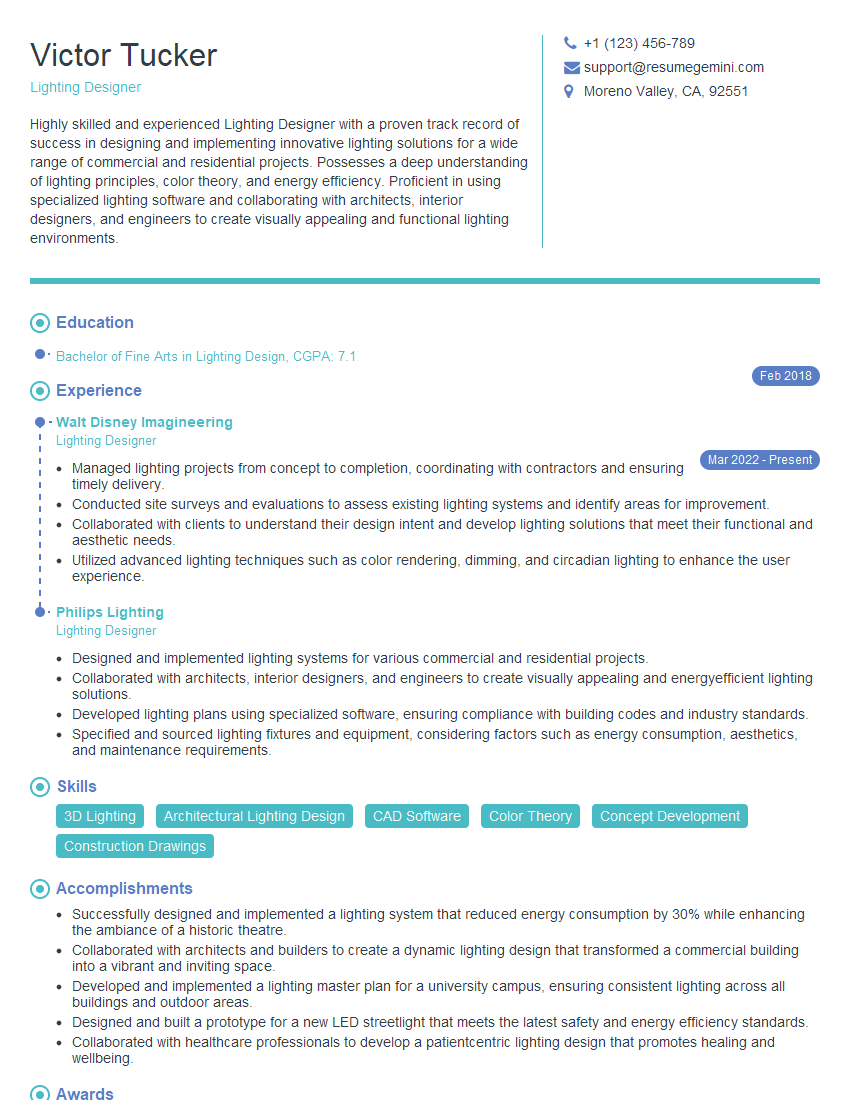
Lighting Designer Resume Sample
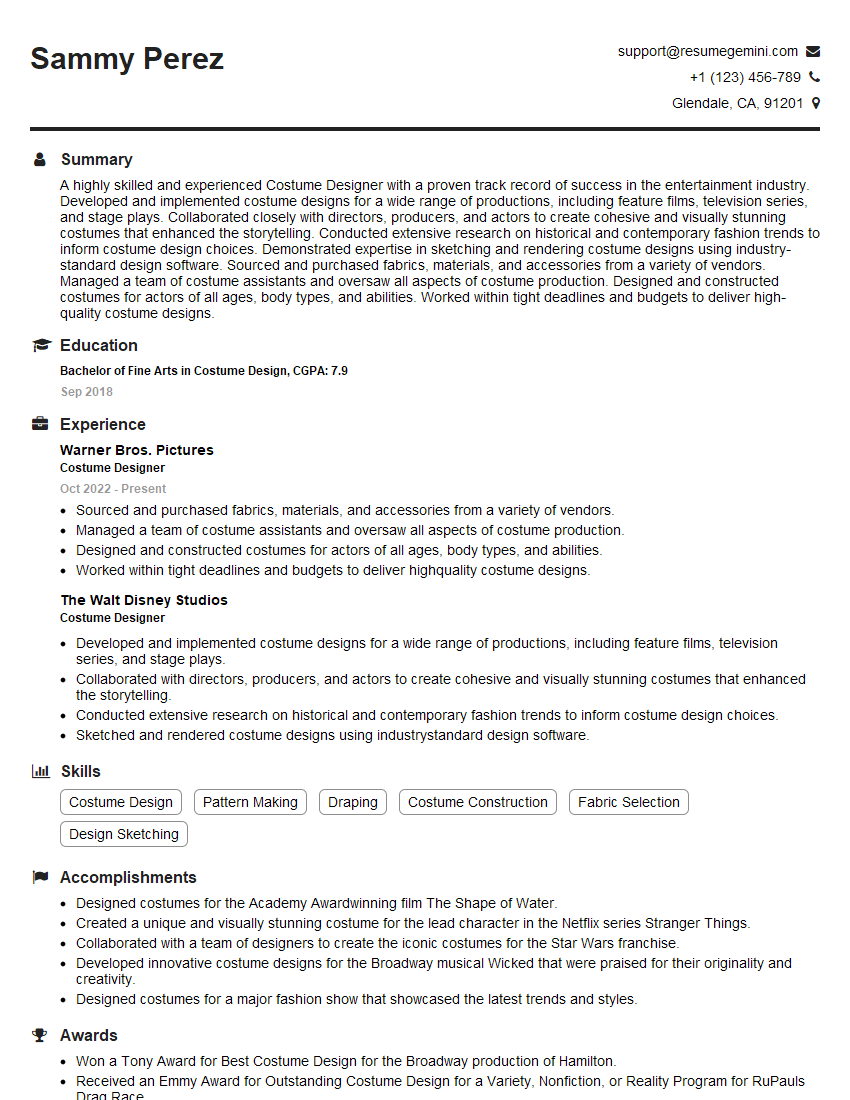
Costume Designer Resume Sample
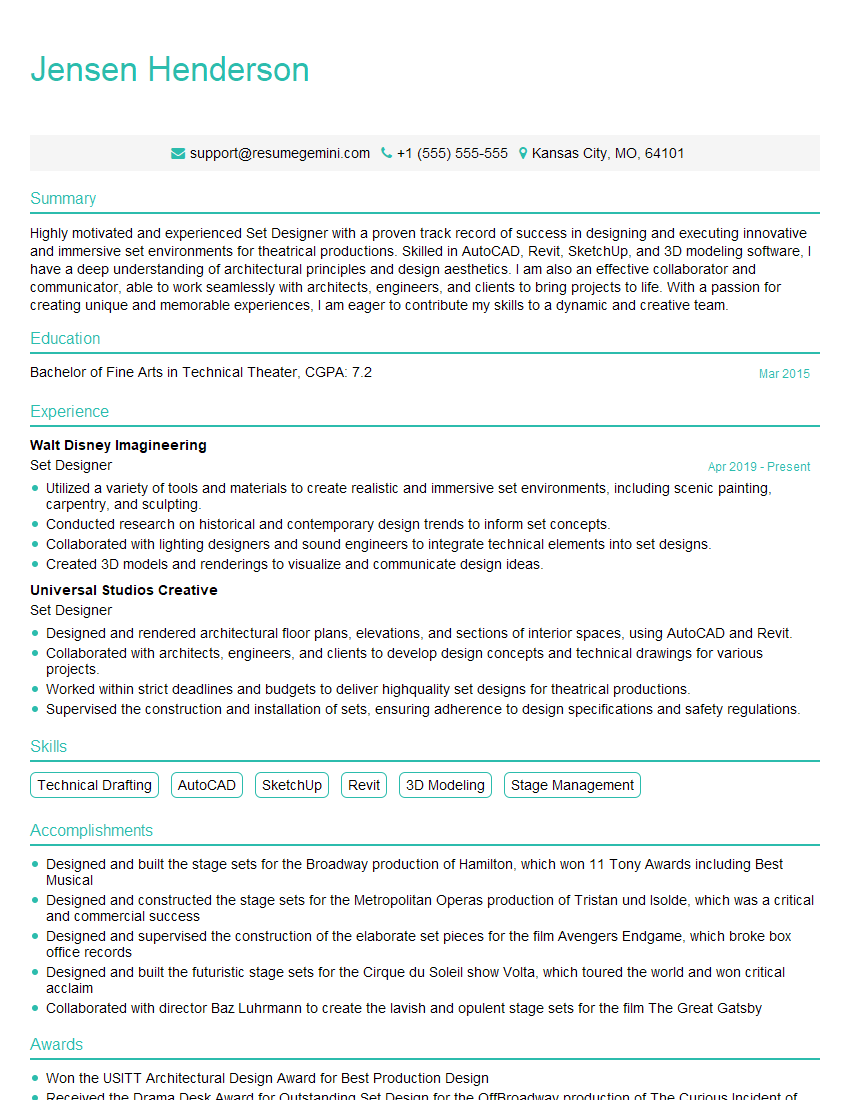
Set Designer Resume Sample
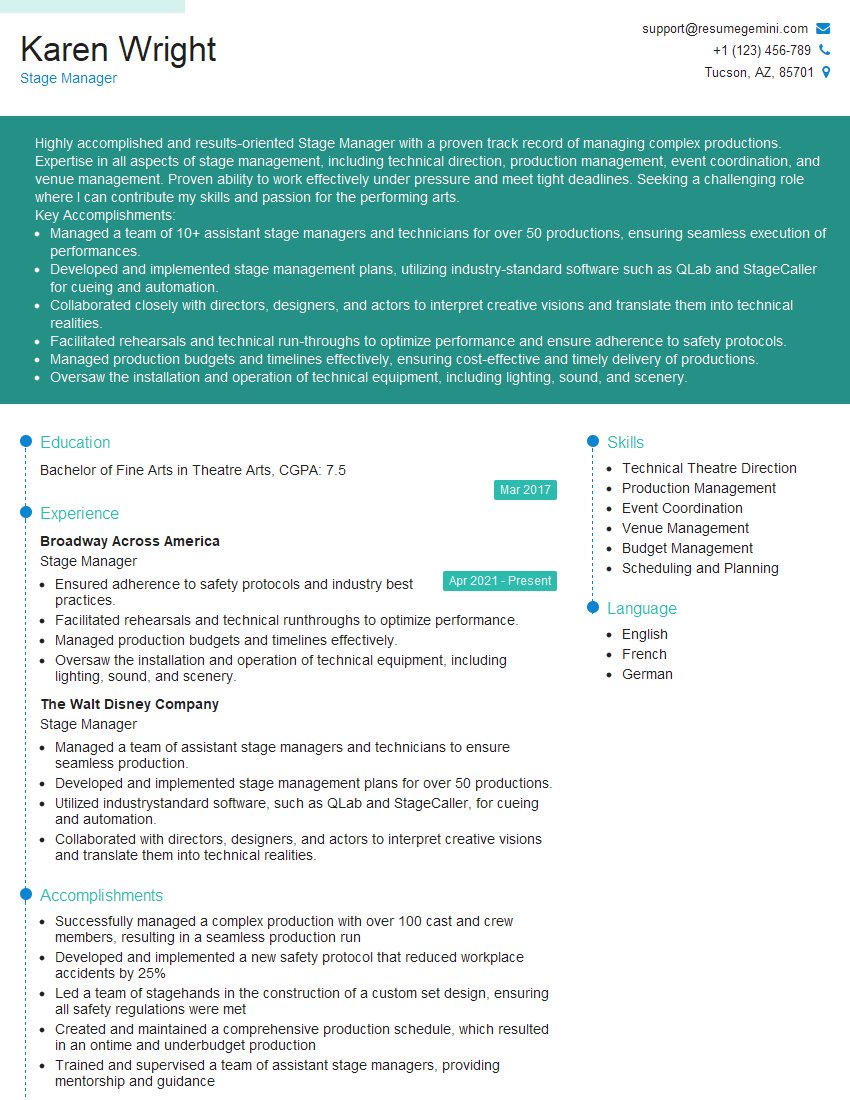
Stage Manager Resume Sample

Sound Designer Resume Sample
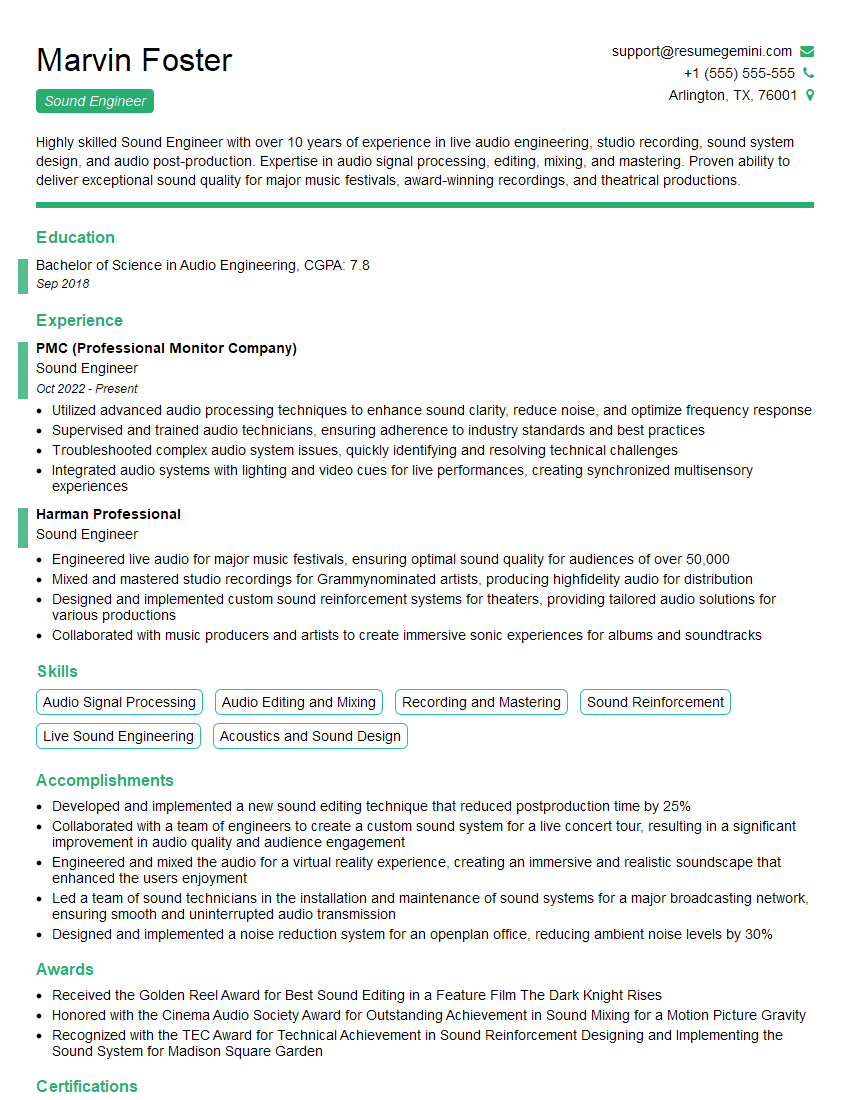
Sound Engineer Resume Sample
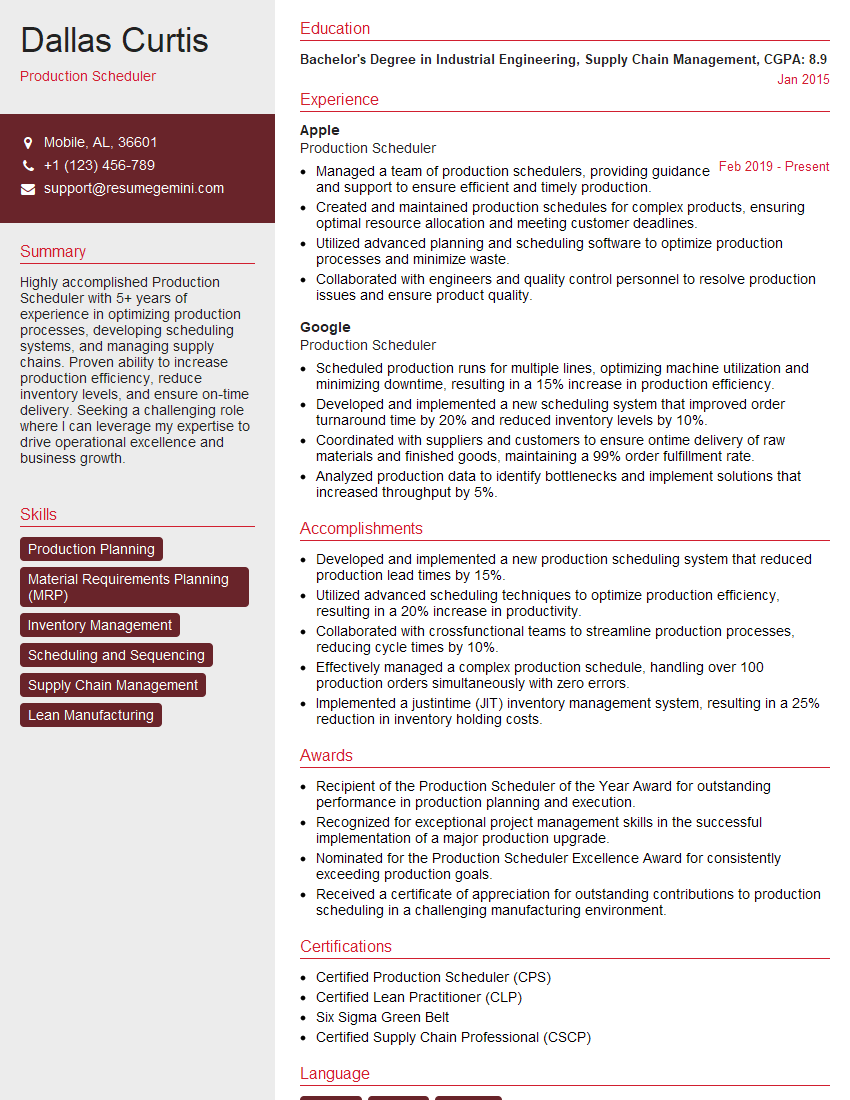
Production Scheduler Resume Sample
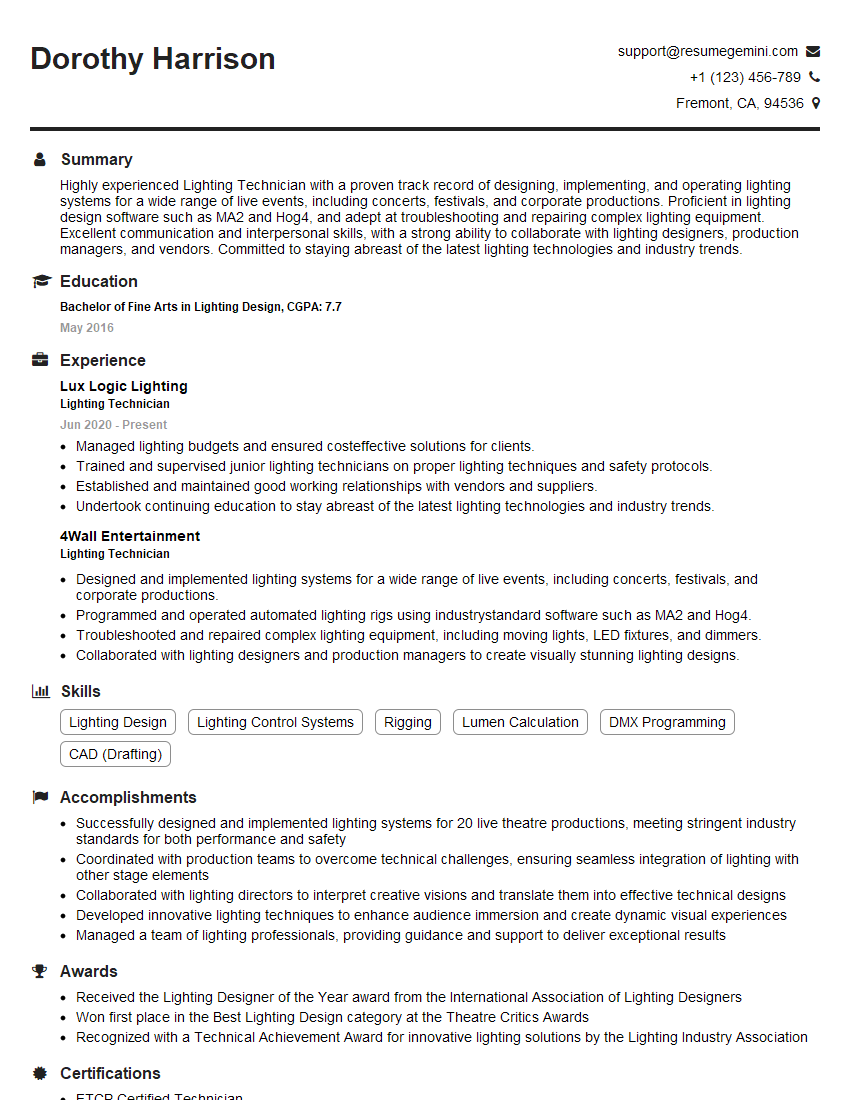
Lighting Technician Resume Sample
Explore more articles
Users Rating of Our Blogs
Share Your Experience
We value your feedback! Please rate our content and share your thoughts (optional).
What Readers Say About Our Blog
Attention music lovers!
Wow, All the best Sax Summer music !!!
Spotify: https://open.spotify.com/artist/6ShcdIT7rPVVaFEpgZQbUk
Apple Music: https://music.apple.com/fr/artist/jimmy-sax-black/1530501936
YouTube: https://music.youtube.com/browse/VLOLAK5uy_noClmC7abM6YpZsnySxRqt3LoalPf88No
Other Platforms and Free Downloads : https://fanlink.tv/jimmysaxblack
on google : https://www.google.com/search?q=22+AND+22+AND+22
on ChatGPT : https://chat.openai.com?q=who20jlJimmy20Black20Sax20Producer
Get back into the groove with Jimmy sax Black
Best regards,
Jimmy sax Black
www.jimmysaxblack.com
Hi I am a troller at The aquatic interview center and I suddenly went so fast in Roblox and it was gone when I reset.
Hi,
Business owners spend hours every week worrying about their website—or avoiding it because it feels overwhelming.
We’d like to take that off your plate:
$69/month. Everything handled.
Our team will:
Design a custom website—or completely overhaul your current one
Take care of hosting as an option
Handle edits and improvements—up to 60 minutes of work included every month
No setup fees, no annual commitments. Just a site that makes a strong first impression.
Find out if it’s right for you:
https://websolutionsgenius.com/awardwinningwebsites
Hello,
we currently offer a complimentary backlink and URL indexing test for search engine optimization professionals.
You can get complimentary indexing credits to test how link discovery works in practice.
No credit card is required and there is no recurring fee.
You can find details here:
https://wikipedia-backlinks.com/indexing/
Regards
NICE RESPONSE TO Q & A
hi
The aim of this message is regarding an unclaimed deposit of a deceased nationale that bears the same name as you. You are not relate to him as there are millions of people answering the names across around the world. But i will use my position to influence the release of the deposit to you for our mutual benefit.
Respond for full details and how to claim the deposit. This is 100% risk free. Send hello to my email id: [email protected]
Luka Chachibaialuka
Hey interviewgemini.com, just wanted to follow up on my last email.
We just launched Call the Monster, an parenting app that lets you summon friendly ‘monsters’ kids actually listen to.
We’re also running a giveaway for everyone who downloads the app. Since it’s brand new, there aren’t many users yet, which means you’ve got a much better chance of winning some great prizes.
You can check it out here: https://bit.ly/callamonsterapp
Or follow us on Instagram: https://www.instagram.com/callamonsterapp
Thanks,
Ryan
CEO – Call the Monster App
Hey interviewgemini.com, I saw your website and love your approach.
I just want this to look like spam email, but want to share something important to you. We just launched Call the Monster, a parenting app that lets you summon friendly ‘monsters’ kids actually listen to.
Parents are loving it for calming chaos before bedtime. Thought you might want to try it: https://bit.ly/callamonsterapp or just follow our fun monster lore on Instagram: https://www.instagram.com/callamonsterapp
Thanks,
Ryan
CEO – Call A Monster APP
To the interviewgemini.com Owner.
Dear interviewgemini.com Webmaster!
Hi interviewgemini.com Webmaster!
Dear interviewgemini.com Webmaster!
excellent
Hello,
We found issues with your domain’s email setup that may be sending your messages to spam or blocking them completely. InboxShield Mini shows you how to fix it in minutes — no tech skills required.
Scan your domain now for details: https://inboxshield-mini.com/
— Adam @ InboxShield Mini
Reply STOP to unsubscribe
Hi, are you owner of interviewgemini.com? What if I told you I could help you find extra time in your schedule, reconnect with leads you didn’t even realize you missed, and bring in more “I want to work with you” conversations, without increasing your ad spend or hiring a full-time employee?
All with a flexible, budget-friendly service that could easily pay for itself. Sounds good?
Would it be nice to jump on a quick 10-minute call so I can show you exactly how we make this work?
Best,
Hapei
Marketing Director
Hey, I know you’re the owner of interviewgemini.com. I’ll be quick.
Fundraising for your business is tough and time-consuming. We make it easier by guaranteeing two private investor meetings each month, for six months. No demos, no pitch events – just direct introductions to active investors matched to your startup.
If youR17;re raising, this could help you build real momentum. Want me to send more info?
Hi, I represent an SEO company that specialises in getting you AI citations and higher rankings on Google. I’d like to offer you a 100% free SEO audit for your website. Would you be interested?
Hi, I represent an SEO company that specialises in getting you AI citations and higher rankings on Google. I’d like to offer you a 100% free SEO audit for your website. Would you be interested?