Every successful interview starts with knowing what to expect. In this blog, we’ll take you through the top Fast and Efficient Typing interview questions, breaking them down with expert tips to help you deliver impactful answers. Step into your next interview fully prepared and ready to succeed.
Questions Asked in Fast and Efficient Typing Interview
Q 1. What is your typing speed (words per minute)?
My current typing speed is consistently around 100 words per minute (WPM). This isn’t just a peak speed achieved under ideal conditions; it’s a sustainable rate I maintain over extended periods. I’ve achieved higher speeds during timed tests, but I prioritize accuracy and consistency over raw speed. Think of it like marathon running – pacing yourself for endurance is key.
Q 2. What is your typing accuracy rate?
My accuracy rate typically hovers around 98-99%. A few minor errors are inevitable, even with years of practice. The key is to minimize these errors while maintaining a decent speed. I use a variety of techniques (discussed below) to catch and correct errors quickly without significantly impacting my overall typing flow. Imagine a skilled musician – they might hit a wrong note occasionally, but their overall performance remains flawless because they quickly recover.
Q 3. What typing methods or techniques do you use?
My typing technique is primarily touch typing. This means I don’t look at the keyboard. I’ve trained my fingers to find the keys automatically through muscle memory. I utilize all ten fingers, and I’ve consciously focused on proper posture and hand positioning to minimize strain and maximize efficiency. I also employ techniques to reduce the number of keystrokes required, such as using keyboard shortcuts and learning common abbreviations. This involves careful planning of what I want to type, allowing me to structure my thoughts before engaging my fingers. It’s a bit like a skilled chef preparing ingredients before beginning to cook – everything is in place for a smooth process.
Q 4. What software programs are you proficient in for typing?
I’m proficient in various typing-intensive software, including Microsoft Word, Google Docs, various code editors like VS Code and Sublime Text, and specialized transcription software. My expertise extends beyond just basic typing. I’m adept at using features like autocorrect, spell check, and formatting tools to enhance efficiency and accuracy. For example, in VS Code I use code snippets and extensions to increase coding speed.
Q 5. Describe your experience with different keyboard layouts.
I’m experienced with QWERTY, Dvorak, and Colemak keyboard layouts. While QWERTY is the most common, I experimented with Dvorak and Colemak to explore their ergonomic advantages and potential speed improvements. I found QWERTY to be the most universally applicable, making it my primary layout, but understanding alternative layouts provides valuable insight into the principles of efficient keyboard design and finger placement. The transition to a new layout requires significant practice, but the long-term benefits can be substantial.
Q 6. How do you maintain accuracy while increasing typing speed?
Maintaining accuracy while increasing speed is a delicate balance. It’s not about simply typing faster; it’s about typing more efficiently. I achieve this through consistent practice, focusing on proper technique, and regularly practicing with different typing exercises and materials. I also pay close attention to my error patterns and consciously address them. This might involve slowing down slightly to focus on problematic areas, or incorporating specific exercises targeting those areas. Think of it like refining a complex skill – patience and targeted practice are paramount. For example, I might spend time specifically practicing the combination of letters that I frequently mis-type.
Q 7. How do you handle typos or errors during typing?
My approach to typos depends on the context. For minor errors, I use the backspace or delete keys efficiently. However, I avoid excessive backspacing, as it disrupts flow. I often utilize the autocorrect features in my typing software. For more complex errors, I proofread my work carefully, relying on my understanding of context and grammar to spot and correct them. In scenarios requiring absolute accuracy, I use a combination of proofreading tools and careful attention to detail. It’s essential to develop a system that seamlessly integrates error correction into the typing process.
Q 8. Have you ever used any typing software or applications to improve your skills?
Yes, throughout my career, I’ve utilized various typing software and applications to hone my skills. Early on, I used simple programs focusing on individual key practice and building speed. Later, I transitioned to more sophisticated software that incorporated word games and simulated real-world typing scenarios. For example, TypingClub helped me master touch typing by gradually increasing difficulty and focusing on accuracy. More recently, I’ve used TypingTest.com to regularly assess my speed and identify areas for improvement, tracking my progress over time. These applications provide valuable feedback, helping me to refine my technique and improve my overall efficiency.
Q 9. How do you adapt your typing speed and style to different document types?
Adapting my typing speed and style to different document types is crucial for efficiency. For emails, I prioritize speed and conciseness, focusing on quick, accurate communication. However, when drafting formal documents or reports, I slow down to ensure precision and clarity, paying close attention to formatting and grammar. Coding requires a different approach altogether; I rely on muscle memory and efficient shortcuts, focusing on accuracy to avoid syntax errors. In essence, my approach is context-dependent. I adjust my typing style to match the demands of the task at hand, prioritizing accuracy over raw speed when the context necessitates it.
Q 10. Describe a situation where your typing skills were critical to success.
During a critical project deadline at my previous job, our team faced a major setback. A crucial report, due within hours, was accidentally deleted. Luckily, a backup existed, but it was a fragmented, nearly unreadable file. My fast and accurate typing skills, combined with my knowledge of data recovery techniques, proved invaluable. I was able to reconstruct the report from the backup within the deadline, effectively mitigating the crisis. This experience highlighted the importance of precise typing under pressure and the critical role it plays in high-stakes situations. The ability to work quickly and accurately under pressure is a valuable asset.
Q 11. What is your preferred keyboard and why?
My preferred keyboard is a mechanical keyboard with Cherry MX Brown switches. I find the tactile feedback and distinct actuation point crucial for accurate and comfortable typing. The Brown switches provide a satisfying click without being overly loud, creating a comfortable typing experience, even during extended sessions. The mechanical nature also allows for precise keystrokes and a more responsive typing experience than membrane keyboards, minimizing errors. Ergonomics also play a role; I use a keyboard with a slightly sloped design to promote a neutral wrist position and reduce strain.
Q 12. Are you comfortable typing for extended periods?
Yes, absolutely. I’m comfortable typing for extended periods, often spending several hours a day typing without significant discomfort. This is largely due to my ergonomic setup and proper posture, which minimizes strain and promotes good typing habits. I’ve developed the stamina and endurance necessary for sustained typing through consistent practice and attention to my physical well-being.
Q 13. How do you manage fatigue or strain during long typing sessions?
Managing fatigue and strain during long typing sessions is crucial for maintaining efficiency and avoiding injury. I employ several strategies: regular breaks, stretching exercises, proper posture, and ensuring my workspace is ergonomically sound. I use the Pomodoro Technique, working in focused bursts with short breaks in between. These breaks allow me to stand, stretch, and move around, preventing stiffness and fatigue. Maintaining correct posture and using an ergonomic keyboard and chair are also critical to long-term comfort and preventing repetitive strain injuries.
Q 14. What strategies do you use to improve your typing accuracy?
Improving typing accuracy is an ongoing process. I focus on several key strategies: proper posture and hand placement, consistent practice using typing software, and mindful typing habits. Maintaining a relaxed yet focused state of mind allows for greater precision. I regularly use typing tests to identify specific keys or word combinations where I make errors. This allows me to focus my practice on these areas and steadily improve my accuracy. It’s a continuous cycle of identifying weaknesses, practicing to overcome them, and assessing progress.
Q 15. How familiar are you with touch typing?
Touch typing is the cornerstone of efficient typing. It’s the ability to type without looking at the keyboard, using all ten fingers. My familiarity is extensive; I’ve been practicing and refining my touch typing skills for over 15 years, actively incorporating techniques to maximize speed and accuracy. This includes consistent practice, focusing on proper finger placement, and regularly assessing my performance to identify areas for improvement. I’m proficient in various keyboard layouts and adapt easily to different typing environments.
Career Expert Tips:
- Ace those interviews! Prepare effectively by reviewing the Top 50 Most Common Interview Questions on ResumeGemini.
- Navigate your job search with confidence! Explore a wide range of Career Tips on ResumeGemini. Learn about common challenges and recommendations to overcome them.
- Craft the perfect resume! Master the Art of Resume Writing with ResumeGemini’s guide. Showcase your unique qualifications and achievements effectively.
- Don’t miss out on holiday savings! Build your dream resume with ResumeGemini’s ATS optimized templates.
Q 16. Have you participated in any typing speed competitions or assessments?
While I haven’t formally competed in typing championships, I’ve frequently assessed my speed and accuracy using online typing tests and internal company benchmarks. I consistently score above 80 words per minute (WPM) with a high accuracy rate (typically above 98%). These assessments not only track my progress but also help me identify weaknesses and refine my technique. For instance, I recently used a test that highlighted my slower typing speed with certain punctuation marks, which motivated me to focus on improving my proficiency with them.
Q 17. What is your experience with transcription or data entry?
My experience with transcription and data entry is substantial. In my previous role, I was responsible for transcribing audio recordings of meetings and interviews, often under tight deadlines. This demanded both speed and meticulous attention to detail. I developed streamlined workflows that incorporate quality checks at various stages to minimize errors. Data entry tasks, especially those involving large datasets, have honed my skills in consistent and accurate input, adapting my technique to different data formats and software.
Q 18. Can you explain the importance of proper posture and ergonomics for typing?
Proper posture and ergonomics are paramount for preventing repetitive strain injuries and maintaining typing efficiency. Think of it like this: a well-tuned instrument produces better music, just as a properly positioned body produces more efficient typing. Here’s what I focus on: maintaining a neutral spine with a slight curve in my lower back, keeping my elbows close to my body at a 90-degree angle, wrists straight and relaxed, and ensuring my monitor is at eye level to avoid neck strain. Regular breaks, stretches, and using ergonomic equipment like adjustable chairs and keyboards are also crucial.
Q 19. How do you prioritize speed and accuracy when faced with tight deadlines?
Balancing speed and accuracy under pressure requires a strategic approach. I prioritize accuracy first, understanding that correcting errors takes more time than typing accurately from the start. I employ techniques like proofreading short segments of text as I go, and I’m adept at using my keyboard’s shortcuts for quick edits and navigation. In high-pressure situations, I might slightly reduce my typing speed to maintain accuracy, recognizing that the cost of errors outweighs a marginal decrease in speed. It’s about sustainable productivity, not just raw speed.
Q 20. What are some common typing errors you encounter and how do you address them?
Common errors for me include typos stemming from adjacent keys (e.g., ‘teh’ instead of ‘the’) and incorrect punctuation. I address these by consciously focusing on proper finger placement and practicing difficult key combinations. Using predictive text tools cautiously can also help, though I always double-check suggestions. I use regular typing practice exercises to target these recurring errors. For example, I might focus on sentences containing frequently misspelled words or punctuation challenges.
Q 21. Explain your understanding of different typing styles.
Different typing styles exist, but the most relevant are touch typing (as discussed earlier), hunt-and-peck (finding keys individually), and perhaps the use of specialized software or keyboard layouts for programming or specific tasks. Touch typing is the most efficient, offering the highest speed and accuracy. Hunt-and-peck is slower and less efficient. Specialized styles, like those using Dvorak or Colemak keyboard layouts, aim to improve efficiency by optimizing key placement based on frequency of use. My expertise lies primarily in touch typing and adapting this technique to various contexts and software.
Q 22. Describe your approach to learning new typing techniques or software.
My approach to learning new typing techniques or software is systematic and iterative. I start by understanding the fundamental principles – be it touch typing, Dvorak layout, or a specific typing software’s features. I then break down the learning process into manageable chunks. For example, if learning a new software, I’d focus on mastering one feature at a time, practicing it until it becomes second nature before moving on. I believe in consistent, focused practice rather than sporadic bursts. I use timers to track my progress and identify areas needing improvement. I also actively seek feedback, either through online typing tests or by asking colleagues for their input on my typing efficiency and accuracy.
For instance, when I first learned Colemak, a different keyboard layout, I started by practicing the home row keys extensively for a week, gradually incorporating new keys and practicing common word combinations. Regular self-assessment through typing tests helped me identify weaknesses and refine my technique.
Q 23. Have you ever used voice-to-text software? If so, how did it affect your workflow?
Yes, I have used voice-to-text software extensively. Initially, it was a significant boost to my workflow, particularly for brainstorming or drafting long documents where speed is prioritized over initial accuracy. It allowed me to capture my thoughts quickly without the constraint of typing. However, I found that relying solely on voice-to-text reduced my typing proficiency over time. Therefore, I now use it strategically – for initial drafts or when I’m dealing with repetitive phrases – followed by careful editing and proofreading. This hybrid approach maintains my typing skills while leveraging the advantages of voice input.
For example, I might use voice-to-text to create a first draft of a report, then refine it by typing out the final version, ensuring accuracy and consistency in formatting and style.
Q 24. How do you ensure the accuracy and consistency of your typed documents?
Accuracy and consistency in typed documents are paramount. I achieve this through a multi-pronged approach. First, I focus on maintaining proper posture and technique to minimize errors. Second, I employ techniques like proofreading, using spell checkers and grammar checkers, and regularly reviewing my work. Third, I leverage the features offered by various word processors, such as autocorrect and grammar suggestions. Finally, I use specialized tools, like online typing tests, to identify and address recurring typing errors.
For instance, before submitting any important document, I’ll read it aloud, focusing on catching any grammatical errors or typos that might have been overlooked. I also utilize the track changes feature in word processors to keep a record of revisions.
Q 25. What are some common challenges you face while typing, and how do you overcome them?
Common challenges include fatigue, especially during prolonged typing sessions, and the occasional mental lapse leading to errors. To overcome fatigue, I take regular breaks, ensuring good posture, and staying hydrated. For mental lapses, I employ mindfulness techniques to stay focused and avoid rushing. I also utilize keyboard shortcuts to improve efficiency and reduce strain. Practicing regularly helps build muscle memory and minimizes the chances of errors.
For example, if I find myself making a lot of mistakes due to fatigue, I’ll take a 5-10 minute break to stretch and re-focus before continuing. The Pomodoro Technique (working in focused bursts with short breaks) has been very helpful in this regard.
Q 26. Describe a time you had to improve your typing speed under pressure.
During a crucial presentation deadline, I had to rapidly transcribe notes into a polished presentation within a tight timeframe. My initial typing speed wasn’t sufficient. I immediately focused on the most critical elements, prioritizing accuracy over speed for those key sections. I utilized keyboard shortcuts extensively and took short, strategic breaks to maintain focus. Through focused effort and efficient use of tools, I managed to complete the task on time, showcasing adaptability and resourcefulness under pressure.
This experience highlighted the importance of efficient workflow strategies under stress – prioritization, strategic use of tools and techniques, and maintaining mental composure are key factors in meeting deadlines even when typing speed is initially a limiting factor.
Q 27. How do you stay updated on new typing technologies or trends?
I stay updated on typing technologies and trends through several channels. I actively follow industry blogs and publications dedicated to productivity and ergonomics. I participate in online forums and communities focused on typing techniques and software. I also experiment with new software and hardware, such as ergonomic keyboards and advanced typing trainers, to assess their efficiency and suitability for my needs. This continuous learning approach ensures I remain at the forefront of the field.
For instance, I regularly read articles about advancements in AI-powered typing assistance and ergonomic keyboard design to identify potential improvements in my workflow.
Q 28. How would you handle a situation where your typing speed is slower than required?
If my typing speed is slower than required, I’d employ a multi-step strategy. First, I’d identify the root cause – is it a lack of practice, an inefficient technique, or an issue with my tools? Then, I’d address the cause directly. This might involve dedicated practice sessions focusing on weak areas, learning and implementing new techniques, or upgrading my equipment. I’d also prioritize the most important tasks to manage time effectively. If the speed requirement is truly unrealistic given the complexity of the task, I’d communicate this clearly and explore alternative solutions, such as delegating portions of the work or requesting an extension.
For example, if I need to transcribe a complex audio file quickly and find my speed to be insufficient, I’d prioritize transcribing the most important segments first, even if it means a less detailed transcription initially. Then, I’d use the extra time allocated for the task to address my typing speed limitations through practice.
Key Topics to Learn for Fast and Efficient Typing Interview
- Proper Typing Posture and Ergonomics: Understanding the importance of correct posture to prevent injuries and maximize efficiency. This includes hand placement, wrist position, and chair setup.
- Touch Typing Technique: Mastering the skill of typing without looking at the keyboard. Practice drills focusing on accuracy and speed will be beneficial.
- Keyboard Shortcuts and Efficiency: Learning and applying common keyboard shortcuts to significantly increase typing speed and reduce repetitive movements. Consider shortcuts for common tasks like copy/paste, saving, and navigating documents.
- Accuracy vs. Speed: Balancing the need for speed with maintaining high accuracy. Focus on improving accuracy first, as speed will naturally follow with practice.
- Practice and Consistent Improvement: Developing a consistent practice routine to track progress and identify areas for improvement. Regular practice is key to mastering fast and efficient typing.
- Different Typing Styles and Preferences: Exploring various typing styles and identifying the one that best suits your individual needs and preferences for optimal performance. Experiment to find what works best for you.
- Error Correction Techniques: Efficiently correcting typing errors without disrupting workflow. This includes understanding backspace usage, word prediction, and auto-correct features (when appropriate).
- Software and Tools for Improvement: Familiarizing yourself with typing tutor software and online resources designed to help improve typing skills and track progress.
Next Steps
Mastering fast and efficient typing is crucial for success in many modern careers, significantly boosting productivity and allowing you to handle a larger workload with greater ease. A strong typing skillset is highly sought after by employers across diverse industries.
To enhance your job prospects, create a compelling and ATS-friendly resume that highlights your typing skills and quantifies your achievements. Use action verbs and specific examples to showcase your proficiency.
We recommend using ResumeGemini to build a professional and effective resume. ResumeGemini provides a streamlined process to create an impactful document that showcases your skills. Examples of resumes tailored to highlight fast and efficient typing skills are available to guide you.
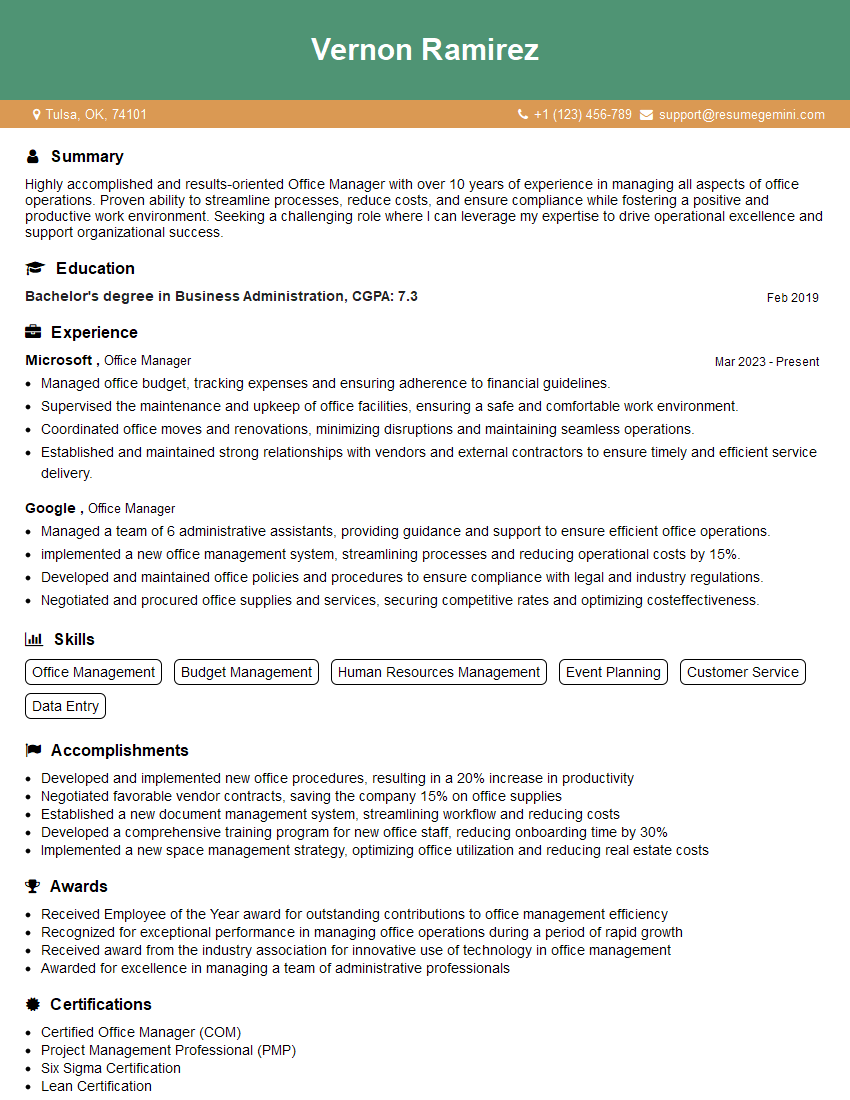
Office Manager Resume Sample
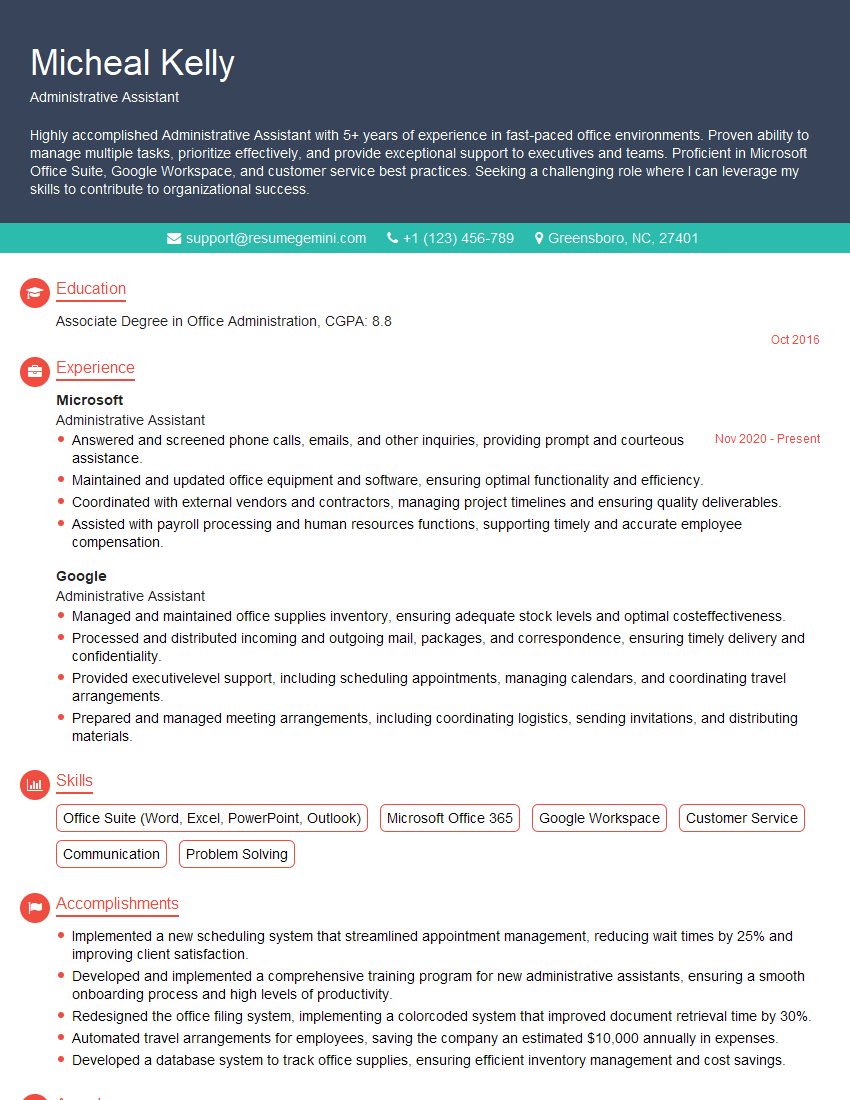
Administrative Assistant Resume Sample
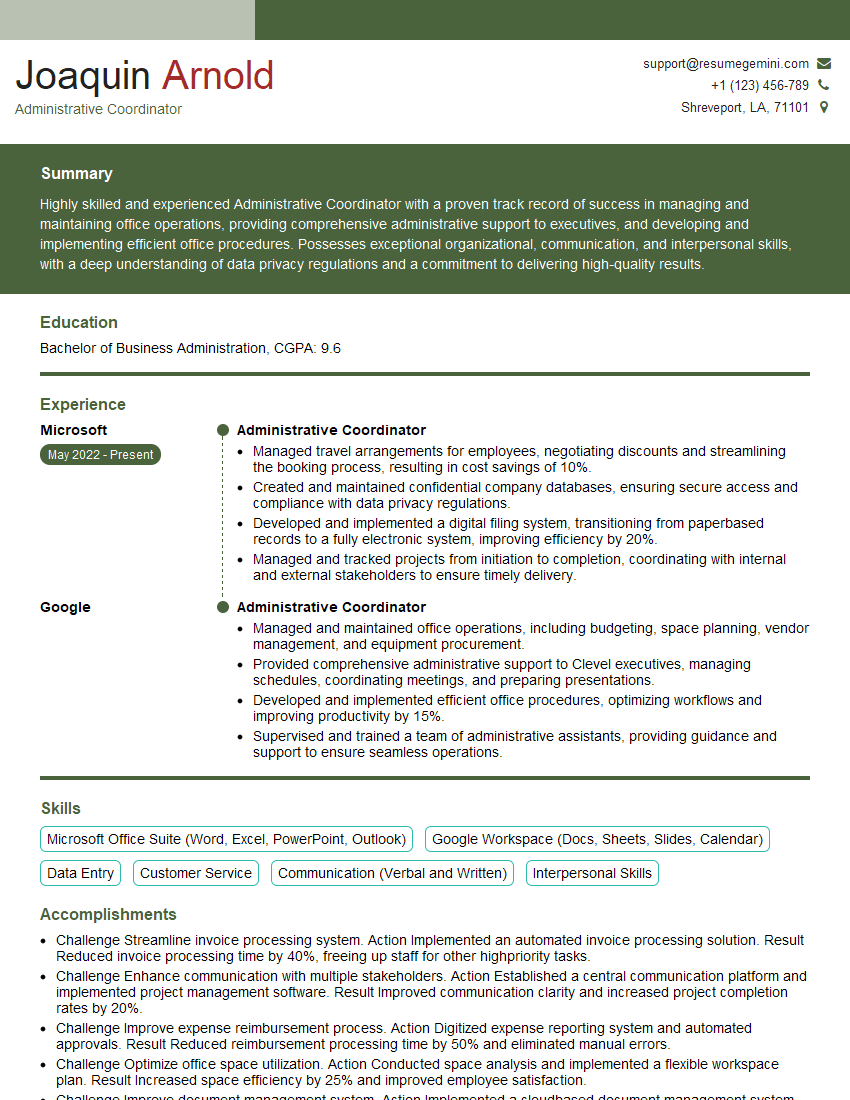
Administrative Coordinator Resume Sample
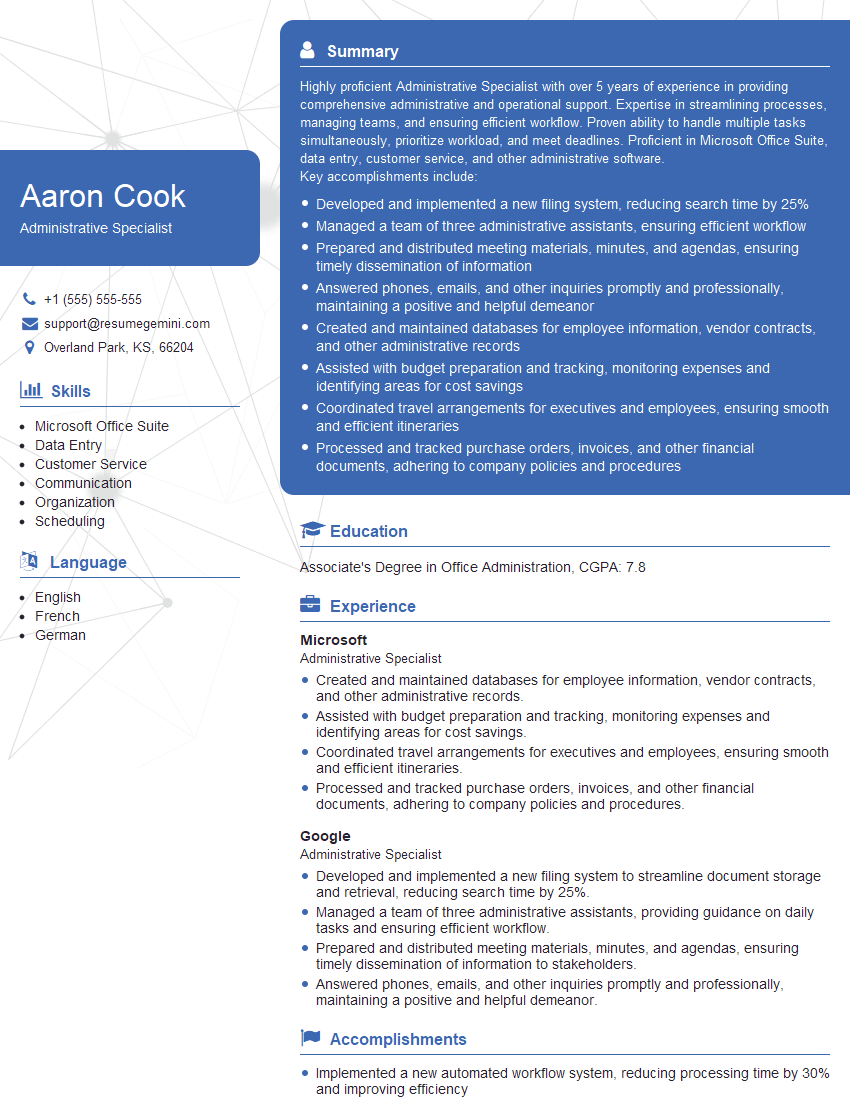
Administrative Specialist Resume Sample
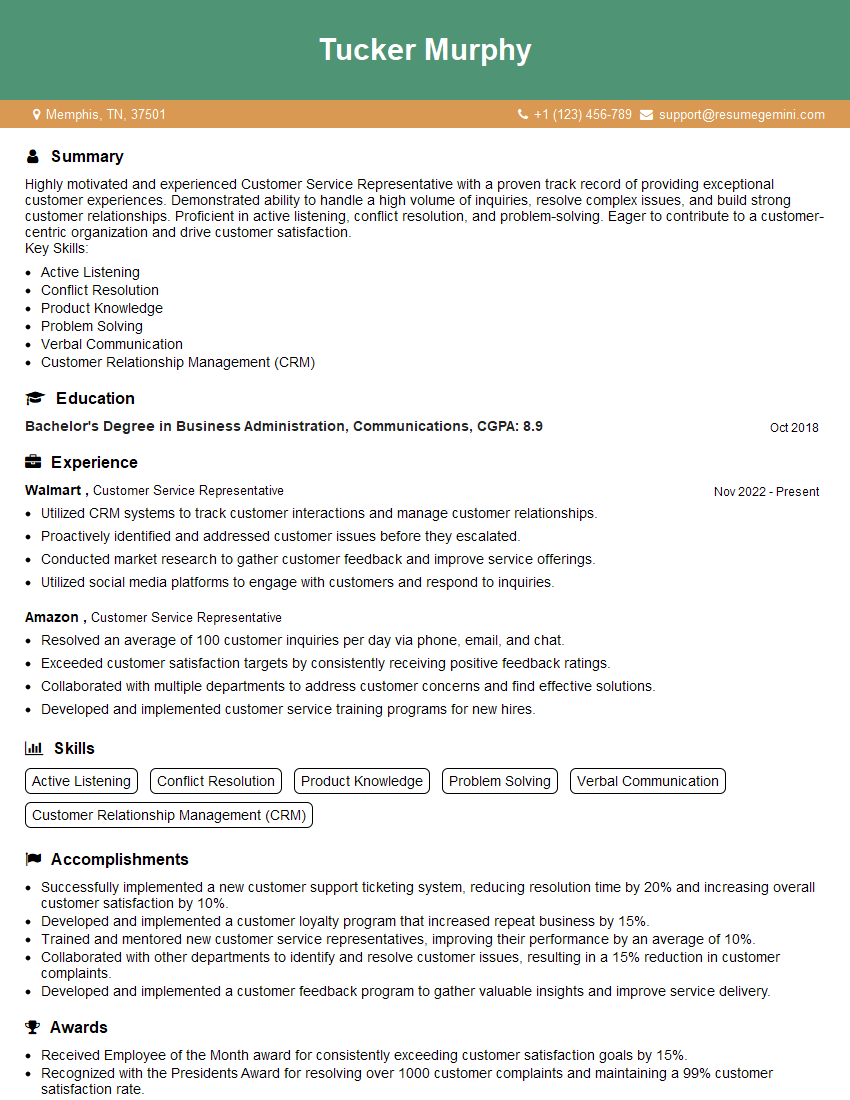
Customer Service Representative Resume Sample
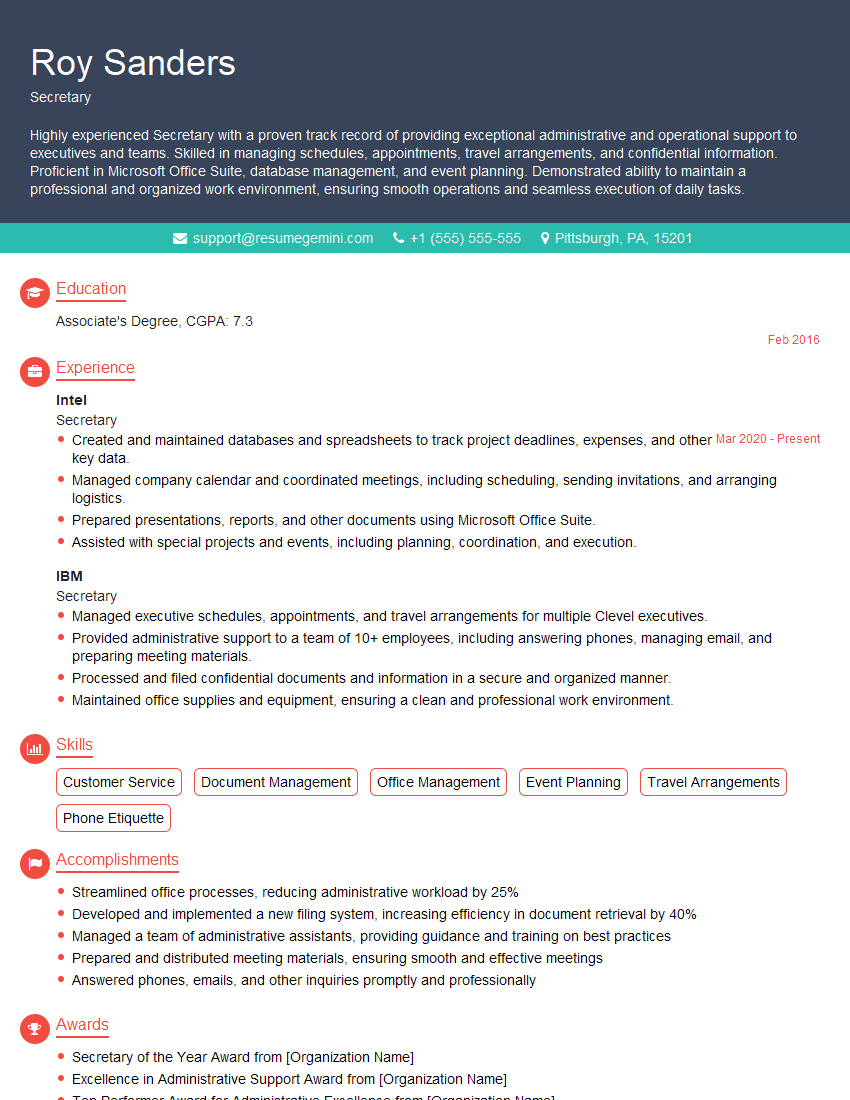
Secretary Resume Sample
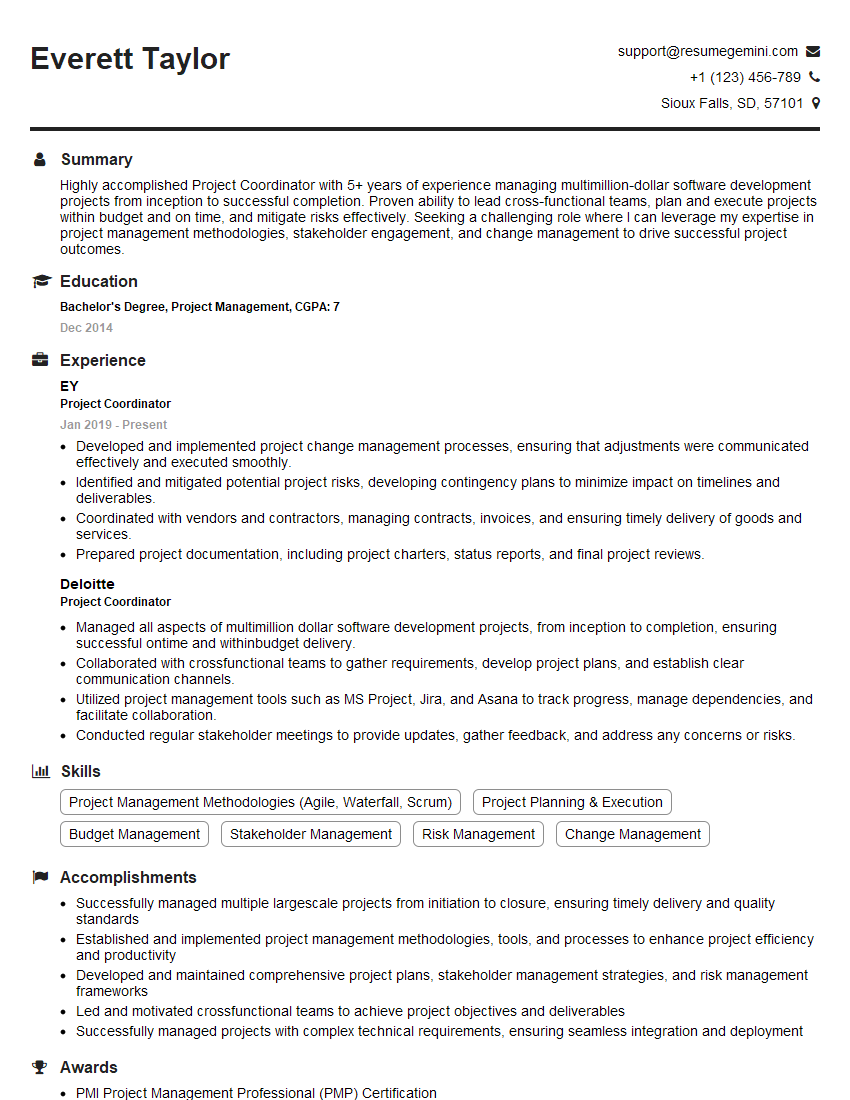
Project Coordinator Resume Sample
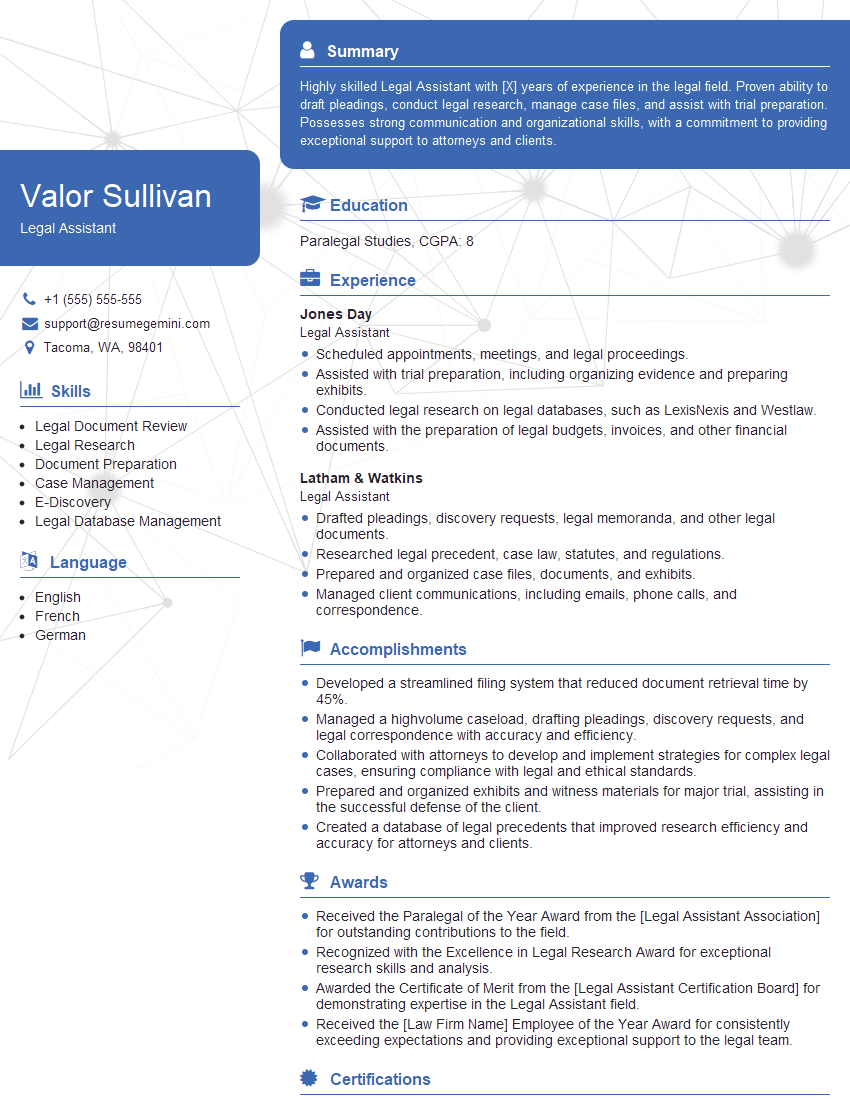
Legal Assistant Resume Sample
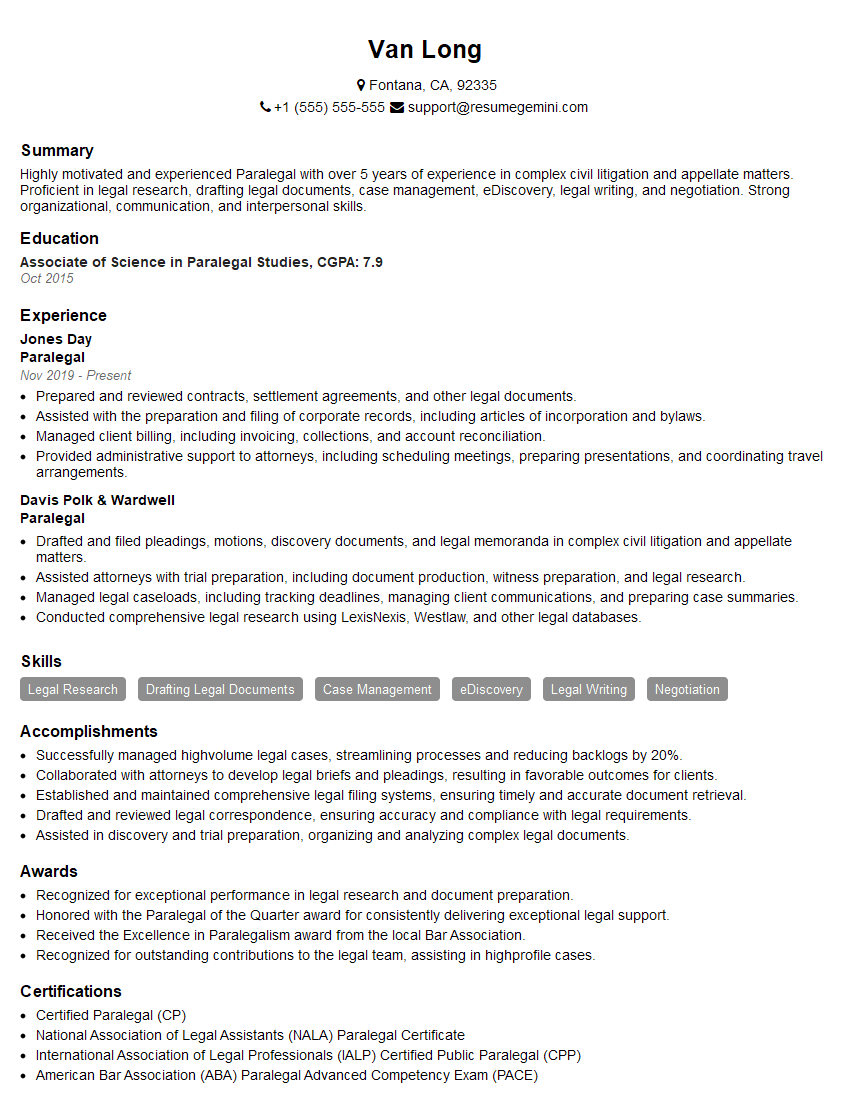
Paralegal Resume Sample
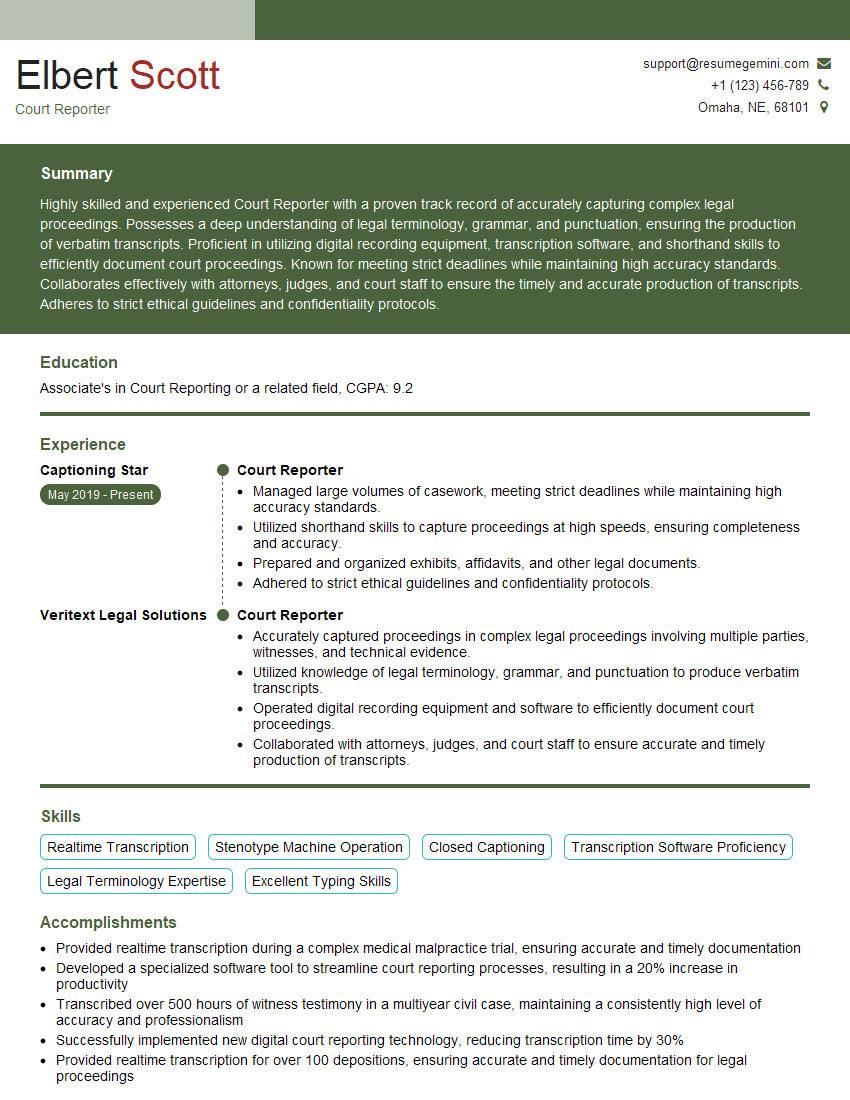
Court Reporter Resume Sample
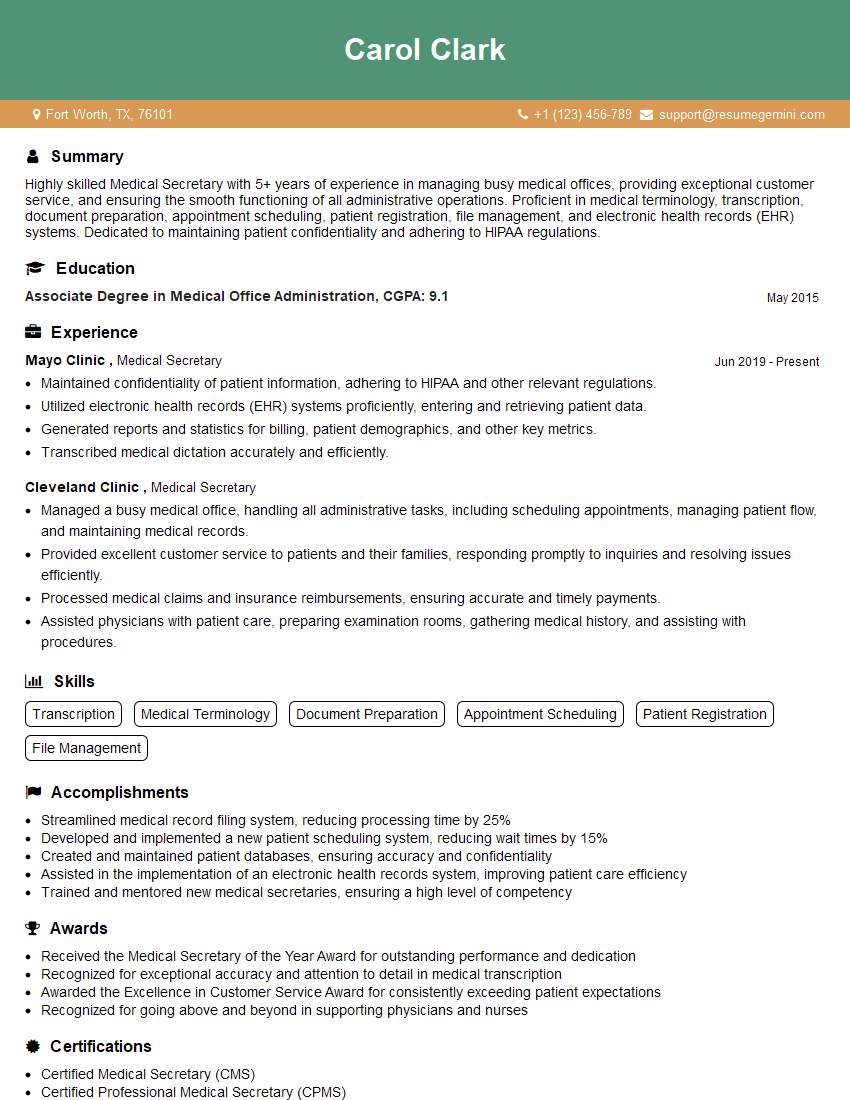
Medical Secretary Resume Sample
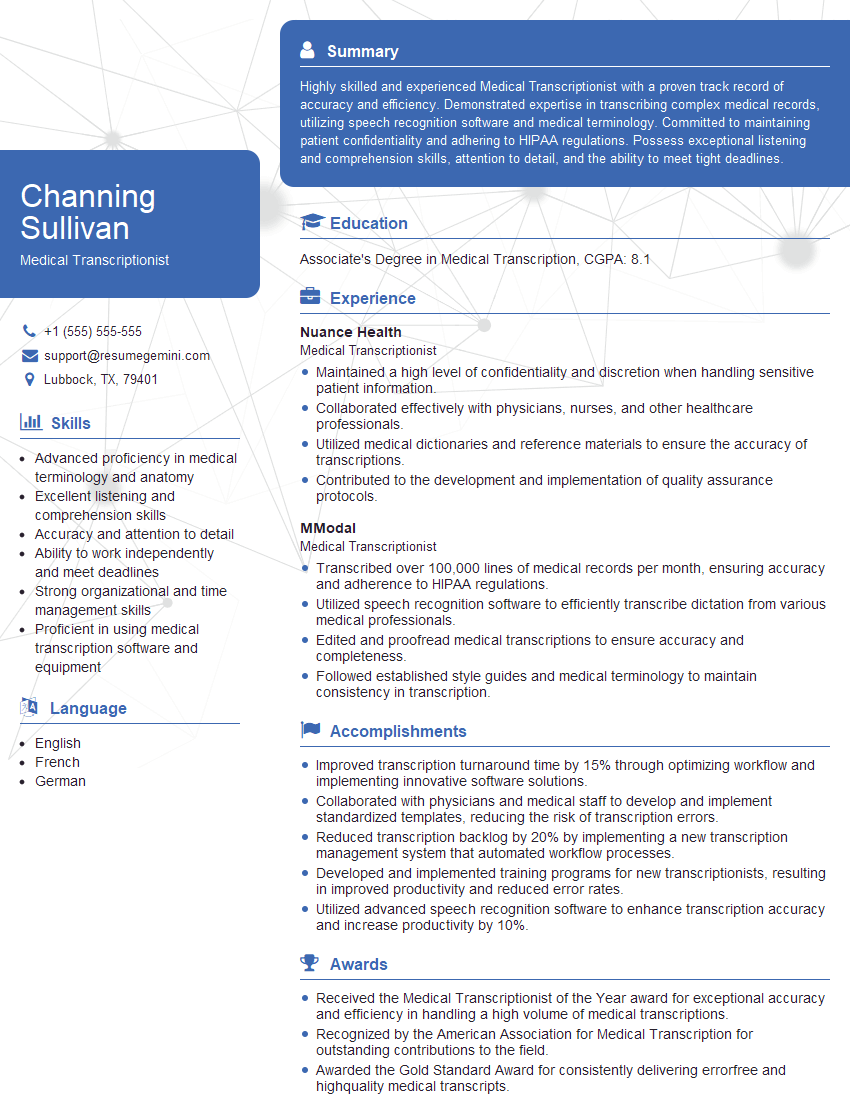
Medical Transcriptionist Resume Sample
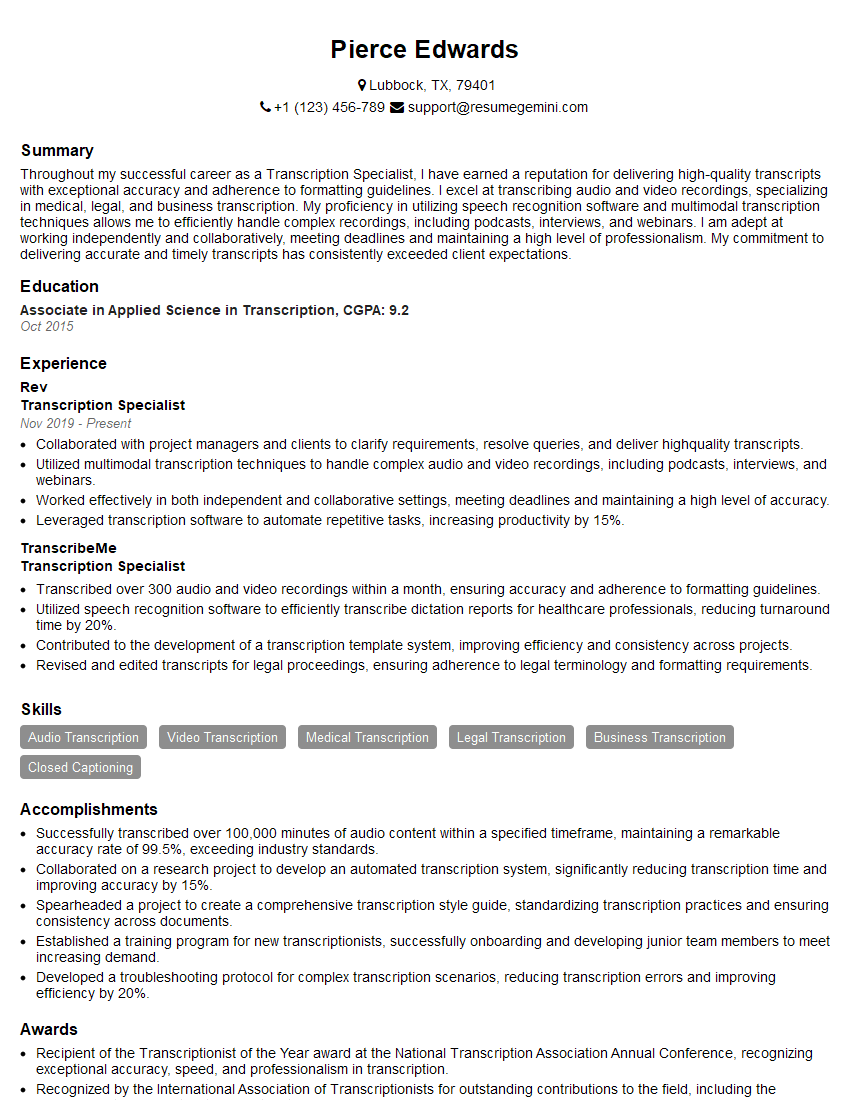
Transcription Specialist Resume Sample
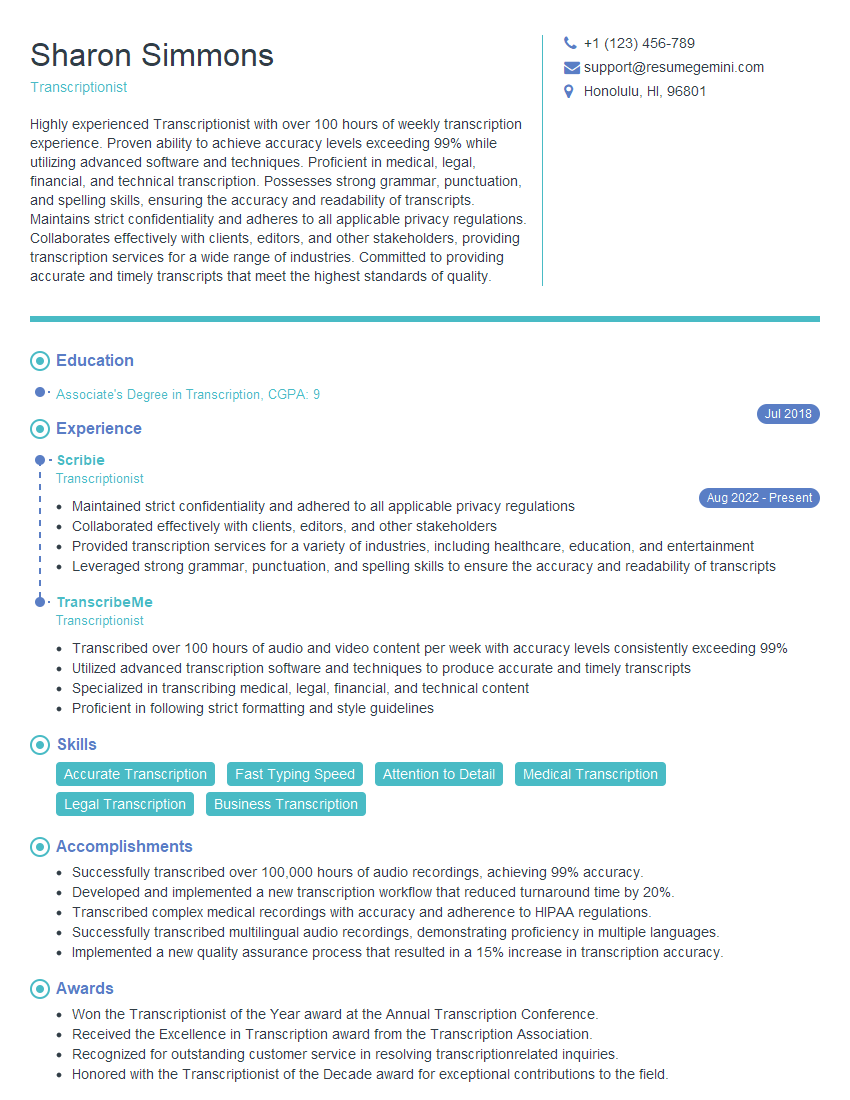
Transcriptionist Resume Sample
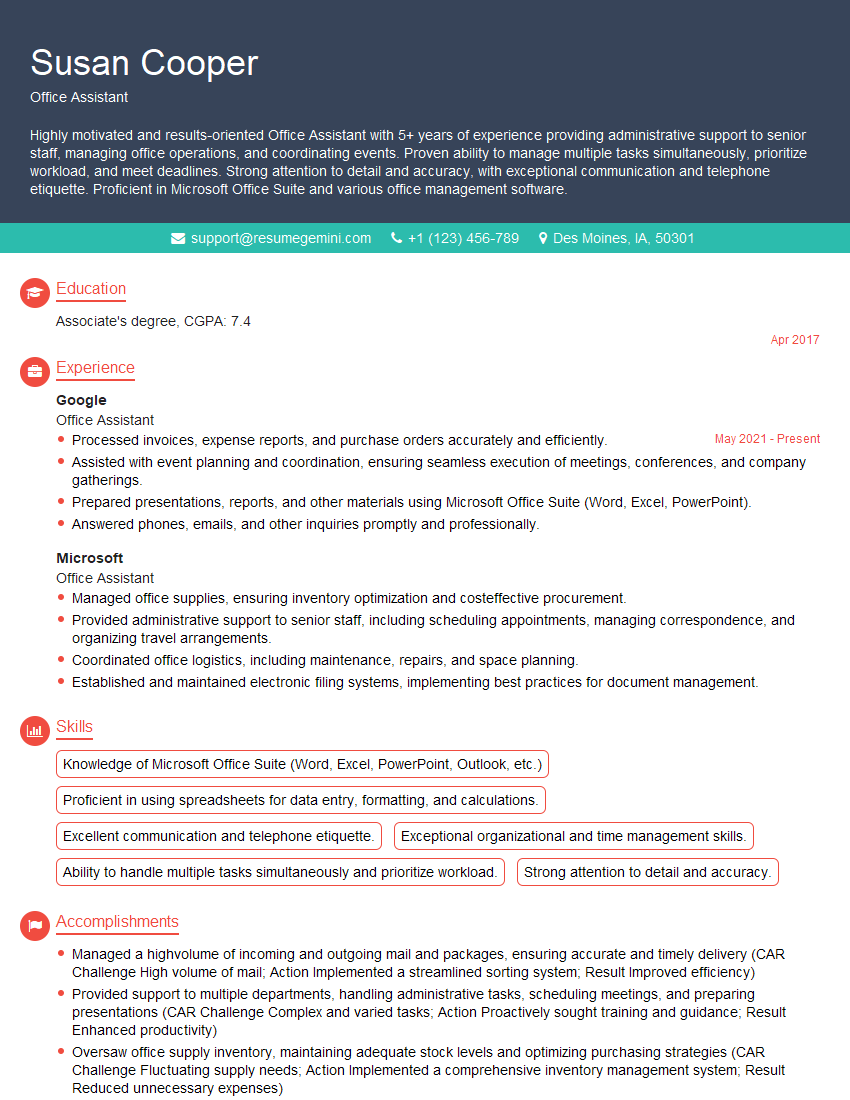
Office Assistant Resume Sample
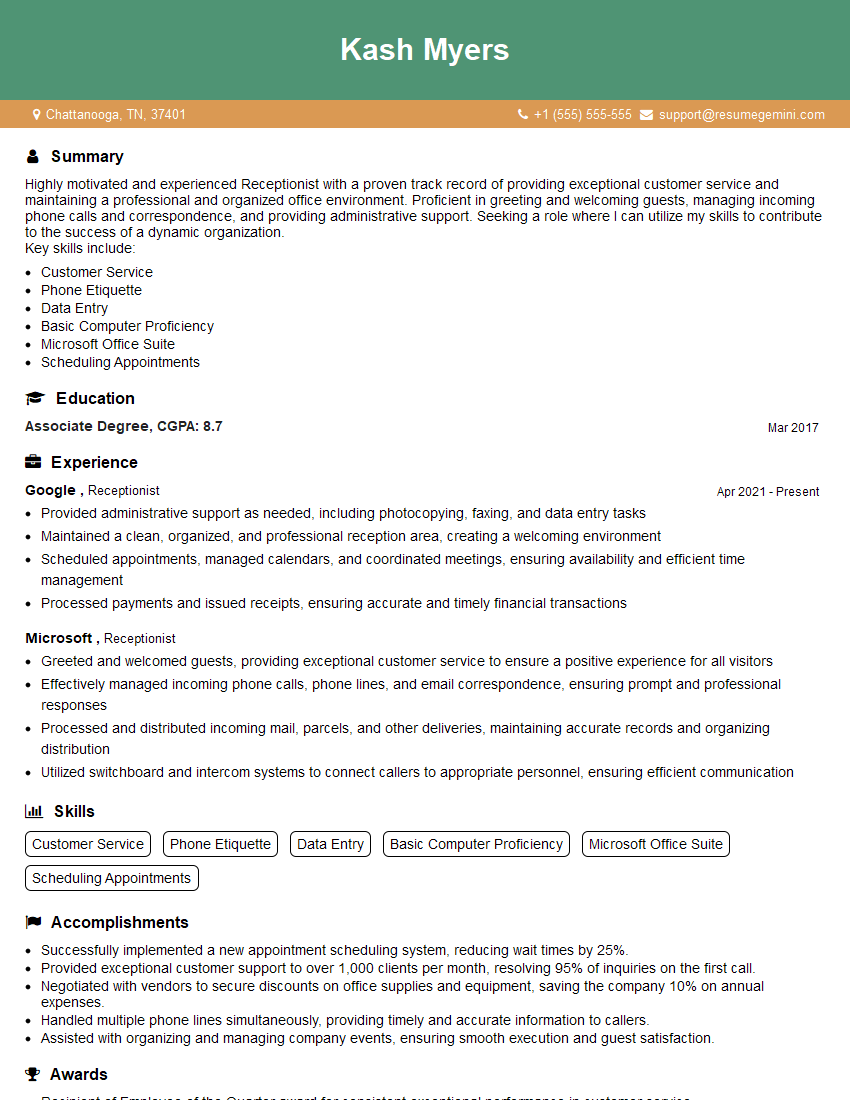
Receptionist Resume Sample
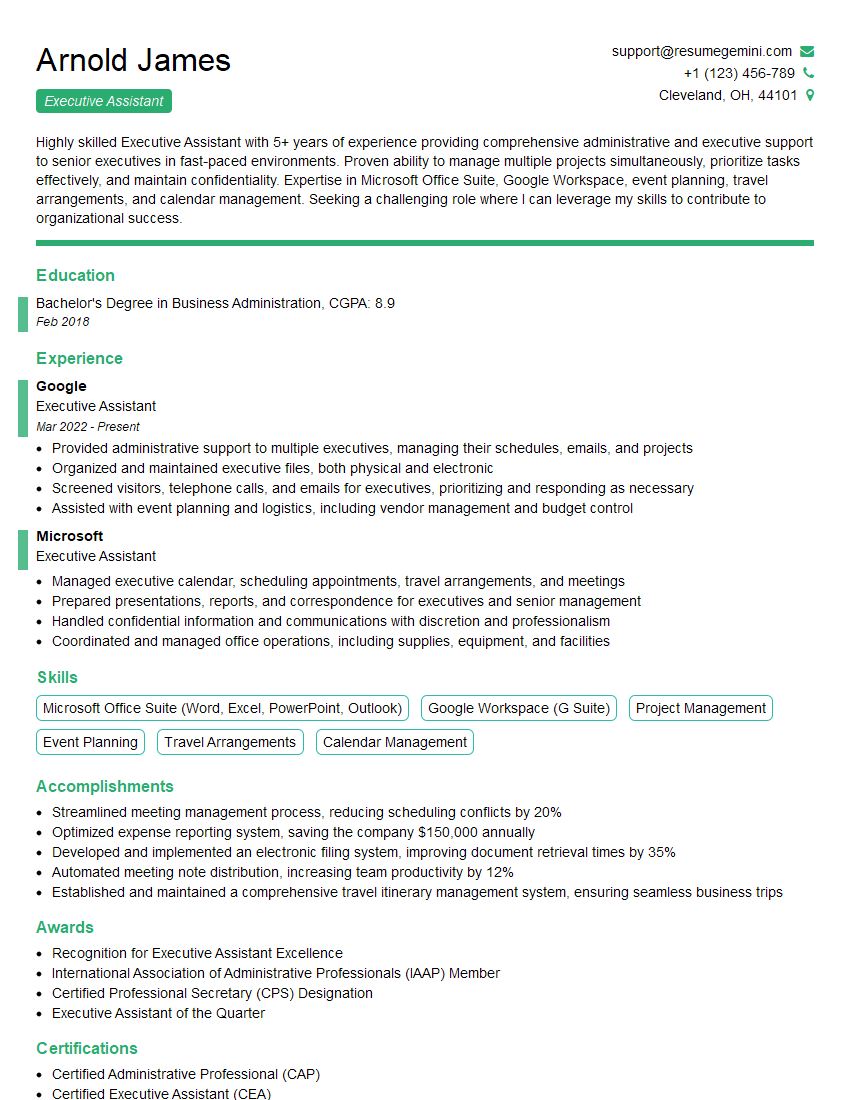
Executive Assistant Resume Sample
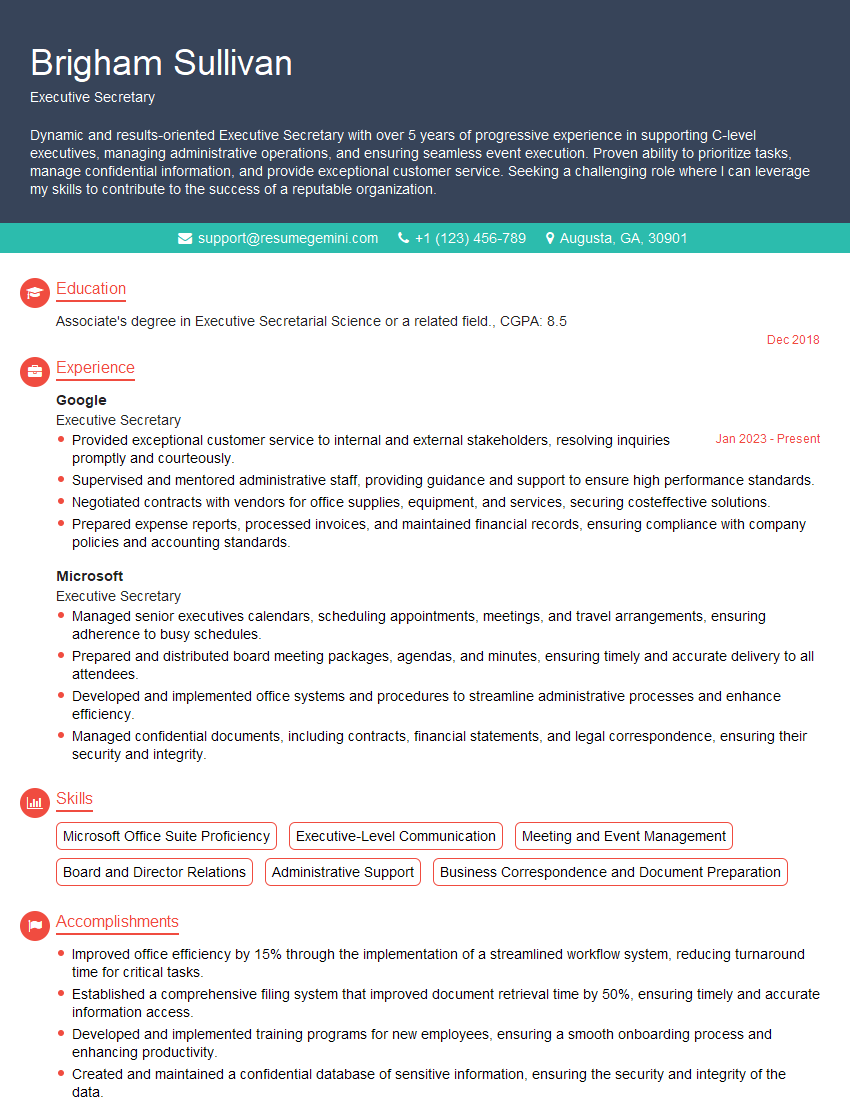
Executive Secretary Resume Sample
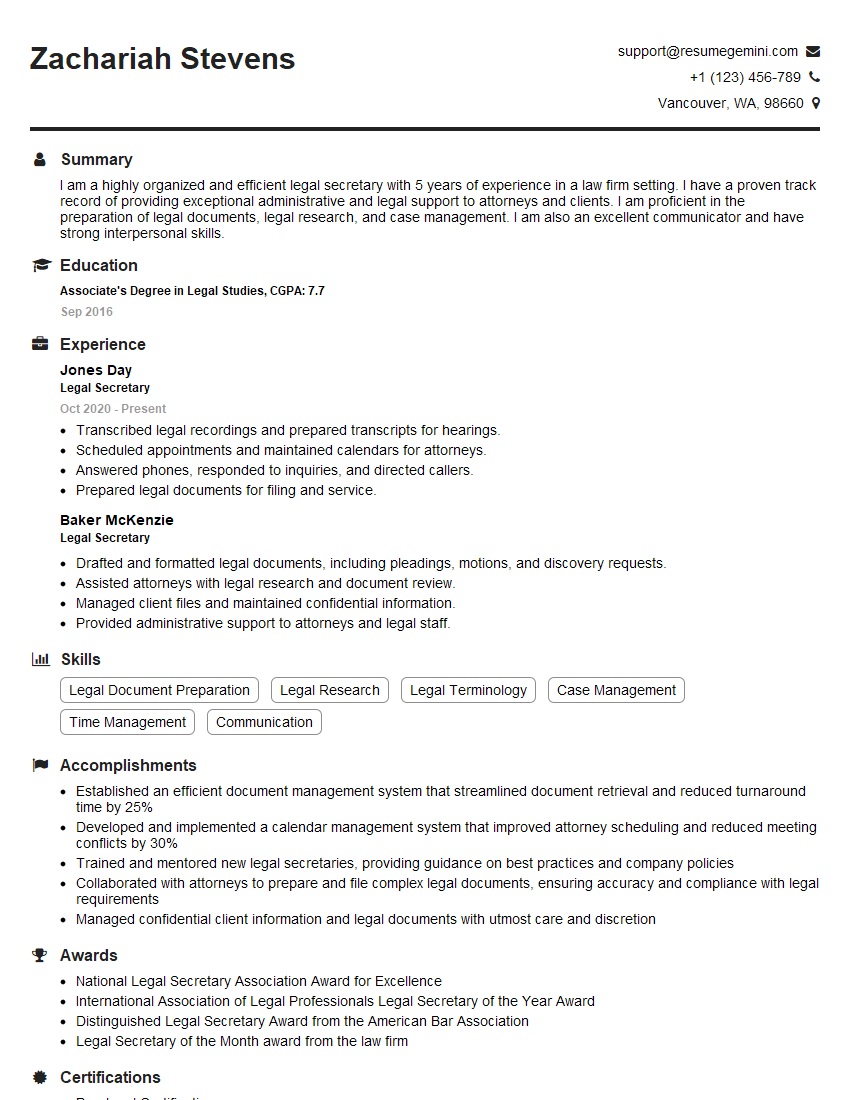
Legal Secretary Resume Sample

Data Entry Clerk Resume Sample
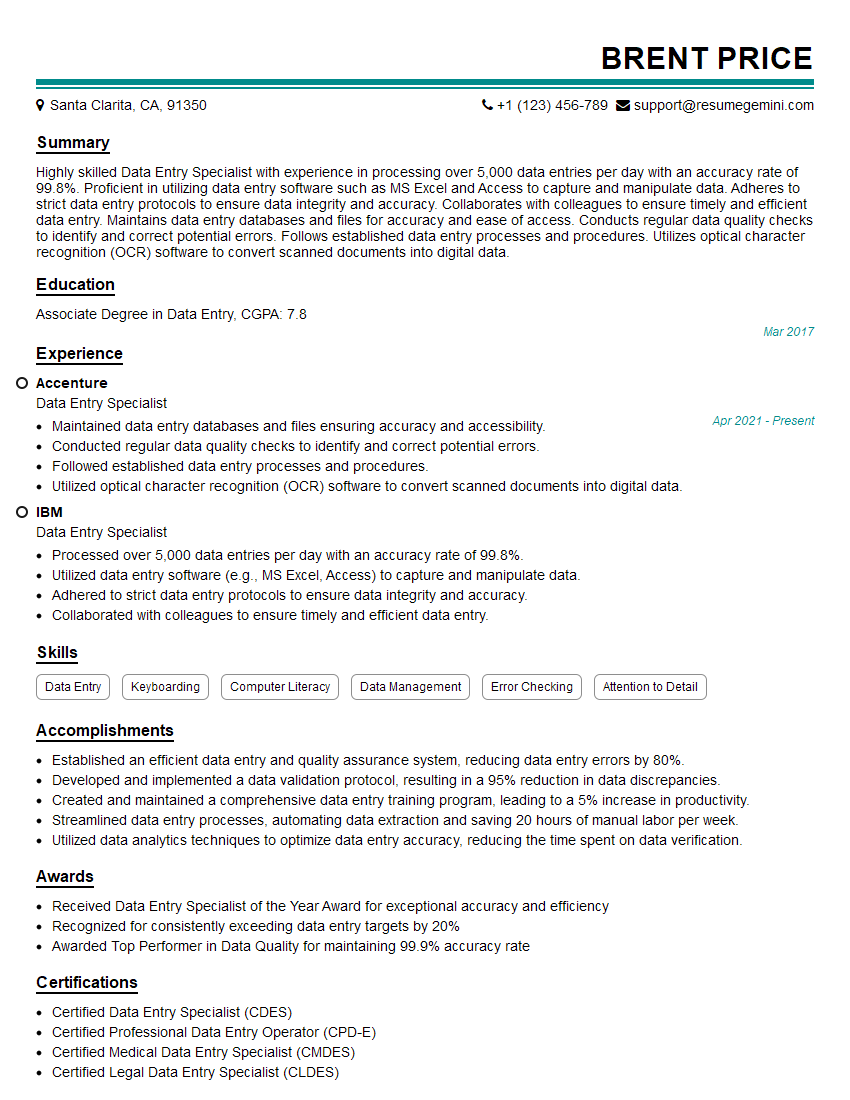
Data Entry Specialist Resume Sample
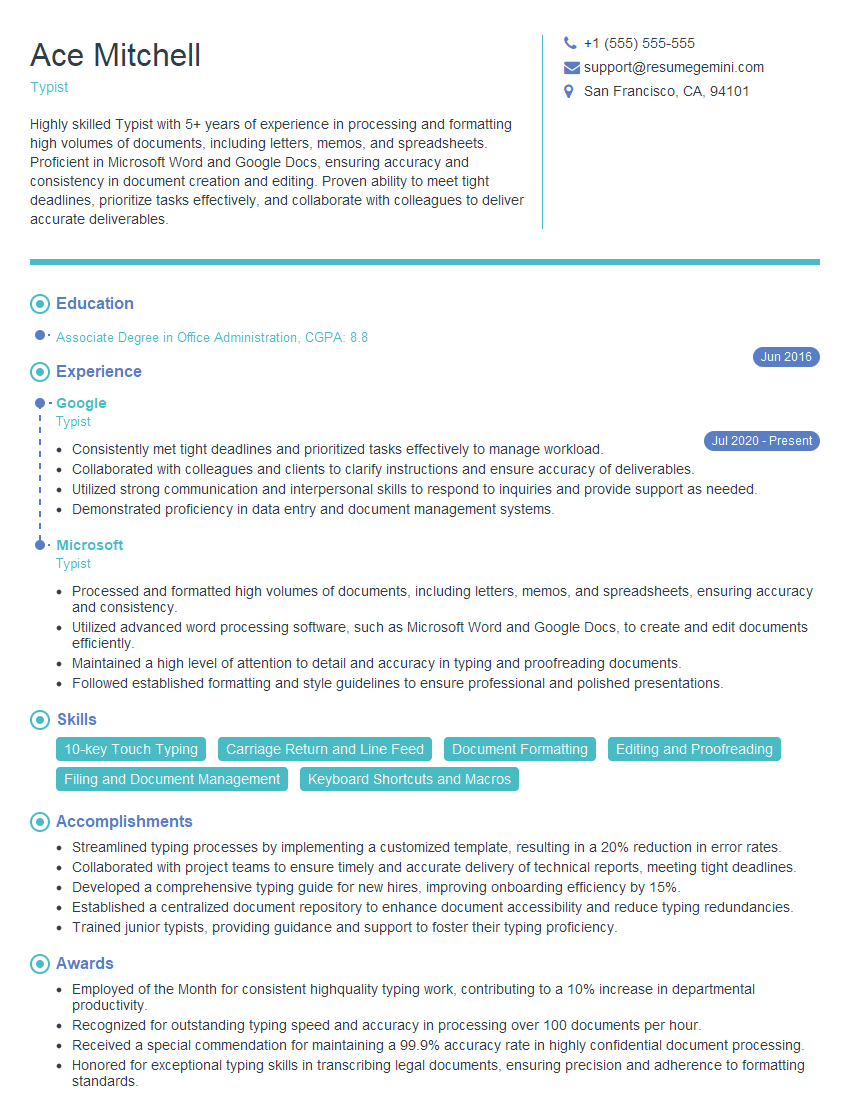
Typist Resume Sample
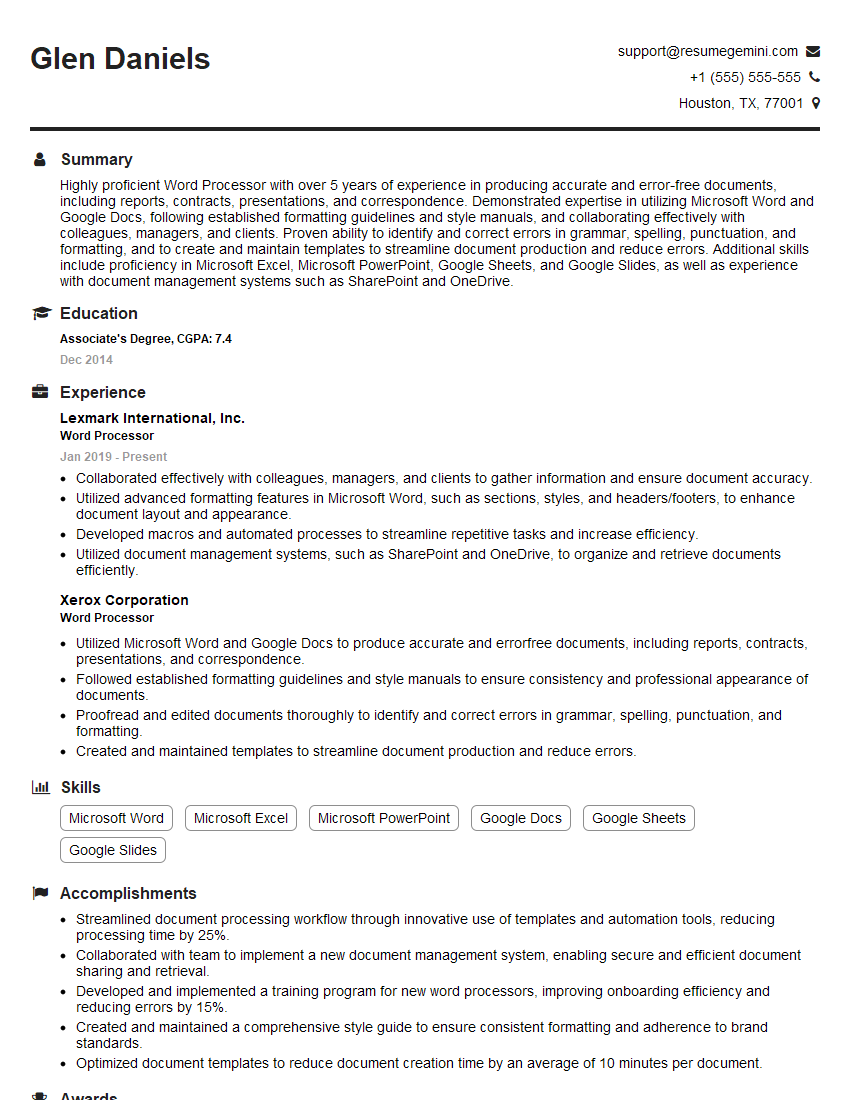
Word Processor Resume Sample
- Office Manager
- Administrative Assistant
- Administrative Coordinator
- Administrative Specialist
- Customer Service Representative
- Secretary
- Project Coordinator
- Legal Assistant
- Paralegal
- Court Reporter
- Medical Secretary
- Medical Transcriptionist
- Transcription Specialist
- Transcriptionist
- Office Assistant
- Receptionist
- Executive Assistant
- Executive Secretary
- Legal Secretary
- Data Entry Clerk
- Data Entry Specialist
- Typist
- Word Processor
Explore more articles
Users Rating of Our Blogs
Share Your Experience
We value your feedback! Please rate our content and share your thoughts (optional).
What Readers Say About Our Blog
Hello,
we currently offer a complimentary backlink and URL indexing test for search engine optimization professionals.
You can get complimentary indexing credits to test how link discovery works in practice.
No credit card is required and there is no recurring fee.
You can find details here:
https://wikipedia-backlinks.com/indexing/
Regards
NICE RESPONSE TO Q & A
hi
The aim of this message is regarding an unclaimed deposit of a deceased nationale that bears the same name as you. You are not relate to him as there are millions of people answering the names across around the world. But i will use my position to influence the release of the deposit to you for our mutual benefit.
Respond for full details and how to claim the deposit. This is 100% risk free. Send hello to my email id: [email protected]
Luka Chachibaialuka
Hey interviewgemini.com, just wanted to follow up on my last email.
We just launched Call the Monster, an parenting app that lets you summon friendly ‘monsters’ kids actually listen to.
We’re also running a giveaway for everyone who downloads the app. Since it’s brand new, there aren’t many users yet, which means you’ve got a much better chance of winning some great prizes.
You can check it out here: https://bit.ly/callamonsterapp
Or follow us on Instagram: https://www.instagram.com/callamonsterapp
Thanks,
Ryan
CEO – Call the Monster App
Hey interviewgemini.com, I saw your website and love your approach.
I just want this to look like spam email, but want to share something important to you. We just launched Call the Monster, a parenting app that lets you summon friendly ‘monsters’ kids actually listen to.
Parents are loving it for calming chaos before bedtime. Thought you might want to try it: https://bit.ly/callamonsterapp or just follow our fun monster lore on Instagram: https://www.instagram.com/callamonsterapp
Thanks,
Ryan
CEO – Call A Monster APP
To the interviewgemini.com Owner.
Dear interviewgemini.com Webmaster!
Hi interviewgemini.com Webmaster!
Dear interviewgemini.com Webmaster!
excellent
Hello,
We found issues with your domain’s email setup that may be sending your messages to spam or blocking them completely. InboxShield Mini shows you how to fix it in minutes — no tech skills required.
Scan your domain now for details: https://inboxshield-mini.com/
— Adam @ InboxShield Mini
Reply STOP to unsubscribe
Hi, are you owner of interviewgemini.com? What if I told you I could help you find extra time in your schedule, reconnect with leads you didn’t even realize you missed, and bring in more “I want to work with you” conversations, without increasing your ad spend or hiring a full-time employee?
All with a flexible, budget-friendly service that could easily pay for itself. Sounds good?
Would it be nice to jump on a quick 10-minute call so I can show you exactly how we make this work?
Best,
Hapei
Marketing Director
Hey, I know you’re the owner of interviewgemini.com. I’ll be quick.
Fundraising for your business is tough and time-consuming. We make it easier by guaranteeing two private investor meetings each month, for six months. No demos, no pitch events – just direct introductions to active investors matched to your startup.
If youR17;re raising, this could help you build real momentum. Want me to send more info?
Hi, I represent an SEO company that specialises in getting you AI citations and higher rankings on Google. I’d like to offer you a 100% free SEO audit for your website. Would you be interested?
Hi, I represent an SEO company that specialises in getting you AI citations and higher rankings on Google. I’d like to offer you a 100% free SEO audit for your website. Would you be interested?
good