The thought of an interview can be nerve-wracking, but the right preparation can make all the difference. Explore this comprehensive guide to Fault Identification interview questions and gain the confidence you need to showcase your abilities and secure the role.
Questions Asked in Fault Identification Interview
Q 1. Explain your approach to identifying faults in a complex system.
Identifying faults in complex systems requires a systematic approach. I typically begin with a thorough understanding of the system architecture, its components, and their interdependencies. This often involves reviewing system diagrams, documentation, and engaging with stakeholders to grasp the operational context. Next, I employ a multi-pronged strategy that combines observation, data analysis, and targeted testing.
Firstly, I’ll meticulously examine any available logs, performance metrics, and error reports for clues. Secondly, I conduct targeted tests, isolating components to determine if the fault lies in hardware, software, configuration, or human error. This might involve replicating the error, using simulation tools, or carefully inspecting physical components. Finally, I leverage various diagnostic tools appropriate to the system’s nature (more on this in the next answer). The process is iterative; each finding often leads to further investigation until the root cause is identified and verified.
Imagine troubleshooting a car engine: you wouldn’t just replace parts randomly. You’d check the fluids, listen for unusual sounds, run diagnostics, and systematically narrow down the problem area. Fault identification in a complex system follows the same principle of methodical investigation and elimination.
Q 2. Describe a time you used diagnostic tools to pinpoint a fault.
During a recent project involving a large-scale data processing pipeline, we experienced intermittent data loss. Initial observations pointed towards network issues, but we needed concrete evidence. We used Wireshark, a network protocol analyzer, to capture and examine the network traffic during the periods of data loss.
Wireshark revealed numerous dropped packets originating from a specific server. Further investigation using the server’s system logs showed high CPU utilization and memory leaks on that machine, suggesting a software bottleneck. Profiling the server’s application code with a tool like yourkit identified a poorly optimized algorithm as the culprit. By using the right diagnostic tools and interpreting the data carefully, we were able to pinpoint the exact location and cause of the data loss, allowing for a targeted fix rather than a broad, time-consuming overhaul.
Q 3. How do you prioritize fault identification tasks in a high-pressure environment?
Prioritizing fault identification in a high-pressure environment is crucial. My approach relies on a risk-based assessment. I use a framework that considers the impact of the fault on the overall system, the urgency of resolution, and the complexity of addressing it.
- Criticality: Faults that severely impact business operations or pose safety risks are prioritized first. For example, a system outage affecting customer transactions needs immediate attention.
- Urgency: Time-sensitive issues, such as impending deadlines or scheduled maintenance, are prioritized higher than those with longer resolution windows.
- Complexity: Simpler fixes with quick turnaround times are addressed before more complex ones requiring extensive investigation and coordination.
This tiered approach ensures that critical issues receive immediate attention, while less urgent problems are addressed in a systematic manner, preventing burnout and ensuring efficient resource allocation. Clear communication with stakeholders throughout the process is essential to manage expectations and maintain transparency.
Q 4. What are some common root causes of system failures you’ve encountered?
Over my career, I’ve encountered a wide range of root causes for system failures. Some of the most common include:
- Software bugs: Logic errors, memory leaks, race conditions, and concurrency issues are frequent culprits, especially in complex systems.
- Hardware failures: Component malfunctions (e.g., hard drive failure, RAM errors, network card issues), power outages, and environmental factors (extreme temperatures, humidity) can lead to system crashes.
- Configuration errors: Incorrect settings, misconfigurations, and missing dependencies can cause unexpected behavior and failures.
- Network problems: Connectivity issues, bandwidth limitations, and network outages can disrupt system functionality.
- Human error: Mistakes during system administration, software deployment, or maintenance can introduce faults.
Understanding these common failure points helps to develop proactive strategies for prevention and mitigation, such as robust testing, redundancy, and comprehensive monitoring. It’s often a combination of factors rather than one single cause.
Q 5. How do you differentiate between hardware and software faults?
Differentiating between hardware and software faults involves a systematic process of elimination. Hardware faults manifest as physical issues with the system’s components, while software faults are related to problems within the software code or configuration.
Hardware faults often present with clear physical indicators, such as unusual noises, overheating, or visible damage. Testing often involves replacing suspect components to isolate the fault. Error messages may indicate a specific hardware failure (e.g., ‘hard drive failure’).
Software faults manifest as unexpected behavior, application crashes, or logical errors. Debugging, logging analysis, and code inspection are critical for identifying software issues. Error messages might point to a specific software problem (e.g., ‘null pointer exception’). Sometimes, stress testing reveals software weaknesses not apparent under normal conditions.
In practice, it’s not always a clear-cut distinction. A software error might overload a hardware component (e.g., a memory leak crashing the system due to insufficient RAM), blurring the lines between hardware and software problems. Careful investigation and analysis are essential to determine the root cause.
Q 6. Describe your experience with fault tree analysis.
Fault Tree Analysis (FTA) is a top-down, deductive reasoning technique used to identify the potential causes of a system failure. It begins by defining the undesired event (top event) and then systematically works backward to identify the contributing factors and their relationships. The resulting tree visually represents the logical combinations of events that can lead to the top event.
I’ve used FTA extensively to analyze complex system failures. For example, in analyzing a data center outage, the top event might be ‘Data Center Down’. The FTA would then branch out to explore potential causes like ‘Power Failure,’ ‘Network Outage,’ ‘Server Failure,’ etc. Each branch would further decompose into more specific causes until fundamental failures are identified. Boolean logic (AND, OR gates) represents the relationships between events. For instance, a server might fail due to both ‘CPU Overheat’ AND ‘Memory Exhaustion’.
FTA helps to understand the probability of failure, identify critical components, and prioritize mitigation strategies. The visual nature of the tree facilitates effective communication and collaboration among engineers and stakeholders.
Q 7. Explain your understanding of fault tolerance and redundancy.
Fault tolerance and redundancy are critical for ensuring system reliability and availability. Fault tolerance is the ability of a system to continue operating correctly despite the presence of faults or failures. Redundancy involves incorporating duplicate components or systems to provide backup in case of a primary failure.
Redundancy can take various forms: hardware redundancy (e.g., multiple power supplies, RAID storage), software redundancy (e.g., running multiple instances of an application), and data redundancy (e.g., backups, replication). These redundant components allow the system to gracefully handle failures without complete service disruption.
For example, a redundant array of independent disks (RAID) provides data redundancy by storing data across multiple hard drives. If one drive fails, the system can still access the data from the remaining drives. Similarly, load balancing distributes traffic across multiple servers, ensuring that the failure of one server doesn’t bring down the entire system. The combination of fault tolerance and redundancy is essential in mission-critical systems where downtime is unacceptable.
Q 8. How do you document fault identification procedures and findings?
Thorough documentation is the cornerstone of effective fault identification. My approach involves a multi-stage process. First, I meticulously record the initial symptoms, including error messages, timestamps, and any relevant environmental factors. This initial report acts as a baseline for further investigation. Next, during the diagnostic process, I maintain a detailed log, noting each step taken, the results obtained, and any hypotheses considered. This often includes screenshots or screen recordings. Finally, once the root cause is identified and the fault resolved, I create a comprehensive report summarizing the findings. This report includes the fault’s description, the troubleshooting steps, the root cause analysis, and the implemented solution. This is then stored in a central repository, accessible to the team and useful for future reference and knowledge sharing. For example, if I’m troubleshooting a network outage, my documentation would include details like the affected network segments, the time of the outage, network monitoring logs, and the steps I took to isolate and resolve the issue, perhaps including the replacement of a faulty network switch.
- Initial Report: Detailed description of the problem, including error messages, timestamps, and environment.
- Diagnostic Log: Step-by-step account of the troubleshooting process, including results and hypotheses.
- Final Report: Summary of the findings, including root cause analysis and solution. This is crucial for future reference and knowledge sharing.
Q 9. What methods do you use to verify that a fault has been correctly identified and resolved?
Verifying fault resolution is equally critical. I employ a multi-pronged approach that involves several verification techniques. First, I retest the system to ensure the identified fault no longer manifests. This might involve running specific test cases or monitoring system performance over a period of time. Second, I analyze system logs to confirm that the error no longer appears. Finally, and perhaps most importantly, I implement preventative measures to minimize the chance of recurrence. This could involve updating software, configuring hardware settings, or implementing improved monitoring procedures. Imagine a scenario where a software bug caused application crashes. After fixing the code, I’d perform regression testing to ensure the bug is indeed resolved, then monitor error logs to confirm no further crashes occur, and potentially implement a more robust error handling mechanism to prevent future issues.
- Retesting: Running tests to confirm the fault is resolved.
- Log Analysis: Reviewing system logs to ensure the error doesn’t reappear.
- Preventative Measures: Implementing solutions to avoid recurrence.
Q 10. How do you handle situations where the root cause of a fault is unclear?
When the root cause remains elusive, a systematic approach is crucial. I start by expanding the scope of my investigation, collecting more data from different sources, such as logs, monitoring tools, and user feedback. I engage in brainstorming sessions with colleagues to explore alternative hypotheses. Techniques like root cause analysis (RCA) methodologies, such as the ‘5 Whys’ or Ishikawa diagrams (fishbone diagrams), help to systematically drill down to the underlying problem. If necessary, I will escalate the issue to senior engineers or specialists who possess more specialized knowledge. For instance, if a server is intermittently unresponsive, I would examine server logs, network traffic, and hardware health indicators. Using the ‘5 Whys’, I might ask: Why is the server unresponsive? (Network issue). Why is there a network issue? (High packet loss). Why is there high packet loss? (Faulty network cable). Why is the cable faulty? (Age and wear). This process leads me toward the correct solution, which might be replacing the network cable. If this approach doesn’t pinpoint the issue, involving a network specialist might be necessary.
- Expand Investigation: Gathering more data from various sources.
- Brainstorming Sessions: Collaborative problem-solving with colleagues.
- RCA Methodologies: Using structured approaches like ‘5 Whys’ or Ishikawa diagrams.
- Escalation: Seeking expertise from senior engineers or specialists.
Q 11. What are your preferred diagnostic tools and techniques?
My preferred diagnostic tools and techniques vary depending on the specific system and the nature of the fault. However, I regularly utilize a combination of approaches. For software faults, I employ debuggers (like GDB or Visual Studio Debugger) to step through code, inspect variables, and identify the point of failure. For network issues, I use packet analyzers (like Wireshark) to capture and analyze network traffic, identifying bottlenecks or errors. System monitoring tools (like Nagios or Zabbix) provide real-time insights into system performance, helping to pinpoint areas of concern. Log analysis tools are crucial for examining system logs and identifying patterns or error messages. Furthermore, I rely on a systematic approach that combines these tools with established troubleshooting methodologies such as binary search, divide and conquer, and top-down analysis. The selection of appropriate tools is dependent on the specific context of the problem and the systems involved.
- Debuggers (GDB, Visual Studio Debugger): For software fault identification.
- Packet Analyzers (Wireshark): For network troubleshooting.
- System Monitoring Tools (Nagios, Zabbix): For real-time performance insights.
- Log Analysis Tools: For examining system logs.
Q 12. Describe your experience with different debugging methodologies.
My experience encompasses a range of debugging methodologies. I’m proficient in top-down debugging, starting with a high-level overview and progressively narrowing down to the specific point of failure. I also effectively utilize bottom-up debugging, starting with the error message or symptom and tracing it back to its origin. I frequently employ divide and conquer, splitting a complex system into smaller, more manageable parts to isolate the fault. Binary search is useful when dealing with sorted data or when searching through a large number of possibilities. I also leverage ‘Rubber Duck Debugging’, explaining the problem to an inanimate object (like a rubber duck) to clarify my thoughts and identify potential solutions. For example, while troubleshooting a complex software issue, I might start by using top-down debugging to identify the affected module. Then I’ll employ bottom-up debugging to find the specific line of code causing the error. If the problem is in a large codebase, I might use divide and conquer to break down the code into smaller parts to pinpoint the problematic section.
- Top-Down Debugging: High-level overview to specific point of failure.
- Bottom-Up Debugging: From symptom to origin.
- Divide and Conquer: Breaking down a system into smaller parts.
- Binary Search: Efficient search through sorted data.
- Rubber Duck Debugging: Explaining the problem to clarify thoughts.
Q 13. How do you stay updated on the latest fault identification technologies and techniques?
Staying current in the field of fault identification is paramount. I actively participate in online communities and forums, engaging in discussions with other professionals and learning from their experiences. I regularly attend industry conferences and workshops, keeping abreast of the latest technologies and best practices. I subscribe to relevant technical journals and newsletters and actively follow key influencers and organizations in the field on social media platforms. Moreover, I dedicate time to exploring new tools and techniques through online courses and tutorials. Continuous learning is crucial for maintaining expertise in this rapidly evolving domain. For example, I recently completed a course on advanced network troubleshooting techniques, expanding my skills in analyzing complex network issues and leveraging advanced tools such as network flow analysis.
- Online Communities and Forums: Engaging with other professionals.
- Industry Conferences and Workshops: Keeping up with the latest technologies.
- Technical Journals and Newsletters: Staying informed about industry trends.
- Online Courses and Tutorials: Expanding skillset through continuous learning.
Q 14. How do you collaborate with other team members during fault identification?
Collaboration is critical for efficient fault identification, particularly in complex systems. I actively communicate with team members throughout the troubleshooting process, ensuring transparency and knowledge sharing. This often involves regular updates on my progress, sharing findings, and seeking input from others. We leverage collaborative tools such as shared documents, project management software, and communication platforms to facilitate effective teamwork. If I encounter a roadblock, I readily seek assistance from colleagues with expertise in specific areas. For example, if I encounter a hardware-related issue, I’ll collaborate with a hardware engineer. Clear communication ensures that everyone is on the same page, and the collective expertise of the team accelerates the problem-solving process. This collaborative spirit also promotes knowledge sharing and enhances the overall expertise of the team.
- Regular Updates: Sharing progress and findings with team members.
- Collaborative Tools: Leveraging shared documents, project management software, etc.
- Seeking Expertise: Collaborating with specialists for specific issues.
- Knowledge Sharing: Promoting teamwork and collective learning.
Q 15. Describe your experience with remote diagnostics.
Remote diagnostics is crucial in today’s interconnected world. My experience spans several years, encompassing various technologies and methodologies. I’ve extensively used remote access tools like TeamViewer and VNC to troubleshoot issues on client systems, servers, and network devices. This involves not only observing system behavior through remote monitoring tools but also actively interacting with the system to execute commands, run diagnostics, and even install software updates. A key aspect is effectively communicating with the client to understand the problem and guide them through simple troubleshooting steps, before resorting to more complex interventions. For example, I once remotely diagnosed a server experiencing slow performance by using performance monitoring tools to identify a bottleneck caused by a failing hard drive, allowing for a proactive replacement before complete system failure.
Beyond simple access, I’m proficient in using remote logging and monitoring systems, allowing for proactive fault identification before a user even reports an issue. This predictive approach drastically reduces downtime and improves overall system reliability. I’m also comfortable using scripting languages like Python to automate routine remote diagnostic tasks, enhancing efficiency and consistency.
Career Expert Tips:
- Ace those interviews! Prepare effectively by reviewing the Top 50 Most Common Interview Questions on ResumeGemini.
- Navigate your job search with confidence! Explore a wide range of Career Tips on ResumeGemini. Learn about common challenges and recommendations to overcome them.
- Craft the perfect resume! Master the Art of Resume Writing with ResumeGemini’s guide. Showcase your unique qualifications and achievements effectively.
- Don’t miss out on holiday savings! Build your dream resume with ResumeGemini’s ATS optimized templates.
Q 16. Explain how you would approach identifying a fault in a network system.
Identifying a fault in a network system requires a systematic approach. I typically follow a structured methodology, starting with gathering information. This includes understanding the symptoms reported by users, checking network monitoring tools for alerts or performance degradation (e.g., packet loss, latency spikes), and examining any relevant logs from network devices like routers, switches, and firewalls.
Next, I’d isolate the problem area. This could involve using tools like ping and traceroute to pinpoint connectivity issues. For example, if ping fails, it indicates a basic connectivity problem, while traceroute helps identify the point of failure within the network path. If the issue is application-specific, I’d examine application logs and network traffic using tools like Wireshark to analyze packets and identify potential protocol-level errors.
Once the problem area is identified, I’d proceed to diagnose the root cause. This often involves examining device configurations, looking for misconfigurations, hardware failures (e.g., a faulty network interface card), or software bugs. I also consider external factors, such as network outages or Denial-of-Service (DoS) attacks. After identifying the root cause, I implement a solution, whether it’s a configuration change, hardware replacement, or software update. Finally, I verify the fix and implement preventative measures to avoid future occurrences of the same fault.
Q 17. How do you handle conflicting diagnostic information?
Conflicting diagnostic information is a common challenge. My approach involves carefully analyzing each piece of information, considering its source and reliability. I prioritize information from reliable sources, such as system logs and directly observed system behavior. I cross-reference data from multiple sources to identify patterns and inconsistencies. For example, if a user reports slow network speeds, but network monitoring tools show normal performance, I’d investigate the user’s local network configuration or their application settings.
When discrepancies persist, I use a process of elimination. I start by testing the simplest hypotheses first and move towards more complex explanations. Documentation is crucial; I maintain detailed records of all diagnostic steps, including the information sources used, the hypotheses tested, and the results obtained. This ensures that I can retrace my steps and revisit the analysis if necessary. In some cases, involving a second expert to review the findings and offer a fresh perspective can be extremely helpful.
Q 18. Describe a time you had to troubleshoot a particularly challenging fault.
One challenging fault involved a critical business application intermittently failing with a cryptic error message. Initial diagnostics pointed towards database issues, but repeated database checks revealed nothing conclusive. Network monitoring showed no anomalies. The application logs provided limited clues, making it difficult to pinpoint the root cause.
After systematically examining the application’s dependencies, I discovered that the problem was linked to a specific library version conflict that only manifested under specific load conditions. The solution involved painstakingly testing different library versions, and a careful deployment process to minimize any downtime. This required close collaboration with the development team to understand the application architecture and dependencies completely. The resolution highlighted the importance of thorough dependency management and robust error logging in application development.
Q 19. What is your experience with preventative maintenance to reduce future faults?
Preventative maintenance is crucial for reducing future faults. My experience includes implementing and overseeing various preventative maintenance strategies. This involves scheduling regular system backups, performing routine software updates and security patches, monitoring system health using performance monitoring tools, and carrying out regular hardware checks. For example, I’ve developed scripts to automate the process of updating software on multiple servers at scheduled intervals, minimizing the risk of security vulnerabilities.
Beyond routine tasks, I advocate for proactive capacity planning to avoid resource exhaustion. This includes forecasting future resource demands based on historical data and projected growth. I also emphasize the importance of rigorous testing before major system upgrades or deployments to identify and address potential problems before they impact users. A key element is educating users on proper system usage to minimize the risk of user-induced errors.
Q 20. How familiar are you with different fault reporting systems?
I’m familiar with various fault reporting systems, from simple ticketing systems like Jira and ServiceNow to more sophisticated monitoring tools like Nagios and Zabbix. My experience includes configuring and using these systems to track fault reports, assign them to the appropriate personnel, and monitor their resolution status. I understand the importance of detailed and accurate fault reporting, including clear descriptions of the symptoms, steps to reproduce the problem, and any relevant system information. This allows for faster diagnosis and resolution. I’m also familiar with integrating fault reporting systems with monitoring tools to automate the creation of fault tickets based on system alerts. This reduces manual intervention and accelerates the response time to critical issues.
Q 21. Explain your understanding of statistical process control (SPC) in relation to fault detection.
Statistical Process Control (SPC) is a powerful tool for fault detection, especially in manufacturing and continuous processes, but it also finds applications in IT operations. SPC uses statistical methods to monitor and control processes, detecting deviations from expected performance. In the context of fault detection, SPC can help identify trends and patterns in system behavior that may indicate an impending failure. For example, by monitoring metrics like network latency or CPU utilization, we can identify statistically significant changes that fall outside the established control limits, indicating a potential problem.
Control charts, a key component of SPC, visually represent data and its variability over time, making it easy to identify outliers. By establishing control limits based on historical data, we can set thresholds for triggering alerts, helping in early fault identification. The application of SPC requires careful selection of relevant metrics, proper data collection, and a clear understanding of statistical concepts such as mean, standard deviation, and control limits. While not directly used for pinpoint diagnostics, SPC helps in proactive monitoring and predictive maintenance, significantly reducing the impact of unforeseen faults.
Q 22. Describe your experience working with fault-tolerant systems.
Fault-tolerant systems are designed to continue operating even when components fail. My experience spans several years working with these systems, focusing on both preventative measures and reactive responses. I’ve worked extensively with distributed systems, where redundancy and failover mechanisms are crucial. For example, I’ve been involved in designing and implementing systems using techniques like N+1 redundancy, where an extra component is available to replace a failing one immediately. I also have significant experience with designing systems that leverage message queues and asynchronous processing to mitigate the impact of temporary component outages. In one project, we used a combination of load balancing, automatic failover, and health checks to ensure our e-commerce platform remained available during peak holiday traffic. Even when a significant portion of the system went down, the remaining components seamlessly handled the load, minimizing customer disruption.
Q 23. How do you analyze system logs to identify faults?
Analyzing system logs is fundamental to fault identification. I start by focusing on the timestamps of error messages, looking for patterns or correlations. For instance, a sudden spike in a particular type of error might indicate a specific component is failing. I then correlate log entries with metrics data, such as CPU utilization or memory usage, to pinpoint the root cause. It’s essential to use the right tools; I’m proficient with tools like Splunk, ELK stack (Elasticsearch, Logstash, Kibana), and Graylog to effectively search, filter, and analyze massive datasets of log entries. Let’s say we’re seeing a lot of ‘database connection timeout’ errors. I’d examine the logs for clues to see if it’s a database overload, network connectivity issues, or a problem with the database server itself. I might look for related entries that might indicate a specific service or user was impacted before the timeout occurred.
Example: Filtering logs for "database connection timeout" and correlating with database server CPU usage.Q 24. What is your experience with using monitoring tools for early fault detection?
Proactive monitoring is key to preventing major outages. I’m experienced with a wide range of monitoring tools, including Nagios, Prometheus, Grafana, and Datadog. These tools allow for setting up alerts based on various metrics, such as CPU load, memory usage, disk space, network latency, and application performance. Early detection is critical; I’ve seen how a small, seemingly insignificant issue, if left unaddressed, can snowball into a significant outage. For example, I once used Prometheus to monitor the response time of a critical API. The tool detected a gradual increase in response time hours before a full-blown outage, allowing us to investigate and resolve the issue proactively, preventing significant business disruption.
Q 25. Describe your experience with root cause analysis techniques.
Root cause analysis (RCA) is a structured approach to identifying the fundamental reason behind a fault. I frequently employ techniques like the ‘5 Whys,’ where we repeatedly ask ‘why’ to drill down to the root cause. I’m also skilled in using fault tree analysis (FTA), which visually represents potential causes of a failure and their relationships. In one instance, a series of application crashes pointed to a memory leak. Using a combination of the ‘5 Whys’ and analyzing memory dumps, we discovered that a poorly written loop in a specific module was constantly allocating memory without releasing it, leading to the crash. This systematic approach to analyzing issues helps prevent recurrence. A combination of these techniques ensures a thorough investigation.
Q 26. How do you balance speed and accuracy in fault identification?
Balancing speed and accuracy in fault identification is a delicate act. While speed is important to minimize downtime, rushing to a conclusion can lead to incorrect fixes. I use a tiered approach. First, I prioritize identifying the immediate impact of the fault to ensure any major disruptions are contained. Simultaneously, a parallel investigation starts, using more detailed diagnostic methods. This way, we quickly address the most pressing symptoms while working towards a definitive root cause analysis. Think of it like a triage system in a hospital—address the immediate life-threatening issues first, then move to more detailed examinations. This approach ensures a balanced response.
Q 27. How do you handle escalating incidents related to identified faults?
Escalating incidents involves clear communication and a well-defined escalation path. I utilize communication tools like Slack or Jira to keep stakeholders informed. I follow an established protocol to document the issue, its impact, initial diagnosis, and planned remediation. This creates transparency and accountability. For instance, in a critical production incident, we used a dedicated communication channel to update everyone involved, including developers, operations, and management. Regular updates kept stakeholders informed of progress, reducing anxiety and promoting effective collaboration in resolving the issue.
Q 28. Describe your experience with different types of sensors used for fault detection.
My experience includes working with a variety of sensors for fault detection, depending on the system and the type of fault being monitored. For example, in network infrastructure, I’ve used network monitoring tools like SNMP to track device status, bandwidth usage, and error rates. In data centers, temperature and humidity sensors play a critical role in ensuring optimal operating conditions. For physical machinery, vibration sensors and acoustic sensors are used for early detection of mechanical failures. The choice of sensor is highly dependent on the specific context. Each sensor provides a unique perspective that contributes to a more complete picture of system health.
Key Topics to Learn for Fault Identification Interview
- Fundamental Fault Models: Understanding different types of faults (e.g., hardware, software, environmental) and their characteristics. This includes learning about fault trees and their analysis.
- Diagnostic Techniques: Mastering practical troubleshooting methods such as systematic elimination, root cause analysis, and the use of diagnostic tools and equipment. Consider exploring different debugging strategies used in various systems (e.g., embedded systems, network infrastructure).
- Data Analysis for Fault Detection: Applying statistical methods and data visualization to identify patterns and anomalies that indicate potential faults. This might involve working with log files, sensor data, or other relevant datasets.
- Preventive Maintenance Strategies: Understanding how to implement proactive measures to reduce the frequency and severity of faults. This involves predictive maintenance techniques and risk assessment.
- Fault Tolerance and Redundancy: Exploring techniques and technologies used to build fault-tolerant systems, including backup systems and redundancy.
- Documentation and Reporting: Effectively documenting fault identification processes, findings, and solutions. This includes clear and concise reporting for stakeholders.
- Specific Industry Knowledge: Tailoring your knowledge to the specific industry and technologies relevant to the role you’re applying for. This demonstrates practical application of your skills.
Next Steps
Mastering fault identification is crucial for career advancement in many technical fields. It demonstrates a strong problem-solving ability and a deep understanding of complex systems. To significantly increase your chances of landing your dream job, creating a compelling and ATS-friendly resume is essential. ResumeGemini can help you craft a professional resume that highlights your skills and experience effectively. We provide examples of resumes tailored to Fault Identification professionals to help you get started. Invest the time in perfecting your resume – it’s your first impression and a crucial step in your job search.

Reliability Engineer Resume Sample

Data Analyst Resume Sample
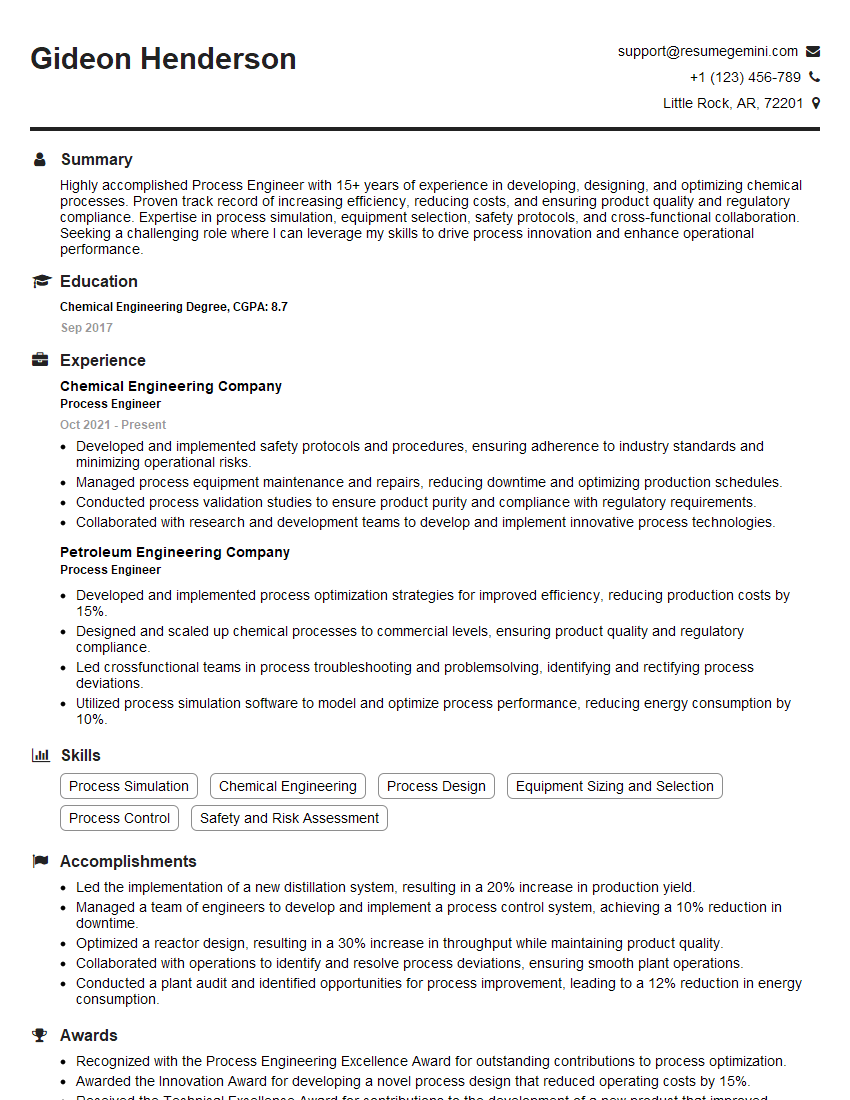
Process Engineer Resume Sample

Systems Analyst Resume Sample

Network Engineer Resume Sample

Automation Engineer Resume Sample

Technical Support Engineer Resume Sample

Maintenance Technician Resume Sample

Field Service Engineer Resume Sample

Electrical Engineer Resume Sample
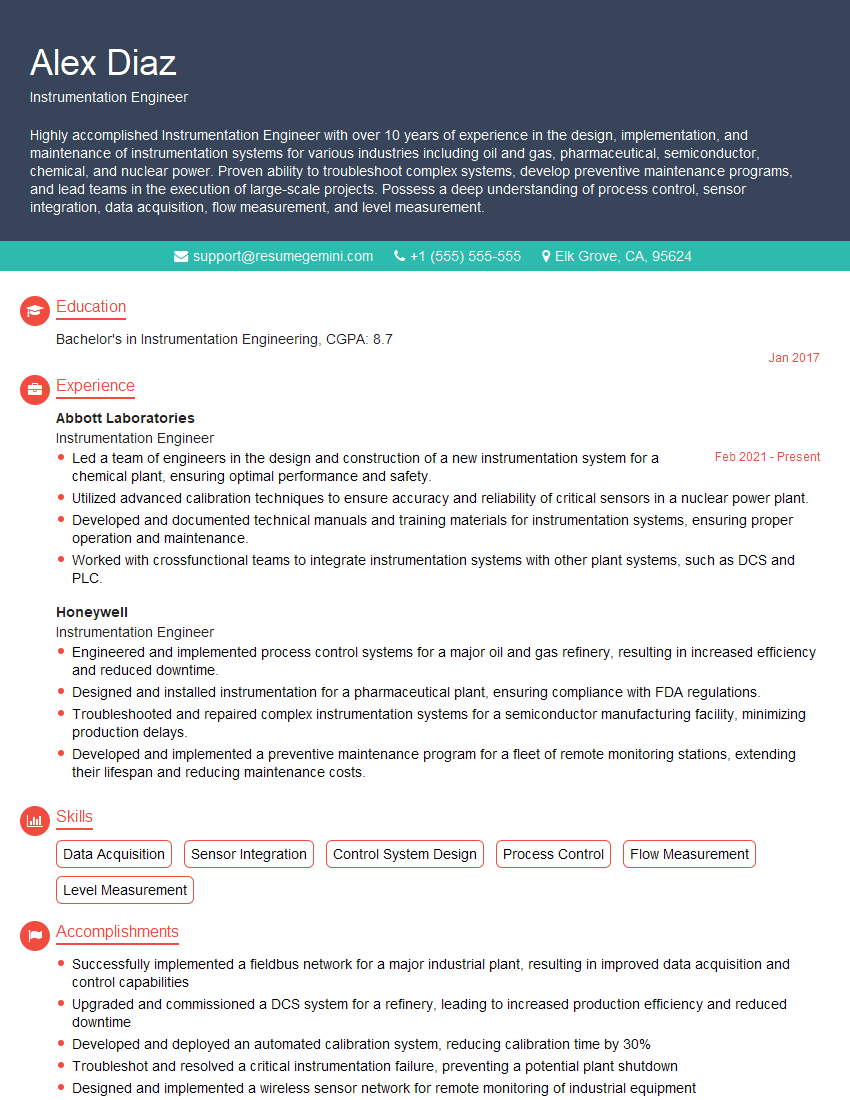
Instrumentation Engineer Resume Sample

Manufacturing Engineer Resume Sample
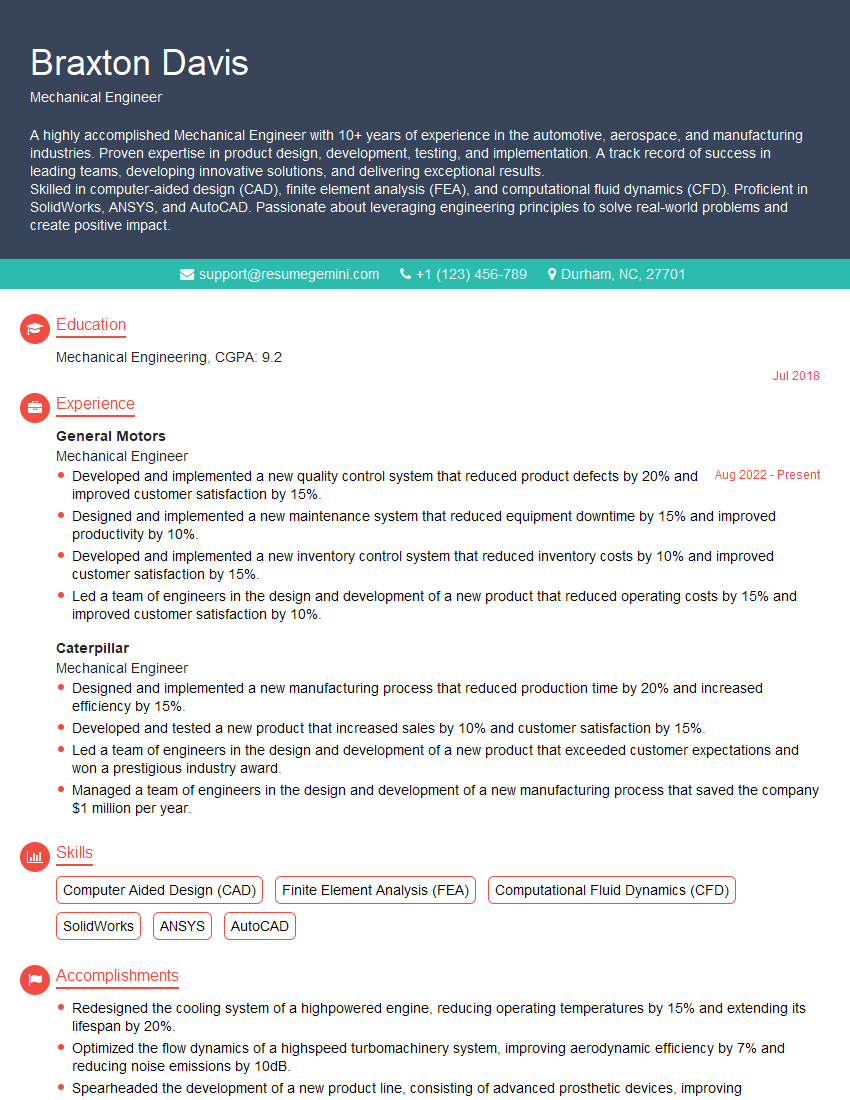
Mechanical Engineer Resume Sample

Control Systems Engineer Resume Sample

Robotics Engineer Resume Sample

Quality Control Inspector Resume Sample

IT Support Specialist Resume Sample

DevOps Engineer Resume Sample
- Reliability Engineer
- Data Analyst
- Process Engineer
- Systems Analyst
- Network Engineer
- Automation Engineer
- Technical Support Engineer
- Maintenance Technician
- Field Service Engineer
- Electrical Engineer
- Instrumentation Engineer
- Manufacturing Engineer
- Mechanical Engineer
- Control Systems Engineer
- Robotics Engineer
- Quality Control Inspector
- IT Support Specialist
- DevOps Engineer
Explore more articles
Users Rating of Our Blogs
Share Your Experience
We value your feedback! Please rate our content and share your thoughts (optional).
What Readers Say About Our Blog
Hello,
we currently offer a complimentary backlink and URL indexing test for search engine optimization professionals.
You can get complimentary indexing credits to test how link discovery works in practice.
No credit card is required and there is no recurring fee.
You can find details here:
https://wikipedia-backlinks.com/indexing/
Regards
NICE RESPONSE TO Q & A
hi
The aim of this message is regarding an unclaimed deposit of a deceased nationale that bears the same name as you. You are not relate to him as there are millions of people answering the names across around the world. But i will use my position to influence the release of the deposit to you for our mutual benefit.
Respond for full details and how to claim the deposit. This is 100% risk free. Send hello to my email id: [email protected]
Luka Chachibaialuka
Hey interviewgemini.com, just wanted to follow up on my last email.
We just launched Call the Monster, an parenting app that lets you summon friendly ‘monsters’ kids actually listen to.
We’re also running a giveaway for everyone who downloads the app. Since it’s brand new, there aren’t many users yet, which means you’ve got a much better chance of winning some great prizes.
You can check it out here: https://bit.ly/callamonsterapp
Or follow us on Instagram: https://www.instagram.com/callamonsterapp
Thanks,
Ryan
CEO – Call the Monster App
Hey interviewgemini.com, I saw your website and love your approach.
I just want this to look like spam email, but want to share something important to you. We just launched Call the Monster, a parenting app that lets you summon friendly ‘monsters’ kids actually listen to.
Parents are loving it for calming chaos before bedtime. Thought you might want to try it: https://bit.ly/callamonsterapp or just follow our fun monster lore on Instagram: https://www.instagram.com/callamonsterapp
Thanks,
Ryan
CEO – Call A Monster APP
To the interviewgemini.com Owner.
Dear interviewgemini.com Webmaster!
Hi interviewgemini.com Webmaster!
Dear interviewgemini.com Webmaster!
excellent
Hello,
We found issues with your domain’s email setup that may be sending your messages to spam or blocking them completely. InboxShield Mini shows you how to fix it in minutes — no tech skills required.
Scan your domain now for details: https://inboxshield-mini.com/
— Adam @ InboxShield Mini
Reply STOP to unsubscribe
Hi, are you owner of interviewgemini.com? What if I told you I could help you find extra time in your schedule, reconnect with leads you didn’t even realize you missed, and bring in more “I want to work with you” conversations, without increasing your ad spend or hiring a full-time employee?
All with a flexible, budget-friendly service that could easily pay for itself. Sounds good?
Would it be nice to jump on a quick 10-minute call so I can show you exactly how we make this work?
Best,
Hapei
Marketing Director
Hey, I know you’re the owner of interviewgemini.com. I’ll be quick.
Fundraising for your business is tough and time-consuming. We make it easier by guaranteeing two private investor meetings each month, for six months. No demos, no pitch events – just direct introductions to active investors matched to your startup.
If youR17;re raising, this could help you build real momentum. Want me to send more info?
Hi, I represent an SEO company that specialises in getting you AI citations and higher rankings on Google. I’d like to offer you a 100% free SEO audit for your website. Would you be interested?
Hi, I represent an SEO company that specialises in getting you AI citations and higher rankings on Google. I’d like to offer you a 100% free SEO audit for your website. Would you be interested?
good