Feeling uncertain about what to expect in your upcoming interview? We’ve got you covered! This blog highlights the most important Function Block Diagram interview questions and provides actionable advice to help you stand out as the ideal candidate. Let’s pave the way for your success.
Questions Asked in Function Block Diagram Interview
Q 1. Explain the concept of a Function Block Diagram (FBD).
A Function Block Diagram (FBD) is a graphical programming language primarily used for designing and implementing control systems, particularly in industrial automation. Imagine it as a flowchart, but instead of simple shapes, we use standardized blocks representing specific functions. These blocks are interconnected to represent the flow of data and control signals, creating a visual representation of the system’s logic. This visual nature makes FBD exceptionally intuitive and easy to understand, even for those without extensive programming experience.
Think of building with LEGOs: each brick represents a function, and connecting them creates the final structure. Similarly, in FBD, you connect pre-defined function blocks to achieve the desired control functionality.
Q 2. What are the advantages of using FBD compared to other programming languages (e.g., Ladder Logic)?
FBD offers several key advantages over other programming languages like Ladder Logic (LD):
- Intuitiveness and Readability: FBD’s graphical nature makes it significantly easier to understand and debug compared to the more abstract syntax of LD or text-based languages. The visual representation of data flow aids in quick comprehension of the system’s logic.
- Modularity and Reusability: Function blocks encapsulate specific functionalities, promoting modular design and code reusability. Once a function block is created, it can be easily reused in multiple parts of the program or even in different projects.
- Hierarchical Structure: FBD allows for creating hierarchical structures, breaking down complex systems into smaller, manageable modules. This makes complex projects more organized and easier to manage.
- Enhanced Debugging: The visual nature of FBD makes debugging simpler. You can visually trace the data flow through the blocks to identify the source of errors quickly.
For instance, imagine a complex process controlling a production line. In FBD, you could easily represent the individual machine controls as separate function blocks, then connect them to build a comprehensive system. This modularity is far more challenging to achieve and maintain with LD.
Q 3. Describe the structure of a typical FBD program.
A typical FBD program consists of a network of interconnected function blocks. Each block performs a specific operation and communicates with others through inputs and outputs. These connections represent the data flow within the system. The program executes sequentially, processing data from the inputs, performing operations within the blocks, and sending the results to the outputs. The order of execution is typically left-to-right and top-to-bottom.
Consider it like an assembly line: each block is a station performing a specific task, and the flow of materials represents the data flow. The overall program is the entire assembly line producing the final product (the desired control outcome).
Q 4. How are inputs and outputs represented in an FBD?
Inputs and outputs in FBD are represented as connection points on the function blocks. Inputs receive data from sensors, operator interfaces, or other parts of the system. Outputs send data to actuators, displays, or other downstream systems. These connections are visually represented by lines connecting the blocks.
For example, an input might represent the level of a liquid tank, detected by a sensor. The output might be a signal to a valve controlling the inflow of liquid. These inputs and outputs are clearly labeled within the FBD diagram for easy understanding.
Q 5. Explain the use of function blocks in FBD.
Function blocks are the core building blocks of FBD. Each block performs a specific operation, such as arithmetic calculations (addition, subtraction), logical operations (AND, OR, NOT), or more complex control functions (PID control, timers). These blocks are pre-defined and readily available in the FBD programming environment. They encapsulate functionality, promoting code reusability and modularity.
For instance, a ‘PID controller’ function block can be used to maintain a desired temperature, while a ‘timer’ block can be used to control the duration of a specific process. The use of function blocks simplifies development, making it easier to design and maintain complex systems.
Q 6. How do you handle complex logic using FBD?
Complex logic in FBD is handled through the hierarchical structuring of function blocks. By combining simpler blocks into more complex ones, you can create sophisticated control sequences. This hierarchical approach allows for managing complexity by breaking down the overall task into smaller, manageable subtasks. Subroutines or separate FBD programs can also be called within a main program to manage more advanced logic.
Imagine a robotic arm picking and placing items. You can create individual function blocks for arm movements, gripper control, and sensor feedback. These individual blocks can then be combined into larger blocks for picking and placing procedures, creating a structured program that is easier to maintain and debug.
Q 7. What are the different types of function blocks available in FBD?
The types of function blocks available in FBD vary depending on the specific programming environment, but generally include:
- Arithmetic Blocks:
ADD,SUB,MUL,DIV - Logical Blocks:
AND,OR,NOT,XOR - Comparison Blocks:
>,<,=,>=,<= - Control Blocks:
Timers,Counters,PID Controllers,Setpoints - Data Handling Blocks:
Registers,Memory,Data Converters - User-Defined Blocks: These allow creating custom blocks for specialized functionalities.
The availability of specific function blocks influences the overall ease of programming and efficiency for specific tasks. A rich library of pre-built blocks significantly simplifies the development process.
Q 8. Explain the concept of data types in FBD.
Data types in Function Block Diagram (FBD) programming are crucial for defining the kind of values a variable can hold. They dictate how much memory is allocated and what operations can be performed on that variable. Just like in everyday life, where we wouldn't put groceries in a toolbox, we need the right type of container for our data in FBD. Common data types include:
- BOOL (Boolean): Represents a true/false value (1/0).
- INT (Integer): Represents whole numbers (e.g., -10, 0, 100).
- REAL (Floating-point): Represents numbers with decimal points (e.g., 3.14, -2.5).
- DWORD (Double Word): Represents a 32-bit unsigned integer.
- STRING: Represents textual data.
Choosing the correct data type is vital for efficient memory usage and preventing errors. For example, trying to store a large number in a small integer variable will lead to an overflow, corrupting your data.
Q 9. How do you handle data structures (arrays, structures) in FBD?
FBD handles complex data structures like arrays and structures by grouping related data elements. Think of it like organizing your toolbox – you group similar tools together for easy access.
Arrays: An array is a collection of variables of the same data type, accessed using an index. For example, an array of 10 integers could store temperature readings from 10 different sensors. You'd access individual readings using their index (0 to 9).
Example: Temperature[0], Temperature[1], ..., Temperature[9]Structures: Structures group variables of different data types under a single name. Imagine a structure representing a 'product' – it might contain fields for name (string), price (real), and quantity (integer). This allows you to work with a cohesive unit of related information.
Example: Structure Product { string Name; real Price; int Quantity; };Both arrays and structures significantly improve code organization and readability, particularly in larger, more complex FBD programs.
Q 10. Describe the process of debugging an FBD program.
Debugging FBD programs involves systematically identifying and fixing errors. Think of it like detective work, tracing the flow of data and logic to find the culprit.
- Step-by-Step Execution: Use the debugger's single-step or breakpoints to trace the execution path, observing the values of variables at each point. This is like carefully examining each step in a recipe to find the source of a mistake.
- Watchpoints: Set watchpoints on specific variables to monitor their changes throughout the program's execution. This helps spot unexpected value modifications.
- Data Logging: Log the values of critical variables to a file. This is like keeping a detailed logbook, allowing you to analyze past behavior and pinpoint inconsistencies.
- Simulation: Test your program using simulated inputs before deploying it to the real system. This helps identify problems early on and avoids costly mistakes on real hardware.
The specific debugging tools available depend on your FBD software, but the fundamental principles remain consistent.
Q 11. How do you handle errors and exceptions in FBD?
Error and exception handling in FBD is essential for robustness. It's like having a safety net to catch unexpected situations. Common techniques include:
- Input Validation: Check the validity of input values before processing them to prevent errors. This is like checking your ingredients before starting to cook.
- Range Checks: Ensure variables stay within their allowed ranges to prevent overflows or underflows. This is like ensuring you don't exceed the weight limit of a bridge.
- Error Flags: Use boolean variables as flags to indicate the occurrence of errors. This acts like a warning light signaling a problem.
- Error Handling Blocks: Implement blocks to specifically handle detected errors, such as displaying error messages or initiating safety procedures.
Proper error handling creates more reliable and fault-tolerant systems, crucial in safety-critical applications.
Q 12. Explain the concept of program organization in FBD.
Program organization in FBD involves structuring your code for clarity and maintainability. This is like organizing a well-stocked kitchen – everything is in its place and easy to find.
- Function Blocks: Group related functionality into reusable function blocks. These are like modular kitchen appliances – each performs a specific task independently.
- Hierarchical Structure: Organize your blocks into a hierarchy, breaking down complex tasks into smaller, more manageable sub-tasks. Think of this as having different sections in a kitchen – preparation area, cooking area, etc.
- Comments and Documentation: Add clear comments to your code to explain its purpose and functionality. This is like adding labels to your kitchen utensils.
- Naming Conventions: Use consistent and descriptive names for your variables and blocks to enhance readability. This is like having clearly labeled containers for ingredients.
Good program organization makes your code easier to understand, debug, and maintain, significantly reducing development time and effort.
Q 13. How do you implement timers and counters in FBD?
Timers and counters are fundamental building blocks in FBD for controlling timing and sequencing. Think of them as the clock and stopwatch in your kitchen.
Timers: Timers measure elapsed time. In FBD, they typically have an input to start/stop the timer and an output that indicates when the preset time has elapsed. This is like setting a timer for a specific cooking time.
Counters: Counters increment or decrement their value based on input events. They are useful for counting cycles or occurrences. This is like counting the number of times you stir a sauce.
Most FBD environments provide built-in timer and counter function blocks, making their implementation straightforward. The specific functionality might vary depending on the PLC or software.
Q 14. How do you implement PID control using FBD?
Implementing PID control using FBD involves creating a function block that calculates the control output based on the proportional, integral, and derivative terms of the error between the setpoint and the process variable. This is like a sophisticated recipe that automatically adjusts cooking parameters based on real-time feedback.
The function block would typically take the following inputs:
- Setpoint (SP): The desired value.
- Process Variable (PV): The actual measured value.
- Proportional Gain (Kp): Determines the response to the current error.
- Integral Gain (Ki): Addresses accumulated error over time.
- Derivative Gain (Kd): Anticipates future error based on the rate of change.
The output would be the control signal to manipulate the process. The internal calculations involve calculating the error (SP - PV), applying the gains to the error terms, and summing them to generate the control output. Many FBD environments offer pre-built PID blocks, simplifying implementation.
Q 15. Explain the use of analog input/output in FBD.
Analog input/output (I/O) in Function Block Diagrams (FBD) allows interaction with the real world. Think of it as the PLC's senses and actions. Analog I/O handles continuous values, unlike digital I/O which only deals with on/off states. For example, a temperature sensor provides a continuously varying voltage representing temperature – this is an analog input. Similarly, controlling the speed of a motor requires sending a variable voltage signal – this is an analog output.
In FBD, analog inputs are typically represented by function blocks that read the voltage from a sensor and convert it to an engineering unit (e.g., degrees Celsius). These blocks often have configuration parameters for scaling and offsetting the raw sensor reading. Analog outputs use function blocks that take an engineering value and convert it into a voltage signal for an actuator (e.g., a motor control).
Example: A temperature control system might use an analog input block to read the temperature from a sensor, compare it to a setpoint using a comparator block, and then send a control signal (e.g., to a heating element) via an analog output block. This signal will adjust according to the temperature difference, smoothly varying the heating intensity.
Career Expert Tips:
- Ace those interviews! Prepare effectively by reviewing the Top 50 Most Common Interview Questions on ResumeGemini.
- Navigate your job search with confidence! Explore a wide range of Career Tips on ResumeGemini. Learn about common challenges and recommendations to overcome them.
- Craft the perfect resume! Master the Art of Resume Writing with ResumeGemini's guide. Showcase your unique qualifications and achievements effectively.
- Don't miss out on holiday savings! Build your dream resume with ResumeGemini's ATS optimized templates.
Q 16. Describe the process of converting Ladder Logic to FBD.
Converting Ladder Logic (LL) to FBD involves a conceptual shift. LL uses contacts and coils to represent logic gates, while FBD uses function blocks that encapsulate specific functionalities. The conversion process isn't automatic but requires understanding the underlying logic.
Step-by-step process:
- Identify the logic elements: Break down the LL program into logical sections, identifying individual functions like AND, OR, NOT, timers, counters, etc.
- Select equivalent FBD blocks: Each LL element has a corresponding function block in FBD. For example, an AND gate in LL would become an AND function block in FBD. Timers and counters will also have direct equivalents.
- Connect the blocks: Arrange the function blocks according to the signal flow in the original LL program. The outputs of one block become the inputs to another, representing the logical connections.
- Verify functionality: Once the FBD program is created, it’s crucial to verify its functionality using simulation or testing to ensure it behaves identically to the original LL program.
Example: A simple LL program with a normally open contact and a coil would translate to an FBD program with an input block representing the contact state, and an output block representing the coil, directly connected. More complex programs will require a more structured approach involving multiple function blocks.
Q 17. How do you handle communication between different FBD programs?
Communication between different FBD programs is typically handled through PLC memory areas or communication protocols. Depending on the PLC architecture, this could involve shared memory, data registers, or specialized communication modules.
Methods:
- Shared Memory: FBD programs can read and write to specific memory locations, allowing one program to send data to another. This is often used for simple data exchange between programs on the same PLC.
- Data Registers: PLCs have dedicated registers for data exchange. FBD programs can read and write these registers to share data. This is more structured than shared memory, making it easier to manage larger datasets.
- Communication Protocols: For communication between different PLCs or other devices, standard industrial protocols like Modbus TCP/IP, Profibus, or Ethernet/IP are used. FBD programs incorporate function blocks that interface with these protocols to send and receive data.
Example: An automated production line might have separate FBD programs controlling different machines. One program might control a conveyor belt, another a robot arm. These programs could communicate through Modbus TCP/IP, with the conveyor program signaling the robot arm to pick up a part.
Q 18. Explain the importance of comments and documentation in FBD.
Comments and documentation are paramount in FBD programming for maintainability, readability, and collaboration. Well-documented code is like a well-organized toolbox: easy to find what you need and understand its function.
Importance:
- Readability: Comments explain the purpose of each function block and the logic behind the program. This is critical for others (or even your future self) to understand the code.
- Maintainability: Well-commented code makes debugging and modifying the program significantly easier. Changes can be made with confidence, knowing the impact on the overall system.
- Collaboration: Clear documentation is essential in team environments. It ensures everyone understands the code, and simplifies collaboration on modifications and updates.
Best Practices: Use descriptive variable names, add comments to explain complex logic, and create a detailed program specification before starting coding. Think of comments as annotations that explain the ‘why’ behind your code, while the code itself shows the ‘how’.
Q 19. How do you ensure the safety and reliability of an FBD program?
Ensuring safety and reliability in FBD programs is critical, especially in industrial settings. A faulty program could have severe consequences. This requires a multi-faceted approach.
Strategies:
- Redundancy and Fail-safes: Implement redundancy where possible, using backup systems or fail-safe mechanisms. For example, a critical system could have a duplicate FBD program running in parallel.
- Thorough Testing: Rigorous testing, including unit testing, integration testing, and system testing, is crucial to identify and fix errors before deployment. Simulations can help model real-world scenarios to anticipate problems.
- Coding Standards: Adhere to strict coding standards and best practices. Consistent formatting and clear naming conventions enhance readability and reduce errors.
- Formal Verification: In safety-critical applications, formal verification techniques can be used to mathematically prove the correctness of the program.
- Regular Audits: Periodic audits and code reviews are important to identify potential vulnerabilities and maintain code quality.
Example: In a robotic system, a safety mechanism might be implemented to stop the robot immediately if an unexpected error occurs, preventing accidents. This could be implemented using dedicated safety function blocks within the FBD program.
Q 20. Describe your experience with specific FBD programming software.
I have extensive experience with Rockwell Automation's RSLogix 5000, a widely-used PLC programming software with robust FBD support. I've used it extensively in projects involving automated manufacturing processes, process control, and building automation. I am proficient in creating, debugging, and maintaining complex FBD programs within this environment. My experience includes using its features such as online monitoring, simulation, and offline programming to ensure program efficiency and reliability.
Beyond RSLogix 5000, I've also worked with CODESYS, a platform-independent IEC 61131-3 compliant software. Its strong FBD capabilities and broad PLC compatibility are highly valuable for cross-platform projects. I am familiar with its advanced features such as version control and integrated debugging tools.
Q 21. Explain your experience with different types of PLCs and their FBD support.
My experience encompasses several types of PLCs, including Siemens S7-1200/1500, Allen-Bradley PLCs (CompactLogix, ControlLogix), and Schneider Electric PLCs (Modicon M340). Each PLC has its own specific environment and FBD implementation details, but the core concepts remain consistent across platforms. The differences primarily lie in the specific function block libraries, communication protocols, and programming environments. However, the underlying principles of implementing logic using function blocks remain fundamentally the same.
For instance, while the specific function block for a PID controller might vary slightly across different PLCs, the underlying concepts of proportional, integral, and derivative control remain the same, as does the way it's integrated within the FBD program. My expertise allows me to adapt quickly to different PLC platforms and utilize their FBD capabilities efficiently. I understand the nuances of each platform's FBD implementation and can leverage its strengths to achieve optimal program performance.
Q 22. How do you handle complex sequencing and timing requirements in FBD?
Complex sequencing and timing in FBD are managed using timers, counters, and various logic structures. Think of it like orchestrating a complex dance routine – each step needs to happen at the right time and in the right order. Timers provide time delays, allowing actions to occur after a specified duration. Counters track events, triggering actions after a specific number of occurrences. For intricate sequences, state machines are invaluable. A state machine defines different operational modes (states) and transitions between them based on conditions.
For example, consider a bottling plant. A state machine might have states like 'Idle', 'Filling', 'Capping', and 'Labeling'. Transitions between these states would be triggered by sensor signals and timer events ensuring each stage completes before the next begins. You might use a timer to ensure sufficient time for the filling process and a counter to track the number of bottles processed. The visual nature of FBD makes it relatively easy to map out these complex sequences and visualize the flow.
Another way to manage timing is by using interrupt mechanisms if you're working with a PLC system that supports them. This lets you respond immediately to critical events, potentially overriding the main FBD program's flow.
Q 23. Describe your experience with industrial communication protocols (e.g., Profibus, Profinet) and their interaction with FBD programs.
I have extensive experience integrating FBD programs with various industrial communication protocols, including Profibus and Profinet. These protocols act as the nervous system of an automation system, allowing different devices to communicate and share data. In the context of FBD, the interaction involves using specialized function blocks specifically designed to handle communication tasks. These function blocks abstract away the low-level details of the protocol, simplifying the programmer's job.
For instance, a Profibus function block might allow you to read data from a remote sensor via Profibus. Similarly, a Profinet function block could be used to send control commands to a motor drive over a Profinet network. The FBD program acts as a central hub, receiving data from various sensors and actuators through these communication blocks and processing that information to control the overall system. Proper configuration of these blocks is crucial, paying attention to network addresses, data types, and communication cycles. Troubleshooting communication issues often involves checking network connectivity, data type matching, and the correct configuration of addresses and parameters within the function blocks.
Q 24. How do you approach troubleshooting a malfunctioning FBD-based system?
Troubleshooting a malfunctioning FBD system involves a systematic approach. I typically follow these steps:
- Examine the FBD program visually: Start by carefully reviewing the FBD diagram, looking for any obvious errors in logic or wiring. This often reveals simple mistakes like incorrect connections or typos.
- Check input/output signals: Use monitoring tools to observe the values of input and output signals to identify any discrepancies between expected and actual behavior. This helps pinpoint the stage where the problem occurs.
- Employ simulation and testing: Many FBD development environments offer simulation capabilities. Simulating the system can help isolate problems without affecting physical equipment.
- Utilize diagnostic tools: PLCs usually have built-in diagnostics, providing insights into errors and faults. These logs are essential for pinpointing the cause of malfunctions.
- Break down complex programs: If the system is intricate, I divide the program into smaller, more manageable sections to isolate the faulty component. This can be done by commenting out parts of the code.
- Consult documentation: Referencing the system's specifications, hardware manuals, and related documentation aids in understanding the system's behavior and expected responses.
I believe a combination of careful observation, logical analysis and systematic testing is key to efficient troubleshooting.
Q 25. Explain your understanding of IEC 61131-3 standard and its relevance to FBD.
IEC 61131-3 is a crucial standard that defines programming languages for programmable logic controllers (PLCs). FBD is one of five languages specified by this standard, along with Ladder Diagram (LD), Structured Text (ST), Instruction List (IL), and Sequential Function Chart (SFC). The standard ensures interoperability and portability across different PLC platforms.
The relevance of IEC 61131-3 to FBD is that it provides a framework for the language's structure, data types, and function blocks, ensuring consistency and compatibility. By adhering to this standard, FBD programs become more portable and easily understood by other engineers regardless of the specific PLC brand they are familiar with. This standardization significantly reduces the development time and effort needed for projects. It provides clear guidelines on data types, variables, operators, and communication functions, contributing to more robust and reliable applications.
Q 26. How do you ensure code reusability and maintainability in your FBD programs?
Code reusability and maintainability in FBD programming are crucial for long-term success and efficiency. I achieve this through several techniques:
- Function block creation: I encapsulate frequently used logic into reusable function blocks. For example, a PID control algorithm or a specific sequence for a machine operation. This promotes modularity and reduces code duplication.
- Clear naming conventions: Using consistent and descriptive names for variables, function blocks, and inputs/outputs improves readability and reduces ambiguity.
- Proper commenting: Well-written comments throughout the code explain the purpose of each section, improving understanding and making future modifications easier.
- Version control: Employing a version control system (like Git) allows tracking changes, collaborating effectively, and reverting to previous versions if necessary.
- Library organization: Creating and organizing libraries of reusable function blocks for different applications simplifies the development process by providing ready-to-use components.
By applying these methods, you create a clean, easy-to-understand, and readily maintainable FBD program. This is especially important in collaborative projects or when modifications are required in the future.
Q 27. Describe a challenging FBD programming task you have overcome and how you solved it.
In one project involving a complex high-speed packaging machine, I faced a challenge in synchronizing multiple conveyor belts and robotic arms. The tight timing constraints and intricate sequence of operations made it very difficult to ensure consistent operation without failures. Initially, the system used a series of timers and counters, but this led to a complex and difficult-to-maintain FBD program.
To overcome this, I implemented a state machine approach. I created a series of states that represent the different stages of the packaging process. Each transition between states was precisely controlled using both time-based and event-driven triggers. This provided a clearer and more structured logic. The use of a well-defined state machine drastically improved the system’s maintainability and eliminated race conditions. We moved from a confusing tangle of timers and counters to a much simpler and elegant solution, resulting in improved performance and ease of troubleshooting.
Q 28. How do you stay updated with the latest advancements in FBD programming and automation technologies?
Staying updated in the rapidly evolving field of FBD programming and automation technologies requires a multi-pronged approach:
- Industry publications and conferences: I regularly read industry magazines, journals, and attend conferences to stay informed about new advancements and best practices.
- Online courses and webinars: Online learning platforms provide access to various courses and webinars that cover the latest FBD techniques and automation technologies.
- Manufacturer resources: PLC manufacturers offer detailed documentation, tutorials, and support resources for their specific platforms, providing valuable insights into their latest features and improvements.
- Networking with peers: Engaging in online forums, professional groups, and attending industry events allow me to learn from the experiences and knowledge of other automation professionals.
- Hands-on projects: Experimenting with new technologies and applying them in real-world projects is invaluable for gaining practical experience and refining my skills.
Continuous learning is essential for remaining competitive and effective in this dynamic industry. A commitment to lifelong learning ensures I can effectively utilize the latest tools and technologies.
Key Topics to Learn for Function Block Diagram Interview
- Fundamentals of FBD: Understanding the basic structure, symbols, and notation used in Function Block Diagrams. This includes grasping the concept of function blocks, their inputs and outputs, and how they interconnect.
- Standard Function Blocks: Familiarity with common function blocks used in industrial automation and control systems, such as timers, counters, comparators, and arithmetic operations. Be prepared to discuss their functionality and applications.
- Network Structures and Data Flow: Understanding how function blocks are interconnected to create a control system. This involves analyzing data flow, signal propagation, and the sequence of operations within the diagram.
- Programming and Implementation: Experience with programming languages and software platforms used to create and implement FBDs. Be prepared to discuss your experience with specific platforms or languages if applicable.
- Troubleshooting and Debugging: Knowledge of common problems encountered when working with FBDs and techniques for identifying and resolving errors in the design or implementation of a control system. This might include understanding how to trace signals and identify logical errors.
- Practical Applications: Being able to discuss real-world examples of FBD applications in various industries. Think about specific projects or systems you've worked on and how FBDs were used to implement control logic.
- Advanced Concepts (Optional): Depending on the seniority of the role, you might also want to explore more advanced topics such as structured text programming, sequential function charts (SFCs), and integrating FBDs with other programming methods.
Next Steps
Mastering Function Block Diagrams opens doors to exciting career opportunities in automation, industrial control, and related fields. A strong understanding of FBDs demonstrates your technical proficiency and problem-solving skills, making you a highly desirable candidate. To significantly boost your job prospects, creating a well-structured, ATS-friendly resume is crucial. ResumeGemini can help you craft a compelling resume that highlights your FBD expertise and catches the attention of recruiters. We offer examples of resumes tailored to Function Block Diagram roles to guide you through the process.
Process Engineer Resume Sample
Systems Integrator Resume Sample

Automation Engineer Resume Sample

Field Service Engineer Resume Sample
Commissioning Engineer Resume Sample
Maintenance Engineer Resume Sample
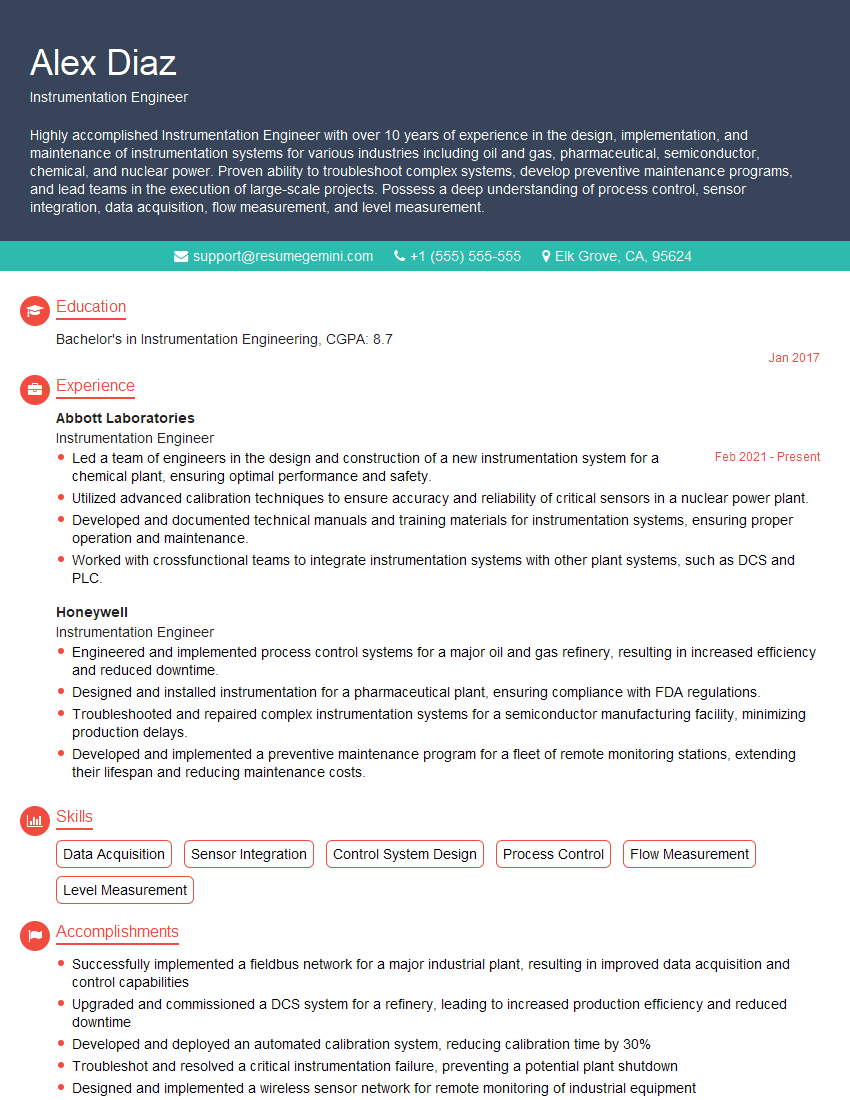
Instrumentation Engineer Resume Sample

Manufacturing Engineer Resume Sample

Validation Engineer Resume Sample

Control Systems Engineer Resume Sample

Robotics Engineer Resume Sample
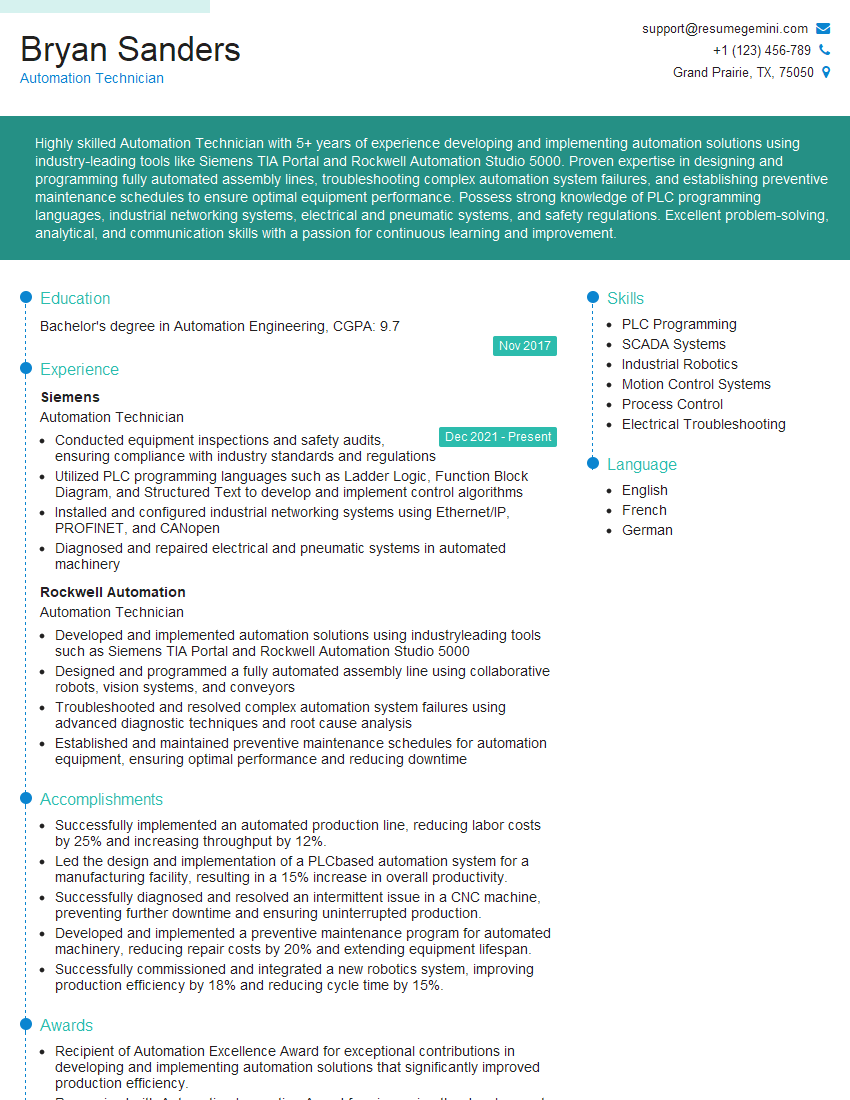
Automation Technician Resume Sample
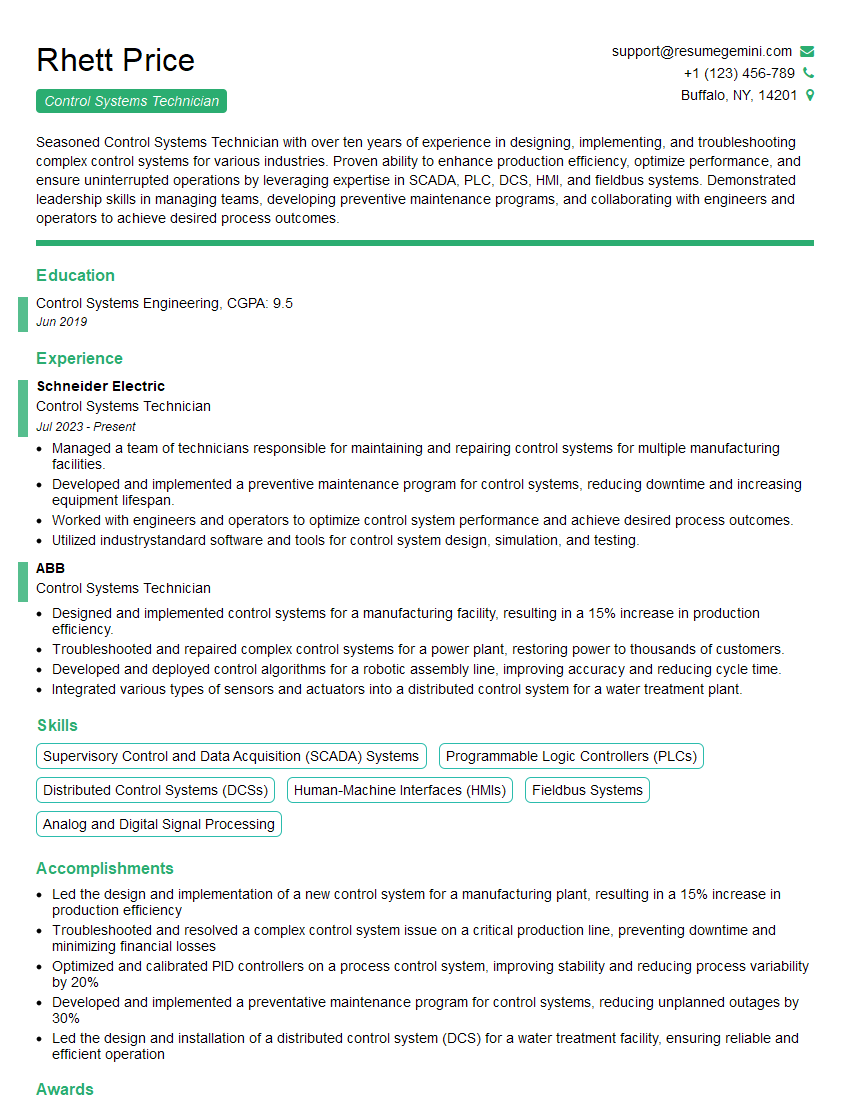
Control Systems Technician Resume Sample
Explore more articles
Users Rating of Our Blogs
Share Your Experience
We value your feedback! Please rate our content and share your thoughts (optional).
What Readers Say About Our Blog
Hello,
we currently offer a complimentary backlink and URL indexing test for search engine optimization professionals.
You can get complimentary indexing credits to test how link discovery works in practice.
No credit card is required and there is no recurring fee.
You can find details here:
https://wikipedia-backlinks.com/indexing/
Regards
NICE RESPONSE TO Q & A
hi
The aim of this message is regarding an unclaimed deposit of a deceased nationale that bears the same name as you. You are not relate to him as there are millions of people answering the names across around the world. But i will use my position to influence the release of the deposit to you for our mutual benefit.
Respond for full details and how to claim the deposit. This is 100% risk free. Send hello to my email id: [email protected]
Luka Chachibaialuka
Hey interviewgemini.com, just wanted to follow up on my last email.
We just launched Call the Monster, an parenting app that lets you summon friendly ‘monsters’ kids actually listen to.
We’re also running a giveaway for everyone who downloads the app. Since it’s brand new, there aren’t many users yet, which means you’ve got a much better chance of winning some great prizes.
You can check it out here: https://bit.ly/callamonsterapp
Or follow us on Instagram: https://www.instagram.com/callamonsterapp
Thanks,
Ryan
CEO – Call the Monster App
Hey interviewgemini.com, I saw your website and love your approach.
I just want this to look like spam email, but want to share something important to you. We just launched Call the Monster, a parenting app that lets you summon friendly ‘monsters’ kids actually listen to.
Parents are loving it for calming chaos before bedtime. Thought you might want to try it: https://bit.ly/callamonsterapp or just follow our fun monster lore on Instagram: https://www.instagram.com/callamonsterapp
Thanks,
Ryan
CEO – Call A Monster APP
To the interviewgemini.com Owner.
Dear interviewgemini.com Webmaster!
Hi interviewgemini.com Webmaster!
Dear interviewgemini.com Webmaster!
excellent
Hello,
We found issues with your domain’s email setup that may be sending your messages to spam or blocking them completely. InboxShield Mini shows you how to fix it in minutes — no tech skills required.
Scan your domain now for details: https://inboxshield-mini.com/
— Adam @ InboxShield Mini
Reply STOP to unsubscribe
Hi, are you owner of interviewgemini.com? What if I told you I could help you find extra time in your schedule, reconnect with leads you didn’t even realize you missed, and bring in more “I want to work with you” conversations, without increasing your ad spend or hiring a full-time employee?
All with a flexible, budget-friendly service that could easily pay for itself. Sounds good?
Would it be nice to jump on a quick 10-minute call so I can show you exactly how we make this work?
Best,
Hapei
Marketing Director
Hey, I know you’re the owner of interviewgemini.com. I’ll be quick.
Fundraising for your business is tough and time-consuming. We make it easier by guaranteeing two private investor meetings each month, for six months. No demos, no pitch events – just direct introductions to active investors matched to your startup.
If youR17;re raising, this could help you build real momentum. Want me to send more info?
Hi, I represent an SEO company that specialises in getting you AI citations and higher rankings on Google. I’d like to offer you a 100% free SEO audit for your website. Would you be interested?
Hi, I represent an SEO company that specialises in getting you AI citations and higher rankings on Google. I’d like to offer you a 100% free SEO audit for your website. Would you be interested?
good