Unlock your full potential by mastering the most common Non-Linear Editing and Color Grading interview questions. This blog offers a deep dive into the critical topics, ensuring you’re not only prepared to answer but to excel. With these insights, you’ll approach your interview with clarity and confidence.
Questions Asked in Non-Linear Editing and Color Grading Interview
Q 1. Explain the difference between linear and non-linear editing.
Linear editing, think of it like working with a single, continuous reel of film. You cut and paste physically, and changes are permanent. Once a segment is removed, it’s gone. This makes it incredibly inflexible and time-consuming for any but the simplest projects. Non-linear editing (NLE), on the other hand, allows for random access to any part of your video footage. You’re working with digital files, assembling your final project like a digital puzzle. Changes are non-destructive; you can easily move clips, add effects, and undo edits without losing original material. Think of it like a digital scrapbook – you can easily rearrange, add, or remove elements without damaging the original photos.
In essence, the key difference lies in flexibility and the destructive/non-destructive nature of the editing process. Linear editing is sequential and irreversible, while non-linear editing offers unparalleled flexibility and control.
Q 2. What are your preferred non-linear editing software packages?
My preferred NLE packages are Adobe Premiere Pro and DaVinci Resolve. Premiere Pro excels in its user-friendly interface, vast plugin ecosystem, and tight integration with other Adobe Creative Cloud applications, making it ideal for collaborative workflows. DaVinci Resolve, while initially steeper learning curve, offers unparalleled power in its color grading capabilities, integrated VFX tools, and incredibly efficient performance even with extremely large projects. The choice often depends on the project’s scope and specific requirements. For smaller projects or those needing a quick turnaround, Premiere Pro’s ease of use is a great advantage. For high-end productions demanding the highest level of color precision and visual effects, DaVinci Resolve is my go-to.
Q 3. Describe your workflow for a typical video editing project.
My workflow begins with meticulous project planning. I define the narrative structure, shot list, and desired aesthetic. Next comes ingest – organizing and logging all the footage. Then, I move to rough assembly, creating a first cut of the video, focusing on pacing and story progression. The next phase involves detailed editing, refining transitions, adding sound effects, and creating a more polished narrative. This is followed by color correction and grading, ensuring visual consistency and enhancing the mood. Finally, I incorporate any visual effects and titles before rendering and export. Throughout the process, I regularly backup my work to prevent data loss. I also take advantage of features like project templates and keyboard shortcuts to expedite the editing process.
Q 4. How do you manage large video files efficiently?
Managing large video files efficiently is crucial. I rely on a combination of strategies. First, I utilize high-performance storage solutions like external SSDs or network-attached storage (NAS) with high read/write speeds. Secondly, I employ proxy workflows. This involves creating lower-resolution versions of my footage for editing. These proxies are much smaller, allowing for smoother editing performance, even on less powerful systems. Once editing is complete, I render the final output using the original, high-resolution files. Thirdly, I leverage the NLE’s native optimization features such as media management tools and render queues to streamline the process and handle large projects efficiently. Finally, I make regular backups to a separate, independent drive for disaster recovery.
Q 5. What are some common keyboard shortcuts you use in your NLE?
My workflow heavily relies on keyboard shortcuts. In Premiere Pro, Ctrl+K (or Cmd+K on Mac) for adding markers is invaluable for quick annotation, Ctrl+Shift+D (or Cmd+Shift+D) duplicates a clip, while Ctrl+Z (or Cmd+Z) is my trusty undo command. In DaVinci Resolve, Shift+F5 enables quick ripple delete, Alt+Shift+B is for removing a section, and Ctrl+Space (or Cmd+Space) acts as a handy shortcut for zoom in/out. These are just a few examples – I constantly adapt and refine my shortcut usage for optimal efficiency. It is truly a game changer for productivity.
Q 6. Explain your understanding of color spaces (e.g., Rec.709, DCI-P3).
Color spaces define the range of colors that can be displayed. Rec.709 is a standard color space for HDTV, representing a wide range of colors suitable for most screens. DCI-P3, used in digital cinema, has an even wider gamut, encompassing a broader spectrum of colors. The difference is primarily in the color volume – how many colors can be represented, both in terms of hue and luminance (brightness). Understanding these differences is crucial because editing in one color space and then viewing the results in another can lead to significant color shifts. For instance, colors that look vibrant in DCI-P3 might appear muted when viewed on a Rec.709 display. Therefore, selecting and maintaining consistency throughout the editing process with the target display’s color space is vital for accurate color representation.
Q 7. Describe the process of color correction versus color grading.
Color correction aims to restore the original colors of a shot by fixing inconsistencies and problems like white balance, exposure, and color casts. Imagine taking a photo where the sky is too blue due to wrong white balance; color correction aims to fix that. Color grading, on the other hand, is an artistic process used to create a specific mood, look, or style. It’s about enhancing the overall aesthetic of your video by adjusting color saturation, contrast, and applying stylistic effects. Think of it as applying a specific filter or artistic style to the whole project for a cohesive feel. For example, you might use a cooler color palette for a suspenseful scene, or warmer tones to evoke feelings of nostalgia. It follows color correction and utilizes it as the baseline for further artistic enhancement.
Q 8. What are your preferred color grading tools and techniques?
My color grading workflow leverages a combination of tools, adapting to the project’s specific needs. I primarily use DaVinci Resolve, appreciating its extensive color science capabilities and powerful node-based system. For smaller projects or quick adjustments, I might utilize Adobe Premiere Pro’s built-in color tools, or even use a plugin like FilmConvert for specific film emulation looks.
My techniques are multifaceted. I start with a fundamental understanding of color theory, ensuring a balanced exposure and white balance across the project. Then, I employ a combination of primary and secondary color correction, using curves, lift/gamma/gain, and color wheels to fine-tune the image. Selective color grading, often achieved through masks and power windows, allows me to target specific areas within the frame, ensuring precision and avoiding unwanted adjustments. Finally, I often utilize LUTs (Look-Up Tables) for consistent looks and efficient workflow, which I’ll elaborate on later. Specific techniques I often incorporate include using split-screen comparisons for fine adjustments and applying color grading strategically to evoke specific emotions or match a particular stylistic aesthetic.
Q 9. How do you handle color inconsistencies between different shots?
Color inconsistencies between shots are a common challenge, often stemming from variations in lighting, camera settings, or even the time of day. My approach is systematic. First, I analyze the shots individually, noting their color temperature and overall tonality. Then, I establish a ‘master shot’ – a reference point representing the desired overall look. I typically use this shot to create a custom LUT (Look-Up Table) to apply a baseline correction across all clips. Next, I meticulously grade each shot individually, using the master shot as a guide. This often involves using secondary color correction tools to finesse specific areas or colors that still need balancing, while constantly referencing the master shot to maintain consistency. Finally, I employ subtle adjustments to ensure seamless transitions between shots, often using color wheels and curves for fine-tuning. Think of it like painting a picture – you lay down a base coat (the LUT), then carefully refine individual areas until a harmonious image emerges.
Q 10. How do you approach creating a consistent look and feel across a project?
Creating a consistent look and feel across a project requires careful planning and a clear vision from the outset. This begins with collaborative discussions with the director, cinematographer, and other key creatives to establish a cohesive stylistic direction. This might include referencing mood boards, film stills, or even existing projects that encapsulate the desired look.
Once a visual style is defined, I create a master LUT and color palette to guide the entire grading process. I establish key color points and tonal ranges that will be consistent across all scenes. I might create custom presets in my color grading software to maintain uniformity. During the editing phase, constant communication with the editor is crucial to ensure that cuts and transitions don’t disrupt the established color scheme. Regular reviews of completed sequences help to identify and address any inconsistencies early on. The process is iterative, and I’m constantly comparing and adjusting throughout the process to ensure a harmonious flow.
Q 11. Explain your experience with LUTs (Look-Up Tables).
LUTs, or Look-Up Tables, are pre-defined color transformations that can be applied to footage. I find them incredibly useful for several reasons. Firstly, they provide a quick and consistent way to achieve a desired look, saving significant time and effort, particularly on large projects. For example, I might use a LUT to emulate the look of a specific film stock, instantly giving the footage a particular mood and feel.
Secondly, they facilitate collaboration. I can share custom LUTs with other colorists or editors, ensuring consistent color across different stages of post-production. I might create separate LUTs for specific scenes or moods, providing a more streamlined workflow. Thirdly, they are a great starting point for more extensive color grading. I often begin with a LUT that establishes the basic color scheme, then make fine adjustments using traditional color correction tools. For instance, I could use a LUT designed to emulate a specific film look, then fine tune the skin tones, highlights and shadows to perfect the image. It’s like having a ready-made palette to start from, allowing for more creative flexibility.
Q 12. How do you collaborate with other members of a post-production team?
Collaboration is paramount in post-production. I believe in open communication and active listening. I regularly communicate with the editor to discuss creative choices, ensure seamless transitions, and maintain consistency. I often share my work-in-progress with the director and client for feedback and ensure regular updates through shared cloud storage or online review platforms.
I also strive to make my color grading process transparent. I provide clear explanations of my choices and methodology. If the director, editor, or client requests changes, I will respond promptly and provide clear options. It’s about teamwork, ensuring everyone is on the same page and has a clear understanding of the project’s vision.
Q 13. Describe your process for managing and organizing project assets.
Organized project assets are crucial for efficiency and sanity! I utilize a folder structure that clearly separates footage, audio, graphics, LUTs, and other assets. I employ a clear and consistent naming convention for all files, ensuring that files are easily identifiable. I always use version control software that keeps track of changes and allow for quick reverts if needed. Using cloud storage allows for seamless collaboration among team members.
For example, my folder structure might look like this: Project Name/Footage/Camera 1/Scene 1/, Project Name/Audio/, Project Name/Graphics/, Project Name/LUTs/, etc. This hierarchical structure allows for easy navigation and prevents file clutter. Metadata is key – I ensure all footage and assets have accurate metadata, including keywords, timestamps, and descriptions. This makes searching and retrieving specific files much faster and more efficient.
Q 14. How do you handle client feedback during the editing and color grading process?
Client feedback is integral. I actively encourage clients to participate in the color grading process. This often involves sharing intermediate versions of the project and inviting feedback at key milestones. I always make sure to create a comfortable space for honest feedback. I respond to feedback constructively, providing clear explanations of the technical aspects and creative choices involved in achieving the desired look.
For example, if a client expresses concern about skin tones appearing too warm, I don’t just adjust them immediately; I discuss the reasons for the particular coloring choice, potentially showing them examples of similar styles, and collaboratively explore alternative options. Effective communication is critical in navigating potential disagreements, ensuring the client’s vision is met while maintaining artistic integrity. This iterative process ensures a happy client and a final product that reflects a true collaboration.
Q 15. What is your experience with different file formats (e.g., ProRes, H.264)?
My experience with various file formats is extensive, encompassing both lossy and lossless codecs. Lossless codecs like ProRes (Apple ProRes 422, ProRes 4444, etc.) are crucial for maintaining the highest image quality throughout the editing process, especially when dealing with complex color grading. They preserve all the image data, allowing for multiple rounds of editing without significant degradation. This is invaluable for high-end projects requiring maximum flexibility. However, their large file sizes necessitate significant storage and processing power. Conversely, lossy codecs like H.264 (used in many consumer devices and online platforms) offer much smaller file sizes, which is beneficial for sharing and archiving. However, this compression comes at the cost of some image detail and can introduce artifacts, making them less suitable for professional color grading workflows where preservation of subtle color gradations is critical. I carefully choose the codec based on the project’s requirements – ProRes for high-end work where quality is paramount, and H.264 or other more compressed formats for distribution or archival where file size is a major concern. I am also familiar with other formats such as DNxHD, REDCODE RAW, and various camera RAW formats, each with its own strengths and weaknesses regarding quality, compression, and workflow implications.
Career Expert Tips:
- Ace those interviews! Prepare effectively by reviewing the Top 50 Most Common Interview Questions on ResumeGemini.
- Navigate your job search with confidence! Explore a wide range of Career Tips on ResumeGemini. Learn about common challenges and recommendations to overcome them.
- Craft the perfect resume! Master the Art of Resume Writing with ResumeGemini’s guide. Showcase your unique qualifications and achievements effectively.
- Don’t miss out on holiday savings! Build your dream resume with ResumeGemini’s ATS optimized templates.
Q 16. How do you approach audio editing and mixing in your workflow?
Audio editing and mixing is an integral part of my post-production workflow; a poorly mixed audio track can detract from even the most beautifully graded footage. My approach begins with careful organization. I meticulously label all audio tracks and maintain a clear system for managing them. I prefer to work with non-destructive editing techniques in a Digital Audio Workstation (DAW), allowing me to easily undo or adjust changes as needed. I always start by cleaning up the audio; removing noise, hum, and pops using dedicated tools. I then proceed with dialogue editing, utilizing tools such as noise reduction, de-essing, and equalization to achieve clarity and naturalness. Next, I address sound design elements, adding effects to enhance the narrative or emotional impact. Finally, I mix the audio tracks, carefully balancing dialogue, sound effects, and music to create a cohesive and engaging soundscape. This involves using equalization, compression, and panning to ensure all elements are appropriately positioned in the stereo field. I regularly check my work through various playback systems (headphones, studio monitors) to ensure consistency and quality across different listening environments. Collaboration with sound designers is also an integral part of the workflow, particularly on larger projects.
Q 17. Describe your understanding of dynamic range and its impact on color grading.
Dynamic range refers to the ratio between the darkest and brightest parts of an image, expressed in stops of light. It’s a crucial concept in color grading because it directly affects the image’s overall look and feel. A high dynamic range (HDR) image contains a vast range of tonal information, enabling finer detail in both highlights and shadows. This allows for more nuanced color grading, preserving detail in bright skies and dark interiors simultaneously. Conversely, a low dynamic range (LDR) image has a smaller range of tones, often resulting in crushed blacks (loss of detail in shadows) or blown-out highlights (loss of detail in bright areas). This limits the color grading options, as there’s less information to work with. During color grading, understanding dynamic range allows me to optimize the image to fit the target display capabilities. For instance, when working with HDR content, I can leverage the extended dynamic range to reveal subtle details and achieve a more realistic and visually stunning result. When delivering for SDR displays, I carefully manage highlight and shadow detail to avoid clipping and maintain image quality within the limited dynamic range of the output.
Q 18. How do you ensure color accuracy across different display devices?
Color accuracy across different display devices is a major challenge in post-production. Screens vary significantly in their color reproduction capabilities. To address this, I utilize calibrated monitors with a colorimeter and use a color management system (CMS). Colorimeters provide objective measurements of the monitor’s output, ensuring accurate color representation. The CMS profiles the monitor, allowing software to compensate for any color deviations. Furthermore, I consistently work in a color-managed workflow, using a specific color space such as Rec.709 for standard definition or Rec.2020 for HDR. This ensures that color information is handled consistently throughout the editing and grading process. I also review my work on different monitors, including consumer-grade displays, to assess the results and make any necessary adjustments. This helps ensure that the final product looks as intended across a broader range of viewing environments. While achieving perfect accuracy across all displays is practically impossible, a combination of careful calibration, color management, and testing significantly mitigates the discrepancies.
Q 19. What are some common challenges you face in non-linear editing and how do you overcome them?
Non-linear editing presents numerous challenges. One common issue is managing large media files, especially in high-resolution formats. This requires optimizing storage solutions and utilizing efficient editing techniques. For example, using proxy media for faster editing and switching to higher resolution only for final rendering can save considerable time and resources. Another significant challenge is keeping track of revisions and maintaining version control. Misplacing or losing project files is a disaster. I use robust version control systems and regularly back up my work to multiple locations. Another significant challenge is dealing with unexpected technical glitches, such as software crashes or hardware failures. To mitigate this, I always maintain multiple backups, save frequently, and regularly check my equipment’s health. Workflow organization is another crucial aspect; a well-organized project setup can greatly improve efficiency and prevent headaches down the line. Finally, balancing creative vision with technical limitations often presents a challenge. I prioritize close collaboration with clients and creative teams to effectively address these challenges.
Q 20. Explain your experience with version control in a post-production environment.
Version control is paramount in a post-production environment. I use a combination of software features and external systems to ensure that I can revert to previous versions of the project if needed. My editing software provides built-in versioning features, allowing me to save multiple versions of my project with incremental naming or version comments. This makes it easy to track changes and revert to a previous version if necessary. For larger projects, where many users might collaborate, I would recommend and utilize dedicated version control systems like Git, though not directly applied to video files themselves; instead, it is used to manage project settings, scripts, and other related files which are crucial for maintaining collaborative workflows.
Q 21. Describe your experience with keying and compositing techniques.
Keying and compositing are essential techniques in my workflow, often used for seamless integration of different footage elements. Keying, the process of isolating a subject from its background, relies on several approaches. Chroma keying (greenscreen or bluescreen) is a common method where a specific color is removed from the image and replaced with another layer. Luma keying utilizes luminance information to isolate subjects, often used for isolating silhouettes or specific brightness levels. I’m proficient in using both automated keying tools and manual techniques to achieve accurate and clean keying results. Compositing, the process of combining separate image layers, often involves using masks, blending modes, and rotoscoping to create a unified image. I use various compositing software to integrate keyed elements, motion graphics, and visual effects seamlessly into the final footage, paying close attention to matching lighting, color, and perspective to ensure a realistic final product. These techniques are essential for achieving complex visual effects or creating scenes that may not be achievable with live action alone. For instance, seamlessly integrating a computer-generated character into a real-world setting requires mastery of these techniques.
Q 22. What are some common color grading styles and how would you achieve them?
Color grading styles are essentially the overall ‘look’ or mood of a video. They range from subtle adjustments to dramatic transformations. Achieving these styles involves manipulating various aspects of the color space. Here are some common styles and how to achieve them:
- Logarithmic Look: This style prioritizes detail retention and allows for greater flexibility in post. It often appears desaturated and somewhat flat before grading. Achieved by shooting in a logarithmic profile (like Log C or S-Log) and using a color space like Rec.709 during post-production for a more natural look. Post-processing allows for fine-tuning contrast and saturation.
- Film Look: Mimics the look of traditional film stock. It involves subtle grain, soft contrast, and often muted, slightly desaturated colors. Achieved by adding subtle grain in post-processing, lowering contrast slightly, and carefully adjusting saturation. Specific color palettes are key, maybe using warmer tones for a classic feel, or cooler tones for a more modern, cinematic look.
- High Contrast Look: Characterized by deep blacks, bright highlights, and a limited mid-tone range. This often creates a dramatic and stylized feel. Achieved by using curves to crush blacks and lift highlights, careful attention to mid-tones to maintain detail, and possibly using color split filters for dramatic effects.
- Vibrant Look: Employs highly saturated colors and a lively feel. Often used for vibrant commercials or children’s programming. Achieved by boosting saturation, increasing vibrance, and adjusting individual color hues for desired pop and intensity.
The specific tools and techniques vary between software (DaVinci Resolve, Adobe Premiere Pro, Final Cut Pro), but the underlying principles remain consistent. It’s all about creatively manipulating the color channels (red, green, blue) and luminance (brightness) to achieve the intended style.
Q 23. How do you troubleshoot technical issues encountered during editing or color grading?
Troubleshooting is crucial. My approach involves a systematic process:
- Identify the Problem: Pinpoint the specific issue. Is it a corrupted file? A software glitch? A hardware problem? A visual artifact? Is it consistent, or sporadic?
- Isolate the Source: If it’s a file issue, try a different file. If it’s software, try restarting or reinstalling. If it’s hardware, check cables and connections.
- Check Simple Solutions First: Things like ensuring your software is up-to-date, clearing cache files, and checking your render settings are the first thing I check.
- Consult Documentation: Review the user manuals or help documentation for the software and hardware involved.
- Seek Online Resources: Search online forums, communities, and tutorials for similar problems. A common issue often has well-documented solutions.
- Contact Support: If all else fails, contact the support teams for the specific software or hardware you’re using.
For example, if I encounter unexpected color banding, I’d first check my bit depth settings, then examine the compression settings in the original footage, and finally, try adjusting the gamma curve to smooth out the transitions between colors.
Q 24. Explain your understanding of color temperature and white balance.
Color temperature refers to the warmth or coolness of light, measured in Kelvin (K). Lower Kelvin values (e.g., 2000K) indicate warmer light (like candlelight), while higher values (e.g., 10000K) indicate cooler light (like daylight). White balance is the process of adjusting the color balance so that white appears white under different light sources. Without proper white balance, colors will have a color cast, appearing too warm or too cool.
Think of it like this: imagine taking a photo under a tungsten lamp (warm light) without adjusting the white balance. Your photo will have a significant orange tint. White balancing corrects for this tint, making the white areas appear neutral and the other colors accurate in relation to that neutral white.
In post-production, I use the white balance tools in my NLE (Non-Linear Editor) and color grading software to correct any color casts. This is often the first step in color grading, setting a foundation for accurate color representation.
Q 25. How do you approach creating a visually compelling narrative through editing and color?
Visual storytelling through editing and color is a collaborative process. I work closely with the director to understand the emotional arc and themes of the story. Editing creates the rhythm and pacing, while color establishes mood and tone.
For example, a suspenseful scene might utilize dark, desaturated colors and quick cuts to heighten tension. Conversely, a romantic scene might feature warm, saturated colors and slower, more deliberate cuts to enhance intimacy. Specific color palettes can evoke different emotions; blues often convey sadness or tranquility, reds passion or anger, and greens calmness or nature.
I use color grading to emphasize emotional shifts, highlight key moments, and guide the audience’s attention. Transitions between scenes are carefully crafted through both editing techniques (cuts, dissolves, wipes) and consistent color grading to create a smooth and coherent narrative flow.
Q 26. What is your understanding of color theory?
Color theory is fundamental to color grading. It involves understanding the relationships between colors – primary colors (red, green, blue), secondary colors (cyan, magenta, yellow), and tertiary colors (combinations of primary and secondary colors). Knowing the color wheel helps in making informed decisions about color palettes and harmonies.
- Complementary Colors: Colors opposite each other on the color wheel (e.g., red and green) create high contrast and visual excitement.
- Analogous Colors: Colors next to each other on the color wheel (e.g., blue, blue-green, green) create a harmonious and often calming effect.
- Triadic Colors: Three colors equally spaced on the color wheel (e.g., red, yellow, blue) offer vibrant and balanced palettes.
Understanding color temperature and saturation is also crucial. These principles inform decisions about creating visually appealing and emotionally resonant scenes.
Q 27. Describe your experience with HDR workflows.
My experience with HDR (High Dynamic Range) workflows involves understanding the wider color gamut and higher brightness range compared to SDR (Standard Dynamic Range). HDR allows for more detail in highlights and shadows, creating a more realistic and immersive viewing experience.
Workflows often involve shooting in HDR formats (like 10-bit or 12-bit) using specific color spaces (like Rec.2020). Post-production involves using HDR-capable software and monitors to ensure accurate color representation and grading. This includes mastering content for different HDR formats (HDR10, Dolby Vision, etc.) which require specific metadata and mastering processes.
HDR grading demands a more nuanced approach because the expanded dynamic range reveals greater detail in both dark and bright areas, requiring careful consideration to prevent clipping or crushing detail in either extreme.
Q 28. How do you stay updated with the latest trends and technologies in post-production?
Staying updated is crucial in this ever-evolving field. I utilize several strategies:
- Industry Publications and Websites: I regularly read publications and websites covering post-production techniques and technology. These often showcase new tools and workflows.
- Online Courses and Tutorials: Platforms like Skillshare, LinkedIn Learning, and YouTube offer a wealth of educational content from industry professionals.
- Conferences and Workshops: Attending industry events provides opportunities for networking, learning about new technologies, and gaining insights from leading experts.
- Community Engagement: Actively participating in online forums and communities allows for the exchange of information, troubleshooting, and staying informed about current trends.
- Testing New Software and Hardware: Experimenting with new tools allows me to evaluate their capabilities and assess their potential value in my workflow.
Continuous learning is essential to remain competitive and deliver the highest quality work.
Key Topics to Learn for Non-Linear Editing and Color Grading Interview
- Non-Linear Editing Fundamentals: Understanding the concept of non-linear editing, its advantages over linear editing, and common NLE software (e.g., Adobe Premiere Pro, DaVinci Resolve, Final Cut Pro).
- Workflow and Project Management: Organizing projects, managing assets, implementing efficient editing workflows, and collaborating effectively on projects.
- Cutting Techniques: Mastering various editing techniques such as J-cuts, L-cuts, continuity editing, and creative transitions.
- Audio Editing and Mixing: Basic audio editing principles, sound design, and mixing techniques to enhance the visual narrative.
- Color Grading Theory: Understanding color spaces (e.g., Rec.709, DCI-P3), color temperature, white balance, and color correction techniques.
- Color Grading Workflow: Utilizing color grading tools, creating and applying looks, and understanding color grading pipelines within your chosen NLE.
- Color Correction vs. Color Grading: Differentiating between these two crucial processes and knowing when to apply each.
- LUTs and Presets: Understanding and utilizing Look Up Tables (LUTs) and presets for efficient color grading and stylistic consistency.
- Problem-Solving and Troubleshooting: Diagnosing and resolving common technical issues related to editing and color grading, including media management and rendering problems.
- Software Specific Skills: Demonstrating proficiency in at least one industry-standard NLE and color grading software, showcasing practical application of your skills.
Next Steps
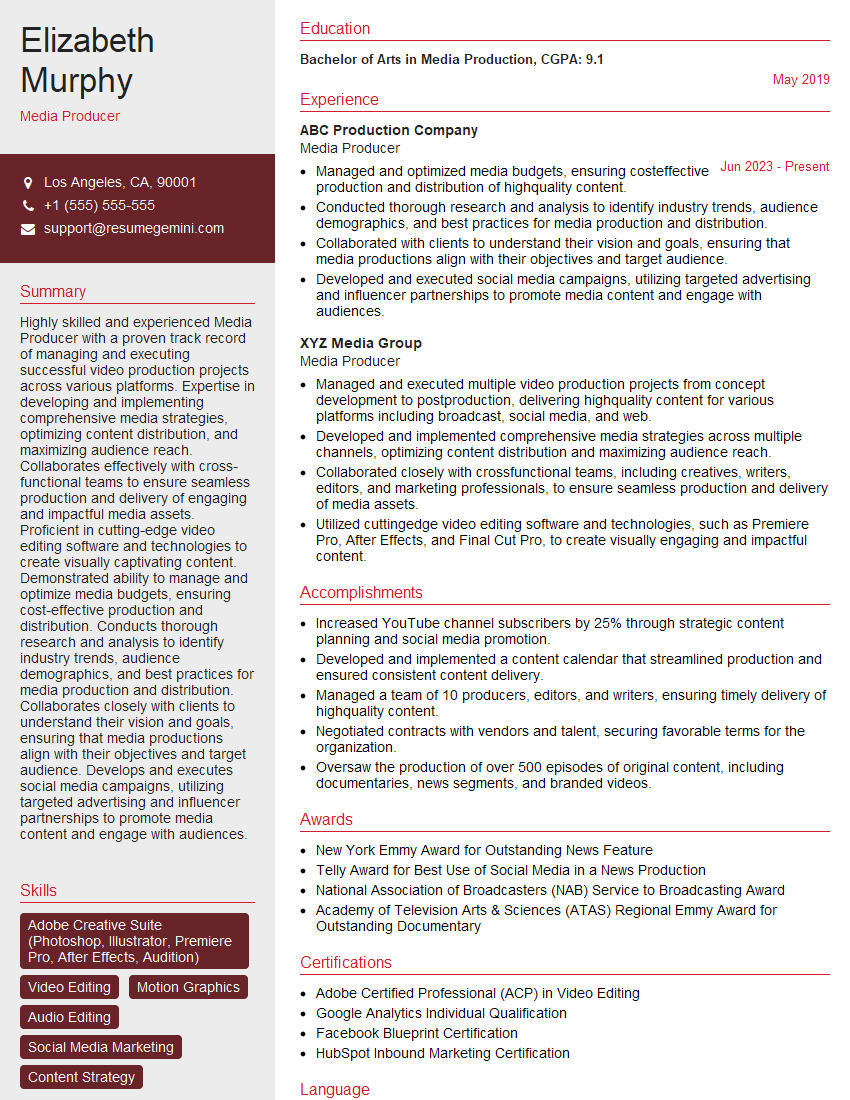
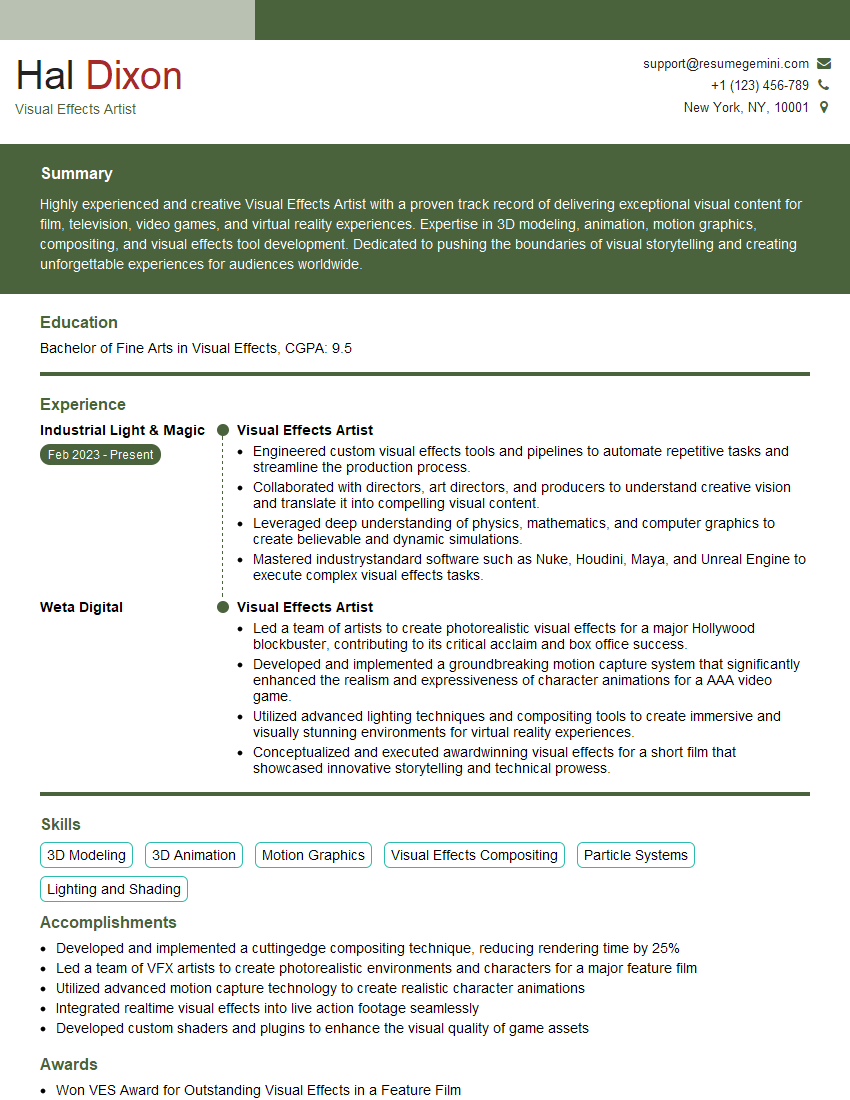
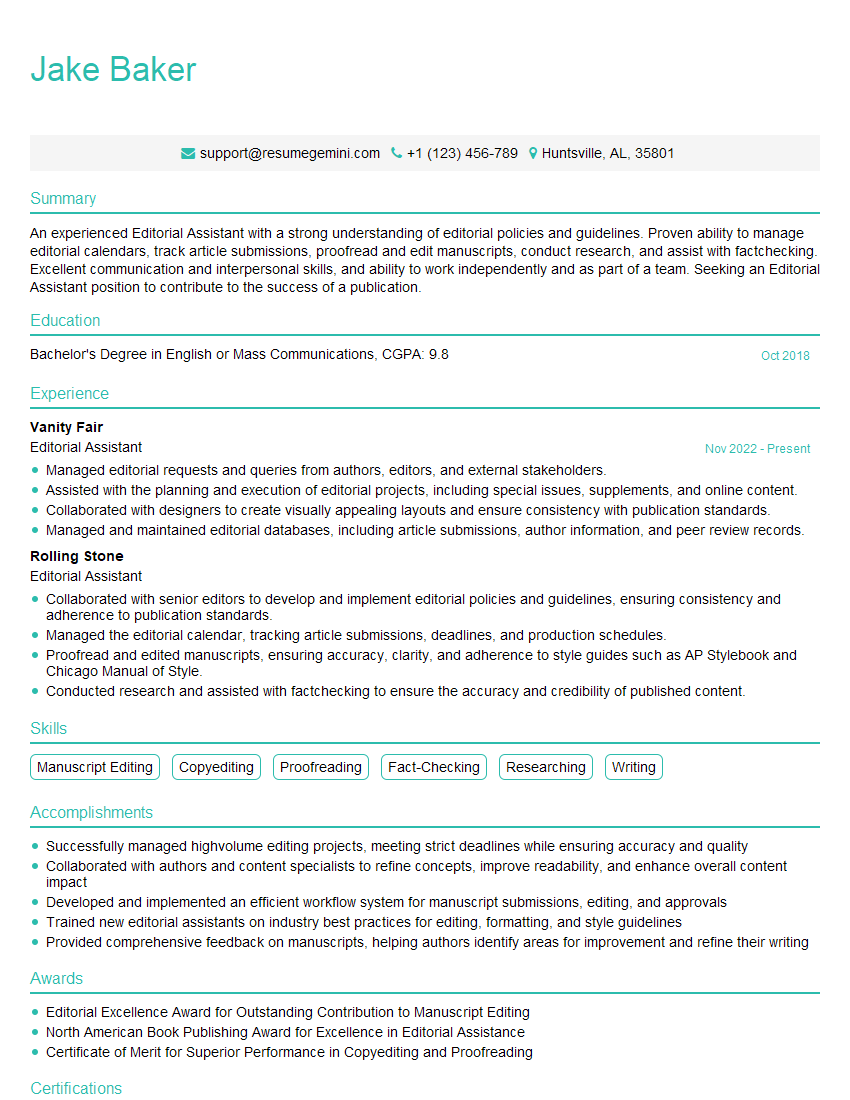
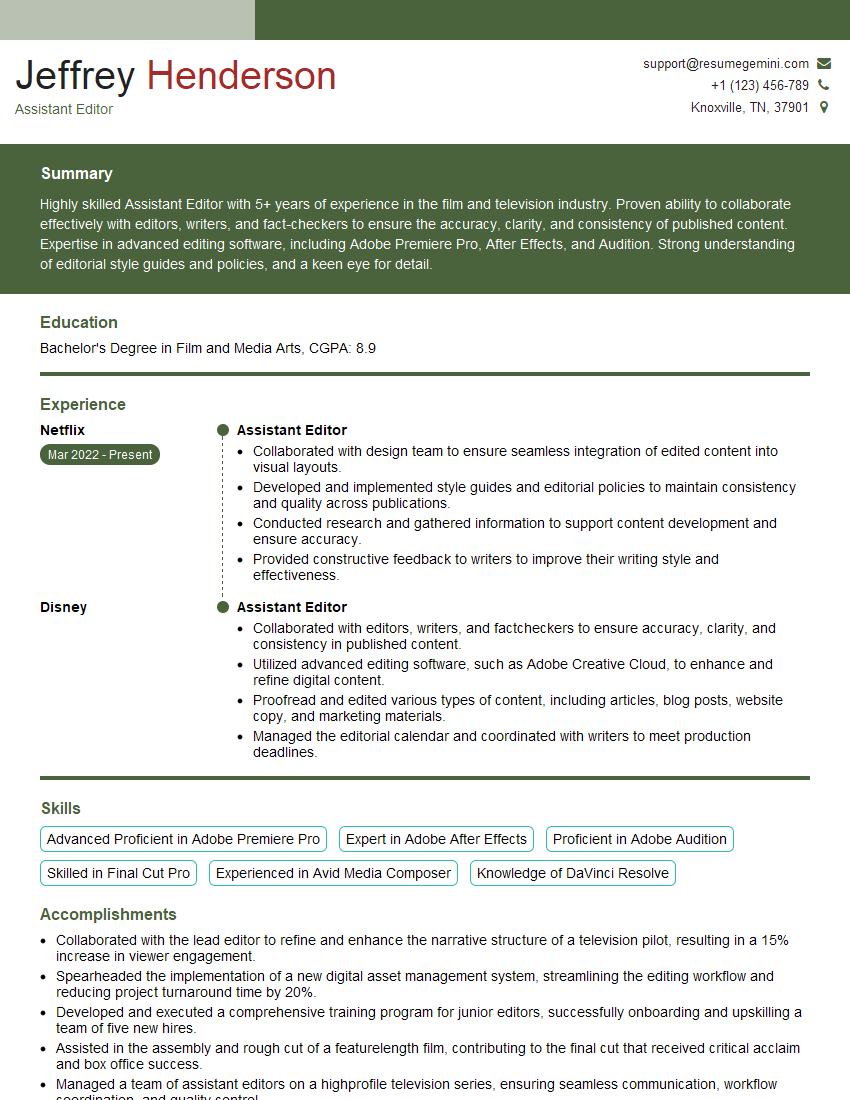
Mastering Non-Linear Editing and Color Grading is crucial for career advancement in the dynamic fields of film, television, and digital media. A strong portfolio showcasing your skills is vital, but a well-crafted resume is your first impression. Building an ATS-friendly resume is essential to increase your chances of getting your application noticed. ResumeGemini is a trusted resource that can help you create a professional and impactful resume tailored to the specific requirements of your target roles. Examples of resumes tailored to Non-Linear Editing and Color Grading are available to guide you through the process. Invest time in crafting a compelling resume – it’s your key to unlocking exciting career opportunities.


Explore more articles
Users Rating of Our Blogs
Share Your Experience
We value your feedback! Please rate our content and share your thoughts (optional).
What Readers Say About Our Blog
Hello,
we currently offer a complimentary backlink and URL indexing test for search engine optimization professionals.
You can get complimentary indexing credits to test how link discovery works in practice.
No credit card is required and there is no recurring fee.
You can find details here:
https://wikipedia-backlinks.com/indexing/
Regards
NICE RESPONSE TO Q & A
hi
The aim of this message is regarding an unclaimed deposit of a deceased nationale that bears the same name as you. You are not relate to him as there are millions of people answering the names across around the world. But i will use my position to influence the release of the deposit to you for our mutual benefit.
Respond for full details and how to claim the deposit. This is 100% risk free. Send hello to my email id: [email protected]
Luka Chachibaialuka
Hey interviewgemini.com, just wanted to follow up on my last email.
We just launched Call the Monster, an parenting app that lets you summon friendly ‘monsters’ kids actually listen to.
We’re also running a giveaway for everyone who downloads the app. Since it’s brand new, there aren’t many users yet, which means you’ve got a much better chance of winning some great prizes.
You can check it out here: https://bit.ly/callamonsterapp
Or follow us on Instagram: https://www.instagram.com/callamonsterapp
Thanks,
Ryan
CEO – Call the Monster App
Hey interviewgemini.com, I saw your website and love your approach.
I just want this to look like spam email, but want to share something important to you. We just launched Call the Monster, a parenting app that lets you summon friendly ‘monsters’ kids actually listen to.
Parents are loving it for calming chaos before bedtime. Thought you might want to try it: https://bit.ly/callamonsterapp or just follow our fun monster lore on Instagram: https://www.instagram.com/callamonsterapp
Thanks,
Ryan
CEO – Call A Monster APP
To the interviewgemini.com Owner.
Dear interviewgemini.com Webmaster!
Hi interviewgemini.com Webmaster!
Dear interviewgemini.com Webmaster!
excellent
Hello,
We found issues with your domain’s email setup that may be sending your messages to spam or blocking them completely. InboxShield Mini shows you how to fix it in minutes — no tech skills required.
Scan your domain now for details: https://inboxshield-mini.com/
— Adam @ InboxShield Mini
Reply STOP to unsubscribe
Hi, are you owner of interviewgemini.com? What if I told you I could help you find extra time in your schedule, reconnect with leads you didn’t even realize you missed, and bring in more “I want to work with you” conversations, without increasing your ad spend or hiring a full-time employee?
All with a flexible, budget-friendly service that could easily pay for itself. Sounds good?
Would it be nice to jump on a quick 10-minute call so I can show you exactly how we make this work?
Best,
Hapei
Marketing Director
Hey, I know you’re the owner of interviewgemini.com. I’ll be quick.
Fundraising for your business is tough and time-consuming. We make it easier by guaranteeing two private investor meetings each month, for six months. No demos, no pitch events – just direct introductions to active investors matched to your startup.
If youR17;re raising, this could help you build real momentum. Want me to send more info?
Hi, I represent an SEO company that specialises in getting you AI citations and higher rankings on Google. I’d like to offer you a 100% free SEO audit for your website. Would you be interested?
Hi, I represent an SEO company that specialises in getting you AI citations and higher rankings on Google. I’d like to offer you a 100% free SEO audit for your website. Would you be interested?
good