Feeling uncertain about what to expect in your upcoming interview? We’ve got you covered! This blog highlights the most important Post-Production Workflow interview questions and provides actionable advice to help you stand out as the ideal candidate. Let’s pave the way for your success.
Questions Asked in Post-Production Workflow Interview
Q 1. Explain your experience with different video editing software (e.g., Premiere Pro, Avid, Final Cut Pro).
My experience spans several leading video editing software packages. I’m highly proficient in Adobe Premiere Pro, which I use daily for most projects due to its versatility and robust plugin ecosystem. I’ve also worked extensively with Avid Media Composer, primarily on larger-scale projects requiring collaborative workflows and advanced features like its robust audio handling. Finally, I have experience with Final Cut Pro, appreciating its streamlined interface and excellent performance, especially for single-user projects demanding quick turnaround times.
Premiere Pro’s strength lies in its intuitive interface and extensive effects library, making it ideal for diverse projects. Avid, on the other hand, excels in high-end post-production with complex multi-camera projects. Final Cut Pro’s user-friendliness and speed are invaluable for projects where efficiency is paramount. My choice of software depends heavily on the project’s specifics, budget, and collaborative requirements.
For instance, a fast-paced corporate video might be best suited to Final Cut Pro, whereas a feature film would likely necessitate the power and collaboration features of Avid Media Composer. A standard documentary project, balancing efficiency and effect control, would be ideal for Premiere Pro.
Q 2. Describe your workflow for managing large media files in a collaborative environment.
Managing large media files in collaborative environments requires a robust strategy. My workflow centers around a centralized storage solution, typically a network-attached storage (NAS) system or cloud-based storage like Amazon S3 or similar services. This ensures everyone on the team has access to the same files, minimizing confusion and version conflicts. We utilize a project-specific folder structure that’s clear, consistent, and easily understood by all team members. This structure usually incorporates subfolders for different stages of production, such as ‘raw footage,’ ‘edited sequences,’ ‘graphics,’ ‘audio,’ etc.
To avoid overwhelming the system, we use proxy workflows. This involves creating smaller, lower-resolution versions of the footage for editing, significantly improving performance. Once the edit is locked, we replace the proxies with the high-resolution master files for final rendering. Furthermore, we employ version control systems like Subversion (SVN) or Git, adapted for media assets, to track changes and revert to previous versions if necessary. Clear communication and regular backups are essential for preventing data loss and maintaining project stability.
Q 3. How do you ensure color consistency across different shots and sequences?
Color consistency is crucial for professional video. I typically establish a color pipeline early in the post-production process. This usually involves selecting a specific color space (e.g., Rec.709 for HDTV) and color profile. I then ensure that all cameras used during shooting are calibrated to match as closely as possible or that these are accounted for during post-production.
During editing, I use color grading tools within my chosen software (typically Premiere Pro’s Lumetri Color panel) to match the color temperature, exposure, and overall look of different shots. I leverage techniques like color wheels, curves, and other adjustments to carefully balance the images while creating a visually appealing and consistent style. Reference footage or still images can help guide this process and ensure accuracy.
For more complex projects, I might employ dedicated color grading software like DaVinci Resolve, which provides greater flexibility and control over color correction and enhancement. In collaborative scenarios, standardized LUTs (Look Up Tables) are implemented to ensure a consistent color grade is maintained across all shared clips and sequences.
Q 4. What are your preferred methods for audio mixing and mastering?
My audio mixing and mastering process follows a structured approach. I start by cleaning up the audio tracks, removing unwanted noise and hiss using tools like noise reduction and de-clipping plugins. Next, I focus on dialogue editing, ensuring clarity and intelligibility. This often includes dialogue replacement (ADR) or sound design when necessary. Then, I build the audio mix, balancing dialogue, sound effects, and music, ensuring that each element complements the visuals while maintaining a clean and immersive soundscape.
For music, I often work with composers or use royalty-free libraries, always carefully selecting tracks that match the project’s tone and feel. Finally, the mix is mastered to ensure loudness levels conform to industry standards, such as broadcast specifications, and to achieve a polished and professional final sound. I primarily use Adobe Audition for its powerful editing and mixing capabilities. For more demanding projects, I leverage professional digital audio workstations (DAWs) like Pro Tools.
Q 5. Explain your process for troubleshooting technical issues during post-production.
Troubleshooting is an inherent part of post-production. My approach starts with identifying the problem: Is it a software issue, hardware malfunction, or a problem with media files? I methodically approach the issue, first by checking the obvious. For example, a render issue could be due to insufficient RAM, a slow hard drive, or a plugin conflict.
I systematically test different components to isolate the source of the problem. If it’s a software problem, I start with restarting the application and/or computer. I check for updates or known bugs, searching online forums or contacting support for known solutions. Hardware problems may require swapping components, running diagnostic tests, or calling a technician for assistance. Media file problems could indicate corruption, necessitating file recovery or reshoots if necessary. Documentation, detailed logging, and a methodical approach are essential for efficient troubleshooting, often utilizing error messages as clues to narrow down the source.
Q 6. How do you handle revisions and feedback from clients or directors?
Managing revisions and feedback is a collaborative process. I prefer to use a system where feedback is documented and clearly organized. I might use online review platforms, shared spreadsheets, or even a dedicated project management tool like Asana. This ensures that all notes are centralized and easily accessible. When receiving feedback, I actively listen and ask clarifying questions to ensure I understand the client’s or director’s vision.
Each revision is tracked meticulously. This means creating versions or markers within the editing software that represent each iteration and change. I create versions of the project to easily navigate between changes, compare changes easily, and revert to previous versions if necessary. I then implement the changes and send updated versions for approval. This transparent approach fosters open communication and ensures a successful outcome, aligned with the client’s expectations.
Q 7. Describe your experience with version control and asset management systems.
My experience with version control and asset management is extensive. I’ve used various systems depending on project needs and team size. For smaller projects, a simple folder structure with version numbers is often sufficient. However, for larger collaborations, more robust systems are essential. I’ve utilized tools like Adobe Creative Cloud Libraries for sharing assets and collaborating on designs, and I’m familiar with professional-grade asset management systems, such as those offered by various MAM (Media Asset Management) software providers.
Version control is crucial to prevent data loss and facilitate collaboration. It helps track changes made to assets, enabling easy reversion to previous versions if required. For media files, systems like those that integrate directly with editing software, or custom-built solutions leveraging Git-like branching workflows are invaluable. The right system is about balancing cost, complexity, and features relative to project needs.
Q 8. What are your strategies for optimizing post-production workflows for efficiency?
Optimizing post-production workflows for efficiency is crucial for delivering projects on time and within budget. My strategy hinges on a multi-pronged approach encompassing project planning, asset management, and team collaboration.
Proactive Planning: Before even starting, I meticulously plan the entire workflow. This includes defining clear deliverables, creating detailed shot lists, establishing a robust file naming convention, and allocating sufficient time for each stage. Think of it like building a house – you wouldn’t start laying bricks without blueprints.
Efficient Asset Management: I leverage cloud-based storage and collaborative platforms like Dropbox, Google Drive, or dedicated media asset management (MAM) systems. This ensures easy access to all project files for the entire team, reduces storage bottlenecks, and simplifies version control. Imagine the chaos of trying to find the right version of a file across multiple hard drives!
Streamlined Software: I utilize efficient software tools, making sure they are compatible and integrated. This includes NLEs (Non-Linear Editors) like Adobe Premiere Pro or Avid Media Composer, color grading software like DaVinci Resolve, and VFX software like Nuke or Fusion. Choosing the right tools for the job is like having the right set of tools for carpentry – a hammer for nails, a saw for wood.
Automation: Wherever possible, I automate repetitive tasks. Batch rendering, automated transcoding, and utilizing scripting languages can drastically reduce manual work. This allows the team to focus on the creative aspects, not the tedious ones.
Regular Reviews & Adjustments: Throughout the process, regular team meetings and progress reviews allow for early identification of bottlenecks and prompt adjustments. This ensures the workflow remains efficient and on track.
Q 9. Explain your understanding of different video codecs and their applications.
Video codecs are essentially methods of compressing and encoding video data. Different codecs offer various compromises between file size, compression quality, and computational demands. Understanding these nuances is vital for choosing the right codec for a specific project.
H.264 (AVC): A widely used codec offering a good balance between quality and file size. It’s common for online video platforms and broadcast applications, especially for standard definition and high-definition content. However, it can be computationally intensive for encoding.
H.265 (HEVC): A more efficient codec than H.264, achieving better compression ratios at the same quality level or better quality at the same file size. It is excellent for 4K and 8K video, but requires more processing power. Think of it as the next generation of H.264.
ProRes: A family of codecs often used for intermediate editing, offering high quality with minimal compression artifacts. It’s favored in professional post-production workflows where preserving quality is paramount, even though file sizes are large.
DNxHD/DNxHR: codecs used frequently by Avid Media Composer, optimized for speed and efficient editing workflow. They balance quality and file size well for professional workflows.
Apple ProRes RAW: A relatively new codec that retains the uncompressed color data for greater flexibility in color grading. It’s ideal for high-end production and allows for more dynamic range and color control during post-production.
The choice of codec depends on factors such as target platform (web, broadcast, cinema), desired quality, storage limitations, and processing capabilities. For example, H.264 might suffice for web videos, while ProRes might be preferred for high-end film projects.
Q 10. How do you manage expectations regarding deadlines and budgets in post-production?
Managing expectations regarding deadlines and budgets in post-production is critical for successful project delivery. My approach involves open communication, realistic estimations, and proactive problem-solving.
Detailed Pre-Production Planning: This involves clearly defining the scope of the project, establishing a realistic timeline, and creating a detailed budget breakdown. This is essential to lay a solid foundation.
Contingency Planning: Unexpected issues are inevitable. Building buffer time into the schedule and including contingency funds in the budget helps mitigate risks and manage surprises.
Regular Communication: I maintain consistent communication with clients, providing updates, addressing concerns, and managing expectations proactively. Transparency and clear communication prevents misunderstandings.
Transparent Change Management: If changes arise that impact the timeline or budget, I promptly communicate these to the client, explaining the implications clearly and exploring options for moving forward. This is about shared understanding and collaboration.
Documentation: Maintaining clear and detailed records of all changes, approvals, and decisions protects against disputes and provides a reference point for both the client and the team.
Essentially, it’s about setting realistic expectations from the start and proactively addressing any deviations throughout the process.
Q 11. Describe your experience with VFX compositing and integration.
I have extensive experience in VFX compositing and integration, working on projects ranging from simple keying and rotoscoping to complex 3D integrations and visual effects shots. My experience spans a variety of software, including Nuke, After Effects, and Fusion.
Planning & Preparation: Effective compositing starts with a strong understanding of the project’s visual needs and the available source materials. This requires clear communication with the VFX team to understand the process and what elements need to be composited.
Tracking and Matchmoving: Accurately tracking camera movement and integrating CGI elements seamlessly requires precision. I’m proficient in various tracking and matchmoving techniques to ensure realistic integration.
Keying & Rotoscoping: Extracting elements from their backgrounds using techniques such as keying and rotoscoping requires a keen eye for detail and patience. I’m adept at using various keying methods (e.g., chroma key, luma key) and sophisticated rotoscoping techniques to achieve clean results.
Compositing and Color Matching: The final stage involves integrating all elements and adjusting colors to create a consistent and visually appealing final result. This process ensures visual harmony and realism.
For example, I recently worked on a project requiring the integration of a CGI dragon into a live-action landscape. This involved meticulous tracking and matchmoving to accurately place the dragon within the scene, followed by compositing and color grading to achieve photorealistic results.
Q 12. How do you collaborate effectively with other team members in a post-production environment?
Effective collaboration in post-production is paramount. My approach emphasizes clear communication, organized workflows, and mutual respect.
Open Communication Channels: I utilize various communication tools, including project management software (e.g., Asana, Monday.com), instant messaging platforms (e.g., Slack), and regular team meetings to maintain transparent communication and ensure everyone is on the same page.
Shared Workspaces and File Management: Using cloud-based storage and collaborative platforms simplifies file sharing and version control, minimizing conflicts and streamlining collaboration.
Clearly Defined Roles and Responsibilities: Establishing clear roles and responsibilities within the team prevents duplication of effort and ensures efficiency. Everyone knows their role and responsibilities.
Constructive Feedback: I foster a culture of constructive feedback, encouraging team members to share their ideas and suggestions. This creates a collaborative environment that leverages everyone’s strengths.
Regular Check-ins and Reviews: Regular progress meetings and reviews ensure that the project remains on track and allows for early problem-solving, maintaining a cohesive and productive workflow.
It’s like a well-orchestrated symphony, where each section plays their part to create a harmonious whole.
Q 13. What are some common challenges in post-production, and how have you overcome them?
Post-production faces various challenges, from technical glitches to client revisions. Here are some I’ve encountered and how I’ve overcome them:
Technical Issues: Hardware or software malfunctions can disrupt the workflow. My strategy involves having backup systems, regular maintenance, and understanding troubleshooting techniques. For example, I always have a backup hard drive and regularly back up files to the cloud. This prevents disaster when hard drives fail.
Client Revisions: Client revisions are inevitable. My approach involves clearly defining revision processes, managing expectations, and keeping detailed records of changes. This keeps everyone informed and prevents delays and confusion.
Budget Constraints: Limited budgets require careful resource allocation and creative problem-solving. I focus on efficient workflows, exploring cost-effective alternatives without compromising quality, using free software when possible.
Time Constraints: Tight deadlines necessitate efficient planning and execution. My strategy is proactive planning, prioritizing tasks, and leveraging automation where feasible. This streamlines the work and optimizes productivity.
Communication Gaps: Miscommunication within the team or with clients can lead to errors and delays. I emphasize clear communication, regular meetings, and using project management software to mitigate this risk.
The key is proactive planning, open communication, and a problem-solving mindset. Expecting challenges and having contingency plans ready makes overcoming them much easier.
Q 14. Describe your experience with color grading and correction techniques.
Color grading and correction are essential for enhancing the visual appeal and mood of a video. My experience encompasses various techniques and software, primarily DaVinci Resolve.
Color Correction: This involves adjusting the color balance to achieve a more natural and accurate representation of the scene. This involves fixing color casts, correcting exposure, and ensuring white balance across the footage.
Color Grading: This is a more creative process, involving manipulating the color palette to enhance the mood, style, and visual storytelling. This involves using color wheels, curves, and other tools to achieve a specific look.
Working with LUTs (Look-Up Tables): LUTs can streamline the color grading process by applying pre-defined color looks. They’re useful for creating a consistent look and speeding up the workflow.
Understanding Color Spaces: Knowledge of different color spaces (e.g., Rec.709, DCI-P3) is essential for ensuring color accuracy and consistency across different platforms and displays.
Primary and Secondary Correction: I leverage primary correction to address overall color balance and secondary correction for targeted adjustments to specific areas of the image, such as skin tones or backgrounds.
For example, I recently worked on a project where we needed to create a specific vintage film look. This involved using color grading tools to desaturate colors, add grain, and adjust the contrast to achieve the desired aesthetic.
Q 15. How do you ensure quality control throughout the post-production process?
Quality control in post-production is a multi-layered process that begins even before footage arrives. It’s about proactively preventing problems rather than just fixing them. My approach involves a series of checks and balances throughout the pipeline.
Ingestion and Organization: I meticulously log and organize all incoming footage, ensuring proper naming conventions and metadata are applied. This prevents confusion and lost files later on.
Daily Reviews and Feedback: Regular reviews, often daily, are crucial. This allows for early detection of issues like audio sync problems, continuity errors, or lighting inconsistencies. I encourage collaborative feedback sessions, fostering a constructive environment where everyone’s input is valued.
Color Pipelines and Standards: Establishing a consistent color pipeline is paramount. This includes setting up LUTs (Look-Up Tables) to manage color consistency across different shots and ensuring we adhere to industry standards like ACES (Academy Color Encoding System) for projects that require it.
Version Control: We utilize version control systems like a project management software. This allows us to track changes, revert to previous versions if needed, and ensure everyone is working with the latest approved version of the project.
Final Quality Checks: Before delivery, I perform rigorous final quality checks, including a comprehensive review of audio levels, video resolution, and file formats, ensuring compliance with the client’s specifications and broadcast standards.
For instance, on a recent documentary project, a daily review revealed a subtle but noticeable jump cut in a crucial scene. Catching this early saved us significant time and effort in the later stages.
Career Expert Tips:
- Ace those interviews! Prepare effectively by reviewing the Top 50 Most Common Interview Questions on ResumeGemini.
- Navigate your job search with confidence! Explore a wide range of Career Tips on ResumeGemini. Learn about common challenges and recommendations to overcome them.
- Craft the perfect resume! Master the Art of Resume Writing with ResumeGemini’s guide. Showcase your unique qualifications and achievements effectively.
- Don’t miss out on holiday savings! Build your dream resume with ResumeGemini’s ATS optimized templates.
Q 16. Explain your experience with different file formats and their compatibility issues.
My experience spans a wide range of file formats, from the common like ProRes and DNxHD to more specialized ones like REDCODE RAW and DPX. Understanding the nuances of each format is vital. Each format has strengths and weaknesses in terms of compression, image quality, and editing performance. Compatibility issues often stem from mismatched codecs, bit depths, or frame rates.
ProRes and DNxHD: These are widely compatible, offering a good balance between quality and file size. They are often used as intermediary formats during editing.
RAW formats (REDCODE, ArriRAW, etc.): These offer maximum image quality but require considerable storage space and processing power. Working with them necessitates specialized software and hardware.
H.264/H.265 (MP4): These are highly compressed formats, suitable for delivery and web distribution, but often less desirable for editing due to compression artifacts.
DPX: A high-dynamic range (HDR) and uncompressed image format, ideal for VFX and color grading but demanding in terms of storage.
One project involved integrating footage shot on RED cameras (REDCODE RAW) with footage from other sources. We meticulously managed the transcoding process, ensuring color consistency and avoiding data loss. This involved careful selection of intermediate codecs and implementing color space transformations to maintain the integrity of the final product.
Q 17. What is your experience with HDR workflows?
I have extensive experience with HDR workflows, which involves working with high-dynamic-range video containing a wider range of luminance and color information than Standard Dynamic Range (SDR). This allows for greater realism and detail in the final image.
HDR formats (e.g., HDR10, Dolby Vision, HLG): I am proficient in working with various HDR formats and mastering content to different platforms and displays. Understanding the technical specifications of each format and ensuring correct metadata embedding is crucial.
HDR Color Grading: Mastering HDR color grading requires careful handling of highlights, mid-tones, and shadows to preserve detail and avoid clipping. I utilize specialized tools and techniques to achieve visually stunning and accurate HDR output. This is different from SDR as you’re working with much wider values.
HDR Monitoring: Accurate HDR monitoring is crucial to avoid misinterpretations of the image, since displays handle the range differently. I am experienced in using HDR-capable monitors and calibration tools.
Recently, I worked on a project that required mastering a feature film for both HDR and SDR distribution. This involved creating separate HDR and SDR versions from a common master, handling different color spaces and dynamic ranges to optimize the viewing experience for each format.
Q 18. How familiar are you with cloud-based post-production solutions?
I am highly familiar with cloud-based post-production solutions such as Frame.io, Dropbox, and various cloud storage services offered by Amazon Web Services (AWS) and Google Cloud Platform (GCP). These offer scalability, collaboration, and accessibility benefits.
Collaboration: Cloud solutions facilitate seamless collaboration among team members, regardless of location. Review and approval processes become efficient through tools like Frame.io’s integrated feedback system.
Scalability: Cloud-based storage removes the limitations of local storage, allowing for handling of larger projects without compromising performance.
Accessibility: Team members can access project files from anywhere with an internet connection. This is particularly advantageous for remote teams.
Security: Reputable cloud providers offer robust security measures to protect sensitive project data. Encryption and access control features are vital.
For example, on a recent commercial shoot, we used Frame.io for review and approvals. This enabled the client, who was based overseas, to review the edit and provide feedback in real-time, significantly speeding up the post-production process.
Q 19. Describe your experience with automated post-production workflows.
I have experience implementing automated workflows, leveraging tools and scripts to streamline repetitive tasks. This improves efficiency and reduces human error.
Batch Processing: I use batch processing for tasks like transcoding, image resizing, and metadata embedding. This drastically reduces processing time for large numbers of files.
Scripting (Python, etc.): I’m proficient in scripting, enabling automation of complex tasks and creating custom tools. For example, scripts can be used for automated quality control checks, file renaming, and metadata generation.
AI-powered tools: I am familiar with and have used AI-powered tools for tasks like audio cleanup, color grading, and even basic editing. These tools can significantly increase efficiency while maintaining high quality.
In a recent project, we utilized a custom Python script to automatically generate thumbnails for a large library of stock footage, saving countless hours of manual work. This type of automation enables faster turnaround times and allows our team to focus on more creative aspects of the post-production process.
Q 20. How do you handle difficult clients or stakeholders?
Handling difficult clients or stakeholders requires strong communication, empathy, and problem-solving skills. My approach focuses on understanding their concerns, managing expectations, and finding solutions collaboratively.
Active Listening: I prioritize active listening to fully understand their concerns and perspective. This involves asking clarifying questions and demonstrating genuine interest in their feedback.
Clear Communication: I maintain clear and concise communication throughout the process, providing regular updates and proactively addressing potential challenges. This builds trust and transparency.
Collaboration and Compromise: I encourage a collaborative approach, seeking mutually agreeable solutions. Sometimes compromise is necessary to meet both artistic vision and client requirements.
Setting Expectations: Clearly setting expectations from the outset is vital. This includes outlining timelines, deliverables, and potential challenges upfront, managing expectations effectively.
For instance, I once had a client who was initially unhappy with the color grading of their project. Through active listening and careful explanation of the technical aspects, we found a compromise that met both their artistic vision and the technical realities of the post-production process, leading to a positive outcome.
Q 21. What is your experience with motion graphics and animation?
I possess a strong understanding of motion graphics and animation principles and have experience creating both 2D and 3D animations. My skills encompass various aspects, including design, animation, compositing, and rendering.
Software Proficiency: I am proficient in industry-standard software like After Effects, Cinema 4D, and Blender. My expertise extends to utilizing these tools for creating a wide range of animations, from simple lower-thirds and title sequences to complex 3D character animation.
Design Skills: Strong design sense is essential for creating visually appealing and effective motion graphics. I can create compelling visuals that enhance storytelling and engage the audience.
Compositing and VFX Integration: I have experience integrating motion graphics seamlessly with live-action footage, applying various compositing techniques for a polished final result.
In a recent project, I created a series of animated explainer videos using After Effects. This involved designing the graphics, animating the elements, and incorporating sound design and voice-over to create engaging content that effectively communicated complex information.
Q 22. Describe your process for creating deliverables for various platforms (e.g., web, broadcast, cinema).
Creating deliverables for different platforms requires a nuanced understanding of their respective specifications. My process begins with a thorough assessment of the target platform’s technical requirements – resolution, aspect ratio, codecs, data rates, etc. For example, a cinematic release demands significantly higher resolution (e.g., 4K or even 8K) and a wider color gamut (e.g., Rec.2020) compared to a web video (often 1080p or 720p, Rec.709). Broadcast television has its own set of standards depending on the region and broadcaster.
Next, I tailor the post-production workflow accordingly. This involves selecting appropriate color spaces, mastering the audio to meet broadcast or cinema loudness standards, and generating the necessary file formats. For web delivery, I might employ efficient compression techniques like H.264 or H.265 to ensure smooth streaming. For cinema, I’d focus on preserving image quality and utilizing mastering techniques such as HDR (High Dynamic Range) grading if required. Each platform requires different mastering strategies to optimize the viewing experience. I always ensure quality control checks are implemented at each stage of the process to guarantee the final deliverables meet the specified quality and technical standards.
Finally, I meticulously document the entire process, including all technical specifications and metadata associated with the final files. This ensures consistency and simplifies future revisions or requests.
Q 23. How do you prioritize tasks in a fast-paced post-production environment?
Prioritization in a fast-paced post-production environment is crucial for meeting deadlines and maintaining quality. I use a combination of methods, starting with a clear understanding of the project’s critical path. This involves identifying the tasks that directly impact the overall timeline and depend on others. I then employ a combination of techniques such as:
- Dependency Mapping: Visually mapping out the tasks and their dependencies helps pinpoint bottlenecks and allows for better planning and resource allocation.
- Agile Methodologies: Breaking down large tasks into smaller, manageable ones facilitates progress tracking and flexibility in adapting to changing priorities.
- Prioritization Matrices: Using matrices like the Eisenhower Matrix (Urgent/Important) helps categorize tasks and prioritize those that are both urgent and crucial.
- Effective Communication: Constant communication with the team and stakeholders enables proactive adjustments to the schedule based on emerging needs or roadblocks.
Essentially, it’s about managing expectations, identifying and addressing critical path problems immediately, and utilizing collaborative tools to ensure everyone is on the same page. It’s also about knowing when to ask for help or adjust expectations to realistically deliver a high quality product on time.
Q 24. What are your strengths and weaknesses in relation to post-production workflows?
My strengths lie in my comprehensive understanding of diverse post-production workflows, my proficiency with various software and hardware, and my ability to quickly adapt to changing circumstances. I’m highly organized, detail-oriented, and possess strong problem-solving skills – essential for navigating the complexities of post-production. For instance, I efficiently managed a project where a crucial asset was lost, by using backup systems and creative problem-solving, leading to minimal project delay.
One area for improvement is my delegation skills. While I excel at managing my own workload effectively, I am continuously working on delegating tasks more efficiently to others, ensuring that team members feel empowered and are optimally utilized. This is an area that requires ongoing learning and practice and is constantly being improved through team collaboration and feedback.
Q 25. Describe your experience with project management tools used in post-production.
I have extensive experience with various project management tools, including:
- Shotgun Software: For large-scale projects, Shotgun’s collaborative features, task management, and review tools are invaluable. I’ve used it to track assets, manage revisions, and streamline communication among team members and clients.
- Asana: For smaller projects or specific tasks, Asana’s intuitive interface and customizable features allow for efficient task assignments, progress tracking, and file sharing.
- Monday.com: Offers a visual representation of project progress, making it easy to understand workflow at a glance. Its flexibility makes it suitable for different project types.
My experience involves utilizing these tools to create and maintain detailed project schedules, track progress against deadlines, and manage revisions effectively. I also leverage their reporting capabilities to provide stakeholders with clear updates on the project’s status.
Q 26. How do you stay current with the latest advancements in post-production technology and techniques?
Staying current in the rapidly evolving field of post-production technology is paramount. I actively engage in several strategies:
- Industry Publications and Websites: I regularly read publications like Post Magazine and Studio Daily, and follow relevant websites and blogs for updates on new software, techniques, and industry trends.
- Online Courses and Webinars: Platforms like LinkedIn Learning, Udemy, and Skillshare offer a wide range of post-production courses that I utilize to enhance my skills and knowledge.
- Industry Conferences and Events: Attending events like NAB Show and IBC provides valuable networking opportunities and access to the latest innovations.
- Testing New Software and Hardware: Hands-on experience with new tools allows me to assess their capabilities and understand their practical applications.
- Collaboration and Networking: Discussing challenges and solutions with colleagues and other professionals in the field keeps me informed of best practices and emerging trends.
This multi-faceted approach ensures I remain at the forefront of industry advancements and can leverage the latest technology to optimize my workflow and deliver high-quality results.
Q 27. What is your approach to creating a consistent visual style throughout a project?
Maintaining a consistent visual style throughout a project requires meticulous planning and execution. My approach starts with establishing a clear visual reference point, such as a mood board or style guide, during the pre-production phase. This document defines the project’s color palette, lighting style, overall look and feel, and even specific effects to be used consistently.
During post-production, this style guide serves as the benchmark for all color grading, VFX work, and editing decisions. I usually create a master project template that incorporates the style guide’s elements, ensuring that all subsequent edits and effects adhere to it. Furthermore, I utilize tools like LUTs (Look-Up Tables) to standardize the color grading process across different shots and sequences. This methodology ensures a unified visual aesthetic despite varying camera angles, shooting locations, and even variations in lighting conditions.
Regularly reviewing the project against the style guide, involving the client and director in the process, helps keep the entire team on the same page and prevent inconsistencies from developing. Open communication and collaboration are essential for maintaining the visual integrity throughout the project.
Q 28. Explain your experience with creating and implementing post-production standards and guidelines.
I have extensive experience in creating and implementing post-production standards and guidelines, usually tailored to specific projects or company needs. My process often begins with identifying the project’s requirements, including file naming conventions, color spaces, codecs, and quality control checks. These standards are then documented clearly in a style guide or technical document. This is especially crucial for collaborative projects.
For example, I’ve created guidelines that include detailed specifications for naming conventions, ensuring each asset is easily identifiable (e.g., shot_001_v03_final.mov). My guidelines also incorporate detailed descriptions of file formats and codecs to ensure compatibility across different platforms and software. Quality control checks are implemented at each stage of the process – from ingest to final delivery – to ensure consistency and quality control.
Training team members on these standards is crucial. I typically organize training sessions and create easily accessible documentation, ensuring that everyone understands and adheres to the established guidelines. This collaborative approach fosters consistency, efficiency, and the delivery of high-quality work.
Key Topics to Learn for Post-Production Workflow Interview
- Media Management: Understanding file organization, naming conventions, and metadata for efficient collaboration and asset tracking. Practical application: Explain your experience with different media management systems (e.g., shared drives, cloud storage, MAM systems).
- Workflow Software Proficiency: Demonstrate familiarity with industry-standard software like Adobe Premiere Pro, DaVinci Resolve, Avid Media Composer, or similar. Practical application: Describe your experience with specific tools and features within your chosen software, showcasing your ability to solve common post-production challenges.
- Color Grading and Correction: Understanding color science, color spaces, and common color grading workflows. Practical application: Explain your approach to correcting color imbalances and achieving a consistent look across a project.
- Audio Post-Production: Familiarity with audio editing, mixing, sound design, and dialogue cleanup techniques. Practical application: Discuss your experience working with audio files, addressing issues such as noise reduction and audio synchronization.
- Version Control and Collaboration: Understanding the importance of version control, efficient collaboration methods, and conflict resolution in a team environment. Practical application: Describe your experience working collaboratively on projects, managing different versions of files, and resolving any conflicts that may arise.
- Export and Delivery: Mastering various export formats, codecs, and mastering techniques for different platforms (e.g., streaming, broadcast, cinema). Practical application: Explain your understanding of different file formats and their suitability for various delivery platforms and the process of ensuring quality control before delivery.
- Troubleshooting and Problem-Solving: Demonstrate your ability to identify and resolve technical issues effectively and efficiently, including media corruption, software glitches, and compatibility problems. Practical application: Provide examples of how you’ve approached and solved challenging technical issues during a post-production project.
Next Steps
Mastering Post-Production Workflow is crucial for career advancement in the media industry. A strong understanding of these processes demonstrates valuable technical skills and collaborative abilities, making you a highly sought-after candidate. To increase your job prospects, it’s vital to craft an ATS-friendly resume that highlights your skills and experience effectively. ResumeGemini is a trusted resource to help you build a professional and impactful resume. We offer examples of resumes tailored to Post-Production Workflow to help you get started.
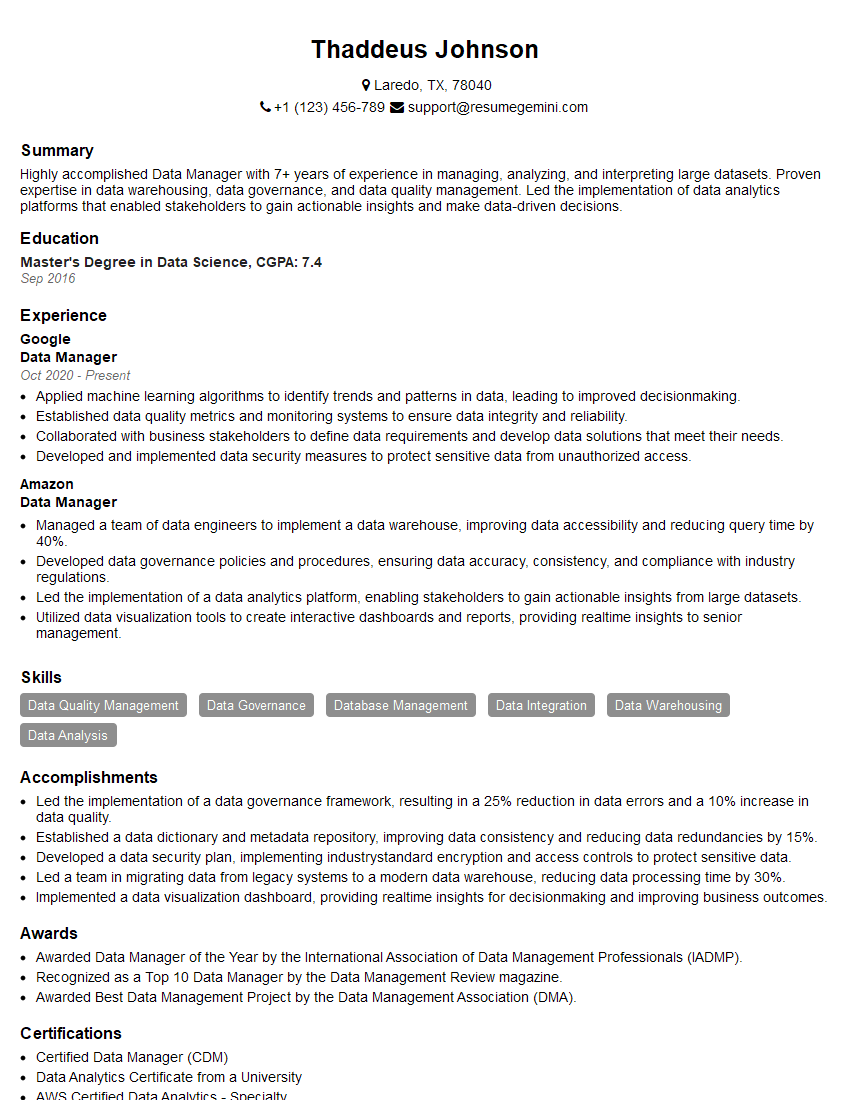
Data Manager Resume Sample
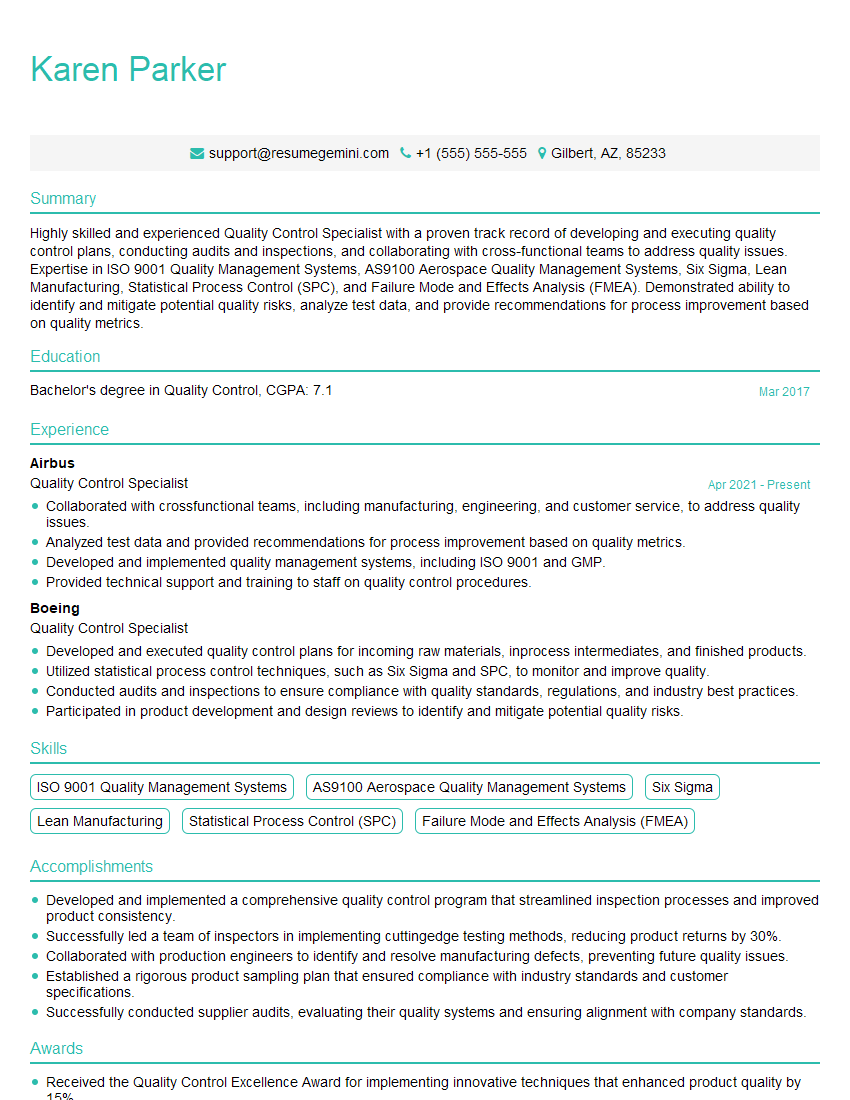
Quality Control Specialist Resume Sample

Colorist Resume Sample

Compositor Resume Sample

Motion Graphics Artist Resume Sample
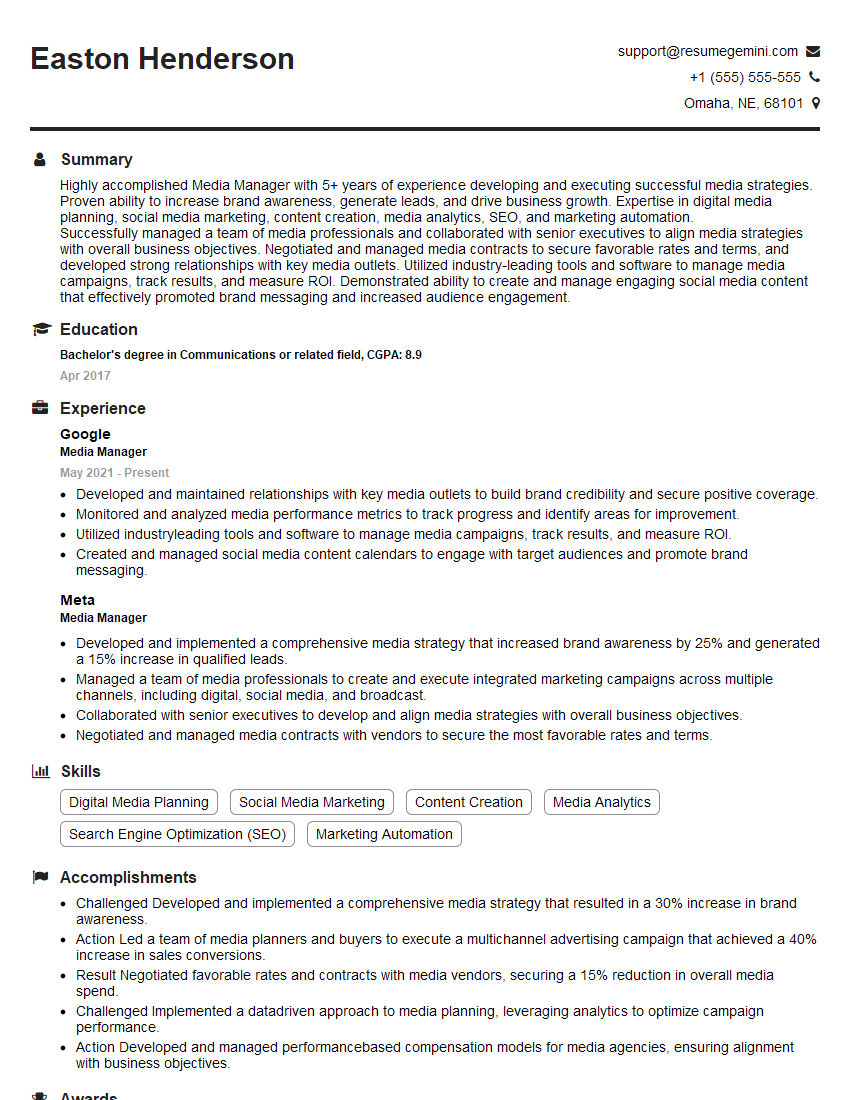
Media Manager Resume Sample

Online Editor Resume Sample

Video Editor Resume Sample

Audio Engineer Resume Sample
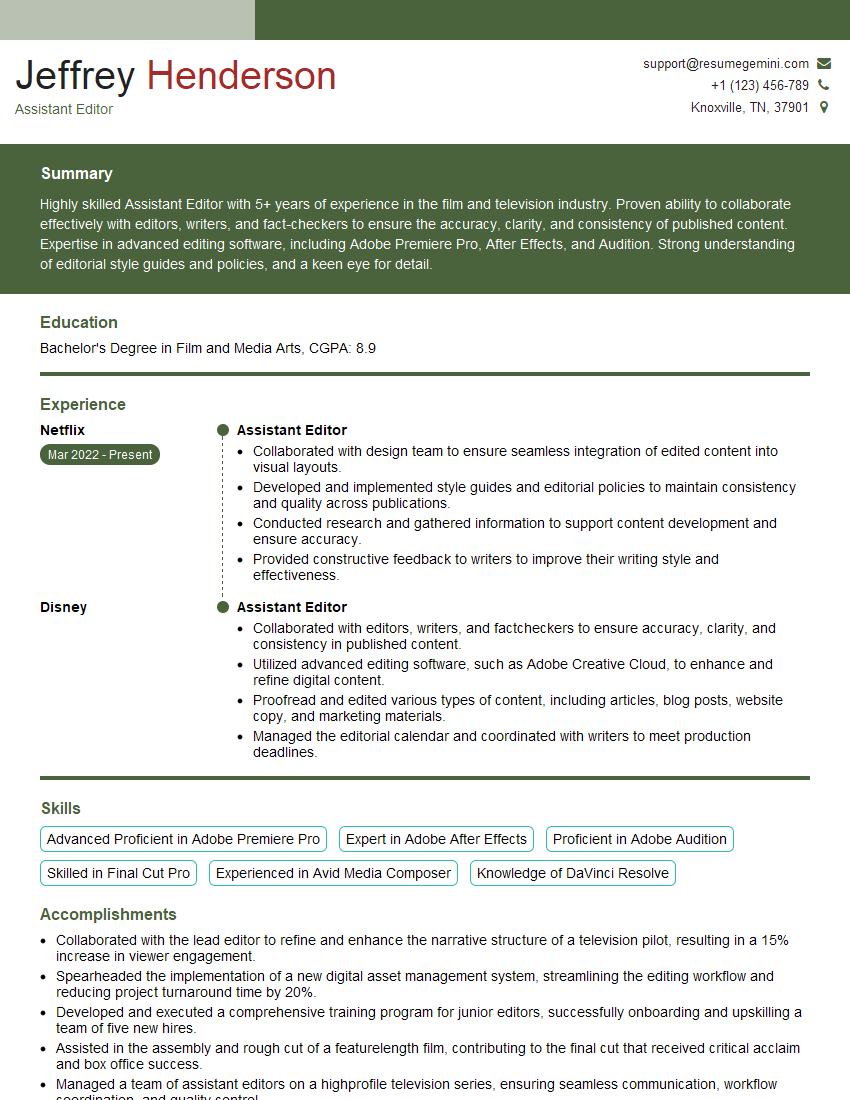
Assistant Editor Resume Sample
Explore more articles
Users Rating of Our Blogs
Share Your Experience
We value your feedback! Please rate our content and share your thoughts (optional).
What Readers Say About Our Blog
Hello,
we currently offer a complimentary backlink and URL indexing test for search engine optimization professionals.
You can get complimentary indexing credits to test how link discovery works in practice.
No credit card is required and there is no recurring fee.
You can find details here:
https://wikipedia-backlinks.com/indexing/
Regards
NICE RESPONSE TO Q & A
hi
The aim of this message is regarding an unclaimed deposit of a deceased nationale that bears the same name as you. You are not relate to him as there are millions of people answering the names across around the world. But i will use my position to influence the release of the deposit to you for our mutual benefit.
Respond for full details and how to claim the deposit. This is 100% risk free. Send hello to my email id: [email protected]
Luka Chachibaialuka
Hey interviewgemini.com, just wanted to follow up on my last email.
We just launched Call the Monster, an parenting app that lets you summon friendly ‘monsters’ kids actually listen to.
We’re also running a giveaway for everyone who downloads the app. Since it’s brand new, there aren’t many users yet, which means you’ve got a much better chance of winning some great prizes.
You can check it out here: https://bit.ly/callamonsterapp
Or follow us on Instagram: https://www.instagram.com/callamonsterapp
Thanks,
Ryan
CEO – Call the Monster App
Hey interviewgemini.com, I saw your website and love your approach.
I just want this to look like spam email, but want to share something important to you. We just launched Call the Monster, a parenting app that lets you summon friendly ‘monsters’ kids actually listen to.
Parents are loving it for calming chaos before bedtime. Thought you might want to try it: https://bit.ly/callamonsterapp or just follow our fun monster lore on Instagram: https://www.instagram.com/callamonsterapp
Thanks,
Ryan
CEO – Call A Monster APP
To the interviewgemini.com Owner.
Dear interviewgemini.com Webmaster!
Hi interviewgemini.com Webmaster!
Dear interviewgemini.com Webmaster!
excellent
Hello,
We found issues with your domain’s email setup that may be sending your messages to spam or blocking them completely. InboxShield Mini shows you how to fix it in minutes — no tech skills required.
Scan your domain now for details: https://inboxshield-mini.com/
— Adam @ InboxShield Mini
Reply STOP to unsubscribe
Hi, are you owner of interviewgemini.com? What if I told you I could help you find extra time in your schedule, reconnect with leads you didn’t even realize you missed, and bring in more “I want to work with you” conversations, without increasing your ad spend or hiring a full-time employee?
All with a flexible, budget-friendly service that could easily pay for itself. Sounds good?
Would it be nice to jump on a quick 10-minute call so I can show you exactly how we make this work?
Best,
Hapei
Marketing Director
Hey, I know you’re the owner of interviewgemini.com. I’ll be quick.
Fundraising for your business is tough and time-consuming. We make it easier by guaranteeing two private investor meetings each month, for six months. No demos, no pitch events – just direct introductions to active investors matched to your startup.
If youR17;re raising, this could help you build real momentum. Want me to send more info?
Hi, I represent an SEO company that specialises in getting you AI citations and higher rankings on Google. I’d like to offer you a 100% free SEO audit for your website. Would you be interested?
Hi, I represent an SEO company that specialises in getting you AI citations and higher rankings on Google. I’d like to offer you a 100% free SEO audit for your website. Would you be interested?
good