Interviews are opportunities to demonstrate your expertise, and this guide is here to help you shine. Explore the essential Programming/Setup interview questions that employers frequently ask, paired with strategies for crafting responses that set you apart from the competition.
Questions Asked in Programming/Setup Interview
Q 1. Explain the difference between TCP and UDP.
TCP (Transmission Control Protocol) and UDP (User Datagram Protocol) are both communication protocols used on the internet, but they differ significantly in how they handle data transmission. Think of them like two different delivery services: TCP is like FedEx, ensuring reliable delivery with tracking and confirmation, while UDP is like sending a postcard – faster, but with no guarantee of arrival.
- TCP: Connection-Oriented TCP establishes a dedicated connection between sender and receiver before transmitting data. This connection ensures reliable, ordered delivery. It uses acknowledgements (ACKs) to confirm receipt of data packets and retransmits lost or corrupted packets. This makes it suitable for applications requiring high reliability, such as web browsing (HTTP) and email (SMTP).
- UDP: Connectionless UDP doesn’t establish a connection before sending data. Packets are sent independently, without any guarantee of delivery or order. It’s faster and more efficient than TCP but less reliable. It’s used for applications where speed is prioritized over reliability, such as online gaming (where a slightly delayed packet is better than no packet) and streaming video (where some packet loss is acceptable).
In short: Choose TCP when reliability is paramount, and UDP when speed is more important than guaranteed delivery.
Q 2. Describe your experience with version control systems (e.g., Git).
I have extensive experience using Git for version control in both individual and team projects. I’m proficient in all core Git commands, including branching, merging, rebasing, and resolving conflicts. I’ve used Git in various contexts, from managing personal projects to collaborating on large-scale software development efforts using platforms like GitHub and GitLab.
For example, in a recent project, we used Git’s branching strategy to develop new features concurrently without affecting the main codebase. We created feature branches, regularly merged them into the development branch, and finally merged the development branch into the main branch after thorough testing. This allowed us to work efficiently and manage multiple versions of the code simultaneously. I’m also experienced with using Git for code review, utilizing pull requests and resolving merge conflicts effectively. My understanding extends to using Git hooks for automation and advanced concepts like cherry-picking and interactive rebasing to maintain a clean and well-organized Git history.
Q 3. What are your preferred scripting languages and why?
My preferred scripting languages are Python and Bash. My choice depends on the task at hand.
- Python: I prefer Python for its readability, extensive libraries (especially for data science, machine learning, and automation), and its versatility across various domains. Its clear syntax makes it easy to maintain and debug, crucial for long-term projects. For instance, I’ve used Python to automate infrastructure provisioning, build data analysis pipelines, and create web applications.
- Bash: For system administration tasks and automating command-line operations, Bash is my go-to language. Its powerful shell features allow for efficient scripting and manipulation of the operating system. I regularly use Bash for tasks such as automating server deployments, managing system logs, and creating custom system monitoring tools.
While I am familiar with other scripting languages like JavaScript and PowerShell, Python and Bash offer the best combination of power, readability, and suitability for the tasks I typically handle.
Q 4. How do you troubleshoot network connectivity issues?
Troubleshooting network connectivity issues involves a systematic approach. I typically start with the most basic checks and move progressively to more advanced diagnostics.
- Basic Checks: Verify physical connections (cables, ports), check if the device is powered on, and confirm the network device (router, switch) is working. Simple things often cause issues.
- IP Configuration: Check the IP address, subnet mask, and default gateway on the affected device. An incorrect configuration can prevent communication. Use commands like
ipconfig /all(Windows) orifconfig(Linux/macOS). - Connectivity Tests: Use tools like
pingto check basic network connectivity to known hosts.tracerouteortracertcan identify points of failure along the network path. - Firewall and Security Software: Verify that firewalls or security software aren’t blocking network traffic. Temporarily disabling them (with caution) can help isolate the problem.
- DNS Resolution: Check if the DNS server is functioning correctly. Try resolving domain names using
nslookupordig. Incorrect DNS settings can prevent access to websites. - Network Monitoring Tools: For more complex issues, network monitoring tools like Wireshark can be used for packet analysis to pinpoint the source of problems.
By following this structured approach, I can effectively diagnose and resolve a wide range of network connectivity problems.
Q 5. Explain the concept of cloud computing and its different service models.
Cloud computing is the on-demand availability of computer system resources, especially data storage and computing power, without direct active management by the user. Instead of owning and maintaining your own hardware and software, you rent resources from a cloud provider.
There are three main service models:
- IaaS (Infrastructure as a Service): Provides basic building blocks like virtual machines, storage, and networks. You manage the operating systems, applications, and data. Think of it as renting a server rack – you are responsible for everything inside.
- PaaS (Platform as a Service): Provides a platform for developing, running, and managing applications without the complexity of managing the underlying infrastructure. The provider handles the OS, servers, databases etc; you focus solely on your application. It’s like renting a fully furnished apartment – you bring your belongings.
- SaaS (Software as a Service): Delivers software applications over the internet, often on a subscription basis. You don’t manage anything – you simply use the software. This is like renting a fully furnished and serviced apartment – you just live there. Examples include Gmail, Salesforce, and Dropbox.
Cloud computing offers scalability, cost-effectiveness, and accessibility, making it a popular choice for businesses of all sizes.
Q 6. Describe your experience with containerization technologies (e.g., Docker, Kubernetes).
I have significant experience with containerization technologies, primarily Docker and Kubernetes. Docker allows for packaging applications and their dependencies into containers, ensuring consistent execution across different environments. Kubernetes orchestrates and manages those containers at scale.
In past projects, I’ve used Docker to create and deploy applications consistently across development, testing, and production environments. This eliminated the “it works on my machine” problem by ensuring a standardized runtime environment. Kubernetes has been instrumental in managing complex deployments, handling scaling, and ensuring high availability of applications. I’m familiar with concepts like pods, deployments, services, and namespaces, enabling efficient management of a large number of containers. I’ve utilized Kubernetes to automate rollouts, rollbacks, and scaling of microservices architectures, resulting in improved application resilience and efficiency.
Q 7. How do you monitor system performance and identify bottlenecks?
Monitoring system performance and identifying bottlenecks requires a multi-faceted approach, combining tools and techniques.
- System Monitoring Tools: I utilize tools like
top(Linux/macOS), Task Manager (Windows), and more advanced tools like Nagios or Prometheus to monitor CPU usage, memory consumption, disk I/O, and network traffic. These tools provide real-time insights into system resource usage. - Log Analysis: Examining system and application logs helps identify errors, performance issues, and bottlenecks. Tools like
grep,awk, and dedicated log management systems are invaluable for this task. - Profiling Tools: For application performance analysis, profiling tools help identify performance hotspots within the code. These tools measure execution time for different parts of the application, pinpointing areas for optimization.
- Resource Usage Analysis: Understanding resource usage patterns is crucial. By analyzing historical data on CPU, memory, and I/O usage, you can identify trends and predict potential bottlenecks. This allows for proactive capacity planning and resource allocation.
By combining these techniques, I can effectively diagnose performance problems, identify bottlenecks, and implement appropriate solutions, improving overall system efficiency.
Q 8. What are your preferred methods for automating repetitive tasks?
Automating repetitive tasks is crucial for efficiency and reducing human error. My preferred methods involve a combination of scripting languages and task scheduling tools.
- Scripting Languages: I frequently use Python for its versatility and extensive libraries. For example, I’ve used Python to automate the process of generating reports from various data sources, consolidating data from multiple spreadsheets, or even managing server configurations.
import os; os.system('command')This simple snippet shows how to execute system commands, automating tasks like file backups or system restarts. - Task Schedulers: Operating systems provide built-in task schedulers (like cron on Linux or Task Scheduler on Windows). I leverage these to execute scripts or programs at predefined intervals or upon specific events. This ensures tasks run automatically, even when I’m not actively working. For example, I might schedule a Python script to run daily to archive log files.
- Workflow Automation Tools: For more complex workflows, I utilize tools like Make or Airflow. These allow for the creation of complex, multi-step automated processes with error handling and monitoring.
Choosing the right approach depends on the complexity of the task. Simple tasks might just need a basic script and scheduler, whereas complex ones benefit from workflow management tools. The key is to prioritize reusability and maintainability, ensuring the automation can be easily adjusted as needs change.
Q 9. Explain your experience with database administration (e.g., SQL, NoSQL).
My experience with database administration spans both SQL and NoSQL databases. I’m proficient in designing, implementing, and maintaining databases to support various applications.
- SQL: I’ve worked extensively with relational databases like PostgreSQL and MySQL. My skills include database design normalization, query optimization using techniques like indexing and query rewriting, data modeling, and ensuring data integrity using constraints and triggers. For instance, I once optimized a slow-running query in a large e-commerce database by creating indexes on frequently queried columns, resulting in a significant performance improvement.
SELECT * FROM users WHERE last_name LIKE '%Smith%'is a basic SQL query, but understanding how to optimize such queries for large datasets is essential. - NoSQL: I’ve experience with MongoDB and Cassandra, understanding when to choose a NoSQL approach. I’m familiar with schema design considerations for document and key-value stores, and understand the trade-offs between scalability, consistency, and availability. I’ve used NoSQL databases effectively for applications needing high write throughput and flexible data structures.
In both SQL and NoSQL contexts, I focus on security best practices like access control and data encryption. Data backup and recovery strategies are also a key part of my database administration workflow.
Q 10. Describe your experience with different operating systems (e.g., Linux, Windows).
I have significant experience with both Linux and Windows operating systems. My expertise goes beyond basic usage; I’m comfortable with command-line interfaces, system administration, and troubleshooting.
- Linux: I’m proficient in various distributions (Ubuntu, CentOS, etc.) and am comfortable with system administration tasks such as user management, package management (apt, yum), and network configuration. My scripting skills extend to automating these tasks using Bash or other shell scripting languages. For example, I’ve automated the deployment of web applications on Linux servers using shell scripts and configuration management tools like Ansible.
- Windows: I’m familiar with managing Windows Server environments, including Active Directory, Group Policy, and managing services. I also have experience with Windows PowerShell, using it for automation and system administration.
My understanding of both systems allows me to design and implement cross-platform solutions, catering to different needs and preferences.
Q 11. How do you handle unexpected system failures?
Handling unexpected system failures requires a methodical approach, combining proactive measures with effective reaction strategies.
- Proactive Measures: Regular backups (both local and offsite), monitoring tools (to detect issues early), and robust logging are critical. I regularly implement these to prevent problems before they escalate.
- Reactive Measures: Upon detecting a failure, my approach is systematic. Firstly, I identify the cause—is it a hardware problem, software bug, network issue, or something else? This involves using diagnostic tools and analyzing logs. Next, I implement a solution; this might range from restarting a service to replacing a failed hardware component. Finally, I document the event for future analysis and prevention.
- Incident Management: In larger settings, I’d follow established incident management processes, escalating issues as needed and communicating effectively with affected stakeholders.
For example, I once dealt with a server crash caused by a memory leak. By analyzing logs, I quickly identified the faulty application, restarted it, and then implemented monitoring to prevent this from happening again. The key is to be calm, systematic, and focus on minimizing downtime.
Q 12. Explain your experience with security best practices.
Security is paramount in any system. My approach to security best practices is multifaceted and incorporates various levels of protection.
- Principle of Least Privilege: I strictly adhere to this principle, granting users only the necessary permissions to perform their jobs. This limits the impact of potential breaches.
- Regular Security Audits and Penetration Testing: I conduct regular security audits and penetration testing to identify vulnerabilities. These tests help proactively discover and address security weaknesses before they can be exploited.
- Secure Coding Practices: I utilize secure coding practices to prevent common vulnerabilities, such as SQL injection and cross-site scripting. This involves input validation, output encoding, and secure authentication mechanisms.
- Network Security: Implementing firewalls, intrusion detection/prevention systems (IDS/IPS), and VPNs are essential for network security. I carefully configure these components to protect the system from external threats.
- Data Encryption: Data at rest and in transit should be encrypted to protect sensitive information. I use encryption technologies appropriate for the context.
Security is an ongoing process, not a one-time fix. I stay updated on emerging threats and vulnerabilities, adapting my security measures accordingly.
Q 13. What are your preferred methods for deploying applications?
My preferred application deployment methods depend on the specific application and infrastructure. However, I generally favor automated and version-controlled deployments to ensure reliability and consistency.
- Continuous Integration/Continuous Deployment (CI/CD): I extensively use CI/CD pipelines (e.g., using Jenkins, GitLab CI, or GitHub Actions) to automate the build, test, and deployment process. This ensures quick and reliable deployments with minimal manual intervention.
- Containerization (Docker, Kubernetes): Containerization provides a consistent environment across different systems, simplifying deployment and scaling. I use Docker to package applications and Kubernetes to orchestrate their deployment across multiple servers.
- Configuration Management Tools (Ansible, Puppet, Chef): These tools allow for automated configuration management, ensuring consistency across servers and reducing configuration errors.
The key is to make the deployment process repeatable, reliable, and easily reversible in case of issues. I prioritize proper logging and monitoring throughout the process to facilitate troubleshooting.
Q 14. Describe your experience with load balancing and high availability.
Load balancing and high availability are essential for building robust and scalable applications. My experience encompasses both.
- Load Balancing: I’ve worked with various load balancers (hardware and software), distributing incoming traffic across multiple servers to prevent overload and ensure consistent performance. I understand different load balancing algorithms (round-robin, least connections, etc.) and choose the appropriate one based on the application’s needs.
- High Availability: Achieving high availability often involves redundant systems and failover mechanisms. I’ve implemented solutions using techniques like clustering, active-passive setups, and geographically distributed deployments to ensure application availability even in the event of failures.
For instance, I’ve built highly available web applications using a combination of load balancers and clustered databases. If one server fails, the load balancer redirects traffic to the remaining healthy servers, ensuring minimal disruption to users. This requires careful planning and configuration of failover mechanisms and monitoring to guarantee seamless operation.
Q 15. How do you ensure data integrity and security?
Data integrity and security are paramount in software development. Ensuring these requires a multi-layered approach encompassing preventative measures, detection mechanisms, and recovery strategies.
- Input Validation: This is the first line of defense. Strictly validating all user inputs prevents malicious code injection (SQL injection, XSS) and ensures data conforms to expected formats. For example, checking if a phone number field only contains digits and is the correct length.
- Data Encryption: Sensitive data, like passwords or credit card information, should always be encrypted both in transit (using HTTPS) and at rest (using database encryption). Encryption algorithms like AES-256 are industry standards.
- Access Control: Implementing robust access control mechanisms, such as role-based access control (RBAC), ensures that only authorized users can access and modify data. This might involve different permission levels for different user roles (e.g., administrator, editor, viewer).
- Regular Backups: Frequent backups are crucial for data recovery in case of system failures, data corruption, or cyberattacks. A robust backup strategy includes both on-site and off-site backups.
- Security Audits and Penetration Testing: Regularly auditing security practices and conducting penetration testing helps identify vulnerabilities before attackers can exploit them. This proactive approach is essential for maintaining a strong security posture.
- Data Sanitization: Before data is deleted, it should be sanitized to ensure that no sensitive information remains on storage media. This involves techniques like data overwriting or secure erasure.
Imagine a banking application – failing to encrypt transaction details would be catastrophic. A layered approach ensures even if one layer fails, others mitigate the risk.
Career Expert Tips:
- Ace those interviews! Prepare effectively by reviewing the Top 50 Most Common Interview Questions on ResumeGemini.
- Navigate your job search with confidence! Explore a wide range of Career Tips on ResumeGemini. Learn about common challenges and recommendations to overcome them.
- Craft the perfect resume! Master the Art of Resume Writing with ResumeGemini’s guide. Showcase your unique qualifications and achievements effectively.
- Don’t miss out on holiday savings! Build your dream resume with ResumeGemini’s ATS optimized templates.
Q 16. Explain your experience with different programming paradigms (e.g., object-oriented, functional).
I’m proficient in both object-oriented and functional programming paradigms.
- Object-Oriented Programming (OOP): OOP uses classes and objects to structure code. I’ve extensively used Java and C# for large-scale applications. OOP promotes modularity, reusability, and maintainability through concepts like encapsulation, inheritance, and polymorphism. For example, in a game, you could have a ‘Character’ class with subclasses like ‘Warrior’ and ‘Mage,’ inheriting common attributes and methods but also having specialized ones.
- Functional Programming (FP): FP emphasizes immutability and pure functions, leading to cleaner, more predictable code. I have experience with languages like Python and JavaScript, using functional concepts like map, filter, and reduce to process data efficiently. A practical example would be processing a list of user names, where a map function changes each name to lowercase, and a filter function removes duplicates.
The choice of paradigm often depends on the project’s requirements. OOP is great for modeling complex systems, while FP excels in handling data transformations and concurrency.
Q 17. Describe your experience with debugging and troubleshooting code.
Debugging and troubleshooting are integral parts of software development. My approach involves a systematic process:
- Reproduce the bug: First, I need to consistently reproduce the bug. This often involves careful examination of logs, error messages, and user reports.
- Isolate the problem: I use techniques like binary search, or selectively commenting out sections of code, to narrow down the source of the issue.
- Use debugging tools: Debuggers (like GDB or Visual Studio’s debugger) allow stepping through code line-by-line, inspecting variables, and identifying where things go wrong.
- Log effectively: Well-placed log statements provide valuable insight into the program’s execution flow. I use different log levels (DEBUG, INFO, WARNING, ERROR) to categorize messages.
- Employ code analysis tools: Static code analysis tools can identify potential bugs and style inconsistencies before runtime.
- Seek assistance: When needed, I don’t hesitate to leverage online resources, team collaboration, or external expertise.
For instance, once I spent days tracking down a memory leak. Systematic logging and careful examination of memory usage profiles eventually revealed a rogue pointer causing the problem.
Q 18. What are your preferred methods for testing software?
My preferred testing methods combine several approaches for comprehensive coverage:
- Unit Testing: Testing individual components or units of code in isolation. This helps catch bugs early and ensures each part works correctly before integration.
- Integration Testing: Testing how different modules interact with each other. This verifies that components work together as intended.
- System Testing: Testing the complete system to ensure it meets all requirements. This often involves end-to-end testing, simulating real-world scenarios.
- User Acceptance Testing (UAT): Having end-users test the software to ensure it meets their needs and expectations.
- Automated Testing: Using frameworks like JUnit (Java), pytest (Python), or Selenium (web applications) to automate repetitive test cases, saving time and resources.
Think of building a house: unit testing is like testing individual bricks, integration testing is checking how the walls go together, system testing is inspecting the whole house, and UAT is the homeowner’s final approval.
Q 19. Explain your experience with agile development methodologies.
I have extensive experience with Agile development methodologies, primarily Scrum and Kanban.
- Scrum: I’ve participated in Scrum teams, working in sprints (typically 2-4 weeks) with daily stand-up meetings, sprint reviews, and retrospectives. The iterative nature of Scrum allows for flexibility and adaptation to changing requirements.
- Kanban: I’ve also used Kanban boards to visualize workflow, limit work in progress, and improve efficiency. Kanban’s flexibility makes it suitable for projects with evolving priorities.
- Agile Principles: Regardless of the specific methodology, I adhere to core Agile principles: collaboration, iterative development, continuous improvement, and responding to change.
In a recent project, we used Scrum to develop a mobile application. The sprint structure enabled us to deliver working increments of the app frequently, gathering user feedback and making adjustments along the way.
Q 20. How do you prioritize tasks and manage your time effectively?
Effective task prioritization and time management are crucial for productivity. My approach involves:
- Prioritization Matrix (Eisenhower Matrix): Categorizing tasks based on urgency and importance (Urgent/Important, Important/Not Urgent, Urgent/Not Important, Not Urgent/Not Important) helps focus on high-impact activities.
- Time Blocking: Allocating specific time blocks for different tasks helps maintain focus and prevents task-switching.
- Task Breakdown: Breaking down large tasks into smaller, more manageable subtasks makes them less daunting and allows for better progress tracking.
- Tool Utilization: Using project management tools (like Jira or Trello) to track tasks, deadlines, and progress. These tools enhance visibility and collaboration.
- Regular Review and Adjustment: Periodically reviewing my schedule and adjusting priorities as needed to account for unexpected events or changing circumstances.
Imagine trying to build a complex project without a plan. Prioritization and time management are the blueprints that help me efficiently reach my goals.
Q 21. Describe a time you had to solve a complex technical problem.
In a previous project, we encountered a critical performance bottleneck in our database system. The application was slowing down significantly under heavy load, impacting user experience.
Problem Solving Steps:
- Profiling and Analysis: We used database profiling tools to pinpoint the slow queries. This revealed a poorly optimized query that was responsible for the majority of the performance issues.
- Database Optimization: We optimized the slow query by adding appropriate indexes, rewriting inefficient subqueries, and using more efficient joins. We also analyzed table structures for potential improvements.
- Caching Strategies: We implemented caching strategies to reduce the number of database hits. This involved storing frequently accessed data in memory, reducing load on the database.
- Code Review and Optimization: We reviewed application code interacting with the database, optimizing data retrieval and minimizing unnecessary queries.
- Load Testing: After implementing the changes, we conducted load testing to verify the improvements. The performance bottleneck was significantly reduced, restoring application responsiveness.
This experience underscored the importance of thorough investigation, using the right tools, and a systematic approach when solving complex technical challenges. The success not only improved performance but also taught valuable lessons in database optimization and performance analysis.
Q 22. Explain your experience with different software development life cycles (SDLC).
Throughout my career, I’ve worked with several Software Development Life Cycles (SDLCs), each offering a unique approach to software development. My experience spans Agile methodologies like Scrum and Kanban, as well as more traditional Waterfall models.
- Waterfall: This is a linear, sequential approach where each phase (requirements, design, implementation, testing, deployment, maintenance) must be completed before the next begins. It’s best suited for projects with stable requirements and little expected change. I’ve used this on projects with clearly defined specifications where changes were infrequent and carefully managed.
- Agile (Scrum): Scrum emphasizes iterative development, short sprints (typically 2-4 weeks), daily stand-up meetings, and continuous feedback. I’ve found this incredibly effective for projects with evolving requirements and the need for rapid adaptation. A recent project involved building a mobile application where user feedback drove significant changes during the development process. The iterative nature of Scrum allowed us to incorporate these changes seamlessly.
- Agile (Kanban): Kanban focuses on visualizing workflow, limiting work in progress, and continuous improvement. It’s less prescriptive than Scrum and allows for greater flexibility. I’ve used Kanban in maintenance and support roles, where tasks arrive unpredictably. The Kanban board helped prioritize tasks and ensure a smooth workflow.
My experience with these different SDLCs allows me to select the most appropriate methodology based on project requirements, team dynamics, and client needs.
Q 23. What are your strengths and weaknesses as a programmer?
My strengths as a programmer lie in my problem-solving abilities and my dedication to writing clean, efficient, and well-documented code. I excel at debugging complex issues, often employing a systematic approach that involves isolating the problem, testing different solutions, and utilizing debugging tools effectively. I also actively seek feedback to improve my coding style and to ensure my code meets the highest standards of quality and maintainability. For example, on a recent project, I identified a performance bottleneck in a critical section of code by carefully profiling the application and optimizing the algorithm. This resulted in a significant improvement in application speed.
One area I’m continuously working on is expanding my knowledge of newer frameworks and technologies. While I’m proficient in many existing technologies, the rapid pace of technological advancements requires constant learning and adaptation. I actively seek opportunities to learn new skills through online courses, workshops, and personal projects. This ensures I remain current and competitive in the field.
Q 24. Describe your experience with different network protocols.
My experience with network protocols is extensive, covering various layers of the OSI model. I’m comfortable working with protocols like TCP/IP, UDP, HTTP, HTTPS, FTP, and SMTP. I understand their underlying mechanisms and implications on network performance and security.
- TCP/IP: I understand the reliable, connection-oriented nature of TCP and its use in applications requiring guaranteed delivery, such as file transfer (FTP). I’ve worked on projects involving TCP socket programming.
- UDP: I’m familiar with UDP’s connectionless, unreliable nature and its suitability for applications where speed is prioritized over guaranteed delivery, such as streaming video.
- HTTP/HTTPS: I have significant experience with these protocols, understanding their role in web communication and the importance of HTTPS for secure data transmission. I’ve worked extensively with RESTful APIs and web services.
This knowledge is crucial for building robust, efficient, and secure network applications. For instance, I’ve used my understanding of HTTP headers to optimize the performance of a web application by implementing appropriate caching mechanisms.
Q 25. How do you stay up-to-date with the latest technologies?
Staying current with the latest technologies is a continuous process that I approach strategically. I leverage several resources to ensure I’m always learning:
- Online Courses and Platforms: Platforms like Coursera, edX, and Udemy offer a vast array of courses covering a wide range of technologies.
- Technical Blogs and Publications: I regularly read blogs and articles from industry leaders and follow prominent tech publications to keep up with the latest trends and innovations.
- Conferences and Workshops: Attending conferences and workshops provides invaluable networking opportunities and exposure to cutting-edge technologies.
- Open Source Contributions: Contributing to open-source projects is an excellent way to learn from experienced developers and gain practical experience with new technologies.
- Personal Projects: I regularly undertake personal projects to experiment with new technologies and put my learning into practice.
This multi-faceted approach ensures I’m not just passively consuming information, but actively engaging with and applying new technologies in a meaningful way.
Q 26. What is your experience with CI/CD pipelines?
My experience with CI/CD pipelines is substantial. I’ve worked with various tools like Jenkins, GitLab CI, and Azure DevOps to build and manage automated pipelines for software delivery. I understand the importance of automating the build, test, and deployment processes to improve efficiency and reduce errors.
In a recent project, we implemented a Jenkins-based CI/CD pipeline that automated the entire process from code commit to deployment. This included automated testing, code analysis, and deployment to multiple environments. The result was a significant reduction in deployment time and a decrease in human error. The pipeline also included rollback capabilities, ensuring quick recovery in case of issues.
I am familiar with various stages of a CI/CD pipeline, including version control (Git), automated building (e.g., Maven, Gradle), automated testing (unit, integration, system), code analysis (SonarQube, etc.), deployment (to various environments), and monitoring. I have experience using Infrastructure as Code (IaC) to provision and manage the infrastructure for the CI/CD pipeline itself.
Q 27. Explain your understanding of different cloud providers (e.g., AWS, Azure, GCP).
I possess working knowledge of the three major cloud providers: AWS, Azure, and GCP. While my experience is most extensive with AWS, I am comfortable navigating the services and concepts of the others. Each provider offers a unique ecosystem of services, and understanding their strengths and weaknesses is critical for making informed decisions about cloud infrastructure.
- AWS: I’m proficient in using various AWS services including EC2 (compute), S3 (storage), RDS (databases), Lambda (serverless computing), and SQS (message queues). I’ve designed and implemented cloud-based solutions on AWS, optimizing for cost and performance.
- Azure: My experience with Azure includes working with Azure Virtual Machines, Azure Blob Storage, and Azure SQL Database. I understand Azure’s strengths in integration with Microsoft technologies.
- GCP: I have experience with Google Compute Engine, Cloud Storage, and Cloud SQL. I appreciate Google’s focus on data analytics and machine learning services.
My understanding extends beyond individual services to encompass cloud architecture principles, security best practices, and cost optimization strategies. I can design scalable, reliable, and cost-effective cloud-based solutions tailored to specific project requirements.
Q 28. Describe your experience with infrastructure as code (IaC).
Infrastructure as Code (IaC) is a crucial practice for managing and provisioning infrastructure in a repeatable and automated manner. It allows us to treat infrastructure as code, enabling version control, testing, and automation similar to application code. I have significant experience using tools like Terraform and Ansible to manage infrastructure.
- Terraform: I’ve utilized Terraform to define and manage infrastructure across multiple cloud providers (AWS, Azure, GCP). Its declarative approach ensures consistency and predictability in infrastructure provisioning.
- Ansible: I’ve employed Ansible for configuration management and automation of server tasks. Its agentless architecture simplifies deployment and management.
By using IaC, we can ensure consistency across environments (dev, test, prod), automate infrastructure provisioning, and greatly reduce the risk of human error during infrastructure setup and changes. For example, using Terraform, we can define the entire network architecture, compute resources, and databases in a single configuration file, which can then be version-controlled, tested, and deployed consistently across different environments.
Key Topics to Learn for Programming/Setup Interview
- Version Control Systems (e.g., Git): Understanding branching, merging, conflict resolution, and best practices is crucial for collaborative development. Practical application includes managing code changes in a team environment.
- Scripting Languages (e.g., Bash, Python): Mastering scripting allows for automation of tasks, system administration, and efficient problem-solving. Practical application includes automating deployments or data processing.
- Networking Fundamentals: A solid grasp of networking concepts (IP addresses, subnets, DNS, TCP/IP) is essential for understanding system connectivity and troubleshooting. Practical application involves diagnosing network issues and configuring network settings.
- Operating Systems (e.g., Linux, Windows): Familiarity with the inner workings of operating systems, including processes, memory management, and file systems, is key. Practical application includes optimizing system performance and troubleshooting system errors.
- Cloud Platforms (e.g., AWS, Azure, GCP): Understanding cloud concepts, services, and deployment strategies is increasingly important. Practical application includes designing and implementing cloud-based solutions.
- Security Best Practices: Understanding security principles and implementing secure coding practices is paramount. Practical application includes securing systems and data from unauthorized access.
- Troubleshooting and Problem-Solving Techniques: Developing a systematic approach to identifying and resolving technical issues is critical. This includes effective use of debugging tools and logs.
- Data Structures and Algorithms (Fundamentals): While depth depends on the role, a basic understanding of common data structures and algorithms enhances problem-solving capabilities.
Next Steps
Mastering Programming/Setup skills opens doors to exciting and rewarding career opportunities in a rapidly growing tech landscape. To maximize your job prospects, create an ATS-friendly resume that effectively showcases your technical abilities and experience. ResumeGemini is a trusted resource to help you build a professional and impactful resume that gets noticed. We provide examples of resumes tailored to Programming/Setup roles to guide you through the process. Invest the time to craft a compelling resume—it’s your first impression on potential employers.

Security Engineer Resume Sample

Data Scientist Resume Sample

Software Engineer Resume Sample

Network Engineer Resume Sample
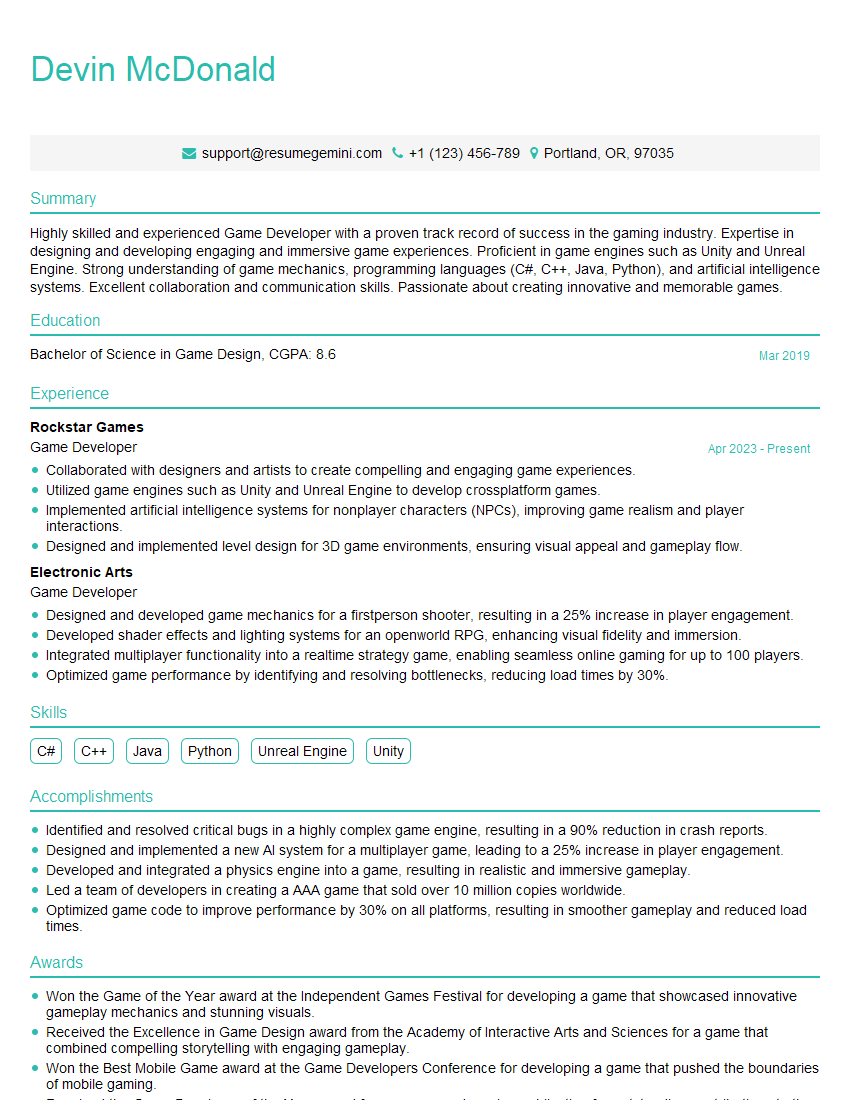
Game Developer Resume Sample
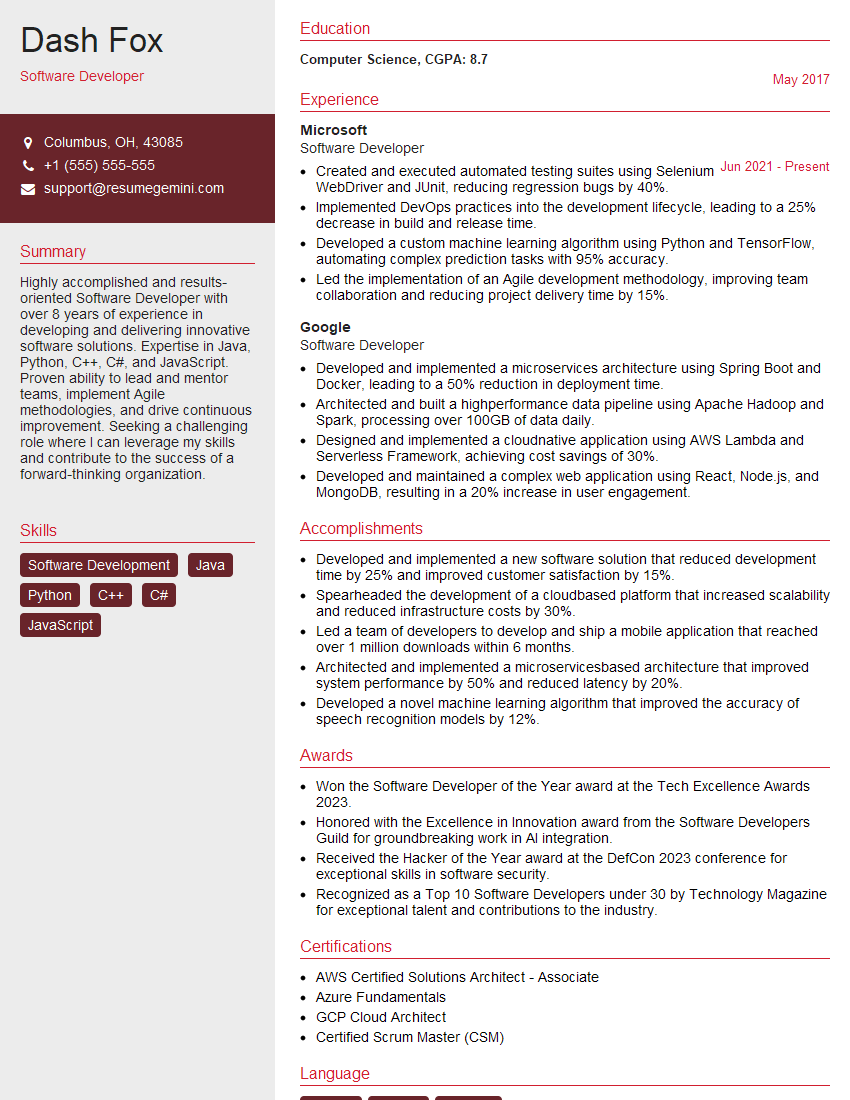
Software Developer Resume Sample

Automation Engineer Resume Sample

Solutions Architect Resume Sample

Infrastructure Engineer Resume Sample

Web Developer Resume Sample

System Administrator Resume Sample
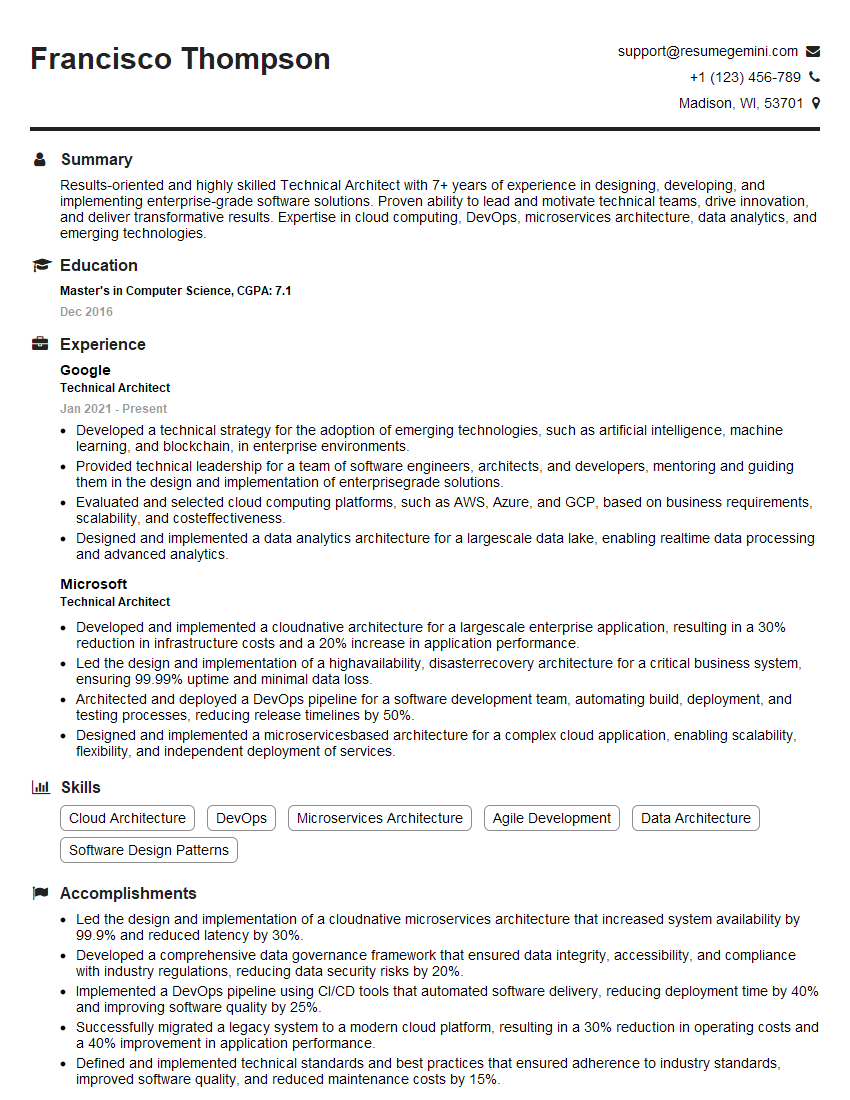
Technical Architect Resume Sample

IT Manager Resume Sample
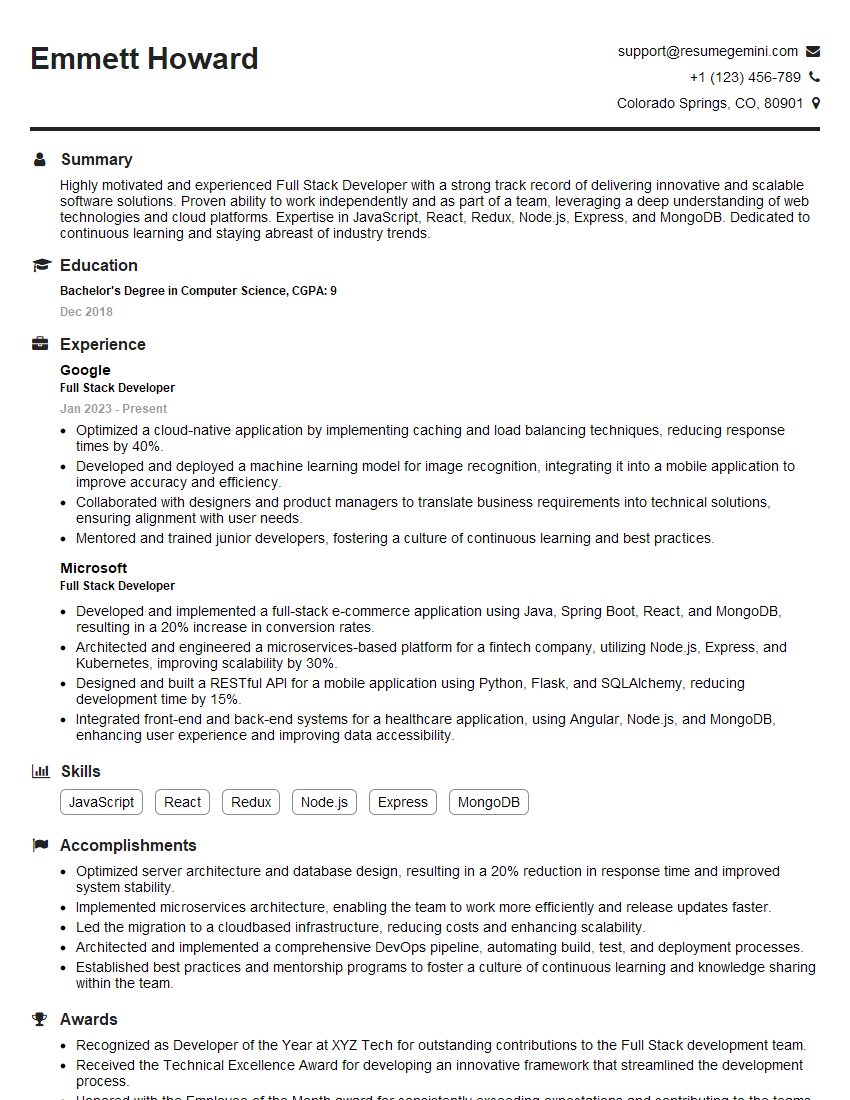
Full Stack Developer Resume Sample

Database Administrator Resume Sample
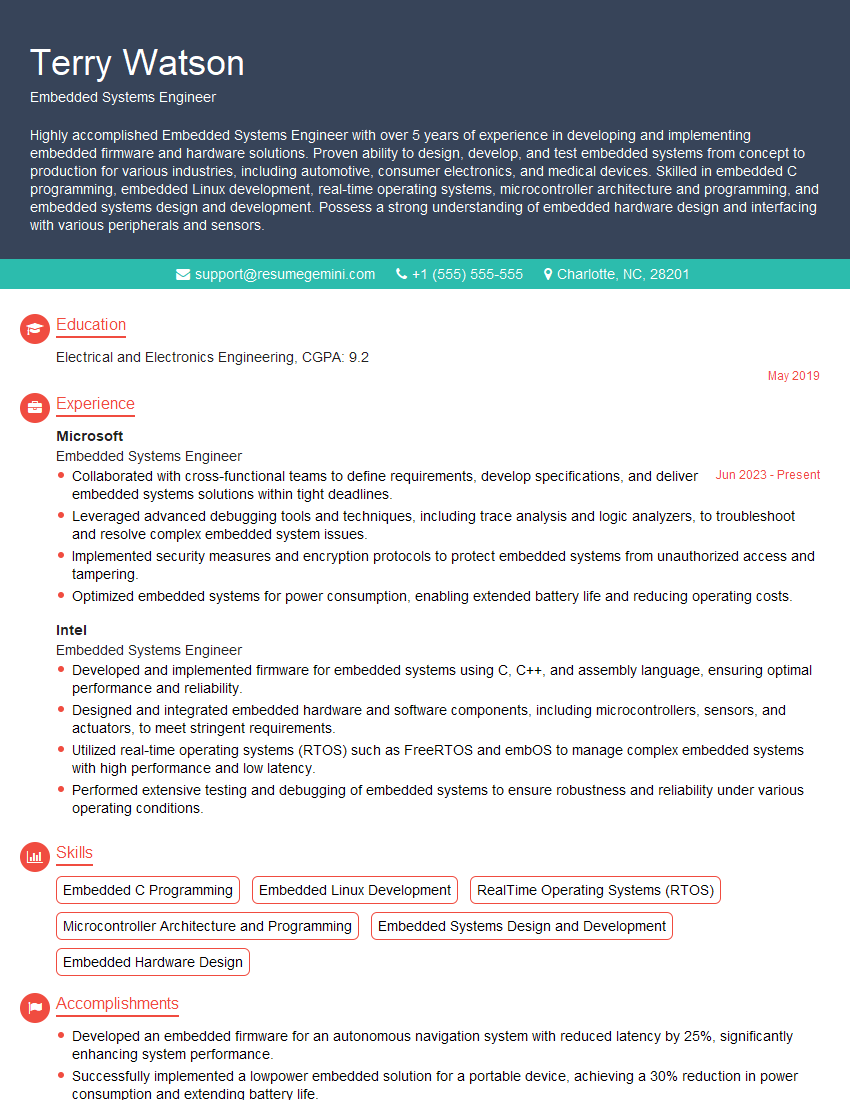
Embedded Systems Engineer Resume Sample

Front-End Developer Resume Sample

DevOps Engineer Resume Sample

Cloud Architect Resume Sample

Machine Learning Engineer Resume Sample
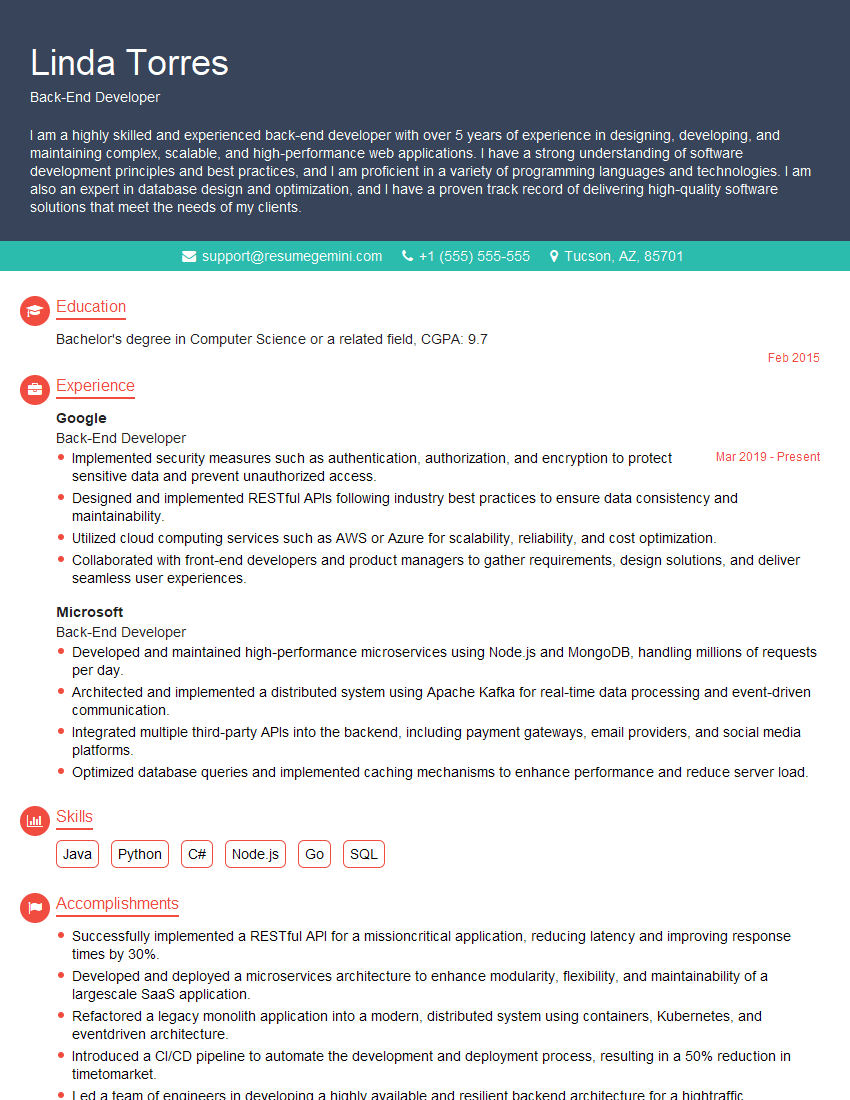
Back-End Developer Resume Sample
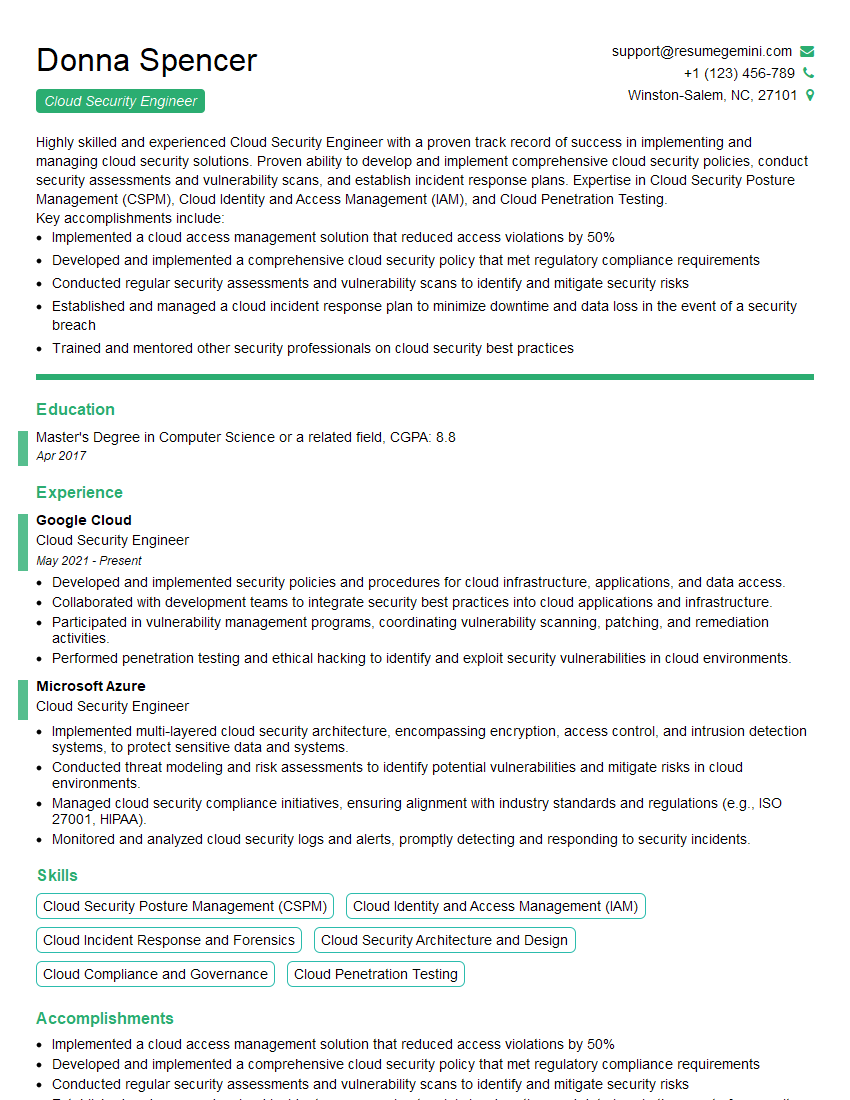
Cloud Security Engineer Resume Sample
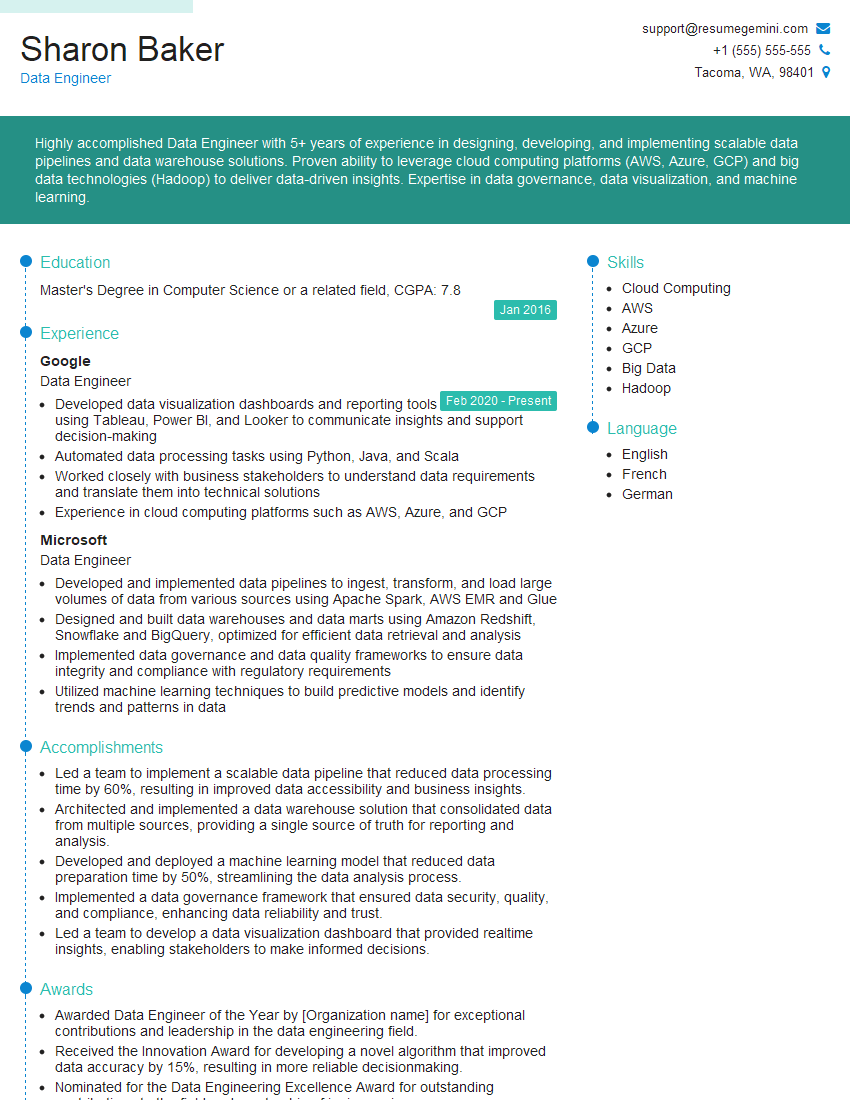
Data Engineer Resume Sample
- Security Engineer
- Data Scientist
- Software Engineer
- Network Engineer
- Game Developer
- Software Developer
- Automation Engineer
- Solutions Architect
- Infrastructure Engineer
- Web Developer
- System Administrator
- Technical Architect
- IT Manager
- Full Stack Developer
- Database Administrator
- Embedded Systems Engineer
- Front-End Developer
- DevOps Engineer
- Cloud Architect
- Machine Learning Engineer
- Back-End Developer
- Cloud Security Engineer
- Data Engineer
Explore more articles
Users Rating of Our Blogs
Share Your Experience
We value your feedback! Please rate our content and share your thoughts (optional).
What Readers Say About Our Blog
Hello,
we currently offer a complimentary backlink and URL indexing test for search engine optimization professionals.
You can get complimentary indexing credits to test how link discovery works in practice.
No credit card is required and there is no recurring fee.
You can find details here:
https://wikipedia-backlinks.com/indexing/
Regards
NICE RESPONSE TO Q & A
hi
The aim of this message is regarding an unclaimed deposit of a deceased nationale that bears the same name as you. You are not relate to him as there are millions of people answering the names across around the world. But i will use my position to influence the release of the deposit to you for our mutual benefit.
Respond for full details and how to claim the deposit. This is 100% risk free. Send hello to my email id: [email protected]
Luka Chachibaialuka
Hey interviewgemini.com, just wanted to follow up on my last email.
We just launched Call the Monster, an parenting app that lets you summon friendly ‘monsters’ kids actually listen to.
We’re also running a giveaway for everyone who downloads the app. Since it’s brand new, there aren’t many users yet, which means you’ve got a much better chance of winning some great prizes.
You can check it out here: https://bit.ly/callamonsterapp
Or follow us on Instagram: https://www.instagram.com/callamonsterapp
Thanks,
Ryan
CEO – Call the Monster App
Hey interviewgemini.com, I saw your website and love your approach.
I just want this to look like spam email, but want to share something important to you. We just launched Call the Monster, a parenting app that lets you summon friendly ‘monsters’ kids actually listen to.
Parents are loving it for calming chaos before bedtime. Thought you might want to try it: https://bit.ly/callamonsterapp or just follow our fun monster lore on Instagram: https://www.instagram.com/callamonsterapp
Thanks,
Ryan
CEO – Call A Monster APP
To the interviewgemini.com Owner.
Dear interviewgemini.com Webmaster!
Hi interviewgemini.com Webmaster!
Dear interviewgemini.com Webmaster!
excellent
Hello,
We found issues with your domain’s email setup that may be sending your messages to spam or blocking them completely. InboxShield Mini shows you how to fix it in minutes — no tech skills required.
Scan your domain now for details: https://inboxshield-mini.com/
— Adam @ InboxShield Mini
Reply STOP to unsubscribe
Hi, are you owner of interviewgemini.com? What if I told you I could help you find extra time in your schedule, reconnect with leads you didn’t even realize you missed, and bring in more “I want to work with you” conversations, without increasing your ad spend or hiring a full-time employee?
All with a flexible, budget-friendly service that could easily pay for itself. Sounds good?
Would it be nice to jump on a quick 10-minute call so I can show you exactly how we make this work?
Best,
Hapei
Marketing Director
Hey, I know you’re the owner of interviewgemini.com. I’ll be quick.
Fundraising for your business is tough and time-consuming. We make it easier by guaranteeing two private investor meetings each month, for six months. No demos, no pitch events – just direct introductions to active investors matched to your startup.
If youR17;re raising, this could help you build real momentum. Want me to send more info?
Hi, I represent an SEO company that specialises in getting you AI citations and higher rankings on Google. I’d like to offer you a 100% free SEO audit for your website. Would you be interested?
Hi, I represent an SEO company that specialises in getting you AI citations and higher rankings on Google. I’d like to offer you a 100% free SEO audit for your website. Would you be interested?
good