Interviews are more than just a Q&A session—they’re a chance to prove your worth. This blog dives into essential Python, C++, MATLAB interview questions and expert tips to help you align your answers with what hiring managers are looking for. Start preparing to shine!
Questions Asked in Python, C++, MATLAB Interview
Q 1. Explain the difference between lists and tuples in Python.
Lists and tuples in Python are both used to store sequences of items, but they differ significantly in their mutability—that is, their ability to be changed after creation. Think of a list as a whiteboard; you can erase and rewrite on it. A tuple is more like a printed document; once it’s created, it’s fixed.
- Lists: Mutable, defined using square brackets
[]. You can add, remove, or modify elements after the list is created. They are generally more flexible. - Tuples: Immutable, defined using parentheses
(). Their contents cannot be changed once they are created. This immutability offers data integrity and can improve performance in certain situations.
Example:
list_example = [1, 2, 3]  # List: Mutable
list_example.append(4)  # Add an element
print(list_example) # Output: [1, 2, 3, 4]

tuple_example = (1, 2, 3)  # Tuple: Immutable
# tuple_example.append(4)  # This will raise an AttributeError
Practical Application: Lists are perfect for scenarios where you need to dynamically manage a collection of items, like a user’s shopping cart or a list of tasks. Tuples are ideal when you want to ensure data integrity, like representing coordinates (x, y) or database records where modification shouldn’t be allowed.
Q 2. What are decorators in Python and how are they used?
Decorators in Python are a powerful and expressive feature that allows you to modify or enhance functions and methods in a clean and readable way. Imagine them as wrappers that add extra functionality to an existing function without modifying its core logic directly. They use the @ symbol for a concise syntax.
How they work: A decorator is essentially a function that takes another function as input and returns a modified version of that function. This modification can include adding logging, authentication, timing, or any other pre- or post-processing steps.
Example:
import time
@profile_time  # Decorator
def my_function(n):
    time.sleep(n)
    return n * 2

def profile_time(func):
    def wrapper(*args, **kwargs):
        start = time.time()
        result = func(*args, **kwargs)
        end = time.time()
        print(f"Function took {end - start:.4f} seconds")
        return result
    return wrapper

my_function(2)  # Output will include the execution time.
Practical Application: Decorators are commonly used for aspects like:
- Logging: Recording function calls and their parameters.
- Timing: Measuring function execution times for performance analysis.
- Authentication: Checking user permissions before executing a function.
- Input validation: Ensuring data integrity before processing.
Q 3. Describe different ways to handle exceptions in Python.
Exception handling is crucial for writing robust Python programs. It allows you to gracefully handle errors that might occur during program execution, preventing crashes and providing informative error messages.
Different ways to handle exceptions:
try...exceptblock: This is the fundamental mechanism for catching exceptions. Thetryblock contains the code that might raise an exception, and theexceptblock handles the exception if it occurs.try...except...elseblock: Theelseblock executes only if no exception occurs in thetryblock. This is useful for code that should run only when thetryblock executes successfully.try...except...finallyblock: Thefinallyblock always executes, regardless of whether an exception occurs. This is perfect for cleanup actions, such as closing files or releasing resources.- Specific exception handling: You can specify the type of exception you want to catch. This allows for more precise handling of different error scenarios.
raisestatement: You can explicitly raise exceptions to signal errors in your code.
Example:
try:
    result = 10 / 0
except ZeroDivisionError:
    print("Error: Division by zero")
else:
    print(f"Result: {result}")
finally:
    print("This always executes")
Practical Application: Imagine a web application that interacts with a database. Using try...except blocks, you can handle potential database connection errors or data integrity issues without crashing the entire application. You can log errors, display user-friendly messages, or attempt to recover from minor issues.
Q 4. Explain the concept of polymorphism in C++.
Polymorphism in C++ is a powerful concept that allows you to treat objects of different classes in a uniform way. The word itself means “many forms.” It’s a key feature of object-oriented programming that promotes flexibility and code reusability.
Types of Polymorphism in C++:
- Compile-time Polymorphism (Static Polymorphism): Achieved through function overloading and operator overloading. The compiler determines which function or operator to call based on the types of arguments provided. This happens at compile time.
- Runtime Polymorphism (Dynamic Polymorphism): Achieved through virtual functions and inheritance. The actual function called is determined at runtime based on the object’s type. This is what makes polymorphism truly powerful.
Example (Runtime Polymorphism):
#include
class Animal {
public:
    virtual void speak() { std::cout << "Generic animal sound" << std::endl; }
};

class Dog : public Animal {
public:
    void speak() override { std::cout << "Woof!" << std::endl; }
};

class Cat : public Animal {
public:
    void speak() override { std::cout << "Meow!" << std::endl; }
};

int main() {
    Animal* animal1 = new Dog();
    Animal* animal2 = new Cat();
    animal1->speak(); // Output: Woof!
    animal2->speak(); // Output: Meow!
    delete animal1; delete animal2;
    return 0;
}
Practical Application: Polymorphism is fundamental in designing flexible and extensible software. Imagine a game with various character types (warrior, mage, archer). Each character has a unique attack() method. Through polymorphism, you can write generic game logic that can handle any character type without needing to know their specific class.
Q 5. What are smart pointers in C++ and why are they important?
Smart pointers in C++ are a crucial feature for managing dynamically allocated memory and preventing memory leaks. Unlike raw pointers, they automatically handle the deallocation of memory when the pointer is no longer needed. They are like responsible assistants that make sure memory is cleaned up.
Types of Smart Pointers:
unique_ptr: Provides exclusive ownership of a dynamically allocated object. Only oneunique_ptrcan point to a given object at any time. When theunique_ptrgoes out of scope, the object is automatically deleted.shared_ptr: Allows shared ownership of a dynamically allocated object. Multipleshared_ptrinstances can point to the same object. The object is deleted only when the lastshared_ptrpointing to it goes out of scope.weak_ptr: A non-owning pointer that provides a way to observe an object managed by ashared_ptrwithout increasing its reference count. Useful for breaking circular dependencies.
Importance: Smart pointers significantly reduce the risk of memory leaks, dangling pointers, and double-deletion errors—common problems associated with manual memory management in C++.
Example:
#include
#include
int main() {
    std::unique_ptr ptr1(new int(10));
    // ptr1 automatically deletes the object when it goes out of scope.
    std::shared_ptr ptr2 = std::make_shared(20);
    // ptr2 will delete the object when the last shared_ptr goes out of scope.
    return 0;
}
Practical Application: In large C++ projects, smart pointers are essential for building reliable and maintainable software. They simplify memory management, reduce development time, and decrease the chances of runtime errors.
Q 6. How does memory management work in C++?
Memory management in C++ is a critical aspect of the language that directly impacts performance and program stability. It’s a balance between efficiency and safety.
Key Mechanisms:
- Stack Memory: Used for automatic variables (declared within functions). Memory is allocated when the function is called and automatically deallocated when the function returns. It’s fast and efficient, but its size is limited.
- Heap Memory: Used for dynamic memory allocation using
newandmalloc. Memory is allocated explicitly by the programmer and must be explicitly deallocated usingdeleteorfree. It’s more flexible but requires careful management to avoid leaks and errors. - RAII (Resource Acquisition Is Initialization): A core principle in C++ that couples resource acquisition with the object’s lifetime. Smart pointers are a prime example of RAII.
Manual Memory Management (using new/delete): The programmer explicitly allocates memory on the heap and releases it when finished.
Automatic Memory Management (using stack and RAII): The compiler manages the allocation and deallocation of memory for automatic variables. Smart pointers automate heap memory management.
Challenges: Manual memory management can lead to memory leaks (forgetting to deallocate), dangling pointers (using a pointer to memory that’s already been released), and double deletion (deleting the same memory twice).
Practical Application: Effective memory management is crucial for creating high-performance applications, especially those with large datasets or complex data structures. Understanding stack vs. heap allocation and employing techniques like RAII and smart pointers are vital for writing robust and efficient C++ code.
Q 7. Explain the difference between `malloc` and `new` in C++.
Both malloc and new are used for dynamic memory allocation in C++, but they differ significantly in their functionality and how they manage memory.
malloc: A C function (also available in C++) that allocates a block of raw memory of a specified size. It returns avoid*pointer, which needs to be cast to the desired type. It doesn’t call constructors or destructors.new: A C++ operator that allocates memory and constructs an object of a specified type. It calls the constructor of the object, initializes it, and returns a pointer to the object. When used withdelete, it also calls the destructor before deallocating the memory. It handles objects, not just raw memory.
Key Differences:
- Type safety:
newis type-safe;mallocis not. - Constructor/Destructor calls:
newautomatically calls constructors and destructors;mallocdoes not. - Error handling:
newthrows exceptions on failure;mallocreturnsNULL. - Memory allocation: Both allocate from the heap.
Example:
#include
#include  // For malloc
class MyClass {
public:
    MyClass() { std::cout << "Constructor called" << std::endl; }
    ~MyClass() { std::cout << "Destructor called" << std::endl; }
};
int main() {
    MyClass* obj1 = new MyClass(); // new calls constructor
    delete obj1; // delete calls destructor
    MyClass* obj2 = (MyClass*)malloc(sizeof(MyClass)); // malloc does NOT
    //No constructor called here.  Also, don't forget to free memory using free(obj2)
    free(obj2); // No destructor called here
    return 0;
}
Practical Application: new is generally preferred in C++ for object allocation because it is type-safe and handles constructors/destructors automatically. malloc might be used in very specific scenarios where you need fine-grained control over raw memory allocation, especially when interfacing with C code.
Q 8. What are the various data structures available in MATLAB?
MATLAB offers a rich variety of data structures to handle different types of data efficiently. The most fundamental is the array, which can be a vector (one-dimensional), a matrix (two-dimensional), or a higher-dimensional array. Think of arrays as containers holding numbers, characters, or even other arrays. Beyond basic arrays, MATLAB provides specialized structures like:
- Structures: These are similar to dictionaries or records in other languages. They allow you to group data of different types under a single name using fields. For example, you could create a structure to represent a student with fields like ‘name’, ‘ID’, and ‘grades’.
- Cell arrays: These are like arrays but can hold elements of different data types within a single array. This is particularly useful when you need to store a mix of numbers, strings, and other arrays in a structured way.
- Sparse matrices: These are highly efficient for storing large matrices with mostly zero values. Instead of storing every element, they only store the non-zero elements and their indices, significantly reducing memory usage.
Choosing the right data structure depends on the specific needs of your application. For example, if you’re working with image data, you might use a multi-dimensional array. If you’re managing student records, a structure would be more appropriate. If you have a large matrix with many zeros, a sparse matrix will offer significant performance gains.
Q 9. How do you perform matrix operations in MATLAB?
Matrix operations are at the heart of MATLAB’s power. MATLAB excels at handling matrices intuitively and efficiently. You can perform operations like addition, subtraction, multiplication, and division directly using standard mathematical operators.
For example, adding two matrices A and B is simply C = A + B. Matrix multiplication is performed using the asterisk: C = A * B. Element-wise operations are denoted using a dot before the operator (e.g., C = A .* B for element-wise multiplication). MATLAB also provides numerous built-in functions for more complex operations such as finding determinants (det(A)), inverses (inv(A)), eigenvalues (eig(A)), and much more. These functions are optimized for speed and efficiency, making MATLAB a powerful tool for numerical computation.
Imagine you’re working on a project analyzing sensor data where each sensor reading is represented as a row in a matrix. MATLAB makes it incredibly easy to perform calculations across all sensor readings simultaneously using matrix operations, drastically speeding up the analysis compared to writing loop-based code in other languages.
Q 10. Explain the purpose of anonymous functions in MATLAB.
Anonymous functions in MATLAB are small, unnamed functions that you can define and use directly within your code without having to create a separate function file. They are incredibly useful for concisely expressing simple operations or custom functions within larger functions or scripts.
Think of them as miniature functions defined ‘on-the-fly’. They are created using the @ symbol, followed by the input arguments and the function expression. For example, to create an anonymous function that squares its input, you would write: square = @(x) x.^2;. Now, you can call this function like any other function: result = square(5); % result will be 25.
In a professional setting, you might use anonymous functions within loops or in higher-order functions like arrayfun or cellfun to perform operations on elements of arrays or cell arrays without the need for writing separate, larger functions. This enhances code readability and maintainability.
Q 11. Describe different ways to plot data in MATLAB.
MATLAB provides extensive plotting capabilities to visualize data effectively. You can create a wide variety of plots, tailored to different data types and insights. Some common plot types include:
plot(): Creates line plots, ideal for visualizing trends in data over time or other continuous variables.scatter(): Creates scatter plots, useful for exploring relationships between two variables.bar(): Creates bar charts, suitable for comparing values across different categories.histogram(): Creates histograms, showing the distribution of data values.imagesc(): Creates images from matrices, perfect for visualizing image data or other 2D data.surf(): Creates 3D surface plots, helpful for visualizing functions of two variables or geographical data.
Each plotting function allows for customization through various options, including titles, labels, legends, colors, and markers. Furthermore, you can combine multiple plot types in a single figure or create subplots within a single figure to compare different aspects of your data. For example, you could plot the mean and standard deviation of a dataset on the same graph to visualize data variability, or use subplots to compare the results of different experiments.
Q 12. What is the difference between pass by value and pass by reference in C++?
In C++, ‘pass by value’ and ‘pass by reference’ are two distinct ways to pass arguments to functions, with significant implications for how the function interacts with the original variables.
- Pass by value: When you pass an argument by value, a copy of the argument’s value is created and passed to the function. Any changes made to the argument within the function do not affect the original variable. This is safer as it prevents unintended modifications to the original data. Think of it like giving someone a photocopy – they can write on the copy, but the original remains unchanged.
- Pass by reference: When you pass an argument by reference, you’re essentially passing the memory address of the variable. This means that the function operates directly on the original variable. Any changes made to the argument within the function will affect the original variable. This allows functions to modify the original data, but it requires more caution to prevent unexpected side effects. Think of it like giving someone the original document – any changes they make will directly affect the original.
Consider a function that increments a number: A pass-by-value version would leave the original number unchanged, while a pass-by-reference version would directly modify the original.
void increment_by_value(int x) { x++; }
void increment_by_reference(int &x) { x++; }
Q 13. Explain the concept of inheritance in C++.
Inheritance in C++ is a powerful mechanism that allows you to create new classes (derived classes) based on existing classes (base classes). The derived class inherits the members (data and functions) of the base class, and can add its own unique members or override existing ones. This promotes code reusability and helps organize code into a hierarchical structure.
Think of it like a family tree: A child inherits characteristics from its parents, but also has its own unique traits. Similarly, a derived class inherits the properties and behaviors of its base class, but can have its own specific attributes and methods. There are different types of inheritance: public, protected, and private, which determine the access level of inherited members.
For instance, you might have a base class Animal with members like name and sound. You could then derive classes like Dog and Cat that inherit these members and add their own specific members (e.g., breed for Dog). This avoids redundant code and allows you to maintain a consistent structure across related classes.
Q 14. What are virtual functions and their purpose in C++?
Virtual functions in C++ are used to achieve polymorphism, a key feature of object-oriented programming. A virtual function is a member function declared in a base class using the keyword virtual. It allows derived classes to override the function’s behavior without affecting the base class’s functionality.
The purpose is to enable dynamic dispatch – meaning that the correct version of the function is called at runtime based on the object’s actual type, not just its declared type. This is crucial when dealing with pointers or references to base classes that might point to objects of different derived classes.
Consider a scenario with a base class Shape and derived classes Circle and Square, each with a draw() function. If draw() is declared as virtual in Shape, calling draw() on a pointer to Shape that actually points to a Circle object will execute the Circle version of draw(), demonstrating dynamic polymorphism. Without virtual, the base class version would be called.
class Shape {
public:
virtual void draw() { }
};

class Circle : public Shape {
public:
void draw() override { /* Circle-specific drawing logic */ }
};

class Square : public Shape {
public:
void draw() override { /* Square-specific drawing logic */ }
};
Q 15. How to handle file I/O operations in Python?
Python offers a straightforward and versatile approach to file I/O. The core functions reside within the built-in open() function, which takes the file path and mode as arguments. The modes include ‘r’ for reading (default), ‘w’ for writing (overwrites existing content), ‘a’ for appending, ‘x’ for creating (fails if the file exists), ‘b’ for binary mode, and ‘t’ for text mode (default). You typically work with files using a with statement, which ensures the file is automatically closed even if errors occur.
Reading Files:
with open('myfile.txt', 'r') as f:contents = f.read() #Reads the entire filelines = f.readlines() #Reads the file line by linefor line in f: #Iterates line by line
Writing Files:
with open('myfile.txt', 'w') as f:f.write('This is some text.')
Example: Reading and Processing a CSV file
import csv
with open('data.csv', 'r') as file:
    reader = csv.reader(file)
    for row in reader:
        print(row)  #Process each row of the CSV file
File handling is crucial for various applications, from simple data logging to complex data analysis and database interactions. Imagine processing sensor readings, storing user preferences, or loading configuration settings – all rely on efficient file I/O.
Career Expert Tips:
- Ace those interviews! Prepare effectively by reviewing the Top 50 Most Common Interview Questions on ResumeGemini.
- Navigate your job search with confidence! Explore a wide range of Career Tips on ResumeGemini. Learn about common challenges and recommendations to overcome them.
- Craft the perfect resume! Master the Art of Resume Writing with ResumeGemini’s guide. Showcase your unique qualifications and achievements effectively.
- Don’t miss out on holiday savings! Build your dream resume with ResumeGemini’s ATS optimized templates.
Q 16. How would you implement a linked list in Python?
A linked list is a linear data structure where elements are stored in nodes, and each node points to the next node in the sequence. This contrasts with arrays, which store elements contiguously in memory. In Python, we can implement a singly linked list (each node points only to the next) using classes.
class Node:
    def __init__(self, data):
        self.data = data
        self.next = None

class LinkedList:
    def __init__(self):
        self.head = None

    def append(self, data):
        new_node = Node(data)
        if not self.head:
            self.head = new_node
            return
        current = self.head
        while current.next:
            current = current.next
        current.next = new_node

    def print_list(self):
        current = self.head
        while current:
            print(current.data, end=" ")
            current = current.next

my_list = LinkedList()
my_list.append(1)
my_list.append(2)
my_list.append(3)
my_list.print_list()  #Output: 1 2 3
Linked lists are beneficial when you need to frequently insert or delete elements, as these operations are more efficient than in arrays. They’re used in various algorithms and data structures, like stacks, queues, and symbol tables.
Q 17. Explain the concept of garbage collection in Python.
Garbage collection in Python is an automatic memory management system. It automatically reclaims memory occupied by objects that are no longer referenced by the program. This prevents memory leaks and simplifies development, as you don’t need to manually free memory.
Python primarily uses a reference counting garbage collector. Each object keeps track of how many references point to it. When the reference count drops to zero, meaning no part of your program is using that object anymore, the garbage collector deallocates the memory. However, Python also employs a cyclic garbage collector to handle circular references, where objects refer to each other in a cycle, preventing their reference counts from reaching zero even if they’re unreachable.
Think of it like a librarian managing books. If a book isn’t checked out by anyone, the librarian (garbage collector) puts it back on the shelf (frees the memory) to make space for new books. This automatic process ensures efficient memory usage and avoids clutter.
Q 18. Describe different sorting algorithms and their time complexities.
Numerous sorting algorithms exist, each with its strengths and weaknesses regarding time and space complexity. Time complexity describes how the runtime scales with input size (usually expressed using Big O notation). Space complexity refers to the extra memory used.
- Bubble Sort: Repeatedly steps through the list, compares adjacent elements, and swaps them if they’re in the wrong order. Simple to understand but inefficient for large datasets. Time complexity: O(n^2) in the worst and average cases, O(n) in the best case (already sorted).
- Insertion Sort: Builds the sorted array one element at a time. Efficient for small datasets or nearly sorted data. Time complexity: O(n^2) in the worst and average cases, O(n) in the best case.
- Merge Sort: A divide-and-conquer algorithm that recursively divides the list into smaller sublists until each sublist contains only one element, then repeatedly merges the sublists to produce new sorted sublists until there is only one sorted list remaining. Time complexity: O(n log n) in all cases. Uses extra space (O(n)).
- Quick Sort: Another divide-and-conquer algorithm. Selects a ‘pivot’ element and partitions the other elements into two sub-arrays, according to whether they are less than or greater than the pivot. The sub-arrays are then recursively sorted. Generally very efficient, but worst-case time complexity can be O(n^2) (though less likely with good pivot selection). Average time complexity: O(n log n).
- Heap Sort: Uses a heap data structure (a tree-based structure that satisfies the heap property) to sort an array. Time complexity: O(n log n) in all cases. In-place sorting (minimal extra space).
The choice of algorithm depends on the specific needs of the application. For large datasets, Merge Sort or Heap Sort are generally preferred for their guaranteed O(n log n) time complexity. Quick Sort is often faster in practice, but its worst-case scenario must be considered.
Q 19. What is object-oriented programming and give examples in Python or C++.
Object-oriented programming (OOP) is a programming paradigm based on the concept of ‘objects’, which can contain data (attributes) and code (methods) that operate on that data. Key principles include:
- Encapsulation: Bundling data and methods that operate on that data within a class, hiding internal details and protecting data integrity.
- Inheritance: Creating new classes (child classes) based on existing classes (parent classes), inheriting attributes and methods. This promotes code reuse and organization.
- Polymorphism: The ability of objects of different classes to respond to the same method call in their own specific way.
Python Example:
class Dog:
    def __init__(self, name, breed):
        self.name = name
        self.breed = breed

    def bark(self):
        print("Woof!")

class GoldenRetriever(Dog):
    def fetch(self):
        print("Fetching!")

my_dog = GoldenRetriever("Buddy", "Golden Retriever")
my_dog.bark()  # Output: Woof!
my_dog.fetch() # Output: Fetching!
C++ Example:
#include <iostream>

class Animal {
public:
    virtual void makeSound() {
        std::cout << "Generic animal sound" << std::endl;
    }
};

class Dog : public Animal {
public:
    void makeSound() override {
        std::cout << "Woof!" << std::endl;
    }
};

int main() {
    Animal* animal = new Dog();
    animal->makeSound(); // Polymorphism: Calls Dog's makeSound()
    delete animal;
    return 0;
}
OOP promotes modularity, maintainability, and reusability in large software projects. Think of designing a game with various characters, each with unique attributes and behaviors – OOP is ideal for such scenarios.
Q 20. Write a Python function to find the factorial of a number.
Here’s a Python function to calculate the factorial of a number. The factorial of a non-negative integer n, denoted by n!, is the product of all positive integers less than or equal to n.
def factorial(n):
    if n < 0:
        raise ValueError("Factorial is not defined for negative numbers.")
    elif n == 0:
        return 1
    else:
        result = 1
        for i in range(1, n + 1):
            result *= i
        return result

print(factorial(5))  # Output: 120
This function handles negative input gracefully by raising a ValueError. It uses a simple iterative approach to calculate the factorial, making it efficient for moderate values of n. For very large numbers, you might want to consider using a recursive approach with memoization to improve performance and avoid stack overflow issues.
Q 21. Write a C++ function to reverse a string.
Here’s a C++ function to reverse a string. This example uses iterators for a more concise and efficient approach.
#include <iostream>
#include <algorithm>
#include <string>

std::string reverseString(std::string str) {
    std::reverse(str.begin(), str.end());
    return str;
}

int main() {
    std::string myString = "hello";
    std::string reversedString = reverseString(myString);
    std::cout << reversedString << std::endl; // Output: olleh
    return 0;
}
The std::reverse algorithm from the `
Q 22. Write a MATLAB script to generate random numbers with a specific distribution.
Generating random numbers with a specific distribution in MATLAB is crucial for simulations and statistical analysis. MATLAB provides several functions to achieve this, depending on the desired distribution. Let’s explore a few common examples:
Normal Distribution: The randn function generates random numbers from a standard normal distribution (mean 0, standard deviation 1). To generate numbers from a normal distribution with a specified mean (mu) and standard deviation (sigma), you can use the formula: sigma * randn(n) + mu, where n is the number of random numbers you want.
mu = 5; % Mean
sigma = 2; % Standard deviation
n = 1000; % Number of random numbers
randomNumbers = sigma * randn(n) + mu;
histogram(randomNumbers); % Visualize the distribution
Uniform Distribution: The rand function generates random numbers from a uniform distribution between 0 and 1. To generate numbers within a specific range [a, b], use the formula: a + (b-a) * rand(n).
a = 10; % Lower bound
b = 20; % Upper bound
n = 500; % Number of random numbers
randomNumbers = a + (b-a) * rand(n);
histogram(randomNumbers); %Visualize the distribution
Other Distributions: MATLAB offers functions for other distributions like exponential (exprnd), Poisson (poissrnd), and many more. The documentation provides detailed information on their usage and parameters.
Remember to choose the appropriate function based on the specific distribution you need for your application. Visualization using histogram helps verify the generated distribution.
Q 23. How do you debug programs in Python, C++, and MATLAB?
Debugging is a critical skill for any programmer. The approach varies slightly across languages, but the core principles remain the same. Let’s explore debugging techniques in Python, C++, and MATLAB:
- Python: Python’s
pdb(Python Debugger) is a powerful tool. You can insert breakpoints in your code usingimport pdb; pdb.set_trace(). This pauses execution, allowing you to inspect variables, step through code line by line, and even modify variables during debugging. Integrated Development Environments (IDEs) like PyCharm and VS Code offer visual debuggers with features like variable inspection and breakpoints. - C++: GDB (GNU Debugger) is the industry-standard debugger for C++. It’s a command-line tool but incredibly powerful. You can set breakpoints, step through code, examine memory, and much more. IDEs like CLion and Visual Studio provide integrated GDB interfaces for a more user-friendly experience. Using print statements strategically is also a simple yet effective debugging technique, especially for beginners.
- MATLAB: MATLAB’s debugger is integrated into the IDE. You can set breakpoints by clicking in the gutter next to line numbers. The debugger allows stepping through code, inspecting variables in the workspace, and evaluating expressions. The
keyboardcommand can be inserted into your code to pause execution and enter a debugging session manually.
In all three languages, good coding practices like modularity, commenting, and using meaningful variable names are essential for making debugging easier. The key is to isolate the problem systematically, using the debugger’s tools to understand the program’s state at various points.
Q 24. Explain the use of lambda functions in Python.
Lambda functions in Python are small, anonymous functions defined using the lambda keyword. They are often used for short, simple operations that don’t require a full function definition. Think of them as concise, one-liner functions.
Syntax: lambda arguments: expression
Example:
add = lambda x, y: x + y
print(add(5, 3))  # Output: 8
In this example, lambda x, y: x + y defines an anonymous function that takes two arguments (x and y) and returns their sum. The function is assigned to the variable add for convenience. Lambda functions are particularly useful with higher-order functions like map, filter, and reduce, allowing for concise and elegant code.
numbers = [1, 2, 3, 4, 5]
squared_numbers = list(map(lambda x: x**2, numbers))
print(squared_numbers) # Output: [1, 4, 9, 16, 25]
Here, map applies the lambda function (squaring) to each element of the numbers list.
Q 25. How do you handle multithreading in Python?
Multithreading in Python allows you to run multiple threads concurrently, improving performance, especially for I/O-bound tasks. However, Python’s Global Interpreter Lock (GIL) limits true parallelism for CPU-bound tasks within a single process. Let’s explore how to handle multithreading:
The threading module: This is Python’s built-in module for creating and managing threads. You define a target function for each thread, and the threading.Thread class creates and manages the threads.
import threading
import time

def worker_function(name):
    print(f"Thread {name}: starting")
    time.sleep(2)  # Simulate some work
    print(f"Thread {name}: finishing")

threads = []
for i in range(5):
    thread = threading.Thread(target=worker_function, args=(i,))
    threads.append(thread)
    thread.start()

for thread in threads:
    thread.join()  # Wait for all threads to complete
print("All threads finished")
The concurrent.futures module: This module provides a higher-level interface for managing threads (and processes). It simplifies the creation and management of threads, especially for tasks that can be broken down into smaller units.
Important Note on the GIL: While multithreading can improve performance for I/O-bound tasks, it won’t necessarily speed up CPU-bound tasks due to the GIL. For true parallelism in CPU-bound scenarios, consider using multiprocessing instead.
Q 26. Explain the concept of operator overloading in C++.
Operator overloading in C++ allows you to redefine the behavior of operators (like +, -, *, /, =, ==, etc.) for user-defined data types (classes). This lets you use operators in an intuitive way with your custom objects, making the code more readable and natural.
Mechanism: Operator overloading is achieved by defining special member functions within a class, with names like operator+, operator-, operator=, etc. These functions specify how the operators should behave when used with objects of that class.
Example: Let’s say you have a Complex class representing complex numbers:
#include <iostream>

class Complex {
public:
    double real, imag;

    Complex(double r, double i) : real(r), imag(i) {}

    Complex operator+(const Complex& other) const {
        return Complex(real + other.real, imag + other.imag);
    }
};

int main() {
    Complex c1(2, 3);
    Complex c2(4, 5);
    Complex c3 = c1 + c2;  // Uses the overloaded + operator
    std::cout << c3.real << " " << c3.imag << std::endl;  // Output: 6 8
    return 0;
}
In this example, the operator+ function defines how the + operator works for Complex objects. It adds the real and imaginary parts separately. This allows you to use the + operator naturally with Complex numbers.
Q 27. What are the different types of loops in Python and their use cases?
Python offers several types of loops to iterate over sequences or execute code repeatedly. The choice depends on the specific needs of your program.
forloop: Theforloop is used to iterate over an iterable (like a list, tuple, string, or range). It’s ideal when you know the number of iterations or when you need to process each item in a sequence.whileloop: Thewhileloop continues to execute as long as a condition is true. It’s useful when the number of iterations isn’t known in advance or when you need to repeat a block of code until a specific condition is met.
Examples:
# for loop
my_list = [1, 2, 3, 4, 5]
for item in my_list:
    print(item)

# while loop
count = 0
while count < 5:
    print(count)
    count += 1

#for loop with range
for i in range(10):
    print(i)
Use Cases:
forloop: Processing elements in a list, reading lines from a file, iterating over characters in a string.whileloop: Waiting for user input, running a simulation until a specific condition is met, implementing a game loop.
Python also supports nested loops (loops within loops) for processing multi-dimensional data structures.
Q 28. How do you profile your code for performance optimization in MATLAB?
Profiling your MATLAB code is essential for identifying performance bottlenecks and optimizing your algorithms. MATLAB provides several tools for this purpose.
The profile function: This is the primary function for profiling MATLAB code. It measures the execution time spent in each function call.
profile on; % Start profiling
% Your MATLAB code here
profile viewer; % Open the profiler results
The profile viewer opens an interactive interface that displays a summary of execution times, call counts, and function hierarchies. This allows you to pinpoint the functions consuming the most time and focus your optimization efforts.
Other Techniques:
ticandtoc: These functions can be used for simple timing measurements. Placeticbefore a section of code andtocafter to measure its execution time.benchmarkfunction: Useful for comparing the performance of different algorithms or implementations.
Strategies for Optimization: Once you’ve identified bottlenecks using the profiler, you can apply various optimization strategies, such as:
- Vectorization: Avoid explicit loops whenever possible. MATLAB excels at vectorized operations.
- Pre-allocation: Pre-allocate arrays to avoid dynamic memory allocation during loops.
- Algorithmic improvements: Consider using more efficient algorithms.
- Code restructuring: Reorganize your code to reduce function calls or improve data access patterns.
Profiling is an iterative process. After applying optimizations, re-profile your code to verify the improvements and identify any remaining bottlenecks.
Key Topics to Learn for Python, C++, MATLAB Interview
- Python:
- Data Structures: Lists, Dictionaries, Sets, Tuples – understanding their strengths and weaknesses for different applications.
- Object-Oriented Programming (OOP): Classes, inheritance, polymorphism – designing robust and maintainable code.
- Algorithms and Data Structures: Analyzing time and space complexity, implementing common algorithms (searching, sorting).
- Practical Application: Working with large datasets, web scraping, data analysis using libraries like Pandas and NumPy.
- C++:
- Memory Management: Pointers, dynamic memory allocation, understanding memory leaks – crucial for efficient resource utilization.
- Object-Oriented Programming (OOP): Deep understanding of encapsulation, inheritance, and polymorphism in the context of C++.
- Standard Template Library (STL): Familiarity with containers, algorithms, and iterators – writing efficient and reusable code.
- Practical Application: System programming, game development, high-performance computing.
- MATLAB:
- Linear Algebra: Matrices, vectors, operations – fundamental for many MATLAB applications.
- Signal Processing: Filtering, Fourier transforms – analyzing and manipulating signals.
- Image Processing: Image manipulation, filtering, segmentation – working with image data.
- Practical Application: Data visualization, simulations, image and signal processing, control systems.
- Common to all three:
- Version Control (Git): Essential for collaborative projects and managing code changes.
- Problem-Solving Approach: Breaking down complex problems into smaller, manageable parts, designing efficient solutions.
- Debugging and Testing: Identifying and fixing errors, writing effective tests to ensure code quality.
Next Steps
Mastering Python, C++, and MATLAB significantly broadens your career prospects in various high-demand fields, from data science and machine learning to software engineering and scientific computing. To maximize your job search success, create a compelling and ATS-friendly resume that highlights your skills and experience. ResumeGemini is a trusted resource to help you build a professional resume that stands out. We provide examples of resumes tailored to Python, C++, and MATLAB developers to guide you.

Business Analyst Resume Sample
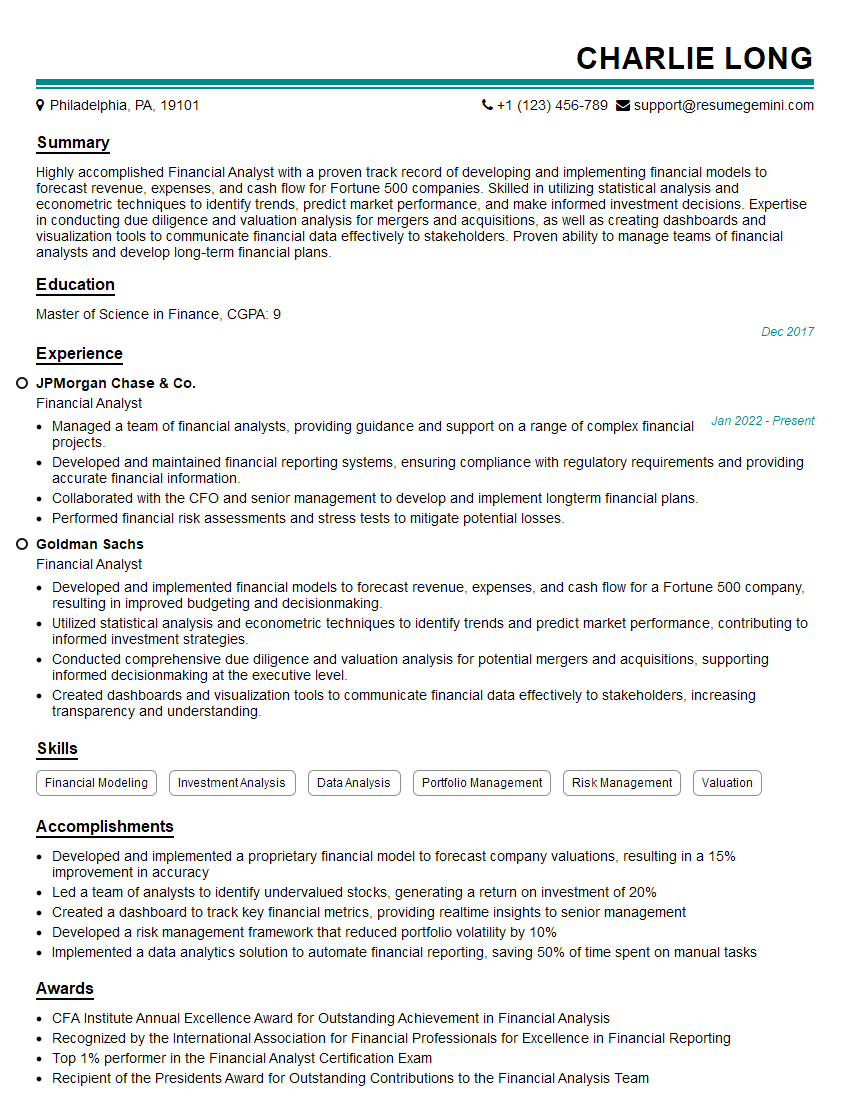
Financial Analyst Resume Sample

Data Analyst Resume Sample
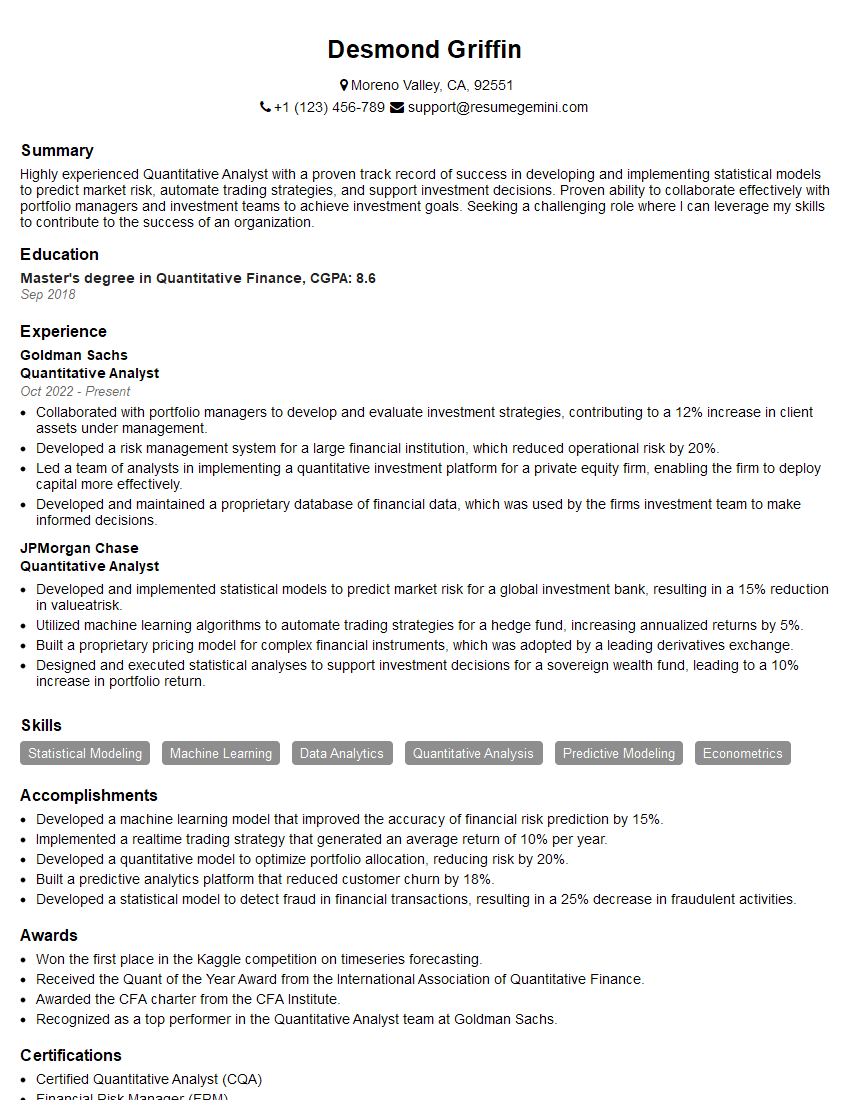
Quantitative Analyst Resume Sample

Data Scientist Resume Sample

Research Scientist Resume Sample

Software Engineer Resume Sample

Control Systems Engineer Resume Sample

Robotics Engineer Resume Sample

Database Administrator Resume Sample
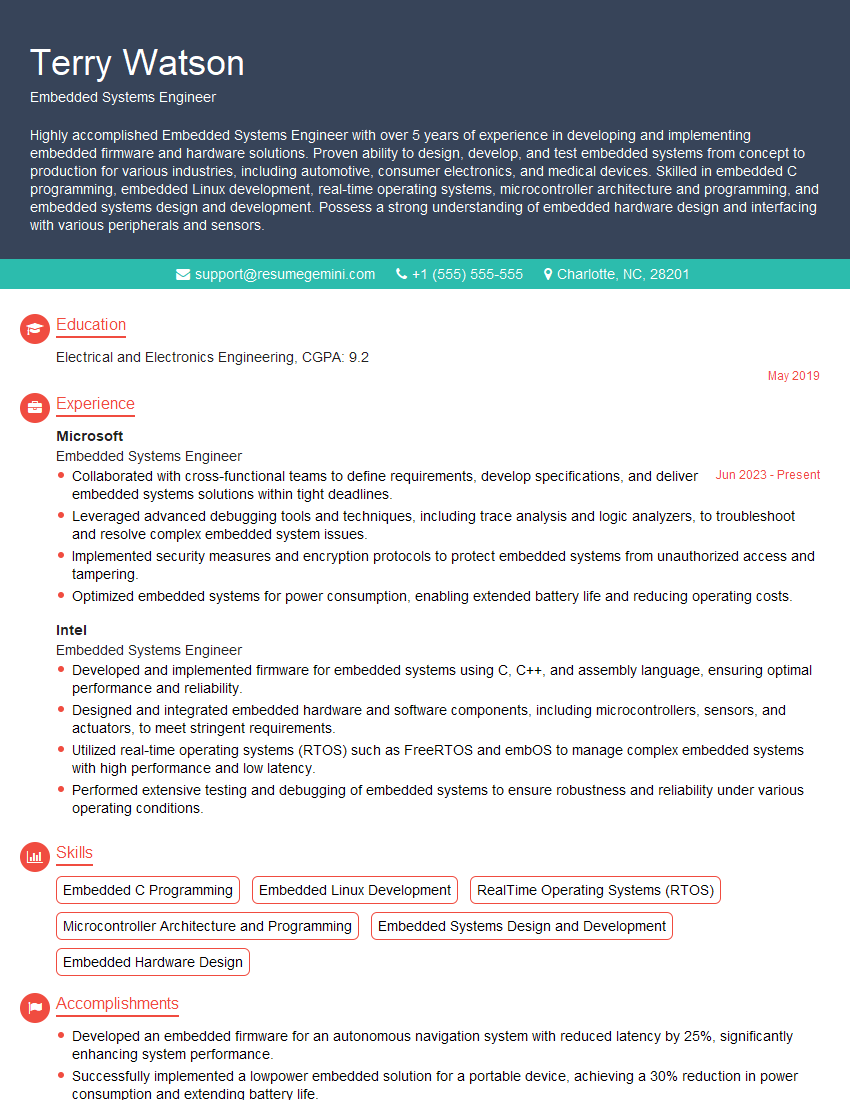
Embedded Systems Engineer Resume Sample

DevOps Engineer Resume Sample

Machine Learning Engineer Resume Sample

Cloud Engineer Resume Sample
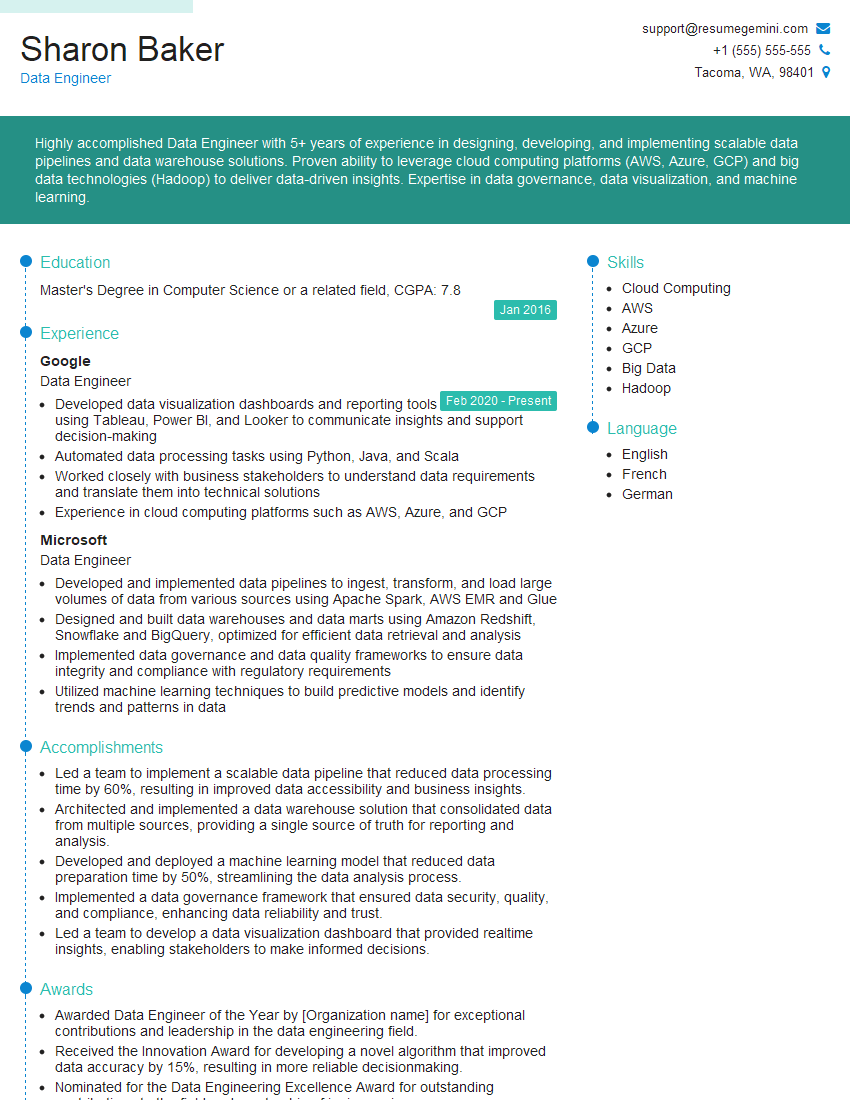
Data Engineer Resume Sample
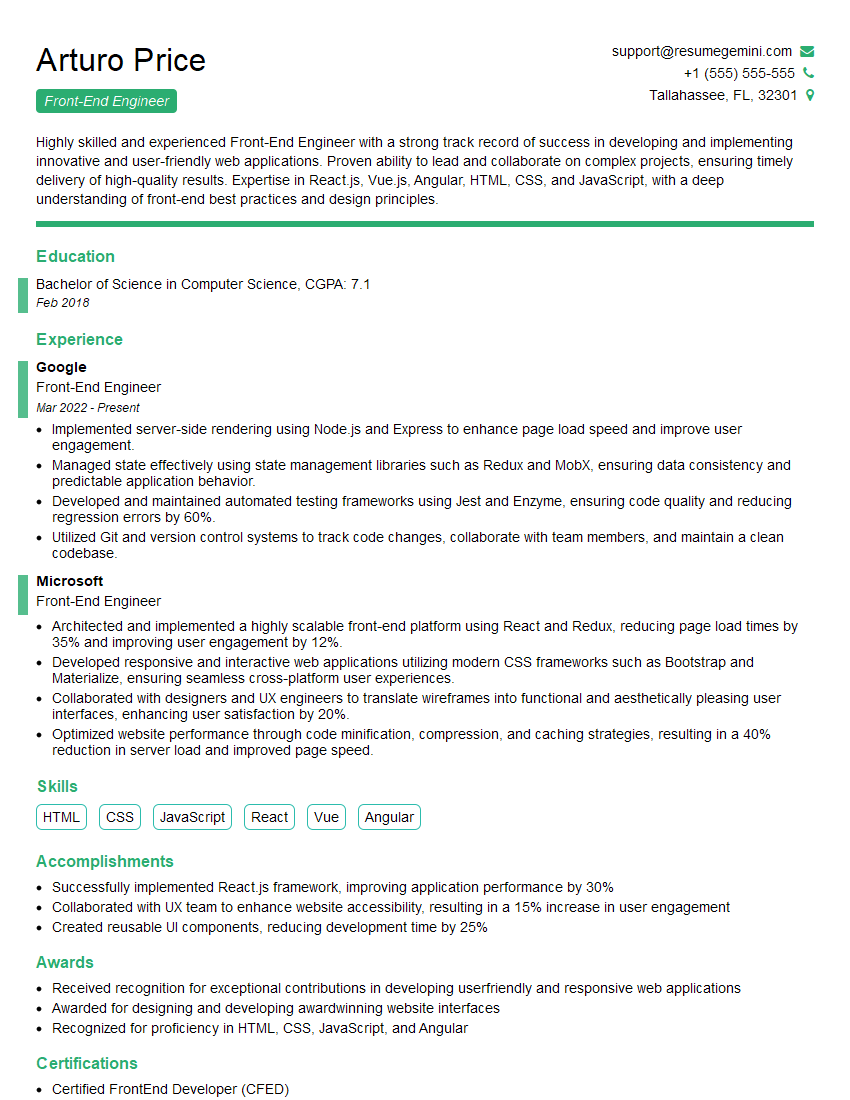
Front-End Engineer Resume Sample
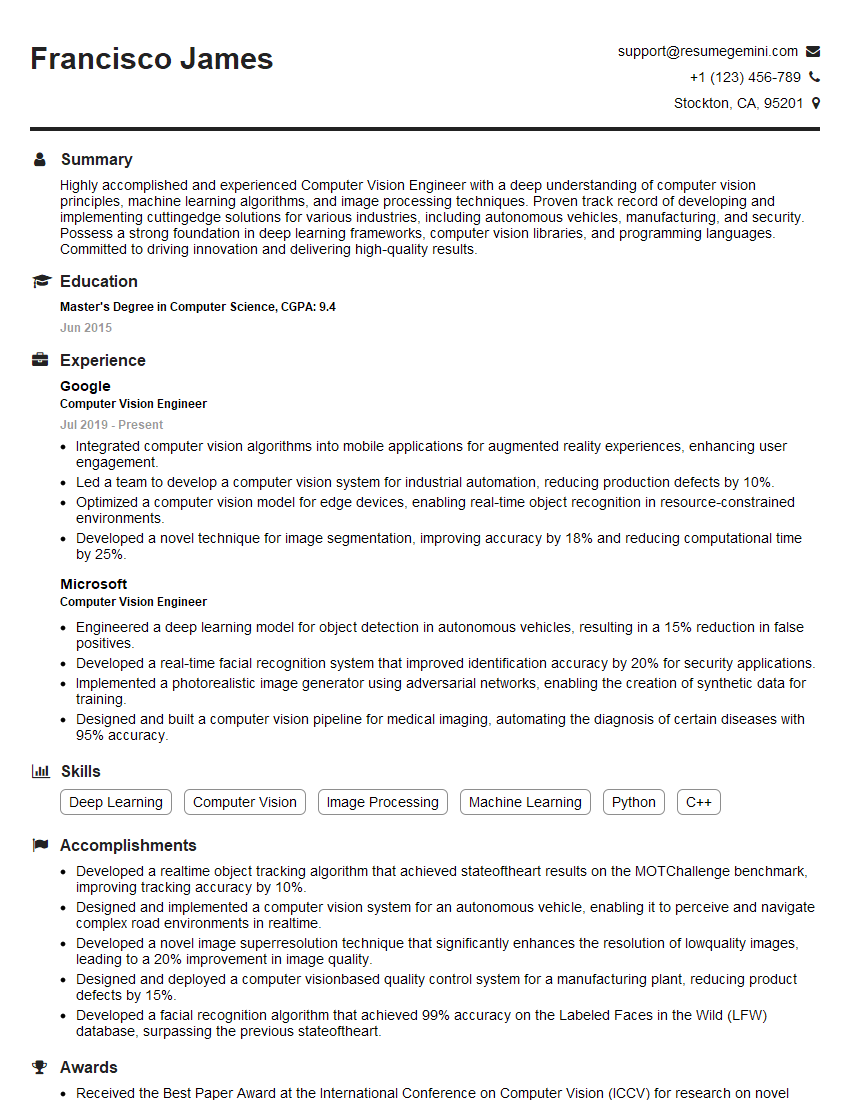
Computer Vision Engineer Resume Sample
- Business Analyst
- Financial Analyst
- Data Analyst
- Quantitative Analyst
- Data Scientist
- Research Scientist
- Software Engineer
- Control Systems Engineer
- Robotics Engineer
- Database Administrator
- Embedded Systems Engineer
- DevOps Engineer
- Machine Learning Engineer
- Cloud Engineer
- Data Engineer
- Front-End Engineer
- Computer Vision Engineer
Explore more articles
Users Rating of Our Blogs
Share Your Experience
We value your feedback! Please rate our content and share your thoughts (optional).
What Readers Say About Our Blog
Hello,
we currently offer a complimentary backlink and URL indexing test for search engine optimization professionals.
You can get complimentary indexing credits to test how link discovery works in practice.
No credit card is required and there is no recurring fee.
You can find details here:
https://wikipedia-backlinks.com/indexing/
Regards
NICE RESPONSE TO Q & A
hi
The aim of this message is regarding an unclaimed deposit of a deceased nationale that bears the same name as you. You are not relate to him as there are millions of people answering the names across around the world. But i will use my position to influence the release of the deposit to you for our mutual benefit.
Respond for full details and how to claim the deposit. This is 100% risk free. Send hello to my email id: [email protected]
Luka Chachibaialuka
Hey interviewgemini.com, just wanted to follow up on my last email.
We just launched Call the Monster, an parenting app that lets you summon friendly ‘monsters’ kids actually listen to.
We’re also running a giveaway for everyone who downloads the app. Since it’s brand new, there aren’t many users yet, which means you’ve got a much better chance of winning some great prizes.
You can check it out here: https://bit.ly/callamonsterapp
Or follow us on Instagram: https://www.instagram.com/callamonsterapp
Thanks,
Ryan
CEO – Call the Monster App
Hey interviewgemini.com, I saw your website and love your approach.
I just want this to look like spam email, but want to share something important to you. We just launched Call the Monster, a parenting app that lets you summon friendly ‘monsters’ kids actually listen to.
Parents are loving it for calming chaos before bedtime. Thought you might want to try it: https://bit.ly/callamonsterapp or just follow our fun monster lore on Instagram: https://www.instagram.com/callamonsterapp
Thanks,
Ryan
CEO – Call A Monster APP
To the interviewgemini.com Owner.
Dear interviewgemini.com Webmaster!
Hi interviewgemini.com Webmaster!
Dear interviewgemini.com Webmaster!
excellent
Hello,
We found issues with your domain’s email setup that may be sending your messages to spam or blocking them completely. InboxShield Mini shows you how to fix it in minutes — no tech skills required.
Scan your domain now for details: https://inboxshield-mini.com/
— Adam @ InboxShield Mini
Reply STOP to unsubscribe
Hi, are you owner of interviewgemini.com? What if I told you I could help you find extra time in your schedule, reconnect with leads you didn’t even realize you missed, and bring in more “I want to work with you” conversations, without increasing your ad spend or hiring a full-time employee?
All with a flexible, budget-friendly service that could easily pay for itself. Sounds good?
Would it be nice to jump on a quick 10-minute call so I can show you exactly how we make this work?
Best,
Hapei
Marketing Director
Hey, I know you’re the owner of interviewgemini.com. I’ll be quick.
Fundraising for your business is tough and time-consuming. We make it easier by guaranteeing two private investor meetings each month, for six months. No demos, no pitch events – just direct introductions to active investors matched to your startup.
If youR17;re raising, this could help you build real momentum. Want me to send more info?
Hi, I represent an SEO company that specialises in getting you AI citations and higher rankings on Google. I’d like to offer you a 100% free SEO audit for your website. Would you be interested?
Hi, I represent an SEO company that specialises in getting you AI citations and higher rankings on Google. I’d like to offer you a 100% free SEO audit for your website. Would you be interested?
good