Unlock your full potential by mastering the most common Quality Assurance (QA) and Quality Control (QC) interview questions. This blog offers a deep dive into the critical topics, ensuring you’re not only prepared to answer but to excel. With these insights, you’ll approach your interview with clarity and confidence.
Questions Asked in Quality Assurance (QA) and Quality Control (QC) Interview
Q 1. Explain the difference between QA and QC.
QA (Quality Assurance) and QC (Quality Control) are often confused, but they represent different, yet complementary, aspects of ensuring product quality. Think of it like this: QA is about preventing defects, while QC is about detecting them.
QA is a proactive process focused on establishing and maintaining a quality system. It involves setting standards, defining processes, and creating a culture of quality throughout the entire software development lifecycle. It aims to prevent defects from ever occurring in the first place. This includes reviewing requirements, designing testing strategies, and ensuring the development team follows best practices.
QC, on the other hand, is a reactive process. It focuses on identifying defects after the software has been developed. This is usually done through testing activities like unit testing, integration testing, system testing, and user acceptance testing. The goal is to find and report bugs so they can be fixed before the product is released.
In short: QA is about building quality in, while QC is about building quality out.
Q 2. Describe your experience with different testing methodologies (e.g., Agile, Waterfall).
I’ve worked extensively with both Agile and Waterfall methodologies. My experience shows that the testing approach needs to adapt to the chosen SDLC.
In Waterfall, testing typically happens in a dedicated phase after development is complete. This involves comprehensive testing to ensure the product meets the requirements specified early in the lifecycle. The sequential nature often means finding defects later in the process can be very costly to fix. I’ve used this approach on projects with very stable requirements and where changes were highly controlled.
With Agile, testing is integrated throughout the development process. Short sprints with frequent testing cycles allow for rapid feedback and iterative improvements. Testing is often done by developers (unit tests) and dedicated QA engineers (integration, system, user acceptance testing). This approach allows for early detection of bugs, reducing the risk of major issues late in the project. I’ve found this especially effective in projects with evolving requirements and frequent releases.
In both methodologies, my focus remains on creating effective test plans, executing tests diligently, and providing clear and concise bug reports to facilitate timely resolution.
Q 3. What are the various types of software testing?
Software testing encompasses a wide range of techniques, each serving a specific purpose. Here are some key types:
- Unit Testing: Testing individual components or modules of the software.
- Integration Testing: Testing the interaction between different modules.
- System Testing: Testing the entire system as a whole to ensure it meets requirements.
- User Acceptance Testing (UAT): Testing by end-users to verify the software meets their needs.
- Regression Testing: Retesting after code changes to ensure no new bugs were introduced.
- Performance Testing: Evaluating the software’s speed, scalability, and stability under various loads.
- Security Testing: Identifying vulnerabilities and ensuring the software is protected from attacks.
- Usability Testing: Assessing how easy and intuitive the software is to use.
- Black Box Testing: Testing without knowledge of the internal code structure.
- White Box Testing: Testing with knowledge of the internal code structure.
The specific types of testing employed will depend on the project’s needs and complexity.
Q 4. Explain the software development life cycle (SDLC).
The Software Development Life Cycle (SDLC) is a structured process for planning, creating, testing, and deploying software. There are various SDLC models, each with its strengths and weaknesses. Some common models include:
- Waterfall: A linear, sequential approach where each phase must be completed before the next begins.
- Agile: An iterative approach emphasizing flexibility, collaboration, and rapid delivery.
- Spiral: A risk-driven approach that combines elements of Waterfall and iterative development.
- DevOps: A collaborative approach that integrates development and operations.
Regardless of the model used, a typical SDLC includes phases such as requirement gathering, design, development, testing, deployment, and maintenance. A well-defined SDLC is crucial for managing projects effectively and ensuring high-quality software delivery.
Q 5. What is Test Driven Development (TDD)?
Test-Driven Development (TDD) is a software development approach where tests are written before the code. It’s an integral part of extreme programming (XP) and Agile methodologies. The basic cycle is:
- Write a failing test: First, you write a test that defines a specific functionality or behavior. This test will initially fail because the code doesn’t exist yet.
- Write the minimum code to pass the test: Next, you write just enough code to make the test pass. Focus on functionality, not perfection.
- Refactor the code: Once the test passes, you improve the code’s design and readability without changing its functionality. Retest to ensure everything still works.
TDD helps catch bugs early, improves code design, and enhances documentation. It’s a highly effective practice for ensuring high-quality code.
Example: Let’s say you need a function to add two numbers. In TDD, you’d first write a test that asserts the result of adding 2 and 3 is 5. Then you would write the simplest function that passes the test. Finally, you could refactor if needed, perhaps adding error handling.
Q 6. How do you write effective test cases?
Effective test cases are precise, repeatable, and focused. They should follow a clear structure, typically including:
- Test Case ID: A unique identifier.
- Test Case Name: A concise description of the test.
- Objective: What the test aims to verify.
- Preconditions: Conditions that must be met before the test can be executed.
- Test Steps: A clear sequence of actions to perform.
- Expected Results: The anticipated outcome of each step.
- Actual Results: The actual outcome of the test execution.
- Pass/Fail: Indicates whether the test passed or failed.
- Test Data: Input data required for the test.
Example: Let’s say we’re testing a login form. A test case might look like this:
- Test Case ID: LTC-001
- Test Case Name: Valid Login
- Objective: Verify a user can successfully log in with valid credentials.
- Preconditions: The application is running.
- Test Steps: 1. Enter valid username. 2. Enter valid password. 3. Click the login button.
- Expected Results: User is logged in successfully and redirected to the home page.
Well-written test cases are essential for ensuring thorough and consistent testing.
Q 7. What is a test plan and what are its key components?
A test plan is a formal document that outlines the testing strategy for a software project. It’s a roadmap guiding the testing process, ensuring it’s systematic and efficient. Key components include:
- Test Objectives: What needs to be tested and why.
- Scope: What parts of the software are included and excluded from testing.
- Test Strategy: The overall approach to testing (e.g., Agile, Waterfall).
- Testing Methods: Specific techniques to be used (e.g., unit, integration, system testing).
- Test Environment: The hardware and software setup for testing.
- Test Schedule: Timeline for different testing phases.
- Resources: Personnel, tools, and equipment needed.
- Risk Assessment: Potential risks and mitigation strategies.
- Test Deliverables: Reports, logs, and other documentation.
A comprehensive test plan is crucial for successful software testing. It ensures everyone involved is on the same page and helps prevent testing from becoming haphazard and inefficient.
Q 8. Describe your experience with defect tracking tools (e.g., Jira, Bugzilla).
Defect tracking tools are crucial for managing and resolving bugs throughout the software development lifecycle. My experience encompasses extensive use of Jira and Bugzilla, both for individual projects and collaborative team efforts. I’m proficient in creating and assigning issues, tracking their progress through various states (e.g., Open, In Progress, Resolved, Closed), and generating reports to monitor overall quality and team productivity.
In Jira, for example, I’ve used custom workflows to tailor the issue tracking process to specific project needs. This includes defining transitions between states, assigning custom fields for better issue categorization (like severity and priority), and creating dashboards to visually represent project health. With Bugzilla, I’ve utilized its powerful query features to filter and analyze bugs based on various criteria, enabling quick identification of trends and patterns that could indicate underlying issues in the development process. I’m also familiar with integrating defect tracking tools with other project management and CI/CD systems for seamless workflow automation.
For instance, in one project using Jira, we integrated it with our CI/CD pipeline. Whenever a build failed, an automated Jira ticket was created, automatically linking the build failure to the relevant code commit. This significantly reduced the time required for issue identification and resolution.
Q 9. How do you prioritize test cases?
Prioritizing test cases is vital for efficient testing and resource allocation. My approach combines risk assessment, business impact, and test case criticality. I typically employ a risk-based prioritization strategy. This involves categorizing test cases based on the potential impact of a failure on the business or end-users.
- High Priority: Test cases covering critical functionalities, core features, and high-risk areas, such as security and financial transactions. These are executed first.
- Medium Priority: Test cases covering secondary features and less critical functionalities.
- Low Priority: Test cases covering minor features or functionalities with a low impact on the overall system.
I also consider factors like the frequency of use, user impact, and deadlines. For example, if a new feature is launching soon, I prioritize testing related to that feature to ensure its stability before launch. This systematic approach guarantees that the most important areas are covered first, allowing for efficient resource allocation and swift identification of critical defects.
Q 10. Explain your experience with automation testing tools (e.g., Selenium, Appium).
I have significant experience with automation testing tools, particularly Selenium and Appium. Selenium is my go-to tool for automating web application testing. I’ve used it to create robust and maintainable test suites using various programming languages (Java, Python, C#). My experience includes developing automated tests for different layers of the application, from unit tests to end-to-end tests. I’m proficient in utilizing various Selenium features, like locators, waits, and assertions to create reliable and efficient automated tests.
Appium, on the other hand, is my choice for mobile application automation. I’ve used it to test both Android and iOS applications, automating interactions such as taps, swipes, and text input. I’m adept at integrating Appium with CI/CD pipelines for continuous testing and feedback.
In one project, we used Selenium to automate the regression testing of a large e-commerce platform. This significantly reduced testing time and improved the overall quality of the product. We designed the tests in a modular way allowing for easy updates and maintenance as the application evolved. This also ensured that we could run these automated tests regularly minimizing the risks of regressions.
Q 11. How do you handle conflicting priorities?
Conflicting priorities are inevitable in software development. My approach involves clear communication, negotiation, and prioritization based on risk and impact. First, I strive to understand the rationale behind each conflicting priority. Then, I evaluate the potential impact of delaying or compromising each task. Risk assessment plays a significant role; if one task carries a higher risk of failure or a more significant negative impact on the end-users or the business, I will prioritize it.
I often use a prioritization matrix to visualize and compare different tasks. This might involve using a simple table that considers factors like urgency, importance, and effort involved. This allows for a data-driven decision-making process. Furthermore, I believe in transparent communication with stakeholders to explain the trade-offs and potential consequences of each decision. Collaboration is key to resolving conflicts and reaching mutually agreeable solutions. Sometimes, it may require adjusting scope or timelines to accommodate all important tasks.
Q 12. Describe your experience with performance testing.
Performance testing is a crucial aspect of software quality assurance. My experience covers various aspects of performance testing, including load testing, stress testing, and endurance testing. I’m proficient in using tools like JMeter and LoadRunner to simulate realistic user loads and identify performance bottlenecks. I understand the importance of analyzing response times, throughput, resource utilization, and error rates to determine the system’s performance under different conditions.
During a recent project involving a high-traffic web application, we conducted load testing using JMeter. We simulated thousands of concurrent users accessing the application to identify performance bottlenecks. The results helped us optimize database queries, server configurations, and application code, ultimately enhancing the overall application performance and user experience. We carefully designed our test scenarios to reflect real-world user behavior, incorporating various load patterns to simulate peak usage periods and typical daily usage patterns.
Q 13. What is regression testing and why is it important?
Regression testing is the process of re-running existing tests after changes have been made to the software, such as adding new features, fixing bugs, or making code improvements. Its primary goal is to ensure that new changes haven’t negatively impacted previously working functionality. It’s crucial because software development is iterative, and modifications, however small, can introduce unintended side effects or regressions.
Without regression testing, the risk of introducing new bugs or breaking existing functionalities is high. It helps maintain the stability and reliability of the software over time. Regression testing can be conducted manually or, more efficiently, through automated tests. Automated regression tests are particularly beneficial for larger projects where many tests need to be re-run frequently.
Imagine building a house; every time you add a new room, you wouldn’t want the foundation to crumble. Regression testing is like regularly inspecting the foundation (the existing functionality) to ensure it remains solid after each addition (new feature or bug fix).
Q 14. How do you ensure test coverage?
Ensuring adequate test coverage is essential for achieving high-quality software. Test coverage refers to the extent to which the software’s functionality has been tested. There are several ways to measure and improve test coverage:
- Requirement Coverage: Verify that every requirement has been tested.
- Code Coverage: Measure the percentage of code executed during testing (using tools that track line coverage, branch coverage, etc.).
- Functional Coverage: Ensure that every function or feature is tested.
A combination of these approaches is generally employed. Using test management tools and tracking systems can greatly improve visibility into test coverage. For example, creating a test plan which maps test cases directly to requirements and using a test management tool to track which test cases have been executed against which requirements offers complete traceability. Regularly reviewing test coverage metrics helps identify gaps and guide further testing efforts. In addition, employing various testing techniques, such as equivalence partitioning, boundary value analysis, and decision table testing, helps ensure comprehensive testing, thereby increasing test coverage.
Q 15. What are some common software testing metrics?
Software testing metrics are quantifiable measures that help us assess the quality and effectiveness of our testing efforts. They provide insights into areas needing improvement and demonstrate the overall health of the software. Common metrics fall into several categories:
- Defect Metrics: These track bugs found during testing. Examples include defect density (number of defects per lines of code), defect discovery rate (number of defects found per unit of time), and defect severity (classification of defects based on impact).
- Test Metrics: These focus on the testing process itself. Examples include test coverage (percentage of code or requirements tested), test execution efficiency (number of tests executed per unit of time), and test case effectiveness (number of defects detected per test case).
- Requirement Metrics: These connect testing back to the original requirements. For instance, requirements coverage (percentage of requirements verified) and the number of requirements successfully tested.
- Performance Metrics: These assess the software’s performance characteristics. Examples include response time, throughput, and resource utilization.
For example, a high defect density might indicate a need for more thorough code reviews or improved developer training, while low test coverage suggests the need to add more test cases.
Career Expert Tips:
- Ace those interviews! Prepare effectively by reviewing the Top 50 Most Common Interview Questions on ResumeGemini.
- Navigate your job search with confidence! Explore a wide range of Career Tips on ResumeGemini. Learn about common challenges and recommendations to overcome them.
- Craft the perfect resume! Master the Art of Resume Writing with ResumeGemini’s guide. Showcase your unique qualifications and achievements effectively.
- Don’t miss out on holiday savings! Build your dream resume with ResumeGemini’s ATS optimized templates.
Q 16. How do you approach testing a new software application?
My approach to testing a new software application is systematic and risk-based. It follows a structured process that ensures comprehensive testing while prioritizing the most critical areas.
- Requirement Analysis: I thoroughly review the software requirements specifications (SRS) to understand the functionality, features, and expected behavior. This step helps identify key functionalities and potential risks.
- Test Planning: Based on the requirements, I create a detailed test plan outlining the testing scope, approach, resources, timelines, and deliverables. This includes identifying different testing types and assigning them to appropriate team members.
- Test Case Design: I design comprehensive test cases covering various scenarios, including positive, negative, boundary, and edge cases. These test cases aim to cover various aspects like functionality, usability, performance, and security.
- Test Environment Setup: I configure and set up the necessary test environments that mirror the production environment as closely as possible to ensure accurate test results.
- Test Execution: I execute the test cases meticulously, documenting all results and logging any defects found.
- Defect Reporting and Tracking: I report discovered bugs using a bug tracking system, providing clear and concise descriptions, steps to reproduce, and expected versus actual results. I actively track the status of the defects until they’re resolved and verified.
- Test Closure: Once testing is complete, I prepare a test summary report detailing the overall test coverage, defect statistics, and overall assessment of the software quality.
Throughout the process, I emphasize clear communication with the development team and stakeholders to ensure everyone is aligned and informed.
Q 17. Describe your experience with different types of testing (e.g., unit, integration, system).
I have extensive experience with various testing types, each serving a different purpose in validating software quality.
- Unit Testing: I’m proficient in writing and executing unit tests to verify individual components or modules of code function correctly in isolation. I often use techniques like test-driven development (TDD) where tests are written before the code itself.
- Integration Testing: This involves testing the interaction and communication between different modules or components to ensure seamless data flow and functionality. I often employ techniques like top-down or bottom-up integration strategies based on the project’s complexity.
- System Testing: This tests the entire system as a whole to ensure it meets the specified requirements and functions correctly in its intended environment. System testing includes functional testing, performance testing, security testing, and usability testing. I often work collaboratively with other testing specialists and stakeholders to execute these tests thoroughly.
- Regression Testing: After code changes or bug fixes, I conduct regression testing to verify that these changes haven’t introduced new defects or broken existing functionality. I automate this process whenever feasible to increase efficiency.
For example, in a recent project, we used a combination of unit, integration, and system testing to ensure the quality of a new e-commerce platform. Unit tests ensured individual functions worked correctly, integration tests verified the communication between different parts, and system testing validated the entire platform’s end-to-end functionality and performance.
Q 18. Explain your approach to risk management in testing.
My approach to risk management in testing is proactive and data-driven. It starts with identifying potential risks early in the development lifecycle and then applying mitigation strategies to reduce their impact.
- Risk Identification: I collaborate with developers, stakeholders, and other testers to identify potential risks that may impact software quality, such as technical complexities, tight deadlines, or insufficient resources.
- Risk Analysis: I assess the likelihood and impact of each identified risk, prioritizing those with higher probability and potential consequences. This usually involves scoring risks based on their likelihood and severity.
- Risk Response Planning: I develop mitigation strategies for the prioritized risks. These strategies can include increased testing efforts, additional resources, or changes in testing approaches. For instance, a high-risk feature might warrant more thorough testing and even independent verification.
- Risk Monitoring and Control: Throughout the testing process, I regularly monitor the identified risks and the effectiveness of the mitigation strategies. This involves tracking defect trends and identifying any emerging risks.
- Documentation: I meticulously document all identified risks, mitigation strategies, and their effectiveness, providing valuable input for future projects.
For example, on a recent project, we identified a high risk of performance issues with a critical feature. Our response plan included dedicated performance testing and careful tuning of the database and server infrastructure.
Q 19. How do you handle a bug that’s difficult to reproduce?
Reproducing intermittent bugs can be challenging. My approach involves a systematic investigation to gather as much information as possible.
- Detailed Bug Report: I begin by creating a thorough bug report including all available information. This includes the operating system, browser version, exact steps taken, and any error messages displayed.
- Environment Replication: I try to replicate the exact environment where the bug was first encountered, including hardware specifications, software versions, and network configurations.
- Step-by-Step Reproduction: I follow the steps meticulously and try various variations to see if the bug can be consistently reproduced. I often record the process using screen recording tools.
- Data Logging: I utilize logging mechanisms and debug tools to track system events, data changes, or any other useful information that might help identify the cause of the bug.
- Collaboration: I work closely with developers and other testers to analyze potential causes and try different approaches to reproduce the bug. Sometimes, simply observing a developer’s approach can reveal the problem.
- Simplify Reproduction Steps: If the original steps are complex, I might try simplifying them to find the minimal set of actions that trigger the bug.
If all else fails, I might resort to using specialized monitoring and debugging tools to capture more detailed information about the system’s behavior during the problematic events. Sometimes, it even requires working with the development team to enable specific log statements within the code.
Q 20. What are your preferred methods for reporting bugs?
My preferred methods for reporting bugs focus on clarity, consistency, and ease of reproduction. I use a bug tracking system to document and track bugs. The report should include:
- Clear and Concise Title: A brief description of the bug.
- Steps to Reproduce: A numbered list of steps to reproduce the bug consistently.
- Expected Result: What should have happened.
- Actual Result: What actually happened.
- Severity: The impact of the bug (e.g., critical, major, minor).
- Priority: The urgency of fixing the bug (e.g., high, medium, low).
- Screenshots or Videos: Visual evidence of the bug.
- Environment Details: Operating system, browser version, hardware specifications.
- Attachments: Any relevant log files or other supporting documentation.
I ensure my reports are unambiguous and easily understandable by developers. Using a standardized template helps maintain consistency and allows for easier analysis of bug trends. A well-written bug report significantly reduces the time and effort required to fix it.
Q 21. Describe your experience with static and dynamic testing.
Static and dynamic testing are two fundamental approaches to software testing that differ in their execution timing and methodology.
- Static Testing: This is performed without executing the software code. It involves reviews, inspections, and walkthroughs to detect defects in the design, code, or documentation. Static analysis tools can also be used to automatically identify potential issues like coding style violations or security vulnerabilities. Examples include code reviews, design inspections, and static analysis tool usage.
- Dynamic Testing: This involves executing the software to observe its behavior and identify defects. It includes various testing types like unit, integration, system, performance, and user acceptance testing. Dynamic testing verifies that the software behaves as expected under various conditions and identifies runtime issues.
Static testing helps catch defects early in the development cycle, reducing the cost and effort needed for fixing them later. Dynamic testing verifies the actual runtime behavior and performance. A well-rounded testing strategy should incorporate both static and dynamic testing techniques to ensure comprehensive coverage and software quality.
For example, in a recent project, a code review (static testing) identified a potential security vulnerability before the code was even compiled. Later, during performance testing (dynamic testing), we identified a memory leak that was not caught during static analysis.
Q 22. How do you ensure the quality of test data?
Ensuring high-quality test data is crucial for reliable software testing. Poor test data can lead to inaccurate results, missed defects, and ultimately, a lower-quality product. My approach involves a multi-faceted strategy:
- Data Subsetting: Instead of using the entire production database (which might be massive and contain sensitive information), I strategically select a representative subset. This subset should cover various data ranges, edge cases, and boundary conditions.
- Data Masking: To protect sensitive data like Personally Identifiable Information (PII), I employ data masking techniques. This involves replacing or transforming sensitive information while preserving the data’s structure and integrity for testing purposes. For example, I might replace real names with pseudonyms, or obscure credit card numbers while maintaining the correct format.
- Test Data Generation: For scenarios where real data isn’t available or suitable, I leverage test data generation tools. These tools can create synthetic data that closely mirrors the characteristics of real data, ensuring that tests cover a wide range of inputs.
- Data Management: I utilize a version control system for test data to track changes, manage different datasets for various testing phases, and facilitate easy rollback if necessary. This is similar to how source code is managed.
- Data Validation: Finally, I perform rigorous validation to check the accuracy, completeness, and consistency of the test data. This involves comparing the test data against pre-defined criteria and using data profiling techniques to understand the data’s characteristics. This ensures the test data accurately represents real-world scenarios and doesn’t introduce bias.
For instance, in a recent project involving an e-commerce application, we used a combination of data subsetting, masking (for customer addresses and payment details), and synthetic data generation (for product inventory) to create a comprehensive test data set. This allowed our tests to accurately reflect real-world usage patterns while protecting sensitive information.
Q 23. Explain your experience with different testing environments.
I’ve worked extensively with various testing environments, including:
- Development Environments: These are the environments where developers work. Testing here helps catch bugs early in the development lifecycle.
- Testing Environments: Dedicated environments specifically for testing, often mirroring the production environment as closely as possible. This allows testers to run comprehensive tests without affecting live systems.
- Staging Environments: These serve as a pre-production environment, allowing for final testing and user acceptance testing (UAT) before deployment.
- Production Environments: While less frequent for direct testing, I’ve been involved in monitoring production environments to gather data, analyze user behavior, and identify potential issues through A/B testing and other monitoring systems.
- Cloud-Based Environments: I’m proficient in using cloud platforms (AWS, Azure, GCP) to set up and manage testing environments, leveraging their scalability and flexibility for various testing needs.
My experience spans various setups, from simple local setups for unit tests to complex, multi-tiered environments for integration and system tests. I’m comfortable with both manual and automated testing within these diverse environments. For example, in a recent project, we used Docker containers to create consistent and repeatable testing environments across our development and testing teams, ensuring that every developer worked with the same configuration, thereby greatly reducing environment-related issues.
Q 24. What are some common challenges in software testing?
Software testing, while crucial, faces several persistent challenges:
- Time Constraints: Testing is often squeezed into tight deadlines, forcing compromises on test coverage and thoroughness.
- Resource Limitations: Limited testing resources (personnel, tools, infrastructure) can restrict the scope and quality of testing.
- Changing Requirements: Frequent changes to requirements during development necessitate adapting the test plan, leading to additional work and potential delays.
- Testing Complex Systems: Testing complex, integrated systems with many interacting components is a significant challenge. Identifying the root cause of failures can be difficult in these scenarios.
- Lack of Clear Test Cases: Ambiguous or incomplete test cases make it difficult to perform testing effectively and can lead to inconsistencies in test results.
- Keeping Up with Technology: The rapid evolution of technologies and testing tools necessitates continuous learning and adaptation.
Addressing these challenges often involves prioritizing tests, automating repetitive tasks, utilizing efficient tools, and fostering strong communication and collaboration between developers and testers. For instance, using a risk-based testing approach helps focus resources on the most critical areas of the software.
Q 25. How do you stay updated on the latest testing technologies and trends?
Staying current in the dynamic field of software testing is essential. I employ a multi-pronged approach:
- Industry Conferences and Webinars: Attending conferences like STAREAST and participating in webinars offered by testing tool vendors keeps me updated on new technologies and best practices.
- Professional Communities and Forums: Engaging with online communities like Stack Overflow and specialized testing forums allows me to learn from experts and share my knowledge.
- Online Courses and Certifications: I regularly complete online courses on platforms like Coursera and Udemy to enhance my skills in specific areas like performance testing or security testing. Obtaining relevant certifications (like ISTQB) demonstrates a commitment to professional development.
- Following Industry Blogs and Publications: Staying informed through blogs and publications dedicated to software testing keeps me abreast of emerging trends and techniques.
- Experimentation and Hands-on Practice: I actively seek out opportunities to experiment with new tools and technologies and apply my learnings to real-world projects.
For example, I recently completed a course on API testing and have implemented the learned techniques in my current project, improving the efficiency and coverage of our API tests significantly.
Q 26. How do you manage your time effectively during a testing project?
Effective time management is critical in software testing. I employ several strategies:
- Prioritization: I prioritize tasks based on risk, impact, and deadline. Using a task management tool (e.g., Jira, Asana) is invaluable.
- Test Planning and Estimation: I meticulously plan the testing process, estimating the time required for each task. This prevents unrealistic deadlines and promotes better resource allocation.
- Test Automation: I automate repetitive testing tasks to save time and improve efficiency. This allows me to focus on more complex testing areas.
- Defect Tracking and Reporting: I promptly report and track defects, ensuring timely resolution and reducing testing cycles.
- Regular Communication: I maintain regular communication with stakeholders to address roadblocks, provide updates, and ensure alignment.
- Timeboxing: I dedicate specific time slots for various tasks to prevent time creep and improve focus.
For instance, in a recent project, I identified a set of recurring regression tests that could be automated. By automating these tests, I freed up significant time to focus on exploratory testing and uncovering more complex issues.
Q 27. Describe a time you had to deal with a difficult stakeholder.
In a previous project, a key stakeholder insisted on releasing the software without completing all planned testing, driven by aggressive deadlines. I recognized the risks this posed to the product’s quality and stability. My approach involved:
- Data-Driven Discussion: I presented data on the potential risks and consequences of skipping essential tests, highlighting the possibility of increased post-release defects and associated costs.
- Risk Assessment: I collaborated with the stakeholder to conduct a risk assessment, clearly outlining the potential risks associated with the incomplete testing and prioritizing the critical tests that could not be omitted.
- Compromise and Negotiation: I proposed a compromise, suggesting a phased release approach where we prioritized the most crucial features while deferring testing of lower-priority features to a later phase. This allowed for a more manageable release schedule while mitigating risks.
- Documentation: I thoroughly documented the risks and the agreed-upon compromises, ensuring everyone was on the same page.
This collaborative approach helped me successfully navigate the situation. Although we didn’t get to conduct all desired tests, we minimized the risks and ensured the release was as stable as possible under the circumstances. Open communication and presenting a balanced perspective are crucial when dealing with difficult stakeholders.
Q 28. What is your experience with non-functional testing (e.g., security, performance)?
Non-functional testing is a vital part of ensuring software quality. My experience includes:
- Performance Testing: I have experience with load testing, stress testing, and endurance testing, using tools like JMeter and LoadRunner. This helps assess the system’s responsiveness under various conditions.
- Security Testing: I’m familiar with various security testing methodologies, including penetration testing, vulnerability scanning, and security audits. Tools like Burp Suite and OWASP ZAP are part of my toolkit.
- Usability Testing: I’ve conducted usability tests involving user observation and feedback to identify areas for improvement in user experience. This includes A/B testing and heuristic evaluations.
- Compatibility Testing: I’ve tested software across various browsers, operating systems, and devices to ensure compatibility.
- Reliability Testing: This focuses on evaluating the system’s stability and fault tolerance, often involving failure analysis and recovery testing.
For example, in a recent project, I conducted performance testing to identify bottlenecks and optimize the application’s response time under peak load. The results led to significant improvements in performance and user experience. This demonstrates the practical impact of robust non-functional testing on the overall software quality.
Key Topics to Learn for Quality Assurance (QA) and Quality Control (QC) Interview
- Understanding QA vs. QC: Differentiate between the proactive (QA) and reactive (QC) approaches to quality management. This includes understanding their distinct roles and responsibilities within a software development lifecycle (SDLC).
- Testing Methodologies: Familiarize yourself with various testing methodologies like Agile, Waterfall, and DevOps, and how QA/QC practices adapt within each. Be prepared to discuss their strengths and weaknesses.
- Test Case Design & Execution: Master the art of creating effective test cases, including understanding different testing levels (unit, integration, system, acceptance) and techniques (black box, white box, grey box).
- Defect Tracking & Reporting: Learn how to effectively identify, document, and report defects using bug tracking systems. Understand the importance of clear and concise bug reports.
- Risk Assessment & Management: Discuss your understanding of identifying potential risks to quality and implementing strategies to mitigate them. This involves proactive identification of potential problems before they impact the final product.
- Quality Metrics & Reporting: Understand key performance indicators (KPIs) used in QA/QC and how to analyze and present data effectively to stakeholders. This demonstrates your ability to measure and improve quality.
- Automation Testing (if applicable): If you have experience, be ready to discuss your experience with automation tools and frameworks. Explain your approach to selecting appropriate tools and methodologies for automation.
- Software Development Life Cycle (SDLC): Demonstrate a strong understanding of the SDLC and how QA/QC activities are integrated throughout the process. This shows you understand the bigger picture.
- Communication & Collaboration: Highlight your ability to effectively communicate technical information to both technical and non-technical audiences. This is crucial for teamwork and stakeholder management.
- Problem-Solving & Analytical Skills: Prepare examples demonstrating your ability to approach problems systematically, analyze data, and identify root causes. This showcases your ability to handle complex situations.
Next Steps
Mastering Quality Assurance (QA) and Quality Control (QC) principles is essential for a successful and rewarding career in the tech industry. These skills are highly sought after, leading to diverse opportunities and career growth. To maximize your job prospects, crafting an ATS-friendly resume is critical. ResumeGemini is a trusted resource that can help you build a professional and impactful resume tailored to your specific skills and experience. Examples of resumes tailored to Quality Assurance (QA) and Quality Control (QC) roles are available to guide you. Take the next step towards your dream career today!
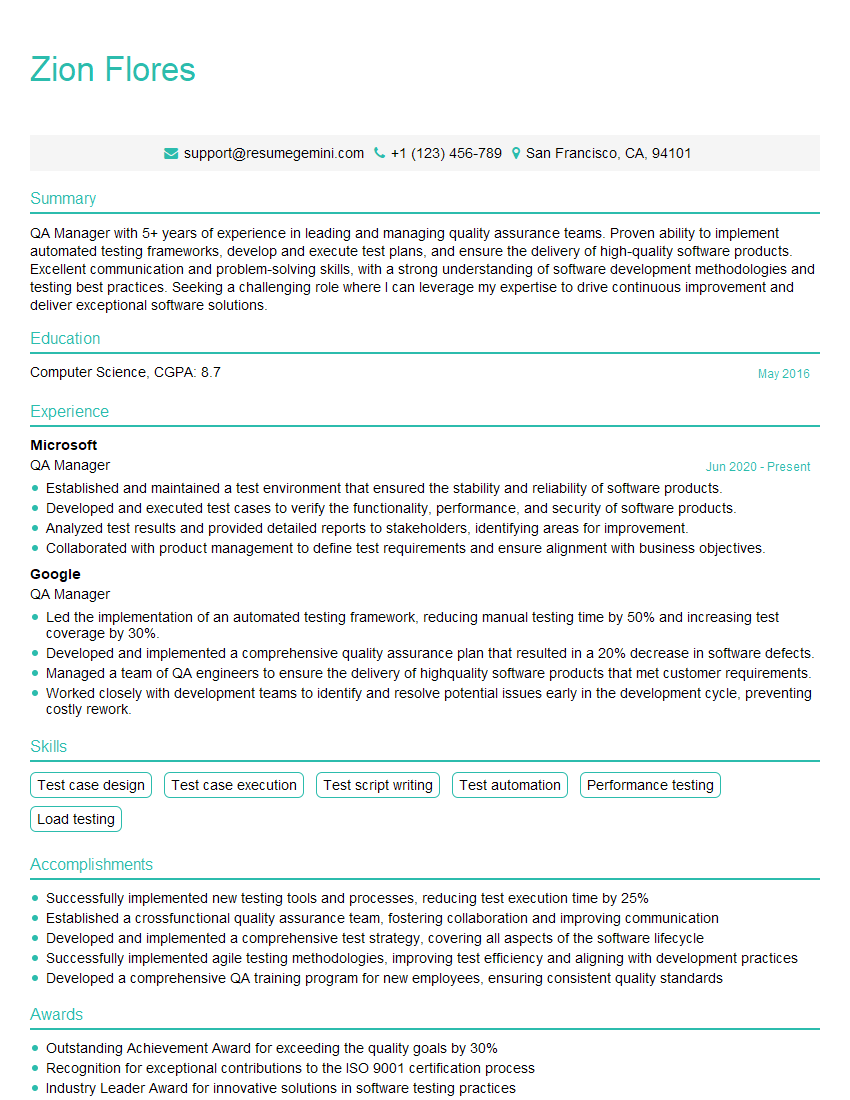
QA Manager Resume Sample
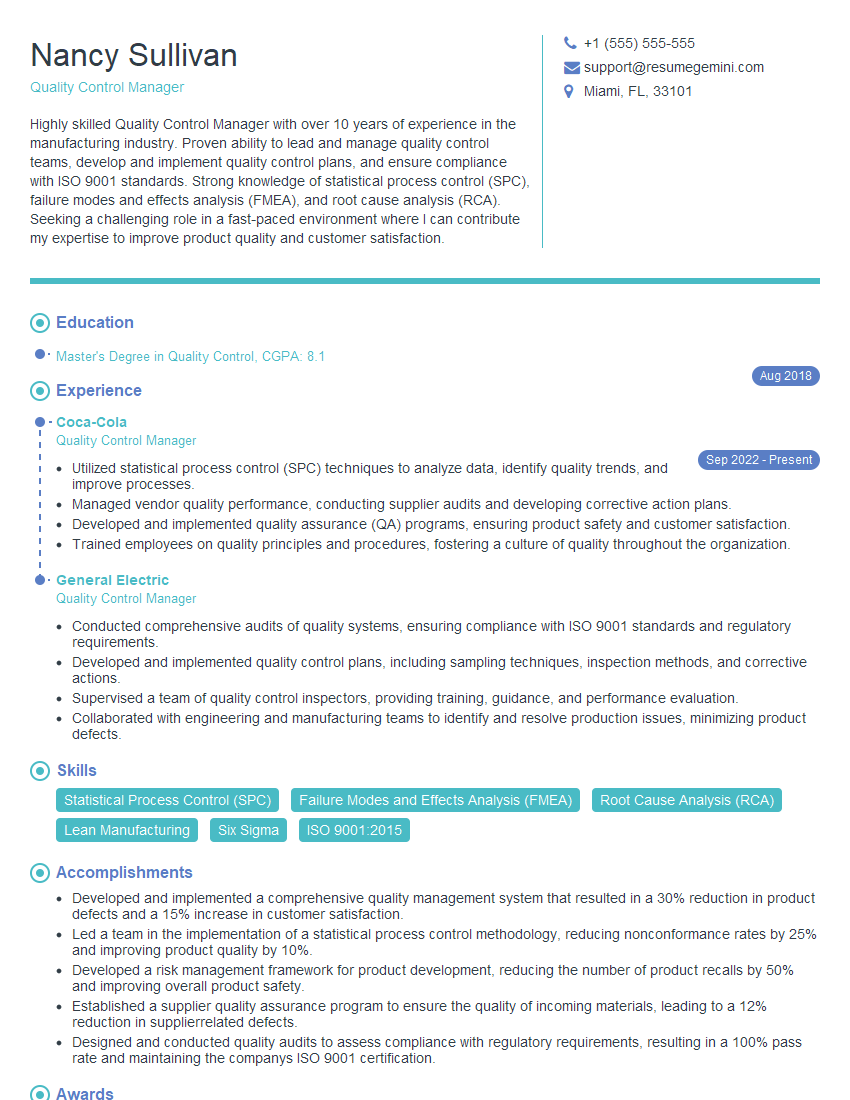
Quality Control Manager Resume Sample
Compliance Manager Resume Sample
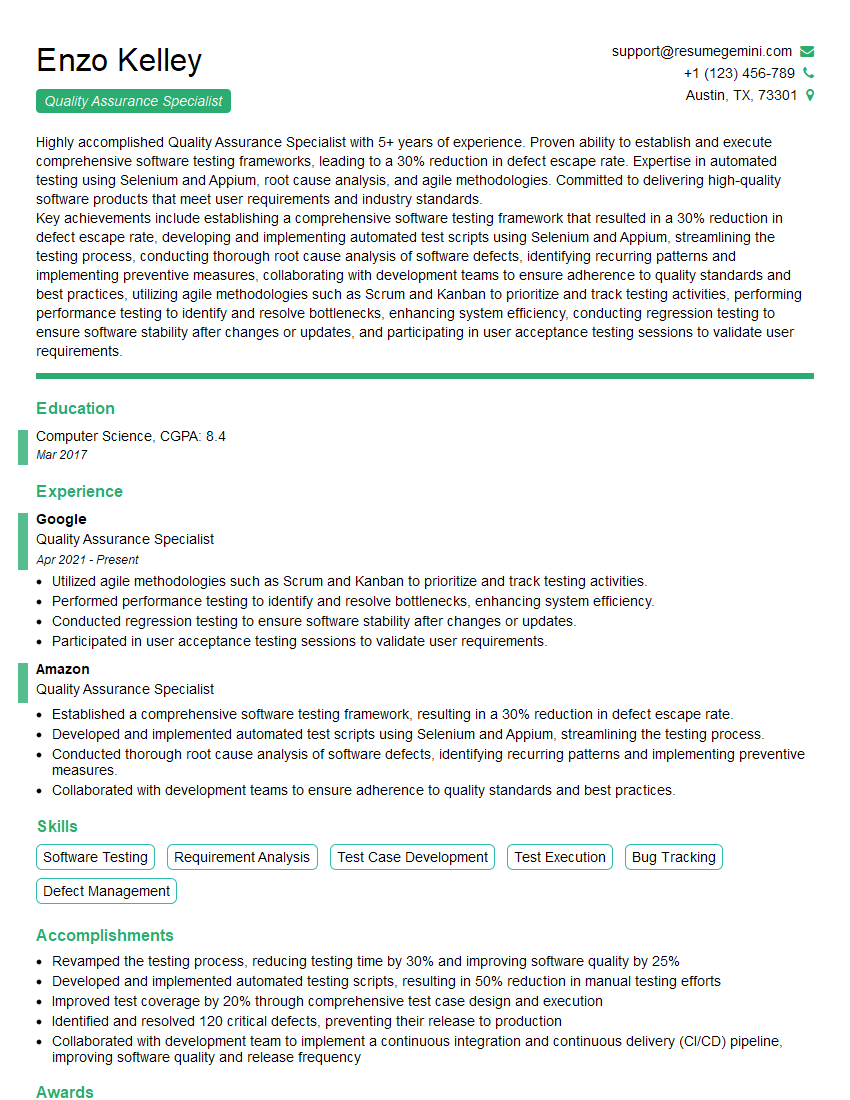
Quality Assurance Specialist Resume Sample

Test Engineer Resume Sample
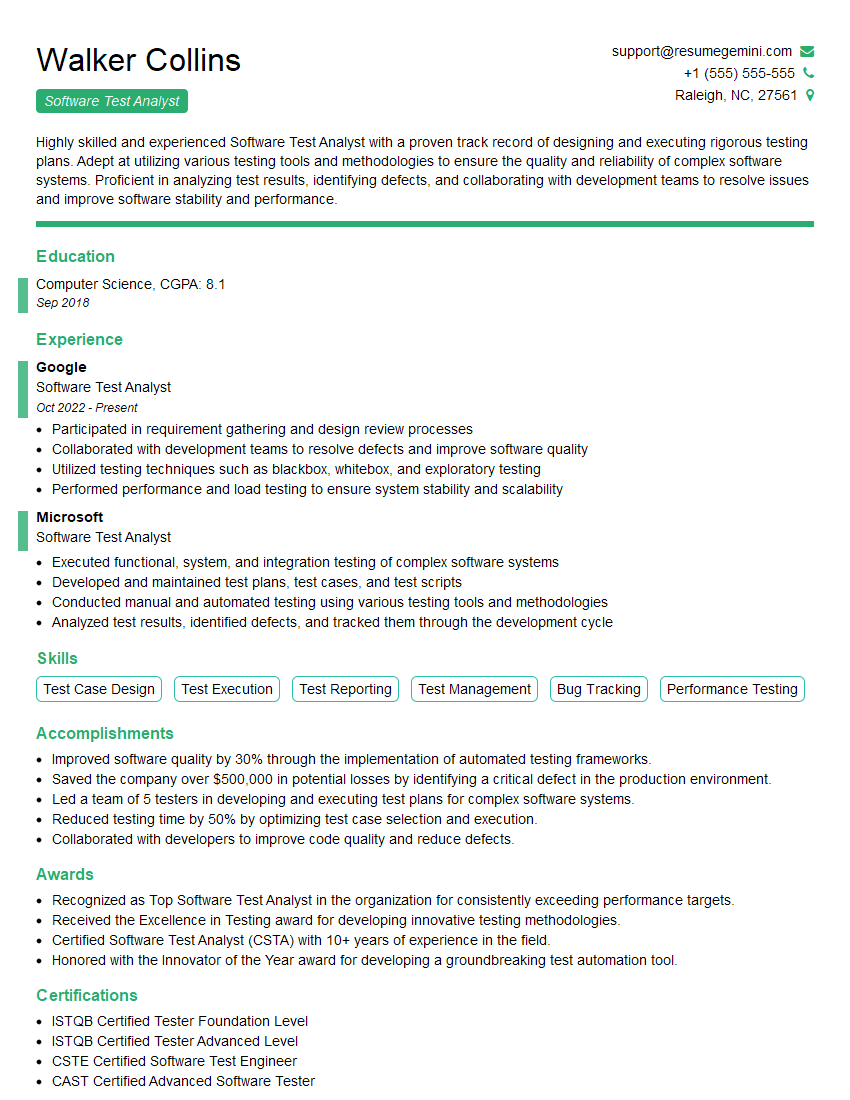
Software Test Analyst Resume Sample
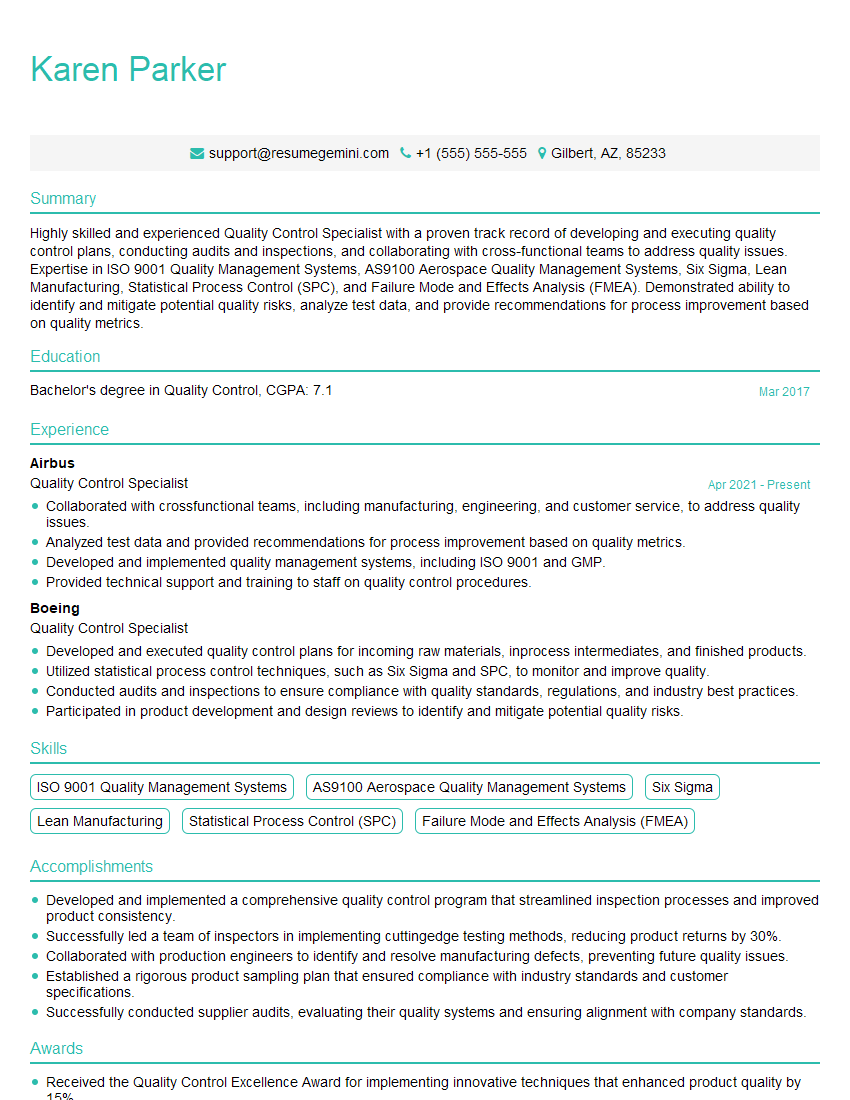
Quality Control Specialist Resume Sample

Quality Assurance Engineer Resume Sample
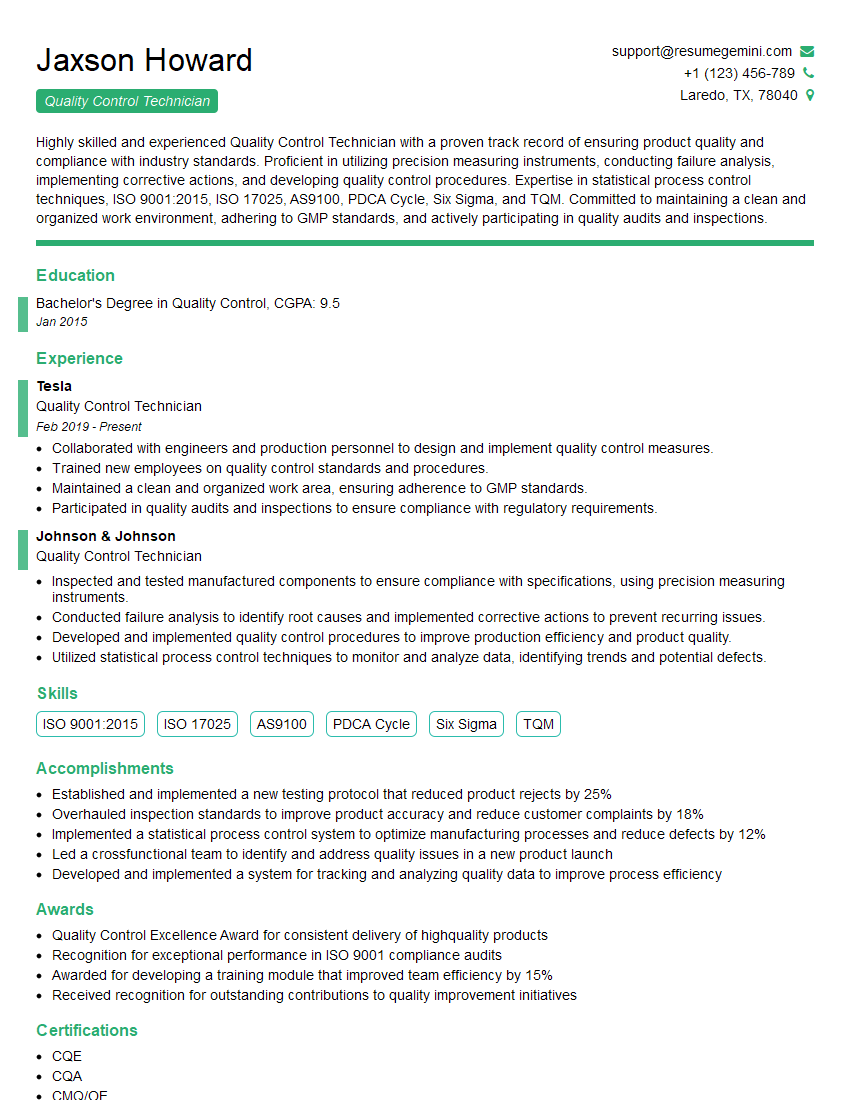
Quality Control Technician Resume Sample
Explore more articles
Users Rating of Our Blogs
Share Your Experience
We value your feedback! Please rate our content and share your thoughts (optional).
What Readers Say About Our Blog
Hello,
we currently offer a complimentary backlink and URL indexing test for search engine optimization professionals.
You can get complimentary indexing credits to test how link discovery works in practice.
No credit card is required and there is no recurring fee.
You can find details here:
https://wikipedia-backlinks.com/indexing/
Regards
NICE RESPONSE TO Q & A
hi
The aim of this message is regarding an unclaimed deposit of a deceased nationale that bears the same name as you. You are not relate to him as there are millions of people answering the names across around the world. But i will use my position to influence the release of the deposit to you for our mutual benefit.
Respond for full details and how to claim the deposit. This is 100% risk free. Send hello to my email id: [email protected]
Luka Chachibaialuka
Hey interviewgemini.com, just wanted to follow up on my last email.
We just launched Call the Monster, an parenting app that lets you summon friendly ‘monsters’ kids actually listen to.
We’re also running a giveaway for everyone who downloads the app. Since it’s brand new, there aren’t many users yet, which means you’ve got a much better chance of winning some great prizes.
You can check it out here: https://bit.ly/callamonsterapp
Or follow us on Instagram: https://www.instagram.com/callamonsterapp
Thanks,
Ryan
CEO – Call the Monster App
Hey interviewgemini.com, I saw your website and love your approach.
I just want this to look like spam email, but want to share something important to you. We just launched Call the Monster, a parenting app that lets you summon friendly ‘monsters’ kids actually listen to.
Parents are loving it for calming chaos before bedtime. Thought you might want to try it: https://bit.ly/callamonsterapp or just follow our fun monster lore on Instagram: https://www.instagram.com/callamonsterapp
Thanks,
Ryan
CEO – Call A Monster APP
To the interviewgemini.com Owner.
Dear interviewgemini.com Webmaster!
Hi interviewgemini.com Webmaster!
Dear interviewgemini.com Webmaster!
excellent
Hello,
We found issues with your domain’s email setup that may be sending your messages to spam or blocking them completely. InboxShield Mini shows you how to fix it in minutes — no tech skills required.
Scan your domain now for details: https://inboxshield-mini.com/
— Adam @ InboxShield Mini
Reply STOP to unsubscribe
Hi, are you owner of interviewgemini.com? What if I told you I could help you find extra time in your schedule, reconnect with leads you didn’t even realize you missed, and bring in more “I want to work with you” conversations, without increasing your ad spend or hiring a full-time employee?
All with a flexible, budget-friendly service that could easily pay for itself. Sounds good?
Would it be nice to jump on a quick 10-minute call so I can show you exactly how we make this work?
Best,
Hapei
Marketing Director
Hey, I know you’re the owner of interviewgemini.com. I’ll be quick.
Fundraising for your business is tough and time-consuming. We make it easier by guaranteeing two private investor meetings each month, for six months. No demos, no pitch events – just direct introductions to active investors matched to your startup.
If youR17;re raising, this could help you build real momentum. Want me to send more info?
Hi, I represent an SEO company that specialises in getting you AI citations and higher rankings on Google. I’d like to offer you a 100% free SEO audit for your website. Would you be interested?
Hi, I represent an SEO company that specialises in getting you AI citations and higher rankings on Google. I’d like to offer you a 100% free SEO audit for your website. Would you be interested?
good