Unlock your full potential by mastering the most common Scaling Software interview questions. This blog offers a deep dive into the critical topics, ensuring you’re not only prepared to answer but to excel. With these insights, you’ll approach your interview with clarity and confidence.
Questions Asked in Scaling Software Interview
Q 1. Explain the CAP theorem and its implications for system design.
The CAP theorem, short for Consistency, Availability, and Partition tolerance, is a fundamental limit in distributed data stores. It states that in a distributed system, you can only guarantee two of these three properties at once. Let’s break down each:
- Consistency: All nodes see the same data at the same time. Every read receives the most recent write or an error.
- Availability: Every request receives a response, without guarantee that it contains the most recent write.
- Partition tolerance: The system continues to operate despite network partitions (communication failures between nodes).
In practice, partition tolerance is almost always a necessity in a distributed system. Network issues are unavoidable. Therefore, you must choose between consistency and availability. A database prioritizing consistency might temporarily halt writes during a partition to ensure data integrity. Conversely, an availability-focused system might return slightly stale data during a partition to keep functioning. The choice depends on your application’s needs. For instance, a banking system demands high consistency, whereas a social media feed might prioritize availability, accepting temporary inconsistencies.
Q 2. Describe different strategies for horizontal scaling.
Horizontal scaling, also known as scaling out, involves adding more machines to your system to handle increased load. This contrasts with vertical scaling (scaling up), which involves increasing the resources of a single machine (e.g., CPU, RAM). Horizontal scaling offers several advantages, including better fault tolerance and easier capacity adjustments. Here are some common strategies:
- Adding more application servers: Distributing the workload across multiple servers.
- Using a message queue: Decoupling components and allowing asynchronous processing, handling bursts of traffic more gracefully.
- Microservices architecture: Breaking down a monolithic application into smaller, independently scalable services.
- Sharding databases: Partitioning the database across multiple servers to improve read and write performance.
For example, imagine a website experiencing a traffic spike. Instead of upgrading a single web server, horizontal scaling would involve adding more web servers to distribute the incoming requests. A load balancer would distribute the traffic evenly across these servers, ensuring none become overloaded.
Q 3. How do you handle database scaling challenges?
Database scaling presents unique challenges. The best approach depends on your database system, data model, and workload. Common strategies include:
- Read replicas: Offloading read operations to secondary database instances to reduce the load on the primary database. This improves read performance significantly.
- Database sharding: Horizontally partitioning your database across multiple servers based on a sharding key (e.g., user ID range). This allows for distributing data and workload across multiple databases.
- Caching: Storing frequently accessed data in a fast cache (e.g., Memcached, Redis) to reduce database load. This is particularly effective for read-heavy workloads.
- Connection pooling: Reusing database connections to reduce the overhead of establishing new connections for each request.
- Denormalization: Reducing database joins by adding redundant data to improve query performance. This might lead to slight data inconsistency but generally improves speed.
Choosing the right strategy often involves careful consideration of trade-offs. Sharding, for instance, can simplify scaling but introduces complexity in data management and query optimization.
Q 4. What are your preferred methods for performance testing and monitoring?
Performance testing and monitoring are crucial for ensuring scalability and reliability. My preferred methods involve a combination of tools and techniques:
- Load testing: Using tools like JMeter or k6 to simulate realistic user loads and identify bottlenecks. This helps determine the system’s capacity and breaking points.
- Stress testing: Pushing the system beyond its expected limits to uncover critical failures and vulnerabilities.
- Monitoring tools: Employing tools like Prometheus, Grafana, or Datadog to track key metrics like CPU usage, memory consumption, network latency, and request throughput. This allows proactive identification of performance issues.
- Synthetic monitoring: Creating automated scripts to regularly check the system’s functionality and response times. This helps detect issues early on.
- Real-user monitoring (RUM): Tracking the performance of the application from the perspective of real users. This provides insights into actual user experiences.
For example, using JMeter, we could simulate 10,000 concurrent users accessing our website and then analyze the results to identify areas that need optimization, such as slow database queries or insufficient server capacity.
Q 5. Explain your experience with load balancing techniques.
Load balancing distributes incoming traffic across multiple servers, preventing overload and ensuring high availability. I have experience with several techniques:
- DNS-based load balancing: Using DNS records to direct traffic to different servers. This is simple to implement but less flexible.
- Hardware load balancers: Dedicated devices that distribute traffic based on various algorithms (e.g., round-robin, least connections). These offer high performance and reliability.
- Software load balancers: Software applications (e.g., HAProxy, Nginx) that run on servers and distribute traffic. These are more flexible and cost-effective than hardware load balancers.
- Cloud-based load balancing: Services offered by cloud providers (e.g., AWS Elastic Load Balancing, Azure Load Balancer) that automatically scale and manage load balancing.
The choice of technique depends on factors like scalability requirements, budget, and infrastructure. For instance, a small-scale application might use a software load balancer, while a large-scale application would benefit from a cloud-based solution.
Q 6. How would you design a system to handle a sudden surge in traffic?
Handling a sudden surge in traffic requires a multi-pronged approach focused on both immediate response and long-term scalability:
- Autoscaling: Automatically add more servers to handle increased demand. Cloud services excel at this.
- Caching: Utilize caching mechanisms (e.g., CDN, in-memory caches) to serve static content and frequently accessed data from closer to the user.
- Queueing: Use message queues to buffer incoming requests, preventing the system from being overwhelmed. Process requests asynchronously as resources become available.
- Rate limiting: Implement mechanisms to limit the number of requests from a single source or IP address within a given time frame. This prevents abuse and protects the system from denial-of-service attacks.
- Circuit breakers: Prevent cascading failures by stopping requests to failing services. Once the service recovers, requests can be resumed.
For example, a social media platform anticipating a surge during a major event might preemptively scale up its infrastructure, increase its caching capacity, and implement rate limiting to control the incoming traffic.
Q 7. Describe your experience with caching strategies (e.g., Memcached, Redis).
Caching strategies significantly improve application performance by storing frequently accessed data in memory. I have extensive experience with Memcached and Redis:
- Memcached: A distributed memory object caching system. It’s simple, fast, and effective for storing small, frequently accessed data like session data or API responses.
- Redis: A more versatile in-memory data structure store. It supports various data structures (strings, hashes, lists, sets) and offers persistence options. It’s useful for caching, session management, leaderboards, and real-time analytics.
The choice between Memcached and Redis depends on the specific requirements. Memcached is excellent for simple caching scenarios, while Redis provides greater flexibility and functionality. For example, a website might use Memcached to cache frequently accessed pages, while a game server might use Redis to manage player scores and session data.
Effective caching requires careful consideration of cache invalidation strategies to ensure data consistency. Different strategies like LRU (Least Recently Used), FIFO (First In, First Out), and custom strategies are employed based on application needs. Properly managing cache size and eviction policies is crucial for avoiding cache thrashing.
Q 8. How do you ensure data consistency in a distributed system?
Ensuring data consistency in a distributed system is crucial for maintaining data integrity and reliability. It’s like keeping all the copies of a recipe perfectly synchronized – any change in one copy needs to be reflected everywhere else immediately or at least eventually, depending on the chosen consistency model.
Several strategies achieve this. One common approach is using consensus algorithms like Paxos or Raft. These algorithms guarantee that all nodes in the distributed system agree on the same order of operations, preventing conflicting updates. Imagine a group of chefs all updating the same recipe; these algorithms ensure everyone works from the same, up-to-date version.
Another method involves employing distributed databases that offer built-in consistency mechanisms. These databases often handle replication and conflict resolution transparently. Think of it like using a cloud-based recipe management system that automatically syncs changes across all devices.
Finally, transactional mechanisms, like two-phase commit (2PC), can be employed to ensure atomicity – either all changes succeed, or none do. This is like having a single, coordinated process for updating the recipe, guaranteeing the entire update completes correctly or rolls back completely if something fails. The choice of approach depends on factors such as performance requirements, network conditions, and the level of consistency required.
Q 9. Explain your understanding of microservices architecture and its scaling benefits.
Microservices architecture breaks down a large application into smaller, independent services that communicate with each other. Think of it as building a house using pre-fabricated modules instead of constructing everything from scratch on-site. Each module (microservice) focuses on a specific business function, making development, deployment, and scaling more manageable.
The scaling benefits are significant. Because each microservice is independent, you can scale individual services based on their specific needs. If one service experiences a surge in traffic, only that service needs to be scaled up, unlike monolithic applications where scaling the entire application is necessary. This is cost-effective and improves resource utilization. For example, a user authentication service might need more resources during peak login times, but other services like payment processing might not. This allows for optimized resource allocation.
Furthermore, microservices foster technology diversity. Each service can be built using the technology best suited to its task, further increasing efficiency and scalability. For instance, a service requiring high data throughput could be implemented using a technology optimized for streaming data, while another requiring complex data queries might leverage a NoSQL database.
Q 10. What are the trade-offs between consistency and availability?
The trade-off between consistency and availability is a fundamental challenge in distributed systems. It’s often depicted as the CAP theorem: you can only have two out of Consistency, Availability, and Partition tolerance at any given time.
Consistency means all nodes see the same data at the same time. Think of it like a perfectly synchronized clock across multiple locations. Availability means the system is always operational and responsive to requests. It’s like a clock that is always showing the time, even if it’s slightly off from other clocks. Partition tolerance is the ability of the system to continue operating even if parts of the system are disconnected (like a network partition). This is a requirement in most distributed systems.
If you prioritize consistency (e.g., using strong consistency), the system might become less available during updates because it needs to ensure all nodes are synchronized before responding to requests. This might lead to slowdowns or temporary unavailability. Conversely, prioritizing availability (e.g., using eventual consistency) means that different nodes may show slightly different data for a short period. The choice depends on the application’s needs. A banking system, for example, needs strong consistency, whereas a social media feed may be fine with eventual consistency.
Q 11. Describe your experience with message queues (e.g., Kafka, RabbitMQ).
Message queues are essential for building scalable and decoupled systems. I have extensive experience with both Kafka and RabbitMQ, each with its strengths and weaknesses.
Kafka excels in handling high-throughput, high-velocity data streams. It’s ideal for applications like real-time data analytics and event sourcing. Its distributed nature and fault tolerance make it incredibly robust and scalable. Imagine using Kafka to process millions of user activity events per second. Its ability to handle such volume efficiently is unmatched.
RabbitMQ, while also a powerful message broker, is often preferred for applications requiring more sophisticated routing and message processing features. It offers various message exchange types that enable complex message flows. For example, RabbitMQ’s publish/subscribe capabilities are excellent for distributing messages to multiple consumers based on specific criteria. Think of a system where various services need different parts of the incoming message stream; RabbitMQ can facilitate this elegantly.
My experience includes designing and implementing message-driven architectures using both Kafka and RabbitMQ, optimizing performance, and ensuring message delivery guarantees. I have also dealt with challenges such as message ordering, dead-letter queues, and monitoring message processing times.
Q 12. How do you monitor system performance and identify bottlenecks?
Monitoring system performance and identifying bottlenecks requires a multi-faceted approach. It’s like having a health check for your application, proactively identifying issues before they become critical.
First, I employ comprehensive logging and metrics, collecting data on various aspects like CPU utilization, memory usage, network traffic, and request latency. Tools like Prometheus and Grafana are invaluable here. This data provides real-time insights into the system’s health and performance.
Next, I utilize profiling tools to pinpoint performance bottlenecks in code. This might involve using tools like JProfiler or YourKit to identify slow methods or memory leaks. These tools offer detailed information on code execution and resource consumption, enabling targeted optimization.
Finally, distributed tracing helps track requests as they flow through the system, identifying slow or failing components. Tools like Jaeger or Zipkin are critical for microservice architectures. This gives a holistic view of request paths and helps diagnose complex performance issues spanning multiple services. Combining these approaches allows for a thorough understanding of system performance, facilitating targeted improvements and preventing performance degradation.
Q 13. Explain your experience with different NoSQL databases.
My experience spans several NoSQL databases, each suited to specific use cases. NoSQL databases offer flexibility and scalability advantages over traditional relational databases, making them suitable for applications dealing with massive datasets and complex data structures.
I’ve worked extensively with MongoDB, a document-oriented database excellent for handling semi-structured data. Its flexibility makes it suitable for applications with evolving data models. Imagine using MongoDB to store user profiles with various attributes that may change over time.
I’ve also used Cassandra, a wide-column store known for its high availability and scalability. It’s ideal for applications requiring high write throughput and fault tolerance. This would be a suitable choice for a system handling large volumes of sensor data.
My experience also includes Redis, an in-memory data store perfect for caching and session management, enhancing application performance significantly. It’s frequently used as a fast, persistent key-value store for frequently accessed data. These diverse experiences allow me to choose the best NoSQL database based on the requirements of a particular project.
Q 14. How do you handle data replication and synchronization?
Data replication and synchronization are critical for achieving high availability and data consistency in distributed systems. It’s akin to having multiple backups of an important file to ensure you never lose your work.
Several techniques achieve this. Master-slave replication involves a primary node handling writes and replicating data to secondary nodes for read operations. This is a simple approach but can be a bottleneck if the master node fails. Think of it like a central server providing data to multiple clients.
Multi-master replication allows writes to multiple nodes, distributing the write load and improving availability. However, this requires careful conflict resolution mechanisms to ensure data consistency. This is more like a distributed network where multiple nodes can take the lead.
More sophisticated approaches use techniques like Paxos or Raft, providing strong consistency guarantees even in the presence of network partitions. These algorithms handle data replication and conflict resolution automatically, minimizing complexity for the application developer. The optimal approach depends on the specific needs of the application, including the required consistency level, performance requirements, and the tolerance for downtime.
Q 15. What are your strategies for optimizing database queries?
Optimizing database queries is crucial for scaling software. Slow queries can cripple application performance, leading to bottlenecks and poor user experience. My strategies focus on several key areas:
Indexing: Proper indexing is paramount. Indexes are like a book’s index – they allow the database to quickly locate specific data without scanning the entire table. I carefully analyze query patterns to identify columns frequently used in
WHEREclauses and create appropriate indexes (B-tree, hash, etc.). For instance, if a query frequently filters by user ID, an index on theuser_idcolumn is essential.Query Optimization Techniques: I use query analyzers (like those built into most database systems) to identify slow queries. This often reveals opportunities to improve query structure. Techniques include rewriting queries to use joins more effectively, avoiding
SELECT *(only select necessary columns), and using appropriate data types. For example, replacing a full table scan with an indexed query can significantly improve performance.Database Normalization: Proper database design minimizes data redundancy and improves data integrity. Normalization prevents anomalies and leads to more efficient queries. For example, properly normalized tables reduce the need for complex joins, improving query speed.
Caching: Implementing caching mechanisms like Redis or Memcached significantly reduces database load. Frequently accessed data is stored in cache, reducing the number of database hits. This is especially effective for read-heavy applications. For instance, caching user profiles reduces database load when displaying user information.
Connection Pooling: Efficiently managing database connections reduces overhead. Connection pooling reuses connections instead of constantly creating and destroying them, minimizing resource consumption.
Database Sharding: For extremely large databases, sharding distributes data across multiple servers. This scales read and write operations horizontally. I choose sharding strategies based on factors like data distribution and query patterns. For instance, sharding by user ID distributes data across different servers based on user ID ranges.
I always consider the specific database system (MySQL, PostgreSQL, MongoDB, etc.) and its optimization features when developing these strategies. A combination of these techniques usually leads to substantial performance improvements.
Career Expert Tips:
- Ace those interviews! Prepare effectively by reviewing the Top 50 Most Common Interview Questions on ResumeGemini.
- Navigate your job search with confidence! Explore a wide range of Career Tips on ResumeGemini. Learn about common challenges and recommendations to overcome them.
- Craft the perfect resume! Master the Art of Resume Writing with ResumeGemini’s guide. Showcase your unique qualifications and achievements effectively.
- Don’t miss out on holiday savings! Build your dream resume with ResumeGemini’s ATS optimized templates.
Q 16. Explain your experience with containerization technologies (e.g., Docker, Kubernetes).
Containerization technologies like Docker and Kubernetes are cornerstones of modern software scaling. My experience includes building, deploying, and managing applications using these technologies in production environments.
Docker allows us to package applications and their dependencies into isolated containers. This ensures consistency across different environments (development, testing, production), simplifying deployment and reducing the “it works on my machine” problem. For example, I’ve used Docker to create containers for microservices, ensuring each service has its own isolated environment with its dependencies.
Kubernetes takes container orchestration to the next level. It automates the deployment, scaling, and management of containerized applications across a cluster of machines. It handles tasks like load balancing, health checks, and rolling updates, improving reliability and scalability. I have experience using Kubernetes to deploy and manage large-scale applications with auto-scaling features based on CPU usage or other metrics. For example, I’ve configured Kubernetes to automatically scale up the number of pods for a web application during peak load and scale down during low traffic periods. This significantly reduces infrastructure costs and optimizes resource utilization. I also have experience with configuring Kubernetes networking, including services and ingress controllers, for efficient inter-service communication and external access.
Q 17. How do you design for fault tolerance and resilience?
Designing for fault tolerance and resilience is critical for building scalable and reliable systems. My approach involves several key strategies:
Redundancy: Implementing redundancy at every layer is crucial. This includes redundant servers, databases, and network connections. If one component fails, others can take over seamlessly. For example, using load balancers to distribute traffic across multiple web servers ensures that a single server failure doesn’t bring down the entire application.
Failover Mechanisms: These mechanisms automatically switch to backup systems in case of failures. This requires careful planning and configuration of failover procedures. For instance, using a database replication system ensures data availability even if the primary database server goes down.
Circuit Breakers: These prevent cascading failures by stopping requests to failing services. When a service is unavailable, the circuit breaker prevents further requests, allowing the service to recover without causing a system-wide outage. For example, in a microservices architecture, a circuit breaker prevents a single failing service from impacting other dependent services.
Health Checks: Regular health checks monitor the status of various components. If a component fails health checks, alerts are triggered, and appropriate actions are taken. For example, Kubernetes uses liveness and readiness probes to monitor the health of containers and automatically restart or remove unhealthy containers.
Monitoring and Alerting: A comprehensive monitoring system with robust alerting mechanisms is crucial for identifying and responding to potential problems. For example, I utilize tools such as Prometheus and Grafana for real-time monitoring and alerting of critical system metrics.
Rollback Strategies: Having a well-defined rollback strategy is essential. If a deployment fails, it should be possible to quickly revert to a previous stable version. For example, using tools like Kubernetes rollbacks allows swift reversion to a previous deployment version.
A combination of these strategies creates a system that can withstand failures and continue operating even in the face of unexpected events.
Q 18. Describe your experience with serverless architectures.
Serverless architectures offer significant advantages for scaling applications. My experience involves building and deploying serverless applications using AWS Lambda, Azure Functions, and Google Cloud Functions.
In serverless, the cloud provider manages the underlying infrastructure, allowing developers to focus on code. This eliminates the need to manage servers, scaling is automatic based on demand, and only pay for actual compute time used. For example, I’ve used AWS Lambda to create event-driven functions for processing images, handling API requests, and processing data from message queues. The scaling is handled automatically by AWS, ensuring high availability and scalability without manual intervention. This approach is highly cost-effective, particularly for applications with varying workloads. I also have experience leveraging serverless databases like DynamoDB and other managed services to create fully managed and scalable backends.
Q 19. How do you approach capacity planning for a large-scale system?
Capacity planning for large-scale systems is a crucial process that involves forecasting future demand and ensuring the infrastructure can handle it. My approach involves:
Historical Data Analysis: Analyzing historical usage data to identify trends and patterns is the first step. This helps predict future demand more accurately. For instance, analyzing web server logs to determine peak traffic times and average request rates.
Load Testing: Conducting thorough load tests using tools like JMeter or k6 is essential to simulate real-world usage and identify bottlenecks. This ensures the system can handle expected loads.
Performance Modeling: Creating performance models helps predict the system’s behavior under different load scenarios. This involves using analytical tools or simulations to project capacity needs.
Scalability Strategies: Implementing appropriate scalability strategies is vital. This includes vertical scaling (upgrading hardware) and horizontal scaling (adding more servers). Choosing the right strategy depends on application architecture and cost considerations.
Monitoring and Tuning: Continuously monitoring system performance and fine-tuning configurations is essential to optimize resource utilization and ensure smooth operation.
Capacity planning is an iterative process. It requires ongoing monitoring and adjustments based on actual usage patterns. Regular reviews and updates to the capacity plan are essential to adapt to changing demands.
Q 20. What are the key considerations when scaling a monolithic application?
Scaling a monolithic application presents unique challenges. A monolithic application is a single, large codebase that handles all functionalities. Scaling it often involves vertical scaling (increasing server resources) or carefully planning for database sharding and load balancing. However, vertical scaling has limitations.
Challenges:
Limited Scalability: Scaling a monolithic application is often limited by the capacity of a single server. Horizontal scaling requires careful planning and can be complex.
Deployment Challenges: Deploying updates to a monolithic application can be complex and time-consuming, potentially requiring significant downtime.
Tight Coupling: Changes in one part of the application might affect other parts, making maintenance and updates difficult.
Strategies:
Vertical Scaling: Initially, increasing server resources like RAM, CPU, and storage might suffice.
Load Balancing: Distributing traffic across multiple instances of the monolithic application using a load balancer can improve performance and availability.
Database Sharding: Distributing the database across multiple servers can improve database performance under high loads.
Microservices Migration (Long-term): The most effective long-term solution is often to refactor the monolithic application into smaller, independent microservices. This allows for more granular scaling and independent deployments.
Carefully evaluating the application’s architecture and identifying bottlenecks is crucial before choosing a scaling strategy. Often, a combination of the strategies above is used.
Q 21. Explain your experience with different load testing tools.
My experience includes using various load testing tools to simulate real-world user traffic and identify performance bottlenecks. These tools are crucial for capacity planning and performance optimization. Here are a few I’ve used:
JMeter: An open-source tool that is highly versatile and can simulate a wide range of load scenarios. It’s excellent for testing web applications and APIs. I’ve used JMeter to test the performance of various web applications, including those with complex authentication and session management.
k6: A modern, open-source load testing tool that focuses on developer experience and provides scripting capabilities for complex tests. It provides detailed performance metrics and integrates well with CI/CD pipelines. I’ve used k6 to write custom scripts to test specific scenarios and integrate load testing into automated deployment processes.
Gatling: Another popular open-source load testing tool known for its scalability and ease of scripting in Scala. Its strong reporting features make analyzing results efficient.
LoadView: A cloud-based load testing service that provides real-browser testing capabilities. This is particularly useful for testing the performance of applications that rely heavily on JavaScript or other client-side technologies. It helps identify issues related to browser rendering and front-end performance.
The choice of tool depends on the specific requirements of the application and the complexity of the testing scenarios. For smaller projects, JMeter or k6 may suffice. For larger projects requiring more sophisticated features or cloud-based testing, LoadView or other cloud-based tools are often a better choice. The analysis of load test results is equally crucial in identifying areas for performance improvement.
Q 22. How do you measure the scalability of a system?
Measuring the scalability of a system involves assessing its ability to handle growing demands in terms of users, data, and transactions. It’s not a single metric but a multifaceted evaluation. We look at several key performance indicators (KPIs).
- Throughput: This measures the number of requests the system can process per unit of time (e.g., requests per second). A scalable system should show a linear or near-linear increase in throughput as resources are added.
- Latency: This measures the time it takes for the system to respond to a request. A scalable system will maintain low latency even under high load. We often monitor average latency, 95th percentile latency, and maximum latency to understand the full picture.
- Resource Utilization: We monitor CPU usage, memory usage, network bandwidth, and disk I/O to identify bottlenecks. A scalable system should efficiently utilize its resources and not show signs of significant resource exhaustion under load.
- Cost-Effectiveness: Scalability isn’t just about handling more load; it’s also about doing so cost-effectively. We need to ensure that increasing capacity doesn’t lead to a disproportionate increase in costs.
We typically use load testing tools like JMeter or Gatling to simulate realistic user loads and measure these KPIs. By analyzing the results, we can identify areas for improvement and understand the system’s scalability limits.
Q 23. Describe your experience with implementing CI/CD pipelines.
I have extensive experience implementing and maintaining CI/CD pipelines, primarily using tools like Jenkins, GitLab CI, and Azure DevOps. My approach focuses on automation, reliability, and security.
A typical pipeline I’d build includes stages for:
- Code Commit & Build: Automated build process triggered by code commits, compiling the code and running static analysis tools to catch errors early.
- Unit Testing: Automated execution of unit tests to ensure individual components work correctly.
- Integration Testing: Automated testing of the interaction between different components of the system.
- Deployment: Automated deployment to various environments (development, staging, production) using tools like Docker and Kubernetes. This includes strategies like blue/green deployments or canary releases to minimize disruption.
- Monitoring & Feedback: Continuous monitoring of the deployed system to track performance and identify issues. Automated alerts are crucial for rapid response to problems.
For example, in a recent project, we implemented a GitLab CI pipeline that automatically deployed our microservices to a Kubernetes cluster. This significantly reduced deployment time and improved the frequency of releases. We used Docker containers to ensure consistency across environments and integrated automated security scanning tools to improve the security posture of our application.
Q 24. How do you ensure security in a scalable system?
Ensuring security in a scalable system requires a multi-layered approach. It’s not an afterthought; it must be integrated into the design and implementation from the very beginning.
- Secure Code Practices: Following secure coding guidelines, performing code reviews, and using static and dynamic analysis tools to identify vulnerabilities.
- Input Validation and Sanitization: Protecting against injection attacks (SQL injection, cross-site scripting) by validating and sanitizing all user inputs.
- Authentication and Authorization: Implementing robust authentication mechanisms (e.g., OAuth 2.0, OpenID Connect) and authorization policies to control access to resources.
- Data Encryption: Encrypting sensitive data both in transit and at rest.
- Regular Security Audits and Penetration Testing: Conducting regular security audits and penetration tests to identify and address vulnerabilities proactively.
- Infrastructure Security: Securing the underlying infrastructure (servers, networks, databases) using tools like firewalls, intrusion detection systems, and vulnerability scanners.
- Monitoring and Logging: Implementing comprehensive logging and monitoring to detect and respond to security incidents quickly.
For example, in a project involving sensitive user data, we implemented end-to-end encryption using TLS for data in transit and AES-256 encryption for data at rest. We also integrated a security information and event management (SIEM) system to monitor security logs and detect potential threats in real time.
Q 25. Explain your understanding of different scaling patterns (e.g., sharding, data partitioning).
Scaling patterns are strategies for distributing workload and data across multiple machines to improve performance and availability. Here are a few common ones:
- Vertical Scaling (Scaling Up): Increasing the resources (CPU, memory, storage) of a single machine. This is simpler but has limitations.
- Horizontal Scaling (Scaling Out): Adding more machines to the system. This is more scalable and allows for better fault tolerance.
- Sharding: Partitioning a database into smaller, independent databases (shards) to improve performance and scalability. This distributes the load and reduces the impact of single-point failures.
- Data Partitioning: Dividing data across multiple storage units. This can be done based on various criteria (e.g., range partitioning, hash partitioning).
- Load Balancing: Distributing incoming traffic across multiple servers to prevent overload on any single machine.
- Caching: Storing frequently accessed data in a cache (e.g., Redis, Memcached) to reduce the load on the main database or application servers.
Choosing the right scaling pattern depends on the specific application and its requirements. For instance, a database-heavy application might benefit from sharding and data partitioning, while a web application might rely heavily on load balancing and caching.
Q 26. Describe a time you had to scale a system under pressure. What were the challenges and how did you overcome them?
During a major marketing campaign, our e-commerce platform experienced a sudden surge in traffic, far exceeding our initial projections. The system started to slow down and eventually became unresponsive. The primary challenge was the unexpected load on our database, resulting in extremely high latency and errors.
To address this, we first used our monitoring tools to pinpoint the bottleneck in the database. We then implemented several strategies simultaneously:
- Increased Database Resources: We immediately scaled up the database servers, increasing their CPU and memory.
- Added Read Replicas: We added read replicas to distribute the read load across multiple servers.
- Implemented Caching: We leveraged Redis to cache frequently accessed product data, reducing database load.
- Load Balancing Optimization: We adjusted the load balancing algorithm to distribute traffic more efficiently across our application servers.
By combining these approaches, we were able to restore the system’s responsiveness within a few hours. This incident highlighted the importance of having a robust monitoring system in place and a well-defined scaling plan. We subsequently updated our infrastructure and implemented more aggressive autoscaling mechanisms to prepare for future unexpected traffic spikes.
Q 27. How do you stay up-to-date with the latest advancements in scaling technologies?
Staying updated on the latest advancements in scaling technologies requires a multifaceted approach.
- Following Industry Blogs and Publications: I regularly read blogs, articles, and publications from leading technology companies and experts in the field.
- Attending Conferences and Workshops: Conferences provide valuable opportunities to learn about the latest trends and technologies and network with other professionals.
- Participating in Online Communities: Engaging in online forums, communities, and discussion groups dedicated to software scalability allows for continuous learning and collaboration.
- Experimentation and Hands-on Projects: I regularly experiment with new technologies and tools related to scaling to gain practical experience. Personal projects are invaluable.
- Staying Abreast of Cloud Provider Updates: Cloud providers constantly update their services with new features related to scaling and optimization. Staying informed about these updates is crucial.
This combination of active learning and practical application helps me remain at the forefront of this ever-evolving field.
Key Topics to Learn for Scaling Software Interview
- Database Scaling: Understanding horizontal and vertical scaling, sharding strategies, and choosing the right database technology for different scaling needs. Practical application: Designing a database schema for a high-traffic e-commerce platform.
- Microservices Architecture: Designing, implementing, and managing microservices; understanding service discovery, communication patterns (e.g., REST, gRPC), and fault tolerance. Practical application: Designing a microservices architecture for a social media application.
- Load Balancing: Implementing load balancing techniques to distribute traffic across multiple servers, ensuring high availability and performance. Practical application: Choosing the appropriate load balancing algorithm for a specific application.
- Caching Strategies: Leveraging different caching mechanisms (e.g., CDN, in-memory cache) to improve application performance and reduce database load. Practical application: Designing a caching strategy to minimize latency in a real-time application.
- Performance Monitoring and Optimization: Utilizing monitoring tools to identify performance bottlenecks and applying optimization techniques to improve application efficiency. Practical application: Analyzing application logs and metrics to identify and resolve performance issues.
- Cloud Computing Platforms (AWS, Azure, GCP): Understanding the services offered by major cloud providers relevant to scaling applications, such as auto-scaling, load balancing, and database services. Practical application: Designing a scalable application deployment strategy using a chosen cloud platform.
- Capacity Planning: Estimating future resource needs based on projected growth and ensuring sufficient capacity to handle increasing loads. Practical application: Creating a capacity plan for a rapidly growing SaaS application.
Next Steps
Mastering the art of scaling software is crucial for career advancement in today’s tech landscape. Demonstrating expertise in these areas significantly enhances your marketability and opens doors to exciting opportunities with leading tech companies. To maximize your chances of securing your dream role, focus on building a strong, ATS-friendly resume that effectively highlights your skills and experience. ResumeGemini is a trusted resource that can help you create a compelling and professional resume tailored to the specific demands of scaling software roles. Examples of resumes tailored to scaling software are available to guide you.
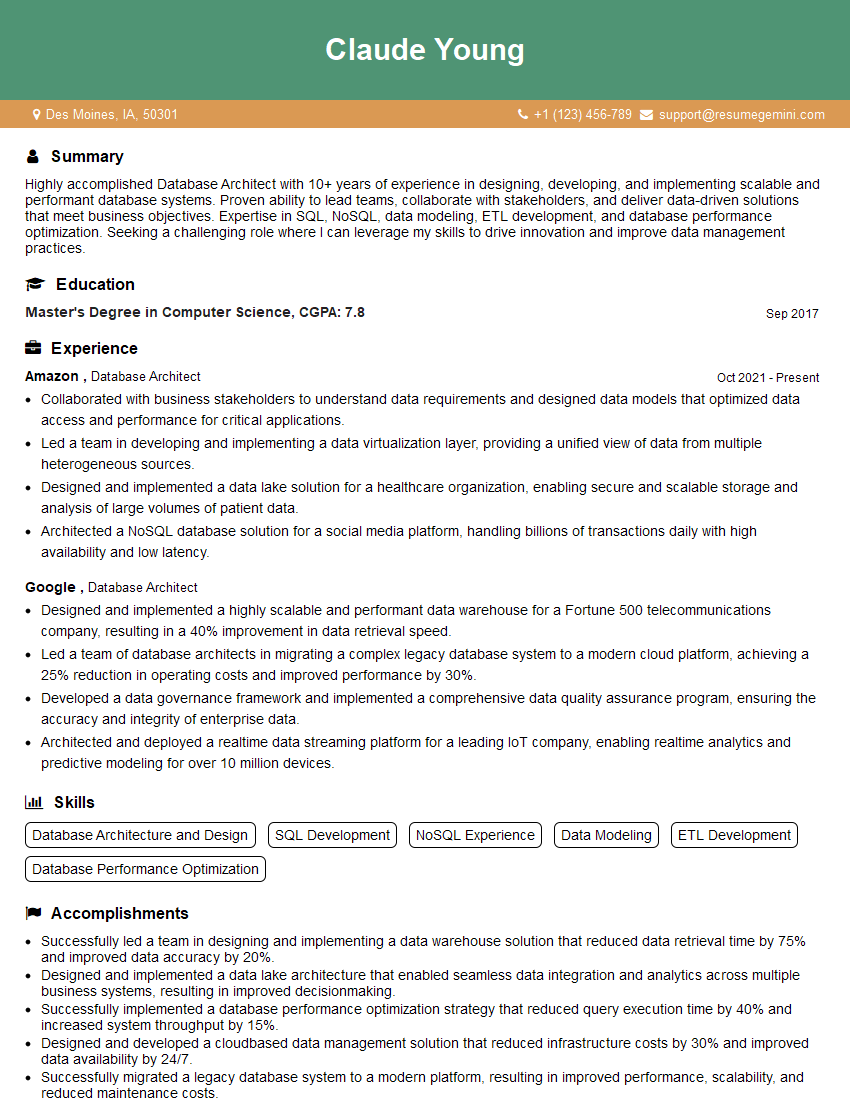
Database Architect Resume Sample
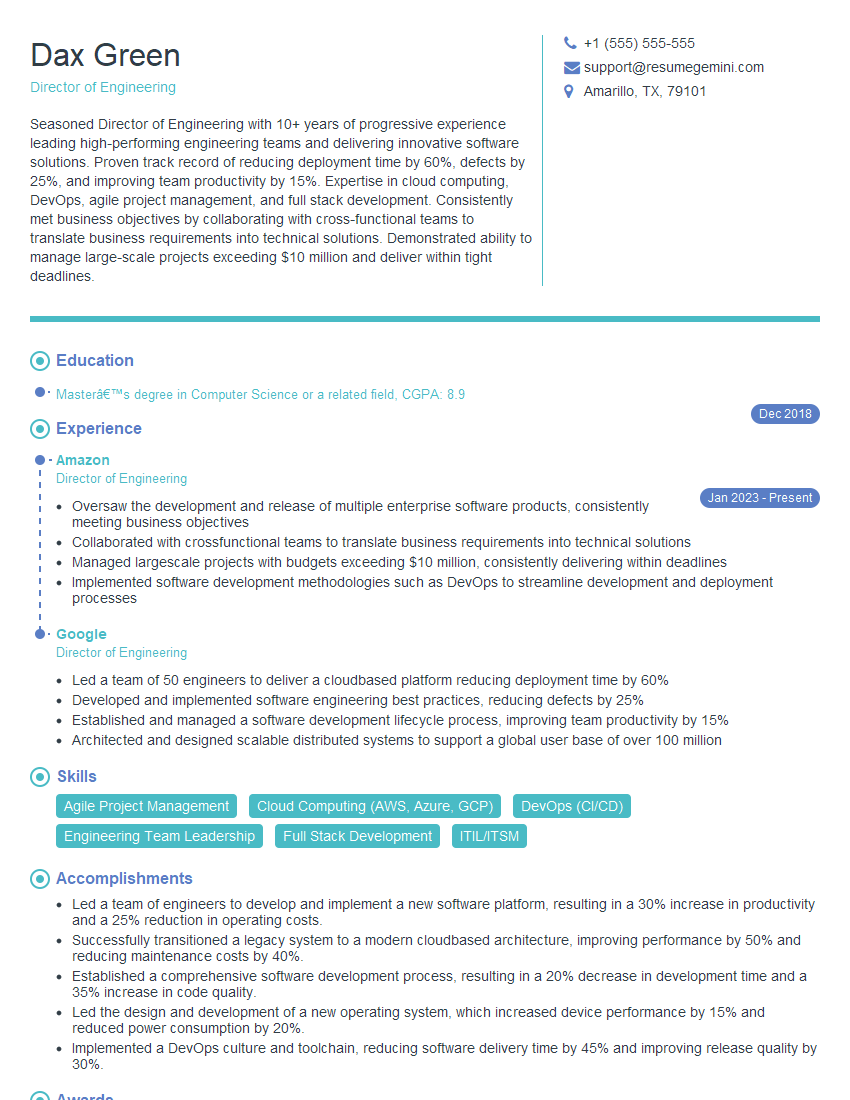
Director of Engineering Resume Sample
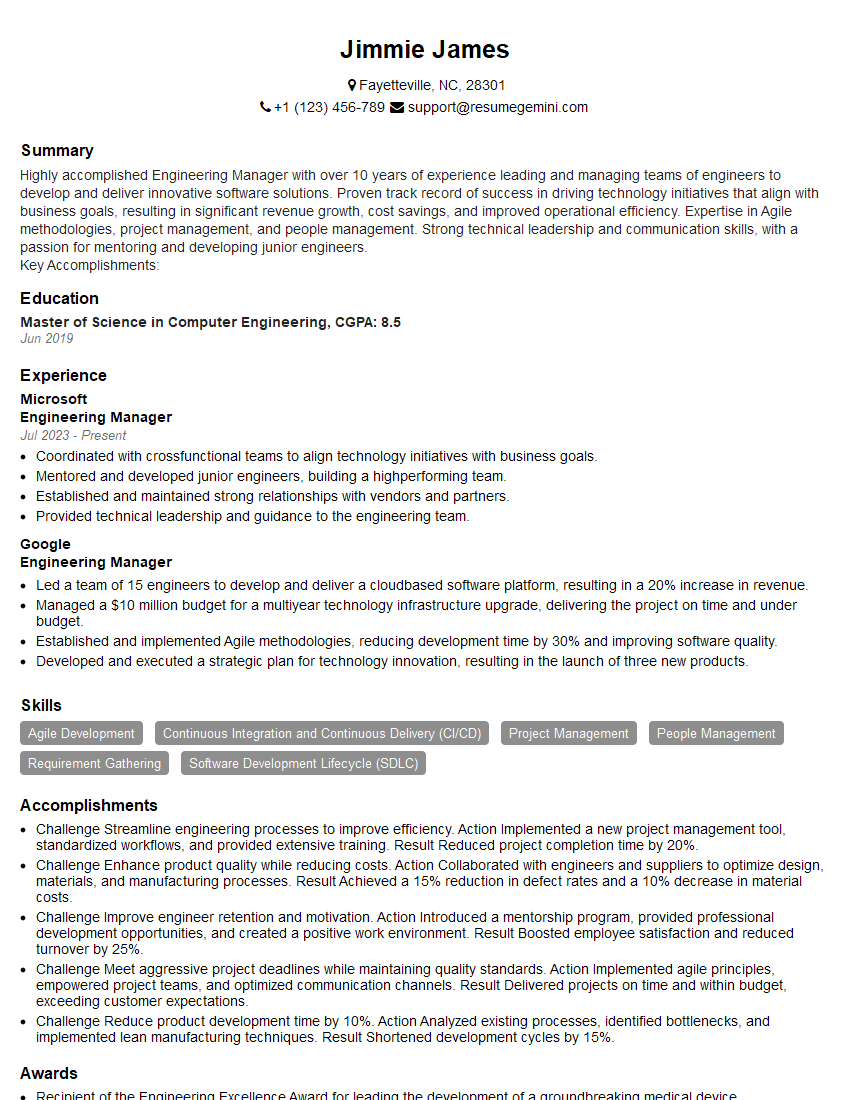
Engineering Manager Resume Sample
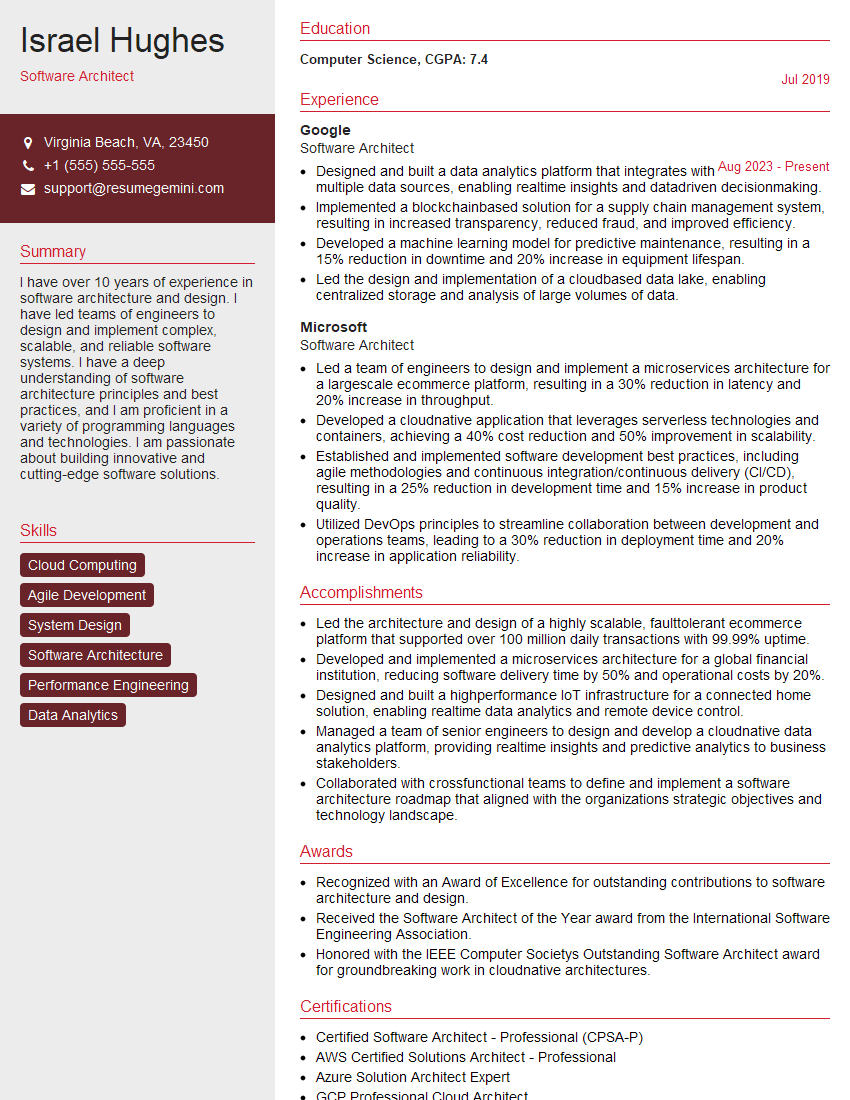
Software Architect Resume Sample

Infrastructure Engineer Resume Sample

Senior Software Engineer Resume Sample
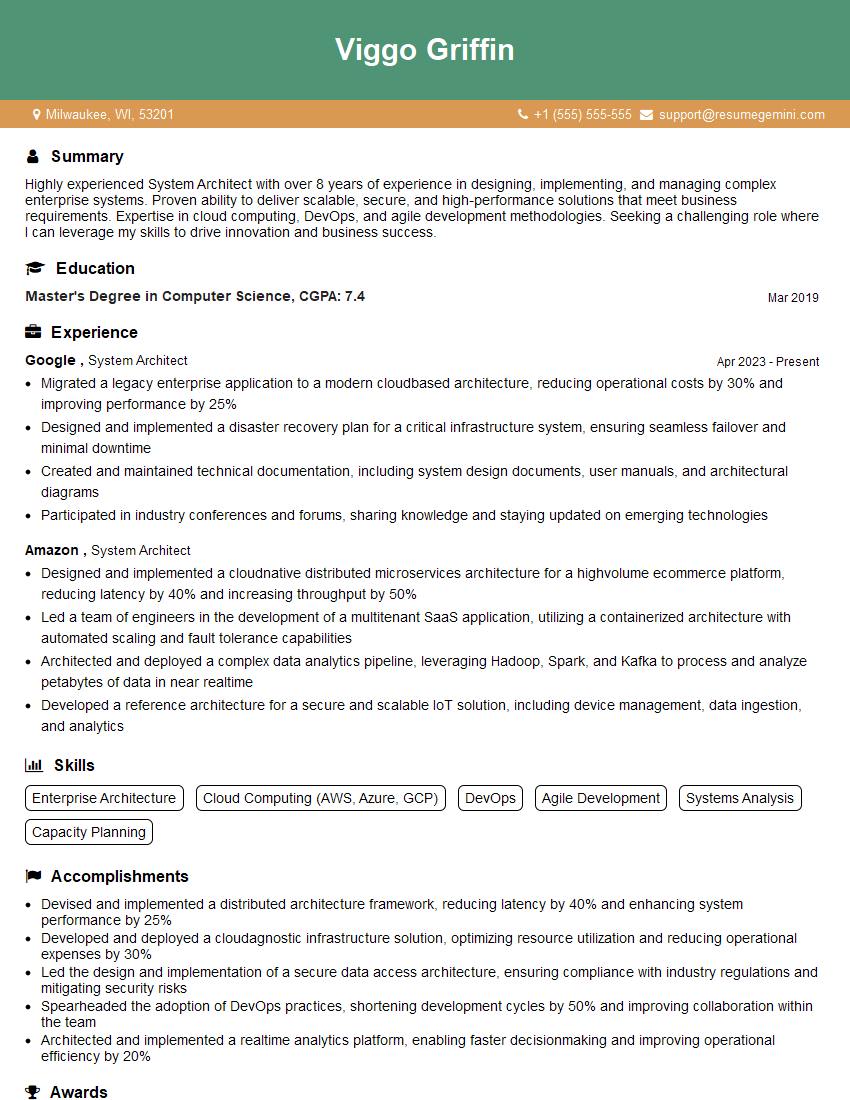
System Architect Resume Sample
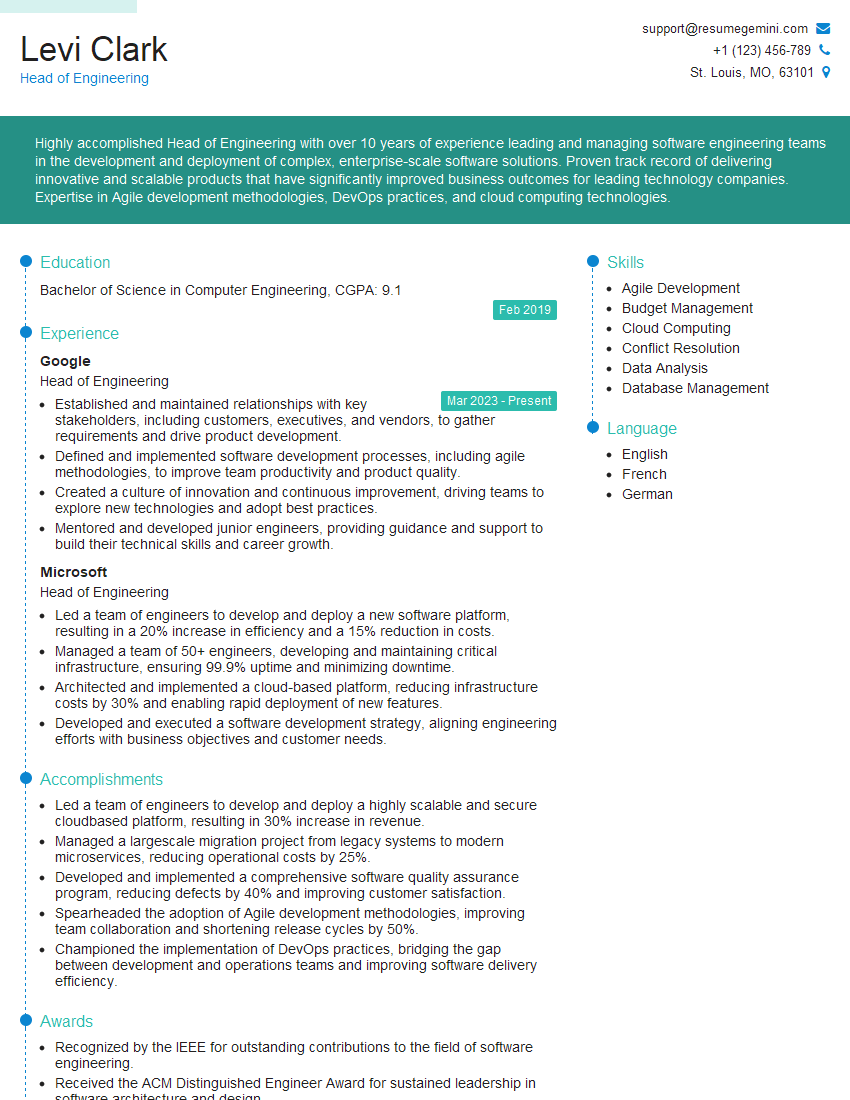
Head of Engineering Resume Sample

Technical Lead Resume Sample

DevOps Engineer Resume Sample

Cloud Architect Resume Sample
Explore more articles
Users Rating of Our Blogs
Share Your Experience
We value your feedback! Please rate our content and share your thoughts (optional).
What Readers Say About Our Blog
Hello,
we currently offer a complimentary backlink and URL indexing test for search engine optimization professionals.
You can get complimentary indexing credits to test how link discovery works in practice.
No credit card is required and there is no recurring fee.
You can find details here:
https://wikipedia-backlinks.com/indexing/
Regards
NICE RESPONSE TO Q & A
hi
The aim of this message is regarding an unclaimed deposit of a deceased nationale that bears the same name as you. You are not relate to him as there are millions of people answering the names across around the world. But i will use my position to influence the release of the deposit to you for our mutual benefit.
Respond for full details and how to claim the deposit. This is 100% risk free. Send hello to my email id: [email protected]
Luka Chachibaialuka
Hey interviewgemini.com, just wanted to follow up on my last email.
We just launched Call the Monster, an parenting app that lets you summon friendly ‘monsters’ kids actually listen to.
We’re also running a giveaway for everyone who downloads the app. Since it’s brand new, there aren’t many users yet, which means you’ve got a much better chance of winning some great prizes.
You can check it out here: https://bit.ly/callamonsterapp
Or follow us on Instagram: https://www.instagram.com/callamonsterapp
Thanks,
Ryan
CEO – Call the Monster App
Hey interviewgemini.com, I saw your website and love your approach.
I just want this to look like spam email, but want to share something important to you. We just launched Call the Monster, a parenting app that lets you summon friendly ‘monsters’ kids actually listen to.
Parents are loving it for calming chaos before bedtime. Thought you might want to try it: https://bit.ly/callamonsterapp or just follow our fun monster lore on Instagram: https://www.instagram.com/callamonsterapp
Thanks,
Ryan
CEO – Call A Monster APP
To the interviewgemini.com Owner.
Dear interviewgemini.com Webmaster!
Hi interviewgemini.com Webmaster!
Dear interviewgemini.com Webmaster!
excellent
Hello,
We found issues with your domain’s email setup that may be sending your messages to spam or blocking them completely. InboxShield Mini shows you how to fix it in minutes — no tech skills required.
Scan your domain now for details: https://inboxshield-mini.com/
— Adam @ InboxShield Mini
Reply STOP to unsubscribe
Hi, are you owner of interviewgemini.com? What if I told you I could help you find extra time in your schedule, reconnect with leads you didn’t even realize you missed, and bring in more “I want to work with you” conversations, without increasing your ad spend or hiring a full-time employee?
All with a flexible, budget-friendly service that could easily pay for itself. Sounds good?
Would it be nice to jump on a quick 10-minute call so I can show you exactly how we make this work?
Best,
Hapei
Marketing Director
Hey, I know you’re the owner of interviewgemini.com. I’ll be quick.
Fundraising for your business is tough and time-consuming. We make it easier by guaranteeing two private investor meetings each month, for six months. No demos, no pitch events – just direct introductions to active investors matched to your startup.
If youR17;re raising, this could help you build real momentum. Want me to send more info?
Hi, I represent an SEO company that specialises in getting you AI citations and higher rankings on Google. I’d like to offer you a 100% free SEO audit for your website. Would you be interested?
Hi, I represent an SEO company that specialises in getting you AI citations and higher rankings on Google. I’d like to offer you a 100% free SEO audit for your website. Would you be interested?
good