Interviews are opportunities to demonstrate your expertise, and this guide is here to help you shine. Explore the essential SQL and Data Manipulation interview questions that employers frequently ask, paired with strategies for crafting responses that set you apart from the competition.
Questions Asked in SQL and Data Manipulation Interview
Q 1. Explain the difference between INNER JOIN and LEFT JOIN.
Both INNER JOIN and LEFT JOIN are used to combine rows from two or more tables based on a related column between them. The key difference lies in which rows are included in the result set. Think of it like this: imagine you’re merging two sets of address books. An INNER JOIN only shows you contacts that appear in *both* books. A LEFT JOIN, however, shows you *all* contacts from the left table (the one specified before LEFT JOIN), and matching contacts from the right table. If a contact isn’t in the right table, the corresponding columns from the right table will have NULL values.
Example: Let’s say we have two tables: Customers (CustomerID, CustomerName) and Orders (OrderID, CustomerID, OrderTotal).
INNER JOIN:
SELECT c.CustomerName, o.OrderTotal FROM Customers c INNER JOIN Orders o ON c.CustomerID = o.CustomerID;This only returns customers who have placed orders.
LEFT JOIN:
SELECT c.CustomerName, o.OrderTotal FROM Customers c LEFT JOIN Orders o ON c.CustomerID = o.CustomerID;This returns all customers. Customers with orders will show their order total; customers without orders will have NULL for OrderTotal.
Q 2. What are the different types of SQL joins?
SQL offers several types of joins, each with a specific purpose for combining data from different tables. The most common are:
INNER JOIN: Returns rows only when there is a match in both tables.LEFT (OUTER) JOIN: Returns all rows from the left table, even if there is no match in the right table. Right table columns will beNULLwhere there’s no match.RIGHT (OUTER) JOIN: Returns all rows from the right table, even if there is no match in the left table. Left table columns will beNULLwhere there’s no match.FULL (OUTER) JOIN: Returns all rows from both tables. Where there’s no match in one table, the corresponding columns from the other table will beNULL.CROSS JOIN: Returns the Cartesian product of the sets of rows from the tables. This means every row from one table is combined with every row from the other table. It’s usually used less frequently than the other joins and should be employed cautiously as it can create very large result sets.
Choosing the right join is crucial for efficient query writing. Understanding the nuances of each join type is key to retrieving the exact data needed.
Q 3. How do you handle NULL values in SQL?
NULL values represent the absence of a value in a database column. They are not the same as zero or an empty string. Handling them effectively is critical for accurate data analysis and reporting.
IS NULLandIS NOT NULL: These operators are used to check for the presence or absence ofNULLvalues in aWHEREclause.COALESCE: This function returns the first non-NULLexpression. For example,COALESCE(column1, 0)returns the value ofcolumn1if it’s notNULL; otherwise, it returns 0.NVL(Oracle-specific): Similar toCOALESCE, this function replacesNULLvalues with a specified value.CASEstatements: These allow for conditional logic based on whether a column isNULLor not.- Using
NULL-safe operators: Operators such as<=>(MySQL) orIS DISTINCT FROM(PostgreSQL) allow for comparisons that treatNULLvalues as equal.
Example:
SELECT COALESCE(order_total, 0) AS order_total FROM Orders;This query replaces any NULL values in the order_total column with 0.
Q 4. Write a query to find the top N records from a table.
To retrieve the top N records, we use the LIMIT clause (in MySQL, PostgreSQL, and others) or the TOP clause (in SQL Server). The specific syntax varies slightly depending on the database system.
MySQL, PostgreSQL, etc.:
SELECT column1, column2 FROM table_name ORDER BY column1 LIMIT N;This selects columns column1 and column2 from table_name, orders the results by column1, and limits the output to the top N rows.
SQL Server:
SELECT TOP N column1, column2 FROM table_name ORDER BY column1;This achieves the same outcome using the TOP clause. You can also use OFFSET and FETCH (in SQL Server and other systems supporting them) for more complex pagination.
Q 5. How would you optimize a slow-running SQL query?
Optimizing slow SQL queries is a critical skill for database administrators and developers. It often involves a combination of techniques.
- Analyze the Query Execution Plan: Most database systems provide tools to visualize the query execution plan. This shows how the database is processing the query and identifies bottlenecks.
- Add Indexes: Indexes are data structures that accelerate data retrieval. Properly indexing frequently queried columns dramatically improves performance.
- Rewrite the Query: Sometimes, even with indexes, poorly written queries can be slow. Consider using more efficient join types, avoiding subqueries where possible, and simplifying complex logic.
- Optimize Data Types: Using appropriate data types (e.g., smaller integer types instead of larger ones when possible) can reduce storage space and improve query performance.
- Caching: Use caching mechanisms to store frequently accessed data in memory.
- Database Tuning: Adjust database server configuration parameters like memory allocation and buffer pools to optimize performance. This is often done by experienced DBAs.
- Profiling: Tools like database profilers pinpoint where time is spent during query execution. This helps identify areas for improvement.
Optimizing a query is often an iterative process. Start by analyzing the execution plan, add indexes where needed, rewrite the query for better performance, then test and repeat as needed.
Q 6. Explain indexing and its benefits in SQL.
In SQL, an index is a data structure that improves the speed of data retrieval operations on a database table at the cost of additional writes and storage space to maintain the index data structure. Think of it like an index in a book – it allows you to quickly locate specific information without reading the entire book.
Benefits:
- Faster Data Retrieval: Indexes dramatically speed up queries, especially those involving
WHEREclauses. - Improved Query Performance: They reduce the amount of data the database needs to scan to find the relevant rows.
- Enhanced Database Efficiency: Faster queries lead to overall improved database performance and reduced server load.
Types of Indexes: There are various types, including B-tree indexes (most common), hash indexes, full-text indexes, and others, each suited to different data types and query patterns.
Example: If you frequently search for customers based on their last name, creating an index on the lastName column will significantly improve the performance of such queries.
Q 7. What are stored procedures and how are they used?
Stored procedures are pre-compiled SQL code blocks that can be stored and reused within a database. They encapsulate a set of SQL statements, including queries, data manipulation operations, and control flow logic. They are like reusable functions in programming languages but are specifically designed to work within a database environment.
Uses:
- Modularity and Reusability: They promote code reusability, reducing redundancy and improving maintainability.
- Improved Performance: Because they are pre-compiled, stored procedures generally execute faster than ad-hoc queries.
- Data Security: Stored procedures can be used to enforce data integrity and security by restricting direct access to underlying tables and controlling data modification through carefully defined procedures.
- Encapsulation: They hide complex SQL logic from the application layer, simplifying application development.
- Reduced Network Traffic: They can send back only a specific result set instead of the entire data retrieved.
Example (Simplified): A stored procedure might be used to insert a new customer into the database, validate the input, and handle potential errors, all within a single, reusable unit.
Q 8. Describe different types of database normalization.
Database normalization is a process of organizing data to reduce redundancy and improve data integrity. It involves dividing larger tables into smaller ones and defining relationships between them. This reduces data anomalies and makes the database more efficient and maintainable. There are several normal forms, each addressing different types of redundancy:
- First Normal Form (1NF): Eliminates repeating groups of data within a table. Each column should contain atomic values (indivisible values). For example, if you have a table with a single row storing multiple phone numbers in a single column, you should split them into separate rows, each with one phone number.
- Second Normal Form (2NF): Builds upon 1NF by eliminating redundant data that depends on only part of the primary key (in tables with composite keys). It addresses partial dependencies. Imagine a table with CustomerID, OrderID, and CustomerName. CustomerName only depends on CustomerID, not the entire primary key (CustomerID, OrderID), so it should be in a separate table.
- Third Normal Form (3NF): Further refines 2NF by eliminating transitive dependencies. A transitive dependency exists when one non-key attribute depends on another non-key attribute. For instance, a table with CustomerID, City, and State. City depends on CustomerID, and State depends on City. State is transitively dependent on CustomerID, so it should be in a separate table.
- Boyce-Codd Normal Form (BCNF): A stricter version of 3NF, it addresses certain anomalies that 3NF might not. It requires that every determinant be a candidate key.
- Fourth Normal Form (4NF): Deals with multi-valued dependencies, where a single value in one column can be associated with multiple values in another column. For example, a table with EmployeeID and Skills. One employee can have multiple skills, requiring a separate table for employee skills.
- Fifth Normal Form (5NF): Also known as join dependency normal form, it addresses situations where a table can be losslessly decomposed into smaller tables and then losslessly reconstructed.
Choosing the right normal form depends on the specific application’s needs and complexity. Over-normalization can lead to performance issues, so it’s important to find a balance.
Q 9. How do you handle data integrity in a database?
Data integrity refers to the accuracy, consistency, and reliability of data. Maintaining data integrity is crucial for the overall health of a database. We employ several techniques:
- Constraints: These are rules enforced by the database management system (DBMS) to restrict the type of data that can be stored in a table. Common constraints include:
NOT NULL: Ensures a column cannot contain NULL values.UNIQUE: Guarantees that all values in a column are distinct.PRIMARY KEY: Uniquely identifies each row in a table and cannot contain NULL values.FOREIGN KEY: Establishes a link between two tables, ensuring referential integrity. It prevents actions that would destroy links between tables.CHECK: Allows you to define custom validation rules.- Data Validation: Before data is inserted or updated, we should validate it to ensure it conforms to predefined rules. This might involve checking data types, ranges, formats, and business rules.
- Stored Procedures and Functions: These can be used to encapsulate data validation logic and ensure that data is processed consistently. They provide a controlled way to update data, reducing the risk of errors.
- Triggers: These are special stored procedures that automatically execute in response to certain events (like insert, update, or delete) on a table. Triggers can be used to enforce data integrity rules, such as preventing the deletion of data that is referenced by other tables.
- Regular Data Audits: Periodically auditing the data helps identify inconsistencies and potential integrity issues early on.
Imagine an e-commerce application. Using constraints like NOT NULL for price and quantity ensures that every product has a valid price and quantity in stock. Foreign keys link products to categories, preventing the accidental deletion of a product category that still has products associated with it.
Q 10. What are transactions and their ACID properties?
In a database context, a transaction is a sequence of operations performed as a single logical unit of work. Either all operations within a transaction succeed, or none do. This ensures data consistency. The ACID properties guarantee the reliability of transactions:
- Atomicity: All operations within a transaction are treated as a single, indivisible unit. It’s either all or nothing.
- Consistency: A transaction maintains data integrity. It starts in a valid state and ends in a valid state, adhering to all defined constraints.
- Isolation: Concurrent transactions are isolated from each other. Each transaction appears to execute independently, preventing interference and ensuring that the results are predictable.
- Durability: Once a transaction is committed, the changes are permanently saved and are not lost even in case of a system failure.
Consider transferring money between bank accounts. Atomicity ensures that either both the debit and credit operations succeed, or neither does, preventing a loss of funds. Consistency ensures that the total amount of money remains the same after the transaction. Isolation prevents multiple concurrent transactions from interfering with each other. Durability ensures that the transfer is permanently recorded even if the system crashes.
Q 11. Explain the concept of ACID properties in database transactions.
(This question is essentially a repeat of question 3, so the answer is the same as above.)
In a database context, a transaction is a sequence of operations performed as a single logical unit of work. Either all operations within a transaction succeed, or none do. This ensures data consistency. The ACID properties guarantee the reliability of transactions:
- Atomicity: All operations within a transaction are treated as a single, indivisible unit. It’s either all or nothing.
- Consistency: A transaction maintains data integrity. It starts in a valid state and ends in a valid state, adhering to all defined constraints.
- Isolation: Concurrent transactions are isolated from each other. Each transaction appears to execute independently, preventing interference and ensuring that the results are predictable.
- Durability: Once a transaction is committed, the changes are permanently saved and are not lost even in case of a system failure.
Consider transferring money between bank accounts. Atomicity ensures that either both the debit and credit operations succeed, or neither does, preventing a loss of funds. Consistency ensures that the total amount of money remains the same after the transaction. Isolation prevents multiple concurrent transactions from interfering with each other. Durability ensures that the transfer is permanently recorded even if the system crashes.
Q 12. How do you troubleshoot SQL errors?
Troubleshooting SQL errors involves a systematic approach:
- Understand the Error Message: Carefully read the error message. It usually provides valuable information about the type of error, its location, and the cause.
- Check Syntax: Ensure your SQL statement is syntactically correct. Small typos can lead to significant errors. Many SQL editors offer syntax highlighting and error checking.
- Examine Data: Inspect the data involved in the query. Look for unusual or unexpected values that might be causing the problem. Use
SELECTstatements to examine the data before running complex queries. - Test in Parts: Break down complex queries into smaller, simpler parts to isolate the source of the error. Test each part individually.
- Use Logging and Debugging Tools: Most DBMSs provide logging and debugging tools. Utilize them to track the execution flow of your queries and identify potential issues.
- Consult Documentation: Refer to the documentation of your specific DBMS for error codes and their explanations.
- Search Online: Use online resources like Stack Overflow or the documentation for your database system to find solutions to common SQL errors. Be sure to search with specifics from the error message.
- Explain Plan: Use the
EXPLAIN PLAN(or similar) feature provided by your database system to analyze the query execution plan. This can help you identify performance bottlenecks or inefficiencies that might indirectly lead to errors.
For example, if you get a ‘foreign key constraint violation’ error, it means you’re trying to insert or update data that violates a foreign key relationship. Check the related tables to ensure the referenced data exists.
Q 13. What are triggers and how do you use them?
Triggers are stored procedures that automatically execute in response to certain events (INSERT, UPDATE, DELETE) on a particular table or view. They help maintain data integrity and enforce business rules.
How to use them:
The syntax for creating a trigger varies slightly depending on the specific DBMS, but the general structure is similar. Here’s an example using SQL Server syntax:
CREATE TRIGGER [trigger_name] ON [table_name]
AFTER [INSERT | UPDATE | DELETE]
AS
BEGIN
  -- Your trigger logic here
END;
For example, let’s create a trigger that logs changes to an ‘Orders’ table:
CREATE TRIGGER OrderLog ON Orders
AFTER INSERT, UPDATE, DELETE
AS
BEGIN
  INSERT INTO OrderLog (Order_ID, Action, Timestamp)
  SELECT Order_ID, 'INSERT', GETDATE() FROM inserted WHERE @@ROWCOUNT > 0;
  INSERT INTO OrderLog (Order_ID, Action, Timestamp)
  SELECT Order_ID, 'UPDATE', GETDATE() FROM deleted WHERE @@ROWCOUNT > 0;
  INSERT INTO OrderLog (Order_ID, Action, Timestamp)
  SELECT Order_ID, 'DELETE', GETDATE() FROM deleted WHERE @@ROWCOUNT > 0;
END;
This trigger inserts a log entry into the ‘OrderLog’ table whenever a row is inserted, updated, or deleted in the ‘Orders’ table. This is valuable for auditing purposes or for tracking changes.
Important considerations: Triggers can impact performance if not carefully designed. Keep the logic within triggers concise and efficient. Avoid complex computations inside triggers to prevent performance degradation.
Q 14. How do you write a query to find duplicate rows in a table?
There are several ways to find duplicate rows in a table, depending on what constitutes a duplicate (all columns or a subset). Here are two common approaches:
Method 1: Using GROUP BY and HAVING
This method is useful when you want to find rows that have the same values across all columns or a specified set of columns:
SELECT column1, column2, ...
FROM your_table
GROUP BY column1, column2, ...
HAVING COUNT(*) > 1;
This query groups rows based on the specified columns and filters the groups to include only those with more than one row (duplicates).
Method 2: Using a Self-JOIN
This method is efficient for finding duplicates based on specific column(s):
SELECT a.column1, a.column2, ...
FROM your_table a
JOIN your_table b ON a.column1 = b.column1 AND a.column2 = b.column2 ...
WHERE a.some_unique_id > b.some_unique_id;
This joins the table to itself and identifies rows where the values of the specified columns match, but the unique ID is different. The WHERE clause ensures you only get one set of duplicate rows (avoiding doubled results).
Remember to replace your_table, column1, column2, etc., with your actual table and column names. And replace some_unique_id with a column that uniquely identifies each row (e.g., a primary key).
The choice of method depends on performance considerations and the specific definition of a duplicate row. For very large tables, the self-join approach might be more efficient, especially with appropriate indexing.
Q 15. How would you perform data cleansing?
Data cleansing, also known as data scrubbing, is the process of identifying and correcting or removing inaccurate, incomplete, irrelevant, duplicated, or improperly formatted data from a dataset. Think of it like spring cleaning for your data! It’s crucial for ensuring data quality and the reliability of any analysis or reporting based on that data.
Here’s a breakdown of common data cleansing techniques:
- Handling Missing Values: You can either remove rows with missing data (if the missing data is significant) or impute (fill in) missing values using techniques like mean/median/mode imputation or more sophisticated methods. For example, if you’re analyzing customer ages and some are missing, you could replace them with the average age.
- Identifying and Correcting Inconsistent Data: This involves standardizing data formats. For instance, you might have dates in multiple formats (MM/DD/YYYY, DD/MM/YYYY). A cleansing process would standardize them to a single format. Similarly, you might have variations in city names (e.g., ‘New York,’ ‘New York City,’ ‘NYC’). You’d want to consolidate these to a consistent entry.
- Removing Duplicates: Duplicate records can skew your analysis. You can identify and remove them using SQL’s
ROW_NUMBER()function or similar techniques. - Detecting and Handling Outliers: Outliers are data points significantly different from the rest. They could be errors or legitimate extreme values. You’d need to investigate each outlier to determine how to handle it – correct it if it’s an error, or keep it if it’s valid but note its potential impact on analysis.
- Data Transformation: This might involve converting data types, scaling values, or creating new features from existing ones. For example, you might convert a text field representing gender into numerical values (0 and 1) for easier processing.
Example using SQL to find and remove duplicate rows based on a unique identifier (CustomerID):
DELETE FROM Customers WHERE CustomerID IN (SELECT CustomerID FROM Customers GROUP BY CustomerID HAVING COUNT(*) > 1);Remember, data cleansing is iterative. You might need multiple passes to achieve the desired data quality.
Career Expert Tips:
- Ace those interviews! Prepare effectively by reviewing the Top 50 Most Common Interview Questions on ResumeGemini.
- Navigate your job search with confidence! Explore a wide range of Career Tips on ResumeGemini. Learn about common challenges and recommendations to overcome them.
- Craft the perfect resume! Master the Art of Resume Writing with ResumeGemini’s guide. Showcase your unique qualifications and achievements effectively.
- Don’t miss out on holiday savings! Build your dream resume with ResumeGemini’s ATS optimized templates.
Q 16. Explain the difference between DELETE and TRUNCATE commands.
Both DELETE and TRUNCATE commands remove data from a table, but they differ significantly in their functionality and performance:
DELETE: This command removes rows based on a specified condition (WHEREclause). If no condition is specified, all rows are deleted. It’s a logged operation, meaning that changes are recorded in the transaction log. This allows for rollback if necessary. It is slower and allows for selective row deletion.TRUNCATE: This command removes all rows from a table without logging individual row deletions. It’s much faster thanDELETEbecause it doesn’t log each row’s removal. It’s not possible to rollback aTRUNCATEoperation. It’s an all-or-nothing approach.
Example:
DELETE FROM Employees WHERE DepartmentID = 10; (Deletes only employees from Department 10)
TRUNCATE TABLE Employees; (Deletes all employees)
Choosing between DELETE and TRUNCATE depends on the specific situation. If you need to selectively remove rows and have the ability to roll back, use DELETE. If you need to quickly remove all rows and don’t require rollback, use TRUNCATE.
Q 17. What is a view in SQL?
In SQL, a view is a virtual table based on the result-set of an SQL statement. It doesn’t store data itself; instead, it stores the query that generates the data. Think of it as a saved query that you can use like a regular table.
Views offer several advantages:
- Simplifying Complex Queries: You can create a view to encapsulate a complex query, making it easier for others (or yourself in the future) to access the data without needing to understand the underlying complexities.
- Data Security: Views can restrict access to sensitive data by only displaying certain columns or rows based on the view’s definition. You might create a view that only shows employee names and salaries, excluding sensitive information like addresses or social security numbers.
- Data Abstraction: Views hide the underlying table structure, simplifying interaction with the database.
- Maintainability: Changes to the underlying tables reflected in the views. If the underlying table structure changes, the view will automatically adapt (unless the underlying query is affected). However, it’s good practice to test this thoroughly.
Example:
Let’s say you have an Orders table and a Customers table. You could create a view called CustomerOrders to show each customer’s name and their order total:
CREATE VIEW CustomerOrders AS SELECT c.CustomerID, c.CustomerName, SUM(o.OrderTotal) AS TotalSpent FROM Customers c JOIN Orders o ON c.CustomerID = o.CustomerID GROUP BY c.CustomerID, c.CustomerName;Now you can query CustomerOrders as if it were a regular table:
SELECT * FROM CustomerOrders;Q 18. How do you perform data aggregation in SQL?
Data aggregation in SQL involves summarizing data from multiple rows into a single row. This is typically done using aggregate functions.
Common aggregate functions include:
COUNT(*): Counts the number of rows.SUM(column_name): Sums the values in a specified column.AVG(column_name): Calculates the average of the values in a specified column.MIN(column_name): Finds the minimum value in a specified column.MAX(column_name): Finds the maximum value in a specified column.
These functions are often used with the GROUP BY clause to group data before aggregation. The GROUP BY clause groups rows with the same values in specified columns into summary rows, like making a report that summarizes sales by region.
Example:
Let’s say you have a Sales table with columns Region and SalesAmount. To calculate the total sales for each region, you’d use:
SELECT Region, SUM(SalesAmount) AS TotalSales FROM Sales GROUP BY Region;This query groups the rows by Region and then calculates the sum of SalesAmount for each group. The result would show a row for each region, with the total sales for that region.
Q 19. What are common functions for data manipulation in SQL (e.g., string functions)?
SQL provides a rich set of functions for data manipulation. Here are some common functions, particularly string functions:
- String Functions:
UPPER(string): Converts a string to uppercase.LOWER(string): Converts a string to lowercase.SUBSTRING(string, start, length)orSUBSTR(string, start, length): Extracts a substring from a string.LENGTH(string)orLEN(string): Returns the length of a string.REPLACE(string, old_string, new_string): Replaces occurrences of one substring with another.TRIM(string): Removes leading and trailing spaces from a string.CONCAT(string1, string2, ...): Concatenates multiple strings together.- Numeric Functions:
ROUND(number, decimals): Rounds a number to a specified number of decimal places.ABS(number): Returns the absolute value of a number.SQRT(number): Returns the square root of a number.- Date and Time Functions:
CURRENT_DATEorGETDATE(): Returns the current date.CURRENT_TIME: Returns the current time.DATE_PART('unit', date): Extracts a specific part of a date (e.g., year, month, day).
Example:
To extract the first 5 characters of a city name stored in a ‘City’ column and convert it to uppercase:
SELECT UPPER(SUBSTRING(City, 1, 5)) AS CityPrefix FROM Customers;Q 20. How do you use subqueries in SQL?
Subqueries, also known as nested queries, are queries embedded within another SQL query. They’re used to perform more complex data retrieval and manipulation.
Subqueries can be used in various clauses, such as:
SELECTclause: To retrieve data based on the results of a subquery.FROMclause: To treat the result of a subquery as a table.WHEREclause: To filter data based on the results of a subquery.HAVINGclause: To filter grouped data based on the results of a subquery.
Examples:
1. Subquery in the WHERE clause: Find all customers who have placed orders with a total exceeding $1000:
SELECT CustomerID, CustomerName FROM Customers WHERE CustomerID IN (SELECT CustomerID FROM Orders GROUP BY CustomerID HAVING SUM(OrderTotal) > 1000);2. Subquery in the SELECT clause: Display the customer name along with the count of their orders:
SELECT c.CustomerName, (SELECT COUNT(*) FROM Orders WHERE CustomerID = c.CustomerID) AS OrderCount FROM Customers c;Subqueries can significantly enhance your SQL capabilities, allowing you to build sophisticated data retrieval logic.
Q 21. Explain the use of CTEs (Common Table Expressions).
Common Table Expressions (CTEs) are temporary, named result sets defined within the execution scope of a single SQL statement. Think of them as reusable, named subqueries that make complex queries more readable and maintainable.
CTEs are defined using the WITH clause. They’re particularly helpful for:
- Breaking Down Complex Queries: A large, complex query can be divided into smaller, more manageable CTEs, improving readability and making debugging easier.
- Recursive Queries: CTEs are essential for handling recursive queries, such as traversing hierarchical data (e.g., organizational charts or bill of materials).
- Improving Performance (Sometimes): While not always guaranteed, well-designed CTEs can sometimes improve query performance, especially in complex queries, as the database might be able to optimize the execution plan more effectively.
Example:
Let’s say you need to find customers who have placed orders in the last month and whose total spending exceeds $500. Using CTEs, you can break this down:
WITH RecentOrders AS ( SELECT CustomerID, SUM(OrderTotal) AS TotalSpent FROM Orders WHERE OrderDate >= DATE('now', '-1 month') GROUP BY CustomerID ), HighSpenders AS ( SELECT CustomerID FROM RecentOrders WHERE TotalSpent > 500 ) SELECT c.CustomerID, c.CustomerName FROM Customers c JOIN HighSpenders hs ON c.CustomerID = hs.CustomerID;This query first defines two CTEs: RecentOrders (to find customers with orders in the last month and their total spending) and HighSpenders (to filter for those with spending over $500). The final SELECT statement then uses these CTEs to retrieve the customer information.
Q 22. How do you handle large datasets efficiently in SQL?
Handling large datasets efficiently in SQL requires a multi-pronged approach focusing on query optimization, data partitioning, and appropriate indexing. Think of it like navigating a massive library – you wouldn’t search every shelf individually; you’d use the catalog (indexes) and potentially break down your search into smaller, manageable sections (partitions).
Indexing: Indexes are like the library’s catalog. They speed up data retrieval by creating a separate data structure that points to the location of data based on specific columns. For example, if you frequently query by customer ID, indexing that column significantly improves query performance.
CREATE INDEX idx_customer_id ON customers (customer_id);Query Optimization: This involves analyzing your queries to identify bottlenecks. Tools like query analyzers can help. Common optimizations include using appropriate joins (e.g., inner join vs. left join), avoiding wildcard characters at the beginning of
LIKEclauses, and properly using aggregate functions. For example, usingEXISTSinstead ofCOUNT(*)can be significantly faster when checking for the existence of records.Data Partitioning: Similar to dividing a large library into sections, partitioning splits a large table into smaller, more manageable chunks. This improves query performance by limiting the amount of data scanned. Partitioning can be based on date, region, or any other relevant column. The database system then can process queries on only the relevant partitions, significantly speeding up processing time.
Materialized Views: For frequently accessed, computationally expensive queries, a materialized view can pre-compute and store the results. Think of this as a summary report already prepared, saving the time to compile it every time it is needed.
In a real-world scenario, I worked with a company that had a customer database exceeding 100 million records. By implementing a combination of these techniques – primarily indexing and partitioning based on customer location – we reduced query execution times from hours to minutes, significantly improving operational efficiency.
Q 23. Describe your experience with different database systems (e.g., MySQL, PostgreSQL, SQL Server).
I have extensive experience with several database systems, each with its strengths and weaknesses. My experience includes:
MySQL: A popular open-source relational database management system known for its ease of use and scalability. I’ve used it extensively for web applications, often leveraging its replication capabilities for high availability.
PostgreSQL: A powerful open-source relational database system known for its advanced features, including support for JSON and robust extensions. I’ve utilized PostgreSQL in projects requiring complex data modeling and advanced analytical capabilities.
SQL Server: Microsoft’s enterprise-grade relational database system. I’ve worked with SQL Server in enterprise environments, leveraging its features for data warehousing, reporting, and integration with other Microsoft products. This includes experience with T-SQL, stored procedures and integration services.
The choice of database system depends heavily on the specific needs of the project. For a small-scale web application, MySQL’s simplicity might be ideal. For a large-scale enterprise application with complex data requirements, PostgreSQL or SQL Server might be more appropriate.
Q 24. How do you ensure data security in SQL databases?
Data security in SQL databases is paramount. My approach is multi-layered and incorporates various techniques:
Access Control: Implementing robust access control mechanisms, such as user roles and permissions, is crucial. This ensures that only authorized users can access specific data and perform specific actions. This often involves carefully defining roles with granular permissions.
Data Encryption: Encrypting sensitive data both at rest and in transit protects it from unauthorized access, even if the database is compromised. This can involve column-level encryption or full-database encryption.
Regular Audits and Monitoring: Regularly auditing database activity and monitoring for suspicious behavior helps detect and prevent security breaches early on. This might involve log analysis and intrusion detection systems.
Input Validation: Sanitizing and validating all inputs before they reach the database prevents SQL injection attacks, a common vulnerability. This involves carefully checking data types and lengths to prevent malicious code from being executed.
Principle of Least Privilege: Users should only have the minimum necessary privileges to perform their jobs. Granting excessive privileges increases the risk of data breaches.
In a previous project, we implemented a multi-factor authentication system along with data encryption to enhance the security of a customer database containing sensitive financial information. This proved highly effective in mitigating security risks.
Q 25. What is data warehousing and how does it relate to SQL?
Data warehousing is a process of consolidating data from multiple sources into a central repository, optimized for analytical processing. It’s like creating a comprehensive, well-organized library from many smaller, disorganized collections. SQL plays a vital role in data warehousing, primarily in extracting, transforming, and loading (ETL) data and querying the data warehouse for analysis.
The data warehouse is typically designed for analytical queries, which often involve complex aggregations and joins across large datasets. SQL is used to define the schema of the data warehouse, to perform ETL operations, and to create views and stored procedures to facilitate efficient querying and reporting. The design focuses on providing a historical, consistent view of the data, supporting business intelligence and decision-making.
For example, a business might consolidate sales data from different regions, product lines, and time periods into a data warehouse. SQL would then be used to generate reports on sales trends, identify top-selling products, and analyze customer behavior.
Q 26. What are your preferred tools for SQL development?
My preferred tools for SQL development depend on the project’s requirements and the database system in use. However, some of my favorites include:
Integrated Development Environments (IDEs): IDEs such as SQL Developer (for Oracle), DataGrip (JetBrains), and SSMS (SQL Server Management Studio) offer features like syntax highlighting, code completion, and debugging capabilities, making SQL development more efficient and less error-prone.
Query Editors: Standalone query editors like DBeaver and pgAdmin offer good support for a range of database systems and helpful features for managing database connections and executing queries.
Command-Line Interface (CLI): For quick tasks or scripting, the command-line interface (e.g.,
psqlfor PostgreSQL,mysqlfor MySQL) provides a direct way to interact with the database.
The best tool depends on the context. For instance, when working on large-scale projects with a team, an IDE’s collaborative features are invaluable. For quick, one-off tasks, a CLI or query editor might be more convenient.
Q 27. Describe your experience with ETL processes.
ETL (Extract, Transform, Load) processes are essential for moving data from various sources into a target data warehouse or another system. My experience encompasses the entire ETL lifecycle, from requirements gathering to deployment and maintenance.
Extraction: This involves retrieving data from various sources such as databases, flat files, APIs, and cloud storage. I’ve utilized various techniques, including database connections, file parsing, and web service calls.
Transformation: This step involves cleaning, converting, and enhancing the extracted data to meet the requirements of the target system. This often involves data cleansing, data type conversions, calculations, and data enrichment.
Loading: This involves loading the transformed data into the target system, often using bulk loading techniques for efficiency. I’ve worked with different loading mechanisms, including SQL
INSERTstatements, data pipelines, and specialized ETL tools.
I have used various tools to support ETL processes, including SSIS (SQL Server Integration Services), Informatica PowerCenter, and Apache Kafka. The choice of tool depends on factors such as project size, complexity, and budget. For smaller projects, scripting languages like Python might suffice. For complex enterprise-level ETL jobs, dedicated ETL tools are typically used. In a recent project involving data migration, I optimized the ETL process by utilizing parallel processing, resulting in a significant reduction in processing time.
Q 28. Explain your approach to solving a complex SQL problem.
My approach to solving a complex SQL problem involves a systematic and iterative process:
Understanding the Requirements: Thoroughly understand the problem statement, including the desired output and any constraints. Clarify any ambiguities and ensure a complete understanding of the data sources and their relationships.
Data Exploration: Examine the relevant tables and data to get a feel for the structure and content. This involves running basic queries to understand data distribution, identify potential issues, and verify data quality.
Breaking Down the Problem: Divide the problem into smaller, manageable subproblems. This makes the overall problem less daunting and allows for a more structured approach.
Iterative Development and Testing: Develop the solution incrementally, testing each step along the way. Start with simple queries and gradually build up complexity. Using smaller queries allows for testing and debugging specific parts.
Optimization: Once a working solution is achieved, analyze its performance and identify areas for optimization. This might involve using indexes, rewriting queries, or adjusting the database configuration.
Documentation: Document the solution clearly, including the rationale, assumptions, and any limitations. This is crucial for maintainability and collaboration.
Imagine you need to find all customers who have placed orders in the last month and haven’t made a purchase in the previous six months. This can be broken down into finding recent orders, identifying customers from those orders, and then checking their purchase history against a six-month window. Each sub-problem would be tackled separately and tested rigorously. The final query would then combine the results from those separate queries.
Key Topics to Learn for SQL and Data Manipulation Interview
- Relational Database Fundamentals: Understanding database schemas, tables, relationships (one-to-one, one-to-many, many-to-many), keys (primary, foreign), and normalization.
- SQL Queries: Mastering SELECT, INSERT, UPDATE, DELETE statements; using WHERE, ORDER BY, GROUP BY, HAVING clauses; understanding joins (INNER, LEFT, RIGHT, FULL OUTER); writing subqueries and common table expressions (CTEs).
- Data Manipulation Techniques: Practical application of SQL queries to retrieve, filter, aggregate, and manipulate data; handling NULL values and data type conversions; optimizing query performance.
- Data Aggregation and Analysis: Using aggregate functions (COUNT, SUM, AVG, MIN, MAX); performing calculations and creating summaries from data; understanding window functions.
- Database Design Principles: Designing efficient and scalable database schemas; understanding indexing and query optimization strategies.
- Data Integrity and Constraints: Implementing data validation rules using constraints (UNIQUE, NOT NULL, CHECK, FOREIGN KEY); understanding transactional integrity (ACID properties).
- Advanced SQL Concepts (Optional): Stored procedures, triggers, functions, views; working with different database systems (MySQL, PostgreSQL, SQL Server, Oracle).
- Problem-Solving Approach: Develop a structured approach to breaking down complex data manipulation problems; practice designing and implementing solutions using SQL.
Next Steps
Mastering SQL and Data Manipulation is crucial for career advancement in today’s data-driven world. These skills are highly sought after across various industries, opening doors to exciting roles and significant salary increases. To maximize your job prospects, it’s vital to present your skills effectively. Crafting an ATS-friendly resume is key to getting your application noticed by recruiters and hiring managers. ResumeGemini is a trusted resource to help you build a professional and impactful resume that highlights your SQL and data manipulation expertise. Examples of resumes tailored to SQL and Data Manipulation roles are available to guide you.
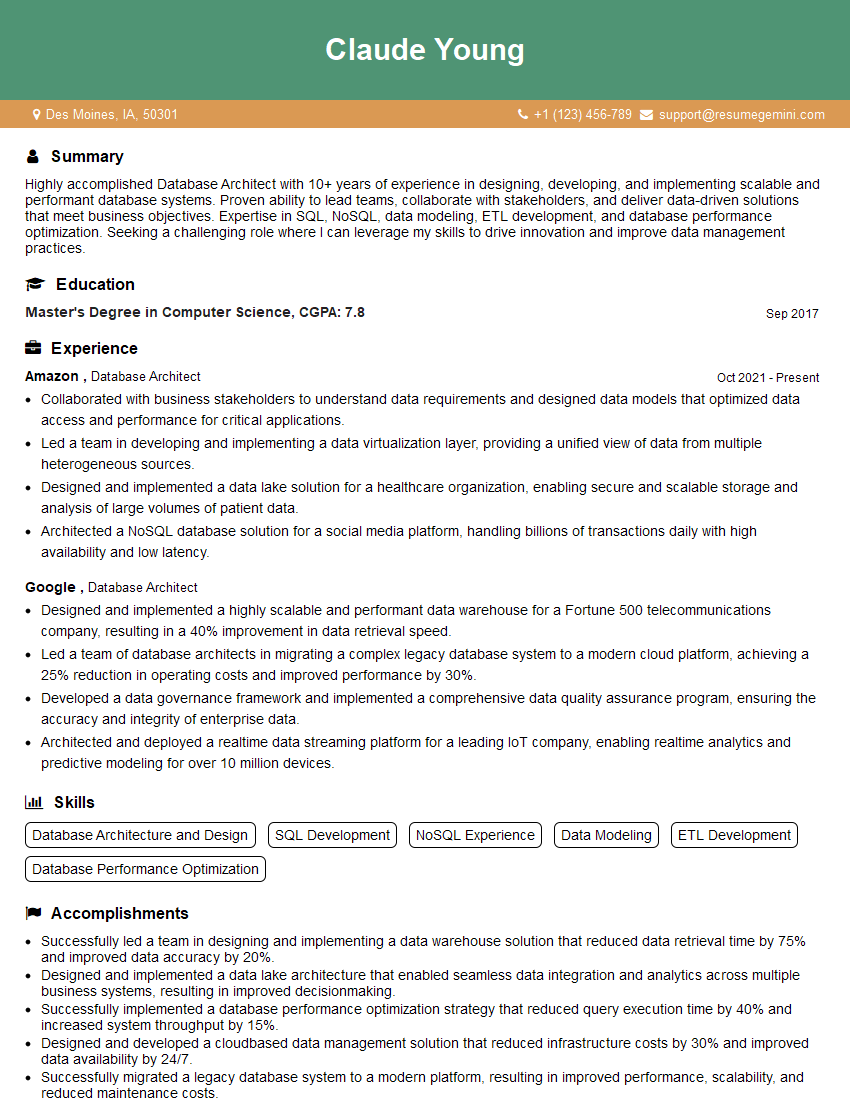
Database Architect Resume Sample

Data Analyst Resume Sample

Data Scientist Resume Sample
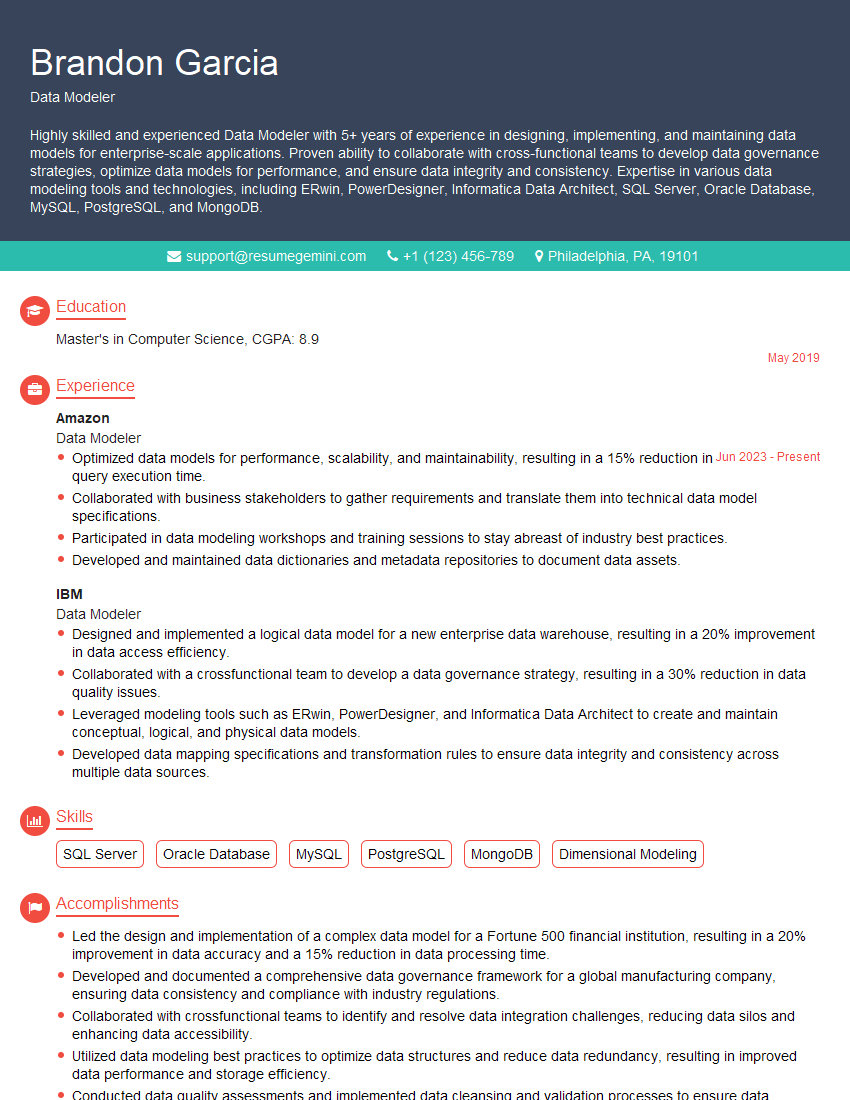
Data Modeler Resume Sample

Data Architect Resume Sample
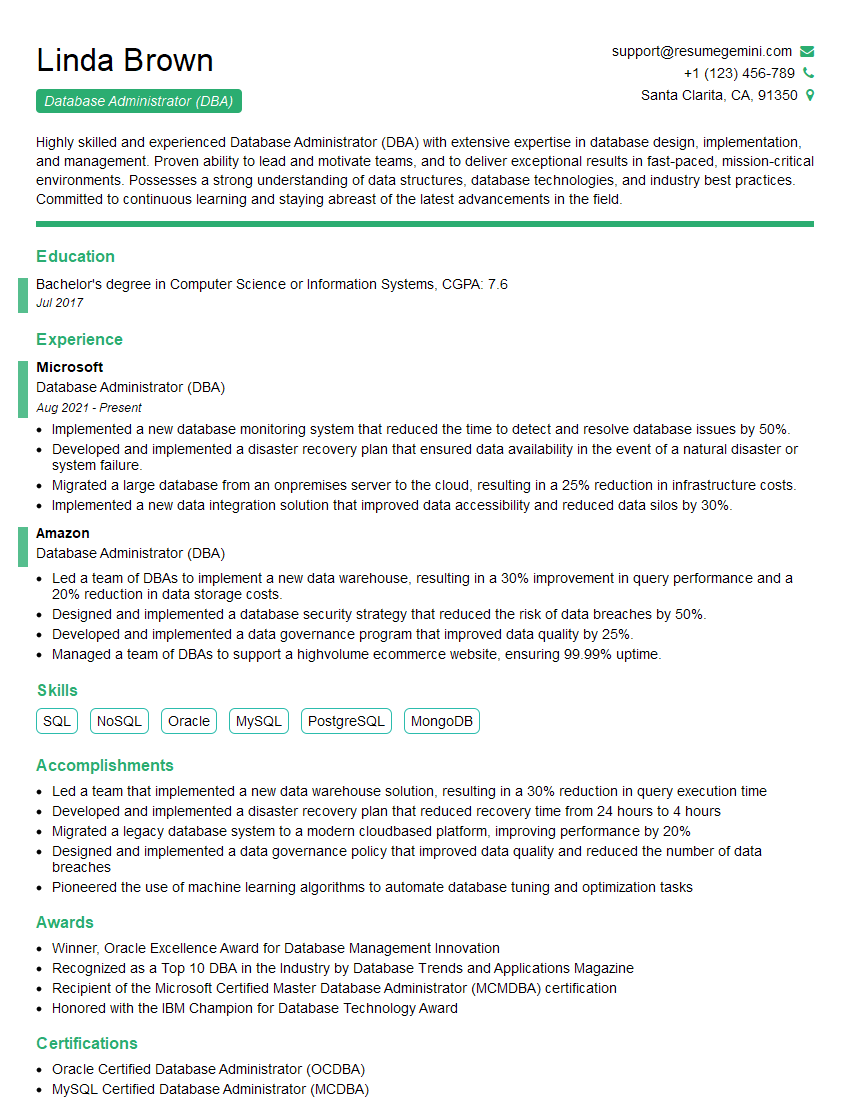
Database Administrator (DBA) Resume Sample

ETL Developer Resume Sample
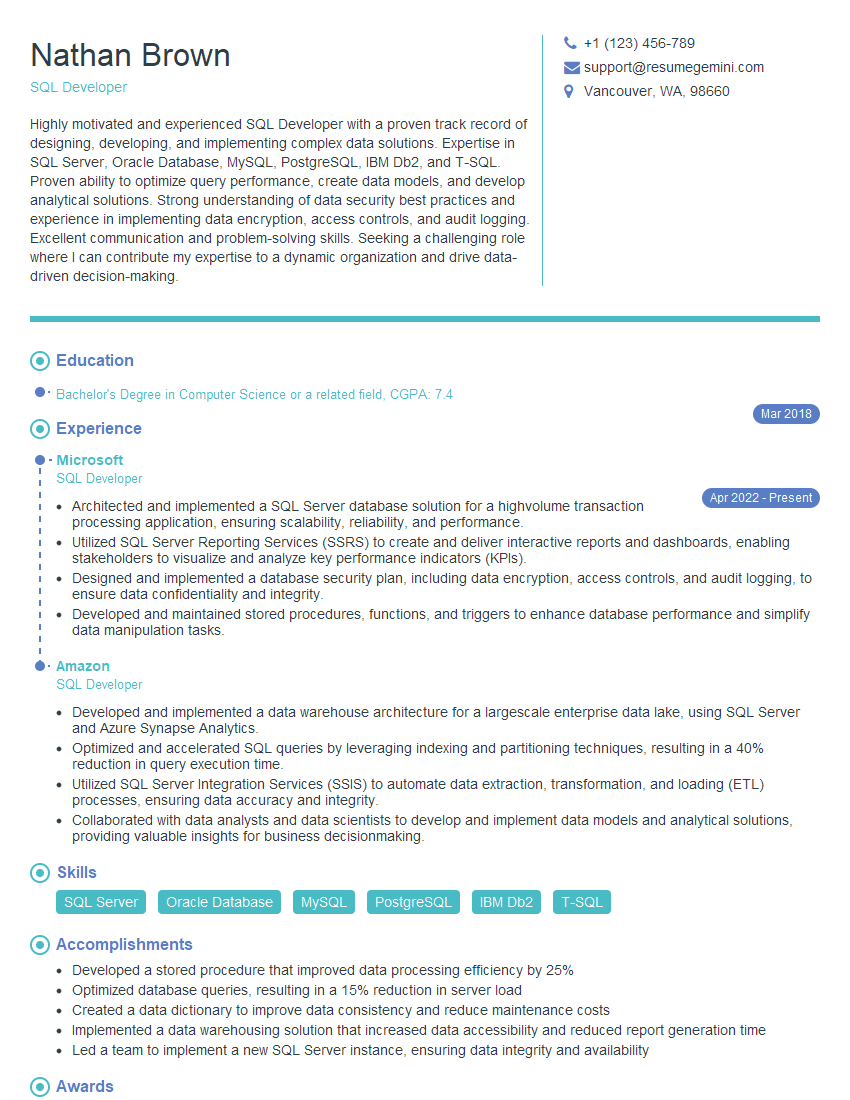
SQL Developer Resume Sample
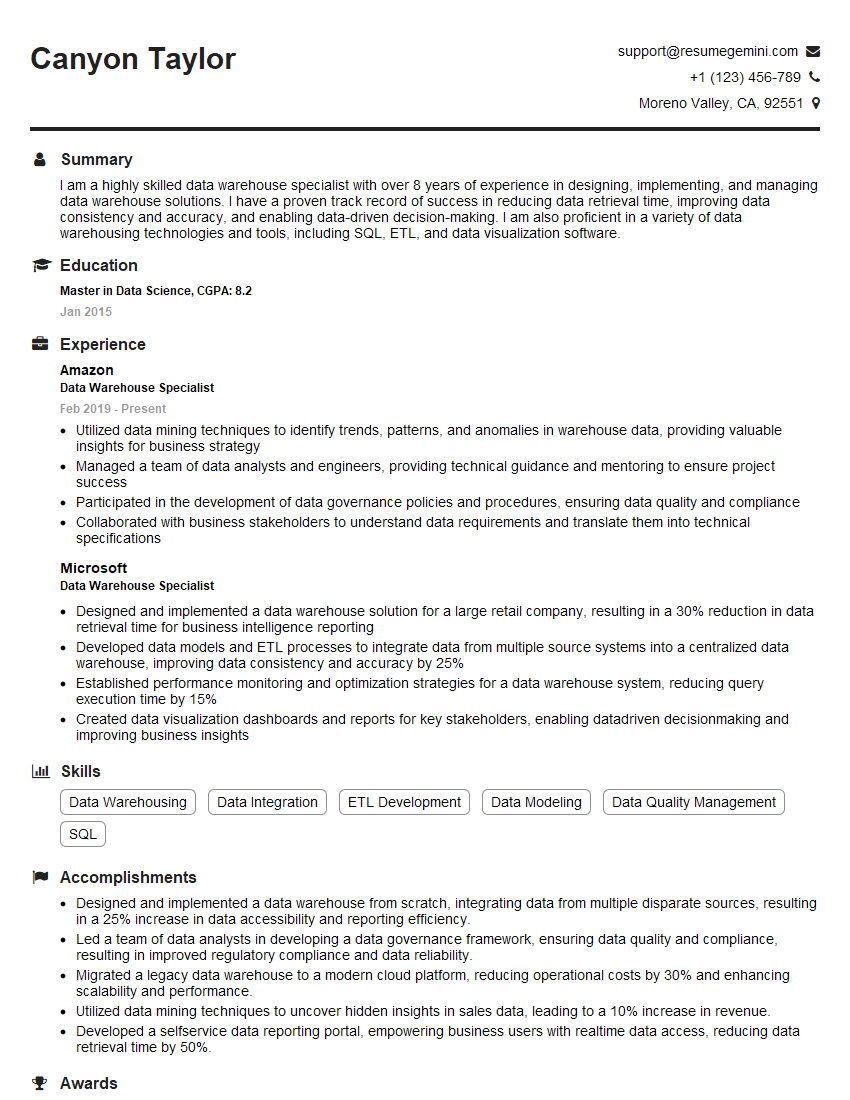
Data Warehouse Specialist Resume Sample

Business Intelligence Analyst Resume Sample
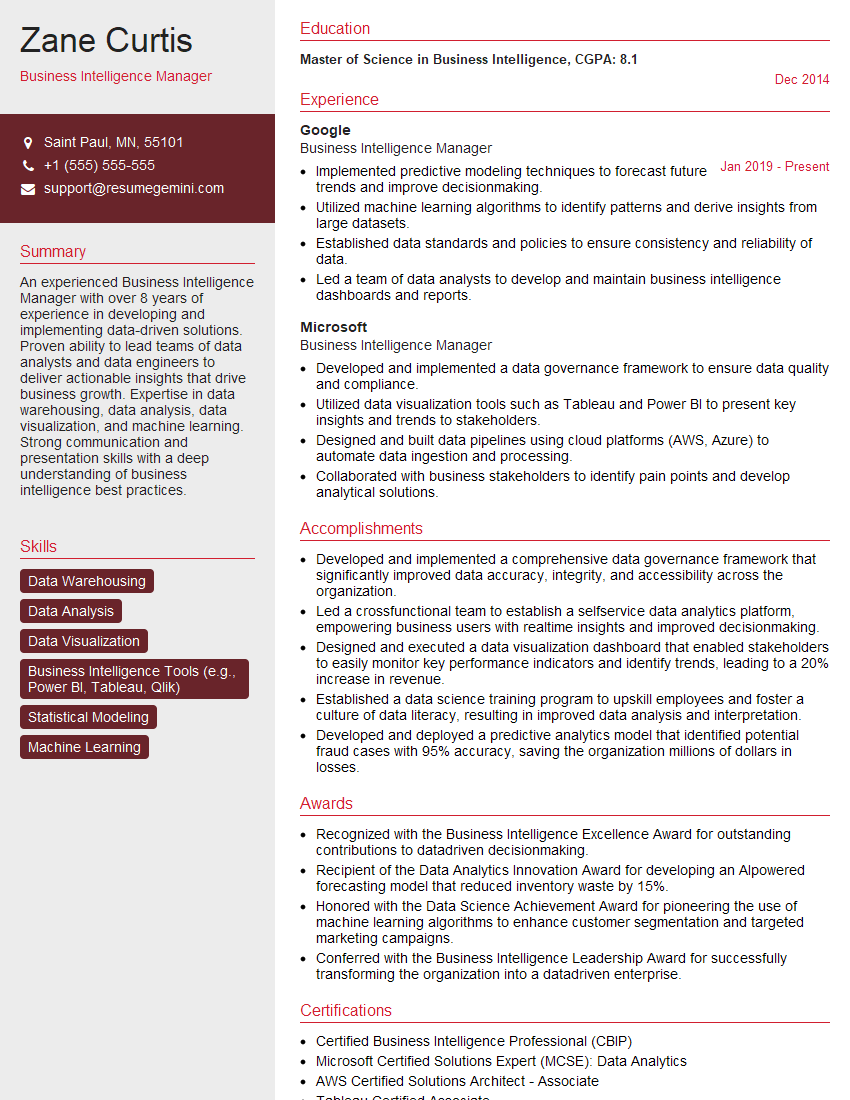
Business Intelligence Manager Resume Sample

Machine Learning Engineer Resume Sample
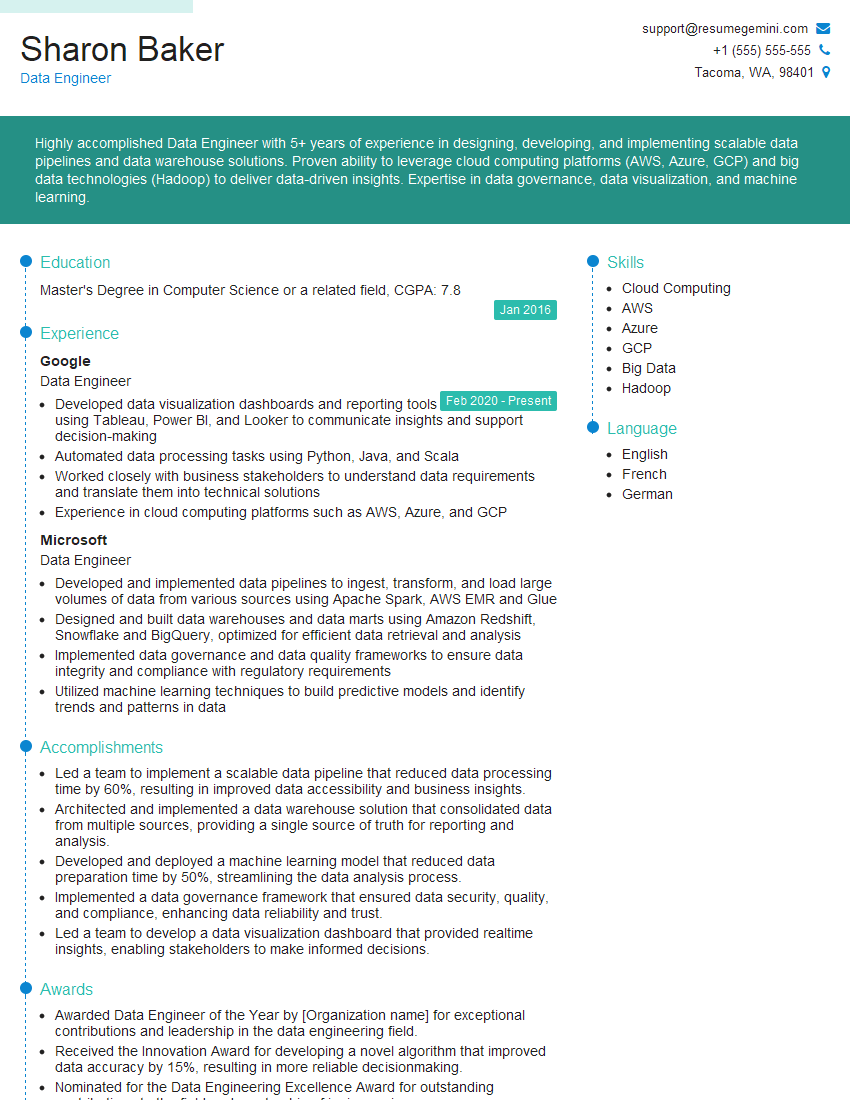
Data Engineer Resume Sample
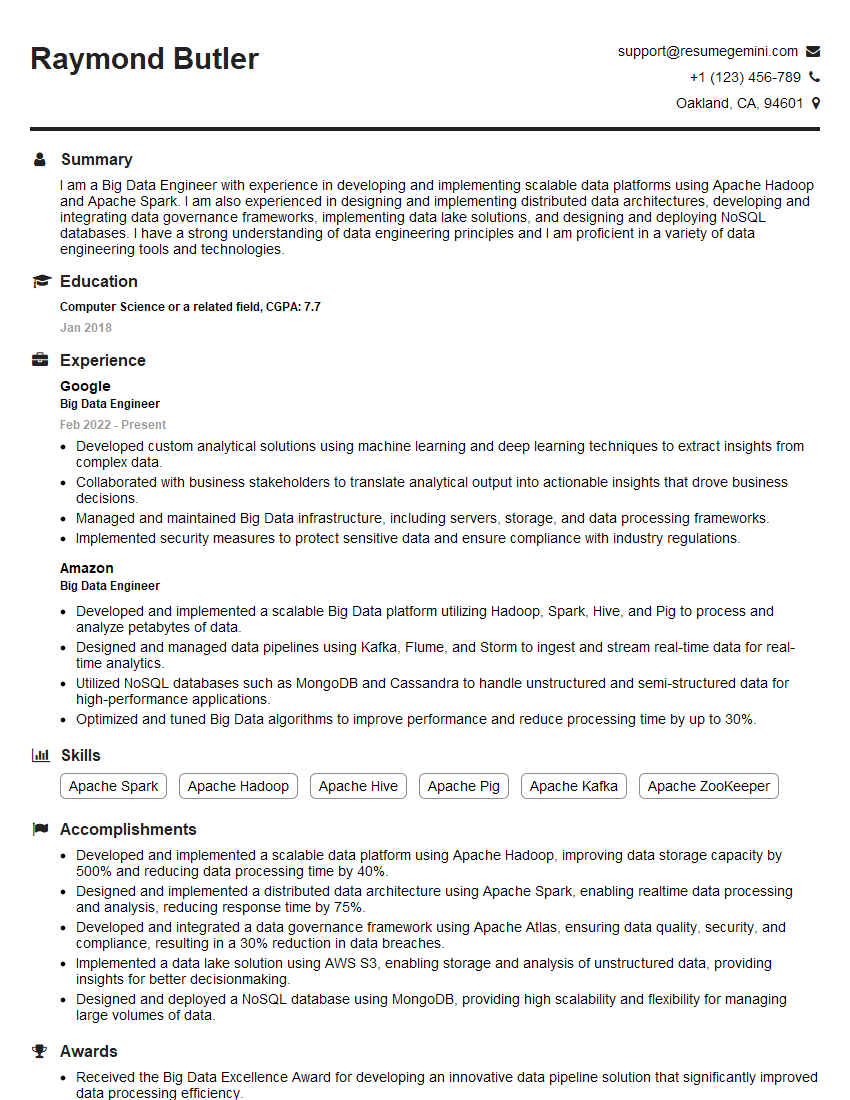
Big Data Engineer Resume Sample
Explore more articles
Users Rating of Our Blogs
Share Your Experience
We value your feedback! Please rate our content and share your thoughts (optional).
What Readers Say About Our Blog
Hello,
we currently offer a complimentary backlink and URL indexing test for search engine optimization professionals.
You can get complimentary indexing credits to test how link discovery works in practice.
No credit card is required and there is no recurring fee.
You can find details here:
https://wikipedia-backlinks.com/indexing/
Regards
NICE RESPONSE TO Q & A
hi
The aim of this message is regarding an unclaimed deposit of a deceased nationale that bears the same name as you. You are not relate to him as there are millions of people answering the names across around the world. But i will use my position to influence the release of the deposit to you for our mutual benefit.
Respond for full details and how to claim the deposit. This is 100% risk free. Send hello to my email id: [email protected]
Luka Chachibaialuka
Hey interviewgemini.com, just wanted to follow up on my last email.
We just launched Call the Monster, an parenting app that lets you summon friendly ‘monsters’ kids actually listen to.
We’re also running a giveaway for everyone who downloads the app. Since it’s brand new, there aren’t many users yet, which means you’ve got a much better chance of winning some great prizes.
You can check it out here: https://bit.ly/callamonsterapp
Or follow us on Instagram: https://www.instagram.com/callamonsterapp
Thanks,
Ryan
CEO – Call the Monster App
Hey interviewgemini.com, I saw your website and love your approach.
I just want this to look like spam email, but want to share something important to you. We just launched Call the Monster, a parenting app that lets you summon friendly ‘monsters’ kids actually listen to.
Parents are loving it for calming chaos before bedtime. Thought you might want to try it: https://bit.ly/callamonsterapp or just follow our fun monster lore on Instagram: https://www.instagram.com/callamonsterapp
Thanks,
Ryan
CEO – Call A Monster APP
To the interviewgemini.com Owner.
Dear interviewgemini.com Webmaster!
Hi interviewgemini.com Webmaster!
Dear interviewgemini.com Webmaster!
excellent
Hello,
We found issues with your domain’s email setup that may be sending your messages to spam or blocking them completely. InboxShield Mini shows you how to fix it in minutes — no tech skills required.
Scan your domain now for details: https://inboxshield-mini.com/
— Adam @ InboxShield Mini
Reply STOP to unsubscribe
Hi, are you owner of interviewgemini.com? What if I told you I could help you find extra time in your schedule, reconnect with leads you didn’t even realize you missed, and bring in more “I want to work with you” conversations, without increasing your ad spend or hiring a full-time employee?
All with a flexible, budget-friendly service that could easily pay for itself. Sounds good?
Would it be nice to jump on a quick 10-minute call so I can show you exactly how we make this work?
Best,
Hapei
Marketing Director
Hey, I know you’re the owner of interviewgemini.com. I’ll be quick.
Fundraising for your business is tough and time-consuming. We make it easier by guaranteeing two private investor meetings each month, for six months. No demos, no pitch events – just direct introductions to active investors matched to your startup.
If youR17;re raising, this could help you build real momentum. Want me to send more info?
Hi, I represent an SEO company that specialises in getting you AI citations and higher rankings on Google. I’d like to offer you a 100% free SEO audit for your website. Would you be interested?
Hi, I represent an SEO company that specialises in getting you AI citations and higher rankings on Google. I’d like to offer you a 100% free SEO audit for your website. Would you be interested?
good