The thought of an interview can be nerve-wracking, but the right preparation can make all the difference. Explore this comprehensive guide to Strong Visual Storytelling Skills interview questions and gain the confidence you need to showcase your abilities and secure the role.
Questions Asked in Strong Visual Storytelling Skills Interview
Q 1. Explain the importance of visual hierarchy in storytelling.
Visual hierarchy is the arrangement of visual elements in a way that guides the viewer’s eye through the content, emphasizing key information and creating a clear narrative flow. Think of it like a well-planned road trip – you need clear directions to reach your destination. Without a strong visual hierarchy, your story becomes a confusing jumble, leaving the audience lost and disengaged.
- Size and Scale: Larger elements naturally attract more attention than smaller ones. A large headline immediately grabs the viewer’s eye, introducing the main idea.
- Color Contrast: Using contrasting colors to highlight key elements helps to draw attention. A vibrant call to action button on a neutral background is a prime example.
- Placement: Elements placed centrally or at the top tend to be viewed first. Think about how websites often place their logo at the top left.
- Whitespace: Strategic use of white space (negative space) allows important elements to breathe and stand out. Too much clutter obscures the message.
For example, a marketing campaign might use a large, impactful image of the product, followed by concise text highlighting its key benefits, with a clearly defined call-to-action button. This carefully structured visual hierarchy ensures the message is clear and effective.
Q 2. Describe your process for creating a compelling visual narrative.
My process for creating a compelling visual narrative involves several key steps:
- Understanding the Audience and Objective: Who am I trying to reach, and what do I want them to feel or do? This dictates the overall tone and style.
- Storyboarding and Conceptualization: I sketch out the visual narrative, outlining the key scenes, emotions, and message points. This helps to establish a clear structure before diving into production.
- Mood Board Creation: A mood board helps define the visual style – color palettes, typography, imagery, and overall aesthetic. This ensures consistency throughout the narrative.
- Content Creation and Selection: I gather high-quality images, videos, and other visual assets that align with the mood board and storytelling objectives.
- Assembly and Refinement: I assemble the elements, ensuring smooth transitions and a logical flow. This often involves iterations and feedback to perfect the narrative.
- Testing and Iteration: Before finalizing, I test the narrative on a target audience to assess its effectiveness and make any necessary improvements.
For instance, when creating a promotional video for a new sustainable product, my storyboard might focus on showing the product’s eco-friendly production process, its impact on the environment, and its benefits to the user, all within a visually appealing and consistent style.
Q 3. How do you ensure visual consistency across multiple platforms?
Maintaining visual consistency across multiple platforms requires a well-defined brand style guide. This guide acts as a blueprint, ensuring all visual elements – logos, colors, fonts, imagery style – remain consistent regardless of the platform. It includes:
- Logo variations: Specifications for the logo in different sizes and contexts (e.g., website header, social media profile).
- Color palette: Primary and secondary colors used for backgrounds, text, and other elements, along with their hex codes.
- Typography: Designated fonts and their usage guidelines for headings, body text, and calls to action.
- Imagery style: Defining the overall style of images used (e.g., photography style, illustration style).
For example, a company might use a specific shade of blue as its primary brand color, a particular font for all headings, and consistently use lifestyle photography across its website, social media, and marketing materials. This consistent branding fosters recognition and trust.
Q 4. How do you adapt your visual storytelling style for different audiences?
Adapting visual storytelling for different audiences necessitates understanding their unique characteristics, preferences, and cultural contexts. This includes:
- Age: Visuals for children will differ significantly from those targeting professionals.
- Cultural background: Certain imagery or colors may have different meanings in various cultures. A careful selection is necessary to avoid misinterpretations.
- Technical proficiency: Simpler visuals might be preferred for audiences less familiar with advanced technology.
- Level of knowledge: Visuals should be tailored to the audience’s existing knowledge about the subject.
For instance, an educational video on climate change for children might use bright colors, simple animations, and relatable characters, while a presentation to scientists would employ data visualization, detailed graphs, and technical terminology.
Q 5. Explain your understanding of color theory and its impact on storytelling.
Color theory plays a crucial role in visual storytelling. Different colors evoke different emotions and associations. Understanding this allows me to manipulate color to enhance the narrative and create the desired mood.
- Warm Colors (Reds, Oranges, Yellows): Often associated with energy, excitement, warmth, and passion. Suitable for creating a lively and engaging atmosphere.
- Cool Colors (Blues, Greens, Purples): Typically associated with calmness, serenity, trust, and sophistication. Ideal for creating a relaxing or professional feel.
- Complementary Colors: Colors opposite each other on the color wheel (e.g., red and green) create strong contrast and visual interest. Can be used to highlight key elements.
- Analogous Colors: Colors adjacent to each other on the color wheel (e.g., blue, blue-green, green) create a harmonious and peaceful atmosphere.
For example, a horror film might use a predominantly dark and desaturated color palette with flashes of red to enhance the suspense and create a feeling of unease, while a children’s cartoon would use bright, vibrant colors to evoke joy and happiness.
Q 6. What software and tools are you proficient in for visual storytelling?
I am proficient in a range of software and tools for visual storytelling:
- Adobe Creative Suite (Photoshop, Illustrator, InDesign, After Effects, Premiere Pro): Industry-standard tools for image editing, vector graphics, layout design, motion graphics, and video editing.
- Figma and Sketch: For creating user interface designs and interactive prototypes.
- Canva: A user-friendly tool for creating various visual assets, ideal for quick projects and social media content.
- DaVinci Resolve: A powerful video editing suite for professional projects.
My proficiency in these tools allows me to create visually compelling narratives across a variety of mediums, from static images and infographics to animated videos and interactive presentations.
Q 7. Describe a time you had to overcome a visual communication challenge.
I once faced a challenge in creating a visually engaging presentation for a complex scientific study. The data was dense and potentially overwhelming for a non-scientific audience. My initial approach using complex graphs and charts proved ineffective.
To overcome this, I adopted a multi-faceted approach:
- Simplification of Data: I worked closely with the scientists to identify the key findings and translate complex data into simpler, more easily digestible visuals like charts and concise bullet points.
- Use of Visual Metaphors and Analogies: I incorporated relatable visual metaphors and analogies to help the audience understand the scientific concepts more intuitively. For instance, I used an image of a tree’s growth to illustrate the gradual impact of climate change.
- Storytelling Approach: Instead of presenting the data in a purely technical manner, I crafted a narrative around the findings, weaving in compelling visuals and real-world examples to make the information more relatable and engaging.
This revised approach dramatically improved the audience’s comprehension and engagement, demonstrating the importance of adapting your visual communication style to the audience’s background and knowledge.
Q 8. How do you incorporate data visualization effectively into your stories?
Data visualization isn’t just about pretty charts; it’s about translating complex data into a compelling narrative. I approach this by first identifying the key insights I want to communicate. Then, I select the visualization type that best reflects the data and story. For instance, a line chart is perfect for showing trends over time, while a bar chart is ideal for comparing different categories. I avoid overwhelming the audience with too much data; instead, I focus on a few key takeaways, using annotations and labels to highlight important points. For example, if I’m showing website traffic data, I might use a line chart to illustrate overall trends, but then use annotations to call out specific spikes or dips, explaining their cause within the narrative.
Consider a report on sales performance. Instead of presenting a table of raw numbers, I would use a combination of charts – maybe a bar chart comparing sales across different regions, and a line chart showing sales trends over time. Interactive elements can further enhance understanding. For example, allowing users to drill down into specific data points adds engagement and detail.
Q 9. How do you choose the right visual elements to support your narrative?
Choosing the right visual elements is crucial for effective storytelling. It’s about aligning the visual language with the narrative’s tone and message. I start by considering the audience and the story’s core message. A playful infographic might use bright colors and hand-drawn elements, whereas a serious report might employ a more muted palette and clean lines. I use a consistent style guide to ensure visual cohesion and clarity. The selection process involves careful consideration of the data’s nature. For example, showing proportions would be best represented by a pie chart, while showing relationships might necessitate a network graph.
For instance, if I’m telling a story about the impact of climate change, I might use powerful imagery like melting glaciers alongside charts showing rising temperatures. The images amplify the emotional impact, making the data more relatable and memorable.
Q 10. How do you ensure accessibility in your visual storytelling?
Accessibility is paramount. My visual storytelling always considers users with disabilities. This involves using sufficient color contrast, ensuring alt text for all images, and providing captions for videos. I also pay attention to font size and readability, opting for clear, sans-serif fonts. Interactive elements should have keyboard navigation, and I always ensure that information is presented in multiple formats (visual and textual) for users who may rely on screen readers. I often use color palettes that cater to different types of color blindness, and carefully consider the use of motion and animation, making sure they aren’t distracting or overwhelming for those with sensitivities.
For example, if I’m creating a data visualization with charts, I’ll ensure that the data is also presented in a table format, alongside descriptive text. This makes the information accessible to everyone, regardless of their visual capabilities.
Q 11. Explain your approach to designing effective infographics.
Designing effective infographics involves a strategic approach. It begins with a clear understanding of the core message – distilling complex information into easily digestible chunks. I then structure the information logically, using a clear hierarchy to guide the viewer’s eye. Visual cues like icons, charts, and illustrations are carefully chosen to support the narrative, avoiding visual clutter. Color palettes are consistent and intentional, and typography is carefully considered for readability and impact. The infographic’s layout must be clean and uncluttered, ensuring easy navigation and understanding.
I typically start with a mind map to outline the key information and its flow. Then, I create wireframes to plan the layout before diving into the visual design. A successful infographic is concise, visually appealing, and tells a complete story.
Q 12. How do you use typography to enhance your visual narratives?
Typography is more than just choosing a font; it’s a powerful tool for guiding the reader’s eye and enhancing the narrative. I use different font weights, sizes, and styles to create visual hierarchy and emphasis. Headings are clear and concise, guiding the reader through the story. Body text is legible and easy to read, and I use whitespace effectively to avoid overwhelming the reader. I also consider the font’s personality; a serif font might be appropriate for a formal report, while a sans-serif font might be better suited for a more modern or playful piece. I always ensure sufficient contrast between the text and the background for optimal readability.
For example, I might use a bold, larger font for the title to grab attention, a slightly smaller font for subtitles, and a standard font size for the body text. Consistent font usage throughout reinforces a professional and organized aesthetic.
Q 13. Describe your understanding of visual metaphors and their applications.
Visual metaphors are powerful tools for simplifying complex ideas and making them more relatable. They use imagery to represent abstract concepts, creating a memorable and engaging experience. For instance, using a leaking bucket to represent data loss or a growing tree to symbolize company growth. I choose metaphors carefully, ensuring they resonate with the audience and enhance understanding rather than confusing it. The key is to select an image that is easily understood and creates an immediate connection with the intended meaning. A strong metaphor can significantly increase the impact and memorability of a visual narrative.
Imagine explaining the concept of ‘viral marketing’. Instead of a complex explanation, a visual metaphor of a spreading wildfire could instantly convey the idea of rapid and widespread dissemination.
Q 14. How do you conduct user research to inform your visual storytelling choices?
User research is integral to my visual storytelling process. I use a mix of methods, including user surveys, interviews, and usability testing, to understand the audience’s needs, preferences, and existing knowledge. This helps me tailor the visuals and narrative to resonate with the target audience. I analyze the results to identify potential pain points or misunderstandings and adjust my approach accordingly. The goal is to create a visual story that is not only aesthetically pleasing but also effective in communicating the intended message clearly and engagingly.
For example, before creating a data visualization about a complex financial product, I would conduct user interviews to understand their existing financial literacy and identify any common misconceptions. This would inform design choices, helping ensure that the visualization is easily understood and avoids causing confusion.
Q 15. Explain your experience with motion graphics and animation in storytelling.
Motion graphics and animation are powerful tools for enhancing visual storytelling. They allow me to transform static visuals into dynamic narratives, captivating audiences and conveying complex information in an engaging way. My experience spans various styles, from clean and minimalist animations for explainer videos to more expressive and stylized animations for branding campaigns. I’ve used software such as After Effects, Cinema 4D, and Blender to create everything from short, looping animations for social media to longer, narrative-driven pieces for websites and internal communications.
For example, I once worked on a project explaining a complex financial product. Instead of relying on text-heavy slides, we used kinetic typography and subtle animations to guide the viewer through the information, making it much more digestible and memorable. The result was a significant increase in user comprehension and a positive reception from stakeholders.
Another example involved creating a series of animated explainer videos for a tech startup. Each video used a distinctive style and color palette to reflect the app’s functionality, targeting specific user segments. This demonstrated the flexibility of motion graphics in adapting to diverse brand needs.
Career Expert Tips:
- Ace those interviews! Prepare effectively by reviewing the Top 50 Most Common Interview Questions on ResumeGemini.
- Navigate your job search with confidence! Explore a wide range of Career Tips on ResumeGemini. Learn about common challenges and recommendations to overcome them.
- Craft the perfect resume! Master the Art of Resume Writing with ResumeGemini’s guide. Showcase your unique qualifications and achievements effectively.
- Don’t miss out on holiday savings! Build your dream resume with ResumeGemini’s ATS optimized templates.
Q 16. How do you evaluate the success of your visual storytelling efforts?
Evaluating the success of visual storytelling involves a multi-faceted approach that goes beyond simply ‘liking’ the visuals. I use a combination of quantitative and qualitative metrics to assess impact.
- Quantitative Metrics: These include website analytics (e.g., increased time on page, bounce rate, click-through rates for calls to action integrated into the visual content), social media engagement (likes, shares, comments, reach), and survey data measuring audience comprehension and retention.
- Qualitative Metrics: This is where I look at audience feedback, including direct comments, reviews, and informal discussions. A/B testing different versions of visuals can also provide insightful comparisons. Client satisfaction and achievement of marketing goals are also vital indicators.
For instance, on a recent project involving an infographic explaining sustainability initiatives, we tracked website traffic and user engagement with the infographic. Additionally, we conducted post-view surveys to understand how well the message was received and how much information users retained. This comprehensive approach allowed us to fine-tune future visual storytelling projects.
Q 17. Describe your process for creating storyboards or wireframes.
My storyboard and wireframe process is iterative and collaborative. I begin by thoroughly understanding the narrative and target audience. This includes reviewing the script or brief, conducting user research if necessary, and clarifying any key message points. Then, the process unfolds as follows:
- Initial Sketches: I create rough sketches that capture the key scenes and visual elements. These are quite loose and focused on capturing the flow and emotion of the story.
- Storyboard Development: I refine these sketches into detailed storyboards, each panel representing a distinct scene with concise annotations describing the action, dialogue, and camera angles. Software like Storyboarder can be helpful for this.
- Wireframing (For Digital Projects): If the project involves interactive elements, I create wireframes outlining the user interface and navigational flow. Tools like Figma or Adobe XD are essential here.
- Review and Iteration: The storyboards and wireframes are presented to the client and stakeholders for feedback. Based on this feedback, I iterate on the designs until everyone is satisfied. This iterative approach ensures alignment and reduces costly rework later in the process.
This meticulous approach helps ensure clarity, consistency, and effective communication throughout the production process.
Q 18. How do you balance aesthetics and functionality in visual design?
Balancing aesthetics and functionality is crucial for effective visual design. A visually stunning piece is useless if it doesn’t communicate its message clearly or serves its intended purpose. I achieve this balance by considering several factors:
- Understanding User Needs: I start by defining the user’s needs and goals. What information needs to be conveyed? What actions should the user take? This forms the foundation for functional design.
- Visual Hierarchy: I strategically utilize visual elements like size, color, typography, and whitespace to guide the viewer’s eye and prioritize key information. This ensures that the most important elements are easily noticed while maintaining visual appeal.
- Accessibility: I always consider accessibility guidelines (WCAG) to ensure that the design is usable and understandable by people with disabilities. This includes appropriate color contrast, font sizes, and alternative text for images.
- Iterative Testing: Through user testing and feedback, I gather insights into the effectiveness of the design and make adjustments accordingly. This iterative approach ensures that the design is both visually appealing and functionally sound.
For example, designing a website homepage requires a balance between an attractive layout and clear navigation that helps users find what they need quickly. Ignoring either aspect can lead to a poor user experience.
Q 19. How do you handle feedback and critique on your visual work?
Feedback and critique are integral parts of the design process. I approach them as opportunities for improvement and growth. My process involves:
- Active Listening: I listen carefully to the feedback, asking clarifying questions to ensure I fully understand the concerns.
- Objective Evaluation: I assess the validity of the critique, separating constructive criticism from personal preferences. Not all feedback is equally valuable.
- Iterative Refinement: I use the feedback to refine my designs, making necessary adjustments based on the validity of the critiques. I document changes made and justify them.
- Open Communication: I maintain open communication with the client or stakeholders, explaining my design decisions and addressing their concerns transparently.
It’s important to remember that not all feedback needs to be implemented. A skilled designer can discern between constructive criticism and subjective opinions, using feedback to improve the design without compromising its overall vision.
Q 20. How do you stay up-to-date with trends in visual communication?
Staying updated in visual communication requires a proactive and multifaceted approach. I utilize several strategies:
- Following Industry Publications and Blogs: I regularly read design publications, blogs, and newsletters to keep abreast of new trends and techniques. This helps me understand the evolving landscape of visual design.
- Attending Conferences and Workshops: Participating in industry conferences and workshops provides valuable insights, networking opportunities, and exposure to cutting-edge technologies and approaches. This is also a great way to stay inspired.
- Engaging with Online Communities: Participating in online forums, social media groups, and design communities allows me to engage with other designers, share ideas, and learn from their experiences.
- Experimentation and Exploration: I actively experiment with new software, tools, and design techniques. This hands-on approach helps me develop my skills and explore new possibilities.
Staying current allows me to offer clients fresh, relevant, and effective visual solutions that resonate with their target audiences.
Q 21. Describe your approach to creating a compelling visual brand identity.
Creating a compelling visual brand identity involves a strategic and holistic approach. It’s more than just a logo; it’s a comprehensive system that encompasses all visual aspects of a brand. My approach includes:
- Brand Discovery: Thorough research into the brand’s mission, values, target audience, and competitive landscape. This establishes the foundation for the brand’s visual expression.
- Mood Board Development: Creating a mood board that captures the desired visual tone and style. This involves collecting images, colors, typography, and textures that reflect the brand’s personality.
- Logo Design: Designing a logo that is memorable, versatile, and reflective of the brand’s identity. The logo should work across various applications, from business cards to websites.
- Brand Guidelines: Developing comprehensive brand guidelines that specify the usage of logo variations, color palettes, typography, imagery style, and overall brand voice. This ensures consistency across all brand communications.
- Visual Assets Creation: Creating a range of visual assets, such as icons, illustrations, and patterns, that align with the established brand guidelines. These assets can then be used across various platforms and marketing materials.
The result is a cohesive and impactful visual identity that effectively communicates the brand’s message and resonates with its target audience. A strong brand identity helps create brand recognition and loyalty, leading to increased success in the market.
Q 22. How do you use visual storytelling to improve user experience?
Visual storytelling enhances user experience by transforming complex information into easily digestible and emotionally resonant narratives. Instead of presenting data as dry facts and figures, we weave them into a compelling story that connects with the user on a deeper level. This increases engagement, comprehension, and ultimately, satisfaction.
For example, imagine explaining the benefits of a new financial product. Instead of a dense brochure full of technical jargon, a short animated video showing a family achieving their financial goals thanks to the product would be far more impactful. The visuals create an emotional connection, making the information memorable and persuasive.
- Increased Engagement: Visually appealing content naturally captures attention.
- Improved Comprehension: Visuals simplify complex concepts, making them easier to understand.
- Enhanced Memorability: Stories are inherently more memorable than lists of facts.
- Stronger Emotional Connection: Visuals evoke emotions, creating a more personal and impactful experience.
Q 23. How familiar are you with different visual storytelling formats (e.g., video, print, web)?
My experience spans a wide range of visual storytelling formats. I’m proficient in creating engaging content for video platforms (like YouTube and Vimeo), print media (brochures, magazines, infographics), and web-based applications (interactive websites, animations, micro-interactions). I’ve worked with various software and tools, including Adobe Creative Suite (Photoshop, Illustrator, After Effects, Premiere Pro), Figma, and various animation software. I’m comfortable adapting my approach to suit the specific requirements and limitations of each medium.
For instance, a print brochure necessitates a different design approach compared to a web-based animation. Print needs to be concise and visually striking at a glance, while a web animation can afford more detail and interaction. I understand the nuances of each format and tailor my storytelling approach accordingly.
Q 24. How do you choose the best visual format for a particular story?
Selecting the optimal visual format hinges on several key factors: the target audience, the narrative’s complexity, the desired message, and the available resources (budget, time, technical capabilities).
- Audience: Who are you trying to reach? A younger audience may respond well to short, animated videos, while an older audience might prefer a well-designed infographic.
- Narrative Complexity: A simple message might be effectively conveyed through a static image or infographic, while a complex story often requires a video or interactive experience.
- Message: What is the core takeaway? This dictates the visual style and tone.
- Resources: High-quality video production is resource-intensive; simpler formats are more feasible with limited resources.
For example, if I’m explaining a complex financial model to seasoned investors, a concise, data-rich infographic or a short, well-produced explanatory video would be more appropriate than a whimsical animation.
Q 25. Describe your experience with creating interactive visual experiences.
I have extensive experience designing and developing interactive visual experiences. This includes creating interactive data visualizations, animated explainer videos with embedded quizzes or clickable elements, and web applications with embedded storytelling elements. My approach focuses on creating seamless user journeys that engage the audience and encourage participation.
For example, I once developed an interactive data visualization showing the impact of climate change on different regions. Users could click on various geographical locations to see detailed charts and graphs illustrating changes in temperature, sea levels, and other relevant data. This allowed users to explore the information at their own pace and engage with the data on a more personal level.
Q 26. How do you incorporate storytelling principles into user interface design?
Storytelling principles are fundamental to effective UI/UX design. By structuring the user journey as a narrative, we can create a more engaging and intuitive experience. This involves understanding the user’s needs, goals, and motivations, and then crafting a visual journey that guides them towards their desired outcome.
- Establish a clear beginning, middle, and end: The user’s journey should have a clear start, a series of interactive steps, and a satisfying conclusion.
- Develop relatable characters (or personas): Represent the users’ needs and aspirations through user personas.
- Create conflict and resolution: Highlight user problems and demonstrate how the interface solves them.
- Use visual cues to guide the user: Icons, animations, and clear typography can effectively guide users through the interface.
Think of onboarding flows in applications—a well-designed onboarding process uses visual storytelling to guide new users through the app’s functionality, making it easy and enjoyable to get started.
Q 27. How do you measure the impact of visual storytelling on audience engagement?
Measuring the impact of visual storytelling involves tracking various key performance indicators (KPIs). These metrics help assess how effectively the visuals connect with the audience and drive the desired outcomes.
- Engagement metrics: Time spent on the page/video, scroll depth, click-through rates, completion rates (for videos).
- Conversion rates: Did the visual storytelling lead to desired actions (e.g., purchases, sign-ups)?
- Qualitative feedback: User surveys, A/B testing, and feedback forms can provide valuable insights into user perceptions and emotional responses.
- Social media analytics: For content shared on social media, track likes, shares, comments, and reach.
A/B testing different versions of visuals allows for a direct comparison of their effectiveness. By tracking these metrics, we can refine our storytelling approach to optimize engagement and achieve business objectives.
Q 28. Explain your experience using visual storytelling to solve a business problem.
In a previous project for a non-profit organization, we used visual storytelling to address a declining donation rate. The organization’s previous communications were primarily text-heavy and lacked emotional resonance. We created a series of short, impactful videos showcasing the positive impact of their work on individual beneficiaries. These videos highlighted real people and their stories, humanizing the organization’s mission and creating an emotional connection with potential donors.
The result was a significant increase in donations. The use of strong visual storytelling made the organization’s mission relatable and emotionally compelling, leading to a measurable increase in engagement and ultimately, a positive impact on the organization’s fundraising efforts. This showcases the power of visual storytelling to not only engage audiences but also solve real-world business problems.
Key Topics to Learn for Strong Visual Storytelling Skills Interview
- Understanding Narrative Structure: Learn how to craft compelling narratives using visuals, including establishing a clear beginning, middle, and end, and building towards a climax.
- Visual Communication Principles: Master the use of color theory, typography, imagery, and layout to effectively convey your message and evoke emotion. Consider how different visual elements impact the audience’s understanding and engagement.
- Data Visualization Techniques: Explore various methods of presenting data visually (charts, graphs, infographics) and choose the most appropriate technique for the context and audience. Practice translating complex data into easily digestible visuals.
- Choosing the Right Medium: Understand the strengths and limitations of different visual mediums (e.g., presentations, videos, infographics, websites) and select the optimal medium to communicate your story effectively.
- Audience Analysis and Adaptation: Learn to tailor your visual storytelling approach based on the target audience’s knowledge, interests, and expectations. Consider different communication styles and their visual representations.
- Storyboarding and Planning: Practice creating storyboards or outlines to plan your visual narrative before execution. This helps ensure coherence and a strong overall message.
- Software Proficiency: Demonstrate familiarity with relevant design software (e.g., Adobe Creative Suite, Canva) and be prepared to discuss your experience and skills in creating and editing visual content.
- Accessibility Considerations: Discuss how you ensure your visual storytelling is accessible to all audiences, including those with disabilities. Understand principles of inclusive design.
- Case Study Analysis: Be prepared to analyze and discuss successful examples of visual storytelling from various fields. Think critically about the techniques used and their effectiveness.
Next Steps
Mastering strong visual storytelling skills is crucial for career advancement across many fields. It allows you to communicate complex ideas clearly and persuasively, leading to greater impact and influence. To maximize your job prospects, create an ATS-friendly resume that effectively showcases these skills. ResumeGemini is a trusted resource to help you build a professional and impactful resume that highlights your abilities. Examples of resumes tailored to showcasing strong visual storytelling skills are available to guide you.

Art Director Resume Sample

Creative Director Resume Sample

Social Media Manager Resume Sample

Web Designer Resume Sample

Multimedia Specialist Resume Sample

Instructional Designer Resume Sample

Animator Resume Sample

Graphic Designer Resume Sample
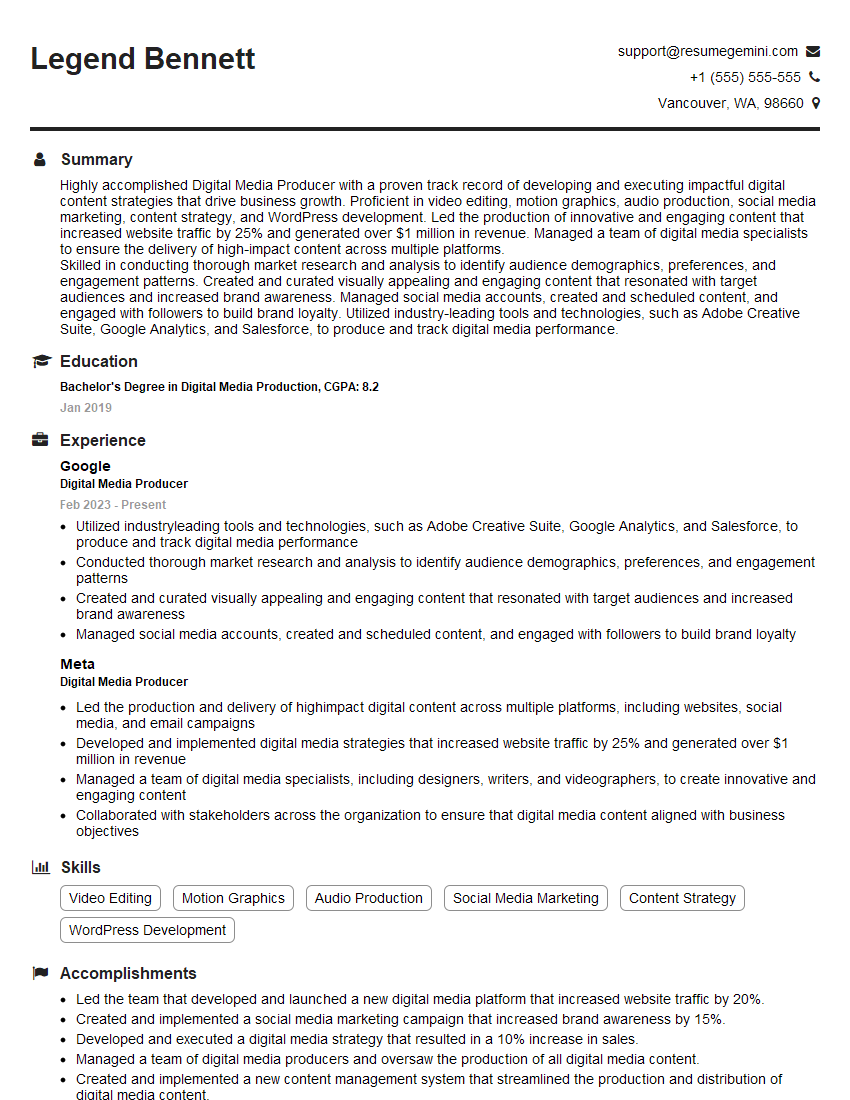
Digital Media Producer Resume Sample

Video Editor Resume Sample

Content Creator Resume Sample

UX Designer Resume Sample
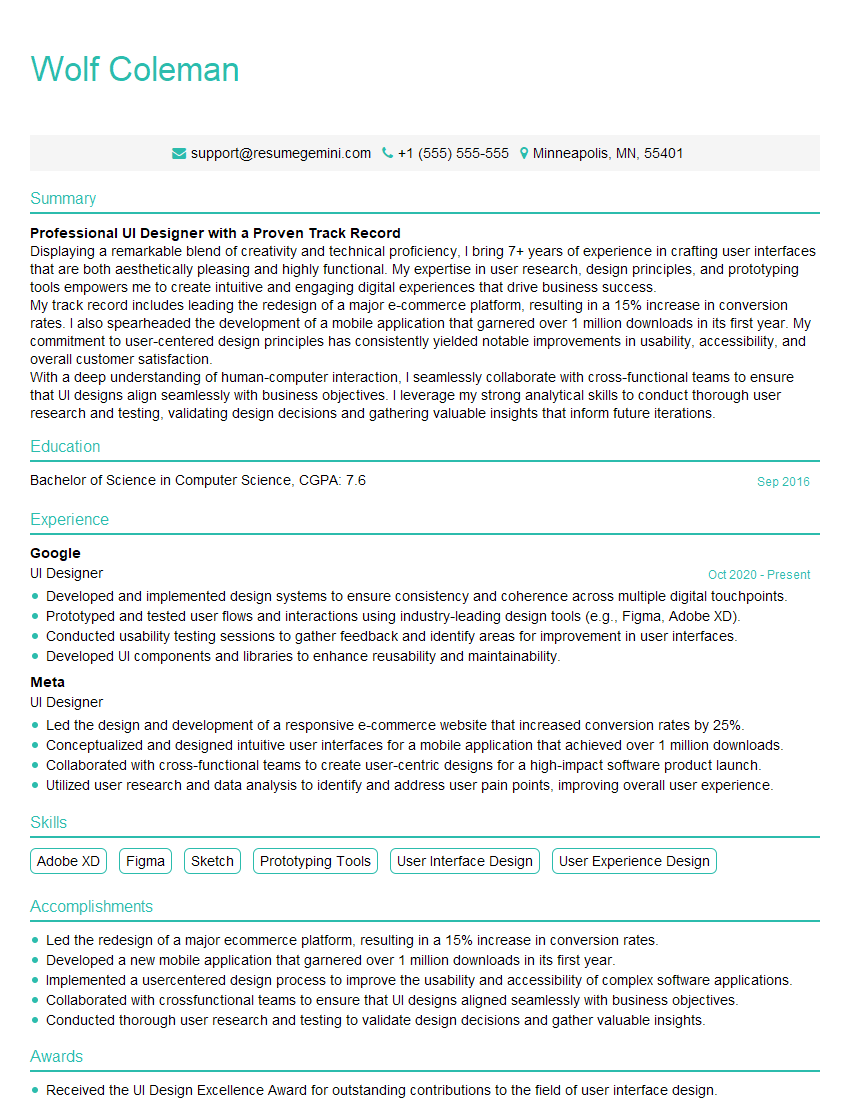
UI Designer Resume Sample
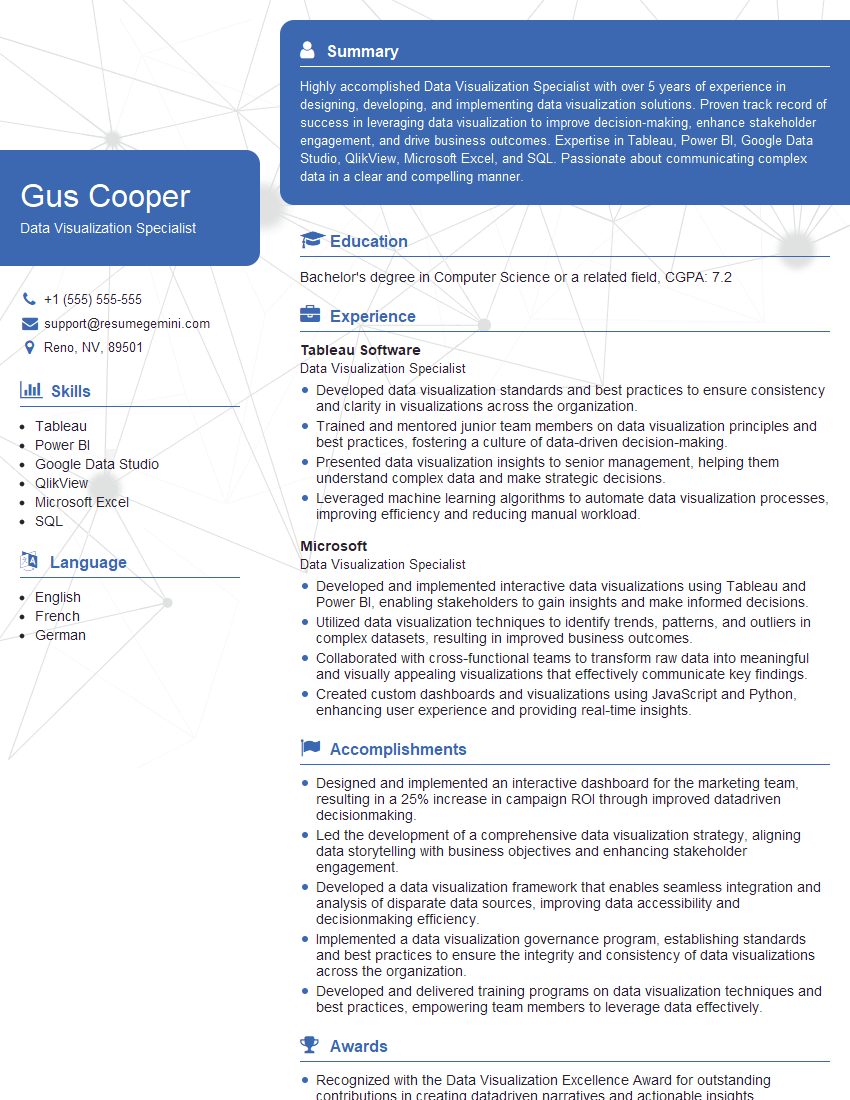
Data Visualization Specialist Resume Sample
Explore more articles
Users Rating of Our Blogs
Share Your Experience
We value your feedback! Please rate our content and share your thoughts (optional).
What Readers Say About Our Blog
Attention music lovers!
Wow, All the best Sax Summer music !!!
Spotify: https://open.spotify.com/artist/6ShcdIT7rPVVaFEpgZQbUk
Apple Music: https://music.apple.com/fr/artist/jimmy-sax-black/1530501936
YouTube: https://music.youtube.com/browse/VLOLAK5uy_noClmC7abM6YpZsnySxRqt3LoalPf88No
Other Platforms and Free Downloads : https://fanlink.tv/jimmysaxblack
on google : https://www.google.com/search?q=22+AND+22+AND+22
on ChatGPT : https://chat.openai.com?q=who20jlJimmy20Black20Sax20Producer
Get back into the groove with Jimmy sax Black
Best regards,
Jimmy sax Black
www.jimmysaxblack.com
Hi I am a troller at The aquatic interview center and I suddenly went so fast in Roblox and it was gone when I reset.
Hi,
Business owners spend hours every week worrying about their website—or avoiding it because it feels overwhelming.
We’d like to take that off your plate:
$69/month. Everything handled.
Our team will:
Design a custom website—or completely overhaul your current one
Take care of hosting as an option
Handle edits and improvements—up to 60 minutes of work included every month
No setup fees, no annual commitments. Just a site that makes a strong first impression.
Find out if it’s right for you:
https://websolutionsgenius.com/awardwinningwebsites
Hello,
we currently offer a complimentary backlink and URL indexing test for search engine optimization professionals.
You can get complimentary indexing credits to test how link discovery works in practice.
No credit card is required and there is no recurring fee.
You can find details here:
https://wikipedia-backlinks.com/indexing/
Regards
NICE RESPONSE TO Q & A
hi
The aim of this message is regarding an unclaimed deposit of a deceased nationale that bears the same name as you. You are not relate to him as there are millions of people answering the names across around the world. But i will use my position to influence the release of the deposit to you for our mutual benefit.
Respond for full details and how to claim the deposit. This is 100% risk free. Send hello to my email id: lukachachibaialuka@gmail.com
Luka Chachibaialuka
Hey interviewgemini.com, just wanted to follow up on my last email.
We just launched Call the Monster, an parenting app that lets you summon friendly ‘monsters’ kids actually listen to.
We’re also running a giveaway for everyone who downloads the app. Since it’s brand new, there aren’t many users yet, which means you’ve got a much better chance of winning some great prizes.
You can check it out here: https://bit.ly/callamonsterapp
Or follow us on Instagram: https://www.instagram.com/callamonsterapp
Thanks,
Ryan
CEO – Call the Monster App
Hey interviewgemini.com, I saw your website and love your approach.
I just want this to look like spam email, but want to share something important to you. We just launched Call the Monster, a parenting app that lets you summon friendly ‘monsters’ kids actually listen to.
Parents are loving it for calming chaos before bedtime. Thought you might want to try it: https://bit.ly/callamonsterapp or just follow our fun monster lore on Instagram: https://www.instagram.com/callamonsterapp
Thanks,
Ryan
CEO – Call A Monster APP
To the interviewgemini.com Owner.
Dear interviewgemini.com Webmaster!
Hi interviewgemini.com Webmaster!
Dear interviewgemini.com Webmaster!
excellent
Hello,
We found issues with your domain’s email setup that may be sending your messages to spam or blocking them completely. InboxShield Mini shows you how to fix it in minutes — no tech skills required.
Scan your domain now for details: https://inboxshield-mini.com/
— Adam @ InboxShield Mini
support@inboxshield-mini.com
Reply STOP to unsubscribe
Hi, are you owner of interviewgemini.com? What if I told you I could help you find extra time in your schedule, reconnect with leads you didn’t even realize you missed, and bring in more “I want to work with you” conversations, without increasing your ad spend or hiring a full-time employee?
All with a flexible, budget-friendly service that could easily pay for itself. Sounds good?
Would it be nice to jump on a quick 10-minute call so I can show you exactly how we make this work?
Best,
Hapei
Marketing Director
Hey, I know you’re the owner of interviewgemini.com. I’ll be quick.
Fundraising for your business is tough and time-consuming. We make it easier by guaranteeing two private investor meetings each month, for six months. No demos, no pitch events – just direct introductions to active investors matched to your startup.
If youR17;re raising, this could help you build real momentum. Want me to send more info?
Hi, I represent an SEO company that specialises in getting you AI citations and higher rankings on Google. I’d like to offer you a 100% free SEO audit for your website. Would you be interested?
Hi, I represent an SEO company that specialises in getting you AI citations and higher rankings on Google. I’d like to offer you a 100% free SEO audit for your website. Would you be interested?