Interviews are more than just a Q&A session—they’re a chance to prove your worth. This blog dives into essential Table Analysis interview questions and expert tips to help you align your answers with what hiring managers are looking for. Start preparing to shine!
Questions Asked in Table Analysis Interview
Q 1. Explain the difference between INNER JOIN and LEFT JOIN.
Both INNER JOIN and LEFT JOIN are used to combine rows from two tables based on a related column, but they differ in how they handle rows that don’t have a match in the other table.
An INNER JOIN returns only the rows where the join condition is met in both tables. Think of it like finding the intersection of two sets. If a row in one table doesn’t have a corresponding row in the other table based on the join condition, it’s excluded from the result.
A LEFT JOIN (also known as a left outer join) returns all rows from the left table (the one specified before LEFT JOIN), even if there is no match in the right table. For rows in the left table that don’t have a match in the right table, the columns from the right table will have NULL values.
Example:
Let’s say we have two tables: Customers (CustomerID, Name) and Orders (OrderID, CustomerID, OrderDate). An INNER JOIN would only show customers who have placed orders. A LEFT JOIN would show all customers; those with orders will have order details, while those without orders will have NULL values for OrderID and OrderDate.
SELECT * FROM Customers INNER JOIN Orders ON Customers.CustomerID = Orders.CustomerID;SELECT * FROM Customers LEFT JOIN Orders ON Customers.CustomerID = Orders.CustomerID;Q 2. How do you handle NULL values in a table?
Handling NULL values is crucial for data integrity and analysis. NULL signifies the absence of a value, not zero or an empty string. There are several approaches:
- Ignoring NULLs: In some aggregations or filtering, you might simply ignore
NULLvalues. Many SQL functions automatically do this. - Replacing NULLs: You can replace
NULLvalues with a specific value (e.g., 0, an average, or a placeholder like ‘Unknown’). This is done using functions likeCOALESCE(SQL Server, PostgreSQL) orIFNULL(MySQL). - Treating NULLs as a Category: Sometimes it’s meaningful to treat
NULLas a separate category in your analysis. For example, ‘Unknown’ might represent missing customer information in a marketing campaign. - Conditional Logic: You can write queries that handle
NULLvalues differently based on the context usingCASEstatements orIS NULLandIS NOT NULLconditions.
Example (SQL):
SELECT COALESCE(OrderTotal, 0) AS OrderTotal FROM Orders; -- Replaces NULL OrderTotals with 0Q 3. Describe different ways to filter data in a table.
Filtering data allows you to select specific subsets of your table for analysis or reporting. Common methods include:
WHEREclause (SQL): This is the most fundamental way to filter data based on conditions. You can use comparison operators (=,!=,>,<,>=,<=), logical operators (AND,OR,NOT), and pattern matching (LIKE).- Filtering in spreadsheet software (e.g., Excel, Google Sheets): These programs provide filter functionalities based on text, numbers, dates, colors, and other criteria.
- Data manipulation libraries (e.g., Pandas in Python): These libraries offer powerful methods for filtering data using boolean indexing and conditions.
- Subqueries: SQL allows nested queries (subqueries) within the
WHEREclause, enabling more complex filtering based on results from other queries.
Example (SQL):
SELECT * FROM Customers WHERE Country = 'USA' AND OrderTotal > 1000;Q 4. What are aggregate functions and provide examples.
Aggregate functions summarize data from multiple rows into a single value. They are essential for data analysis and reporting.
COUNT(*): Counts the number of rows.SUM(): Calculates the sum of numeric values.AVG(): Calculates the average of numeric values.MIN(): Finds the minimum value.MAX(): Finds the maximum value.
Example (SQL):
SELECT COUNT(*) AS TotalCustomers, AVG(OrderTotal) AS AverageOrderTotal FROM Customers;Q 5. Explain the concept of normalization in database design.
Normalization is a database design technique aimed at reducing data redundancy and improving data integrity. It involves organizing data into multiple related tables, rather than keeping all data in one large table. This avoids data anomalies (insertion, update, deletion anomalies) that can occur when data is duplicated.
Normalization involves different levels (normal forms), with each level addressing specific types of redundancy. The most common are:
- First Normal Form (1NF): Eliminate repeating groups of data within a table. Each column should contain atomic values (indivisible values).
- Second Normal Form (2NF): Be in 1NF and eliminate redundant data that depends on only part of the primary key (if the primary key is composite).
- Third Normal Form (3NF): Be in 2NF and eliminate columns that are not dependent on the primary key but are dependent on other non-key columns.
Example: A table with customer information and their multiple orders is not normalized. A normalized design would separate customer data into a Customers table and order data into an Orders table, linked by a CustomerID.
Q 6. How do you identify and handle outliers in tabular data?
Outliers are data points that significantly deviate from the rest of the data. Identifying and handling them is crucial because they can skew statistical analyses and machine learning models.
Identification:
- Visual Inspection: Box plots, scatter plots, and histograms can visually reveal outliers.
- Statistical Methods: Z-score or IQR (Interquartile Range) methods can quantify how far a data point is from the mean or median.
Handling:
- Removal: Outliers can be removed if they are due to errors in data collection or entry. However, it's important to justify the removal and avoid introducing bias.
- Transformation: Applying logarithmic or other transformations can reduce the influence of outliers.
- Winsorization or Trimming: Replace extreme values with less extreme values (e.g., replacing outliers with the highest/lowest non-outlier value).
- Robust Statistical Methods: Use statistical methods less sensitive to outliers (e.g., median instead of mean).
Q 7. What are different methods for data cleaning?
Data cleaning involves identifying and correcting (or removing) errors, inconsistencies, and inaccuracies in data. Methods include:
- Handling Missing Values: As discussed previously, techniques like imputation (replacing missing values) or removal of rows/columns with excessive missing data are common.
- Identifying and Correcting Errors: Data validation checks, consistency checks, and using domain knowledge to identify and fix errors are crucial.
- Data Transformation: Converting data types, standardizing formats (dates, currencies), and handling outliers are important steps.
- Deduplication: Removing duplicate records to ensure data uniqueness.
- Smoothing: Using techniques to reduce noise and irregularities in the data (e.g., moving averages).
The specific methods used depend on the nature and source of the data, as well as the goals of the analysis.
Q 8. How would you optimize a slow-running SQL query?
Optimizing a slow-running SQL query involves a systematic approach. Think of it like optimizing a road trip – you wouldn't take a bumpy dirt road when a highway is available! We need to identify bottlenecks and improve the query's efficiency. Here's a step-by-step process:
- Analyze the Query Execution Plan: Most database systems offer tools to visualize the execution plan. This plan shows how the database intends to execute the query, highlighting the steps taken and their costs (time, resources). Identifying operations with high costs (e.g., full table scans) is crucial.
- Add Indexes: Indexes are like a book's index – they allow the database to quickly locate specific rows without scanning the entire table. If the query frequently filters on a particular column, adding an index on that column drastically improves performance. Consider composite indexes if the query filters on multiple columns frequently. For example, if you frequently query for customers based on city and state, a composite index on
(city, state)would be beneficial. - Optimize Joins: Inefficient joins can significantly slow down queries. Ensure you're using appropriate join types (INNER, LEFT, RIGHT, FULL OUTER) based on your requirements. Consider optimizing join conditions using indexed columns.
- Rewrite the Query: Sometimes, the query itself can be inefficient. Explore alternative ways to write the query that might involve subqueries, CTEs (Common Table Expressions), or different joins to achieve the same result more efficiently. For instance, using EXISTS instead of a correlated subquery can sometimes improve performance.
- Reduce Data Volume: If your tables are excessively large, consider partitioning or archiving older data to reduce the amount of data the query needs to process. Think of it like decluttering your home – it makes everything faster and more efficient!
- Check for Missing Statistics: Database statistics are used by the query optimizer to estimate data distribution. Outdated statistics can lead to suboptimal query plans. Regularly updating statistics is important.
- Use Appropriate Data Types: Using smaller data types where appropriate can reduce storage space and improve query performance.
Example: Imagine a query searching for all orders from a specific customer. Without an index on the customer ID, the database would have to scan the entire orders table. Adding an index on the customer ID column dramatically speeds up this query.
Q 9. Explain the concept of indexing in database tables.
Database indexing is a crucial technique for improving query performance. An index is a data structure that improves the speed of data retrieval operations on a database table at the cost of additional writes and storage space to maintain the index data. Think of it like the index in a book – it allows you to quickly locate specific information without reading the entire book. Indexes are created on one or more columns of a database table to speed up data retrieval. The index contains a subset of the data in the table along with a pointer to the row in the table where the data is actually located.
When a query is executed, the database engine first checks the relevant indexes to see if it can use them to quickly locate the matching data. If an appropriate index is found, the database can use it to quickly find the rows that meet the query's criteria, rather than scanning the entire table. This results in significant performance improvements, especially for large tables.
Q 10. What is the difference between clustered and non-clustered indexes?
The key difference between clustered and non-clustered indexes lies in how they affect the physical storage of data:
- Clustered Index: A clustered index determines the physical order of rows in a table. Imagine it like organizing library books by their Dewey Decimal classification; the books are physically arranged in that order. A table can only have one clustered index because the rows can only be physically sorted in one way. The clustered index is generally on the primary key of the table.
- Non-Clustered Index: A non-clustered index is a separate structure that points to the rows in the table. It doesn't change the physical order of the rows. Think of it like a book's index – it tells you where to find information in the book but doesn't rearrange the pages. A table can have multiple non-clustered indexes.
Example: If you have a table of customer information with a clustered index on CustomerID, the rows will be physically stored in the order of customer IDs. A non-clustered index on LastName would be a separate structure that points to the appropriate rows for each last name, without altering the physical order of the rows based on CustomerID.
Q 11. How do you perform data validation?
Data validation is the process of ensuring that data is accurate, consistent, and conforms to predefined rules and constraints. It's like proofreading a document before submitting it; you wouldn't want any errors to slip through! This involves several techniques:
- Data Type Validation: Verify that data conforms to its defined data type (e.g., integer, string, date). For example, you wouldn't want to enter text into a numeric field.
- Range Checks: Ensure data falls within acceptable limits. For example, age should be non-negative, or a score should be between 0 and 100.
- Format Checks: Verify that data adheres to specified formats (e.g., email address, phone number). Regular expressions are often used here.
- Check Constraints: Database constraints (e.g.,
UNIQUE,NOT NULL,FOREIGN KEY) enforce data integrity at the database level. - Cross-Field Validation: Verify relationships between different fields. For instance, the start date must be before the end date.
- Data Lookup: Check if data exists in a reference table. For example, verifying a customer ID exists in the customer table before creating an order.
Example: When creating a user account, you might validate that the email address is in a valid format, the password meets minimum length and complexity requirements, and the username is unique.
Q 12. How do you handle missing data?
Handling missing data is a crucial aspect of data analysis. Missing data can lead to biased or inaccurate results if not handled correctly. The approach depends on the cause and extent of the missing data:
- Deletion: Remove rows or columns with missing data. This is suitable only if the amount of missing data is small and its removal doesn't significantly bias the results. This is like removing a faulty component from a machine.
- Imputation: Replace missing values with estimated values. Several techniques exist, including:
- Mean/Median/Mode Imputation: Replace missing values with the mean, median, or mode of the available data. Simple but can distort the distribution.
- Regression Imputation: Use regression models to predict missing values based on other variables.
- K-Nearest Neighbors Imputation: Find the closest data points (neighbors) with complete data and use their values to estimate the missing values.
- Indicator Variables: Create a new variable indicating whether a value was missing. This preserves the information about missing data without making assumptions about the missing values.
The best method depends on the dataset and the analysis goals. It's important to document the chosen method and its potential impact on the results.
Example: If you have a dataset of customer purchases with some missing ages, you could impute missing ages using the mean age, or you could create a new variable indicating whether the age is missing, then analyze the data considering this indicator.
Q 13. Explain different data types and their usage.
Data types define the kind of values a variable or column can hold. Choosing the right data type is crucial for data integrity and efficiency. Here are some common data types:
- INTEGER: Stores whole numbers (e.g., 1, 10, -5).
- FLOAT/DOUBLE: Stores numbers with decimal points (e.g., 3.14, -2.5).
- VARCHAR/TEXT: Stores strings of characters (e.g., names, addresses).
VARCHARhas a length limit whileTEXTgenerally does not. - DATE/TIME: Stores dates and times.
- BOOLEAN: Stores true/false values.
- BLOB (Binary Large Object): Stores large binary data (e.g., images, audio files).
Example: In a customer table, you might use INTEGER for CustomerID, VARCHAR for Name and Address, DATE for BirthDate, and FLOAT for AnnualIncome. Using appropriate data types ensures data integrity and efficiency and improves query performance.
Q 14. What is a primary key and why is it important?
A primary key is a column or a set of columns in a database table that uniquely identifies each row in the table. It's like a social security number for a person – it's unique and identifies an individual. It's crucial for several reasons:
- Uniqueness: Each row must have a unique primary key value. This ensures data integrity and prevents duplicate records.
- Data Integrity: The primary key enforces referential integrity when used with foreign keys in related tables. Foreign keys, which reference primary keys in other tables, ensure that relationships between tables are consistent and accurate.
- Efficient Data Retrieval: The database can use the primary key to quickly locate specific rows, improving query performance. Indexing on the primary key is often built automatically.
- Relationships: Primary keys are fundamental to establishing relationships between tables in a relational database.
Example: In a customer table, CustomerID is likely to be the primary key. In an order table, a foreign key CustomerID would link each order to a specific customer. The primary key helps in creating a well-structured and related database.
Q 15. What is a foreign key and how does it work?
A foreign key is a column or set of columns in a database table that refers to the primary key of another table. Think of it like a link between two tables. It ensures referential integrity, meaning that relationships between tables are consistently maintained. For example, if you have a 'Customers' table and an 'Orders' table, the 'Orders' table might have a foreign key referencing the primary key (e.g., CustomerID) in the 'Customers' table. This ensures that every order is associated with a valid customer.
How it works: When you insert a new row into the 'Orders' table, the database checks if the specified foreign key value exists in the 'Customers' table. If it does, the insertion is allowed; otherwise, it's rejected, preventing orphaned records (orders without associated customers). Similarly, deleting a customer from the 'Customers' table might trigger cascading deletes on the 'Orders' table (if configured that way), ensuring data consistency.
CREATE TABLE Customers (CustomerID INT PRIMARY KEY, CustomerName VARCHAR(255));
CREATE TABLE Orders (OrderID INT PRIMARY KEY, CustomerID INT, OrderDate DATE, FOREIGN KEY (CustomerID) REFERENCES Customers(CustomerID));
Career Expert Tips:
- Ace those interviews! Prepare effectively by reviewing the Top 50 Most Common Interview Questions on ResumeGemini.
- Navigate your job search with confidence! Explore a wide range of Career Tips on ResumeGemini. Learn about common challenges and recommendations to overcome them.
- Craft the perfect resume! Master the Art of Resume Writing with ResumeGemini's guide. Showcase your unique qualifications and achievements effectively.
- Don't miss out on holiday savings! Build your dream resume with ResumeGemini's ATS optimized templates.
Q 16. What are subqueries and how are they used?
Subqueries, also known as nested queries, are queries within another SQL query. They're incredibly useful for filtering data based on conditions that involve calculations or comparisons across multiple tables. Imagine it like a mini-query that provides results used by the main query.
For instance, you might want to find all customers who placed an order in a specific month. You can use a subquery to first find the relevant order IDs and then use these IDs to filter the 'Customers' table.
SELECT CustomerName FROM Customers WHERE CustomerID IN (SELECT CustomerID FROM Orders WHERE MONTH(OrderDate) = 12);This code first selects all CustomerIDs from the 'Orders' table where the order date is in December. The main query then uses this list of CustomerIDs to retrieve the names of those customers from the 'Customers' table.
Q 17. How do you perform data aggregation using SQL?
Data aggregation in SQL involves summarizing data from multiple rows into a single row. This is typically done using aggregate functions like COUNT, SUM, AVG, MIN, and MAX. These functions operate on columns and return a single value based on the entire group of rows they're applied to.
For example, to find the total sales for a specific product, you might use SUM:
SELECT SUM(SalesAmount) AS TotalSales FROM Sales WHERE ProductID = 123;To find the average order value, you might use AVG:
SELECT AVG(OrderTotal) AS AverageOrderValue FROM Orders;The GROUP BY clause is crucial for performing aggregations on subsets of data. For example, to find the total sales per product, you'd group the data by ProductID:
SELECT ProductID, SUM(SalesAmount) AS TotalSalesPerProduct FROM Sales GROUP BY ProductID;Q 18. What is a CTE (Common Table Expression)?
A Common Table Expression (CTE) is a temporary named result set that you can define within a single SQL statement. It's essentially a way to break down complex queries into smaller, more manageable parts. Think of it like a reusable subquery defined at the beginning of your query. CTE's make your SQL code more readable and easier to understand, especially for complex queries.
Here's an example showing a CTE that calculates the total sales per product before using that information in the main query:
WITH ProductSales AS ( SELECT ProductID, SUM(SalesAmount) AS TotalSales FROM Sales GROUP BY ProductID ) SELECT ps.ProductID, ps.TotalSales, c.ProductName FROM ProductSales ps JOIN Products c ON ps.ProductID = c.ProductID WHERE ps.TotalSales > 1000;This query first defines a CTE called ProductSales that calculates total sales for each product. The main query then uses this CTE to select products with total sales exceeding 1000.
Q 19. Explain how window functions work.
Window functions are powerful tools that perform calculations across a set of table rows that are somehow related to the current row. Unlike aggregate functions that group rows and return a single summary value, window functions return a value for every row in the partition (a subset of rows). They are used to rank, calculate running totals, or compare values within a specific group.
Imagine a leaderboard. You want to know the rank of each player without grouping the players. Window functions allow you to assign a rank to each player based on their score relative to others.
SELECT player_name, score, RANK() OVER (ORDER BY score DESC) AS player_rank FROM leaderboard;This query uses the RANK() window function to assign a rank to each player based on their score. The OVER (ORDER BY score DESC) clause specifies that the ranking should be done in descending order of score. Other common window functions include ROW_NUMBER(), LAG(), LEAD(), and PARTITION BY.
Q 20. How do you create a view in SQL?
A view in SQL is a stored query that acts like a virtual table. It doesn't physically store data; instead, it retrieves data from one or more underlying tables based on the definition of the view. Think of it as a saved, customizable report or a simplified interface to a more complex dataset.
Views are useful for simplifying complex queries, restricting access to specific data, or creating a more user-friendly interface to the data.
Here's how you create a view:
CREATE VIEW HighValueCustomers AS SELECT CustomerID, CustomerName FROM Customers WHERE TotalPurchases > 10000;This creates a view named HighValueCustomers containing only the customers with total purchases exceeding 10000. You can then query this view just like a regular table: SELECT * FROM HighValueCustomers;
Q 21. How do you perform data transformations using SQL?
Data transformation in SQL involves modifying the structure or content of data within your tables. This can include changing data types, adding or removing columns, updating values, concatenating strings, or reformatting dates.
Common SQL functions used for data transformation include:
CAST/CONVERT: Change data types.UPDATE: Modify existing data values.ALTER TABLE: Add, delete, or modify table columns.CONCAT: Combine strings.SUBSTRING: Extract parts of strings.DATE_FORMAT: Reformat date values.
Example: Let's say you need to update the customer's address and add a new column for the phone number:
ALTER TABLE Customers ADD COLUMN PhoneNumber VARCHAR(20);
UPDATE Customers SET Address = 'New Address' WHERE CustomerID = 1;
Q 22. Describe your experience with different database systems (e.g., MySQL, PostgreSQL, SQL Server).
My experience spans several relational database management systems (RDBMS). I've extensively used MySQL for its scalability and open-source nature, particularly in projects involving large volumes of transactional data. I've leveraged PostgreSQL's advanced features, such as its powerful extension ecosystem and robust data types, for projects requiring complex data modeling and analytical capabilities. Finally, I've worked with SQL Server in enterprise environments, appreciating its strong integration with Microsoft technologies and its excellent performance tuning tools. Each system has its strengths and weaknesses; my choice depends on the project's specific requirements and constraints. For instance, MySQL might be ideal for a rapidly scaling web application needing high write throughput, while PostgreSQL would be a better fit for a data warehouse needing sophisticated analytical queries.
For example, in one project, we chose PostgreSQL due to its support for geographic data types which was crucial for our spatial analysis. In another, MySQL's speed and ease of replication made it the superior choice for a high-traffic e-commerce platform.
Q 23. How do you ensure data integrity?
Ensuring data integrity is paramount. It's about maintaining the accuracy, consistency, and reliability of data throughout its lifecycle. I employ several strategies: first, carefully designed database schemas with appropriate constraints (e.g., primary keys, foreign keys, unique constraints, check constraints) to prevent invalid data from entering the database. Second, I utilize data validation techniques at the application level, validating inputs before they reach the database. Third, regular data audits and quality checks help identify and correct inconsistencies that might arise. Finally, version control and backups are crucial for recovering from accidental data loss or corruption.
For instance, a check constraint might ensure that a 'price' column only contains positive values. Data validation at the application level could involve verifying that an email address conforms to a specific format. Regular audits could highlight potential anomalies, such as duplicate entries or missing values.
Q 24. What are your preferred tools for table analysis?
My preferred tools for table analysis depend on the context and scale of the data. For smaller datasets, I often use spreadsheet software like Excel or Google Sheets for initial exploration and basic analysis. However, for larger datasets, I heavily rely on SQL and powerful database management tools. I frequently use SQL to query the data directly, utilizing aggregate functions, window functions, and common table expressions (CTEs) for insightful analysis. Tools like DBeaver or pgAdmin (depending on the database system) provide excellent interfaces for managing and querying data. For more advanced analysis and visualization, I employ tools like Tableau or Power BI. The choice always depends on the specific requirements of the analysis; I select the tools that best balance efficiency and accuracy.
Q 25. Describe a time you had to deal with large datasets.
In a previous role, I worked with a dataset containing over 100 million customer transactions. Analyzing this data directly using traditional methods was infeasible due to performance limitations. My approach involved several key strategies. First, I employed efficient database indexing to speed up query execution. Second, I broke down complex queries into smaller, more manageable ones. Third, I leveraged sampling techniques to analyze representative subsets of the data before analyzing the full dataset. Fourth, I utilized parallel processing to distribute the computational load across multiple machines. By carefully optimizing queries and employing efficient techniques, we were able to gain valuable insights from this massive dataset without compromising performance.
Q 26. How do you identify and resolve data inconsistencies?
Identifying and resolving data inconsistencies requires a systematic approach. I typically begin by defining clear data quality rules and metrics, then use SQL queries to detect inconsistencies. For example, I might use queries to find duplicate records, missing values, or data that violates defined constraints. Once inconsistencies are identified, the resolution strategy depends on the nature of the problem. Sometimes, simple updates or deletions can suffice. In more complex situations, I might need to implement data cleansing procedures, potentially involving external data sources or specialized algorithms to handle inconsistencies such as typos or variations in data formatting. For example, I might use fuzzy matching to identify near duplicates or use regular expressions to standardize inconsistent data formats.
Q 27. Explain your understanding of relational database concepts.
Relational database concepts form the foundation of how I structure and manage data. I understand the importance of entities, attributes, and relationships. A relational database organizes data into tables, with each table representing an entity and each column representing an attribute. Relationships between entities are defined using foreign keys, enabling efficient data retrieval and ensuring data integrity. I'm proficient in normalization techniques, which help to reduce data redundancy and improve data integrity by systematically organizing data into related tables.
For example, a simple database might have a 'Customers' table and an 'Orders' table, with a foreign key in the 'Orders' table linking each order to a specific customer in the 'Customers' table. Normalization ensures that redundant information is stored only once, reducing the risk of inconsistencies.
Q 28. What are some common performance bottlenecks in SQL queries?
Common performance bottlenecks in SQL queries often stem from poorly designed queries or a lack of proper indexing. Missing indexes are a major culprit, forcing full table scans which are extremely inefficient for large tables. Inefficient joins, such as using nested loops instead of optimized join algorithms, can also significantly impact performance. Unnecessary subqueries or inefficient use of aggregate functions can also slow down query execution. Finally, large result sets, particularly those without necessary filtering, can overwhelm resources.
To improve performance, I focus on optimizing queries by adding indexes where appropriate, using efficient join types, rewriting subqueries, and effectively employing aggregate functions. Additionally, I utilize query profiling tools to identify performance bottlenecks and measure the impact of various optimization techniques.
Key Topics to Learn for Table Analysis Interview
- Data Cleaning and Preprocessing: Understanding techniques like handling missing values, outlier detection, and data transformation crucial for accurate analysis.
- Descriptive Statistics: Calculating and interpreting measures of central tendency (mean, median, mode), dispersion (variance, standard deviation), and visualizing data distributions using histograms and box plots. Practical application: Identifying key trends and patterns within datasets to inform business decisions.
- Relational Databases and SQL: Familiarity with database structures and querying data using SQL. This is essential for extracting and manipulating data from large tables efficiently.
- Data Aggregation and Summarization: Mastering techniques like grouping, filtering, and calculating aggregate statistics (sums, averages, counts) across different categories within a table. Practical application: Creating insightful reports and dashboards.
- Data Visualization: Choosing appropriate chart types (bar charts, line graphs, scatter plots) to effectively communicate findings from your analysis. Understanding how to present data clearly and concisely.
- Inferential Statistics (Optional, but beneficial): Basic understanding of hypothesis testing and confidence intervals can set you apart in more advanced roles.
- Table Joins and Relationships: Understanding different types of joins (inner, left, right, full) and how to combine data from multiple tables to perform comprehensive analysis.
- Performance Optimization: Strategies for improving the efficiency of data retrieval and analysis, especially when dealing with large datasets. Understanding indexing and query optimization is key.
Next Steps
Mastering table analysis is invaluable for career advancement in data-driven fields. Proficiency in this area demonstrates crucial analytical skills and opens doors to diverse roles. To maximize your job prospects, creating an ATS-friendly resume is critical. A well-structured resume highlighting your skills and experience will ensure your application gets noticed. We recommend using ResumeGemini to build a professional and effective resume. ResumeGemini provides resources and examples of resumes tailored to Table Analysis, helping you present your qualifications in the best possible light.
Reporting Analyst Resume Sample

Business Analyst Resume Sample
Marketing Analyst Resume Sample
Financial Analyst Resume Sample

Data Analyst Resume Sample

Data Scientist Resume Sample
Database Analyst Resume Sample
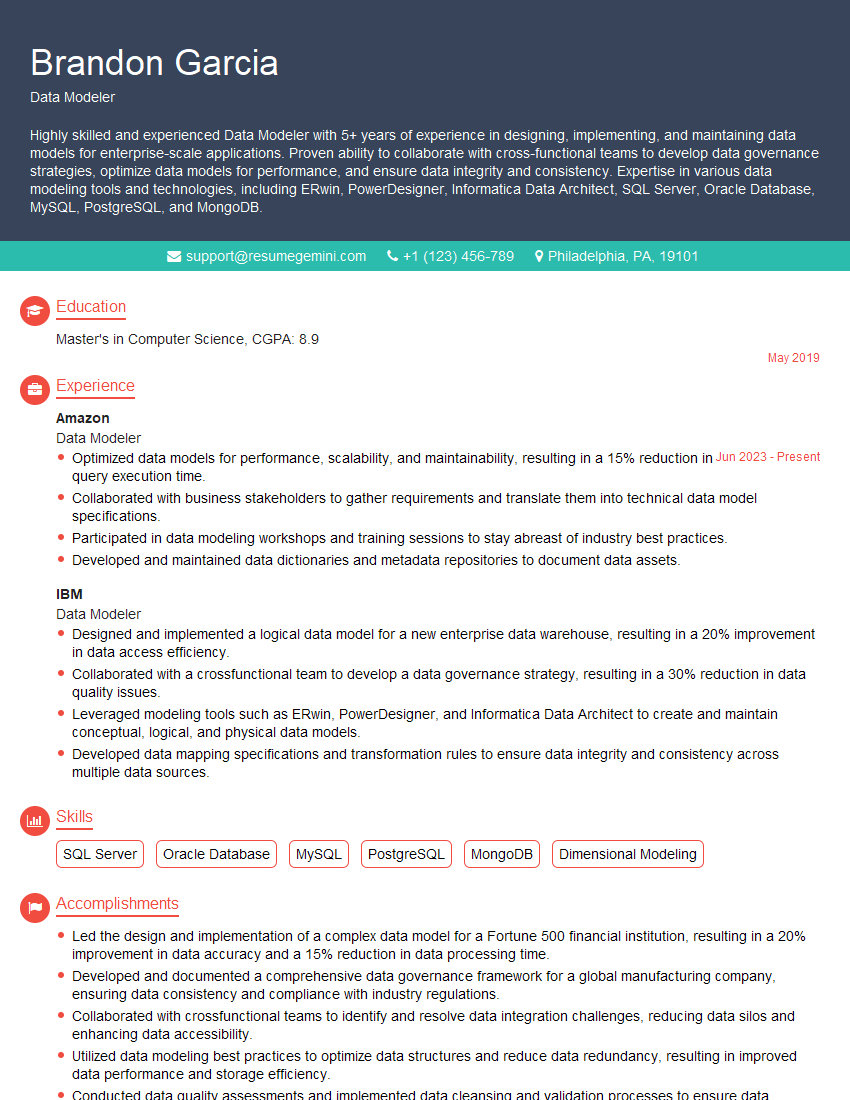
Data Modeler Resume Sample

Data Architect Resume Sample

ETL Developer Resume Sample
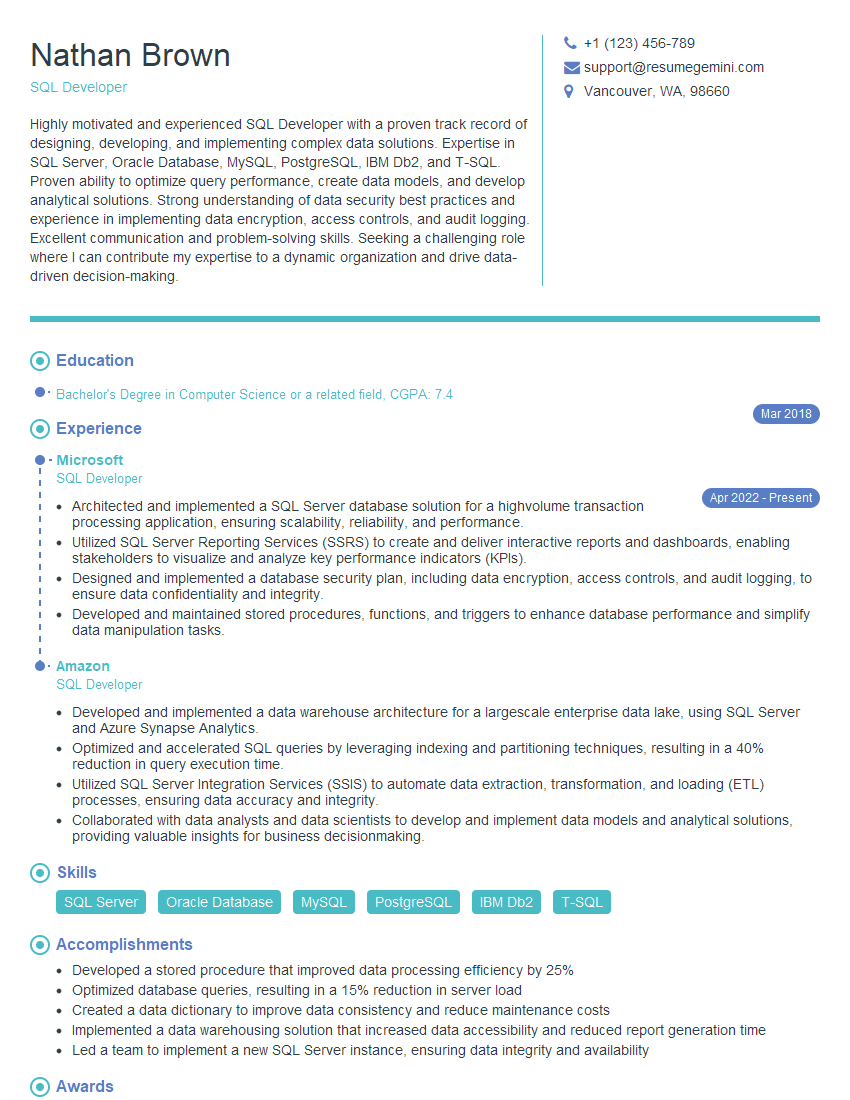
SQL Developer Resume Sample

Business Intelligence Analyst Resume Sample

Database Administrator Resume Sample
Explore more articles
Users Rating of Our Blogs
Share Your Experience
We value your feedback! Please rate our content and share your thoughts (optional).
What Readers Say About Our Blog
Hello,
we currently offer a complimentary backlink and URL indexing test for search engine optimization professionals.
You can get complimentary indexing credits to test how link discovery works in practice.
No credit card is required and there is no recurring fee.
You can find details here:
https://wikipedia-backlinks.com/indexing/
Regards
NICE RESPONSE TO Q & A
hi
The aim of this message is regarding an unclaimed deposit of a deceased nationale that bears the same name as you. You are not relate to him as there are millions of people answering the names across around the world. But i will use my position to influence the release of the deposit to you for our mutual benefit.
Respond for full details and how to claim the deposit. This is 100% risk free. Send hello to my email id: [email protected]
Luka Chachibaialuka
Hey interviewgemini.com, just wanted to follow up on my last email.
We just launched Call the Monster, an parenting app that lets you summon friendly ‘monsters’ kids actually listen to.
We’re also running a giveaway for everyone who downloads the app. Since it’s brand new, there aren’t many users yet, which means you’ve got a much better chance of winning some great prizes.
You can check it out here: https://bit.ly/callamonsterapp
Or follow us on Instagram: https://www.instagram.com/callamonsterapp
Thanks,
Ryan
CEO – Call the Monster App
Hey interviewgemini.com, I saw your website and love your approach.
I just want this to look like spam email, but want to share something important to you. We just launched Call the Monster, a parenting app that lets you summon friendly ‘monsters’ kids actually listen to.
Parents are loving it for calming chaos before bedtime. Thought you might want to try it: https://bit.ly/callamonsterapp or just follow our fun monster lore on Instagram: https://www.instagram.com/callamonsterapp
Thanks,
Ryan
CEO – Call A Monster APP
To the interviewgemini.com Owner.
Dear interviewgemini.com Webmaster!
Hi interviewgemini.com Webmaster!
Dear interviewgemini.com Webmaster!
excellent
Hello,
We found issues with your domain’s email setup that may be sending your messages to spam or blocking them completely. InboxShield Mini shows you how to fix it in minutes — no tech skills required.
Scan your domain now for details: https://inboxshield-mini.com/
— Adam @ InboxShield Mini
Reply STOP to unsubscribe
Hi, are you owner of interviewgemini.com? What if I told you I could help you find extra time in your schedule, reconnect with leads you didn’t even realize you missed, and bring in more “I want to work with you” conversations, without increasing your ad spend or hiring a full-time employee?
All with a flexible, budget-friendly service that could easily pay for itself. Sounds good?
Would it be nice to jump on a quick 10-minute call so I can show you exactly how we make this work?
Best,
Hapei
Marketing Director
Hey, I know you’re the owner of interviewgemini.com. I’ll be quick.
Fundraising for your business is tough and time-consuming. We make it easier by guaranteeing two private investor meetings each month, for six months. No demos, no pitch events – just direct introductions to active investors matched to your startup.
If youR17;re raising, this could help you build real momentum. Want me to send more info?
Hi, I represent an SEO company that specialises in getting you AI citations and higher rankings on Google. I’d like to offer you a 100% free SEO audit for your website. Would you be interested?
Hi, I represent an SEO company that specialises in getting you AI citations and higher rankings on Google. I’d like to offer you a 100% free SEO audit for your website. Would you be interested?
good