Interviews are more than just a Q&A session—they’re a chance to prove your worth. This blog dives into essential Technical Documentation and Support interview questions and expert tips to help you align your answers with what hiring managers are looking for. Start preparing to shine!
Questions Asked in Technical Documentation and Support Interview
Q 1. Explain your experience with different documentation formats (e.g., user manuals, API docs, wikis).
Throughout my career, I’ve worked extensively with diverse documentation formats, tailoring my approach to the specific needs of each project. For instance, I’ve crafted user manuals that guide end-users through complex software applications, focusing on clear, step-by-step instructions and visually appealing layouts. These manuals often incorporate screenshots, diagrams, and troubleshooting sections to address common issues. I’ve also created API documentation, employing formats like OpenAPI/Swagger to provide developers with detailed descriptions of functions, parameters, and return values. This requires precision and a deep understanding of coding conventions. Finally, I’ve contributed to and maintained wikis, leveraging their collaborative nature to create a dynamic, knowledge base readily accessible to a broad audience. My experience encompasses both structured formats like DITA (Darwin Information Typing Architecture) for enhanced reusability and simpler approaches like Markdown for quick iteration and ease of collaboration.
- User Manuals: Think of them as a friendly guide that holds the user’s hand through the software.
- API Documentation: This is the developer’s bible; it needs to be precise and detailed, often including code examples.
- Wikis: Wikis are all about collaboration and readily updating information, making them ideal for living documentation that evolves with the product.
Q 2. Describe your process for creating a user manual for a complex software application.
Creating a user manual for complex software involves a structured, iterative process. It begins with a thorough understanding of the target audience and the software’s functionalities. I start by outlining the manual’s structure, dividing it into logical sections and subsections. This might involve creating a task-based approach, focusing on what users want to achieve, rather than a purely feature-based approach. Next, I write the content, focusing on clarity, accuracy, and consistency. I incorporate various elements to enhance readability, such as screenshots, diagrams, and tables. The writing style needs to be accessible to the target audience, avoiding technical jargon where possible. Throughout the process, I conduct rigorous reviews and testing, involving both technical writers and end-users to gather feedback and identify areas for improvement. Finally, I finalize the document and ensure it’s formatted correctly for the intended publication method (e.g., PDF, online help system). For instance, when creating a user manual for a financial trading platform, I would carefully consider the audience’s financial knowledge and tailor the language and explanations accordingly.
Example Section Heading: Placing a TradeQ 3. How do you ensure your documentation is accessible to a wide range of users with varying technical skills?
Accessibility is paramount in technical documentation. I achieve this through several strategies. First, I use plain language, avoiding jargon and technical terms unless absolutely necessary; when used, I provide clear definitions. I structure the documentation logically, using headings, subheadings, and bullet points to break down complex information into digestible chunks. I incorporate visual aids such as diagrams, flowcharts, and screenshots to complement the written text, catering to different learning styles. I also ensure that the documentation is compatible with assistive technologies, such as screen readers, by following accessibility guidelines (e.g., WCAG). For example, I would use alt text for images to describe their content for users who cannot see them. Regular user testing with individuals from diverse backgrounds helps identify and address accessibility gaps.
Q 4. What tools and technologies are you proficient in for creating and managing technical documentation?
My toolset encompasses a range of software for creating and managing technical documentation. I’m proficient in Markdown and various markup languages for writing and structuring content. I utilize tools like MadCap Flare or Adobe RoboHelp for creating professional-looking user manuals and online help systems. For collaborative writing and version control, I rely heavily on Git and platforms like GitHub or GitLab. Additionally, I’m experienced with various content management systems (CMS) to publish and manage documentation online. I also leverage screen recording software to create video tutorials and utilize diagramming tools like draw.io or Lucidchart to visualize complex processes.
Q 5. How do you handle conflicting requirements or feedback from different stakeholders during the documentation process?
Handling conflicting requirements from stakeholders requires careful diplomacy and effective communication. I start by documenting all requirements and feedback, ensuring everyone’s perspectives are captured. Then, I facilitate discussions to identify common ground and find compromises that meet the core needs of all stakeholders. Prioritization plays a crucial role; we weigh the importance of each requirement based on user impact and feasibility. In some cases, it might be necessary to create different versions of the documentation to cater to specific stakeholder needs or to create a tiered approach to documentation (e.g., a user guide and a detailed technical reference). Maintaining transparency and clear communication are key throughout this process, ensuring everyone understands the rationale behind the final decisions.
Q 6. Describe your experience with version control systems for documentation (e.g., Git).
Version control is essential for managing technical documentation, especially in collaborative environments. I’m highly proficient in Git, using it to track changes, manage revisions, and collaborate effectively with other writers. I’m familiar with branching strategies (e.g., Gitflow) to manage different versions of the documentation simultaneously (e.g., for different product releases). This ensures that we can easily revert to previous versions if necessary and maintain a clean, organized history of the documentation’s evolution. Using pull requests and code reviews ensures that changes are thoroughly vetted before merging them into the main branch. This workflow is crucial for preventing conflicts and maintaining document quality.
Q 7. How do you incorporate user feedback into your documentation updates?
User feedback is invaluable for improving documentation. I actively solicit feedback through various channels, such as surveys, in-app feedback mechanisms, and community forums. I then analyze this feedback to identify areas where the documentation can be improved – whether it’s clarifying unclear sections, addressing common questions, or adding new content. I prioritize feedback based on its frequency and impact, focusing on issues that affect a large number of users or significantly impact their experience. Once changes are made, I ensure they are properly documented and version-controlled, reflecting the iterative nature of documentation development. This ensures continuous improvement and makes the documentation more effective and relevant over time.
Q 8. Explain your experience with single-sourcing and content reuse strategies.
Single-sourcing is a strategy where you write content once and reuse it across multiple outputs. Think of it like building with LEGOs – you create individual blocks (content pieces) and then assemble them in different ways to create various documents (manuals, FAQs, online help, etc.). This significantly reduces redundancy and ensures consistency. Content reuse is intrinsically linked; it’s the practical application of single-sourcing. Instead of rewriting the same explanation of how to change a printer cartridge for a user manual and a troubleshooting guide, you write it once and then link or embed it in both places.
In my previous role, we used a component content management system (CCMS) to implement single-sourcing. We broke down our documentation into smaller, manageable modules (e.g., ‘Connecting to the Network,’ ‘Troubleshooting Printer Errors’). Each module was stored as a separate file, and we used templates and XML to assemble them into various documents. For instance, the ‘Connecting to the Network’ module could be incorporated into the quick start guide, the user manual, and the online help section.
The benefits are numerous: reduced writing time, enhanced consistency, easier updates (change one module, and the change reflects everywhere), and improved efficiency across the entire documentation workflow.
Q 9. How do you measure the effectiveness of your technical documentation?
Measuring the effectiveness of technical documentation goes beyond simply checking if it’s complete. It requires a multi-faceted approach focusing on both qualitative and quantitative data.
- Quantitative Metrics: These involve numbers. We can track metrics like the number of support tickets resolved using the documentation, the average time users spend completing tasks based on the documentation, the number of downloads or page views for specific sections, and customer satisfaction surveys directly related to the usability of the documentation.
- Qualitative Metrics: These focus on feedback and user experience. We can conduct user interviews to understand how easy the documentation is to use, analyze user feedback from surveys and comments, and perform usability testing to identify areas of confusion or difficulty.
For example, a significant drop in support tickets related to a specific feature after a documentation update indicates successful improvement. Similarly, positive user feedback on a survey validates its effectiveness. By combining these data points, we gain a comprehensive understanding of how well our documentation is supporting users.
Q 10. Describe your experience with creating and maintaining a knowledge base.
Creating and maintaining a knowledge base involves more than just dumping information; it’s about organizing, categorizing, and making information easily accessible. I’ve had extensive experience building and managing knowledge bases using various platforms, from simple wiki systems to sophisticated CRM integrations.
The process typically involves:
- Content Strategy: Defining the scope, target audience, and information architecture of the knowledge base. This involves careful consideration of keywords, search functionality, and information organization.
- Content Creation: Writing clear, concise, and accurate articles, ensuring they are properly formatted and easy to navigate. Using consistent terminology and style is vital.
- Content Management: Regularly updating the knowledge base with new information, correcting errors, and removing outdated content. This includes using a version control system to track changes and allow for rollbacks if necessary.
- Search Optimization: Optimizing the knowledge base for search engines and internal search functionalities. This makes it easy for users to find the information they need quickly.
- User Feedback Integration: Actively soliciting and incorporating user feedback to improve the knowledge base’s content, organization, and search functionality.
A well-maintained knowledge base is a crucial asset, reducing support costs, empowering users to solve their own problems, and improving overall customer satisfaction.
Q 11. How do you stay current with best practices in technical writing and documentation?
Staying current in technical writing requires continuous learning and engagement with the community. I actively participate in:
- Professional Organizations: Membership in organizations like STC (Society for Technical Communication) provides access to resources, conferences, and networking opportunities.
- Conferences and Workshops: Attending industry events allows me to learn about new technologies and best practices from leading experts.
- Online Courses and Resources: Platforms like Coursera, Udemy, and LinkedIn Learning offer various courses on technical writing, content strategy, and related fields.
- Industry Blogs and Publications: Following industry blogs and publications keeps me updated on the latest trends and best practices.
- Peer Reviews and Mentorship: Engaging in peer reviews of documentation and mentoring junior writers helps refine my skills and stay abreast of evolving techniques.
This combination of formal and informal learning ensures my knowledge stays relevant and I’m at the forefront of the profession.
Q 12. What are some common challenges you’ve encountered in technical documentation projects, and how did you overcome them?
One common challenge is dealing with rapidly changing software or technology. In one project, the software underwent significant revisions during the documentation process. We overcame this by implementing an agile documentation approach, creating iterative drafts and collaborating closely with the development team. This allowed us to adapt the documentation as the software evolved. Regular sprint reviews and close communication proved crucial.
Another challenge is managing conflicting priorities – such as the need for fast turnaround times versus a comprehensive and user-friendly document. We address this through careful project planning and prioritization, often utilizing a phased approach that allows for a quick release of a core set of documentation, followed by more detailed information in subsequent releases. Clear communication with stakeholders helps manage expectations.
Finally, working with subject matter experts (SMEs) who aren’t experienced in communicating their technical knowledge effectively can be difficult. We mitigated this by establishing clear communication guidelines, conducting collaborative writing sessions, and using visual aids to help SMEs convey information clearly and concisely.
Q 13. How do you ensure consistency and accuracy in your documentation?
Consistency and accuracy are paramount in technical documentation. We employ several strategies to ensure both:
- Style Guides: Developing and enforcing a comprehensive style guide for terminology, formatting, tone, and grammar ensures consistency across all documents.
- Template Usage: Using standardized templates for various document types streamlines the writing process and ensures uniformity.
- Version Control Systems: Employing systems like Git helps track changes, manage multiple versions, and facilitate collaboration, reducing the risk of errors and inconsistencies.
- Peer Reviews: Having colleagues review documents before publication catches errors and ensures clarity.
- Automated Checks: Using tools that check for grammar, spelling, and style consistency significantly improves accuracy.
- Subject Matter Expert Review: Ensuring that technical content is validated by SMEs guarantees accuracy and completeness.
These methods create a robust system for ensuring high-quality, reliable documentation.
Q 14. Explain your understanding of different documentation styles and their applications (e.g., user-centered, task-oriented).
Different documentation styles cater to various needs and audiences.
- User-centered documentation focuses on the user’s tasks and goals. It emphasizes usability and intuitive navigation. Imagine a tutorial for a new software. It would be user-centered if it explained how to complete specific tasks, such as creating a document or sending an email, with clear, step-by-step instructions and relevant screenshots.
- Task-oriented documentation guides users through specific procedures or workflows. Each task is presented as a self-contained unit, enabling users to quickly find the information they need to complete that task. Think of an instruction manual for assembling furniture. It’s task-oriented because it breaks down the entire process into individual steps, each with clear pictures and instructions.
- Concept-oriented documentation explains underlying concepts and principles. This style is suitable for more technical audiences and helps users gain a deeper understanding of the system. A white paper explaining the technical architecture of a software system would fall into this category.
- Reference documentation provides quick access to specific information, such as API specifications or function definitions. API documentation, for instance, often falls under this category.
The choice of style depends on the target audience, the complexity of the subject matter, and the user’s goals. Often, a combination of styles is employed to provide comprehensive and effective support.
Q 15. How familiar are you with different markup languages like XML, Markdown, or HTML?
I’m highly proficient in several markup languages, each serving different purposes in technical documentation. HTML (HyperText Markup Language) is the foundation of the web, allowing me to create interactive and visually appealing documentation. I use it extensively to structure content, embed images, and create dynamic elements. Markdown is my go-to for quick, lightweight documentation, especially for README files and internal notes, due to its simplicity and readability. XML (Extensible Markup Language) is invaluable when working with structured data, particularly when integrating documentation with other systems or when dealing with large, complex datasets needing precise organization. For example, I’ve used XML to create an easily parsed catalog of troubleshooting steps for a software suite, allowing for automated updates to the help files.
My familiarity extends beyond basic syntax; I understand how to leverage each language’s capabilities effectively. I can create well-formed and valid XML documents with defined schemas, write clean and semantic HTML, and utilize Markdown’s features for headings, lists, code blocks, and tables to enhance readability and clarity.
Career Expert Tips:
- Ace those interviews! Prepare effectively by reviewing the Top 50 Most Common Interview Questions on ResumeGemini.
- Navigate your job search with confidence! Explore a wide range of Career Tips on ResumeGemini. Learn about common challenges and recommendations to overcome them.
- Craft the perfect resume! Master the Art of Resume Writing with ResumeGemini’s guide. Showcase your unique qualifications and achievements effectively.
- Don’t miss out on holiday savings! Build your dream resume with ResumeGemini’s ATS optimized templates.
Q 16. Describe your experience with creating diagrams and illustrations for documentation.
Creating clear and effective diagrams and illustrations is crucial for conveying complex information concisely. My experience encompasses various tools and techniques. I’m proficient in using vector graphics editors like Adobe Illustrator and Inkscape to create professional-quality diagrams, flowcharts, and UI mockups. For simpler diagrams, I leverage tools integrated within my documentation workflow, such as draw.io or Lucidchart, for ease of collaboration and version control. I choose the right tool based on the complexity of the illustration and the project’s requirements.
For instance, when documenting a network architecture, I’d use a vector editor to ensure the diagram is scalable and crisp. For a quick workflow illustration, I might prefer a simpler tool allowing quick updates and seamless integration within the documentation. I always prioritize clarity and accessibility – ensuring diagrams are easy to understand and comply with accessibility guidelines.
Q 17. Explain your process for conducting user research to inform your documentation.
User research is integral to creating effective documentation. My process involves a multi-faceted approach. I start by identifying the target audience – their technical skills, experience level, and goals when using the product. Then, I employ various research methods, including:
- User Surveys: To gather broad feedback and understand users’ challenges.
- User Interviews: To delve deeper into specific issues and gather qualitative data.
- Usability Testing: To observe users interacting with the product and identify pain points in the user experience.
- Analyzing Support Tickets and Feedback Forums: To identify recurring problems and questions.
I analyze the gathered data to identify common misconceptions, areas of confusion, and opportunities to improve the documentation’s clarity and effectiveness. For example, a user survey revealed many struggled with a specific configuration setting. This feedback led me to rewrite that section of the documentation, providing clearer instructions and illustrative examples, significantly reducing support tickets related to that setting.
Q 18. How do you handle urgent requests for documentation updates?
Handling urgent documentation updates requires a structured approach. My process prioritizes speed and accuracy:
- Assess the urgency: Determine the impact of the issue and its priority. A critical bug fix requires immediate attention, while a minor typo can wait.
- Gather information: Collect all necessary information from the requesting team, including screenshots, error messages, and context.
- Update the documentation: Make the necessary changes quickly and accurately, ensuring clarity and correctness.
- Review and test: Thoroughly review the changes to avoid introducing new errors. If possible, test the update to ensure it resolves the issue.
- Deploy the update: Publish the updated documentation as quickly as possible through our CMS (Content Management System) or other designated channels.
- Communicate the update: Inform relevant stakeholders about the update and any necessary actions.
Effective communication is key. I’ll keep the requesting team informed of the progress and any potential delays. I may also utilize a rapid prototyping system for very quick fixes that are later refined for production.
Q 19. What is your experience with documentation localization and translation?
I have extensive experience with documentation localization and translation. I understand the importance of adapting documentation to different languages and cultures to ensure it’s accessible and understandable to a global audience. This includes not just translating the text but also adapting graphics, formatting, and terminology to suit local conventions. I am familiar with using CAT (Computer-Assisted Translation) tools and working with professional translators to ensure high-quality translations.
My experience also covers considerations such as right-to-left languages, cultural nuances in imagery and tone, and the technical aspects of managing translated content. A project I worked on involved translating a large software manual into several languages, paying careful attention to the cultural context to avoid misinterpretations. We used a robust translation management system and ensured rigorous quality assurance to make sure the translated material was consistent, accurate, and culturally appropriate.
Q 20. How do you prioritize tasks and manage your time effectively during a documentation project?
Effective task prioritization and time management are essential in documentation projects. I typically utilize a combination of methods:
- Project Planning: Breaking down the project into smaller, manageable tasks with clear deadlines. Using tools like Gantt charts or project management software.
- Prioritization Matrices: Employing frameworks such as the Eisenhower Matrix (urgent/important) to focus on high-impact tasks.
- Time Blocking: Allocating specific time blocks for focused work on particular tasks, minimizing distractions.
- Regular Reviews: Holding regular check-ins to track progress, adjust plans, and address any roadblocks.
For example, on a recent project with tight deadlines, I used a Kanban board to visualize the workflow, prioritize tasks based on their dependencies and urgency, and track progress in real-time. This helped me ensure that all critical tasks were completed on time, even under pressure.
Q 21. Describe your experience working with a content management system (CMS).
I possess significant experience using various Content Management Systems (CMS). My expertise includes platforms like WordPress, Drupal, and specialized documentation CMS like MadCap Flare. I’m comfortable with the entire lifecycle, from content creation and editing to publishing and version control. My skills include:
- Content Creation and Editing: Utilizing the CMS’s rich text editor and features to create and edit documentation.
- Template Management: Designing and managing templates to ensure consistency in the look and feel of the documentation.
- Workflow Management: Understanding and utilizing the CMS’s workflow features for approvals, revisions, and publishing.
- Version Control: Using the CMS’s version control system to track changes and manage different versions of the documentation.
- Search Engine Optimization (SEO): Optimizing content within the CMS to improve searchability.
For example, I used MadCap Flare to manage and publish a comprehensive knowledge base for a complex software application. The system’s features allowed for single-source publishing across multiple formats (web, PDF, HTML Help), ensuring consistency and efficiency.
Q 22. How do you create effective tutorials and troubleshooting guides?
Creating effective tutorials and troubleshooting guides requires a user-centric approach. It’s about anticipating user needs and pain points, then guiding them to solutions clearly and concisely. I start by defining the target audience – their technical proficiency, experience with the product, and the specific problem they’re trying to solve. Then, I structure the content logically, using a step-by-step approach with clear instructions, visuals (screenshots, videos), and examples.
- Tutorials should focus on teaching a specific task or workflow. Think of it like a recipe – each step is clearly defined, with expected outcomes outlined at each stage. For instance, a tutorial on “Creating a User Account” would walk the user through each screen, highlighting buttons and fields, with visuals for each step.
- Troubleshooting guides, on the other hand, aim to help users resolve specific problems. These often use a diagnostic approach, guiding users through a series of questions or checks to identify the root cause. A troubleshooting guide for “My Application Won’t Launch” might start by asking questions about operating system, version number, and recent changes before progressing to more advanced solutions.
I also incorporate contextual help and frequently asked questions (FAQs) to make information readily accessible. Regular user feedback and analytics are crucial for continuous improvement – identifying areas where users are struggling and refining the guides accordingly. For example, if analytics show high drop-off rates at a specific step, I’d revise the instructions, perhaps add more screenshots or a video demonstration.
Q 23. What are the key differences between user documentation and developer documentation?
User documentation and developer documentation serve vastly different audiences and purposes. User documentation focuses on helping end-users interact with a product or service, while developer documentation targets developers who integrate or extend the product. The key differences lie in assumed technical proficiency, content style, and level of detail.
- User Documentation: Assumes limited technical knowledge. It emphasizes ease of use and focuses on high-level concepts and workflows. The language is simple, avoiding jargon, and focuses on the ‘what’ and ‘how’ of using the product. Examples include user manuals, quick start guides, and FAQs.
- Developer Documentation: Assumes a high level of technical expertise. It dives deep into the underlying architecture, APIs, code examples, and implementation details. The language is precise and technical, often including code snippets and detailed explanations of data structures and algorithms. Examples include API references, SDK documentation, and internal design specifications.
Think of it like this: user documentation is like a restaurant menu – it tells you what’s on offer and how to order it. Developer documentation, in contrast, is like a chef’s recipe book – it explains the ingredients, techniques, and detailed processes for creating those dishes.
Q 24. How do you ensure your documentation is SEO-friendly?
Making documentation SEO-friendly involves optimizing it for search engines so users can easily find it when searching for relevant keywords. This requires a multi-pronged approach:
- Keyword Research: Identifying the terms users are likely to search for when looking for help related to the product or service. Tools like Google Keyword Planner can be invaluable.
- Strategic Content Structure: Organizing content logically using clear headings, subheadings, and metadata (title tags, meta descriptions). This helps both users and search engines understand the content’s relevance.
- Optimized Content: Using relevant keywords naturally within the text, without keyword stuffing (overusing keywords, which harms SEO). Using descriptive file names for images and other assets is also crucial.
- Internal Linking: Linking related documentation pages within the site improves navigation and helps search engines understand the relationships between different pages.
- Schema Markup: Implementing structured data markup (e.g., using schema.org vocabulary) provides search engines with additional context about the content, improving the chances of appearing in rich snippets.
For example, if I’m documenting a new feature called ‘Smart Notifications’, I would ensure the page title, headings, and content naturally incorporate variations of ‘Smart Notifications,’ ‘Notification Settings,’ and other relevant search terms. I’d also link this page to other relevant documentation, such as the section on user settings or troubleshooting notifications.
Q 25. Describe your experience with using analytics to track documentation usage.
I have extensive experience using analytics to track documentation usage. This provides valuable insights into user behavior and helps identify areas for improvement. I typically use tools integrated with documentation platforms (e.g., Google Analytics for websites) or dedicated documentation analytics tools. Key metrics I track include:
- Page Views: Which pages are most popular and which are rarely visited?
- Search Terms: What terms are users using to find specific information? This helps identify gaps in our keyword strategy.
- Time on Page: How long are users spending on different pages? Long times on a page might indicate complexity or difficulty in understanding the content. Short times might suggest that the information wasn’t found or wasn’t useful.
- Bounce Rate: The percentage of visitors who leave after viewing only one page. A high bounce rate may indicate a problem with navigation or content clarity.
- Conversion Rates (if applicable): Did the documentation successfully guide users to complete a specific task, like installing software or resolving an issue?
For example, if I notice a high bounce rate on a troubleshooting guide, I might investigate why. Are the steps too complex? Is the information unclear? The data guides improvement efforts by identifying problem areas and informing design changes.
Q 26. How familiar are you with accessibility guidelines for digital content?
I’m very familiar with accessibility guidelines for digital content, specifically WCAG (Web Content Accessibility Guidelines). I understand the importance of creating documentation that is usable by everyone, regardless of their abilities. This means ensuring content is perceivable, operable, understandable, and robust.
- Perceivable: Information and user interface components must be presentable to users in ways they can perceive. This includes providing alternative text for images, using sufficient color contrast, and ensuring content is available in different formats (e.g., PDF, HTML).
- Operable: User interface components and navigation must be operable. This means making sure content is keyboard-accessible, providing enough time for users to interact with content, and avoiding content that causes seizures.
- Understandable: Information and the operation of the user interface must be understandable. This includes using clear and concise language, structuring content logically, and providing sufficient instructions.
- Robust: Content must be robust enough to be interpreted reliably by a wide variety of user agents, including assistive technologies.
For example, when creating images, I always provide alternative text describing their content for screen readers. I also ensure sufficient color contrast between text and background to aid users with visual impairments. I use clear headings and logical page structure to improve understanding and navigation. Adherence to these guidelines ensures inclusivity and makes documentation accessible to a much broader audience.
Q 27. Explain your understanding of the software development lifecycle (SDLC) and its impact on documentation.
The Software Development Lifecycle (SDLC) significantly impacts documentation. Understanding the SDLC phases is crucial for creating and managing documentation effectively. The SDLC typically involves stages such as planning, requirements gathering, design, development, testing, deployment, and maintenance. Documentation needs vary throughout these phases:
- Planning & Requirements: High-level documentation outlining project goals, scope, and target audience for the documentation itself is crucial.
- Design: This is where design specifications and system architecture documentation are created.
- Development: Developers create code, and concurrent documentation efforts include API specifications, coding standards, and internal wikis.
- Testing: Test plans and reports provide information on how the product performs, informing user documentation.
- Deployment: Release notes, installation guides, and initial user guides are essential.
- Maintenance: Ongoing updates to existing documentation reflect new features, bug fixes, and improvements.
A well-defined SDLC allows for integrated documentation planning – producing the necessary documentation at each stage, ensuring consistency, and minimizing errors. A poorly defined SDLC can lead to outdated or missing documentation, hindering product adoption and user satisfaction.
Q 28. How would you approach documenting a new feature for an existing product?
Documenting a new feature for an existing product requires a careful approach to maintain consistency and avoid confusing users. I would follow these steps:
- Identify the Target Audience: Who will use this feature? What is their existing knowledge of the product?
- Understand the Feature’s Purpose: What problem does the feature solve? What are its key benefits?
- Determine the Documentation Type: Will this be a new section in the existing documentation, an updated tutorial, a new FAQ entry, or a combination?
- Write Clear and Concise Instructions: Use simple language, avoid jargon, and provide step-by-step instructions with screenshots or videos.
- Highlight Key Differences: If the new feature changes existing workflows, clearly explain these differences to avoid confusion.
- Maintain Consistency: Ensure the style, tone, and formatting of the new documentation align with the existing documentation.
- Test the Documentation: Ask colleagues or beta users to review and test the documentation to identify any issues or areas for improvement.
- Update Existing Content: If necessary, update related sections of the existing documentation to reflect the new feature.
For example, if I’m documenting a new ‘bulk email’ feature in an existing email client, I would create a new tutorial, clearly explaining the steps to select multiple emails and send them as a group. I’d also update the main menu guide to link to this new tutorial and ensure any screenshots of the email interface are updated to reflect this new functionality. Thorough testing and user feedback are vital in ensuring the new documentation is effective and seamless for users.
Key Topics to Learn for Technical Documentation and Support Interview
- Understanding User Needs: Analyze target audience technical proficiency to tailor documentation effectively. Consider user experience principles when designing documentation and support materials.
- Documentation Styles and Formats: Master various documentation styles (e.g., tutorials, user manuals, FAQs, API documentation) and choose the most appropriate format for different audiences and purposes. Practice creating clear and concise content for each.
- Technical Writing Principles: Develop strong skills in writing clear, concise, and accurate technical content. This includes understanding concepts like active voice, avoiding jargon where possible, and employing proper grammar and style.
- Information Architecture: Learn how to structure and organize information logically and intuitively for easy navigation and comprehension. Practice creating effective indexes, tables of contents, and search functionalities.
- Software and Tools: Familiarize yourself with common documentation tools (e.g., MadCap Flare, RoboHelp) and version control systems (e.g., Git). Demonstrate proficiency in at least one relevant tool.
- Troubleshooting and Problem-Solving: Practice diagnosing and resolving technical issues effectively. Develop strong analytical and problem-solving skills to effectively assist users.
- Collaboration and Communication: Highlight your ability to work effectively with engineers, developers, and other stakeholders. Practice explaining complex technical information clearly to a non-technical audience.
- Accessibility and Inclusivity: Understand the importance of creating accessible documentation that caters to users with diverse needs and abilities.
Next Steps
Mastering Technical Documentation and Support opens doors to rewarding and diverse career paths, offering opportunities for growth and specialization. An impactful resume is crucial for showcasing your skills and experience to potential employers. Creating an ATS-friendly resume maximizes your chances of getting noticed by recruiters. ResumeGemini is a trusted resource to help you build a professional and effective resume that highlights your unique strengths. Examples of resumes tailored specifically to Technical Documentation and Support are available to guide your resume creation process.

Training Specialist Resume Sample

Documentation Specialist Resume Sample
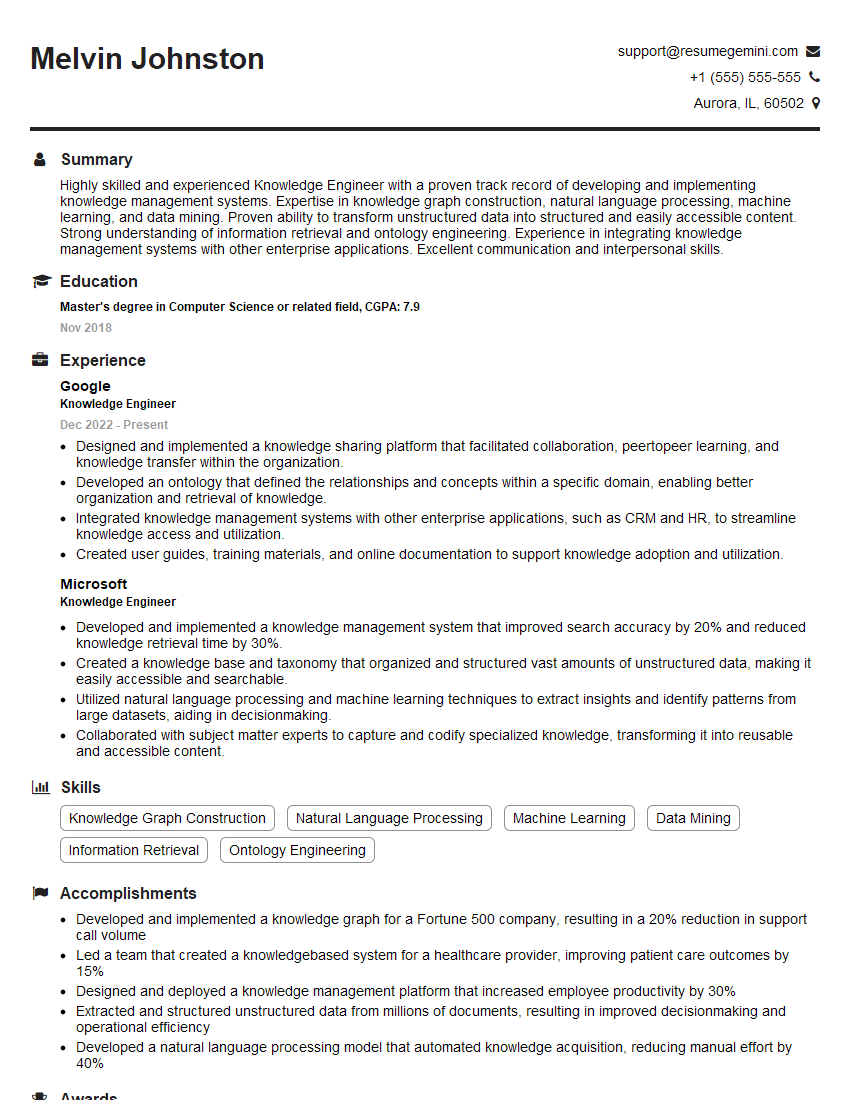
Knowledge Engineer Resume Sample
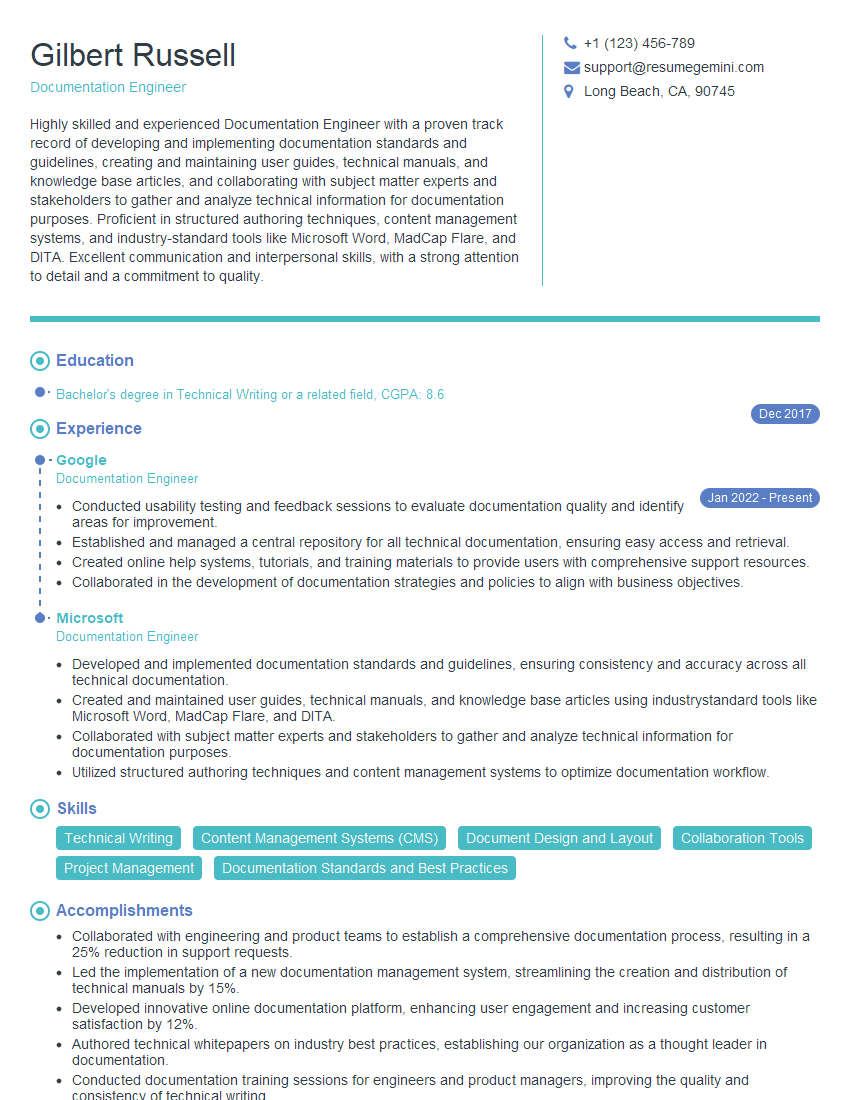
Documentation Engineer Resume Sample

Instructional Designer Resume Sample

Technical Editor Resume Sample
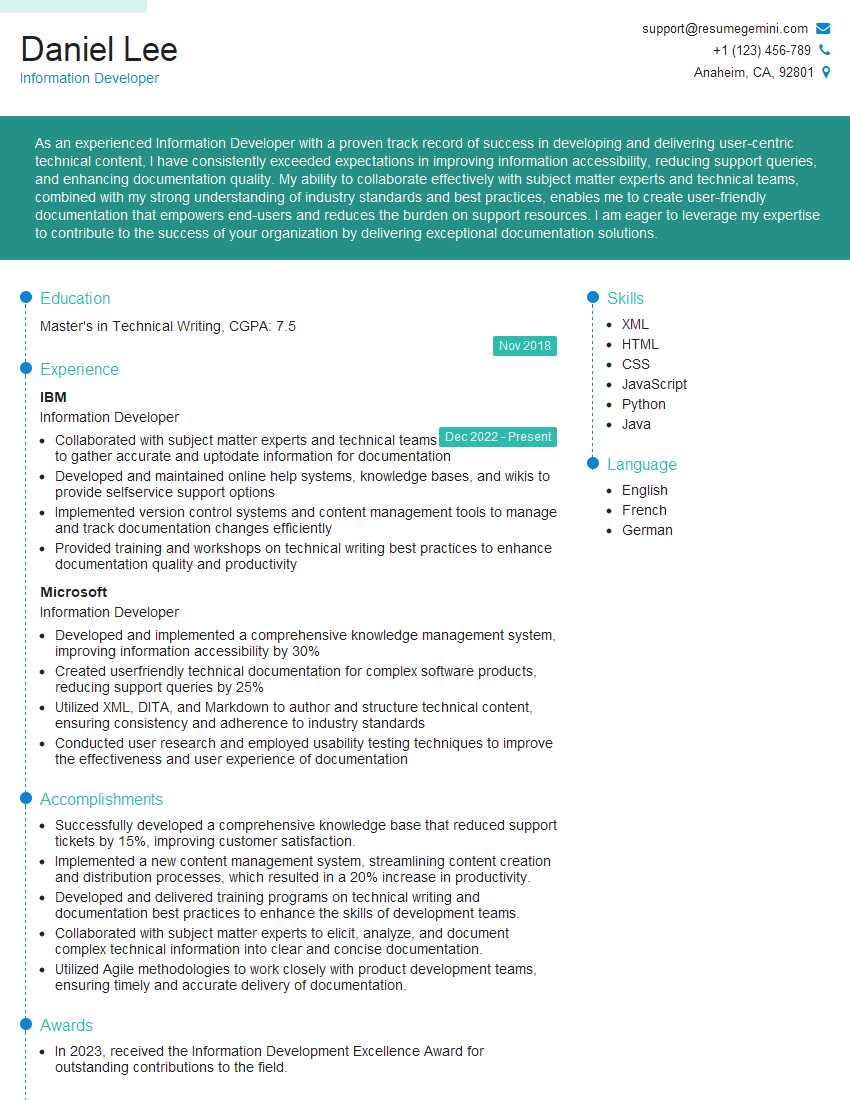
Information Developer Resume Sample
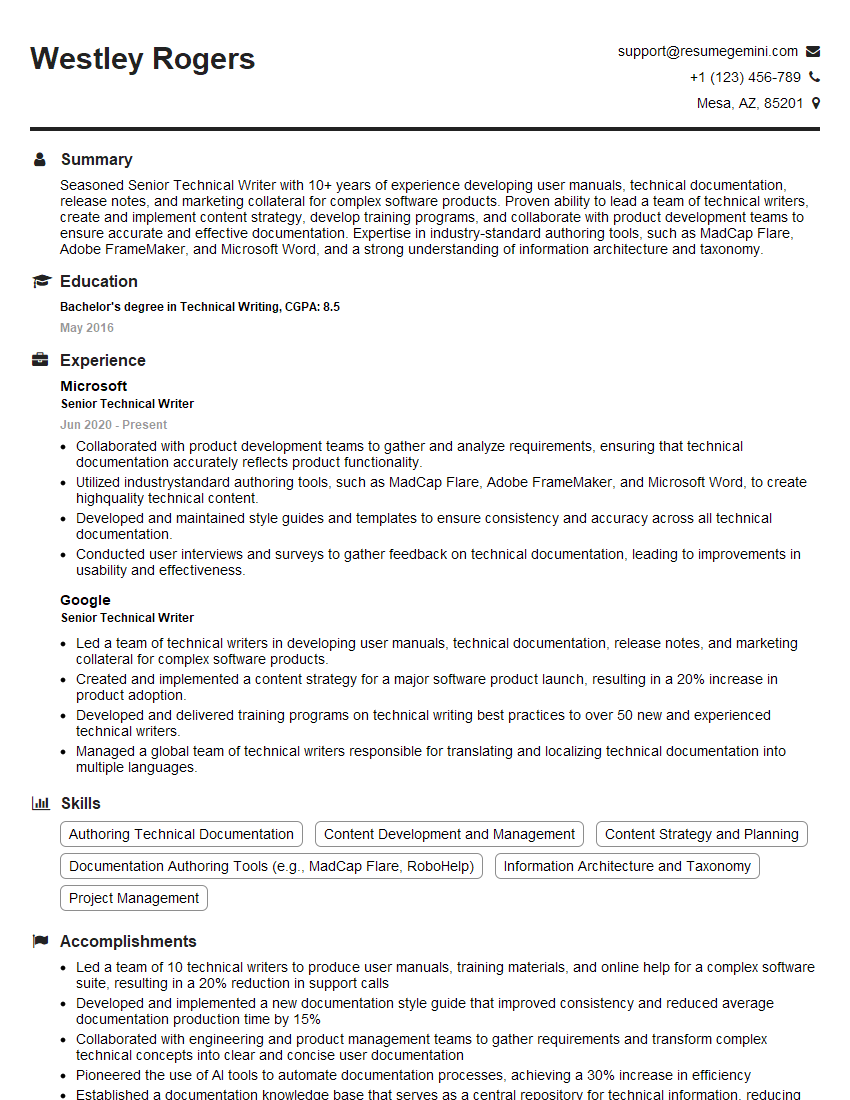
Senior Technical Writer Resume Sample
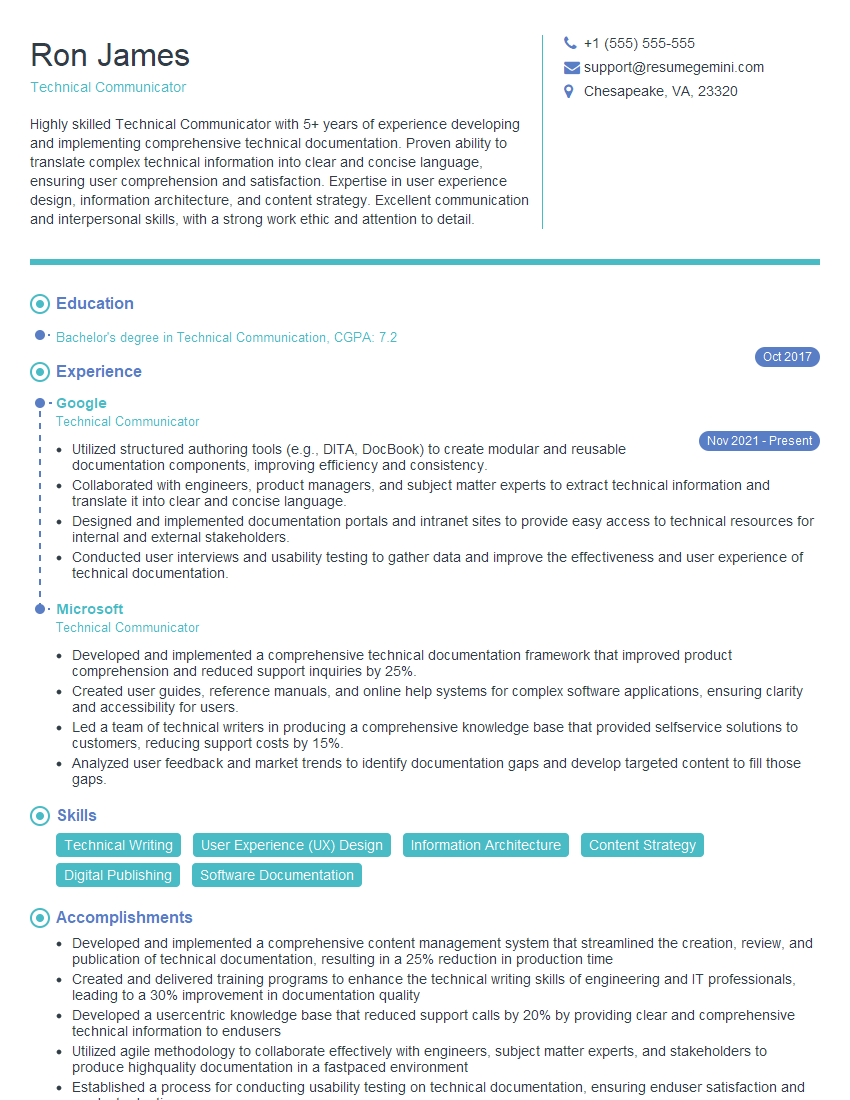
Technical Communicator Resume Sample

Technical Writer Resume Sample
Explore more articles
Users Rating of Our Blogs
Share Your Experience
We value your feedback! Please rate our content and share your thoughts (optional).
What Readers Say About Our Blog
Hello,
we currently offer a complimentary backlink and URL indexing test for search engine optimization professionals.
You can get complimentary indexing credits to test how link discovery works in practice.
No credit card is required and there is no recurring fee.
You can find details here:
https://wikipedia-backlinks.com/indexing/
Regards
NICE RESPONSE TO Q & A
hi
The aim of this message is regarding an unclaimed deposit of a deceased nationale that bears the same name as you. You are not relate to him as there are millions of people answering the names across around the world. But i will use my position to influence the release of the deposit to you for our mutual benefit.
Respond for full details and how to claim the deposit. This is 100% risk free. Send hello to my email id: [email protected]
Luka Chachibaialuka
Hey interviewgemini.com, just wanted to follow up on my last email.
We just launched Call the Monster, an parenting app that lets you summon friendly ‘monsters’ kids actually listen to.
We’re also running a giveaway for everyone who downloads the app. Since it’s brand new, there aren’t many users yet, which means you’ve got a much better chance of winning some great prizes.
You can check it out here: https://bit.ly/callamonsterapp
Or follow us on Instagram: https://www.instagram.com/callamonsterapp
Thanks,
Ryan
CEO – Call the Monster App
Hey interviewgemini.com, I saw your website and love your approach.
I just want this to look like spam email, but want to share something important to you. We just launched Call the Monster, a parenting app that lets you summon friendly ‘monsters’ kids actually listen to.
Parents are loving it for calming chaos before bedtime. Thought you might want to try it: https://bit.ly/callamonsterapp or just follow our fun monster lore on Instagram: https://www.instagram.com/callamonsterapp
Thanks,
Ryan
CEO – Call A Monster APP
To the interviewgemini.com Owner.
Dear interviewgemini.com Webmaster!
Hi interviewgemini.com Webmaster!
Dear interviewgemini.com Webmaster!
excellent
Hello,
We found issues with your domain’s email setup that may be sending your messages to spam or blocking them completely. InboxShield Mini shows you how to fix it in minutes — no tech skills required.
Scan your domain now for details: https://inboxshield-mini.com/
— Adam @ InboxShield Mini
Reply STOP to unsubscribe
Hi, are you owner of interviewgemini.com? What if I told you I could help you find extra time in your schedule, reconnect with leads you didn’t even realize you missed, and bring in more “I want to work with you” conversations, without increasing your ad spend or hiring a full-time employee?
All with a flexible, budget-friendly service that could easily pay for itself. Sounds good?
Would it be nice to jump on a quick 10-minute call so I can show you exactly how we make this work?
Best,
Hapei
Marketing Director
Hey, I know you’re the owner of interviewgemini.com. I’ll be quick.
Fundraising for your business is tough and time-consuming. We make it easier by guaranteeing two private investor meetings each month, for six months. No demos, no pitch events – just direct introductions to active investors matched to your startup.
If youR17;re raising, this could help you build real momentum. Want me to send more info?
Hi, I represent an SEO company that specialises in getting you AI citations and higher rankings on Google. I’d like to offer you a 100% free SEO audit for your website. Would you be interested?
Hi, I represent an SEO company that specialises in getting you AI citations and higher rankings on Google. I’d like to offer you a 100% free SEO audit for your website. Would you be interested?
good