Feeling uncertain about what to expect in your upcoming interview? We’ve got you covered! This blog highlights the most important Video and Photography interview questions and provides actionable advice to help you stand out as the ideal candidate. Let’s pave the way for your success.
Questions Asked in Video and Photography Interview
Q 1. Explain the difference between RAW and JPEG image formats.
The core difference between RAW and JPEG image formats lies in how they store image data. JPEG (Joint Photographic Experts Group) is a lossy compression format. This means that some image data is discarded during the compression process to reduce file size. Think of it like summarizing a novel – you lose some detail but gain brevity. RAW, on the other hand, is a lossless format. It stores all the data captured by your camera’s sensor, giving you maximum flexibility in post-processing. It’s like having the full manuscript – you have all the information to work with.
Practical Implications: JPEGs are great for sharing online or for quick edits where quality isn’t paramount. RAW files, however, offer significantly more latitude for adjusting exposure, white balance, and other parameters without sacrificing image quality. Imagine trying to adjust the exposure of a heavily underexposed JPEG – you might end up with significant noise or loss of detail. With a RAW file, you have much more leeway to recover details from both highlights and shadows.
Q 2. Describe your experience with various lighting techniques (e.g., three-point lighting).
My experience with lighting techniques is extensive, encompassing various styles from natural light to complex studio setups. Three-point lighting, a foundational technique, is a cornerstone of my approach. It involves using three lights: a key light (the main light source, providing the primary illumination), a fill light (softening shadows created by the key light), and a backlight (separating the subject from the background and adding depth).
For example, I’ve used three-point lighting for corporate headshots, where a soft key light illuminates the face, a fill light reduces harsh shadows, and a backlight adds a subtle glow around the hair and shoulders. I’ve also adapted it for more dramatic effects, such as using a harder key light for a more moody portrait, or shifting the fill light’s position for a more chiaroscuro effect. Beyond three-point, I’m proficient in techniques like Rembrandt lighting (characterized by a small triangle of light on the cheek), butterfly lighting (creating a shadow under the nose), and using various modifiers like softboxes, umbrellas, and reflectors to shape and control the light.
Q 3. What video editing software are you proficient in? List at least three.
I’m proficient in several video editing software packages. My top three are Adobe Premiere Pro, Final Cut Pro, and DaVinci Resolve. Premiere Pro is industry-standard, offering a powerful and versatile suite of tools for editing, color grading, and audio post-production. Final Cut Pro is known for its intuitive interface and streamlined workflow, making it ideal for rapid editing and projects with tight deadlines. DaVinci Resolve excels in color grading and offers powerful features for professional-level color correction, visual effects, and audio mixing.
Q 4. How do you handle difficult clients or unexpected on-set challenges?
Handling difficult clients or unexpected on-set challenges requires a proactive and communicative approach. My strategy involves clear pre-production planning, setting realistic expectations, and fostering open communication throughout the project. If a client has unrealistic demands, I calmly explain the technical limitations and propose alternative solutions. On-set problems, such as equipment malfunctions, are addressed with a methodical problem-solving process. For instance, if a light fails, I have backup equipment and a contingency plan. I prioritize maintaining a calm and professional demeanor, reassuring the client that the issue is being handled efficiently and effectively. Ultimately, my goal is to find creative solutions while maintaining a positive and collaborative environment.
Q 5. What is your experience with color grading and color correction?
Color grading and color correction are integral parts of my post-production workflow. Color correction involves fixing technical issues like white balance and exposure inconsistencies, ensuring accurate and natural colors. Color grading, on the other hand, is a more artistic process, used to enhance the mood and style of the video or photograph. I utilize tools in DaVinci Resolve and Adobe Premiere Pro to achieve these objectives. For example, I might correct a slight color cast in a photo to make the skin tones more accurate. In a video project, I might apply a specific color palette or look to evoke a particular emotion – a warm, inviting tone for a family documentary or a cool, desaturated palette for a dramatic thriller. My experience includes working with various color spaces, LUTs (Look Up Tables), and advanced color-grading techniques to ensure the final product meets the desired aesthetic.
Q 6. Describe your workflow for a typical video shoot, from pre-production to post-production.
My video shoot workflow spans three main phases: pre-production, production, and post-production. Pre-production involves meticulous planning, including scriptwriting, storyboarding, shot-listing, location scouting, and assembling the crew and equipment. This phase is crucial to ensure a smooth and efficient shoot. Production is the actual filming, where I focus on executing the plan, managing the team, monitoring the quality of footage, and adapting to unexpected circumstances. Finally, post-production involves editing the footage, adding sound effects and music, color grading, and finalizing the video. I use project management software to keep everything organized across each phase and maintain consistent communication.
Q 7. Explain the rule of thirds in photography and its application.
The rule of thirds is a fundamental composition guideline in photography. It suggests dividing the image into nine equal parts using two equally-spaced horizontal lines and two equally-spaced vertical lines, and placing key elements along these lines or at their intersections. These intersections are considered points of visual interest, creating a more balanced and engaging composition. Instead of centering the subject, positioning it along one of the lines or at an intersection draws the viewer’s eye more naturally. Imagine photographing a landscape; placing the horizon along the lower horizontal line emphasizes the sky, while placing it along the upper line emphasizes the foreground. This simple rule dramatically improves the visual appeal and impact of your photos.
Q 8. What are your preferred methods for managing large image and video files?
Managing large image and video files efficiently is crucial for workflow optimization. My preferred methods involve a multi-pronged approach combining robust storage solutions with organized file management systems.
Firstly, I utilize high-capacity external hard drives (preferably RAID configurations for redundancy) and cloud storage services like Backblaze or Amazon S3 for long-term archiving and backup. This ensures data safety against hardware failure or accidental deletion. For active projects, I maintain a structured folder system on my local drive, typically using a date-based naming convention (e.g., YYYYMMDD_Project Name) within a project-specific folder. This allows for quick and easy location of assets.
Furthermore, I employ cataloging software like Adobe Bridge or Lightroom Classic to generate previews and metadata tags for efficient searching and browsing of vast libraries. This metadata includes keywords, descriptions, and ratings, making asset retrieval significantly faster.
Finally, I leverage lossless compression techniques like using ProRes or DNxHD for video editing and archiving. For still images, I utilize lossless formats such as TIFF where appropriate before converting to more compact JPEGs for web use, but always keeping the originals safe.
Q 9. How do you ensure consistency in color and style across multiple video projects?
Maintaining consistent color and style across multiple video projects is paramount for brand recognition and viewer experience. This involves meticulous planning and standardized workflow processes.
Before commencing any project, I establish a detailed style guide that outlines color palettes, preferred fonts, and visual effects. This guide acts as a reference point for the entire team, ensuring consistency in every aspect of the production. For color grading, I utilize a standardized LUT (Look-Up Table) applied consistently across projects, or if a unique look is needed, I meticulously document the grading process so that similar effects can be replicated across similar projects.
I also use template projects in my editing software (like Adobe Premiere Pro or DaVinci Resolve) that are pre-configured with the desired settings, including color profiles, transitions, and audio levels. This speeds up post-production significantly and reduces the chances of inconsistencies creeping in. Regular team meetings and review sessions also ensure everyone is on the same page and deviations from the established style are identified early on.
Q 10. Describe your experience with different camera types (e.g., DSLR, mirrorless, cinema cameras).
My experience encompasses a wide range of camera types, each with its own strengths and weaknesses. I’m proficient with DSLRs (Canon EOS series and Nikon D series), mirrorless cameras (Sony a7 series and Fujifilm X series), and professional cinema cameras (Arri Alexa and RED cameras).
DSLRs offer a good balance between image quality and affordability, making them ideal for smaller productions or when budget is a constraint. However, their ergonomics and video capabilities are generally less advanced than cinema cameras. Mirrorless cameras have gained popularity for their compact size, advanced features, and excellent image quality. They offer a great alternative for run-and-gun situations and professional photography. Cinema cameras like the Arri Alexa excel in producing high-quality footage, but they come with higher price tags and more complex setups. The choice of camera is dictated by the project’s requirements, budget and workflow.
For instance, I’ve used DSLRs for corporate video shoots requiring mobility, mirrorless cameras for documentary projects prioritizing image quality and compact setup, and cinema cameras for large-scale productions where cinematic quality is paramount.
Q 11. What are some common post-production issues, and how would you solve them?
Post-production often presents several challenges. Common issues include inconsistent lighting, audio sync problems, noise reduction, and color correction.
Inconsistent Lighting: This can be addressed during post-production using color grading tools to balance exposure and color temperature across different shots. Software like DaVinci Resolve provides powerful tools for color correction and matching.
Audio Sync Problems: These can be solved by utilizing audio editing software (like Adobe Audition or Pro Tools) to manually align audio tracks with the video timeline. Specialized plugins can also assist with automated sync correction.
Noise Reduction: Digital noise in both audio and video can be minimized through various noise reduction plugins and tools available in editing software. Careful consideration needs to be paid to ensure that noise reduction doesn’t compromise the overall image quality.
Color Correction: Color correction tools in editing software help standardize color across different shots or scenes. LUTs can also be employed to achieve a consistent look and feel.
Q 12. How familiar are you with audio recording techniques and equipment?
I possess extensive knowledge of audio recording techniques and equipment. My experience spans from using basic handheld recorders to sophisticated multi-track recording setups.
I’m proficient in using various microphones, including lavalier microphones for dialogue recording, shotgun microphones for directional audio capture, and boom microphones for minimizing background noise. I understand the importance of proper microphone placement, gain staging, and impedance matching for optimal audio quality. I’m familiar with different audio recording formats (WAV, AIFF) and their applications. My post-production workflow includes cleaning, editing, mixing, and mastering audio using software like Adobe Audition and Pro Tools. This includes noise reduction, equalization, compression, and reverb to enhance clarity and create the desired sonic landscape.
Q 13. How do you handle copyright and licensing issues related to video and photography?
Copyright and licensing are critical aspects of video and photography. I adhere to strict ethical guidelines and legal frameworks regarding intellectual property rights.
Before using any copyrighted material (music, images, footage), I ensure that proper licenses are secured. I utilize resources like Creative Commons for royalty-free assets, or obtain explicit permission from copyright holders. I meticulously document all usage rights, keeping detailed records of licenses and permissions. I also educate clients on copyright implications and provide transparent information on licensing costs and restrictions. When creating original content, I ensure all necessary steps are taken to secure copyright protection.
Q 14. What is your experience with motion graphics and animation?
I have significant experience with motion graphics and animation, utilizing software like Adobe After Effects and Cinema 4D. I’m capable of creating various animation styles, from 2D motion graphics for titles and lower thirds to more complex 3D animations for product demonstrations or explainer videos.
My skills include creating animated logos, infographics, kinetic typography, and character animation. I understand the principles of animation, including timing, spacing, and ease, ensuring that animations are both visually appealing and informative. My workflow involves storyboarding, asset creation, animation, compositing, and final rendering, tailoring the approach to the specific needs and style of each project.
Q 15. How do you approach storytelling in your video and photography work?
Storytelling in video and photography is about more than just capturing pretty pictures; it’s about conveying emotion, information, and a narrative. I approach it by first identifying the core message or emotion I want to elicit. This might be joy, sadness, excitement, or even a call to action. Once I have the core message, I develop a visual plan that supports it. This involves considering the setting, characters (if any), lighting, and composition. Think of it like writing a script – there’s a beginning, middle, and end, and each scene contributes to the overall story. For example, if I’m shooting a documentary about a local artist, I might start with establishing shots of their studio, then show close-ups of their hands working, interspersed with interviews to reveal their personality and creative process. Finally, I’d conclude with a shot of a finished piece, conveying a sense of accomplishment.
I also employ techniques like pacing and sequencing to control the narrative flow. Quick cuts create a fast-paced, energetic feel, while slower, more deliberate shots can build suspense or evoke a contemplative mood. The interplay of these elements ensures a cohesive and engaging narrative.
Career Expert Tips:
- Ace those interviews! Prepare effectively by reviewing the Top 50 Most Common Interview Questions on ResumeGemini.
- Navigate your job search with confidence! Explore a wide range of Career Tips on ResumeGemini. Learn about common challenges and recommendations to overcome them.
- Craft the perfect resume! Master the Art of Resume Writing with ResumeGemini’s guide. Showcase your unique qualifications and achievements effectively.
- Don’t miss out on holiday savings! Build your dream resume with ResumeGemini’s ATS optimized templates.
Q 16. Describe your experience with different types of lenses and their applications.
My experience with lenses spans a wide range of focal lengths and types. I’m proficient with prime lenses, known for their sharpness and wide apertures, perfect for low-light situations and shallow depth of field for portraiture. For example, a 50mm prime lens is a versatile workhorse, great for portraits and street photography. Zoom lenses offer more flexibility, allowing for quick adjustments without changing lenses, but they might not have the same sharpness as primes. A 24-70mm zoom is standard for many photographers, suitable for landscapes, portraits, and events.
I also utilize specialized lenses like macro lenses, which allow for extreme close-up shots, revealing incredible detail in nature or small objects. Wide-angle lenses, such as a 16-35mm, are excellent for landscape photography and capturing a wide perspective. Finally, telephoto lenses, like a 70-200mm or even longer, enable me to capture distant subjects, essential for wildlife photography or sports events. The choice of lens always depends on the specific project and the story I aim to tell.
Q 17. What is your understanding of aperture, shutter speed, and ISO?
Aperture, shutter speed, and ISO are the exposure triangle – the three fundamental elements that control the brightness and look of your image. Aperture, measured in f-stops (e.g., f/2.8, f/8), controls the size of the opening in the lens. A wider aperture (lower f-number) lets in more light, creating a shallow depth of field (blurred background), ideal for portraits. A narrower aperture (higher f-number) lets in less light, resulting in a greater depth of field (sharp foreground and background), suitable for landscapes.
Shutter speed, measured in seconds or fractions of a second (e.g., 1/200s, 1s), controls how long the camera’s sensor is exposed to light. Faster shutter speeds freeze motion, great for sports or action shots. Slower shutter speeds allow motion blur, useful for creating a sense of movement or dreamy effects like light trails.
ISO measures the camera’s sensitivity to light. A lower ISO (e.g., ISO 100) results in less noise (grain) but requires more light. A higher ISO (e.g., ISO 3200) is more sensitive to light, allowing for shooting in low light, but produces more noise. Mastering the balance between these three elements is crucial for achieving the desired image quality and aesthetic in any shooting scenario.
Q 18. How do you create compelling visual compositions?
Compelling visual compositions are created by applying principles of design. Rule of thirds, where the subject is placed off-center, creates a more dynamic and engaging image. Leading lines, such as roads or rivers, draw the viewer’s eye into the scene. Symmetry and patterns can create visually appealing order. Framing, using elements within the scene to surround the subject, adds depth and focus. Negative space, or empty areas around the subject, provides breathing room and emphasizes the subject’s importance. I constantly strive to create visual balance and harmony, ensuring that the composition complements the story I’m trying to tell.
Furthermore, I use different perspectives – shooting from high angles, low angles, or even unconventional viewpoints – to add visual interest and convey different emotions. For instance, a low angle shot can make a subject appear powerful, whereas a high angle shot might make them seem vulnerable. The composition is always informed by the specific context and the overall narrative arc of the project.
Q 19. Describe your experience with different camera movements (e.g., panning, tilting, tracking).
Camera movements, such as panning, tilting, and tracking, are powerful tools for adding dynamism and visual storytelling to video production. Panning involves smoothly moving the camera horizontally, often to follow a subject moving across the frame. This can create a sense of movement and energy. Tilting involves smoothly moving the camera vertically, creating a similar impact to a pan. It is often used to reveal a scene or emphasize a subject’s height or position. Tracking (or trucking) involves moving the camera along a path parallel to the subject’s movement, maintaining a constant distance. This helps keep the subject in the frame and creates a more intimate connection with it.
Beyond these basic movements, I use more advanced techniques like dolly zoom (vertigor), which creates a disorienting effect, and crane shots, which offer a dramatic perspective change. The choice of camera movement is crucial in creating visual interest and reinforcing the narrative. A smooth, controlled movement enhances the viewer’s experience; a jerky or uncontrolled one can be distracting or even jarring. I always strive for smooth, fluid movements to enhance the overall cinematic quality.
Q 20. How do you choose the right equipment for a specific project?
Equipment selection is crucial. I start by carefully analyzing the project’s requirements. Factors include the subject matter (portraits, landscapes, action, etc.), the location (studio, outdoors, challenging conditions), the desired aesthetic (cinematic, documentary, etc.), and the budget. For a documentary in a remote location, I might need robust, weather-sealed cameras, and perhaps a gimbal for stable footage on uneven terrain. For a high-end commercial shoot, I might opt for cinema cameras with high dynamic range and professional lenses. For a simple product photoshoot, a good DSLR or mirrorless camera with appropriate lenses would be sufficient.
I also consider factors like lighting needs. For low-light situations, I’ll bring powerful lighting equipment. For studio shoots, I might require various lights and modifiers to shape and control the light precisely. Post-production workflow also plays a role. If I’m shooting high-resolution images, I’ll need appropriate storage and editing capabilities. Therefore, my equipment choices are always driven by the specific demands and creative vision of each project.
Q 21. What is your experience with different file formats (e.g., MOV, MP4, AVI)?
I have extensive experience with various video file formats. MOV (QuickTime Movie) is a versatile format offering high quality and compatibility with many editing software. MP4 (MPEG-4 Part 14) is a widely used, compressed format known for its smaller file sizes, making it ideal for web distribution. AVI (Audio Video Interleave) is an older format, less common now, but still encountered. The choice depends on factors like storage space, intended platform, editing software compatibility and desired quality. For archival purposes or high-quality editing, I tend to prefer lossless formats like MOV, while for web distribution, the compressed MP4 format is generally preferred. Understanding the trade-offs between file size, compression, and quality is essential for efficient workflows and achieving the desired outcome for each project.
Beyond the basic formats, I also work with codecs such as ProRes and DNxHD, which are high-quality, intermediate codecs offering efficient compression for editing without significant loss of quality. Choosing the correct format and codec from the start ensures that the editing process is smooth, efficient, and yields high-quality results. It prevents potential issues that arise from incompatible formats or excessive compression artifacts that might damage the final product.
Q 22. How do you troubleshoot technical issues on set?
Troubleshooting technical issues on set requires a systematic approach. My strategy involves a combination of preventative measures, quick diagnostic skills, and resourcefulness. First, I always ensure equipment is thoroughly checked before the shoot—batteries charged, memory cards formatted, lenses clean, and settings confirmed. This preventative approach minimizes on-set problems.
If an issue arises, I follow these steps: Identify the problem (e.g., camera malfunction, lighting failure, audio dropout); Isolate the source (is it the equipment itself, a cable, a setting?); Test potential solutions (swap cables, try a different camera, adjust settings); and finally, Resolve the problem, escalating to more experienced crew members if necessary. For instance, if a camera is malfunctioning, I’d first check the battery and memory card. If the issue persists, I’d try a different camera or lens. If the problem is with the lighting, I would check the power supply, bulbs, and dimmer settings. Clear communication with the team is crucial throughout this process.
Q 23. What is your approach to collaborating with other members of a film crew?
Collaboration is the cornerstone of successful filmmaking. My approach centers on proactive communication, mutual respect, and a shared understanding of the project’s goals. I believe in fostering a collaborative environment where everyone feels comfortable sharing ideas and voicing concerns. Before a shoot, I always make sure I have a clear understanding of everyone’s roles and responsibilities. During the shoot, I maintain open communication, offering assistance when needed and seeking input from others. I actively listen to their suggestions, valuing their expertise and experience, even if it differs from my own. For example, I might consult with the lighting director on the best way to illuminate a scene, or with the sound recordist to ensure optimal audio quality. This collaborative approach leads to creative problem-solving and a higher quality end product.
Q 24. Describe a time you had to adapt to unforeseen circumstances during a shoot.
During a product shoot for a new line of athletic wear, we encountered unexpected torrential rain. Our outdoor location was rendered unusable, and our meticulously planned lighting setup was completely compromised. Instead of panicking, I immediately switched to Plan B: we quickly relocated to a large, available indoor space—a nearby warehouse. The team worked collaboratively to adapt the lighting setup to the new location. We creatively used existing warehouse features to create interesting backgrounds and modified our shot list to accommodate the change of scenery. While the shoot took longer than planned, the final product was still visually stunning and met the client’s expectations. This experience taught me the importance of adaptability and quick thinking under pressure, demonstrating the ability to swiftly pivot and maintain high standards in the face of unforeseen obstacles.
Q 25. How do you balance creative vision with client needs?
Balancing creative vision with client needs is a crucial aspect of my work. My approach involves a collaborative process starting with a thorough understanding of the client’s goals, target audience, and budget. I then present my creative vision, explaining how it aligns with their needs and showcasing visual examples or mood boards. Open communication is paramount. I actively listen to their feedback, incorporating their suggestions where they enhance the creative vision while ensuring the final product meets their business objectives. For example, if a client wants a particular color palette that doesn’t initially align with my vision, I might explore ways to incorporate it in a creative manner that still remains visually appealing. Ultimately, successful projects are achieved through a mutually respectful dialogue, allowing me to translate the client’s needs into a captivating visual narrative.
Q 26. Explain your understanding of white balance and its importance.
White balance is the process of removing unrealistic color casts so that objects which appear white in person are rendered as white in your photo or video. It’s essential for achieving accurate and natural-looking colors. Different light sources (daylight, incandescent, fluorescent) emit different color temperatures, measured in Kelvin (K). A white balance setting on your camera tells it what color temperature the light source is, allowing it to adjust the colors accordingly. Incorrect white balance results in a color cast—images might appear too warm (orange/yellow) or too cool (blue). For example, shooting indoors under incandescent light without adjusting the white balance might result in a warm, orange-toned image. Proper white balance is critical for consistency, especially in video editing where footage from different lighting conditions must blend seamlessly.
Q 27. How familiar are you with various video compression codecs?
I am familiar with a wide range of video compression codecs, understanding their strengths and weaknesses in terms of quality, file size, and processing demands. Some commonly used codecs include:
- H.264 (AVC): A widely compatible codec offering a good balance between quality and file size, suitable for online distribution and broadcasting.
- H.265 (HEVC): A more efficient codec than H.264, offering higher compression ratios at similar quality levels, but requiring more processing power.
- ProRes: Apple’s professional codec known for its high quality and lossless editing capabilities, resulting in larger file sizes.
- DNxHD/DNxHR: Avid’s codecs commonly used in professional workflows for their high quality and compatibility with various editing software.
My choice of codec depends on the project’s specific needs. For example, I might use ProRes for post-production workflows where quality is paramount, and H.264 for web delivery, where smaller file sizes are crucial for faster streaming.
Q 28. Describe your experience with different types of photography (e.g., portrait, landscape, product)
My experience encompasses various photography genres. I have extensive experience in:
- Portrait Photography: I excel in capturing flattering and expressive portraits, understanding lighting techniques such as Rembrandt lighting and split lighting to create depth and dimension. I am adept at posing subjects, ensuring comfort and natural expression.
- Landscape Photography: My landscape work emphasizes composition, using leading lines and the rule of thirds to create visually compelling images. I understand how to capture the mood and atmosphere of a scene, utilizing filters and long exposures when necessary.
- Product Photography: I am skilled in creating visually appealing product images that highlight key features and brand identity. I understand the importance of lighting, composition, and post-processing techniques to ensure the products are presented in the best possible light. I’m proficient in setting up studio lighting to minimize reflections and shadows.
These diverse experiences allow me to approach each photography project with a unique perspective, adapting my skills and techniques to achieve the desired outcome.
Key Topics to Learn for Video and Photography Interview
- Visual Storytelling: Understanding the narrative arc in both video and photography. Practical application: Analyzing successful campaigns and identifying effective storytelling techniques.
- Technical Proficiency: Mastering camera operation (exposure triangle, aperture, shutter speed, ISO), lighting techniques (three-point lighting, natural light), and editing software (Premiere Pro, Final Cut Pro, Adobe Photoshop, Lightroom). Practical application: Demonstrating your ability to troubleshoot technical issues on set or in post-production.
- Composition and Framing: Applying the rule of thirds, leading lines, and other compositional principles to create visually appealing and impactful images and videos. Practical application: Analyzing your own work and identifying areas for improvement in composition and framing.
- Workflow and Post-Production: Understanding efficient workflows, from pre-production planning to post-production editing and delivery. Practical application: Describing your preferred workflow and highlighting your efficiency in managing projects.
- Client Communication and Collaboration: Effectively communicating with clients, understanding their needs, and collaborating with teams. Practical application: Providing examples of successful client interactions and collaborative projects.
- Industry Trends and Technologies: Staying up-to-date with current trends in video and photography, including new equipment, software, and techniques. Practical application: Discussing your knowledge of emerging technologies and their potential applications.
- Branding and Style: Developing a consistent visual style and brand identity for your work. Practical application: Showcasing a portfolio that reflects a cohesive visual approach.
- Problem-Solving and Adaptability: Demonstrating your ability to overcome challenges on set or in post-production and adapting to changing circumstances. Practical application: Sharing examples of how you have successfully solved problems in previous projects.
Next Steps
Mastering video and photography skills opens doors to diverse and exciting career paths, offering creative fulfillment and significant earning potential. To maximize your job prospects, it’s crucial to present your skills effectively. Creating an ATS-friendly resume is key to getting your application noticed by recruiters and hiring managers. ResumeGemini is a trusted resource that can help you build a professional resume that highlights your unique qualifications. We provide examples of resumes tailored specifically for Video and Photography professionals to give you a head start. Invest in your future – build a strong resume today!

3D Animator Resume Sample

Animator Resume Sample
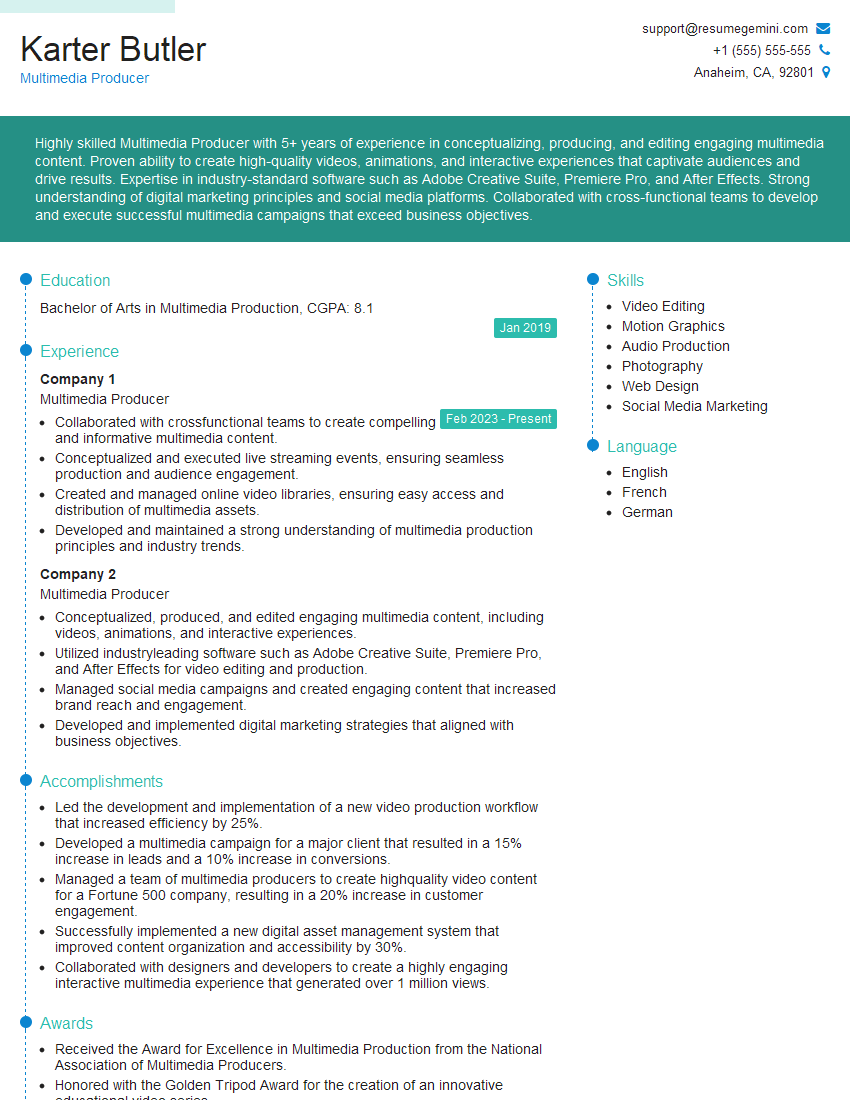
Multimedia Producer Resume Sample
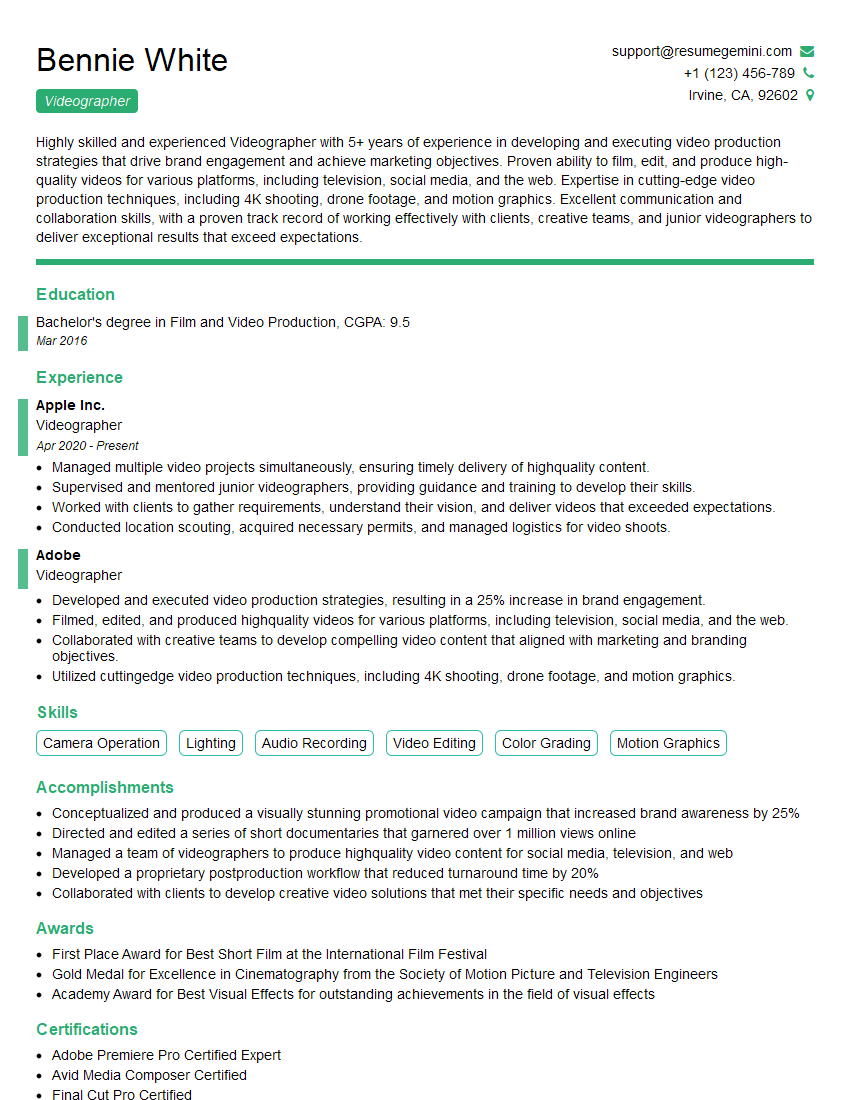
Videographer Resume Sample
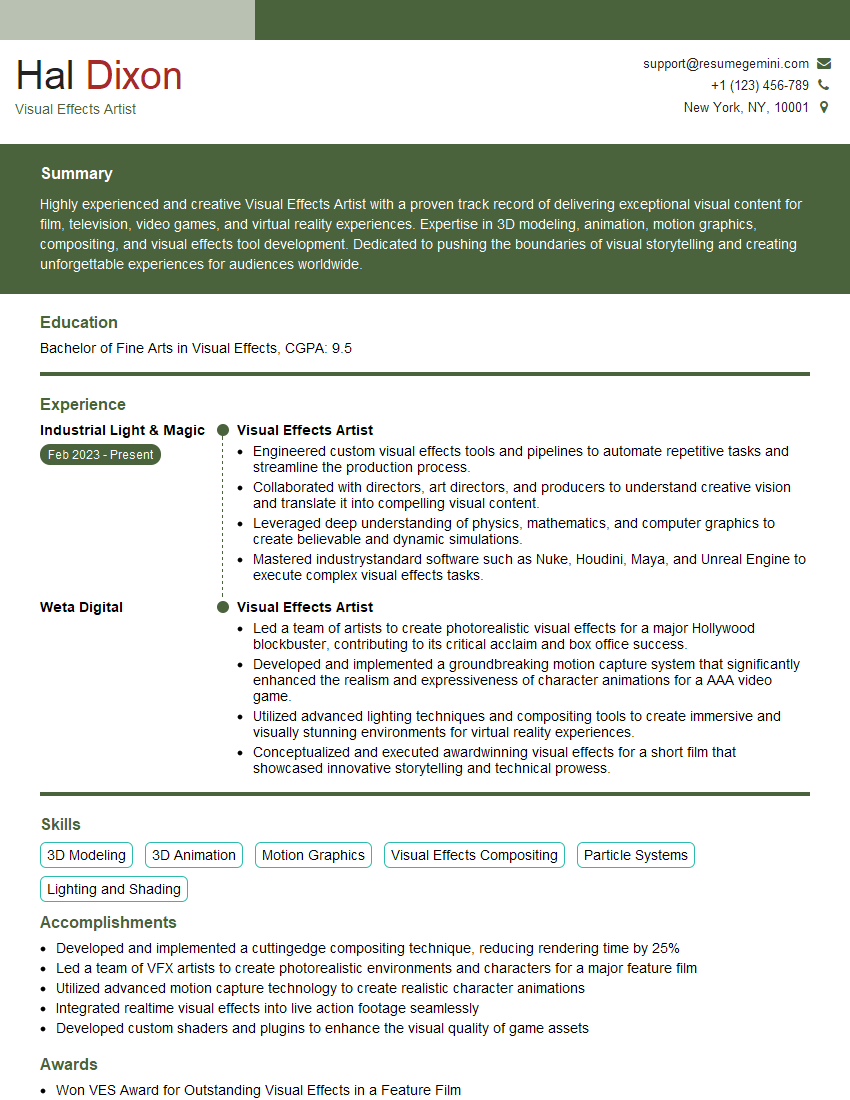
Visual Effects Artist Resume Sample
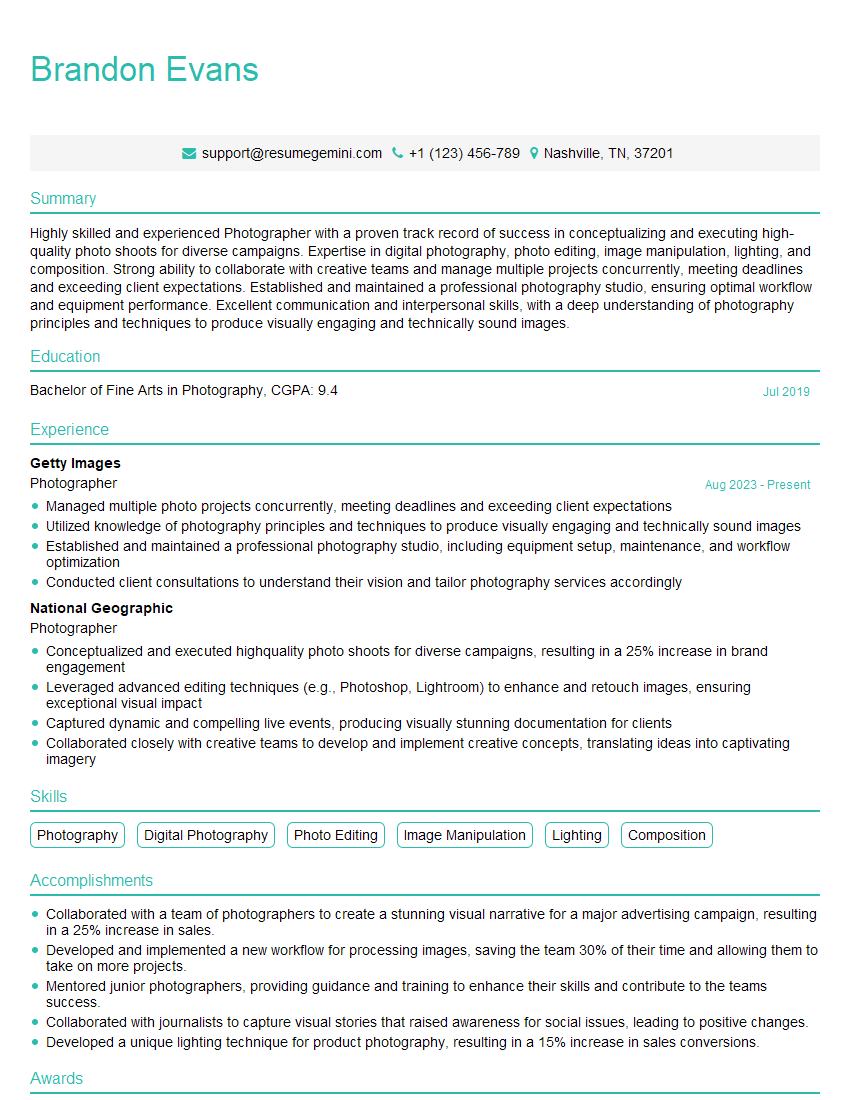
Photographer Resume Sample

Broadcast Engineer Resume Sample
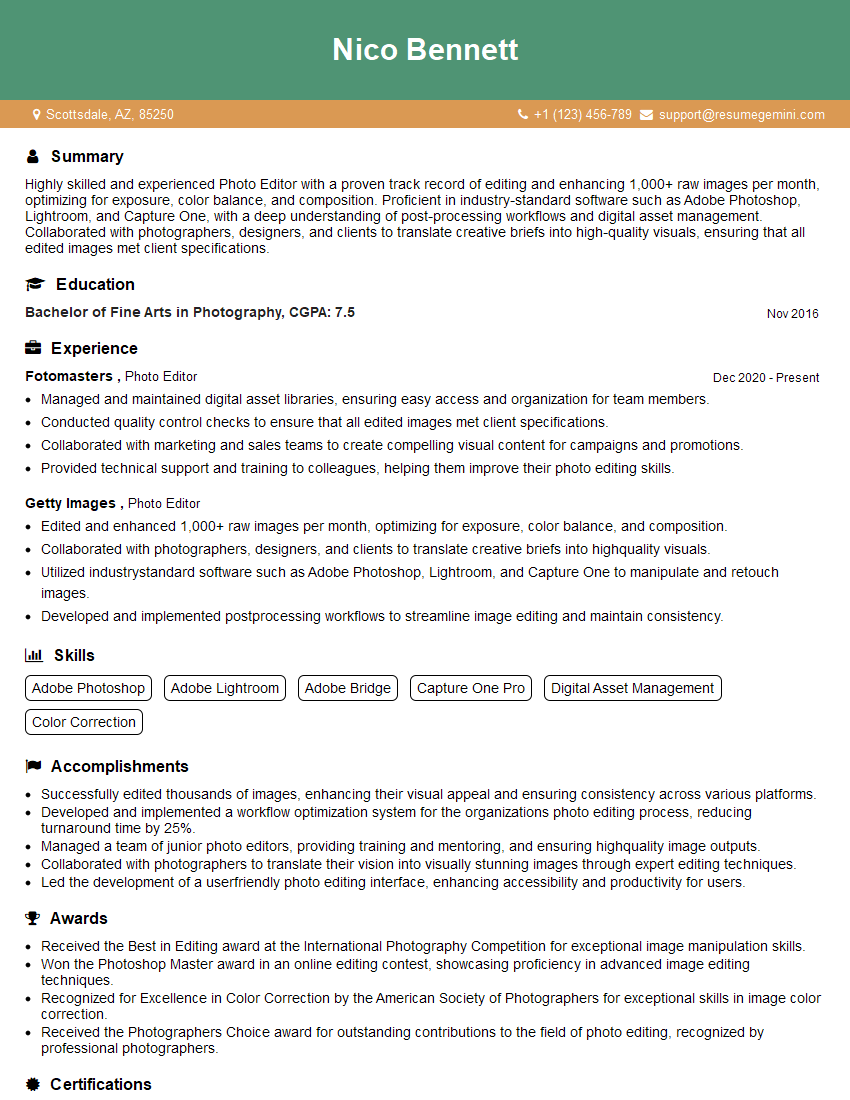
Photo Editor Resume Sample
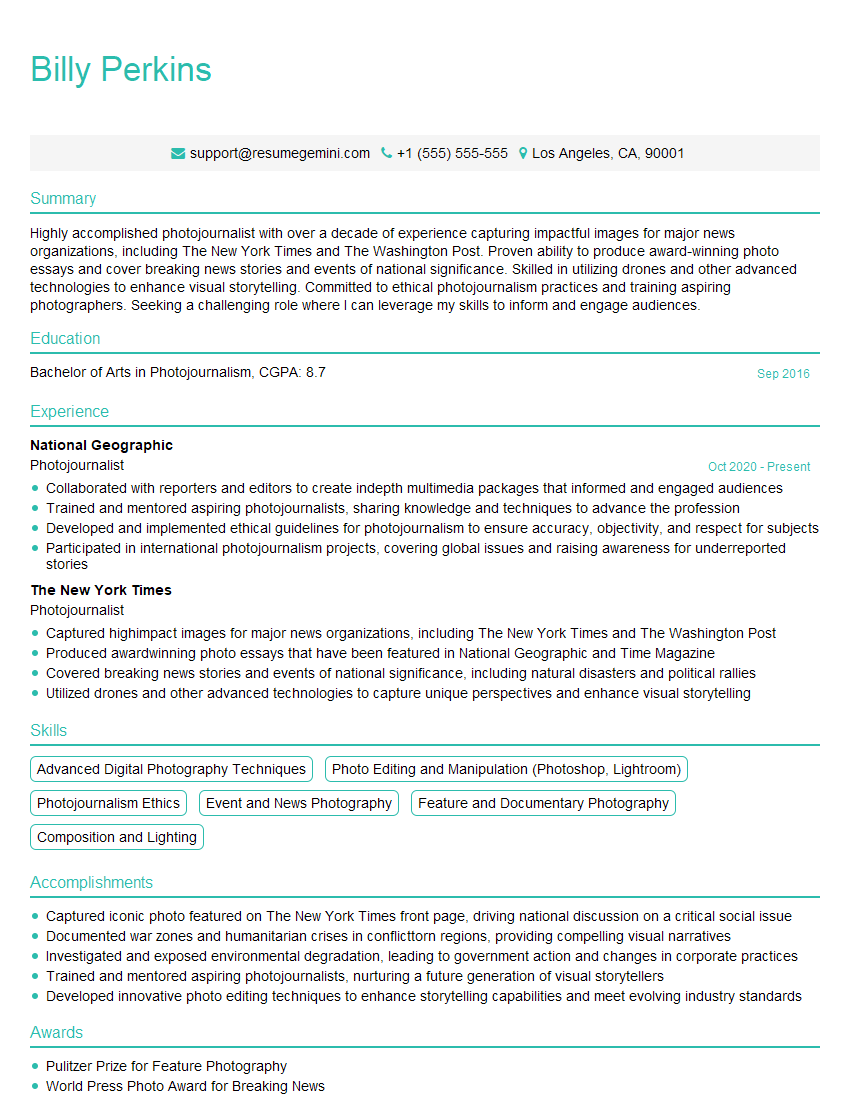
Photojournalist Resume Sample

Video Editor Resume Sample
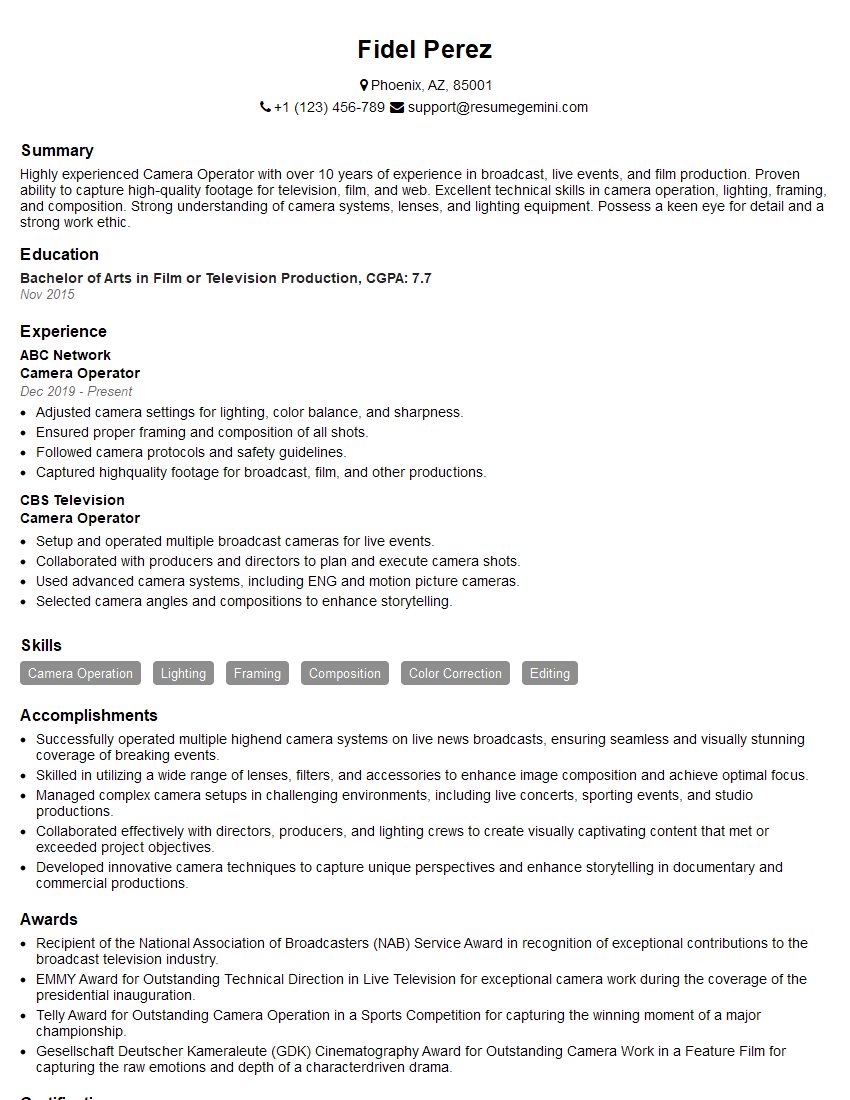
Camera Operator Resume Sample
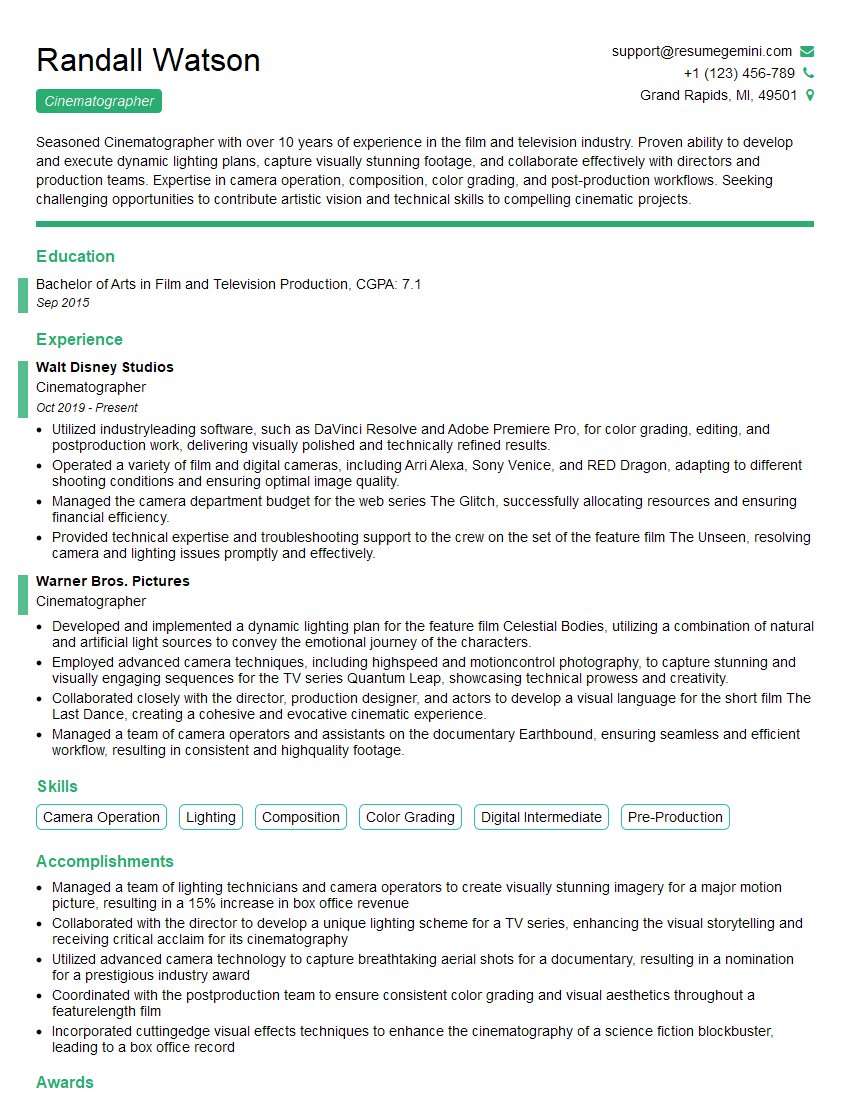
Cinematographer Resume Sample
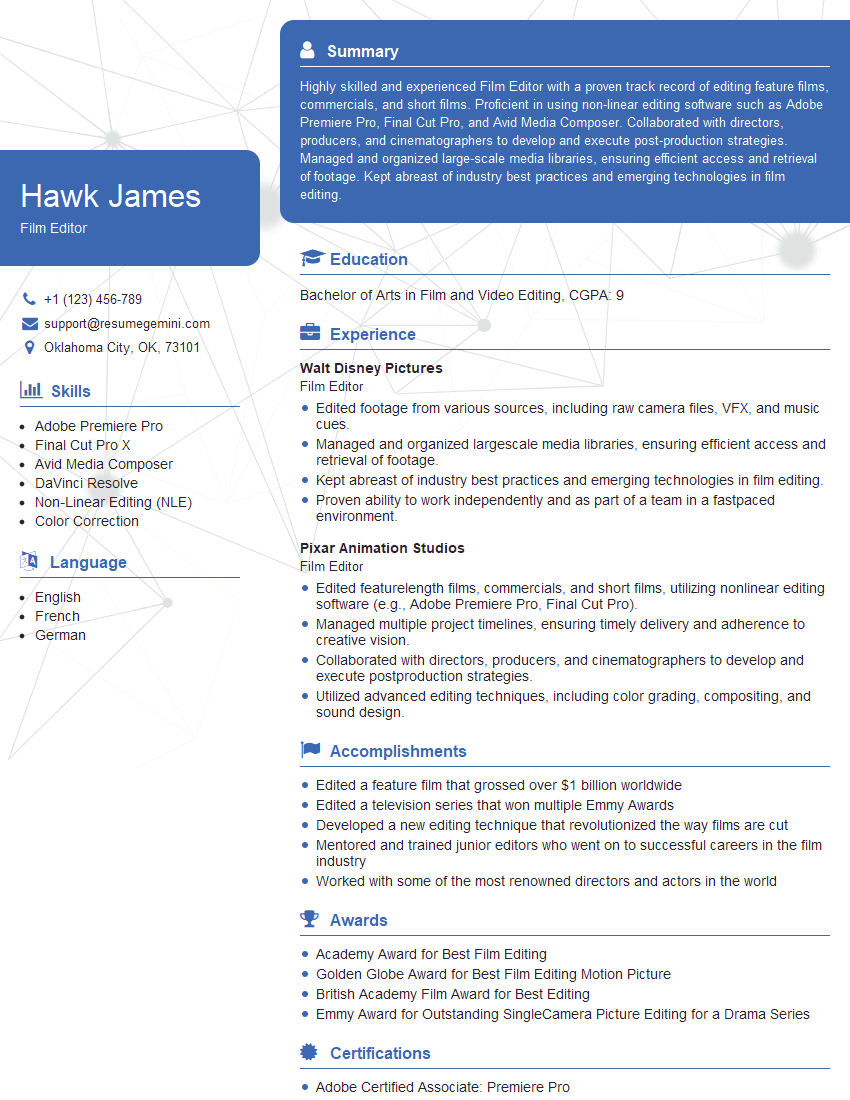
Film Editor Resume Sample
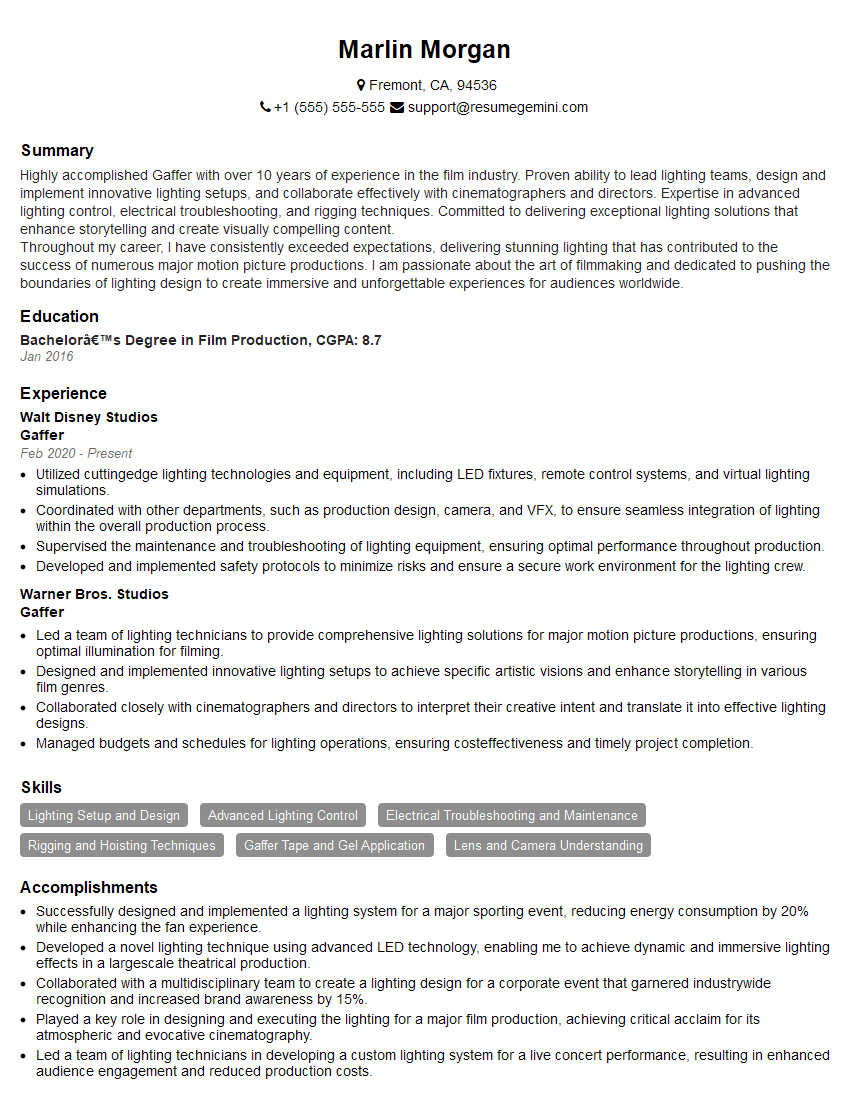
Gaffer Resume Sample
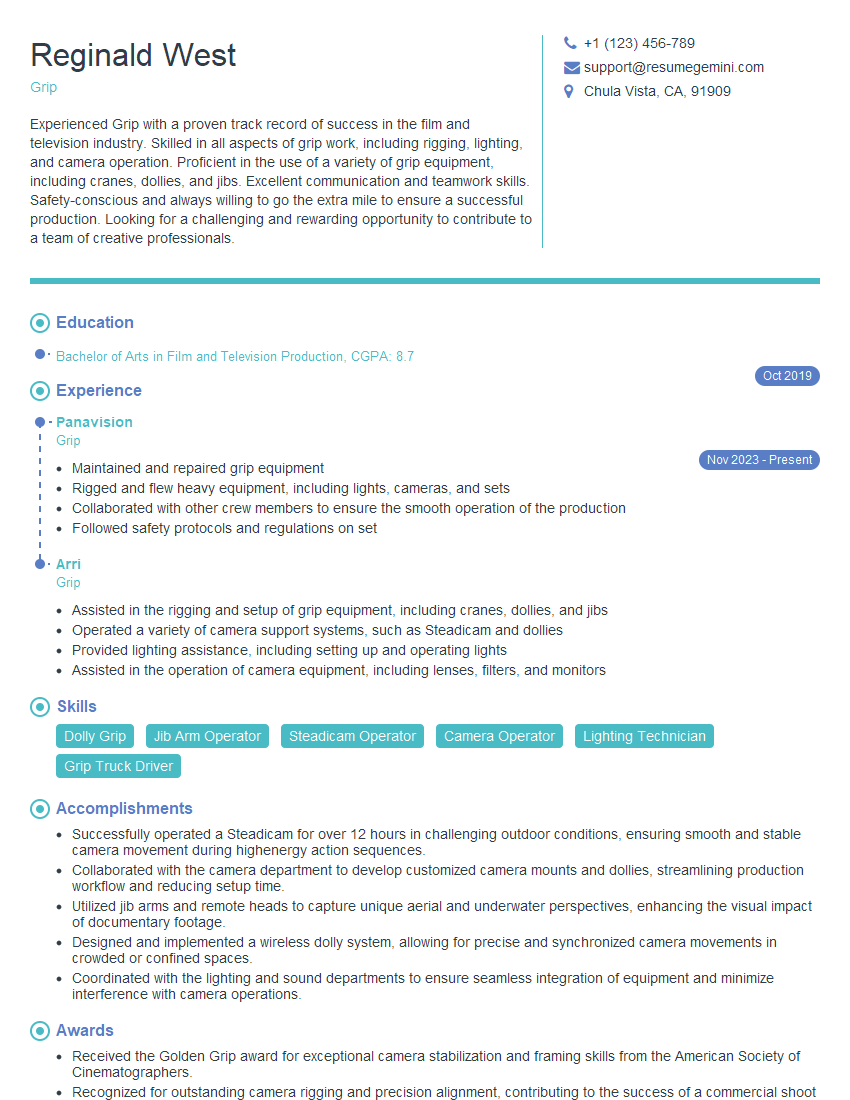
Grip Resume Sample
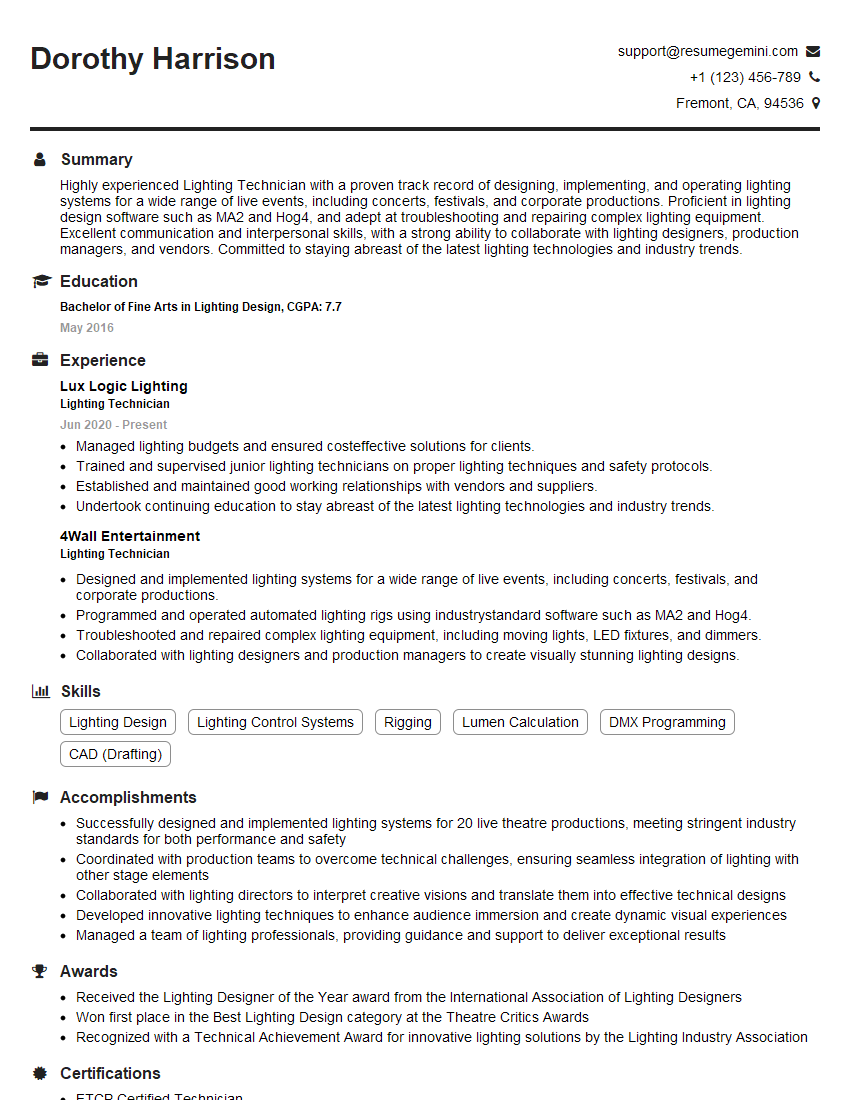
Lighting Technician Resume Sample

Content Creator Resume Sample
Explore more articles
Users Rating of Our Blogs
Share Your Experience
We value your feedback! Please rate our content and share your thoughts (optional).
What Readers Say About Our Blog
Attention music lovers!
Wow, All the best Sax Summer music !!!
Spotify: https://open.spotify.com/artist/6ShcdIT7rPVVaFEpgZQbUk
Apple Music: https://music.apple.com/fr/artist/jimmy-sax-black/1530501936
YouTube: https://music.youtube.com/browse/VLOLAK5uy_noClmC7abM6YpZsnySxRqt3LoalPf88No
Other Platforms and Free Downloads : https://fanlink.tv/jimmysaxblack
on google : https://www.google.com/search?q=22+AND+22+AND+22
on ChatGPT : https://chat.openai.com?q=who20jlJimmy20Black20Sax20Producer
Get back into the groove with Jimmy sax Black
Best regards,
Jimmy sax Black
www.jimmysaxblack.com
Hi I am a troller at The aquatic interview center and I suddenly went so fast in Roblox and it was gone when I reset.
Hi,
Business owners spend hours every week worrying about their website—or avoiding it because it feels overwhelming.
We’d like to take that off your plate:
$69/month. Everything handled.
Our team will:
Design a custom website—or completely overhaul your current one
Take care of hosting as an option
Handle edits and improvements—up to 60 minutes of work included every month
No setup fees, no annual commitments. Just a site that makes a strong first impression.
Find out if it’s right for you:
https://websolutionsgenius.com/awardwinningwebsites
Hello,
we currently offer a complimentary backlink and URL indexing test for search engine optimization professionals.
You can get complimentary indexing credits to test how link discovery works in practice.
No credit card is required and there is no recurring fee.
You can find details here:
https://wikipedia-backlinks.com/indexing/
Regards
NICE RESPONSE TO Q & A
hi
The aim of this message is regarding an unclaimed deposit of a deceased nationale that bears the same name as you. You are not relate to him as there are millions of people answering the names across around the world. But i will use my position to influence the release of the deposit to you for our mutual benefit.
Respond for full details and how to claim the deposit. This is 100% risk free. Send hello to my email id: lukachachibaialuka@gmail.com
Luka Chachibaialuka
Hey interviewgemini.com, just wanted to follow up on my last email.
We just launched Call the Monster, an parenting app that lets you summon friendly ‘monsters’ kids actually listen to.
We’re also running a giveaway for everyone who downloads the app. Since it’s brand new, there aren’t many users yet, which means you’ve got a much better chance of winning some great prizes.
You can check it out here: https://bit.ly/callamonsterapp
Or follow us on Instagram: https://www.instagram.com/callamonsterapp
Thanks,
Ryan
CEO – Call the Monster App
Hey interviewgemini.com, I saw your website and love your approach.
I just want this to look like spam email, but want to share something important to you. We just launched Call the Monster, a parenting app that lets you summon friendly ‘monsters’ kids actually listen to.
Parents are loving it for calming chaos before bedtime. Thought you might want to try it: https://bit.ly/callamonsterapp or just follow our fun monster lore on Instagram: https://www.instagram.com/callamonsterapp
Thanks,
Ryan
CEO – Call A Monster APP
To the interviewgemini.com Owner.
Dear interviewgemini.com Webmaster!
Hi interviewgemini.com Webmaster!
Dear interviewgemini.com Webmaster!
excellent
Hello,
We found issues with your domain’s email setup that may be sending your messages to spam or blocking them completely. InboxShield Mini shows you how to fix it in minutes — no tech skills required.
Scan your domain now for details: https://inboxshield-mini.com/
— Adam @ InboxShield Mini
support@inboxshield-mini.com
Reply STOP to unsubscribe
Hi, are you owner of interviewgemini.com? What if I told you I could help you find extra time in your schedule, reconnect with leads you didn’t even realize you missed, and bring in more “I want to work with you” conversations, without increasing your ad spend or hiring a full-time employee?
All with a flexible, budget-friendly service that could easily pay for itself. Sounds good?
Would it be nice to jump on a quick 10-minute call so I can show you exactly how we make this work?
Best,
Hapei
Marketing Director
Hey, I know you’re the owner of interviewgemini.com. I’ll be quick.
Fundraising for your business is tough and time-consuming. We make it easier by guaranteeing two private investor meetings each month, for six months. No demos, no pitch events – just direct introductions to active investors matched to your startup.
If youR17;re raising, this could help you build real momentum. Want me to send more info?
Hi, I represent an SEO company that specialises in getting you AI citations and higher rankings on Google. I’d like to offer you a 100% free SEO audit for your website. Would you be interested?
Hi, I represent an SEO company that specialises in getting you AI citations and higher rankings on Google. I’d like to offer you a 100% free SEO audit for your website. Would you be interested?