The thought of an interview can be nerve-wracking, but the right preparation can make all the difference. Explore this comprehensive guide to Visual Display Design and Execution interview questions and gain the confidence you need to showcase your abilities and secure the role.
Questions Asked in Visual Display Design and Execution Interview
Q 1. Explain your process for designing a retail window display.
Designing a retail window display is a multi-stage process that begins with a deep understanding of the brand, the target audience, and the current marketing campaign. It’s like staging a mini-theater production, aiming to capture attention and draw customers inside.
- Concept Development: I start by brainstorming themes and concepts that align with the brand’s message and the current season or promotion. This often involves mood boards, sketching, and trend research.
- Storytelling: The display needs a narrative. What feeling or message do we want to evoke? Is it excitement around a new product launch, or a cozy atmosphere for a winter collection?
- Space Planning: I meticulously measure the window space, considering sightlines and traffic flow. This informs the layout and scale of the display elements.
- Material Selection: Choosing the right materials is critical. Will it be sleek and modern with acrylic and metal, or rustic and charming with wood and natural fibers? The material choice reflects the brand’s personality.
- Design Execution: This involves creating detailed drawings, selecting props, sourcing materials, and overseeing the installation. Precision and attention to detail are paramount here.
- Maintenance: Regular checks are necessary to ensure the display remains fresh, clean, and visually appealing throughout its lifespan.
For example, designing a window display for a new line of sustainable clothing might involve using recycled materials, natural lighting, and earth-toned colors to create a visually cohesive and environmentally conscious presentation.
Q 2. How do you incorporate branding guidelines into your visual display designs?
Branding guidelines are the bible of visual merchandising. They provide a consistent brand identity across all touchpoints, ensuring brand recognition and customer trust. I treat them as non-negotiable constraints in my design process, not limitations.
- Color Palette: I strictly adhere to the brand’s approved color scheme, ensuring harmony and consistency with existing marketing materials.
- Typography: Font choices must align with the brand’s established style guide, ensuring readability and brand recognition.
- Logo Usage: The brand logo’s placement and size are carefully considered to maximize visibility without being overwhelming. I follow guidelines on logo placement and variations.
- Imagery and Tone: The visual style of the display must reflect the brand’s overall aesthetic, whether it is minimalist, playful, luxurious, or rustic.
- Messaging: The textual content of the display (if any) adheres to the brand’s voice and messaging guidelines. I avoid using language that is inconsistent with the brand’s identity.
For instance, if a brand has a strict corporate style guide favoring sans-serif fonts and a neutral color palette, my design will reflect that preference consistently.
Q 3. Describe your experience with different display materials and their applications.
My experience spans a wide range of display materials, each offering unique properties and applications:
- Acrylic: Lightweight, durable, and easily customizable, perfect for creating clean, modern displays and protective coverings.
- Wood: Offers warmth and versatility, suitable for rustic, natural, or even high-end displays. Different wood types give different aesthetics.
- Metal: Provides a sleek, modern, and sometimes industrial feel. Can be used structurally or for decorative accents.
- Fabric: Highly versatile, offering texture and color options to create soft backdrops or draping effects. Allows for creativity in texture and drape.
- Lighting: Essential for highlighting products and creating ambiance. LED lighting offers energy efficiency and color customization options.
- Digital Screens: Dynamic and engaging, perfect for showcasing videos, animations, or rotating product displays. High impact, but needs careful integration with other display elements.
Selecting materials depends heavily on the budget, brand image, and the overall message of the display. For example, a high-end jewelry store might favor polished metal and glass, while a rustic coffee shop might use reclaimed wood and burlap.
Q 4. How do you ensure your designs are accessible to people with disabilities?
Accessibility is paramount in visual display design. It’s not just about aesthetics; it’s about inclusivity. My designs strive to be accessible to everyone, including people with visual, auditory, and mobility impairments.
- Sufficient Contrast: I use high contrast between text and background colors to ensure readability for people with low vision. I follow WCAG guidelines for color contrast.
- Clear Signage and Labeling: All text must be legible and easy to understand. I avoid jargon and use clear, concise language.
- Alternative Text for Images: For digital displays, I always provide alt text descriptions for images, enabling screen readers to convey the image’s context to visually impaired users.
- Tactile Elements: Where appropriate, I consider incorporating tactile elements for blind or visually impaired individuals. This could involve raised lettering or braille.
- Audio Descriptions: For video displays, I ensure audio descriptions are available for blind or low-vision individuals.
- Consideration of Physical Space: I avoid placing displays in high-traffic areas that would hinder the movement of individuals with mobility impairments.
For instance, I might use raised lettering on signage in a display alongside a standard visual label to ensure the message is accessible to everyone.
Q 5. What software programs are you proficient in for visual display design?
Proficiency in relevant software is essential for creating compelling visual displays. My skillset includes:
- Adobe Photoshop: For image manipulation, retouching, and creating high-resolution visuals.
- Adobe Illustrator: For creating vector graphics, logos, and typography.
- Adobe InDesign: For layout and design, especially for print materials related to the display, such as signage.
- SketchUp: For 3D modeling and visualization of display structures. This helps in visualizing the final product before execution.
- Cinema 4D (basic): For more advanced 3D rendering and animation, particularly useful for digital displays.
My expertise in these programs allows me to efficiently create professional-quality designs, seamlessly integrating different elements for a cohesive final product.
Q 6. How do you measure the success of a visual display campaign?
Measuring the success of a visual display campaign isn’t just about gut feeling; it requires data-driven analysis. I employ various methods to assess its effectiveness:
- Sales Data: Analyzing sales figures before, during, and after the display campaign provides a direct measure of its impact on sales. I compare sales to prior periods to gauge the effectiveness of the visual display.
- Foot Traffic: Using store cameras or pedestrian counters provides data on the number of people passing by and engaging with the display. This helps assess the display’s ability to attract customers.
- Customer Surveys: Collecting feedback from customers about the display through surveys or feedback forms helps understand their perceptions and preferences.
- Social Media Engagement: If the display is promoted on social media, tracking likes, shares, and comments provides insight into its online reach and impact.
- Website Traffic: If the display includes a QR code or website address, I track the increase in website traffic to understand how well the visual display drives online engagement.
By combining these different methods, I obtain a comprehensive understanding of the campaign’s success and identify areas for improvement in future campaigns.
Q 7. Describe a time you had to adapt a design due to unforeseen constraints.
During a recent project for a high-end clothing boutique, I designed an elaborate window display featuring a custom-built, multi-tiered structure. However, due to unforeseen logistical challenges, the structure proved too large for the delivery truck and couldn’t be fully assembled.
Instead of scrapping the entire design, I quickly adapted. I redesigned the structure into two smaller, independent units, still maintaining the intended visual theme and product hierarchy. I had to reconfigure the placement of lighting and product arrangement, but the final result was nearly as impactful as the original concept, and it successfully fit within the limitations. This required quick thinking and a flexible approach, leveraging my experience in problem-solving and efficient design execution to ensure success despite the unforeseen challenges.
Q 8. How do you balance creativity with practicality in visual display design?
Balancing creativity and practicality in visual display design is like finding the sweet spot between artistry and engineering. A stunning design that’s impractical to execute or too costly for the client is ultimately a failure. My approach involves a multi-stage process:
Understanding Constraints: I begin by thoroughly understanding the client’s budget, timeline, and the physical space. This includes factors like ceiling height, lighting availability, and even foot traffic patterns.
Concept Development: I brainstorm creative concepts, sketching and mood boarding to explore various visual directions. These early stages are crucial for letting creativity flow freely.
Practical Evaluation: Once I have several strong concepts, I critically evaluate each for feasibility. This involves considering material costs, construction time, installation challenges, and overall maintenance.
Iterative Refinement: I use iterative design, refining creative ideas while constantly checking for practicality. This might involve substituting expensive materials with more cost-effective alternatives that maintain the design’s aesthetic integrity.
Collaboration: I actively collaborate with the client, fabricators, and installers throughout the process to ensure all parties are aligned on the design’s feasibility and aesthetic appeal.
For example, I once designed a large-scale, suspended installation for a fashion retailer. The initial concept involved intricate hand-blown glass elements, which were visually stunning but far too expensive and fragile. By collaborating with the client, we found a more cost-effective solution using high-quality acrylic with carefully considered lighting to mimic the effect of the glass, resulting in a successful and visually appealing display.
Q 9. Explain your understanding of color theory and its application in displays.
Color theory is the cornerstone of effective visual display design. It dictates how colors interact, evoke emotions, and ultimately influence customer behavior. My understanding encompasses the color wheel, color harmonies, and the psychology of color.
Color Wheel: Understanding the relationships between primary, secondary, and tertiary colors allows me to create balanced and harmonious palettes. For instance, analogous colors (those next to each other on the wheel) create a sense of calm, while complementary colors (opposite each other) create a more vibrant and exciting feeling.
Color Harmonies: I utilize different color harmonies strategically. Monochromatic schemes (variations of a single color) create elegance and sophistication, while triadic harmonies (three colors equidistant on the wheel) offer vibrancy and visual interest.
Psychology of Color: I am aware of the psychological impact of colors. Warm colors like red and orange stimulate appetite and energy, often used in food retail, while cool colors like blue and green create a sense of calm and trust, beneficial for luxury brands or healthcare settings.
Color Application in Displays: In practice, I use color to highlight key products, create visual hierarchy, and guide customers through the space. A bold accent color might draw attention to a new product line, while a consistent brand color ensures strong brand recognition.
For example, when designing a display for a high-end jewelry store, I might utilize a monochromatic palette of deep blues and silvers to reinforce a sense of luxury and sophistication, contrasting it with pops of gold to highlight the jewelry itself.
Q 10. How do you incorporate lighting and spatial elements into your designs?
Lighting and spatial elements are integral to successful visual display design. They work in tandem to create an immersive and engaging customer experience.
Lighting: I carefully consider different lighting types (ambient, accent, task) and their effects. Ambient lighting sets the overall mood, accent lighting highlights specific products or features, and task lighting ensures adequate visibility for browsing and purchasing. I often utilize layered lighting to create depth and visual interest.
Spatial Elements: These include the physical arrangement of products, the use of shelving, mannequins, and other display fixtures. I consider the flow of the space, ensuring a clear path for customers to navigate while encouraging them to explore different areas. I also employ techniques like creating focal points or using visual dividers to manage and enhance the spatial experience.
Integration: Lighting and spatial elements must work together harmoniously. The lighting should enhance the spatial arrangement, highlighting key areas and creating a cohesive design. For instance, strategic spotlighting can draw attention to a visually striking sculpture within a display, while soft ambient lighting creates a welcoming atmosphere.
In a recent project for a bookstore, I used warm, inviting ambient lighting combined with strategically placed spotlights to showcase featured books. The spatial design featured distinct zones for different genres, creating a clear and enjoyable browsing experience for customers. This combination resulted in a comfortable and aesthetically pleasing atmosphere that encouraged browsing and purchases.
Q 11. Describe your experience with designing for different retail environments (e.g., luxury, budget).
My experience spans various retail environments, requiring adaptable design approaches. Luxury retail demands elegance and sophistication, while budget retail focuses on maximizing visual impact with limited resources.
Luxury Retail: In luxury settings, designs emphasize high-quality materials, minimalist aesthetics, and subtle branding. The focus is on creating an aspirational and exclusive atmosphere. I might incorporate bespoke furniture, high-end finishes, and strategically placed lighting to create a luxurious experience.
Budget Retail: Budget retail designs prioritize visual impact and cost-effectiveness. I might use more readily available materials, simpler construction techniques, and bold color schemes to capture attention. Clever use of graphics and signage is essential to convey information clearly and creatively within budget constraints.
Adaptability: The key is adapting my design approach to the specific brand identity and target audience. I research each client thoroughly to understand their unique needs and preferences, ensuring the design reflects their brand values while effectively reaching their target market.
For example, I recently designed a display for a luxury watch brand, utilizing sleek, minimalist designs and high-quality materials like polished wood and brushed metal. In contrast, I created a vibrant and engaging display for a fast-fashion retailer using bright colors, dynamic graphics, and eye-catching props to attract customers and highlight new seasonal collections.
Q 12. How do you manage projects with tight deadlines and multiple stakeholders?
Managing projects with tight deadlines and multiple stakeholders requires a structured and collaborative approach.
Project Management Tools: I utilize project management software to track deadlines, tasks, and communication. This ensures transparency and accountability among team members.
Clear Communication: Regular communication with all stakeholders, including clients, fabricators, and installers, is crucial. I hold regular meetings, provide detailed progress reports, and maintain open channels of communication to address concerns promptly.
Prioritization: When faced with tight deadlines, I prioritize tasks based on their importance and urgency. This involves identifying critical path activities and allocating resources effectively.
Contingency Planning: I incorporate contingency plans into my project timelines to account for unexpected delays or challenges. This allows me to adapt to changes and mitigate potential risks.
Version Control: Maintaining versions of designs and documentation ensures that everyone is working with the most current information. This is particularly critical when working with multiple stakeholders and designers.
For instance, during a large-scale event installation, I utilized project management software to track individual tasks, deadlines, and resource allocation. Daily communication with the team ensured we were on track, addressing any unforeseen issues swiftly. The project was completed successfully, even with extremely short deadlines.
Q 13. What are some current trends in visual display design that you find interesting?
Several current trends in visual display design are particularly captivating:
Sustainability: The use of recycled and eco-friendly materials is gaining significant traction, aligning with growing consumer awareness of environmental issues. This involves sourcing sustainable materials and employing design strategies that minimize waste.
Interactive Displays: Technology is playing an increasingly prominent role. Interactive displays, incorporating touchscreens, augmented reality, and other interactive elements, enhance customer engagement and provide a more immersive shopping experience.
Personalization and Customization: Tailoring displays to reflect the individual preferences of shoppers is gaining prominence. This includes utilizing data-driven insights to create targeted displays and incorporating opportunities for customization.
Immersive Experiences: Retailers are creating more immersive and engaging experiences, moving beyond traditional displays to incorporate elements of storytelling and experiential marketing.
I find these trends exciting because they push the boundaries of traditional visual display design, transforming it into a more dynamic and interactive medium. They allow for more personalized and engaging experiences for customers, and address the growing need for sustainability in our industry.
Q 14. How do you stay updated with the latest design software and technologies?
Staying updated on the latest design software and technologies is vital in this rapidly evolving field. My approach is multi-faceted:
Industry Publications and Websites: I regularly read design publications and websites to stay abreast of new software releases and technological advancements.
Online Courses and Webinars: I frequently participate in online courses and webinars offered by software companies and design institutions to enhance my skills and learn about new features and techniques.
Industry Events and Conferences: Attending industry events and conferences offers opportunities to network with peers, learn about the latest trends, and discover new software and technologies.
Hands-on Practice: I actively experiment with new software and technologies, applying them to personal projects and client work to build proficiency and assess their practical value.
Mentorship and Collaboration: I engage with mentors and collaborate with colleagues to exchange knowledge and stay informed about the latest developments in the field.
This continuous learning approach ensures I’m always equipped with the latest tools and techniques to create innovative and effective visual displays for my clients.
Q 15. Describe your process for creating a mood board for a visual display project.
Creating a mood board is the cornerstone of any successful visual display project. It’s essentially a visual brainstorming session, a curated collection of images, textures, colors, and even typography that encapsulates the overall feeling and aesthetic we’re aiming for. My process involves several key steps:
- Understanding the Brief: Thorough understanding of the client’s objectives, target audience, and brand guidelines is paramount. What message are we trying to convey? What emotions should the display evoke?
- Initial Research & Ideation: I begin by researching relevant imagery, looking at competitors, analyzing successful campaigns, and exploring different design styles. I often use Pinterest, Behance, and Dribbble for inspiration.
- Gathering Visual Elements: I gather a diverse range of visual elements – images, textures, color palettes, font samples, and even physical materials – that resonate with the project’s direction. This is where I might source textures from online libraries or even take photos of real-world objects.
- Arrangement and Iteration: I arrange the collected elements on a digital or physical board, experimenting with different layouts and compositions until a cohesive and inspiring visual narrative emerges. This iterative process is crucial to refining the mood and ensuring all elements work harmoniously.
- Refinement and Documentation: Once satisfied, I finalize the mood board, often adding notes and annotations to clarify design choices and communicate the overarching concept effectively to the client and team. This could involve specifying color codes (e.g.,
#FF0000for red), font names (e.g., Arial), or even specific texture references.
For example, for a retail display promoting sustainable products, my mood board might feature images of lush greenery, natural textures like wood and stone, earthy color palettes, and a simple, clean typography.
Career Expert Tips:
- Ace those interviews! Prepare effectively by reviewing the Top 50 Most Common Interview Questions on ResumeGemini.
- Navigate your job search with confidence! Explore a wide range of Career Tips on ResumeGemini. Learn about common challenges and recommendations to overcome them.
- Craft the perfect resume! Master the Art of Resume Writing with ResumeGemini’s guide. Showcase your unique qualifications and achievements effectively.
- Don’t miss out on holiday savings! Build your dream resume with ResumeGemini’s ATS optimized templates.
Q 16. How do you collaborate with other designers and teams on a visual display project?
Collaboration is fundamental in visual display design. I believe in a transparent and communicative approach. My collaboration process typically involves:
- Regular Meetings: Frequent meetings with designers, engineers (if applicable), project managers, and clients ensure everyone is aligned and informed throughout the process. This could involve daily stand-ups for quick updates or weekly design reviews for more in-depth discussions.
- Shared Design Platforms: Utilizing platforms like Figma or Adobe XD allows for real-time collaboration, feedback sharing, and version control. This enables seamless workflow and avoids version conflicts.
- Constructive Feedback Sessions: I encourage open and constructive feedback from all stakeholders. I actively seek different perspectives to enhance the design and ensure it aligns with the overall project goals. This involves actively listening and responding to concerns or suggestions, even if they challenge my initial ideas.
- Clear Communication: I prioritize clear and concise communication, utilizing both verbal and visual tools. Detailed design specifications, well-annotated mockups, and concise progress reports facilitate a smooth and effective collaborative process. For instance, using a detailed style guide ensures consistency across all elements.
In one project, collaborating with a team of engineers on an interactive kiosk display involved regular technical discussions to ensure my design was feasible and integrated well with the hardware and software. The shared platform allowed us to address technical challenges and design adjustments effectively.
Q 17. How do you handle client feedback and revisions on your designs?
Handling client feedback is a crucial aspect of the design process. I approach it with a positive and solution-oriented mindset. My process involves:
- Active Listening: I carefully listen to the client’s feedback, asking clarifying questions to ensure I fully understand their concerns and suggestions.
- Documenting Feedback: I meticulously document all feedback, noting the specific areas for improvement or changes requested.
- Presenting Options: Instead of simply making changes based on the client’s requests, I often present multiple design options that address their concerns, allowing them to choose the best solution.
- Iterative Refinement: Based on the client’s chosen options, I proceed with the revisions, presenting updated designs for further review and approval. This iterative process allows for continuous improvement and ensures client satisfaction.
- Managing Expectations: I manage client expectations by setting realistic timelines and communication protocols. I clearly communicate potential challenges or limitations, offering creative solutions where feasible.
For instance, a client might request a more vibrant color palette. I would then present a few alternate palettes that incorporate the client’s preference while maintaining brand consistency and visual appeal.
Q 18. Explain your experience with 3D modeling and rendering for visual displays.
3D modeling and rendering are invaluable tools for visualizing complex visual displays, particularly for large-scale installations or interactive experiences. My experience encompasses:
- Software Proficiency: I’m proficient in industry-standard 3D modeling and rendering software such as Cinema 4D, Blender, and 3ds Max. I can create detailed 3D models of displays, incorporating realistic materials and lighting.
- Realistic Renderings: I can create photorealistic renderings that accurately depict the final look and feel of the display. This helps clients visualize the design before committing to production.
- Animation and Simulation: For interactive displays, I utilize animation and simulation techniques to showcase the functionality and user experience. This might involve showcasing how a touchscreen interface responds to user input or demonstrating the movement of mechanical parts.
- Collaboration with Engineers: I seamlessly collaborate with engineers to ensure the 3D models are accurate and feasible from a technical standpoint. This includes providing detailed models and specifications for fabrication and installation.
In one project, I created a 3D model of a large-scale digital signage installation for a shopping mall. The renderings helped the client visualize the size, placement, and overall impact of the display, leading to informed decision-making regarding budget and installation logistics.
Q 19. Describe your experience with creating interactive or digital displays.
Creating interactive and digital displays is a passion of mine. My experience spans various technologies and platforms, including:
- Touchscreen Interfaces: I’m adept at designing user-friendly touchscreen interfaces for kiosks, interactive displays, and other digital applications. This includes designing intuitive navigation menus, interactive elements, and engaging content.
- Web-Based Applications: I have experience creating interactive displays using web technologies like HTML, CSS, and JavaScript. This enables greater accessibility and ease of updates. This also allows for responsive design, adapting to various screen sizes.
- Software Integration: I can integrate various software applications and data sources into the display, creating dynamic and personalized user experiences. This could involve integrating social media feeds, real-time data visualizations, or custom applications.
- Content Management Systems (CMS): I’m familiar with various CMS platforms to facilitate easy content updates and management for digital displays. This ensures clients can easily update information and graphics without requiring technical assistance.
For instance, I designed an interactive museum exhibit using a touchscreen interface that allowed visitors to explore historical artifacts through high-resolution images, 3D models, and audio narratives. This was developed using a web-based application, making updates and maintenance simple.
Q 20. How do you balance aesthetics with functionality in your designs?
Balancing aesthetics and functionality is paramount. A beautiful display is useless if it’s not user-friendly and effective. My approach involves:
- User-Centered Design: I prioritize user-centered design principles, ensuring the display is intuitive, accessible, and meets the user’s needs. This involves user research, usability testing, and iterative design refinements.
- Information Architecture: I carefully plan the information architecture to ensure content is logically organized and easily accessible. This improves the user’s experience and prevents information overload.
- Visual Hierarchy: I use visual hierarchy principles to guide the user’s attention to key information and create a clear visual flow. This includes using size, color, contrast, and placement to emphasize important elements.
- Accessibility Considerations: I incorporate accessibility features to make the display usable for people with disabilities. This includes considerations like font size, color contrast, alternative text for images, and keyboard navigation.
For a product display, I would ensure the product is prominently featured, surrounded by clear and concise information presented in a visually appealing manner. The design will be clean and easy to navigate, avoiding clutter while still capturing attention.
Q 21. How do you ensure your designs are consistent with the brand’s overall message?
Brand consistency is crucial for maintaining brand recognition and trust. My process ensures designs reflect the brand’s message effectively:
- Brand Guidelines Review: I meticulously review the brand’s style guide, paying close attention to logos, colors, typography, imagery, and overall tone of voice.
- Color Palette Consistency: I carefully select colors from the brand’s approved palette, ensuring consistency across all design elements.
- Typography Adherence: I utilize the brand’s approved fonts, maintaining consistency in font sizes and styles.
- Imagery Selection: I select imagery that aligns with the brand’s visual style and messaging, ensuring the imagery conveys the desired emotions and associations.
- Messaging Alignment: I ensure the messaging on the display aligns with the brand’s overall communication strategy. This prevents conflicting messages and maintains a cohesive brand identity.
For example, when designing a display for a technology company known for its clean and minimalist aesthetic, I would avoid cluttered designs and prioritize a simple, modern style using the brand’s specific color palette and typography.
Q 22. Describe your experience with budgeting and resource management in visual display projects.
Budgeting and resource management are critical for successful visual display projects. My approach involves a multi-stage process starting with a thorough understanding of the project scope and objectives. This includes defining the deliverables, identifying necessary resources (design software, printing materials, personnel, etc.), and estimating timelines. I then develop a detailed budget, breaking down costs into categories like design, production, installation, and potential contingency. I utilize project management software to track expenses and resource allocation throughout the project lifecycle, ensuring we stay on budget and meet deadlines. For example, on a recent retail display project, I meticulously tracked the cost of each element – from the initial design concept to the final installation – using a spreadsheet to monitor expenses against the allocated budget, leading to a project completed under budget and ahead of schedule.
I regularly review the budget and resource allocation against project progress, identifying potential overruns or resource constraints early on. This proactive approach allows for timely adjustments and prevents costly surprises. I believe in transparent communication with clients, keeping them informed about budget progress and any necessary adjustments.
Q 23. How do you handle unexpected issues or challenges during a project?
Unexpected issues are inevitable in any project. My approach to handling them involves a calm and systematic problem-solving strategy. First, I prioritize the issue based on its impact on the project timeline and overall goals. Then, I assemble my team and brainstorm potential solutions, considering the available resources and constraints. This often involves leveraging my network of industry contacts or seeking advice from experienced colleagues. For example, during a large-scale trade show installation, we experienced a last-minute change in the booth layout. By quickly assessing the situation, mobilizing the team, and communicating effectively with the venue management, we were able to implement a revised design, minimizing disruption and maintaining the visual impact of the display.
Documentation is key. I thoroughly document each issue, the solutions implemented, and the lessons learned. This helps prevent similar issues in future projects and contributes to continuous improvement. I always focus on minimizing disruption and maintaining a positive attitude, ensuring client satisfaction remains a top priority.
Q 24. What is your approach to designing displays for different customer demographics?
Designing for different demographics requires a deep understanding of their values, preferences, and cultural contexts. I conduct thorough market research to gather insights into the target audience, including their age, lifestyle, interests, and purchasing behaviors. This data informs my design decisions, ensuring the visual display resonates with the intended audience. For instance, a display targeting teenagers would use vibrant colors, bold graphics, and trendy imagery, while a display for a more mature audience might prioritize elegance, sophistication, and clear messaging. I utilize various design elements – typography, color palettes, imagery, and composition – tailoring them to the specific needs and preferences of each demographic.
I often use persona development to create detailed profiles of my ideal customers, allowing me to visualize and empathize with their needs and preferences. This approach ensures that the design is not only visually appealing but also effectively communicates the brand message and encourages engagement.
Q 25. How do you prioritize design elements to create a visually compelling display?
Prioritizing design elements is crucial for creating visually compelling displays. My approach is rooted in understanding the hierarchy of information and the principles of visual communication. I start by identifying the key message or call to action and ensure it is the focal point of the design. Then, I arrange supporting elements in a way that enhances clarity and visual appeal, guiding the viewer’s eye through the display in a logical sequence. This involves careful consideration of elements like color, typography, imagery, and whitespace. For instance, I might use contrasting colors to highlight important information or employ a clear visual path to guide viewers through the display’s content.
The principles of Gestalt psychology play a key role; I strive for visual balance, proximity, and similarity to create a harmonious and aesthetically pleasing display. I use design software to experiment with different layouts and compositions, iteratively refining the design to achieve maximum impact and clarity.
Q 26. Describe your experience with designing displays for both online and offline channels.
My experience encompasses designing displays for both online and offline channels, understanding the unique considerations of each. For offline displays, the focus is on creating impactful physical environments using materials like print, signage, and three-dimensional structures. Considerations include the physical location, lighting conditions, and the viewing distance. I’ve designed everything from retail window displays to trade show booths, adapting my approach to the specific constraints and opportunities of each environment.
For online displays, I focus on creating engaging digital experiences that are optimized for different screen sizes and platforms. This involves using responsive design techniques and incorporating interactive elements to enhance user engagement. I’ve worked on website banners, social media graphics, and email campaigns, tailoring designs to the specifics of the digital environment. In both cases, I ensure consistent brand messaging and visual identity across all channels, creating a cohesive and memorable brand experience for the customer.
Q 27. How do you evaluate the effectiveness of a visual display after its implementation?
Evaluating the effectiveness of a visual display is crucial for assessing ROI and improving future projects. My approach uses a combination of quantitative and qualitative methods. Quantitative methods involve tracking key metrics such as website traffic, sales conversions, engagement rates (clicks, likes, shares), foot traffic (in physical spaces), and dwell time. These metrics provide objective data about the display’s performance.
Qualitative methods involve gathering feedback from customers and stakeholders through surveys, interviews, and focus groups. This helps understand customer perceptions of the design, brand messaging, and overall experience. For example, post-installation surveys might assess customer satisfaction and comprehension of the display’s message. Combining quantitative and qualitative data provides a comprehensive picture of the display’s success and identifies areas for improvement in future iterations.
Q 28. What are your salary expectations for this role?
My salary expectations for this role are commensurate with my experience and skills, and competitive within the industry for a professional with my level of expertise in visual display design and execution. I am open to discussing a specific salary range after learning more about the compensation and benefits package offered for this position.
Key Topics to Learn for Visual Display Design and Execution Interview
- Visual Communication Principles: Understanding color theory, typography, layout, and composition to create effective and engaging displays.
- Design Software Proficiency: Demonstrating expertise in industry-standard software like Adobe Photoshop, Illustrator, InDesign, and potentially others relevant to your experience (e.g., After Effects, Cinema 4D).
- Project Workflow & Management: Articulating your approach to a project, from initial concept to final execution, including client communication, deadline management, and problem-solving.
- Understanding Target Audiences: Explaining how you tailor design choices to resonate with specific demographics and achieve campaign objectives.
- Branding & Identity Systems: Demonstrating knowledge of creating visually consistent displays that reinforce brand messaging and values.
- Accessibility & Inclusivity: Showcasing awareness of designing displays that are accessible to individuals with disabilities and consider diverse perspectives.
- Print vs. Digital Execution: Highlighting your understanding of the differences in designing for print media versus digital platforms (e.g., website banners, social media graphics).
- Data-Driven Design Decisions: Explaining how you use data and analytics to inform design choices and measure the effectiveness of displays.
- Problem-Solving & Creative Thinking: Illustrating your ability to overcome design challenges, think creatively, and adapt to changing requirements.
- Technical Skills & Troubleshooting: Demonstrating knowledge of file formats, resolution, color spaces, and troubleshooting technical issues during the production process.
Next Steps
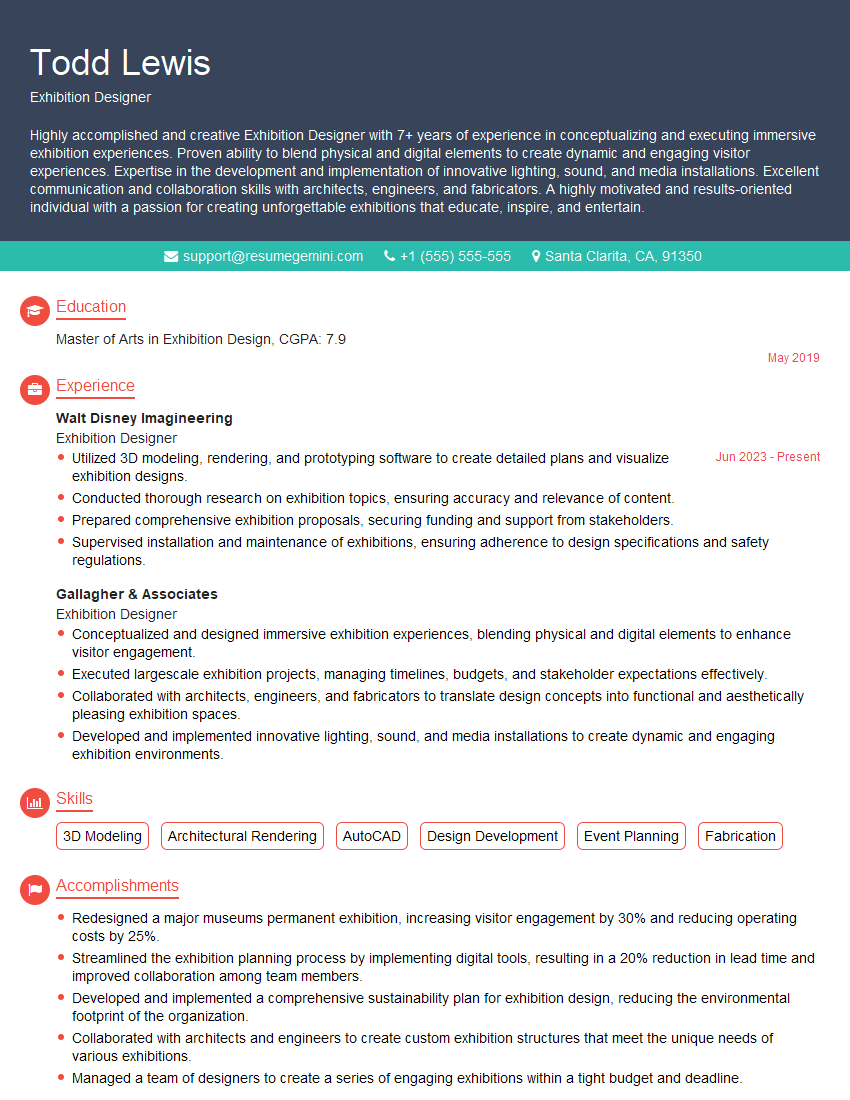
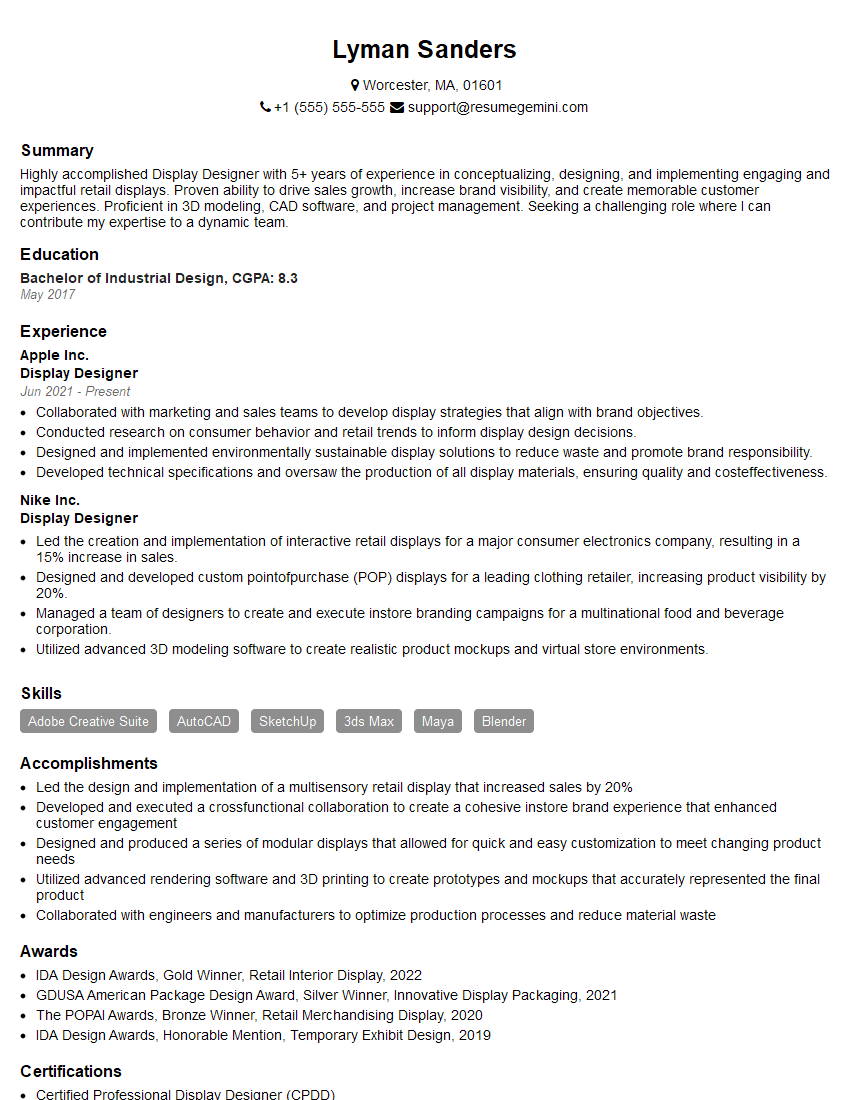
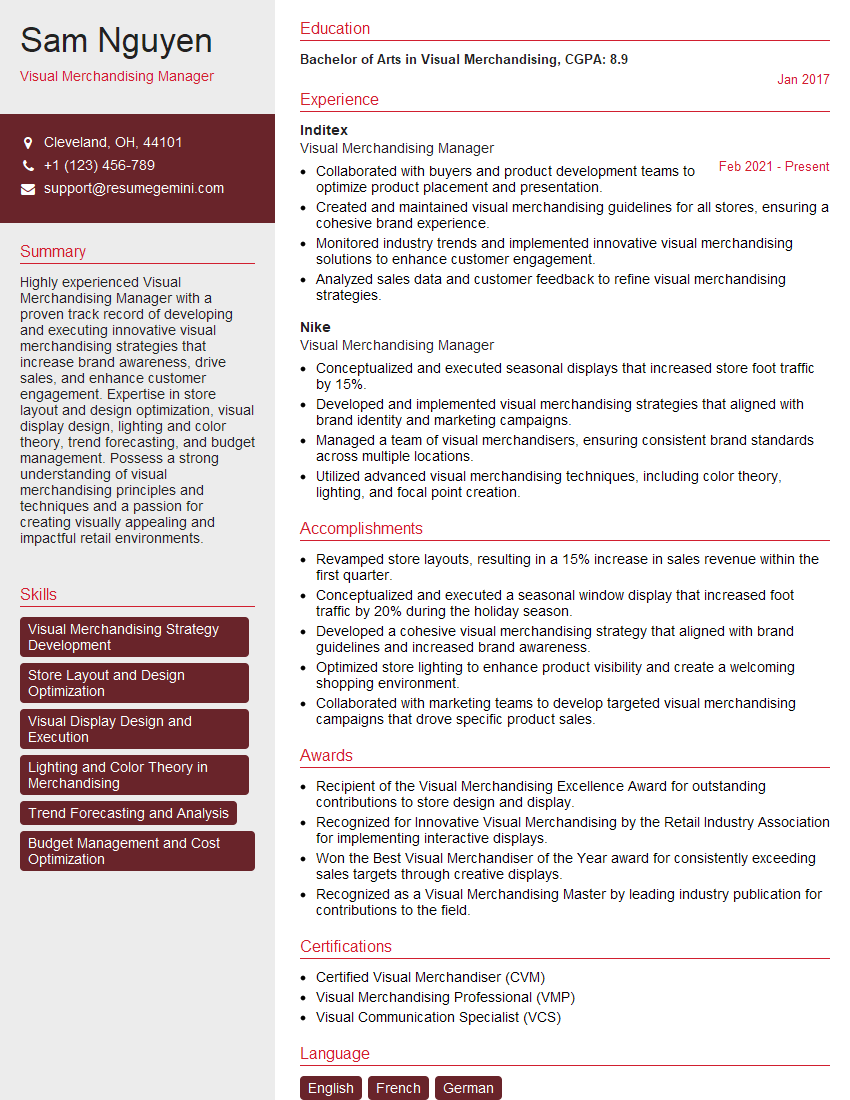
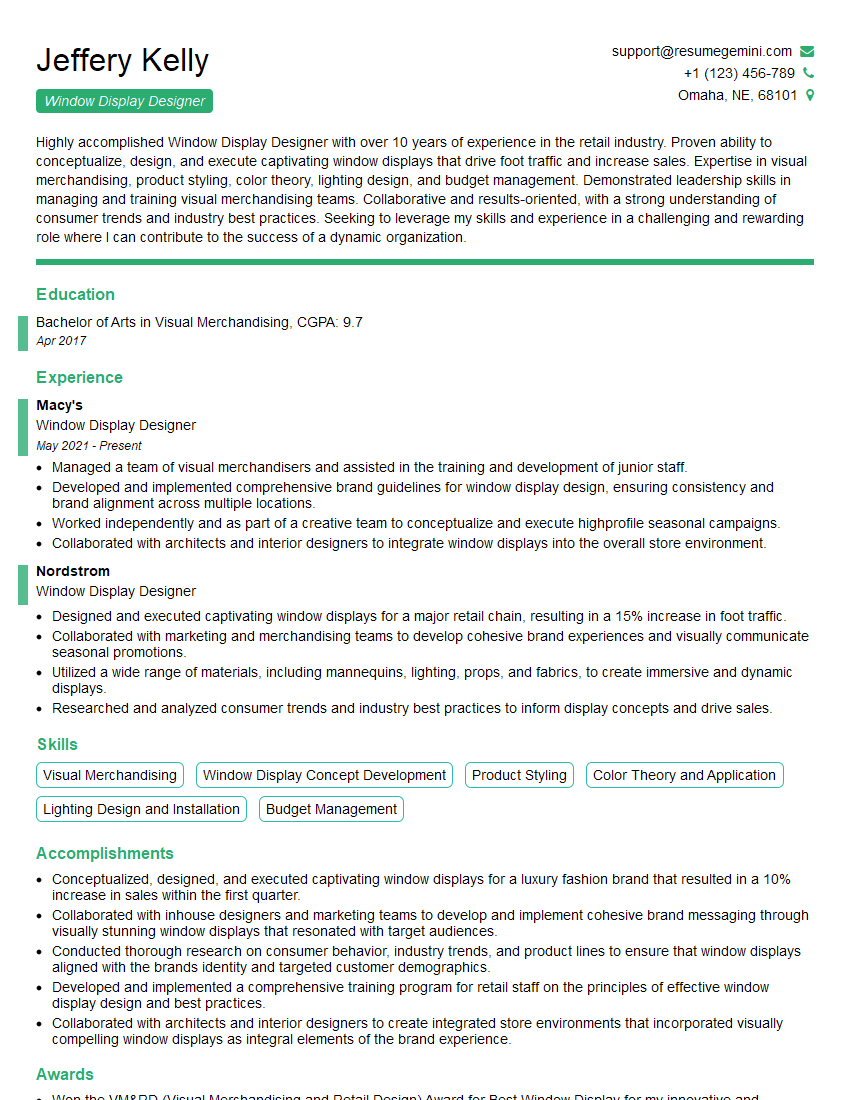
Mastering Visual Display Design and Execution is crucial for a thriving career in this dynamic field. Strong visual communication skills are highly sought after, opening doors to diverse roles and opportunities for advancement. To maximize your job prospects, crafting a compelling and ATS-friendly resume is paramount. ResumeGemini is a trusted resource that can significantly enhance your resume-building experience, helping you present your skills and achievements effectively to potential employers. Examples of resumes tailored to Visual Display Design and Execution are available to help guide you in crafting your own professional document.
Explore more articles
Users Rating of Our Blogs
Share Your Experience
We value your feedback! Please rate our content and share your thoughts (optional).
What Readers Say About Our Blog
Attention music lovers!
Wow, All the best Sax Summer music !!!
Spotify: https://open.spotify.com/artist/6ShcdIT7rPVVaFEpgZQbUk
Apple Music: https://music.apple.com/fr/artist/jimmy-sax-black/1530501936
YouTube: https://music.youtube.com/browse/VLOLAK5uy_noClmC7abM6YpZsnySxRqt3LoalPf88No
Other Platforms and Free Downloads : https://fanlink.tv/jimmysaxblack
on google : https://www.google.com/search?q=22+AND+22+AND+22
on ChatGPT : https://chat.openai.com?q=who20jlJimmy20Black20Sax20Producer
Get back into the groove with Jimmy sax Black
Best regards,
Jimmy sax Black
www.jimmysaxblack.com
Hi I am a troller at The aquatic interview center and I suddenly went so fast in Roblox and it was gone when I reset.
Hi,
Business owners spend hours every week worrying about their website—or avoiding it because it feels overwhelming.
We’d like to take that off your plate:
$69/month. Everything handled.
Our team will:
Design a custom website—or completely overhaul your current one
Take care of hosting as an option
Handle edits and improvements—up to 60 minutes of work included every month
No setup fees, no annual commitments. Just a site that makes a strong first impression.
Find out if it’s right for you:
https://websolutionsgenius.com/awardwinningwebsites
Hello,
we currently offer a complimentary backlink and URL indexing test for search engine optimization professionals.
You can get complimentary indexing credits to test how link discovery works in practice.
No credit card is required and there is no recurring fee.
You can find details here:
https://wikipedia-backlinks.com/indexing/
Regards
NICE RESPONSE TO Q & A
hi
The aim of this message is regarding an unclaimed deposit of a deceased nationale that bears the same name as you. You are not relate to him as there are millions of people answering the names across around the world. But i will use my position to influence the release of the deposit to you for our mutual benefit.
Respond for full details and how to claim the deposit. This is 100% risk free. Send hello to my email id: lukachachibaialuka@gmail.com
Luka Chachibaialuka
Hey interviewgemini.com, just wanted to follow up on my last email.
We just launched Call the Monster, an parenting app that lets you summon friendly ‘monsters’ kids actually listen to.
We’re also running a giveaway for everyone who downloads the app. Since it’s brand new, there aren’t many users yet, which means you’ve got a much better chance of winning some great prizes.
You can check it out here: https://bit.ly/callamonsterapp
Or follow us on Instagram: https://www.instagram.com/callamonsterapp
Thanks,
Ryan
CEO – Call the Monster App
Hey interviewgemini.com, I saw your website and love your approach.
I just want this to look like spam email, but want to share something important to you. We just launched Call the Monster, a parenting app that lets you summon friendly ‘monsters’ kids actually listen to.
Parents are loving it for calming chaos before bedtime. Thought you might want to try it: https://bit.ly/callamonsterapp or just follow our fun monster lore on Instagram: https://www.instagram.com/callamonsterapp
Thanks,
Ryan
CEO – Call A Monster APP
To the interviewgemini.com Owner.
Dear interviewgemini.com Webmaster!
Hi interviewgemini.com Webmaster!
Dear interviewgemini.com Webmaster!
excellent
Hello,
We found issues with your domain’s email setup that may be sending your messages to spam or blocking them completely. InboxShield Mini shows you how to fix it in minutes — no tech skills required.
Scan your domain now for details: https://inboxshield-mini.com/
— Adam @ InboxShield Mini
support@inboxshield-mini.com
Reply STOP to unsubscribe
Hi, are you owner of interviewgemini.com? What if I told you I could help you find extra time in your schedule, reconnect with leads you didn’t even realize you missed, and bring in more “I want to work with you” conversations, without increasing your ad spend or hiring a full-time employee?
All with a flexible, budget-friendly service that could easily pay for itself. Sounds good?
Would it be nice to jump on a quick 10-minute call so I can show you exactly how we make this work?
Best,
Hapei
Marketing Director
Hey, I know you’re the owner of interviewgemini.com. I’ll be quick.
Fundraising for your business is tough and time-consuming. We make it easier by guaranteeing two private investor meetings each month, for six months. No demos, no pitch events – just direct introductions to active investors matched to your startup.
If youR17;re raising, this could help you build real momentum. Want me to send more info?
Hi, I represent an SEO company that specialises in getting you AI citations and higher rankings on Google. I’d like to offer you a 100% free SEO audit for your website. Would you be interested?
Hi, I represent an SEO company that specialises in getting you AI citations and higher rankings on Google. I’d like to offer you a 100% free SEO audit for your website. Would you be interested?