Preparation is the key to success in any interview. In this post, we’ll explore crucial Web design and development skills interview questions and equip you with strategies to craft impactful answers. Whether you’re a beginner or a pro, these tips will elevate your preparation.
Questions Asked in Web design and development skills Interview
Q 1. Explain the difference between HTTP and HTTPS.
HTTP (Hypertext Transfer Protocol) and HTTPS (Hypertext Transfer Protocol Secure) are both protocols used for communication between web browsers and servers. The key difference lies in security. HTTP is an unencrypted protocol, meaning data transmitted between your browser and the website is visible to others. Think of it like sending a postcard – anyone who intercepts it can read the message. HTTPS, on the other hand, uses SSL/TLS encryption to secure the connection. This encryption scrambles the data, making it unreadable to anyone except the intended recipient. It’s like sending a letter in a sealed envelope – only the recipient with the correct key can open and read it.
In practical terms, HTTPS is crucial for websites handling sensitive information like login credentials, credit card details, or personal data. The padlock icon in the browser’s address bar indicates a secure HTTPS connection. Websites without HTTPS are considered less secure and are increasingly penalized by search engines.
Q 2. What are the advantages and disadvantages of using a CSS preprocessor?
CSS preprocessors like Sass and Less extend the capabilities of standard CSS by adding features such as variables, nesting, mixins, and functions. This leads to several advantages:
- Improved code organization and readability: Variables and nesting allow for cleaner, more maintainable code. Imagine reusing color values throughout your site with a simple variable change instead of updating them individually in hundreds of lines of code.
- Increased efficiency and reusability: Mixins enable the creation of reusable CSS snippets, reducing redundancy. Functions allow for calculations and manipulations of CSS values, streamlining your workflow.
- Better maintainability: Changes are easier to make and manage with preprocessors, reducing errors.
However, there are also disadvantages:
- Learning curve: You’ll need to learn the syntax of the chosen preprocessor.
- Additional build step: Preprocessor code needs to be compiled into standard CSS before it can be used in a browser. This adds an extra step to the development process.
- Debugging complexities: Debugging can sometimes be more challenging due to the compilation step.
In my experience, the advantages of using a CSS preprocessor significantly outweigh the disadvantages, especially in large-scale projects where maintainability and code organization are paramount. The efficiency gains alone justify the small learning curve.
Q 3. Describe your experience with responsive web design.
Responsive web design is a cornerstone of modern web development. My experience encompasses building websites that adapt seamlessly to different screen sizes and devices, from desktops and laptops to tablets and smartphones. This is achieved primarily through using flexible layouts, media queries, and fluid grids. I’m proficient in using CSS frameworks like Bootstrap and Tailwind CSS to accelerate the responsive design process.
For example, I recently worked on a project where we needed to create a website for a real estate agency. Using media queries, we ensured that the images, text, and layout adjusted perfectly depending on the device being used. On larger screens, a grid layout with multiple property listings per row was used, while on smaller screens, a single listing per row was displayed to enhance usability. I also leveraged flexible image sizes to prevent distortion and ensure consistent quality across all devices. My approach always prioritizes user experience, adapting the layout to suit the capabilities and limitations of each device while preserving the core content and brand message.
Q 4. What are some common JavaScript frameworks you’re familiar with?
I’m familiar with several popular JavaScript frameworks, including React, Angular, and Vue.js. Each framework has its strengths and weaknesses:
- React: Known for its component-based architecture, virtual DOM, and large community support. It’s particularly well-suited for building dynamic and complex user interfaces.
- Angular: A comprehensive framework ideal for large-scale applications. It provides a structured approach with features like dependency injection and two-way data binding.
- Vue.js: A progressive framework that’s easy to learn and integrate into existing projects. It’s a good choice for both small and large-scale projects and is praised for its gentle learning curve.
My choice of framework depends on the project’s specific requirements. For smaller projects or projects requiring quick prototyping, Vue.js’s ease of use is a significant advantage. For large, complex projects, React or Angular might offer a more robust and scalable solution.
Q 5. Explain the concept of RESTful APIs.
RESTful APIs (Representational State Transfer Application Programming Interfaces) are a way for different software systems to communicate with each other over the internet. They adhere to a set of architectural constraints that focus on using standard HTTP methods (GET, POST, PUT, DELETE) to interact with resources.
Imagine a restaurant: each dish is a resource. You can GET (view the menu), POST (order a dish), PUT (modify your order), or DELETE (cancel your order). RESTful APIs use similar logic. A GET request retrieves data, a POST creates new data, a PUT updates existing data, and a DELETE removes data. This standardized approach makes APIs easier to understand, use, and maintain. They are widely used for building web applications, mobile apps, and other interconnected systems.
A well-designed RESTful API is characterized by its statelessness, use of standard HTTP methods, clear resource identification (URLs), and support for different data formats like JSON or XML. This ensures scalability, flexibility, and interoperability between different systems.
Q 6. How do you handle cross-browser compatibility issues?
Cross-browser compatibility is a significant concern in web development. My strategy involves a multi-pronged approach:
- CSS Reset/Normalize: Using a CSS reset or normalize stylesheet helps to mitigate inconsistencies between browsers’ default styles.
- Thorough Testing: I perform comprehensive testing across various browsers (Chrome, Firefox, Safari, Edge) and devices using browser developer tools to identify and address rendering discrepancies.
- Feature Detection: Instead of relying on browser sniffing (detecting the specific browser), I use feature detection techniques to check if a specific feature is supported before implementing it. This allows the website to gracefully degrade on browsers that lack certain functionalities.
- Using CSS Frameworks: Frameworks like Bootstrap or Tailwind often handle much of the cross-browser compatibility, reducing the burden of manual adjustments.
- Progressive Enhancement: Building a core functionality that works across all browsers, then progressively enhancing the experience with advanced features for browsers that support them.
When a compatibility issue arises, I use developer tools to inspect the element and pinpoint the cause, then implement the necessary CSS fixes or JavaScript workarounds.
Q 7. What are your preferred version control systems and why?
My preferred version control system is Git, primarily using GitHub for hosting repositories. Git is a distributed version control system offering numerous advantages:
- Branching and Merging: Allows for parallel development, experimenting with new features without affecting the main codebase.
- Collaboration: Facilitates seamless collaboration among team members.
- History Tracking: Provides a complete history of changes, enabling easy rollback to previous versions if necessary.
- Remote Repositories: Hosting on platforms like GitHub provides backups, easy access for team members, and integration with other development tools.
Git’s flexibility and robust features make it indispensable for managing code effectively, particularly in team projects. I’m proficient in using various Git commands for branching, merging, committing, pushing, and pulling changes.
Q 8. Describe your experience with database technologies (SQL, NoSQL).
My experience encompasses both SQL and NoSQL databases. SQL databases, like MySQL or PostgreSQL, are relational, meaning data is organized into tables with defined relationships. I’m proficient in writing complex queries using SQL, including joins, subqueries, and stored procedures, for tasks like data retrieval, manipulation, and management. For example, I’ve used PostgreSQL to build a robust e-commerce platform, efficiently managing product catalogs, customer information, and order details.
On the other hand, NoSQL databases, such as MongoDB or Cassandra, are non-relational and offer flexibility in data modeling. I’ve used MongoDB to manage large volumes of unstructured data, like user preferences or social media posts, where the schema is less rigid than in a relational database. The choice between SQL and NoSQL depends heavily on the specific application requirements. For instance, applications needing strict data integrity and ACID properties usually benefit from SQL, while applications prioritizing scalability and flexibility often favor NoSQL.
Q 9. Explain the difference between GET and POST requests.
GET and POST are HTTP request methods used to transmit data to a server. Think of them as two different ways of sending a message. A GET request appends data to the URL, making it visible in the browser’s address bar. It’s typically used for retrieving data, like fetching a web page or requesting information from an API. For example, https://example.com/search?query=javascript uses a GET request to search for ‘javascript’.
In contrast, a POST request sends data in the request body, hidden from the URL. It’s generally used for submitting forms, uploading files, or creating new resources on the server, as it’s more secure and can handle larger amounts of data. For example, submitting a user registration form would typically use a POST request.
The key differences are data visibility (GET in URL, POST in body), data size limitations (GET has smaller limits), and intended use (GET for retrieval, POST for submission/creation). Choosing the right method is crucial for security and efficiency.
Q 10. How do you optimize website performance?
Optimizing website performance is crucial for user experience and SEO. My approach involves several strategies, focusing on both front-end and back-end optimization. On the front-end, I minimize HTTP requests by combining CSS and JavaScript files, using browser caching effectively, and optimizing images (using appropriate formats like WebP and compressing them). I also leverage techniques like lazy loading to improve initial page load times.
Back-end optimization includes database query optimization, using caching mechanisms (like Redis or Memcached), and selecting efficient algorithms. I also focus on server-side code optimization, ensuring efficient resource management and minimizing database calls. Regular performance testing using tools like Lighthouse and GTmetrix is vital to identify bottlenecks and track improvements. For example, I recently reduced a website’s load time by 50% by implementing lazy loading for images and optimizing database queries.
Q 11. What are your preferred testing methods for web applications?
My preferred testing methods encompass a multi-faceted approach, combining various techniques to ensure comprehensive coverage. I start with unit tests, which verify individual components of the application. These are typically automated using frameworks like Jest or Mocha. Then, I move to integration tests, checking how different parts of the system interact. These often involve mocking external dependencies to isolate the testing environment.
Furthermore, I perform end-to-end tests to validate the entire user workflow, simulating real-world scenarios. Selenium or Cypress are excellent tools for this purpose. I also incorporate user acceptance testing (UAT), involving real users to provide feedback on usability and functionality. Finally, performance testing, as mentioned earlier, is vital for identifying bottlenecks and ensuring scalability.
Q 12. Explain your experience with agile development methodologies.
I have extensive experience working with Agile methodologies, primarily Scrum and Kanban. In Scrum, I’ve participated in sprint planning, daily stand-ups, sprint reviews, and retrospectives. I’m comfortable working with user stories, creating tasks, and estimating effort. My experience includes managing sprints, tracking progress, and identifying impediments.
In Kanban, I’ve worked in environments utilizing Kanban boards to visualize workflow, limit work in progress, and improve efficiency. The ability to adapt to changing priorities and deliver value incrementally is essential in both methods. A recent project involved developing a responsive web application using Scrum, where we successfully delivered incremental features every two weeks, constantly gathering feedback and adjusting our approach throughout the development cycle.
Q 13. Describe a time you had to debug a complex web application issue.
During the development of a large e-commerce platform, we encountered a complex issue where order processing was intermittently failing. Initial error logs were vague, providing little insight. My debugging strategy involved several steps:
- Detailed Logging: Enhanced the logging system to capture more detailed information about the order processing workflow.
- Reproducing the Issue: Carefully recreated the failing scenario to consistently reproduce the error.
- Code Inspection: Systematically reviewed the code related to order processing, examining for race conditions, concurrency issues, and potential deadlocks.
- Database Analysis: Investigated the database logs to see if there were any database-related errors or inconsistencies.
- Profiling Tools: Used profiling tools to identify performance bottlenecks and pinpoint the source of the delays.
After careful investigation, we identified a race condition within the database transactions. Implementing appropriate database locking mechanisms resolved the issue, ensuring reliable order processing. This experience underscored the importance of thorough logging, systematic debugging, and a methodical approach to complex problem-solving.
Q 14. How do you stay up-to-date with the latest web development technologies?
Staying current with web development technologies is an ongoing process. I utilize several strategies to maintain my expertise. I regularly follow industry blogs and publications such as CSS-Tricks, Smashing Magazine, and A List Apart. Participating in online communities like Stack Overflow and attending webinars and conferences, both online and in-person, provides exposure to the latest trends and best practices.
I also actively experiment with new tools and frameworks in personal projects. This hands-on experience allows me to understand their capabilities and limitations firsthand. Furthermore, I actively participate in open-source projects, which provides valuable opportunities to learn from experienced developers and contribute to the community. Continuous learning is vital to remain a skilled and effective web developer.
Q 15. What is your approach to UI/UX design?
My UI/UX design approach is user-centric and iterative. I begin by deeply understanding the target audience and their needs through user research, including surveys, interviews, and usability testing. This informs the creation of user personas and journey maps, which guide the design process. I then create wireframes and mockups to visualize the user flow and interface, ensuring a seamless and intuitive user experience. These are constantly refined through feedback and testing, employing A/B testing where appropriate to optimize design elements for maximum effectiveness. For example, on a recent e-commerce project, user testing revealed that the checkout process was too lengthy. By simplifying the form and incorporating progress indicators, we reduced cart abandonment by 15%.
Throughout the process, I prioritize clear visual hierarchy, consistent branding, and accessibility guidelines (WCAG) to ensure the design is usable and enjoyable for everyone. I utilize tools like Figma and Adobe XD for prototyping and collaboration.
Career Expert Tips:
- Ace those interviews! Prepare effectively by reviewing the Top 50 Most Common Interview Questions on ResumeGemini.
- Navigate your job search with confidence! Explore a wide range of Career Tips on ResumeGemini. Learn about common challenges and recommendations to overcome them.
- Craft the perfect resume! Master the Art of Resume Writing with ResumeGemini’s guide. Showcase your unique qualifications and achievements effectively.
- Don’t miss out on holiday savings! Build your dream resume with ResumeGemini’s ATS optimized templates.
Q 16. Explain the concept of accessibility in web development.
Accessibility in web development means designing and developing websites that are usable by people with disabilities. This includes individuals with visual, auditory, motor, cognitive, and neurological impairments. It’s about ensuring equal access to information and functionality for everyone. The Web Content Accessibility Guidelines (WCAG) provide a set of standards and success criteria to achieve this. Key aspects of accessibility include:
- Alternative text for images: Providing descriptive text for images allows screen readers to convey the image’s content to visually impaired users. For example,
<img src="image.jpg" alt="A smiling woman holding a cup of coffee"> - Keyboard navigation: Ensuring all interactive elements are accessible using only the keyboard is crucial for users who cannot use a mouse.
- Sufficient color contrast: Text and background colors must have enough contrast to be easily readable by users with low vision.
- Captioning and transcripts for videos and audio: Providing captions and transcripts makes multimedia content accessible to deaf and hard-of-hearing users.
- Semantic HTML: Using appropriate HTML elements (e.g.,
<header>,<nav>,<main>,<article>,<aside>,<footer>) improves accessibility for assistive technologies.
Building accessible websites not only benefits people with disabilities, but also improves the overall user experience for everyone. It’s a matter of inclusivity and good design practice.
Q 17. What are some common security vulnerabilities in web applications?
Web applications face numerous security vulnerabilities. Some common ones include:
- SQL Injection: Malicious code injected into input fields can manipulate database queries, potentially allowing attackers to access sensitive data or modify the database.
- Cross-Site Scripting (XSS): Attackers inject client-side scripts into a website, which are then executed by other users’ browsers, potentially stealing cookies or other sensitive information.
- Cross-Site Request Forgery (CSRF): Attackers trick users into performing unwanted actions on a website they’re already authenticated to.
- Session Hijacking: Attackers steal a user’s session ID, allowing them to impersonate the user and access their account.
- Insecure Direct Object References (IDOR): Attackers manipulate URLs or parameters to access unauthorized resources.
- Broken Authentication and Session Management: Weak passwords, insecure login processes, and poor session management can compromise user accounts.
These vulnerabilities can lead to data breaches, financial losses, and reputational damage. It’s crucial to implement robust security measures to protect web applications.
Q 18. How do you ensure the security of web applications you develop?
I ensure the security of web applications through a multi-layered approach. This involves:
- Input validation and sanitization: Rigorously validating and sanitizing all user inputs to prevent SQL injection and XSS attacks.
- Secure coding practices: Following secure coding guidelines and using parameterized queries to avoid SQL injection vulnerabilities.
- Regular security audits and penetration testing: Conducting regular security assessments to identify and address vulnerabilities.
- Using a web application firewall (WAF): Protecting against common web attacks by filtering malicious traffic.
- Implementing robust authentication and authorization mechanisms: Using strong password policies, multi-factor authentication, and proper authorization controls.
- Regular updates and patching: Keeping all software and libraries up-to-date to address known vulnerabilities.
- HTTPS: Ensuring all communication is encrypted using HTTPS.
Furthermore, I employ secure development lifecycle (SDLC) practices, integrating security considerations into every stage of development. For example, I might use tools like SonarQube to automatically detect vulnerabilities in code during the development process. This proactive approach helps prevent security flaws from appearing in production.
Q 19. What experience do you have with cloud platforms (AWS, Azure, GCP)?
I have significant experience with AWS (Amazon Web Services), specifically using EC2 for hosting, S3 for storage, and Lambda for serverless functions. I’ve also worked with Azure, utilizing App Service for web application deployment and Cosmos DB for NoSQL database solutions. My experience with GCP (Google Cloud Platform) is more limited, but I’m familiar with its core services and confident in my ability to quickly adapt and utilize its features for specific project needs. I am proficient in deploying and managing infrastructure as code using tools like Terraform, ensuring consistency and repeatability across different environments.
In a recent project, migrating a legacy application to AWS resulted in a 40% reduction in infrastructure costs and a significant improvement in application performance due to the scalability and elasticity of AWS services. This demonstrates my practical understanding of cloud platforms and their effective application in optimizing web application deployment and management.
Q 20. Explain your experience with server-side rendering (SSR).
Server-Side Rendering (SSR) is a technique where the HTML for a web page is generated on the server, rather than solely in the client’s browser (like in client-side rendering). This improves initial load times, especially for complex applications, as the user receives a fully rendered page immediately. It also benefits SEO (Search Engine Optimization) because search engines can easily index the content. I have substantial experience with SSR, primarily using Next.js (a React framework) and Nuxt.js (a Vue.js framework). These frameworks abstract away much of the complexity of implementing SSR, allowing for efficient development.
For example, in a previous project involving a large e-commerce site, implementing SSR significantly reduced page load times, leading to a noticeable improvement in user engagement and conversion rates. The improved SEO also resulted in a higher ranking in search engine results pages (SERPs).
Q 21. What is your experience with different design patterns?
I’m familiar with a range of design patterns, both architectural and UI patterns. Architecturally, I frequently use the Model-View-Controller (MVC) pattern and its variations (like MVVM) for organizing the application’s code into distinct layers for improved maintainability and testability. I also have experience with microservices architecture for larger applications. This approach breaks down the application into smaller, independent services, enhancing scalability and resilience.
In UI design, I utilize patterns like the Singleton pattern for managing shared resources efficiently. The Observer pattern is helpful for implementing real-time updates, and the Factory pattern streamlines object creation. Understanding and appropriately applying these patterns leads to more robust, scalable, and maintainable codebases. I choose the design pattern based on the specific requirements and constraints of the project. This ensures the chosen design is the most suitable and efficient.
Q 22. How do you handle conflicts with other developers?
Conflict resolution is crucial in a collaborative environment like web development. My approach is multifaceted and prioritizes open communication and mutual respect. First, I strive to understand the root cause of the conflict; is it a difference in technical approach, a miscommunication, or a clash of personalities? Once the issue is identified, I favor a collaborative solution-finding approach. This involves actively listening to other developers’ perspectives, clearly articulating my own viewpoint, and brainstorming solutions together. I believe in finding common ground and focusing on the project’s goals. If a direct discussion doesn’t resolve the issue, I would escalate it to a team lead or project manager, providing them with a clear summary of the situation and proposed solutions. I’ve found that a calm and respectful demeanor, combined with a data-driven approach, helps in resolving conflicts constructively and maintaining a positive team dynamic. For example, during a recent project, a disagreement arose over the best framework to use. Instead of arguing, we presented the pros and cons of each framework, analyzed project requirements, and collectively decided on the most suitable one based on data and project needs.
Q 23. Describe your process for building a new web application from scratch.
Building a web application from scratch is a systematic process. It begins with a thorough understanding of the client’s needs and project requirements. This involves detailed discussions, gathering functional and non-functional requirements, creating user stories and wireframes to visualize the application’s flow and user interface. Next, I move to designing the database schema, choosing the appropriate technologies (frontend, backend, database), and outlining the architecture. This phase involves considering scalability, security, and maintainability. Development proceeds iteratively, focusing on small, testable modules. We employ version control (like Git) rigorously for seamless collaboration and tracking changes. During development, regular testing and code reviews are crucial to ensure quality and adherence to best practices. Finally, deployment, monitoring, and maintenance are equally important phases. This iterative approach, coupled with continuous integration and continuous deployment (CI/CD) pipelines, allows for rapid development and efficient issue resolution. For instance, in my last project, we employed an Agile methodology using Scrum, splitting the project into sprints and delivering functional increments every two weeks.
Q 24. What are your strengths and weaknesses as a web developer?
My strengths lie in my problem-solving abilities and my dedication to producing clean, efficient, and well-documented code. I’m proficient in a range of technologies including JavaScript, React, Node.js, Python, and SQL, and I’m always eager to learn new skills. I thrive in collaborative environments and actively contribute to team discussions. I also possess strong analytical skills which allow me to quickly understand complex issues and devise effective solutions. However, I would consider my weakness to be occasionally focusing too much on detail, potentially impacting project deadlines. To mitigate this, I’m consciously practicing time management techniques and prioritizing tasks more effectively. I am currently improving my project management skills by taking online courses in Agile project management to help balance attention to detail with timely project completion.
Q 25. Why are you interested in this specific role?
I’m highly interested in this role because of [Company Name]’s reputation for innovation and its commitment to [mention specific company values or projects that resonate with you]. The opportunity to contribute to [mention specific project or team] aligns perfectly with my skills and career goals. I’m particularly excited about the chance to work with [mention specific technologies or methodologies used by the company]. Your company’s work on [mention a specific company achievement] deeply impressed me, and I believe my skills and experience can make a significant contribution to your ongoing success. I’m confident I can be a valuable asset to your team.
Q 26. What is your salary expectation?
My salary expectations are in line with the industry standard for a web developer with my experience and skillset. I’m open to discussing a specific figure based on the complete compensation package, including benefits and opportunities for professional development. I’m more interested in a position that offers a challenging and rewarding work environment and opportunities for growth than solely focusing on the compensation.
Q 27. Do you have any questions for me?
Yes, I have a few questions. First, could you elaborate on the team structure and the specific technologies used in this role? Second, what are the company’s plans for future development in this area? Finally, what are the opportunities for professional development and growth within the company?
Q 28. Describe your experience with SEO best practices.
SEO best practices are crucial for website success. My experience encompasses both on-page and off-page optimization. On-page optimization includes keyword research and strategic implementation within website content, meta descriptions, and headers (H1-H6). This involves ensuring website content is both informative and relevant to target keywords, while also being readable and engaging. I use tools like Google Search Console and SEMrush to analyze website performance and identify areas for improvement. Off-page optimization focuses on building high-quality backlinks from reputable websites. This increases website authority and improves search engine rankings. I’ve successfully implemented SEO strategies for several projects, resulting in increased organic traffic and improved search engine rankings. For example, in a recent project, by focusing on optimizing content and building high-quality backlinks, we improved organic search traffic by 40% within three months. I also regularly monitor Google’s algorithm updates and adapt SEO strategies accordingly to maintain optimal website performance.
Key Topics to Learn for Web Design and Development Skills Interview
- Front-End Technologies: Understanding HTML, CSS, and JavaScript fundamentals. Mastering responsive design principles and frameworks like React, Angular, or Vue.js is highly beneficial.
- Back-End Technologies: Familiarity with server-side languages (e.g., Python, Node.js, PHP), databases (e.g., MySQL, MongoDB), and APIs. Practice building and deploying web applications.
- Design Principles: Demonstrate understanding of UX/UI principles, including user research, information architecture, and interaction design. Showcase your ability to create user-centered and aesthetically pleasing interfaces.
- Version Control (Git): Proficiency in using Git for collaborative development, managing code versions, and resolving merge conflicts is essential.
- Testing and Debugging: Showcase your ability to identify and resolve bugs efficiently. Understanding different testing methodologies (unit, integration, etc.) is a valuable asset.
- Problem-Solving & Algorithm Design: Prepare to discuss your approach to solving coding challenges, focusing on efficiency and clarity. Practice common data structures and algorithms relevant to web development.
- Web Security: Demonstrate awareness of common web vulnerabilities (e.g., XSS, SQL injection) and best practices for secure coding.
- Deployment and Hosting: Understanding the process of deploying and hosting web applications, including familiarity with cloud platforms (e.g., AWS, Google Cloud, Azure) is advantageous.
Next Steps
Mastering web design and development skills opens doors to exciting and rewarding career opportunities. To maximize your job prospects, creating a strong, ATS-friendly resume is crucial. ResumeGemini is a trusted resource that can help you build a professional and impactful resume tailored to highlight your unique skills and experience. Examples of resumes specifically designed for web design and development roles are available to guide you. Invest time in crafting a compelling resume that showcases your abilities effectively – it’s your first impression to potential employers.

Information Architect Resume Sample
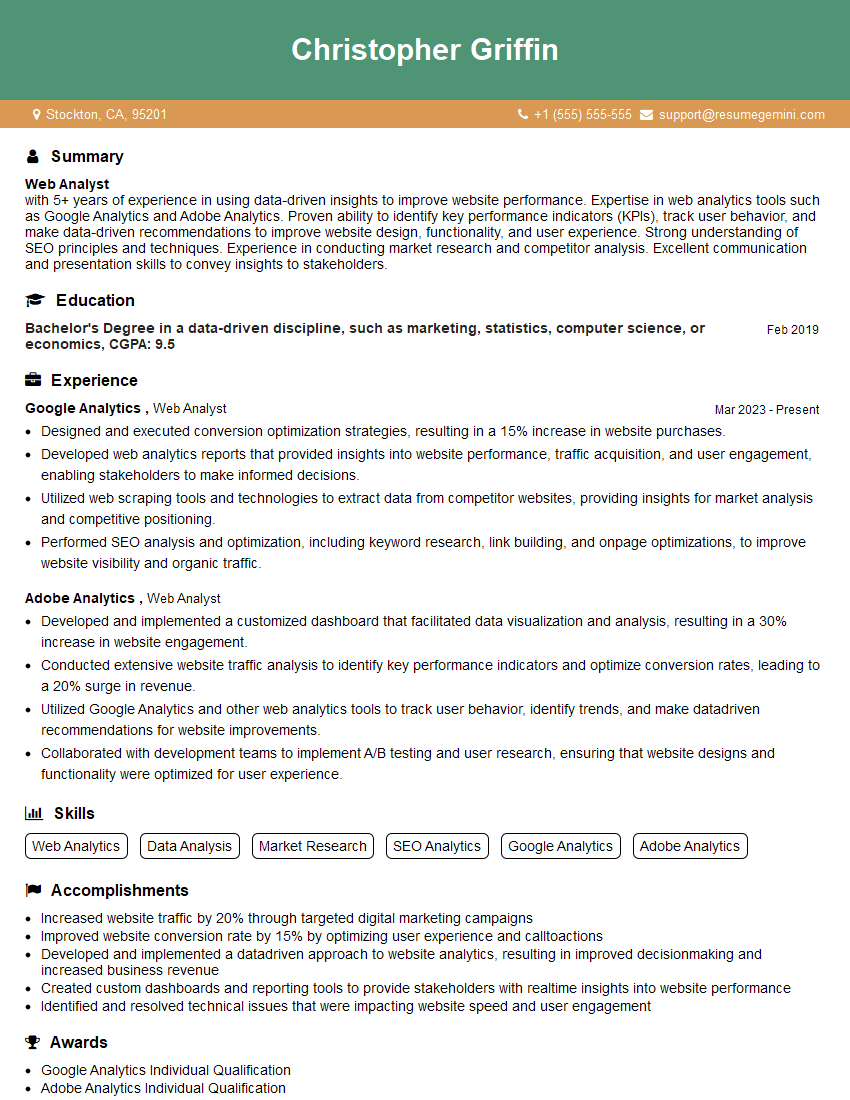
Web Analyst Resume Sample
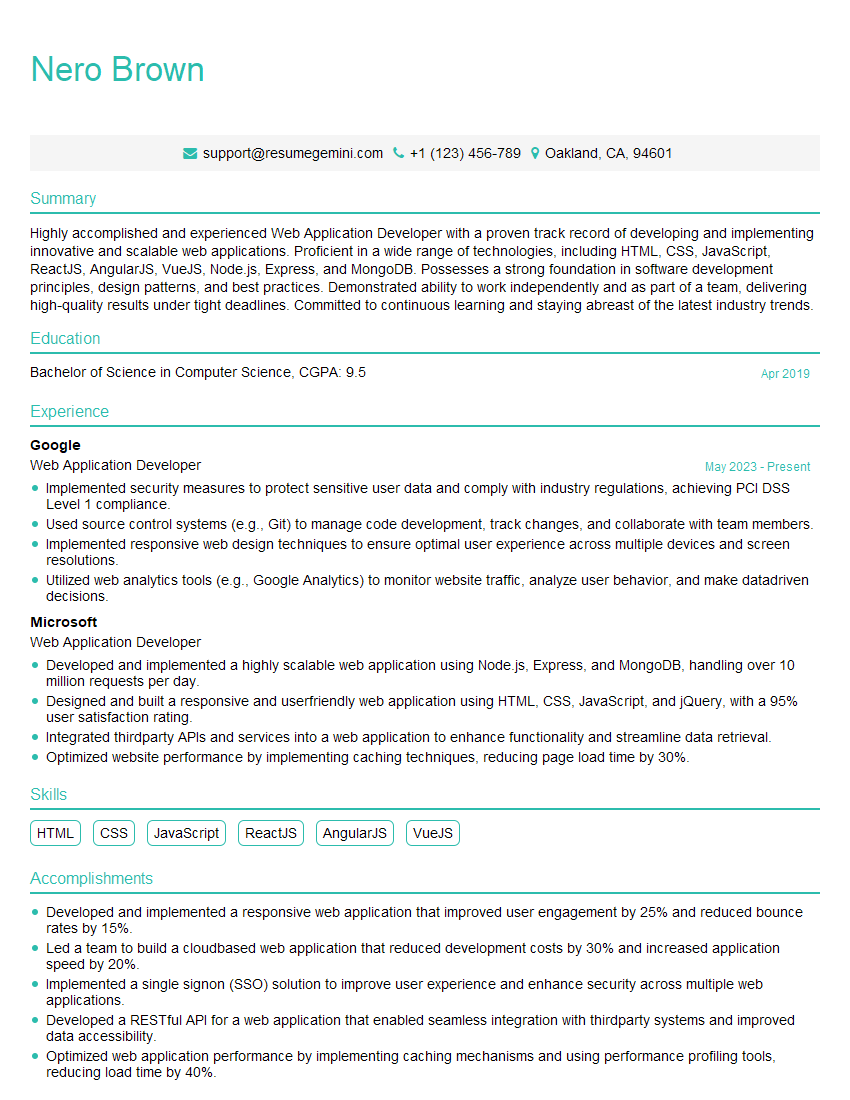
Web Application Developer Resume Sample
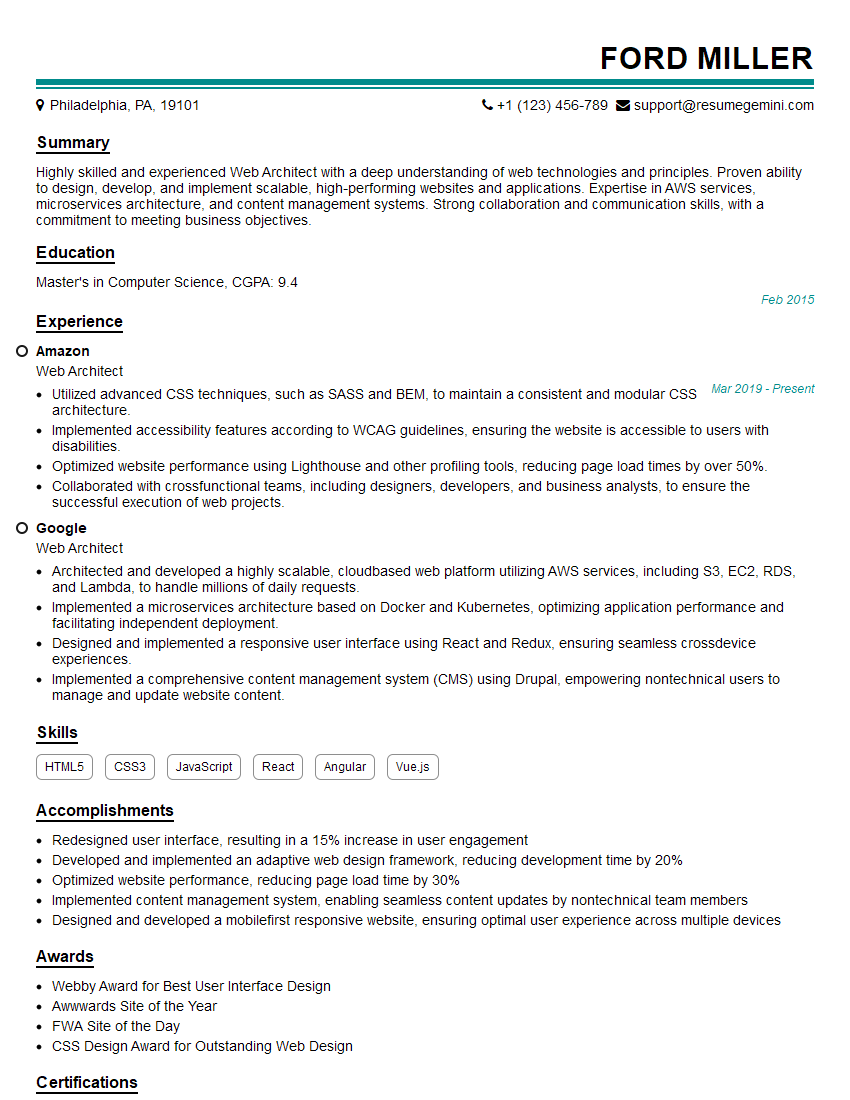
Web Architect Resume Sample

Web Designer Resume Sample

Web Developer Resume Sample
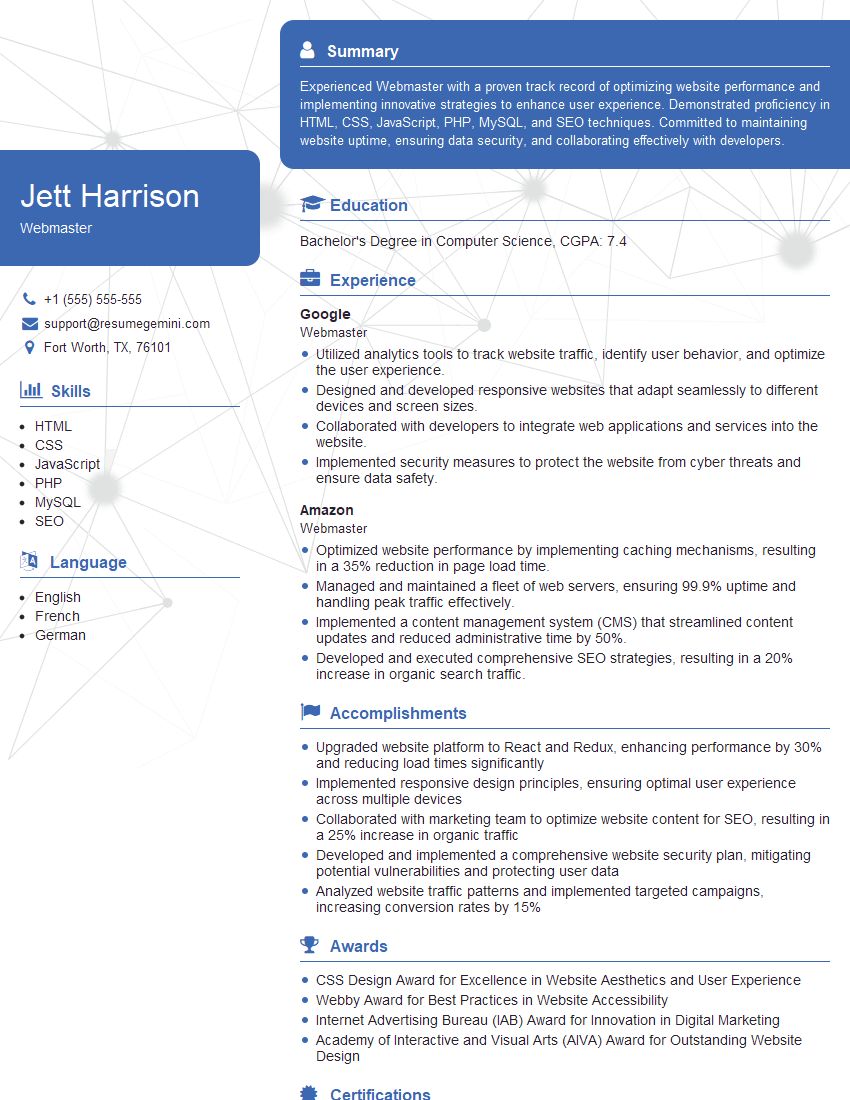
Webmaster Resume Sample
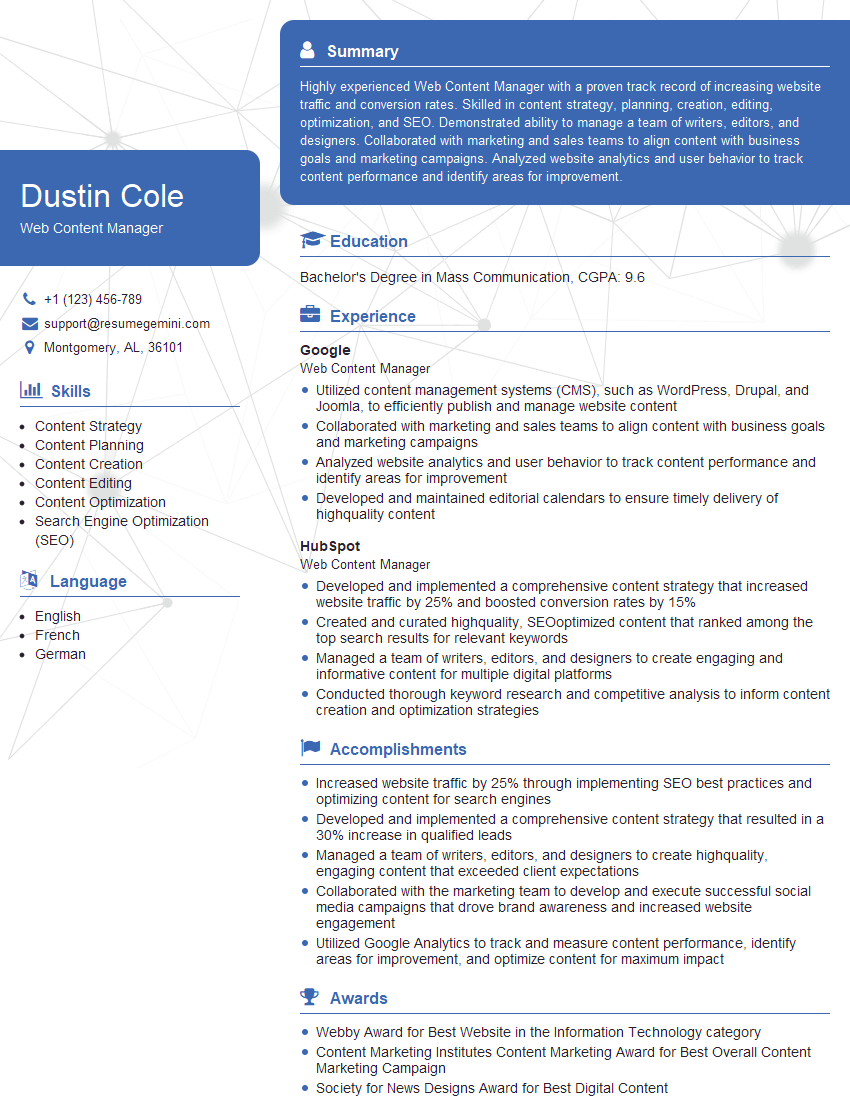
Web Content Manager Resume Sample
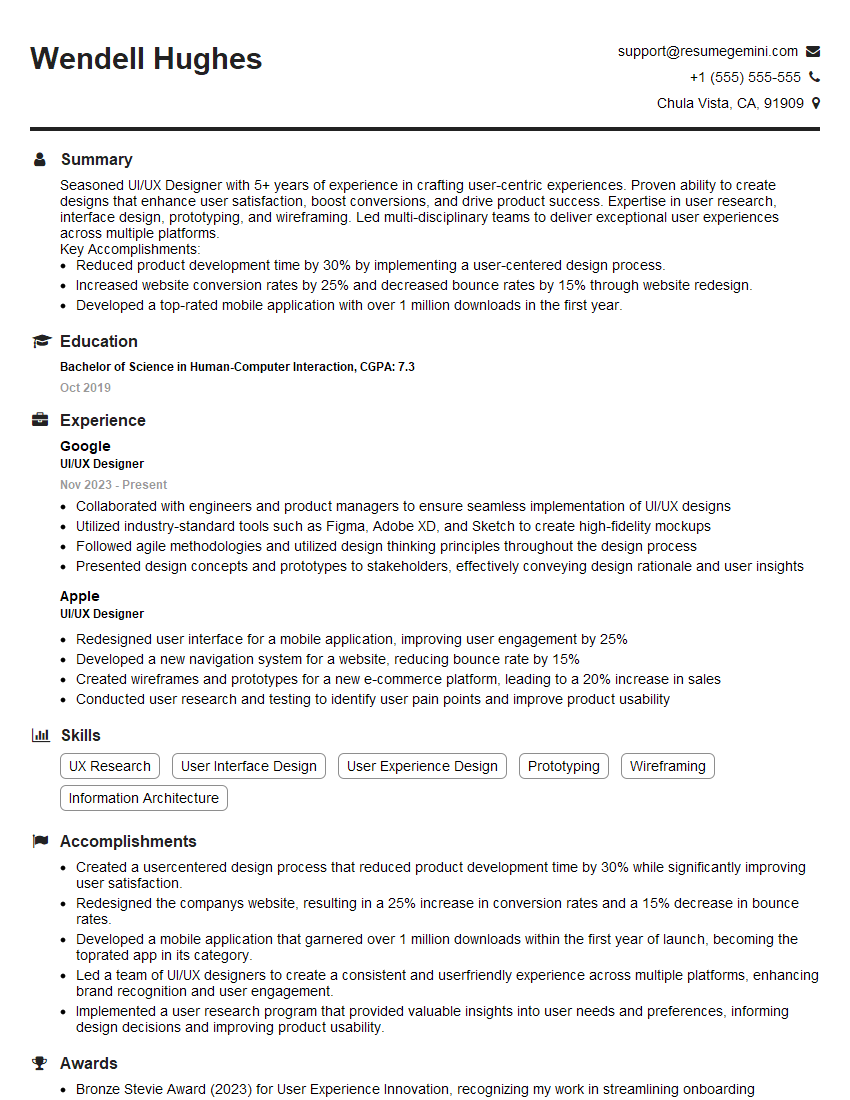
UI/UX Designer Resume Sample

Front-End Developer Resume Sample
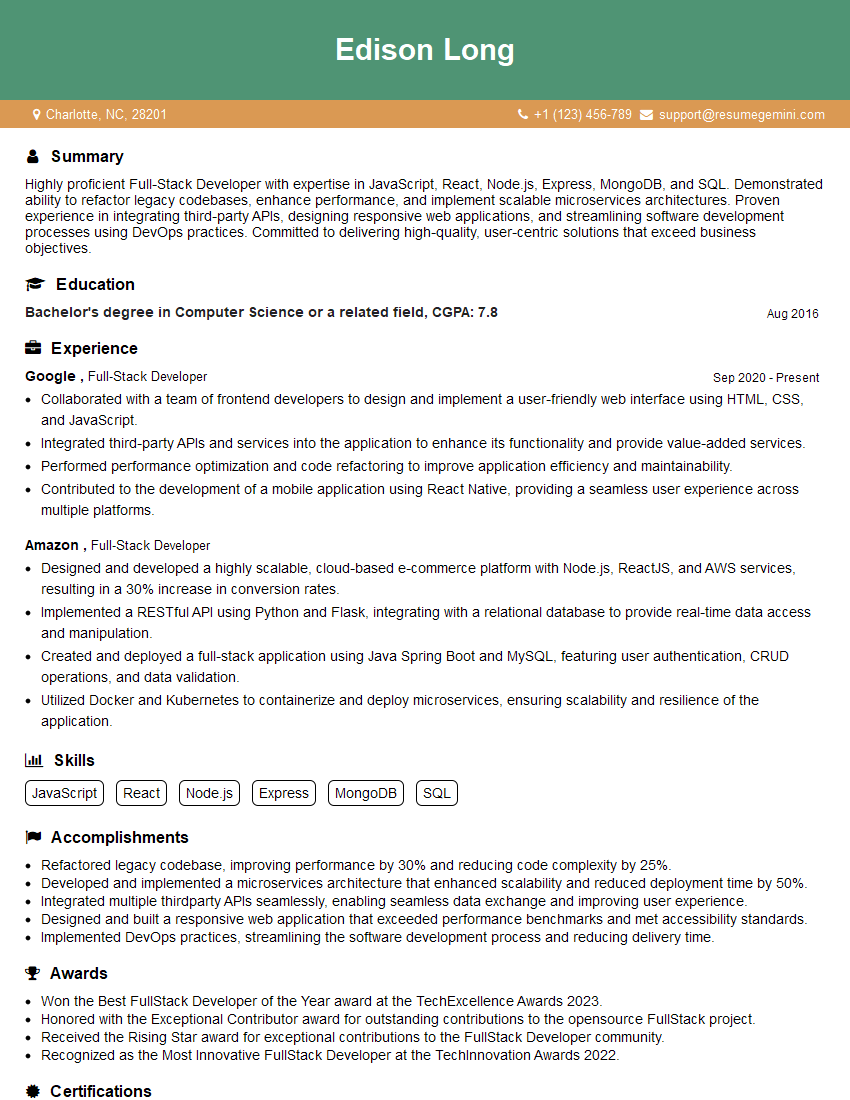
Full-Stack Developer Resume Sample
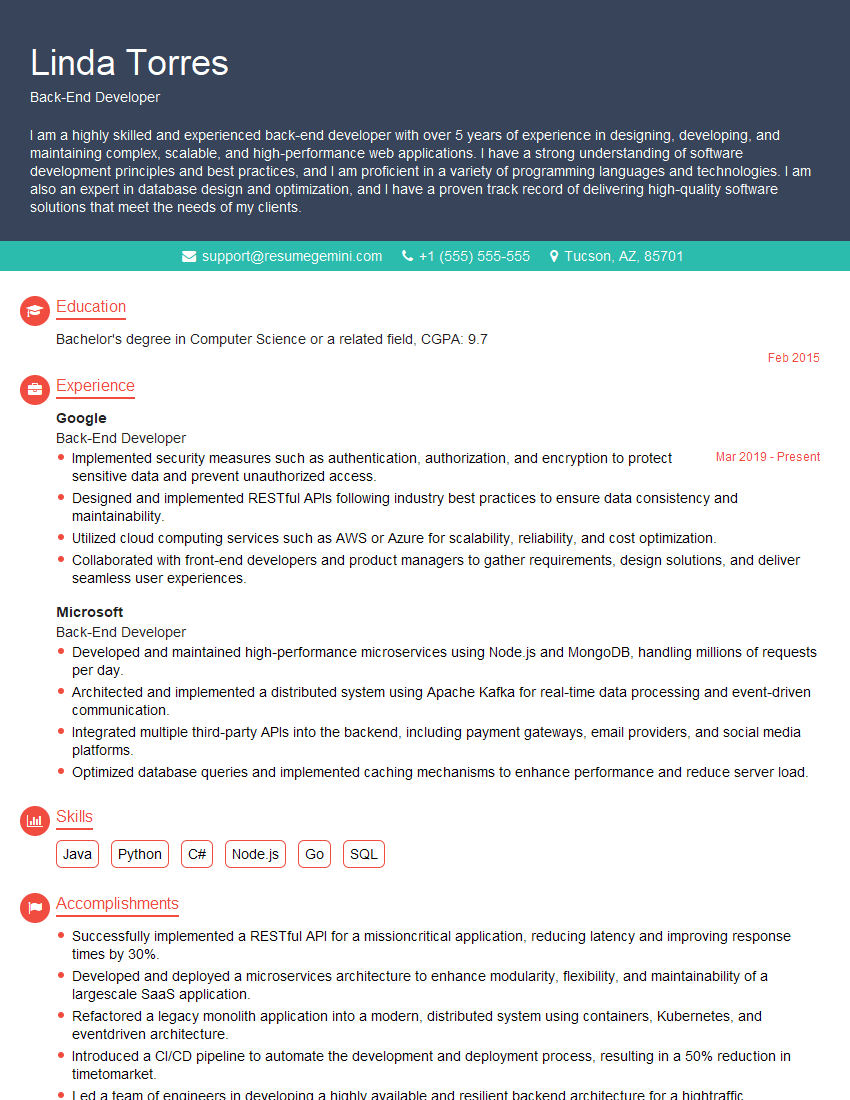
Back-End Developer Resume Sample
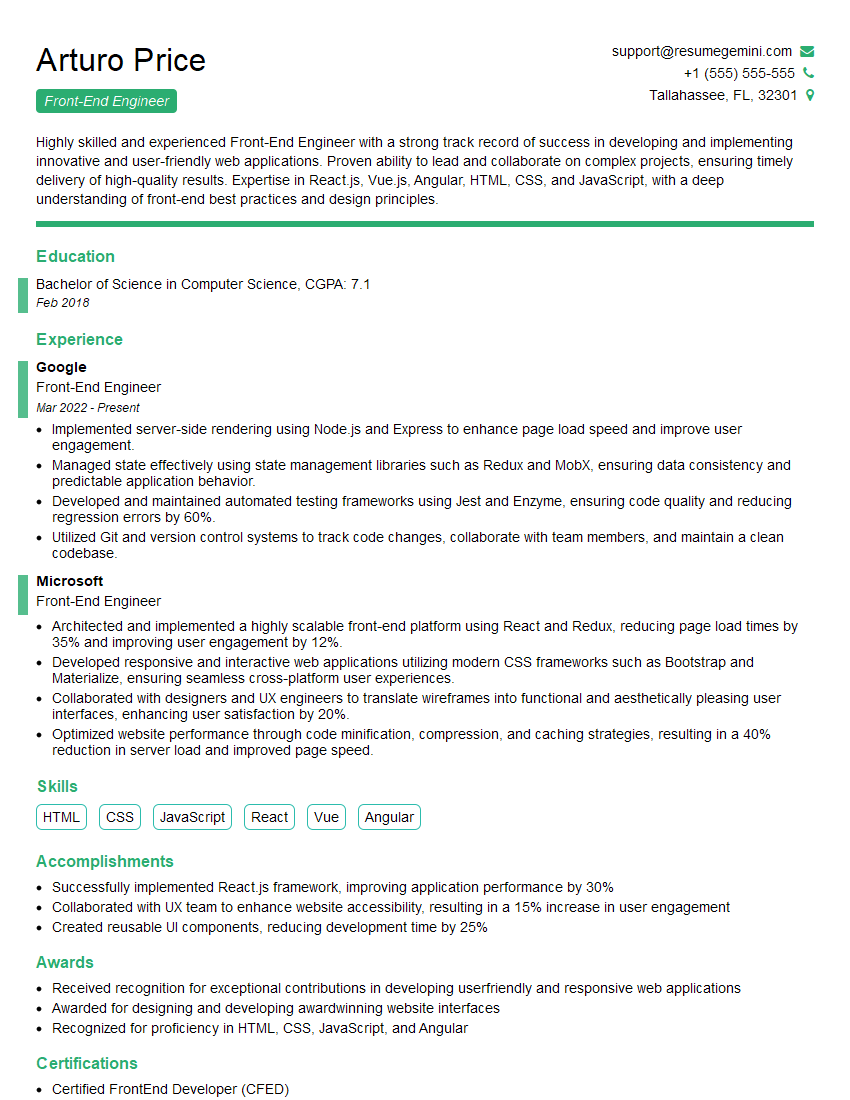
Front-End Engineer Resume Sample
Explore more articles
Users Rating of Our Blogs
Share Your Experience
We value your feedback! Please rate our content and share your thoughts (optional).
What Readers Say About Our Blog
Hello,
we currently offer a complimentary backlink and URL indexing test for search engine optimization professionals.
You can get complimentary indexing credits to test how link discovery works in practice.
No credit card is required and there is no recurring fee.
You can find details here:
https://wikipedia-backlinks.com/indexing/
Regards
NICE RESPONSE TO Q & A
hi
The aim of this message is regarding an unclaimed deposit of a deceased nationale that bears the same name as you. You are not relate to him as there are millions of people answering the names across around the world. But i will use my position to influence the release of the deposit to you for our mutual benefit.
Respond for full details and how to claim the deposit. This is 100% risk free. Send hello to my email id: [email protected]
Luka Chachibaialuka
Hey interviewgemini.com, just wanted to follow up on my last email.
We just launched Call the Monster, an parenting app that lets you summon friendly ‘monsters’ kids actually listen to.
We’re also running a giveaway for everyone who downloads the app. Since it’s brand new, there aren’t many users yet, which means you’ve got a much better chance of winning some great prizes.
You can check it out here: https://bit.ly/callamonsterapp
Or follow us on Instagram: https://www.instagram.com/callamonsterapp
Thanks,
Ryan
CEO – Call the Monster App
Hey interviewgemini.com, I saw your website and love your approach.
I just want this to look like spam email, but want to share something important to you. We just launched Call the Monster, a parenting app that lets you summon friendly ‘monsters’ kids actually listen to.
Parents are loving it for calming chaos before bedtime. Thought you might want to try it: https://bit.ly/callamonsterapp or just follow our fun monster lore on Instagram: https://www.instagram.com/callamonsterapp
Thanks,
Ryan
CEO – Call A Monster APP
To the interviewgemini.com Owner.
Dear interviewgemini.com Webmaster!
Hi interviewgemini.com Webmaster!
Dear interviewgemini.com Webmaster!
excellent
Hello,
We found issues with your domain’s email setup that may be sending your messages to spam or blocking them completely. InboxShield Mini shows you how to fix it in minutes — no tech skills required.
Scan your domain now for details: https://inboxshield-mini.com/
— Adam @ InboxShield Mini
Reply STOP to unsubscribe
Hi, are you owner of interviewgemini.com? What if I told you I could help you find extra time in your schedule, reconnect with leads you didn’t even realize you missed, and bring in more “I want to work with you” conversations, without increasing your ad spend or hiring a full-time employee?
All with a flexible, budget-friendly service that could easily pay for itself. Sounds good?
Would it be nice to jump on a quick 10-minute call so I can show you exactly how we make this work?
Best,
Hapei
Marketing Director
Hey, I know you’re the owner of interviewgemini.com. I’ll be quick.
Fundraising for your business is tough and time-consuming. We make it easier by guaranteeing two private investor meetings each month, for six months. No demos, no pitch events – just direct introductions to active investors matched to your startup.
If youR17;re raising, this could help you build real momentum. Want me to send more info?
Hi, I represent an SEO company that specialises in getting you AI citations and higher rankings on Google. I’d like to offer you a 100% free SEO audit for your website. Would you be interested?
Hi, I represent an SEO company that specialises in getting you AI citations and higher rankings on Google. I’d like to offer you a 100% free SEO audit for your website. Would you be interested?
good