Interviews are opportunities to demonstrate your expertise, and this guide is here to help you shine. Explore the essential Electrical Schematics and Diagrams interview questions that employers frequently ask, paired with strategies for crafting responses that set you apart from the competition.
Questions Asked in Electrical Schematics and Diagrams Interview
Q 1. Explain the difference between a schematic diagram and a wiring diagram.
The key difference between a schematic diagram and a wiring diagram lies in their purpose and level of detail. A schematic diagram is a symbolic representation of an electrical circuit, focusing on the function and interconnection of components. It uses standardized symbols to illustrate the circuit’s logic and signal flow, regardless of the physical layout. Think of it as a blueprint of the circuit’s functionality. A wiring diagram, on the other hand, shows the physical layout of the circuit, detailing the exact wiring paths, component locations, and terminal connections. It’s essentially a ‘how-to-build’ guide, focusing on the physical implementation.
For example, a schematic might show a simple resistor and capacitor in series connected to a power source, while a wiring diagram would show precisely where those components are placed on a PCB, which wires connect to which terminals, and their exact routing.
Q 2. What are the standard symbols used in electrical schematics?
Standard symbols in electrical schematics are crucial for universal understanding. They adhere to standards like IEEE and IEC. Some common symbols include:
- Power Source: Usually depicted as a circle with a plus and minus sign, or a battery symbol.
- Resistor: A zig-zag line.
- Capacitor: Two parallel lines.
- Inductor: A coil of wire.
- Transistor: Several variations exist depending on the transistor type (BJT, FET, etc.).
- Integrated Circuit (IC): A rectangle with pins.
- Ground: Often a triangle or a line with three short lines branching out.
- Switch: Various shapes representing different switch types (toggle, push-button, etc.).
These symbols are standardized to ensure anyone reading the schematic understands what each component represents, regardless of the manufacturer or country of origin. Consulting a symbol library or standard document like ANSI/IEEE Std 315 is important for precise interpretations.
Q 3. How do you interpret a schematic diagram to troubleshoot a circuit?
Troubleshooting using a schematic involves a systematic approach. First, you visually inspect the schematic to understand the circuit’s overall operation. Then, you trace the signal path from the input to the output, identifying potential points of failure based on the symptoms. This may involve:
- Identifying the faulty section: Based on the observed problem, pinpoint the area of the circuit likely to be causing the issue. For example, if there’s no output, focus on the stages leading to the output.
- Checking component values: Verify resistor, capacitor, and other component values against the schematic to rule out any obvious discrepancies. A multimeter is crucial here.
- Tracing signal flow: Using a multimeter or oscilloscope, measure voltages and currents at various points along the signal path. Compare the measured values to the expected values based on the schematic. Any significant deviation might point to a faulty component or connection.
- Analyzing logical relationships: If the circuit involves logic gates or other digital components, you would need to analyze the logic states at each point to determine where the issue lies.
For example, if a power supply is not working, start by checking the fuse and then trace the voltage levels through the rectifier, regulator, etc., comparing them to the values specified in the schematic. This systematic approach helps quickly identify the root cause of the problem.
Q 4. Describe your experience with different CAD software for schematic design.
Throughout my career, I’ve extensively used several CAD software packages for schematic design, each with its strengths and weaknesses. My experience includes:
- Altium Designer: A comprehensive suite offering robust schematic capture, PCB design, and simulation capabilities. I’ve used it for complex projects involving high-speed digital and analog circuits.
- Eagle: A popular choice for its ease of use and free version, suitable for smaller projects and prototyping. I’ve found it very efficient for quick turnaround designs.
- OrCAD: Another industry-standard package that I’ve used for large-scale designs, particularly those requiring advanced simulation and analysis.
My proficiency extends to using the features of these software packages, including hierarchical design, schematic libraries, and version control features to manage complex projects effectively and collaboratively. Choosing the right software depends heavily on the project’s scale, complexity, and team expertise.
Q 5. Explain the importance of proper annotation and labeling in electrical schematics.
Proper annotation and labeling are essential for clarity and ease of understanding. A well-annotated schematic removes ambiguity and prevents errors during manufacturing, testing, and maintenance. Key aspects of proper annotation include:
- Component Designators: Unique identifiers for each component (e.g., R1, C2, U3) that are consistent throughout the schematic and the PCB layout. This is paramount for traceability.
- Net Names: Descriptive names for signal paths or nets that clearly indicate their function (e.g., VCC, GND, CLOCK). This improves readability and helps in debugging.
- Value Indication: Specifying component values (resistance, capacitance, inductance) next to each component symbol to avoid misinterpretations.
- Reference Designators: Using consistent reference designators for components enhances traceability between the schematic, the bill of materials, and the physical PCB.
- Revision Control: Clearly indicating revision numbers and dates on the schematic to keep track of changes and modifications.
Without proper annotation, a schematic becomes confusing and prone to errors. Think of it like a map without street names – you’d get hopelessly lost! A well-annotated schematic is a crucial tool for successful project execution.
Q 6. How do you handle changes and revisions in a schematic design?
Handling changes and revisions is crucial in any design process. My approach involves utilizing a version control system, often integrated within the CAD software itself. This ensures that all changes are tracked, documented, and easily retrievable. Steps I typically follow include:
- Create a new revision: Whenever changes are necessary, create a new revision of the schematic, clearly marking it with an updated revision number and date.
- Document changes: Maintain a change log detailing the modifications made, the reason for the changes, and the impact on the design.
- Update related documents: Ensure that other design documents like the bill of materials and PCB layout are also updated to reflect the changes in the schematic.
- Review and Approval: Obtain approvals from relevant stakeholders before implementing the changes.
This systematic approach minimizes confusion and ensures everyone works with the most up-to-date version of the design. Version control software helps prevent accidental overwriting of previous versions.
Q 7. How do you ensure the accuracy and completeness of a schematic diagram?
Ensuring accuracy and completeness requires a multi-step process starting with thorough planning and design review. This includes:
- Using standardized symbols and notations: Adhering to industry standards ensures consistency and avoids ambiguity. This enhances communication and minimizes errors.
- Cross-checking with design specifications: The schematic should align precisely with the project’s functional requirements and specifications. This helps catch design flaws early on.
- Performing design rule checks (DRC): Utilizing the CAD software’s built-in DRC features helps identify potential errors in the design, such as component placement violations or incorrect net connections.
- Peer review: Having another experienced engineer review the schematic can identify overlooked errors or potential issues.
- Simulation and verification: For complex designs, simulation can help to verify the circuit’s functionality before physical implementation. This often involves Spice simulations.
By diligently following these steps, you significantly reduce the likelihood of design errors and ensure the schematic serves as a reliable and accurate representation of the intended circuit.
Q 8. Describe your process for creating a schematic from a functional specification.
Creating a schematic from a functional specification is a multi-step process that requires a thorough understanding of both the system’s intended functionality and electrical engineering principles. I begin by carefully reviewing the functional specification document, identifying all the required inputs, outputs, and processing steps. This often involves creating a high-level block diagram to visualize the system’s architecture. Then, I break down each block into its constituent electrical components, considering factors such as voltage levels, current requirements, and signal integrity. I select appropriate components based on performance, availability, and cost considerations. Next, I start drawing the schematic using a Computer-Aided Design (CAD) tool, placing components logically and routing connections to minimize noise and cross-talk. Throughout this process, I carefully annotate the schematic with component values, reference designators, and other relevant information. Finally, I conduct thorough design rule checks and simulations to ensure the schematic meets the specification and is free from errors.
For example, if the functional specification calls for a temperature sensor to control a heating element, I would first select a suitable sensor (e.g., a thermistor or thermocouple), then choose an appropriate amplifier circuit to condition the sensor’s output, and finally design a controller circuit to activate the heating element based on the sensor’s readings. The schematic would clearly show the connections between these components, including power supplies, grounding, and protective circuitry.
Q 9. What are the common errors to avoid when creating electrical schematics?
Common errors in creating electrical schematics often stem from carelessness or a lack of attention to detail. These can lead to costly mistakes during fabrication and testing. Here are some key errors to avoid:
- Missing or incorrect component designations: Always use a consistent and accurate component numbering system. A missing or incorrect reference designator can cause confusion and delays.
- Incorrect component values: Double-check all component values to ensure they match the design requirements. A single incorrect value can render the entire circuit malfunctioning.
- Poor signal routing: Improper signal routing can lead to noise pickup, cross-talk, and signal integrity issues. Always route sensitive signals away from high-current paths and use proper shielding techniques.
- Missing or incorrect grounding: Inadequate grounding can create noise problems, safety hazards, and unpredictable circuit behavior. Ensure that the grounding scheme is well-defined and properly implemented.
- Lack of design rule checks: Using a CAD tool’s built-in design rule check features can catch many potential errors early in the design process. These checks often catch issues like incorrect clearances, shorts, and other violations of industry standards.
- Insufficient documentation: Clear and comprehensive documentation is essential for understanding and maintaining the schematic. This includes a complete BOM, clear annotations, and version control information.
Imagine forgetting to connect the ground in a power supply schematic – you could damage the equipment, at best, and cause a fire, at worst!
Q 10. Explain your understanding of different circuit topologies (e.g., series, parallel, etc.)
Circuit topologies describe how components are interconnected in a circuit. Understanding these is fundamental to designing effective and reliable systems. Key topologies include:
- Series Circuit: Components are connected end-to-end, forming a single path for current flow. The same current flows through each component, but the voltage is divided among them. Think of Christmas tree lights – if one bulb goes out, they all go out.
- Parallel Circuit: Components are connected across each other, providing multiple paths for current flow. The voltage across each component is the same, but the current is divided among them. Household wiring is primarily parallel; if one light goes out, the others stay on.
- Series-Parallel Circuit: A combination of both series and parallel connections, adding complexity and requiring careful analysis of both voltage and current distribution. This is very common in more complex systems.
- Bridge Circuit: A circuit configuration with components arranged in a bridge shape, often used for measurement and balancing. A Wheatstone bridge is a classic example used for precision resistance measurements.
Understanding these topologies helps in calculating voltage, current, and power in various parts of the circuit and in optimizing circuit performance.
Q 11. How do you manage complex schematics with numerous components?
Managing complex schematics with numerous components requires a structured and organized approach. I leverage the capabilities of schematic capture software extensively. Hierarchical design is crucial; breaking down a large circuit into smaller, manageable blocks (sub-circuits) simplifies the design process and improves readability. Each sub-circuit can be designed and verified independently before being integrated into the overall schematic. The use of sheets and hierarchical design allows for a modular approach. Additionally, effective use of layers, buses, and net labels improves organization and clarity.
Using a robust CAD system also enables features like symbol libraries, component management tools, and automatic annotation. Consistent naming conventions, clear documentation, and well-defined design rules are equally vital. For extremely complex circuits, design review with colleagues is extremely beneficial to catch errors and improve design quality.
Q 12. How familiar are you with different types of electronic components and their symbols?
I am very familiar with a wide range of electronic components and their symbols, as defined by standards like IEEE and IEC. This includes passive components (resistors, capacitors, inductors, transformers), active components (transistors, operational amplifiers, integrated circuits), and electromechanical components (switches, relays, motors). I have extensive experience with various semiconductor technologies, including bipolar junction transistors (BJTs), field-effect transistors (FETs), and integrated circuits (ICs) in different packages (DIP, SMD, etc.). My understanding extends to the internal workings and characteristics of these components, allowing me to select appropriate components for specific applications and predict their behavior within a circuit.
For example, I know the differences between various transistor types (NPN vs. PNP, MOSFET vs. JFET), the characteristics of different capacitor types (ceramic, electrolytic, film), and how to properly select inductors for specific frequency ranges. I can interpret datasheets and use this knowledge to optimize circuit performance and reliability.
Q 13. Describe your experience with generating bills of materials (BOMs) from schematics.
Generating Bills of Materials (BOMs) from schematics is a crucial part of the design process. My approach integrates seamlessly with the schematic design process using the CAD tools’ built-in BOM generation capabilities. These tools extract component information directly from the schematic, including reference designators, component values, manufacturers, part numbers, and quantities. This automation minimizes the risk of errors often associated with manual BOM creation. I meticulously review the generated BOM to check for accuracy, identify potential sourcing issues, and ensure that all components are correctly identified. I also include additional columns as needed, such as descriptions, unit cost, supplier information, and lead times. The finalized BOM serves as the cornerstone of procurement and assembly processes.
I often use a spreadsheet (like Excel or Google Sheets) to manage and extend the BOM further, including calculations for total cost, lead time aggregation, and other relevant data that helps with project management and budget tracking. This is crucial for accurate cost estimations and project planning.
Q 14. How do you incorporate design for manufacturability (DFM) principles into your schematics?
Design for Manufacturability (DFM) principles are essential for creating schematics that are easily and cost-effectively manufactured. I incorporate DFM considerations throughout the schematic design process, not just as an afterthought. Key aspects of my DFM approach include:
- Component Selection: I prioritize readily available components from reputable manufacturers with reliable supply chains. This reduces production delays and minimizes cost.
- Standard Component Values: I select components with standard values whenever possible to minimize inventory and procurement costs.
- Surface Mount Devices (SMDs): I prefer using SMD components where appropriate, as they are generally more cost-effective and suitable for automated assembly.
- Layout Considerations: While creating the schematic, I keep in mind the eventual PCB layout, considering factors such as component placement, trace routing, and overall board size to optimize manufacturability and assembly ease.
- Testing and Verification: I design test points and incorporate built-in self-test (BIST) features wherever practical to enable effective testing and quality control during production.
For instance, I wouldn’t use an obsolete or hard-to-source component if a readily available equivalent exists, even if it’s slightly more expensive in the short term. The long-term cost and time savings from smoother manufacturing often outweigh this upfront cost.
Q 15. How do you use schematics for simulations and analysis?
Schematics are the foundation for simulating and analyzing circuits. Think of a schematic as a blueprint – it provides all the necessary information about the components and their interconnections. Simulation software uses this information to model the circuit’s behavior under various conditions.
For instance, I’ve extensively used tools like LTSpice and Altium Designer to perform simulations. In LTSpice, I would import a schematic, specify input parameters like voltage or frequency, and then run simulations to analyze the circuit’s transient response, frequency response, or DC operating point. This helps predict the circuit’s performance before physical prototyping. Analysis involves extracting key metrics like gain, bandwidth, noise levels, and power consumption directly from the simulation results. This allows for iterative design improvements and optimization.
For example, during the design of a power supply, I used LTSpice to simulate the transient response to ensure minimal overshoot and undershoot during startup and load changes. By analyzing the simulation results, I could fine-tune component values to achieve optimal performance and stability.
Career Expert Tips:
- Ace those interviews! Prepare effectively by reviewing the Top 50 Most Common Interview Questions on ResumeGemini.
- Navigate your job search with confidence! Explore a wide range of Career Tips on ResumeGemini. Learn about common challenges and recommendations to overcome them.
- Craft the perfect resume! Master the Art of Resume Writing with ResumeGemini’s guide. Showcase your unique qualifications and achievements effectively.
- Don’t miss out on holiday savings! Build your dream resume with ResumeGemini’s ATS optimized templates.
Q 16. Explain your experience with version control systems for schematic designs.
Version control is crucial for collaborative schematic design. I have extensive experience with Git, employing it for managing schematic files and associated design documents. Git allows for tracking changes, collaborating with multiple engineers simultaneously, and easily reverting to previous versions if necessary.
Imagine a scenario where multiple engineers are working on different sections of a complex PCB schematic. Using a system like Git allows each engineer to work independently, merge their changes, and resolve any conflicts seamlessly. This eliminates the risk of overwriting each other’s work and ensures a streamlined, well-documented design process. Specifically, I use Git branching to manage parallel design explorations and feature development, merging them effectively later. This methodology not only enhances collaboration but also significantly reduces the chances of design errors.
Q 17. How do you collaborate with other engineers on schematic development?
Collaboration in schematic development is a key aspect of successful project delivery. My approach involves clear communication, using established version control (like Git, as mentioned before), and employing collaborative design tools. We often use online platforms for real-time collaboration, allowing simultaneous editing and annotation of schematics. Regular meetings and design reviews are crucial to ensure everyone is on the same page and address any potential conflicts early.
For example, on a recent project, our team leveraged Altium’s collaborative features where multiple engineers could access and modify the schematic simultaneously, with built-in conflict resolution mechanisms. We also utilized a shared project management platform to track progress, document decisions, and ensure consistency across the entire design process. This fostered transparency and efficient communication throughout the project lifecycle.
Q 18. How familiar are you with industry standards and regulations related to schematic design?
Familiarity with industry standards and regulations is paramount for ensuring the safety and reliability of electrical designs. I’m well-versed in standards like IPC (Institute for Printed Circuits) standards for PCB design, IEC (International Electrotechnical Commission) standards for electrical safety, and UL (Underwriters Laboratories) safety certifications. These standards cover aspects like component selection, signal integrity, EMC (Electromagnetic Compatibility), and safety compliance.
For instance, when designing circuits that operate at high voltages or near sensitive equipment, I strictly adhere to IEC standards to prevent potential hazards and ensure electromagnetic compatibility. Understanding these regulations is critical for ensuring the design meets all the necessary safety and regulatory requirements for its intended application, reducing the risk of failures and ensuring compliance. This also significantly reduces potential legal and financial issues down the road.
Q 19. Describe your approach to troubleshooting a faulty circuit based on a schematic.
Troubleshooting a faulty circuit starts with a thorough review of the schematic. I typically begin by tracing the signal path from the input to the output, identifying potential points of failure. This often involves verifying component values against the schematic, checking for any obvious shorts or open circuits, and assessing the power supply rails.
My approach is systematic. I might use a multimeter to measure voltages and currents at various points in the circuit, comparing them against the expected values based on the schematic and simulation results. If a specific component is suspected, I’ll often replace it with a known-good component to isolate the problem. I might also utilize an oscilloscope to analyze signal waveforms and identify any anomalies. This step-by-step approach, combined with a deep understanding of the circuit’s function, helps efficiently pinpoint and resolve the issue. Documenting each step meticulously ensures future troubleshooting efforts are smoother.
Q 20. How do you handle conflicting requirements in a schematic design?
Conflicting requirements are common in engineering, requiring careful consideration and compromise. My approach starts with clearly documenting all requirements, identifying the conflicts, and prioritizing them based on their impact on the overall system. This usually involves discussions with stakeholders to understand the relative importance of each requirement and find acceptable compromises.
For example, if a design requires both high speed and low power consumption, which are often conflicting goals, I would explore different design trade-offs, perhaps employing techniques like power gating or optimizing clock speeds. Trade-off analysis, simulation, and prototyping may be needed to find an optimal solution that addresses the conflicting requirements to a satisfactory level. Clear communication and documentation of these compromises ensure that all stakeholders understand the rationale behind the final design.
Q 21. What is your experience with generating netlists from schematics?
Generating netlists from schematics is a crucial step in the PCB design flow. I’m proficient in generating netlists from various schematic capture tools like Altium Designer, Eagle, and KiCad. These tools typically have built-in functionality for netlist generation, exporting the connectivity information in various formats, such as netlist text files (e.g., .net, .txt) or more specialized formats (e.g., .brd for Altium). These netlists are essential for PCB layout software.
The netlist essentially contains a list of all the components in the circuit and their interconnections. This data is used by PCB design software to automatically route the traces on the PCB board, ensuring accurate connections between the components. I’m also familiar with using and interpreting different netlist formats and ensuring compatibility between schematic capture and PCB design tools. Understanding netlist structure helps with debugging potential errors in the PCB design process as well.
Q 22. Explain your understanding of signal integrity and its impact on schematic design.
Signal integrity refers to the accuracy and quality of signals as they travel through a circuit. Poor signal integrity can lead to data corruption, malfunctioning circuits, and system instability. In schematic design, we must proactively mitigate factors that degrade signal quality. This involves careful consideration of several key aspects:
- Trace Lengths and Impedance Matching: Long traces can introduce signal delays and reflections. Impedance mismatches at connections create signal reflections, potentially causing signal distortion or attenuation. We use simulation tools and techniques like controlled impedance routing to address these issues.
- Crosstalk: Signals on adjacent traces can interfere with each other, a phenomenon called crosstalk. This is minimized by careful trace routing, shielding, and using differential signaling techniques.
- Grounding and Power Plane Design: A well-designed ground plane provides a low-impedance return path for signals, reducing noise and improving signal integrity. Power plane design is crucial to ensure consistent voltage supply across the circuit, avoiding voltage drops that can impact signal quality. We need to consider decoupling capacitors at strategic points to manage voltage fluctuations and prevent noise from affecting sensitive circuitry.
- Component Selection: Choosing components with appropriate bandwidth, rise/fall times, and input/output impedances are crucial for optimal signal integrity. Using simulation and appropriate modeling during the design process is crucial in making these decisions.
For example, in designing a high-speed data transmission system, I once had to carefully manage trace lengths to minimize signal reflections and implemented differential signaling to reduce the impact of crosstalk. Simulation showed a significant improvement in signal quality after these changes.
Q 23. How do you ensure the schematics are compatible with different manufacturing processes?
Schematics must be designed to be compatible with different manufacturing processes, considering factors like component placement, trace width, and layer stacking. This ensures the designed circuit can be successfully manufactured by various foundries or manufacturers with different capabilities. Key strategies include:
- Design Rules Compliance: Adhering to the design rules provided by the chosen fabrication house is critical. These rules specify minimum trace widths, spacing between traces, and other critical parameters, ensuring manufacturability and avoiding shorts or opens.
- Component Selection and Availability: Choosing components that are readily available from multiple vendors ensures flexibility in manufacturing. The schematic must explicitly define components using industry standard part numbers.
- Abstraction Levels: Different levels of abstraction (e.g., schematic, layout) are used during the design process. We ensure consistency across all levels and consider the limitations of each manufacturing technology when creating each level of design.
- Design for Manufacturing (DFM): DFM involves analyzing the schematic and layout for manufacturability issues before production. This includes checks for manufacturability constraints that are specific to different technologies.
For instance, I once worked on a project where we had to modify a schematic to accommodate a different PCB manufacturer’s capabilities. The revision involved adjusting trace widths and clearances to meet their specific design rules, ensuring successful fabrication.
Q 24. How familiar are you with different types of circuit protection devices and their representation in schematics?
I’m very familiar with various circuit protection devices and their schematic representations. These devices safeguard circuits from overcurrent, overvoltage, and other damaging conditions. Common examples include:
- Fuses: Represented by a simple line with a break in it, fuses are sacrificial devices that open circuit when excessive current flows.
- Circuit Breakers: Similar to fuses but mechanically resettable after tripping. Their schematic symbol usually indicates a mechanism for resetting.
- Transient Voltage Suppressors (TVSs): Protect circuits from voltage spikes. Their symbol often resembles a diode with a double-line indicating bidirectional protection.
- PolyFuses: Combine the functions of a fuse and a PTC (Positive Temperature Coefficient) thermistor, providing self-resetting protection against overcurrent. Their symbol may show a combination of the fuse symbol and thermal characteristics.
- Current Limiting Resistors: Used to reduce current flow to a safe level. Although not specifically a protection device, they are often used in conjunction with other protection components.
In schematics, these devices are clearly labeled with their specifications (e.g., current rating, voltage rating) and often placed strategically near the components they protect. For example, a TVS would be placed across the power supply lines to protect sensitive circuitry from voltage spikes. I always prioritize the use of appropriate protection devices based on component specifications and potential risks.
Q 25. Explain the importance of grounding and shielding in schematic design.
Grounding and shielding are essential for signal integrity and safety in electronic circuits. Grounding provides a common reference point for all signals, while shielding reduces electromagnetic interference (EMI) and radio frequency interference (RFI).
- Grounding: Establishes a low-impedance path for return currents, minimizing noise and improving signal quality. Different grounding techniques exist (single-point, multiple-point) and the choice depends on the specific application and its susceptibility to noise. A star ground topology is usually preferred for sensitive circuits.
- Shielding: Uses conductive materials (e.g., metal enclosures, conductive coatings) to enclose sensitive components and prevent external electromagnetic fields from affecting circuit operation. The shielding is usually connected to the ground plane to create a Faraday Cage.
Poor grounding can lead to ground loops, generating noise and affecting signal quality. Inadequate shielding can allow EMI/RFI to corrupt signals or damage components. For instance, in a medical device design, we carefully designed the grounding and shielding to comply with strict electromagnetic compatibility (EMC) standards to prevent interference with other medical equipment.
Q 26. Describe your experience with creating and interpreting timing diagrams.
I have extensive experience creating and interpreting timing diagrams, which are graphical representations of signal behavior over time. They are crucial for analyzing the timing relationships between different signals in a digital system. I utilize them to:
- Verify Timing Constraints: Timing diagrams help in verifying whether the timing requirements (e.g., setup and hold times, clock-to-output delays) of the system are met.
- Analyze Signal Propagation Delays: They allow us to visualize how long it takes for a signal to propagate through different parts of the system.
- Identify Timing Glitches or Hazards: Timing diagrams can highlight potential issues like glitches and race conditions that can lead to malfunctions.
- Support Debugging: When diagnosing problems, timing diagrams of the actual circuit behavior are compared to the expected timing diagram based on the schematic.
I use tools like modelsim and similar simulators to generate timing diagrams. For example, in a recent project involving a microcontroller-based system, I used timing diagrams to analyze the timing relationships between the microcontroller’s peripherals and external devices to ensure correct communication and avoid data corruption.
Q 27. How do you manage component selection and its impact on the schematic?
Component selection significantly impacts the schematic’s functionality, cost, and performance. My approach involves:
- Requirements Analysis: Start by thoroughly understanding the circuit’s specifications and requirements (e.g., voltage, current, power dissipation, frequency).
- Component Database Search: Utilize component databases (e.g., Digi-Key, Mouser) to find suitable components that meet the requirements.
- Datasheet Review: Carefully examine datasheets to ensure the selected components have the necessary specifications and meet tolerance requirements.
- Simulation and Verification: Use circuit simulation tools to verify component interactions and predict circuit performance.
- Cost and Availability Consideration: Balance performance requirements with cost constraints and component availability.
For example, choosing a higher-power transistor than required can lead to increased cost and power consumption, whereas using a transistor with lower power ratings may lead to component failure. Using simulation tools to evaluate performance and ensure reliability is paramount.
Q 28. What are your strategies for creating clear and understandable schematics?
Creating clear and understandable schematics is vital for efficient design review, collaboration, and maintenance. My strategies for achieving this include:
- Hierarchical Design: Breaking down complex circuits into smaller, manageable blocks makes the schematic easier to understand.
- Consistent Notation and Symbol Usage: Using standardized symbols and consistent naming conventions ensures uniformity and clarity throughout the schematic.
- Clear Labeling and Annotation: Every component should be clearly labeled with its value, type, and reference designator. Annotations are used to add relevant comments and clarify any complex aspects.
- Logical Organization and Layout: Organizing the schematic in a logical and visually appealing manner, grouping components by functionality, enhances readability.
- Use of Nets and Buses: Defining nets and buses to represent groups of interconnected signals simplifies the schematic and improves readability.
- Schematic Review: Before finalizing the schematic, it undergoes a thorough review to identify potential errors or areas for improvement.
For instance, I prefer to arrange components in a way that reflects the signal flow. This improves the clarity and aids in understanding the design intent. Moreover, I always ensure that all components are meticulously labeled, providing a straightforward path for anyone to comprehend the circuit’s components and their connections.
Key Topics to Learn for Electrical Schematics and Diagrams Interview
- Fundamental Symbols and Notation: Understanding the standardized symbols used in schematics and their meaning, including power sources, components, connections, and logic gates. Practice recognizing and interpreting these symbols quickly and accurately.
- Schematic Interpretation: Develop the skill to analyze a schematic diagram and trace signal paths, identify components, and understand the overall functionality of the circuit. Practice with various complexity levels of schematics.
- Circuit Analysis Techniques: Become proficient in applying fundamental circuit analysis techniques like Ohm’s Law, Kirchhoff’s Laws, and nodal/mesh analysis to determine voltages, currents, and power within a circuit represented by a schematic.
- Component Datasheets and Specifications: Learn how to interpret component datasheets to understand their characteristics, limitations, and proper usage within a circuit. This is crucial for selecting appropriate components and troubleshooting issues.
- Troubleshooting and Debugging: Practice identifying potential problems in a circuit based on its schematic, using your understanding of circuit behavior and component functionality to diagnose faults.
- Practical Applications and Case Studies: Explore real-world examples of electrical schematics used in various systems, such as power distribution, control systems, and electronic devices. Understanding applications will strengthen your comprehension.
- Different Diagram Types: Familiarize yourself with different types of electrical diagrams, including block diagrams, wiring diagrams, and ladder diagrams, and understand their respective purposes and how they relate to schematics.
- Reading and Creating Schematics: Practice both reading existing schematics and creating your own simple schematics from descriptions or functional specifications. This demonstrates a strong understanding of the principles involved.
Next Steps
Mastering electrical schematics and diagrams is crucial for success in any electrical engineering role. A deep understanding of these concepts demonstrates a strong technical foundation and problem-solving ability, setting you apart from other candidates. To maximize your job prospects, creating a professional and ATS-friendly resume is essential. ResumeGemini is a trusted resource that can help you build a compelling resume that highlights your skills and experience effectively. ResumeGemini provides examples of resumes tailored specifically to Electrical Schematics and Diagrams roles, giving you a head start in creating a winning application. Take the next step towards your dream career today!

Project Engineer Resume Sample

Automation Engineer Resume Sample

Test Engineer Resume Sample

Design Engineer Resume Sample

Field Service Engineer Resume Sample
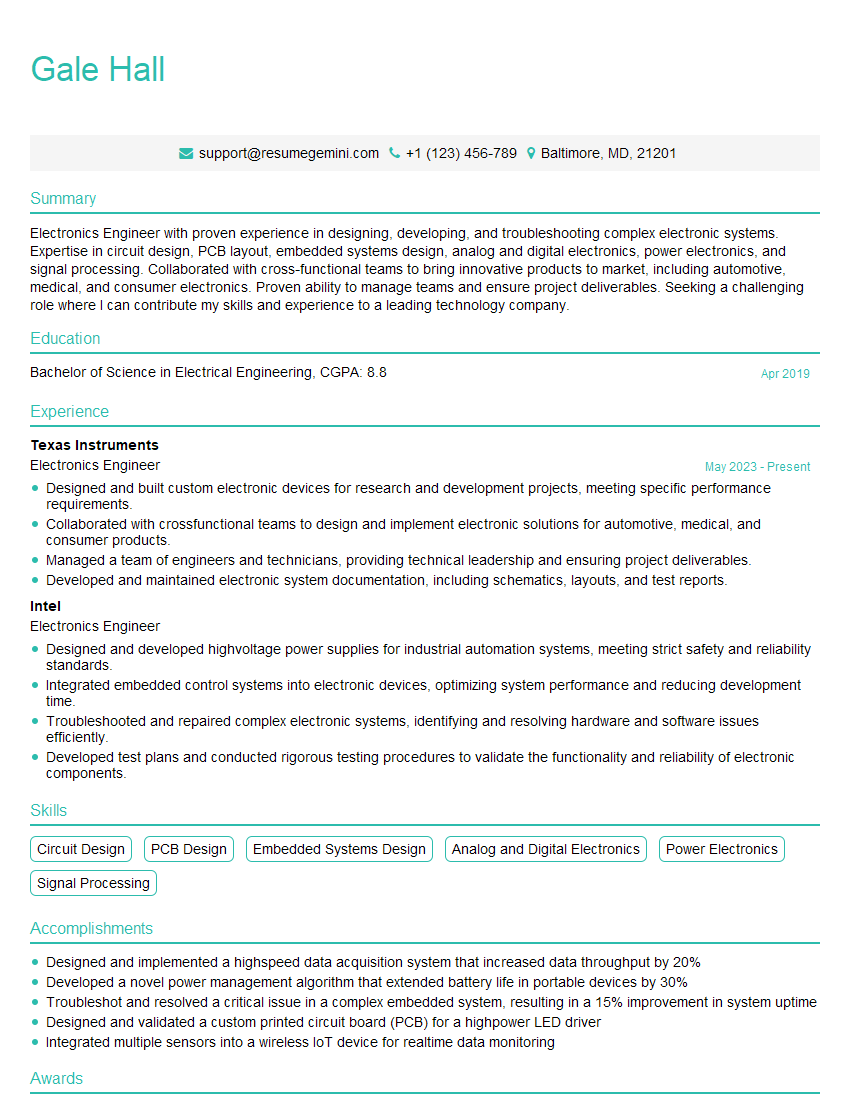
Electronics Engineer Resume Sample

Hardware Engineer Resume Sample
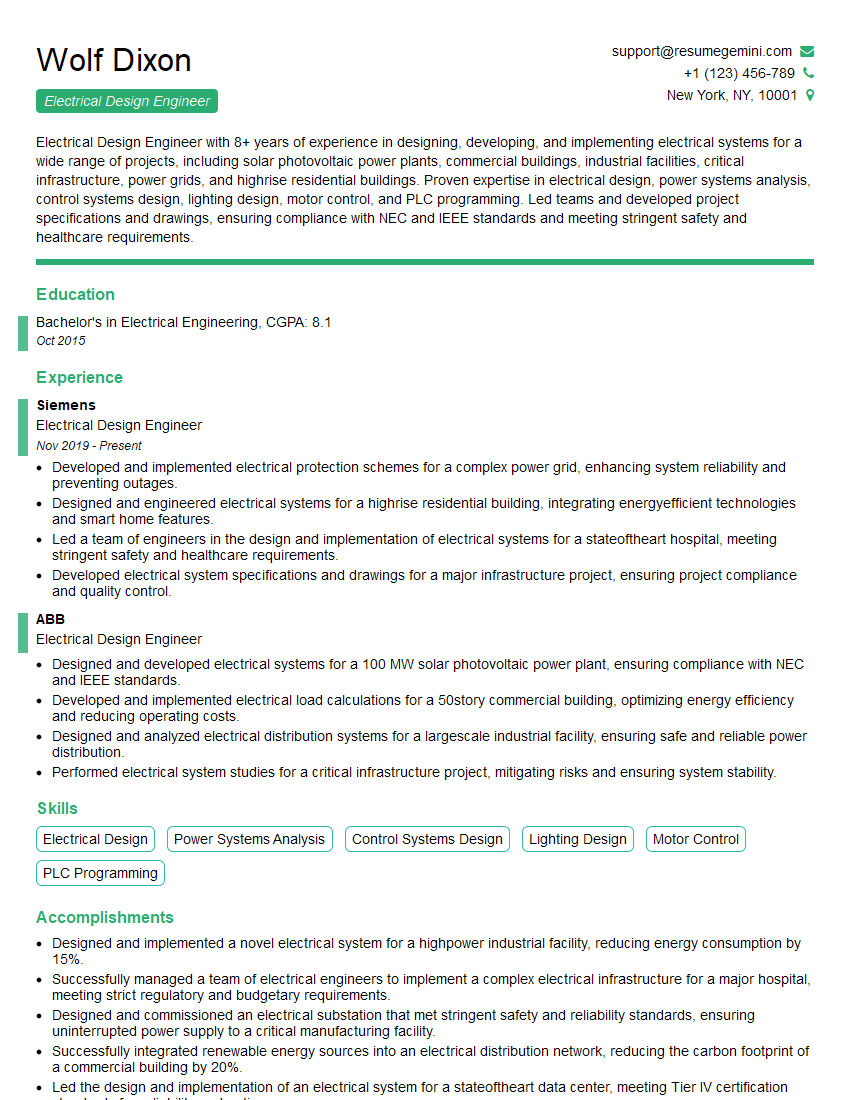
Electrical Design Engineer Resume Sample

Electrical Engineer Resume Sample
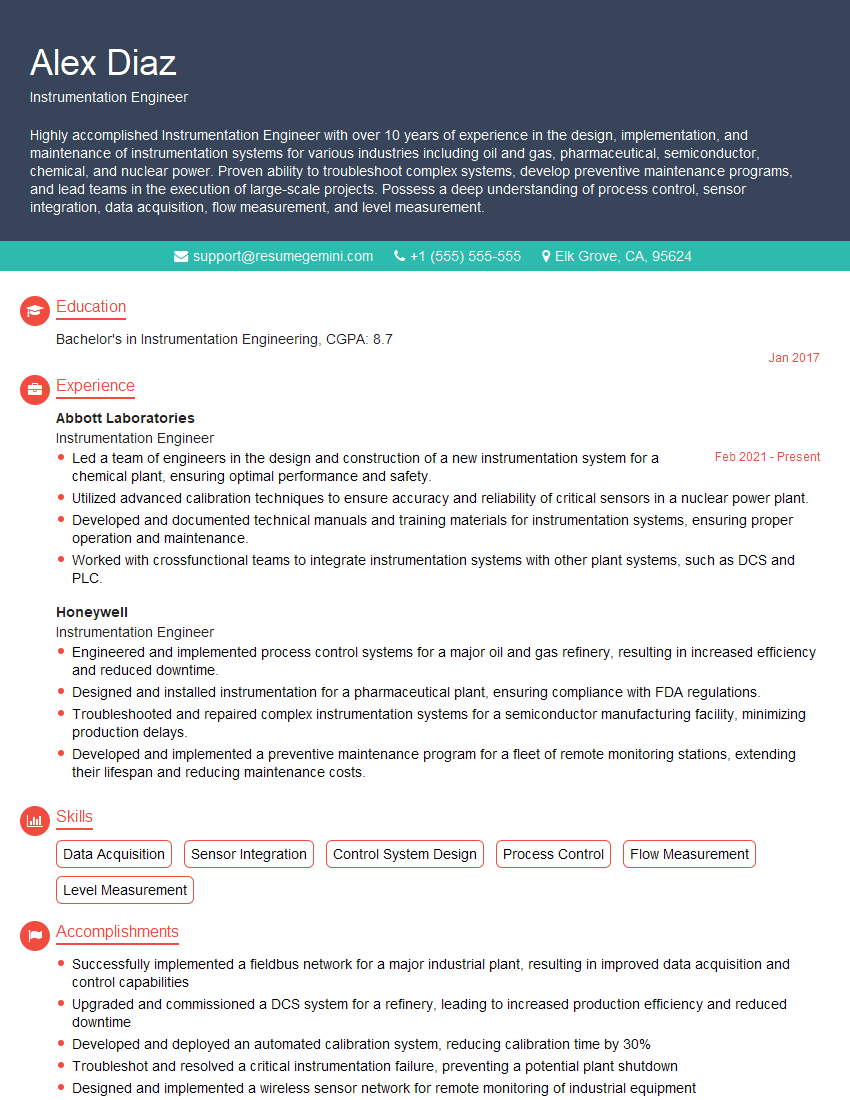
Instrumentation Engineer Resume Sample
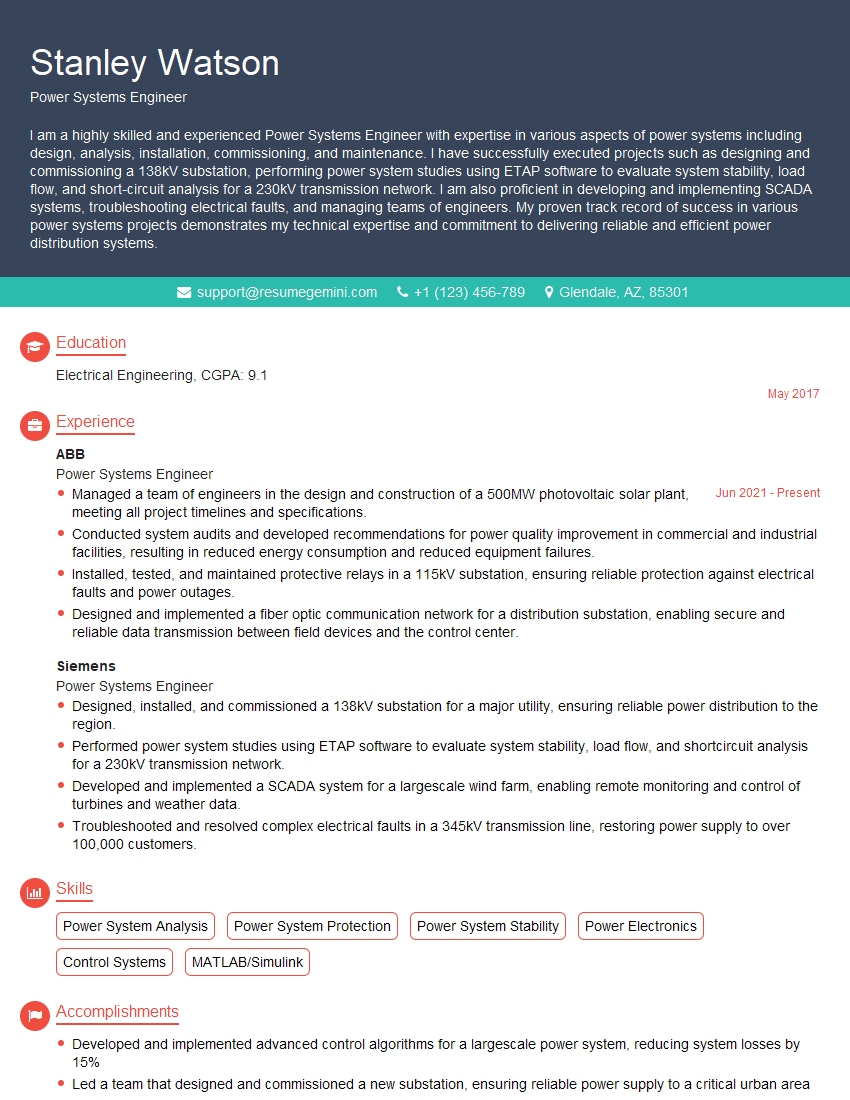
Power Systems Engineer Resume Sample

Manufacturing Engineer Resume Sample
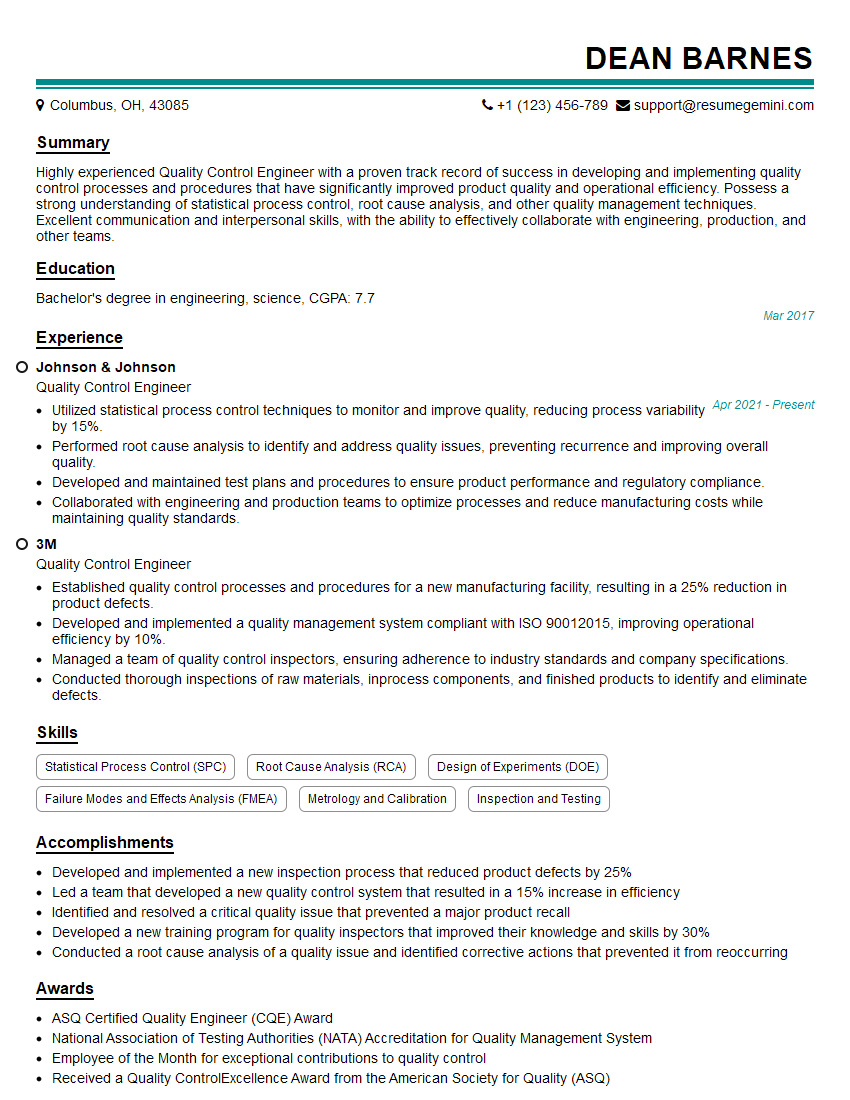
Quality Control Engineer Resume Sample
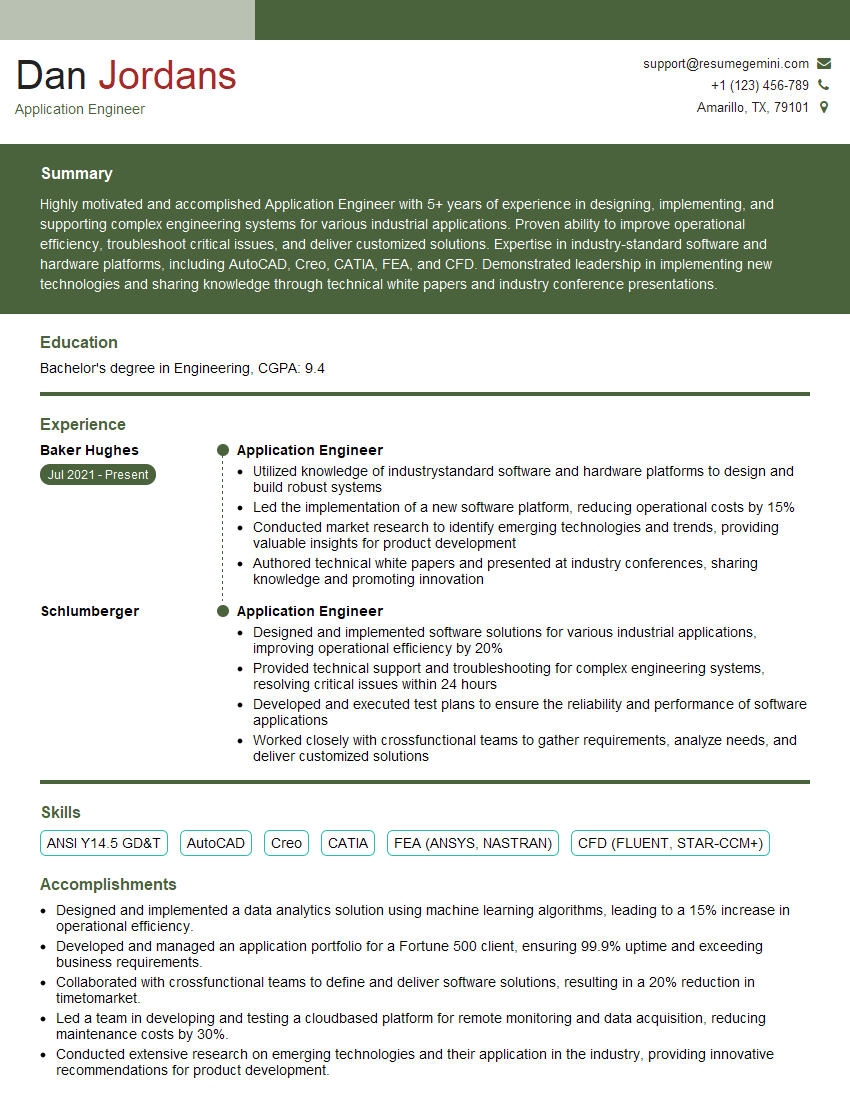
Application Engineer Resume Sample

Control Systems Engineer Resume Sample

Robotics Engineer Resume Sample
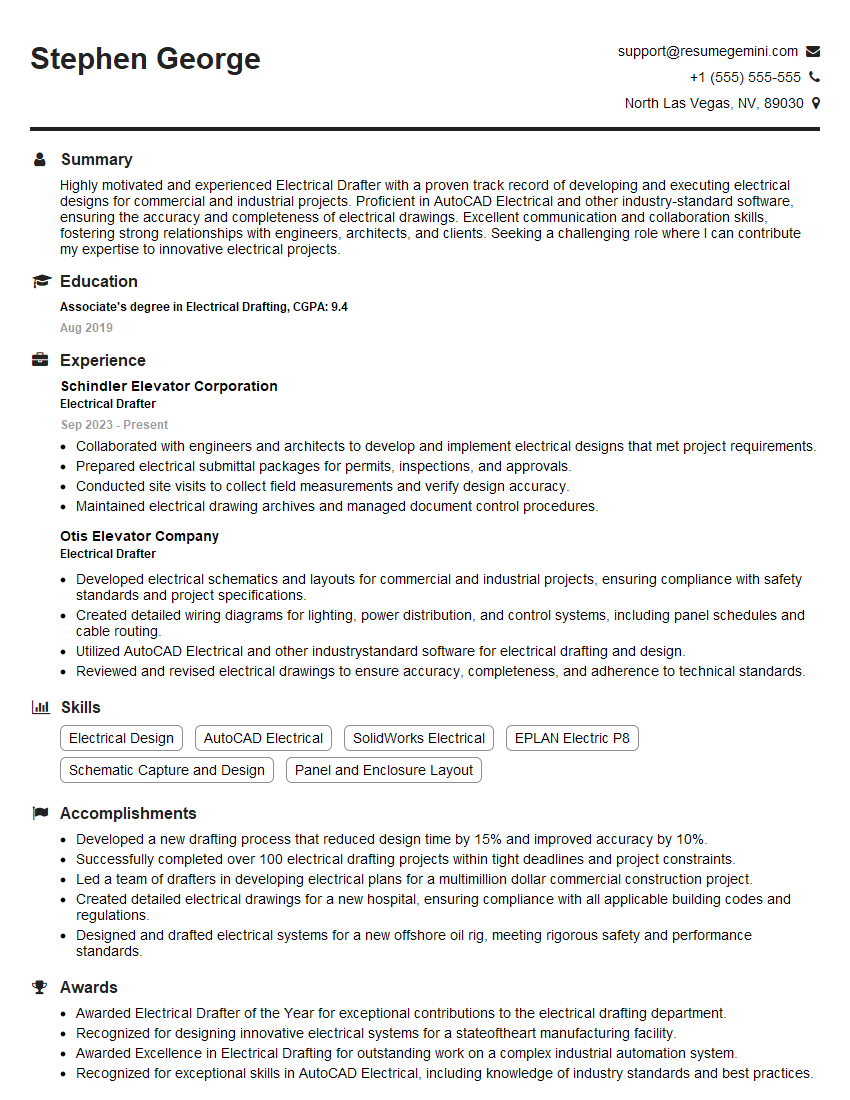
Electrical Drafter Resume Sample
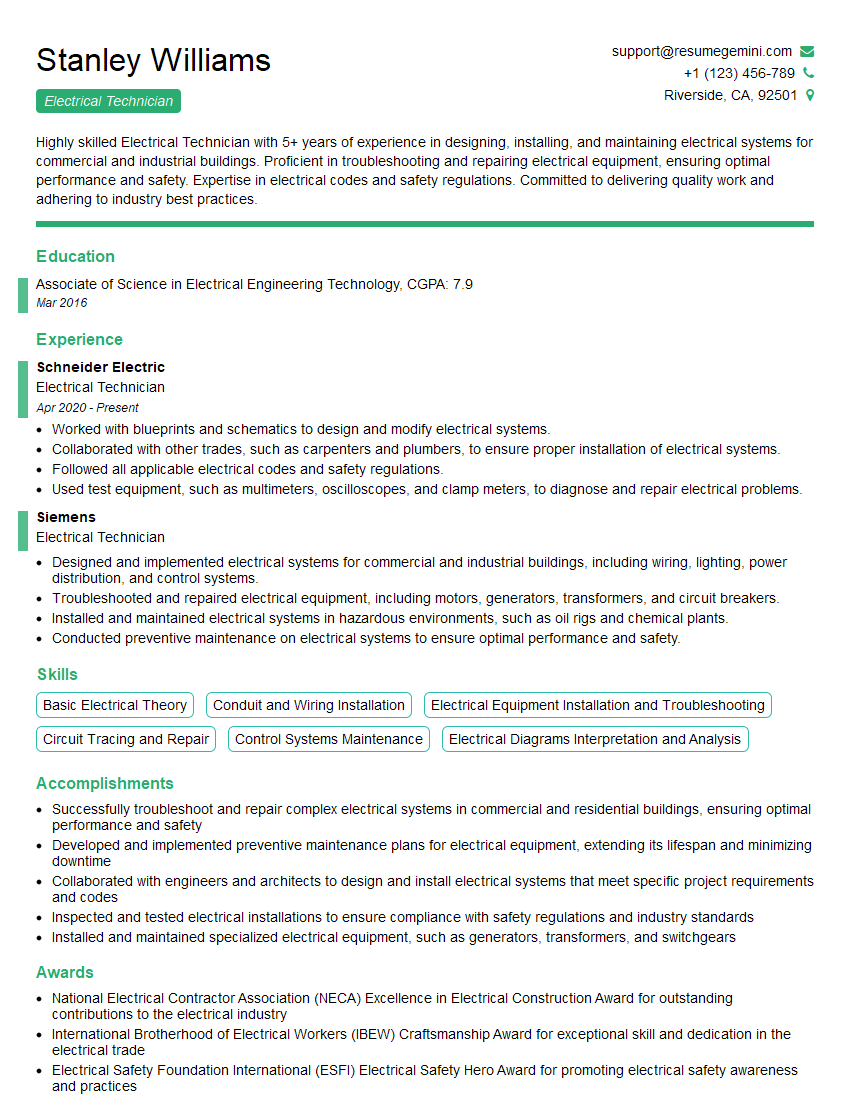
Electrical Technician Resume Sample
- Project Engineer
- Automation Engineer
- Test Engineer
- Design Engineer
- Field Service Engineer
- Electronics Engineer
- Hardware Engineer
- Electrical Design Engineer
- Electrical Engineer
- Instrumentation Engineer
- Power Systems Engineer
- Manufacturing Engineer
- Quality Control Engineer
- Application Engineer
- Control Systems Engineer
- Robotics Engineer
- Electrical Drafter
- Electrical Technician
Explore more articles
Users Rating of Our Blogs
Share Your Experience
We value your feedback! Please rate our content and share your thoughts (optional).
What Readers Say About Our Blog
Very informative content, great job.
good