Feeling uncertain about what to expect in your upcoming interview? We’ve got you covered! This blog highlights the most important Asset Management and Version Control interview questions and provides actionable advice to help you stand out as the ideal candidate. Let’s pave the way for your success.
Questions Asked in Asset Management and Version Control Interview
Q 1. Explain the difference between centralized and distributed version control systems.
Centralized and distributed version control systems differ fundamentally in how they manage the project’s history and accessibility. In a centralized system like Subversion (SVN), a single, central server holds the complete version history. All developers work with a local copy, and changes are committed to the central server. This creates a single source of truth, but can be a bottleneck and single point of failure. Imagine it like a library with a single librarian; everyone borrows and returns books through them.
A distributed system like Git, on the other hand, allows each developer to have a complete copy of the repository, including the entire version history, on their local machine. Changes are committed locally, and then synchronized with remote repositories. This offers increased resilience, offline access, and flexibility. Think of it as a distributed network of libraries, each holding its own collection, but with the ability to share and synchronize changes.
- Centralized (e.g., SVN): Single central repository; all changes flow through it.
- Distributed (e.g., Git): Every developer has a full copy of the repository; changes are synchronized.
Q 2. What are the benefits of using a version control system?
Version control systems (VCS) are invaluable tools for software development and asset management, offering several key benefits:
- Version History Tracking: Track changes made to files over time, allowing you to revert to previous versions if needed. This is akin to having a time machine for your project.
- Collaboration: Multiple developers can work on the same project concurrently without overwriting each other’s work. This dramatically speeds up development, as everyone works simultaneously rather than sequentially.
- Branching and Merging: Create separate branches for parallel development or experimentation, merging changes back into the main branch when ready. Think of branches as parallel universes, allowing parallel development without affecting the original timeline.
- Backup and Recovery: The VCS acts as a robust backup mechanism, protecting your project from data loss. This offers peace of mind against hardware failures or accidental deletions.
- Code Review and Auditability: Track and review changes before merging them, making collaborative feedback easy and efficient, increasing overall code quality.
In a nutshell, VCS’s significantly improve team productivity, code quality and project maintainability.
Q 3. Describe your experience with Git (or SVN, Mercurial, etc.).
I have extensive experience with Git, having used it for over eight years in various projects ranging from small independent applications to large-scale enterprise software. I’m proficient in using Git’s command line interface, as well as various GUI clients like Sourcetree and GitHub Desktop. My expertise encompasses branching strategies, conflict resolution, using advanced features like rebasing and cherry-picking, and collaborating effectively on large, distributed projects.
In one project, for instance, I used Git to manage the codebase of a complex e-commerce platform. It enabled our team of developers to work concurrently on diverse features such as new payment integrations, UI/UX improvements, and backend performance optimizations while maintaining a smooth workflow.
My experience extends to managing various aspects of repositories such as setting up and configuring repository access controls, and managing pull requests, thereby ensuring adherence to project workflow standards.
Q 4. How do you resolve merge conflicts in Git?
Resolving merge conflicts in Git involves identifying the conflicting changes, understanding the differences, and deciding which changes to keep or how to combine them. Here’s a step-by-step approach:
- Identify the Conflict: Git will indicate conflicts when you try to merge branches. You’ll see conflict markers (
<<<<<<<,=======,>>>>>>>) in the affected files. - Open the Conflicted File: Manually open the file containing the conflict using a text editor or IDE.
- Review the Changes: The conflict markers delineate the changes from each branch: the changes before
=======are from your current branch, and the changes after are from the branch you're merging. - Resolve the Conflict: Edit the file, manually choosing the appropriate code, removing the conflict markers, and combining changes where necessary. This step requires careful consideration and often involves code review.
- Stage the Changes: After resolving the conflict, use
git addto stage the changes. This signals to Git that the conflict is resolved. - Commit the Changes: Finally, commit the resolved changes with a clear message using
git commit -m "Resolved merge conflict in."
It's crucial to thoroughly test the code after resolving the conflict to ensure everything functions as expected. If possible, involve colleagues in reviewing the changes for critical sections to minimize potential issues.
Q 5. What is a branching strategy and why is it important?
A branching strategy is a set of rules and guidelines that define how developers create and manage branches in a version control system like Git. A well-defined strategy helps improve collaboration, reduce conflicts, and streamline the workflow. Popular strategies include:
- Gitflow: Emphasizes distinct branches for development, features, releases, and hotfixes.
- GitHub Flow: A simpler approach focused on a single 'main' branch and frequent branching for features.
- Trunk-Based Development: Developers work directly on the main branch with short-lived feature branches.
Choosing the right strategy depends on project size, team size, and development practices. A good branching strategy prevents chaos and promotes a well-organized development process. It's like having a city map that avoids traffic jams.
For instance, in large-scale projects, Gitflow may be preferred for its structured approach and clarity. In smaller, agile teams, GitHub Flow's simplicity might be more appropriate.
Q 6. Explain the concept of a commit, push, and pull in Git.
In Git, commit, push, and pull are fundamental operations for managing changes:
- Commit: A commit saves your changes locally. It's like taking a snapshot of your work. Think of it as creating a record in your personal logbook.
- Push: After committing changes, you push them to a remote repository (e.g., GitHub, GitLab, Bitbucket). This shares your changes with the rest of your team, making them available for collaboration. It's like uploading your logbook to a shared online archive.
- Pull: Before making changes, you pull the latest changes from the remote repository. This ensures that your local copy is up-to-date and prevents conflicts. It's like downloading the latest version of your shared logbook before starting a new entry.
A typical workflow might involve pulling, making changes, committing those changes locally, and then pushing them to the remote repository. This process ensures a well-maintained codebase.
Q 7. How do you manage large binary assets in version control?
Managing large binary assets (images, videos, documents) in version control can be challenging due to their size and potentially large storage consumption. Here's a common strategy:
- Large File Storage (LFS): Git LFS is a powerful extension that replaces large files in your repository with text pointers, storing the actual files on a separate server. This significantly reduces repository size while still tracking file versions. It's like storing only the metadata of large books in the main catalog, while keeping the actual books in a separate, optimized warehouse.
- Cloud Storage Integration: Integrating with cloud storage services (AWS S3, Google Cloud Storage) can provide efficient storage and retrieval of large binary assets. This solution offers scalability and reliability for managing large amounts of data.
- Selective Versioning: Avoid versioning every iteration of a large asset; only store significant versions that reflect meaningful changes. For minor changes, consider other means of management.
Choosing the right approach often depends on the scale of the assets, budget, and team capabilities. A hybrid approach might combine LFS for frequently changing assets and cloud storage for archival purposes. It's important to consider both size and frequency of changes when making a decision.
Q 8. What are some best practices for asset naming conventions?
A robust asset naming convention is crucial for efficient asset management and version control. It ensures easy identification, searchability, and prevents confusion. A well-designed convention follows a consistent structure, incorporating key information about the asset. Think of it like a library's Dewey Decimal System – it organizes chaos into a manageable system.
- Project Code:
PROJ-123_identifies the project the asset belongs to. - Asset Type:
IMG_for image,DOC_for document,VID_for video, etc. - Asset Description:
HeroImage_Homepage_V1– clearly describes the asset's purpose and version. - Date:
20241027– adds a date stamp for tracking. - Creator Initials:
JW- helps identify the creator.
For example, a well-named image file might look like this: PROJ-123_IMG_HeroImage_Homepage_V1_20241027_JW.jpg. This convention immediately tells you everything you need to know about the asset without needing to open it.
Q 9. How do you ensure data integrity in asset management?
Data integrity in asset management is paramount. It means ensuring that your assets are accurate, consistent, and reliable throughout their lifecycle. This is achieved through a multi-pronged approach:
- Version Control: Employing a robust version control system (like Git) allows for tracking changes, reverting to previous versions, and maintaining a clear audit trail.
- Checksums/Hashing: Generating checksums (MD5, SHA-256) for each asset allows for verification of file integrity. Any change, even a minor one, will result in a different checksum, immediately alerting us to potential corruption.
- Regular Backups: Implementing a regular backup and disaster recovery plan protects against data loss due to hardware failures or other unforeseen circumstances.
- Access Control: Restricting access to assets based on roles and permissions ensures that only authorized personnel can modify them, reducing the risk of accidental or malicious changes.
- Data Validation: Implementing validation checks during asset ingestion ensures that the data conforms to the expected format and standards. For example, ensuring an image file is actually an image file and not corrupted.
Think of it like a meticulous accountant keeping a detailed ledger – every transaction is recorded, verified, and backed up to ensure accuracy.
Q 10. Describe your experience with asset tagging and metadata.
Asset tagging and metadata are essential for discoverability and efficient management. Tagging adds keywords or labels to assets, making them easier to find, while metadata provides structured information about the asset. My experience spans various asset types, from images and videos to documents and 3D models.
For example, when managing marketing assets, I'd use tags like "social media," "email campaign," "product launch". The metadata would include details like creation date, author, resolution (for images), and file size. This rich contextual information allows for more effective filtering, searching and reporting. In a previous role, we implemented a custom metadata schema using XML to standardize information across different asset types, greatly improving our search and retrieval capabilities.
I'm proficient in using various metadata standards, including XMP and Dublin Core, and am adept at integrating metadata into our asset management system to enhance searchability and workflow automation.
Q 11. How do you handle asset versioning and deprecation?
Asset versioning and deprecation are managed through a combination of version control systems and clear communication. Version control (like Git) allows for tracking changes, reverting to earlier versions if needed, and branching for parallel development. Deprecation involves formally marking an asset as obsolete, indicating it should no longer be used.
We typically use a versioning scheme like v1.0, v1.1, v2.0, etc. When an asset is deprecated, we clearly communicate this to stakeholders and archive the asset in a secure location, ensuring access is restricted but the asset remains retrievable if needed for audit or reference purposes. This prevents accidental use of outdated assets and maintains consistency.
Q 12. What strategies do you employ for asset lifecycle management?
Asset lifecycle management (ALM) encompasses the entire journey of an asset, from creation to disposal. It requires a structured approach to ensure efficient management and control. My strategy focuses on these key phases:
- Planning & Acquisition: Defining asset needs, budgeting, and selecting appropriate assets.
- Development & Production: Creating and modifying assets, using version control to track changes.
- Deployment & Usage: Distributing assets to relevant teams and tracking usage.
- Maintenance & Updates: Regularly reviewing and updating assets, addressing any issues or inaccuracies.
- Archiving & Retirement: Retiring or archiving outdated assets, while preserving access for legal or historical reasons.
Using a system like this ensures that every stage of the asset's life is properly documented, controlled, and audited.
Q 13. How do you track and report on asset usage and performance?
Tracking and reporting on asset usage and performance involves integrating the asset management system with analytics tools. This allows for monitoring key metrics to assess efficiency and identify areas for improvement. Key metrics include:
- Asset Usage Frequency: How often are assets accessed and used?
- Asset Download Counts: Number of times assets are downloaded.
- Asset Performance Metrics: For specific asset types (e.g., marketing campaigns), tracking engagement and conversion rates.
- Storage Usage: Monitoring the amount of storage space consumed by different asset types.
By regularly analyzing these metrics, we can identify underutilized assets, optimize storage, and improve overall efficiency. Regular reports provide insights for decision-making and resource allocation.
Q 14. Explain your understanding of asset security and access control.
Asset security and access control are critical to protect sensitive information and ensure compliance. A layered approach is crucial, encompassing:
- Access Control Lists (ACLs): Defining granular permissions for different users and groups, allowing only authorized personnel access to specific assets.
- Encryption: Encrypting assets both in transit and at rest to protect against unauthorized access.
- Regular Security Audits: Conducting periodic security audits to identify and address vulnerabilities.
- Data Loss Prevention (DLP): Implementing DLP measures to prevent sensitive data from leaving the organization's control.
- Secure Storage: Using secure storage solutions, including cloud storage with robust security features.
These measures collectively create a strong defense against data breaches and unauthorized access, ensuring the confidentiality, integrity, and availability of assets.
Q 15. What are the challenges of managing assets in a cloud environment?
Managing assets in a cloud environment presents unique challenges compared to on-premise management. The primary concern revolves around security and access control. Ensuring data integrity and confidentiality across geographically dispersed resources requires robust security measures. Another significant challenge is maintaining visibility and control over assets. Unlike on-premise systems where you have direct physical access, cloud environments require sophisticated monitoring tools and processes to track asset usage, performance, and location. Furthermore, compliance with varying regulations and data sovereignty laws across different cloud regions adds complexity. For example, maintaining compliance with HIPAA for healthcare data stored in the cloud requires stringent access controls and auditing capabilities. Finally, cost optimization is a major consideration. Understanding and managing cloud-based asset costs, especially with auto-scaling and pay-as-you-go services, demands continuous monitoring and strategic planning.
For instance, imagine managing a large-scale application with many microservices deployed across multiple cloud providers. Tracking the performance of each service, ensuring proper security patching, and managing costs associated with each component require a comprehensive asset management strategy tailored to the cloud environment. This often involves leveraging cloud-native tools and integrating them with existing asset management systems.
Career Expert Tips:
- Ace those interviews! Prepare effectively by reviewing the Top 50 Most Common Interview Questions on ResumeGemini.
- Navigate your job search with confidence! Explore a wide range of Career Tips on ResumeGemini. Learn about common challenges and recommendations to overcome them.
- Craft the perfect resume! Master the Art of Resume Writing with ResumeGemini's guide. Showcase your unique qualifications and achievements effectively.
- Don't miss out on holiday savings! Build your dream resume with ResumeGemini's ATS optimized templates.
Q 16. How do you ensure compliance with relevant regulations in asset management?
Compliance is paramount in asset management. The specific regulations depend heavily on the industry and the type of assets being managed. For example, financial institutions are subject to strict regulations like SOX (Sarbanes-Oxley Act) requiring detailed audit trails for all asset changes. Healthcare organizations must adhere to HIPAA (Health Insurance Portability and Accountability Act), which dictates strict privacy and security standards for patient data. In manufacturing, ISO 9001 and other quality standards demand careful tracking of equipment calibration and maintenance.
To ensure compliance, a multi-pronged approach is necessary. This includes implementing robust access controls, regularly auditing asset usage and configurations, maintaining detailed logs of all activities, and adhering to established policies and procedures. Furthermore, selecting asset management tools that offer audit trails and reporting capabilities is crucial. Finally, ongoing employee training on compliance requirements is vital to prevent accidental breaches or non-compliance.
Consider a scenario where a healthcare organization needs to prove HIPAA compliance during an audit. Having a meticulously maintained asset inventory, detailed access logs, and demonstrable adherence to security protocols is essential to successfully pass the audit. This requires rigorous documentation and a well-defined compliance program.
Q 17. What tools and technologies have you used for asset management?
My experience encompasses a range of asset management tools and technologies, both on-premise and cloud-based. I've worked extensively with ServiceNow for comprehensive IT asset management, tracking hardware, software, and contracts. For cloud-based asset management, I've utilized AWS's various tools like AWS Resource Groups and CloudTrail for visibility and auditing. I'm also proficient in using Microsoft Azure's asset inventory and management features. In addition, I've used more specialized tools like BMC Helix for managing IT infrastructure and its associated assets. For smaller-scale projects or where tight integration with existing systems was needed, I've leveraged scripting languages like Python to automate data gathering and reporting.
For example, in a previous role, we used ServiceNow to track the lifecycle of all IT assets, from procurement to disposal, ensuring compliance with company policies and minimizing asset downtime. This involved configuring workflows for asset requests, approvals, and maintenance scheduling.
Q 18. Describe your experience with automating asset management processes.
Automating asset management processes is crucial for efficiency and accuracy. I've successfully implemented automation in several projects, focusing on tasks like automated discovery of assets, software license reconciliation, and automated reporting. This involved leveraging scripting languages like Python and PowerShell to interact with APIs of various asset management tools and integrating them with CMDBs (Configuration Management Databases). Automation also extended to tasks such as automatically generating reports on asset utilization, license compliance, and predicting future maintenance needs.
For instance, I automated the process of software license reconciliation by writing a Python script that pulled data from various sources, including software inventory tools and purchase orders. The script compared the installed software licenses against the purchased ones, flagging any discrepancies. This greatly reduced the time and effort required for manual reconciliation and ensured accurate license compliance reporting.
Q 19. How do you prioritize assets for management and maintenance?
Prioritizing assets for management and maintenance requires a structured approach. I typically use a combination of factors to determine the priority, including the asset's criticality (impact on business operations if it fails), its value (cost of replacement or repair), and its risk profile (likelihood of failure or security breach). A common method is to employ a risk matrix that combines the likelihood and impact of failure to assign a priority score to each asset. High-criticality, high-value assets with a high risk of failure are given top priority for maintenance and monitoring. Less critical assets receive lower priority, but still require regular attention to prevent catastrophic failures.
Think of it like a hospital – life support equipment gets top priority for maintenance and monitoring because a failure has immediate and critical consequences. Other equipment, while important, receives lower priority maintenance schedules.
Q 20. How do you handle requests for asset access and retrieval?
Handling asset access and retrieval requires a robust access control system. This usually involves a combination of technology and well-defined processes. We use a ticketing system to manage asset access requests, ensuring proper authorization and accountability. Requests are reviewed, approved, and tracked to ensure compliance with security policies. Once approved, access is granted through various methods, such as role-based access control (RBAC), assigning specific permissions to users or groups, or utilizing a physical key management system for physical assets. A detailed audit trail is maintained for all access requests and granted permissions. For retrieval, a similar process is followed, with proper documentation and tracking of asset location and status.
For example, if an employee requires access to a specific server, they would submit a ticket through our ticketing system. The request is reviewed and approved based on their role and security clearance. Once approved, the necessary access credentials are provided, and the access is logged for audit purposes.
Q 21. What are your preferred methods for asset backup and recovery?
Asset backup and recovery is critical for business continuity. My preferred methods involve a multi-layered approach using both on-site and off-site backups. For data assets, we use a combination of full and incremental backups, with regular testing of the recovery process. For physical assets, we maintain a detailed inventory and a plan for redundancy or replacement. Cloud-based solutions offer robust backup and recovery features; these are often integrated into our asset management strategy. We also leverage version control systems like Git for code and configuration files, ensuring we can revert to previous versions if needed. Regular disaster recovery drills are conducted to ensure the effectiveness of our backup and recovery procedures.
Imagine a scenario where a server fails. Having regular backups in place ensures minimal downtime. We can quickly restore the data from the backup and have the system back online in a short time frame. This minimizes business disruption and data loss.
Q 22. Describe a time you had to troubleshoot a problem related to asset management or version control.
One time, we faced a significant issue with our version control system – Git – during a critical software release. A developer accidentally merged a branch containing buggy code into the main branch, causing several features to malfunction. This highlighted a gap in our branching strategy and our overall process for code reviews.
Troubleshooting involved several steps: First, we immediately identified the problematic commit using Git’s history features (git log, git blame). Then, we used git revert to undo the merge commit, isolating the faulty code. This, however, wasn't sufficient as we had already deployed the broken build to a staging environment. We then used a rollback strategy, reverting to a previous stable version in the staging environment and rigorously testing before deploying the corrected version. Finally, we implemented stricter code review protocols and revised our branching strategy to incorporate more robust testing environments. We incorporated a system of automated testing and deployment to mitigate this kind of issue in the future. This incident underscored the importance of meticulous version control, comprehensive testing, and efficient rollback strategies.
Q 23. How do you stay current with the latest trends in asset and version control?
Staying current in asset and version control requires a multi-faceted approach. I actively participate in online communities like Stack Overflow and Reddit, engaging in discussions and learning from experienced professionals. I also regularly attend webinars and conferences focused on DevOps, software development, and IT operations. Key publications, including industry journals and technical blogs, are a valuable resource. Furthermore, I actively seek out training opportunities offered by vendors of version control systems (like GitLab or GitHub) and asset management software. This keeps me abreast of new features, best practices, and emerging trends, ensuring I remain a valuable asset to any team.
Q 24. Explain your understanding of different asset management methodologies (e.g., ITIL).
ITIL (Information Technology Infrastructure Library) is a widely adopted framework for IT service management, and asset management plays a vital role within it. ITIL emphasizes a lifecycle approach, covering the full journey of an IT asset, from planning and acquisition to operation, maintenance, and eventual disposal. Different methodologies within ITIL focus on various aspects, but the core principle remains consistent: proper identification, tracking, and management of assets to maximize efficiency and minimize risk.
For example, ITIL's service level management would define the expected performance and availability of assets, while change management would govern procedures for introducing new or modified assets. This systematic approach helps ensure that assets are utilized efficiently, security vulnerabilities are minimized, and compliance regulations are met. Other asset management methodologies, while not always as structured as ITIL, share this core principle of systematic tracking and management of assets.
Q 25. What are your experiences with integrating asset management with other systems?
I've had extensive experience integrating asset management systems with various platforms. In one project, we integrated our asset management database with our project management system (Jira). This allowed us to automatically link software licenses and hardware assets to specific projects, enabling better cost tracking and resource allocation. This integration simplified reporting, provided a clear view of asset utilization, and helped us streamline our budgeting process. In another instance, we integrated our asset management system with our help desk ticketing system (ServiceNow). This enabled automated asset identification during troubleshooting, significantly reducing resolution times. The key to successful integration is understanding the data structures of each system and carefully mapping the relevant fields. API integrations are commonly used to achieve seamless data transfer between systems.
Q 26. How would you approach building an asset management system from scratch?
Building an asset management system from scratch requires a structured approach. I would start by defining the scope and requirements, determining which asset types need to be managed, and identifying key performance indicators (KPIs). Then, I'd select a suitable technology stack (e.g., Python with a database like PostgreSQL), focusing on scalability and security. The core of the system would involve a database to store asset information, including details like serial numbers, purchase dates, and assigned users. A user interface would be crucial for ease of access and data entry. Finally, I'd develop reporting capabilities, enabling data analysis to track asset utilization, identify potential problems, and support decision-making. Security would be paramount, with features like access control and data encryption.
The development would follow an agile methodology, enabling iterative development and testing throughout the process. Thorough testing and user acceptance testing are vital before deployment.
Q 27. Describe your experience with different version control workflows (e.g., Gitflow).
I'm proficient with various version control workflows, including Gitflow. Gitflow is a branching model that provides a structured approach to managing releases, features, and bug fixes. It uses distinct branches for development, features, releases, and hotfixes, minimizing conflicts and promoting collaboration. I've used Gitflow extensively for managing software development projects, where it proved invaluable in maintaining a clear distinction between stable and development codebases. Other workflows I've utilized include GitHub flow and GitLab flow, which are simpler, more streamlined branching models ideal for smaller teams and faster-paced projects. The choice of workflow depends heavily on project size, team structure, and the complexity of the software.
Q 28. How do you handle version control in a collaborative team environment?
In collaborative environments, effective version control is crucial. We use clear communication channels, regular code reviews, and well-defined branching strategies to minimize conflicts. Clear guidelines are essential, detailing the procedures for branching, merging, and resolving conflicts. We utilize pull requests (or merge requests) as a mechanism for code review, ensuring that changes are thoroughly vetted before being integrated into the main branch. Tools like Git’s collaborative features (e.g., git pull, git push, git merge) are used effectively, along with clear commit messages describing the changes made. Training and documentation are also key to fostering a shared understanding of version control best practices. This helps maintain code quality and avoids costly mistakes due to merge conflicts or accidental overwrites.
Key Topics to Learn for Asset Management and Version Control Interviews
- Asset Management Fundamentals: Understanding asset lifecycle, classification, categorization, and metadata. Practical application: Designing an efficient asset management system for a specific project or industry.
- Version Control Systems (VCS): Proficiency with Git (branching, merging, resolving conflicts), understanding of distributed vs. centralized systems. Practical application: Explaining a scenario where you used Git to manage a complex project, highlighting problem-solving during merge conflicts.
- Asset Tracking and Auditing: Implementing robust tracking methods for assets, including version history and provenance. Practical application: Designing an audit trail system to ensure accountability and prevent unauthorized access or modifications.
- Collaboration and Workflow: Optimizing workflows using VCS for team collaboration, implementing best practices for code reviews and change management. Practical application: Describing your experience in collaborating on a large project using a VCS, emphasizing efficient teamwork and conflict resolution.
- Security and Access Control: Implementing security measures to protect assets and control access based on roles and permissions. Practical application: Discussing strategies for maintaining data integrity and preventing unauthorized access to sensitive assets within a version control system.
- Best Practices and Methodologies: Understanding industry standards and best practices for asset management and version control. Practical application: Analyzing a given scenario and suggesting improvements to existing asset management and version control processes.
- Software and Tools: Familiarity with relevant software and tools used in asset management and version control (e.g., specific VCS platforms, asset management software). Practical application: Comparing and contrasting different VCS platforms or asset management tools based on their features and suitability for specific tasks.
Next Steps
Mastering Asset Management and Version Control is crucial for career advancement in today's data-driven world. These skills are highly sought after across various industries, showcasing your ability to manage complex projects efficiently and collaborate effectively within teams. To significantly boost your job prospects, crafting an ATS-friendly resume is essential. ResumeGemini is a trusted resource that can help you build a professional and impactful resume tailored to your specific skills and experience. Examples of resumes tailored to Asset Management and Version Control roles are available to help you get started.
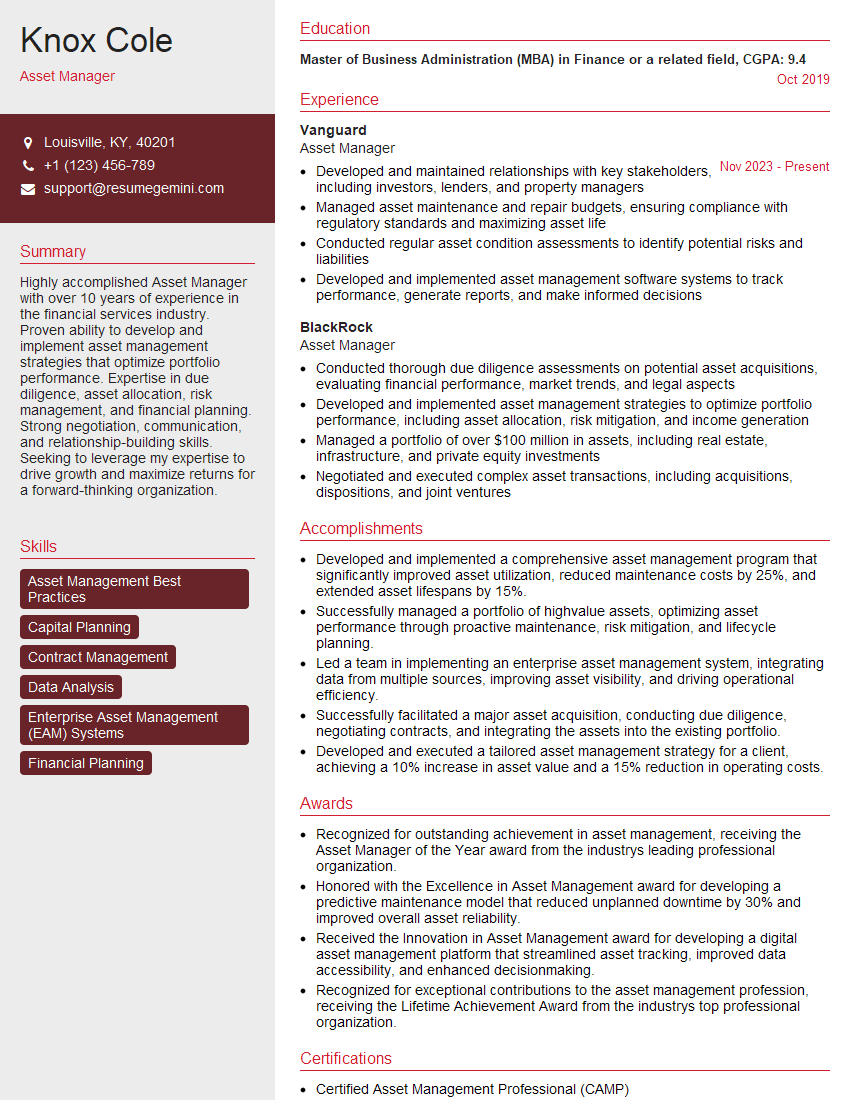
Asset Manager Resume Sample
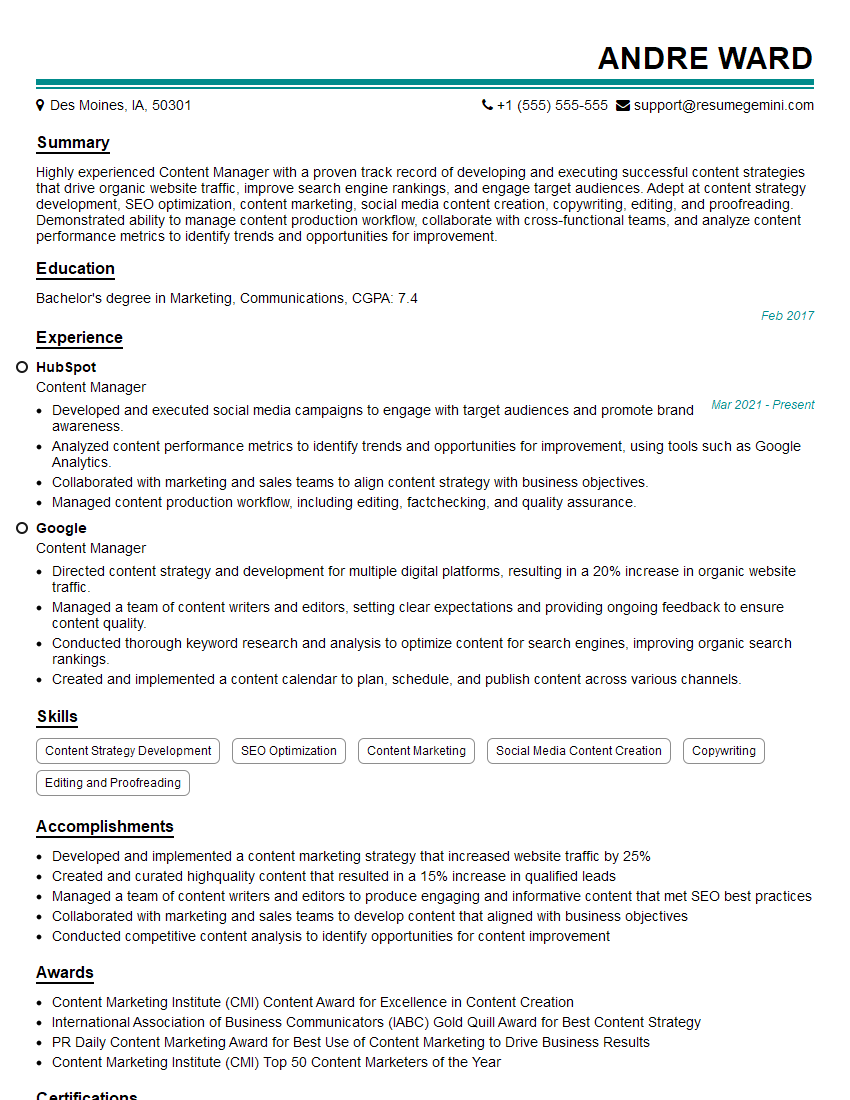
Content Manager Resume Sample
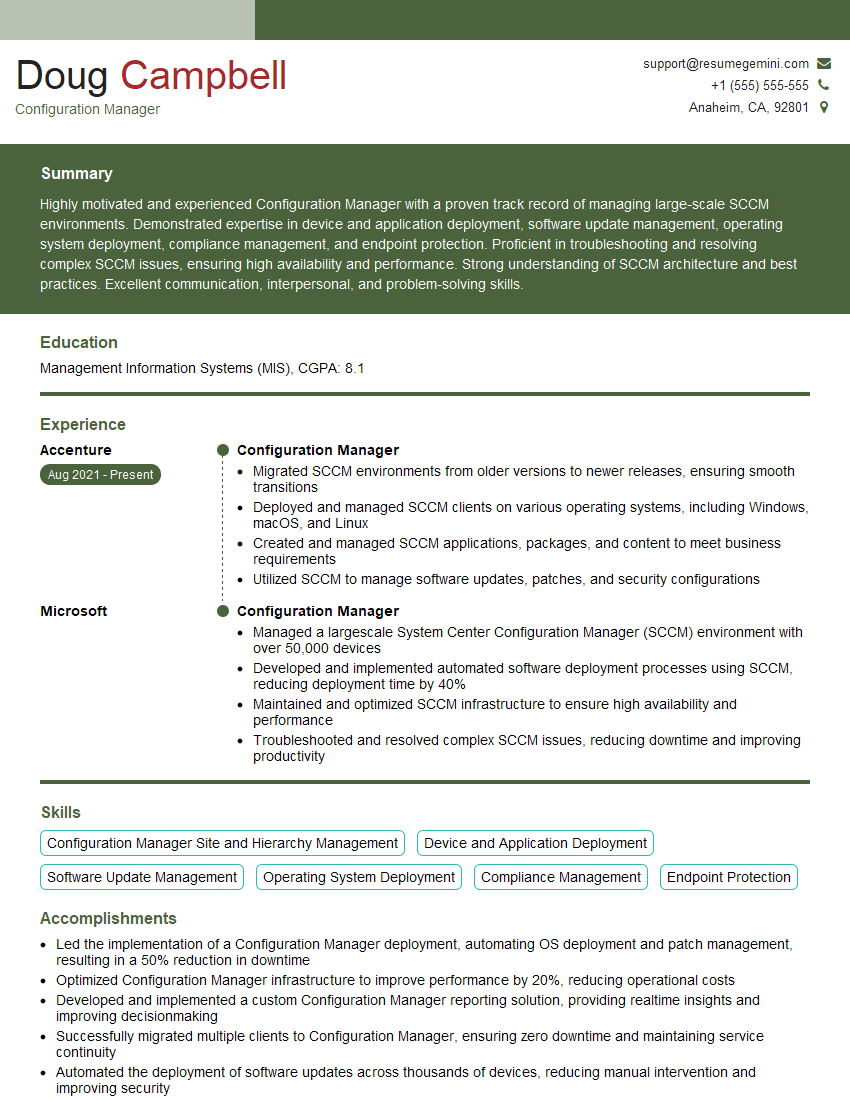
Configuration Manager Resume Sample

System Administrator Resume Sample
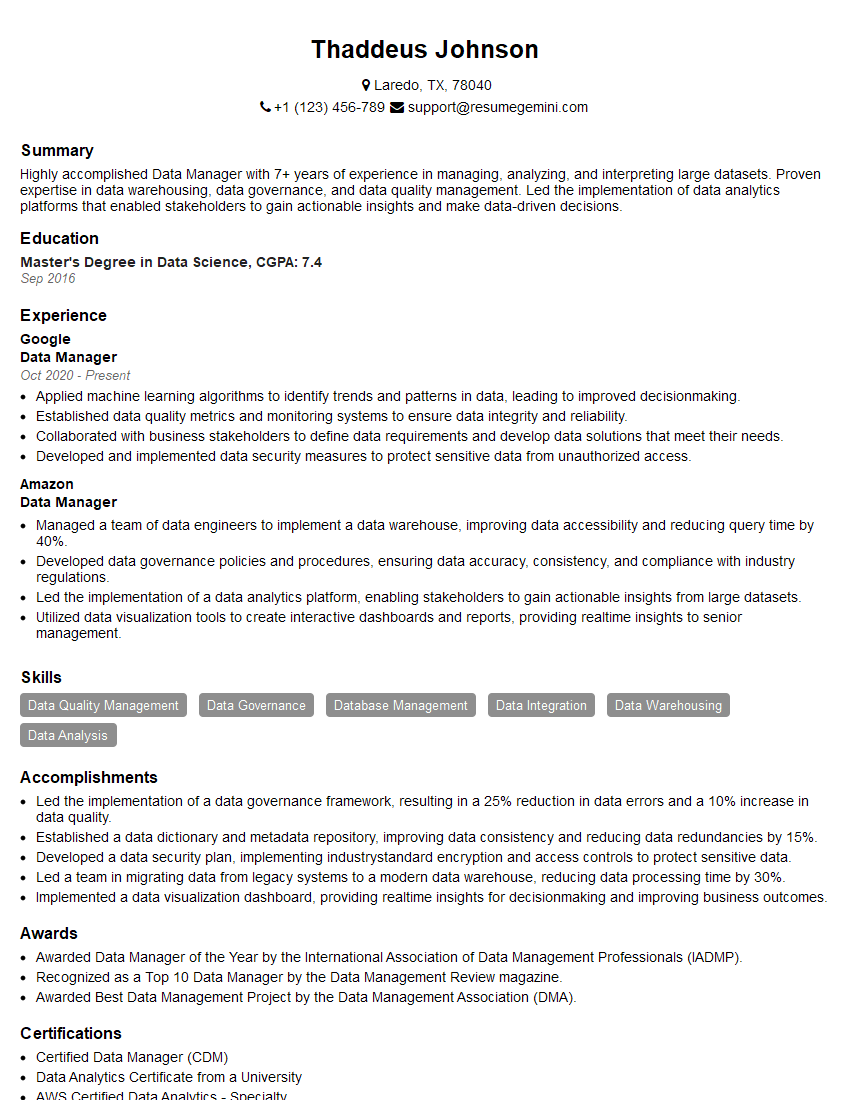
Data Manager Resume Sample

Release Manager Resume Sample
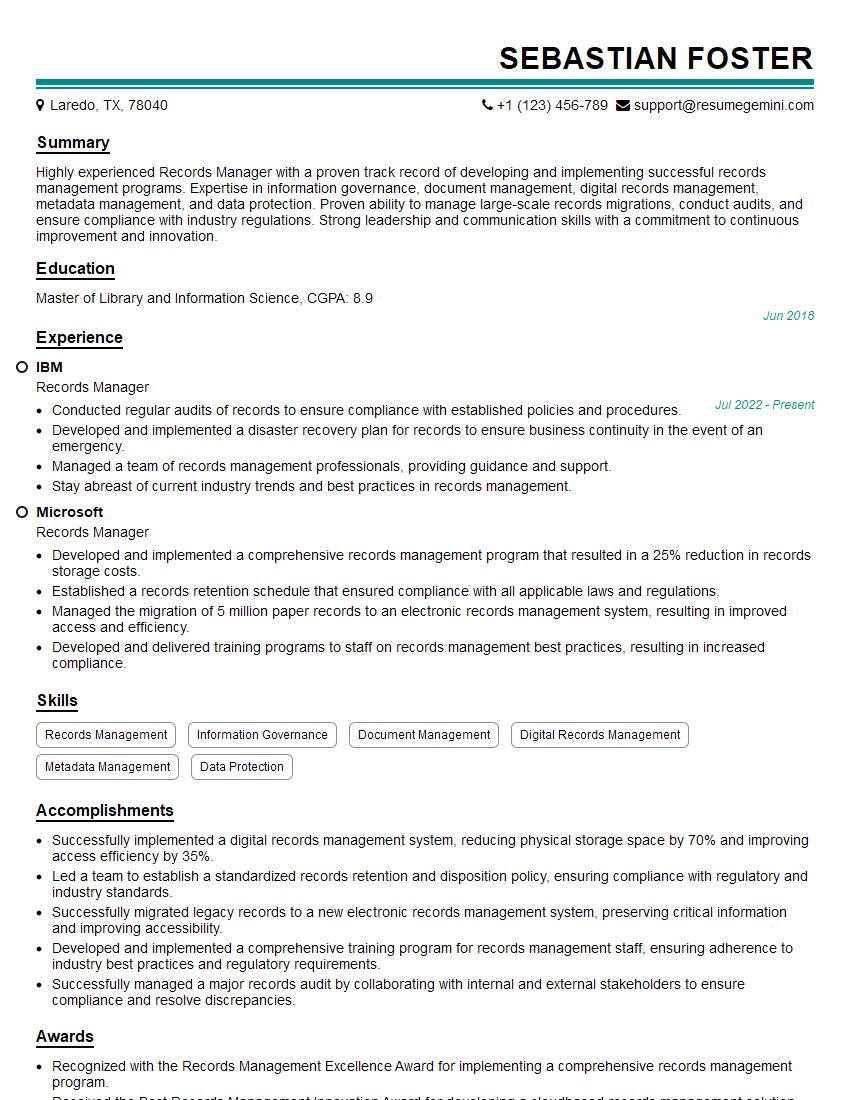
Records Manager Resume Sample
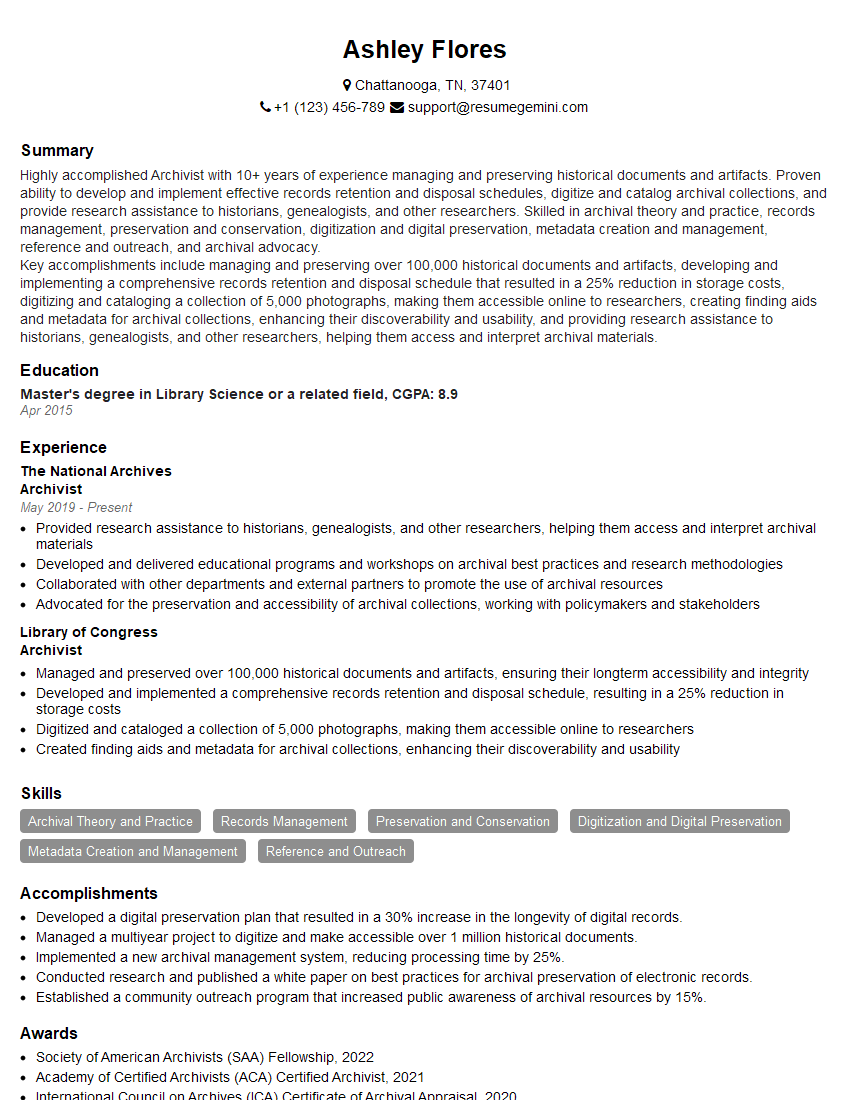
Archivist Resume Sample
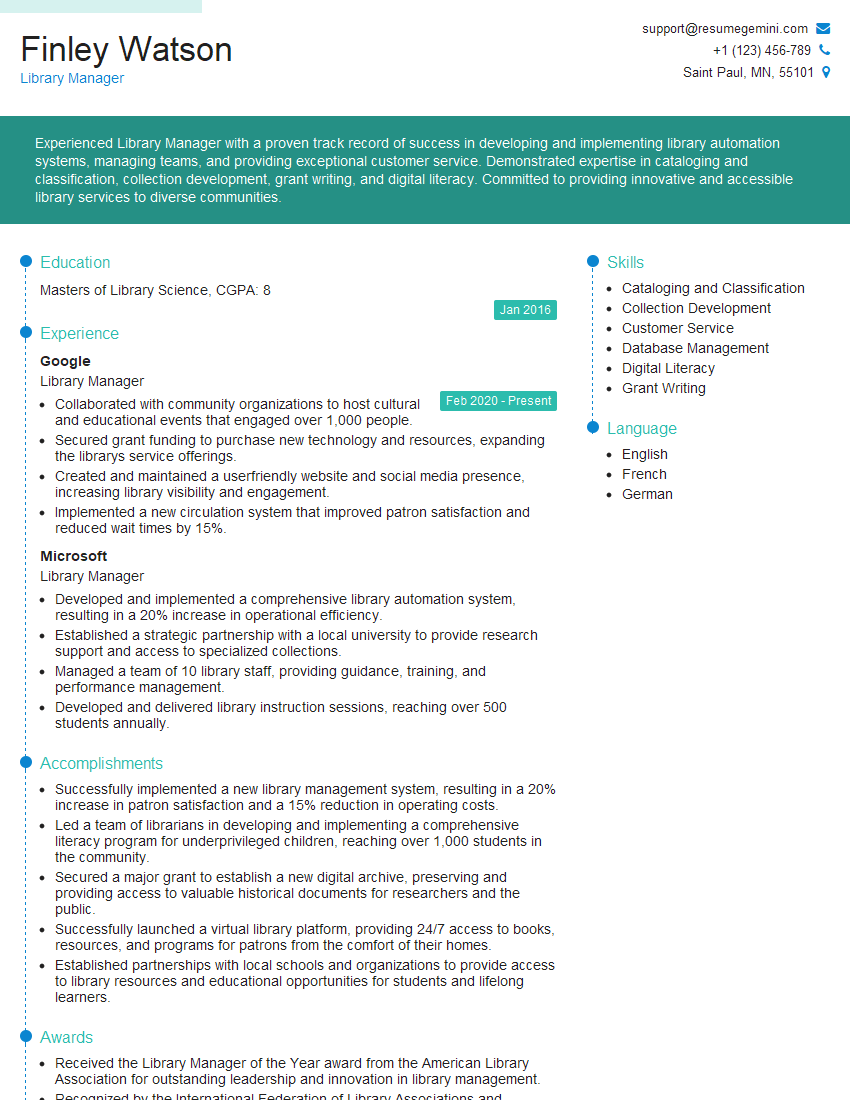
Library Manager Resume Sample

Database Administrator Resume Sample
Explore more articles
Users Rating of Our Blogs
Share Your Experience
We value your feedback! Please rate our content and share your thoughts (optional).
What Readers Say About Our Blog
Very informative content, great job.
good