The thought of an interview can be nerve-wracking, but the right preparation can make all the difference. Explore this comprehensive guide to Strong understanding of color theory, lighting principles, and composition for visually compelling imagery. interview questions and gain the confidence you need to showcase your abilities and secure the role.
Questions Asked in Strong understanding of color theory, lighting principles, and composition for visually compelling imagery. Interview
Q 1. Explain the difference between additive and subtractive color mixing.
Additive and subtractive color mixing are two fundamentally different approaches to creating colors. Think of it like this: additive is about adding light, while subtractive is about removing light.
Additive color mixing is primarily used with light sources, such as in monitors or projectors. The primary colors are red, green, and blue (RGB). When you combine these primaries, you get different colors. Mixing all three at full intensity produces white light. This is because light is being added; more light means more brightness.
Subtractive color mixing involves pigments and dyes – paints, inks, etc. Here, the primary colors are cyan, magenta, and yellow (CMY). These colors absorb certain wavelengths of light, effectively subtracting them from the white light that shines on them. Mixing all three ideally produces black, although in practice a deep black often requires the addition of a fourth color, black (K), to create CMYK.
A simple analogy: imagine a spotlight (additive). Adding red and green lights results in yellow. Now imagine paints (subtractive). Mixing red and green pigments will result in a muddy brown, not yellow, because each pigment is absorbing certain wavelengths, leaving only what’s left over.
Q 2. Describe the principles of Gestalt theory and how they impact visual design.
Gestalt theory is a school of thought in psychology that explores how humans perceive visual information. It emphasizes that the whole is greater than the sum of its parts. Our brains naturally seek order and patterns, and Gestalt principles describe these inherent tendencies.
- Proximity: Elements placed close together are perceived as a group. Think of a grid of dots; proximity makes them seem organized.
- Similarity: Similar elements (shape, color, size) are perceived as belonging together. Imagine a row of red circles and then a row of blue squares; your eyes instinctively group them by shape and color.
- Closure: We tend to complete incomplete figures. Think of a partially hidden logo; our brain fills in the gaps to perceive the complete image.
- Continuity: The eye follows lines and curves naturally. A winding road visually guides the viewer through the image.
- Figure/Ground: We differentiate between the main subject (figure) and the background (ground). A well-designed logo stands out against its background, and this distinction helps us understand the visual structure.
These principles help designers create visually appealing and intuitive designs. By leveraging Gestalt principles, you can guide the viewer’s eye, create a sense of order, and improve the overall understanding of a visual message.
Q 3. What are the three primary colors, and how do they combine to create secondary colors?
In additive color mixing (like on a computer screen), the three primary colors are red, green, and blue (RGB). These are the fundamental colors that, when combined in varying intensities, create all other colors.
- Red + Green = Yellow
- Red + Blue = Magenta
- Green + Blue = Cyan
These resulting colors – yellow, magenta, and cyan – are the secondary colors in the additive system. The combinations create a vast range of hues and shades.
Q 4. Explain the concept of color temperature and its impact on mood and atmosphere.
Color temperature refers to the apparent warmth or coolness of a color, measured in Kelvin (K). It’s not about the actual temperature of the object but the perceived color of its light. This is critical for setting the mood and atmosphere of an image.
Warm colors (low Kelvin values, around 2000K-3000K) like reds, oranges, and yellows, evoke feelings of comfort, warmth, and intimacy. Think of a cozy candlelit dinner scene.
Cool colors (high Kelvin values, around 6000K-10000K) like blues, greens, and purples, create feelings of calmness, serenity, or even coldness and distance. Imagine a serene winter landscape bathed in the cool light of the setting sun.
Mastering color temperature is vital. A warm sunset illuminating a cold, snowy landscape creates beautiful contrast and depth, while a consistently warm or cool palette can reinforce a specific emotional tone.
Q 5. How does the rule of thirds improve the composition of an image?
The rule of thirds is a compositional guideline that suggests placing key elements of your image along imaginary lines that divide the frame into nine equal parts (using two equally-spaced horizontal lines and two equally-spaced vertical lines). The intersections of these lines are considered strong focal points.
Instead of centering your subject, placing it at one of these intersections creates a more balanced and visually appealing composition. It adds dynamism and prevents the image from feeling static. This is because it aligns with our natural visual tendencies; our eyes are drawn to these points of intersection.
Consider a landscape photo; placing the horizon along the top or bottom third instead of the center often leads to a more engaging and well-balanced image. The same applies to portraits – positioning the eyes or face along the intersection points creates a more captivating composition.
Q 6. What are the key elements of a strong visual hierarchy?
Visual hierarchy is about guiding the viewer’s eye through an image or design, emphasizing important information and establishing a clear order of importance. It’s how you control what the viewer sees first, second, and so on.
Key elements of a strong visual hierarchy include:
- Size: Larger elements tend to draw more attention.
- Color: Brighter or contrasting colors stand out.
- Contrast: Differences in brightness, color, or texture create visual separation and focus.
- Placement: Elements at the top or center are often seen first.
- Whitespace: Strategic use of whitespace helps separate elements and create visual breathing room, increasing focus on particular areas.
- Typography: Using different font sizes, weights, and styles guides the reading flow.
Imagine a website; the call to action button should have a prominent visual hierarchy to direct users to the desired behavior. Proper visual hierarchy ensures your message is received in the intended way.
Q 7. Explain the principles of leading lines in composition.
Leading lines are lines within an image that naturally draw the viewer’s eye towards a specific point or element. These lines can be actual lines, like roads or fences, or implied lines, created by the arrangement of objects or elements.
Effective leading lines enhance the composition by creating a sense of depth, direction, and movement. They guide the viewer through the image, leading their eye to the intended focal point. A winding path leading to a distant mountain peak is a classic example.
It is important that the leading lines are clear and not too cluttered, otherwise they might confuse or distract the viewer.
In photography, leading lines can be used to great effect to create dynamic and visually interesting compositions. A river meandering through a landscape or train tracks receding into the distance are both examples of how leading lines can draw the viewer’s eye to a central point or element.
Q 8. Describe different types of lighting (e.g., hard light, soft light) and their effects.
Lighting is fundamental to visual storytelling. We broadly categorize lighting into hard and soft light, distinguished primarily by the size of the light source relative to the subject.
- Hard Light: Produced by a small light source (e.g., a bare bulb, the sun on a clear day), hard light creates strong shadows with sharp edges. This is excellent for dramatic portraits, highlighting texture, and creating a high-contrast look. Think of film noir – that stark, shadowy feel is achieved with hard lighting.
- Soft Light: Emitted from a large light source (e.g., a softbox, overcast sky), soft light produces soft, diffused shadows with gentle transitions. It’s often preferred for portraiture where you want a more flattering, even illumination. Consider a beauty shot – soft light minimizes blemishes and wrinkles.
- Other Types: Beyond hard and soft, we have directional light (light coming from a specific direction), backlighting (light coming from behind the subject), rim lighting (a type of backlighting that creates a subtle highlight around the edges), and fill light (used to soften shadows created by the main light source).
The choice depends entirely on the desired mood and the subject. A hard light portrait would feel different from one illuminated with soft light; one evokes drama, the other, gentleness.
Q 9. How do you use lighting to create depth and dimension in an image?
Lighting is crucial for establishing depth and dimension. We achieve this by strategically manipulating light and shadow to create a sense of three-dimensionality on a two-dimensional plane (like a photograph or painting).
- Chiaroscuro: This classical technique utilizes strong contrasts between light and shadow to model forms. The interplay of light and dark guides the viewer’s eye through the image, accentuating depth. Think of Renaissance paintings; many use chiaroscuro effectively.
- Light direction: By placing the main light source at an angle, you create shadows that reveal the form of the subject. A side light, for example, would create shadows that show the curves and contours of an object far more than frontal lighting.
- Layering light: Using multiple light sources with different intensities and directions allows for a more complex and nuanced representation of depth. A key light, fill light, and back light can collectively build a scene with intricate shadows and highlights.
For example, when photographing a still life, I might use a key light to illuminate the main subject, a fill light to soften the shadows, and a rim light to separate the subject from the background. The result is a three-dimensional feeling, even on a flat surface.
Q 10. Explain the concept of contrast and its importance in visual design.
Contrast refers to the difference between light and dark, or between different colors. It’s a cornerstone of visual design because it helps to create visual interest, guide the viewer’s eye, and establish a clear hierarchy of elements.
- Value Contrast: This involves the difference in brightness between elements. High value contrast (extreme differences between light and dark) creates drama and energy, whereas low value contrast (subtle differences) produces a calm and serene feel.
- Color Contrast: This involves the difference between the hues, saturation, and brightness of colors. High color contrast (using contrasting colors) makes images more vibrant and dynamic, while low color contrast creates harmony and unity.
Without sufficient contrast, an image might appear flat and uninteresting. The effective use of contrast ensures that elements stand out and are easily distinguishable.
Q 11. How do you use color to evoke specific emotions or create a particular mood?
Color is powerfully evocative, instantly influencing our emotional responses and creating specific moods. Different colors carry cultural and psychological associations.
- Warm Colors (reds, oranges, yellows): Often associated with energy, excitement, warmth, and comfort.
- Cool Colors (blues, greens, purples): Often associated with calmness, peace, sadness, or serenity.
- Neutral Colors (black, white, gray, beige): Offer a sense of balance, sophistication, or even sterility depending on usage.
For example, using deep reds and oranges in a food photograph might stimulate appetite, whereas a calming blue palette in a spa brochure would create a sense of relaxation. The choice of color scheme directly affects the message.
Q 12. Describe your experience with different color palettes (e.g., monochromatic, analogous, complementary).
I have extensive experience working with various color palettes, each offering unique aesthetic qualities:
- Monochromatic: Uses variations in shades and tints of a single color. This creates a harmonious and unified feel, often perceived as sophisticated and elegant. A monochromatic scheme using blues, for example, might range from deep navy to pale sky blue.
- Analogous: Employs colors that are adjacent to each other on the color wheel (e.g., blue-green, green, yellow-green). This produces a naturally cohesive and harmonious palette, often found in nature.
- Complementary: Utilizes colors that are directly opposite each other on the color wheel (e.g., red and green, blue and orange). This creates a high-contrast, vibrant, and often energetic palette.
- Triadic: Uses three colors evenly spaced on the color wheel (e.g., red, yellow, blue). This offers a balanced and dynamic palette.
The selection of the palette depends heavily on the project’s goals and the desired effect. Each palette presents different challenges and rewards in terms of balance and visual impact.
Q 13. Explain the use of white balance in photography or videography.
White balance is the process of adjusting the colors in an image to accurately reflect the true white point of the scene. Our cameras perceive color based on the surrounding light, and without white balance adjustment, images can appear too warm (yellowish or orange) or too cool (blueish).
Cameras offer various white balance presets (e.g., daylight, shade, cloudy, fluorescent, tungsten) to compensate for different lighting conditions. Correct white balance is crucial for accurate color representation. An improperly white-balanced image might look unnatural or have an undesirable color cast. For instance, a photograph taken indoors under tungsten lighting might appear very orange without proper white balance adjustment.
Q 14. How do you achieve a balanced composition in your work?
Achieving balanced composition is about creating visual harmony and guiding the viewer’s eye through the image. I employ several techniques:
- Rule of Thirds: Dividing the image into a 3×3 grid and placing key elements along the lines or at the intersections. This creates a more dynamic and engaging composition than centering the subject.
- Leading Lines: Using lines (roads, rivers, fences) to draw the viewer’s eye towards the main subject.
- Symmetry and Patterns: Employing symmetry or repeating patterns to create visual balance and rhythm.
- Negative Space: Strategically using empty space to highlight the subject and create a feeling of spaciousness or serenity.
- Golden Ratio: A more sophisticated approach using mathematical proportions to achieve a harmonious and pleasing composition.
Ultimately, achieving balanced composition is an iterative process – I might start with the rule of thirds and then refine the composition based on the visual impact and the story I wish to convey.
Q 15. What are your favorite composition techniques, and why?
My favorite composition techniques revolve around creating visual harmony and guiding the viewer’s eye. I frequently employ the rule of thirds, placing key elements off-center to create a more dynamic and engaging image. Think of it like a naturally pleasing asymmetry – it prevents the image from feeling static and lifeless. For example, in a landscape photograph, instead of placing the horizon line dead center, I’d position it along the upper or lower third to emphasize either the sky or the foreground.
Another technique I frequently use is leading lines. These are lines – actual or implied – within the image that draw the viewer’s eye to a particular point of interest. A road winding into a distant mountain range, or a set of railway tracks disappearing into the horizon, are classic examples. This technique adds depth and a sense of narrative to the image.
Finally, I utilize negative space effectively. This isn’t about emptiness; it’s about the strategic use of empty space to enhance the impact of the subject. Giving the subject ‘room to breathe’ prevents the image from feeling cluttered and allows the viewer to focus on the main elements. Think of a minimalist poster with a single, powerful image; the negative space is as crucial as the image itself. These techniques, when used in combination, create compelling and memorable imagery.
Career Expert Tips:
- Ace those interviews! Prepare effectively by reviewing the Top 50 Most Common Interview Questions on ResumeGemini.
- Navigate your job search with confidence! Explore a wide range of Career Tips on ResumeGemini. Learn about common challenges and recommendations to overcome them.
- Craft the perfect resume! Master the Art of Resume Writing with ResumeGemini’s guide. Showcase your unique qualifications and achievements effectively.
- Don’t miss out on holiday savings! Build your dream resume with ResumeGemini’s ATS optimized templates.
Q 16. How do you manage color consistency across different devices and mediums?
Maintaining color consistency across different devices and mediums is crucial for brand identity and overall visual appeal. I use a color management system (CMS) such as Adobe Color or similar tools. These systems allow me to define a specific color profile (e.g., sRGB, Adobe RGB) and ensure that colors remain consistent across various screens and printing processes.
Furthermore, I work with color spaces understanding their limitations. sRGB is generally suitable for web design, while Adobe RGB offers a wider gamut for print. Choosing the correct color space from the outset is essential. I also create color palettes using tools that simulate how those colors will appear across various devices, helping me to check and adjust for discrepancies before finalizing the design.
Finally, I always provide clients with color specifications in a standardized format (like Pantone for print) to ensure that the colors translate accurately throughout the entire production process. This methodical approach minimizes inconsistencies, resulting in a consistent and professional outcome regardless of the output medium.
Q 17. Explain the importance of visual storytelling in design.
Visual storytelling is the cornerstone of impactful design. It’s about using imagery and design elements to communicate a narrative or evoke an emotion, creating a connection between the viewer and the message. Instead of just showing something, you’re narrating a story through visuals.
For example, an advertisement for a rugged outdoor watch might show a person conquering a challenging mountain peak, symbolizing resilience and adventure. The visuals, in this case, don’t just show the watch; they tell a story about the experience and values associated with it. Similarly, a website for a non-profit organization could utilize powerful images of people they help to evoke empathy and encourage donations. It’s about creating a visceral reaction that goes beyond pure information transfer.
Effective visual storytelling requires careful consideration of imagery, composition, color palette, and typography to seamlessly convey the desired narrative. It’s about crafting an emotional journey through visual elements, making the design far more engaging and memorable.
Q 18. How do you use visual cues to guide the viewer’s eye through an image or design?
Guiding the viewer’s eye is fundamental to effective design. I achieve this through several visual cues:
- Focal points: Creating a clear focal point, perhaps through contrast, size, or sharpness, naturally draws the viewer’s attention first. For instance, a brightly lit subject against a darker background immediately commands attention.
- Leading lines: As discussed earlier, lines, both real and implied, can effectively lead the eye through the composition.
- Color and contrast: Using contrasting colors can create visual hierarchies; brighter, more saturated colors tend to stand out more.
- Size and scale: Larger elements naturally attract more attention than smaller ones.
- Visual flow: Arranging elements in a way that creates a natural flow of movement through the composition guides the eye systematically.
By thoughtfully combining these cues, I can orchestrate a visual journey, ensuring the viewer experiences the design in the intended sequence, maximizing engagement and understanding.
Q 19. Describe your process for choosing the appropriate lighting for a specific scene or project.
Choosing appropriate lighting is a critical decision that significantly impacts the mood, atmosphere, and overall impact of a scene or project. My process starts with understanding the overall goal – what emotion or message do I want to convey? Is it a dramatic, moody scene, or something bright and cheerful? This influences my lighting choices significantly.
Next, I consider the subject matter. Is it a portrait, a product shot, or a landscape? Different subjects require different lighting techniques. A portrait might require soft, diffused light to enhance skin tones, while a product shot might need sharp, directional light to highlight details and texture. I also analyze the environment – the time of day, the location, existing light sources. These elements contribute to the atmosphere.
For example, if I’m shooting a dramatic nighttime scene, I might utilize a low-key lighting style with strong contrasts and deep shadows. In contrast, for a bright and airy product shoot, I’d opt for soft, diffused light to minimize harsh shadows. My approach is always tailored to the specific requirements of the project, leveraging lighting to achieve the desired aesthetic and storytelling goals.
Q 20. Explain your understanding of dynamic range in imaging.
Dynamic range in imaging refers to the ratio between the brightest and darkest parts of an image that can be captured and reproduced. A high dynamic range (HDR) means the image can represent a wide range of tones from pure white to deep black without losing detail in either extreme. A low dynamic range (LDR) image, conversely, has a smaller range of tones; details may be lost in the highlights (overexposure) or shadows (underexposure).
Understanding dynamic range is crucial for achieving realistic and visually appealing images. HDR images typically offer greater detail and a more natural look, especially in scenes with bright highlights and deep shadows, like landscapes with bright sunlight and deep shadows or interiors with bright windows and dark corners. Cameras with high dynamic range capabilities can capture this greater range of light intensities. However, working with HDR images requires careful processing to avoid unnatural looking results. Techniques like tone mapping are used to compress the HDR range into a standard dynamic range for display on LDR screens.
In my work, I frequently use HDR techniques, especially when capturing landscapes or scenes with wide tonal variations, ensuring maximum detail and impact in my imagery.
Q 21. How do you ensure your designs are accessible to people with visual impairments?
Accessibility is a critical consideration in my design work. Ensuring designs are accessible to people with visual impairments is about providing alternative ways of understanding the information presented. This often involves careful use of color contrast, text size, and alternative text descriptions.
Specifically, I follow WCAG (Web Content Accessibility Guidelines) recommendations. This includes ensuring sufficient color contrast between text and background (using tools to check contrast ratios), using appropriate font sizes and styles for readability, and providing alternative text (alt text) for all images. Alt text describes the image content concisely for screen readers to interpret, making the information accessible to visually impaired users.
I also make sure that interactive elements have sufficient keyboard navigation, because some users may not be able to use a mouse. These seemingly small details ensure that everyone can equally access and understand the information and experience presented in my designs, fostering inclusivity.
Q 22. Describe your experience using different design software (e.g., Photoshop, Illustrator, After Effects).
My experience with design software is extensive and spans several industry-standard applications. Photoshop is my primary tool for raster-based image manipulation, retouching, and photorealistic rendering. I’m proficient in using adjustment layers, masks, and blending modes to achieve complex effects. For example, I’ve used Photoshop to create intricate photo manipulations, seamlessly merging images and applying detailed color grading to match specific moods or brand identities. Illustrator is my go-to for vector graphics, logo design, and creating scalable assets. I’m comfortable working with paths, type tools, and utilizing the software’s capabilities for precise and clean designs. I recently used Illustrator to design a series of icons for a client’s website, ensuring their scalability across different screen sizes. Finally, After Effects is invaluable for motion graphics, animation, and compositing. I leverage its keyframing capabilities and effects to create engaging video content and enhance visual storytelling. For instance, I used After Effects to create a short animated explainer video, incorporating custom animations and subtle visual cues to guide the viewer.
Q 23. Explain your workflow for creating a visually compelling image or design.
My workflow for creating a visually compelling image or design is iterative and highly dependent on the project’s specifics, but generally follows these key stages:
- Concept & Research: I begin by thoroughly understanding the client’s brief, target audience, and the overall message. This often involves mood board creation and competitive analysis.
- Sketching & Planning: I sketch out initial ideas, exploring different compositions and visual approaches. This helps solidify the core concept and identify potential challenges early on.
- Digital Execution: I transition to my chosen software (Photoshop, Illustrator, After Effects etc.) and begin the digital creation process, constantly referencing my sketches and initial plan. I pay close attention to color palettes, typography, and the overall visual hierarchy.
- Refinement & Iteration: This stage involves multiple rounds of adjustments, refinements, and experimenting with different visual elements. Client feedback plays a crucial role here.
- Finalization & Delivery: Once the design is approved, I prepare the final files in the appropriate formats for the intended use, ensuring optimal quality and compatibility.
Throughout this process, I constantly evaluate the design’s effectiveness based on principles of color theory, composition, and lighting to ensure a visually compelling and impactful final product. Think of it as sculpting – I’m constantly shaping and refining the image until it perfectly communicates the intended message.
Q 24. Describe a time when you had to overcome a visual design challenge. How did you approach it?
I once faced a challenge designing a website banner that needed to be both visually striking and easily legible despite its small size on various screens. The initial designs felt cluttered and the text was difficult to read. My approach was to simplify the composition drastically, focusing on a strong, single visual element and using highly legible typography. I experimented with different color palettes to find a contrast that improved text readability without sacrificing visual appeal. Ultimately, I reduced the number of elements by 50%, increased the font size, and improved contrast. The result was a banner that was both visually captivating and informationally clear across various devices. This experience taught me the importance of prioritization in design and the power of simplicity.
Q 25. How do you stay up-to-date on the latest trends and technologies in visual design?
Staying current in visual design is crucial. I regularly follow leading design blogs and publications, such as [mention relevant blogs/publications without links], and participate in online design communities. Attending industry conferences and workshops, both online and in-person, provides invaluable networking opportunities and exposure to cutting-edge techniques and technologies. I actively explore new software features and plugins, constantly seeking ways to improve my workflow and expand my creative capabilities. Moreover, I actively analyze successful design campaigns across different mediums, deconstructing their visual elements and identifying design trends.
Q 26. What are your strengths and weaknesses in visual design?
My strengths lie in my strong understanding of color theory and composition, enabling me to create visually harmonious and impactful designs. I excel at problem-solving, finding creative solutions to complex design challenges. I’m a highly collaborative team player, effectively integrating feedback to produce exceptional results. My weakness, if I had to identify one, would be my occasional tendency to overthink details. I’m actively working on improving my ability to trust my intuition and make quicker decisions during the design process.
Q 27. What are your career goals in visual design?
My career goals involve progressing to a senior design role where I can leverage my skills to mentor and guide other designers. I aim to contribute to a collaborative and innovative environment, working on challenging and impactful projects that push creative boundaries. I’m particularly interested in exploring opportunities in branding and visual identity design, helping companies establish strong and memorable visual representations of their brand.
Key Topics to Learn for Strong Understanding of Color Theory, Lighting Principles, and Composition for Visually Compelling Imagery Interview
- Color Theory Fundamentals: Understanding color wheels, color harmonies (complementary, analogous, triadic), color temperature, and the impact of color on mood and emotion. Practical application: Explaining your choices in a specific design project.
- Lighting Principles: Mastering different lighting types (natural, artificial), understanding light direction (key light, fill light, back light), and the use of shadows to create depth and mood. Practical application: Analyzing the lighting in a photograph and explaining its effectiveness.
- Compositional Techniques: Knowledge of the rule of thirds, leading lines, golden ratio, symmetry, and asymmetry in creating visually balanced and engaging compositions. Practical application: Justifying your compositional choices in a portfolio piece.
- Practical Application of Principles: Ability to explain how color, light, and composition work together to create visual impact, and how they serve a specific purpose within a design (e.g., branding, advertising).
- Software Proficiency: Demonstrating familiarity with relevant software (Photoshop, Illustrator, etc.) and how you utilize its tools to manipulate color, lighting, and composition.
- Problem-Solving: Describe your approach to resolving visual challenges, such as correcting color imbalances, improving lighting in a photograph, or enhancing the overall composition of an image.
- Visual Communication & Storytelling: Explain how effective use of color, light, and composition contributes to clear and compelling visual storytelling.
Next Steps
Mastering color theory, lighting principles, and composition is crucial for career advancement in visual-focused roles. A strong understanding of these principles allows you to create impactful visuals, communicate effectively, and demonstrate your creative problem-solving abilities. To enhance your job prospects, create an ATS-friendly resume that highlights your skills and experience. ResumeGemini is a trusted resource for building professional resumes that effectively showcase your qualifications. Examples of resumes tailored to this specific skill set are available to help you build a compelling application.

Art Director Resume Sample

Creative Director Resume Sample

Web Designer Resume Sample

Game Designer Resume Sample

Colorist Resume Sample
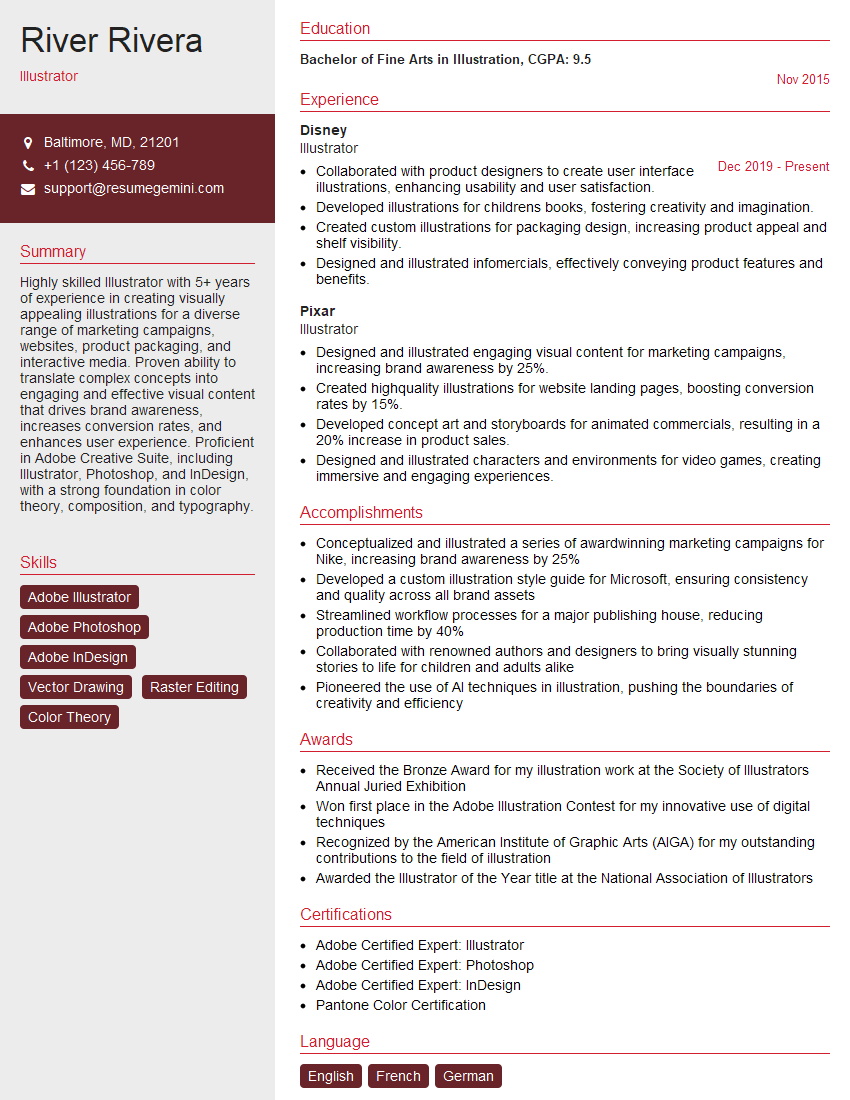
Illustrator Resume Sample

Texture Artist Resume Sample

3D Modeler Resume Sample

Animator Resume Sample

Compositor Resume Sample

Graphic Designer Resume Sample
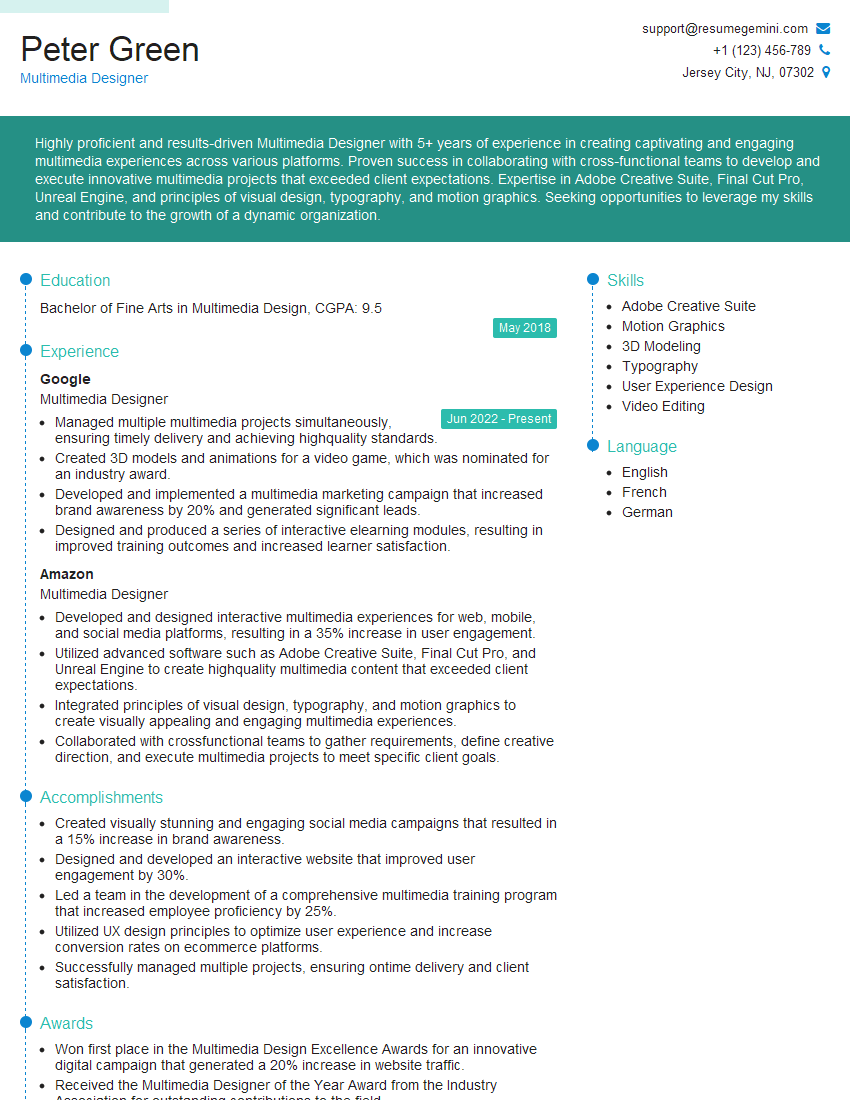
Multimedia Designer Resume Sample
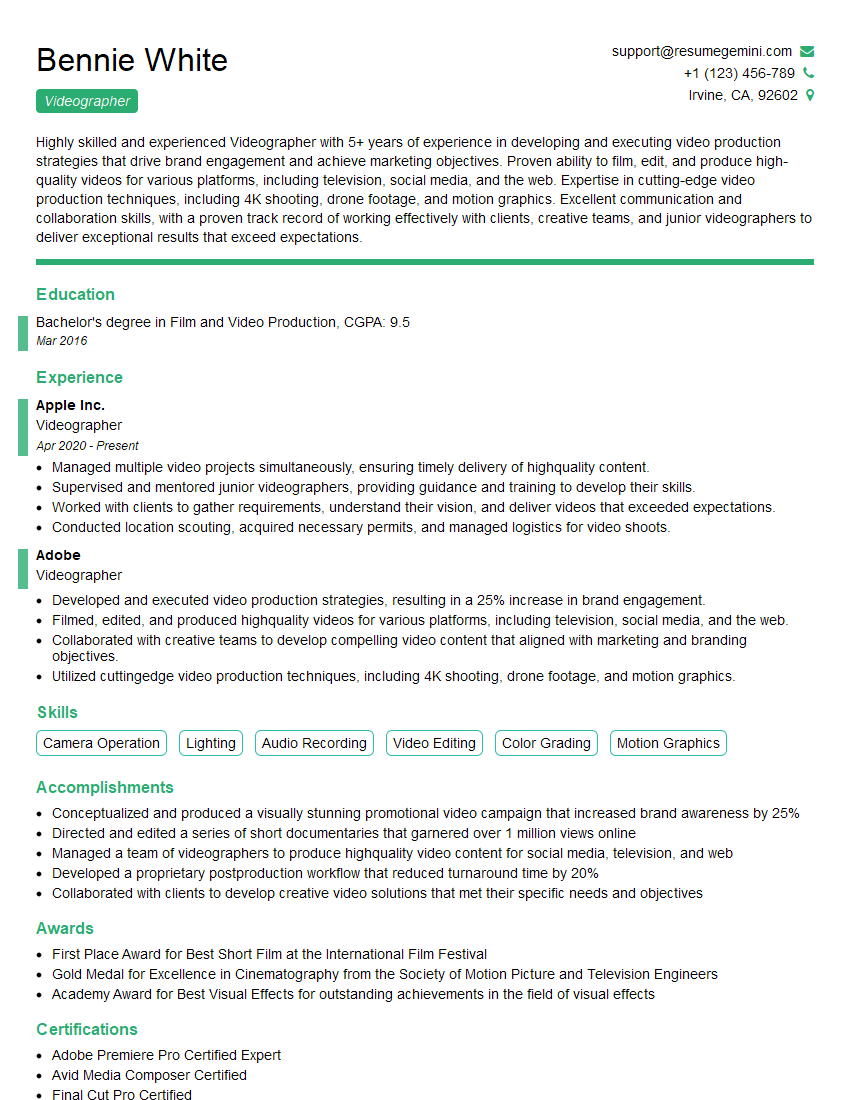
Videographer Resume Sample
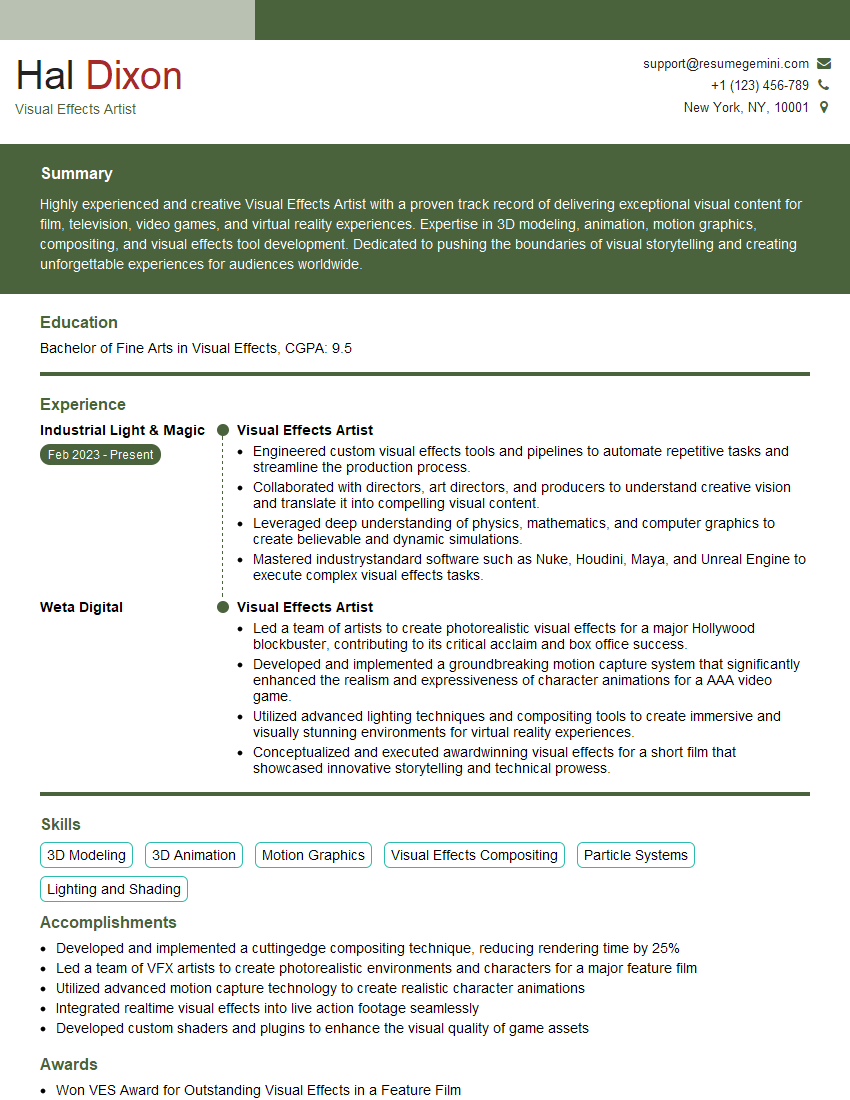
Visual Effects Artist Resume Sample
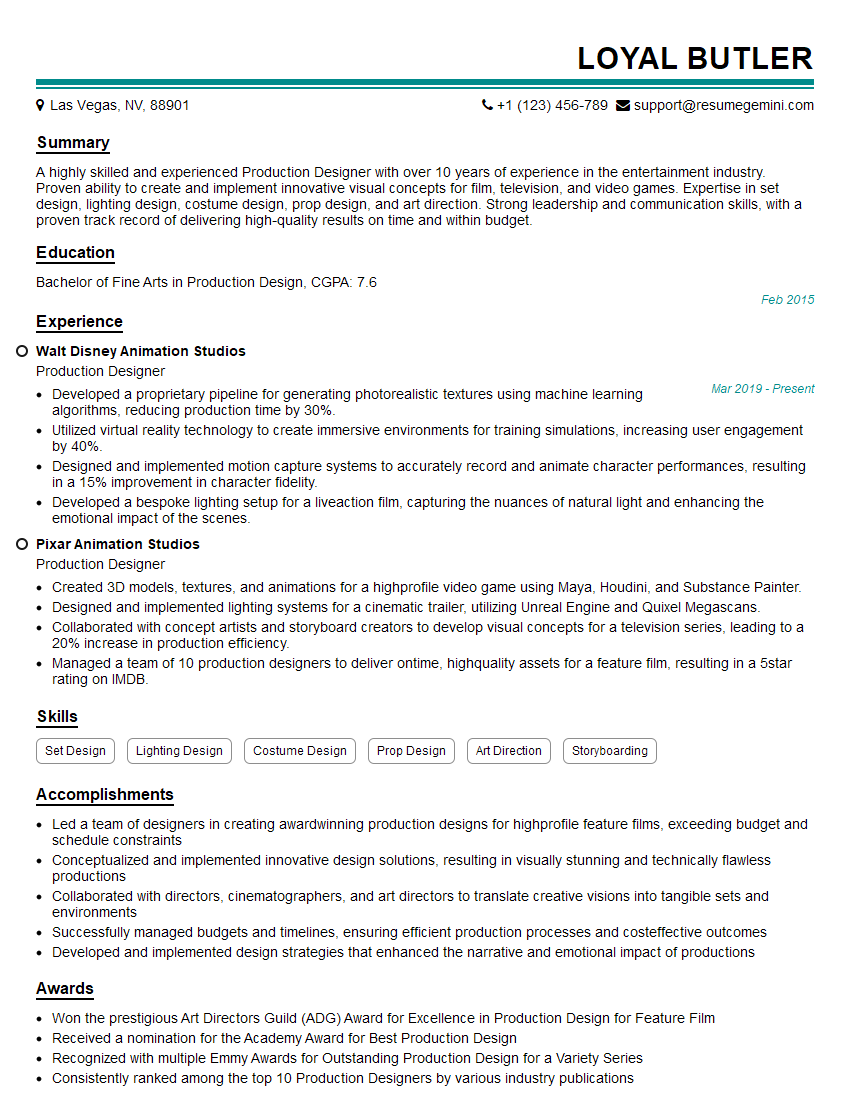
Production Designer Resume Sample
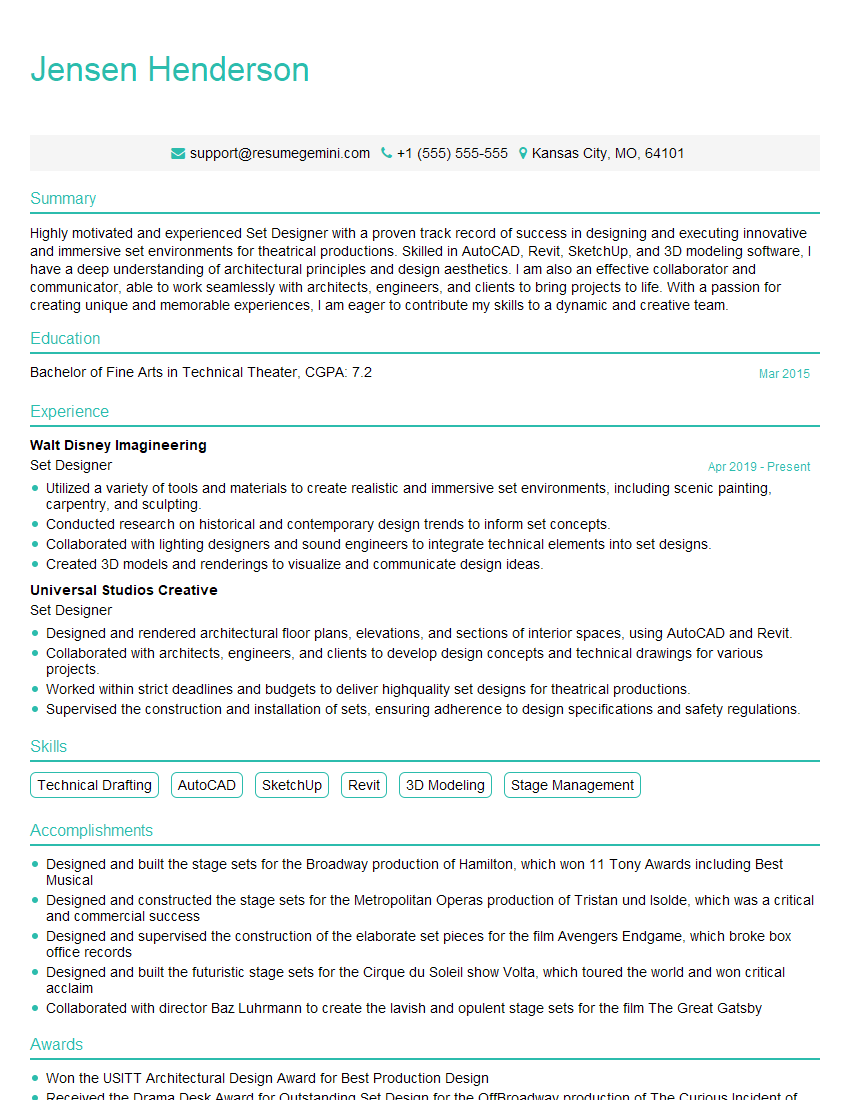
Set Designer Resume Sample
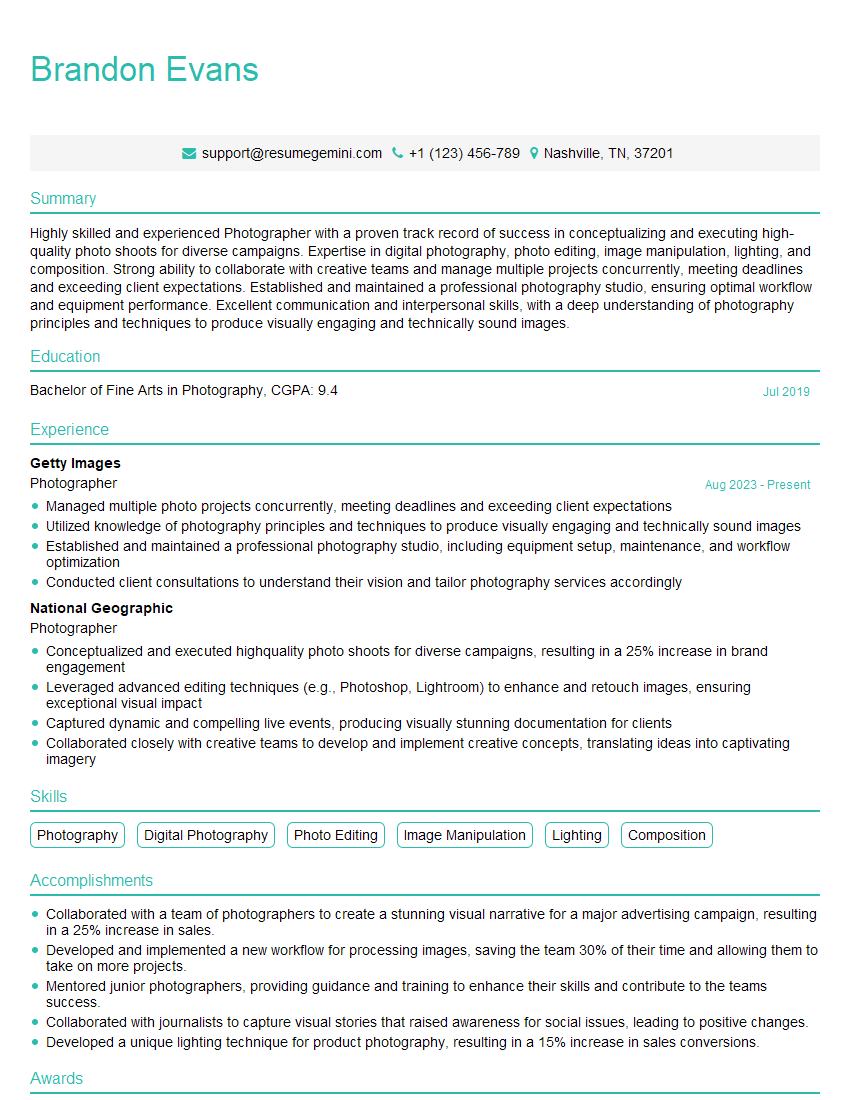
Photographer Resume Sample
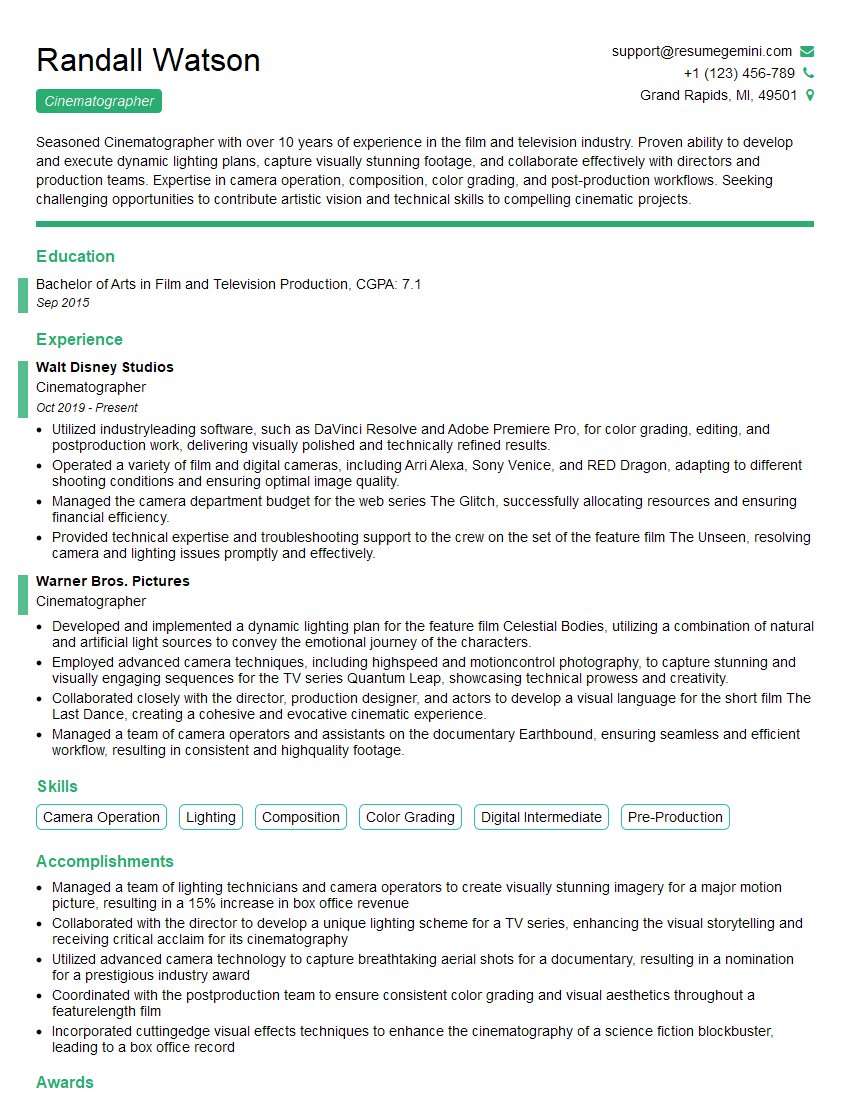
Cinematographer Resume Sample
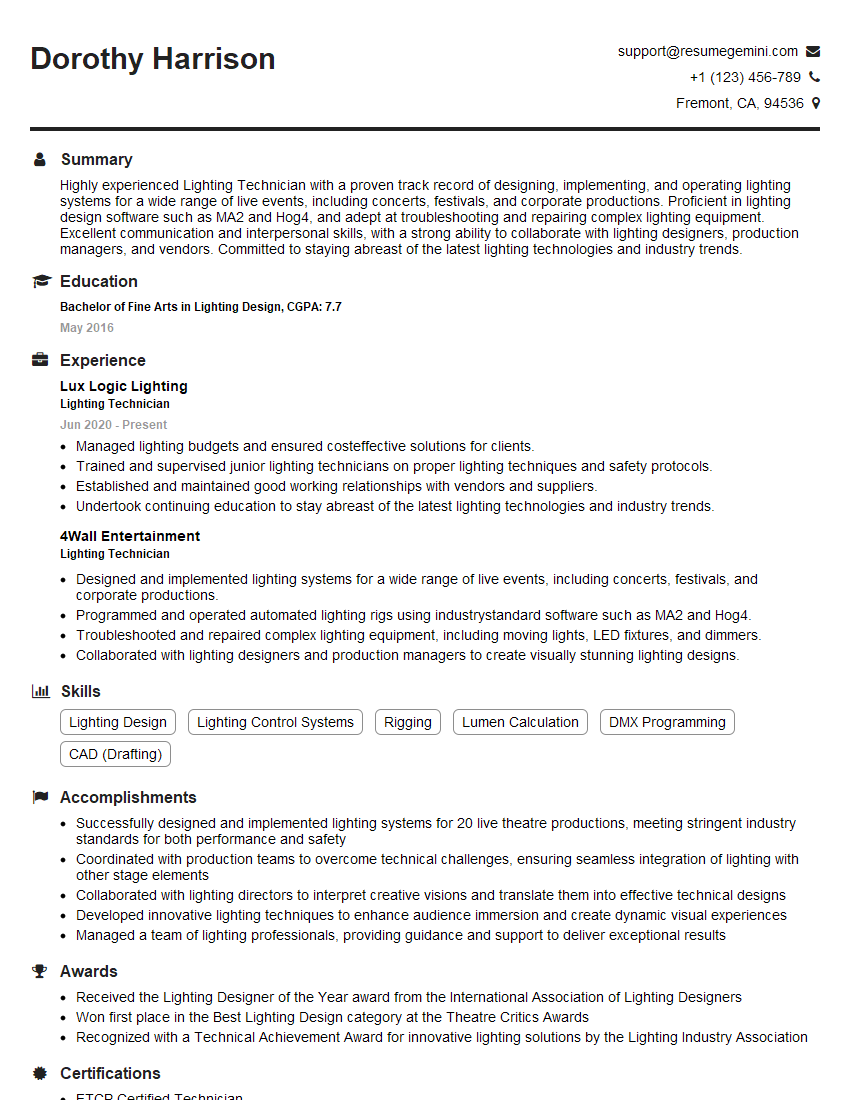
Lighting Technician Resume Sample

UX Designer Resume Sample
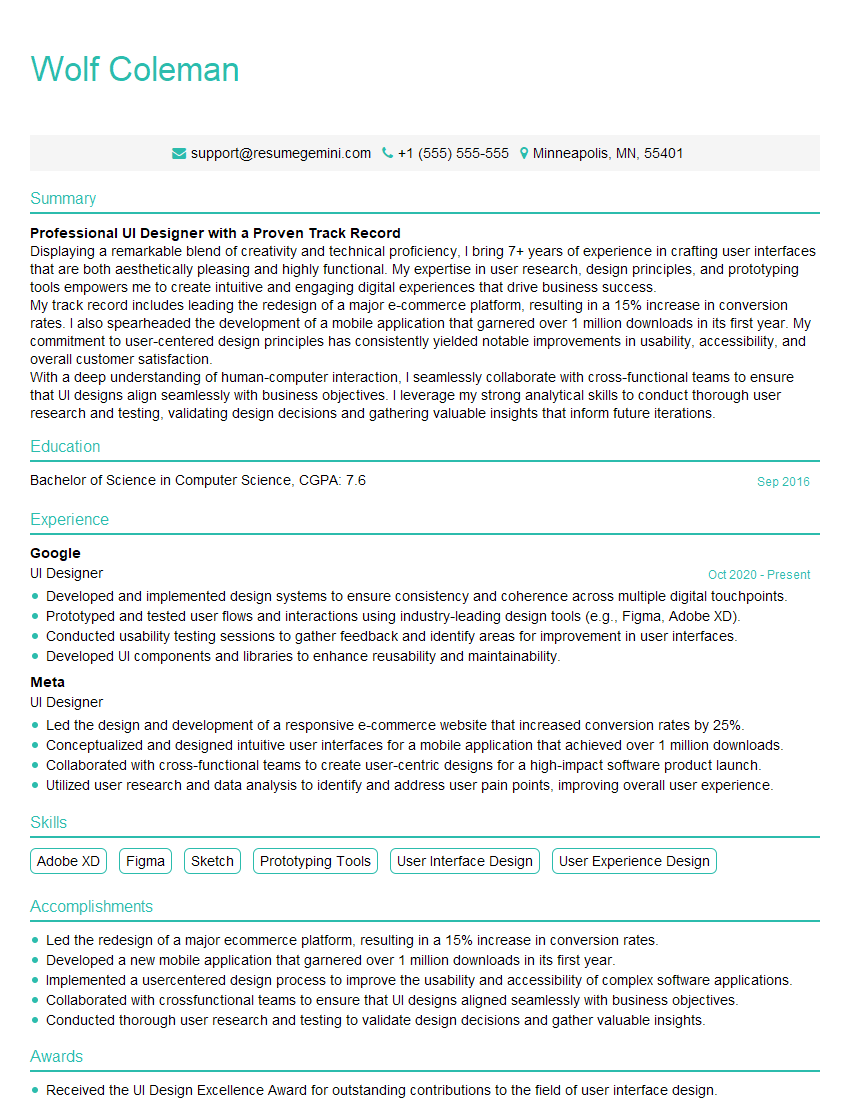
UI Designer Resume Sample
- Art Director
- Creative Director
- Web Designer
- Game Designer
- Colorist
- Illustrator
- Texture Artist
- 3D Modeler
- Animator
- Compositor
- Graphic Designer
- Multimedia Designer
- Videographer
- Visual Effects Artist
- Production Designer
- Set Designer
- Photographer
- Cinematographer
- Lighting Technician
- UX Designer
- UI Designer
Explore more articles
Users Rating of Our Blogs
Share Your Experience
We value your feedback! Please rate our content and share your thoughts (optional).
What Readers Say About Our Blog
Very informative content, great job.
good