Interviews are opportunities to demonstrate your expertise, and this guide is here to help you shine. Explore the essential Proficient in using green screens, motion control cameras, and studio lighting. interview questions that employers frequently ask, paired with strategies for crafting responses that set you apart from the competition.
Questions Asked in Proficient in using green screens, motion control cameras, and studio lighting. Interview
Q 1. Explain the process of keying a green screen. What are common challenges?
Keying a green screen, or chroma keying, is the process of digitally removing a solid color background (usually green or blue) from a video or image, leaving the subject in front of it. This allows you to replace the background with a different image or video. It’s like magic, making the subject appear to be somewhere they weren’t actually filmed!
The process involves several steps: first, careful lighting of the green screen is crucial for even illumination, avoiding shadows and wrinkles. Then, we shoot the footage. Finally, we use software like Adobe After Effects or DaVinci Resolve to isolate the subject from the background using a keying effect. This relies on color differences.
Common challenges include:
- Spill: Green light reflecting onto the subject, making it difficult to separate cleanly.
- Uneven lighting: Shadows or variations in the green screen’s brightness create inconsistent keying.
- Subject details similar to screen color: Green clothing or hair will cause issues.
- Camera settings: Incorrect white balance or exposure can impact the quality of the key.
To overcome these, we use techniques such as careful lighting with enough distance between the subject and the screen, appropriate camera settings, and color correction in post-production.
Q 2. What are the different types of studio lighting and their applications?
Studio lighting encompasses various types, each serving a unique purpose.
- Hard light: Produces sharp shadows and high contrast. Think of a small, focused spotlight. Great for dramatic effects or highlighting textures.
- Soft light: Creates diffuse illumination with minimal shadows, suitable for portraits and situations requiring a softer look. Large softboxes or umbrellas are common sources.
- Key light: The primary light source, defining the main illumination on the subject.
- Fill light: A secondary light source, softening shadows created by the key light and filling in dark areas.
- Backlight: Placed behind the subject to separate them from the background, adding depth and dimension. It can create a rim light effect that outlines the subject.
- Practical lights: Lights that are visible in the scene, adding realism, such as lamps or screen displays. These can be particularly challenging to blend into the keying process if not carefully considered.
For instance, in a green screen shoot, you might use a soft key light to illuminate the subject evenly, a fill light to reduce shadows, and a backlight to separate the subject from the green screen. Careful positioning and balancing of these lights avoids problems in the keying process.
Q 3. Describe your experience with motion control cameras. What are their benefits and limitations?
Motion control cameras, or robotic cameras, are automated camera systems that allow for precise and repeatable camera movements. They can perform complex shots, such as smooth pans, tilts, zooms, and even intricate crane moves, all programmed beforehand. This allows for high-precision shots that would be difficult or impossible to achieve manually, particularly when aiming for perfect continuity across multiple takes.
Benefits include:
- Precise repeatable movements: Ideal for complex shots or sequences that need to be identical each time.
- Time-saving: Reduces the time and effort required for complex camera work.
- Enhanced creativity: Allows for shots that are visually stunning and difficult to accomplish manually.
- Improved consistency: Ensures consistent camera movement across multiple takes.
Limitations include:
- Cost: Motion control systems can be expensive to purchase and maintain.
- Complexity: Requires specialized training and knowledge to operate and program effectively. Setting up the system alone can be quite time-consuming.
- Rigidity: While adaptable, they often lack the spontaneity of a manual camera setup.
I’ve utilized motion control systems on various projects, including commercials and music videos, to create seamless and visually captivating sequences. For example, I used it to create a smooth, sweeping camera move across a virtual city backdrop for a tech company commercial. It greatly enhanced the overall look and feel of the final product.
Q 4. How do you troubleshoot lighting issues on set?
Troubleshooting lighting issues on set requires a systematic approach.
- Identify the problem: Is the lighting too dark, too bright, uneven, or creating unwanted shadows?
- Check the light sources: Ensure all lights are functioning correctly, bulbs are not burnt out, and power connections are secure.
- Assess the light placement: Is the key light positioned correctly? Is there enough fill light? Is the backlight creating unwanted spill?
- Examine the light modifiers: Are softboxes, umbrellas, or grids correctly attached and positioned for the desired effect?
- Check camera settings: Verify exposure settings, white balance, and other camera parameters are optimal for the lighting situation.
- Adjust lighting parameters: Fine-tune the intensity, color temperature, and positioning of light sources to correct the problem.
- Use light meters: Use a light meter for precise measurement of light levels to ensure consistent exposure.
For example, if the subject is too dark, you might increase the intensity of the key light or add a fill light. If there are harsh shadows, you might add a larger softbox or diffuse the light using other modifiers. It’s a process of continuous adjustment and observation until achieving the desired look.
Q 5. Explain spill and how to minimize it in green screen shoots.
Spill refers to the unwanted color of the background (green in green screen shoots) reflecting onto the subject. It contaminates the subject’s color, making it harder to key cleanly. Imagine trying to cut a piece of cake while some icing has smudged onto the plate.
Minimizing spill involves several strategies:
- Sufficient distance: Keep the subject far enough from the green screen to reduce reflected light.
- Flags and cutters: Use black flags or cutters (black fabric or boards) to block light from spilling onto the subject.
- Careful lighting: Precise lighting placement and use of light modifiers prevent light from bouncing back onto the subject from the green screen.
- Proper lighting ratios: Maintain the correct ratio between key, fill, and backlight to balance illumination without excessive spill.
- Color correction in post-production: Though this is a last resort, advanced color correction tools in software like After Effects or DaVinci Resolve can help to reduce spill in post-production, but preventing it on set is always preferable.
For instance, placing black flags near the subject can effectively block spill. Properly positioned lighting significantly cuts down on the need for extensive post-production correction.
Q 6. What software are you proficient in for keying and compositing?
I’m proficient in several software packages for keying and compositing. My expertise lies primarily in Adobe After Effects, which offers a robust and versatile set of tools for chroma keying, color correction, and advanced compositing techniques. I’m also experienced with DaVinci Resolve, a powerful color grading and video editing suite that includes exceptional keying capabilities. Both offer extensive tools to refine the key and remove unwanted artifacts for the most clean and realistic results.
While After Effects is strong for intricate compositing, DaVinci Resolve’s features for color grading often streamline the process by pre-correcting issues which affect the key. The choice depends on the project’s specific needs and workflow preference. I find the strengths of both programs complement each other effectively.
Q 7. How do you determine the appropriate lighting for different skin tones?
Determining the appropriate lighting for different skin tones requires careful consideration of color temperature and light intensity.
Different skin tones have varying levels of reflectivity and color saturation. For example, darker skin tones tend to absorb more light and may require higher light intensity to achieve proper exposure. Lighter skin tones, on the other hand, are more reflective and might require less intensity to avoid overexposure and highlight clipping.
Furthermore, color temperature plays a crucial role. Warm-toned lighting (lower color temperature) can create a flattering look on many skin tones. Cool-toned lighting (higher color temperature) can sometimes be harsh and unflattering, especially for specific skin tones.
It’s important to experiment and observe. Calibrating your camera’s white balance to your chosen light source is crucial, providing a neutral baseline. Using a calibrated monitor prevents misinterpretations of color due to incorrect display profiles. Ultimately, the best way to determine appropriate lighting is through careful observation and testing, adjusting until the skin tones appear natural and well-lit. The goal is to provide illumination that shows the subject in the best possible light while maintaining realism.
Q 8. What are the different types of motion control rigs and their uses?
Motion control rigs automate camera movements, offering precise and repeatable shots. Different types cater to various needs and budgets.
- Linear Motion Control: These systems move the camera along a single axis (typically a track) for smooth dollies or pans. Think of a camera sliding along a track for a revealing shot. This is great for simple, predictable movements.
- Robotic Arms: More complex systems offering six degrees of freedom (XYZ axes plus pan, tilt, and roll). They allow for incredibly intricate and dynamic camera moves, ideal for complex shots or time-lapses. Imagine a shot orbiting a subject with smooth, continuous motion.
- Computer-Controlled Dolly Systems: These often combine track systems with automated camera control, offering programmable and repeatable moves. These are prevalent in stop-motion or VFX work requiring extreme precision.
- Simple DIY rigs: Even a DIY rig using sliders and a motor can provide basic motion control for simpler projects.
The choice depends on the complexity of the shot, budget, and the level of precision needed. A simple linear system suffices for basic moves, while robotic arms are essential for intricate, dynamic shots.
Q 9. Describe your experience with color correction and grading.
Color correction and grading are crucial for achieving the desired look and feel. Color correction addresses technical issues like white balance and exposure, ensuring accurate color representation. Grading involves stylistic adjustments to enhance mood, tone, and overall aesthetics.
My experience spans various software, including DaVinci Resolve, Adobe Premiere Pro, and After Effects. I’m comfortable working with both the technical aspects of correcting color casts and the creative aspects of developing a consistent look across different shots. For example, in a recent project involving a historical drama, I used color grading to create a muted, desaturated look to reflect the somber tone of the narrative.
I understand the importance of using reference images, color charts, and consistent color spaces (like Rec.709 or DCI-P3) to maintain accuracy and consistency throughout the post-production process. I always strive for a natural, yet visually compelling final product.
Q 10. How do you manage lighting for different scenes and moods?
Lighting is pivotal in setting the mood and atmosphere of a scene. Different lighting setups evoke distinct emotions and establish the overall feel of the project.
For example, high-key lighting (bright and even) creates a cheerful, upbeat atmosphere, perfect for comedies or lighthearted scenes. In contrast, low-key lighting (dramatic use of shadows and contrast) generates a mysterious or suspenseful mood, ideal for thrillers or dramas. I use a variety of lighting techniques, including:
- Three-point lighting: A fundamental technique involving a key light, fill light, and backlight for balanced illumination.
- Backlighting: Used to separate the subject from the background, adding depth and dimension.
- Side lighting: Creates shadows and texture, adding visual interest.
- Color temperature adjustments: Using warm or cool-toned lights to enhance the mood.
Understanding the relationship between light, shadow, and color is essential to creating impactful scenes. I always consider the story, setting, and desired emotion when designing my lighting plans.
Q 11. Explain the importance of proper camera placement in relation to a green screen.
Proper camera placement relative to the green screen is crucial for successful keying (separating the subject from the background). Key factors include:
- Distance: Sufficient distance between the subject and the green screen prevents spill (green light reflecting onto the subject). This distance ensures clean separation in post-production.
- Angle: A straight-on angle (perpendicular to the screen) minimizes shadows and ensures even lighting on the screen, leading to a better key.
- Lighting: Even and consistent lighting on the green screen is vital for uniform color and prevents uneven keying. The camera’s position should minimize the likelihood of creating uneven lighting patterns.
Poor camera placement leads to difficult-to-fix keying issues such as color spill, shadows, and uneven illumination on the green screen. The goal is to facilitate clean separation of subject and background in post-production, reducing workload and enhancing final quality.
Q 12. What are some common problems encountered with green screen shoots and how would you solve them?
Common green screen problems include:
- Green spill: Green light reflecting onto the subject. This is solved by increasing the distance between the subject and the screen, careful lighting placement, and using appropriate color correction techniques in post-production.
- Shadows: Shadows cast by the subject onto the screen. This is mitigated by proper lighting, including fill lights to minimize shadows and appropriate camera angles.
- Uneven lighting: Inconsistent illumination on the green screen leads to uneven keying. This is solved by ensuring even lighting on the screen and potentially using a lighting grid for more precise control.
- Wrinkles or creases in the screen: These create inconsistencies in color and texture. This is avoided by using a high-quality screen and ensuring it is properly stretched and smooth.
Proactive problem-solving involves thorough planning, meticulous setup, and careful attention to detail throughout the shoot. Post-production fixes are possible, but prevention is always more efficient.
Q 13. Describe your workflow for setting up and operating a motion control camera system.
My workflow for motion control involves:
- Planning and pre-visualization: I carefully plan the camera movements using software like Dragonframe or similar motion control software, creating a detailed shot list and keyframe animation.
- Rig setup: I set up the motion control system, calibrating the cameras and ensuring smooth operation. This may include configuring motors, tracks, and any additional accessories.
- Camera placement and focus: I carefully place the camera, ensuring it’s properly aligned and focused according to the pre-visualization.
- Test shots and adjustments: I perform test shots to verify the camera movements and make any necessary adjustments to the programming before shooting the main sequence.
- Shooting: Once everything is perfect, I begin shooting, monitoring each shot to ensure the desired results.
- Post-production review: After shooting, I review the footage to ensure the camera moves are smooth and meet the project’s requirements.
Throughout the entire process, precision and attention to detail are key. The pre-visualization stage is crucial, minimizing on-set adjustments and saving time.
Q 14. How do you ensure color consistency across different shots?
Maintaining color consistency across shots is crucial for a professional look. Several methods help achieve this:
- Consistent lighting: Maintaining the same lighting setup throughout the shoot helps minimize color variations. Using calibrated lights and color meters ensures accuracy.
- Color charts and references: Using color charts (like X-Rite ColorChecker) in every scene allows for consistent color correction during post-production.
- Color profiles: Using consistent color profiles (e.g., Rec.709) throughout the workflow helps ensure accurate color representation across different devices and software.
- Color grading workflow: Applying a consistent color grading style across all shots helps ensure visual unity. Using tools like LUTs (Lookup Tables) can automate the process and streamline workflow.
Planning is vital. Creating a shot list with consistent lighting conditions and color references ensures that the final product has uniform color.
Q 15. What are the advantages and disadvantages of different lighting modifiers (softboxes, umbrellas, etc.)?
Lighting modifiers significantly impact the quality and character of your light. Let’s compare softboxes and umbrellas:
- Softboxes: These offer a very soft, diffused light, ideal for portraits and situations requiring a gentle, even illumination. Think of them as giant diffusers that soften harsh shadows. They’re versatile and excellent for minimizing harsh lines on faces. Disadvantages include their size and weight, which can be cumbersome, and their cost, which can be higher than umbrellas.
- Umbrellas: Generally cheaper and easier to transport than softboxes, umbrellas provide a faster setup. Shoot-through umbrellas create a softer light, similar to a softbox but often less controlled. Reflecting umbrellas bounce light back onto the subject, offering a brighter, more direct but still somewhat softer light source. The drawback is that the light is less controlled, and you can end up with less even coverage than with a softbox.
- Other Modifiers: Consider beauty dishes (for a dramatic, glamorous look), grids (for precise light control), and snoots (for highly focused light beams). Each modifier provides unique qualities depending on the desired effect. For example, a beauty dish is perfect for headshots, creating a soft glow, while a grid ensures light only hits the desired area, reducing spill.
The choice depends entirely on your desired aesthetic and practical constraints. For a soft, even light on a person’s face, a softbox is generally preferred, while a shoot-through umbrella might be chosen for its speed and ease of use on a larger set.
Career Expert Tips:
- Ace those interviews! Prepare effectively by reviewing the Top 50 Most Common Interview Questions on ResumeGemini.
- Navigate your job search with confidence! Explore a wide range of Career Tips on ResumeGemini. Learn about common challenges and recommendations to overcome them.
- Craft the perfect resume! Master the Art of Resume Writing with ResumeGemini’s guide. Showcase your unique qualifications and achievements effectively.
- Don’t miss out on holiday savings! Build your dream resume with ResumeGemini’s ATS optimized templates.
Q 16. How do you work with a director or client to achieve their lighting vision?
Collaborating with a director or client on lighting is crucial for achieving their vision. I start by having a detailed discussion about their desired mood, style, and the overall story they want to tell. We’ll look at reference images—films, photos, paintings—to establish a visual language.
I’ll then present lighting diagrams and discuss the technical aspects, explaining the role of key, fill, and back lights; how different modifiers affect the light; and how we’ll position the subject in relation to the lights. We’ll also discuss the practicality, ensuring the setup matches the time constraints and resources available. During the shoot, I continuously check in with the director and client, making adjustments as needed to ensure the final product meets their expectations. I embrace iterative feedback and consider myself part of the creative team. For instance, if a director wanted a dramatic, high-contrast look for a scene, I would likely utilize a hard light source, maybe a bare bulb, with minimal fill light, creating strong shadows. Conversely, for a softer, more romantic mood, I might employ softboxes and diffusers, prioritizing even light distribution.
Q 17. Explain the concept of chroma keying and its limitations.
Chroma keying, or green/blue screen compositing, is the process of replacing a uniformly colored background with a different image or video. It’s achieved by filming the subject against a solid background (usually green or blue for its contrast with most skin tones), then digitally isolating that background and replacing it in post-production.
Limitations:
- Spill: Light reflecting onto the subject from the screen can contaminate the chroma key, making it difficult to isolate the background. This requires careful lighting techniques, such as using green screen fabrics which absorb light better or using a higher key lighting ratio.
- Shadows: Shadows cast by the subject onto the screen can be a significant challenge. Minimizing shadows usually requires precise light placement or post-production correction which can be time consuming and require very skilled editing.
- Color Matching: Achieving a seamless composite depends on accurate color matching between the subject and background. Color differences can lead to visible edges or artifacts, therefore using a standardized monitor profile during shooting and post-production is key.
- Clothing and Hair: Similar colors in clothing or hair can cause problems during keying. Avoiding green or blue clothing is the obvious solution, but this also needs to be considered during lighting design to ensure contrast and reduce spill.
Despite these limitations, chroma keying remains a powerful tool when carefully planned and executed.
Q 18. What is the difference between three-point lighting and other lighting setups?
Three-point lighting is a basic but effective lighting setup used in photography and videography. It consists of three light sources:
- Key Light: The main light source, providing the primary illumination and shaping the subject.
- Fill Light: A softer light positioned opposite the key light, reducing shadows and adding detail.
- Back Light: A light positioned behind the subject, separating it from the background and adding depth.
Other lighting setups build upon this foundation or use different approaches entirely. For instance, you might add rim lights (lights positioned to accentuate the edges of a subject) or use a high-key lighting setup with overall bright and even lighting, creating a cheerful and clean look. Low-key lighting, on the other hand, uses heavy shadows and deep contrasts for a dramatic, moody effect. The choice of setup is dictated by the narrative and visual style desired.
Q 19. Describe your experience with different types of cameras (e.g., DSLR, cinema cameras).
My experience encompasses a wide range of cameras, each with its own strengths and weaknesses:
- DSLRs: I’ve extensively used DSLRs like Canon 5D Mark IV and Nikon D850 for their versatility and affordability, especially in smaller productions where portability is important. Their image quality is excellent for many applications, although they can struggle with low-light situations.
- Cinema Cameras: I’m proficient with ARRI ALEXA Mini and RED cameras. These offer superior dynamic range, image quality, and features like internal ND filters that greatly simplify on-set workflow. Their larger sensors often allow for shallow depth of field and cinematic effects not easily achievable with DSLRs. However, they are considerably more expensive and require a greater level of technical expertise.
The choice of camera always depends on the project’s requirements. For a low-budget independent film, a DSLR might be sufficient, while a high-budget feature film would require the superior quality and capabilities of a cinema camera.
Q 20. How do you troubleshoot technical issues with green screen equipment?
Troubleshooting green screen issues involves a systematic approach:
- Lighting: Is the green screen evenly lit? Uneven lighting is a major source of problems. Check for hot spots and shadows. This might involve adjusting the intensity and position of your lights, or using diffusers and flags.
- Camera Settings: Ensure the camera’s white balance is set correctly. This is essential for achieving accurate color representation. Improper white balance can impact the chroma key process, making the background difficult to remove.
- Background: Is the green screen clean? Wrinkles or creases in the screen will show up in the final result. Check the screen’s condition and iron it if necessary before setup. If the background is uneven and has variations, it would lead to inconsistent keying.
- Spill: Is there spill (light reflecting off the screen onto the subject)? If so, adjust lighting placement and modify the lights with flags and diffusers to isolate the lights and direct light away from the screen onto the subject.
- Software: Use professional compositing software. It is essential to have experience with professional grade software which may require training to use effectively.
A combination of these can usually resolve most green screen problems.
Q 21. How do you plan and execute a complex lighting setup for a demanding shoot?
Planning a complex lighting setup involves meticulous preparation and execution. I begin by creating detailed lighting diagrams, specifying the type and position of each light, modifier used, and intensity. This requires a thorough understanding of the scene’s requirements, including mood, subject, and background.
I’ll often create lighting tests using mockups or even quick shots to refine the plan. I’ll then work closely with the gaffer (lighting technician) and their team to ensure all equipment is available and properly set up. On set, I supervise the implementation of the plan, making real-time adjustments as needed, based on feedback from the director and client. For example, a scene in a gothic castle might require a combination of hard lights, to emphasize textures and shadows, and soft fill lights, to ensure the actors’ faces are not completely swallowed by darkness. Precise placement and careful use of flags and gels would create the desired atmosphere, making the setting feel mysterious yet detailed.
Communication is key. Constant feedback with the team ensures everyone understands the plan and works together smoothly. Problem-solving throughout the process and adopting a flexible approach ensures we achieve the best possible results, even when unforeseen challenges arise.
Q 22. Describe your experience with camera calibration and color profiling.
Camera calibration and color profiling are crucial for achieving seamless green screen compositing. Calibration ensures your camera accurately captures colors and eliminates distortions, while color profiling creates a consistent color space across all your equipment. Think of it like setting up a perfectly balanced scale – you need accurate measurements to achieve a flawless result.
My experience involves using calibration tools like Datacolor SpyderX and X-Rite i1Display Studio to profile my cameras and monitors. This process involves creating custom profiles that compensate for variations in light sensitivity and color reproduction between different devices. For example, I recently worked on a project where subtle color differences between the camera and the monitor were causing inconsistencies in the final composite. By using a calibrated workflow, we eliminated these differences, leading to a much cleaner and more professional result.
I use color charts and test shots to verify accuracy after calibration and regularly maintain these profiles to ensure consistency across various shoots. The accuracy of this process is especially crucial for consistent lighting across multiple cameras, a common need in larger productions.
Q 23. What is your experience with different types of green screen materials?
I’ve worked with a variety of green screen materials, each with its own strengths and weaknesses. The choice depends heavily on the specific needs of the shoot – budget, lighting conditions, and desired level of detail all play a significant role.
- Muslin: This is a classic, budget-friendly option. It’s relatively easy to work with, but wrinkles easily and can be challenging to light evenly, resulting in potential spill.
- Chroma Key Fabric: A more expensive, high-quality option that offers improved color uniformity and wrinkle resistance. This material generally provides a cleaner key and reduces post-production time.
- Paper: Large seamless paper rolls are sometimes used for smaller shoots, but these can be difficult to manage and crease easily.
For instance, on a recent low-budget indie film, we opted for muslin due to its cost-effectiveness. However, for a high-end commercial project, we chose chroma key fabric for its superior quality and ease of lighting.
Q 24. How do you manage time and resources effectively during a shoot?
Effective time and resource management is paramount in any shoot. My approach involves meticulous planning and on-set efficiency. This starts with creating a detailed shot list and schedule, outlining every scene and the resources required. I then meticulously allocate time slots for setup, filming, and breakdown, leaving buffer time for unexpected issues.
I also prioritize communication. Clear and concise communication with the director, cinematographer, and crew is essential to avoid delays and ensure everyone is on the same page. For example, I may use a shot list with a timeline, assigning specific crew members to different parts of the process in order to improve our overall speed and keep our workflow moving smoothly. I utilize collaborative tools like Google Sheets or production management software to streamline communication and tracking of progress. Regular check-ins are essential to promptly address issues and prevent them from escalating.
Q 25. What are some advanced techniques you use in green screen compositing?
Beyond basic keying, advanced green screen compositing techniques often involve lighting and camera techniques that simplify post-production. These include techniques to minimize spill and enhance detail. I’ve had success with techniques like:
- Advanced Lighting: Using specialized lighting equipment like butterfly softboxes and grids to illuminate the subject evenly, minimizing harsh shadows that might create difficulties for the keying process. We make sure to pay close attention to lighting ratios to reduce spill onto the background.
- Spill Control: Employing techniques like strategically placed black flags or bounce boards to manage light spill onto the green screen, reducing the need for extensive cleanup in post-production.
- Camera Techniques: Adjusting the camera angle and distance to minimize background wrinkles, seams, or imperfections.
- Depth of Field Control: Using shallow depth of field to ensure that the background is out of focus and does not interfere with the keying process. This also contributes to creating a more realistic, cinematic look.
For instance, on a recent project featuring a character against a cityscape backdrop, we used a combination of advanced lighting and a shallow depth of field to achieve a clean composite while maintaining a visually appealing image.
Q 26. How do you maintain a clean and organized workspace?
Maintaining a clean and organized workspace is vital for efficiency and safety. My approach emphasizes a system of organization that keeps equipment readily available while ensuring a safe environment for everyone. This is not only efficient but also creates a safer work environment.
I implement a system where we have designated areas for cables, lighting equipment, and camera accessories. This helps us to avoid tripping hazards and improves workflow, as everyone knows where to find their equipment. We also use cable management solutions to keep cables organized and prevent them from tangling, potentially causing malfunctions or safety hazards. At the end of each day, we completely pack up the gear. Having a clear and orderly workspace is crucial for allowing us to keep a safe and efficient work environment.
Q 27. What safety precautions do you follow when working with studio lighting equipment?
Safety is my top priority when working with studio lighting equipment. I always follow these precautions:
- Proper Handling: Never touch hot light bulbs or leave equipment unattended. We always allow lights to cool down before handling.
- Cable Management: Use cable ties and wraps to avoid tripping hazards and protect cables from damage. This also helps reduce the risk of electrical shorts.
- Safe Setup: Ensure lighting stands are stable and properly weighted to prevent them from tipping over. We always make sure that the equipment is properly secured before starting operation.
- Emergency Procedures: Be familiar with the location of emergency shut-off switches and fire extinguishers.
Moreover, before each shoot, I conduct a thorough inspection of all equipment to identify and address any potential safety concerns. This proactive approach ensures a safe and productive working environment.
Q 28. Explain your experience with time-lapse photography and motion control.
I have extensive experience with time-lapse photography and motion control. These techniques add a dynamic and engaging element to projects. Time-lapse condenses lengthy periods into brief, captivating sequences, while motion control enables precise, repeatable camera movements.
My work with time-lapse includes creating stunning sunset sequences and documenting the growth of plants over several weeks. For motion control, I often use motorized sliders, dollies, and robotic camera heads to create smooth, professional camera movements. These techniques demand precision and planning, but the results are exceptional. This precise technology allows for stunning shots that are both visually interesting and high-quality.
For example, on one project, we used time-lapse photography to capture the construction of a skyscraper. We then combined this footage with motion control to smoothly zoom in on specific details during various stages of construction. The final product was a captivating visualization of the construction process. This process often involves intricate planning of camera paths and careful synchronization with other elements in the scene.
Key Topics to Learn for Proficient in using green screens, motion control cameras, and studio lighting. Interview
- Green Screen Techniques: Understanding chroma keying, spill control, lighting techniques for optimal keying, and troubleshooting common issues like green screen wrinkles or shadows.
- Motion Control Camera Systems: Familiarity with different motion control systems (e.g., robotic arms, time-lapse systems), programming and operating procedures, and understanding their role in creating smooth, repeatable camera movements.
- Studio Lighting: Mastering three-point lighting, color temperature balancing, understanding lighting modifiers (softboxes, umbrellas, grids), and creating specific moods and styles through lighting choices.
- Practical Applications: Discuss your experience with various projects involving these technologies. Be ready to describe your workflow, problem-solving approaches, and contributions to the overall project success. Examples include virtual sets, product demonstrations, and cinematic shots.
- Camera and Lighting Equipment Knowledge: Demonstrate your familiarity with various camera models, lenses, and lighting equipment brands. Understanding their capabilities and limitations is crucial.
- Workflow and Post-Production: Describe your familiarity with post-production processes relevant to green screen work (e.g., keying, compositing, color correction) and how you integrate these into your overall workflow.
- Troubleshooting and Problem Solving: Highlight instances where you encountered challenges with equipment or techniques and explain how you effectively resolved them. This demonstrates resourcefulness and technical skills.
Next Steps
Mastering green screen techniques, motion control cameras, and studio lighting is essential for career advancement in film, video production, and related fields. These skills are highly sought after and demonstrate a strong understanding of visual storytelling and technical proficiency. To significantly improve your job prospects, create an ATS-friendly resume that highlights your expertise. ResumeGemini is a trusted resource to help you build a professional and impactful resume that showcases your skills effectively. Examples of resumes tailored to this specific skill set are available, helping you present your experience in the best possible light.

Technical Director Resume Sample
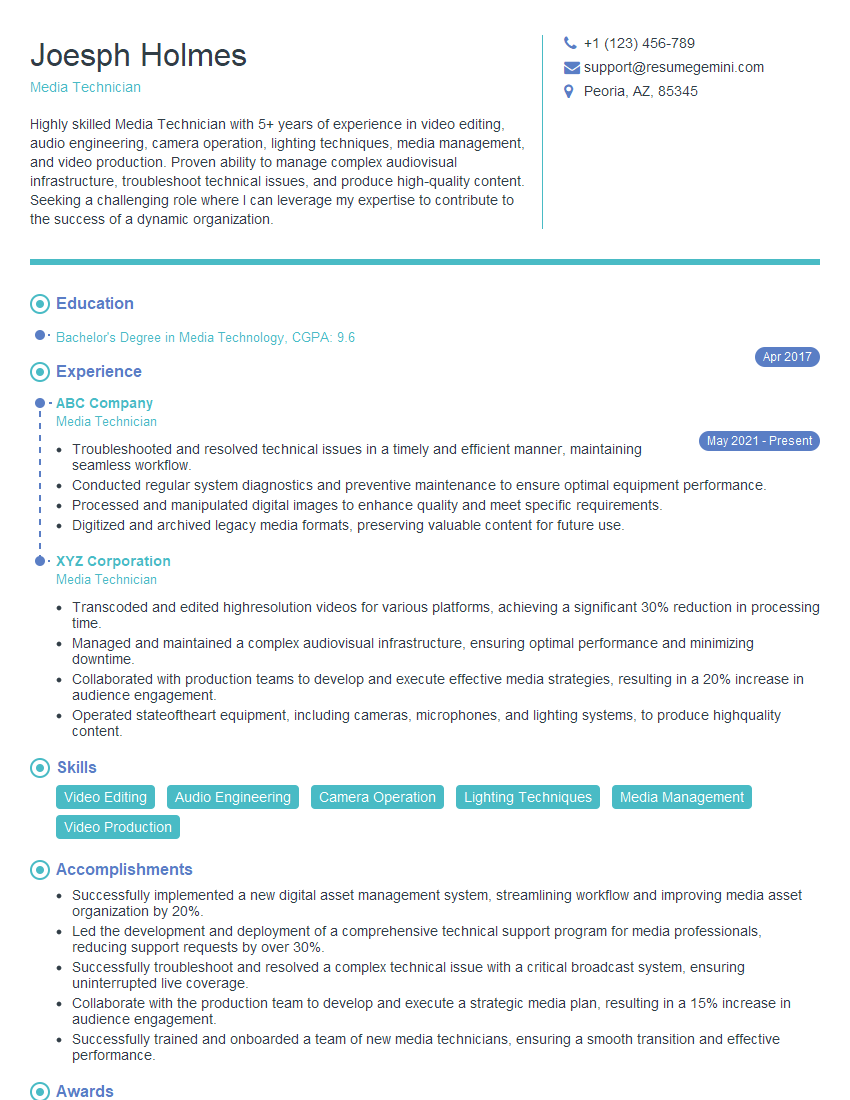
Media Technician Resume Sample

Multimedia Specialist Resume Sample

3D Animator Resume Sample

Compositor Resume Sample

Motion Graphics Artist Resume Sample
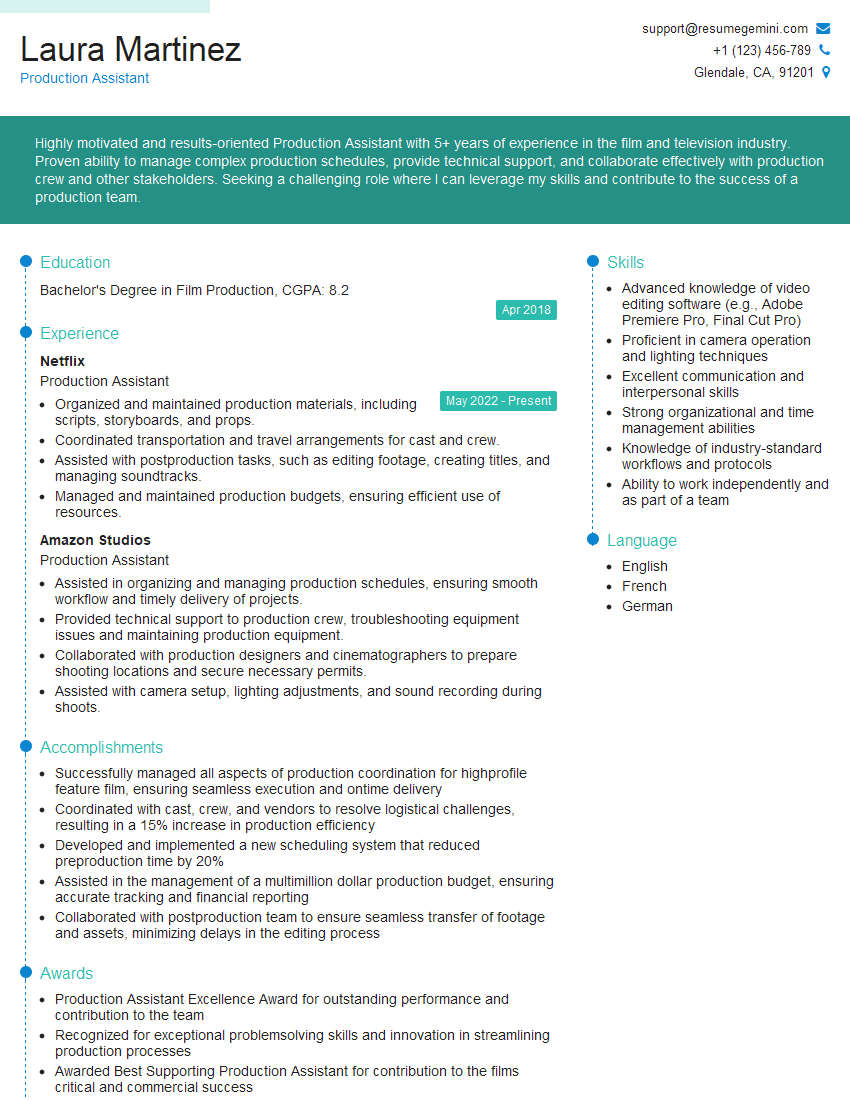
Production Assistant Resume Sample
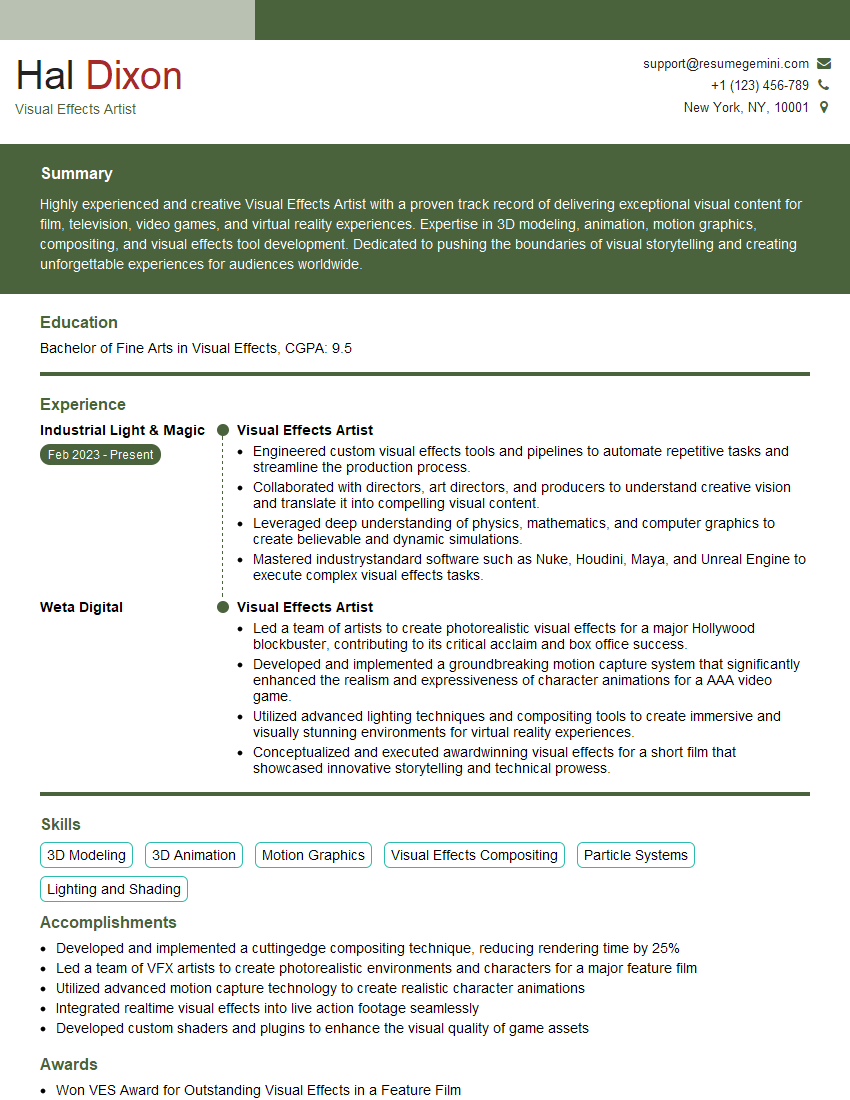
Visual Effects Artist Resume Sample
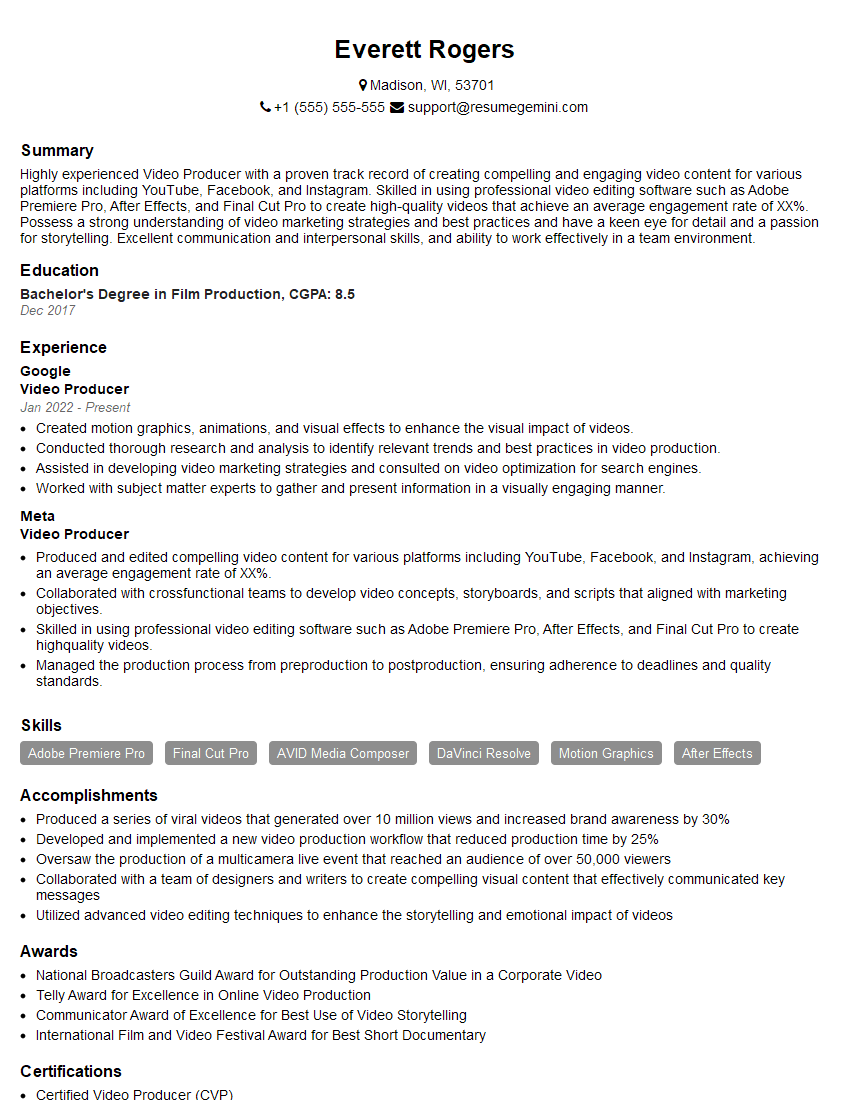
Video Producer Resume Sample

Broadcast Engineer Resume Sample

Video Editor Resume Sample
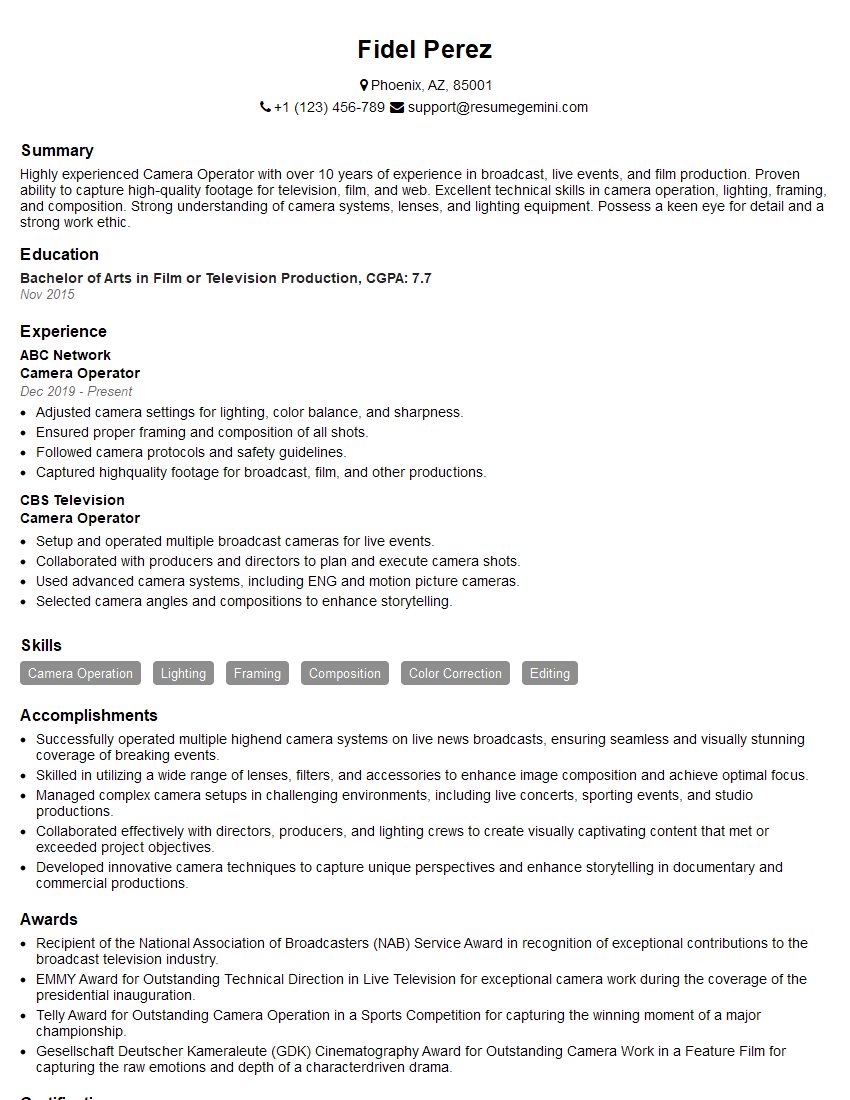
Camera Operator Resume Sample
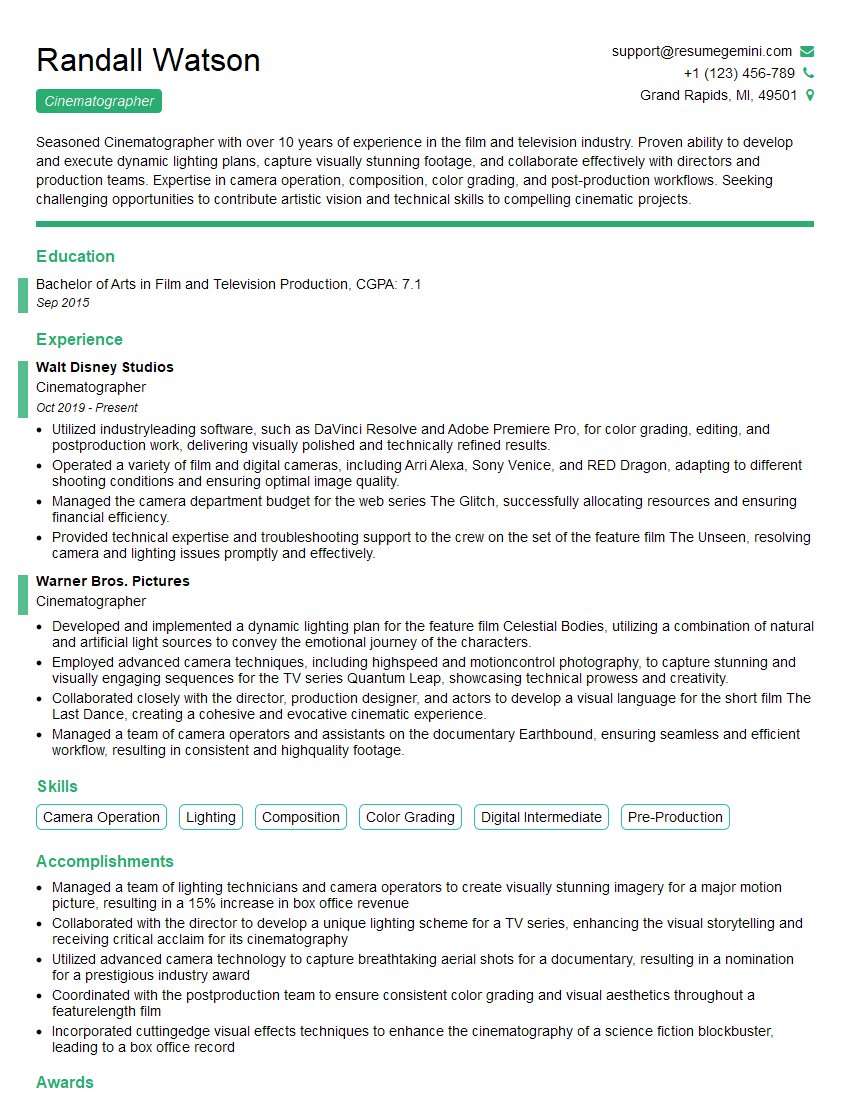
Cinematographer Resume Sample
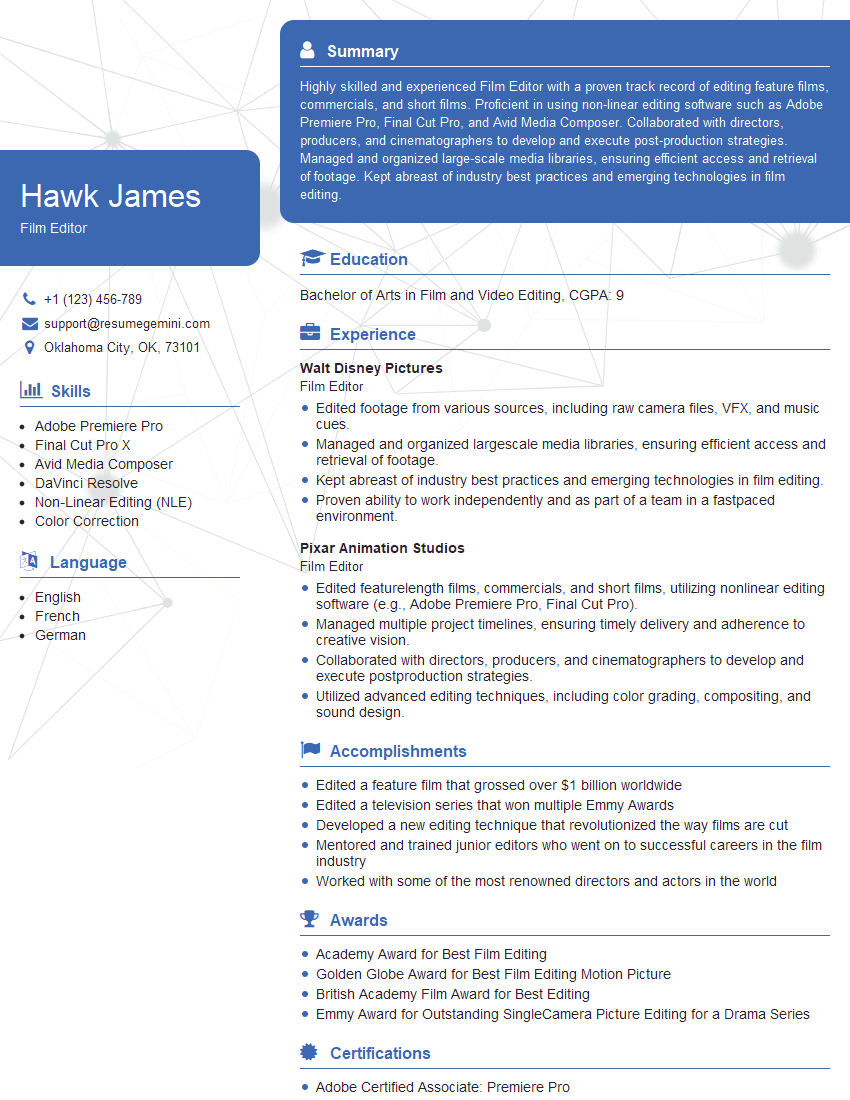
Film Editor Resume Sample
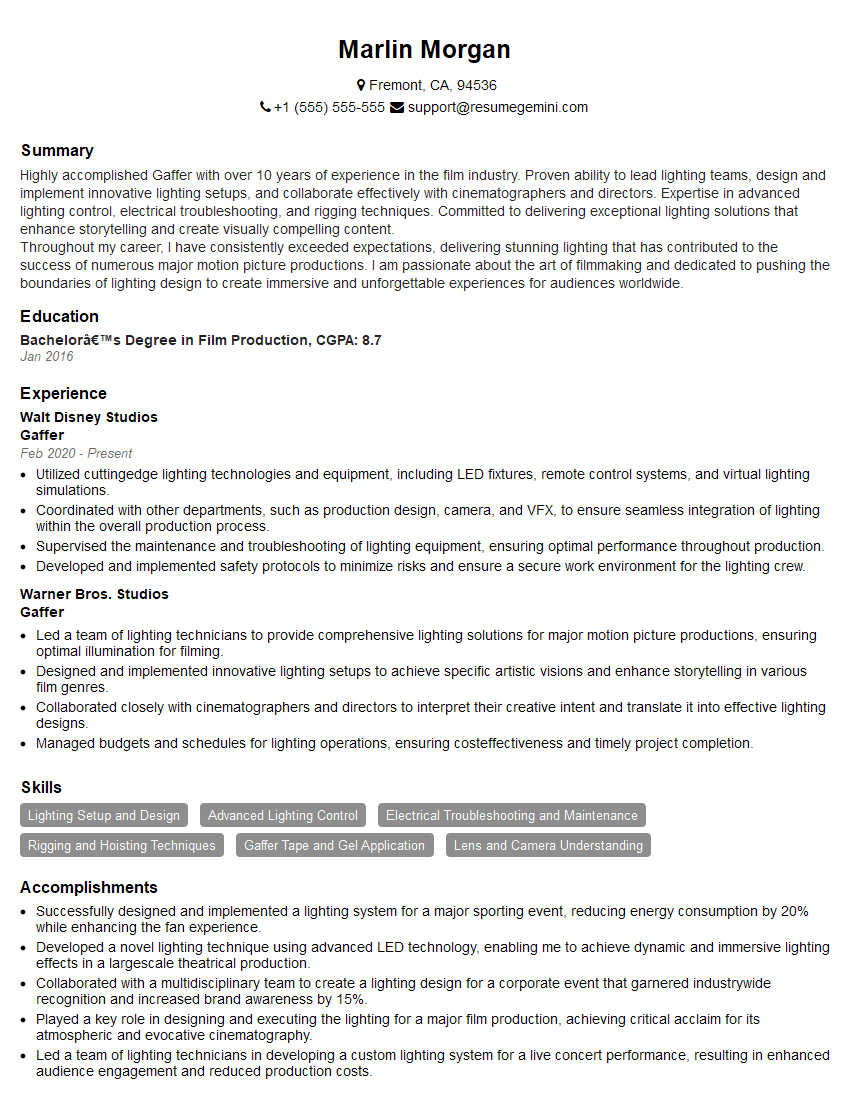
Gaffer Resume Sample
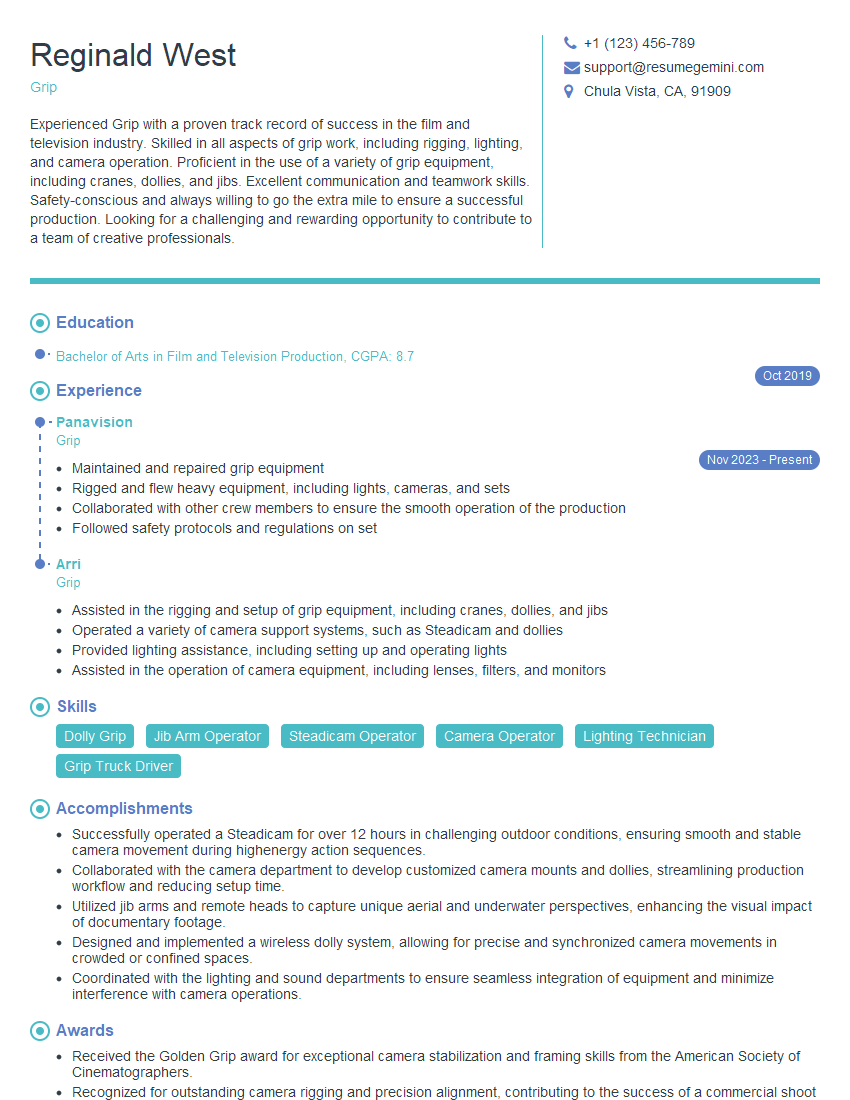
Grip Resume Sample
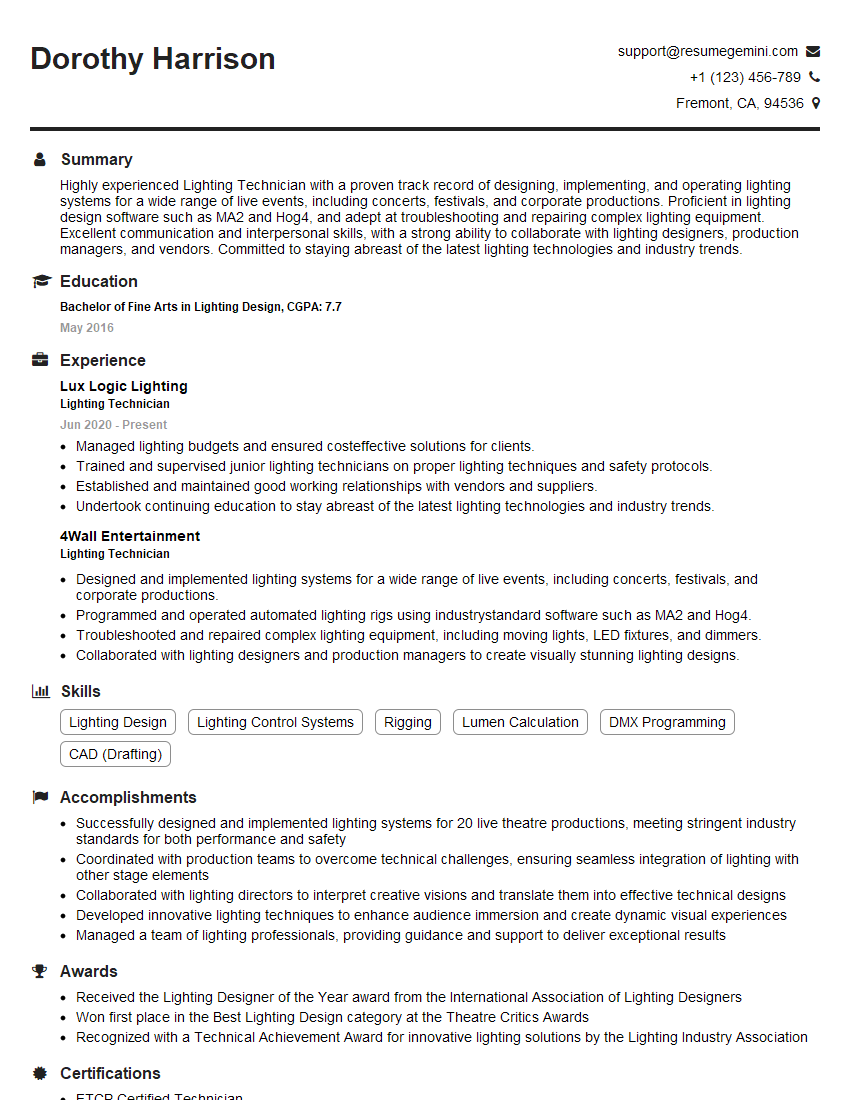
Lighting Technician Resume Sample
Explore more articles
Users Rating of Our Blogs
Share Your Experience
We value your feedback! Please rate our content and share your thoughts (optional).
What Readers Say About Our Blog
Very informative content, great job.
good