Cracking a skill-specific interview, like one for Network Cable Splicing, requires understanding the nuances of the role. In this blog, we present the questions you’re most likely to encounter, along with insights into how to answer them effectively. Let’s ensure you’re ready to make a strong impression.
Questions Asked in Network Cable Splicing Interview
Q 1. Explain the difference between fusion splicing and mechanical splicing.
Fusion splicing and mechanical splicing are two different methods for joining optical fibers. Fusion splicing uses heat to melt and fuse the fiber ends together, creating a permanent, strong, and low-loss connection. Think of it like welding two pieces of metal together. Mechanical splicing, on the other hand, uses a precisely engineered sleeve or connector to physically hold the fiber ends in alignment. This is more like using a clamp to connect two pieces of material.
Fusion splicing offers superior performance with lower attenuation (signal loss) and higher reliability. It’s the preferred method for long-haul networks and applications requiring high bandwidth. However, it requires specialized equipment and is more time-consuming. Mechanical splicing is faster and easier, requiring less expensive tools, making it suitable for temporary connections or situations where speed is prioritized over absolute lowest loss. However, it typically results in slightly higher attenuation and is less durable than fusion splicing.
Q 2. Describe the process of preparing fiber optic cable for splicing.
Preparing fiber optic cable for splicing is a crucial step that significantly impacts the quality and reliability of the splice. The process involves several critical steps:
- Cable Cleaning: Thoroughly clean the fiber ends using a lint-free cloth and isopropyl alcohol to remove any dirt, dust, or debris. Even microscopic particles can cause significant signal loss.
- Fiber Cutting: Use a fiber cleaver to create a perfectly perpendicular cut at the end of the fiber. A poor cut with imperfections will drastically reduce the quality of the splice and introduce high loss. The cleaver must be regularly calibrated for optimal performance.
- Fiber Inspection: Examine the cleaved fiber end using a microscope to ensure a clean, smooth surface. Any chips, scratches, or other imperfections should be identified and addressed. This is where the quality of the cleave is verified.
- Fiber Stripping (if necessary): If the fiber’s protective coating needs removal, carefully use a stripping tool to remove the appropriate layers of coating without damaging the fiber itself. Avoid causing any stress or micro-bends to the fiber.
These steps ensure a pristine connection and are essential for minimizing insertion loss and maximizing the lifespan of the splice.
Q 3. What are the common causes of fiber optic cable damage and how can they be prevented?
Fiber optic cables, while robust, are susceptible to damage. Common causes include:
- Macro-bending: Excessive bending of the cable causing significant signal degradation or even a complete break. This can be caused by improper cable handling or routing.
- Micro-bending: Small bends in the cable, often caused by cable compression or tension. While less obvious than macro-bending, these still lead to increased attenuation.
- Sharp objects: Punctures or cuts from sharp objects such as knives or tools.
- Rodents: Rodents chewing through the cable, which can cause complete failure.
- Environmental factors: Extreme temperatures, moisture, or UV radiation can degrade the cable over time.
Prevention involves careful handling during installation, proper cable management (using appropriate cable trays, conduits, and strain relief), and using protective coatings or sleeves where needed. Regular cable inspections can help identify potential issues early on. Using rodent repellent can also reduce rodent-related damage.
Q 4. How do you test for continuity in a network cable?
Testing for continuity in a network cable depends on the type of cable. For copper cables (like CAT5e, CAT6), a simple continuity tester or multimeter can be used. A continuity tester checks if there is an unbroken electrical path between the two ends of the cable. You’d test each pair of wires individually.
For fiber optic cables, a different approach is required. An optical time-domain reflectometer (OTDR) is used to test the continuity and identify any faults or breaks in the fiber. The OTDR sends light pulses down the fiber and measures the amount of light reflected back. This creates a trace showing the length of the fiber and the location of any problems.
A simple visual inspection can also help with fiber optic cables. If the fiber is physically broken or severely damaged, this will be apparent.
Q 5. What are the safety precautions you take when working with fiber optic cables?
Safety is paramount when working with fiber optic cables. Key precautions include:
- Eye protection: Always wear appropriate eye protection to prevent eye injury from laser light emitted by certain testing equipment (like OTDRs) or from broken fiber ends. These can cause serious and permanent eye damage.
- Gloves: Wear gloves to prevent cuts from sharp fibers or cable components.
- Proper tools: Use the right tools for the job. Using incorrect tools can damage the cables or injure yourself.
- Grounding: Ensure proper grounding to prevent static electricity buildup, which can damage sensitive electronics.
- Laser safety training: If you’re working with equipment that emits laser light, proper laser safety training is crucial.
- Awareness of surroundings: Pay attention to your surroundings to avoid tripping hazards and other potential accidents.
Q 6. What types of network cables are you familiar with (e.g., CAT5e, CAT6, fiber optic)?
I am familiar with various types of network cables, including:
- CAT5e and CAT6: Twisted-pair copper cables used for Ethernet networks. CAT6 offers higher bandwidth and performance than CAT5e.
- Fiber optic cables: Utilize glass or plastic fibers to transmit data using light signals. These are capable of transmitting data at much higher speeds and over longer distances than copper cables. Different types of fiber optic cables exist based on the core size and mode of transmission (single-mode or multi-mode).
- Coaxial cables: Used for older network technologies or applications requiring specific impedance matching.
My experience encompasses both installation, troubleshooting, and maintenance of these cable types.
Q 7. Explain the different types of connectors used in network cabling (e.g., RJ45, SC, LC).
Many types of connectors are used in network cabling, depending on the type of cable:
- RJ45: The most common connector for copper twisted-pair cables (CAT5e, CAT6). It’s an 8-pin connector used for Ethernet connections.
- SC (Subscriber Connector): A common connector used with fiber optic cables. It’s a push-pull type connector known for its simplicity and durability.
- LC (Lucent Connector): Another popular fiber optic connector, smaller than the SC connector, making it suitable for high-density applications.
- ST (Straight Tip): An older type of fiber optic connector that is less common now.
- FC (Ferrule Connector): A high-precision connector often used in telecommunications applications.
Choosing the appropriate connector is essential for ensuring a reliable and high-performing network connection. Mismatched connectors can significantly impact performance.
Q 8. How do you identify and troubleshoot common network cable faults?
Identifying and troubleshooting network cable faults requires a systematic approach. It begins with understanding the symptoms – is there no connectivity at all? Is the connection intermittent? Are you experiencing slow speeds? Once you’ve identified the symptom, you can start your diagnostic process.
- Visual Inspection: This is the first and often most crucial step. Look for obvious physical damage to the cable, such as cuts, kinks, or loose connectors. Inspect both ends and the cable’s run for any signs of stress or damage.
- Testing with a Cable Tester: A cable tester is an invaluable tool. It allows you to check for continuity, shorts, and opens in the wiring. These testers often provide clear visual indications of problems, pinpointing the faulty wire or connector. For example, a cable tester might show an open circuit on pin 1, indicating a break in that wire.
- Network Monitoring Tools: For network-level issues, use tools like ping, traceroute, and network scanners. These help determine if the problem lies within the cable itself or elsewhere in the network infrastructure. A consistently high ping time, for instance, could suggest a bottleneck somewhere, potentially within the cable’s run.
- Signal Strength Measurement: If you’re working with fiber optics, you’ll need an optical power meter or OTDR (Optical Time-Domain Reflectometer) to measure signal strength and identify potential attenuation points along the fiber.
Remember, thorough documentation is key. Keep records of your findings, the tests you performed, and the steps taken to resolve the issue. This helps in future troubleshooting and preventative maintenance.
Q 9. What are the different types of cable terminations?
Cable terminations are the connectors at the ends of cables, designed to interface with network equipment. The type of termination depends heavily on the cable type and application.
- RJ45: This is the most common termination for twisted-pair copper cables (like Cat5e, Cat6). It uses an 8-position connector, conforming to the TIA/EIA-568 standard (there are A and B variations).
- SC, LC, ST: These are common terminations for fiber optic cables. They are used to connect the fiber optic cable to transceivers. Each type has its own unique design and specifications.
- BNC: Often used with coaxial cables in older networks, BNC connectors offer a twist-and-lock mechanism for secure connections.
- Crimped vs. Spliced: Terminations can be created by crimping connectors onto the cable ends or by splicing together two cables. Crimping is generally preferred for simplicity, while splicing might be necessary for repairing a damaged cable in the field.
Choosing the right termination ensures a secure, reliable, and high-performance connection. Using the wrong connector or improperly terminating a cable can lead to significant network issues.
Q 10. Explain the importance of proper cable management.
Proper cable management is critical for several reasons: it improves network performance, increases safety, and simplifies troubleshooting. Think of it like organizing your workspace—a cluttered desk makes it hard to find things, whereas a clean desk facilitates efficiency.
- Reduced Signal Interference: Poor cable management can lead to electromagnetic interference (EMI) or crosstalk, which degrades signal quality and can cause connection problems. Bundling cables tightly or running them near power cables exacerbates this.
- Improved Airflow: Cables, especially in large network installations, can obstruct airflow, leading to overheating of equipment and potential malfunctions. Organized cabling ensures sufficient ventilation.
- Easy Troubleshooting: A well-managed cabling system makes it much easier to identify and fix problems. Traceability is greatly improved, leading to quicker resolutions.
- Safety: Properly managed cabling prevents tripping hazards and reduces the risk of accidental damage to cables or equipment.
Implementing a structured cabling system, including using cable ties, labels, and appropriate racking, is crucial for effective cable management.
Q 11. What tools and equipment are essential for network cable splicing?
The tools needed depend on the type of cable and the task at hand. However, some essential tools are common across most scenarios.
- Cable Strippers/Cutters: To remove the outer jacket and prepare the individual wires for termination.
- Crimping Tool: For securely attaching RJ45 or other connectors to the cable ends. Different crimping tools are needed for different connector types.
- Punch Down Tool: Used for connecting cables to patch panels or other termination points.
- Cable Tester: To verify the integrity of the cable after termination.
- Fiber Optic Cleaver and Splicer (for fiber): To precisely cut and splice fiber optic cables. These are highly specialized tools requiring training and expertise.
- Multimeter: Can be used for testing voltage, resistance, and continuity, which can assist in cable fault diagnosis.
Selecting quality tools is vital. A cheap crimping tool can damage connectors, resulting in poor connections. Similarly, a dull cutter can nick the wires, causing performance issues.
Q 12. How do you ensure the proper grounding of network cables?
Proper grounding of network cables is essential for protecting both equipment and data integrity. Grounding provides a path for stray electrical currents to safely dissipate, preventing damage from electrical surges and improving signal quality.
- Grounding Cable: Utilize a dedicated grounding wire connected to a properly grounded earth point (like a building’s grounding system).
- Grounding Blocks/Strips: These provide convenient and secure connection points for grounding multiple cables.
- Grounding Connectors: Ensure that all equipment has proper grounding connectors and that these connectors are utilized appropriately.
- Regular Inspection: Periodically inspect grounding connections for corrosion or looseness. Corrosion can increase resistance and degrade grounding effectiveness.
Neglecting proper grounding increases the risk of equipment damage, data loss, and even electrical shocks. A good analogy is a lightning rod: it provides a safe path for the surge to earth, preventing damage to the structure.
Q 13. Describe the process of testing a fiber optic cable with an OTDR.
An OTDR (Optical Time-Domain Reflectometer) is a specialized instrument used to test fiber optic cables. It measures the characteristics of the fiber, including attenuation (signal loss) and identifies faults along the cable’s length. It works by sending a light pulse down the fiber and analyzing the reflections back to the OTDR.
The process typically involves:
- Connecting the OTDR: Connect the OTDR to one end of the fiber optic cable.
- Initiating a Test: Start the OTDR test, specifying the test parameters such as the wavelength and pulse width.
- Analyzing the Trace: The OTDR will display a trace showing signal loss over distance. Events such as connectors, splices, and breaks will appear as distinct features on the trace.
- Interpreting the Results: Analyze the trace to determine the location and severity of any faults or attenuation. The OTDR typically displays measurements for signal loss in dB (decibels) and distance in kilometers or meters.
- Fault Location: Once a fault is identified, the distance from the OTDR to the fault can be determined from the trace, enabling pinpoint location.
The OTDR’s visual representation provides vital information for fiber optic cable maintenance and troubleshooting, making it an indispensable tool for network technicians.
Q 14. What are the specifications for a particular cable type (e.g., bend radius, attenuation)?
Cable specifications vary widely depending on the cable type (e.g., Cat5e, Cat6A, single-mode fiber, multi-mode fiber). Here’s an example for Cat6A cable:
- Bend Radius: The minimum bend radius specifies the minimum radius the cable can be bent around without causing damage. For Cat6A, it’s typically around 4 times the cable’s outer diameter. Bending it tighter can crush the internal wires, leading to signal degradation or failure.
- Attenuation: This refers to the signal loss over a given distance, typically measured in dB/100m (decibels per 100 meters). Cat6A has specific attenuation limits at different frequencies, ensuring it meets performance standards for high-speed data transmission. Higher attenuation means a weaker signal, reducing transmission distance and increasing the risk of errors.
- Bandwidth: This is the range of frequencies a cable can effectively transmit. Cat6A is designed to support higher bandwidths than previous generations, allowing for faster data rates.
- Near-end crosstalk (NEXT): Measures how much signal from one wire pair interferes with others within the same cable. Lower NEXT is better, indicating less signal interference.
These specifications are crucial for ensuring the cable’s performance meets the network requirements. For instance, exceeding the bend radius could lead to transmission failures, requiring cable replacement.
Fiber optic cable specifications will include similar metrics, but instead of NEXT, there would be specifications related to chromatic dispersion and modal dispersion, depending on whether it is single-mode or multi-mode fiber.
Q 15. How do you handle different types of cable terminations for different cabling systems?
Handling different cable terminations involves understanding the specific requirements of each cabling system. This means being familiar with various connector types, such as RJ45 for copper Ethernet, SC, LC, or ST for fiber optics, and the associated preparation and termination techniques. For example, terminating a fiber optic cable with an SC connector requires precision cleaving of the fiber, careful cleaning, and precise insertion into the connector ferrule, followed by curing with epoxy. In contrast, terminating a copper cable with an RJ45 connector involves crimping the wires into a specific order within the connector, ensuring correct pairing for signal transmission. The choice of termination depends on the cable type (copper or fiber), the application (e.g., Gigabit Ethernet, 10 Gigabit Ethernet, or a specific fiber optic standard), and the connector’s compatibility with the network equipment. Improper termination can lead to signal loss, connectivity issues, or even damage to the equipment. My experience spans various termination methods, from basic punch-down blocks for telephone lines to advanced fusion splicing for high-bandwidth fiber optic networks.
Career Expert Tips:
- Ace those interviews! Prepare effectively by reviewing the Top 50 Most Common Interview Questions on ResumeGemini.
- Navigate your job search with confidence! Explore a wide range of Career Tips on ResumeGemini. Learn about common challenges and recommendations to overcome them.
- Craft the perfect resume! Master the Art of Resume Writing with ResumeGemini’s guide. Showcase your unique qualifications and achievements effectively.
- Don’t miss out on holiday savings! Build your dream resume with ResumeGemini’s ATS optimized templates.
Q 16. What are the key differences between single-mode and multi-mode fiber?
Single-mode and multi-mode fiber are the two primary types of optical fiber used in communication networks. The key difference lies in the core diameter and the way they transmit light. Single-mode fiber has a much smaller core diameter (around 9 microns), allowing only one mode of light to propagate. This results in low signal attenuation over long distances, making it ideal for long-haul and high-bandwidth applications. Think of it like a single lane highway – the light signal travels in a very focused beam. Multi-mode fiber, on the other hand, has a larger core diameter (50/62.5 or 100 microns), allowing multiple modes of light to propagate. This results in higher signal attenuation and limitations on the transmission distance, making it suitable for shorter-distance applications. It’s like a multi-lane highway where light signals travel in multiple paths, causing some dispersion and reducing the overall signal strength over longer distances.
Q 17. How do you identify different fiber optic cable types?
Identifying different fiber optic cable types involves checking several characteristics. The most common method is to look for color-coded markings on the cable jacket. These color codes often indicate the fiber type (single-mode or multi-mode), the core size, and sometimes even the manufacturer. For example, a yellow jacket might indicate single-mode fiber, while an orange jacket often represents multi-mode fiber. However, color codes can vary across manufacturers, so it’s crucial to consult the cable’s specification sheet. Additionally, the cable’s diameter and the connector type attached to it provide clues about the fiber type. Sometimes, a label printed directly on the cable will contain crucial information about its type and specifications. Always prioritize careful verification from the provided documentation to avoid mistakes.
Q 18. Explain the concept of optical loss and how to measure it.
Optical loss refers to the reduction in the optical signal’s power as it travels through the fiber optic cable. This loss is caused by several factors, including absorption (light energy converted to heat), scattering (light deflected off imperfections in the fiber), and bending losses. Measuring optical loss is critical for assessing the quality of the fiber and ensuring proper network performance. The primary tool used for measuring optical loss is an optical power meter (OPM) combined with a light source. The light source transmits a known optical power into the fiber, and the OPM measures the power at the other end. The difference in power between the source and the receiver, expressed in decibels (dB), represents the optical loss. Higher dB values indicate more significant loss. Specialized OTDR (Optical Time-Domain Reflectometer) devices can pinpoint the location of loss along the fiber, providing detailed information for troubleshooting.
Q 19. How do you perform a proper splice loss measurement?
Performing a proper splice loss measurement requires a precise and methodical approach. First, I would prepare the fiber ends for splicing using a cleaver to ensure a clean, perpendicular cut. Once spliced using the appropriate method (fusion or mechanical), I would then use an optical power meter (OPM) and a light source to measure the signal strength before and after the splice. It’s crucial to ensure stable, consistent connection of the light source and OPM to both fiber ends. The difference between the input and output power represents the splice loss. I would typically perform multiple measurements at various wavelengths to get an accurate representation of the loss across the operational range. A well-executed splice should have minimal loss; excessive loss could point to issues in the splicing process, such as incomplete fusion, misalignment of the fiber cores, or poor connector quality. Careful cleaning and handling of the fiber throughout the process are essential for minimizing errors.
Q 20. Describe your experience with different splicing techniques.
My experience with splicing techniques encompasses both fusion splicing and mechanical splicing. Fusion splicing uses heat to fuse two fiber ends together, resulting in a very low-loss connection. This is generally preferred for high-bandwidth applications requiring minimal signal degradation. I’m proficient in using fusion splicers from various manufacturers and understand the importance of precise fiber alignment for optimal results. Mechanical splicing, on the other hand, involves joining fibers using a precision-engineered connector. This is a quicker method and suitable for situations where the speed of installation is prioritized over achieving the absolute lowest possible loss. It is important to select the appropriate technique based on the specific requirements and constraints of the project. Choosing fusion splicing for a large-scale fiber network installation versus mechanical splicing for rapid repairs in the field would be a classic example of choosing the right method for the situation.
Q 21. What is your experience with different types of cable pulling equipment?
My experience includes working with a range of cable pulling equipment, from simple hand-pulled tools for smaller projects to more sophisticated motorized cable pulling systems for larger installations. I’m familiar with different types of pulling grips and lubricants to minimize cable damage during installation. I understand the safety precautions needed when operating these devices and know how to select the proper equipment based on the cable type, size, and the environment. For instance, I’ve used hand-powered winches in tight spaces and heavier-duty, motorized capstans for long cable runs. Furthermore, I understand the importance of using appropriate tension controls to avoid damaging the cables during pulling. The safety of the team and the integrity of the cable are paramount, and choosing and using equipment safely is a non-negotiable aspect of my approach.
Q 22. What are the color codes for standard TIA/EIA cabling standards?
TIA/EIA-568 standards define color codes for twisted-pair cabling, crucial for ensuring proper network functionality. The most common standards are T568A and T568B. While both achieve the same outcome – a functional network connection – the wire order differs. Think of it like two different routes to the same destination; both work, but the path is different.
- T568A: Green/White, Green, Orange/White, Blue, Blue/White, Orange, Brown/White, Brown
- T568B: Orange/White, Orange, Green/White, Blue, Blue/White, Green, Brown/White, Brown
These color codes are essential for proper wire termination using punch-down blocks or RJ45 connectors. Incorrect wiring will result in network connectivity issues. Always double-check your wiring against the chosen standard (A or B) to avoid troubleshooting nightmares later.
Q 23. Explain the importance of proper documentation in cable splicing projects.
Proper documentation is paramount in cable splicing projects, akin to a well-organized blueprint for a building. Without it, even the most meticulously executed splice is useless if you can’t find it later. Detailed documentation minimizes downtime and aids in future maintenance and troubleshooting. Think of it like this: Would you rather search through a chaotic jumble of wires or consult a clear map showing every cable’s location and specifications?
Essential documentation includes:
- Cable schematics showing the cable path and connections.
- Detailed labeling of cables at each splice point and termination.
- Records of cable lengths, types (e.g., fiber, copper), and manufacturers.
- Dates of installation and any maintenance performed.
- Notes on any unusual findings or challenges encountered during the project.
This documentation is critical for identifying faults quickly, planning future expansions, and maintaining network compliance.
Q 24. How do you ensure the quality and reliability of your work?
Ensuring quality and reliability in my work involves a multi-pronged approach focused on precision, testing, and adherence to standards. I always begin with a thorough understanding of the project requirements and the chosen standards (TIA/EIA or other relevant industry standards). This sets the foundation for a successful outcome.
- Meticulous Wiring: I pay close attention to detail during the splicing process, ensuring clean, consistent crimps and proper wire pairings according to the chosen color code (T568A or T568B).
- Rigorous Testing: After each splice, I conduct thorough testing using a cable tester to verify connectivity and identify any shorts or opens. This prevents larger issues from propagating through the network.
- Quality Materials: Using high-quality materials like shielded cable, proper connectors, and tools is non-negotiable. Cutting corners here compromises the project’s longevity and stability.
- Organized Workspace: A clean and organized workspace reduces errors and facilitates efficient workflow. This approach reduces stress and increases the precision of my work.
By combining these practices, I ensure my work meets the highest quality standards, leading to a robust and reliable network infrastructure.
Q 25. Describe your experience working on large-scale cable installation projects.
I’ve been fortunate to participate in several large-scale cable installation projects, including a recent upgrade for a major university campus. This project involved installing thousands of feet of fiber optic and copper cabling across multiple buildings. My role was critical to the success of the project.
The challenges included coordinating with various teams (construction, IT, etc.), managing logistics across a sprawling campus, and adhering to tight deadlines. My experience in managing large-scale projects included:
- Detailed Planning and Coordination: We developed a meticulous plan outlining cable routes, splice locations, and testing schedules. This required close collaboration with other teams.
- Efficient Resource Allocation: We optimized resource allocation, including personnel, equipment, and materials, to ensure the project stayed on schedule and within budget.
- Problem Solving and Adaptation: We encountered unforeseen challenges, such as unexpected construction delays and difficult terrain. We were able to adapt our plan and find creative solutions to resolve the problems.
Successful completion of this project demonstrated my ability to manage complex projects, collaborate effectively within a team, and deliver high-quality work under pressure.
Q 26. How do you stay up-to-date with the latest advancements in network cabling technology?
Staying current in the dynamic field of network cabling requires continuous learning. I actively participate in industry events, conferences, and workshops to remain updated on emerging trends and technologies. I also engage in online learning platforms and subscribe to industry publications to broaden my knowledge.
Specific areas I focus on include:
- New Cabling Standards: Keeping abreast of updates to TIA/EIA standards and other relevant guidelines.
- Fiber Optic Technology Advancements: Exploring the latest advancements in fiber optic cabling, including higher bandwidth solutions and improved connectors.
- Data Center Cabling: Deepening my expertise in data center cabling infrastructure, which is increasingly critical in the digital age.
- Emerging Technologies: Researching emerging technologies like smart cabling and network automation.
Continuous learning ensures I can effectively implement the best practices and technologies in my work, delivering optimal network performance for my clients.
Q 27. Describe a situation where you had to troubleshoot a complex network cable problem. What was your approach and solution?
During a recent project, we encountered intermittent connectivity issues on a high-speed fiber optic network. The problem affected a critical section of the network. Initially, the problem was very difficult to pinpoint because of the complexity of the network.
My approach was systematic and methodical:
- Visual Inspection: I started with a thorough visual inspection of the cabling, looking for any signs of damage or improper termination. Nothing immediately stood out.
- OTDR Testing: I then used an Optical Time-Domain Reflectometer (OTDR) to test the fiber optic cables for any breaks, attenuation, or other anomalies. The OTDR revealed a small bend in the fiber that was causing significant signal loss.
- Precise Location: The OTDR provided a precise location of the problem, greatly aiding in the repair process.
- Remediation: The small bend in the cable was carefully straightened, restoring network connectivity.
This experience underscored the importance of having the right tools, employing a systematic troubleshooting approach, and paying attention to even small details. Solving the problem quickly and efficiently demonstrated my expertise and attention to detail.
Key Topics to Learn for Network Cable Splicing Interview
- Fiber Optic Splicing: Understanding different fiber types (single-mode, multi-mode), splicing techniques (fusion splicing, mechanical splicing), and testing methods (optical time-domain reflectometry – OTDR).
- Copper Cable Splicing: Mastering various twisting and crimping techniques for different cable types (coaxial, twisted-pair), and understanding the importance of proper grounding and shielding.
- Cable Preparation and Termination: Familiarize yourself with the tools and techniques involved in preparing cables for splicing, including stripping, cleaning, and identifying conductors.
- Troubleshooting and Repair: Develop problem-solving skills to identify and resolve common issues such as poor connections, signal loss, and cable damage. Practice diagnosing problems using testing equipment.
- Safety Procedures and Regulations: Understand and adhere to all relevant safety regulations and best practices related to working with network cables, including proper use of personal protective equipment (PPE).
- Network Topologies and Cabling Standards: Demonstrate a strong understanding of different network topologies (star, ring, mesh) and industry standards (TIA/EIA, ISO/IEC).
- Documentation and Record Keeping: Understand the importance of maintaining accurate and detailed records of all splicing activities, including cable identification, splice locations, and test results.
Next Steps
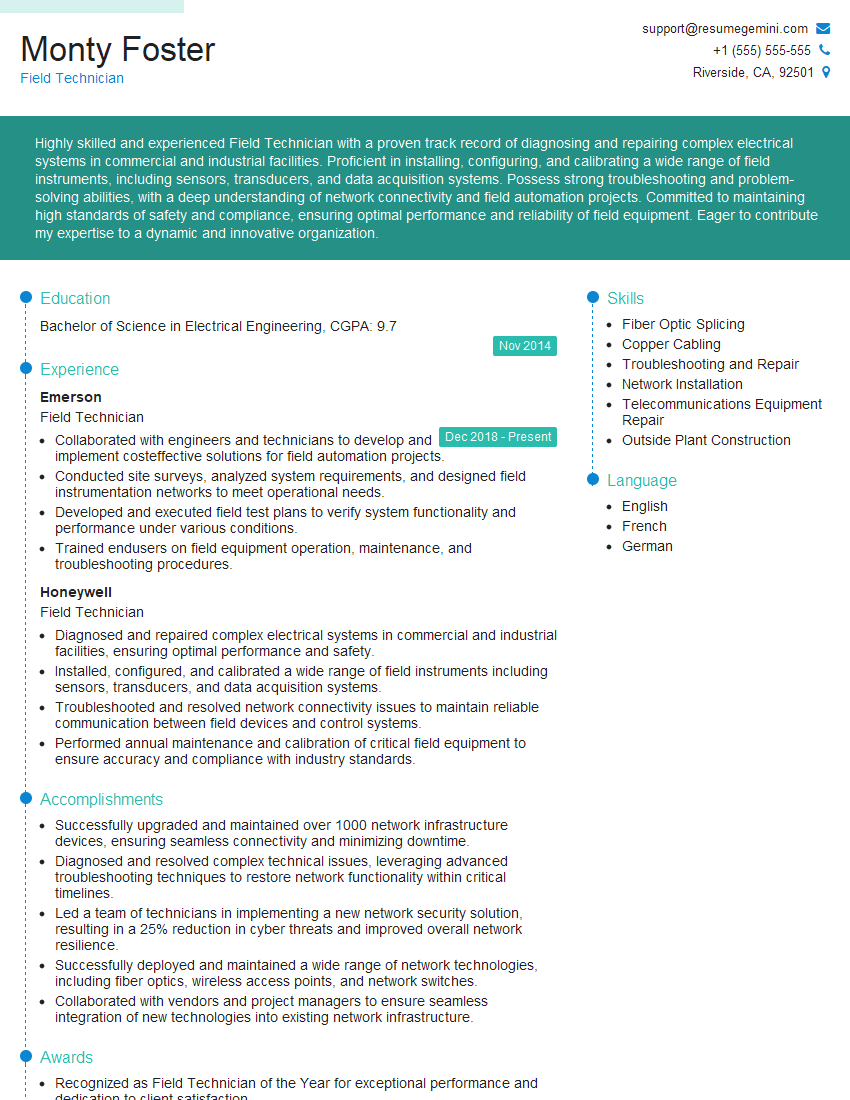
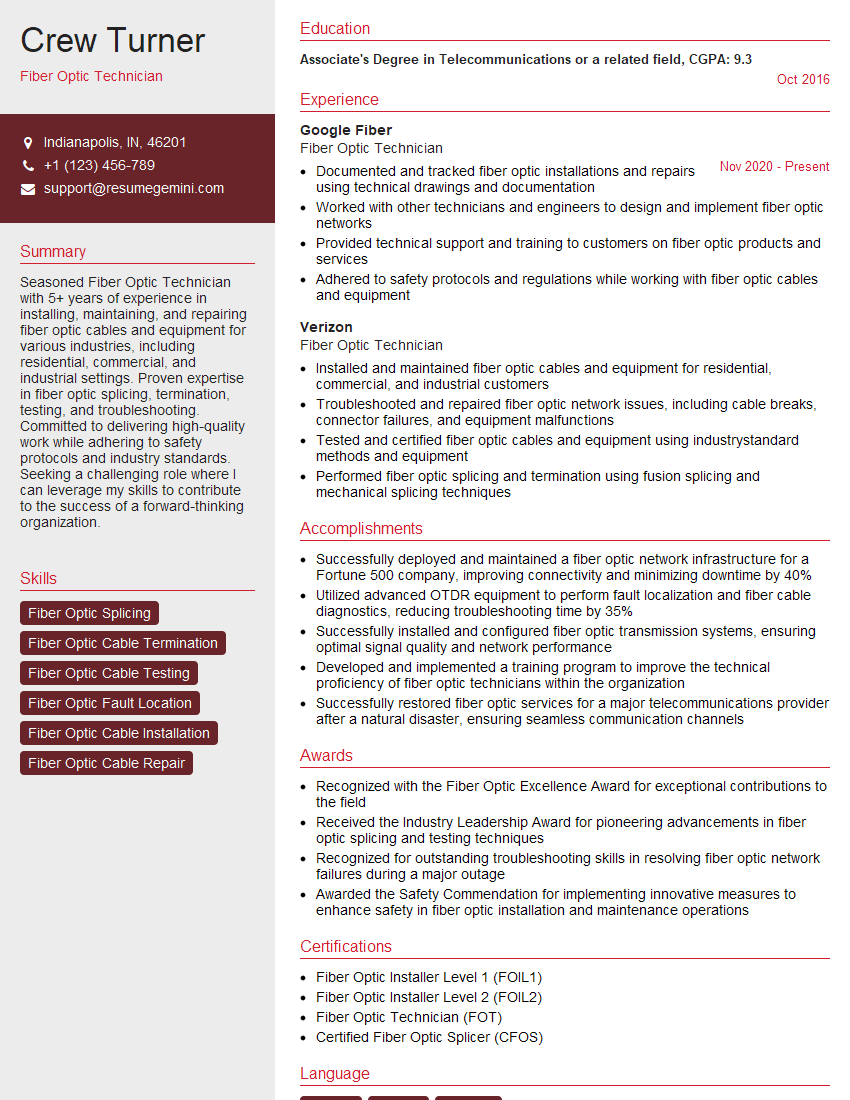
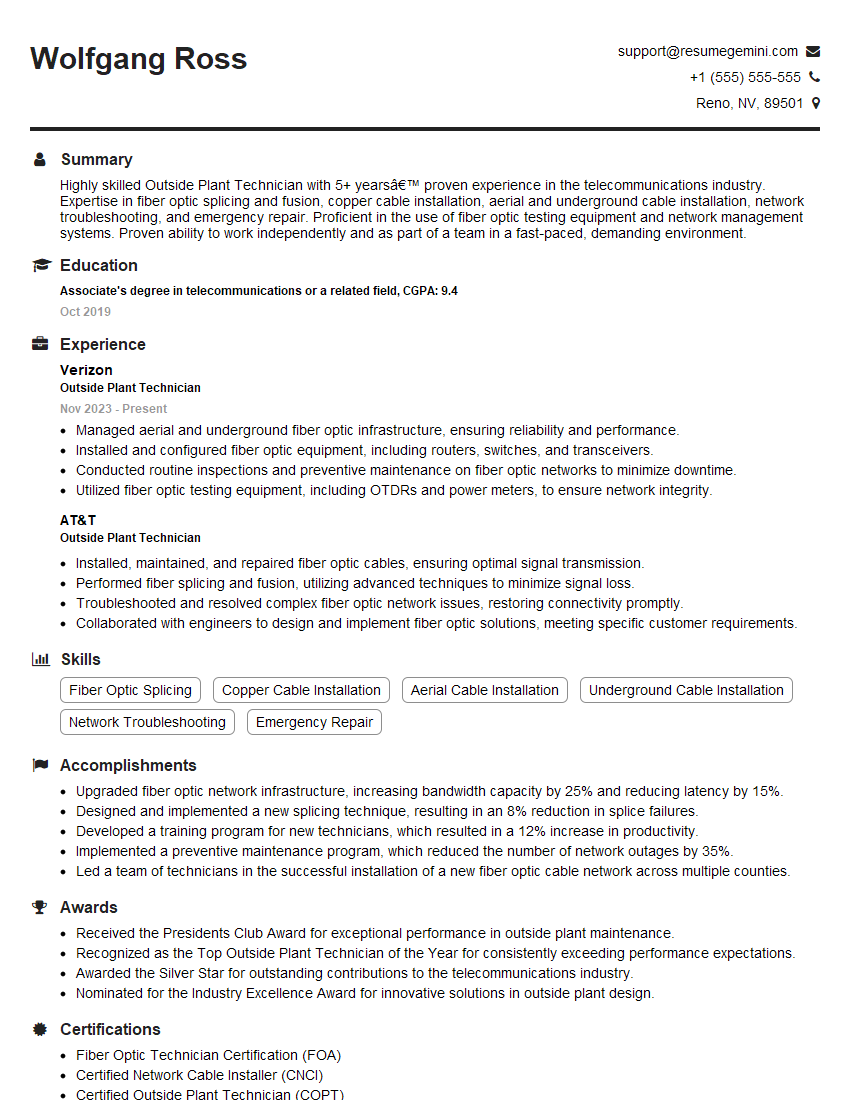
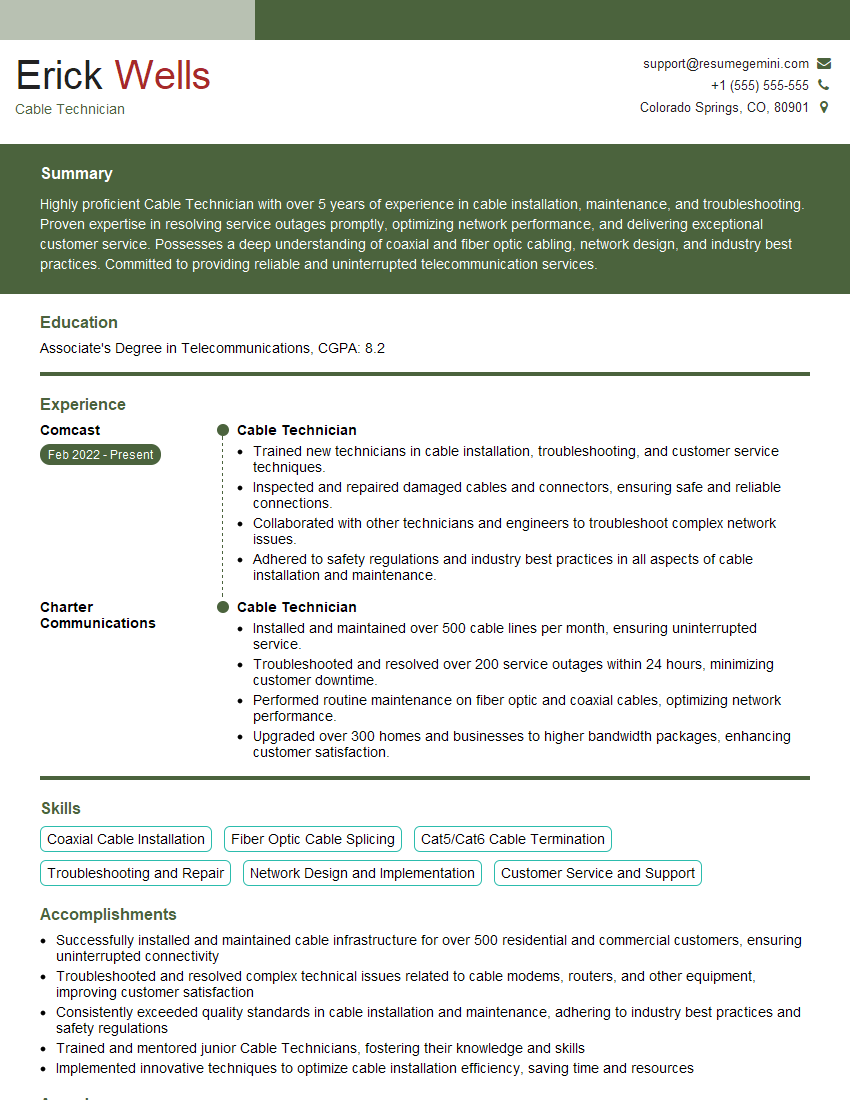
Mastering network cable splicing opens doors to exciting opportunities in telecommunications, data centers, and various IT infrastructure roles. A strong foundation in this crucial skillset is highly valued by employers. To maximize your job prospects, creating a professional and ATS-friendly resume is essential. ResumeGemini can help you craft a compelling resume that highlights your skills and experience effectively. We provide examples of resumes tailored to Network Cable Splicing to help you get started. Invest the time to build a strong resume – it’s your first impression with potential employers.

Explore more articles
Users Rating of Our Blogs
Share Your Experience
We value your feedback! Please rate our content and share your thoughts (optional).
What Readers Say About Our Blog
Very informative content, great job.
good