Unlock your full potential by mastering the most common Telecommunications Equipment Installation and Troubleshooting interview questions. This blog offers a deep dive into the critical topics, ensuring you’re not only prepared to answer but to excel. With these insights, you’ll approach your interview with clarity and confidence.
Questions Asked in Telecommunications Equipment Installation and Troubleshooting Interview
Q 1. Explain the process of terminating a fiber optic cable.
Terminating a fiber optic cable involves carefully preparing the cable end to connect it to other equipment. It’s a precise process requiring specialized tools to avoid damaging the delicate fiber. Think of it like preparing an electrical wire for connection – you need to expose the conductor but without causing damage.
- Cleaning: First, meticulously clean the cable end to remove any dirt, dust, or debris using isopropyl alcohol and lint-free wipes. Contamination can severely affect signal transmission.
- Stripping: Next, carefully strip the outer jacket of the cable to expose the fiber strands. The amount of stripping depends on the type of connector being used. Use a cable stripper specifically designed for fiber optic cables to prevent damage to the fibers.
- Cleaving: This is a critical step. A cleaver is used to create a perfectly perpendicular and smooth end face on the fiber. An uneven cleave will cause significant signal loss. Imagine trying to connect two pipes – if the ends aren’t perfectly aligned, the water won’t flow well.
- Epoxy Preparation (if applicable): For some connectors, you’ll need to prepare an epoxy adhesive. This adhesive ensures a secure and light-tight connection between the fiber and the connector.
- Connector Installation: Carefully insert the cleaved fiber into the connector, ensuring proper alignment. If epoxy is used, allow it to cure completely as per manufacturer instructions.
- Polishing (if applicable): Some connectors may require polishing after installation to ensure a clean and smooth surface. This ensures minimal signal loss.
- Testing: Finally, test the connection using an OTDR (Optical Time-Domain Reflectometer) to ensure that there are no significant signal losses.
Q 2. Describe your experience with different types of cabling (e.g., Cat5e, Cat6, fiber optic).
My experience encompasses a wide range of cabling, from standard copper cabling like Cat5e and Cat6 to fiber optic cabling. Cat5e and Cat6 are used extensively for local area networks (LANs), carrying data at different speeds. Cat6 offers significantly better performance at higher bandwidths compared to Cat5e, making it ideal for Gigabit Ethernet networks and beyond. I’ve worked extensively with both shielded and unshielded twisted-pair (STP and UTP) versions of these cables.
Fiber optic cabling is significantly different, offering higher bandwidth and longer distances. I’ve worked with various types of fiber including single-mode and multi-mode fibers, each suited for different applications. Single-mode fibers, for example, are better suited for long-haul transmission while multi-mode are more common in shorter distance networks such as within a building. My experience includes both the termination and troubleshooting of all these cabling types.
In one project, I successfully migrated a client’s network from a Cat5e infrastructure to Cat6 to support their growing bandwidth needs. This involved careful planning, installation, and testing to ensure minimal disruption during the upgrade.
Q 3. How do you troubleshoot a network connectivity issue?
Troubleshooting network connectivity issues involves a systematic approach, starting from the most obvious causes and working progressively towards more complex issues. It’s like a detective investigation: you need to gather clues and eliminate possibilities.
- Check the Physical Layer: Begin by verifying the physical connections. Are the cables plugged in securely? Are there any visible signs of damage? This often solves the simplest problems.
- Test the Device: Check if the device (computer, phone, etc.) is functioning correctly. A simple restart can resolve many issues. Try connecting the device to a different network segment to isolate the problem.
- Check Network Configuration: Verify the IP address configuration (IP address, subnet mask, gateway). Incorrect configuration can prevent communication.
- Examine Network Devices: Examine routers, switches, and other networking equipment. Are they powered on and operating correctly? Check for error messages or status lights.
- Use Diagnostic Tools: Use tools like
ping,traceroute(ortracerton Windows), and network monitoring software to pinpoint the problem. These tools help you determine if packets are reaching the destination and identify any bottlenecks. - Cable Testing: Use tools like a cable tester to check for shorts or breaks in copper cabling, and an OTDR for fiber optic cabling.
- Check for Firewall or Security Issues: Firewalls or security software can sometimes block network connections.
Recently, I resolved a connectivity issue that stemmed from a faulty switch port. While the initial symptoms pointed to a wider problem, systematic troubleshooting using the steps above quickly led to the identification and resolution of the issue.
Q 4. What are the common causes of signal degradation in copper cabling?
Signal degradation in copper cabling is often caused by various factors. These factors weaken the signal strength over time, resulting in slow speeds, dropped connections, and other network problems. It’s akin to a water pipe slowly becoming clogged.
- Corrosion: Oxidation and corrosion on the connectors or wire can significantly increase resistance, leading to signal loss.
- Bending and Kinking: Excessive bending or kinking of the cables can damage the internal wires and increase impedance, weakening the signal.
- EMI/RFI Interference: Electromagnetic interference (EMI) or radio frequency interference (RFI) from nearby devices can corrupt the signal, causing errors and performance issues. Think of this like static on a radio.
- Cable Length: Exceeding the recommended cable length for a particular data rate can also lead to signal degradation. A longer cable means more opportunity for signal loss.
- Poor Quality Cabling: Using low-quality cables can lead to higher attenuation and resistance, increasing signal degradation.
- Loose Connections: Poorly crimped connectors or loose connections at the termination points can cause significant signal attenuation.
Q 5. Explain your experience with testing telecommunications equipment (e.g., OTDR, TDR).
I have extensive experience using testing equipment such as OTDRs and TDRs for diagnosing problems in both fiber optic and copper cabling respectively.
OTDR (Optical Time-Domain Reflectometer): This device is indispensable for fiber optic networks. It sends a light pulse down the fiber and measures the reflections to pinpoint faults such as breaks, splices, or connectors. The OTDR provides a visual representation of the fiber and identifies areas of high loss, allowing me to accurately locate and repair issues quickly. I’ve used OTDRs to troubleshoot everything from macro-bends in fiber cables to faulty splices.
TDR (Time-Domain Reflectometer): Used for copper cabling, the TDR works on similar principles to the OTDR, sending an electrical pulse down the wire and measuring reflections to detect faults such as shorts, opens, or impedance mismatches. It can pinpoint the location of cable damage or problematic connectors.
In a recent project involving a large fiber optic network, I used an OTDR to pinpoint a micro-bend within the cable that was causing intermittent outages. Without the OTDR, locating this fault would have been extremely difficult and time-consuming.
Q 6. How do you identify and resolve problems with VoIP systems?
Troubleshooting VoIP systems requires understanding both the network infrastructure and the VoIP software/hardware. Issues can manifest in various ways, from poor audio quality to complete call failures.
- Network Connectivity: Check for network connectivity issues like poor bandwidth, jitter (variations in latency), or packet loss. These are critical for real-time communication.
- QoS (Quality of Service): VoIP traffic needs prioritization on the network to ensure sufficient bandwidth and low latency. Misconfigured QoS settings can lead to poor audio quality.
- Firewall/NAT Issues: Firewalls or Network Address Translation (NAT) configurations can block VoIP traffic. Proper configuration is essential for seamless communication.
- Codec Issues: Problems with the codecs (audio compression/decompression algorithms) used can lead to poor audio quality. Incompatible codecs can cause communication failures.
- Hardware Problems: Faulty IP phones, routers, or other VoIP equipment can cause issues. Inspecting these components for any errors is crucial.
- Software Problems: Issues with the VoIP server software or client applications can disrupt calls. Check logs and system status.
In one case, I identified that poor audio quality in a VoIP system was due to inadequate QoS settings on the router. By configuring QoS to prioritize VoIP traffic, we significantly improved the audio quality and call reliability.
Q 7. Describe your experience with different types of telecommunications equipment (e.g., routers, switches, modems).
My experience extends to a variety of telecommunications equipment including routers, switches, and modems. Each plays a crucial role in a network’s functionality.
Routers: I’ve worked with various router models, configuring them for routing protocols like OSPF and BGP, setting up access control lists (ACLs), and managing routing tables. Routers are the network’s traffic controllers, directing data between networks.
Switches: My experience involves configuring VLANs (Virtual LANs), setting up port security, and managing switch configurations. Switches connect devices within a local network, managing data flow at a local level.
Modems: I’ve worked with various modem types, configuring them for different internet connections (DSL, Cable, etc.) and troubleshooting connection problems. Modems are the gateway connecting your local network to the broader internet.
I once had to troubleshoot a network outage caused by a misconfigured router. Through careful analysis of router logs and configurations, I identified the faulty setting and corrected it, restoring network functionality. This incident highlights the importance of thorough understanding of each piece of equipment in the network.
Q 8. Explain the importance of grounding and bonding in telecommunications installations.
Grounding and bonding are crucial for safety and performance in telecommunications installations. Grounding connects the metallic parts of the system to the earth, providing a low-impedance path for fault currents. This prevents dangerous voltage buildup and protects equipment from surges. Bonding connects metallic parts within the system to each other, ensuring electrical continuity and preventing potential differences that could cause damage or interference. Think of it like this: grounding is like a safety valve releasing excess electricity to the earth, while bonding is like ensuring all parts of the system are at the same electrical potential, preventing sparks or damage.
For example, if a lightning strike hits a building, grounding diverts the surge current safely into the earth, preventing damage to the telecom equipment. Bonding ensures that all metal enclosures of different equipment are at the same potential, avoiding voltage differences that could cause electrical arcing or malfunctions. Without proper grounding and bonding, the risk of electric shock, equipment failure, and even fire is significantly increased.
- Improper grounding can lead to equipment damage due to voltage spikes.
- Insufficient bonding can cause interference and noise in communication lines.
- Both can lead to safety hazards for personnel working on the system.
Q 9. How do you ensure the safety of yourself and others during telecommunications installations?
Safety is paramount during telecommunications installations. My approach involves a multi-layered strategy. Before starting any work, I always conduct a thorough site survey to identify potential hazards, such as overhead power lines, underground utilities, and confined spaces. I then follow established safety protocols, including using appropriate personal protective equipment (PPE) like safety glasses, gloves, and insulated tools. Lockout/Tagout procedures are strictly followed when working near energized equipment to prevent accidental energization.
Furthermore, I regularly receive safety training updates and maintain awareness of relevant regulations. I communicate clearly and effectively with my team and other personnel on the site to ensure everyone is aware of potential hazards and working safely. Teamwork and clear communication are essential for preventing accidents.
For example, before working on a cable outside, I would always call the utility companies to mark the underground lines and ensure no accidental cable damage. If working on a cell tower, fall protection harnesses are mandatory. It’s not just about following procedures; it’s about fostering a safety-conscious culture.
Q 10. What are your experiences with different types of network topologies (e.g., star, ring, mesh)?
I have extensive experience with various network topologies. The star topology, where all devices connect to a central hub, is prevalent in most LAN environments due to its simplicity and scalability. Its centralized nature makes troubleshooting and management easy. However, a single point of failure – the central hub – can bring down the entire network.
Ring topologies, where devices connect in a closed loop, offer redundancy as data can travel in both directions. This is more resilient to failures, as the network will continue functioning if one connection fails. However, adding or removing devices can be more disruptive.
Mesh topologies provide high redundancy and fault tolerance as multiple paths exist between devices. This is ideal for critical applications needing high availability, such as military communications or critical infrastructure. However, they are more complex to design and manage. I have installed and maintained networks using all three topologies, selecting the optimal topology based on the specific application’s requirements and budget constraints.
Q 11. Describe your experience with wireless network installation and troubleshooting.
My experience with wireless network installation and troubleshooting includes deploying and maintaining various wireless technologies, such as Wi-Fi (802.11 a/b/g/n/ac/ax), cellular (4G/5G), and microwave links. I have expertise in site surveys to determine optimal placement of access points and antennas, considering factors like signal strength, interference, and building materials. This includes using specialized software to analyze signal propagation and identify potential problem areas.
Troubleshooting often involves identifying interference sources (like microwaves or other wireless devices), optimizing channel selection, and adjusting antenna placement. I am proficient in using network analyzers and spectrum analyzers to diagnose problems and identify potential solutions. For example, I recently resolved an issue with weak Wi-Fi signals in a large office building by strategically placing additional access points and optimizing their configuration to minimize overlap and interference.
Q 12. How do you document your work and maintain accurate records?
Accurate documentation is vital for maintaining and troubleshooting telecom networks. My documentation process involves creating comprehensive records, including detailed diagrams, schematics, and written descriptions of the installed equipment and cabling. I use a combination of physical documentation such as labelled patch panels and cable trays, and digital documentation using specialized network management software. Every installation has a detailed checklist to ensure all steps are completed and documented.
I utilize a database system for equipment inventories, which also tracks the service history of each device. This database includes information such as serial numbers, installation dates, maintenance records, and any known issues. This makes tracking, maintaining and upgrading a network efficient and transparent.
Q 13. What are the key performance indicators (KPIs) you monitor in a telecommunications network?
Key Performance Indicators (KPIs) I monitor in a telecommunications network include:
- Availability: The percentage of time the network is operational. High availability is crucial for business continuity.
- Latency: The delay in data transmission. Low latency is important for real-time applications.
- Throughput: The amount of data transmitted per unit of time. High throughput is essential for handling high traffic loads.
- Packet Loss: The percentage of data packets that are lost during transmission. High packet loss indicates network problems.
- Jitter: Variation in latency, impacting voice and video quality. Low jitter is crucial for smooth communication.
- Signal Strength: For wireless networks, consistent signal strength is critical for reliable connectivity.
I use network monitoring tools to track these KPIs and identify potential issues before they impact users. Regular monitoring enables proactive maintenance and ensures optimal network performance. For example, a sudden increase in latency might indicate a problem with a specific link or device, prompting investigation and timely resolution.
Q 14. Explain your experience with network security best practices.
Network security is a top priority. My experience includes implementing various security best practices, such as:
- Firewall configuration: Implementing and managing firewalls to control network access and prevent unauthorized intrusions.
- Intrusion detection and prevention systems (IDS/IPS): Deploying and monitoring these systems to detect and mitigate security threats.
- Virtual Private Networks (VPNs): Establishing secure connections between remote users and the network, protecting data in transit.
- Access control lists (ACLs): Restricting access to sensitive network resources to authorized users and devices only.
- Regular security audits and vulnerability assessments: Identifying and addressing security vulnerabilities proactively.
- Employee training and awareness programs: Educating users about security threats and best practices.
I follow industry best practices like the NIST Cybersecurity Framework to ensure robust security measures are in place. A recent example involved implementing multi-factor authentication to enhance user account security, significantly reducing the risk of unauthorized access.
Q 15. What is your experience with preventative maintenance of telecommunications equipment?
Preventative maintenance is crucial for ensuring the longevity and optimal performance of telecommunications equipment. It’s like regularly servicing your car – you catch small problems before they become major breakdowns. My experience encompasses a wide range of activities, including:
- Regular inspections: Visually inspecting equipment for signs of wear and tear, loose connections, or overheating. For example, I’d check for corrosion on connectors or unusual fan noise in network switches.
- Firmware updates: Regularly updating the firmware on routers, switches, and other network devices to patch security vulnerabilities and improve performance. This is similar to updating the software on your smartphone – crucial for security and efficiency.
- Cleaning and environmental checks: Ensuring proper ventilation and temperature control around equipment, and cleaning dust and debris to prevent overheating and malfunctions. Think of it as cleaning out your computer’s fans to prevent them from failing.
- Performance monitoring: Utilizing network monitoring tools to track key performance indicators (KPIs) such as latency, packet loss, and bandwidth utilization. This allows for proactive identification of potential issues before they impact service.
- Documentation: Maintaining meticulous records of all maintenance activities, including dates, tasks performed, and any issues encountered. This is crucial for tracking trends and ensuring compliance with regulations.
Through proactive preventative maintenance, I’ve significantly reduced equipment downtime and ensured the reliable delivery of telecommunications services.
Career Expert Tips:
- Ace those interviews! Prepare effectively by reviewing the Top 50 Most Common Interview Questions on ResumeGemini.
- Navigate your job search with confidence! Explore a wide range of Career Tips on ResumeGemini. Learn about common challenges and recommendations to overcome them.
- Craft the perfect resume! Master the Art of Resume Writing with ResumeGemini’s guide. Showcase your unique qualifications and achievements effectively.
- Don’t miss out on holiday savings! Build your dream resume with ResumeGemini’s ATS optimized templates.
Q 16. Describe your experience working with different types of telecommunications protocols (e.g., TCP/IP, UDP).
I have extensive experience working with a variety of telecommunications protocols, most notably TCP/IP and UDP. Understanding their differences is key to effective troubleshooting and network design.
- TCP/IP (Transmission Control Protocol/Internet Protocol): This is the backbone of the internet. It’s a connection-oriented protocol, meaning it establishes a connection before transmitting data and ensures reliable delivery. Think of it as sending a registered letter – you get confirmation of delivery. I’ve used TCP/IP extensively in configuring network devices, setting up VPNs, and troubleshooting connectivity issues.
- UDP (User Datagram Protocol): This is a connectionless protocol, prioritizing speed over reliability. It’s often used for applications where a slight loss of data is acceptable, such as streaming video or online gaming. Imagine sending a postcard – it’s faster but there’s no guarantee of arrival. I’ve worked with UDP in configuring VoIP systems and streaming media servers.
My experience includes using tools like Wireshark to capture and analyze network traffic, allowing me to pinpoint issues related to specific protocols and identify bottlenecks. For example, I once used Wireshark to identify high latency issues caused by a faulty router using TCP/IP, ultimately resolving the problem.
Q 17. How do you handle difficult or unexpected situations during an installation or troubleshooting?
Handling unexpected situations is a critical part of this job. My approach is methodical and focuses on:
- Assessment: Quickly assess the situation, gathering as much information as possible. This involves checking error logs, reviewing network monitoring data, and speaking with affected users.
- Prioritization: Determining the urgency of the issue and prioritizing tasks based on impact. A complete network outage requires immediate attention, while a minor service disruption can be addressed later.
- Troubleshooting: Employing a systematic troubleshooting process, using tools and knowledge to isolate the problem. This might involve checking cabling, testing network devices, or contacting upstream providers.
- Escalation: If the problem is beyond my expertise or requires specialized equipment, I know when and how to escalate it to the appropriate team or vendor.
- Documentation: Thoroughly documenting the incident, including the root cause, steps taken to resolve it, and any preventative measures implemented to avoid future occurrences.
For example, during a recent installation, a power surge unexpectedly damaged a network switch. I quickly assessed the situation, prioritized restoring service, and coordinated the replacement of the switch while minimizing downtime. The incident was thoroughly documented, and we implemented surge protection measures to prevent similar occurrences.
Q 18. Explain your experience with using test equipment to diagnose network faults.
I’m proficient in using a range of test equipment to diagnose network faults. This includes:
- Network Analyzers (e.g., Fluke Networks): Used to identify cable faults, measure signal strength, and test connectivity.
- Protocol Analyzers (e.g., Wireshark): Capture and analyze network traffic to pinpoint protocol-specific issues.
- Optical Power Meters: Measure the power level of optical signals in fiber optic networks.
- TDR (Time Domain Reflectometer): Locates faults in cables by measuring signal reflections.
- Multimeters: Basic but essential for checking voltage, continuity, and resistance.
For example, I recently used a TDR to locate a break in a fiber optic cable during an installation. The TDR pinpointed the exact location, allowing for efficient repair and minimal disruption.
Q 19. What is your experience with installing and configuring network devices such as routers and switches?
I have extensive experience installing and configuring a wide range of network devices, including routers and switches from various vendors like Cisco, Juniper, and Huawei. This involves:
- Physical installation: Rack mounting devices, connecting cables (copper and fiber), and ensuring proper power connections.
- Configuration: Using command-line interfaces (CLIs) or graphical user interfaces (GUIs) to configure IP addressing, routing protocols (like OSPF or BGP), VLANs, access control lists (ACLs), and QoS (Quality of Service) policies.
- Testing and verification: Thoroughly testing the configuration to ensure connectivity and performance meet requirements.
- Documentation: Creating detailed documentation of the configuration, including diagrams and IP address assignments.
I’ve recently completed a project involving the installation and configuration of a new core network infrastructure, including multiple high-capacity routers and switches, significantly improving the network’s performance and scalability.
Q 20. How familiar are you with different types of network operating systems (NOS)?
My familiarity with network operating systems (NOS) includes Cisco IOS, Juniper JunOS, and various Linux distributions used in networking environments. Understanding the nuances of each NOS is critical for effective network management and troubleshooting.
For instance, Cisco IOS is known for its robust command-line interface and extensive features, while Juniper JunOS offers a more streamlined approach. My expertise extends to configuring routing protocols, security features, and network services within these different NOS environments. I can adapt my approach based on the specific NOS being used, ensuring optimal performance and security.
Q 21. Explain your experience with project management in a telecommunications setting.
My project management experience in telecommunications involves overseeing all aspects of a project, from initial planning and design to implementation and completion. This includes:
- Planning and scoping: Defining project goals, objectives, timelines, and resource allocation.
- Risk management: Identifying and mitigating potential risks and challenges.
- Team management: Leading and coordinating the project team, ensuring effective communication and collaboration.
- Budget management: Tracking project expenses and ensuring adherence to the budget.
- Communication: Maintaining regular communication with stakeholders, providing updates, and addressing concerns.
I recently managed a project involving the upgrade of a company’s entire network infrastructure. I successfully planned and executed the upgrade with minimal downtime, staying on schedule and within budget. This involved meticulous planning, effective team management, and proactive risk mitigation strategies. The project resulted in a significant improvement in network performance and scalability.
Q 22. Describe your proficiency in using relevant software tools (e.g., network management software).
My proficiency in network management software is extensive. I’m highly experienced with tools like SolarWinds Network Performance Monitor, PRTG Network Monitor, and Nagios. I can effectively use these tools to monitor network performance, identify bottlenecks, and troubleshoot issues. For instance, using SolarWinds, I can pinpoint the source of slowdowns by analyzing metrics like latency, packet loss, and bandwidth utilization. I can then correlate this data with network diagrams and device logs to diagnose the problem efficiently. Beyond monitoring, I’m proficient in using configuration management tools like Ansible to automate routine tasks and ensure consistent network configurations across multiple devices. This automation reduces manual errors and improves overall efficiency.
Furthermore, I’m comfortable with various vendor-specific management tools, including those offered by Cisco (Cisco Prime Infrastructure), Juniper (Junos Space), and Huawei (eSight). My experience allows me to quickly adapt to new tools and integrate them into my workflow. This adaptability is crucial in the constantly evolving telecommunications landscape.
Q 23. How do you prioritize tasks when faced with multiple urgent issues?
Prioritizing tasks in a high-pressure environment requires a systematic approach. My strategy involves a three-step process: Assessment, Prioritization, and Execution. First, I assess each urgent issue by determining its impact on the overall network and service availability. This involves considering factors like the number of users affected, the criticality of the affected service, and the potential for escalation or further damage. Second, I prioritize based on a combination of impact and urgency. Issues with the highest impact and highest urgency get immediate attention. This often involves using a simple matrix that weighs impact and urgency. Third, I execute the plan, starting with the highest-priority tasks. I keep all stakeholders informed about progress and any changes to the plan. A real-world example would be a situation where a critical server is down, affecting a large number of users. This would supersede a less critical issue, such as a slow internet connection affecting a smaller user base. I may delegate smaller tasks while I focus on the critical issue.
Q 24. What are your skills in reading and interpreting network diagrams?
Reading and interpreting network diagrams is fundamental to my work. I’m adept at understanding various diagram types, including physical diagrams showing the physical layout of equipment, logical diagrams illustrating network topology and connectivity, and rack diagrams detailing the physical placement of devices within racks. I can quickly identify key components such as routers, switches, firewalls, and servers, and trace the flow of data packets through the network. For example, I can use a network diagram to understand how a specific VLAN is configured and where the bottlenecks might occur. I can also use Visio or similar software to create these diagrams, which are invaluable for communication and documentation.
My ability to interpret these diagrams isn’t just about reading them; it’s about using that information to isolate problems. I can quickly pinpoint potential points of failure, predict where problems might occur, and anticipate the impact of changes to the network infrastructure. My skills extend to understanding specific notations used within these diagrams and correlating them with actual equipment configurations.
Q 25. How do you stay updated with the latest technologies and industry trends?
Staying current with the latest technologies and industry trends is paramount in telecommunications. I actively pursue continuous learning through several avenues: Industry publications (e.g., Light Reading, Telecom Ramblings), online courses (e.g., Coursera, edX, LinkedIn Learning) focused on new technologies such as 5G, SD-WAN, and network automation, and professional certifications (e.g., CCNA, CCNP). Attending industry conferences and webinars also keeps me abreast of the latest developments and best practices. I also actively engage with online communities and forums to learn from peers and industry experts. This multifaceted approach ensures I remain proficient and competitive in this dynamic field.
Q 26. Explain your approach to working collaboratively with other technicians.
Collaborative teamwork is crucial in telecommunications. My approach emphasizes clear communication, active listening, and mutual respect. I believe in proactively sharing information, seeking input from others, and openly discussing challenges. For instance, before commencing a complex installation, I always hold a pre-installation meeting with the team to discuss the plan, identify potential roadblocks, and assign roles and responsibilities. During the installation or troubleshooting process, I maintain open communication, providing regular updates and keeping everyone informed of progress. This ensures everyone is on the same page and contributes to a smooth and efficient workflow. I believe that each team member brings a unique skillset and perspective, and leveraging that diversity makes us stronger.
Q 27. Describe a time you had to troubleshoot a complex network issue. What was your approach?
I once encountered a complex network issue where intermittent connectivity problems affected a major client’s VoIP system. The problem was sporadic, making diagnosis challenging. My approach involved a systematic troubleshooting process. First, I gathered information – observing symptoms, checking logs from affected devices (routers, switches, VoIP servers), and analyzing network monitoring tools. I discovered inconsistent packet loss occurring only during peak usage hours. This pointed towards a bandwidth issue.
Next, I used network analysis tools like Wireshark to capture and analyze network traffic. This revealed that certain types of VoIP packets were being dropped. After examining the network infrastructure’s physical and logical diagrams, I discovered that the affected VoIP VLAN was sharing bandwidth with other high-bandwidth applications, causing congestion during peak times. My solution involved re-configuring the network to dedicate more bandwidth to the VoIP VLAN and implementing QoS (Quality of Service) policies to prioritize VoIP traffic. The issue was resolved by implementing these changes, proving the effectiveness of a methodical and data-driven troubleshooting approach.
Q 28. What are your salary expectations for this role?
My salary expectations for this role are in the range of [Insert Salary Range] annually. This is based on my experience, skills, and the responsibilities of the position. I am open to discussing this further based on the specifics of the role and compensation package.
Key Topics to Learn for Telecommunications Equipment Installation and Troubleshooting Interview
- Network Topologies: Understanding different network architectures (star, mesh, bus, ring) and their implications for installation and troubleshooting.
- Cable Management and Termination: Practical skills in handling various cable types (fiber optic, coaxial, twisted-pair), proper termination techniques, and testing for continuity and signal quality. This includes understanding industry standards and best practices.
- Troubleshooting Network Connectivity Issues: Diagnosing and resolving common problems like connectivity loss, slow speeds, and signal degradation using appropriate tools and techniques. This includes understanding basic network protocols (TCP/IP).
- Equipment Installation and Configuration: Hands-on experience installing and configuring various telecommunications equipment, including routers, switches, modems, and other network devices. This extends to understanding manufacturer-specific configurations and documentation.
- Testing and Verification: Utilizing various testing tools (e.g., OTDR, TDR, spectrum analyzers) to verify proper installation and performance of telecommunications equipment and cabling.
- Safety Procedures and Regulations: Familiarity with relevant safety protocols and industry regulations for working with telecommunications equipment and cabling, ensuring safe and compliant installations.
- Documentation and Reporting: Maintaining accurate records of installations, troubleshooting steps, and resolutions. This includes clear and concise reporting for clients or supervisors.
- Understanding of Wireless Technologies: Fundamental knowledge of wireless protocols (e.g., Wi-Fi, cellular) and their practical application in telecommunication systems. This includes troubleshooting wireless connectivity problems.
Next Steps
Mastering Telecommunications Equipment Installation and Troubleshooting opens doors to a rewarding career with excellent growth potential. This field is constantly evolving, so continuous learning and adaptation are key to success. To stand out, a strong and ATS-friendly resume is crucial. This highlights your skills and experience effectively to recruiters. ResumeGemini is a trusted resource to help you create a professional and impactful resume that showcases your abilities in the best possible light. We provide examples of resumes tailored to Telecommunications Equipment Installation and Troubleshooting to help guide you.

Network Engineer Resume Sample

Network Technician Resume Sample
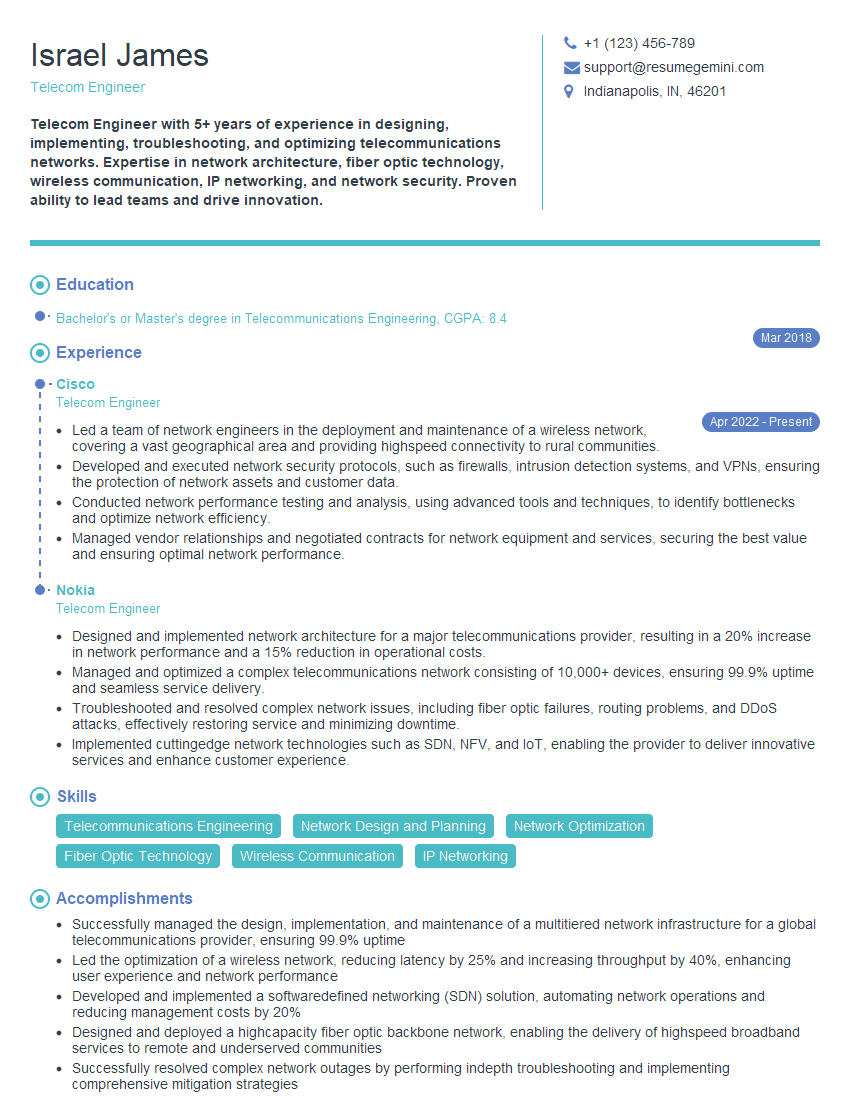
Telecom Engineer Resume Sample
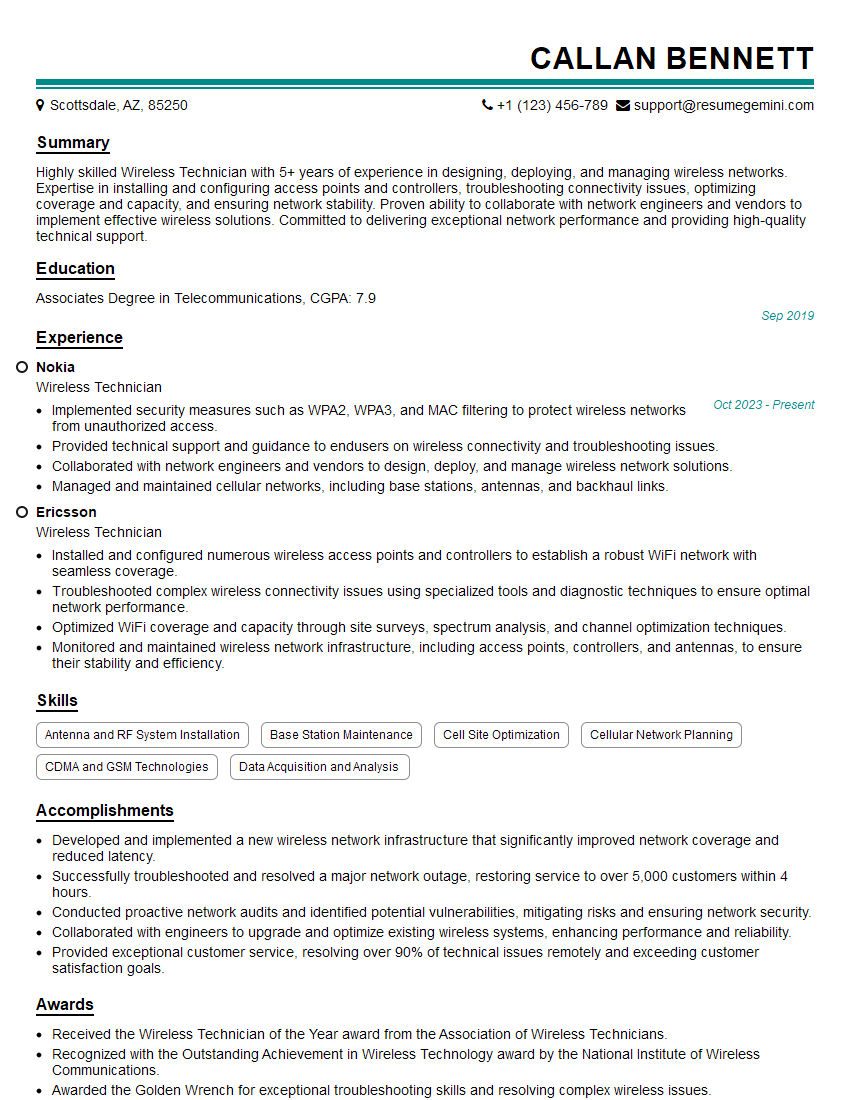
Wireless Technician Resume Sample

Field Service Engineer Resume Sample
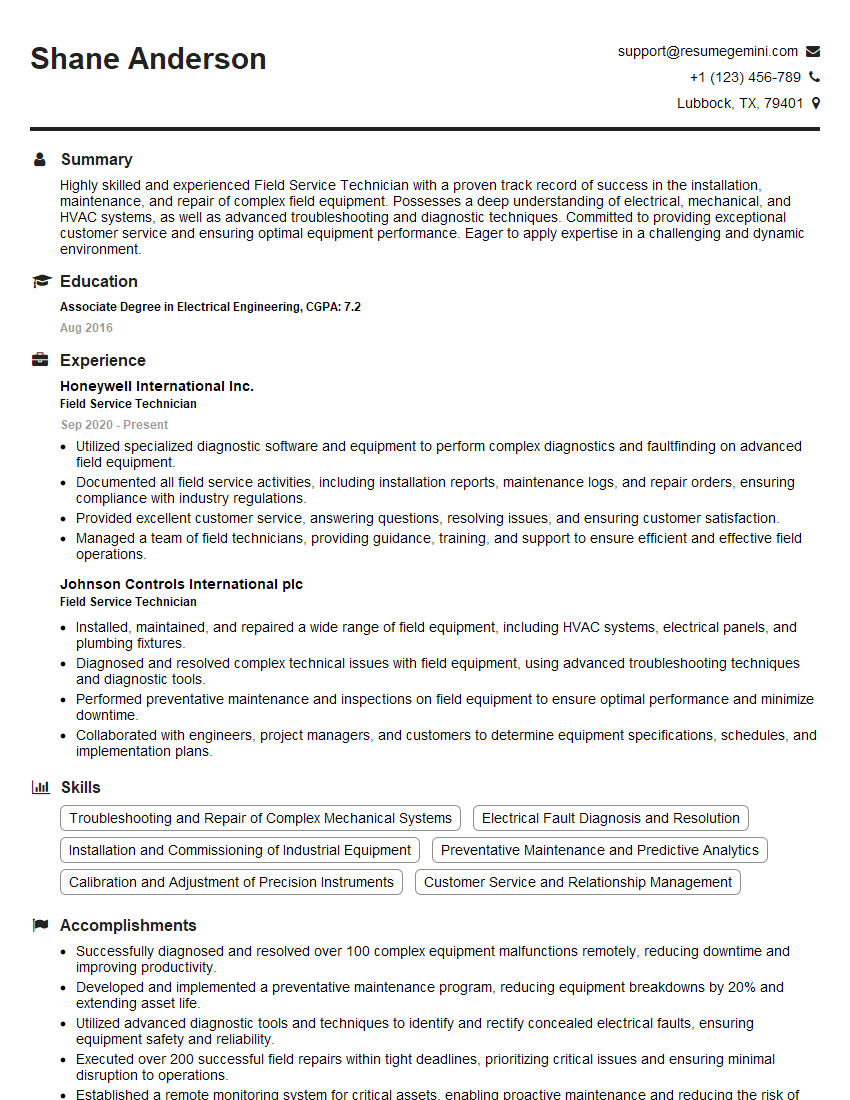
Field Service Technician Resume Sample
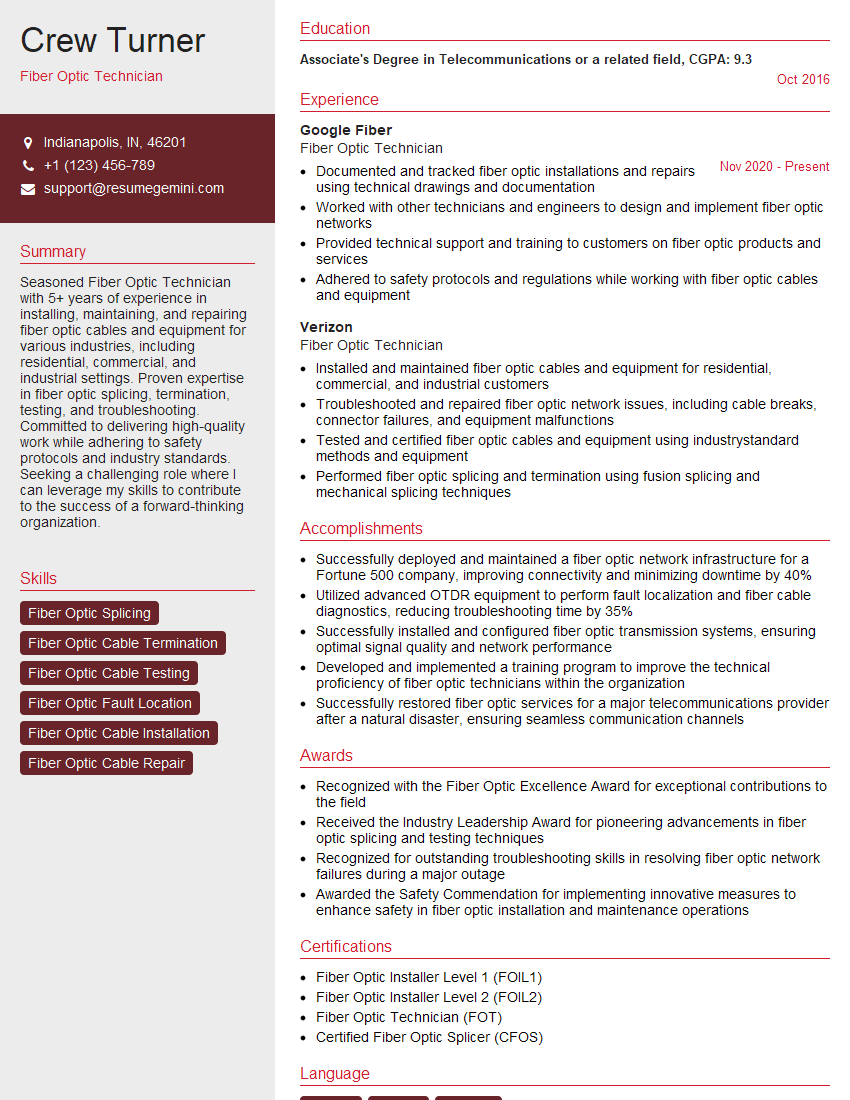
Fiber Optic Technician Resume Sample
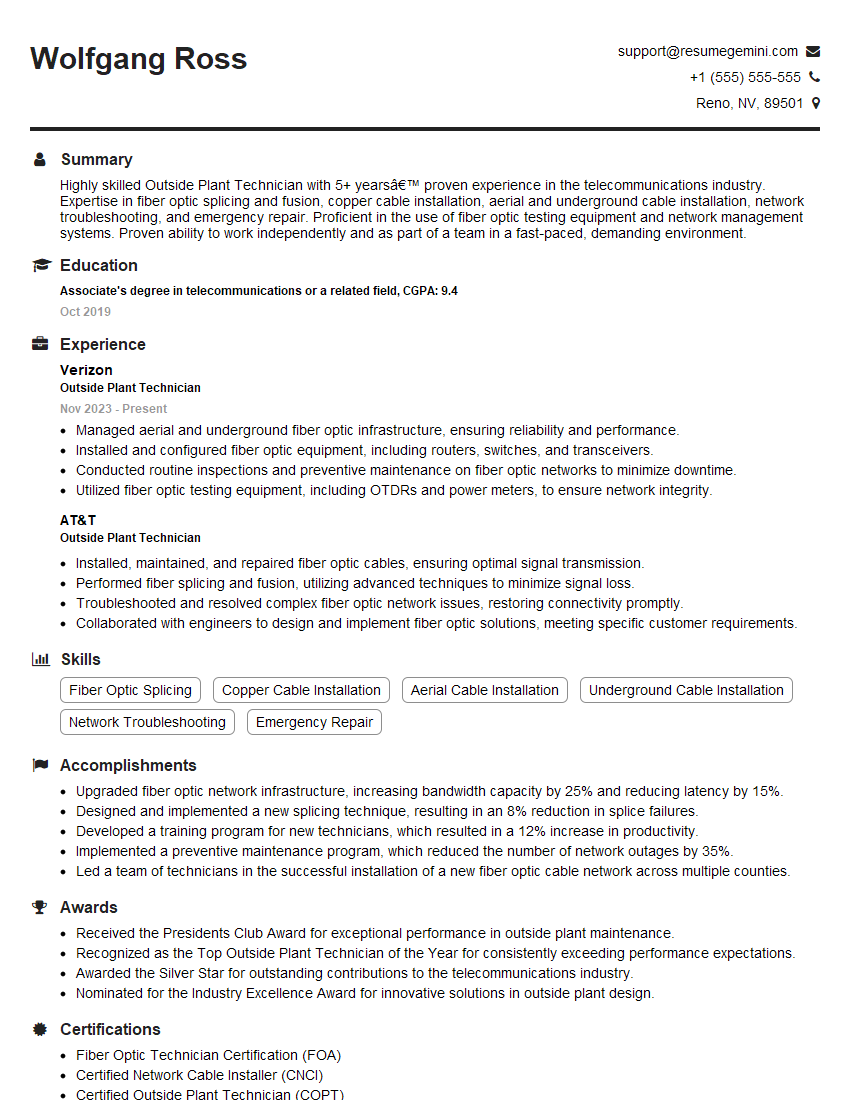
Outside Plant Technician Resume Sample
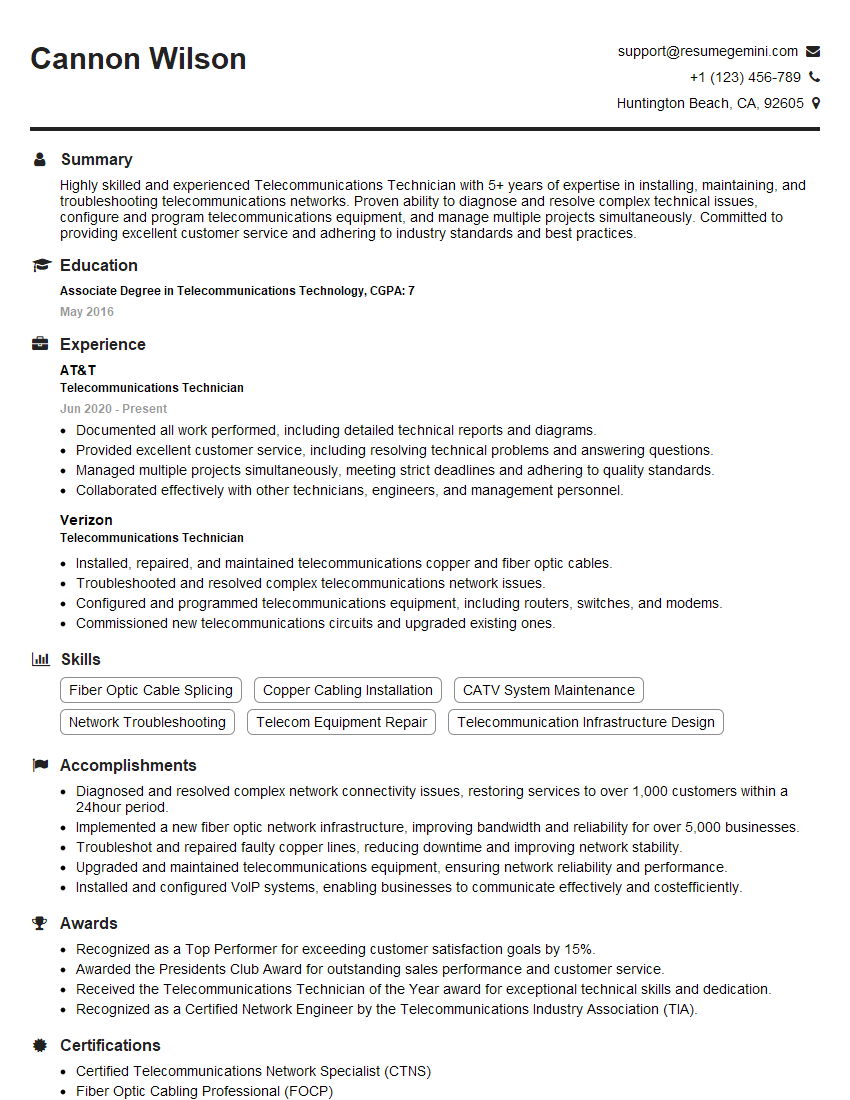
Telecommunications Technician Resume Sample
Explore more articles
Users Rating of Our Blogs
Share Your Experience
We value your feedback! Please rate our content and share your thoughts (optional).
What Readers Say About Our Blog
Very informative content, great job.
good