Preparation is the key to success in any interview. In this post, we’ll explore crucial Set up and operate CNC spindle carving machines interview questions and equip you with strategies to craft impactful answers. Whether you’re a beginner or a pro, these tips will elevate your preparation.
Questions Asked in Set up and operate CNC spindle carving machines Interview
Q 1. Explain the process of setting up a CNC spindle carving machine for a specific project.
Setting up a CNC spindle carving machine for a project involves a methodical process, ensuring both safety and precision. It begins with importing the design file – typically a CAD file – into CAM software. This software converts the design into G-code, a set of instructions the CNC machine understands. Next, I secure the workpiece to the machine’s bed using appropriate clamping techniques, ensuring it’s stable and won’t shift during operation. The correct cutting tools are then selected and installed in the spindle, based on the material and design details. Finally, I zero the machine, meticulously aligning the tool to the workpiece’s origin point, verifying all settings within the CNC controller to match the G-code before initiating the carving process. For example, if I’m carving a detailed wooden sculpture, I’d use a robust clamping system and select sharp, high-speed steel bits for precise cuts. If working with a softer material like foam, I’d opt for less aggressive tools to prevent tearing.
Q 2. Describe the different types of cutting tools used in CNC spindle carving and their applications.
CNC spindle carving uses a variety of cutting tools, each designed for specific applications. The choice depends heavily on the material being carved and the desired finish. Common types include:
- Upcut Spiral Bits: Produce a clean finish on the top surface of the material, ideal for creating smooth curves and details. They leave a slightly rough bottom surface.
- Downcut Spiral Bits: Provide a clean bottom surface but can leave a slightly rough top surface. They’re often used for initial roughing passes to remove large amounts of material quickly.
- V-Bits: Used for creating V-shaped grooves and lettering, enabling crisp, defined lines and text. Different V-bit angles produce varying groove widths.
- Ball Nose Bits: Create smooth, rounded surfaces and are excellent for three-dimensional carving and sculpting. They allow for intricate detailing and avoid sharp corners.
- Flat End Mills: Create flat surfaces, usually utilized for preliminary shaping or for cutting square or rectangular shapes.
For instance, when carving a detailed relief on hardwood, I might use a series of downcut and upcut bits, starting with a roughing pass using a larger downcut bit, followed by finer detailing with smaller upcut and V-bits.
Q 3. How do you ensure the accuracy and precision of a CNC carving operation?
Accuracy and precision in CNC carving are paramount. Several methods ensure this. Firstly, regular machine calibration and maintenance are crucial; this includes checking spindle runout, ensuring proper alignment of the axes, and verifying the accuracy of the machine’s measuring system. Secondly, the quality of the G-code generated by CAM software is vital. Proper toolpath generation, which avoids rapid changes in cutting direction and incorporates appropriate feed rates, is key. Thirdly, using high-quality cutting tools, which are sharp and accurately sized, is non-negotiable. Lastly, utilizing a suitable workholding method, eliminating any workpiece movement during operation is crucial. For instance, I always verify tool lengths, checking the zero point and performing test cuts on scrap material before working on the final piece, ensuring the process is within the required tolerances.
Q 4. What are the safety procedures you follow when operating a CNC spindle carving machine?
Safety is paramount when operating a CNC spindle carving machine. Before starting, I always ensure the machine’s safety features are functioning correctly, including emergency stops and safety interlocks. I never operate the machine without proper personal protective equipment (PPE), including safety glasses, hearing protection, and dust masks (especially when working with wood). The workpiece must be securely clamped, and any loose clothing or jewelry is removed. The machine area must be kept clean and organized to prevent tripping hazards. Regular checks for any damage to the machine or its components are conducted before starting and during operation. I also always visually inspect the toolpath before starting the machine to avoid collisions or unexpected movement. Finally, never reach into the machine’s working area while it’s powered on.
Q 5. How do you interpret and use CNC program codes (G-code)?
G-code is the language of CNC machines. It’s a set of numerical commands that instruct the machine on where to move, how fast, and what tool to use. I interpret and use G-code by understanding the specific commands, such as:
G00: Rapid positioning (no cutting)G01: Linear interpolation (cutting)G02: Circular interpolation clockwiseG03: Circular interpolation counter-clockwiseX, Y, Z: Coordinates specifying the positionF: Feed rate (speed of movement)S: Spindle speed
For example, G01 X10 Y20 Z-5 F100 would move the tool linearly to coordinates X10, Y20, Z-5 at a feed rate of 100 units per minute while cutting. I use G-code editing software to modify existing programs or create new ones, always ensuring the code is free of errors before uploading it to the CNC controller.
Q 6. What are the common causes of errors or malfunctions in a CNC spindle carving machine, and how do you troubleshoot them?
Common errors in CNC spindle carving machines include tool breakage, inaccurate movements, or software glitches. Troubleshooting starts with carefully examining the error messages displayed by the CNC controller. If the error is related to the tool, I check for dull or damaged bits. If movement is off, I check the machine’s alignment and calibration, ensuring all axes move smoothly and accurately. Software errors often require reviewing the G-code for mistakes, such as incorrect coordinate values or missing commands. Sometimes, unexpected issues may stem from problems with the machine’s mechanical components, like worn bearings or loose belts, which require expert attention and maintenance. A systematic approach, checking each potential cause methodically, is key to effective troubleshooting. Keeping a detailed log of any issues and their solutions also helps in future problem-solving.
Q 7. Explain the importance of toolpath planning and its impact on the final product.
Toolpath planning is the heart of successful CNC carving. It dictates how the cutting tool moves across the material to achieve the desired shape and finish. A well-planned toolpath maximizes efficiency, minimizes tool wear, and produces a high-quality final product. Poor toolpath planning can lead to rough surfaces, broken tools, and excessive machining time. Factors considered during planning include the type of cutting tool, the material’s properties, the desired surface finish, and the complexity of the design. Different strategies exist, like parallel toolpaths for flat surfaces and contouring toolpaths for curved surfaces. Using software that simulates the toolpaths allows for previewing and modifications before actual machining. For instance, if carving a delicate design, a finely-tuned toolpath with slow feed rates will ensure accuracy and prevent tool chatter, whereas a coarser toolpath might suffice for roughing out large sections of material.
Q 8. How do you perform regular maintenance on a CNC spindle carving machine to ensure optimal performance?
Regular maintenance on a CNC spindle carving machine is crucial for prolonging its lifespan and ensuring consistent, high-quality output. Think of it like servicing your car – neglecting it leads to bigger problems down the line. My maintenance routine involves several key steps:
Spindle Inspection: I visually inspect the spindle for any signs of damage, wear, or unusual noises. I check for runout using a dial indicator to ensure it’s spinning perfectly true. Excessive runout can lead to inaccurate cuts and premature tool wear.
Bearing Lubrication: Depending on the spindle type (air-cooled or liquid-cooled), I lubricate the bearings according to the manufacturer’s recommendations. This is vital for reducing friction and heat buildup, which can damage the bearings and compromise spindle accuracy.
Belt Tension: I check and adjust the belt tension if necessary. Loose belts can cause slippage, leading to inconsistent spindle speeds and potential damage.
Coolant System Check (if applicable): For machines with coolant systems, I inspect the coolant level, cleanliness, and filtration system. Clean coolant is crucial for effective heat dissipation and preventing corrosion.
Tooling Inspection: I regularly inspect the carving tools for wear and tear. Dull or damaged tools can negatively affect the quality of the carvings and lead to breakage. I always have a stock of spare tools on hand.
Cleanliness: Maintaining a clean machine is essential. I remove chips and debris regularly to prevent clogs and damage to moving parts. A compressed air system is helpful for this task.
I maintain a detailed log of all maintenance activities, including dates and specifics, to track the machine’s health and anticipate potential issues.
Q 9. Describe your experience with different types of materials used in CNC carving (wood, stone, etc.).
My experience encompasses a broad range of materials used in CNC carving. Each material presents unique challenges and requires a different approach to tooling and cutting parameters:
Wood: Working with wood is relatively straightforward. Different wood types have varying densities and hardness, influencing the choice of tools and cutting speeds. For example, hardwoods like oak require sharper tools and slower speeds than softer woods like pine to avoid tear-out. I’ve worked with everything from delicate balsa wood to dense ebony.
Stone: Stone carving demands more robust tooling and often requires specialized diamond-tipped bits. The hardness of the stone dictates the feed rates and depth of cut. I’ve worked with marble, granite, and limestone, each requiring careful consideration of its unique properties to avoid tool breakage and ensure a smooth finish.
Foam: CNC foam carving is quite different. It requires specialized tools and often higher speeds and feed rates to avoid excessive heat buildup and melting. I’ve found hot wire cutters particularly useful for certain foam types.
Plastics: Plastics can vary widely in their properties, from brittle acrylics to flexible polymers. Appropriate tool selection and cutting parameters are crucial to prevent chipping or melting.
Understanding the material’s characteristics is paramount to successful CNC carving. I always perform test cuts on scrap material to optimize the settings before working on the final piece.
Q 10. How do you handle material clamping and fixturing in CNC carving?
Material clamping and fixturing are crucial for ensuring accurate and safe CNC carving. Poor clamping can lead to workpiece movement, resulting in inaccurate cuts or even damage to the machine. My approach emphasizes secure and repeatable fixturing:
Workholding Methods: I use a variety of clamping methods depending on the material and workpiece size. This includes vacuum chucks for flat surfaces, mechanical clamps (parallel jaws, toggle clamps), and specialized fixtures designed for specific projects. For intricate shapes, I might employ custom jigs to ensure precise alignment and stability.
Fixture Design: For repetitive jobs, I often design and build custom fixtures to streamline the process and ensure consistent results. This includes considering factors like material accessibility and minimizing clamping pressure to avoid warping.
Material Support: For large or delicate workpieces, I employ additional support structures to prevent deflection or vibration during the cutting process. This is particularly important when working with thinner materials.
Safety First: All clamping mechanisms must be secure to prevent the workpiece from moving during operation. I always double-check all clamps and fixtures before initiating the CNC process.
Proper clamping is a combination of art and science. Years of experience have helped me develop a strong intuition for selecting appropriate methods and ensuring workpieces are safely and securely held.
Q 11. What software packages are you familiar with for CNC programming and simulation?
I’m proficient in several software packages for CNC programming and simulation. Each has its strengths and weaknesses, and my choice depends on the complexity of the project and the machine being used:
Mastercam: A powerful and versatile CAM software widely used in the industry, excellent for complex 3D modeling and toolpath generation. I often use it for projects requiring intricate detail and multiple tool changes.
Fusion 360: A user-friendly CAD/CAM software ideal for both design and machining. Its intuitive interface and integration with other Autodesk products make it a great choice for many projects.
VCarve Pro: A popular choice for smaller-scale projects, particularly woodworking. It’s known for its ease of use and its focus on 2D and 2.5D carving applications.
Simulators: I regularly utilize simulation software to verify my toolpaths before machining the actual workpiece. This prevents costly mistakes and ensures the final product meets the design specifications. Many CAM software packages include built-in simulation capabilities.
My expertise extends beyond software proficiency; I’m comfortable translating design concepts into executable CNC code and troubleshooting any issues that arise during the simulation or machining process.
Q 12. Describe your experience with different types of CNC controllers.
Throughout my career, I’ve worked with a variety of CNC controllers, each with unique features and capabilities:
Fanuc: Known for their robustness and reliability, Fanuc controllers are widely used in industrial settings. They provide precise control over machine movements and offer extensive programming options.
Siemens: Siemens controllers are another industry standard, offering similar levels of precision and reliability to Fanuc controllers. They often have advanced features such as integrated diagnostics and networking capabilities.
Mach3: A popular and versatile PC-based controller that’s often used with smaller-scale CNC machines. It’s known for its flexibility and relatively easy-to-use interface.
LinuxCNC: An open-source CNC controller that’s becoming increasingly popular. Its flexibility and customizability make it a powerful option for advanced users.
My familiarity with different controllers allows me to adapt quickly to new machines and ensure efficient operation regardless of the control system employed.
Q 13. How do you calibrate and test a CNC spindle carving machine before starting a production run?
Calibrating and testing a CNC spindle carving machine before a production run is crucial to ensure accuracy and prevent costly errors. My pre-production procedure includes:
Spindle Calibration: I verify spindle speed accuracy using a tachometer and adjust settings as needed. I also check for runout, ensuring the spindle rotates true.
Axis Calibration: I calibrate the machine’s axes to ensure precise movement. This often involves running test movements and adjusting settings until the machine’s movements align with the programmed instructions.
Zero Point Setting: Precise zero-point setting is critical. This involves setting the machine’s origin point relative to the workpiece. I use a combination of probing and visual inspection to ensure accurate positioning. (This will be discussed further in the next question).
Test Cut: I always run a test cut on a scrap piece of the material I’ll be using. This helps verify toolpaths, cutting parameters (feed rate, depth of cut, spindle speed), and overall machine performance before committing to the actual workpiece.
Tool Length Offsets: I set tool length offsets to compensate for the different lengths of cutting tools. This is crucial for ensuring the tools reach the correct depth during the cutting process.
Thorough testing prevents costly rework and ensures the final product matches the design specifications. It’s a critical step to avoid wasting time and materials.
Q 14. Explain the concept of zero-point setting in CNC machining.
Zero-point setting, often referred to as work coordinate system (WCS) setup, is the process of defining the origin (0,0,0) point of the machine’s coordinate system relative to the workpiece. Imagine it as setting the starting point of a drawing – without a defined origin, everything will be misplaced.
The accuracy of the zero point is paramount. An incorrectly set zero point will lead to inaccurate cuts and potentially damage the workpiece or the machine. Methods for setting the zero point include:
Manual Setting: This involves visually aligning the machine’s tool with a known point on the workpiece and manually setting the zero point in the controller.
Automatic Tool Probing: Using a touch probe, the machine automatically finds the workpiece’s surface and establishes the zero point. This is much more accurate than manual setting, especially for complex shapes. This is my preferred method due to speed and accuracy.
Fixture-Based Setting: For highly repetitive work, custom fixtures with pre-defined zero points are used. This ensures consistent workpiece alignment and eliminates the need for repeated zero-point setting.
Regardless of the method used, verifying the zero point is crucial. This can be done by running a test cut in a non-critical area of the workpiece to confirm the toolpath matches the design.
Q 15. What are the different types of CNC spindle speeds and feeds, and how do you select appropriate values for different materials and applications?
CNC spindle speed (RPM) and feed rate (units/minute) are crucial parameters affecting surface finish, cutting forces, and tool life. Speed dictates how fast the tool rotates, while feed rate determines how quickly it moves across the workpiece. Selecting appropriate values depends heavily on the material being carved and the desired outcome.
- Materials: Harder materials like hardwoods require lower feed rates and potentially lower spindle speeds to prevent tool breakage. Softer materials like softwoods or foams can handle higher feed rates and speeds. For example, carving intricate details in hard maple would necessitate a much slower feed rate than roughing out a shape in balsa wood.
- Applications: Roughing operations, where material removal is prioritized, usually employ higher feed rates and sometimes higher spindle speeds (depending on the material). Finishing operations, focusing on surface quality, require lower feed rates and optimized spindle speeds to achieve a smooth surface. Think of it like sculpting: you’d use rough tools and fast passes initially, then switch to finer tools and slower passes for detailing.
- Tool Diameter: Larger diameter bits generally run at lower speeds than smaller bits, while maintaining a similar cutting speed (Surface feet per minute – SFM). This is crucial for maintaining tool life and avoiding excessive heat buildup.
- Cutting Depth (DOC): Deeper cuts require slower feed rates to prevent excessive stress on the tool and the machine.
Example: When carving a detailed relief in oak, I would start with a larger roughing bit at a relatively high spindle speed (around 12,000 RPM) and a moderate feed rate (depending on the bit size and DOC). After roughing, I’d switch to smaller finishing bits, significantly reducing the feed rate and potentially the spindle speed, to achieve a precise, smooth finish. The specific values are determined through experimentation and experience, often starting with manufacturer recommendations and adjusting based on the results.
Career Expert Tips:
- Ace those interviews! Prepare effectively by reviewing the Top 50 Most Common Interview Questions on ResumeGemini.
- Navigate your job search with confidence! Explore a wide range of Career Tips on ResumeGemini. Learn about common challenges and recommendations to overcome them.
- Craft the perfect resume! Master the Art of Resume Writing with ResumeGemini’s guide. Showcase your unique qualifications and achievements effectively.
- Don’t miss out on holiday savings! Build your dream resume with ResumeGemini’s ATS optimized templates.
Q 16. How do you manage and prevent tool breakage during CNC carving operations?
Tool breakage is a significant concern in CNC carving. Prevention involves careful planning and execution.
- Proper Tool Selection: Choosing the right bit for the material and application is paramount. Using a dull or incorrectly sized bit increases the risk of breakage. Regular inspection and sharpening are essential.
- Optimized Cutting Parameters: As discussed earlier, correct speed and feed settings are crucial. Too high a feed rate or spindle speed, especially with a dull or improperly applied tool, can lead to breakage.
- Workpiece Securement: The workpiece must be securely clamped to prevent movement during cutting. Movement can cause the bit to deflect or impact the workpiece at an improper angle, resulting in breakage.
- Material Consistency: Inconsistent material density can cause unexpected forces on the bit. Careful material selection and pre-inspection can mitigate this. Hard knots in wood, for instance, can easily break a bit if not accounted for.
- Regular Maintenance: Ensuring the machine is properly lubricated and calibrated is critical. A poorly maintained machine can introduce vibrations and unexpected forces, contributing to tool failure.
- Spindle Runout Check: Regularly checking for spindle runout is vital. Excessive runout can exert uneven stress on the bit.
Example: I once experienced repeated bit breakage when carving a particularly dense piece of cherry wood. After analyzing the situation, I realized that my feed rate was too high for that material and the smaller bit I was using. By reducing the feed rate and using a more robust bit, I resolved the issue. This highlights the importance of adapting settings to different materials and circumstances.
Q 17. Describe your experience with using different types of cutting fluids or lubricants in CNC machining.
Cutting fluids or lubricants play a vital role in CNC carving, influencing tool life, surface finish, and the overall efficiency of the process. Different fluids are suitable for various materials and applications.
- Water-Based Coolants: Often used for wood carving, these coolants help prevent overheating of the bit and workpiece, improve surface finish, and help to reduce friction. They are environmentally friendly and relatively inexpensive.
- Oil-Based Coolants: These coolants offer better lubrication than water-based solutions but are less environmentally friendly. They are sometimes preferred for harder materials to reduce friction and wear.
- Air Blast Systems: Air is used to remove chips and debris from the cutting zone, helping to keep the bit clear and prevent overheating. This is commonly used in high-speed carving.
Example: When carving intricate designs in walnut, I’ve found that a water-soluble coolant with added lubricating agents provides optimal results, producing a cleaner cut, longer bit life, and reducing the amount of dust generated. In contrast, a simpler air blast system was more suitable for fast roughing passes in softer woods.
The choice of cutting fluid depends on factors like material type, cutting speed, desired surface finish, and environmental considerations. It’s often a process of experimentation to find the best solution for a particular application.
Q 18. How do you measure and inspect the finished product to ensure it meets the specifications?
Measuring and inspecting the finished product is crucial for ensuring it meets specifications. This involves a multi-step process.
- Dimensional Inspection: Using calibrated measuring tools like calipers, micrometers, and rulers, I verify the dimensions of the carved piece against the design specifications. This includes checking overall size, depth, and the dimensions of specific features.
- Surface Finish Inspection: Visual inspection and tactile assessment are crucial for evaluating the surface finish. I assess smoothness, presence of imperfections, and the overall quality of the carving.
- Profile Inspection: For intricate profiles, I might utilize a coordinate measuring machine (CMM) or a 3D scanner for precise dimensional verification. This is especially important when high precision is required.
- Software Verification: Comparing the final product with the original CAD model allows for identification of discrepancies that may not be easily discernible through physical measurements. This often involves analyzing the digital model and the actual part using software like CAD/CAM.
Example: After carving a complex wooden model of an airplane, I used calipers to meticulously check the wingspan, fuselage length, and propeller diameter. I then visually inspected the surface to identify any imperfections or areas requiring additional finishing work before confirming that the piece matched the specifications in the original design file.
Q 19. What is your experience with 3-axis vs. 5-axis CNC carving?
3-axis and 5-axis CNC carving represent different levels of complexity and capability.
- 3-Axis CNC Carving: This is the simpler method, with the tool moving along three orthogonal axes (X, Y, Z). This system is suitable for carving shapes that can be created with vertical movements of a tool. Think of it like a simple drill press with added X and Y movement.
- 5-Axis CNC Carving: Offers greater flexibility and allows for the tool to be oriented at any angle during the carving process. This is achieved by adding two rotary axes (A and B axes). This capability is crucial for creating complex 3D shapes and undercuts which are impossible to achieve with just 3-axis milling. This is like having a robotic arm carving the piece instead of a simple drill press.
Experience: I have extensive experience with both 3-axis and 5-axis systems. While 3-axis is perfectly adequate for many applications, 5-axis significantly expands the range of possible designs and allows for greater precision and efficiency in many cases. For instance, I’ve used 5-axis technology to carve complex anatomical models and create intricate sculptures with undercuts which would have been impossible or extremely difficult with only 3-axis.
Q 20. How do you address inconsistencies or variations in material density during carving?
Variations in material density pose a significant challenge in CNC carving. Uneven density can lead to inconsistent cutting forces and potentially tool breakage or poor surface finish.
- Adaptive Control Strategies: Some CNC machines offer adaptive control capabilities which adjust the cutting parameters (speed and feed) in real time based on the detected cutting forces. This technology helps compensate for variations in material density.
- Material Pre-Scanning: Using a 3D scanner or other non-contact measuring methods before carving allows for the creation of a more accurate digital model, reflecting the actual material density. This data can then be used to adjust the toolpaths to account for inconsistencies.
- Reduced Cutting Depth: Using smaller cutting depths reduces the impact of variations in material density. It’s often better to take multiple lighter passes than one heavy pass to ensure more consistent results.
- Optimized Toolpaths: Strategically designing the toolpaths to avoid or minimize high-density areas can help minimize the issues associated with variable density.
Example: When carving a piece of reclaimed wood with significant variations in density, I employed adaptive control along with reduced cutting depth. This approach resulted in a much smoother and more uniform finish compared to using standard fixed cutting parameters.
Q 21. Describe your experience with using different types of carving bits and their applications.
Various carving bits are employed in CNC machining, each designed for specific applications and materials.
- V-Bits: Create V-shaped grooves and are ideal for lettering, engraving, and creating decorative patterns. The angle of the V-bit determines the sharpness of the groove.
- Ball Nose Bits: Produce smooth, rounded surfaces and are used for creating curves and 3D shapes. They are excellent for creating organic forms and detailed sculpting.
- Flat End Mills: Create flat surfaces and are used for roughing, squaring, and creating sharp edges. They’re effective for material removal but don’t offer a smooth finish on their own.
- Dowel Bits: These create precise holes for doweling joints. They are used for woodworking applications involving assembly and joining.
- Straight Bits: Used for creating grooves, slots, channels, and other straight lines.
Applications: The choice of bit depends entirely on the desired outcome. For example, I might use a V-bit to carve lettering into a sign, a ball-nose bit for creating a smooth curved surface on a sculpture, and a flat end mill for roughing out a large piece of wood. Selecting the right bit is crucial for achieving the desired surface quality and accuracy.
Q 22. Explain the concept of workholding in CNC machining, and provide examples of various workholding methods.
Workholding in CNC machining refers to the methods and devices used to securely fix the workpiece in place during the machining process. Proper workholding is crucial for achieving accurate cuts, preventing damage to the workpiece or machine, and ensuring operator safety. A poorly secured workpiece can lead to vibrations, inaccurate dimensions, and even catastrophic machine failure.
Vices: These are versatile and commonly used, ideal for smaller workpieces. They securely clamp the workpiece between jaws, offering strong hold and easy setup.
Clamps: Various types of clamps, like parallel clamps, C-clamps, and toggle clamps, provide adaptable workholding for diverse shapes and sizes. They’re especially useful when working with irregular shapes or needing to secure multiple pieces.
Fixtures: These are custom-designed jigs specifically engineered for a particular workpiece or family of parts. They offer the most precise and repeatable workholding, minimizing setup time and improving accuracy, particularly in high-volume production.
Vacuum Chucks: These utilize suction to hold flat or relatively flat workpieces, offering a secure, even hold. They are excellent for delicate materials or large, thin pieces where clamping could cause damage.
Magnetic Chucks: Used for ferrous materials, these offer fast and easy setup. The workpiece is held securely by magnetic force, making them useful for rapid prototyping or quick machining jobs.
Q 23. What is your understanding of the different types of CNC control systems (e.g., open loop, closed loop)?
CNC control systems manage the movement of the machine’s axes and spindle based on the programmed instructions. Open-loop and closed-loop systems differ primarily in their feedback mechanisms.
Open-loop systems rely solely on the programmed commands. They don’t incorporate feedback to verify that the machine is actually moving to the intended position or speed. Think of it like giving driving instructions without checking if the car is actually following them. They are simpler but less accurate and prone to errors due to factors like backlash.
Closed-loop systems incorporate feedback from sensors (e.g., encoders) that monitor the machine’s actual position and speed. This feedback is constantly compared to the programmed instructions, allowing the control system to correct for errors and ensure precise movement. Imagine having GPS in your car – it constantly checks your position and adjusts the route accordingly. Closed-loop systems are more accurate and precise but more complex and expensive.
Most modern CNC spindle carving machines utilize closed-loop systems for higher accuracy and repeatability, crucial for intricate carving work.
Q 24. How familiar are you with different post-processors and their role in CNC machining?
Post-processors are crucial software tools that translate the CAM (Computer-Aided Manufacturing) generated code (often in CLDATA or similar format) into a machine-specific format that the CNC control system can understand. Different machine manufacturers and even models from the same manufacturer might use different control systems and thus require different post-processors.
My familiarity extends to various post-processors, including those for Fanuc, Siemens, and Heidenhain controls, common in CNC spindle carving machines. I understand how to select the correct post-processor based on the machine’s specific requirements, ensuring accurate toolpaths and smooth operation. Incorrect post-processing can lead to tool collisions, inaccurate cuts, and even machine damage.
I also understand the importance of configuring the post-processor to handle specific machine capabilities, such as the spindle speed range, tool changer configurations, and coolant settings, to optimize the machining process.
Q 25. Describe your experience troubleshooting and resolving errors related to the machine’s control system.
Troubleshooting CNC control system errors requires a systematic approach. My experience involves diagnosing issues ranging from simple input errors to more complex problems related to hardware malfunctions.
For instance, I once encountered a situation where a spindle carving machine unexpectedly stopped during a complex carving job. My troubleshooting steps included:
Initial Checks: Verified the power supply, checked for any obvious loose connections, and inspected the emergency stop button.
Error Code Analysis: Examined the control system’s error codes to pinpoint the problem’s source (in this case it pointed to a motor driver issue).
Systematic Testing: Tested the individual components of the spindle drive system, including the motor, driver, and feedback sensors to isolate the faulty part.
Component Replacement: After identifying a faulty motor driver, I replaced the component and rigorously tested the system before resuming the carving operation.
Besides hardware issues, I’m also proficient in troubleshooting software-related problems involving G-code errors, incorrect parameter settings, and communication issues between the computer and the CNC controller.
Q 26. How do you ensure the safety of yourself and others in the CNC machining environment?
Safety is paramount in the CNC machining environment. My approach prioritizes proactive measures to prevent accidents rather than relying solely on reactive responses.
Personal Protective Equipment (PPE): I always wear appropriate PPE, including safety glasses, hearing protection, and machine-specific safety gear (e.g., chip guards, dust masks).
Lockout/Tagout Procedures: I strictly adhere to lockout/tagout procedures before performing any maintenance or repairs to prevent unexpected machine starts.
Machine Inspection: I meticulously inspect the machine and its tooling before every operation to ensure everything is in proper working order and securely fastened.
Emergency Stop Procedures: I am thoroughly familiar with the location and operation of the emergency stop buttons and other safety features.
Work Area Organization: Maintaining a clean and organized work area prevents accidents caused by tripping or falling objects.
Furthermore, I regularly undergo safety training and am always aware of my surroundings and potential hazards.
Q 27. Explain the importance of proper machine guarding and safety protocols.
Proper machine guarding and safety protocols are essential for preventing injuries and ensuring a safe working environment. Machine guarding minimizes the risk of accidental contact with moving parts, which could result in severe injuries.
Specific guarding measures might include:
Enclosure Guards: Complete enclosures around the machine’s moving parts to prevent access during operation.
Interlocks: Safety mechanisms that prevent the machine from operating if the guards are open.
Light Curtains: Optical sensors that detect when something passes through the beam and stop the machine to avoid collisions.
Emergency Stop Buttons: Strategically placed emergency stop buttons allow for immediate machine shutdown in case of emergencies.
Beyond guarding, safety protocols encompass procedures for tool changing, workpiece loading/unloading, machine maintenance, and emergency response. Regular safety inspections, machine maintenance, and employee training are crucial aspects for maintaining a safe work environment. A culture of safety, where everyone is accountable, is critical for success.
Q 28. Describe a situation where you had to resolve a complex problem related to a CNC spindle carving machine.
During a high-profile project involving intricate 3D carving on a large, delicate wooden sculpture, we experienced a recurring chatter problem that resulted in surface imperfections. The chatter was especially pronounced during rapid movements across large open areas of the design.
Initially, we suspected tooling issues – incorrect cutting parameters, dull bits, or workpiece inconsistencies. We systematically addressed these factors – changed tooling, adjusted feed rates and spindle speed, and checked workpiece stability.
However, the problem persisted. After careful analysis, we realized that the issue stemmed from resonances between the spindle’s vibration frequency and the natural resonant frequencies of the sculpture itself. Certain sections of the wooden sculpture were acting as resonating bodies causing vibrations which manifested as chatter.
The solution involved a combination of strategies:
Optimized Toolpaths: We redesigned the toolpaths to avoid rapid movements across those resonating sections, using gentler transitions and more controlled acceleration/deceleration.
Damping Materials: We introduced strategic damping materials (a viscoelastic polymer) at the points where the resonance was most pronounced. This helped absorb some of the vibrations.
Improved Workholding: We reinforced the workholding fixture to further minimize vibrations transferred to the sculpture.
By combining these approaches, we successfully eliminated the chatter, achieving the desired surface quality and completing the project successfully. This experience highlighted the importance of understanding the complex interplay between machine dynamics, toolpaths, and workpiece characteristics in achieving high-precision carving.
Key Topics to Learn for Set Up and Operate CNC Spindle Carving Machines Interview
- Machine Setup and Calibration: Understanding the process of setting up the CNC machine, including tool changes, workpiece clamping, and zero-point calibration. This includes theoretical knowledge of coordinate systems and practical experience in achieving precise alignment.
- Programming and Software Proficiency: Familiarity with CAM software (e.g., Mastercam, Vectric) used to generate CNC programs. This involves practical application of G-code understanding, toolpath optimization, and simulation to prevent errors before machining.
- Material Selection and Handling: Knowledge of different materials suitable for spindle carving (wood, foam, etc.) and their properties. Practical experience in selecting the appropriate material for the project and safely handling it throughout the machining process.
- Cutting Tool Selection and Maintenance: Understanding different types of cutting tools (bits) and their applications. This involves practical skills in selecting the right tool for a specific material and task, and performing routine maintenance to ensure optimal performance and safety.
- Troubleshooting and Problem Solving: Identifying and resolving common issues encountered during operation, such as tool breakage, machine malfunctions, and inaccurate cuts. This requires theoretical understanding of the machine’s mechanics and practical problem-solving skills.
- Safety Procedures and Regulations: Adherence to safety protocols related to CNC machine operation, including the use of personal protective equipment (PPE) and awareness of potential hazards. This is crucial both theoretically and in practical application for a safe working environment.
- Quality Control and Inspection: Methods for inspecting finished parts to ensure accuracy and quality. This involves understanding tolerances and using appropriate measuring tools.
Next Steps
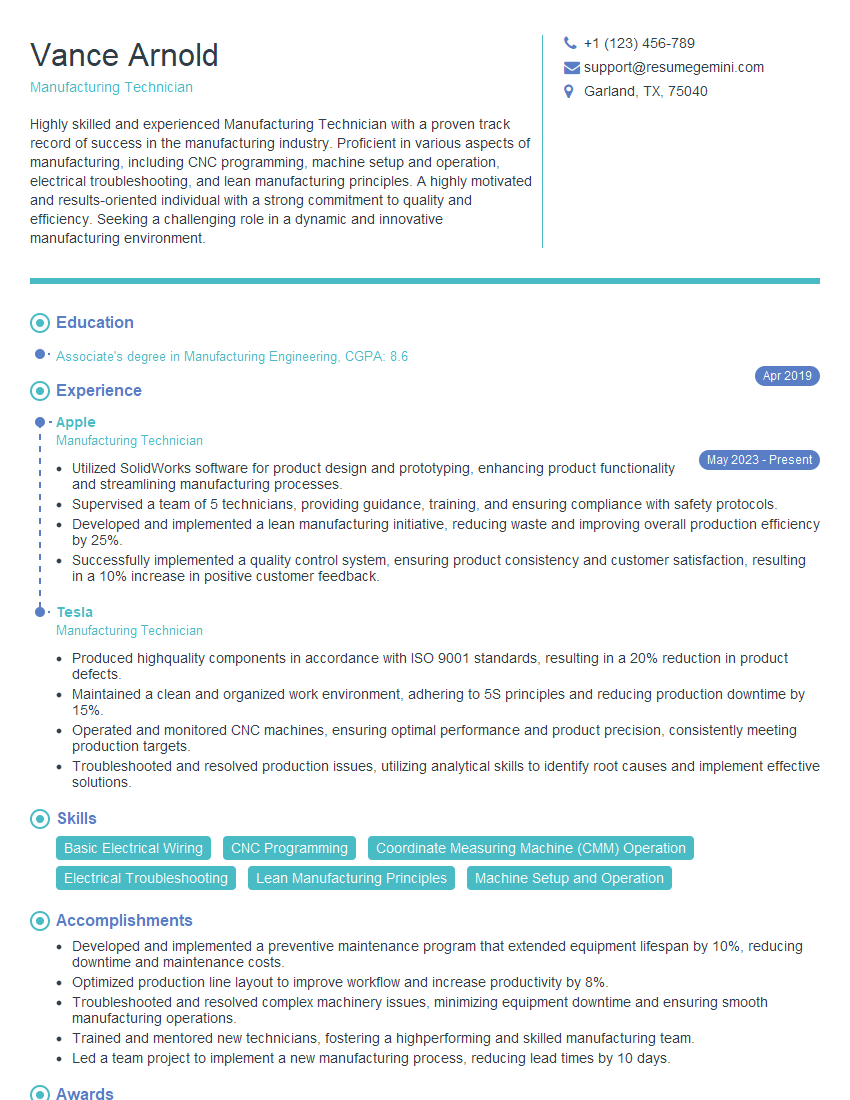
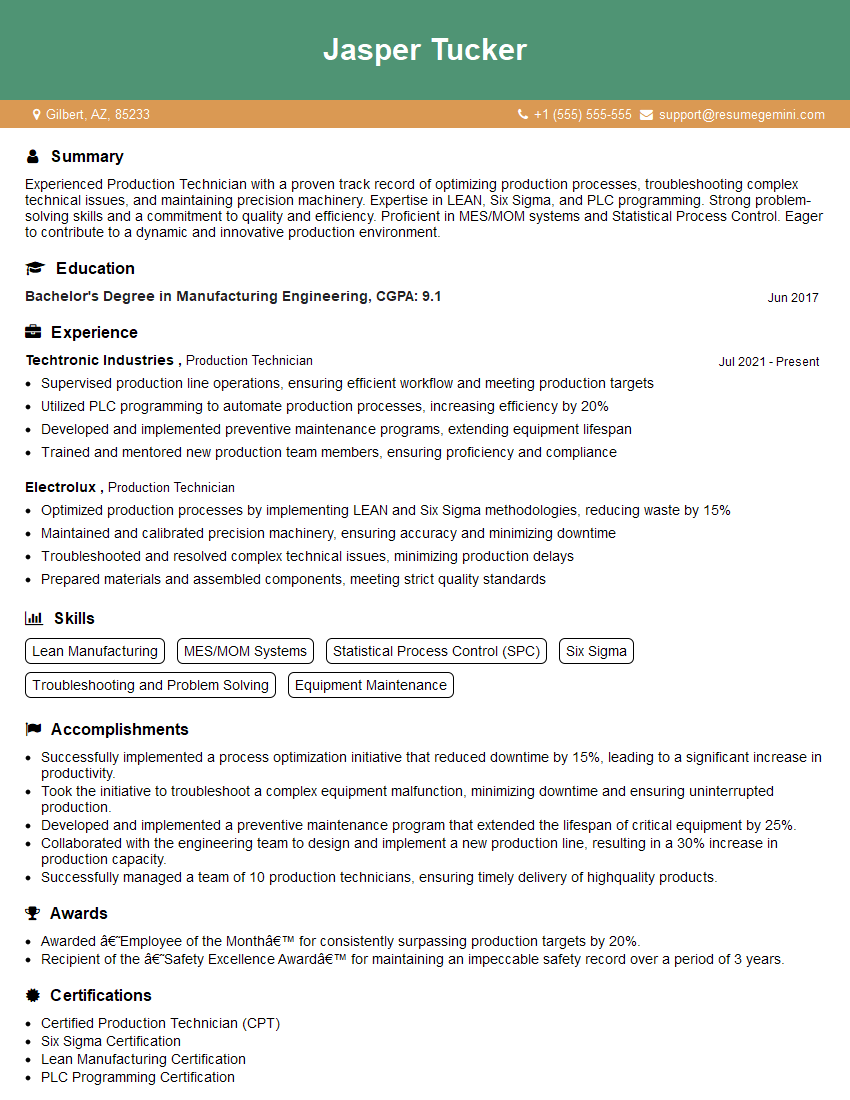
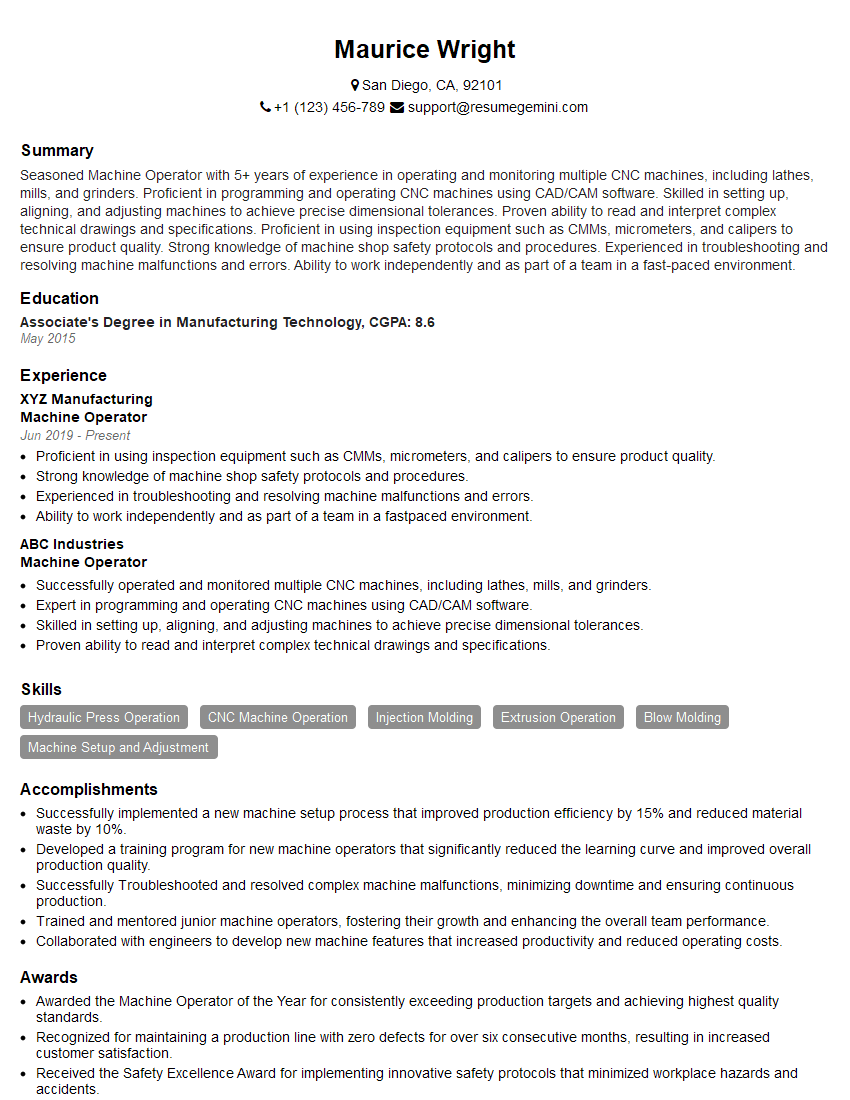
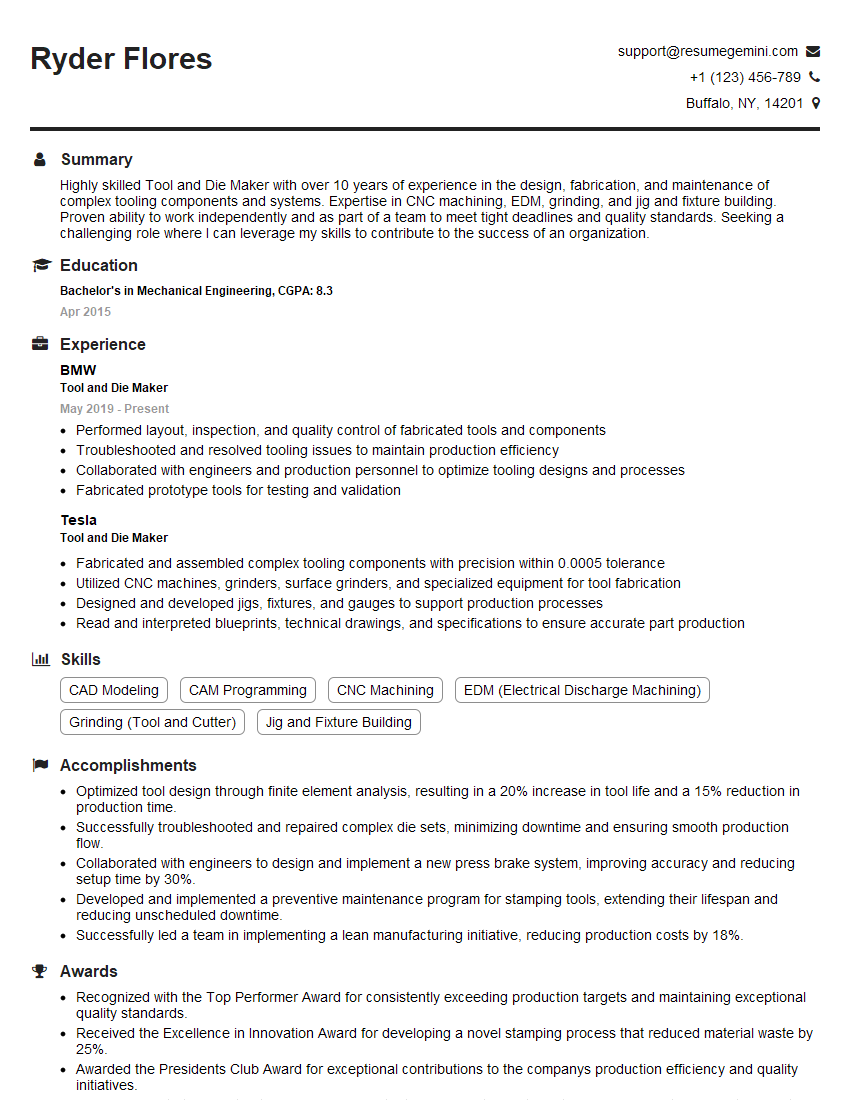
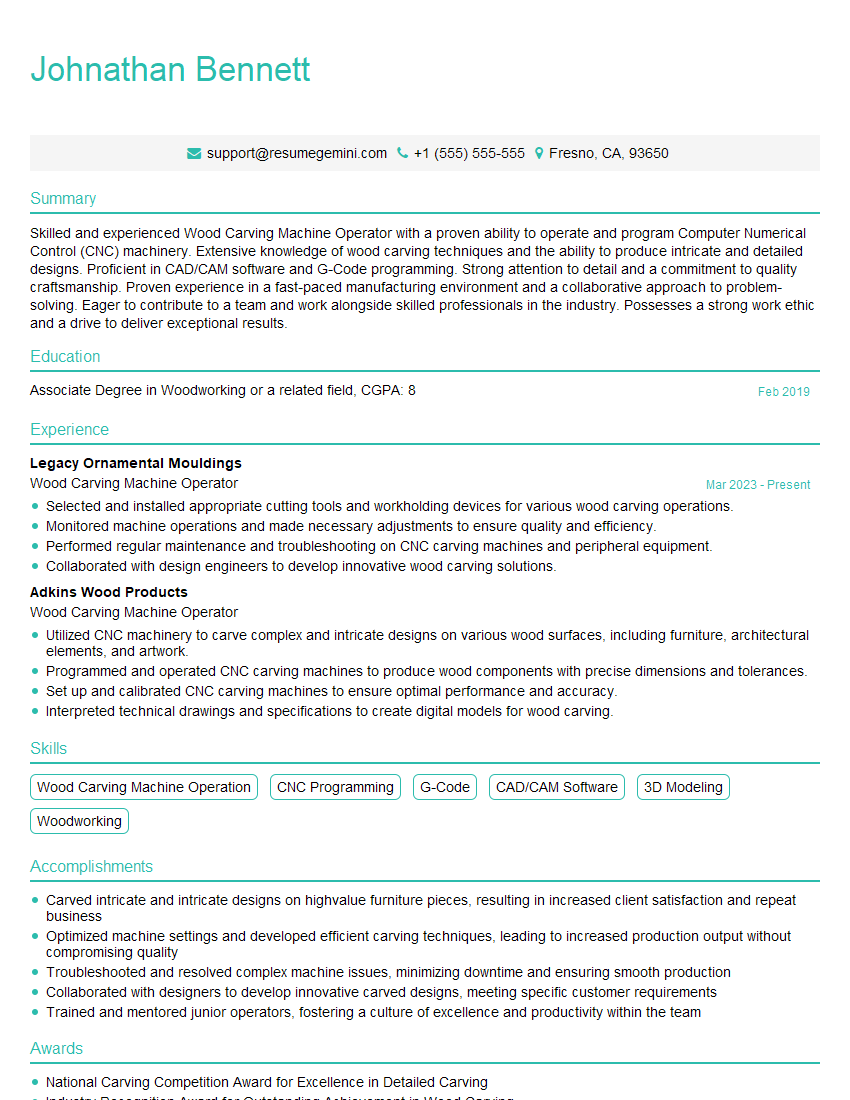
Mastering the setup and operation of CNC spindle carving machines opens doors to exciting career opportunities in manufacturing, art, and design. It signifies a valuable skillset highly sought after by employers. To maximize your job prospects, creating a strong, ATS-friendly resume is critical. ResumeGemini is a trusted resource that can help you build a professional and effective resume that highlights your skills and experience. Examples of resumes tailored to Set up and operate CNC spindle carving machines are available to help guide your resume creation process. Take the next step toward your dream career today!


Explore more articles
Users Rating of Our Blogs
Share Your Experience
We value your feedback! Please rate our content and share your thoughts (optional).
What Readers Say About Our Blog
Very informative content, great job.
good