Interviews are opportunities to demonstrate your expertise, and this guide is here to help you shine. Explore the essential Incident Reporting Systems interview questions that employers frequently ask, paired with strategies for crafting responses that set you apart from the competition.
Questions Asked in Incident Reporting Systems Interview
Q 1. Explain the Incident Reporting lifecycle.
The Incident Reporting lifecycle is a structured process for managing incidents from initial detection to resolution and closure. Think of it like a well-oiled machine, each stage contributing to efficient problem-solving.
- Incident Identification and Logging: This is where the incident is first discovered and reported. A user might report a system outage, for example, through a ticketing system. Key details like the affected system, impact, and initial symptoms are recorded.
- Initial Diagnosis and Classification: The reported incident is analyzed to determine its severity and urgency. This might involve checking system logs, network status, or consulting other users.
- Incident Investigation and Resolution: This is the heart of the process. Technicians investigate the root cause, using tools and techniques to identify the source of the problem. This often involves troubleshooting and testing.
- Resolution and Recovery: Once the root cause is identified and addressed, the solution is implemented to resolve the incident. Systems are restored, and services become operational again.
- Post-Incident Review: After resolution, a thorough review is conducted to understand what happened, why it happened, and how to prevent it from happening again. This often involves root cause analysis (RCA) and documentation updates.
- Closure: The incident is officially closed once all affected users confirm resolution, and the incident record is updated accordingly.
For instance, imagine a website goes down. The lifecycle begins with the initial report of the outage, moves to diagnosing the cause (e.g., server failure), resolving it (e.g., restarting the server or deploying a fix), reviewing what caused the failure, and finally closing the incident record after confirmation.
Q 2. Describe your experience with different Incident Reporting Systems (e.g., ServiceNow, Jira, Remedy).
I have extensive experience with several Incident Reporting Systems, each with its strengths and weaknesses. My work with ServiceNow involved configuring workflows, automating incident routing, and creating custom dashboards for reporting. I found its robust reporting and automation features very valuable for large-scale incident management. In projects using Jira, I utilized its agile features for prioritizing and tracking incidents related to software development. The Kanban boards were excellent for visualizing workflow. My experience with Remedy focused on its strength in managing complex incidents within a large enterprise environment, with its strong emphasis on incident escalation and knowledge management. I’ve successfully implemented integrations between these systems and other tools, optimizing data flow and reporting capabilities.
For example, in one project using ServiceNow, I implemented an automated notification system that instantly alerted the appropriate teams upon detection of critical infrastructure failures. This resulted in a significant reduction in incident resolution time.
Q 3. How do you prioritize incidents based on severity and impact?
Prioritizing incidents is crucial for efficient resource allocation. I utilize a framework that considers both severity and impact. Severity assesses the technical seriousness of the incident (e.g., critical system failure, minor UI glitch), while impact measures the business consequences (e.g., loss of revenue, data breach). I typically use a matrix combining these factors to assign priority levels.
Severity | Impact | Priority---------|-----------|----------Critical | High | P1 (Immediate Action)Critical | Medium | P2 (High Priority)Major | High | P2 (High Priority)Major | Medium | P3 (Medium Priority)Minor | Low | P4 (Low Priority)
This ensures that critical incidents with high business impact receive immediate attention, while less urgent issues are addressed in a timely manner. Prioritization also depends on Service Level Agreements (SLAs), requiring immediate action for incidents violating agreed upon response times.
Q 4. What metrics do you use to measure the effectiveness of an Incident Reporting System?
Measuring the effectiveness of an Incident Reporting System is essential. I use a range of metrics to gain a comprehensive understanding of its performance.
- Mean Time To Acknowledge (MTTA): How quickly incidents are acknowledged.
- Mean Time To Resolution (MTTR): How long it takes to resolve an incident.
- Incident Resolution Rate: Percentage of incidents resolved successfully.
- Number of Open Incidents: Provides insight into the current workload and potential bottlenecks.
- Customer Satisfaction (CSAT): Gauges user satisfaction with the incident management process.
- Repeat Incident Rate: Highlights areas needing improvement in preventative measures.
By tracking these metrics over time, I can identify areas for improvement and demonstrate the system’s value to stakeholders. For example, a consistently high MTTR might indicate a need for additional training or improved tools.
Q 5. How do you ensure accurate and complete incident documentation?
Accurate and complete incident documentation is critical for effective incident management and post-incident analysis. I enforce strict guidelines to ensure completeness.
- Structured Templates: Using pre-defined templates ensures consistent data capture across all incidents, minimizing omissions.
- Mandatory Fields: Essential fields, such as impact, severity, and affected users, are made mandatory to prevent incomplete records.
- Regular Audits: Periodic reviews of incident records help identify gaps in documentation and address inconsistencies.
- Training and Guidelines: Clear guidelines and training for all personnel involved in incident reporting are crucial for ensuring adherence to standards.
- Version Control: Using version control for incident records allows tracking of changes and facilitates auditing.
Think of it like writing a detailed police report – every detail matters. Incomplete documentation hinders effective troubleshooting and prevents learning from past mistakes. A well-documented incident serves as a valuable learning resource for future prevention.
Q 6. Explain your process for escalating critical incidents.
My escalation process for critical incidents is designed to ensure swift and efficient responses. It involves a predefined escalation path and communication protocols.
- Automated Notifications: Critical incidents trigger automated alerts to relevant personnel, including on-call engineers and management.
- Clear Communication Channels: Designated communication channels, such as dedicated Slack channels or email groups, ensure transparent communication.
- Defined Roles and Responsibilities: Each team member has a clearly defined role and responsibility in the escalation process.
- Regular Status Updates: Regular updates are provided to stakeholders on the incident’s progress and estimated resolution time.
- Post-Incident Debrief: After resolution, a debrief is conducted to review the escalation process and identify areas for improvement.
For example, if a major database failure occurs, the system will automatically notify the database administrator, the operations manager, and the on-call engineer. Regular updates are sent to management and impacted users until the issue is resolved. This ensures everyone is informed and resources are focused where needed.
Q 7. Describe your experience with Root Cause Analysis (RCA).
Root Cause Analysis (RCA) is a critical component of incident management. It’s not just about fixing the immediate problem, but understanding the underlying cause to prevent recurrence. I’m proficient in several RCA methodologies, including the ‘5 Whys’ and Fishbone diagrams.
The ‘5 Whys’ method involves repeatedly asking ‘why’ to drill down to the root cause. For example: ‘Why did the server crash?’ (Hardware failure). ‘Why did the hardware fail?’ (Overheating). ‘Why did it overheat?’ (Insufficient cooling). ‘Why was the cooling insufficient?’ (Faulty fan). ‘Why was the faulty fan not replaced?’ (Lack of preventative maintenance). This simple technique often reveals the underlying issue.
Fishbone diagrams, also known as Ishikawa diagrams, provide a visual representation of potential causes. They help brainstorm contributing factors and organize information systematically. This collaborative approach involves multiple teams, leading to more comprehensive and insightful analyses.
My RCA process involves gathering data from various sources (logs, interviews, monitoring tools), analyzing the information using chosen methodologies, documenting findings, and implementing corrective actions to prevent future occurrences. The goal isn’t just to blame, but to learn and improve processes to reduce the likelihood of similar incidents.
Q 8. How do you handle conflicting information from multiple sources during an incident?
Handling conflicting information during an incident requires a systematic approach. Think of it like piecing together a puzzle with some missing or conflicting pieces. My first step is to meticulously document all sources of information, noting any discrepancies. Then, I employ a process of triangulation. This involves comparing information from multiple independent sources to identify patterns and inconsistencies. For example, if a server outage is reported by users, system monitoring tools, and the IT support team, but the timing and impact differ, I would investigate each source’s reliability and potential biases. I’d look for objective data, such as log files or performance metrics, to corroborate subjective reports. Finally, I’d prioritize information based on credibility and relevance, clearly documenting my rationale in the incident report. A final step is to always re-evaluate this process in the post-incident review; often the resolution of the initial conflict reveals important lessons about the sources themselves.
Q 9. How do you communicate incident updates to stakeholders?
Communicating incident updates effectively involves selecting the right channel for each stakeholder and tailoring the message appropriately. I utilize a multi-channel approach, combining email for formal updates, instant messaging platforms (like Slack) for quick notifications and discussions, and potentially a dedicated incident management portal for comprehensive visibility and centralized documentation. For example, during a large-scale outage, I would send high-level updates to executive stakeholders through email, provide more detailed technical updates to IT staff via Slack, and make status information available on the portal for all impacted users. The key is consistency and transparency: I strive to provide regular updates, even if there’s no significant progress, to manage expectations and prevent the spread of misinformation.
Q 10. What is your experience with creating and maintaining incident reporting templates?
I have extensive experience in creating and maintaining incident reporting templates. The templates I develop are designed to be both comprehensive and user-friendly, incorporating sections for incident details (time, location, impacted systems), impact assessment (affected users, business disruption), root cause analysis, and corrective actions. I use a phased approach to ensure that templates remain relevant and updated, with regular reviews and updates following post-incident reviews. Consider the use of a standardized incident ID, a clear description of the incident, and a checklist to help the reporter provide necessary information. Over time, this improves data consistency, ensuring reports provide information useful for analysis, trending, and historical reference. Further, I would utilize collaboration tools to make the template review and update process transparent and accessible to the entire team.
Q 11. How do you use incident reporting data to identify trends and improve processes?
Incident reporting data is a goldmine for identifying trends and improving processes. I utilize data analysis techniques to identify recurring issues, pinpoint weaknesses in our systems, and measure the effectiveness of our incident response plan. For example, by analyzing the frequency and types of incidents over time, I might identify a pattern of database outages occurring on specific days of the week, suggesting a need for scheduled maintenance or resource optimization. I’d use tools like Excel, SQL, or dedicated analytics platforms (like Splunk or Tableau) to analyze and visualize the data. The visualizations would then help us identify and address critical issues, and improve processes to mitigate future occurrences.
Q 12. What are the key differences between incident management and problem management?
Incident management and problem management are closely related but distinct disciplines. Incident management focuses on resolving immediate disruptions to service. Think of it as firefighting – addressing the immediate issue to restore normal operations. Problem management, on the other hand, is a proactive approach focused on identifying the root cause of recurring incidents and implementing permanent solutions to prevent future occurrences. It’s about preventing future fires rather than just putting out the current one. For example, if a server crashes (incident), problem management would investigate why it crashed (root cause analysis) and implement changes (e.g., improved monitoring, hardware upgrades) to prevent similar crashes in the future.
Q 13. Describe your experience with using reporting dashboards and analytics.
I’m proficient in using reporting dashboards and analytics to gain insights from incident data. I’ve used tools like Tableau and Power BI to create interactive dashboards that visualize key metrics, such as Mean Time To Resolution (MTTR), Mean Time To Acknowledgement (MTTA), and incident frequency by category. These dashboards provide a clear overview of our incident management performance and allow us to quickly identify areas for improvement. By visualizing data, we can more easily communicate performance and areas that need attention to leadership.
Q 14. Explain your experience with incident automation and scripting.
I possess experience with incident automation and scripting using tools like Python and PowerShell. I’ve used scripting to automate repetitive tasks such as acknowledging incidents, sending notifications, and updating incident status. This automation reduces manual workload, improves efficiency, and ensures consistency in our incident response process. For example, I developed a script that automatically sends email notifications to stakeholders when an incident’s severity level exceeds a certain threshold. This ensures timely communication and prevents potential delays in response. Further, automation can include tasks such as automatically opening tickets or deploying pre-defined fixes, accelerating the resolution process.
Q 15. How do you ensure data security and privacy within the incident reporting system?
Data security and privacy are paramount in any incident reporting system. We employ a multi-layered approach, starting with robust access controls. This includes role-based access, where only authorized personnel can access specific data, and multi-factor authentication to prevent unauthorized logins. Think of it like a high-security building – only those with the right credentials and keys can enter specific areas.
Secondly, data encryption both in transit and at rest is crucial. All sensitive information is encrypted using industry-standard algorithms, ensuring that even if data is intercepted, it remains unreadable without the decryption key. This is like wrapping sensitive documents in a strong, unbreakable safe.
Thirdly, we adhere strictly to data minimization principles. We only collect the necessary data to resolve the incident, and we anonymize or pseudonymize data whenever possible to protect individual privacy. We don’t hoard information; we keep only what’s essential.
Finally, regular security audits and penetration testing are conducted to identify vulnerabilities and ensure the system’s ongoing security. This is like having a regular security inspection for your building to ensure everything is up to code and secure.
Career Expert Tips:
- Ace those interviews! Prepare effectively by reviewing the Top 50 Most Common Interview Questions on ResumeGemini.
- Navigate your job search with confidence! Explore a wide range of Career Tips on ResumeGemini. Learn about common challenges and recommendations to overcome them.
- Craft the perfect resume! Master the Art of Resume Writing with ResumeGemini’s guide. Showcase your unique qualifications and achievements effectively.
- Don’t miss out on holiday savings! Build your dream resume with ResumeGemini’s ATS optimized templates.
Q 16. How do you handle incidents outside of normal business hours?
Handling incidents outside of normal business hours requires a well-defined escalation process and a readily available on-call team. We utilize a tiered escalation system, where initial alerts are routed to a first-response team, who then escalate critical incidents to senior personnel as needed. Think of it like a hospital emergency room – immediate triage and escalation to specialists.
We leverage automated tools, such as automated alerts and monitoring systems, to ensure immediate notification of critical incidents. These tools provide real-time information and automatically page the on-call team, minimizing response time. This is our equivalent of a hospital’s early warning system.
Post-incident, we thoroughly document the resolution steps, and the on-call team provides a detailed report to the management team. This report aids in identifying areas for improvement and prevents similar incidents from recurring.
Q 17. Describe your experience with integrating Incident Reporting Systems with other IT tools.
I have extensive experience integrating incident reporting systems with various IT tools, including ticketing systems, monitoring tools, and CMDBs (Configuration Management Databases). In one project, we integrated our incident reporting system with a ServiceNow ticketing system. This allowed for seamless creation and tracking of tickets directly from the incident reporting platform, streamlining the workflow and minimizing manual data entry. The integration was achieved using ServiceNow’s REST API, automating the ticket creation and update processes.
Another project involved integrating the system with a network monitoring tool (Nagios), which automatically triggered incident reports when critical network events occurred. This automated alerting system reduced mean time to resolution (MTTR) by quickly notifying the relevant teams of critical incidents. The integration involved configuring webhooks to pass events from Nagios to our incident reporting system.
In both cases, careful planning, testing, and documentation were crucial for successful implementation. The key was to understand the APIs of each system and map the data fields appropriately.
Q 18. How do you measure the efficiency of the incident resolution process?
Measuring the efficiency of incident resolution involves tracking several key metrics. Firstly, Mean Time To Acknowledge (MTTA) measures how quickly an incident is acknowledged. Secondly, Mean Time To Resolution (MTTR) measures how long it takes to resolve the incident completely. Finally, Mean Time To Recovery (MTTR) focuses on the time to restore functionality.
We also monitor the number of incidents over time, categorized by severity and type, to identify trends and potential areas for improvement. For instance, a consistently high MTTR for a specific type of incident suggests a need for additional training or process improvements. These metrics are tracked using dashboards and reporting tools built into the incident reporting system.
Furthermore, we use customer satisfaction (CSAT) scores to gauge the impact of incidents on end-users. Regular feedback surveys help understand how effectively incidents are handled from the user’s perspective, allowing us to improve our response and communication.
Q 19. What is your experience with capacity planning and incident prevention?
Capacity planning and incident prevention are proactive measures that significantly reduce the frequency and severity of incidents. Capacity planning involves forecasting future resource needs based on historical data, anticipated growth, and potential risks. This includes assessing the capacity of servers, network infrastructure, and applications. Think of it like planning for the expected holiday rush in a supermarket, ensuring enough staff and stock to handle demand.
Incident prevention strategies involve identifying potential vulnerabilities and implementing safeguards to mitigate risks. This includes regular security audits, vulnerability scanning, and implementing robust security measures, like firewalls and intrusion detection systems. Regular software updates and patching also prevent vulnerabilities exploited by attackers. This is akin to preventative maintenance on a car – regular checks and servicing prevent major breakdowns.
We also invest in automation, such as automated system monitoring and proactive alerting to identify and prevent potential problems before they impact users. This allows us to fix minor issues before they escalate into major outages.
Q 20. Describe a situation where you had to handle a major incident; what was your role, and what was the outcome?
In a previous role, we experienced a major database outage impacting our entire e-commerce platform. As the incident response team lead, my role involved coordinating the response across various teams, including database administrators, network engineers, and developers. My first priority was to assess the situation and establish communication channels with all stakeholders.
We followed our established incident management plan, immediately initiating the recovery process, which involved restoring the database from backups and deploying a temporary solution. I also ensured consistent communication with our customers, providing regular updates on the status of the restoration.
The outcome was successful restoration of the database within four hours, minimizing the impact on our customers. Following the incident, we performed a thorough post-incident review to identify the root cause, implement corrective actions, and update our incident management plan to prevent similar incidents in the future. The key was teamwork, clear communication, and a well-defined incident management plan.
Q 21. How do you ensure compliance with relevant regulations and standards in incident reporting?
Ensuring compliance with relevant regulations and standards is critical. We adhere to industry best practices such as ISO 27001 (information security management) and NIST Cybersecurity Framework. This includes implementing appropriate security controls, documenting our processes, and conducting regular audits to ensure ongoing compliance.
Depending on the industry and geographical location, we might need to comply with regulations like GDPR (General Data Protection Regulation) or HIPAA (Health Insurance Portability and Accountability Act), which have specific requirements regarding data privacy and security. These regulations dictate how we collect, store, process, and protect personal data. This requires stringent data security measures and clearly defined processes for handling sensitive information.
We maintain a comprehensive compliance program, which involves regular training for our team on relevant regulations and policies. We also conduct regular internal audits and engage external auditors to ensure that our systems and processes are compliant with all applicable standards and regulations.
Q 22. What are the key challenges you have faced in implementing or using an incident reporting system?
Implementing and using an incident reporting system presents several challenges. One major hurdle is ensuring user adoption. People are often resistant to change, especially if the existing process, however flawed, is familiar. Another challenge lies in designing a system that is both comprehensive enough to capture all necessary information and user-friendly enough to avoid overwhelming users with excessive fields or complicated workflows. Data integrity is also paramount; ensuring data accuracy and consistency across different users and departments is a continuous process. Finally, integrating the incident reporting system with other existing systems within the organization can be complex and time-consuming, requiring careful planning and coordination.
For instance, in a previous role, we struggled with integrating our new system with our existing help desk software. This led to duplicated data entry and a frustrating experience for our support team. Addressing this involved significant custom development and a phased rollout.
Q 23. How do you handle resistance to using the incident reporting system?
Resistance to using an incident reporting system is best handled through a combination of strategies focusing on communication, training, and demonstrating value. Firstly, open communication is key. Understanding the concerns and anxieties of users is crucial before implementing any changes. This can be achieved through focus groups, surveys, and individual conversations. Secondly, comprehensive training is essential. Users need to understand why the system is being implemented, how it will benefit them, and how to use it effectively. Hands-on training with plenty of opportunity for Q&A is invaluable. Finally, demonstrating the value proposition is vital. Highlighting how the system improves efficiency, reduces errors, and provides better data for decision-making is essential. Showing concrete examples of how the system has helped in other organizations or departments can also help overcome resistance.
In a past project, we faced significant resistance to a new incident management system from technicians accustomed to their informal methods. We addressed this by involving them in the selection and design process, providing personalized training, and showing them real-time data improvements (e.g., faster resolution times, fewer repeated incidents) once the system was in place.
Q 24. What is your approach to training users on the incident reporting system?
My approach to user training focuses on a blended learning model, combining various methods for optimal effectiveness. This typically includes initial classroom training, offering a structured overview of the system’s functionality and purpose. This is followed by hands-on workshops where users can practice using the system in a simulated environment. Online resources, such as videos and FAQs, are made available to users as a quick reference guide after the training. We also offer regular refresher courses and one-on-one support to address individual needs. The key is to make training engaging, relevant, and accessible to users with different learning styles. Frequent feedback sessions help refine the training materials and processes.
For example, we used gamified training modules for a client, introducing friendly competition and reward systems to boost user engagement and learning retention during the initial implementation phase.
Q 25. Describe your experience with reporting on Key Performance Indicators (KPIs) related to incident management.
Reporting on KPIs related to incident management is crucial for measuring the effectiveness of incident management processes and identifying areas for improvement. Common KPIs include Mean Time To Acknowledge (MTTA), Mean Time To Resolution (MTTR), and the number of incidents per category. I have experience using various reporting tools to extract and visualize these metrics, creating dashboards and reports that provide insights into system performance. For example, a dashboard might show MTTR trends over time, allowing us to identify patterns and potential areas of improvement. This data-driven approach helps to support informed decision-making and optimize incident management processes. Furthermore, we can also track the number of escalated incidents to identify recurring issues and areas requiring process improvement.
In a recent project, we used Power BI to create interactive dashboards showing key performance indicators, allowing stakeholders to easily monitor and track progress toward targets. This improved transparency and facilitated quicker decision-making about resource allocation.
Q 26. How do you ensure the integrity and accuracy of data within the incident reporting system?
Ensuring data integrity and accuracy within the incident reporting system requires a multi-faceted approach. Firstly, data validation rules should be implemented to prevent incorrect data entry. For example, fields requiring numeric input should reject text entries. Secondly, access controls must be in place to restrict access to sensitive data, ensuring only authorized personnel can modify information. Regular data audits are necessary to identify and correct any inconsistencies or errors. Finally, comprehensive training and documentation for users highlight the importance of accurate data entry. This includes clear guidelines on data input and the consequences of incorrect entries. User feedback mechanisms can help identify issues early on, allowing for quick correction.
We used automated data quality checks in one project, flagging potential inconsistencies immediately and generating reports for review by the data governance team. This proactive approach ensured high data quality.
Q 27. What are some common pitfalls to avoid when implementing an incident reporting system?
Several common pitfalls can hinder the successful implementation of an incident reporting system. One is underestimating the time and resources required for implementation, including training, data migration, and system integration. Another is failing to involve key stakeholders throughout the process, leading to resistance and a lack of ownership. Overcomplicating the system with unnecessary features can lead to user confusion and low adoption rates. Finally, neglecting to establish clear processes for data management and reporting can compromise data integrity and the overall effectiveness of the system.
For instance, one project I encountered failed due to a lack of user involvement. The system was implemented without adequate training or consideration for users’ workflows, leading to frustration and ultimately abandonment.
Q 28. How familiar are you with ITIL frameworks and their application to incident management?
I am very familiar with ITIL (Information Technology Infrastructure Library) frameworks and their application to incident management. ITIL provides a structured approach to IT service management, and its incident management processes are widely adopted. Key ITIL concepts relevant to incident reporting systems include incident identification, categorization, prioritization, escalation, and resolution. ITIL emphasizes the importance of efficient incident handling to minimize disruption and maintain service levels. My experience involves designing and implementing incident reporting systems aligned with ITIL best practices, leveraging its framework to optimize processes and improve overall efficiency. This includes using ITIL-aligned workflows within the system to guide users through the incident management process.
For example, I’ve designed and implemented a system that automates the incident escalation process, based on pre-defined criteria in line with ITIL guidelines, freeing up staff to focus on more complex issues.
Key Topics to Learn for Incident Reporting Systems Interview
- Incident Classification and Prioritization: Understanding different incident types, severity levels, and the impact on business operations. Practical application includes developing and applying a robust incident classification scheme.
- Workflow and Automation: Familiarize yourself with automated incident ticketing systems, escalation procedures, and the role of various stakeholders (e.g., developers, operations, security). Consider exploring different automation tools and their practical implementation.
- Data Analysis and Reporting: Learn how to extract meaningful insights from incident data to identify trends, root causes, and areas for improvement. Practice analyzing sample datasets and creating reports to illustrate your skills.
- Incident Response and Resolution: Understand the phases of incident management, from initial detection to final resolution. Explore best practices for effective communication and collaboration during an incident.
- System Integrations and APIs: Explore how incident reporting systems integrate with other IT systems (e.g., monitoring tools, CMDB). Understand the role of APIs in automating incident workflows.
- Security and Compliance: Understand the security implications of incident reporting systems and compliance requirements (e.g., GDPR, HIPAA). Explore data privacy and security best practices.
- Problem Management and Root Cause Analysis: Go beyond immediate incident resolution and learn techniques for identifying and addressing underlying problems to prevent recurrence. Familiarize yourself with common root cause analysis methodologies.
Next Steps
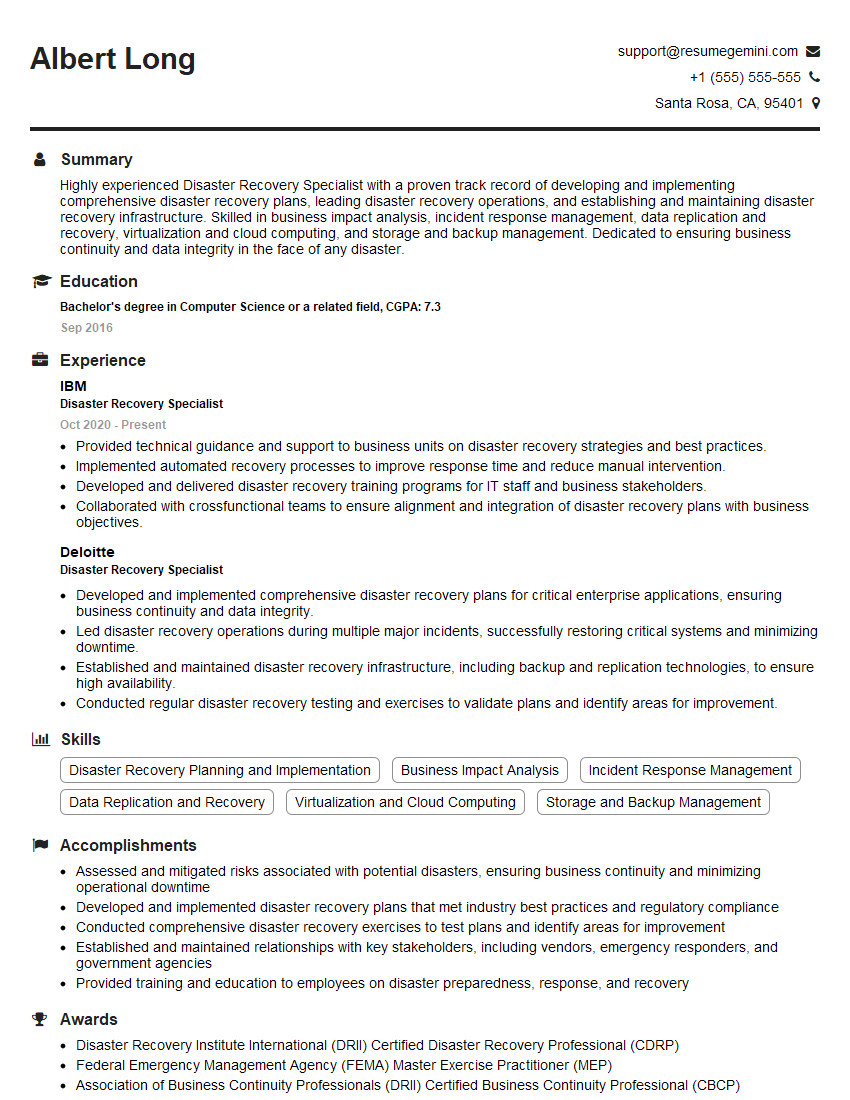
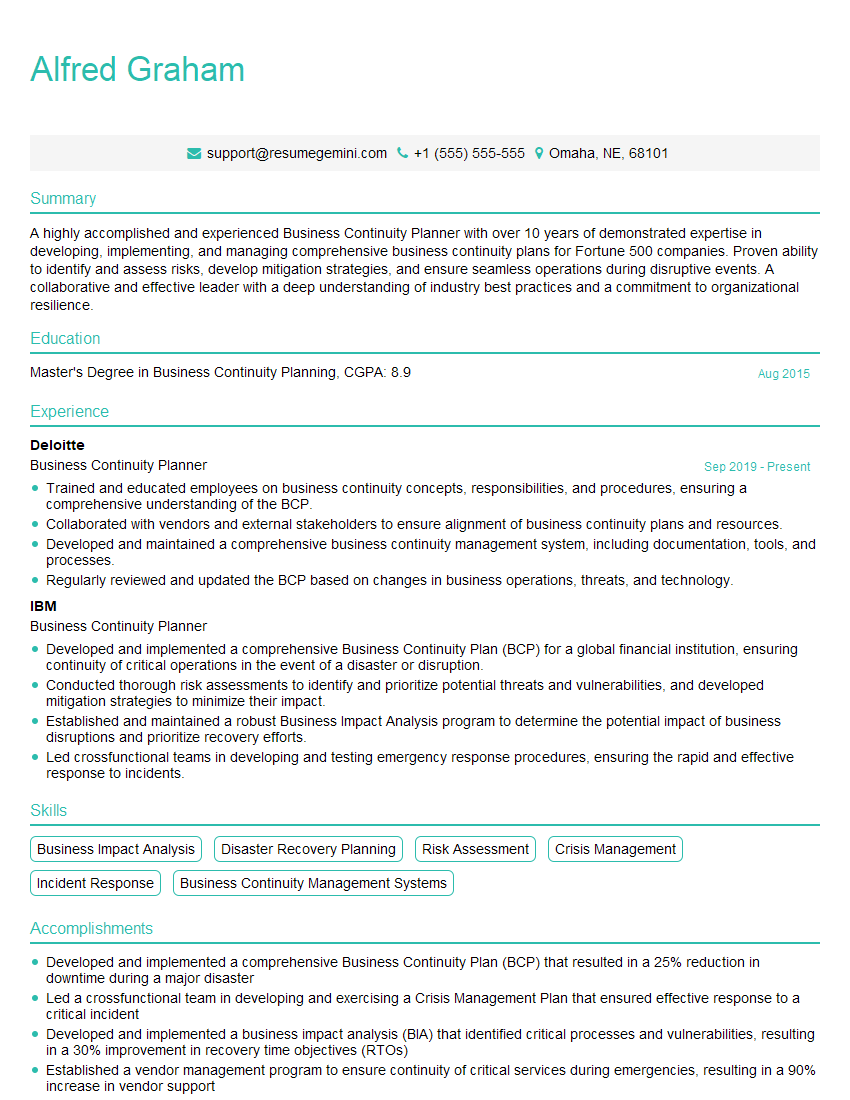
Mastering Incident Reporting Systems opens doors to exciting career opportunities in IT operations, security, and DevOps. A strong understanding of these systems demonstrates crucial problem-solving skills and a commitment to operational excellence, highly valued by employers. To enhance your job prospects, crafting an ATS-friendly resume is essential. ResumeGemini is a trusted resource to help you build a compelling and effective resume that showcases your skills and experience. Examples of resumes tailored to Incident Reporting Systems roles are available through ResumeGemini, allowing you to tailor your application effectively. Invest time in perfecting your resume—it’s your first impression!
Explore more articles
Users Rating of Our Blogs
Share Your Experience
We value your feedback! Please rate our content and share your thoughts (optional).
What Readers Say About Our Blog
Very informative content, great job.
good